Apple Intelligence is a suite of AI-powered features available on iPhone, iPad and Mac. The platform utilizes on-device computation as well as server-based processing.
Apple Intelligence enables system-wide writing tools, summarization, visual look-up, image generation, automation and more. An additional layer of functionality is integration with OpenAI’s ChatGPT.
Apple Intelligence was announced during the WWDC24 keynote, but was not present in the first version of iOS 18 in September. The first Apple Intelligence features, like Writing Tools and Summaries, are available in iOS 18.1, iPadOS 18.1 and macOS 15.1 Sequoia. Updates in iOS 18.2 and macOS 15.2 add even more features, like Genmoji and Image Playground. visionOS 2.4 will bring Apple Intelligence to the Vision Pro.
Apple Intelligence is a powerful LLM that runs both in the cloud and on-device.
To preserve user privacy, Apple Intelligence works in three key ways. Apple says its unique method will produce highly personal results while maintaining the highest level of data privacy.
Apple Foundation model
Apple Intelligence is powered by two foundation models, a large-language model and an image diffusion model. A system of light-weight adapters can plug into these models to power all kinds of different features.
Two versions of the Apple Foundation model (AFM) were created to run on-device and in the cloud.
On-device AI
The first level of AI computation takes place on the Apple device itself. For that reason, Apple Intelligence requires recent hardware. Only Macs and iPads with Apple’s M-series chips, along with the iPhone 15 Pro and iPhone 16 lineup, can run Apple Intelligence.
A semantic index can tap into the data that third-party apps store on your device. This can include records of your email, conversations, files, photos, contacts and more. The semantic index will be used to power the knowledge Siri can build about you to answer more useful questions about your life, like an all-knowing assistant.
Also stored on-device is the app intents toolbox. This is a list of features and capabilities that are offered by the apps you have installed on your device. Siri will be able to control apps using features in the toolbox, expanding the voice assistant to handle many more kinds of tasks.
Private Cloud Compute
For tasks requiring more computing power, Apple created Private Cloud Compute. This sends the user’s query to Apple servers, with end-to-end encryption to preserve privacy.
Apple designed this off-device computing platform without persistent storage. No user information stays on Apple servers, minimizing the possibility of a data breach. Sebastien Marineau-Mes, Apple’s vice president of intelligent system experience engineering, says this unprecedented level of security in cloud computing makes it “the most advanced security architecture” for a cloud service like this.
The software images that power Private Cloud Compute servers are publicly available. This allows security researchers to analyze and verify Apple’s security claims.
ChatGPT integration
ChatGPT is integrated into two Apple Intelligence features, starting with iOS 18.2. When asking Siri a general knowledge question (outside Siri’s current integration with Wikipedia, math and movie, TV and sports trivia), you can ask ChatGPT. And for text generation, ChatGPT is integrated into the system writing tools.
Each query requires explicit permission to pass the user’s info to OpenAI’s chatbot.
Anyone can use these features for free, without creating an account. If you have a ChatGPT account and want to access paid features and higher usage limits, you can sign in.
The features will be powered by OpenAI’s impressive GPT-4o. While terms of the controversial partnership between Apple and OpenAI remain confidential, no money has reportedly changed hands.
Key features of Apple Intelligence
Smarter next-generation Siri
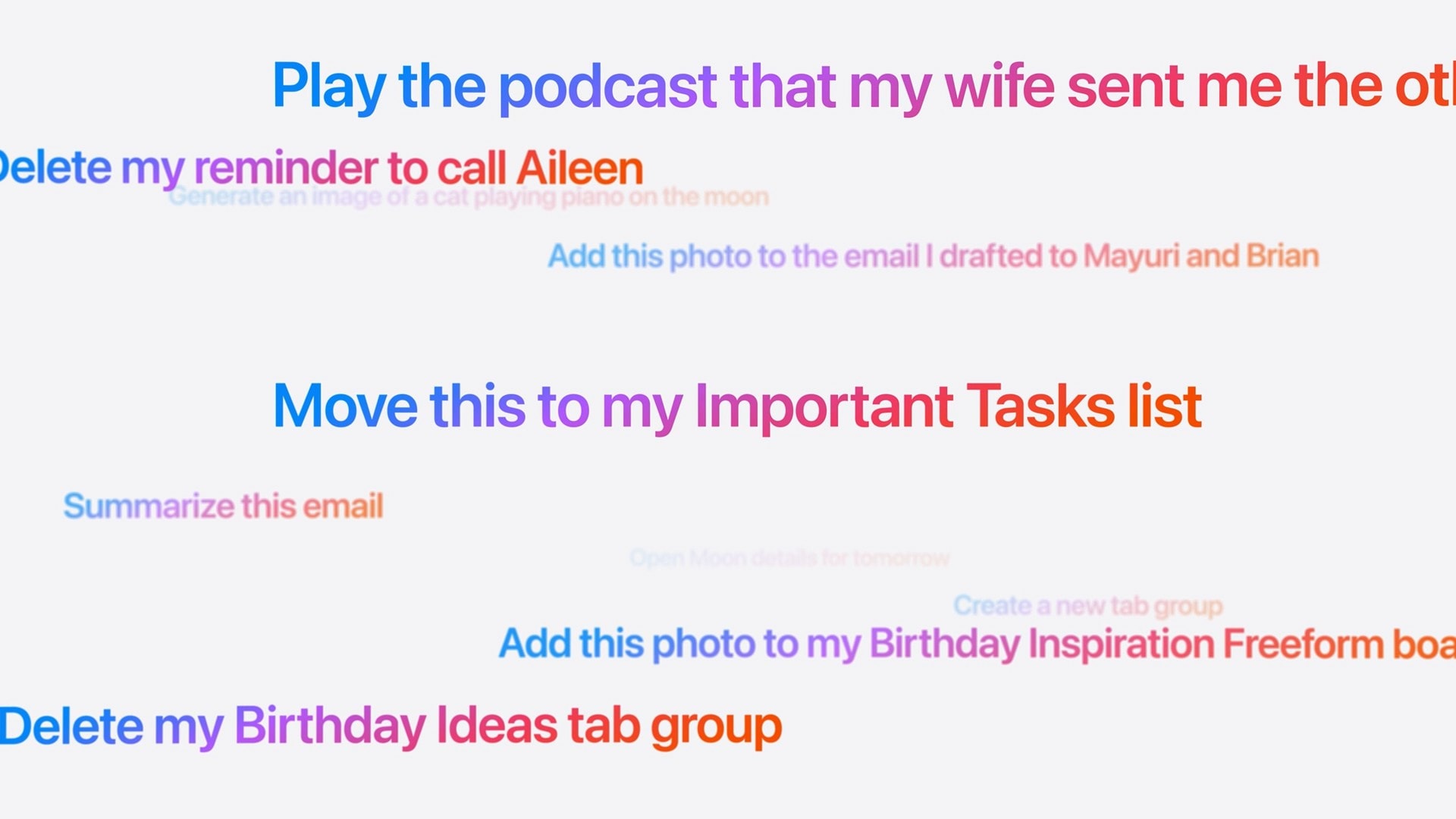
These are the kinds of things you’ll be able to ask the new, smarter Siri.
In iOS 18.1, Siri has a few new conveniences:
Siri can better understand natural language if you stumble over your words and stay aware of the context if you ask multiple questions.
Siri’s Apple product knowledge can answer your questions about Apple products and software features.
Text to ask Siri by double-tapping the Home Bar at the bottom of the screen. Handy if you don’t want to talk aloud to your iPhone.
iOS 18.2 adds integration with ChatGPT:
Asking Siri a general knowledge question will pass the query onto ChatGPT to give an answer.
You can ask Siri “What’s this?” when you’re looking at a photo, watching a video, reading an article and more. ChatGPT will look at a screenshot and give an explanation.
Using Visual Intelligence, you can ask ChatGPT about objects around you using your camera.
A more substantial update, likely arriving early next year, will provide a more substantial revamp of versatile new capabilities:
Siri will build on a personal context for answering questions relevant to you and your life, drawing on information currently on-screen and stored inside apps, messages, contacts, mail and more.
Siri will be able to take action inside third-party apps on your behalf.
Siri will be context-aware of the things on your screen.
Use Writing Assistant to improve your writing skills.
The AI-powered Writing Tools in Apple Intelligence function system-wide, including in third-party apps. They include: Rewrite, Proofread and Summarize. Similar to competitors’ AI-powered writing tools, they will give users the ability to quickly improve their written words.
Describe your change lets you type in a specific change you want to make, like “Make it sound Shakespearean” or “Make it title case.”
Rewrite lets users overhaul their wording, and toggle the tone from friendly to concise to professional.
Proofread fixes common grammar and spelling errors, and makes suggestions to enhance writing.
Summarize will generate summaries of long passages, as well as creating lists of key points, tables and more.
ChatGPT functionality in iOS 18.2 lets you compose text based on a prompt using the powerful GPT-4o.
When replying to text message or email, you’ll see suggested replies. It can also make sure your reply addresses every question you’ve been asked.
New features in Photos
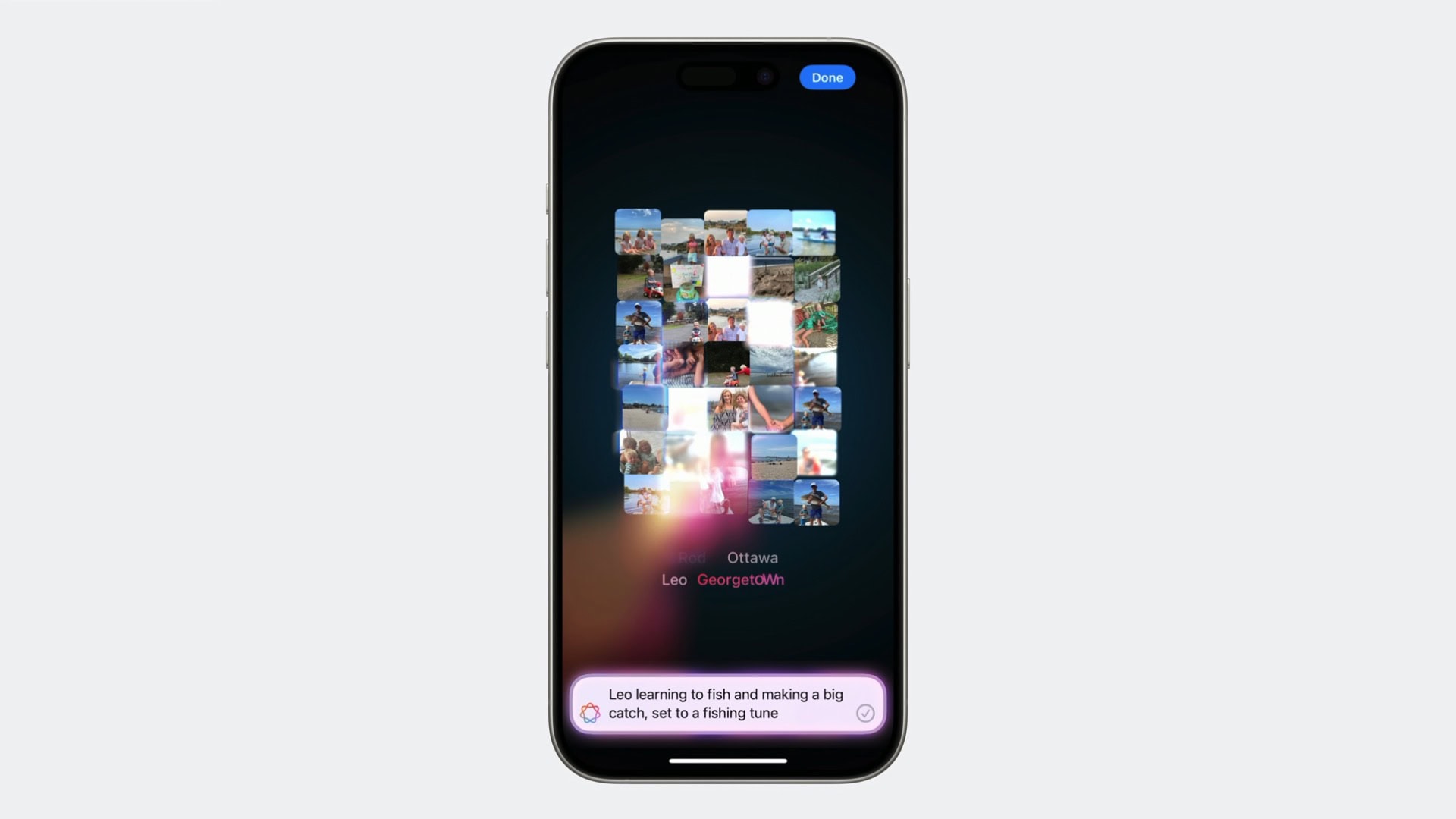
Generate a memory movie from a prompt using Apple Intelligence.
Image Clean Up is a new way to edit your pictures. If you have a picture that’s otherwise great, aside from one distracting thing in the background, it’s easy to remove. Just circle part of an image to have AI fill it in. It’s a new tool that you can access just by tapping the Edit button in Photos, alongside cropping, red eye and other image tools.
If you’re trying to find a specific photo or video, you can now search using natural language, like “video of Kim skateboarding wearing a blue sweater.”
You can create memory movies with a natural language prompt. Apple Intelligence understands the context of your request, the type of images it should look for, the people in your photos, the story told through the sequence of image, and even the right Apple Music track to set it to.
Image Playground
Create custom artwork with Image Playground.
Apple Intelligence can generate AI images on-device from Messages, Notes and Apple’s new Image Playground app. Users enter a prompt describing the image they want, and Image Playground creates images in one of two styles: Animation and Illustration.
A similar feature, Image Wand, will let you turn your sketches or pages of notes into a drawing using a third style, Sketch.
Genmoji
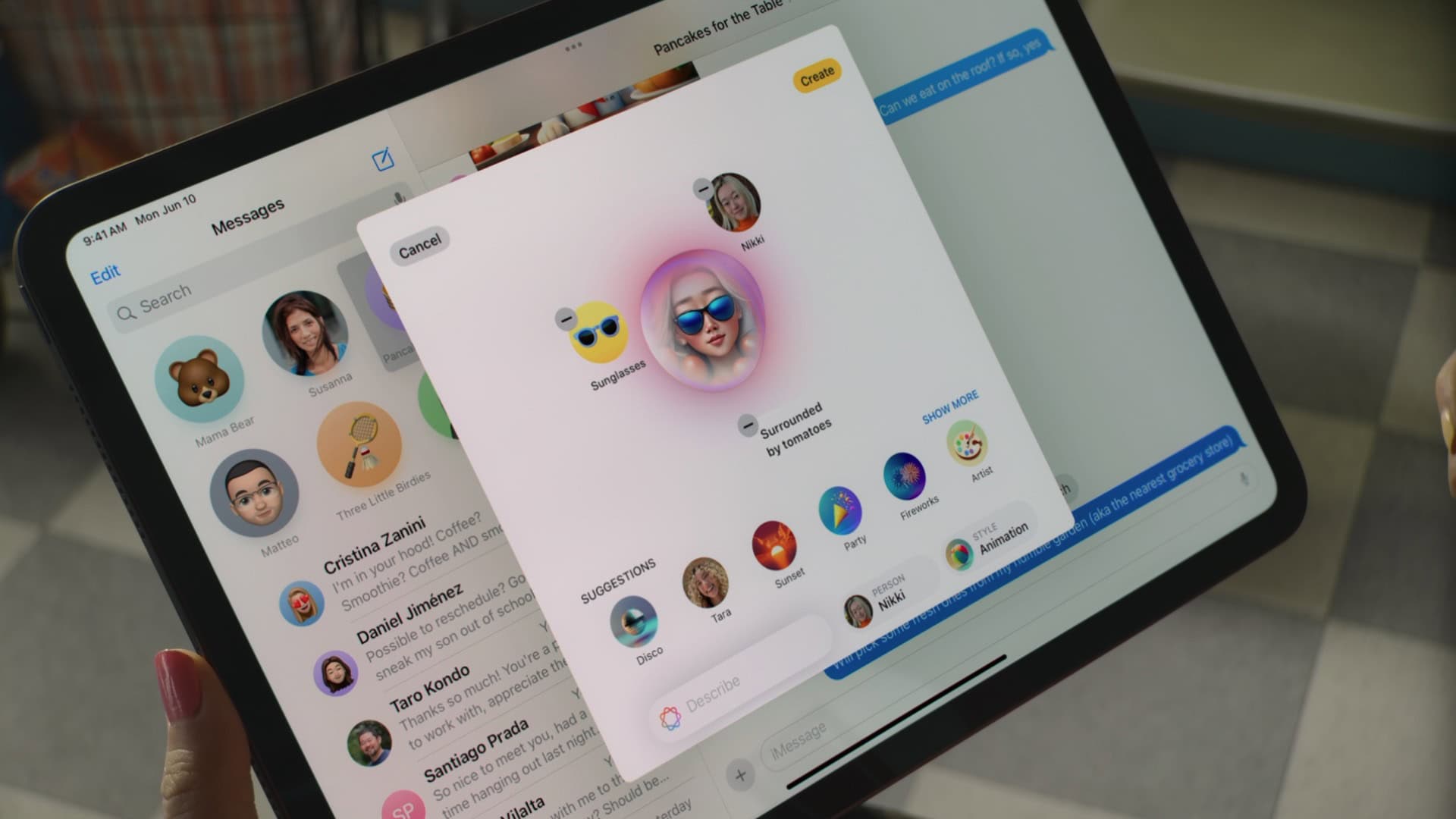
Don’t have the emoji you need? Make your own.
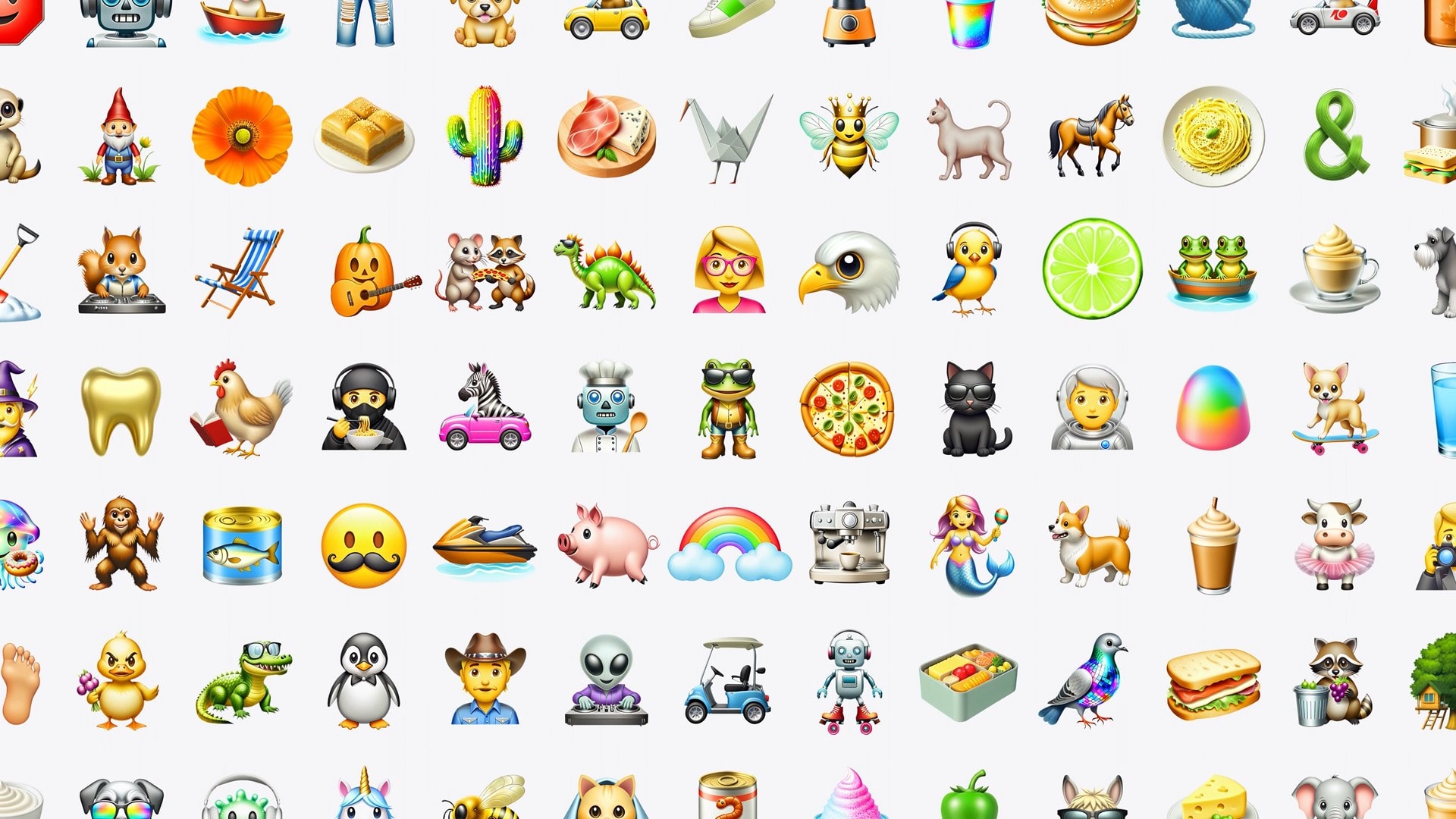
Apple Intelligence allows users to create custom emoji called Genmoji. The highly personal emoji, created via simple prompts, can be based on photos of the user or the user’s contacts. And they can be shared using Apple’s Messages app (including as custom Tapback reactions) as well as updated third-party apps. You can create them just by typing descriptions. Users can pick people in photos and create Genmoji images that resemble them.
Smarter notifications
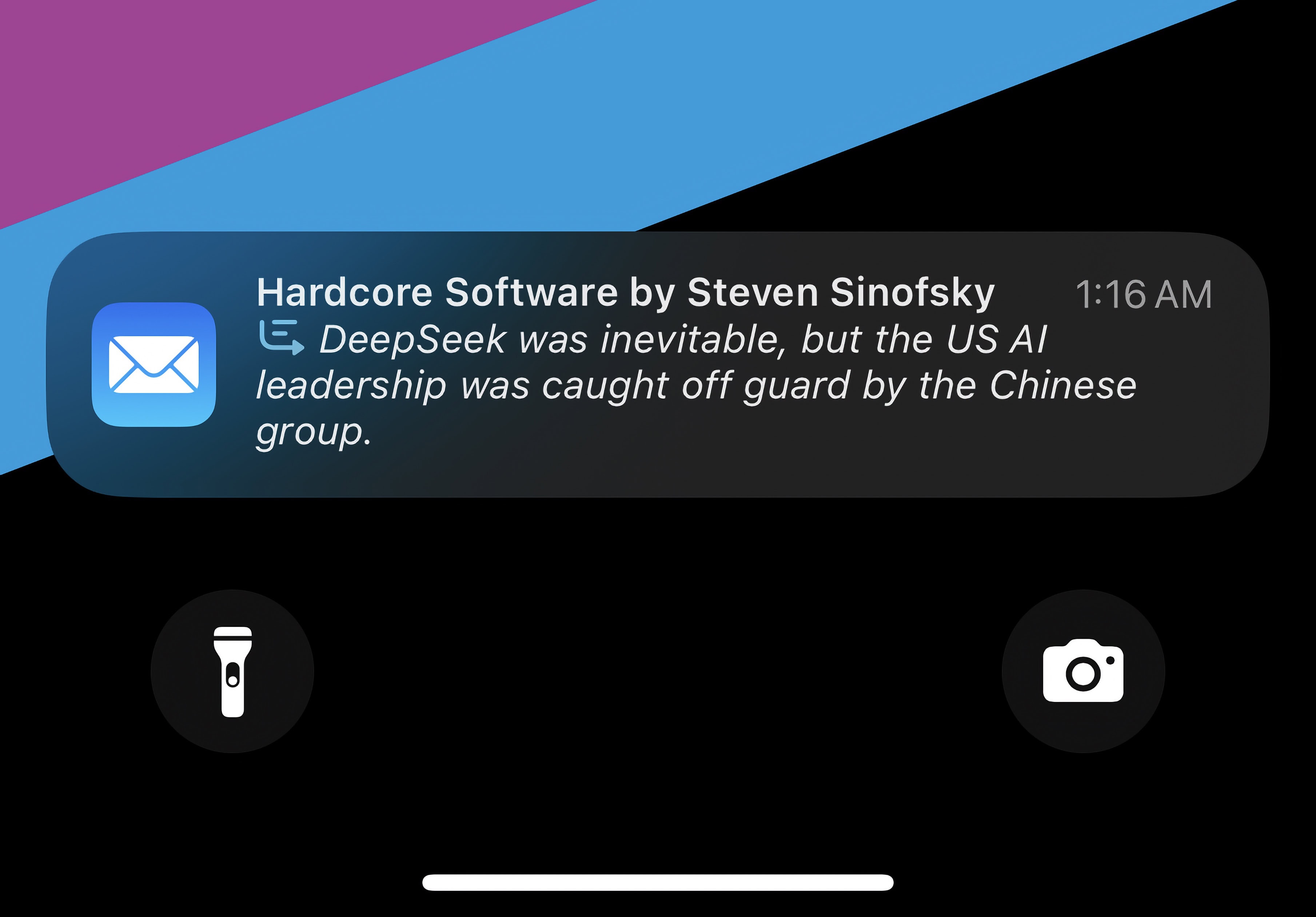
When it’s italicized, you know it’s been written by Apple Intelligence.
If you get a big string of notifications in a row, they’ll be condensed into a summary. It can give you the gist of a particularly noisy group chat without reading through every message.
If a bunch of notifications build up, Priority Notifications will make sure the important ones don’t get buried.
A new Reduce Interruptions Focus mode will intelligently choose which notifications to let through.
Smart inbox in Mail
In Mail, instead of seeing a preview of the first two lines of an email, you’ll see a one-sentence summary of the contents. Emails for two-step verification codes, for example, will always show you the code right in the notification banner.
Mail will also have your most important emails put at the top of your inbox.
Code completion in Xcode and Swift
Xcode 16 can help you write or refactor your code for you.
For software developers, Apple Intelligence brings AI-powered code completion to Xcode, the company’s integrated development environment for Mac. Apple trained Xcode 16’s AI model on the Swift coding language as well as the company’s APIs. It should simplify app development by using AI to properly complete code.
A larger and more powerful cloud-based model, called Swift Assist, will enable fast prototyping of apps. It can generate code as well as sample data that devs can use as they create apps.
Apple Intelligence feature availability
No Apple Intelligence features are present in iOS 18.0.
As many Apple Intelligence features run locally on-device, only the latest devices will support it. Apple Intelligence only runs on Apple silicon chips with a recent Neural Engine and 8 GB of unified memory.
iPhone
Apple Intelligence runs on iPhones with an A17 Pro chip or later.
iPhone 16
iPhone 16 Plus
iPhone 16 Pro
iPhone 16 Pro Max
iPhone 16e
iPhone 15 Pro
iPhone 15 Pro Max
iPad
Apple Intelligence runs on iPads with an M-series or A17 Pro chip.
iPad Air (M3)
iPad Air (M2)
iPad Air (5th generation)
iPad Pro (M4)
iPad Pro 12.9-inch (6th generation)
iPad Pro 11-inch (4th generation)
iPad mini (A17 Pro)
The entry-level iPad does not run Apple Intelligence, as it uses an older A16 chip and doesn’t have enough memory.
Mac
Apple Intelligence runs on any Mac with Apple silicon.
MacBook Air
MacBook Air (M4 ,2025)
MacBook Air (M3, 2024)
MacBook Air (M2, 2022)
MacBook Air (M1, 2020)
MacBook Pro
MacBook Pro (M3, 2023)
MacBook Pro (14- and 16-inch, 2023)
MacBook Pro (M2, 2022)
MacBook Pro (14- and 16-inch, 2021)
MacBook Pro (M1, 2020)
iMac
iMac (M4, 2024)
iMac (M3, 2023)
iMac (M1, 2021)
Mac mini
Mac mini (M2, 2023)
Mac mini (M1, 2020)
Mac Studio (all models)
Mac Pro (2023)
Vision
Apple Intelligence will come to visionOS 2.4 in April, 2025.
Vision Pro (2024)
Apple Intelligence supported languages and regions
In iOS 18.1, Apple Intelligence is only available in U.S. English. Support for other regions will roll out over time.
Apple Intelligence will become available in English localized to Australia, Canada, New Zealand, South Africa and the United Kingdom in iOS 18.2.
In April 2025 with iOS 18.4, Apple will expand this list further by supporting Chinese, English (India), English (Singapore), French, German, Italian, Korean, Japanese, Korean, Spanish and Vietnamese languages.
In European Union member countries, Apple Intelligence is only enabled on the Mac. Users can circumvent this by setting their iPhone or iPad’s region to any non-EU member country and their language to any of those supported. Support will officially come with iOS 18.4.
With visionOS 2.4, Apple Intelligence will run on the Vision Pro in U.S. English.
Latest news
Read Cult of Mac’s latest posts on Apple Intelligence:
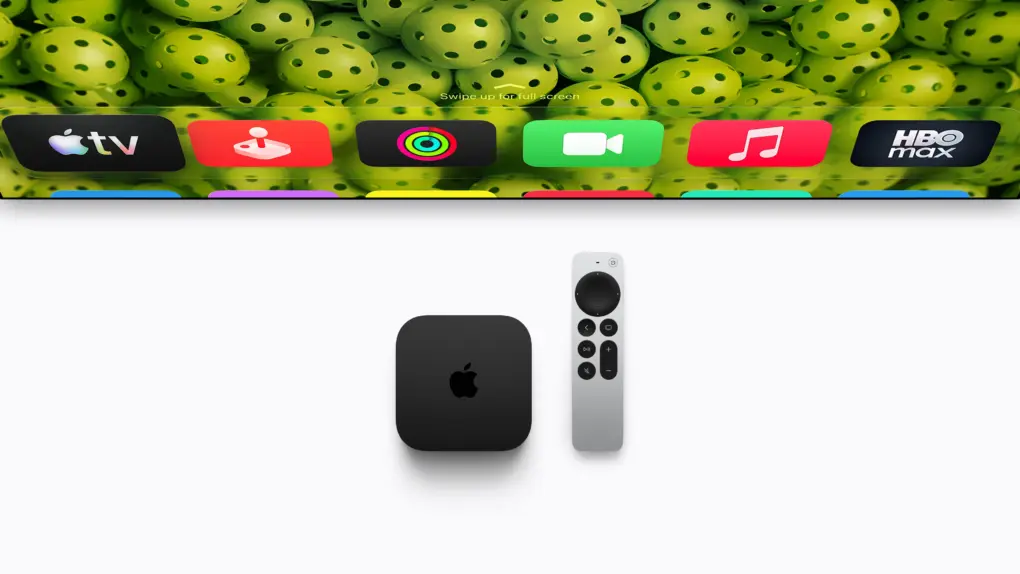
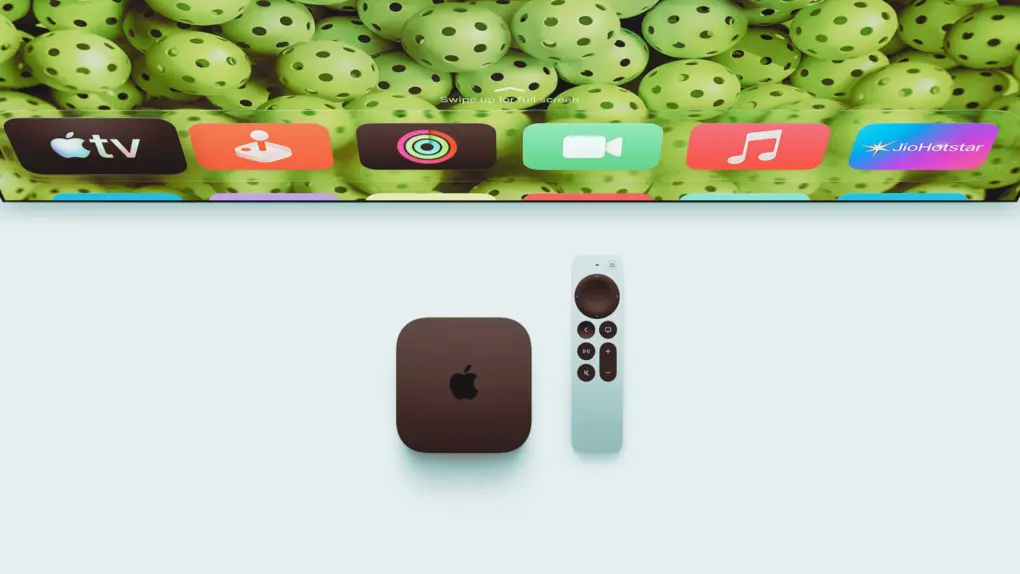
Don't ditch your trusty Apple TV 4K (3rd gen) just yet. Photo: Apple
The fourth-generation Apple TV 4K comes four years after its predecessor. While the streaming box retains almost the same design as its third-generation sibling, it packs some notable usability upgrades. That’s in addition to faster internals for a better overall experience.
Do these improvements make the Apple TV 4K (4th generation) a worthy upgrade from the third-generation model?
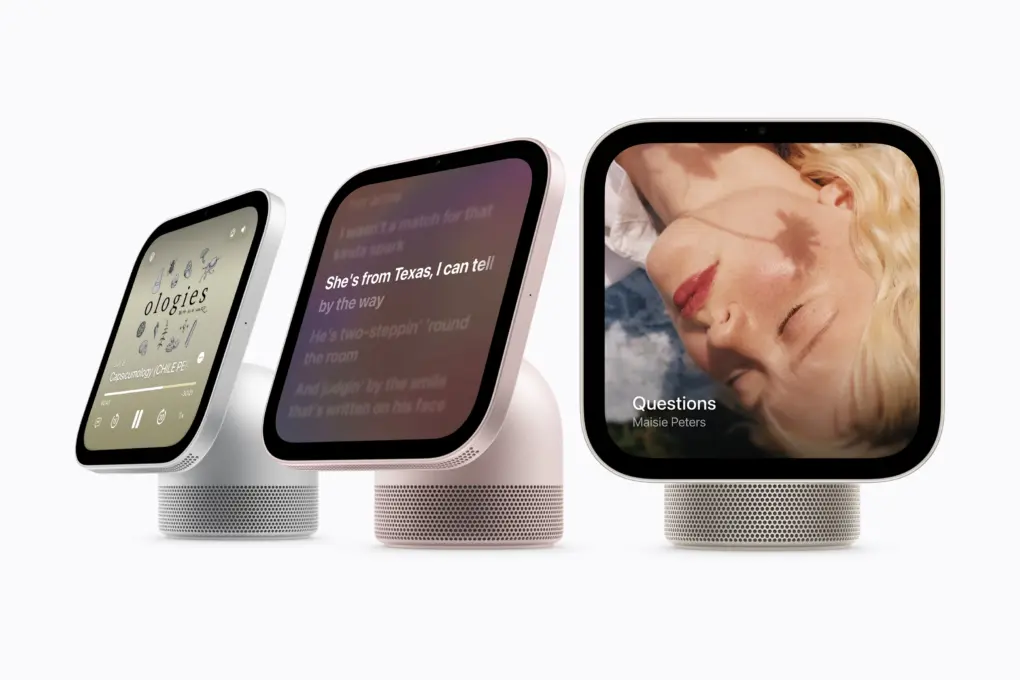
There’s more to Apple HomeView than music and smart home controls. Photo: Apple
Apple is making a big push in the smart home segment with HomeView. The smart home hub, introduced Tuesday, brings Siri AI, smart home controls and FaceTime to a dedicated display for your home.
But there’s more to HomeView than its headline features. From differences between the two models to extra installation costs and requirements for personal Siri requests, these are the things you should know before ordering one.
The new Apple TV 4K comes with the Siri remote and brings Siri AI to the big screen. Photo: Apple
The new Apple TV 4K lets you ask Siri AI what to watch from across the room, no remote required.
The A19-powered box arrives November 13 for $299, making it $100 more expensive than the previous model’s starting price. It’s the first Apple TV 4K refresh since 2022.
The new Apple TV supports four-speaker surround sound, and it finally gets perhaps the most-requested feature ever: The new Siri Remote gets Find My — making a lost clicker a thing of the past.
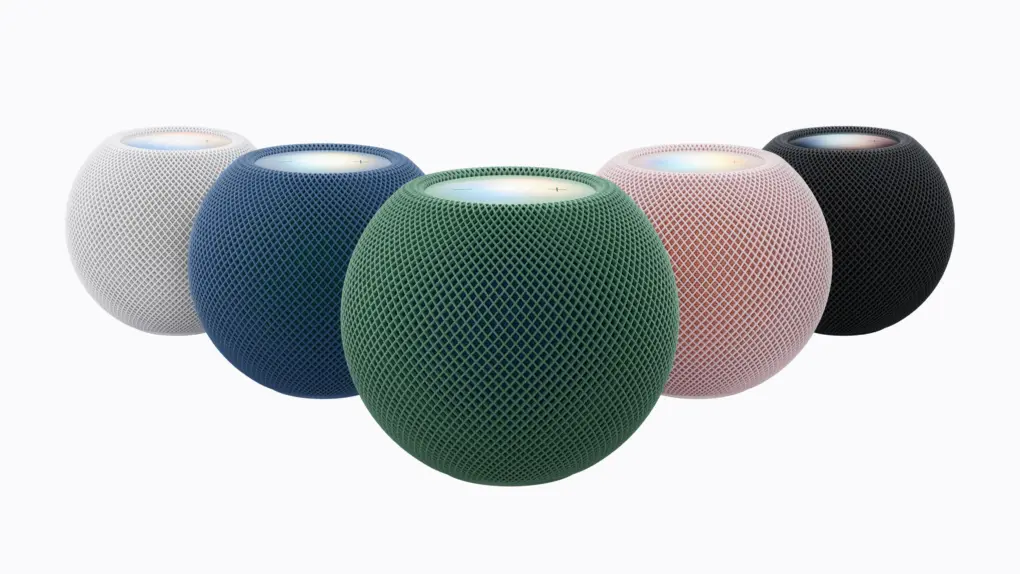
The HomePod mini 2, revealed Tuesday as part of Apple’s renewed push into the smart home, looks the same as its predecessor. However, the updated smart speaker comes in new colors and packs upgraded internals for an enhanced Siri AI experience.
“HomePod mini 2 brings together Siri AI, gorgeous new colors, and incredible audio,” said Kaiann Drance, Apple’s vice president of worldwide home product marketing, in a press release.
The new set-top box arrived Tuesday alongside the HomeView smart hub, the fourth-generation Apple TV 4K and the Apple Home Collection of smart home accessories.
Siri AI finally feels useful beyond the basics. Photo: Rajesh Pandey/Cult of Mac
More than 15 years after its debut, Siri finally feels useful beyond the basics. While iOS 27, iPadOS 27 and macOS 27 pack plenty of notable upgrades, Siri AI is easily the highlight. It can find buried information, understand what’s onscreen and get things done across apps.
From comparing PDFs to organizing travel bookings, here are some practical ways to put Siri AI to work on your iPhone, iPad or Mac.
Siri AI on Apple TV could debut with a new Apple TV 4K, rumored to arrive on October 13 alongside the new HomePod. Photo: Apple
Siri AI on Apple TV looks closer than ever, thanks to fresh code found in the latest tvOS 27.2 beta. The code references Apple’s foundation models and a new Siri messaging framework.
Both hint that the next Apple TV set-top box could get Apple Intelligence features, possibly as soon as October 13.
RemoveMacAI can remove Apple Intelligence and its models from macOS 27. Photo: Apple/Cult of Mac
A new open-source tool lets Mac users remove Apple Intelligence from macOS 27 and regain 12GB of storage or more. Named RemoveMacAI, the tool runs from Terminal.
Apple took away the Apple Intelligence master switch in macOS 27. Now, if you turn off individual features, the AI models still sit on your drive. On a Mac with a small SSD, that’s a lot of dead weight.
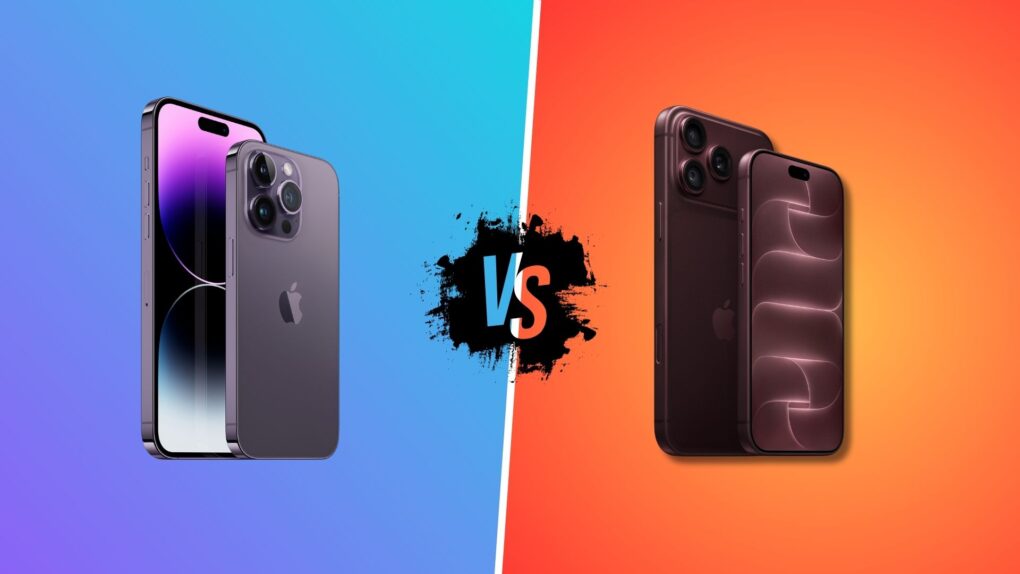
It's time to retire your iPhone 14 Pro. Photo: Apple/Rajesh Pandey/Cult of Mac
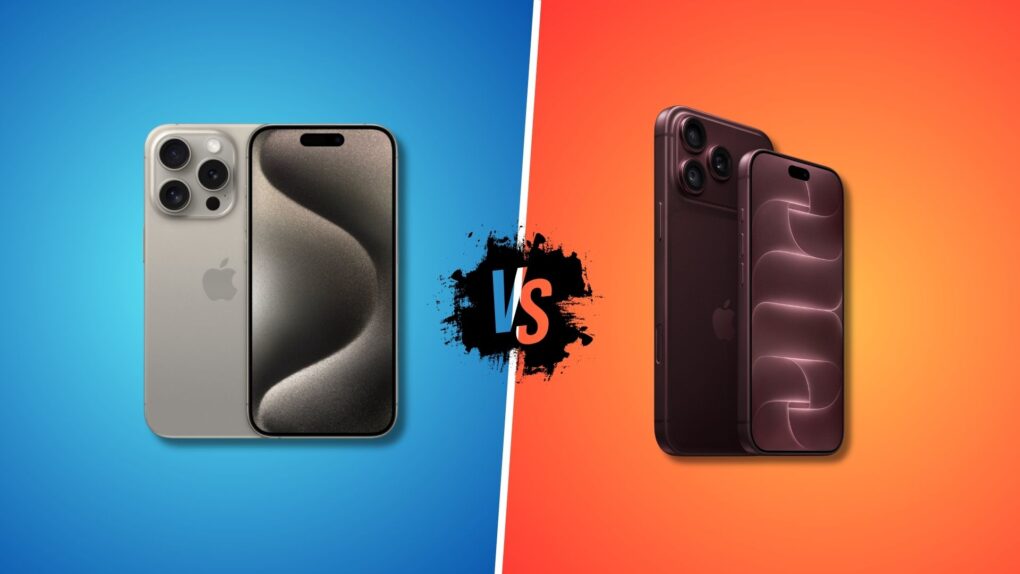
For a four-year-old device, the iPhone 14 Pro has aged well. But the iPhone 18 Pro offers some compelling everyday improvements that make it a worthwhile upgrade.
If you use an iPhone 14 Pro, it may just be time to upgrade. Here’s our iPhone 18 Pro vs. iPhone 14 Pro comparison to help you decide.
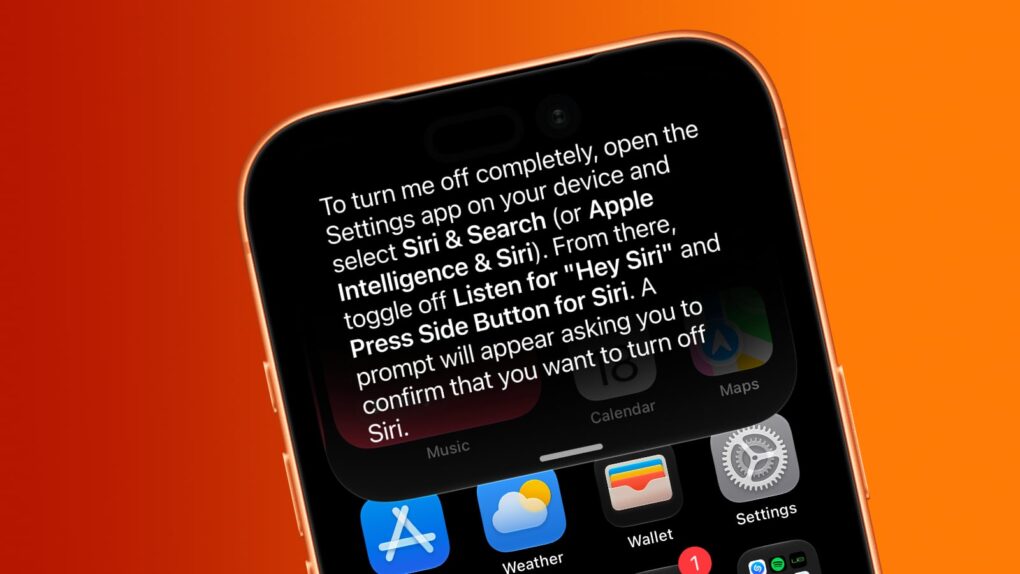
Want Siri AI gone from your iPhone? And other Apple Intelligence features, too? We can help. Image: Cult of Mac
Although Apple is thrilled about the new Siri AI integrated into iOS 27, maybe artificial intelligence isn’t your thing. Fortunately, you can opt out of Apple’s new voice assistant.
iOS 27 lets you turn Siri off completely. Alternatively, you can switch from the new AI-powered Siri back to Siri Classic.
And if you absolutely do not want artificial intelligence in your iPhone, you can disable it … though that process is far more complex than is ideal.
iPhone 18 Pro is a worthy upgrade from the iPhone 15 Pro. Photo: Apple/Rajesh Pandey/Cult of Mac
Three years is a long time in the tech world. And forever in the world of smartphones. If you got an iPhone 15 Pro in 2023, the iPhone 18 Pro will look mighty tempting.
Are the improved cameras, longer battery life and faster charging speeds enough to justify upgrading from the iPhone 15 Pro, especially with the higher starting price? Here’s how the two compare.
The wait is over! The final version of iOS 27 is out. Photo: Ed Hardy/Cult of Mac
Your iPhone’s next big software update just arrived. Apple released iOS 27 on Monday, fixing many of the annoyances that iOS 26 inadvertently introduced last year, while also tweaking Liquid Glass to improve readability.
Alongside iOS 27, Siri AI also launches in beta today, finally bringing Apple’s AI assistant on par with Google, ChatGPT and others.
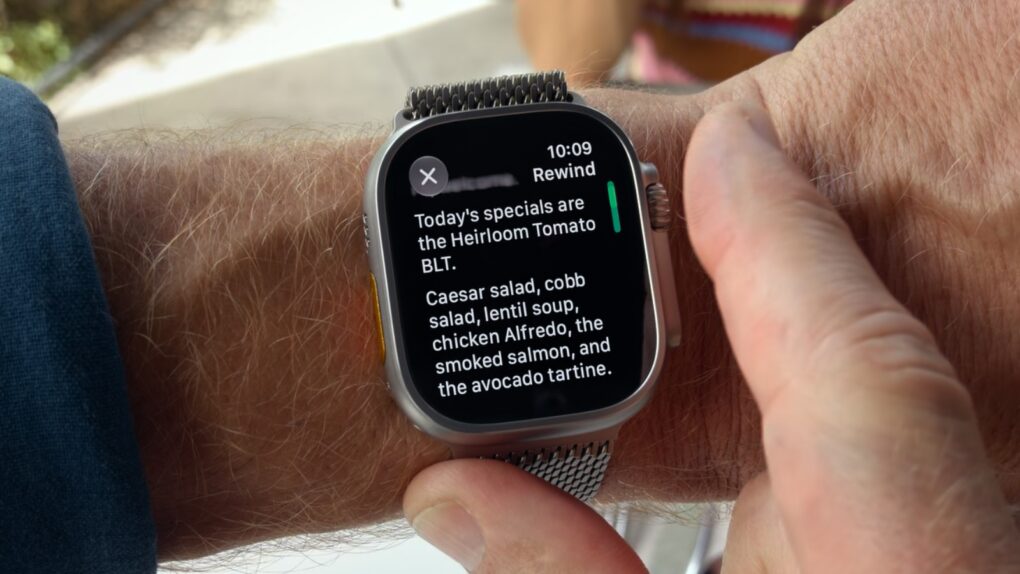
Apple Watch Live Rewind isn't the privacy nightmare you think it is. Screenshot: Apple/Cult of Mac
Apple Watch Series 12 and Ultra 4 will bring two surprisingly futuristic new tricks: Live Rewind and Siri Recap, a pair of Audio Intelligence features that turn the smartwatch into an always-listening AI device.
Apple markets Live Rewind as a way to rewind the world around you. Actually, it can only turn the previous 15 seconds of a conversation into a text snippet. Still, it potentially could help people remember something that’s just been said.
Siri Recap, on the other hand, quietly takes notes during your conversations, then uses Apple Intelligence to create concise summaries you can refer to later. The goal is to help people stay focused on the moment.
The new Audio Intelligence features seem quite useful, but they make privacy advocates nervous. Fortunately, Apple really locked them down, hoping to prevent the Apple Watch features from being abused.
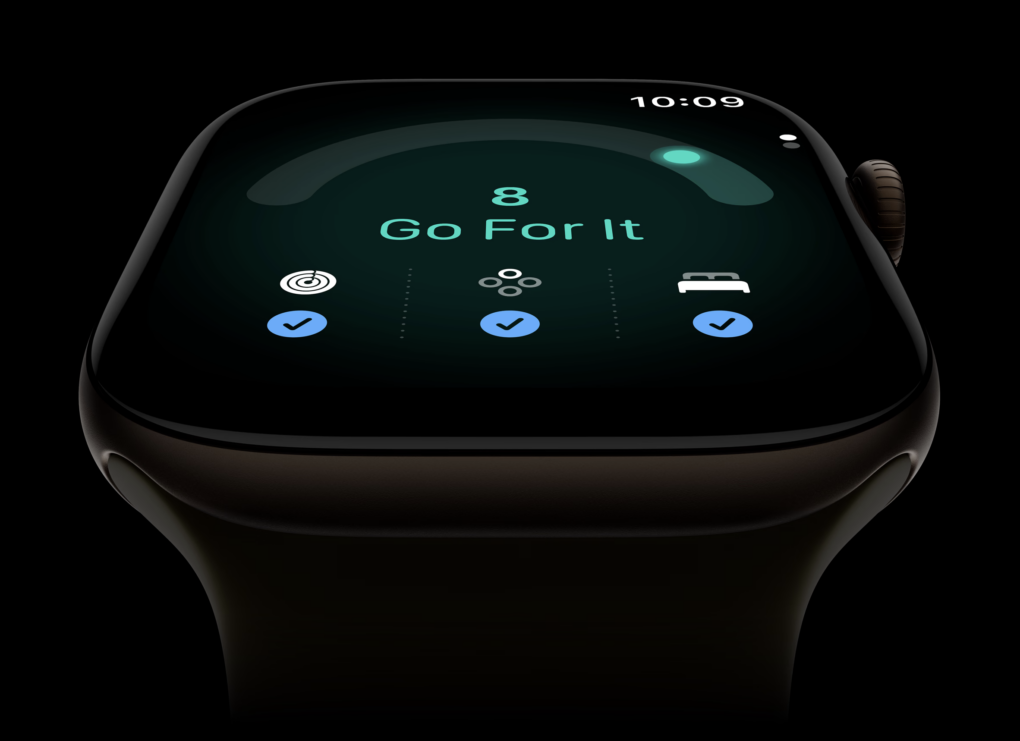
Should you ”go for it” just because your Apple Watch says you're ready? Photo: Apple
Apple introduced a new fitness feature for Apple Watch called “readiness” during its Surprise and Shine event today. Readiness gives you a score from zero to 10, along with recommendations like “recover,” “pace yourself,” “ready” or “go for it.”
But what exactly is it telling us we’re ready for? According to Apple, your readiness score “tells you when to rest or put yourself to the test.” But can a smartwatch really know that?
What happens when your Apple Watch tells you to “go for it,” but your body tells you otherwise? Most personal trainers will tell you that learning to listen to your body is an important part of training. So what should you do when your body and your Apple Watch disagree?
The Ugreen HomeAgent is a unique concept. Photo: Rajesh Pandey/Cult of Mac
BERLIN — Ugreen is best known for chargers, cables and other accessories. But at its IFA 2026 launch event here, the company showed something far more ambitious: a smart home hub called HomeAgent that uses local AI as its brain.
The HomeAgent series is expensive and unproven. But it rethinks what a smart-home hub can be. It also raises the question: By the time Apple enters the smart home market, will local AI already be the norm?
Apple’s China AI deal leans heavily on Alibaba’s Qwen for its Chinese Siri experience. Image: Cult of Mac
Apple’s deal to bring its AI tools to China finally cleared Beijing’s regulatory hurdles, paving the way for Apple Intelligence to launch in the country. Apple trained its own large language model specifically for Chinese devices, but leaned on Alibaba’s support to pull it off.
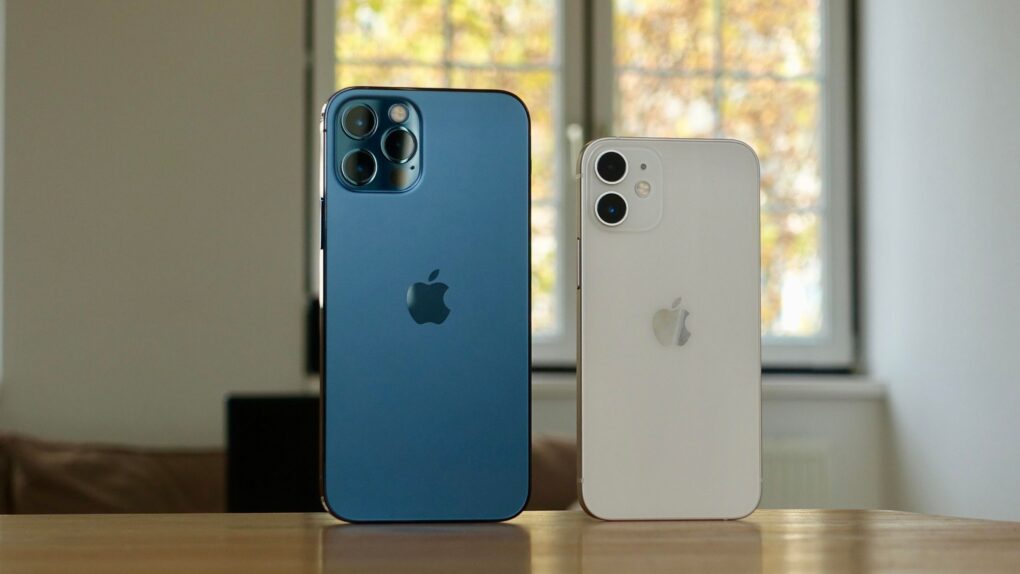
The iPhone 18 could get features that bring the standard model closer to Apple’s Pro lineup. Photo: Pixabay
The standard iPhone 18 may finally close the gap with its pricier Pro siblings. New supply chain research suggests a jump in iPhone 18 RAM. A smaller Dynamic Island, once tipped only for Pro models, could be on the way as well.
Both upgrades would put the base iPhone 18 closer to Apple’s premium lineup. The changes are still unconfirmed, and one prominent analyst disagrees on the memory number.
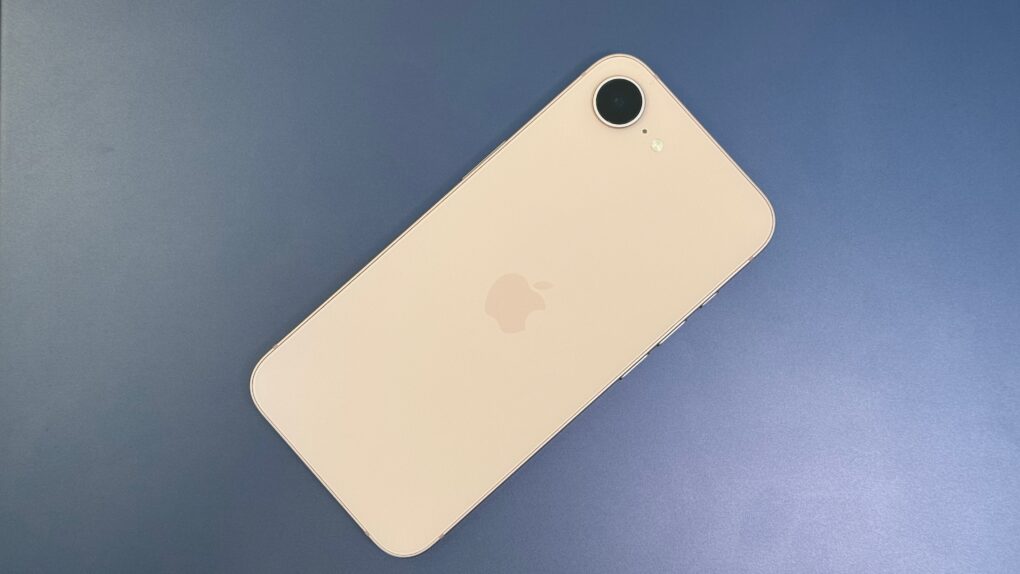
iPhone 18e rumors point to a strange new RAM configuration, even as most other specs carry over unchanged from the iPhone 17e. Photo: D. Griffin Jones/Cult of Mac
A handful of small but real changes are coming to Apple’s next budget iPhone, with iPhone 18e rumors pointing to a new chip and a RAM configuration nobody expected. None of it amounts to a redesign – this is still a budget phone, just slightly better.
The extra memory is the most interesting shift, but it comes with a catch. Most other specs, including the screen and camera, look set to carry over largely unchanged from the iPhone 17e. Here’s everything reported so far, and how solid each claim actually is.
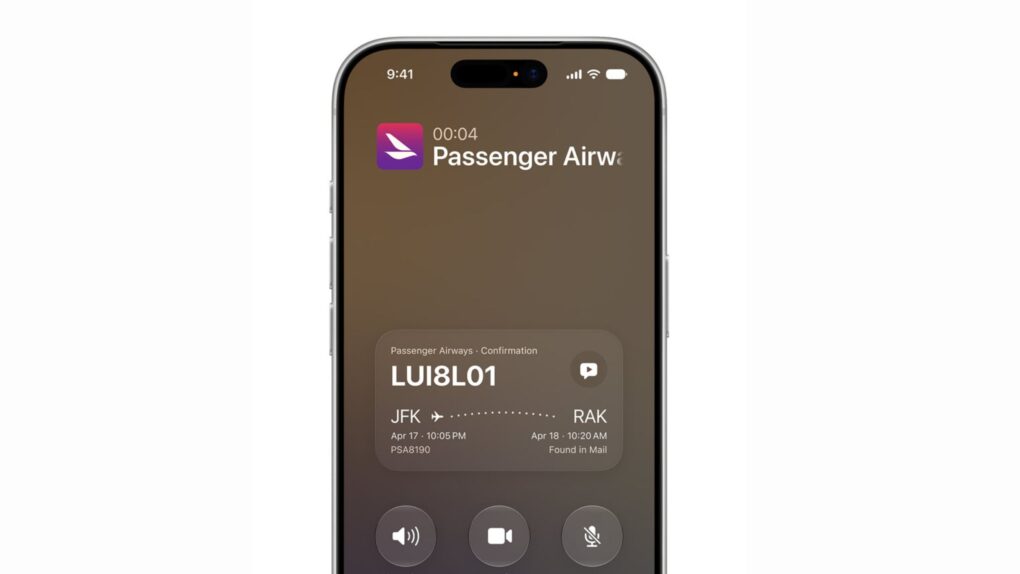
iOS 27 Call Context displays flight and reservation details right on the call screen. Photo: Apple
iOS 27’s Call Context feature is shaping up to be one of the most useful additions in Apple’s fall software update. The Phone app will automatically show confirmation codes, reservation details and other relevant info whenever you call a business.
The feature works by pulling information straight from your Mail app, saving you the hassle of digging through your inbox in the middle of a customer service call. And Apple processes all of this locally, without sending anything to the cloud or a third party.
Apple App Store app could soon feature an AI shopping assistant to help guide your next purchase. Photo: Apple
Shopping for a new iPhone or Mac will apparently soon come with built-in AI help. Apple is working on a new shopping assistant for the Apple Store app that will use artificial intelligence to answer questions and guide purchases.
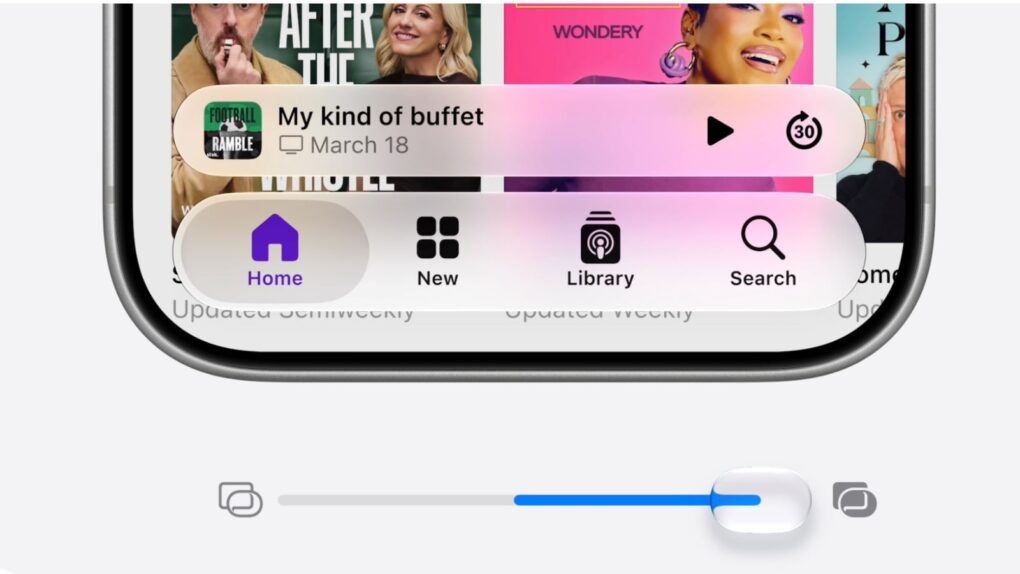
A slider in iOS 27 lets you adjust the look of Apple's Liquid Glass user interface. Image: Apple
Apple released the first iOS 27 public beta Monday, giving everyday iPhone users a chance to experience the latest features.
By most accounts, it’s stable enough to download now and run without too much worry. The biggest bummer is that you’ll still need to get in line to experience the new, improved Siri AI.
PrismML claims it has compressed a 27-billion-parameter AI model down to 4GB — small enough to run on an iPhone 17 Pro. Photo: Unsplash
Apple’s on-device ambitions just got more interesting. The company has reportedly been talking to a startup called PrismML that claims to run a massive, server-grade language model on the iPhone 17 Pro — no cloud required.
If the discussions turn into a deal between Apple and PrismML, it could be a significant upgrade for Apple Intelligence. Here’s why.
The iPad 12 will bring significant internal upgrades to this budget tablet. AI image: Apple/ChatGPT/Cult of Mac
The basic iPad could become a much smarter buy this fall: the iPad 12 will reportedly get a processor boost that will let the tablet take advantage of Apple’s new AI features.
This Google cloud warning appears when using certain Apple Intelligence features. Photo: Unsplash
Your iPhone is about to get a lot more transparent about where your data goes. Apple is rolling out a Google Cloud pop-up warning that protects your privacy by letting you know before certain Apple Intelligence features send your prompts off-device, and it’s already live for some users right now.
The heads-up appears when you use certain image- and shape-generation tools. It won’t block you from using these features, though. It simply makes sure you know your data is leaving Apple’s own servers before you hit send.
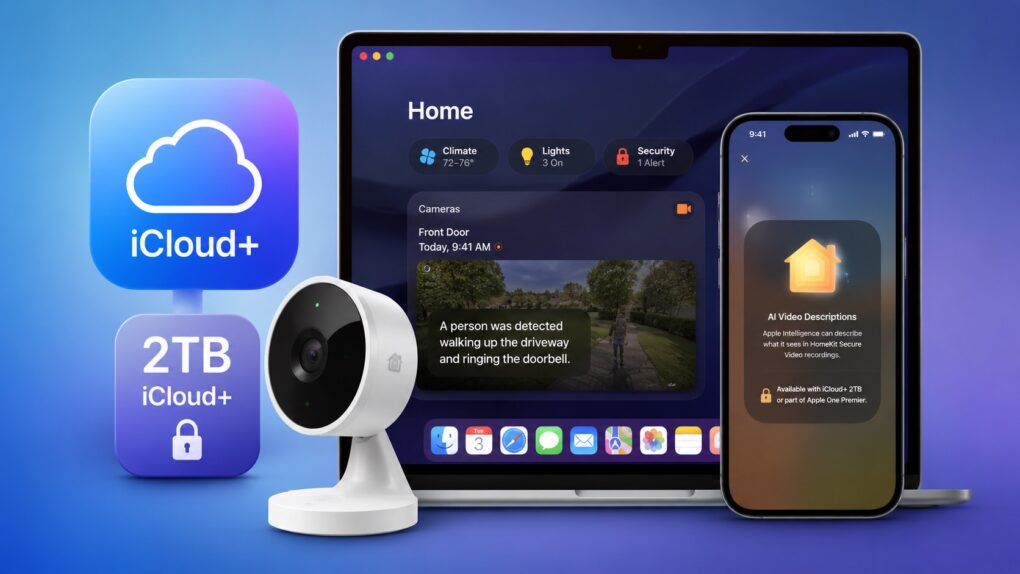
Get ready to pay more for iCloud+ if you want to use Apple Intelligence Home features. AI image: ChatGPT
Apple Intelligence-powered features in Apple’s Home app will require a 2TB iCloud+ plan, according to a footnote in macOS 27 developer beta 3. As part of the upgrade, the Home app uses AI to generate summaries of motion alerts from compatible HomeKit Secure Video cameras.
In the United States, the required 2TB iCloud+ plan costs $10 per month. Alternatively, it is a part of the Apple One Premier bundle, which costs $37.95 per month.