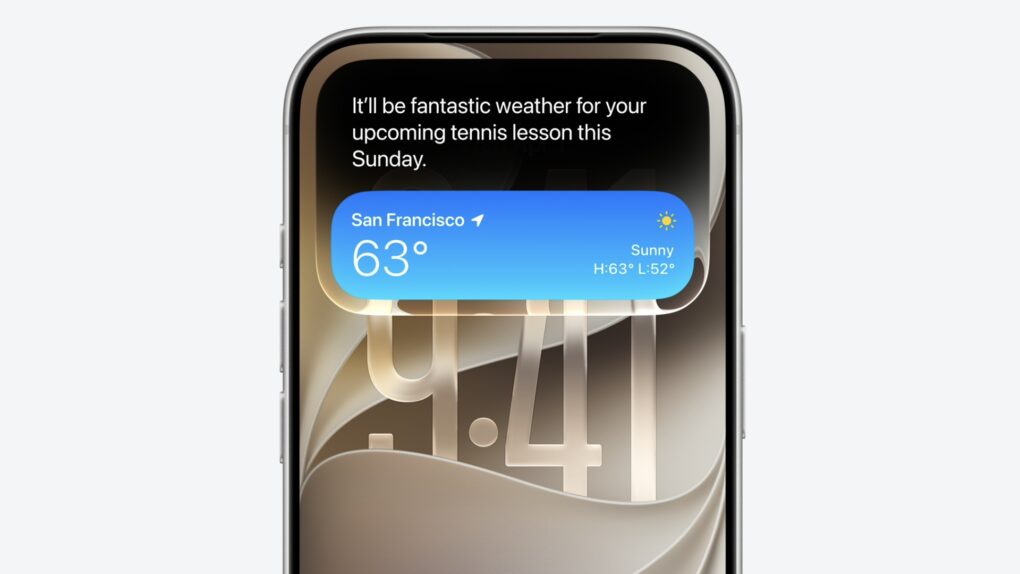
 Apple reinvented its smart assistant Siri as “Siri AI,” with a new range of advanced capabilities and its own dedicated app, the company said Monday during its WWDC26 keynote.
Siri, Apple’s long-maligned smart assistant that was often not terribly smart, gets a new architecture that better understands personal context and can perform a wide range of actions across devices.
“We couldn’t be happier to bring you Siri AI, our new version of Siri, powered by Apple Intelligence,” said Apple’s software chief Craig Federighi during the keynote. “It’s more intelligent, knowledgeable and capable.”
Dedicated Siri AI app
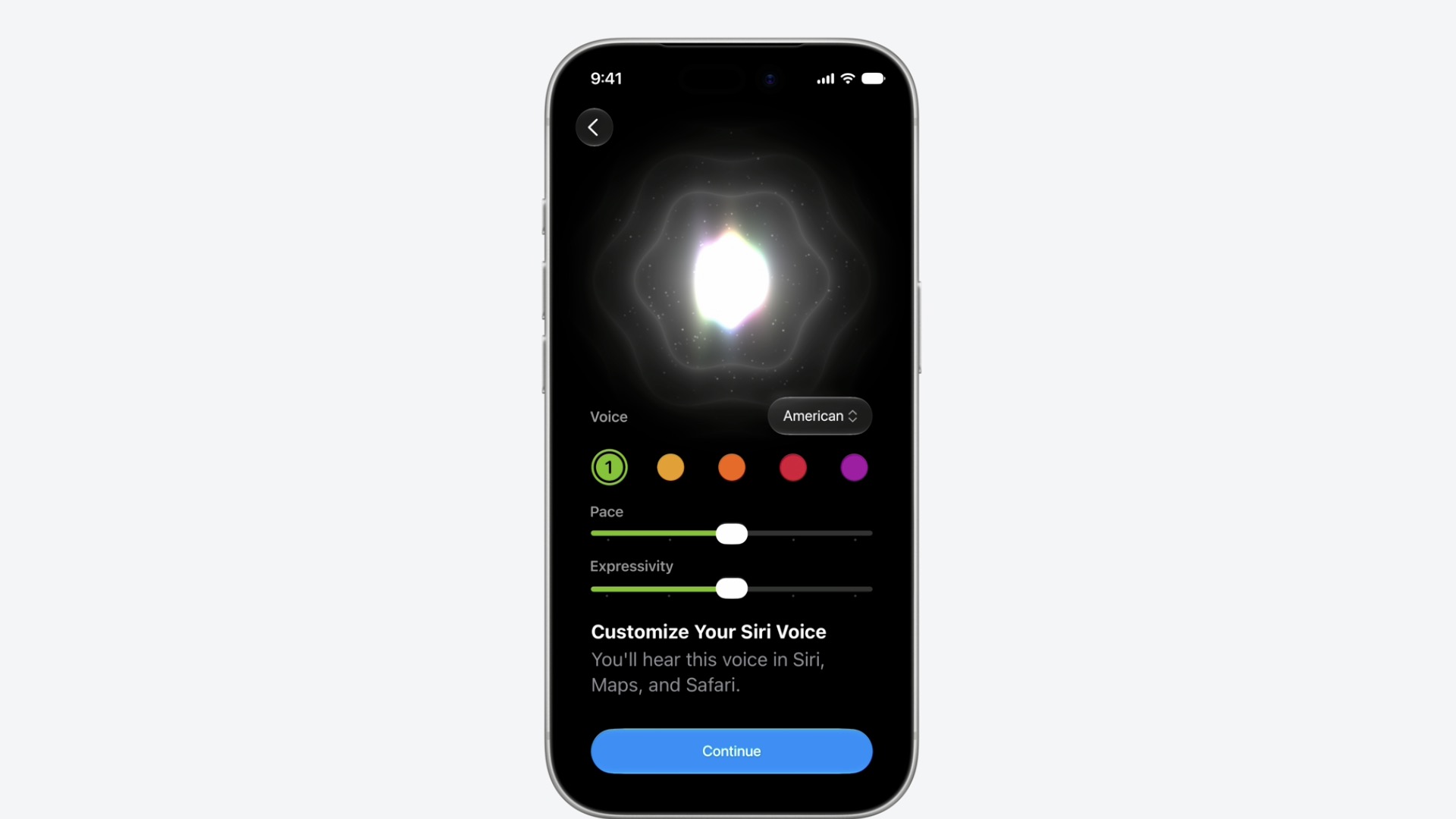
Photo: Apple
Available in iOS 27, iPadOS 27 and macOS 27 Golden Gate, the new, smarter Siri for the first time provides users with a dedicated app to interact with the improved assistant.
On iPhone, Siri AI largely resides in the Dynamic Island. Users can launch the dedicated Siri AI app by swiping down on the iPhone’s pill-shaped software interface.
During the WWDC26 keynote, Apple showed Siri AI engaging in multi-turn interactions, pulling personal data from several sources, and searching the web for real-time data.
For example, to demonstrate multistep conversations, Mike Rockwell, vice president of Siri engineering, asked Siri AI about an upcoming Suki Waterhouse concert. After searching the web, Siri AI responded that tickets were being allocated by lottery. Rockwell asked Siri AI to set a reminder for when the lottery opens, and then to play a recent song by the artist.
New Siri AI Dynamic Island Animation pic.twitter.com/0okFjRc9v7
— Andreas Storm (@avstorm) June 8, 2026
In a demonstration of Siri AI’s ability to analyze what’s on the iPhone’s screen, Rockwell asked it to identify a picture of a natural rock formation near Santa Cruz, California.
After Siri correctly identified the landmark, Rockwell asked the AI assistant to find the address of a friend who lives nearby, and then create a multistop route to his friend’s house and the landmark — all using casual, conversational English.
Rockwell also used Siri AI to find photos from a recent family trip, and then to add specific images to a shared family album — again, using nothing but casual language.
Siri AI app integration
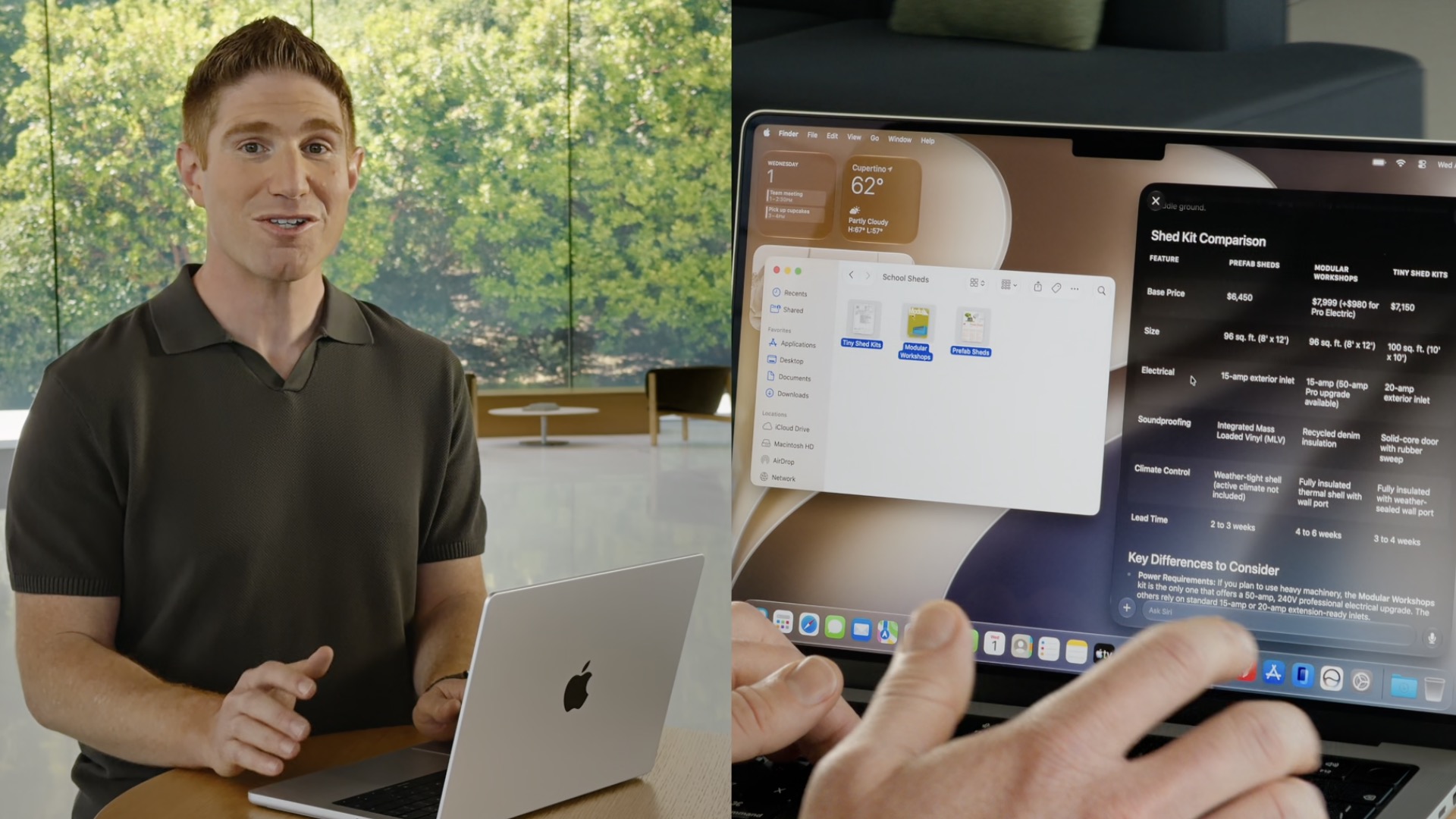
Photo: Apple
On the Mac, Justin Titi, Apple’s senior director of intelligent system experience engineering, showed Siri AI’s ability to pull information from different apps and messaging platforms.
Titi arranged a World Cup watch party, using Siri AI to create a party menu, find recipes for the dishes, and message everyone in a group chat about the event.
During the demo, Siri AI found a Message from the presenter’s son using just a vague description. It also created a detailed summary of three separate documents in a folder, and then drafted an email based on that information.
Works on iPhone, iPad, Mac, Apple Watch and Vision Pro headset
As well as iPhone, iPad and Mac, Siri AI is also coming to Apple Watch and the Vision Pro headset.
On visionOS, Siri AI gets a persistent 3D visualization that’s invoked just by looking at it — no need to say, “Hey Siri.”
The cross-platform Siri AI app remembers prior conversations and syncs them via iCloud, so conversations carry on seamlessly between devices.
Users can also adjust Siri AI’s voice settings, adjusting things like the assistant’s accent or speed.
Privacy and security
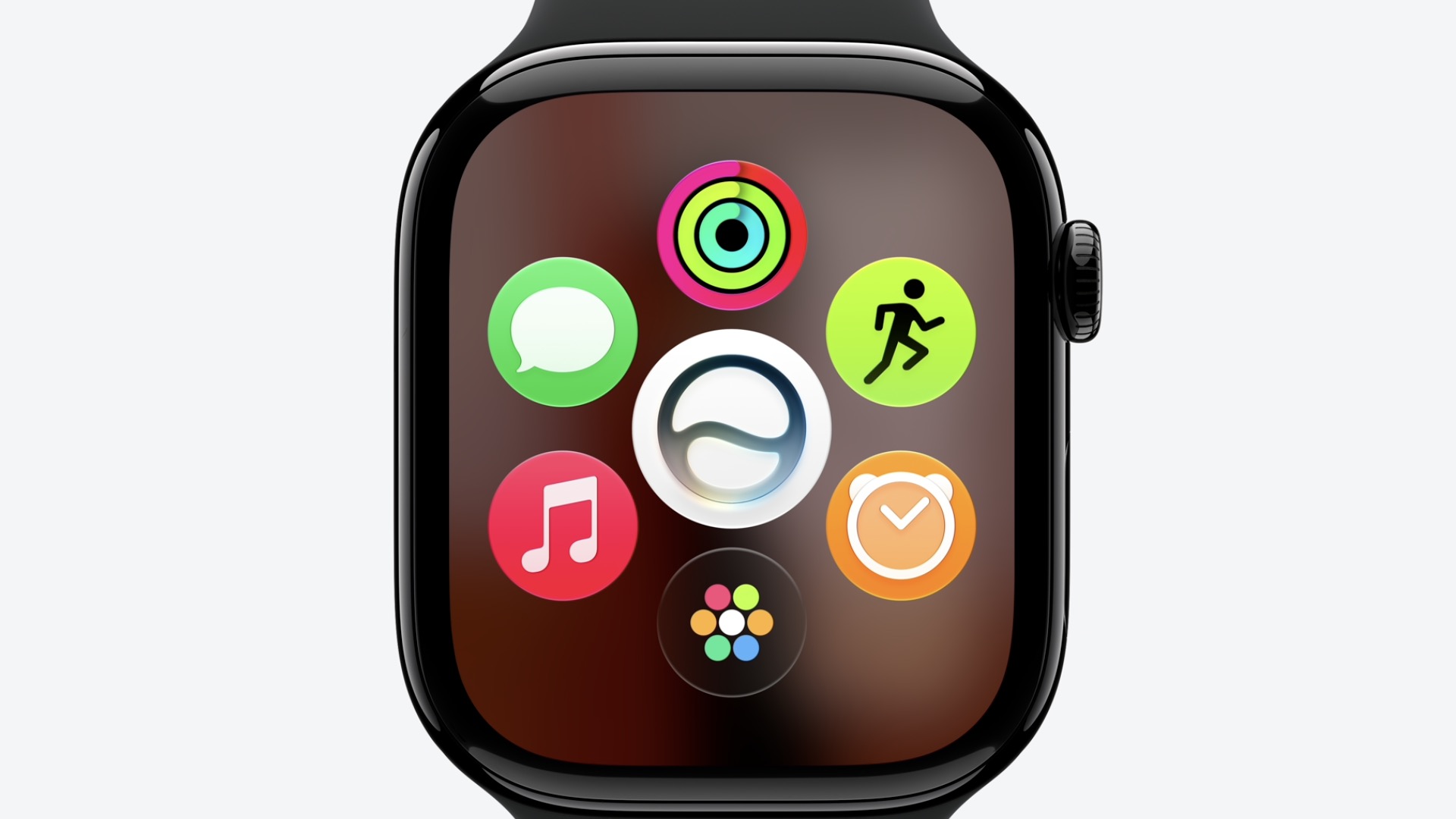
Photo: Apple
While introducing Siri AI, Federighi emphasized Apple’s commitment to safety and privacy.
“Apple intelligence uses on-device processing, as well as Private Cloud Compute, which ensures your data is not stored or accessible to Apple or anyone else, your data is only used to execute your request, and outside experts can continue to verify this promise at any time,” Federighi said.
There’s a waitlist to use Siri AI, which is available only on iOS 27. Apple released the first developer betas of iOS 27 and its other operating systems Monday.
After downloading and installing the iOS 27 beta, go to Settings > Siri and join the waitlist.

Leander Kahney is the editor and publisher of Cult of Mac. Leander is a longtime technology reporter and the author of six acclaimed books about Apple, including two New York Times bestsellers: Jony Ive: The Genius Behind Apple’s Greatest Products and Inside Steve’s Brain, a biography of Steve Jobs.
Leander has written for Wired magazine, Scientific American, The Guardian, The Observer, The San Francisco Chronicle, MacWeek and many other publications.

