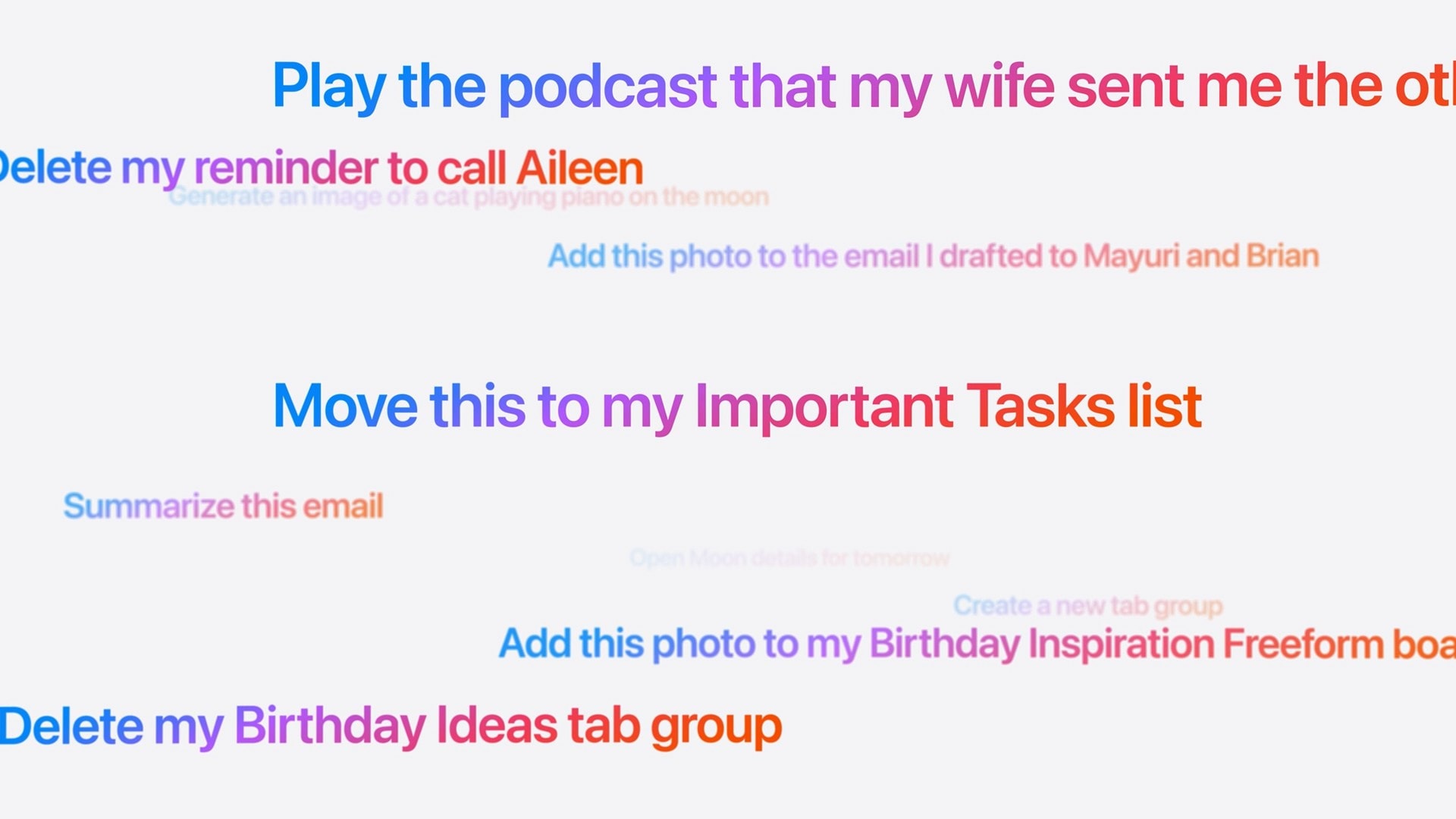
Did Apple finally get it right — is the new Siri AI useful? In my early Siri AI testing, I think the answer to that question is a resounding “yes.” I took the three biggest demos from Apple’s keynote and replicated them with my own questions based on my own personal context. In nearly all the tests, it performed just as well as Apple’s examples.
I’ve been throwing Siri AI, now available in the first developer beta of iOS 27, all kinds of other questions, too. Foolishly, I put the beta on my main iPhone, so I’ve been using it as my one and only voice assistant for a week now.
While its smarts aren’t going to shock you if you’ve used a chatbot before, its private, secure access to your entire digital life is something nothing else can offer. (And, some would say, an anticompetitive advantage.)
Siri AI is the real deal.
I tested the new Siri AI against Apple’s own claims
The new Siri AI stood out as the most exciting new feature Apple showed off at WWDC26 last week. It’s what people have really wanted ever since Siri debuted on the iPhone 4s — a voice assistant that’s actually useful. Something that leverages Apple’s core strengths: products that solve real problems, are thoughtfully integrated, and respect user privacy by design.
But we’ve been here before. Apple infamously failed to ship the smarter Siri it promised two years ago. So can we really trust it this time around? I put Apple’s Siri AI claims to the test.
Table of contents: New Siri AI test
- Asking about concert tickets
- Planning a themed meal for a party
- Comparing files on the Mac
- Other things I’ve asked — the good and the bad
- More on Apple Intelligence and the OS 27 updates
Asking about concert tickets
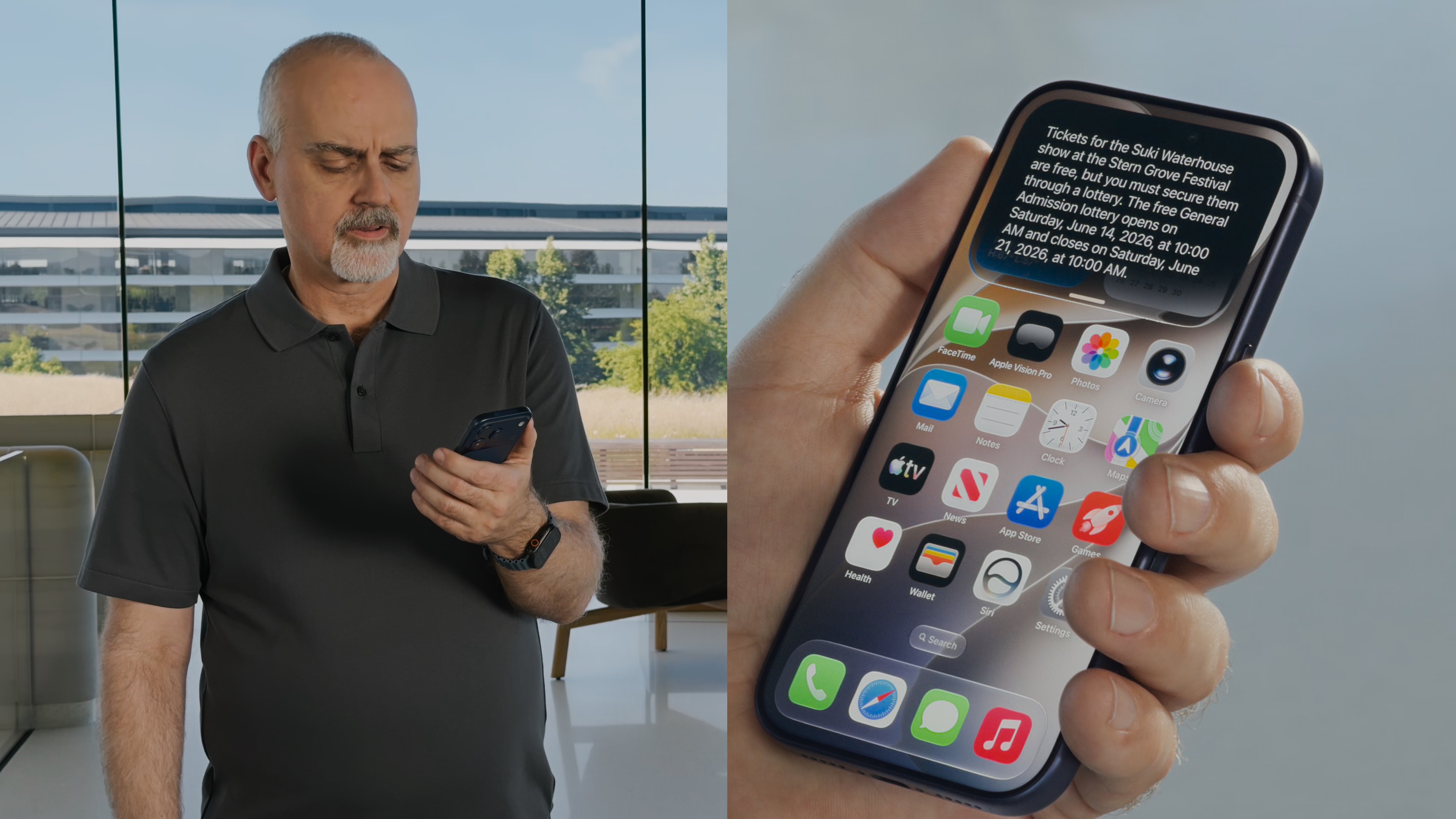
Photo: Apple
The first in-person demo from the WWDC26 keynote showed Mike Rockwell asking, “When’s that Suki Waterhouse show in SF?” The query draws on world knowledge of artists and tour dates. (I suspect this pulls from the same database that powers Apple Music Concerts.)
In my Siri AI test, I asked, “Where is Alice Merton playing live?” Siri AI said, “Alice Merton has no upcoming tour dates scheduled in the United States. Her most recent performances were part of a European tour in March 2026.” In fact, the singer-songwriter’s website shows she will perform at the Kieler Woche festival in Germany on June 23. It was a slightly challenging question, but it was a miss. (ChatGPT also failed to answer correctly.)
I started over with a different question: “When’s that Phoebe Bridgers show in Detroit?” This time, Siri AI pulled up the right information. It correctly answered Rockwell’s follow-ups, “How can I get tickets?” and “Remind me to sign up when the lottery opens.” It even distinguished between the general presale and the official artist presale.
Then I asked, “Now let’s hear one of her new singles,” which took a bit longer than I expected — probably since I was using a Mac, which has an older, buggier Music app. But it worked nonetheless.
Planning a themed meal for a party
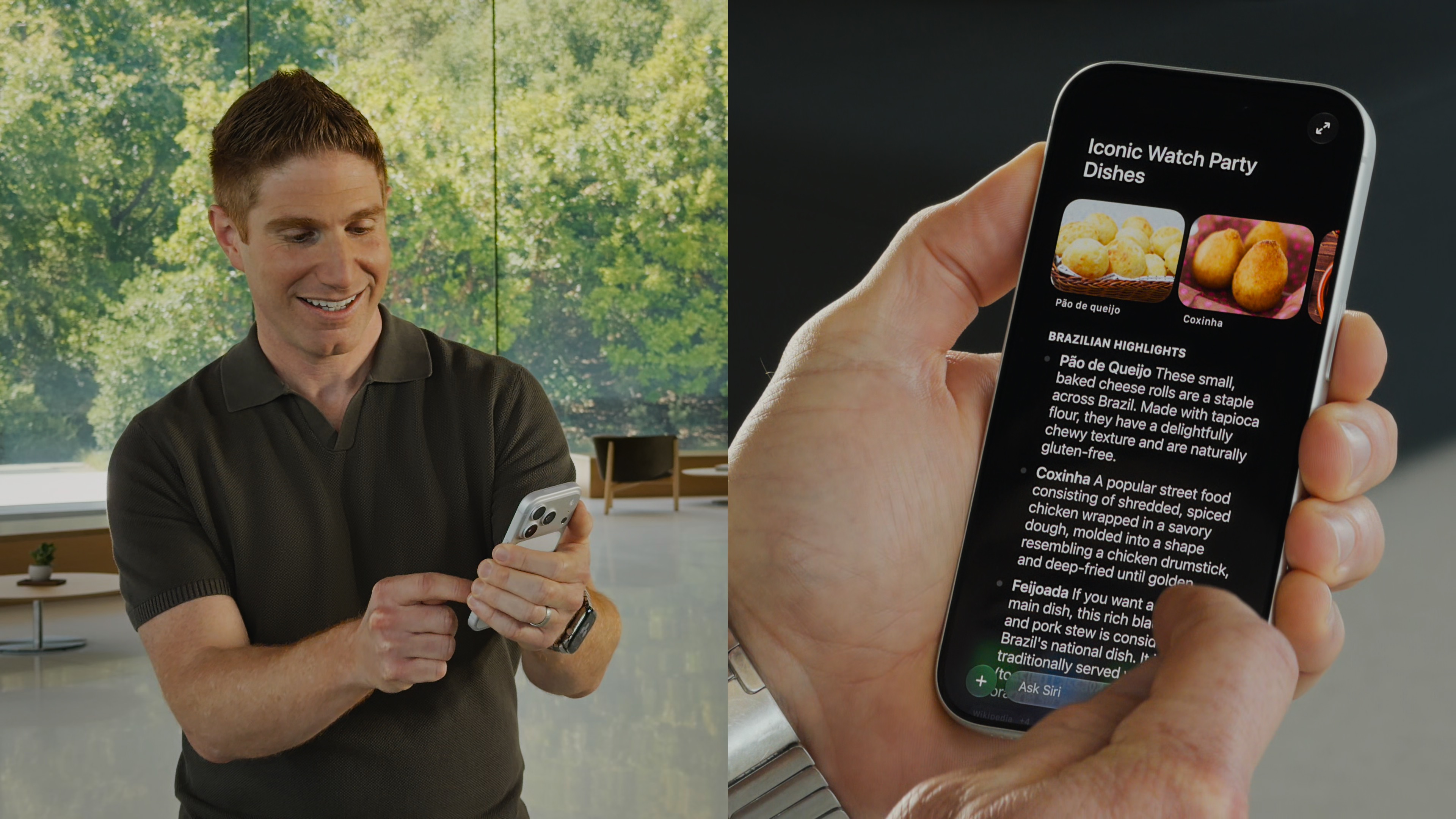
Photo: Apple
To demo the more advanced Siri capabilities during the WWDC26 keynote, Apple’s Justin Titi asked Siri for details on upcoming World Cup games, dishes inspired by the two countries from one of the matches, and what recipe his daughter sent him. He then asked Siri to make a menu with those options and to send it as a text to a group chat.
I started with a broad question for this part of my Siri AI test: “What are some big sports events happening in Ohio in the next few months?” Then I asked for dishes inspired by a baseball game between the Cleveland Guardians and Cincinnati Reds. It recommended Polish Boys, pierogis and mustard (?) for Cleveland, with Cincinnati chili (naturally), goetta and Graeter’s ice cream for Cincinnati.
When I asked, “What was the dessert I made for a party a while back,” it successfully recalled that I made strawberry jello pretzel salad (although it thought I made it six years ago, rather than last month). When I asked it to put everything together as a menu, my results were slightly different than Titi’s — instead of lengthy bullet points, it condensed it all into a table.
Siri AI also offered to make a shopping list of ingredients. I replied, “Yeah, make a new list in Reminders with everything I’ll need.” Its ingredients list was a bit surface-level — no quantities or amounts, no hints that it pulled these items from actual recipes. For example, it lists “Ground beef (for chili)” but no other chili ingredients, like beans, tomato sauce or onions.
If Siri AI could do this correctly all the way to the finish line, it would prove incredibly helpful.
Comparing files on the Mac

Photo: Apple
To show off how Siri AI can interact with files on the Mac, Titi asked Siri how to build a maker space, selected a few different PDFs with plans, and asked for help deciding on one. He then asked Siri about a potential electrical problem his son mentioned, then prompted the AI to draft an email to one of the people involved in the project.
I selected two vintage brochures from my Apple archive, both from the mid-1980s, asking Siri to compare the Macintosh Plus and Apple IIGS. It built a table to compare the two with a bunch of specs. It also surfaced an email conversation I had with a reader more than a year ago about failing capacitors on old computers, gave a reasonable (and source-cited) explanation on the failures each model suffers from, and drafted an email to them.
This set of questions compares well with Apple’s demo. It’s the stuff you’ve seen ChatGPT do for ages now, except executed privately and securely.
Other things I’ve asked Siri AI: Some surprisingly good results
Of course, Siri is not just about replicating what Apple has already shown us. As an open-ended AI system, it should be capable of answering a wide variety of unique questions. Here are some of the real questions I asked Siri AI while testing it in daily usage over the past week:
- I saw a post on Mastodon about a book on Doctor Who, so I asked Siri if I had preordered it already. It showed me the email confirming that I had, back in November.
- I was preparing for a group breakfast and asked what I said I was going to make. It referenced a text in a group chat (from me!) with plans for chocolate chip banana pancakes and hash brown casserole. I asked which casserole recipe we had decided on, and it showed me right away. (Don’t forget to thaw the potatoes the night before!)
- I asked which episode of Connected (the second-best weekly Apple podcast) has a bunch of numbers in the title, after several minutes of Googling failed me. Siri identified the episode immediately and gave me links to Apple Podcasts and the Relay FM website.
… and some misses
Of course, Siri AI is not perfect (this is the first developer beta, after all):
- I tried replicating another of Mike Rockwell’s demos in my Siri AI test. I ask it to identify a location based on a picture from Instagram. It misidentified the Convocation Center in Athens, Ohio, for the Georgia Museum of Art in Athens, Georgia. While they’re both brick buildings in cities named Athens, one is an art museum while the other is a parking garage/office building/student dorm/basketball stadium.
- I asked Siri how many computers are in my computer collection spreadsheet (49). It said “two,” and listed two that I no longer have.
- It confused the Cult of Mac podcast with The CultCast, listing the former hosts. In Siri’s defense, our listeners have found this confusing as well.
Luckily, Siri cites its sources with every question, without having to ask. You can easily verify its claims.
More on Apple Intelligence and the OS 27 updates
- How to download the iOS 27 developer beta
- How to join the waitlist and get the new Siri AI early
- Skip the waitlist: Get the new Siri AI right now on macOS Golden Gate
- Shocker! Image Playground in iOS 27 is actually useful.
- 10 hidden iOS 27 features Apple barely mentioned at WWDC26

D. Griffin Jones was a writer, podcaster and video producer for Cult of Mac. Griffin has been a passionate computer enthusiast since 2002, when he got his first PC — but since getting a Mac in 2008, he hasn’t turned back. His skills in graphic and web design, along with video and podcast editing, are self-taught over 20+ years. Griffin has a bachelor’s degree in computer science and has written several (unpublished) apps for Mac and iOS. His collection of old computers is made up of 40+ desktops, laptops, PDAs and devices, dating back to the early ’80s.
Griffin writes for his personal blog, Extra Ordinary, and is currently looking for work.


2 responses to “I tested the new Siri AI against Apple’s claims. Here’s how it went.”
How long did it it take you to get off the Wait List and get the New Siri? It’s been a week for me on my 17ProMax (signed up 06/10/2026) and I’m still waiting.
Ed just got accepted today and he signed up pretty early as well. I was accepted in just a couple hours, but I signed up literally an hour after the keynote on Monday.