 Apple took the wraps off macOS 27 Golden Gate, the next major release of its Mac operating system, during the opening keynote of WWDC26 on Monday.
It brings Liquid Glass refinements and performance improvements along with an enhanced Siri and deeper Apple Intelligence integration.
macOS 27 Golden Gate brings Liquid Glass 2.0 and other upgrades
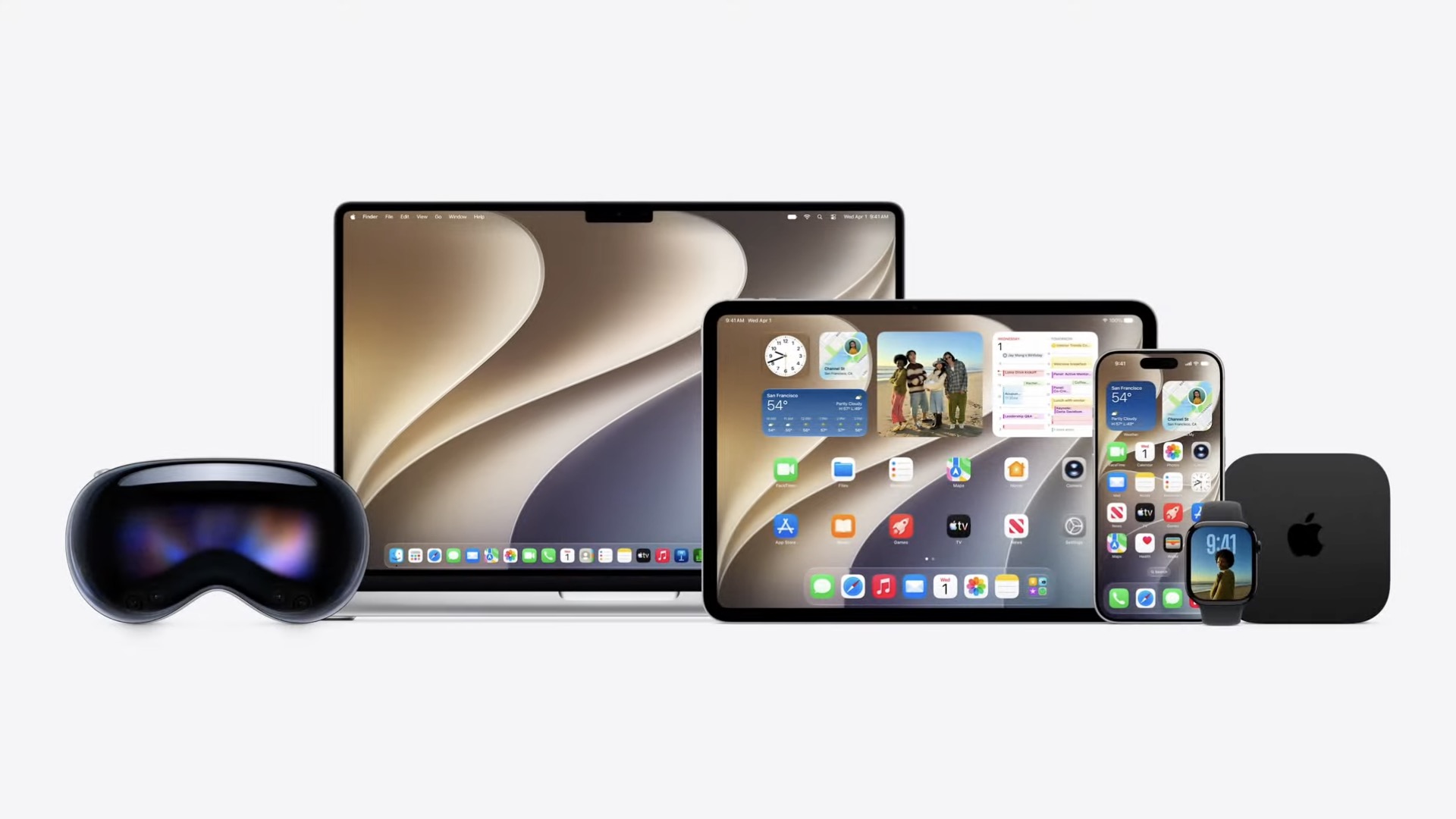
Image: Apple
macOS Golden Gate improves the Liquid Glass user interface that Apple introduced last year, addressing many of the frustrations and oddities introduced in macOS Tahoe. While Liquid Glass proved controversial on all of Apple’s platforms, the changes to the Mac operating system were particularly poorly received.
To improve readability in macOS 27, Apple tweaked Liquid Glass so that complex content behind it is better diffused. Additionally, it’s adding a slider that lets you adjust Liquid Glass’ tinted effect. Apple also revamped the Mac’s system icons so they stand out even more.
Other notable UI improvements include a consistent window corner radius across apps, colored sidebar icons in the active app, a sidebar that now expands to the window’s edge and a unified toolbar.
The consistent window corner radius will apply to all apps, even if their developers do not update them for macOS 27 Golden Gate.
Speed improvements
macOS 27 will heavily focus on underlying performance improvements for a better everyday experience. Thanks to these changes, Apple says you should see faster app launches, quicker AirDrop transfers and more.
Smarter Spotlight
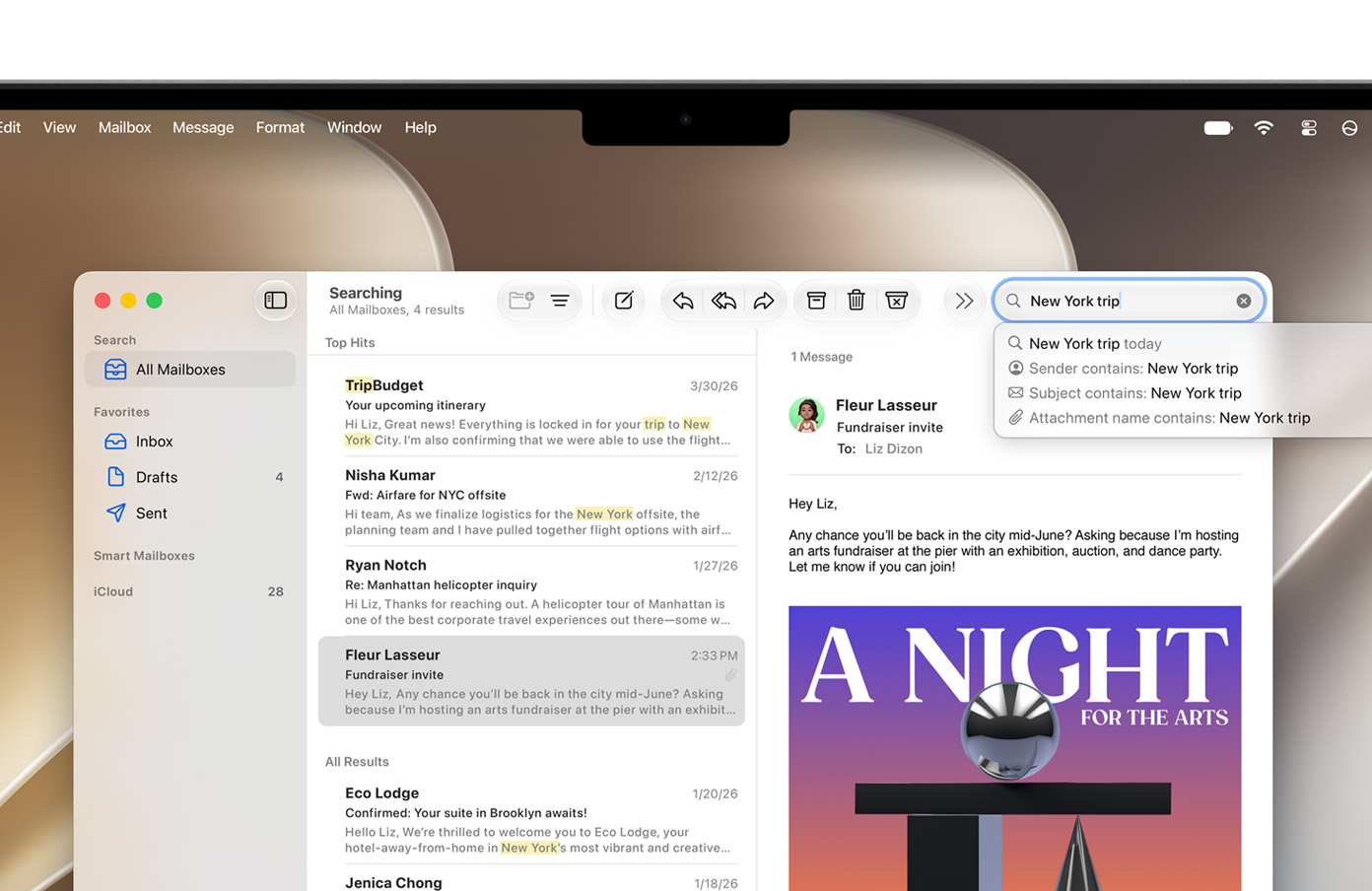
Photo: Apple
Apple is rebuilding the Spotlight foundation in macOS 27 and iOS 27. It will now feature a new index architecture that is faster, more efficient and stable. This will help with faster indexing, ensuring you can find the right files almost immediately. The new architecture will also power the search experience in the Mail app.
Siri AI and Apple Intelligence
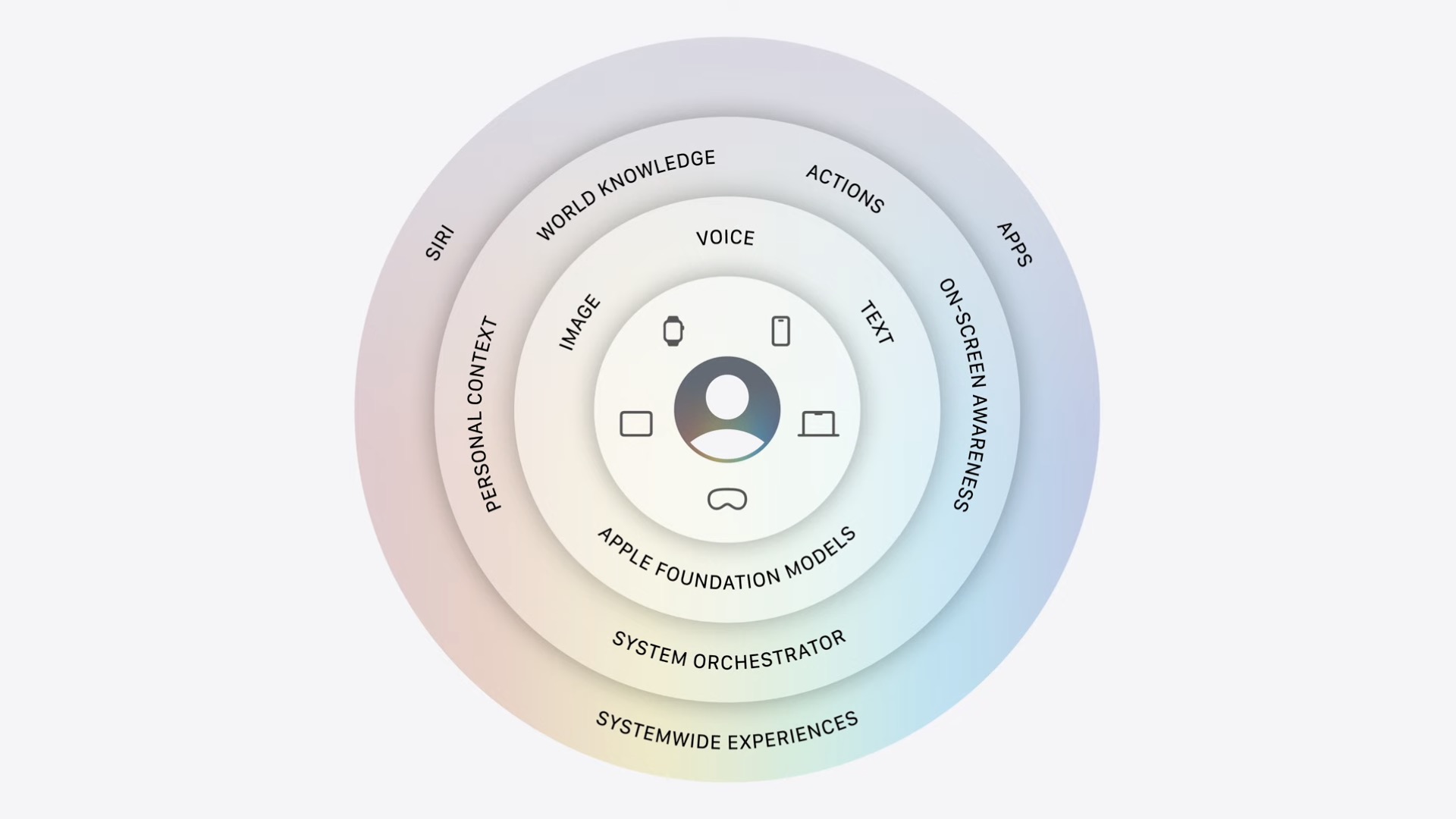
Image: Apple
The biggest new addition to macOS 27 is the new Siri AI and Apple Intelligence.
“Powered by Apple Intelligence, Siri AI is your conversational AI assistant with entirely new capabilities on your Mac,” says Apple. “Ask open-ended questions, brainstorm ideas for work or creative projects, and engage in natural, back-and-forth conversations.”
Siri AI can understand context and help you find what you’re looking for, even when you ask in everyday, natural language. Even better, Siri AI will work across all system apps, including Messages, Mail, Music and Reminders, surfacing relevant actions based on your tasks and context.
Besides the new Siri app, you can trigger Siri AI through Spotlight in macOS Golden Gate.
New Child Safety features
As with iOS 27 and iPadOS 27, Apple is bringing new Child Safety features to macOS 27.
With Ask to Browse, your kids must request permission to browse new websites.
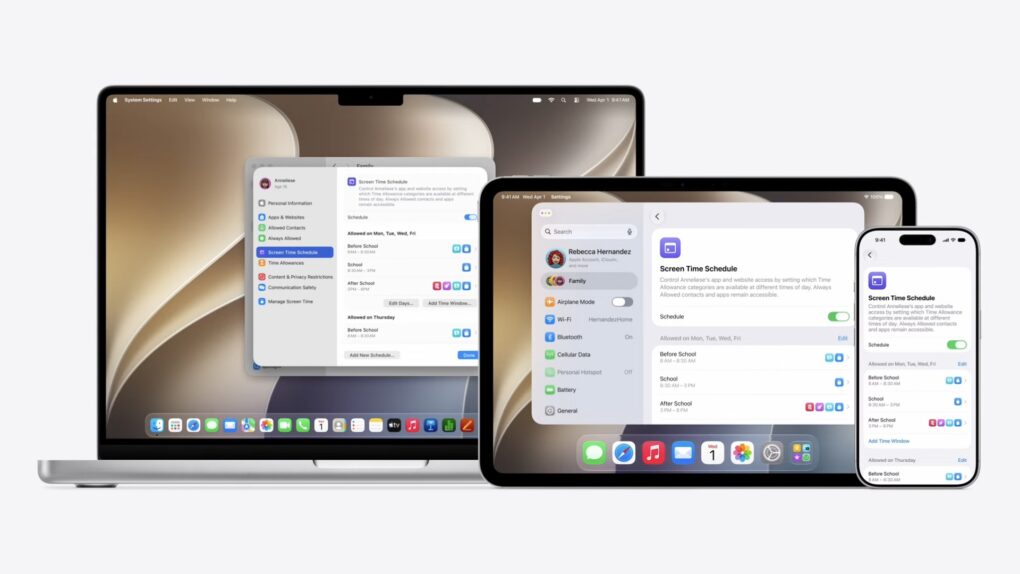
Parents can also set up Time Allowances and Schedules for different app categories and websites. For instance, you could allow your kids access to only educational apps before and during school hours. And after school, they could use social media apps and games.
There are plenty of other new features in macOS 27. You can now resize iPhone apps while using iPhone Mirroring. Apple also added support for the swipe-down-to-refresh gesture in Safari, Mail, News and other first-party apps. Plus, macOS 27 offers better support for ultrawide displays.
macOS 27 Golden Gate will only work on Apple silicon Macs, dropping support for Intel Macs entirely. It launches later this year.

Rajesh has been writing about consumer technology for over a decade, with a strong focus on iPhones, Macs and Apple’s ecosystem. He enjoys digging into Apple software updates, hardware changes, and discovering new Mac apps that make work faster and more enjoyable.
You can reach out to him at mail[at]rajeshpandey.me.

