Check out our recommended iPhone accessories. We have a selection of the best cases, chargers, MagSafe accessories and more.
iPhone charger
A high-quality iPhone charger can top your phone up faster. The most important stat to look at is its wattage — the basic 5W charger from years ago will take forever to top up your phone. The standard plug on chargers is now USB-C, a compact and reversible port.
This 35W Dual USB-C Port Compact Power Adapter allows you to charge two devices at the same time, whether you’re at home, in the office, or on the go. The compact size and folding prongs make it easy to pack and store.
Apple also makes a charger with two USB-C ports in one with a higher power 35W output. Its compact shape is easy to stow in a travel bag. Charge two iPhones, an iPhone and Apple Watch or any USB-C device overnight.
Apple sells a 1 meter (3 foot) and 2 meter (6 foot) charging cable for both the USB-C and Lightning cords. The 3 foot cable is enough to reach a nightstand from a nearby outlet, but if you want a cable with longer reach, you’ll probably want to use the 6 foot version — especially if you plan on holding and using the phone while it’s plugged in, or if your outlet is far away from where you use it.
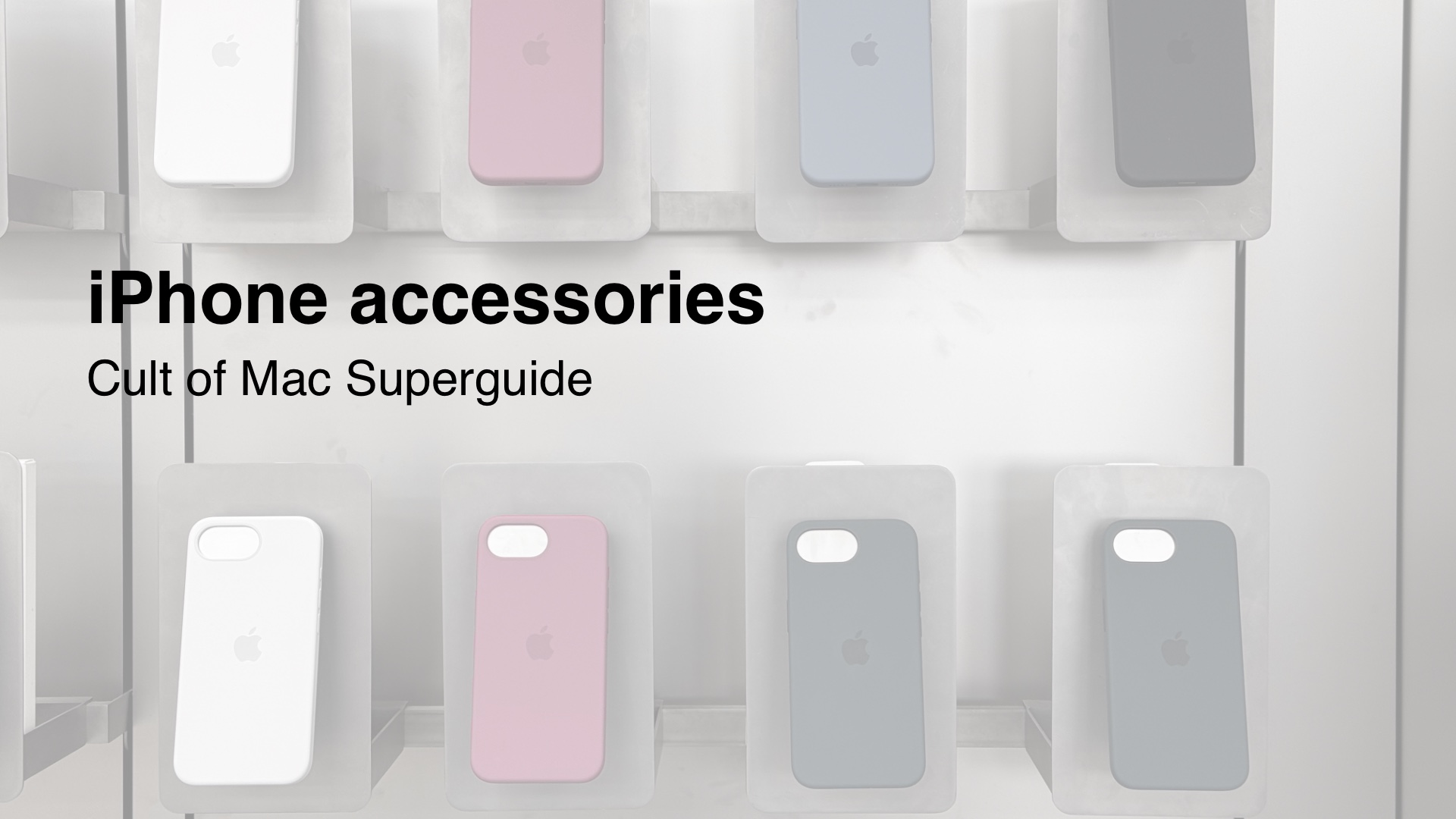
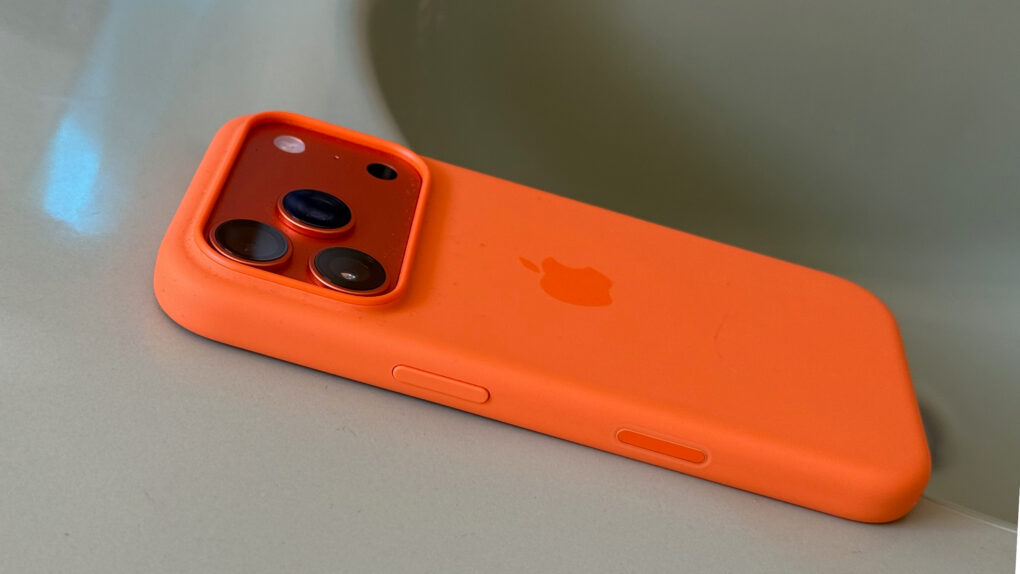
Apple official cases are made with high-quality materials. They’re also available on day one, as soon as the models are released. The silicone cases have a soft-touch feel, with high-quality metal buttons that are differentiated from the body and easy to press in your pocket.
On the iPhone 16 line, the cases have a capacitive cover over the Camera Control button that makes it just as easy to use.
Otterbox phone cases
Otterbox has a full line of iPhone cases that span a wide range of styles. Their latest cases are fully compatible with the iPhone 16 line and its Camera Control button in the bottom right.
Zagg is a popular brand of glass screen protectors. These are a great first line of defense to prevent your phone from shattering — iPhone screen repairs can be very expensive. Zagg makes glass screen protectors for nearly every model of iPhone.
A waterproof pouch for your phone can be a valuable tool for the beach, rafting, going to the pool or any other water activity. It’s ideal if you want great protection but don’t want to encase your phone in a bulky case.
MagSafe
MagSafe is the name for accessories, cases, stands, chargers, wallets and more that attach to your iPhone magnetically. The feature was introduced on the iPhone 12 and is compatible with all subsequent models.
This cable has a MagSafe connector for easy charging. The 6 foot length is ideal using your phone while you charge. It supports fast charging at 25W and 30W for topping up quick.
A MagSafe charger can charge at speeds up to 25W on the latest iPhone 16. Most officially certified MagSafe devices charge at 15W, while other third-party “MagSafe-compatible” devices only charge at 7.5W.
Charge your phone using this convenient MagSafe battery pack from Anker. It has a built-in display to show charging status. The folding stand will prop up your phone like a display.
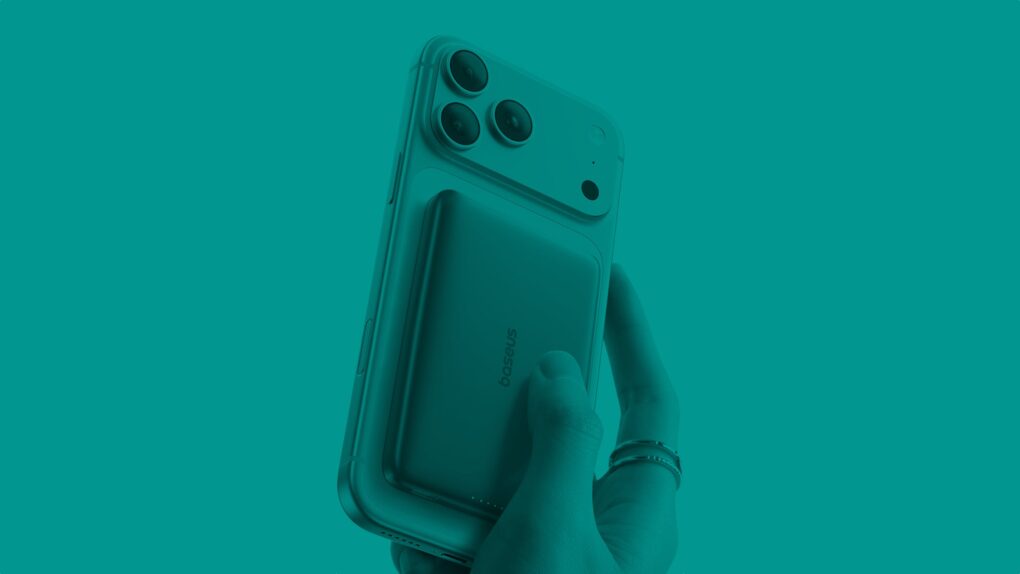
You can also find MagSafe battery packs, if you want to top up your battery without dealing with a messy cable in your pocket. MagSafe car chargers let you quickly prop up your phone with navigation, while charging it up as well.
A thicker case will prevent your iPhone from connecting to MagSafe, as the magnets will not be able to make a strong connection. But a MagSafe case will include the same pattern of magnets built in, so that you can keep using the same accessories.
MagSafe wallets
If you want to carry around a small handful of cards, you can carry them in a magnetically attaching MagSafe wallet.
★★★★☆
The Moft Trackable Snap-on Phone Stand & Wallet beats most rivals thanks to Apple's Find My support. Photo: Ed Hardy/Cult of Mac
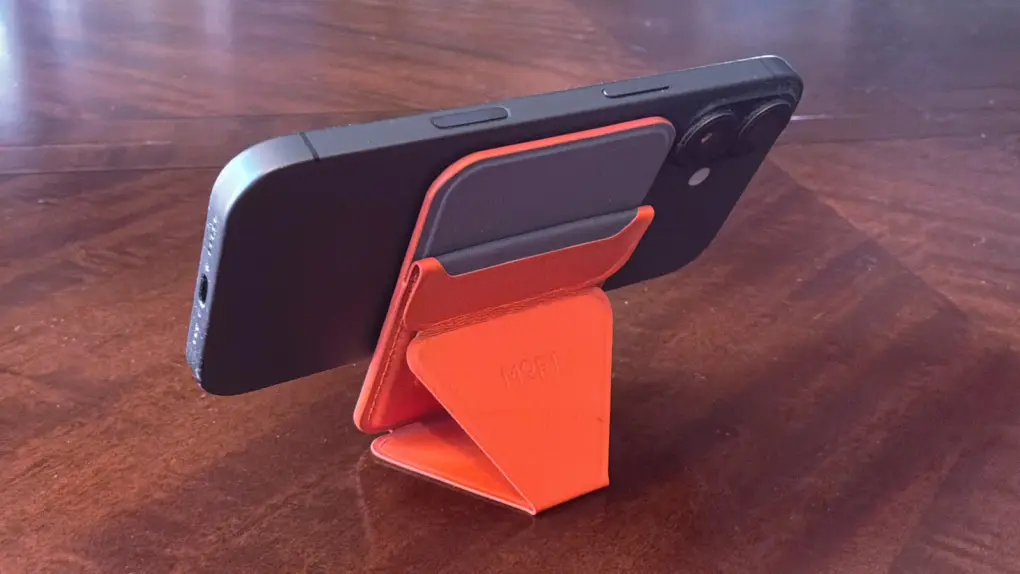
Moft managed to pack an amazing number of features into the Trackable Snap-on Phone Stand & Wallet, an iPhone accessory that’s a mere quarter of an inch thick. It’s a wallet that clings magnetically to your handset that also acts as a convenient travel stand. Even better, you can track its location from your phone with Apple’s Find My app.
Want more? Moft also offers the Trackable Tripod Wallet, a premium version that’s a bit thicker but acts as an elevated stand and selfie stick with a Camera shutter button.
I put both accessories through real-world testing, and one of them found a permanent place in my pocket.
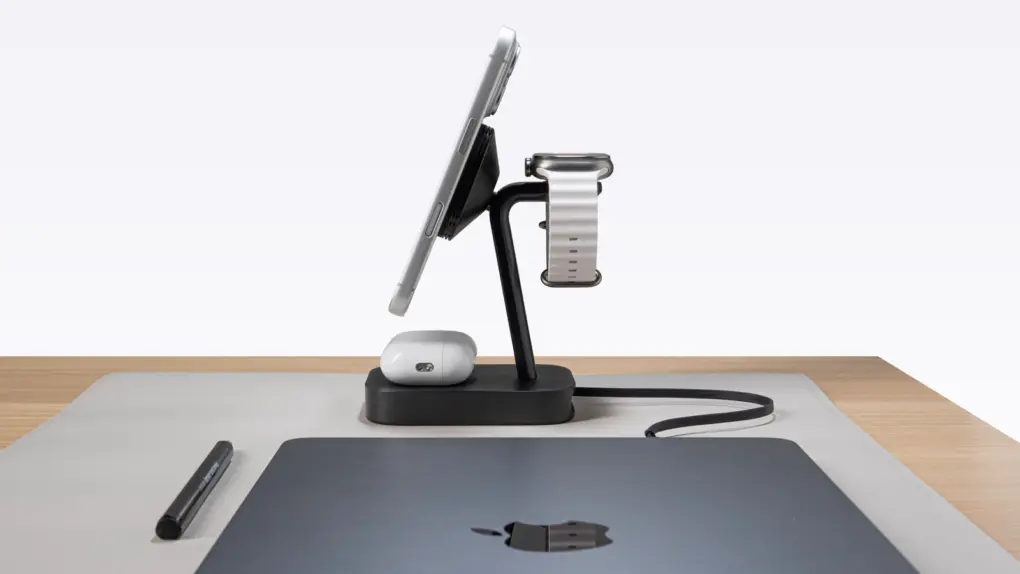
The Mophie 4-in-1 Wireless Charge Stand works faster because of StealthCharge tech. Photo: Mophie
Mophie makes loads of wireless chargers, so it’s as aware as anyone of the flaws in the technology. That’s why it developed StealthCharge, its improvement to Qi2.2 that lets wireless chargers run more quickly because they stay cooler.
The tech is built into two new desktop chargers plus a travel one. Apple likes these enough that all three are available from the Apple Store, as well as directly from Mophie.
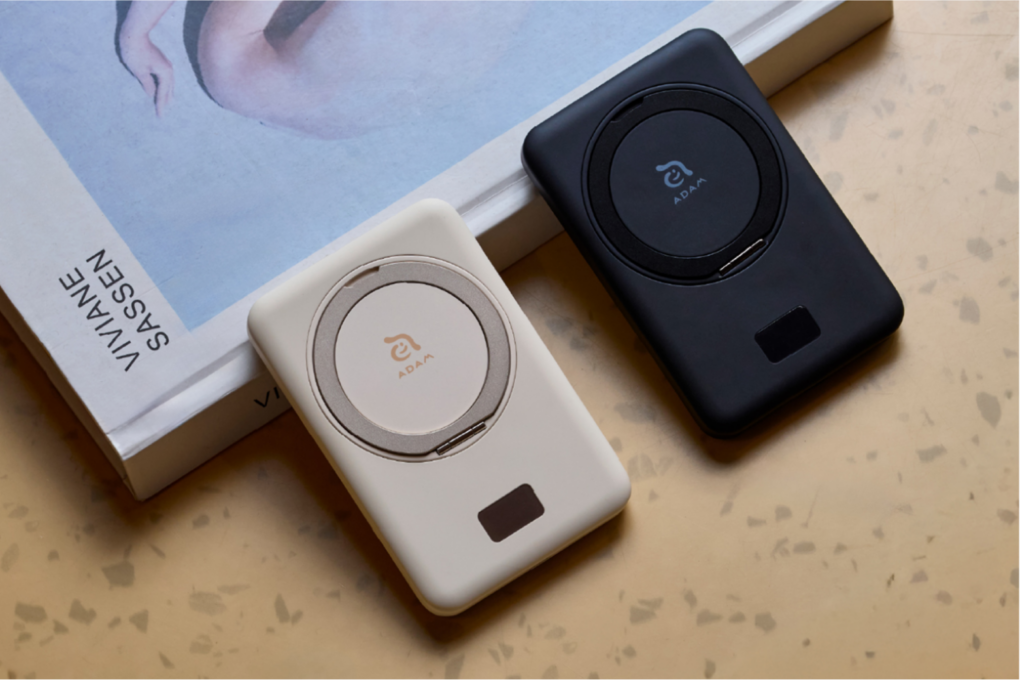
Get this dual-output magnetic charger by Adam Elements while it's 20% off! Photo: Cult of Mac Deals
Some power banks feel like a compromise until your phone finishes recharging: You plug in, put your iPhone down and wait. The Vionta B5 solid-state power bank by Adam Elements attaches magnetically to your iPhone, charges it wirelessly and flips out into a 360-degree adjustable stand so you can keep using your phone while it tops off.
★★★★☆
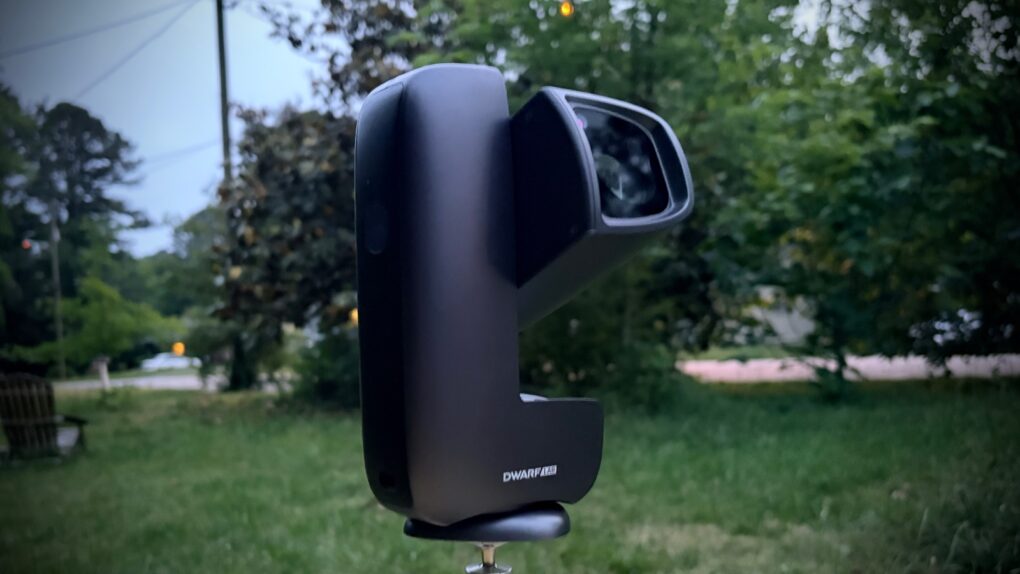
The DwarfLab Dwarf Mini captures gorgeous pictures of the cosmos, despite its small size. Photo: Ed Hardy/Cult of Mac
The Dwarf Mini smart telescope from DwarfLab cooperates with your iPhone to help you take amazing pictures of the stars — even in locations where you probably think it’s impossible. And it’s all thanks to the miracle of long-exposure images.
Even better, the telescope is comparatively tiny and sets up in minutes.
As a long-time stargazer, I was thrilled to test out the Dwarf Mini. And even more thrilled with the results.
★★★★☆
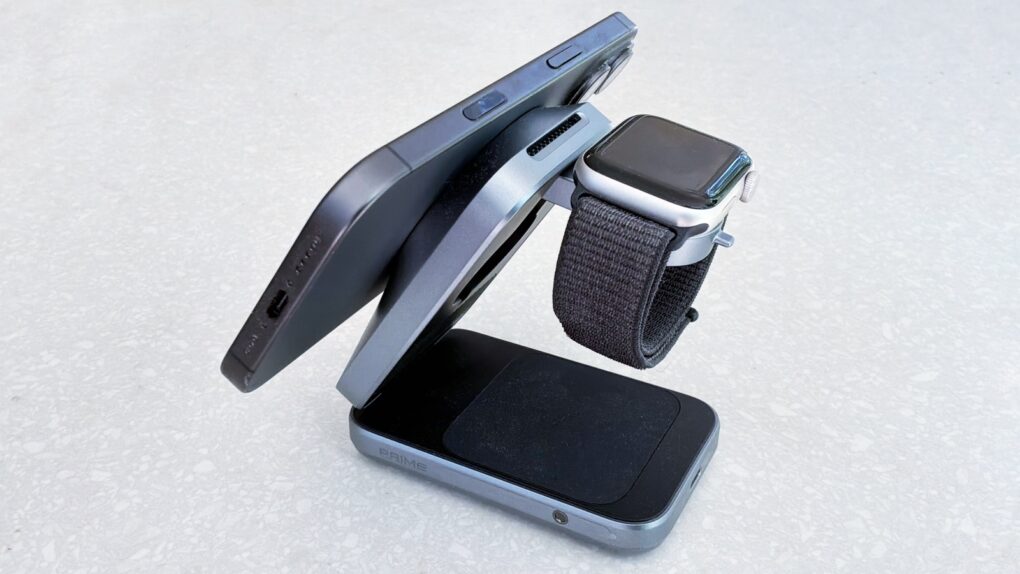
Juice up your iPhone, Apple Watch and more with the Anker Prime Wireless Charging Station. Photo: Ed Hardy/Cult of Mac
No patience for slow wireless chargers? Then you need to check out the Anker Prime Wireless Charging Station. It delivers up to 25W, and so can give an iPhone 17 a nearly 50% charge in half an hour. There’s even a fan to keep things cool.
At the same time, the accessory boasts charging mats for an Apple Watch and an AirPods wireless charging case. And it folds up for easy travel.
I put Anker’s sleek 3-in-1 fast-charger through its paces for this review. Here’s what I learned.
★★★★☆
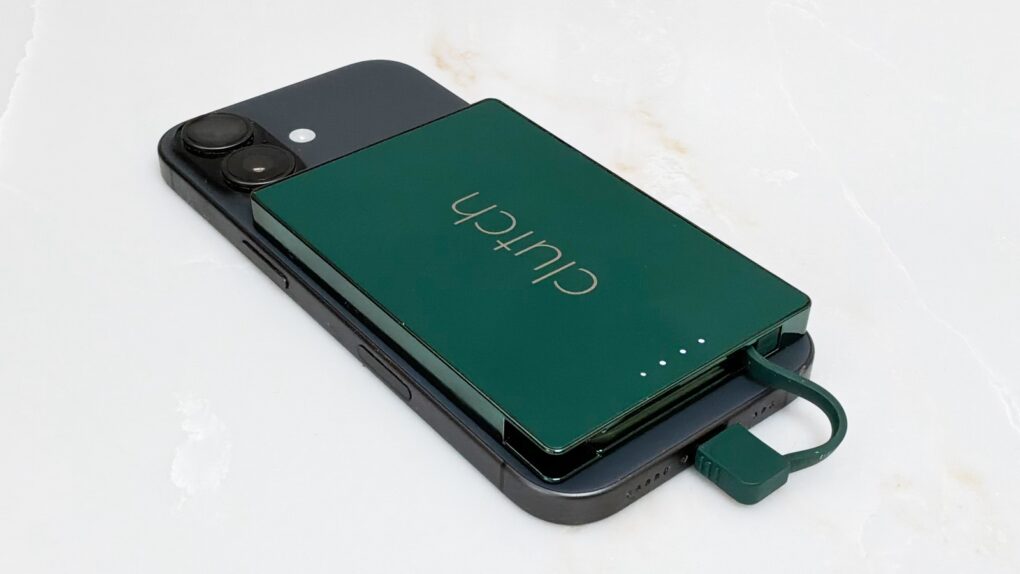
With Clutch Pro, you can have a slim power bank while avoiding wireless charging. Photo: Ed Hardy/Cult of Mac
The Clutch Pro is for anyone who wants a very slim power bank that magnetically attaches to their iPhone, but who doesn’t like wireless charging. This tiny 5,000mAh external battery includes a USB-C connector on a cable for easy charging.
I tested it with my iPhone 17 and my iPad too. Here’s why I like it.
Apple's silicone cases feel silky smooth and come in a variety of vibrant colors. Photo: Lewis Wallace/Cult of Mac
Apple’s iPhone cases provide stylish protection, and a new deal cuts $9.01 off the price of various Silicone, Clear and TechWoven models for iPhone 17, iPhone 17e, iPhone 17 Pro and iPhone 17 Pro Max.
As you might expect, the company’s cases fit its smartphones perfectly. This sale applies to cases for various models in multiple colors and sizes. And if you happen to own an iPhone Air, you can currently save a whopping 54% on a bumper case.
★★★★★
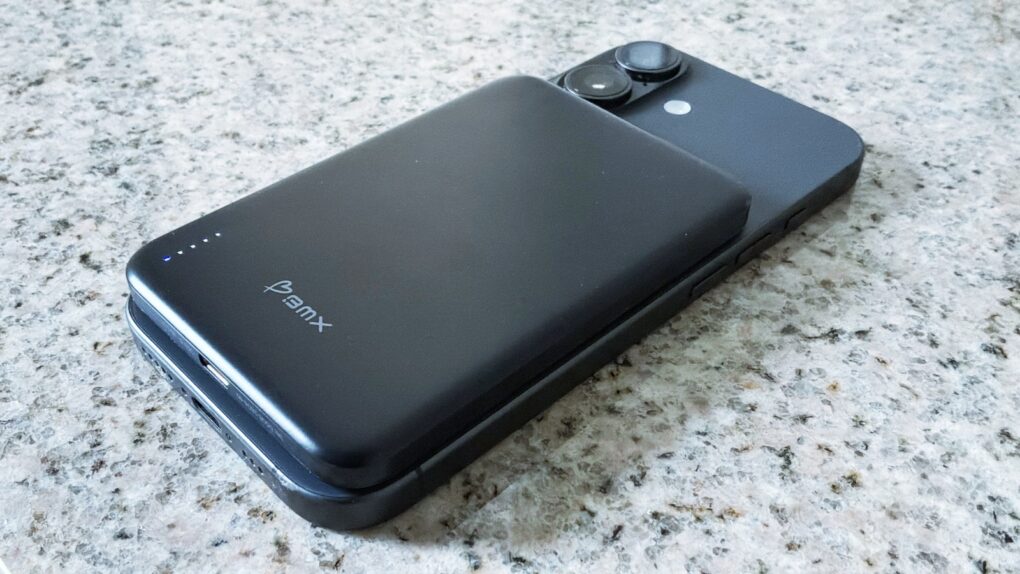
The BMX SolidSafe Air keeps my iPhone 17 going for an extra day. Photo: Ed Hardy/Cult of Mac
The BMX SolidSafe Air is the MagSafe power bank we’ve been waiting for. It’s a mere 0.27 inches (6.88mm) thin — slimmer than the iPhone 17 I tested it with.
The 5,000mAh iPhone accessory features a semi-solid-state cell design to reduce fire risk and a lightweight titanium build.
Here’s why it was such a pleasure to test out. This is the best MagSafe power bank I’ve ever used.
★★★★☆
The Twelve South PowerCapsule can juice up your iPhone anytime, anywhere. Photo: Ed Hardy/Cult of Mac
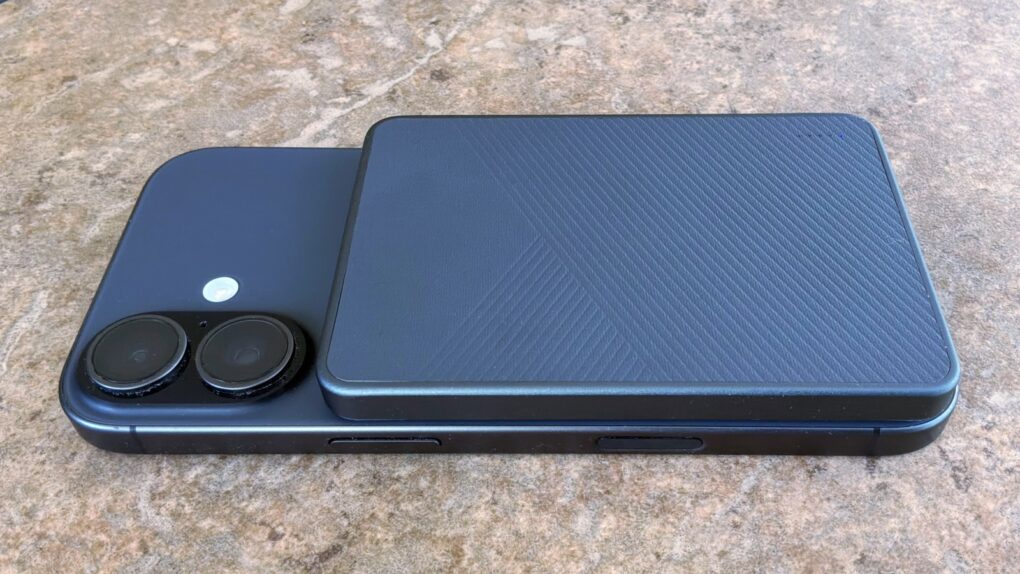
When my iPhone battery needs a quick boost, the Twelve South PowerCapsule is ready to keep it going for the rest of the day. It conveniently clings to the handset magnetically so no cable is needed.
As a bonus, the accessory looks great. It closely matches the look of my iPhone 17. And it fits easily in a pocket.
I tested the PowerCapsule in my home and on the go. Here’s how it stands up in real-world use.
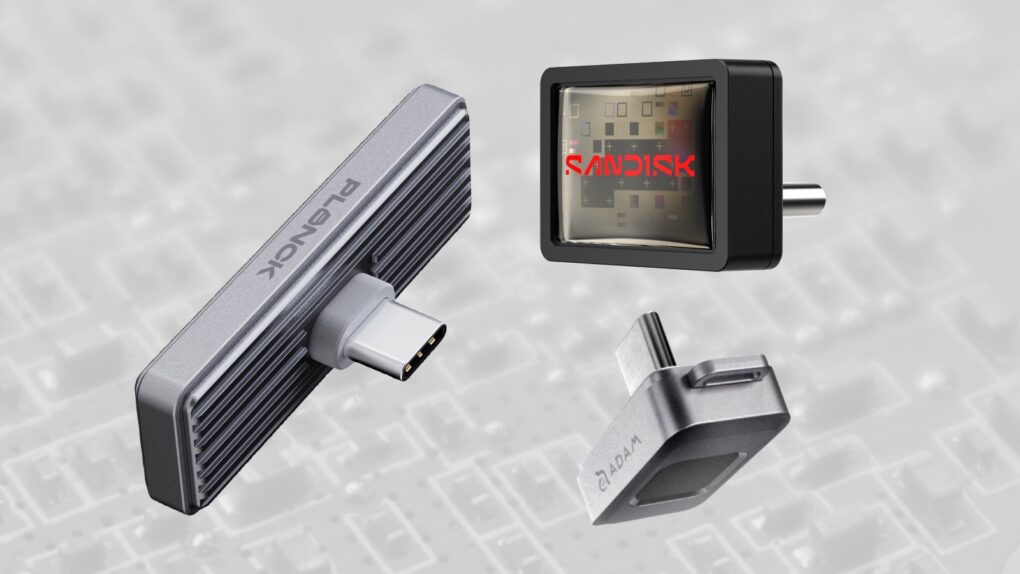
Whether you want fast, secure or affordable, we found the best iPhone SSD options. Image: Cult of Mac
Adding storage space to your iPhone is easy — you just need the right SSD. I’ve tested ones that work with Apple’s handset and found three standout options for holding gigabytes of images, video and more without massively bulking up the handset.
So here are the best SSDs for your iPhone. All you need to do now is decide whether you want the tiny drive to emphasize speed, security or affordability.
★★★★★
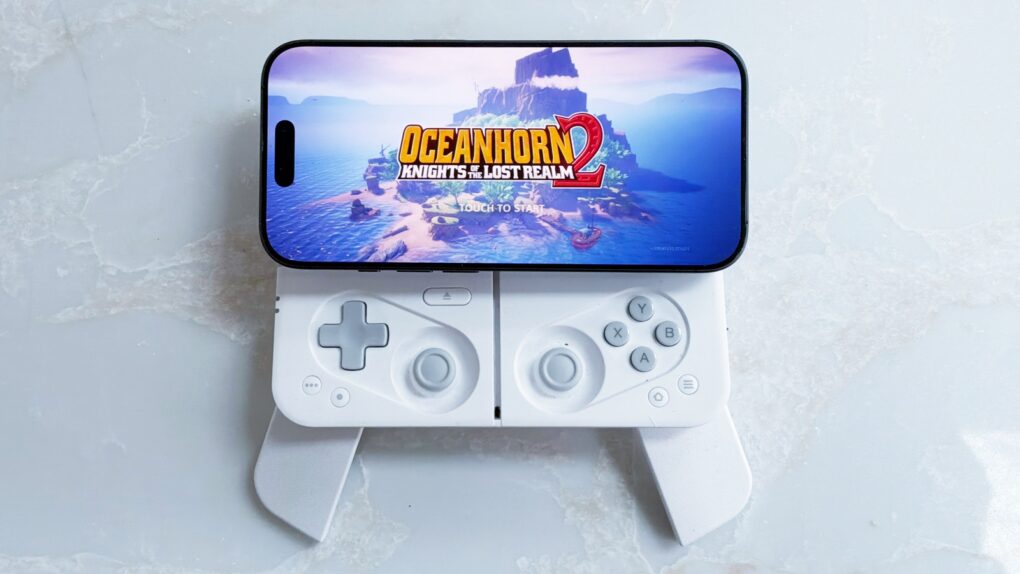
The Ohsnap Mcon uses an innovative design that makes it portable and flexible. Photo: Ed Hardy/Cult of Mac
The Ohsnap Mcon doesn’t just rethink the mobile gaming controller — it practically throws the old playbook in the trash, delivering one of the most flexible and genuinely portable ways to play on the market today.
Even better, you can easily use it with your iPhone, but also your iPad and Mac.
I spent many hours playing games with the innovative controller — here’s why I love it.
★★★★☆
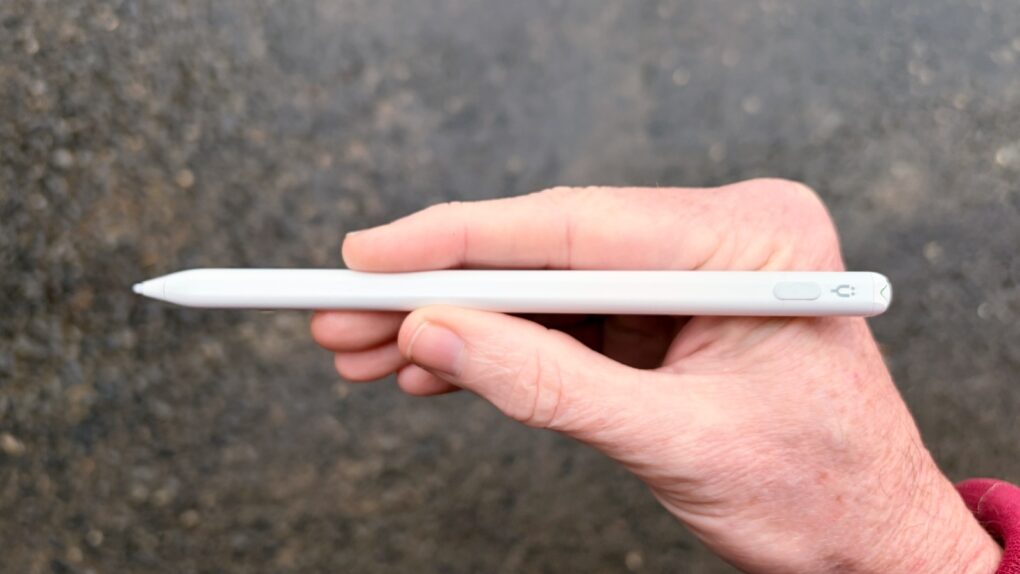
This affordable iPad stylus has a trick no Apple Pencil can match. Photo: Ed Hardy/Cult of Mac
Stop feeling frustrated that Apple Pencil works with iPad but not iPhone. The Tinymoose Pencil Pro Ultra supports Apple tablets and handsets.
Beyond iPhone support, the stylus offers iPad users palm rejection, zero lag, Scribble support, magnetic attachment to the tablet and more.
I tested the affordable accessory with both iPad and iPhone — here are the results.
★★★★☆
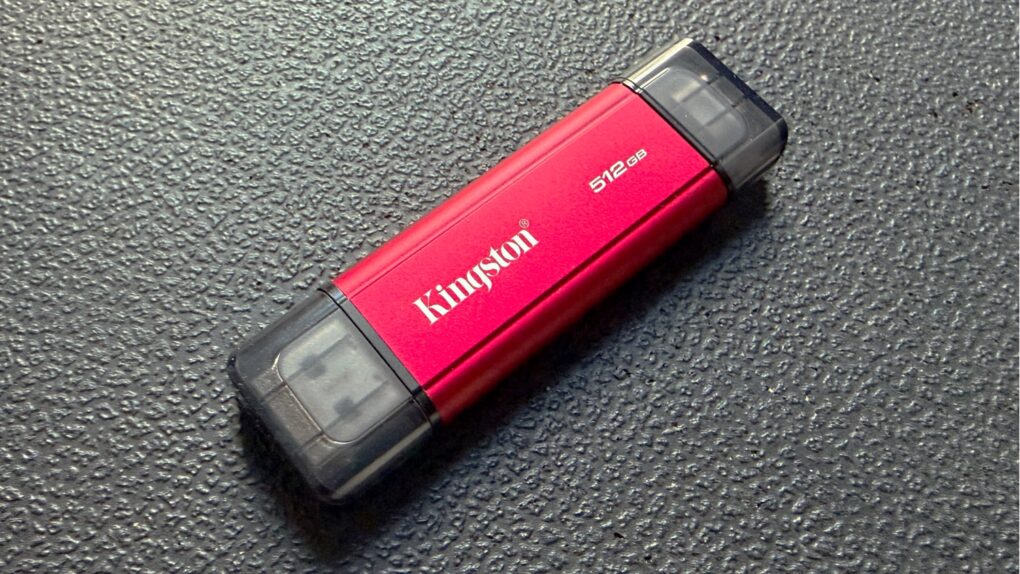
This portable SSD bridges the gap with both USB-A and USB-C connectors. Photo: Ed Hardy/Cult of Mac
The Kingston Dual Portable SSD brings up to 2TB of storage to anyone in the process of transitioning from the old USB-A to the smaller USB-C standard. It’s small enough to easily carry around, and fast enough to quickly handle large files.
I ran tests on the drive to see how the portable SSD fares in real-world use. Read on to see how well it performed.
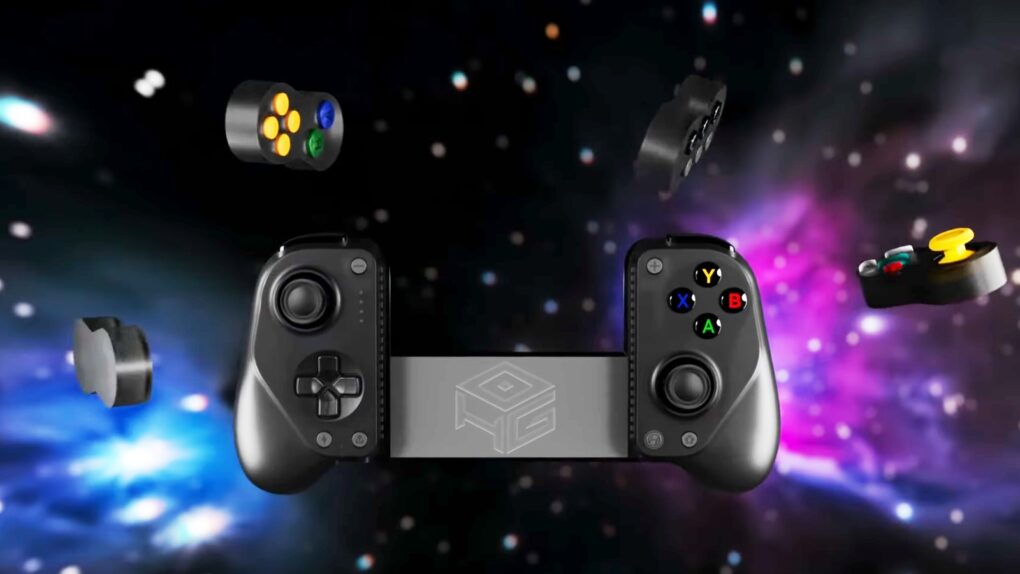
It took the talents of two companies to create an iPhone game controller this innovative. Graphic: GameSir/Hyperkin
The GameSir x Hyperkin X5 Alteron is the world’s first fully modular mobile game controller. A variety of buttons and sticks in removable modules can be swapped in and out from either side. Plus, the device telescopes to fit around your iPhone, iPad or Android.
It offers innovation that stands out in the market for side-mounted controllers.
Add terabytes of secure, high-speed storage to your iPhone for recording ProRes video. Photo: BMX
A ByteSize SSD from BMX is small enough to fit snugly along the bottom of a iPhone with USB-C, adding up to 2TB of storage. The Ultra and Pro variants offer fast enough connections for recording high-res, high-frame rate ProRes video.
But what really sets the premium variant of the new portable SSDs apart from rivals is support for Apple FindMy tracking system. Plus, multiple models also include fingerprint biometric security.
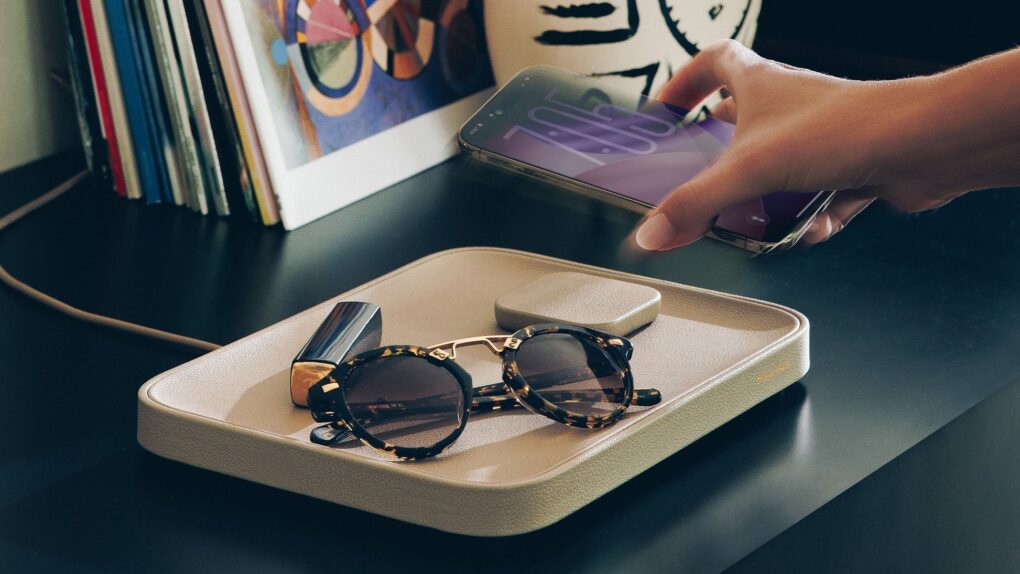
Perhaps what your bedside needs is a Valet. Photo: Twelve South
The Twelve South Valet combines a wireless charger with a Nappa leather-lined tray to hold your keys, glasses, wallet and more. It’s stylish and practical, powering up your iPhone or AirPods while keeping your essentials organized.
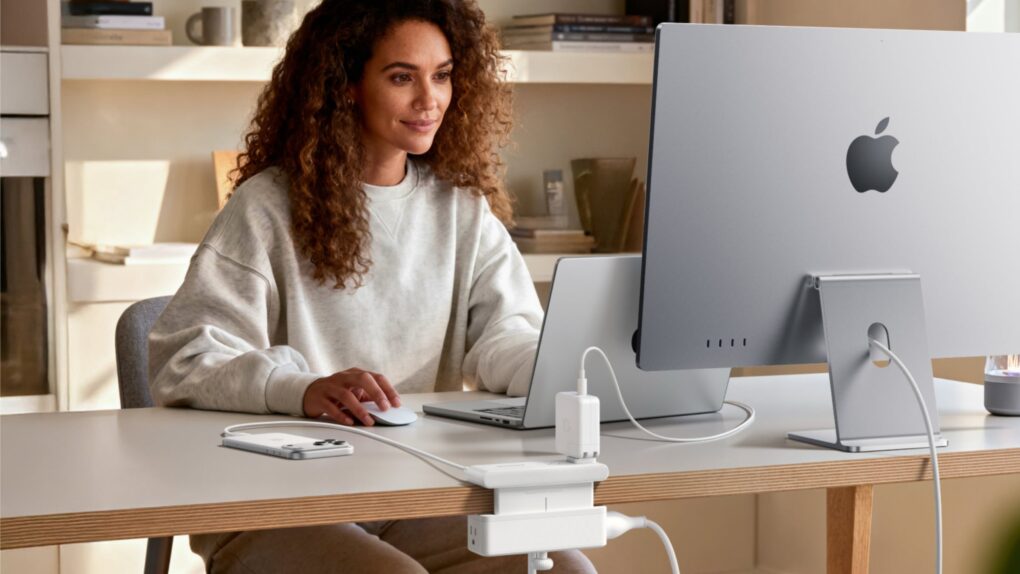
Anker's new chargers are designed to excel with Apple products. Photo: Anker
Anker just added four new models to its charging lineup, with features that make them smarter and faster than ever.
Standouts include a tiny 45W charger with a smart display that can identify your iPhone model for a “tailored charging solution” and a 13-in-1 docking station with a 6-port hub that pops out so you can take it on the road.
★★★★☆
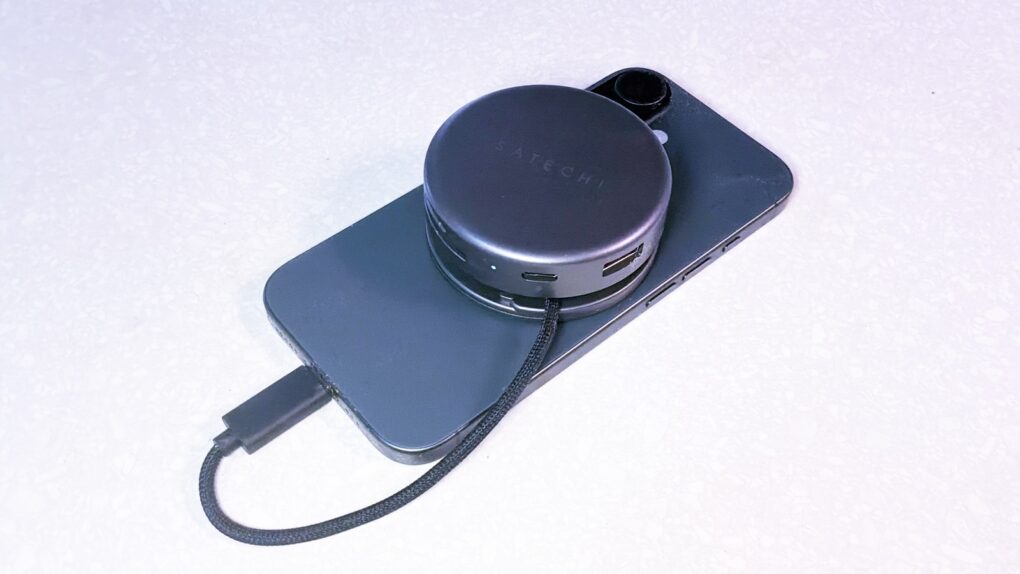
Satechi OntheGo 7-in-1 Multiport Adapter helps creators and travelers do what they need with their iPhone. Photo: Ed Hardy/Cult of Mac
Your iPhone is a powerful computer held back by its single port. Connect the Satechi OntheGo 7-in-1 Multiport Adapter, and you can connect to a wide range of accessories — external monitors, SSDs and more — all without adding too much bulk. It really builds upon the phone’s capabilities.
I’m not saying it’ll turn your iPhone into a mini MacBook, but if you’re toting a laptop on trips simply to watch TV shows or give a presentation on a large screen, this hub is for you.
Plus, it stands out by connecting to the MagSafe magnets built into your iPhone, so the accessory conveniently clings to the back of your device.
I tested it out with my iPhone 17 to see what the multiport adapter has to offer. Here’s what I found.
★★★★☆
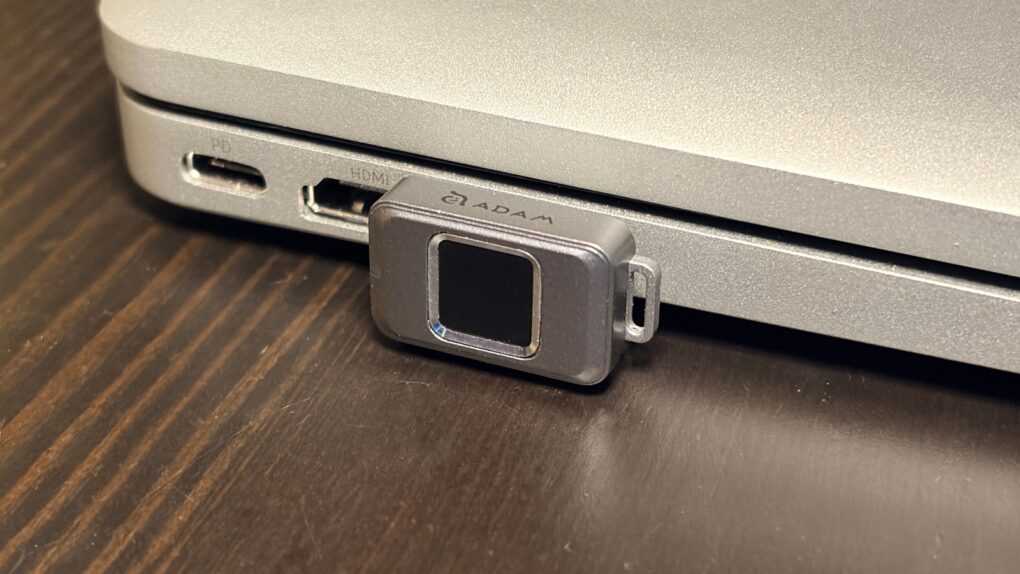
Easily secure your privacy with the iKlips S. Photo: Ed Hardy/Cult of Mac
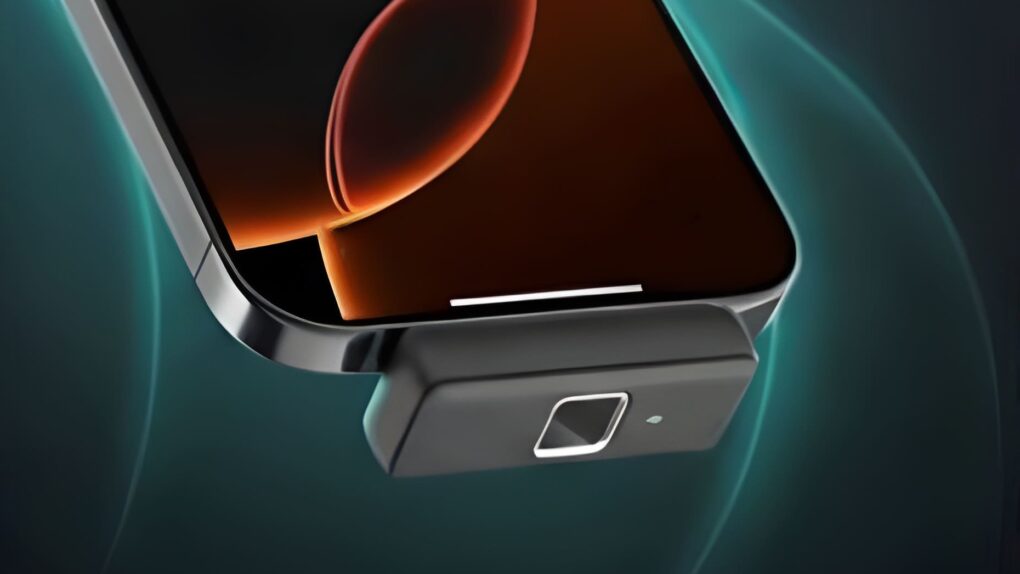
No one but you can access the files stored on the iKlips S, a tiny SSD from Adam Elements. Simply tap your finger on the drive to unlock it. The biometric security system is similar to Apple’s Touch ID and keeps everything on the SSD private. No passwords are necessary.
File transfers are quick, and the drive uses USB-C, so it works with a broad array of computers, including Mac, iPad and iPhone.
I put the iKlips S through testing for this review and came away quite satisfied with its performance. Just be aware, though, that you’re paying a premium for the extra security. We can get you a 30% discount, though!
★★★★☆
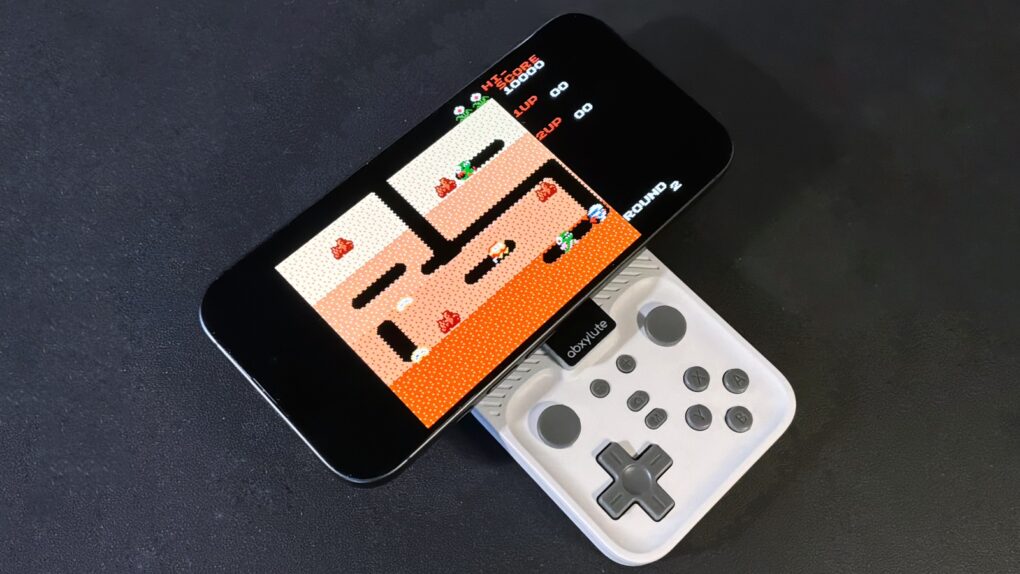
Your iPhone is always ready to have fun with the Abxylute M4 game controller. Photo: Ed Hardy/Cult of Mac
The Abxylute M4 game controller is genuinely pocket-size, but clip it to your iPhone and you’ll have all the buttons and sticks you want to play retro and modern games.
It clings to your iPhone’s MagSafe connector, plus it includes a stand for detached gaming.
I enjoyed testing out the pint-size game controller with my iPhone 17, as long as I accepted the reasons for its necessary limitations. The affordable price helped a lot, too.
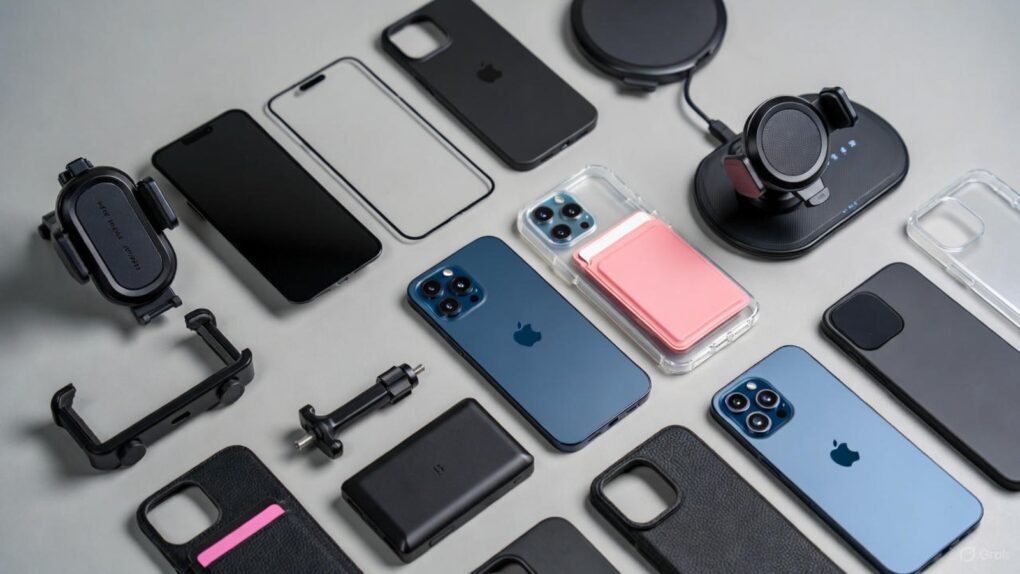
Make the most of iPhone 17 Pro Max. AI image: Grok
iPhone 17 Pro Max is Apple’s most advanced smartphone to date, featuring the powerful A19 Pro chip, an innovative vapor chamber cooling system and the best battery life ever in an iPhone. With its stunning 6.9-inch Super Retina XDR display protected by Ceramic Shield 2 and revolutionary camera capabilities, this device is engineered for excellence. However, even the most sophisticated technology benefits from the right accessories to unlock its full potential — so check out our 10 must-have iPhone 17 Pro Max accessories below.
Whether you’re a creative professional pushing the boundaries of mobile photography, a power user who demands all-day productivity, or simply someone who wants to protect and enhance their significant investment, the right accessories can transform your iPhone 17 Pro Max experience. From tough-as-nails screen protectors to wireless chargers that deliver blazing-fast 25W speeds, and from professional-grade camera lenses to ultra-slim power banks that slip into your pocket, today’s accessory ecosystem offers unprecedented versatility.
At these prices, these hot iPhone accessories must be flying off the shelves! Image: Cult of Mac
Missed out on great Black Friday deals on useful iPhone accessories? Worry not! Cyber Monday gives you another chance to score them at genuinely tempting prices.
Whether you want a MagSafe power bank, a multi-port GaN charger or a set of AirTags, you can pick them up at big discounts and upgrade your setup without spending much. With so many deals live already, it’s the perfect chance to stock up on some useful iPhone accessories for daily use.
★★★★☆
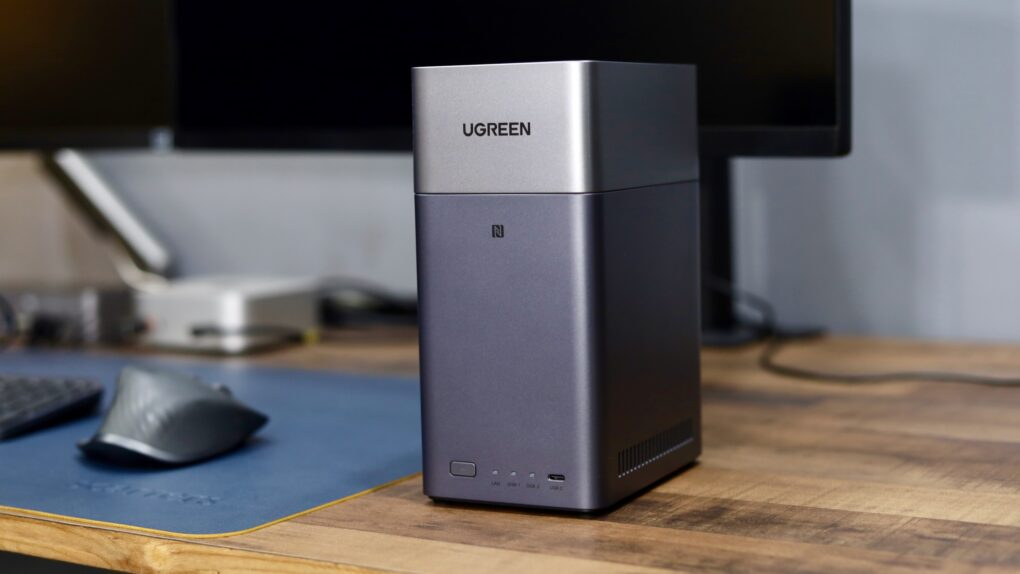
The Ugreen DH2300 will cut down your reliance on cloud storage. Photo: Rajesh Pandey/Cult of Mac
Ugreen’s DH2300 and DH4300 Plus are network-attached storage devices for people who don’t want to handle the complexity associated with a NAS. They offer tons of local storage, simple setup and a price that makes ditching cloud subscriptions far more appealing.
I wanted a simple setup, since my family would use the NAS for backing up their devices and photos. So I tested both the Ugreen NASync DH2300 and the 4300 Plus to see how well they work.
★★★★☆
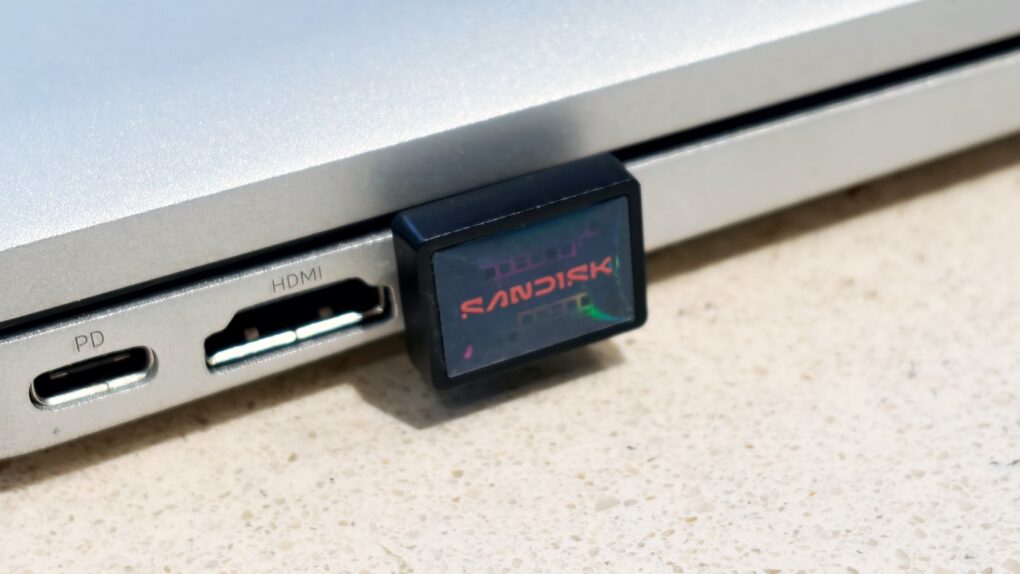
Add a terabyte of storage to your older MacBook with this affordable SSD. Photo: Ed Hardy/Cult of Mac
Sandisk gives its new Extreme Fit USB-C Flash Drive the crown as “the world’s smallest 1TB USB-C flash drive.” It’s undeniably very, very small — so tiny that you can leave it plugged into your MacBook. That means it can semi-permanently boost the storage capacity of your older notebook — and at quite a good price.
I tested the miniature external SSD with a variety of Apple devices, including my iPhone. Here’s how it stood up to real-world use.
★★★★☆
This lanyard lets you keep a convenient iPhone charging cable with you all the time. Photo: Satechi
Crossbody iPhone slings are in style, and the Satechi OntheGo USB-C Lanyard Cable is a unique addition to the category. It’s both a strap to make carrying the iPhone easy and a USB-C charging cable.
I put the accessory to the test with my iPhone 17. I especially liked that I can easily swap it between iPhone cases.