Mobile menu toggle

iPad apps

Read Cult of Mac’s latest posts on iPad apps:

Price drop: Get a versatile iPhone scanning app for $28 (works with iPad, too)

By

Scan documents with your iPhone or iPad with iScanner, now only $35.
This iPhone and iPad-compatible scanning app works wonders.
Photo: Cult of Mac Deals
With the right scanning app, your iPhone or iPad can scan documents with vivid clarity. There’s no need for a printer-size scanner — you just need your Apple gear. A great example of such an app, iScanner is now on sale for only $27.99 (regularly $199.90) with code FLASH.

Instagram for iPad arrives, 15 years late

By

Instagram for iPad
Took a while but Instagram for iPad is finally out.
Image: Meta/Cult of Mac

It took far longer than necessary, but Meta introduced on Wednesday an Instagram application that takes advantage of the iPad’s large screen.

Meta emphasizes the new app’s ability to play Reels — short videos that collectively rack up billions of views a day.

Price drop: This AI-powered app takes notes for you, then summarizes them

By

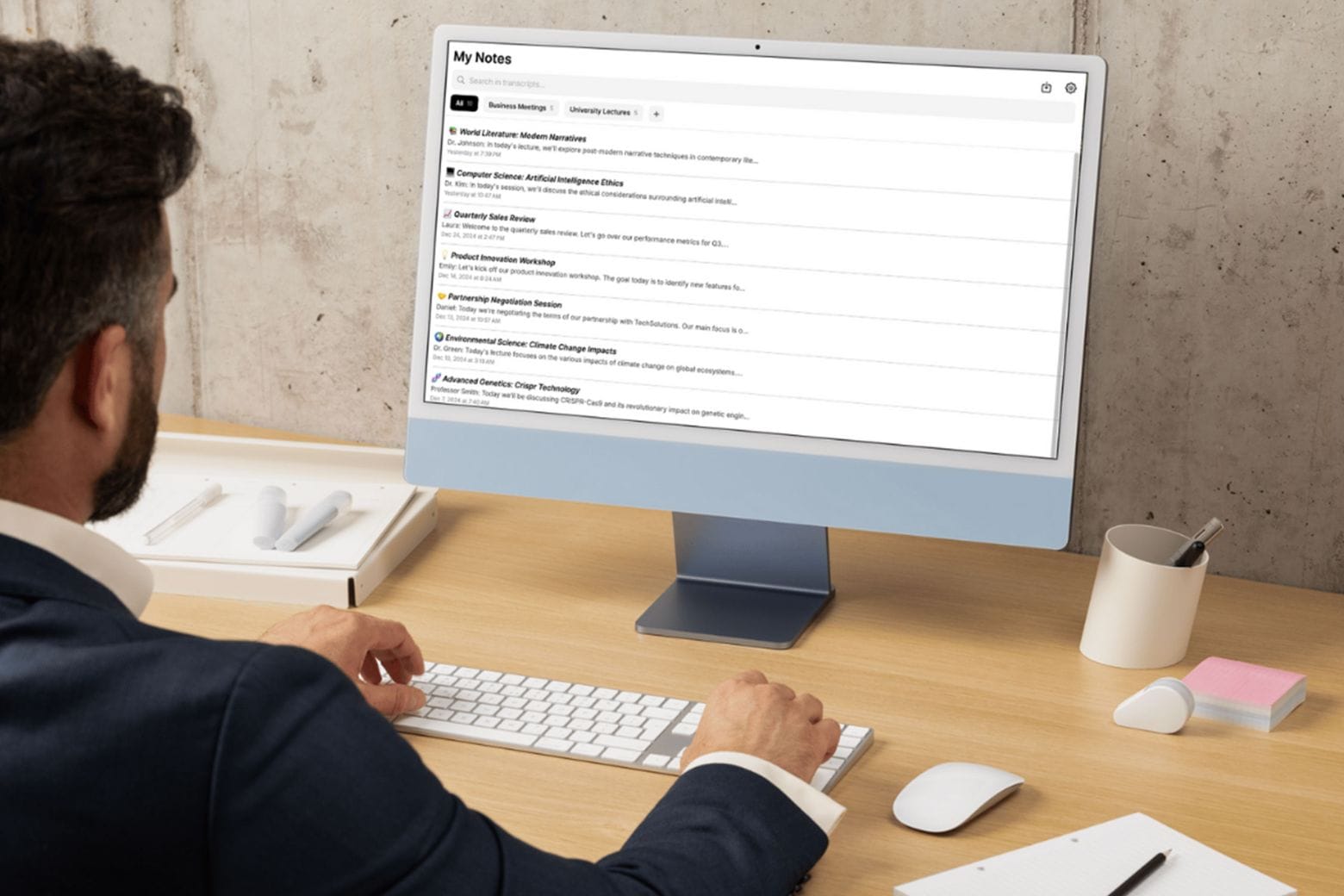
Man working in front of a computer using AI note taker app My Noes AI
Get a lifetime of unlimited transcriptions and summaries for one low price.
Photo: Cult of Mac Deals

If you ever endured a long lecture or an hours-long all-hands meeting, you know this to be true: There’s no way you can jot down every single word your professor or colleague utters. Rather than scramble and stress about missing certain parts of a presentation, you could add an AI note taker like My Notes AI to your productivity tool kit.

This AI-powered note transcription and summarization app works with your iPhone, iPad and Mac to help you catch every single word. Think of it as your very own personal assistant! You can snag a lifetime subscription to My Notes AI for just $29.97 (regularly $299) with code TAKE10. That’s the best price you’ll find online.

Instagram app for iPad moves closer to launch

By

Instagram for iPad mockup
iPad may finally get a native Instagram app.
Illustration: ChatGPT

Meta finally released a native WhatsApp app for iPad last week, following years of user requests. Now, the company appears to be going “full steam ahead” with an Instagram app for Apple’s tablet.

The app may launch as early as this year, with internal testing already underway.

The wait is over: WhatsApp launches on the iPad

By

WhatsApp for iPad
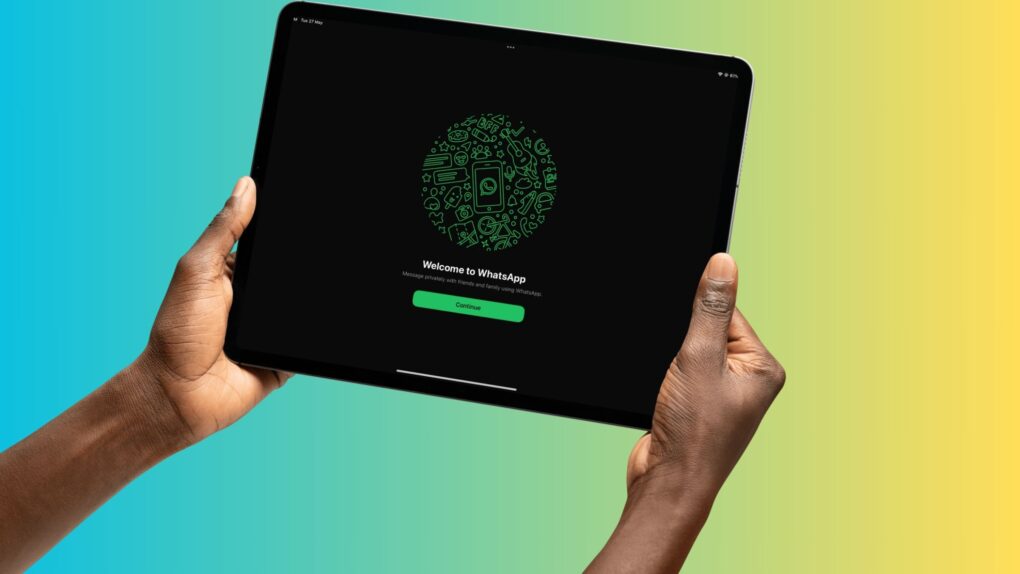
WhatsApp for iPad is finally here.
Screenshot: Rajesh Pandey/Cult of Mac

After years of waiting, WhatsApp finally landed on the iPad on Tuesday. You can now use Meta’s popular messaging service on your iPad alongside other devices.

Like on the Mac, WhatsApp’s iPad app won’t let you register with a new number. It functions solely as a companion device linked to a primary phone.

Easily identify the birds you hear with Merlin Bird ID [Awesome Apps]

By

Merlin Bird ID
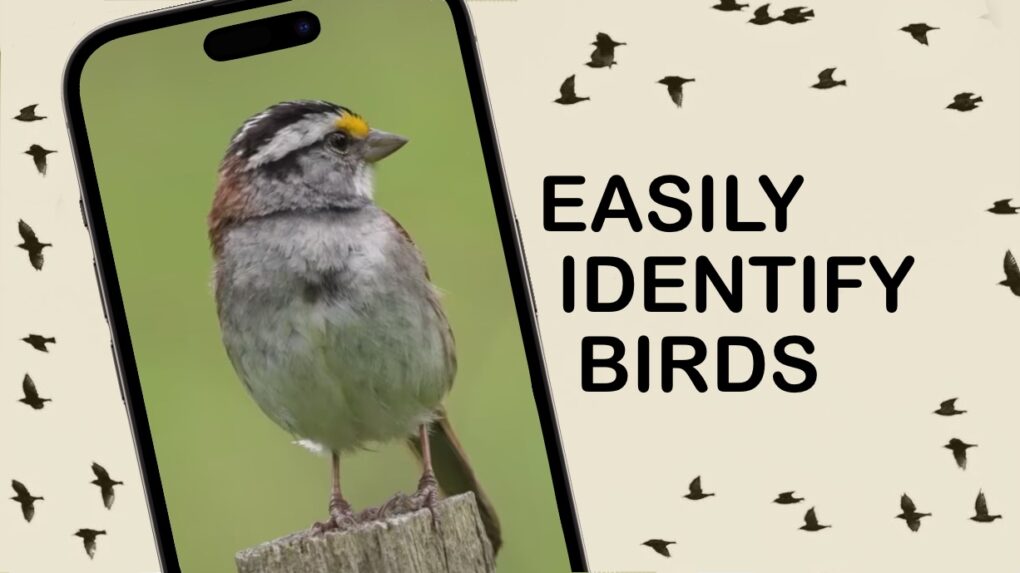
Start a new hobby with Merlin Bird ID.
Image: Cult of Mac
Awesome Apps

Spring is here, and the air is full of birdsong. The Merlin Bird ID app tells you what type of birds you’re hearing … plus it’s quick, easy and free.

With this software from the Cornell Lab of Ornithology on your iPhone, you can learn about all the birds around you — you might be surprised how many of them there are. And if you get interested, you’ll soon be able to identify them without the app.

iPad users get their own Google Gemini app

By

Google Gemini iPad
Accessing Google Gemini on iPad just got easier.
Photo: Cult of Mac

iPad users no longer have to depend on an iPhone application to access Google’s Gemini AI-powered chatbot. Software designed specifically for iPad users launched Wednesday.

This comes after Google recently introduced home screen widgets to give iPhone and iPad users easier access to Gemini.

Why Steve Jobs would love the Calculator app for iPad

By

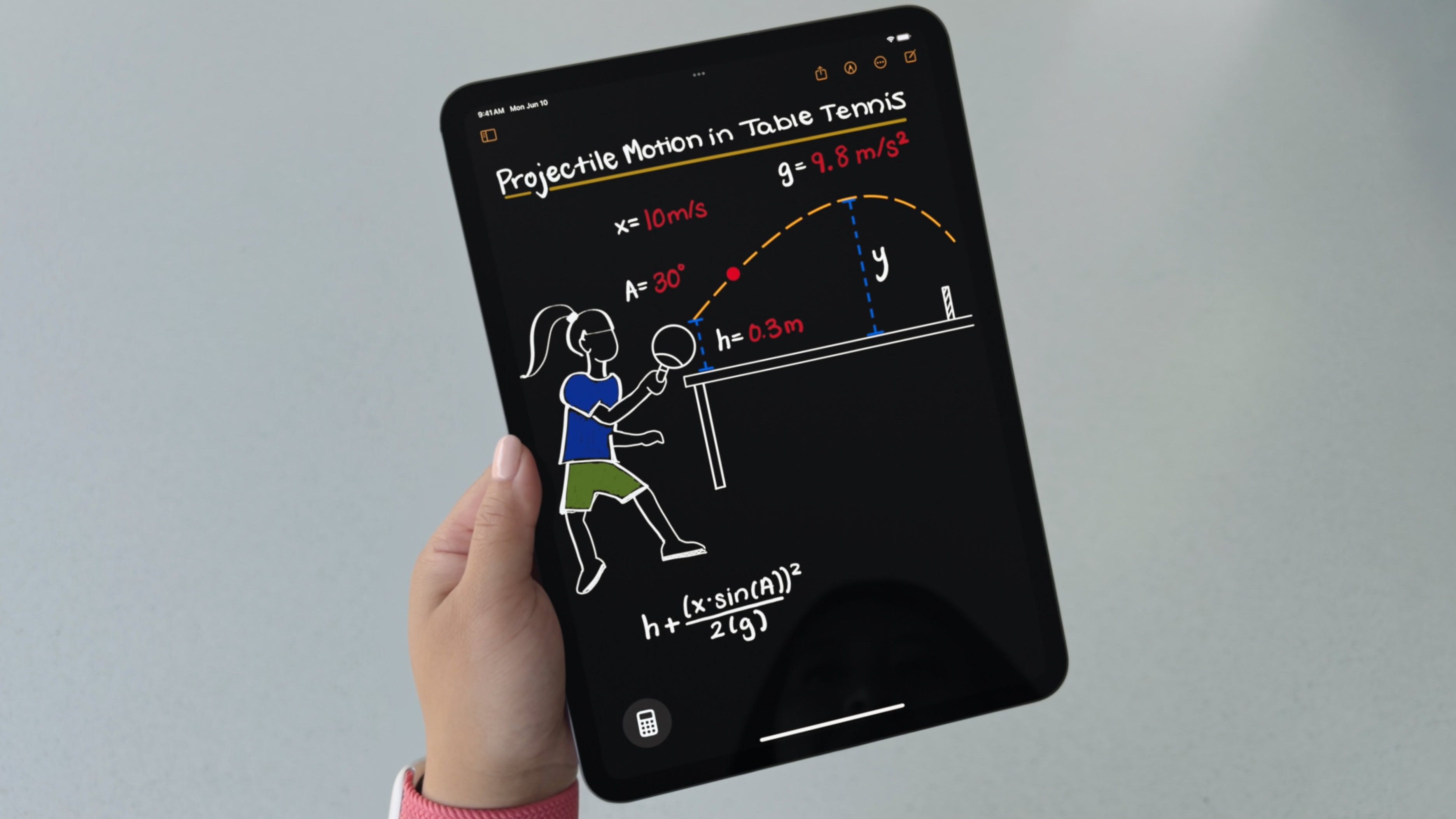
iPadOS 18 includes a Math Notes calculator
iPadOS 18 includes the Calculator app that iPad deserves.
Photo: Apple

iPad never before included a built-in Calculator app because there wasn’t one Steve Jobs felt was worthy of a tablet. That all changes with iPadOS 18, which boasts a new Apple Calculator app that you can write into with Apple Pencil.

Here’s why it’s something Jobs would be proud of.

Enjoy classic PlayStation games on iPhone with Gamma emulator

By

GammaPlay Station emulator
Gamma PlayStation emulator is a reminder that PS1 games are low-res.
Photo: ZodTTD/Cult of Mac

The just-released Gamma retro game emulator brings original PlayStation titles to iPhone. It’s ready to bring Metal Gear Solid and Final Fantasy 7 to the device you carry around everywhere.

The app is free and supports game controllers and iPad.

Draw on your Mac using Apple Pencil and iPad with new Astropad Slate

By

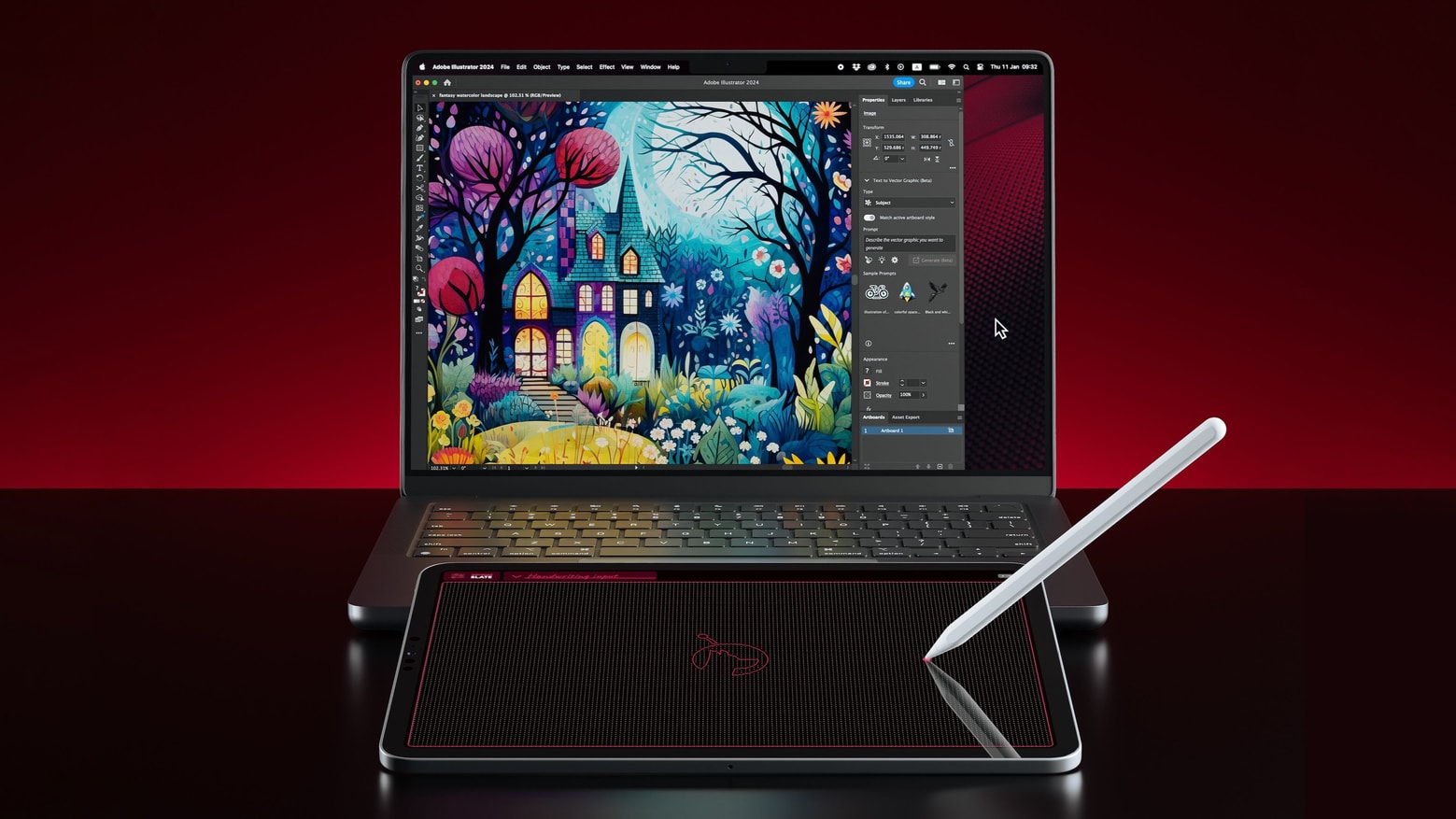
Control your Mac using Apple Pencil and iPad with Astropad Slate
Make your iPad and Apple Pencil into a drawing pad for your Mac with Astropad Slate.
Photo: Astropad

Astropad Slate turns an iPad and Apple Pencil into a drawing tablet for a Mac.

There’s no need to purchase a basic Wacom tablet or a similar accessory when the iPad and pen you already own can be used to draw into desktop creative application.

Capable, low-priced PDF editor is optimized for iOS 17

By

PDF Editor free offer
If you want a high-quality, feature-rich PDF editor but don't want to pay top prices, PDF Editor PDF Book Reader could be for you. Claim your free one-year subscription now!
Image: PDF Editor PDF Book Reader

For anyone who only needs a PDF editor to occasionally sign or modify a document, paying Adobe Acrobat’s monthly price may be too much. So it’s a good thing you have less-expensive yet feature-rich apps like PDF Editor PDF Book Reader to try.

People have relied on the app for years, and now it’s optimized with new features to work brilliantly on iPhones with iOS 17 and on iPads with iPadOS 17. Plus, Cult of Mac readers can get a free one-year subscription to the app (details below).

Best free weather apps for iPhone and iPad in 2023

By

The Best Weather Apps
There are SO MANY weather apps to choose from, but these are the best free ones.
Image: D. Griffin Jones/Cult of Mac

In a world with about 10,000 weather apps — that’s an actual estimate, not a huge exaggeration — how do you choose the best free weather app for iPhone or iPad that you can trust and that includes the features you want most? It’s not easy. But a mix of full-featured free weather apps (most with premium versions) and specialty apps can cover all the bases for you.

We’ll go over some of the best weather apps below, whether you just want to avoid getting wet or if you’re a total weather freak who can’t get enough data, visual or otherwise.

TikTok app finally optimized for iPad [Awesome Apps]

By

TikTok for iPad in Landscape
At long last, there's actually a reason to put the TikTok app on your iPad.
Graphic: Ed Hardy/Cult of Mac
Awesome Apps

The TikTok application just got a major revamp for iPad users. And that includes both portrait and landscape orientations.

It’s a significant change for an app that previously emphasized handsets well ahead of every other device.

Edit video on iPhone and external drives with powerful LumaFusion [Awesome Apps]

By

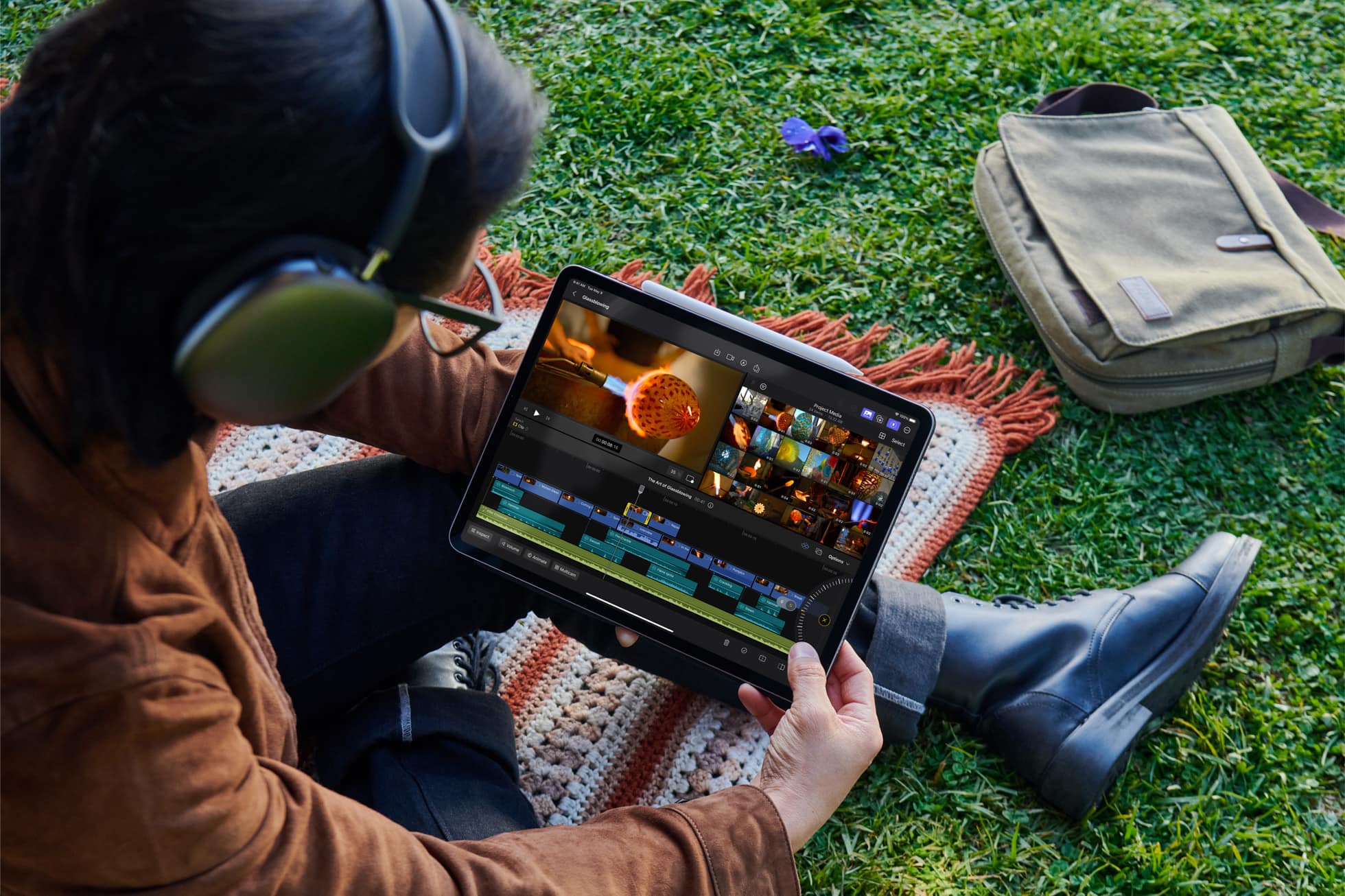
Edit video on iPhone and external drives with powerful 'LumaFusion'
With LumaFusion, you don't need storage space on your iPhone to edit huge video files on an SSD.
Photo: LumaTouch
Awesome Apps

With an iPhone 15 Pro or Pro Max, you can record high-resolution video directly to an external SSD. And the latest version of the iPhone app LumaFusion lets you edit with the video still on the external drive, too. Don’t try that with any other video editor for iOS.

That’s on top of the many other features of the iPhone and iPad application, which offers multitrack video editing with a focus on controlling everything with touch.

Apple makes editing video easier with Final Cut Pro update

By

Apple makes editing video easier with Final Cut Pro update
Updates to Final Cut Pro video-editing software for Mac or iPad offer new features that help streamline workflows.
Image: Apple

The upcoming Final Cut Pro version 10.7 brings in improvements to timeline navigation and organization, as well as new changes that Apple says will simplify complex edits.

And Final Cut Pro for iPad 1.3 includes new features intended to enhance using the professional-grade video-editing application on a touchscreen.

Build a reading list and track your progress [Awesome Apps]

By

Reading Time for iPhone
A smarter way to keep your reading list organized.
Photo: D. Griffin Jones/Cult of Mac
Awesome Apps

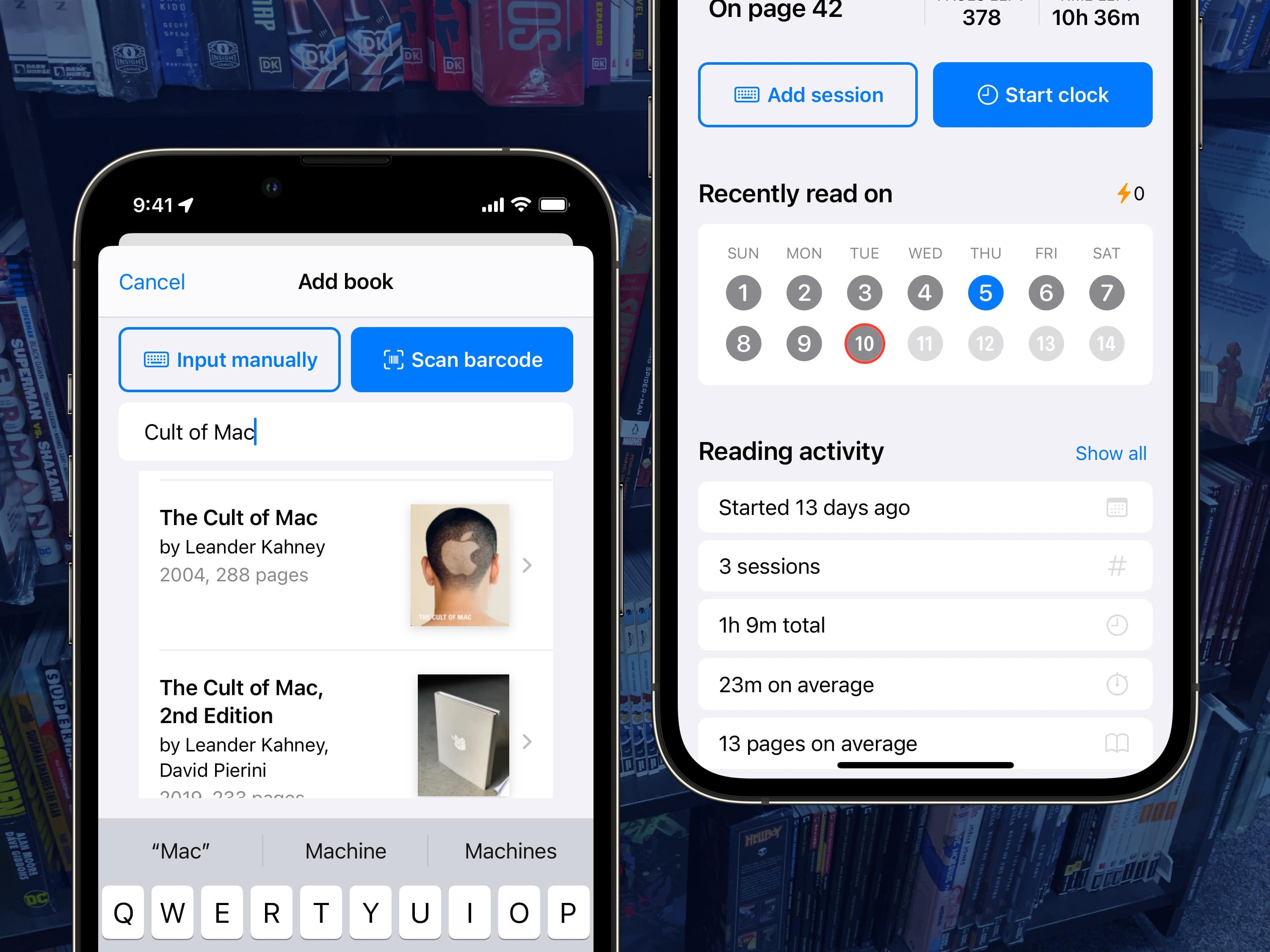
Reading Time for iPhone and iPad lets you build a library of books, then tracks your progress as you read. It encourages reading by making everything easier and more fun.

You can easily scan books by their barcodes to add them to your library. When you start a reading session, a Live Activity will show up on your Lock Screen, in the Dynamic Island or in StandBy.

The Reading Time app keeps track of your progress with detailed stats — like your reading speed, and estimated time until you’re finished — in an organized dashboard of books.

How Final Cut Pro for iPad differs from Mac version

By

Final Cut Pro for iPad gives users the ultimate mobile studio for all their video and editing needs — no matter where they are.
Final Cut Pro for the iPad is a lot different from its Mac counterpart.
Photo: Apple

After a long wait, Final Cut Pro, Apple’s professional video editing software, is now available for M1 or newer iPads. Editors accustomed to Final Cut Pro on their Mac can easily switch to their iPad as a portable editing machine.

However, before starting with Final Cut Pro on your iPad, you need to know how it differs from the Mac build. Both versions enable pro-level video editing, but they are understandably different in key ways.

Unleash your creative side with 26 Adobe apps on sale

By

Unleash your creative side with a month-long access to over 20 Adobe apps, now only $29.99.
Make pro-quality art, design and more with Adobe Creative Cloud for just $29.99.
Photo: Cult of Mac Deals

What Microsoft Office is to the 9-to-5 worker, Adobe is to designers, photographers and almost anyone working in the creative field. That’s been true for a long time, but fees for this high-end software can be a significant barrier to entry for those looking to use these essential tools.

Not anymore, though. This special offer lets new customers work with more than 20 apps in the Adobe Creative Cloud for only $29.99 (regularly $82) for one month.

DaVinci Resolve pro video editing app launches on iPad

By

DaVinci Resolve pro video editing app heads for iPad
Yes, that's the popular DaVinci Resolve video-editing application running on iPad.
Photo: Blackmagic Design

Blackmagic Design introduced the promised iPad version of it’s DaVinci Resolve professional video editing application. Beyond editing, it also handles color correction.

The software is available for download now from the App Store.

These are Apple’s picks for the best App Store apps and games of 2022

By

2021 App Store Awards
App Store award winners are going to get a physical plaque from Apple.
Photo: Apple

Apple crowned 16 apps and games as winners of its 2022 App Store Awards for “making a profound cultural impact.” The App Store’s editorial team honored apps and games on five platforms: iPhone, iPad, Mac, Apple Watch and Apple TV.

This time around, the company also selected five “Cultural Impact winners that have made a lasting impact on people’s lives and influenced culture,” Apple said in a press release Tuesday.

DaVinci Resolve pro video editing app heads for iPad

By

DaVinci Resolve pro video editing app heads for iPad
Yes, that's the popular DaVinci Resolve video-editing application running on iPad.
Photo: Blackmagic Design

Blackmagic Design confirmed Thursday that its DaVinci Resolve professional video editing application will be released for iPad before the end of 2022.

It puts the third-party software developer ahead of Apple, which has yet to bring Final Cut Pro to its tablets.

Why Mela is top chef of recipe apps [Awesome Apps]

By

Mela is the perfect culinary sidekick.
Photo: cottonbro/Pexels

Forget your whisk, chef’s knife or food-mixer. Apple’s iPhone should be your go-to device when it comes to preparing delicious meals in the kitchen. While it’s incredibly handy having Siri nearby to set multiple cooking timers, our iPhones, iPads and Macs can also double as digital recipe-books. And when it comes to recipe apps, trust me: The best out there is Mela.

YouTube picture-in-picture rolling out for all iPhone users [Update: NOPE]

By

YouTube Picture in Picture is back. At least for now.
Watching a YouTube video in Picture in Picture is back!
Photo: Ed Hardy/Cult of Mac

YouTube said Sunday that it is rolling out picture-in-picture support for all users of its iOS app. Then it walked the announcement back on Monday. A mixup by a support person is the problem.

The convenient feature has been in beta testing for many months, and some people say they’ve begun getting access to the non-beta version several days ago. But not according to YouTube.

iWork 12 adds features to better compete with Microsoft Office

By

iWork 12 adds features to better compete with Microsoft Office
All the iWork 12.0 applications for iPad and iPad let users edit font sizes more precisely.
Screenshot: Ed Hardy/Cult of Mac

The just-released Pages 12.0, Numbers 12.0 and Keynote 12.0 offer a variety of new features, including much finer control over font sizes in the iPad and iPhone versions.

And there are additional new features available in all versions of the iWork suite, including the one for Mac.

Wow, this stunning iPad drawing isn’t a photo

By

iPad art: Wow, this stunning iPad drawing isn’t a photo
It’s amazing what can be created with an iPad, Apple Pencil and Procreate.
Photo: Apple/Greg Joswiak/Cult of Mac

Greg “Joz” Joswiak, Apple’s marketing chief, shared an image of a surprised young girl today. It looks like a photo, but the image was instead drawn by an Apple employee using an iPad Pro and Apple Pencil.

Check Joswiak‘s post for the full image. And never doubt that iPad is a serious tool for creating amazing art.