Mobile menu toggle

Setups

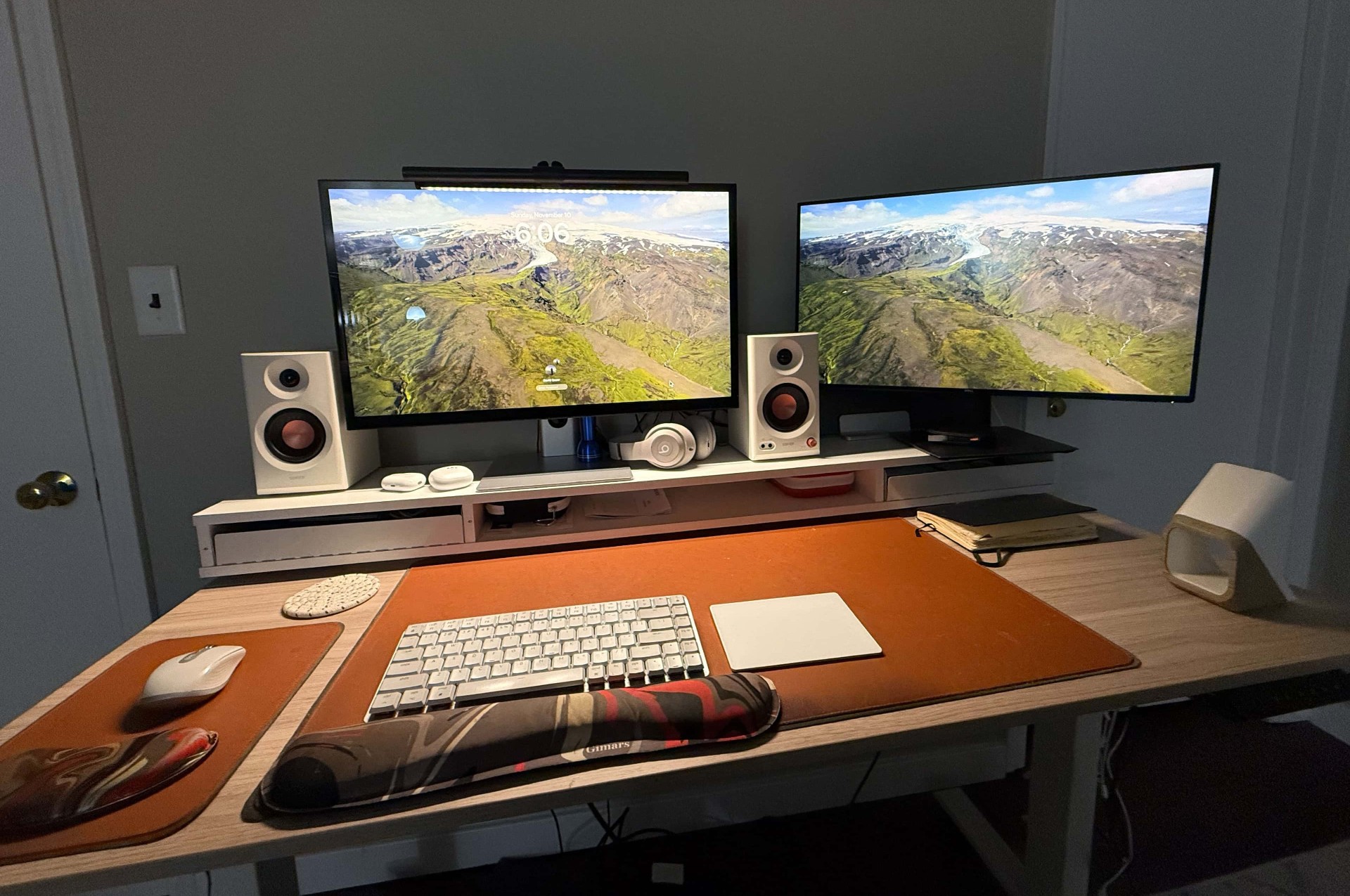
Dual-4K-display M4 Pro MacBook Pro setup

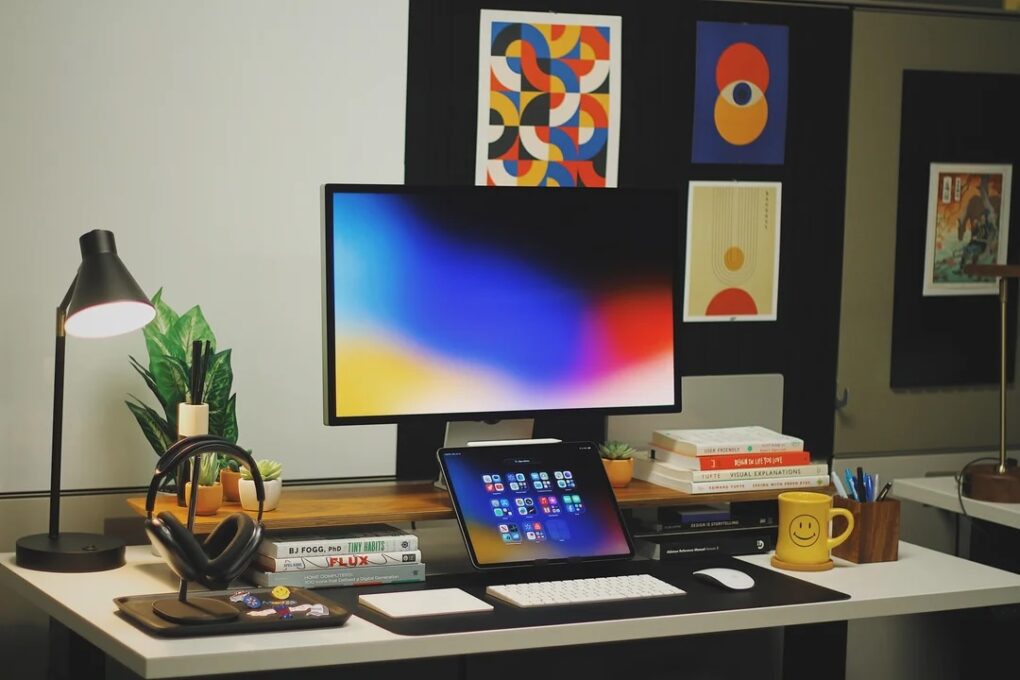
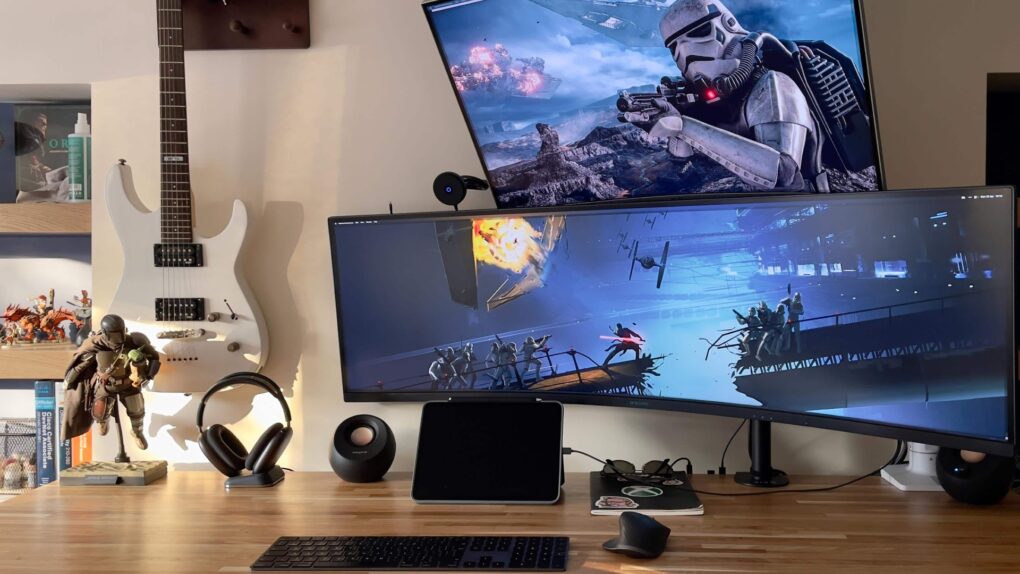
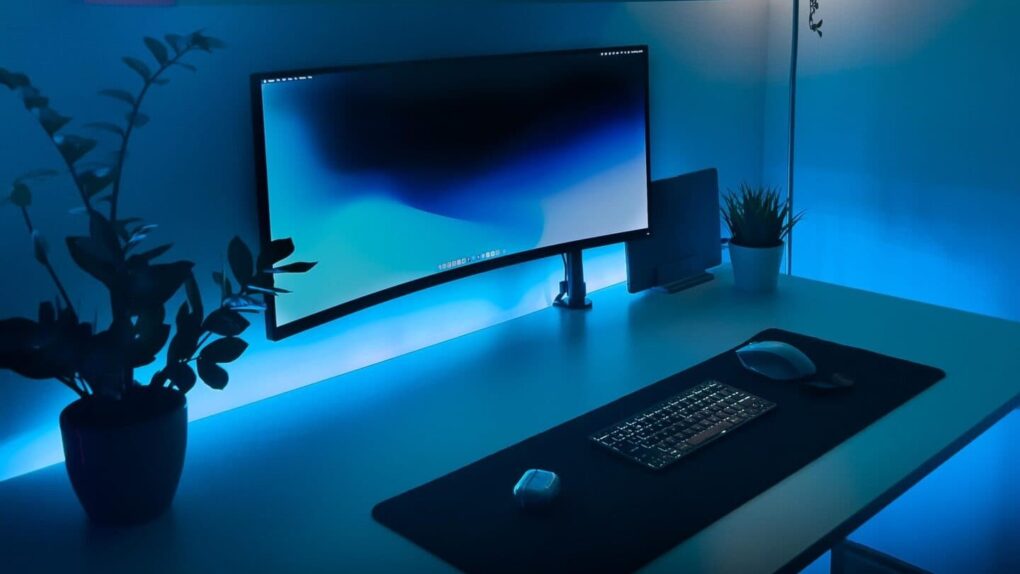
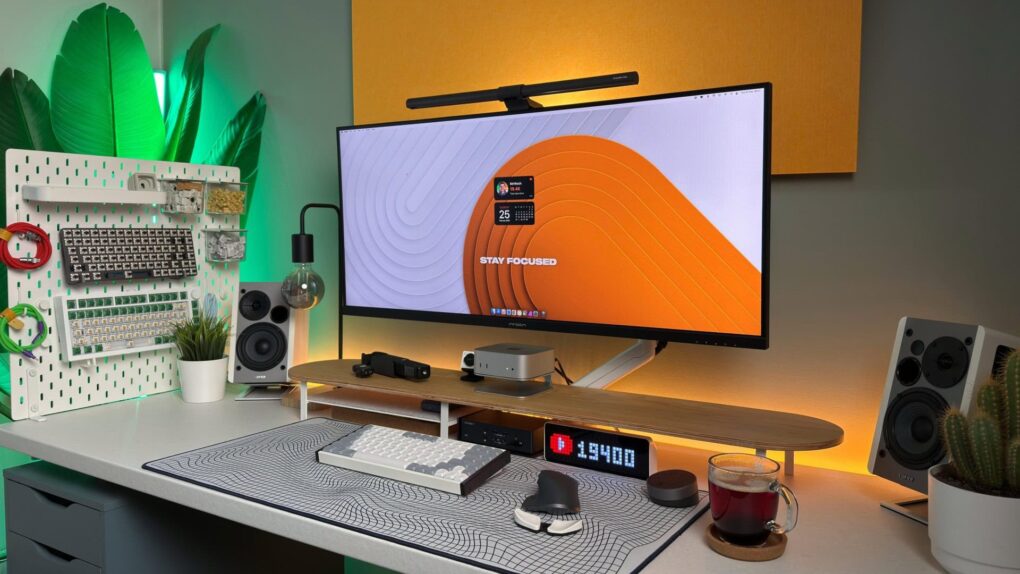
Cult of Mac has showcased users’ cool computer setups for years. Why? People love seeing what other people do. It could be a workstation that sports the latest, most powerful Mac — or beloved vintage Apple gear. Sometimes the decor strikes a chord. Or maybe someone shows off an intriguing display configuration, or offers great advice on connectivity or cable management.

And when it comes right down to it, some setups are just works of art that should be seen. Cult of Mac‘s coverage, below, is like a museum of setups.

If you would like to see your setup featured on Cult of Mac, send some high-res pictures to [email protected] (iPhone pics usually work fine). Please provide a detailed list of your equipment. Tell us what you like or dislike about your setup, and fill us in on any special touches, challenges and plans for new additions.

Read Cult of Mac’s latest posts on Setups:

Best compact Mac setups: Big ideas, small spaces
By

best compact Mac setups
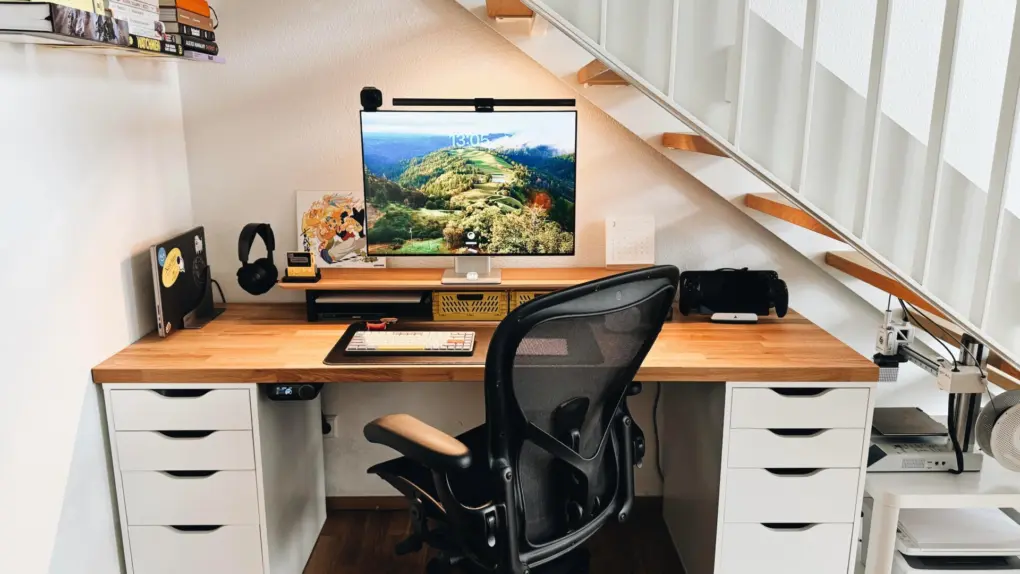
It fits under the stairs. And it's not like it's an incomplete setup, either.
Photo: [email protected]

Not everyone has a spacious home office, a purpose-built studio or a spare room to dedicate to a dream workstation. The Cult of Mac Setups archive is full of people working in bedrooms, studio apartments, shared living spaces, dorm-adjacent Manhattan rooms and any other constraint that life in a city tends to impose. But space limitation, it turns out, is one of the great engines of creative thinking in a setup. The best compact Mac setups, below, find ways to thrive in tight spaces.

Best vintage and retro Apple setups: Old gear, new love

By

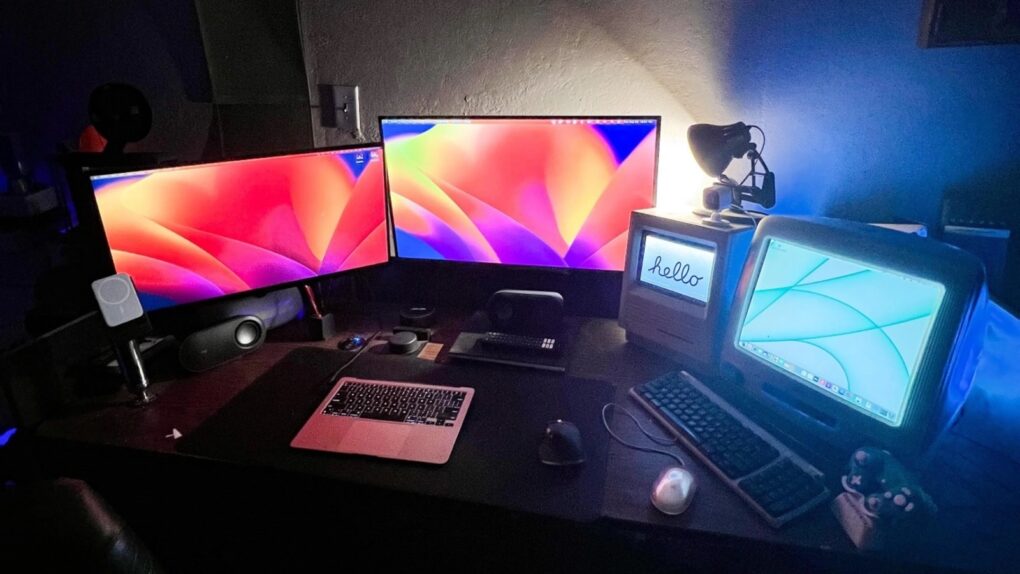
old and new macs setup
Bask in the warm glow of antique Macs actually being used.
Photo: [email protected]

Apple designs hardware for the ages — sometimes quite literally. The Cult of Mac Setups archive is full of users who never got around to retiring an old Cinema Display. Or who deliberately hunt one down online for new-to-them use. Some keep a 2013 “trash can” Mac Pro running as a daily driver because it still gets the job done. Some love old gear so much they maintain as much as possible — or at least classic posters — in their setup. And here’s the result: the best vintage and retro Setups in our archive.

Best Mac gaming setups: From casual console companions to full-on battle stations

By

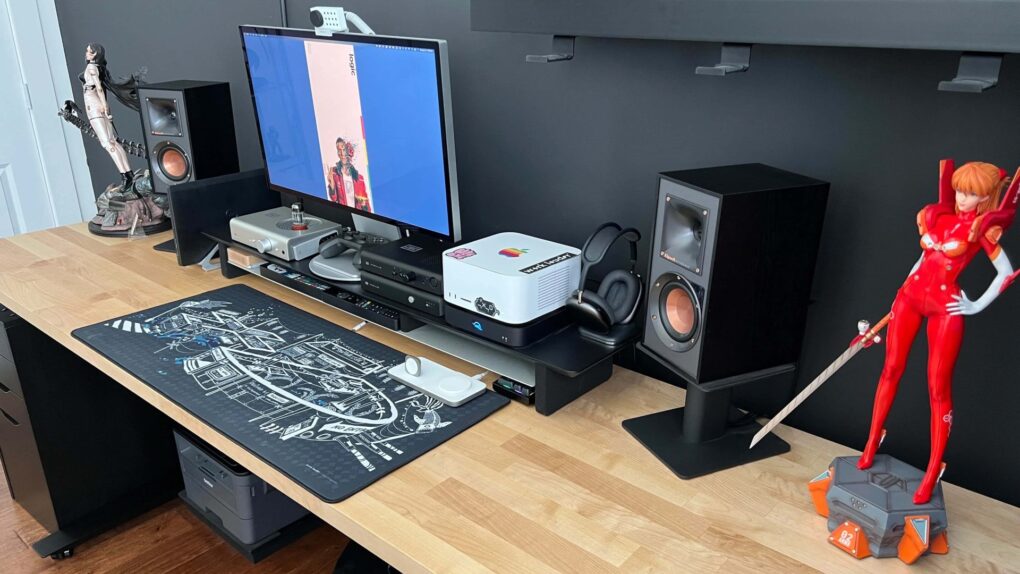
Multisystem gaming setup
This Mac Studio and Studio Display setup is a gamer's paradise, with six gaming systems.
Photo: [email protected]

Mac gaming has a complicated history — years of sparse game libraries and hardware that PC gamers dismissed out of hand. But something shifted with Apple silicon, and the Cult of Mac Setups archive has tracked it in real time. Here are the best Mac gaming setups from the past several years.

Best ultrawide monitor Mac setups: One screen to rule them all

By

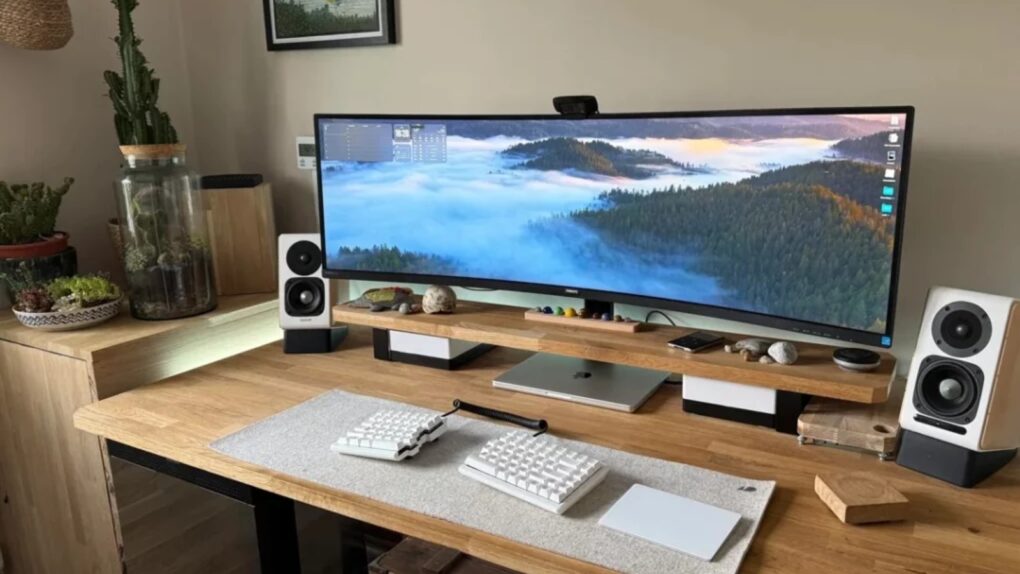
Best ultrawide monitor Mac setups
Many users make the switch from two or even three monitors to an ultrawide.
Photo: [email protected]
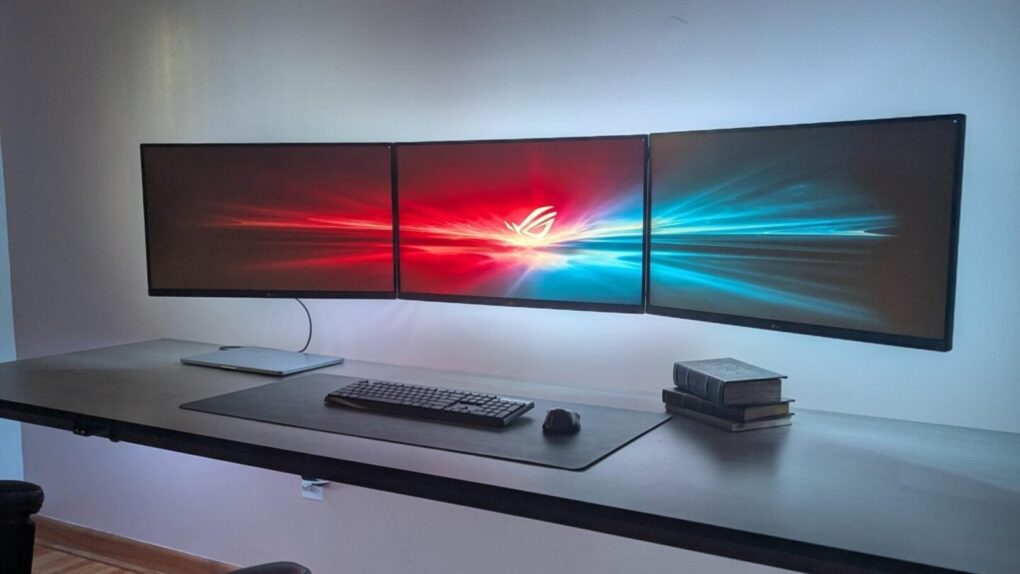
There’s a moment, familiar to anyone who has experienced it, when you move from a dual-monitor setup to a single ultrawide and realize the bezels were never doing you any favors. One seamless, curving (or not) expanse of glass — from 34 inches to 49 inches and beyond — that wraps gently around the periphery of your vision, eliminating the dead stripe down the middle of your workspace where two screens met. We found the best ultrawide Mac setups from years of Cult of Mac coverage.

Best ergonomic Mac setups: Comfort-first workstations done right

By

best ergonomic Mac setups
If you're going to sit there for 10 hours a day, you better make some changes, for health's sake.
Photo: [email protected]
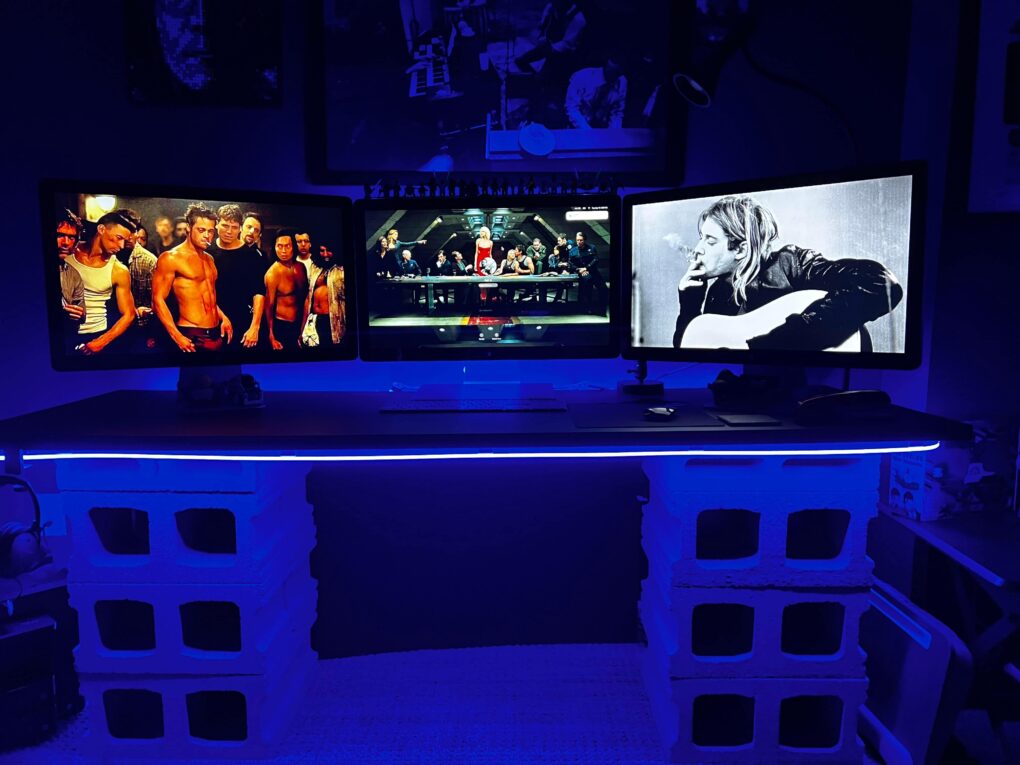
Sitting at a computer for eight or 10 hours a day will eventually catch up with you. Stiff necks, sore wrists, aching backs, eye strain — the toll of a poorly designed workstation is real. And the Cult of Mac Setups archive is peppered with users who know it firsthand. But it also shows an increasingly thoughtful community that  does something about it. Here are 10 of the best ergonomic Mac setups from the past several years.

Try these brilliant ways to use an iPad in a Mac setup

By

studio-display-ipad
This user's setup changed a lot since the one we showcased in early 2024.
Photo: [email protected]
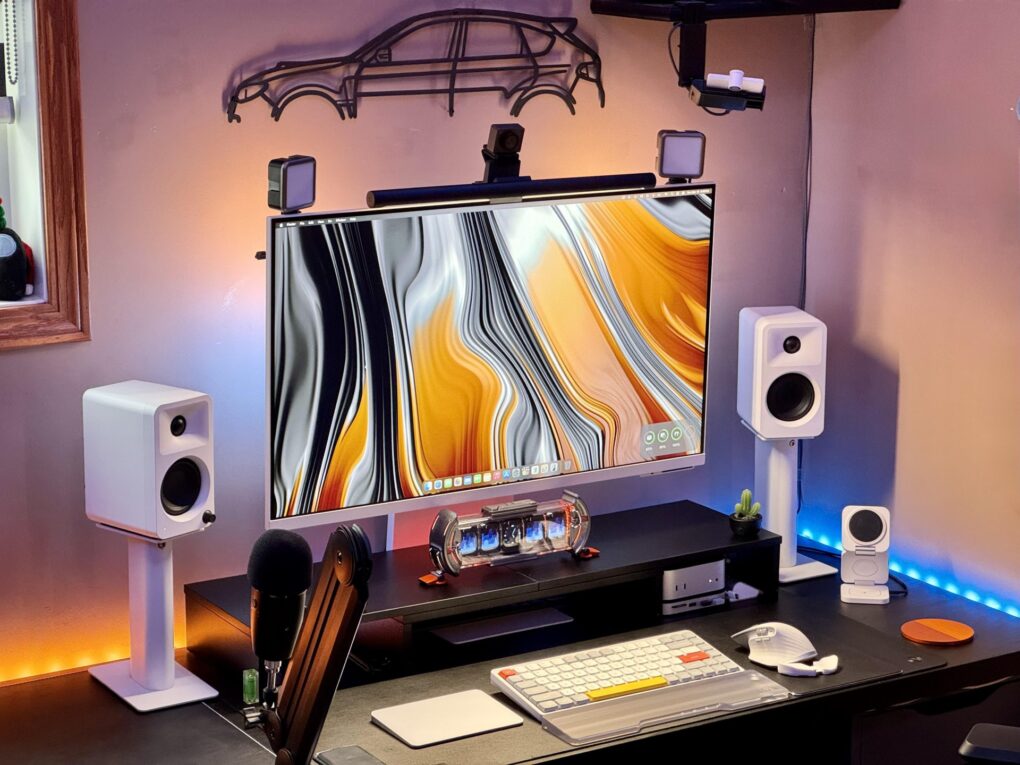
In some ways, iPad is the most versatile computer Apple makes — which makes it an unusually rich ingredient in a Mac workstation. And as iPadOS grows ever more capable, more users find new, smarter roles for their tablet. The following 10 examples drawn from the Cult of Mac Setups archive represent the best uses of iPad in Mac setups. They show just how many ways the tablet can earn its place on a desk.

Top 10 maximalist Mac setups: The most gear-packed rigs ever

By

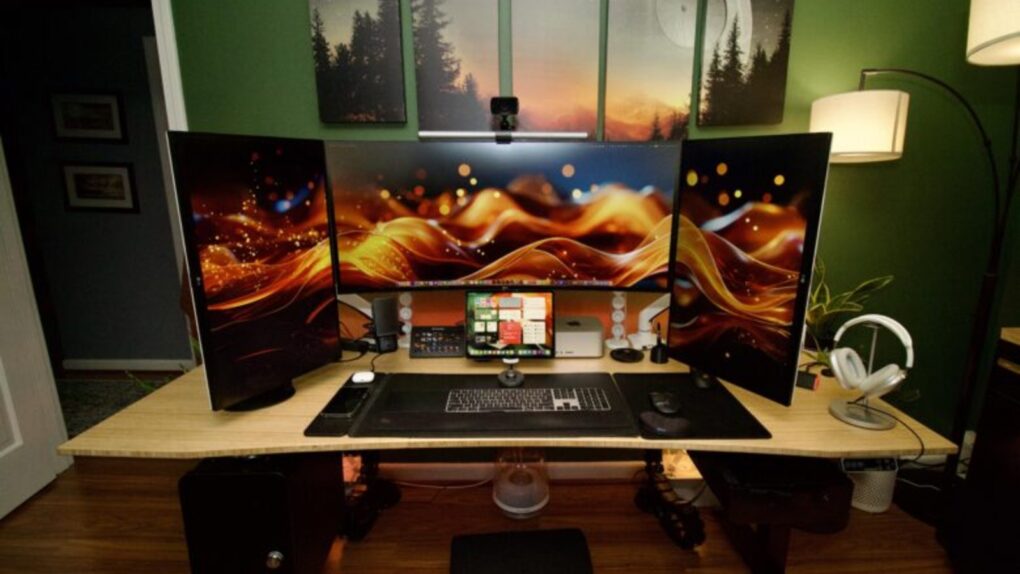
top 10 maximalist setups Setups Ita205@Reddit
That's a massive amount of screen real estate.
Photo: [email protected]
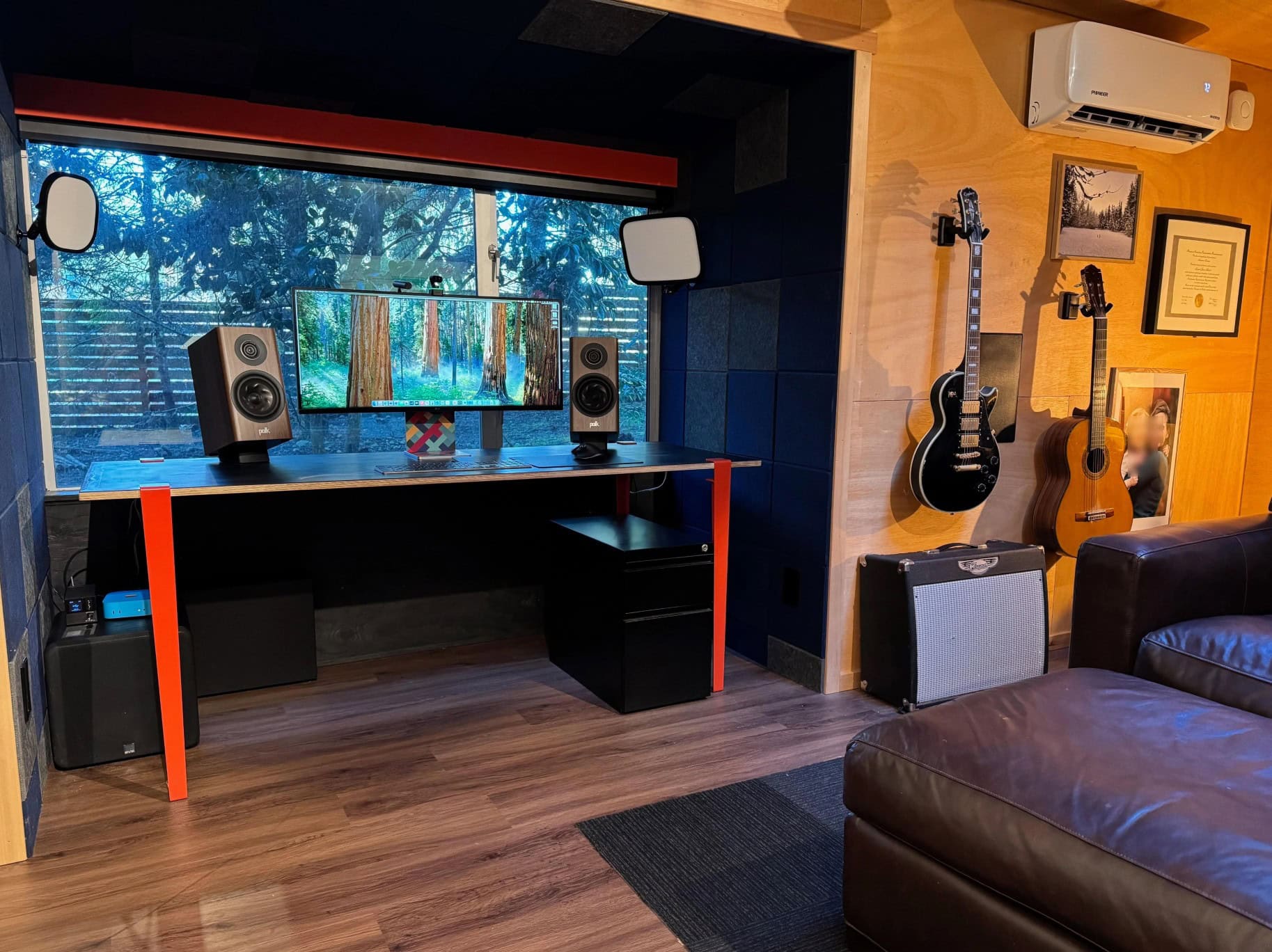
I’ve always noticed a certain breed of Apple enthusiast for whom less is definitively not more. While minimalist setups have their ascetic charm, the rigs below operate on an entirely different philosophy: more computers, more screens, more audio gear — more of everything. These are the top 10 maximalist setups.

They’re the ones that made commenters ask if the owner works at “the money factory making commerce,” for example, or declare, “OP has done it: they’ve finally hit the limit of too much screen space.”

Best minimalist Mac setups: More power, less stuff

By

best minimalist mac setups
This user ponders whether the replacement for the Xiaomi curved display in this moody MacBook Pro setup will be a Samsung ViewFinity S9 or a Studio Display.
Photo: [email protected]
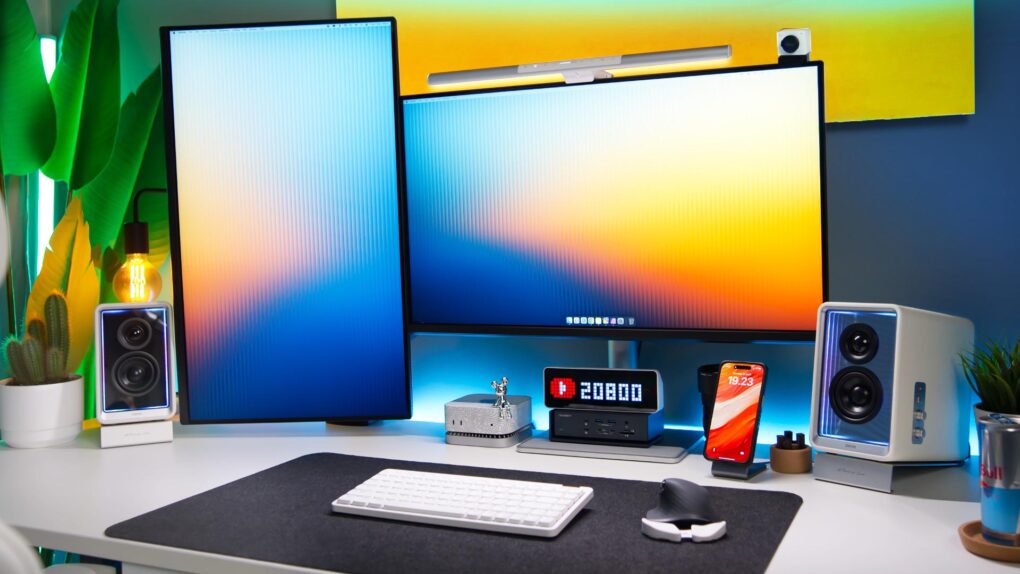
There’s a certain magic in watching someone squeeze maximum capability out of a beautifully spare workstation. While plenty of computer setups aspire to the look of a NASA mission control center — bristling with displays, peripherals and enough RGB to signal alien life — a different school of thought holds that the best setup is the leanest one. Fewer devices mean fewer cables, fewer distractions and more space to think. You can do a lot with a little.

Top 10: Best use of docks and hubs in Mac setups

By

best use of docks and hubs
This M4 Pro Mac mini setup features a dock festooned with 20 ports.
Photo: [email protected]
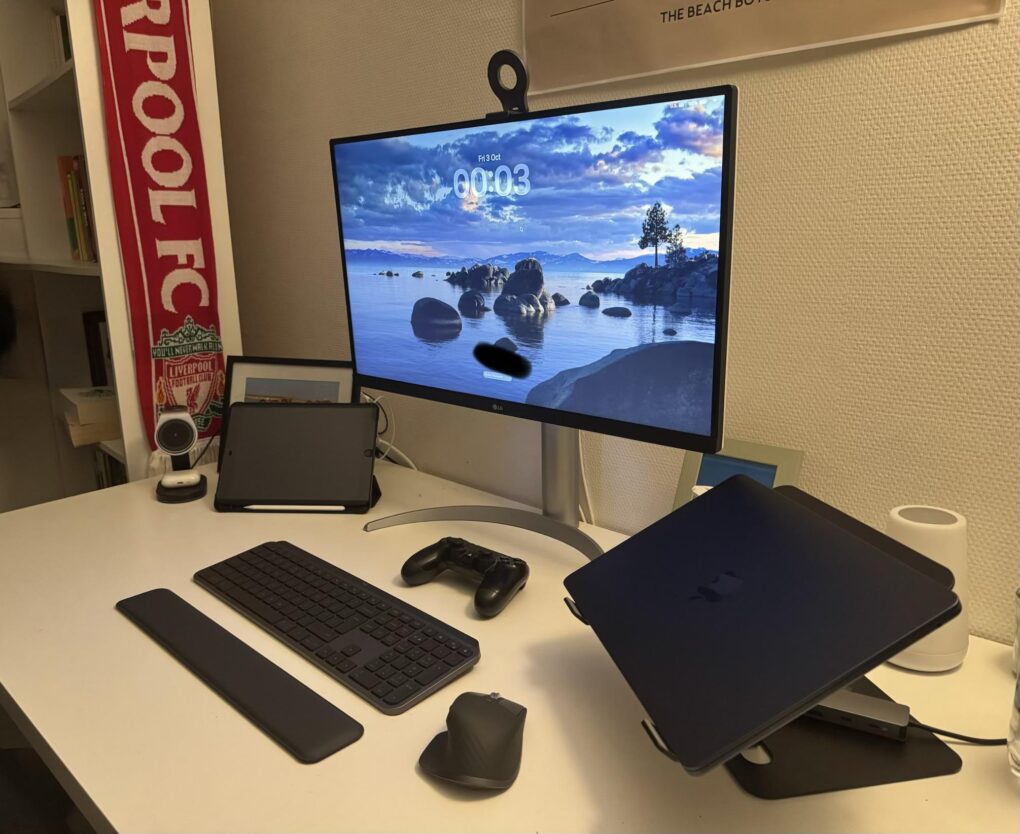
Docking stations and USB/Thunderbolt hubs are the unsung heroes of modern Mac workstations. While flashy displays and mechanical keyboards get a lot of glory in computer setup photos, it’s often a hub or dock quietly humming away that makes the whole thing possible — connecting multiple monitors, peripheral devices, external storage and audio gear through a single cable to the host computer. Here’s a roundup of the best-connected — and most impressive — Mac workstations from Cult of Mac‘s Setups section.

Odd power couples: Top 9 Mac-and-PC setups

By

best mac-and-pc setups
That's an LG smart TV as a main display. To the right of it is a converted iPad HDMI display and a Beelink Mini PC in a 3D-printed housing with a 7-inch touchscreen.
Photo: [email protected]

Not everyone who switched to Mac left the PC world entirely behind. Whether it’s a gaming rig they can’t give up, a work-issued Windows laptop they feel stuck with or a legacy tower they repurposed for specialized tasks, plenty of power users run both platforms side by side. Behold the top 9 Mac-and-PC setups from the Cult of Mac archives.

Top 8 clean setups: Great cable management pays off

By

desk cable management
There's a reason this desk and setup look so clean and tidy. And that reason is hidden under the desk.
Photo: [email protected]

Cable management is the invisible infrastructure of every beautiful desk setup. Do it well and your workspace looks effortlessly minimal, almost wireless. Do it badly and a tangle of cords swallows every other design decision you’ve made. Cult of Mac’s Setups section chronicled the most impressive Apple-centric workstations on the internet for years, and cable management — how to hide it, route it, tame it and sometimes eliminate it entirely — is a recurring obsession among Mac owners. Behold the best cable management in setups, below.

Ultimate power: Top 9 Mac Pro setups

By

M2 Ultra Mac Pro with Pro Display XDR
So ... crippled by envy much? This one has a high-end M2 Ultra Mac Pro, a Mac Studio, a Pro Display XDR and two Studio Displays.
Photo: [email protected]

The Mac Pro, which Cupertino quietly discontinued Thursday, always occupied a rarefied tier in the Apple universe — a machine for serious professionals, well-heeled enthusiasts and the kind of person who actually needs 96GB of RAM.

Whether it’s the iconic cylindrical “trash can” from 2013, the stainless-steel-handled cheesegraters of the early 2000s, or the current M2 Ultra tower that started at $7,000 and climbed past $12,000 with upgrades, the Mac Pro commands attention wherever it appears. Feast your eyes on the top nine Mac Pro setups from Cult of Mac‘s archives.

All-in-1 brilliance: Top 7 iMac setups

By

top 7 iMac setups
This M4 iMac setup packs great audio gear, too.
Photo: [email protected]

The iMac has always occupied a special place in Apple’s lineup — a beautifully integrated all-in-one desktop computer that bundles a 4.5K Retina display, camera, speakers and microphone into a single elegant slab of aluminium with color-matched accessories.

Yet despite the machine’s considerable visual appeal, iMac setups are a surprisingly rare sight in Cult of Mac‘s long-running Setups section. I noted in March 2025 that, out of 616 Setups articles written over more than four years at that time, only 11 featured an iMac as the centrepiece. That’s partly due to the fact that Apple desktop sales. They made up just 14% of Mac sales in 2024, while MacBooks accounted for a whopping 86%.

Top 15 setups where MacBook Pro runs the show

By

dream setup
This dream setup features an M4 Pro MacBook Pro and a Studio Display.
Photo: [email protected]

MacBook Pro has long been the centerpiece of ambitious, eye-catching workstations. Whether it’s a sleek M4 Pro model driving a pair of 5K touchscreen displays or a still-going-strong M1 Max powering an audiophile-grade sound system, Apple’s flagship laptop has the chops to anchor setups that would make any pro proud. Here are the Top 15 MacBook Pro setups from Cult of Mac’s archive.

Power to burn: Top 10 Mac Studio setups

By

Mac Studio display
The user liked their dual 27-inch monitors, but likes the ultra-wide even better, comparing it to having three screens.
Photo: [email protected]

Since Apple introduced Mac Studio in spring 2022, the powerful and compact desktop machine has become a favorite centerpiece for ambitious computer workstations. It’s not hard to see why, considering its amazing design and computing chops. But it is pretty hard to choose the best Mac Studio Studio setups we’ve seen. Yet we’ve done so below, with the top 10 Mac Studio setups. 

16 coolest (and weirdest) keyboards in Mac setups

By

coolest (and weirdest) keyboards
This two-MacBook setup uses a Keychron Q3 Pro custom mechanical keeb.
Photo: [email protected]

For years, Mac users contentedly typed away on Apple’s sleek but simple keyboards. Then the mechanical keyboard revolution really took off, transforming computer setups everywhere.

These days, more and more Mac enthusiasts trade their Magic Keyboards for an astonishing variety of mechanical alternatives — some practical, some quirky, and some downright bizarre. I collected 16 fascinating examples below.

Top 10 MacBook Air setups

By

top 10 MacBook Air setups
A sleek MacBook Air powers this sleek triple-display rig.
Photo: [email protected]

Apple’s MacBook Air continues to prove itself as the ultimate portable powerhouse for creative professionals, students and everyday users alike. Whether you’re team M2 or M3 — or you upgraded to the latest M4 chip — these sleek laptops punch well above their weight class when it comes to driving impressive workstation setups. Our collection of the top 10 MacBook Air setups proves that point. 

Maximum fun: Top 10 multi-Mac setups

By

M2 Ultra Mac Pro with Pro Display XDR
So ... crippled by envy much? This one has a high-end M2 Ultra Mac Pro, a Mac Studio, a Pro Display XDR and two Studio Displays.
Photo: [email protected]

For Apple enthusiasts, one Mac is great — but two or more? That’s when things get seriously interesting. Years of Cult of Mac Setups coverage has showcased hundreds of impressive workstations. But these top 10 multi-Mac setups stand out as particularly fascinating examples of how power users leverage Apple’s ecosystem to its fullest potential.

From new M4-powered machines paired with vintage “trash can” Mac Pros to dual MacBook configurations seamlessly integrated with desktop Macs, these workstations demonstrate that having multiple Macs isn’t just about redundancy. It’s about optimizing workflow, separating concerns and yes, indulging in a bit of Apple-fandom excess.

Top 10 Apple setups of 2025

By

Kanto speaker setup
Kanto speaker setup
Photo: [email protected]

Another year, another incredible collection of Apple workstations in Cult of Mac‘s Setups section that make us rethink our own desk situations. From devices powered by the powerful M4 chip family to innovative display solutions and clever space-saving tricks, the top 10 Apple setups of 2025 brought us some truly remarkable gear and uses for it.

We combed through hundreds of featured workstations on Cult of Mac to bring you the cream of the crop — setups that excel in raw computing power, aesthetic beauty, functional innovation or that perfect combination of all three.

These go to 11: Rock out to a dozen killer audio setups

By

Polk Audio boosts Mac mini sound
This user filled his man shed with Polk Audio, both for the Mac mini setup and the tremendous home theater.
Photo: [email protected]

Some people accept that many computers and external displays have pretty good speakers in them and leave their computer setup audio at that, plus maybe a pair of headphones or earbuds. Others accept no such thing and insist on cranking up the volume and ripping the knob off with killer audio gear. My roundup of cool setups below focuses on stellar workstation audio and those who, like me, take it as seriously as living room audio. 

Top 10 high-end Apple setups you wish you could afford

By

M2 Ultra Mac Pro with Pro Display XDR
So ... crippled by envy much? This one has a high-end M2 Ultra Mac Pro, a Mac Studio, a Pro Display XDR and two Studio Displays.
Photo: [email protected]

For years I’ve showcased cool Apple-centric computer setups for Cult of Mac. I never seem to get tired of drooling over the sweetest of the bunch. Sometimes that’s about the most awesome possible computers and monitors — Mac Pro and Pro Display XDR, anyone? — and sometimes it’s about a whole package, including fabulous audio gear and more. I selected a bunch of drool-worthy setups with stratospheric price tags for you below. 

PC user gets deal on MacBook Air — then gleefully upgrades whole workstation [Setups]

By

convert to Mac
The newly minted "Apple fanboy" jokingly referred to the Apple ecosystem as a huge trap.
Photo: [email protected]

Ready to convert to Mac? I came across one user who scored a nice student deal on a MacBook Air, and soon found themself upgrading their whole outdated PC setup as a complete, highly functional and reasonably affordable Apple-ecosystem rig. 

“I’m so so cooked … the Apple ecosystem is a huge trap!” they joked. “Don’t let one device get into your house.” 

Killer standing desk lifts MacBook rig in more ways than one [Setups]

By

Uplift standing desk
At standing height Uplift Standing Desk V3 remains rock solid.
Photo: David Snow/Cult of Mac

What’s the biggest upgrade a computer setup can undergo other than a new computer, external display(s) or a massive audio boost? It’s the very platform the setup sits on — usually a desk. In my case, it’s an Uplift Standing Desk V3, which I reviewed recently (five stars, btw).

It’s a huge upgrade aesthetically and functionally. And it changes how I mount and use my gear, too.