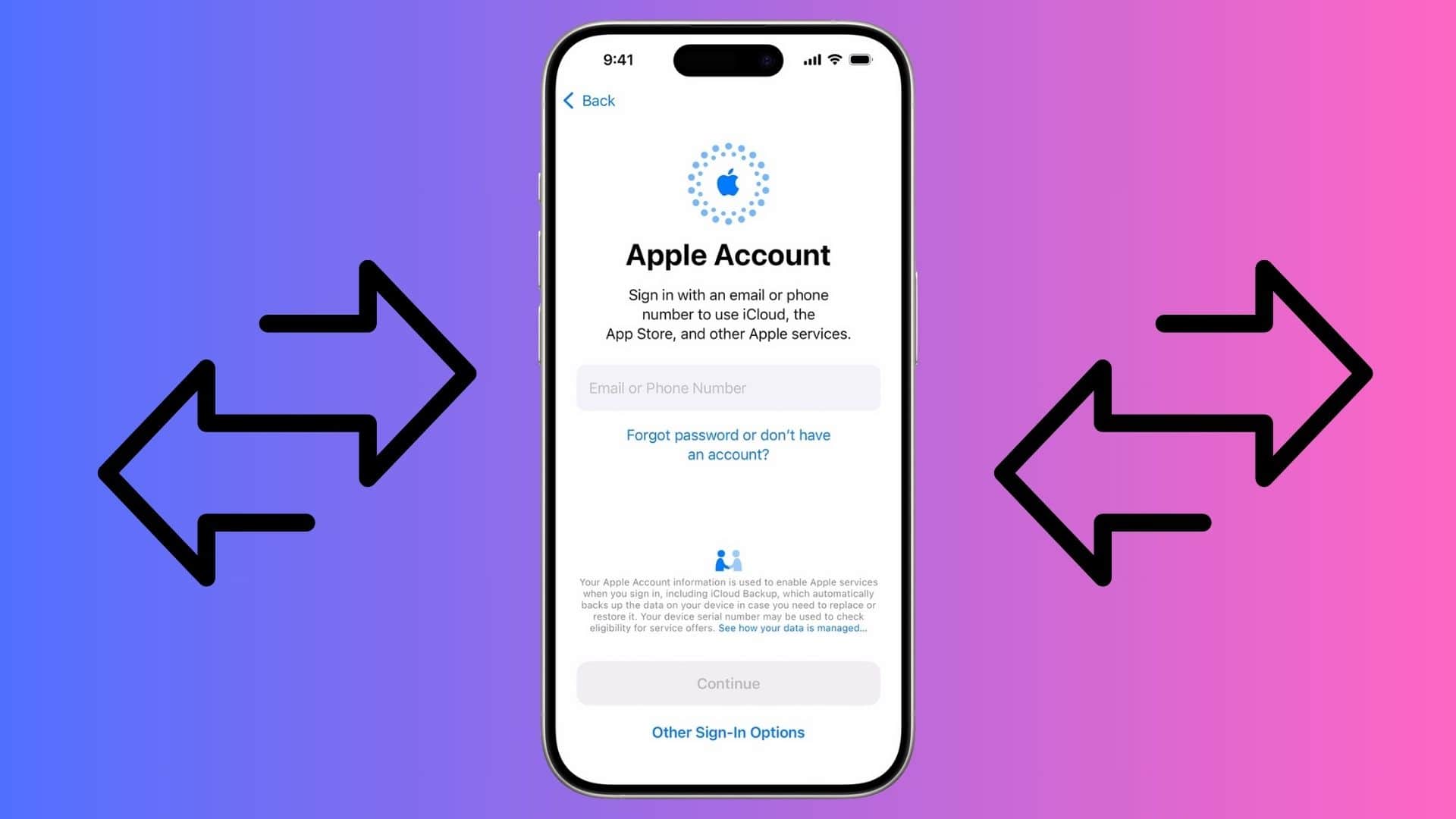
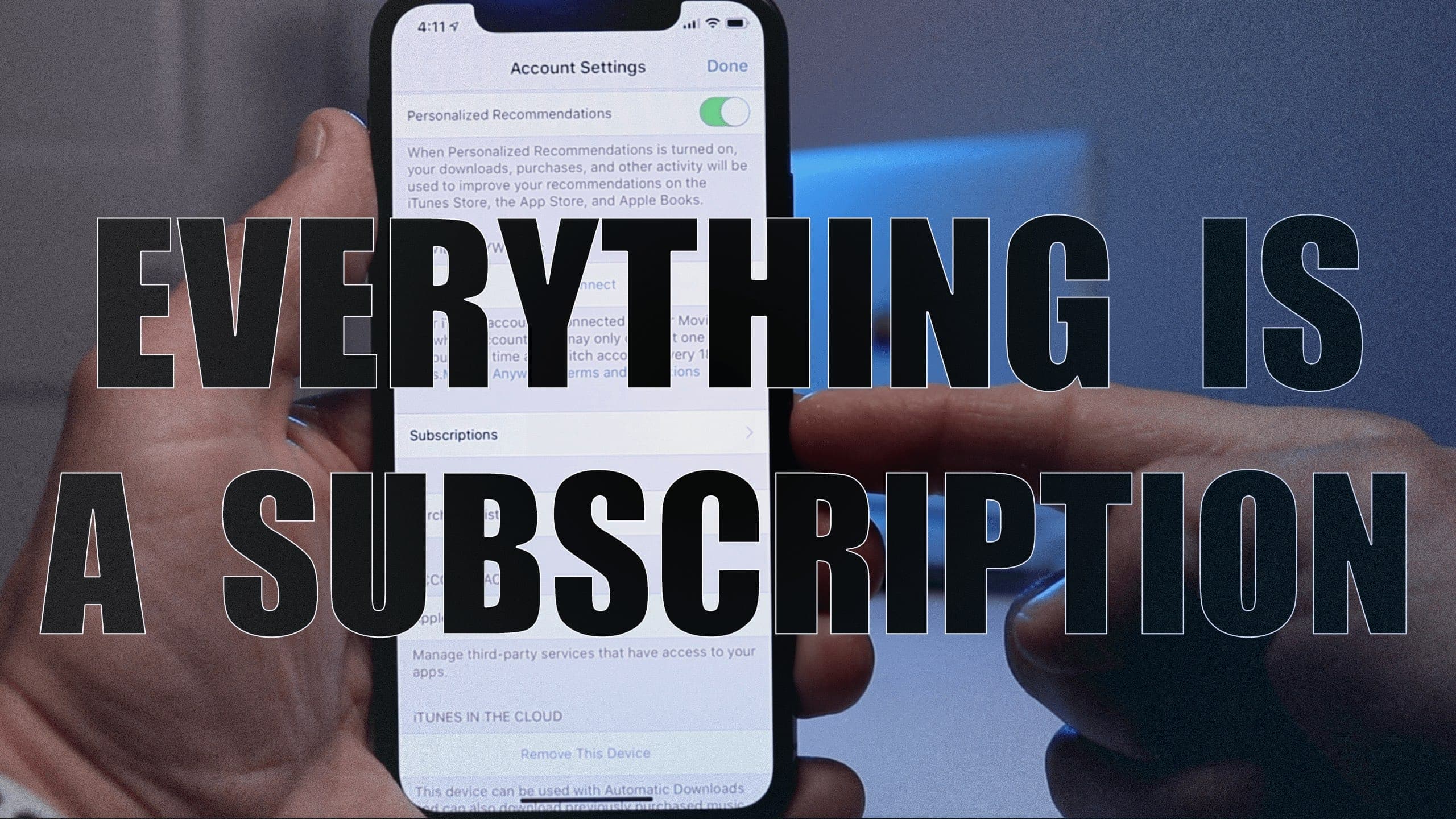
You can move your digital purchases from one Apple ID to another. Screenshot/Graphics: Apple/Rajesh Pandey
In a move unlike Apple, it is finally allowing you to transfer your digital purchases across Apple Accounts. The company has released a tool and published an extensive support article detailing the steps.
There are several conditions and requirements, with the migration option not available worldwide.
Remove your Apple ID without a password from your iPhone. Image: D. Griffin Jones/Cult of Mac
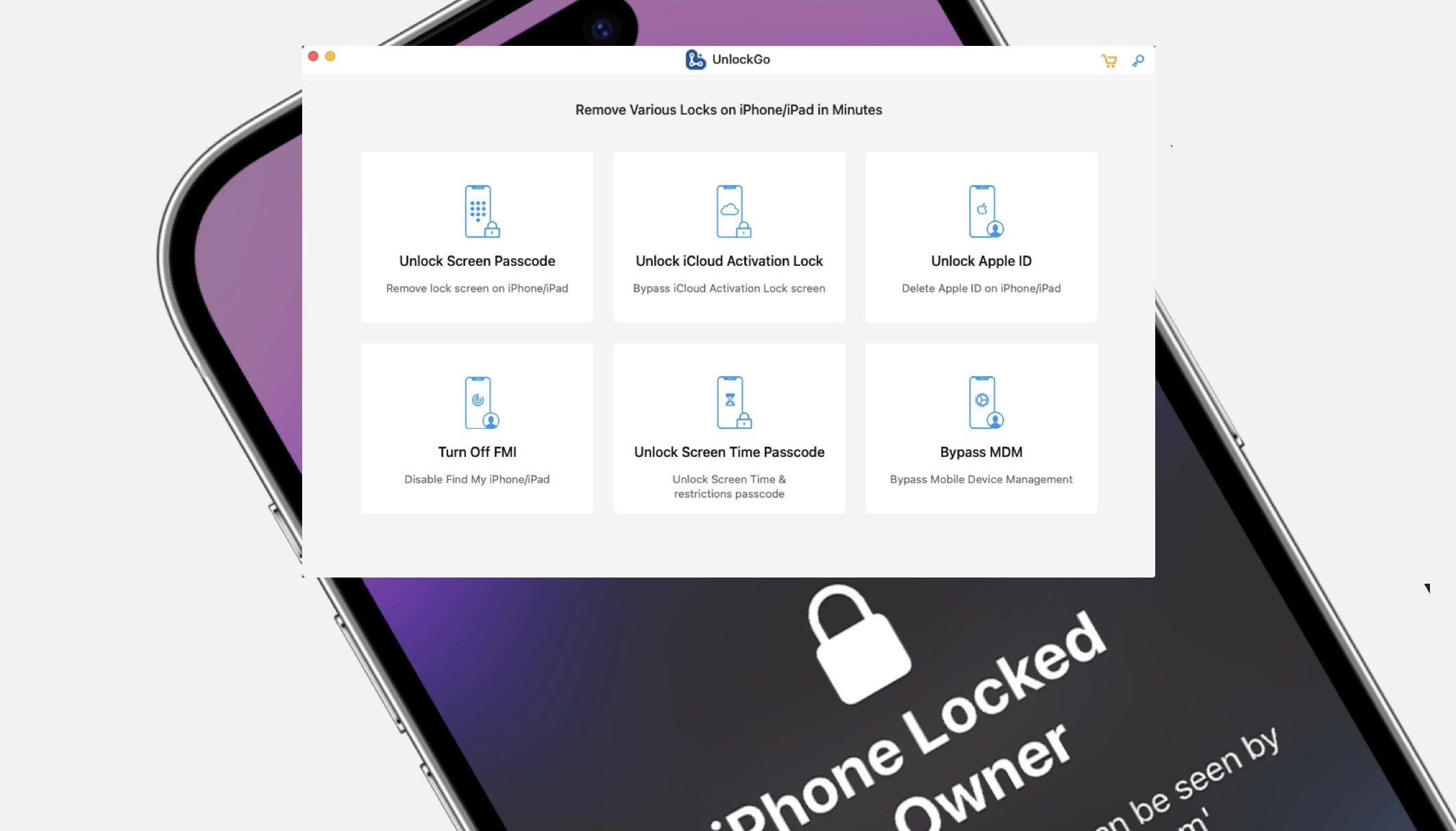
It’s possible to remove an Apple ID from your iPhone without a password using UnlockGo.
You can unlock iCloud Activation Lock without a password or the previous owner, remove a forgotten Screen Time passcode without data loss, bypass MDM locks and more. It’s a really powerful app and it’s available for both Mac and PC.
SPONSORED
This post is brought to you by UnlockGo.
If you get a second-hand iPhone but find out the seller didn’t fully reset it beforehand, UnlockGo will fix it. Here’s how it works.
Suddenly got logged out of your Apple account? You're not alone. Image: Cult of Mac
Many Apple users report suddenly being locked out of their Apple ID account on their devices. Worse, they could not log back into their account with their password, forcing them to reset their login credentials.
Apple has not yet acknowledged this issue, and it does not appear linked to any iCloud server outages.
Cupertino makes moves to better prevent fraud. Photo: Apple
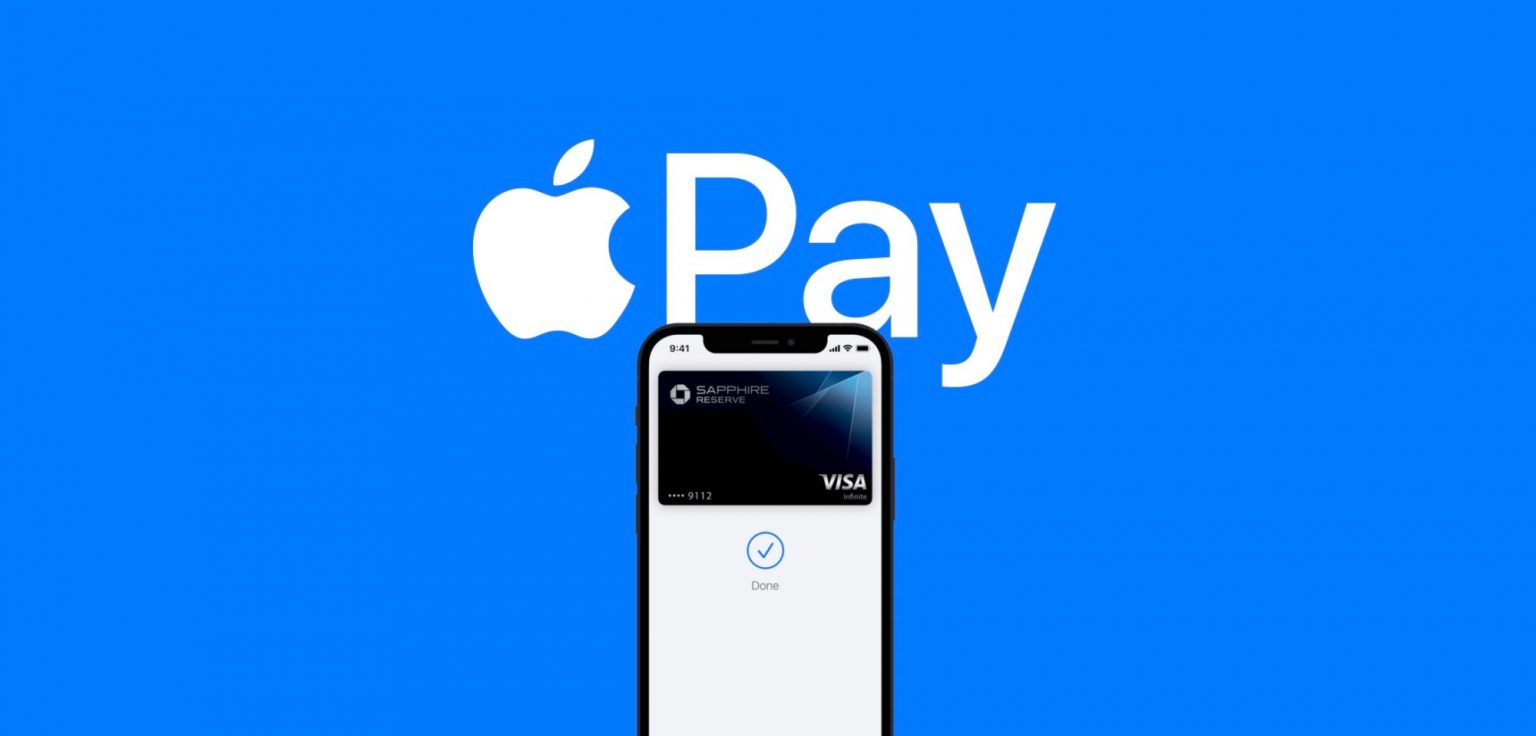
Apple is in the process of upgrading Apple Pay fraud prevention features for cards stored in the Wallet app on iPhone and Apple Watch, starting with Visa cards.
Some users have already started noticing a new “Enhanced Fraud Prevention” alert badge.
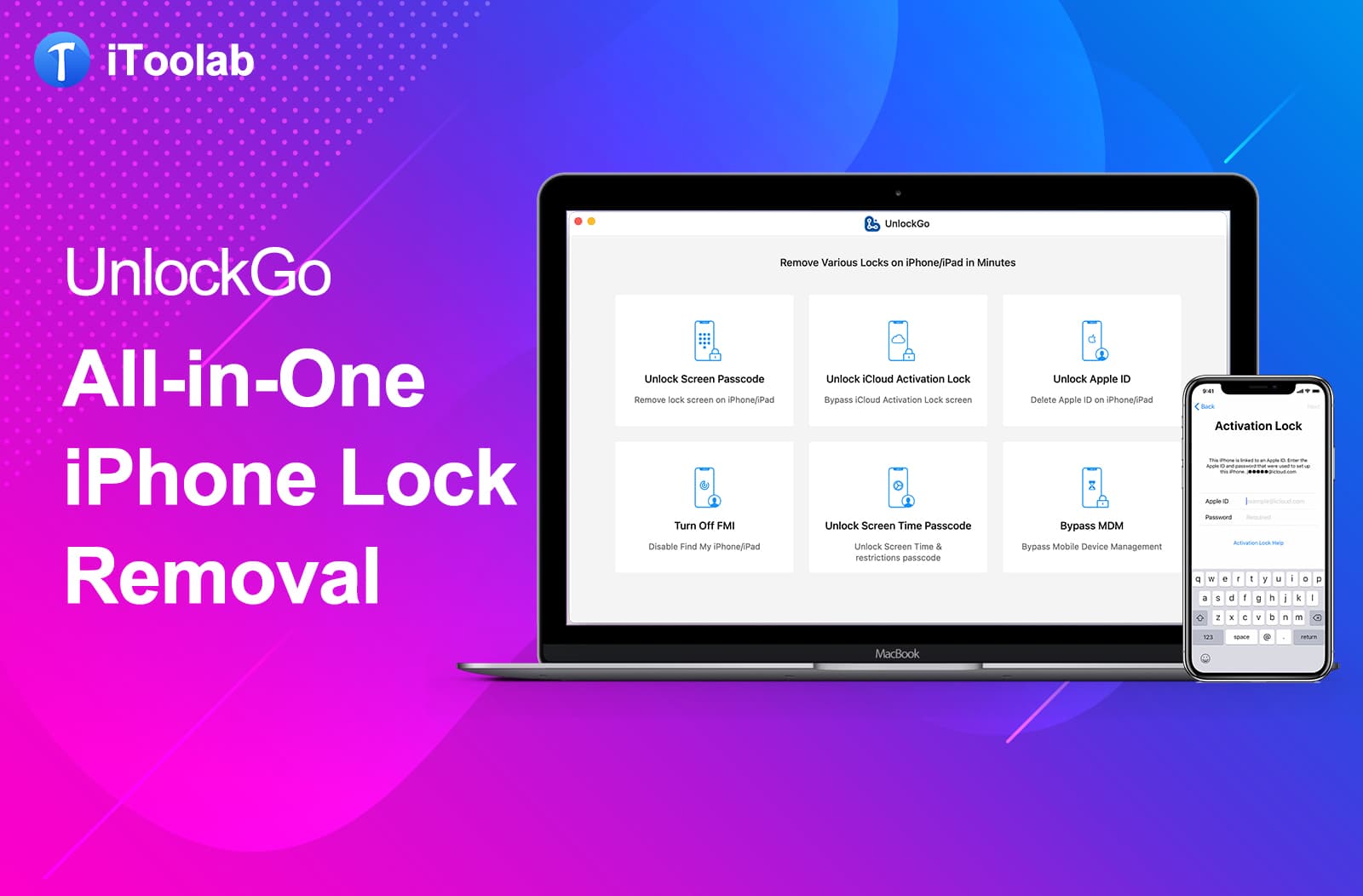
UnlockGo: For when you're locked out of your iPhone, iPad or iPod touch. Image: iToolab
This device access feature is brought to you by iToolab UnlockGo.
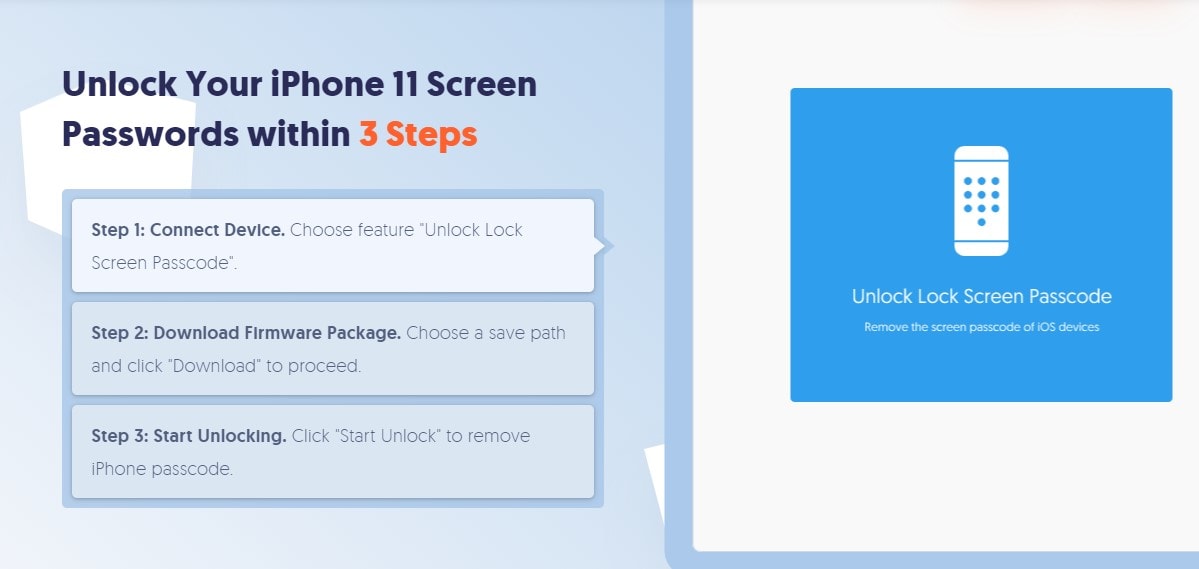
Anybody can get locked out of their iPhone, iPad or iPod touch. It’s not a good feeling. Fortunately, if you run into trouble with your device screen passcode on an Apple device, iToolab UnlockGo can bypass it.
Perhaps you forgot your Apple ID password. Or your device is disabled. Or maybe you bought a second-hand device with another Apple ID logged in.
Keeping your data alive long after you. Screenshot: Cult of Mac
Apple is finally introducing a Digital Legacy feature that will allow a friend or family member to access your data after you die.
Users will be able to assign an administrator who gets access to things like photos, contacts and other things uploaded to iCloud. However, some data, such as saved credit cards and passwords, will be off limits.
Activation Lock prevents anyone else from taking over your Apple device. Here’s how to turn it off. Graphic: Cult of Mac
When you sell an iPhone, Mac or other Apple computer, it’s critical to turn off Activation Lock or else the buyer won‘t be able to use the device. It’s easy to do when you still have the product, and not that much harder if you’ve already sold it.
This iCloud access post is presented by Tenorshare.
Tenorshare 4MeKey is a tool you can use on an iOS device to bypass iCloud activation lock without needing to key in an account password. The tool is useful when you have forgotten the password for the lock.
Locked out of your iPhone or iPad? Try Tenorshare 4uKey. Photo: Tenorshare
This passcode-bypass post is presented by Tenorshare.
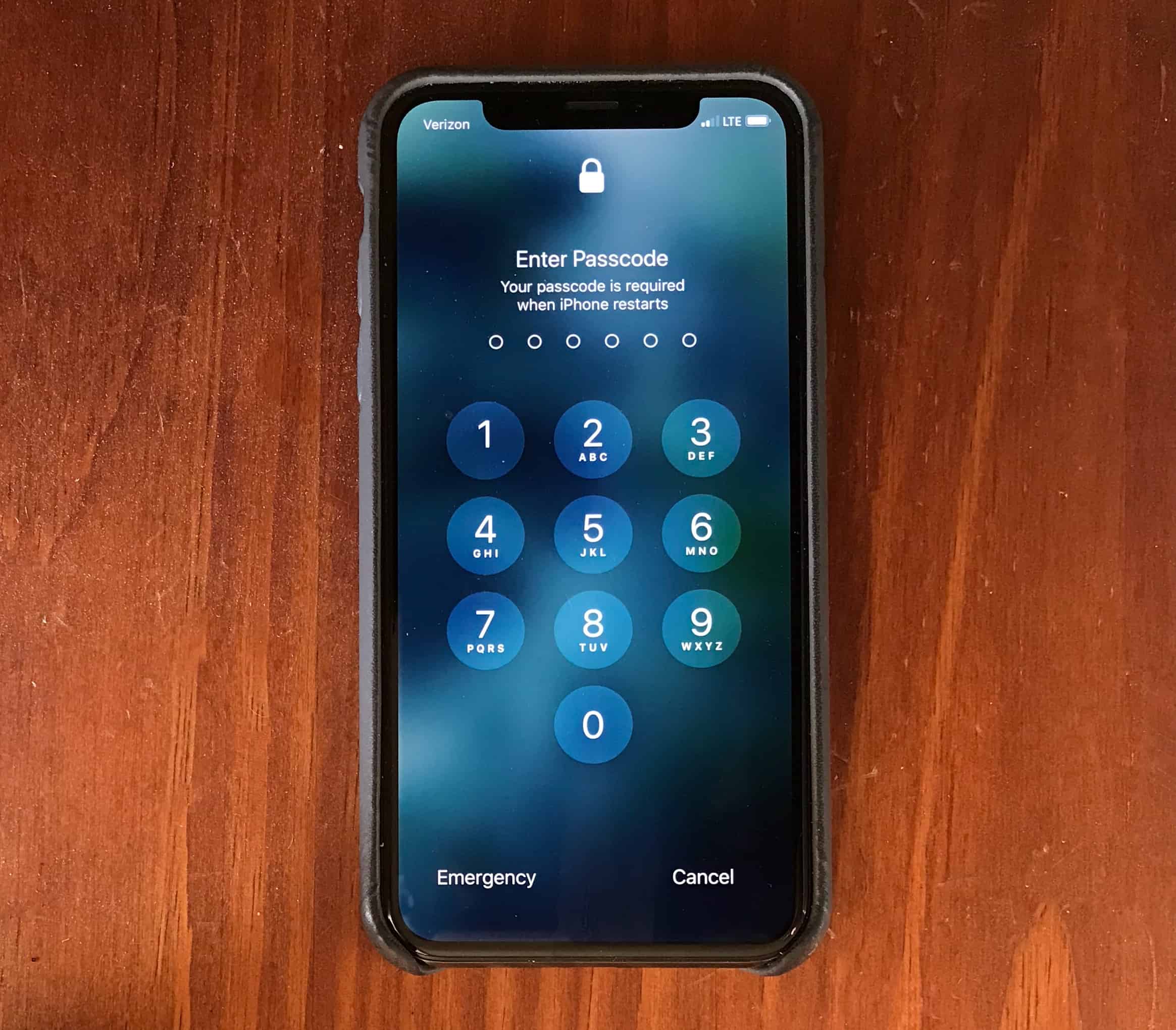
It’s the ultimate nightmare: Your iPhone is disabled, and you can’t get it unlocked. Maybe you created a complex passcode that now slips your mind. Perhaps you want to sell an older device you stashed in a drawer for a while, and you guessed wrong on the passcode too many times. Or it could be another common problem: Your device won’t accept a passcode because it (or its screen) is disabled.
In any of those cases, Tenorshare 4uKey can help. We will discuss how this software can help you unlock a disabled iPhone so you can enjoy your phone’s features to the fullest, and educate you from start to finish about how you can use this tool to unlock your disabled iPhone without iTunes.
Apple One is the Amazon Prime-style bundle for all your services in one. Photo: Ed Hardy/Cult of Mac
The Apple One subscription bundle service promises to make your monthly Apple subs easier by rolling them into a simple, one-off payment. But what if your existing subscriptions, such as Apple Music and iCloud accounts, are tied to different Apple IDs?
Fortunately, Apple’s longest-serving employee, Chris Espinosa, says that poses no problem. “It manages that,” he wrote in response to a question on Twitter. “I just double-checked.”
You can get up to $20 free. Photo: Killian Bell/Cult of Mac
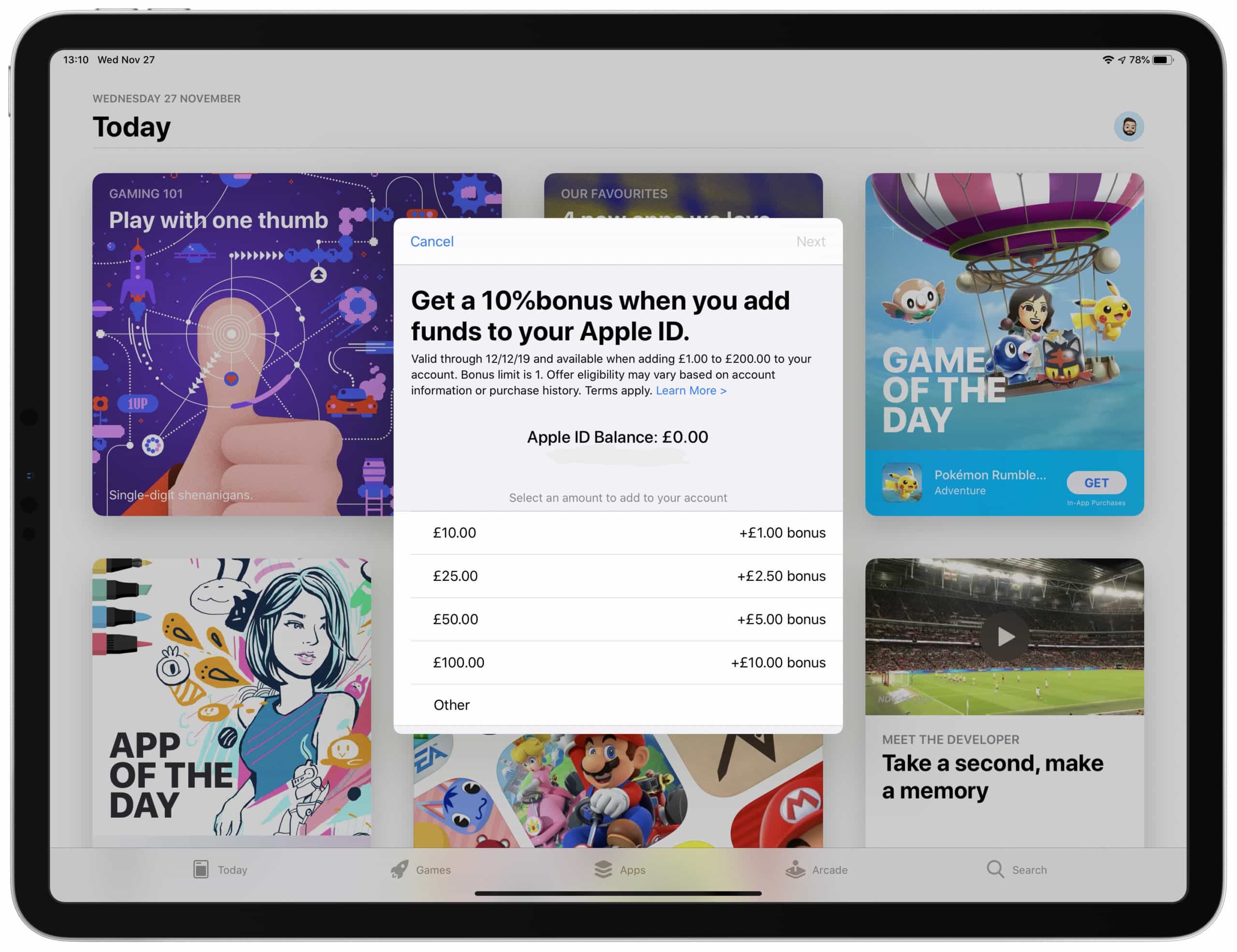
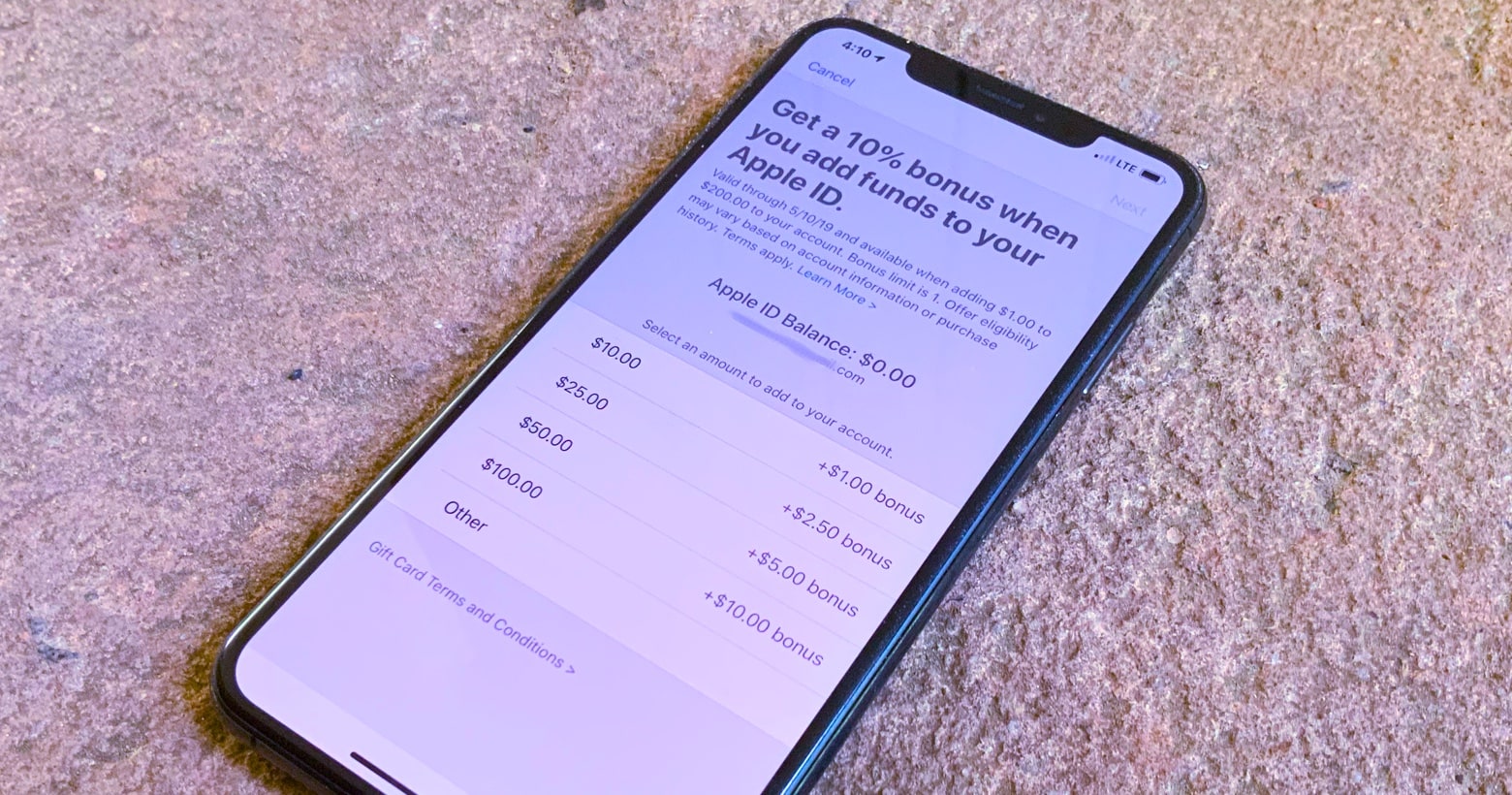
Apple is running another awesome promotion that offers shoppers free money when they top up their Apple ID. Simply add funds to your account before July 10 and you’ll get 10% extra. Here’s how.
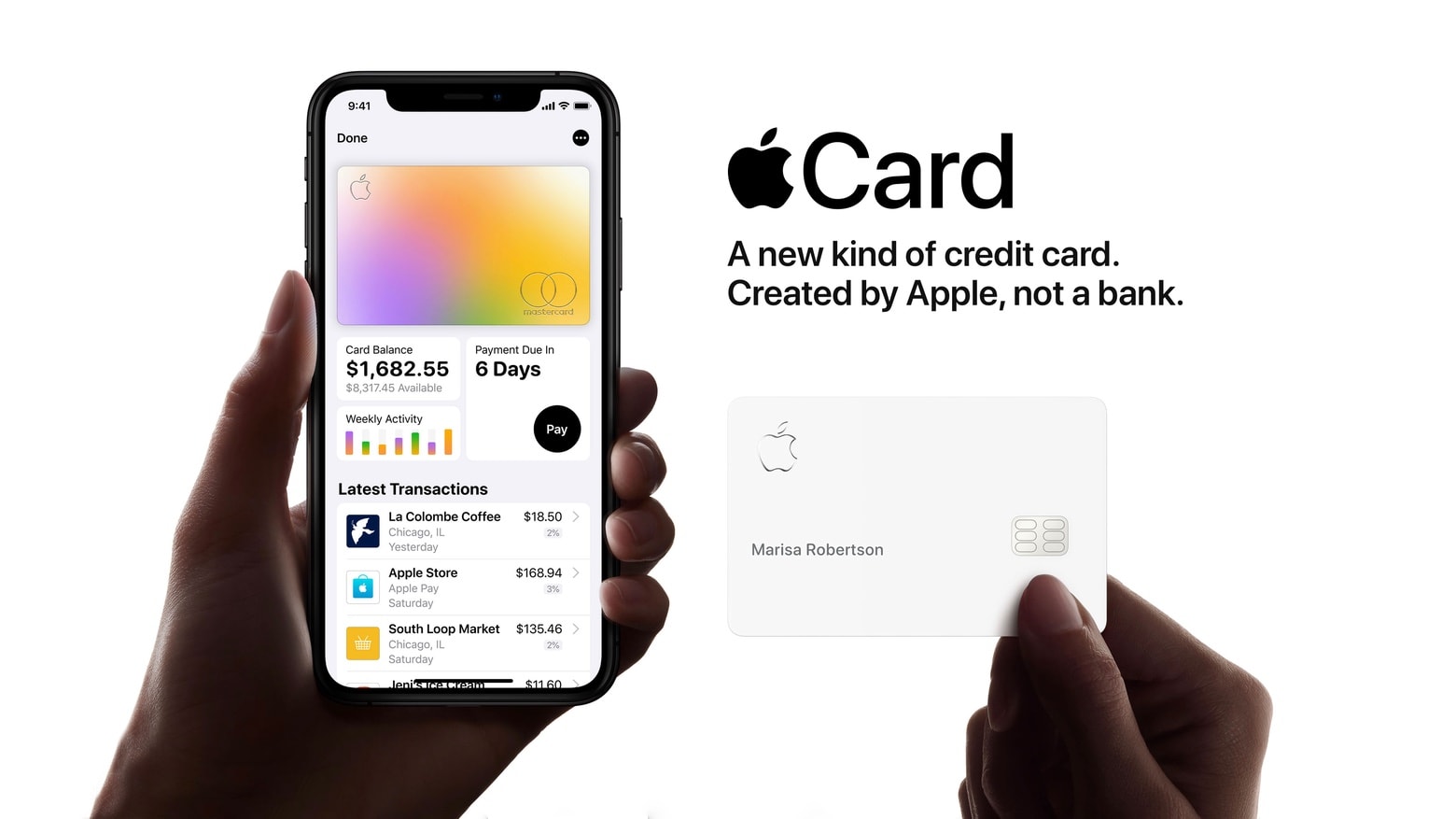
Apple is the face of the Apple Card, but Goldman Sachs really controls it. Photo: Apple
Apple updated its privacy policy on Apple Card this week in order to share more data with its card partner Goldman Sachs.
The larger data set is still be anonymized and will reportedly be used to allow Goldman Sachs to create a new credit assignment model so that more people are able to get approval for Apple Card.
Apple is giving away free money to use on the App Store. Photo: Apple
Planning to buy a lot of apps, movies and iBooks while stuck at home for the rest of the month? You might want to consider adding money to your Apple ID account to get more bang for your buck.
You can get up to $20 free. Photo: Killian Bell/Cult of Mac
Apple is now offering customers 10% in bonus credit when they add funds to their Apple ID.
The promotion offers a maximum bonus of $20. It can be spent in iTunes and the App Store, or on services like iCloud, Apple Music, Apple Arcade, and app subscription fees.
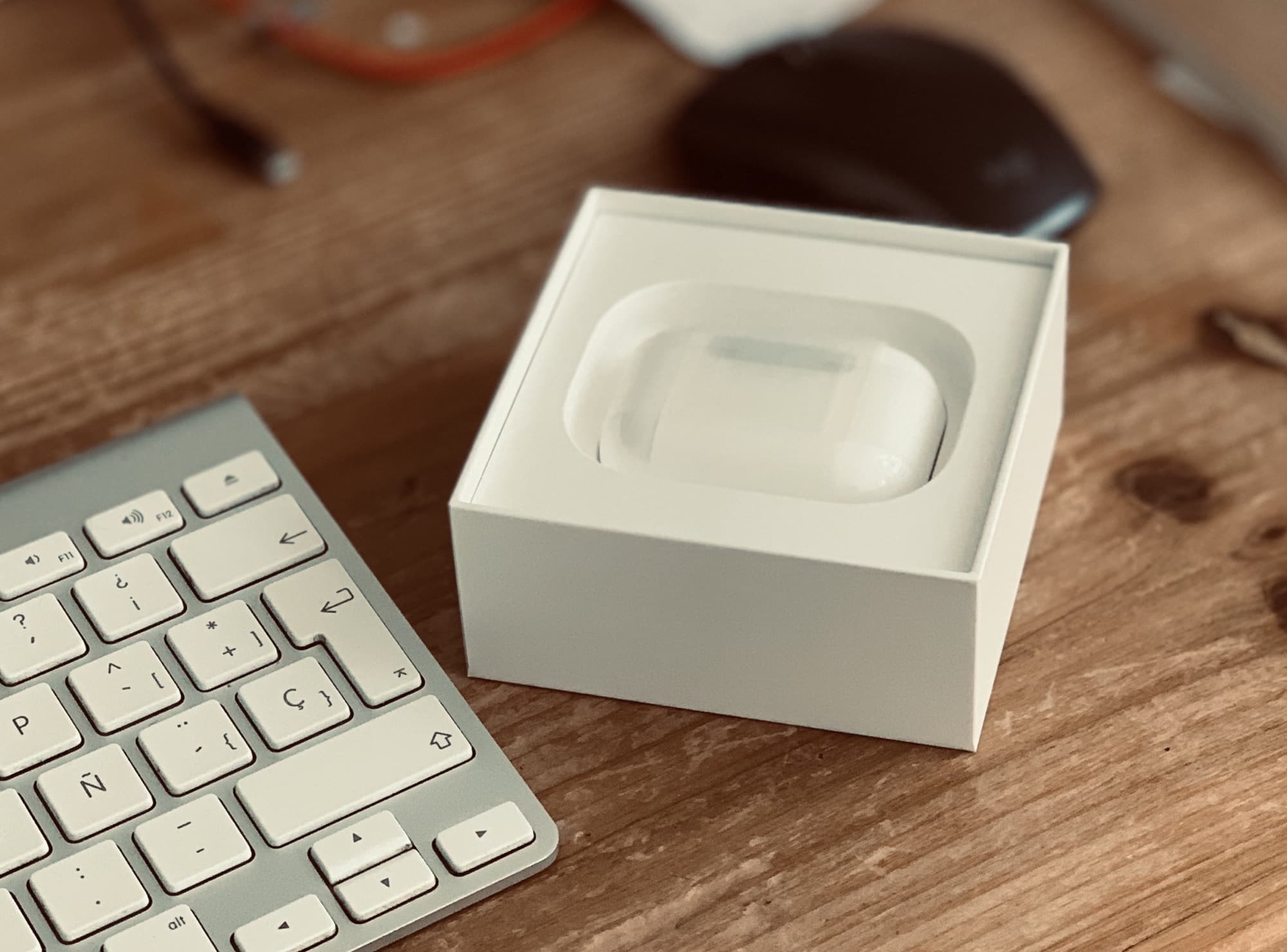
New AirPods? Why not give your old AirPods away? Photo: Charlie Sorrel/Cult of Mac
You’ve got your amazing new AirPods Pro, and now you have a set of perfectly good (if a little waxy) AirPods Normal just taking up mental space.
Should you keep them as spares? I guess that’s the safe route (just in case you misplace the Pros). But how about giving them away to a friend or family member? Today we’ll see how to unpair AirPods from your iCloud account so you can do just that. (Plus how to clean them before you pass them along.)
With the holiday season approaching, maybe you could make someone very happy.
You can subscribe to just about anything these days ... but why? Photo: Ian Fuchs/Cult of Mac
Over the last couple years, tons of iOS apps switched from one-time purchases to monthly or annual subscriptions. As a user, this can seem frustrating — or annoying even — but it’s not necessarily a bad thing.
The rise of app subscriptions brings benefits to users, developers and the app ecosystem as a whole. Whether you’re subscribing to your favorite weather app, task manager or podcast player, the subscription model offers perks that never existed in the one-time-purchase world of apps.
Apple will add to the funds you put in your Apple ID account this week. Photo: Ed Hardy/Cult of Mac
For the rest of this week, Apple will chip in an extra 10 percent to funds added to App Store accounts. This is essentially free money for those willing to commit some cash to buying apps or other services at some point in the future.
The thief who has your stolen iPhone will use surprisingly sophisticated means to trick your passwords out of you. Photo: Ed Hardy/Cult of Mac
If your iPhone is ever lost or stolen, be extra careful about scammers attempting trick your Apple ID password from you. iPhone thieves reportedly have an elaborate system set up to scam this information, as it’s needed to make a stolen device much more valuable.
Multiple users have reported being locked out of their Apple devices, receiving messages stating that: “Your Apple ID has been locked for security reasons. To unlock it, you must verify your identity.”
There appears to be no pattern to the users receiving the message, in terms of their prior actions. It could be a fault on Apple’s part or, potentially, something more malicious like an attempted brute force attack by hackers.
Apple IDs were used to steal money from accounts. Photo: Alipay
Apple has issued an apology after a number of customers in China had their Apple ID stolen and used by thieves to take money from paired mobile payment services.
In a statement to the Wall Street Journal, Apple said that it is, “deeply apologetic about the inconvenience caused to our customers by these phishing scams.” It noted that this incident affected a “small number” of users.
Alipay is one of the mobile payment services where users have reportedly had money taken. Photo: Alipay
Hackers in China have used stolen Apple IDs to make off with cash from customers’ Alipay and Tencent accounts, two popular Chinese mobile payments service.
In a post on Weibo, Alipay said that it has contacted Apple to determine the exact details of the breach. It also warned that users who have linked their Apple IDs to mobile payment services should lower their transaction limits. Tencent has also gotten in contact with Apple.
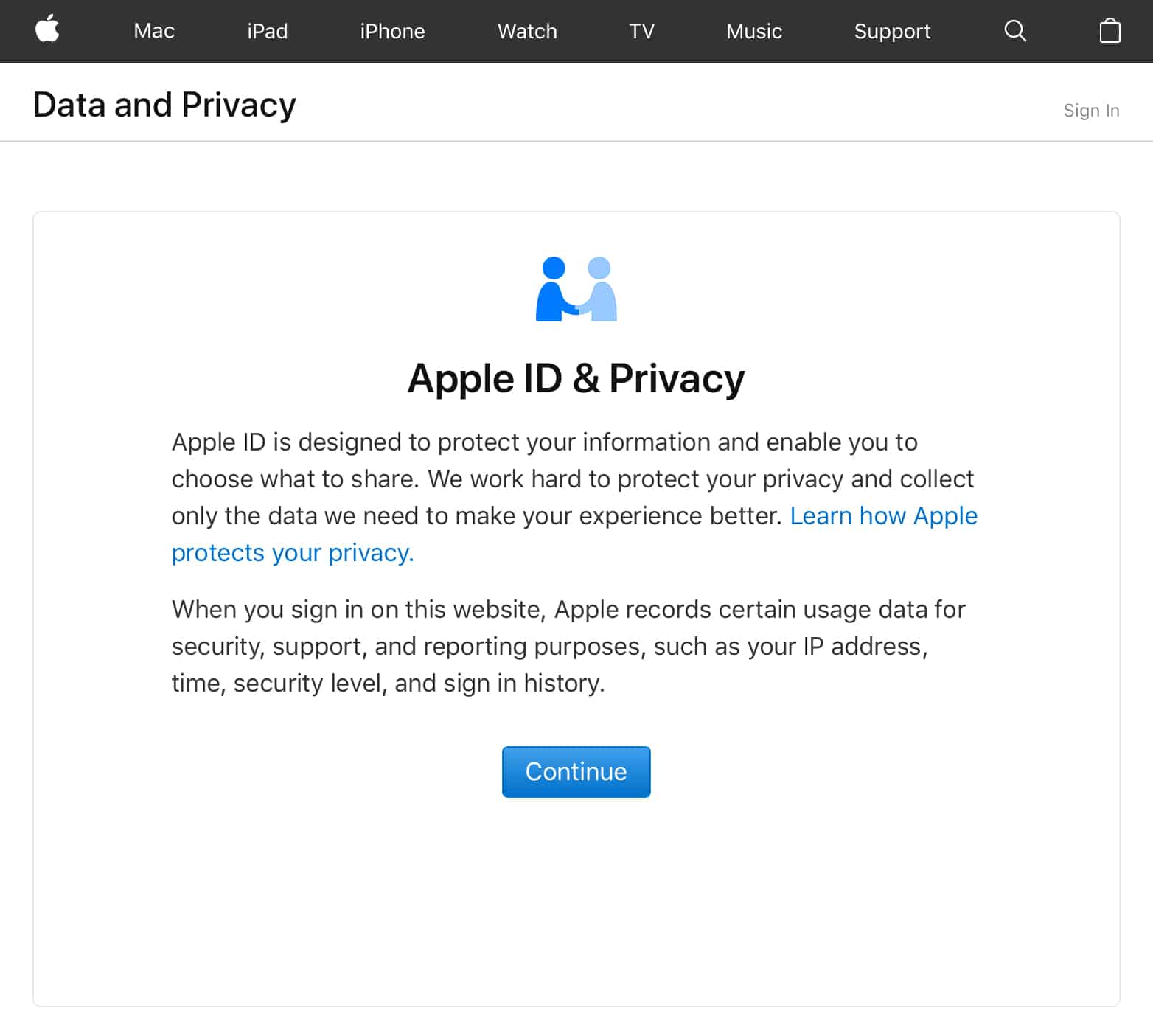
Apple’s Data and Privacy website launched last year Photo: Apple
Apple is now giving users the opportunity to download a copy of all the data the company has collected from them. This includes App Store and iTunes activity, Apple ID account and device information, online and retail store activity, AppleCare support history, and more.
The tool is part of Apple’s new Data and Privacy website, which also allows users to correct any information Apple holds about them, and deactivate their account completely.
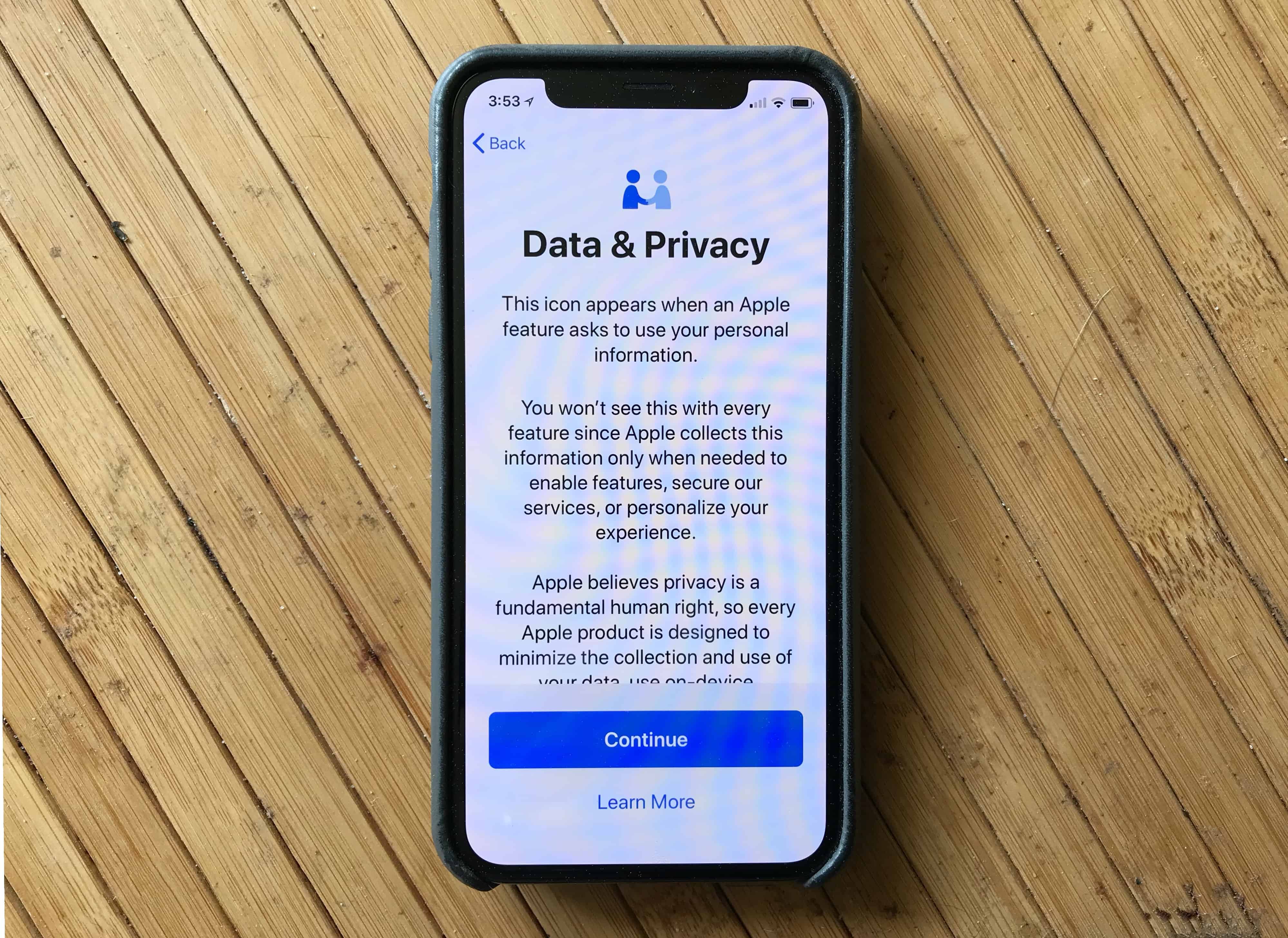
A pop-up in iOS 11.3 gives Apple's commitment to privacy. Photo: Ed Hardy/Cult of Mac
Apple is giving developers new tools that will allow iPhone and iPad users to download and delete any personal information being stored in iCloud.
Developers received word of the new tools today which were created in order to help developers comply with the EU’s General Data Protection Regulation that goes into effect this May. The new laws mean developers will be forced to comply anytime a customer requests to access manage, restrict or delete personal data.
A pop-up in iOS 11.3 gives Apple's commitment to privacy. Photo: Ed Hardy/Cult of Mac
Apple will soon let you download all the information it has stored about you, modify it, or even delete it.The privacy change is required by a new European law, but is also in-line with Apple’s policy to not spy on itscustomers. This sets it apart from rivals like Google and Facebook.