
 Once a bit of a sketchy upstart, Apple Maps has become one of the best iPhone navigation apps. And upcoming iOS 27 — previewed at WWDC 2026 this week — pushes it even further. Here’s every notable Apple Maps upgrade in iOS 27.
Every notable Apple Maps upgrade in iOS 27
From AI-powered aerial views that make virtual city exploration feel cinematic, to smart local recommendations that protect your privacy, Apple revealed some cool updates to Apple Maps at WWDC26. You can try at least some of them now if you dabble in developer betas, or in July with public betas, or in the fall when iOS 27 in finished form drops this fall.
7. Offline Maps gets improvements (details TBA)
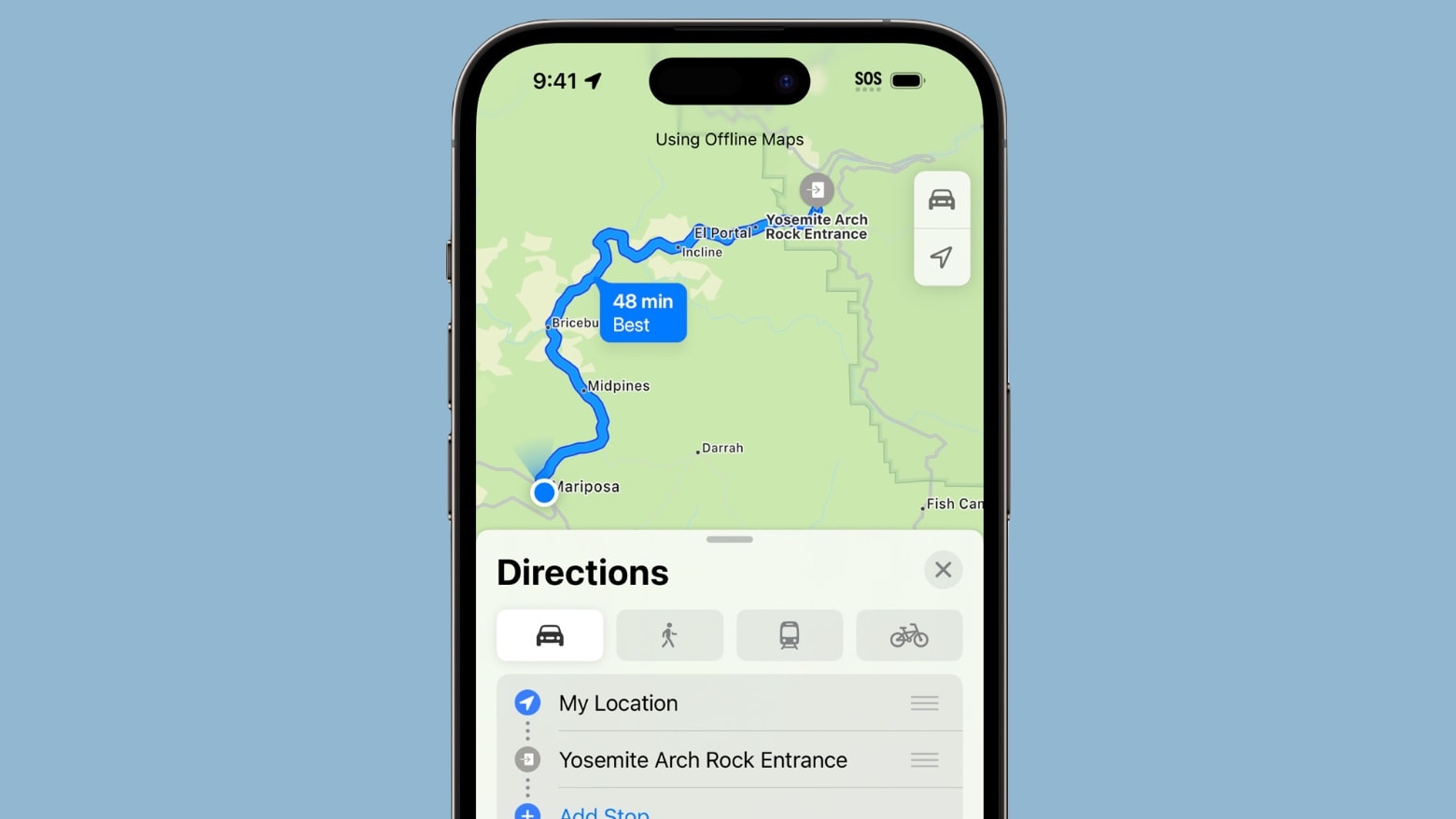
Photo: Apple
Apple confirmed that Offline Maps — the feature that lets you download map data for use without a cellular or Wi-Fi connection — receives improvements in iOS 27. The company hasn’t yet spelled out what changes, but the update appears in official WWDC materials. Offline Maps is particularly valuable for travelers heading somewhere with spotty coverage, so any improvements here should be welcome news.
6. A Parked Car widget lands in the Smart Stack
Finding your parked car just got one step easier. iOS 27 brings a Parked Car widget to the Smart Stack on your iPhone, so you can pull up your vehicle’s last known location with a raise of your wrist — or a quick downward swipe on your Home Screen.
For anyone who regularly parks in large lots or unfamiliar neighborhoods, this puts a genuinely useful piece of information exactly where you’d reach for it first. What a godsend!
5. Natural language search expands to cover routing
Apple has been steadily improving natural language search in Maps, and iOS 27 extends it to routing specifics. That means you’ll be able to phrase navigation requests more conversationally — asking for routes that avoid certain road types, for example — rather than poking through settings menus.
Apple hasn’t detailed every routing query the new AI search handles, but the expansion signals a Maps experience that responds more like a knowledgeable co-pilot.
4. Trending Restaurants gets its own dedicated section
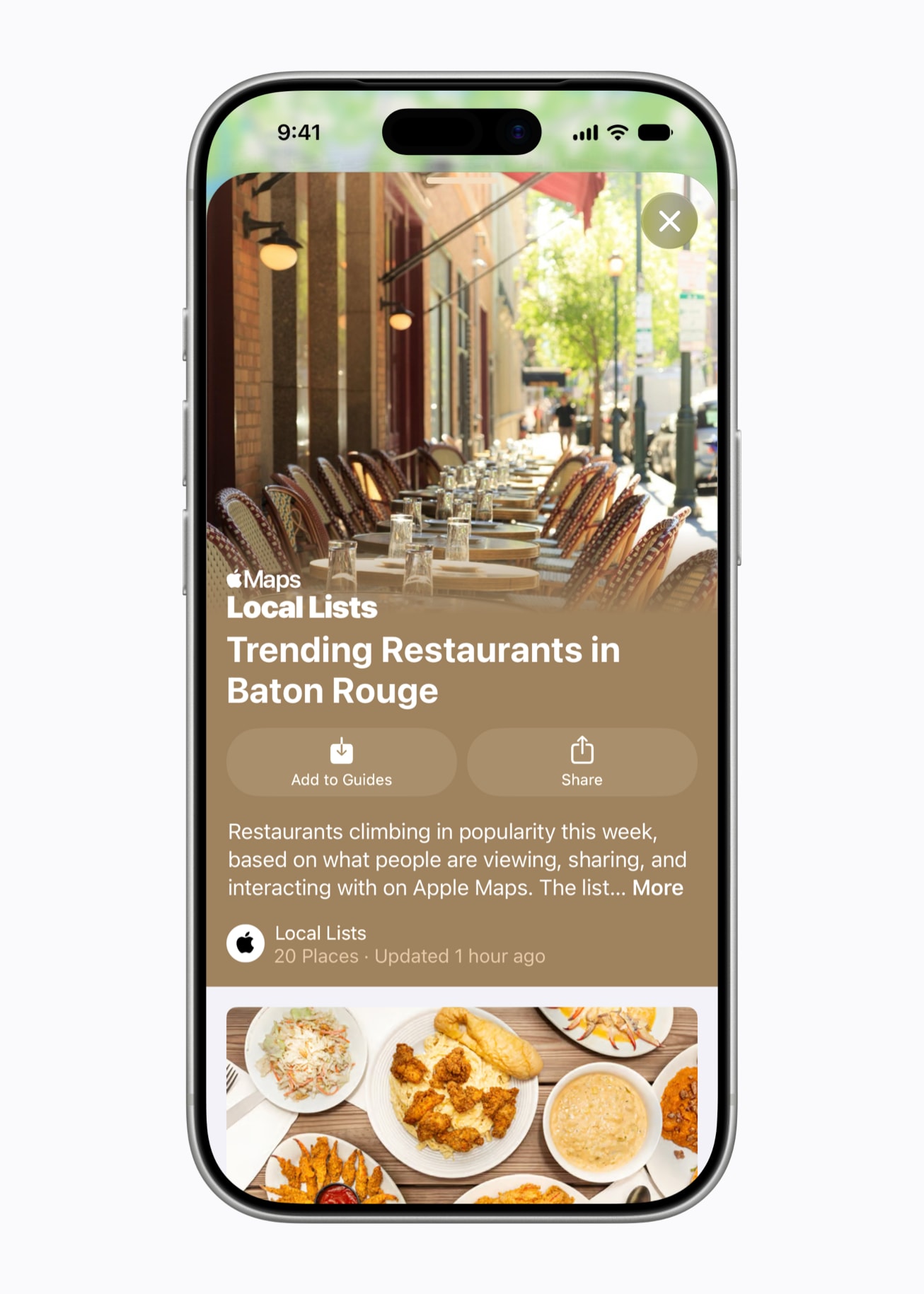
Photo: Apple
Building on the Local Lists concept, iOS 27 also plants a dedicated Trending Restaurants section directly into the Maps search screen. Rather than hunting through menus, you’ll see what’s popular in your area the moment you tap the search bar. It works alongside Local Lists but functions as a quicker, always-visible entry point for food discovery.
3. Suggested Places expands beyond just two recommendations
iOS 26.5 introduced Suggested Places — a feature that surfaces nearby spots you might like — but it only ever showed two options at a time. iOS 27 opens that up considerably, letting you swipe horizontally through a much longer carousel of recommendations. It’s a small change, but one that makes spontaneous discovery feel a lot less restrictive.
2. Local Lists surfaces trending spots near you
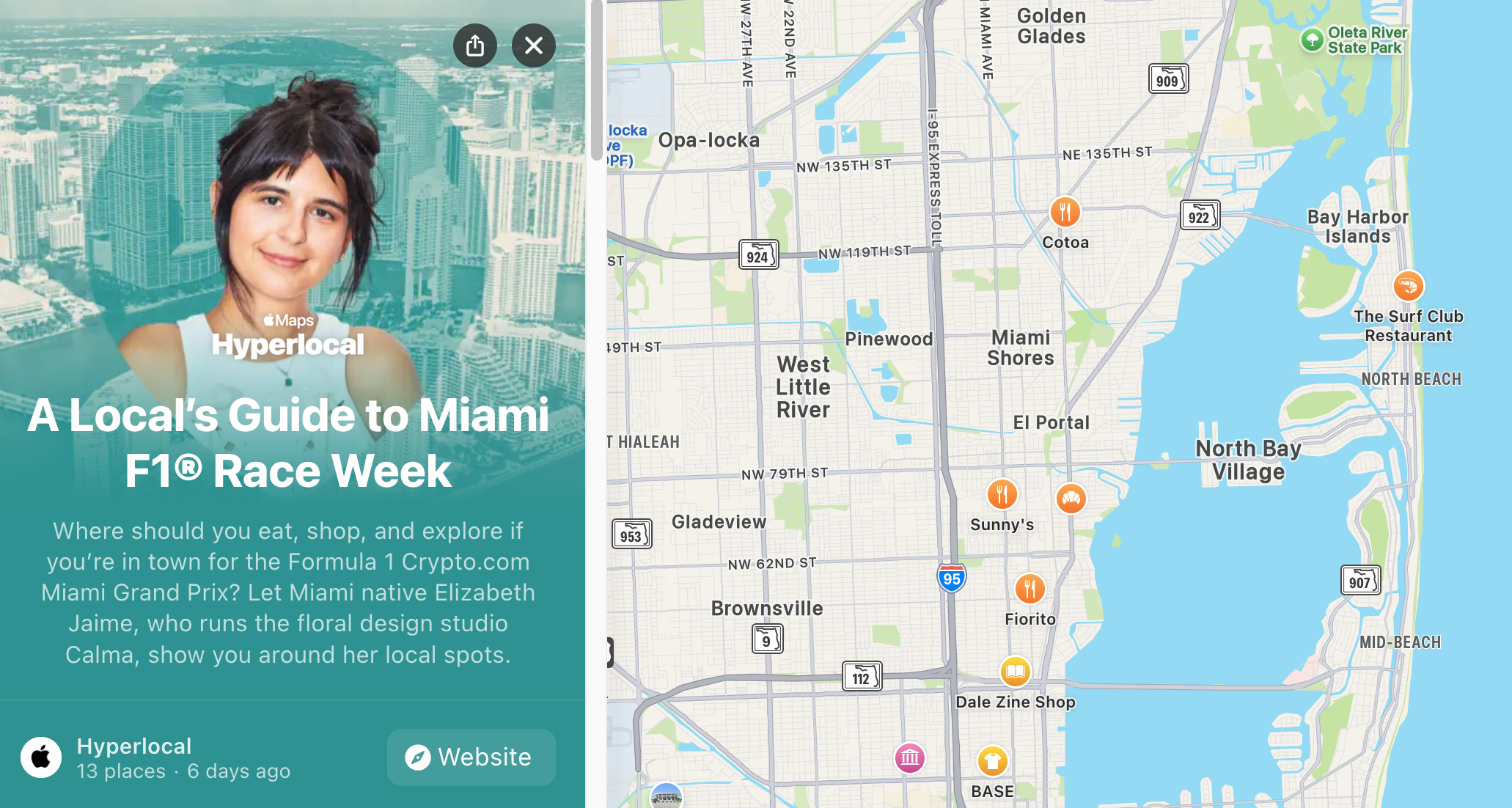
Photo: Apple
If you’ve ever opened Maps looking for somewhere to eat and felt paralyzed by too many options, Local Lists aims to fix that. The feature, launching in the US, surfaces curated collections of places ranked by popularity — not just trending restaurants, but great spots for families and more — drawn from how people actually interact with listings in Apple Maps.
Crucially, Apple builds these lists without tying any data back to you. The insights come from aggregate map usage, not personal profiles. Local Lists also display practical details at a glance: opening hours, price range and food photos. Tap a listing for full details, or hit the plus button to drop a pin straight onto your map.
1. Flyover gets an AI-powered visual overhaul

Photo: Apple
Flyover, the 3D aerial view that lets you swirl through more than 350 cities from above, receives its most significant visual upgrade in years. Apple now layers AI models on top of existing aerial imagery to produce sharper, more lifelike results for select cities worldwide. The difference shows up in the details: trees that previously looked boxy and low-resolution now display individual branches, and glass skyscrapers reflect light more convincingly. Think of it less as a data update and more as a complete re-rendering of the world beneath you.
The upgrade currently covers major cities like New York, London, and Cupertino. Smaller destinations haven’t yet received the treatment, but Apple typically expands Flyover coverage gradually — so more cities should follow over time.
Bonuses: Fresh Liquid Glass icon look / Find My sharing options

Image: Apple
It’s not a feature, but it’s worth a mention. The Maps app icon now sports the multi-layered Liquid Glass design that defines iOS 27’s visual language. If you’ve seen the new aesthetic across Apple’s updated app icons, Maps now fits right in.
In addition, Apple noted the addition of Find My flexible sharing options (not a core Maps feature, but related):
Coming this fall, users will have more control over how they share their location with friends and family using Find My, with new options to share for a custom duration — either for a number of minutes, hours, or days — or even set a date and time for when sharing will stop.
All of these features arrive as part of iOS 27 this fall as a free software update. Developers can already access them through the Apple Developer Program, and a public beta opens next month.

David Snow, an expert on Apple hardware and software, writes on a variety of technological and cultural topics for Cult of Mac. They include Apple news, technology buying guides, and features about computer setups and Apple TV shows and movies.
With 30 years of experience covering technology and other subjects, he has written and edited for numerous print and online publications, including CMP Media, TechTV.com, CNET, Wired News, Red Herring magazine, Law.com, The National Law Journal and Law Technology News magazine. Among other roles, he served as executive editor of the Law.com network of websites and editorial director, technology, for ALM Media.
Snow graduated with a B.A. from Syracuse University with majors in magazine journalism and psychology. While there, he worked as a reporter for The Daily Orange newspaper and associate editor of Equal Time magazine.
Founder of the blog At the Waterline, he can be reached on X (formerly Twitter) via @atthewaterline and on Mastodon via @dsnow.

