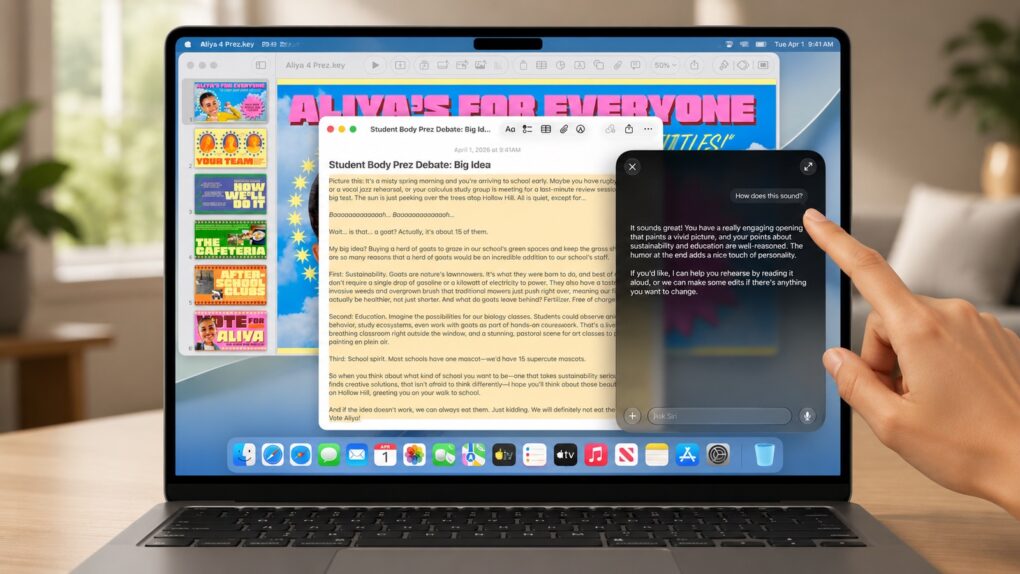
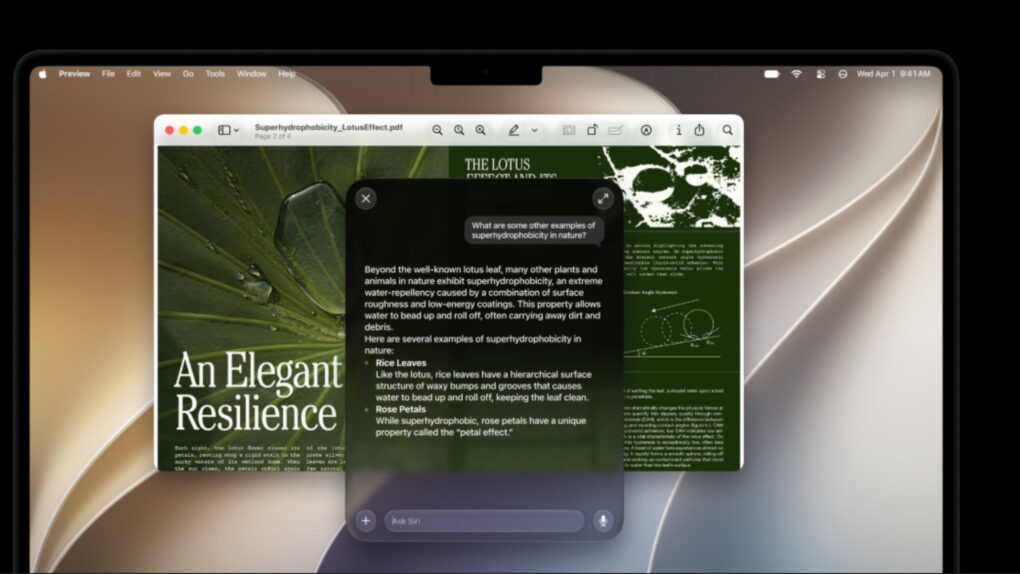
macOS 27 Golden Gate focuses on performance improvements, refinements to the Liquid Glass interface introduced in macOS 26 and deeper integration of Siri AI and Apple Intelligence features across the desktop experience.
Apple says the software delivers faster app performance, improved system efficiency and new AI-powered tools, while still providing full Rosetta 2 support for Intel applications during what is expected to be the technology’s final major release as a general-purpose compatibility layer.
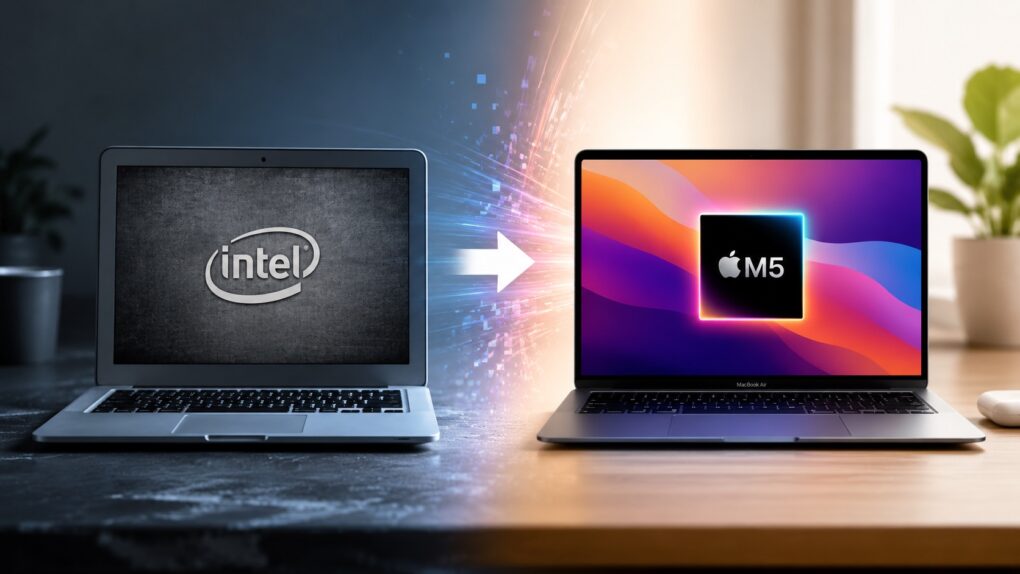
It marks a major milestone for Apple’s Mac platform as the first version of the operating system to require Apple silicon, ending support for Intel-based Macs after years of transition.
Apple seeded iOS 27.2 beta 1 to developers, along with the initial betas of macOS 27.2, iPadOS 27.2 and more. Image: Apple/ChatGPT/Cult of Mac
Apple wasted no time moving beyond iOS 27 and macOS 27. Just two days after releasing its major new operating systems, the company began beta testing iOS 27.2 and macOS 27.2 with developers.
No, you didn’t somehow miss beta testing iOS 27.1 and macOS 27.1. Apple made the unusual move of not putting these through public beta testing, and for good reason.
The wait is over! The final version of iOS 27 is out. Photo: Ed Hardy/Cult of Mac
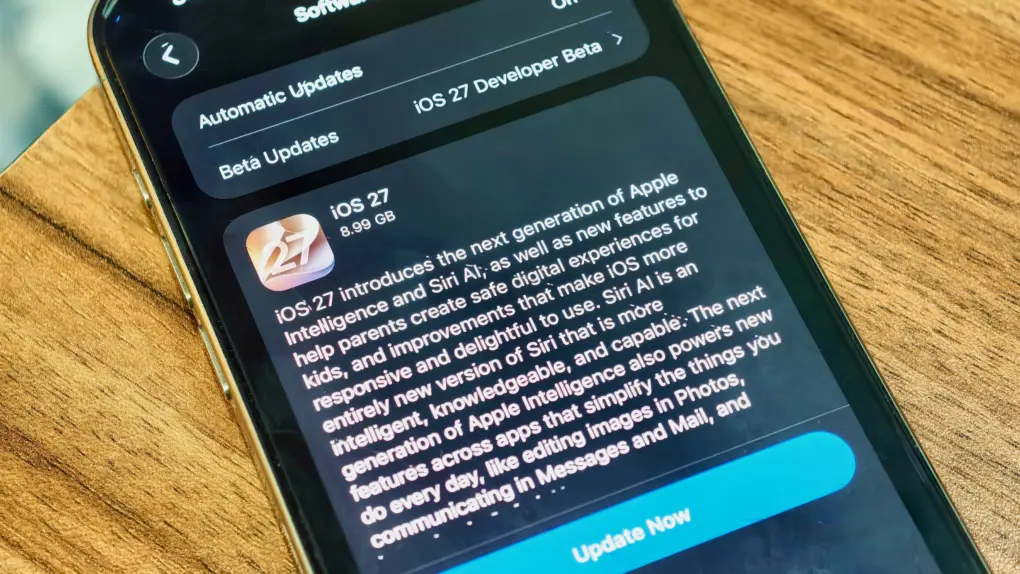
Your iPhone’s next big software update just arrived. Apple released iOS 27 on Monday, fixing many of the annoyances that iOS 26 inadvertently introduced last year, while also tweaking Liquid Glass to improve readability.
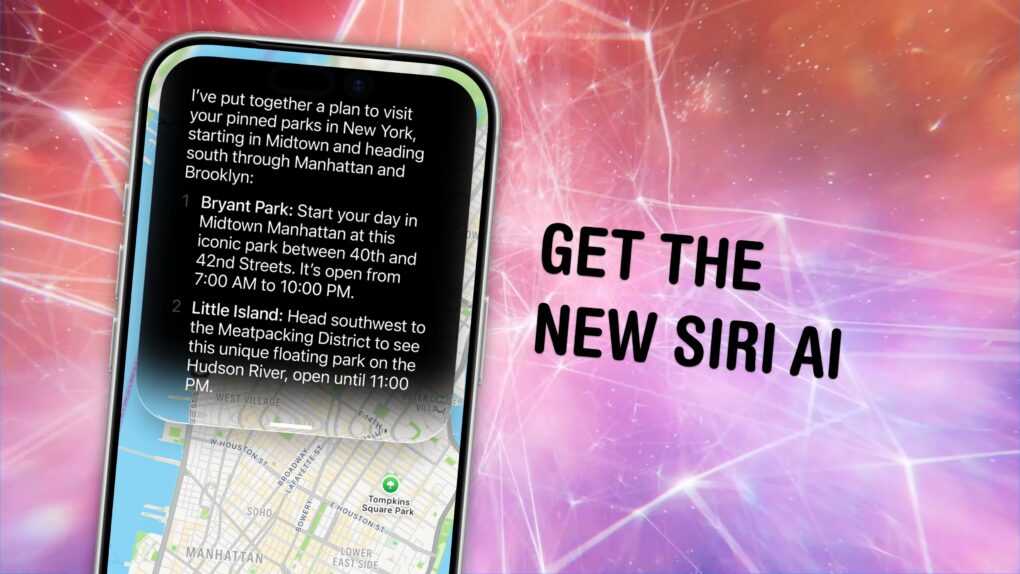
Alongside iOS 27, Siri AI also launches in beta today, finally bringing Apple’s AI assistant on par with Google, ChatGPT and others.
iOS 27, iPadOS 27, watchOS 27 and macOS Golden Gate are ready for public release. After previewing the updates at WWDC26 in June, Apple will release them on Monday, September 14.
But when exactly does iOS 27 land on your iPhone on September 14? Here’s when you can expect Apple’s latest updates to go live in your region. (Though you have the option to skip the wait and get iOS 27 now.)
After months of beta testing, Apple will release iOS 27, iPadOS 27, watchOS 27 and macOS Golden Gate to the public this month. And at its “Surprise and Shine” event, the company finally provided a release date.
The new operating systems will be released publicly in less than a week, on September 14.
The touchscreen MacBook could pack so many new features it's a potential game changer for Apple. Image: Cult of Mac/Apple/ChatGPT
Persistent rumors leave little room for doubt that Apple will finally build a touchscreen into a MacBook, burt that’s only one of the significant changes we can look forward to. It could launch as early as this fall as the biggest revamp to macOS notebooks since 2020.
It’s important enough that there’s speculation the device could be the first MacBook Ultra, not simply another MacBook Pro version.
Here’s what the latest rumors say about the touchscreen MacBook.
Get ready to pay more for iCloud+ if you want to use Apple Intelligence Home features. AI image: ChatGPT
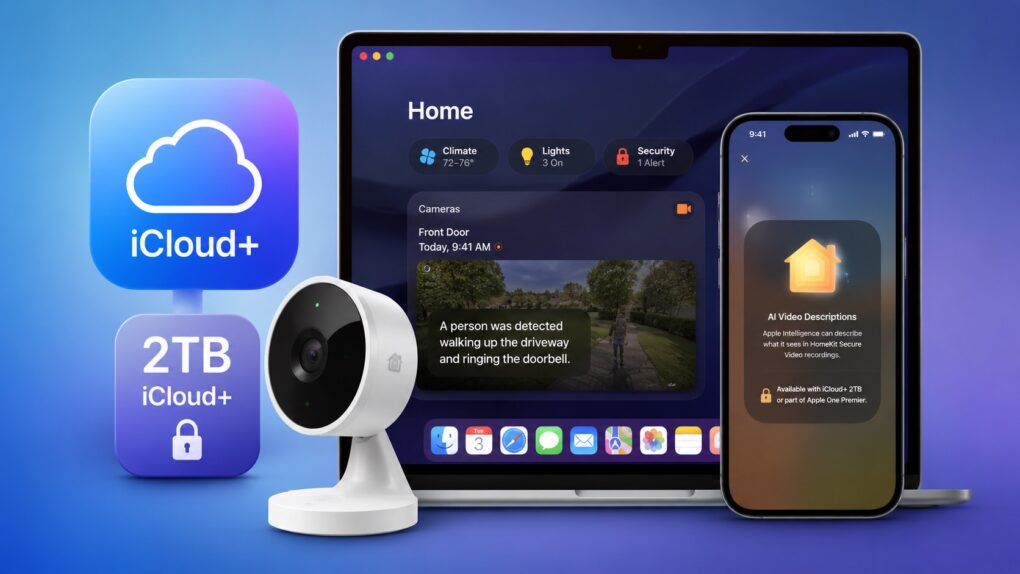
Apple Intelligence-powered features in Apple’s Home app will require a 2TB iCloud+ plan, according to a footnote in macOS 27 developer beta 3. As part of the upgrade, the Home app uses AI to generate summaries of motion alerts from compatible HomeKit Secure Video cameras.
In the United States, the required 2TB iCloud+ plan costs $10 per month. Alternatively, it is a part of the Apple One Premier bundle, which costs $37.95 per month.
The Notes app gets more powerful in Apple’s OS 27 updates. Image: Apple/D. Griffin Jones/Cult of Mac
iOS 27 and macOS Golden Gate add a handful of Notes features that will supercharge your note-taking. There are new options for formatting, working with Markdown and even drawing on a Mac for the first time.
It’s not a big year for the popular note-taking app, but the changes Apple added will please plenty of power users. Here’s what’s new.
macOS 27 Golden Gate marks the end of the road for Intel Macs. If you’re still using one, this is the strongest reason yet to consider upgrading to an Apple silicon Mac.
While your Intel Mac will continue receiving security updates for a while, it has effectively reached the end of its journey. And that’s not a disaster, considering the newer Apple silicon Macs are not only faster and more efficient, but they’re also the ones getting access to all the new AI features. Here are eight reasons it’s finally time to upgrade.
It’s about damn time. Image: Apple/D. Griffin Jones/Cult of Mac
You can get the new Siri AI right now on your iPhone, iPad, Mac, Apple Watch and Vision Pro. All you have to do is update to the iOS 27 developer beta release.
You’ll also get the other Apple Intelligence features: generating Shortcuts and Safari extensions, extensive photo editing tools, realistic generation in Image Playground, systemwide proofreading and much more.
Be warned — to get the hottest feature, Siri AI, there’s another waitlist. You should hop on as early as you can. You might even be able to skip the long wait time — there’s an unconfirmed method people are trying out. Here’s how.
The popular workaround is no more. Graphic: Apple/D. Griffin Jones/Cult of Mac
The hack that some Mac users were using to try out the new Siri AI, skipping the waitlist, no longer works.
Apple released the second developer beta of all its OS 27 updates yesterday. In macOS 27 developer beta 2, the hidden Terminal command no longer enables Siri AI. After you update, you’ll find yourself back on Apple’s waitlist. If you previously enabled it on your Mac, your access will be revoked.
But no worries — some users on Reddit may have found a way to get yourself accepted fast.
The upcoming version of macOS. Image: Apple/D. Griffin Jones/Cult of Mac
macOS 27 comes packed with features that will make your daily life on the Mac all the better. From an enhanced user interface to super-charged search, the new operating system delivers upgrades that should please every Mac user.
While Apple Intelligence and Siri AI dominated Apple’s WWDC26 keynote last week, and much of the fervor focused on improvements coming to iOS 27, the Mac is getting some great new features as well.
Here are the 10 best “hidden” features coming to macOS Golden Gate 27.
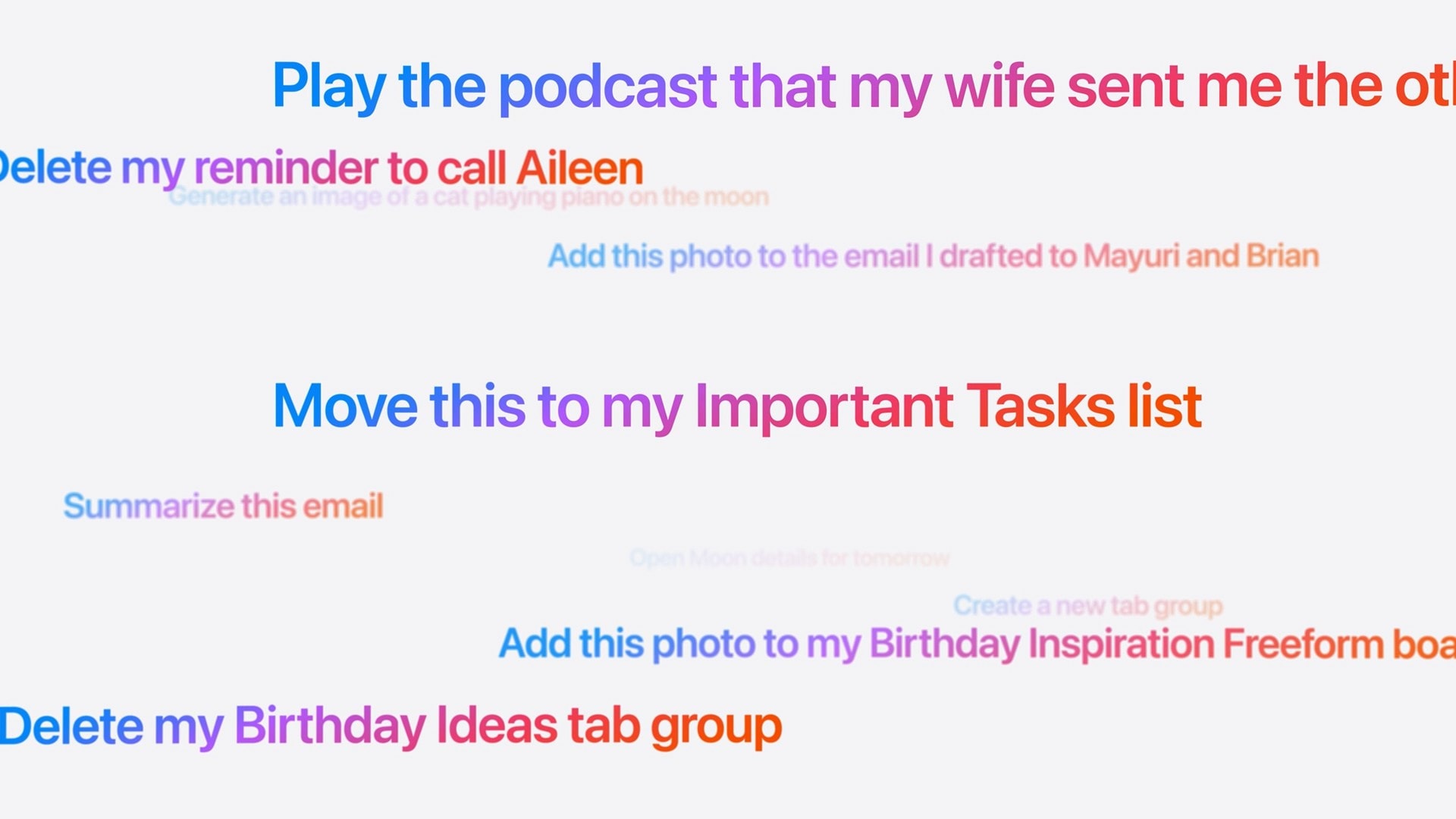
These are the kinds of things you’ll be able to ask the new, smarter Siri. Image: Apple
Did Apple finally get it right — is the new Siri AI useful? In my early Siri AI testing, I think the answer to that question is a resounding “yes.” I took the three biggest demos from Apple’s keynote and replicated them with my own questions based on my own personal context. In nearly all the tests, it performed just as well as Apple’s examples.
I’ve been throwing Siri AI, now available in the first developer beta of iOS 27, all kinds of other questions, too. Foolishly, I put the beta on my main iPhone, so I’ve been using it as my one and only voice assistant for a week now.
While its smarts aren’t going to shock you if you’ve used a chatbot before, its private, secure access to your entire digital life is something nothing else can offer. (And, some would say, an anticompetitive advantage.)
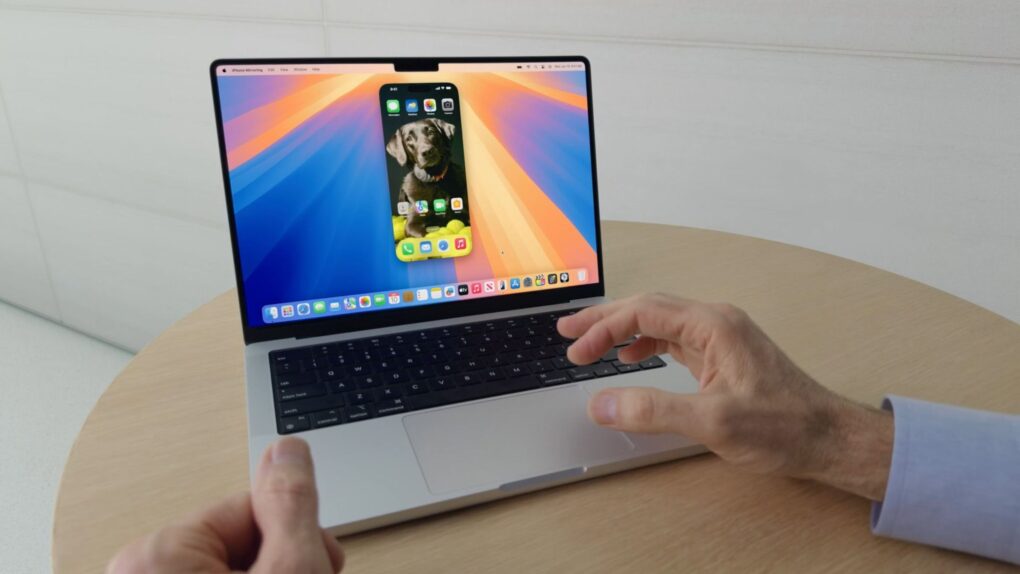
iPhone Mirroring gets a major upgrade in macOS 27. Photo: Apple
iPhone Mirroring, which lets you view and control your iPhone from your Mac, finally gets some features it deserved from day one in macOS 27 Golden Gate. The three notable improvements are resizable windows, Control Center access and DRM video playback.
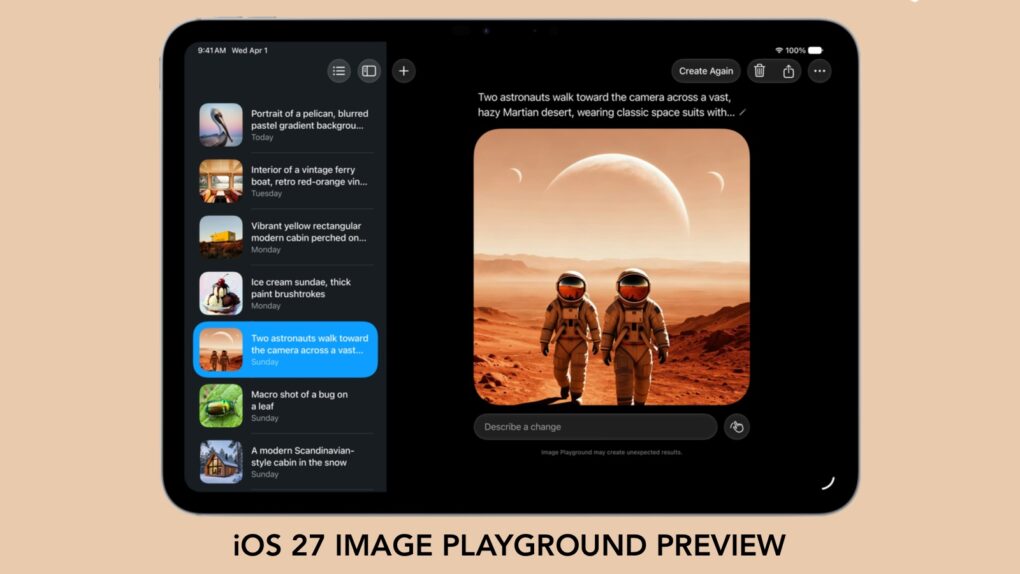
With iOS 27, we'll have to stop thinking of Image Playground as rubbish. Graphic: Apple/Cult of Mac
Forget what you know about Apple’s Image Playground — the app is no longer terrible. There’s a new version on the way, and it finally fulfills the promise Apple made two years ago.
Later this year, your iPhone is getting an AI tool that’s truly capable of generating images based on your descriptions. And the software can avoid many of the usual problems that cause some people to reject artificial intelligence tools.
After whiffing a couple years ago, Apple hits it out of the park with Siri AI. Image: Cult of Mac
This week on the Cult of Mac podcast: For once, Siri doesn’t leave us exasperated! After a week of WWDC26 surprises, we’re genuinely stoked about the promise of Siri AI.
Also on the Cult of Mac podcast:
The good news doesn’t stop with Siri. Loads of new Apple Intelligence features look useful and thoughtfully implemented.
Apple faces off against the European Union, and it looks like EU iPhone and iPad users will pay the price.
And finally we wrap up with the results of our WWDC26 predictions game.
Listen to this week’s episode of the Cult of Mac podcast in the Podcasts app or your favorite podcast app. (Be sure to subscribe and leave us a review if you like it!) Or watch the video live stream, embedded below.
It’s worth the wait. But you also don’t have to wait. Photo: Apple
Even after updating all your devices to the OS 27 betas, you can’t get the new Siri AI right away. There’s a waitlist, and users are reporting that it can take days to get accepted. But on macOS Golden Gate, you can skip the waitlist with a little Terminal command.
First, you’ll need to install macOS Golden Gate. If you want to play it safe by installing it on an external volume, you’ll be disappointed — Apple Intelligence only works when macOS is running from your internal storage. So playing it safe is a little harder, unless you have enough free internal space to make a partition.
Whatever your approach, here’s how you can try out the new Siri on your Mac right now.
iOS 27 packs several smaller changes that Apple did not talk about. AI image: ChatGPT/Cult of Mac
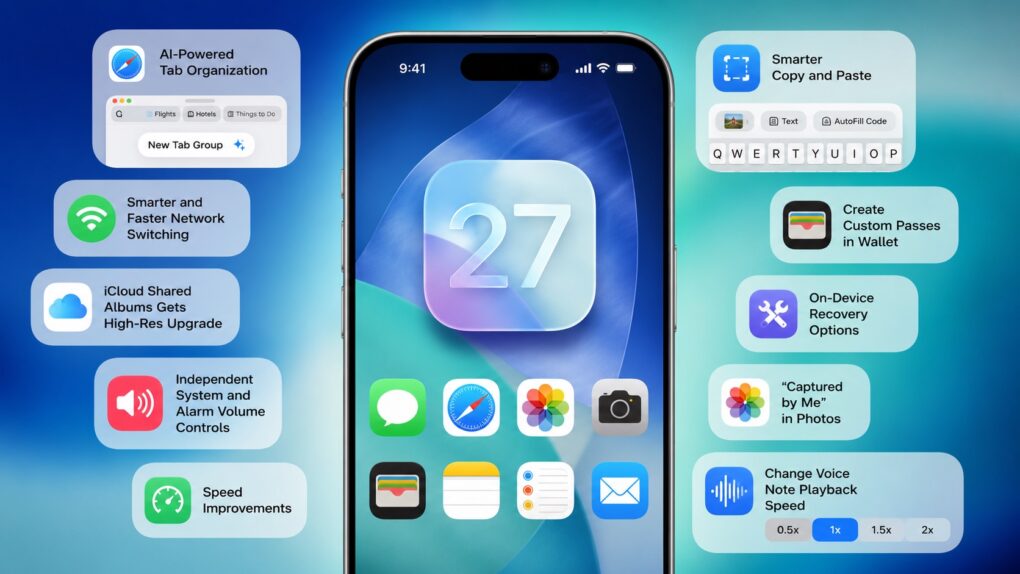
Apple spent the majority of WWDC26’s opening keynote talking about Siri AI, Apple Intelligence upgrades, Liquid Glass refinements and performance enhancements. But iOS 27 packs much more than that. There are several smaller changes that Apple did not talk about onstage.
Here are some of the best hidden iOS 27 features you might have missed.
Apple is finally closing the book on Intel app support with macOS 27 Golden Gate. Photo: Apple
Apple’s planned goodbye to Intel is almost here, and it’s not about the hardware. macOS 27 Golden Gate will be the last version of macOS to support apps built for Intel-era chips using Rosetta 2, the software layer that’s been keeping older software alive on Apple silicon. Next year, when Apple announces macOS 28, that safety net will disappear completely.
This affects even M-series Mac users who upgraded years ago. If any of the apps you use haven’t been updated with native Apple silicon support, they are likely alive because of Rosetta 2. These apps now have roughly one year before they stop running.
Some Siri AI features will only work on Apple's latest devices. AI image: ChatGPT/Cult of Mac
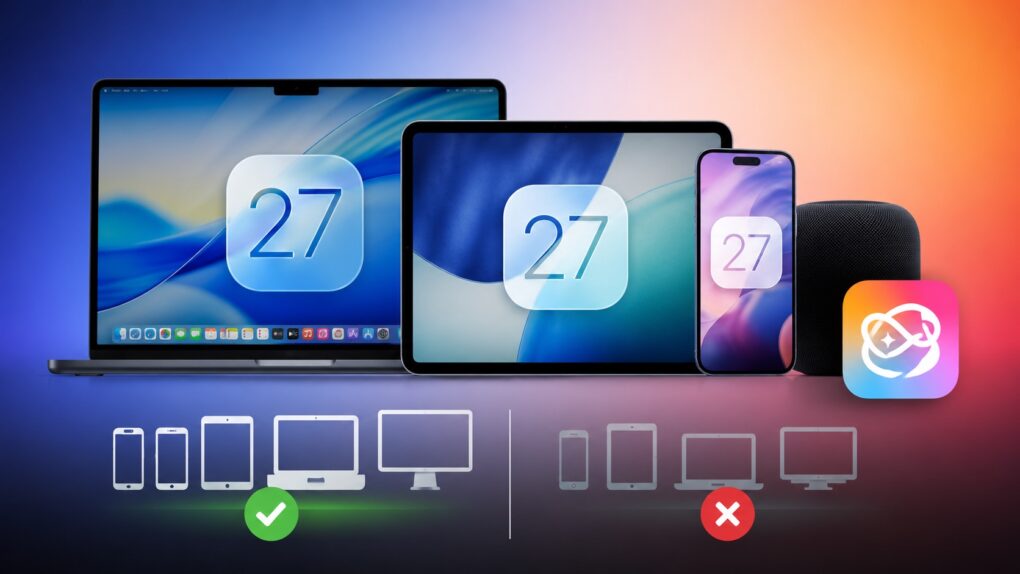
iOS 27 is coming to iPhone 11 and all models released after that. And while it sounds impressive that Apple’s new operating systems will support devices released in 2019, it does not mean that your old iPhone will get every new iOS 27 feature. In fact, even the iPhone 17 will not get the full suite of AI features in iOS 27.
The same holds true for iPadOS 27 and macOS 27. Many of the headline features require newer hardware, meaning some compatible iPads and Macs will miss out on parts of the update.
Please, only touch the screen if it’s a touchscreen. Photo: Pavel Danilyuk/Pexels
A few changes in macOS Golden Gate 27 hint towards Apple introducing a Mac with a touchscreen quite soon. Apple added a bunch of developer tools that allow apps to differentiate touch input from mouse input. Liquid Glass elements also behave differently when you interact with them on a touchscreen — they bounce and glow more prominently, just like iOS.
Officially, these changes are for Sidecar, the feature that lets you use an iPad as a touchscreen Mac display. But Apple’s own documentation also states that these new features are “not just for the Sidecar display.”
What else could that be…? Maybe the touchscreen MacBook that’s rumored to launch later this year.
Apple's new AI-powered Extend and Reframe image tools show real promise. Graphic: Ed Hardy/Cult of Mac
The Reframe and Extend tools Apple added to the Photos app in iOS 27, iPadOS 27 and macOS 27 are excellent examples of how AI can be used to improve our lives. With these AI-powered editing options, a picture that’s almost amazing can be noticeably improved.
Plus, they don’t have the drawbacks of artificial intelligence that make so many people uncomfortable.
Apple provides more options for tweaking Liquid Glass in iOS 27, macOS 27 and iPadOS 27. Image: Apple
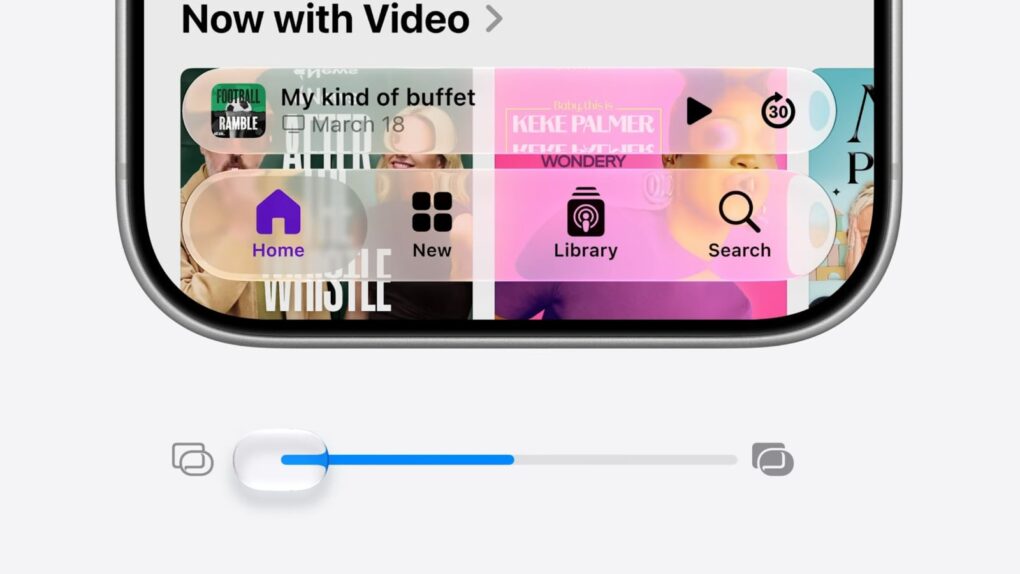
Refinements to Apple’s divisive Liquid Glass user interface in iOS 27, iPadOS 27 and macOS 27 address many of the quirks that made some people despise the glossy new UI over the past year.
Apple straightforwardly addressed users’ concerns during Monday’s WWDC26 keynote. And Shubham Kedia, Apple’s human interface design director, said Apple updated “the foundations of how Liquid Glass is built” for this year’s new operating systems.
“Last year, we introduced our most ambitious cross-platform design update ever with Liquid Glass, which made apps and experiences even more expressive and delightful,” said Kedia. “Like with all major design updates, there’s a natural process where we take a bold leap forward and then we continue to iterate.”
Will the changes to Liquid Glass satisfy users who dislike the current state of affairs? The first developer betas are out, and early reactions seem mostly positive. Here are the biggest changes coming to Apple’s design language this year.
Watch the keynote in just 2.0% of the time. Image: Apple/D. Griffin Jones/Cult of Mac
At the WWDC26 keynote, Apple announced the next versions of all its operating systems with a swath of AI features. There are tweaks to the Liquid Glass design, a wide array of tiny quality-of-life and performance improvements, draconian parental controls and limits, and AI in every corner of the operating system.
It was an unusual WWDC keynote that disposed of the typical platform-by-platform format, and a relatively brisk runtime. But if you don’t have 76 minutes to spare, you can get the gist in just 90 seconds.
This 40-inch ultrawide display sports a Mac-friendly look, feel and functionality -- and will work all the better with macOS 27, apparently. Photo: David Snow/Cult of Mac
Mac users who rely on ultrawide monitors (ahem, like me) have been waiting years for Apple to treat their setups as first-class citizens. With macOS 27 Golden Gate unveiled Monday at WWDC26, that wait appears to be over.
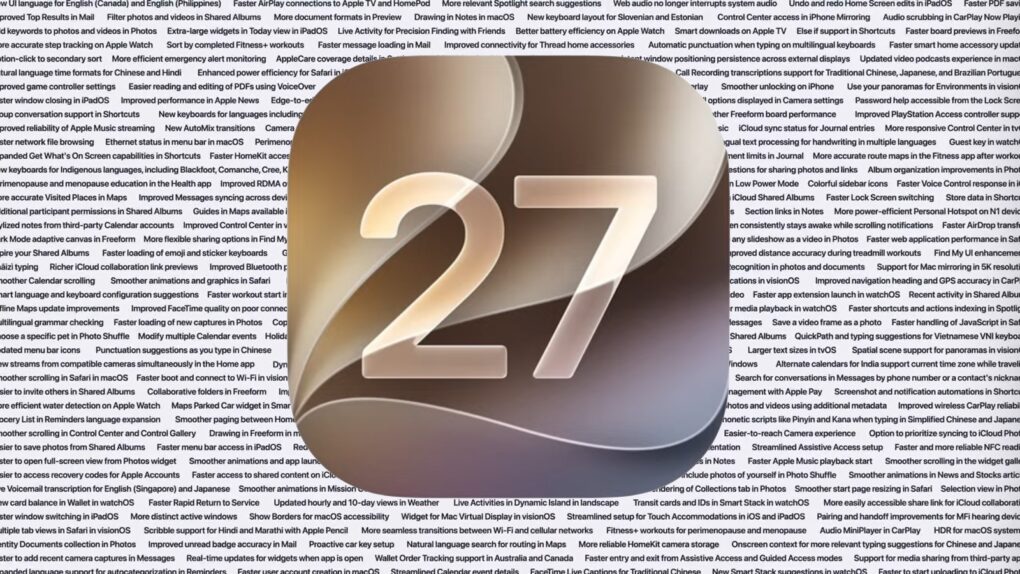
The list of improvements in iOS 27, macOS 27 Golden Gate and iPadOS 27 is enormous. Image: Apple/Cult of Mac
Before Apple even started talking about new features, it devoted a significant chunk of Monday’s WWDC26 keynote to talking up improvements to performance and stability coming to all its operating systems this fall, including macOS 27, iOS 27 and iPadOS 27.
It’s surely welcome news to Apple users that their devices with run faster, with fewer bugs. And that’s includes a significant performance improvement especially for older iPhone models.