Anurag Chawake is a tech-focused writer specializing in smartphones, apps and consumer technology. His interest in computers began during the Windows 98 era, eventually leading him to explore everything from operating systems to mobile devices and PC hardware. Anurag previously contributed to The Indian Express, covering Apple, Android, gaming and the broader technology landscape.
The flaw exploits how macOS apps establish trust with background services. Photo: XM Cyber
Security researchers have disclosed a new macOS flaw that lets attackers shut down your security software after getting onto your machine — no admin password, no kernel exploit, and almost no trace left behind.
The attack takes advantage of how macOS apps earn each other’s trust, and if you use a Mac at work, it is exactly the type of thing your IT needs to know about.
Every OLED screen in Apple's fall lineup is reportedly coming from just two companies. Photo: Ian Fuchs/Cult of Mac
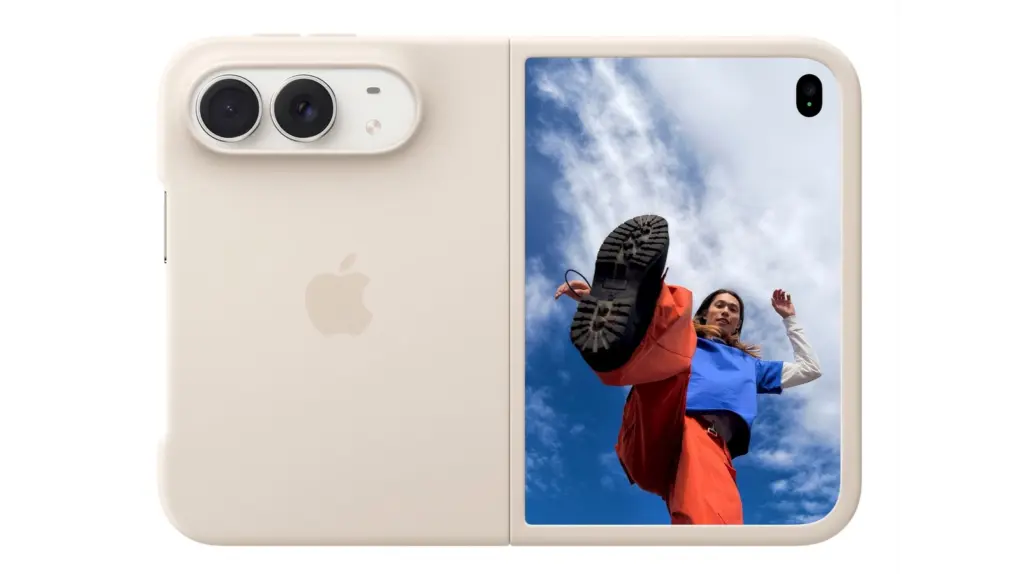
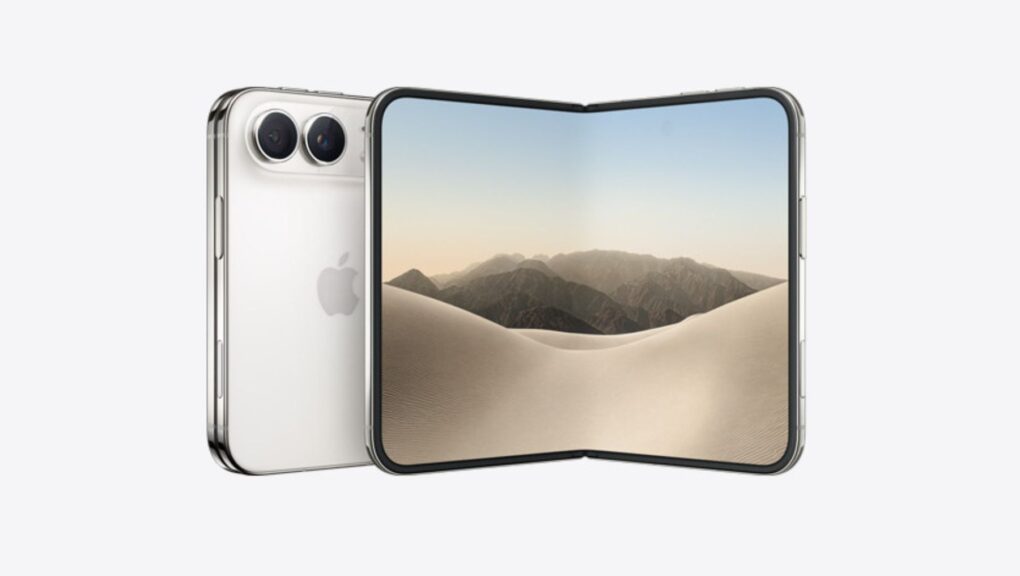
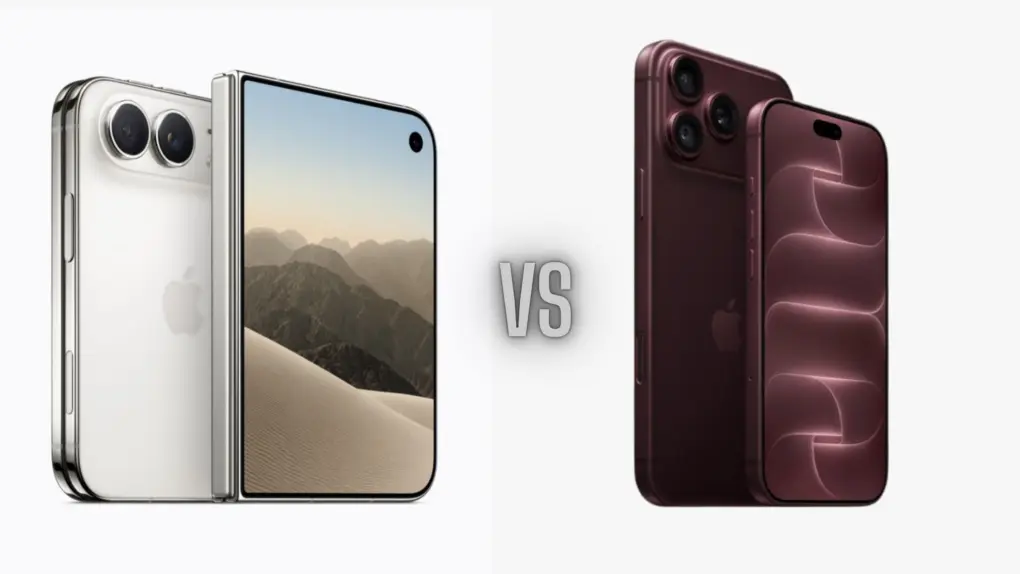
Apple’s first foldable iPhone could be about to get off the assembly line, and so is the much rumored OLED iPad mini and OLED MacBook Pro. And every single panel inside them might come from just two South Korean companies, which presents a major supply-chain risk for Apple.
If you are planning to buy any of these products, that’s worth knowing. Reportedly, Samsung Display and LG Display are said to be supplying 100% of the OLED panels for Apple’s upcoming 2026 lineup, with China’s BOE — a display giant that reportedly fumbled production of previous iPhone screens — shut out completely.
AirPort Utility, first released more than a decade ago, hasn't been updated since years. Photo: Apple
The AirPort Utility app, which has been available for Apple devices since the mid-2000s, is going away. Buried in iOS 27 and macOS 27 beta 2 release notes, Apple says it is removing the app that lets anyone configure an AirPort router from the App Store.
If you are still using an AirPort Extreme, AirPort Express or Time Capsule with your home Wi-Fi, this is your warning. Once the app disappears, new users won’t be able to download it again from the App Store. Even if it’s already on your iPhone, iPad or Mac, Apple says it will stop working the moment you update to iOS 27 or macOS 27 Golden Gate.
iOS 27 RCS improvements are bringing Android texts a lot closer to iMessage. Photo: Apple
Your iPhone just stopped being the awkward one in the group chat. Buried deep inside iOS 27 beta 2 are two small RCS fixes that solve some of the biggest quirks that made “green-bubble” chats between iPhone and Android users feel half-baked for years.
If you have ever tapped a heart on a photo your Android friend sent, your iPhone has likely announced to the entire thread that you “loved an image” instead of simply showing a heart. But with iOS 27 beta 2, your reactions show up as they should.
visionOS 27's Siri AI is the headset's biggest upgrade yet, but not every Vision Pro user will get it. Photo: Apple
While visionOS 27 is coming to every Apple Vision Pro ever sold, two of its standout features will only work on the second-gen headset with an M5 processor.
The iPhone XR, XS and 11 are among the older models affected by the newly disclosed usbliter8 exploit. Photo: Paradigm Shift
Still holding onto an iPhone XS, XR or 11 because it gets the job done? There’s now a good reason to upgrade: usbliter8. This security flaw lets anyone with physical access to an older iPhone hijack the startup process, and Apple won’t be able to patch it with a software update.
That’s because it isn’t an iOS bug — the flaw is in the chip’s boot code, the first thing that runs when you turn on the device.
Apple's new Personalized Collections feature in the App Store raises privacy concerns after researchers flagged the scope of its tracking. Image: Apple
The App Store’s new Personalized Collections feature gives you tailored app recommendations based on your behavior. Sounds great for finding new apps that you might like, but security researchers say the feature uses a tracking mechanism that logs every single tap you make in the App Store, with no way to opt out.
This means Apple might record all your search queries, every app page you visit, and even how fast you type. If you happen to use an iPhone, Apple could be collecting this data right now.
iOS 27 brings video browsing, audio scrubbing and a persistent mini audio player to CarPlay. Photo: Apple
With iOS 27, Apple is giving CarPlay one of the biggest quality-of-life upgrades in years. The showcase feature is the ability to browse and watch videos, right on your car’s display, without touching your iPhone. But that’s just the start.
The iPhone Air 2 might fix what the first one got wrong. Image: Digital Chat Station/Weibo
Apple is reportedly working to fix iPhone Air’s biggest shortcomings. The second-generation model might come with a dual-camera setup and better battery life.
Siri AI looks like a pill-shaped blob on current iPhones, but the iPhone 18 Pro might make it an orb. Photo: Apple
The new Siri AI in iOS 27 shows up as a glowing pill on the iPhone — and it might just be teasing the iPhone 18 Pro’s biggest design change. On the iPhone 17, the Dynamic Island forces Siri AI to stretch wide and flat to mask the cutout, sacrificing its intended shape.
It looks out of place. But if you pick up an iPhone 18 Pro this fall, that might change. Siri’s pill shape on the current iPhone results from a hardware constraint, and rumors indicate Apple already engineered a fix into its upcoming flagship phone.
Apple's new Terminal alerts intercept pasted malicious commands before they can do damage.
Image: Cult of Mac
If your Mac showed a warning the last time you tried to paste something into Terminal, Apple just explained what’s going on. Turns out, your Mac has been quietly blocking and protecting you from an increasingly common scam.
The feature, which shipped back in March with the macOS Tahoe 26.4 update, blocked pasted Terminal commands without explanation. Apple published an official support document on Monday explaining what those alerts mean — and what to do when one appears.
iPhone Mirroring gets a major upgrade in macOS 27. Photo: Apple
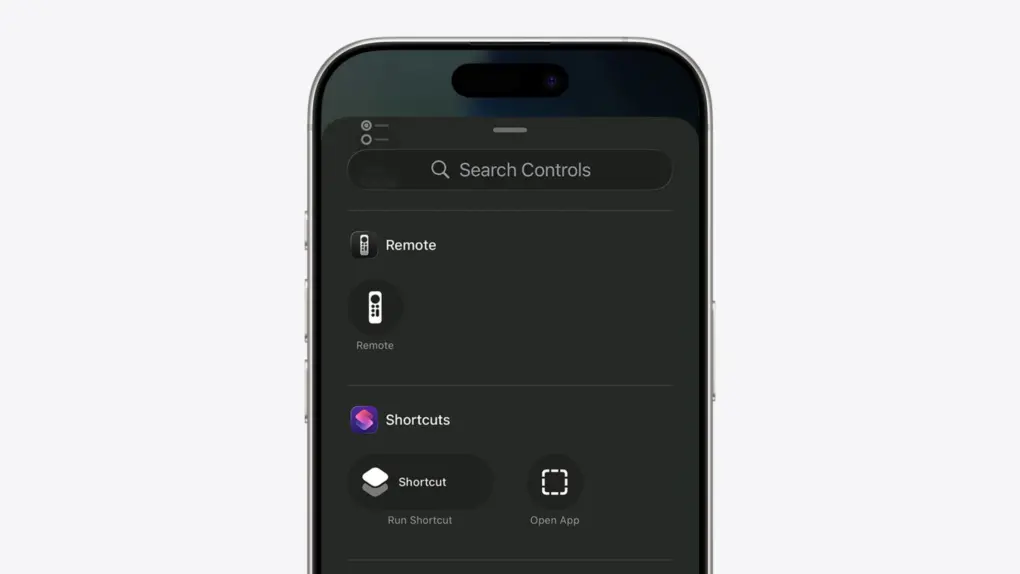
iPhone Mirroring, which lets you view and control your iPhone from your Mac, finally gets some features it deserved from day one in macOS 27 Golden Gate. The three notable improvements are resizable windows, Control Center access and DRM video playback.
Three exciting features that Apple skipped at WWDC26 might still be headed your way. Photo: Apple
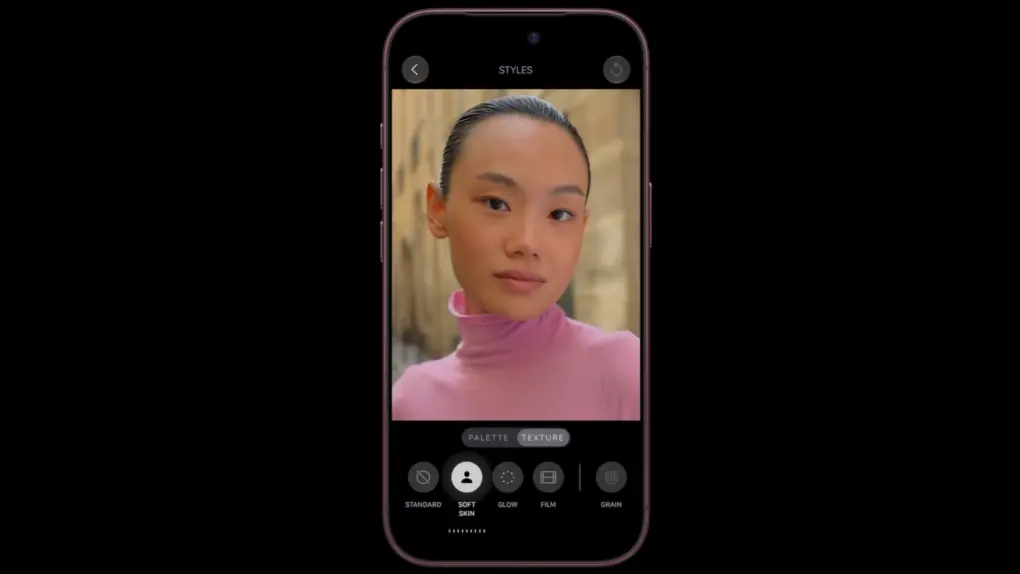
Three rumored features that Apple didn’t mention at WWDC26 last week — a customizable Camera app, Siri support for third-party AI chatbots, and a Modular watch face that works on regular Apple Watches — might arrive this fall.
These features all bubbled up in the rumor mill before Apple’s annual Worldwide Developers Conference, but it looks like we won’t see them until September.
Apple Mail gets a ground-up search overhaul in iOS 27. Image: Apple
Apple Mail’s search has been broken for years, and everyone knows it. But iOS 27 should fix that.
When it arrives later this year, it will bring a completely rebuilt Mail search with features such as a new on-device index, relevance ranking and the ability to reindex old emails. The emails you know exist but can never find? Your iPhone will finally be able to surface them.
Messages in iOS 27 gets smarter, safer, and a whole lot less frustrating. Photo: Apple If you ever accidentally hit the microphone button in the Message app and started recording your voice, Apple finally fixed that problem in iOS 27. Justin Bieber publicly complained about it last year, and as it turns out, Apple was paying attention.
With iOS 27, Apple is not only ending the dictation button problem but also adding some new features to the Messages app. You’ll also get AI-powered smart suggestions, a new drawing tool, improved child safety features and performance fixes.
Apple is finally closing the book on Intel app support with macOS 27 Golden Gate. Photo: Apple
Apple’s planned goodbye to Intel is almost here, and it’s not about the hardware. macOS 27 Golden Gate will be the last version of macOS to support apps built for Intel-era chips using Rosetta 2, the software layer that’s been keeping older software alive on Apple silicon. Next year, when Apple announces macOS 28, that safety net will disappear completely.
This affects even M-series Mac users who upgraded years ago. If any of the apps you use haven’t been updated with native Apple silicon support, they are likely alive because of Rosetta 2. These apps now have roughly one year before they stop running.
Type it like you'd say it. iOS 27's Calendar app understands plain-English event descriptions. Image: Apple
Apple’s Calendar app is just fine — good enough to use, but never good enough to love — but iOS 27 finally changes that. The update brings natural-language event creation to Apple’s stock app, a feature that third-party solutions have made possible for years.
In iOS 27, you can just type in simple English what you want to do, and your iPhone will take care of the rest. No more hopping between date pickers, fiddling with time selectors, and entering a location. The app will understand and build an event for you.
Siri AI might tell you to take a break if you're getting too gabby. Photo: Apple
Apple’s new Siri AI chatbot might know when you’ve been bending its ear — and encourage you to take a break. A hidden piece of code in iOS 27 reveals that Siri AI could remind you to chill out if a conversation runs too long.
It’s a small detail, but it suggests Apple is clearly thinking about what happens when you don’t stop talking to Siri.
Apple Music's iOS 27 update is packed with upgrades. Here's what's coming. Photo: Apple/Cult of Mac
Apple Music will receive one of its biggest overhauls in years with iOS 27, and the changes go deeper than you might expect.
The update covers almost all aspects of the Apple Music app: interface changes, expanded lyrics tools, improved AI-powered mixing, and quality-of-life changes that make the app feel faster. It sounds like a big update for anyone who uses the app daily.
Two Apple TV models may be left behind as tvOS 27 arrives. Photo: Apple
Apple’s tvOS 27 brings a few new features, but it also will leave two Apple TV models behind. According to Apple’s developer website, the tvOS 27 beta is compatible with “Apple TV 4K (2nd generation or later).”
That would mean the Apple TV HD and the Apple TV 4K (1st generation) won’t get the update. If you own either of those set-top boxes, you’re probably stuck on tvOS 26, with no new features coming.
A new dyanamic app grid in watchOS 27 puts Siri AI right in the thick of things. Image: Apple
watchOS 27 will bring the new Siri AI, a smarter Workout Buddy and other useful new features to Apple Watch. While the wearable didn’t receive much attention during the WWDC26 keynote on Monday, Apple said watchOS will get AI-powered upgrades like the rest of its platforms.
“You can start chatting with Siri on your iPhone, pick up where you left off on your iPad, and wrap up on your Mac,” said Mike Rockwell, Apple’s VP of Siri engineering, during the keynote. “We’re also tailoring Siri AI for watchOS. So you can ask questions and take action right on your wrist. And you can also tap into the Siri app using the new app grid on Apple Watch.”
Apple's refurbished store now carries the Apple Watch Series 11, but you can find a better deal elsewhere. Photo: Apple
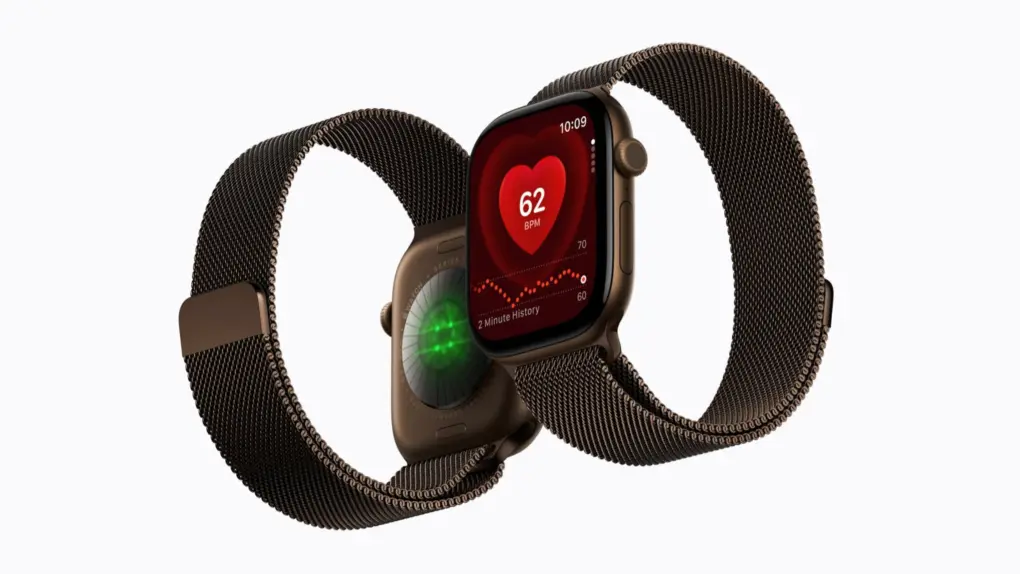
Apple began selling refurbished Apple Watch Series 11, Apple Watch Ultra 3 and Apple Watch SE 3 last week in its Certified Refurbished store, all of which debuted alongside the iPhone 17 last September. The GPS version of the 46 mm Apple Watch Series 11 starts at $369, while the Ultra 3 and 40mm SE 3 go for $699 and $209, respectively.
That’s good news if you want the peace of mind that comes when buying directly from Apple. Every refurbished Apple Watch goes through a thorough inspection and cleaning process, ships in new packaging, and comes with the same one-year limited warranty Apple offers with a new device. And they are eligible for AppleCare+ as well.
However, for some models, you can find much better deals elsewhere.
Apple's Gemini-powered Siri might process some queries on Nvidia hardware in Google Cloud. AI image: ChatGPT/Cult of Mac
Apple could soon do something it rarely does: Trust your data with someone else’s hardware. A new report says the Gemini-powered Siri might route some queries through Google Cloud, powered by Nvidia’s chips.
If you are wondering how Apple plans to keep its privacy promise, Nvidia’s Blackwell B200 chip encrypts your data while it processes it.
A special Apple Pencil could bring a sense of touch to the Vision Pro headset. Image: Apple/Cult of Mac
While the Apple Vision Pro is one of the best spatial computers money can buy, touch is one sense it can’t fake. But a newly granted Apple patent hints at a new stylus that can simulate the texture of virtual surfaces on your hand.
The Apple Vision Pro is capable of showing virtual surfaces with great clarity, but it lacks haptic feedback. But the new sort of Apple Pencil could close that gap and make the headset’s XR experiences physical for the first time.
Old iPhones and Macs will soon be unable to edit and create Microsoft Office files. Photo: Microsoft
If you use an older Mac, iPhone or iPad, Microsoft might be about to break your Office apps. Starting July 13, Word, Excel, PowerPoint, Outlook and OneNote will stop letting you edit, save or create new files unless you meet certain requirements. You’ll still be able to open and print documents, but that’s it.
The move affects more people than you might think. If you’re running anything older than iOS 17 or macOS 11 Big Sur, your Office apps will mostly be defunct. Microsoft calls it “reduced functionality mode,” which is a fancy way of saying your Office apps will lose editing functionality.