Mobile menu toggle

ipad-how-to

Read Cult of Mac’s latest posts on ipad-how-to:

How to set up your new iPad the right way

By

Set Up Your New iPad
Let's get your new iPad up and running.
Photo: Apple

Congratulations — you got a new iPad! Whether it’s the entry-level iPad that brings the essential features at an affordable price, the iPad Air with the powerful M3 chip, the pocketable iPad mini or the top-of-the-line iPad Pro, you’ll want to set up your new device with the least amount of fuss.

We’re here to help you do just that with a ton of little tips and tweaks that will make sure you’re off and using that new iPad as quickly as possible. From backing up your old iPad (if you had one already) to getting up and running with a brand-new iPad from scratch, we’ve got you covered.

Apple pushes new AirPods Pro firmware update with bug fixes and improvements

By

How to update AirPods
There’s new firmware for multiple AirPods Pro models. Get it today.
Image: Apple/Cult of Mac

Apple released new firmware for AirPods Pro 2 and AirPods Pro 3 on Thursday that offers bug fixes for a major recent firmware upgrade. Version 8B28 and 8B30 merely tweak the wireless earbuds, but every AirPods update is worth installing.

Apple recently explained exactly how to update your AirPods firmware. The process can happen automatically, in the background, but there is a way to speed things up. It’s a good idea to manually check that you’re running the latest version, which brings bug fixes and sometimes great new features.

Read on for more details, and find all current AirPods firmware versions, along with instructions for getting the AirPods update as quickly as possible.

Master AirDrop: Your ultimate guide to seamless file sharing on iPhone, iPad and Mac

By

How to AirDrop: Drop It My Way
AirDrop is right up there with iMessage as a great Apple-exclusive feature. Learn how to use it.
Image: D. Griffin Jones/Cult of Mac

If you want to know the fastest and easiest way to send someone photos, videos, files and so, so much more, you should know how to AirDrop. There’s no need to send an iMessage — Apple’s slick AirDrop feature will immediately send and open the content on someone else’s iPhone (or other Apple device). There’s no middle step.

AirDrop works iPhone-to-iPhone, iPhone-to-Mac, iPhone-to-iPad, Vision Pro-to-Mac — any combination and permutation of two Apple devices. And, if your friend has a Google Pixel 10, you can AirDrop with them, too!

Keep reading to find out everything you need to know about how to take advantage of AirDrop.

Thank goodness Slide Over is back in iPadOS 26.1

By

Toggling Slide Over on the iPad
Slide Over multitasking returns to iPad!
Screenshot: D. Griffin Jones/Cult of Mac

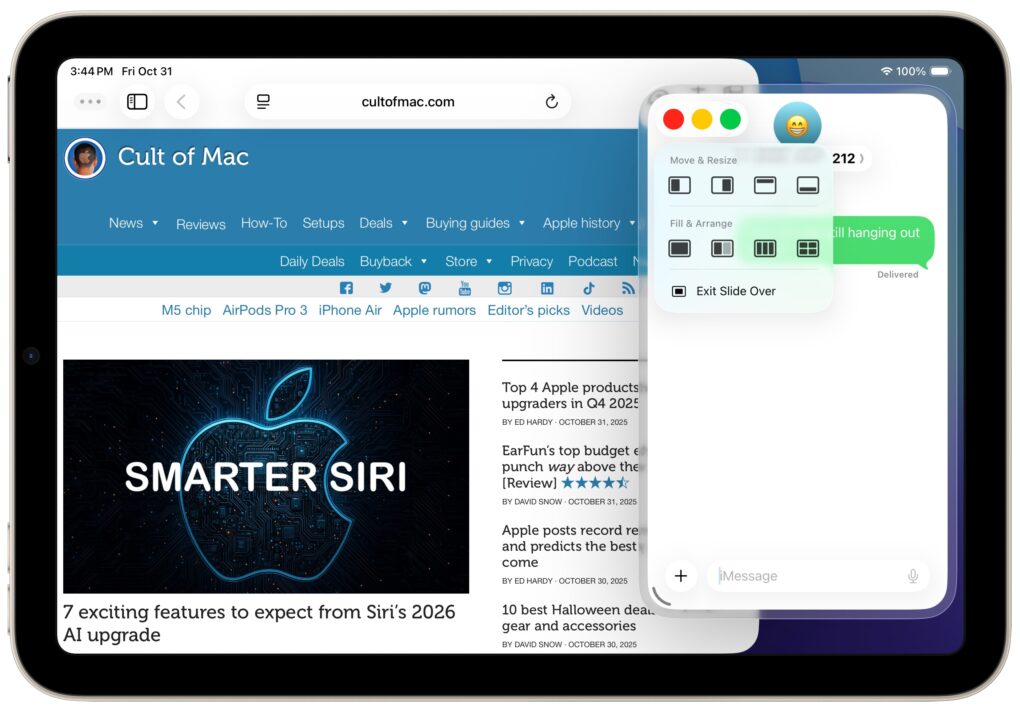
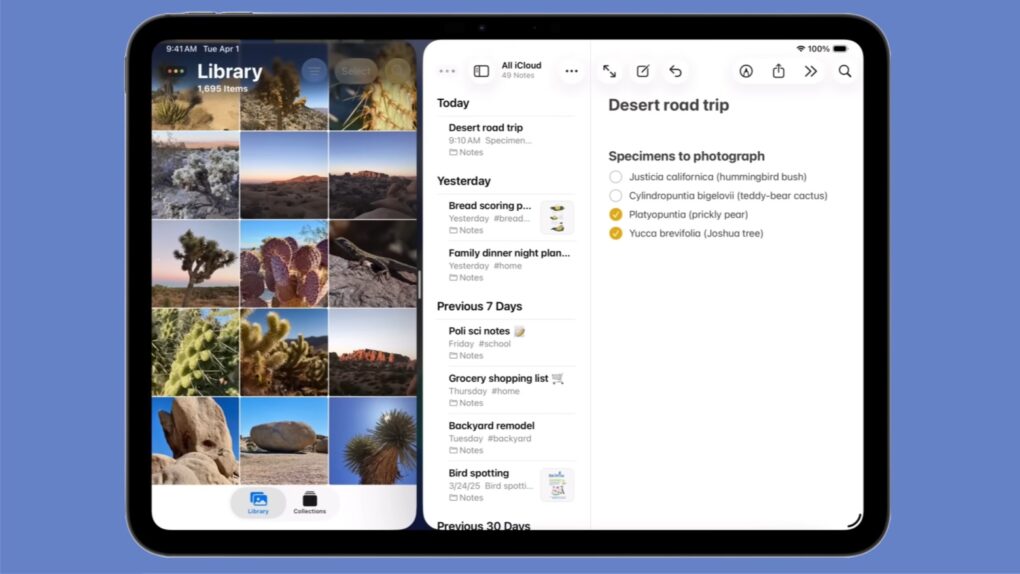
Slide Over, one of the best iPad multitasking features, got rescued from the rubbish heap with the new iPadOS 26.1. It’s an ideal way to keep an application that you check frequently but not constantly within easy reach — it’s offscreen but accessible with just a flick of a finger.

Here’s how to use Slide Over, and why you shouldn’t ignore the option now that it’s back in iPadOS 26.1, which launched on Monday.

Split View is still in iPadOS 26 — here’s how to use it

By

Split View is still in iPadOS 26
Installing iPadOS 26 doesn’t mean losing Split View from your iPad!
Graphic: Apple

Apple kept Split View side-by-side multitasking in iPadOS 26 — despite what you might have read online. And setting it up is as easy as a couple of flicks of your finger.

Here’s how to keep using Split View on your iPad. Apple even made a video that demonstrates what to do.

How to watch Apple’s ‘Awe Dropping’ September iPhone event

By

Awe Dropping
The iPhone 17 event is on Tuesday, September 9.
Image: Arne Müseler/Wikimedia Commons/Apple

How can you watch Apple’s iPhone event? You can stream the keynote on YouTube, on the apple.com website or on your smart TV. It starts at 10 a.m. Pacific time on Tuesday, September 9.

At the September event, Apple unveils new iPhones, Apple Watches and other accessories. The iPhone 17 series will be the highlight — with the iPhone 17 Air being a standout new model. Rumors point to the Apple Watch Ultra 3 getting a faster processor, satellite messaging and (possibly) blood pressure monitoring. Some of these features might make it to the Apple Watch Series 11. A couple of other new devices might put in an appearance at Apple’s September event, too. We’ve heard rumors of AirPods Pro 3, an updated Apple TV 4K and AirTag 2.

Here’s how you can watch it all live, whether you’re watching at home or secretly at work.

How to play Apple’s daily crosswords on iPad and iPhone

By

Daily Puzzles in Apple News
Get a crossword every day in the Apple News app.
Image: Wil540 art/Wikimedia Commons/D. Griffin Jones/Cult of Mac

Apple has a daily crossword and crossword mini that you can play on your iPad and iPhone inside the News app. This feature is available to anyone with an Apple News+ subscription or the Apple One Premier bundle.

I absolutely love playing the crossword puzzles every day. I’m not very good at them, but it’s a fun challenge and it’s a well-designed app.

Here’s how it works.

How to file Apple bug reports (and why you should do it ASAP)

By

Text “Work the Feedback System” next to a screenshot of Feedback on iPhone
There are unspoken rules and tricks to getting your bug reports fixed.
Image: Apple/D. Griffin Jones/Cult of Mac

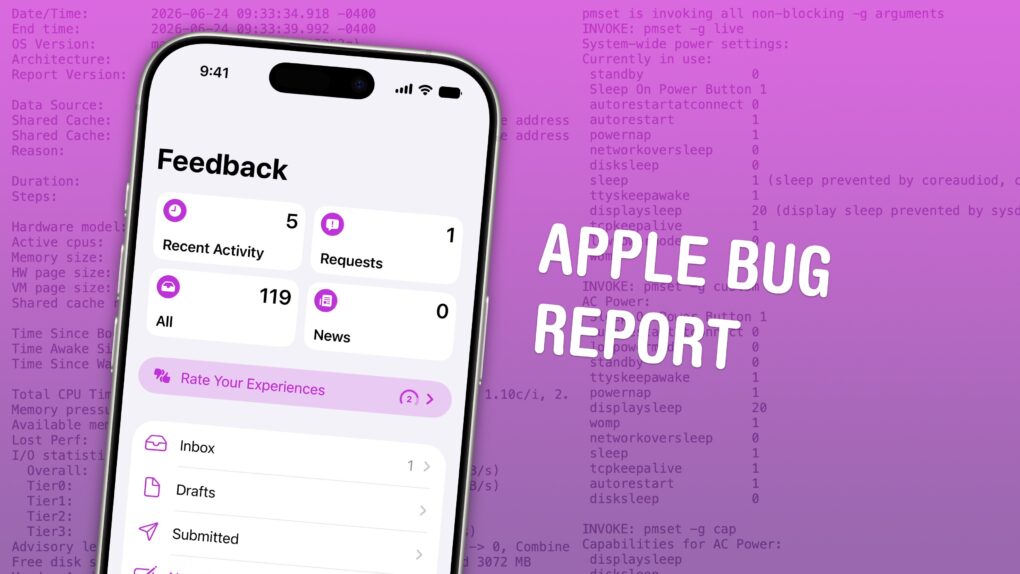
June is the best time of year to give feedback to Apple on betas for iPhone, Mac, iPad and Apple Watch. Just after the company releases the initial betas of its upcoming software updates, this is when Apple engineers have the most time to address bugs and make changes. And that makes this the optimal time to file an Apple bug report.

It won’t be long before Apple engineers’ task lists fill up through the fall, when the new software will be released. After that, teams are rearranged to make the sprint toward the next year’s updates. So if you have any input, you’d best make yourself heard now.

How do you file a bug report or send in feedback to Apple? Apple made a tool called Feedback Assistant that will guide you through the process. It’s available if you’re running a developer or a public beta of iOS, macOS or iPadOS. Here’s how.

How to set up Game Center to pwn your friends

By

Game On With Game Center
Set up Game Center and you can compete with friends in the games you both play.
Image: Apple/D. Griffin Jones/Cult of Mac

Apple’s Game Center service lets you compete with friends and unlock achievements in the games you play. You can see where you rank among your friends — and globally. Achievements will give you a list of missions to accomplish to prove your mastery of the game. You can even play live multiplayer games on all your separate devices using SharePlay.

Up until iOS 10, Game Center existed as a separate app on iPhone and iPad, which made this all easier to manage. And rumor has it that Apple will replace Game Center with the next major version of iOS, to be announced next week at WWDC25.

How do you manage your Game Center account now, on iOS 18? What options do you have? How do you add friends?

How to use Freeform, Apple’s collaborative digital whiteboard app

By

You Should Check Out Freeform
Freeform is a weird and very underrated Apple app.
Image: D. Griffin Jones/Cult of Mac

Apple’s Freeform app for iPhone, iPad, Mac and Vision Pro is a digital whiteboard you can use to brainstorm or gather ideas in one infinitely scrolling canvas.

You can use Freeform to throw together ideas with a colleague. You could build a presentation using Freeform’s scenes, kind of like using Prezi. Or, you can use Freeform as a drawing app with your iPad and Apple Pencil.

Freeform comes with all kinds of features for adding text boxes, rich links, drawings, clip art, sticky notes, files, photos, videos and more. It’s a great way to build a mood board or connect big ideas.

Keep reading below or watch our video guide to find out how to use Freeform.

How to make Google Translate your iPhone’s default translation app

By

Make Google Translate the iPhone default translation app
Google Translate can take on converting text into a language you can read.
Image: Cult of Mac

If Apple Translate doesn’t offer the languages you need, you can set Google Translate as your iPhone or iPad’s default translation app. Google’s translation app supports 249 languages, whereas Apple Translate currently can handle only 19.

That broad scope comes in handy if you regularly read materials written in languages that Apple Translate doesn’t cover. And Google Translate is not the only alternative translation app for iPhone.

How to choose the right iPad for you

By

iPad Pro, iPad Air, iPad and iPad mini
With a variety of models to choose from, what the best iPad for you?
Photo: Apple/Cult of Mac

You want the best iPad, but shopping for one can be overwhelming. Apple sells six iPad models in a wide range of sizes, prices and capabilities. Our iPad comparison explains the strengths and weaknesses of each model. You don’t want to get one that doesn’t have all the features you want, but you also don’t want to pay too much for features you won’t use.

Here’s some straightforward advice on picking the best iPad for you.

How to use Surfshark’s free, privacy-protecting DNS server

By

Free DNS servers from Surfshark
Switch to a free DNS server to protect your privacy.
Photo: ChatGPT/Cult of Mac

You use Domain Name System (DNS) servers many times every day, even if you don’t know what they are. You can’t avoid it, and whichever one you use can track where you go on the internet. That’s why you might consider switching to the free DNS servers Surfshark just launched that promise not to track you.

Here’s how to set your iPhone, iPad and Mac to use the Surfshark DNS server. It’s free!

How to transfer video from iPhone to iPad via cable

By

Transfer video from iPhone to iPad
Apple makes moving images and video from iPhone to iPad via a cable quick and easy.
Graphic: Ed Hardy/Cult of Mac

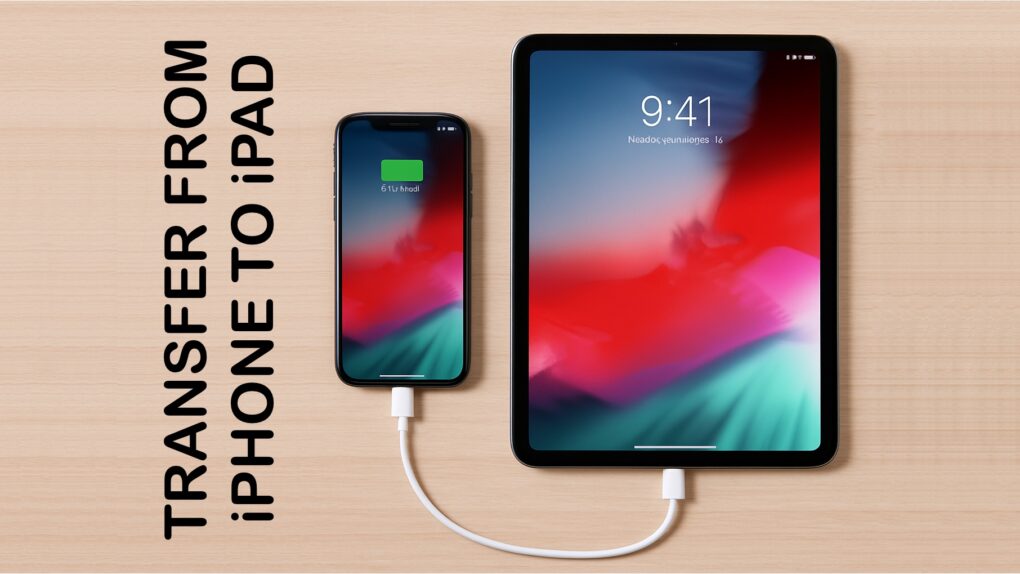
Now that both iPhone and iPad have USB-C ports, transferring video and images between them can be easily done by connecting them with a cable, without mucking about with wireless transfers.

It’s easy, and brings some advantages over AirDrop. Most notably, iPhone Pro 15/16 users get a big speed boost.

Here’s what to do.

How to remove duplicate photos on iPhone, iPad and Mac

By

Get Rid of All Those Copies
Find and delete copies of your photos on your iPhone.
Image: D. Griffin Jones/Cult of Mac

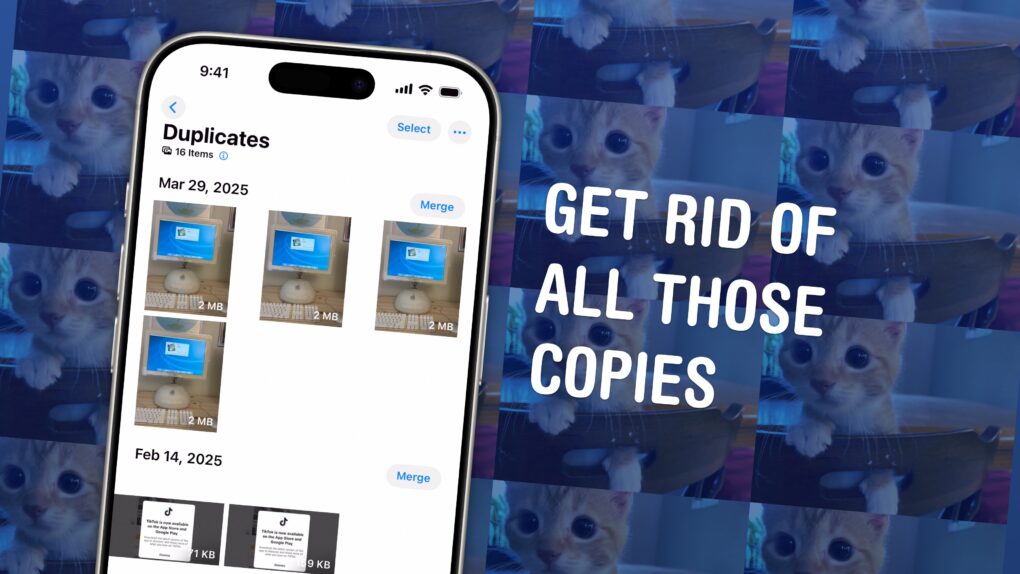
You could have dozens of copies of the same images in your Photos library, taking up space on your phone and in your iCloud account. Luckily, Apple offers an easy-to-use little tool that lets you find duplicate photos and delete the copies, all right from the Photos app.

These types of duplicate images can accumulate more quickly than you might expect. They arise if you make a copy of a photo to edit, if you screenshot a photo to bump it to the top of your Camera Roll, or if you and your partner both upload the same picture to your Shared iCloud Photo Library. In fact, I found hundreds of duplicates in my own carefully curated library.

It’s a surprisingly sophisticated feature that took Apple engineers a fair amount of smarts to cook up (more on that later). Here’s how to use Apple’s duplicate image remover and get rid of all those unnecessary files. Keep reading or watch our video instructions.

How to change the default web browser on iPhone or iPad

By

How to change default iPhone browser
Safari isn't the only options as default iPhone browser. You can change it.
Image: Ed Hardy/Cult of Mac

You can easily change the default browser on your iPhone if you prefer to use Google Chrome, Mozilla Firefox, Microsoft Edge or any other alternative. Maybe you use a PC at home and want your bookmarks, history and passwords to sync to your iPhone. Or maybe you simply prefer something other than Apple’s Safari browser.

Whichever browser you set as your iPhone’s default will open when you tap on a link from Messages or Mail, get AirDropped a URL, scan a QR code, search the web with Siri and perform other tasks. This doesn’t mean Safari will be deleted, however. Apple’s stock app will remain installed on your iPhone if case you decide to switch back (which is super-easy).

Here’s how to change the default browser on your iPhone — and transfer your bookmarks and data, too. Keep reading or watch our quick video.

Prepare to see the future of iOS and macOS at WWDC25 on June 9

By

WWDC25: Mark your calendar: June 9-13, 2025
Get ready for your first look at what's next for iOS, macOS and more.
Image: Cult of Mac

Apple revealed Tuesday that its annual Worldwide Developers Conference will kick off with a keynote on June 9. Apple traditionally uses WWDC to show off the next major upgrades for iOS, macOS and its other operating systems. WWDC25, which will run from June 9 to June 13, will be no different.

“We’re excited to mark another incredible year of WWDC with our global developer community,” said Susan Prescott, Apple’s vice president of Worldwide Developer Relations. “We can’t wait to share the latest tools and technologies that will empower developers and help them continue to innovate.” 

iPad sunk in river for 5 years helps bust crime ring

By

Photo of an iPad recovered from the River Thames in London that served as evidence to convict criminals
Here's the iPad mini, fresh from the River Thames after five years submerged.
Photo: Metropolitan Police Service

An iPad retrieved from the River Thames in London — after sitting underwater and lodged in mud for more than five years — became the crucial piece of evidence that helped police solve a complex international criminal network. The crime ring involved museum heists, luxury robberies and an attempted murder, according to a new report. No big surprise that iPad evidence helps convict criminals — except under these extreme conditions.

The extraordinary case highlights the remarkable resilience of Apple’s iPad technology. It maintained crucial evidence integrity even after years of submersion. The case also demonstrates how digital devices can become key pieces of evidence in solving complex criminal investigations. And that’s even when criminals believe they have successfully disposed of incriminating technology.

How to type the Apple logo

By

How to type the Apple logo
Show you're an expert by dropping the Apple logo into texts.
Graphic: Ed Hardy/Cult of Mac

Pro-tip-4 You can use the Apple logo as an emoji … if you know how. Expressing your love for all things Apple looks a lot better if know how to type the .

It’s easy to do on a Mac, and I can show you how to add  to texts on iPhone and iPad, too.

How to get missing Apple apps back on your iPhone and iPad

By

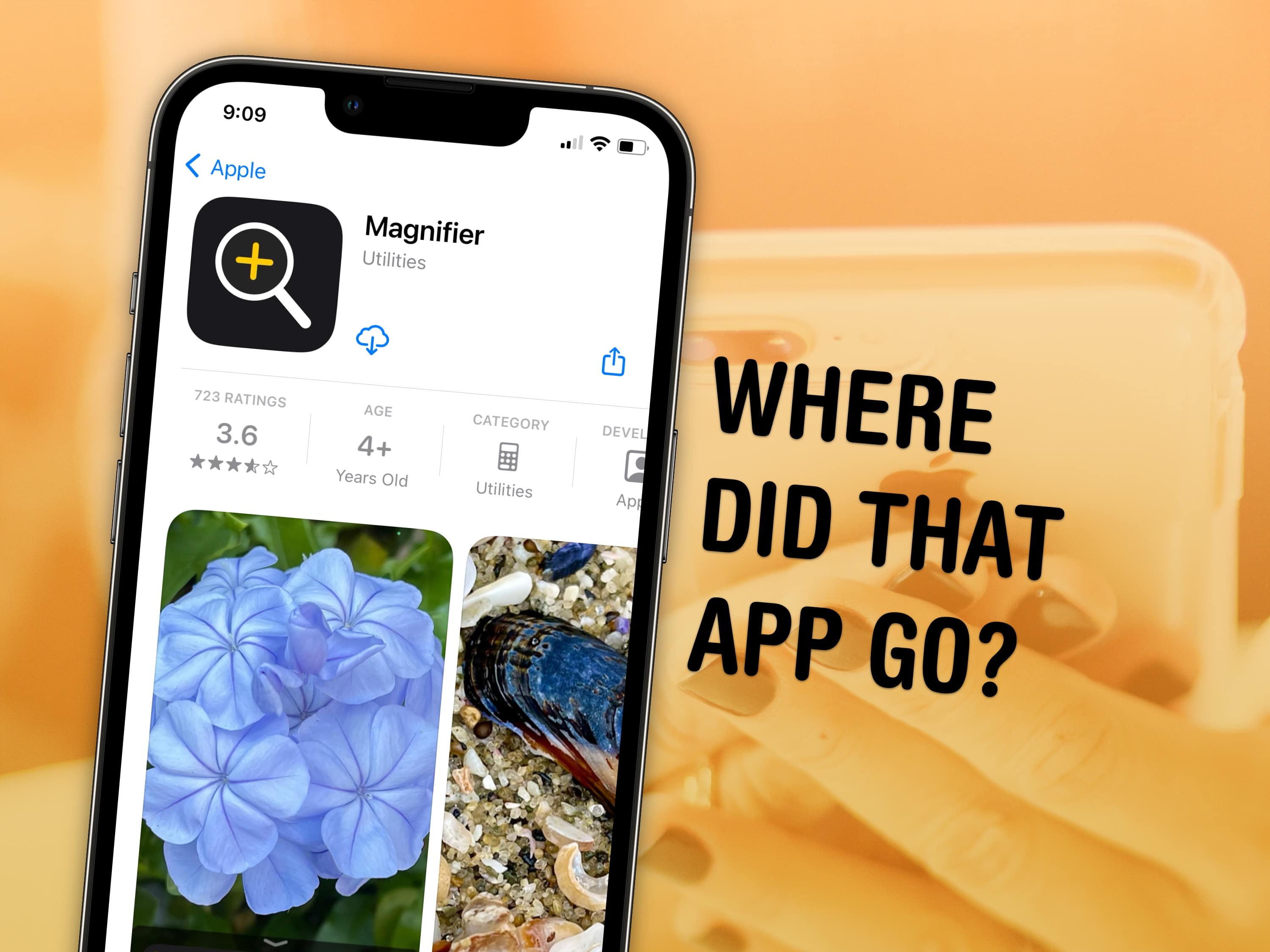
Where did that app go?
Sometimes these things just disappear on you.
Image: Kristin Hardwick/Wikimedia Commons/D. Griffin Jones/Cult of Mac

You can visit the App Store to download Apple apps like Music, Podcasts, Weather, Maps and Find My missing from your iPhone or iPad. If you can’t find them. It’s possible you uninstalled them and your device needs to download them again. Or they might have simply disappeared from your Home Screen, and are now hiding in the App Library.

There are also a few iPhone apps that Apple hasn’t made available on iPad. This was the case with Calculator until very recently, so you may need to install an update to get it.

I’ll walk you through all the possibilities, showing you how to get Apple’s stock apps back on your iPhone or iPad.

How to get Apple Intelligence early — in the European Union and on Vision Pro

By

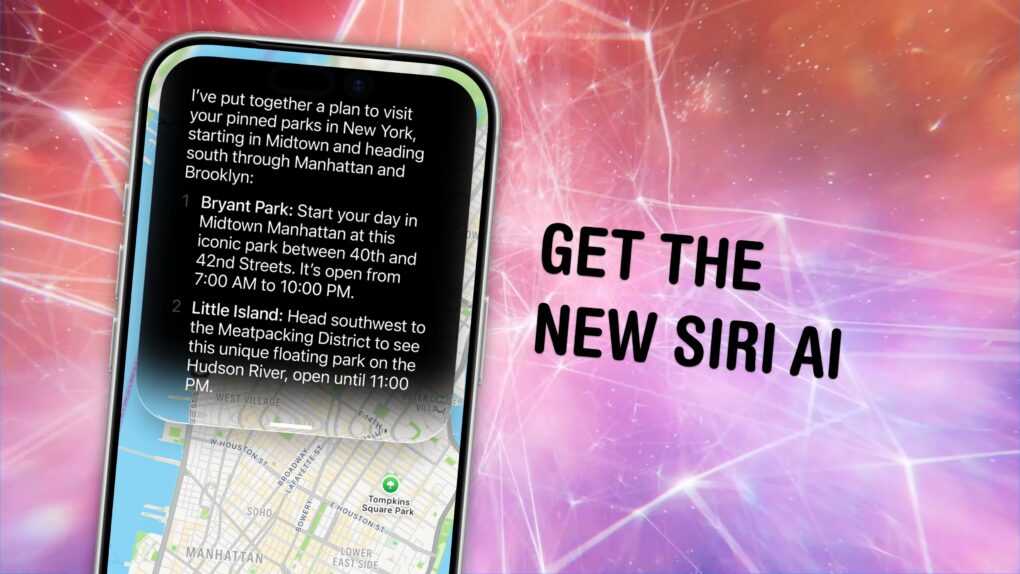
Get The New Siri Right Now
Get the Apple Intelligence features early.
Image: Apple/D. Griffin Jones/Cult of Mac

You can get Apple Intelligence right now on your iPhone, iPad, Mac and Vision Pro. All you have to do is update to the latest developer beta release. You’ll get access to Visual Intelligence, Image Playground, Genmoji and more.

The developer beta of iOS 18.4 enables Apple Intelligence in the European Union for the first time. visionOS 2.4 brings the featureset to the Vision Pro.

Apple Intelligence is compatible with the iPhone 15 Pro and the new iPhone 16 lineup. Unfortunately, older devices (or even the iPhone 15) don’t have enough RAM to support Apple’s Foundation models. Luckily, you can also try it out if you have an iPad or Mac with an M-series or A17 Pro chip.

Here’s how to get it all.

How to make iCloud more secure with Advanced Data Protection

By

You now have the option to have more of your iCloud files encrypted, including images. Here's how.
Apple's operating systems give you the option to encrypt much of the data stored on iCloud.
Photo: Cult of Mac

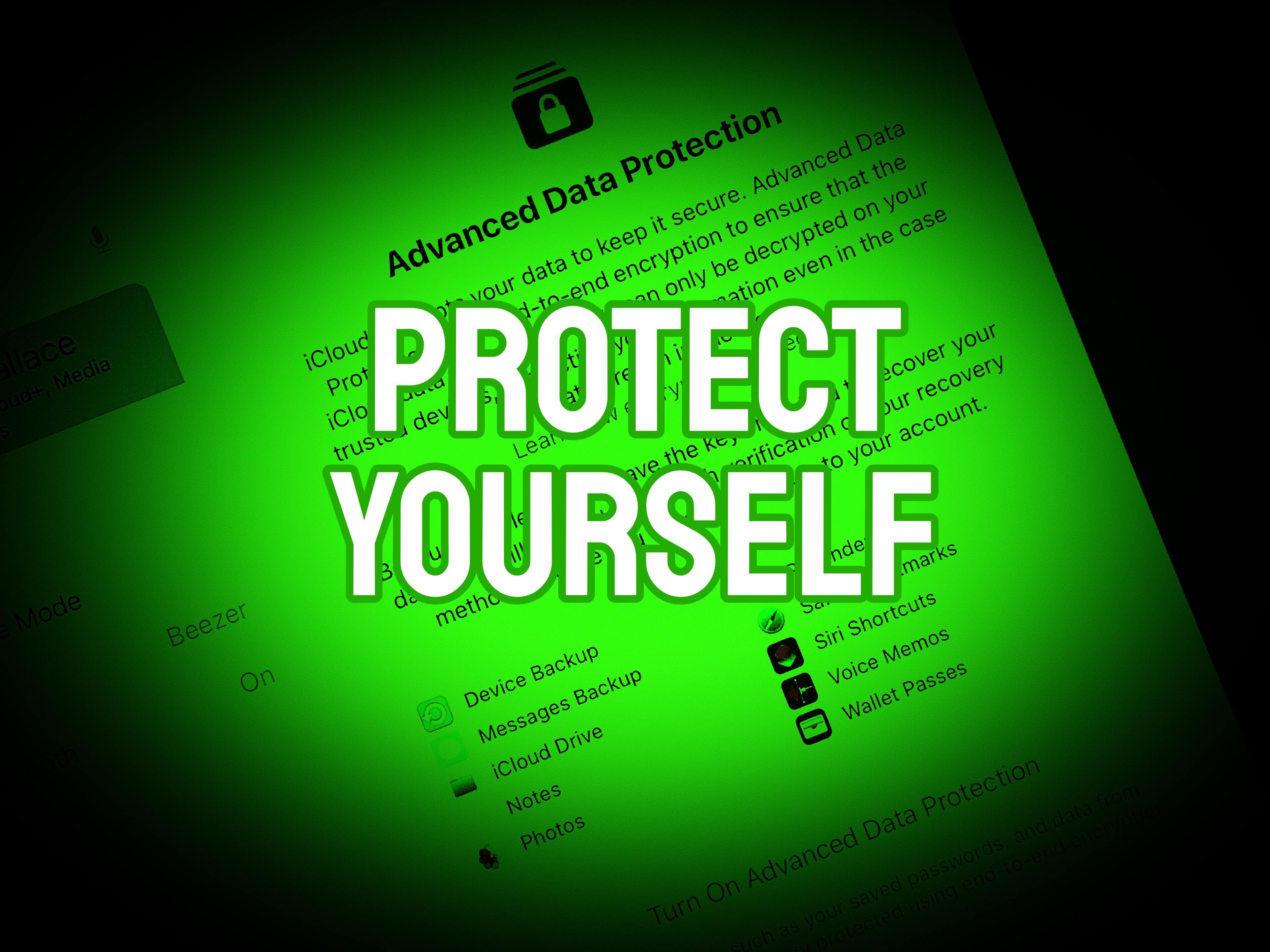
Apple offers end-to-end encryption for many more types of iCloud data than it once did. Advanced Data Protection encrypts iCloud Photos, Notes, iCloud Backup and more. But you have to activate the feature to take advantage of the data protection. It is easy … once you find the switch buried in Settings.

We can save you some time. Here’s how and why you should activate it.

Stream the Super Bowl in 4K on any Apple device for free

By

stream Super Bowl for free
Are you ready for some championship football? (Not to mention the Apple Music Super Bowl LIX Halftime Show featuring rapper Kendrick Lamar.)
Photo: Fox Sports

Even folks who don’t pay for access to TV channels can stream the Super Bowl live — and for free — on any Apple device or on the web. For Super Bowl LIX this Sunday, Fox Sports plans to stage a “takeover” of the Tubi streaming app. The free live Super Bowl stream will include a pregame run-up and the Apple Music Super Bowl LIX Halftime Show featuring rapper Kendrick Lamar. And it requires no viewer sign-in.

So now what’s your excuse to blow off the year’s biggest sporting event? Oh, you probably hate football, not to mention all the commercialist hoopla that comes with America’s modern-day gladiatorial bloodsport. Oh well. For tens of millions of others, Super Bowl Sunday is like a national holiday.

Keep your Private Browsing secret with this one smart Safari move [Pro Tip]

By

Secretly switch out of private browsing.
You can quickly and secretly switch out of Private Browsing without anyone noticing.
Image: Dosso Dossi/Public domain

Pro tip bug So, you’ve been using Safari’s Private Browsing mode on your iPhone or iPad, for whatever reason, but you forget to close out of the tab. The next time you open Safari, you’ll be thrown into whatever unscrupulous web page you had open last time — and the result can range from unfortunate to embarrassing, depending upon what you were looking at and where you are when you unexpectedly resume the Private Browsing session.

Luckily, iOS offers a foolproof way to avoid reopening a Private Browsing mode session. Let me show you how.

Santa tracker: How to follow Santa Claus with your iPhone or Mac

By

Santa Tracker
NORAD’s Santa tracker app is available for iPhone and iPad. And there’s a website for Macs.
Photo: NORAD

It’s Christmas Eve, and Santa Claus is on his way. You can find out exactly where he is with the help of the NORAD Santa tracker and your Mac or iPhone. You can even track Jolly Old Saint Nick’s progress in real time.

Here’s how to keep an eye on Kris Kringle‘s progress.