Mobile menu toggle

Guides

Cult of Mac publishes guides that explain the basics of Apple products, devices and features. You can use these guides to get a quick reference to what the top new features in iOS 18 are, the benefits of setting up iCloud or what the heck an Apple Vision Pro does.

Our guides link to our relevant how-to articles. With easy-to-read instructions, and plenty of annotated screenshots and videos, you can learn all the pro features and top tips.

At the bottom of each guide, you can find a list of the latest news stories.

Here we have a list of our top guides. You can also find them on any page using the site navigation.

Guides

Read Cult of Mac’s latest posts on Guides:

Why you should binge the 12 best Apple TV shows of 2025

By

Best Apple TV shows of 2025
AI image: Grok/Cult of Mac

Apple TV delivered another stellar year of television in 2025, cementing its reputation as a home for premium storytelling across genres. From stellar sci-fi to sharp Hollywood satire, here are 13 standout series that defined the best of the streaming service’s 2025 lineup of new and returning shows.

You should binge them because they’re great. And what better time to do so than during holiday downtime?

Top 10 ways to maximize AirPods Pro 3 for work and play

By

maximize AirPods Pro 3
Find great ways to maximize AirPods Pro 3 through new or simply improved features.
Photo: D. Griffin Jones/Cult of Mac

Your AirPods Pro 3 aren’t just another pair of wireless earbuds — they’re your gateway to more productive workdays, more immersive entertainment experiences and even refined fitness tracking without Apple Watch.

Whether you’re crushing deadlines from your home office, unwinding with your favorite playlist, or going for a run, you can maximize AirPods Pro 3 through features that transform how you interact with audio throughout your day.

Everything new in iOS 26.2: Great new features (and plenty of bug fixes)

By

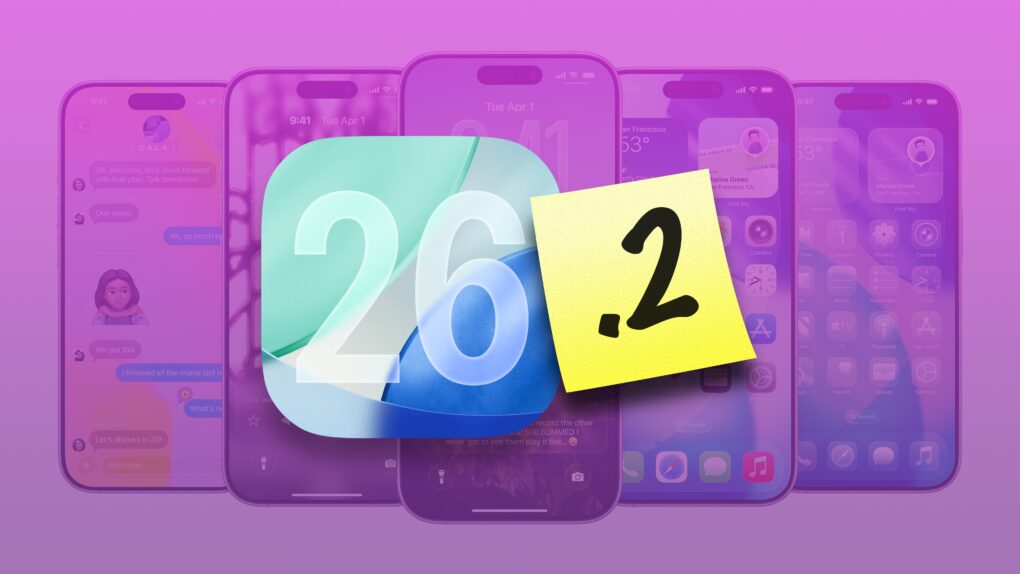
iOS 26.2 features
iOS 26.2 could be the one everyone is pushed to update to.
Image: Apple/D. Griffin Jones/Cult of Mac

In addition to hundreds of bug fixes, iOS 26.2 brings much-needed refinement to the iPhone’s operating system — along with more than 20 new features.

iOS 26.2, which Apple released Friday, lets you turn your reminders into alarms, so they’re impossible to ignore. Apple Podcasts gains automatic chapters and links. And the controversial Liquid Glass user interface continues to be refined and tweaked.

There are subtle improvements everywhere. Here’s the complete list of exciting changes in iOS 26.2. Keep reading or watch our video.

13 mind-blowing iOS 26 shortcuts with Apple Intelligence

By

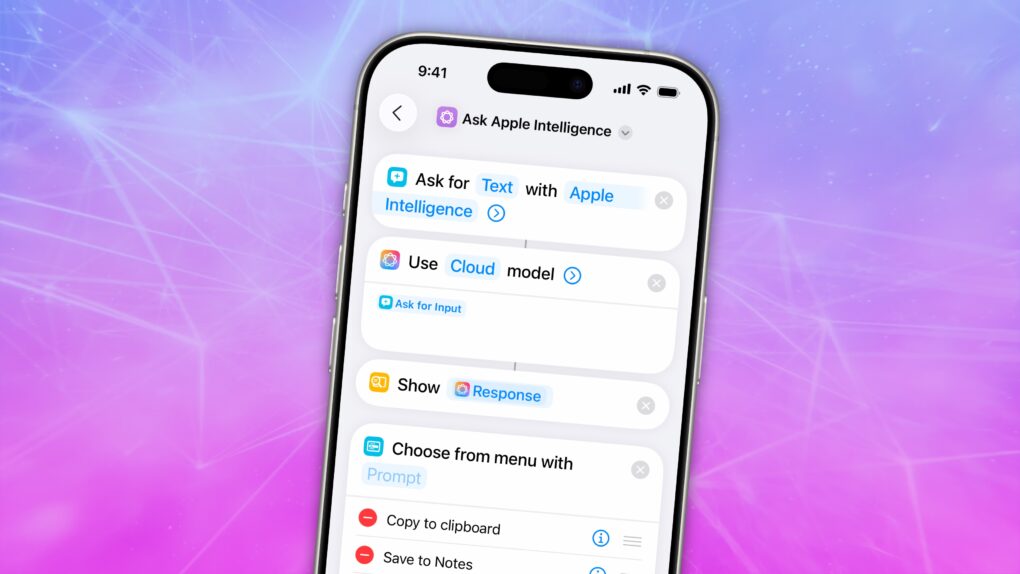
Shortcuts using Apple Intelligence
Simplify tasks using Apple Intelligence-powered Shortcuts in iOS 26.
Image: D. Griffin Jones/Cult of Mac

Shortcuts are more innovative than ever in iOS 26, thanks to Apple Intelligence. They now support LLM-based actions and automations that can make quick work of various time-consuming tasks. You can streamline audio transcription, movie streaming, food tracking and more.

Best of all, Apple users are sharing an increasing number of user-created shortcuts that you can try out for free. I compiled a list of the 13 most exciting shortcuts powered by Apple Intelligence to give you a taste of just how useful they can be.

Everything new in iOS 26.1: Tone down Liquid Glass, if you dare

By

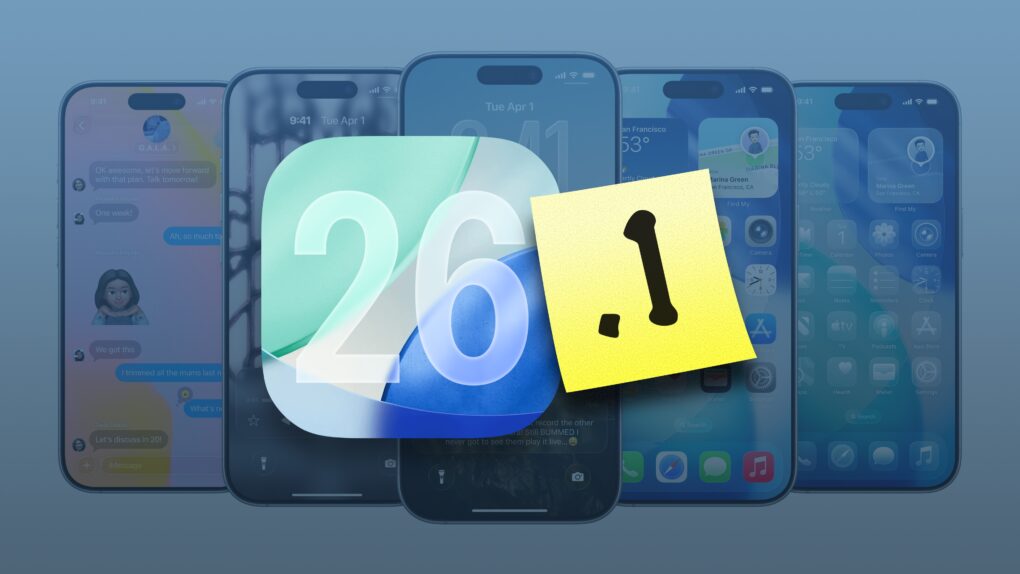
iOS 26.1 graphic
iOS 26.1 is packed with new features.
Image: Apple/D. Griffin Jones/Cult of Mac

In addition to a bunch of much-needed bug fixes, iOS 26.1 brings plenty of new features. Tweaks to Liquid Glass improve its legibility without sacrificing its cool effects. iPad multitaskers can rejoice the return of Slide Over, which returns better than before.

There are 20 new changes: A new user interface for alarms, improvements to Photos, a new gesture for quickly fast-forwarding music, a setting that fixes a long-standing problem with the Lock Screen, and much more.

Here’s the complete list. Read on or watch our hands-on video.

How many external monitors each MacBook Pro or MacBook Air supports

By

MacBook external monitor guide
Don’t know how many external monitors your MacBook supports? We have the answer.
Image: Google ChatGPT/Cult of Mac

You can be excused if you don’t know off the top of your head how many external monitors your MacBook supports. The number varies by model, processor version, and even whether the laptop is open or closed. Still, there’s a good chance it’s more than you think.

Now that notebooks with the new M4 family of processors are available, here’s an updated guide to how many external screens you can attach to your MacBook.