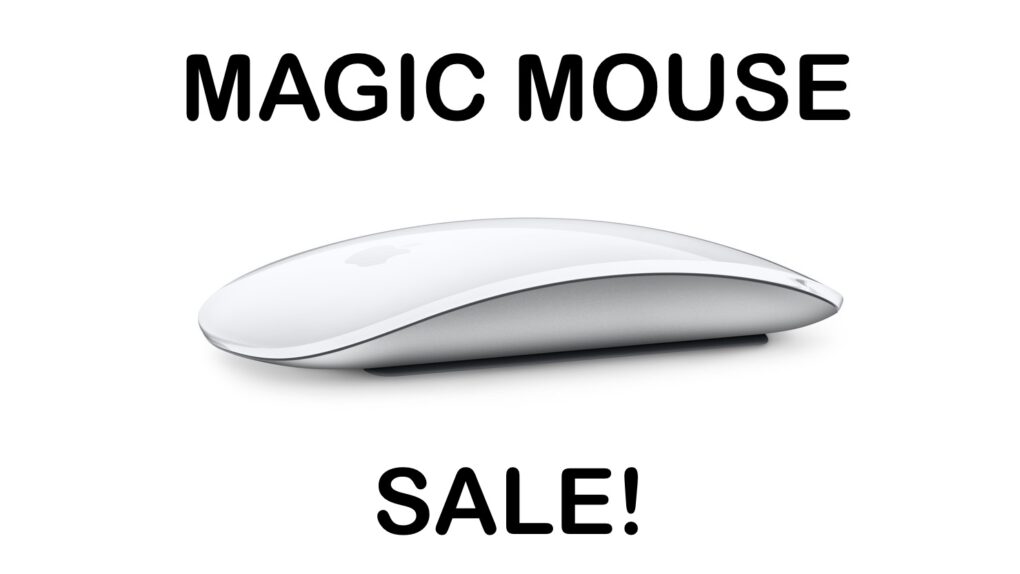
There is a rare chance to save on an official Apple mouse for your Mac or iPad. Image: Apple/Cult of Mac
The Apple Magic Mouse doesn’t go on sale very often, so don’t miss a rare deal that saves you 19% on the svelte input device for your Mac or iPad. This new Apple Magic Mouse deal drops the price to just $63.99.
The sale is on the USB-C version, not the older Lightning model, so it’s a great opportunity to upgrade.
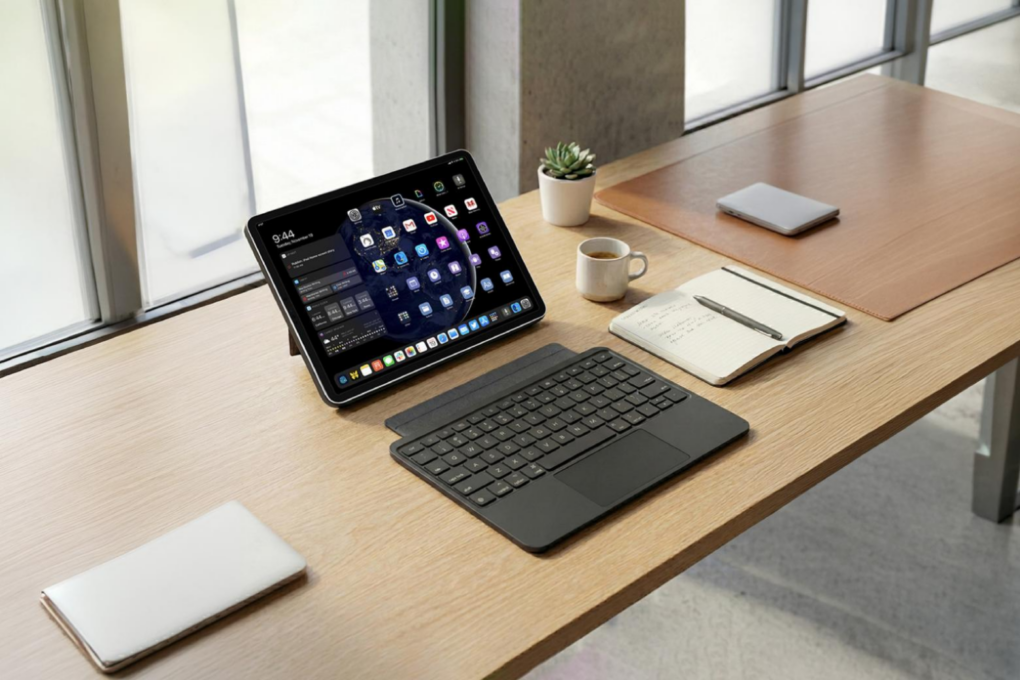
Get the SpacePad iPad keyboard case at a big discount. Photo: Cult of Mac Deals
The SpacePad keyboard case turns your iPad into a laptop-style setup with a trackpad, backlit keys and long battery life. Made by Tinymoose, it combines protection and productivity at a great price.
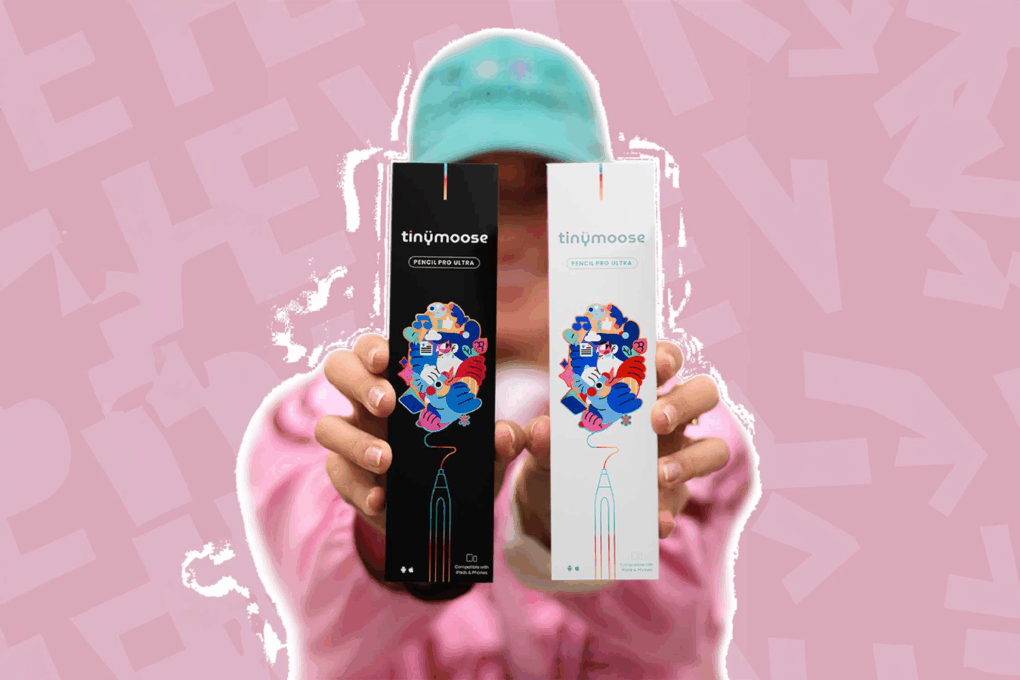
Don't settle for a lesser stylus. Get the Tinymoose Pencil Pro Ultra while it's on sale. Photo: Cult of Mac Deals
If you’ve ever tried to sketch on a tablet or jot down quick notes on your phone with a “meh” stylus pen, you know the frustration and disappointment that can bring. The Tinymoose Pencil Pro Ultra fixes all that.
For a limited time, it’s on sale for just $39.95, making creating on your iPad or Android tablet both effortless and affordable.
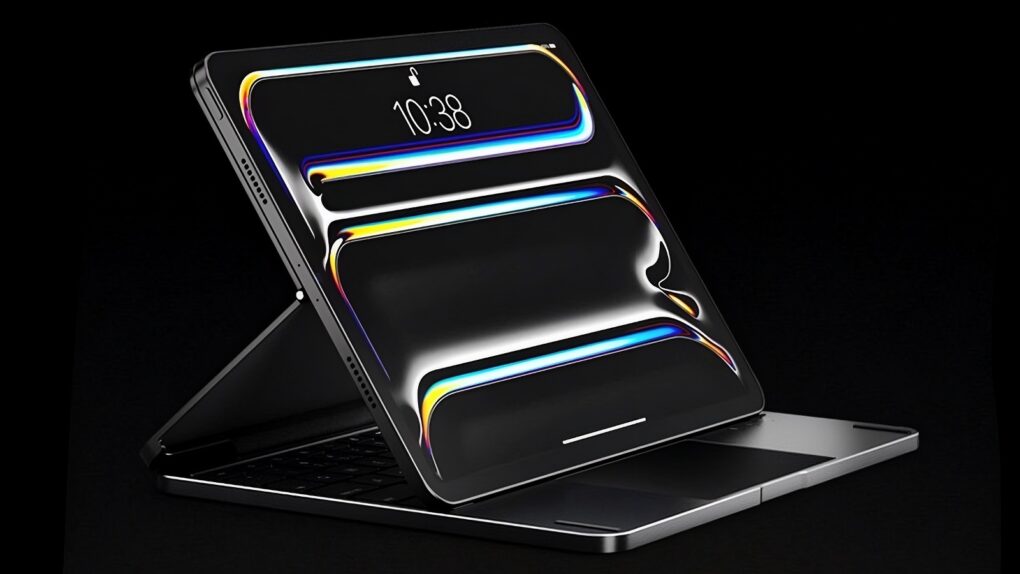
Flexible hinges give the Brydge Max 11.0 a wide range of viewing angles. Photo: Brydge
The Brydge Max 11.0 is a premium iPad keyboard case with the potential to dethrone Apple’s own. The two products have much in common, including a cantilever design, but the Brydge version stands out with much wider viewing angles and a gorgeous aluminum exterior.
It fits recent 11-inch iPad Pro models. A version for earlier 11-inch iPads is also available, and one for 13-inch iPads comes out soon.
UPDATE: Brydge Max 11.0 was announced in February and is now shipping.
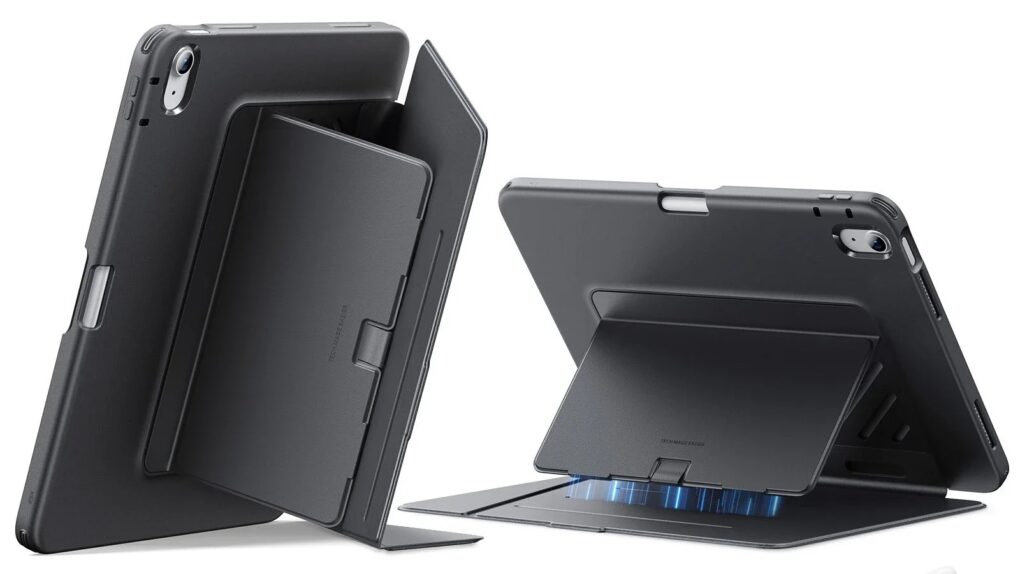
The Shift Magnetic Case leads off the lineup. Photo: ESR
Accessories brand ESR just unveiled a comprehensive range of cases, keyboard covers, screen protectors and styluses designed specifically for Apple’s M4 iPad Air. And all new ESR M4 iPad Air accessories get a 33% off discount for launch. As a proud owner of a new M4 iPad Air, I’m tempted.
★★★★☆
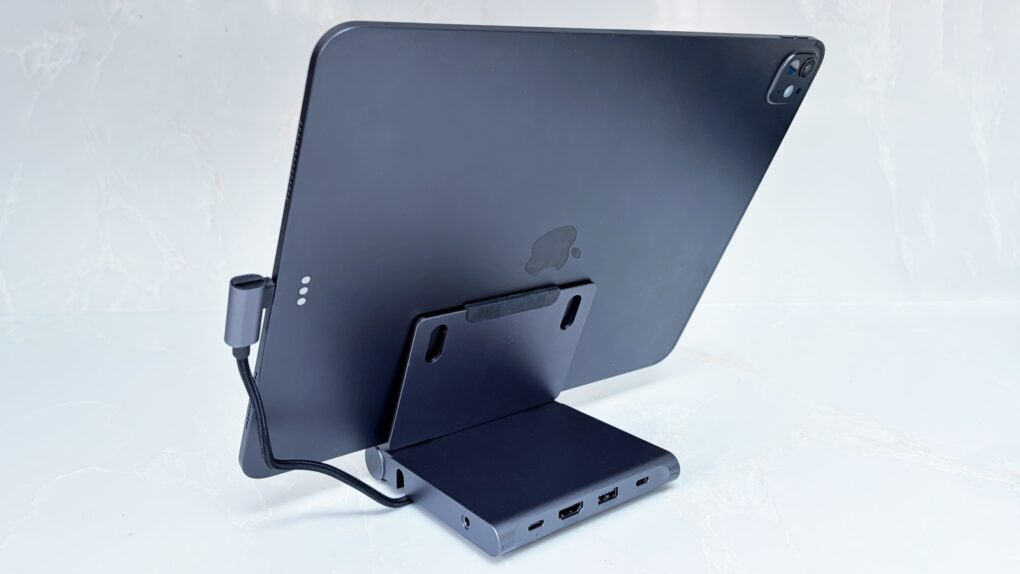
Don't settle for an iPad stand or travel hub. Not when Satechi combined them. Photo: Ed Hardy/Cult of Mac
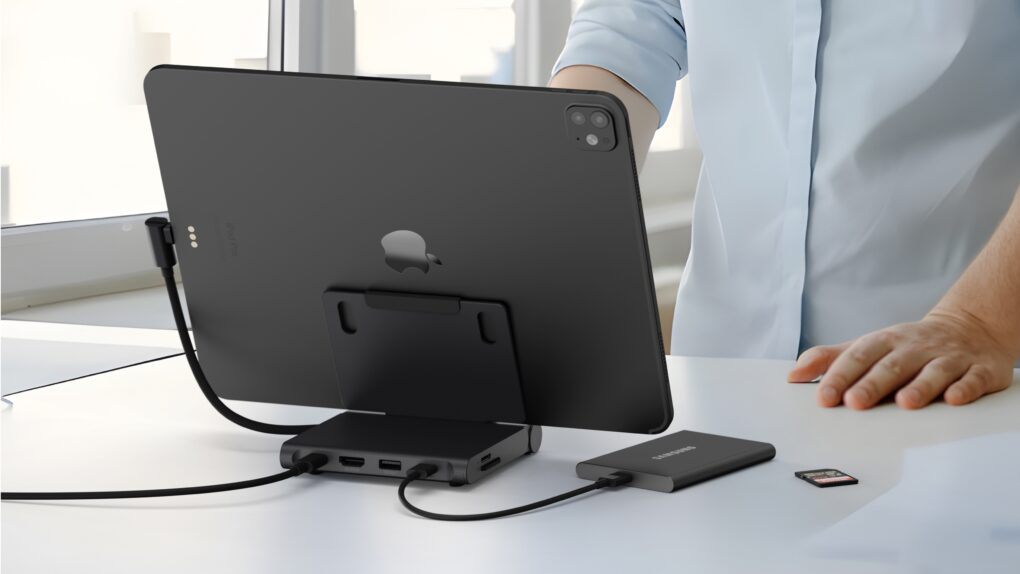
Your iPad is fun and relaxing, but it can also be the heart of a compact workstation with the Satechi OntheGo Foldable Stand Hub. This holds up your tablet while simultaneously expanding its connectivity with five additional ports.
It’s so useful in the office, it’s easy to forget the accessory folds down so you can take it with you. Satechi says it’s made for creatives on the move.
I tested the stand+hub in my home office and when traveling. Here’s what I found.
This iPad stand also includes useful ports to keep you productive on the go. Photo: Satechi
The Satechi OntheGo Foldable Stand Hub helps your iPad become the heart of a compact workstation. It holds up the tablet while simultaneously expanding its connectivity with five additional ports.
The multifunction stand also folds down so it’s ready to travel.
★★★★☆
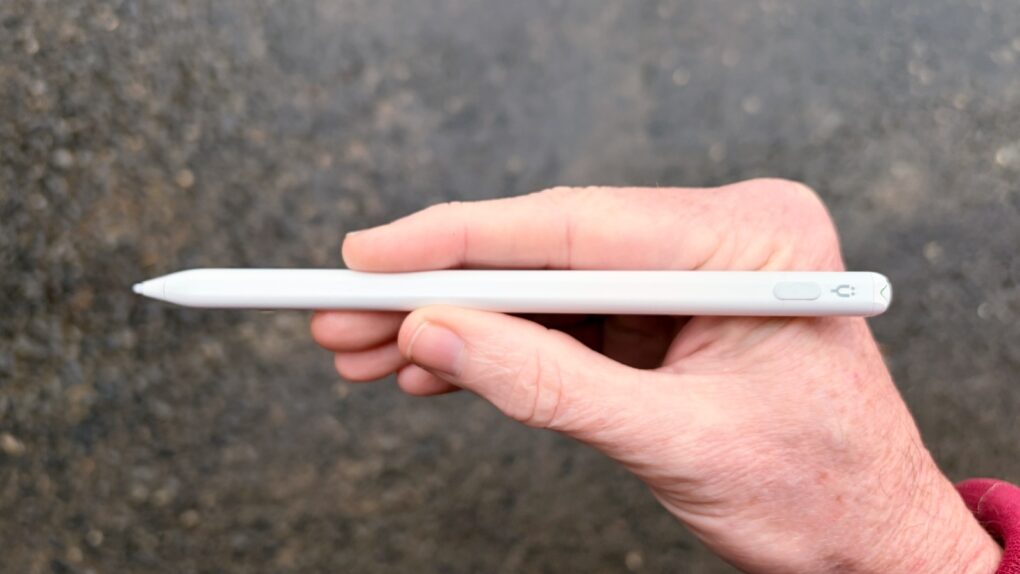
This affordable iPad stylus has a trick no Apple Pencil can match. Photo: Ed Hardy/Cult of Mac
Stop feeling frustrated that Apple Pencil works with iPad but not iPhone. The Tinymoose Pencil Pro Ultra supports Apple tablets and handsets.
Beyond iPhone support, the stylus offers iPad users palm rejection, zero lag, Scribble support, magnetic attachment to the tablet and more.
I tested the affordable accessory with both iPad and iPhone — here are the results.
★★★★☆
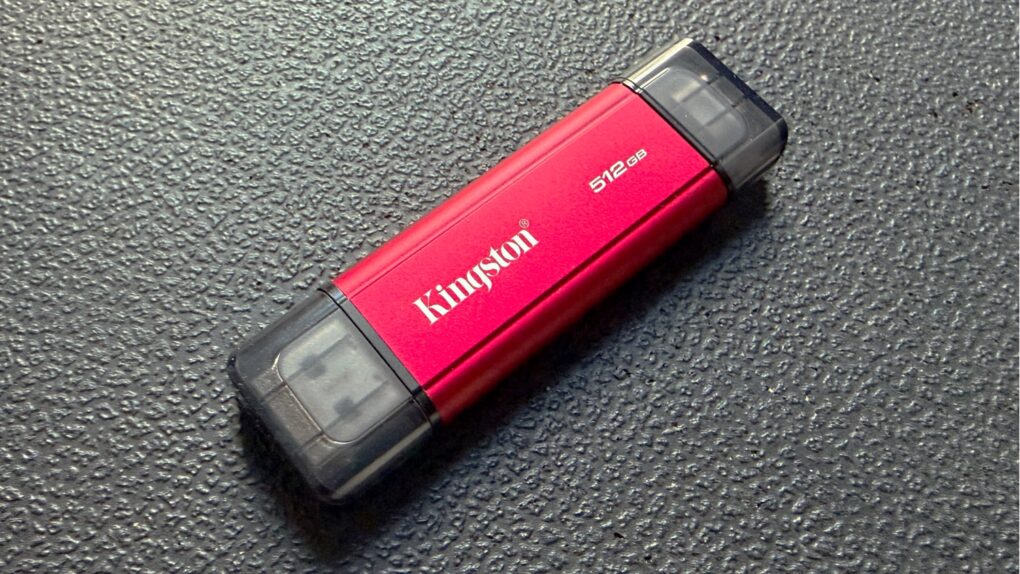
This portable SSD bridges the gap with both USB-A and USB-C connectors. Photo: Ed Hardy/Cult of Mac
The Kingston Dual Portable SSD brings up to 2TB of storage to anyone in the process of transitioning from the old USB-A to the smaller USB-C standard. It’s small enough to easily carry around, and fast enough to quickly handle large files.
I ran tests on the drive to see how the portable SSD fares in real-world use. Read on to see how well it performed.
★★★★☆
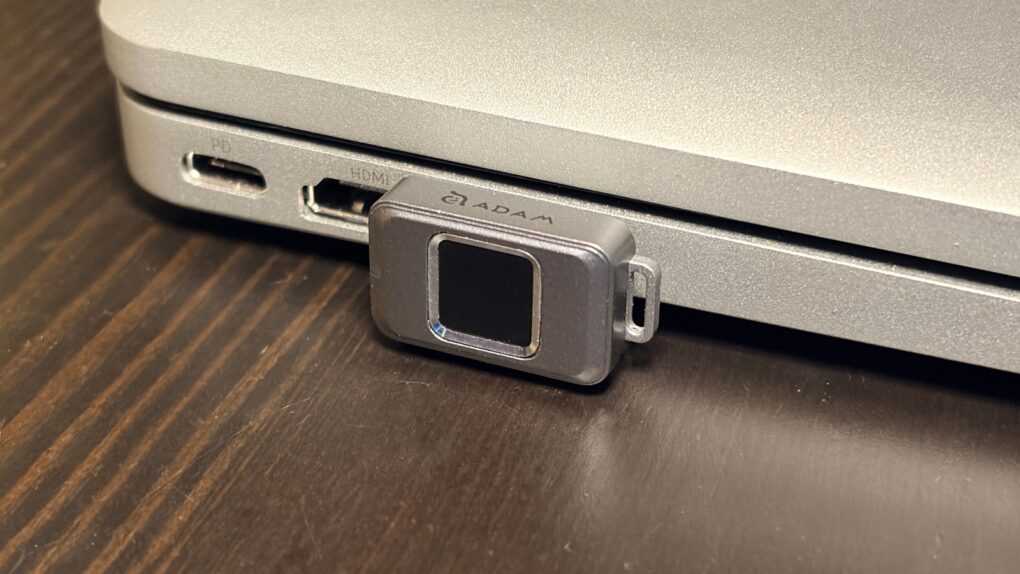
Easily secure your privacy with the iKlips S. Photo: Ed Hardy/Cult of Mac
No one but you can access the files stored on the iKlips S, a tiny SSD from Adam Elements. Simply tap your finger on the drive to unlock it. The biometric security system is similar to Apple’s Touch ID and keeps everything on the SSD private. No passwords are necessary.
File transfers are quick, and the drive uses USB-C, so it works with a broad array of computers, including Mac, iPad and iPhone.
I put the iKlips S through testing for this review and came away quite satisfied with its performance. Just be aware, though, that you’re paying a premium for the extra security. We can get you a 30% discount, though!
★★★★☆
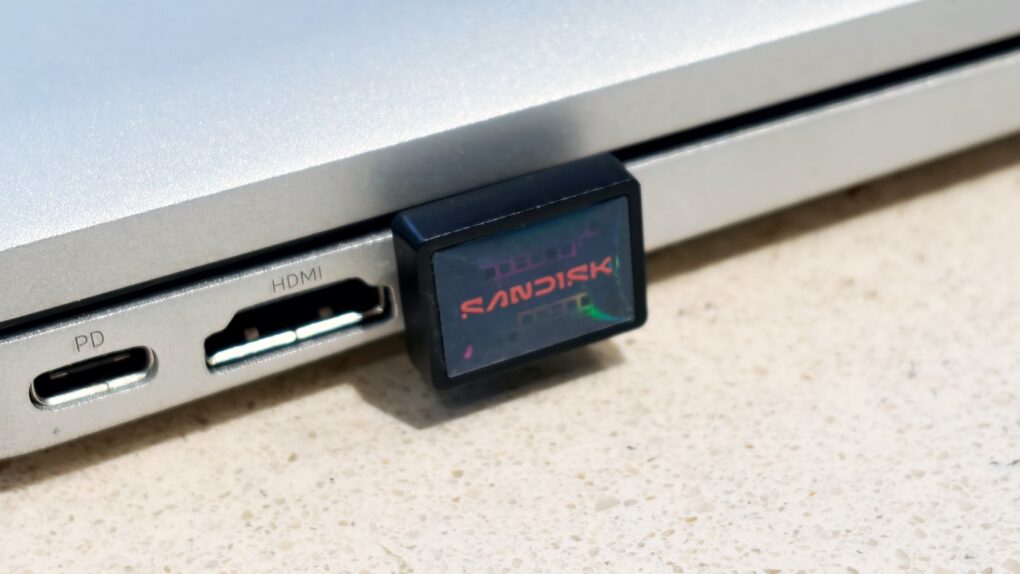
Add a terabyte of storage to your older MacBook with this affordable SSD. Photo: Ed Hardy/Cult of Mac
Sandisk gives its new Extreme Fit USB-C Flash Drive the crown as “the world’s smallest 1TB USB-C flash drive.” It’s undeniably very, very small — so tiny that you can leave it plugged into your MacBook. That means it can semi-permanently boost the storage capacity of your older notebook — and at quite a good price.
I tested the miniature external SSD with a variety of Apple devices, including my iPhone. Here’s how it stood up to real-world use.
★★★★☆
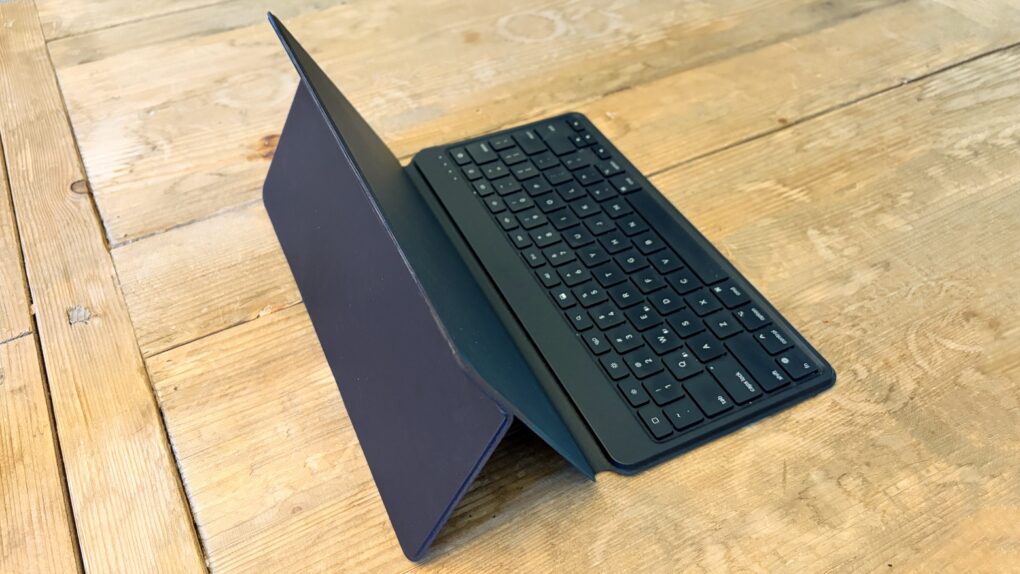
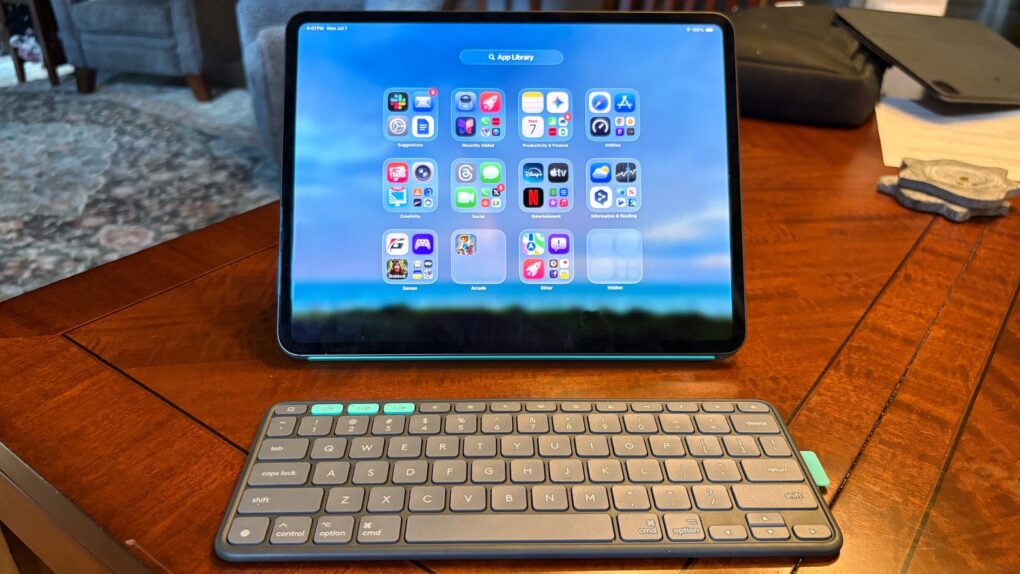
The Satechi OntheGo Bluetooth Keyboard with Stand works with any current or future iPad. Photo: Ed Hardy/Cult of Mac
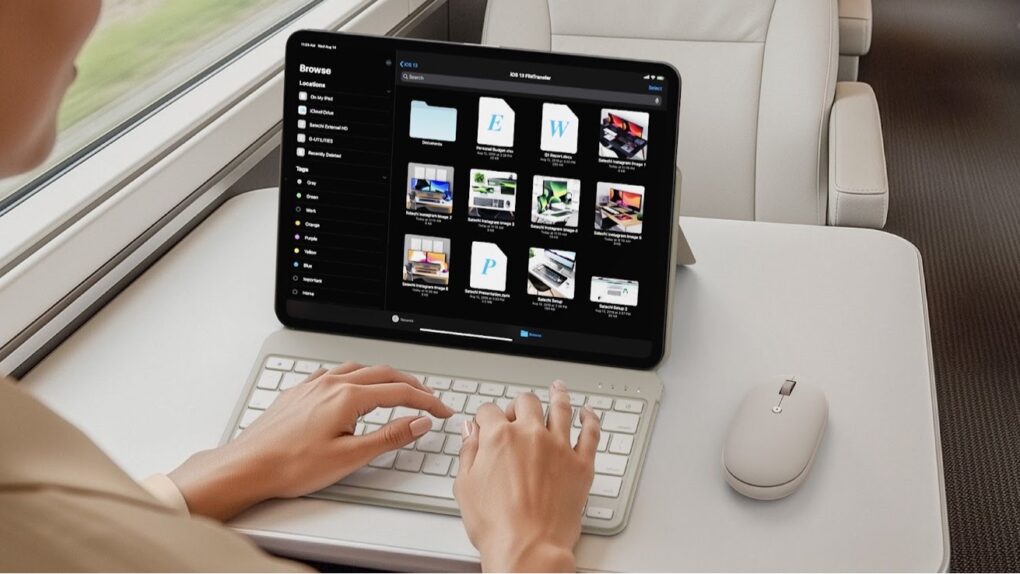
The Satechi OntheGo Bluetooth Keyboard with Stand is an ideal option for those who need to add a travel keyboard to their iPad and don’t want to limit the accessory to only one tablet. Or want to add a portable keyboard to their iPad without giving up the case they like.
It can switch between computers with a simple push of a button. Plus, it’s not limited to tablets.
I’ve tested the multi-device input device with my iPad and iPhone, and came away quite pleased.
Satechi’s new Bluetooth keyboard with stand can be used with nearly any tablet. Photo: Satechi
The just-launched Satechi OntheGo Bluetooth Keyboard with Stand is for those who need a travel keyboard for their iPad and don’t want to limit the accessory to just one tablet.
Plus, Satechi launched a new OntheGo Bluetooth Mouse at the same time.
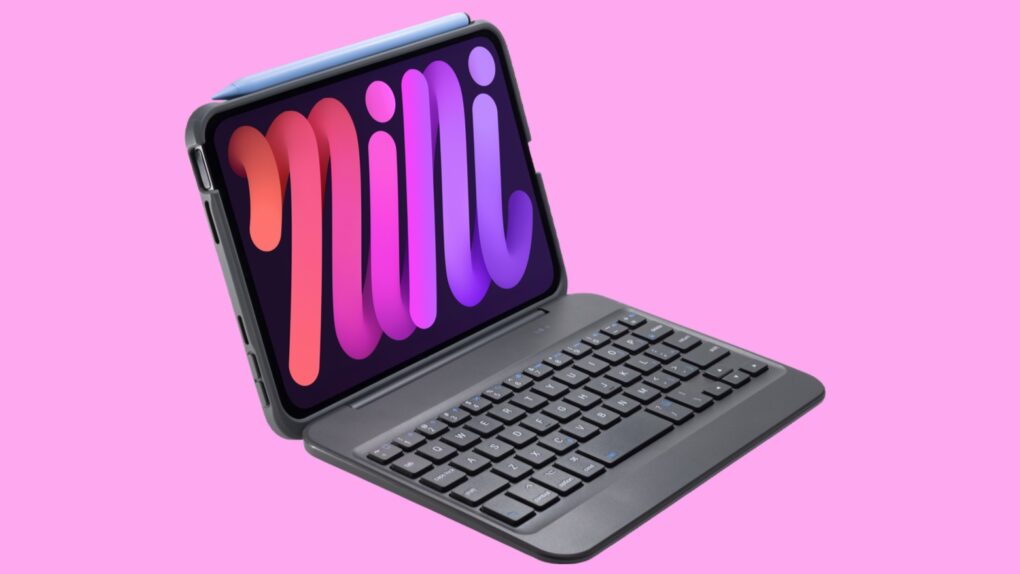
Your iPad mini can be more than a tablet with Zagg Slim Book mini. Photo: Zagg
The just-launched Zagg Slim Book mini acts as a protective case for the latest iPad mini, but that’s only the start. It also adds a detachable keyboard that makes the tablet ready for serious productivity.
“With the Slim Book mini, we’ve taken the performance and typing experience people expect from a full-size laptop and packed it into a sleek, portable keyboard built specifically for the iPad mini,” said Brad Bell, SVP of global marketing for Zagg.
★★★★★
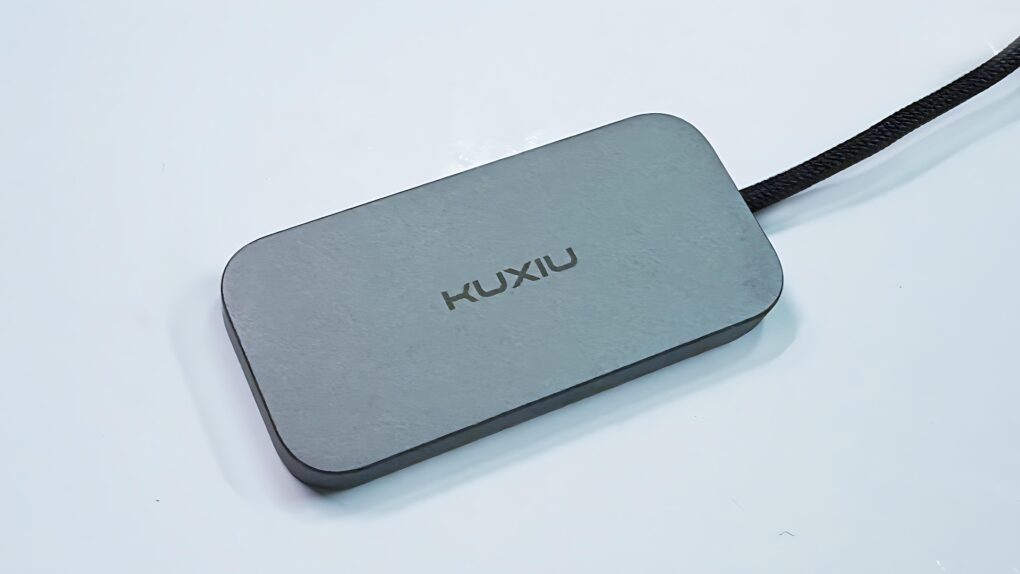
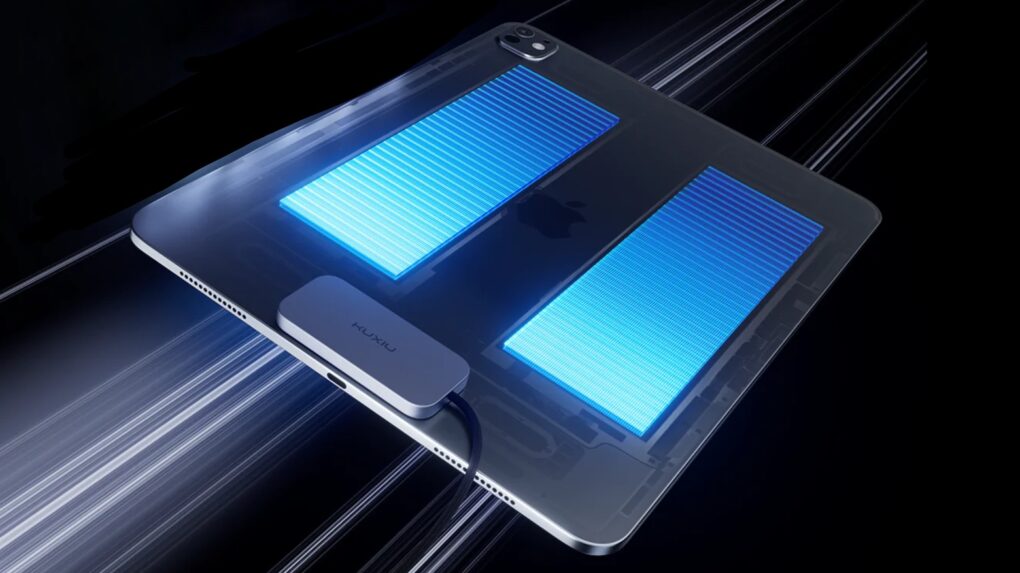
Charging your iPad doesn’t mean taking up the USB-C port with the Kuxiu M30. Photo: Ed Hardy/Cult of Mac
The Kuxiu M30 Magnetic Smart Connector Charger for iPad Pro/Air helps solve the irritating problem of limited iPad ports. It clings to the back of Apple tablets and charges them without taking up the computer’s sole USB-C port. It also reduces wear on the port.
I put the 35W charger through testing in my home office and came away quite satisfied.
★★★★☆
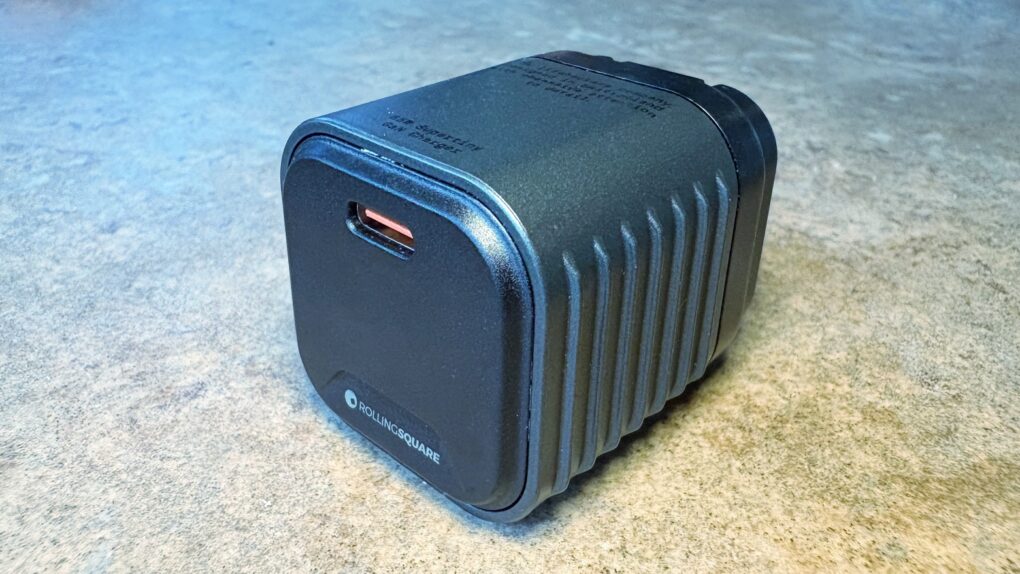
We went hands-on with the wee little Rolling Square Supertiny. Photo: Ed Hardy/Cult of Mac
Rolling Square claims, “Supertiny is the smallest 65W GaN Charger ever.” It’s definitely very small, but can still quickly power up a MacBook or other full-size computer.
I put the claims to the test and came away impressed. I do have one caution, though.
Juice up your iPad Pro or iPad Air while leaving the USB-C port open! Photo: Kuxiu
The Kuxiu M30 Magnetic Smart Connector Charger for iPad Pro/Air clings to the back of Apple tablets and charges them without taking up the computer’s sole USB-C port.
It could be a real boon for those who wish their iPad included more ports.
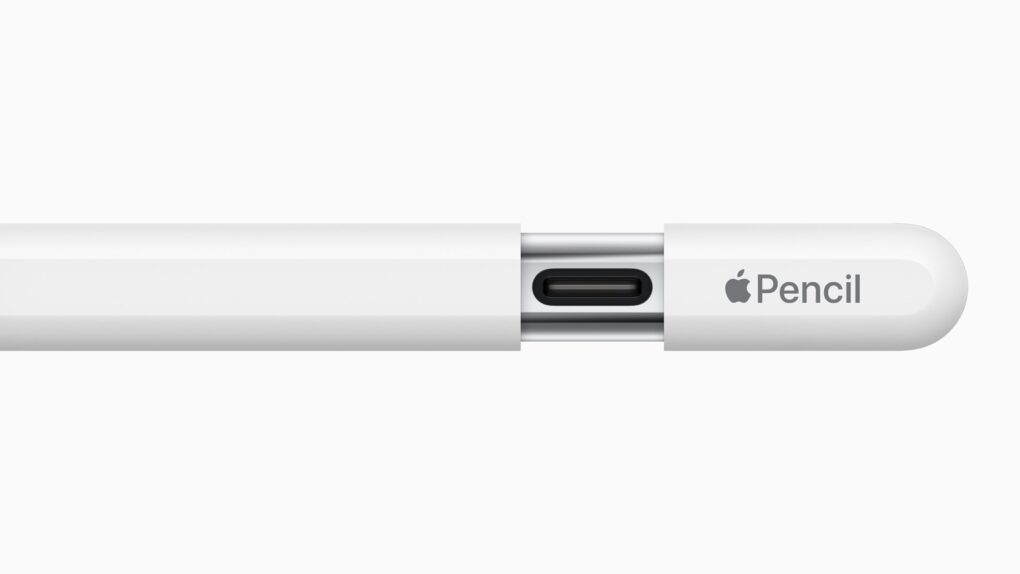
For most users, Apple Pencil (USB-C) gets the job done. Photo: Apple
Apple Pencil Pro may have all the bells and whistles, but a lot of average users don’t really need those. For a solid premium iPad stylus that does all the basic tasks like signing documents, note-taking and sketching, Apple Pencil (USB-C) gets the job done just fine. And right now you can get the stylus on sale with a Apple Pencil (USB-C) deal at Amazon, making it even more affordable. It’s just $69.
★★★★☆
The KYY 14” Portable Monitor pairs well with a 14-inch MacBook or a 13-inch iPad. Photo: Ed Hardy/Cult of Mac
The KYY 14” Portable Monitor challenges the idea that bigger is always better. It’s much smaller than the external display I usually travel with — and that’s exactly why I love it.
★★★★☆
Logitech Flip Folio stands out with a keyboard that’s not permanently affixed to its case/stand. Photo: Ed Hardy/Cult of Mac
The Logitech Flip Folio is a protective keyboard case and stand for iPad Pro and iPad Air models that goes head-to-head against the Apple Magic Keyboard. Having tested both, Logitech’s new offering comes out ahead of Apple’s is some ways, including wider support for screen orientations, and because the keyboard can separate from the case/stand. Plus, a hefty price advantage can’t be overlooked.
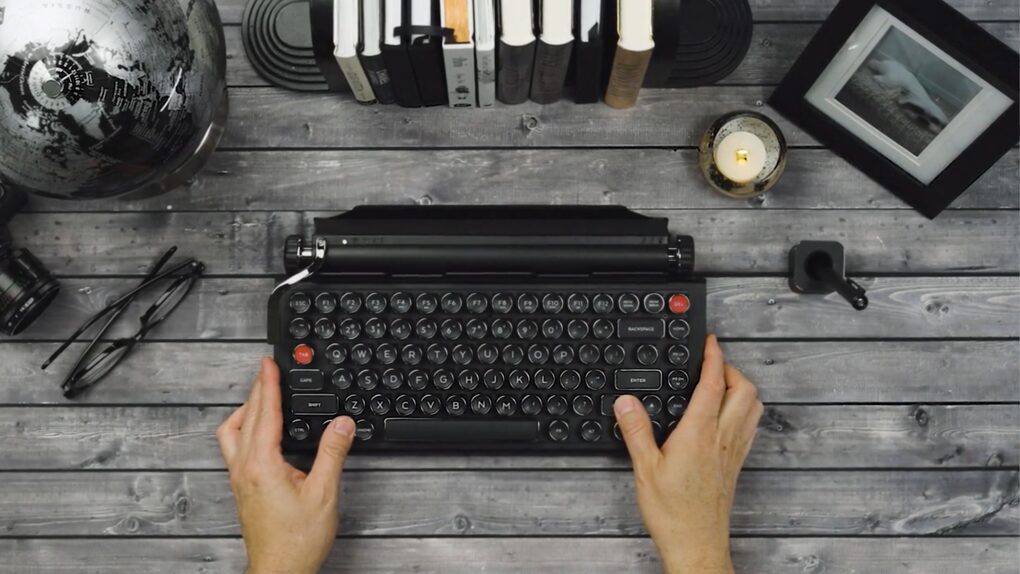
Give your setup a retro look with Qwerkywriter. Photo: Qwerkytoys
Suppose you want your office to have a retro look, but you can’t give up your modern computers (of course). You need the Qwerkywriter — it has the look of a classic typewriter, but includes an integrated iPad stand. Or it can wirelessly connect to your Mac.
Add a vintage-looking keyboard to your setup, without giving up functionality.
Make your iPad into a light notebook with a Targus VersaVu keyboard case. Photo: Targus
The goal of the new Targus VersaVu line is to upgrade the latest iPad models to a laptop-like experience. Plus, the slim keyboard case allows users to type on their tablet in either landscape or portrait mode.
It boasts a backlit keyboard, a trackpad and an adjustable kickstand.
★★★★☆
The Moft Dynamic Folio case/stand can lift your iPad closer to eye level. Photo: Ed Hardy/Cult of Mac
iPad cases that fold into stands are old news, but the Moft Dynamic Folio takes that idea and builds on it. The front flap can be folded into a variety of shapes to support the tablet at a range of angles, in both landscape and portrait orientations. A highlight is one that lifts the iPad up about 3 inches so it’s easier to see.
Plus, the case/stand is lightweight and very easy to attach and remove. There are versions for all recent Apple tablets.
I tested the flexible iPad accessory for several weeks. Here’s what I found out.
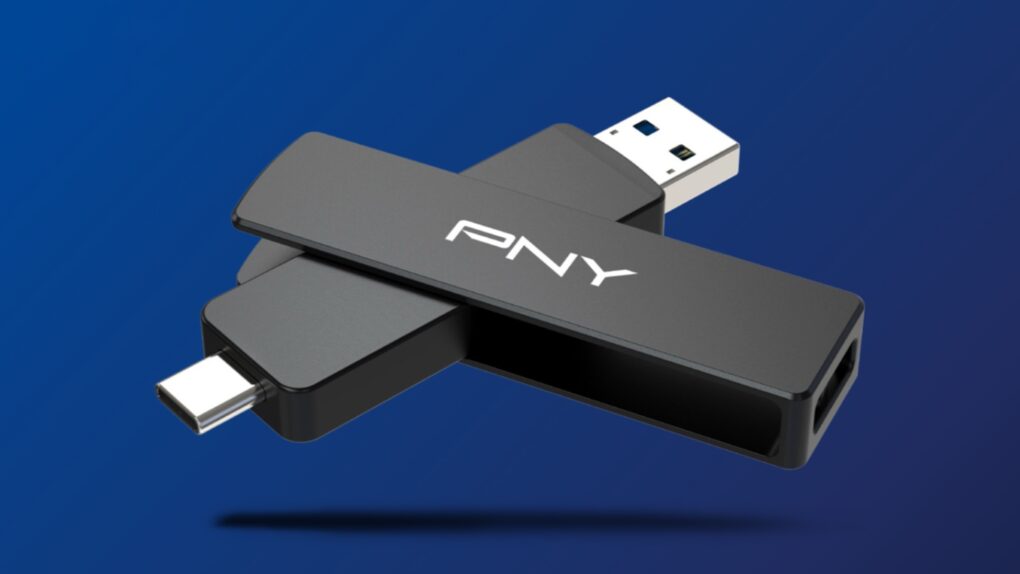
This thumb-size external SSD connects to your Mac or your smartTV, no adapter needed. Image: PNY
The PNY Duo Link V3 external SSD includes both a USB-C and a USB-A connector. That means the flash drive that launched Thursday can plug into any modern Mac, or it can go into a smartTV or other accessory that lacks a USB-C port — no adapter needed.
Even better, it offers 1,000MB/s data transfers, and capacities go up to 2 terabytes. The price is very competitive, too.