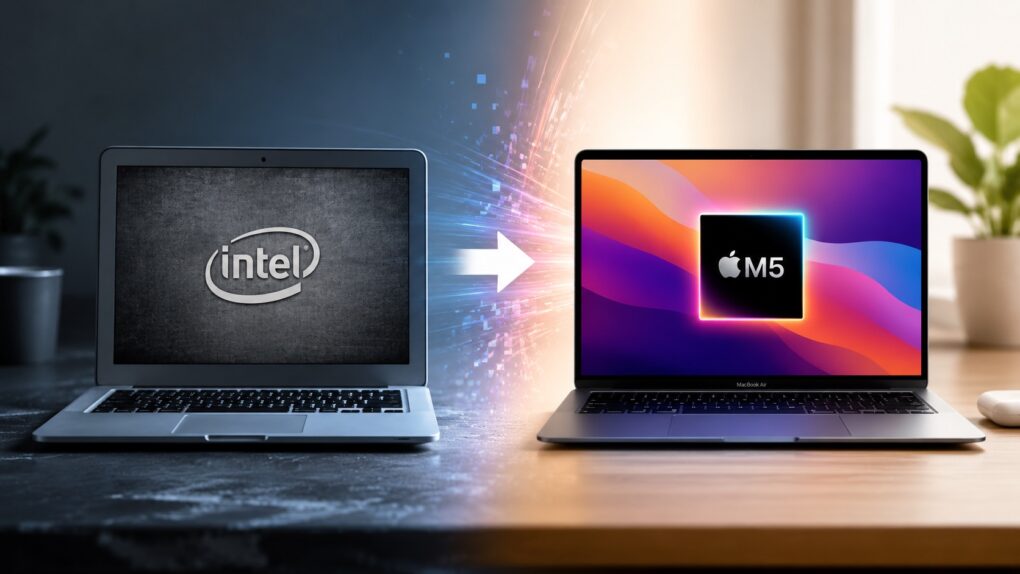
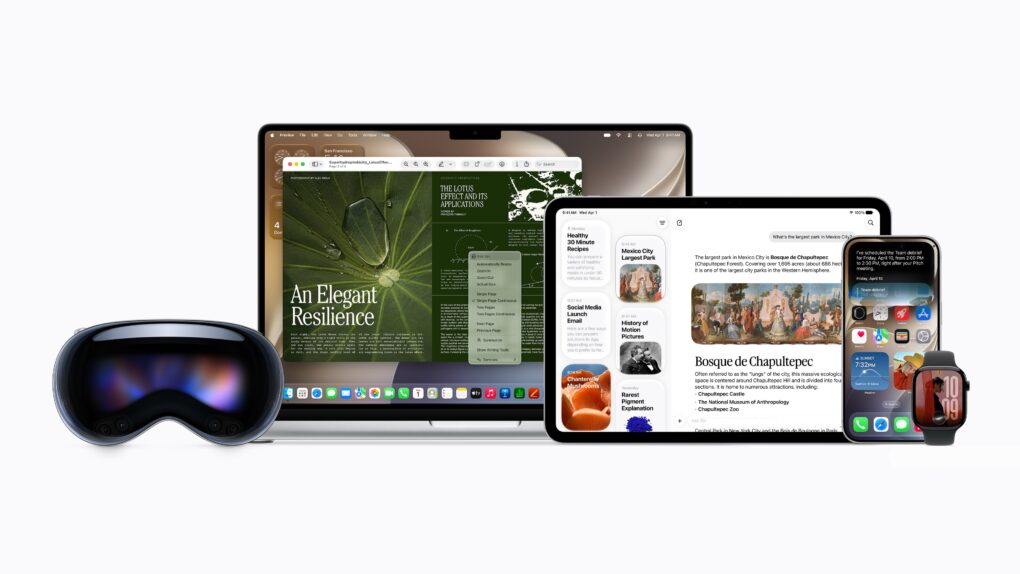
macOS 27 Golden Gate marks the end of the road for Intel Macs. If you’re still using one, this is the strongest reason yet to consider upgrading to an Apple silicon Mac.
While your Intel Mac will continue receiving security updates for a while, it has effectively reached the end of its journey. And that’s not a disaster, considering the newer Apple silicon Macs are not only faster and more efficient, but they’re also the ones getting access to all the new AI features. Here are eight reasons it’s finally time to upgrade.
It’s about damn time. Image: Apple/D. Griffin Jones/Cult of Mac
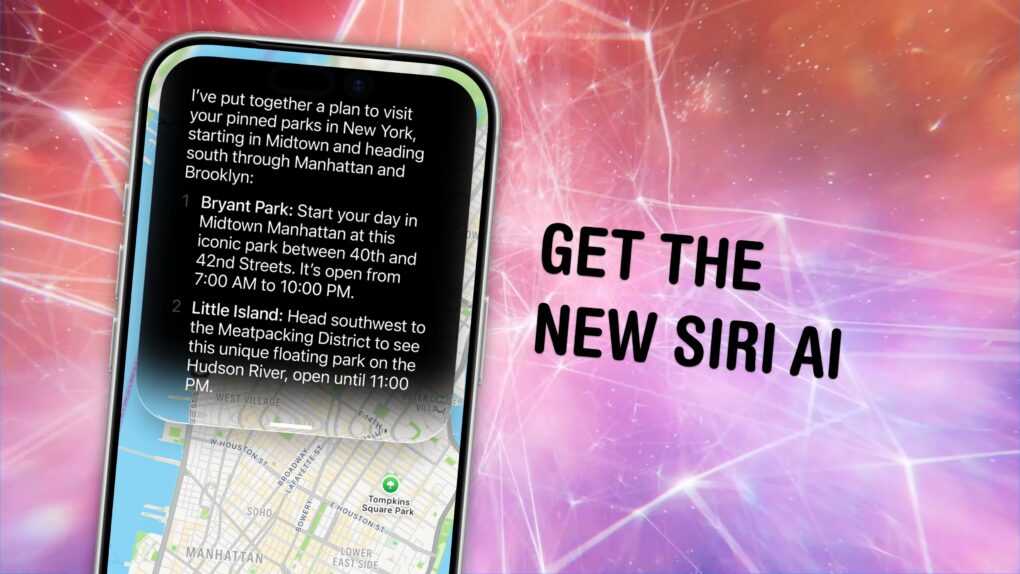
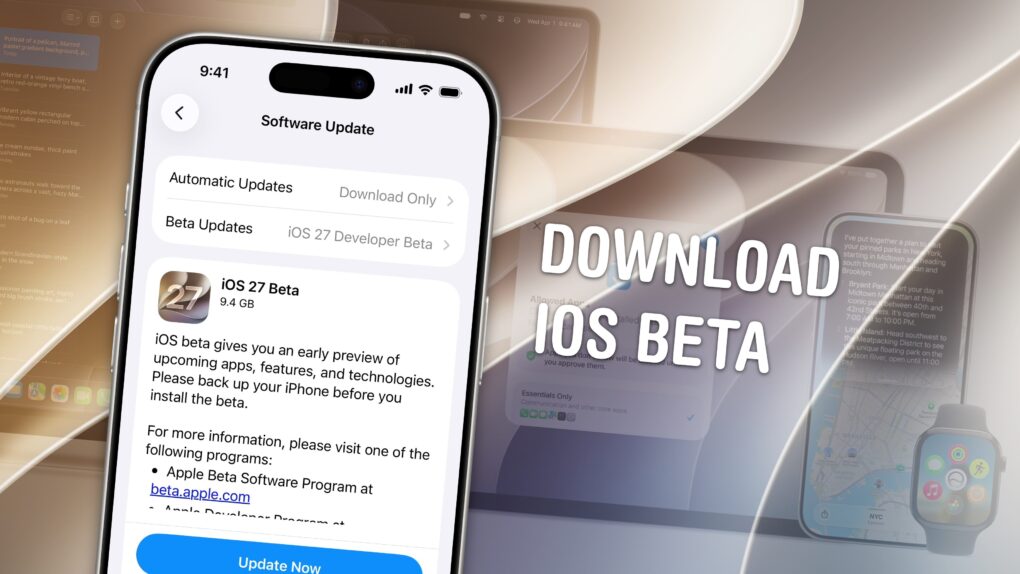
You can get the new Siri AI right now on your iPhone, iPad, Mac, Apple Watch and Vision Pro. All you have to do is update to the iOS 27 developer beta release.
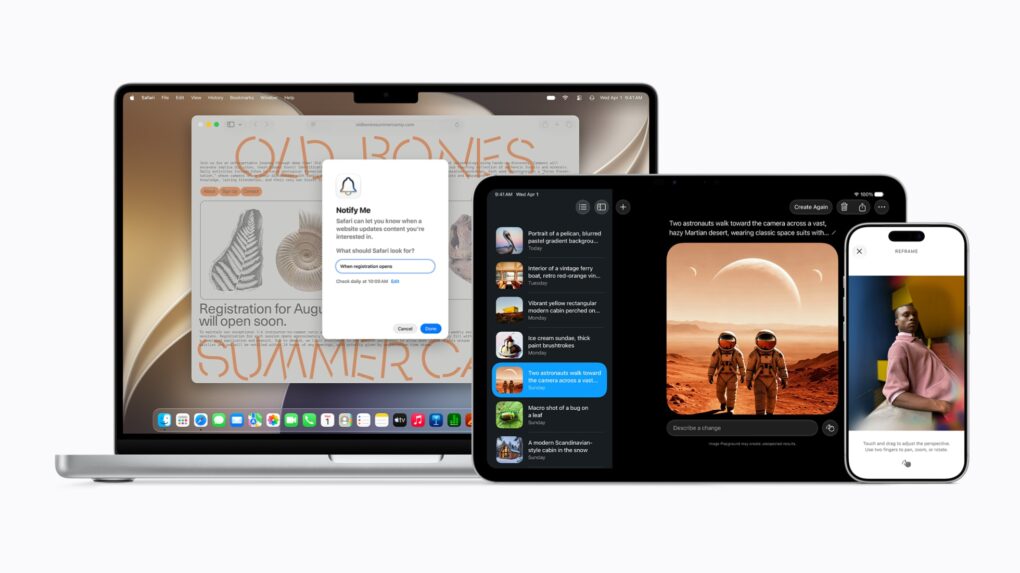
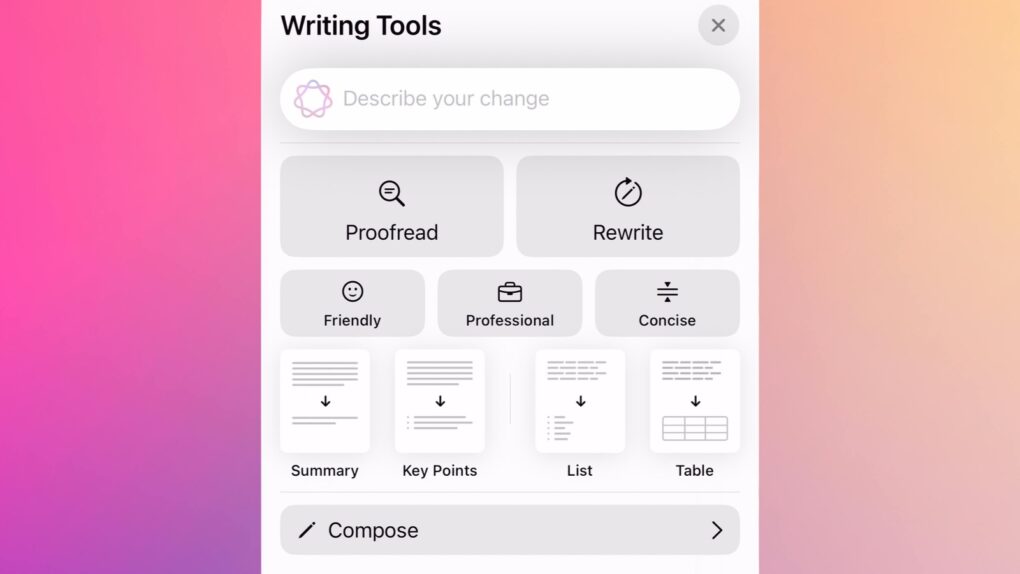
You’ll also get the other Apple Intelligence features: generating Shortcuts and Safari extensions, extensive photo editing tools, realistic generation in Image Playground, systemwide proofreading and much more.
Be warned — to get the hottest feature, Siri AI, there’s another waitlist. You should hop on as early as you can. You might even be able to skip the long wait time — there’s an unconfirmed method people are trying out. Here’s how.
The popular workaround is no more. Graphic: Apple/D. Griffin Jones/Cult of Mac
The hack that some Mac users were using to try out the new Siri AI, skipping the waitlist, no longer works.
Apple released the second developer beta of all its OS 27 updates yesterday. In macOS 27 developer beta 2, the hidden Terminal command no longer enables Siri AI. After you update, you’ll find yourself back on Apple’s waitlist. If you previously enabled it on your Mac, your access will be revoked.
But no worries — some users on Reddit may have found a way to get yourself accepted fast.
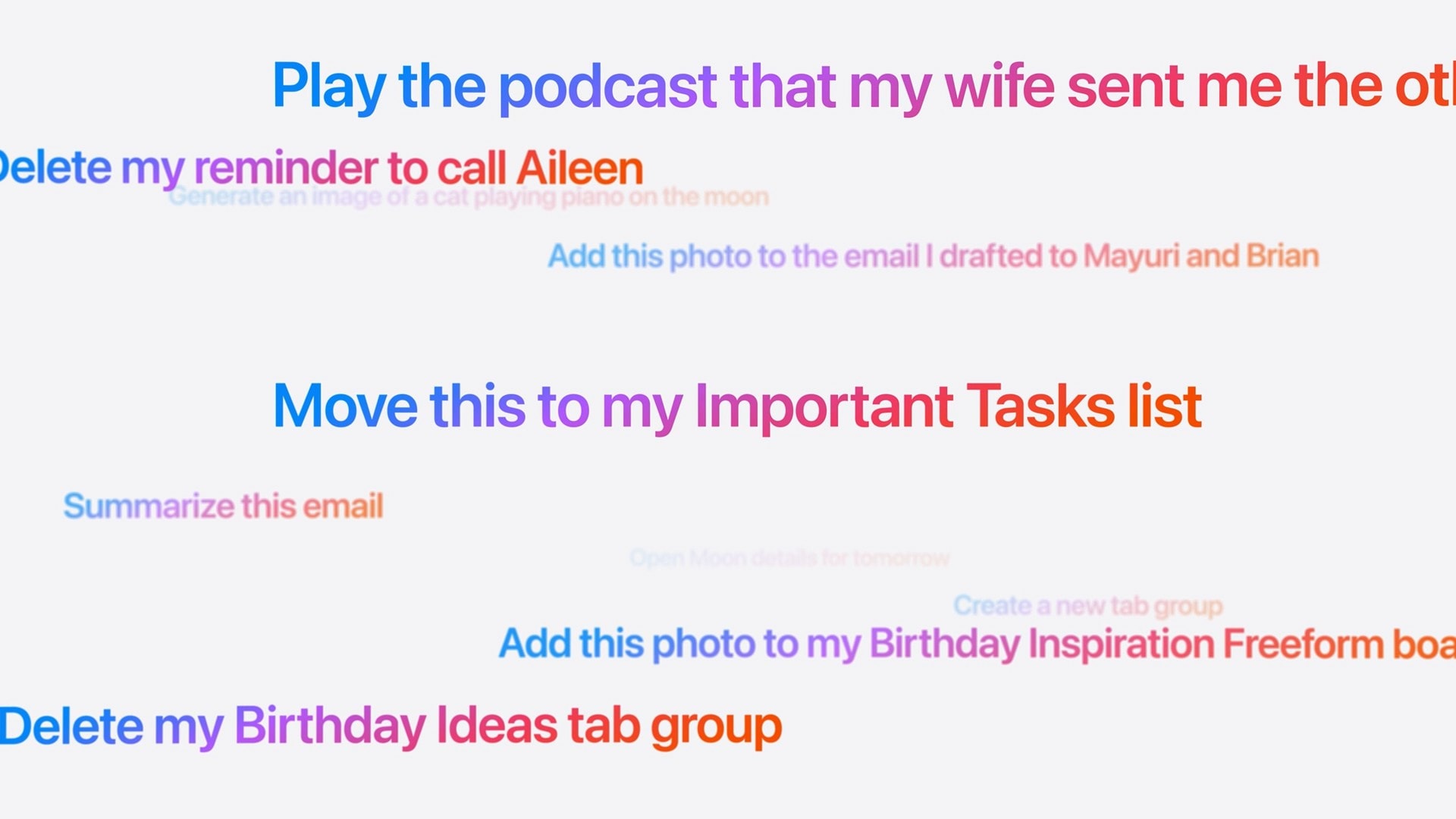
These are the kinds of things you’ll be able to ask the new, smarter Siri. Image: Apple
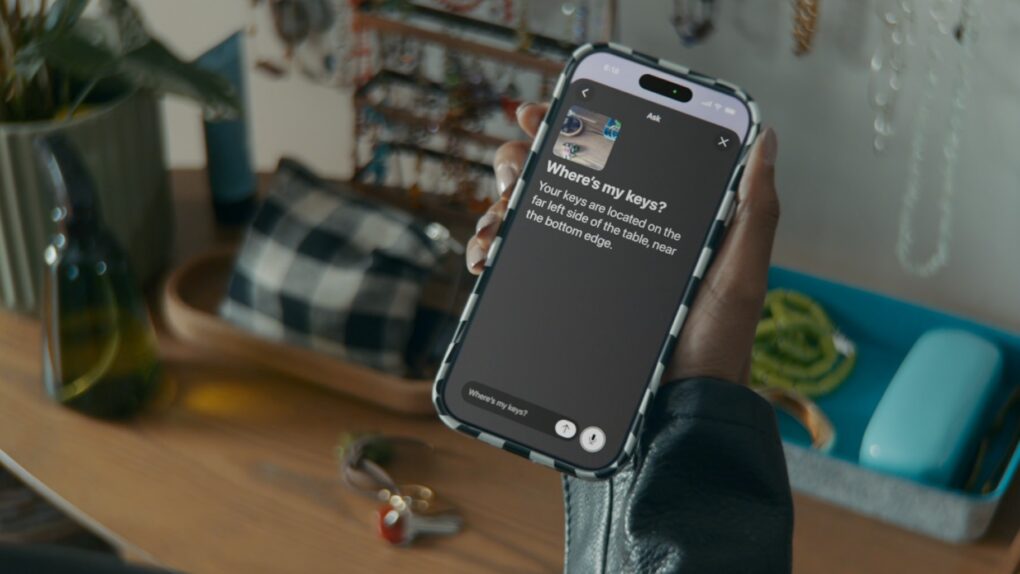
Did Apple finally get it right — is the new Siri AI useful? In my early Siri AI testing, I think the answer to that question is a resounding “yes.” I took the three biggest demos from Apple’s keynote and replicated them with my own questions based on my own personal context. In nearly all the tests, it performed just as well as Apple’s examples.
I’ve been throwing Siri AI, now available in the first developer beta of iOS 27, all kinds of other questions, too. Foolishly, I put the beta on my main iPhone, so I’ve been using it as my one and only voice assistant for a week now.
While its smarts aren’t going to shock you if you’ve used a chatbot before, its private, secure access to your entire digital life is something nothing else can offer. (And, some would say, an anticompetitive advantage.)
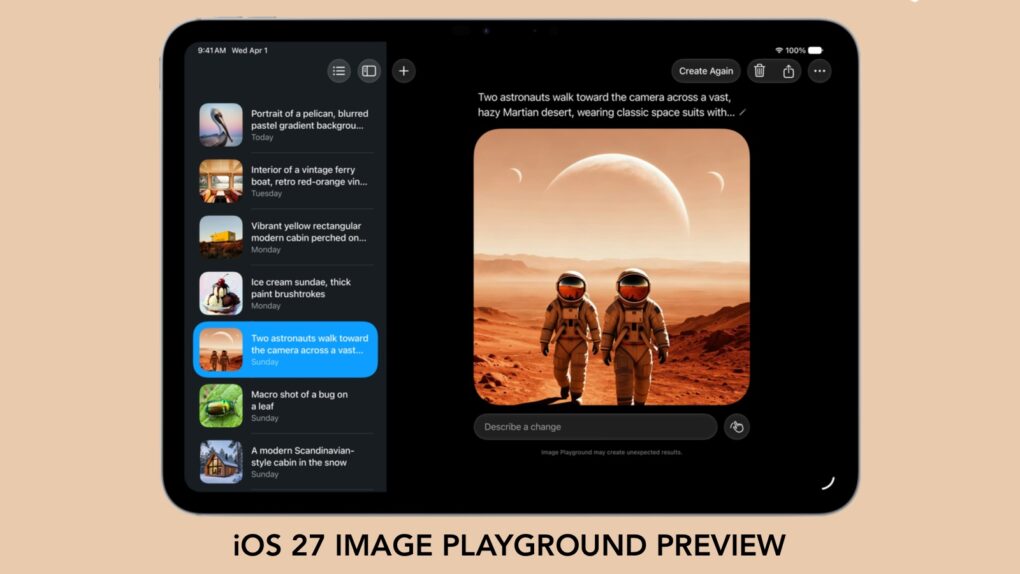
With iOS 27, we'll have to stop thinking of Image Playground as rubbish. Graphic: Apple/Cult of Mac
Forget what you know about Apple’s Image Playground — the app is no longer terrible. There’s a new version on the way, and it finally fulfills the promise Apple made two years ago.
Later this year, your iPhone is getting an AI tool that’s truly capable of generating images based on your descriptions. And the software can avoid many of the usual problems that cause some people to reject artificial intelligence tools.
After whiffing a couple years ago, Apple hits it out of the park with Siri AI. Image: Cult of Mac
This week on the Cult of Mac podcast: For once, Siri doesn’t leave us exasperated! After a week of WWDC26 surprises, we’re genuinely stoked about the promise of Siri AI.
Also on the Cult of Mac podcast:
The good news doesn’t stop with Siri. Loads of new Apple Intelligence features look useful and thoughtfully implemented.
Apple faces off against the European Union, and it looks like EU iPhone and iPad users will pay the price.
And finally we wrap up with the results of our WWDC26 predictions game.
Listen to this week’s episode of the Cult of Mac podcast in the Podcasts app or your favorite podcast app. (Be sure to subscribe and leave us a review if you like it!) Or watch the video live stream, embedded below.
It’s worth the wait. But you also don’t have to wait. Photo: Apple
Even after updating all your devices to the OS 27 betas, you can’t get the new Siri AI right away. There’s a waitlist, and users are reporting that it can take days to get accepted. But on macOS Golden Gate, you can skip the waitlist with a little Terminal command.
First, you’ll need to install macOS Golden Gate. If you want to play it safe by installing it on an external volume, you’ll be disappointed — Apple Intelligence only works when macOS is running from your internal storage. So playing it safe is a little harder, unless you have enough free internal space to make a partition.
Whatever your approach, here’s how you can try out the new Siri on your Mac right now.
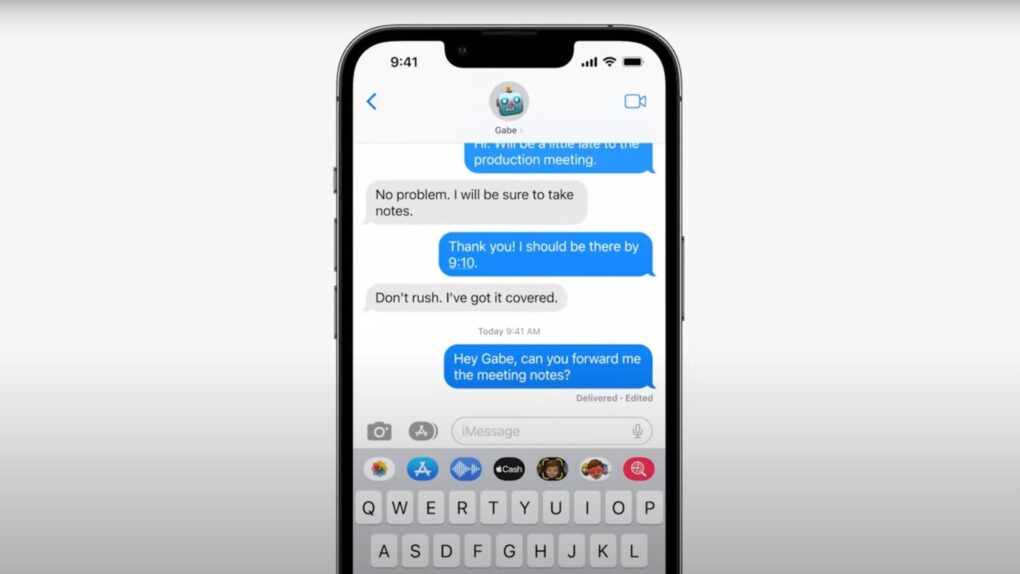
Messages in iOS 27 gets smarter, safer, and a whole lot less frustrating. Photo: Apple If you ever accidentally hit the microphone button in the Message app and started recording your voice, Apple finally fixed that problem in iOS 27. Justin Bieber publicly complained about it last year, and as it turns out, Apple was paying attention.
With iOS 27, Apple is not only ending the dictation button problem but also adding some new features to the Messages app. You’ll also get AI-powered smart suggestions, a new drawing tool, improved child safety features and performance fixes.
Apple Maps' Flyover feature gets a lot more realistic. Photo: Apple
Once a bit of a sketchy upstart, Apple Maps has become one of the best iPhone navigation apps. And upcoming iOS 27 — previewed at WWDC 2026 this week — pushes it even further. Here’s every notable Apple Maps upgrade in iOS 27.
Some Siri AI features will only work on Apple's latest devices. AI image: ChatGPT/Cult of Mac
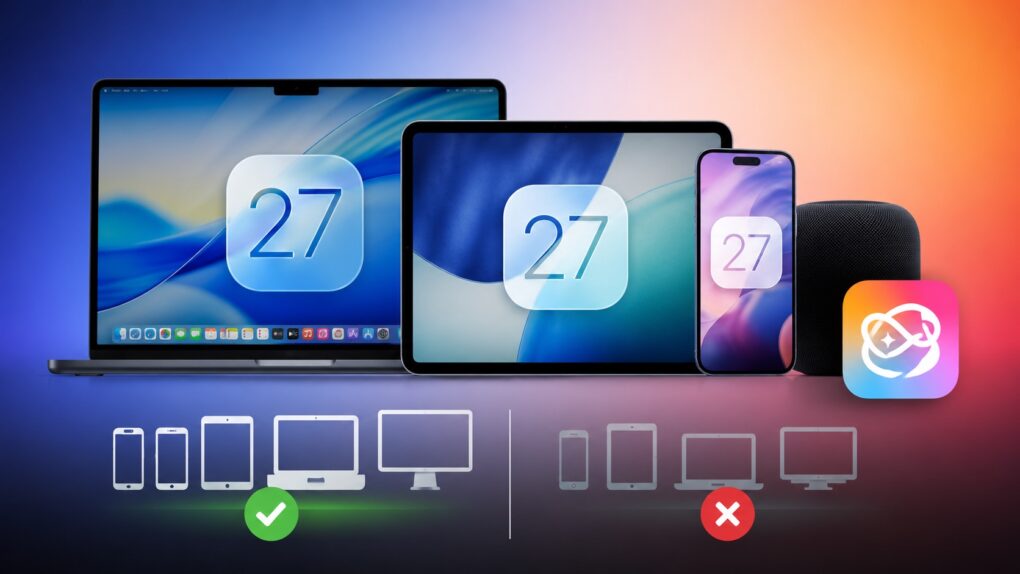
iOS 27 is coming to iPhone 11 and all models released after that. And while it sounds impressive that Apple’s new operating systems will support devices released in 2019, it does not mean that your old iPhone will get every new iOS 27 feature. In fact, even the iPhone 17 will not get the full suite of AI features in iOS 27.
The same holds true for iPadOS 27 and macOS 27. Many of the headline features require newer hardware, meaning some compatible iPads and Macs will miss out on parts of the update.
Updates unveiled at WWDC26 should boost Apple's Home app nicely. AI image: ChatGPT/Cult of Mac
WWDC26 drew plenty of attention for the rebuilt Siri and the relatively substantial iOS 27 overhaul. But buried beneath those headlines lies Apple’s biggest push yet to turn the Home app into a genuinely capable smart home platform. iOS 27 and tvOS 27 updates make your home smarter, from AI-powered security cameras to a more reliable wireless backbone.
Of course, there are a few things you should look out for. Beta software is buggy and can lead to data loss. That being said, iOS 26 has been buggy since September. iOS 27 promises broader system stability — unlike most early betas, in my testing, the system runs smoother than before. But it comes at the expense of odd behavior you may find in third-party apps, since they haven’t been updated to support the new changes to Liquid Glass.
If you want to try it out, you should make sure you have a backup of your most important data with two copies of your photo library before you try installing. I’ll show you how.
Watch the keynote in just 2.0% of the time. Image: Apple/D. Griffin Jones/Cult of Mac
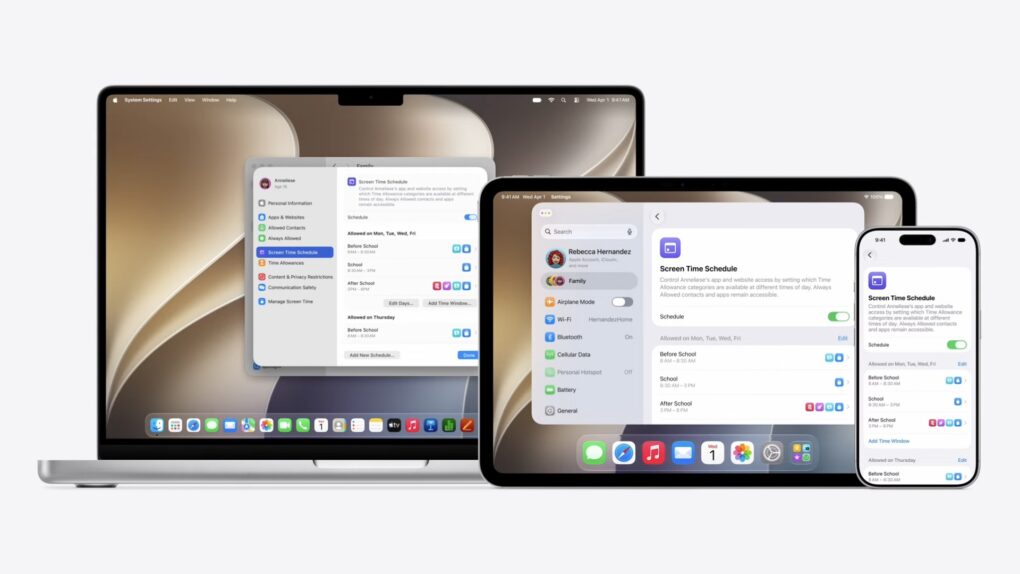
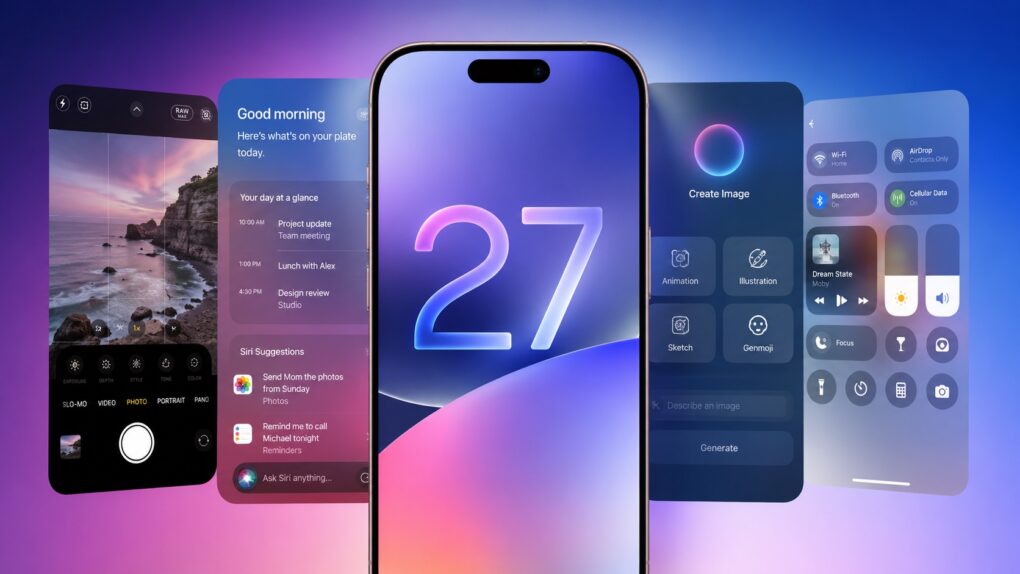
At the WWDC26 keynote, Apple announced the next versions of all its operating systems with a swath of AI features. There are tweaks to the Liquid Glass design, a wide array of tiny quality-of-life and performance improvements, draconian parental controls and limits, and AI in every corner of the operating system.
It was an unusual WWDC keynote that disposed of the typical platform-by-platform format, and a relatively brisk runtime. But if you don’t have 76 minutes to spare, you can get the gist in just 90 seconds.
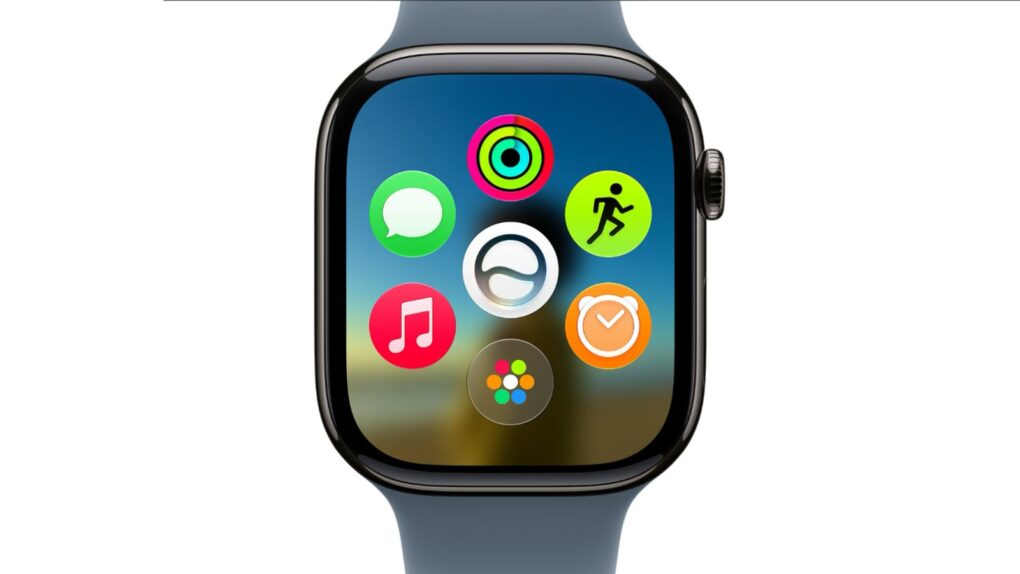
A new dyanamic app grid in watchOS 27 puts Siri AI right in the thick of things. Image: Apple
watchOS 27 will bring the new Siri AI, a smarter Workout Buddy and other useful new features to Apple Watch. While the wearable didn’t receive much attention during the WWDC26 keynote on Monday, Apple said watchOS will get AI-powered upgrades like the rest of its platforms.
“You can start chatting with Siri on your iPhone, pick up where you left off on your iPad, and wrap up on your Mac,” said Mike Rockwell, Apple’s VP of Siri engineering, during the keynote. “We’re also tailoring Siri AI for watchOS. So you can ask questions and take action right on your wrist. And you can also tap into the Siri app using the new app grid on Apple Watch.”
There are tons of new features for developers to dive into this summer. Image: Apple
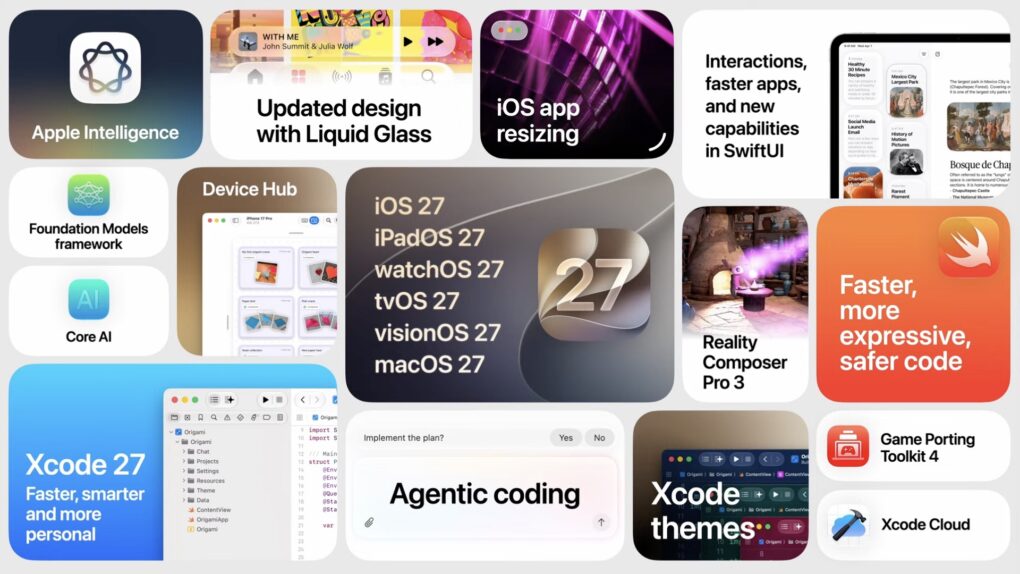
At the Platforms State of the Union, Apple covered the nitty gritty on the new Siri AI and Apple Intelligence features, improved Liquid Glass design, Device Hub and more tools announced today.
Much nerdier than the morning keynote, this event covers the technical details of how developers are supposed to use and adopt the new features inside their apps with the latest developer tools.
You can watch the Platforms State of the Union on YouTube, in the Apple Developer app or on the web. Read on to see our live coverage of the event.
New Siri won't come to the EU on iPhone and iPad. Photo: Apple
The headlining new feature of iOS 27 and iPadOS 27 — new Siri AI — will not come to the EU.
“We’re deeply disappointed that our EU users won’t have Siri AI on iPhone or iPad when we share our new software releases later this year,” said Apple’s SVP of Software Engineering Craig Federighi.
As Apple said, "With its new architecture and capabilities, the next generation of Apple Intelligence powers helpful features across the system, simplifying the things users do every day." Photo: Apple
While Siri got a complete redesign to include a dedicated chatbot app, on-screen awareness and deeper integration with third-party tools, that’s not the only AI upgrade cited by Apple in Monday’s WWDC26 keynote. A bunch of new Apple Intelligence features are set to upgrade your life, too.
“Truly helpful AI must be centered on our users’ needs, deeply integrated into the products they rely on every day, grounded in personal context, and built with privacy at every step. That is our vision for Apple Intelligence,” said Craig Federighi, Apple’s senior vice president of software engineering.
“With useful features for browsing the web, expressing creativity, editing photos and so much more, today marks a big step forward on our journey to integrate powerful AI into the core of our platforms and make our products even more personal and useful,” he added.
The new features will become available with the release of iOS 27 and other OS updates coming in September 2026.
Apple Intelligence and Visual Intelligence should get a jolt of new features at WWDC26. AI image: Google Gemini/Cult of Mac
Everybody expects Apple’s Siri voice assistant to get a big AI-powered makeover Monday at WWDC26. But there’s more to the picture, in that Apple Intelligence and Visual Intelligence will see a bunch of separate new features, too, according to rumors rounded up in a new report Friday.
Apple is betting big on local AI processing. Graphic: Apple/Google
Apple will reportedly play up the on-device AI prowess of its devices next month during its Worldwide Developers Conference keynote. The company will supposedly highlight how its A-series and M-series chips allow AI models to run locally for better efficiency and privacy.
With Apple’s competitors aggressively pushing cloud-based AI features, the company will likely position on-device AI as a key advantage of its ecosystem throughout WWDC26.
Apple is hard at work creating the new Siri. AI image: Apple/ChatGPT/Cult of Mac
As Apple prepares what could be its most consequential software release in years with iOS 27 at WWDC26, we get our first real glimpse at what an overhauled Siri and other Apple Intelligence features may look like, courtesy of Bloomberg. It mocked up a bunch of illustrations in a new report Thursday.
Leaks reveal a lot about iOS 27. AI image: ChatGPT/Cult of Mac
As it struggles to catch up on AI, Apple almost undoubtedly plans to focus on Apple Intelligence in iOS 27. But the company will also reportedly focus on refining the iPhone experience and tidying up existing features.
Thanks to leaks, we already have an early look at some of iOS 27’s biggest new features. While Apple certainly has some surprises planned, these are the leaked iOS 27 features I’m most excited to try.
Apple Intelligence makes VoiceOver more powerful than ever in helping users who are blind or have low vision explore their surroundings and onscreen images. Photo: Apple
Apple previewed a sweeping set of accessibility upgrades Tuesday that weave Apple Intelligence into some of its most relied-upon features — VoiceOver, Magnifier, Voice Control and Accessibility Reader. We can expect to see all changes arrive later this year.
The company also announced auto-generated subtitles for uncaptioned video, a new eye-tracking wheelchair control feature for Vision Pro and the launch of an adaptive MagSafe accessory called Hikawa Grip & Stand for iPhone.
“Apple’s approach to accessibility is unlike any other,” said Apple CEO Tim Cook. “Now, with Apple Intelligence, we are bringing powerful new capabilities into our accessibility features while maintaining our foundational commitment to privacy by design.”
Apple might soon bring AI-generated emoji suggestions directly to your iPhone's keyboard. Photo: Apple
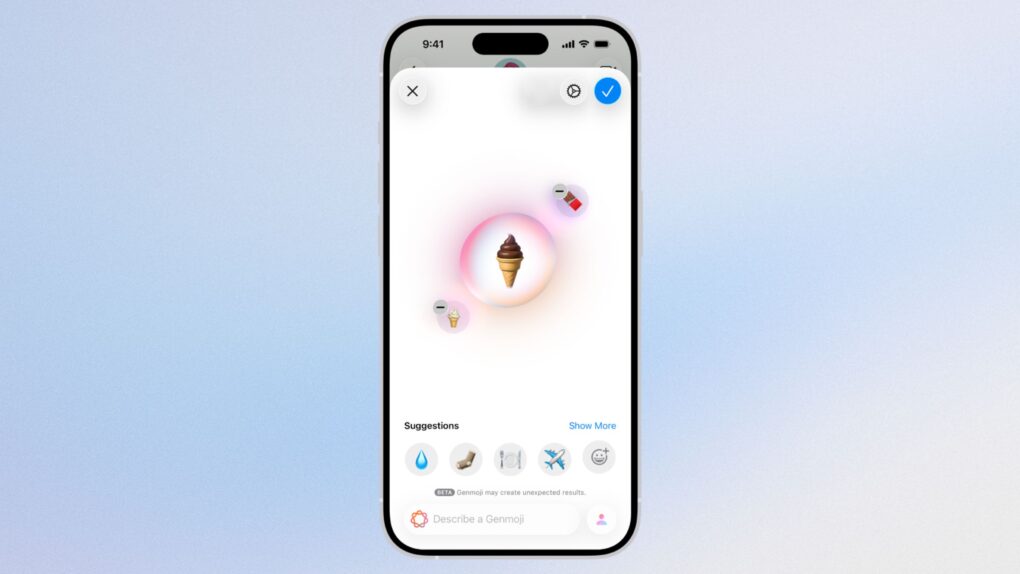
Apple might be planning to make Genmoji much more useful in iOS 27. The feature, which currently lets users create custom emoji, could soon suggest AI-generated emoji based on your personal photo library and the phrases you type most often.
That would solve one of the biggest problems with Genmoji: Most iPhone users forget it exists. Despite being genuinely fun and useful, Genmoji remains one of the most overlooked Apple Intelligence features.
The iPhone's AI-enabled Writing Tools could get an upgrade in iOS 27. Image: Cult of Mac
iOS 27 will offer additional AI-powered grammar assistance, according to an unconfirmed report Monday. This will go beyond the writing tools already available through Apple Intelligence and will work in macOS and iPadOS, too.
In addition, Apple will also use AI to generate wallpapers for their devices and also make shortcuts easier to create in the Shortcuts app.