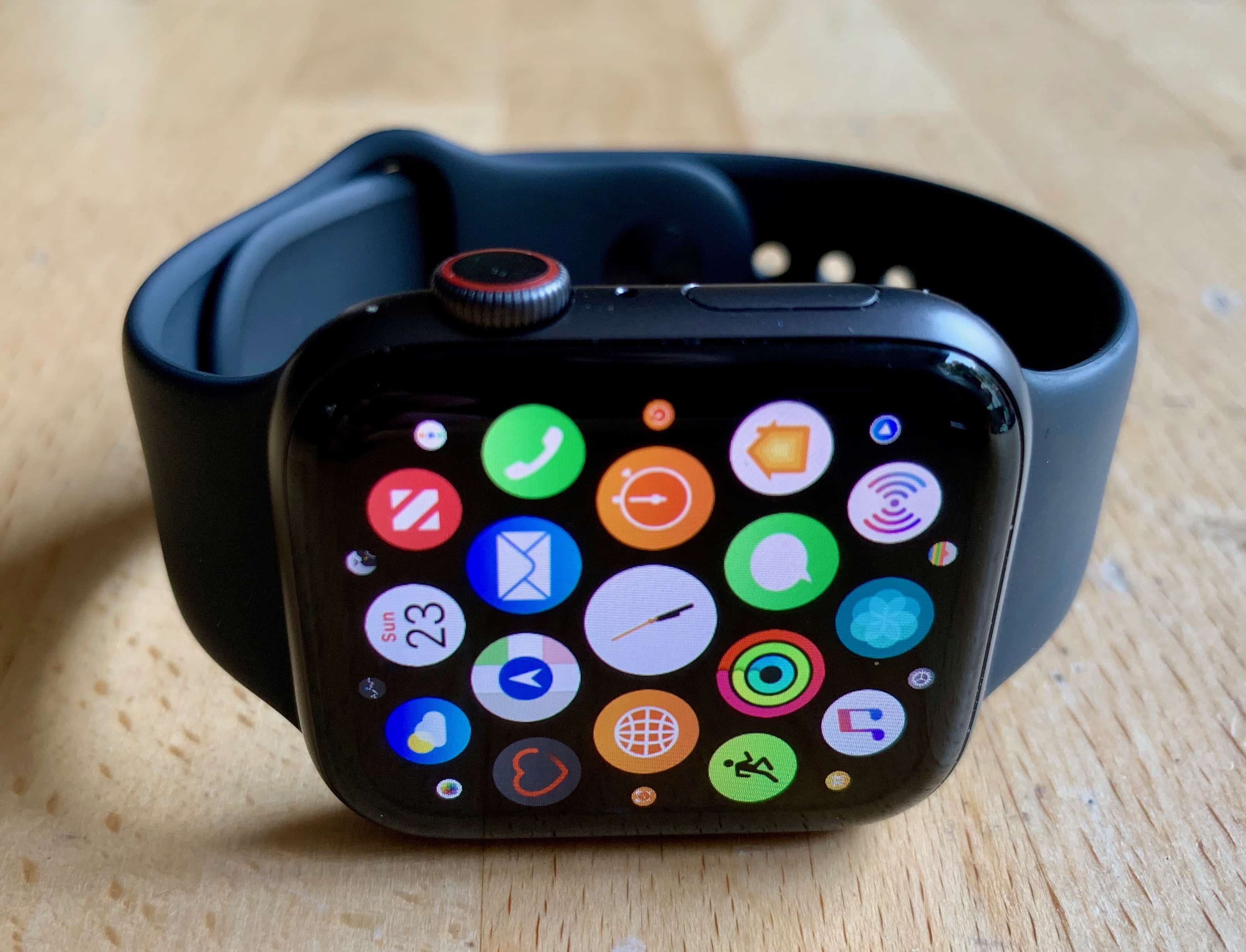
watchOS is the operating system that runs on the Apple Watch. It’s a simplified version of iOS designed to run on a small screen.
It has many of the same apps, like Mail, Messages, Find My, Calculator and more. Extra features are tailored to the Apple Watch, like the customizable watch face, health sensors and Digital Crown.
watchOS 26
New features coming soon.
watchOS 26 is the next major update currently in beta testing. It is expected to be released in September, 2025. It includes:
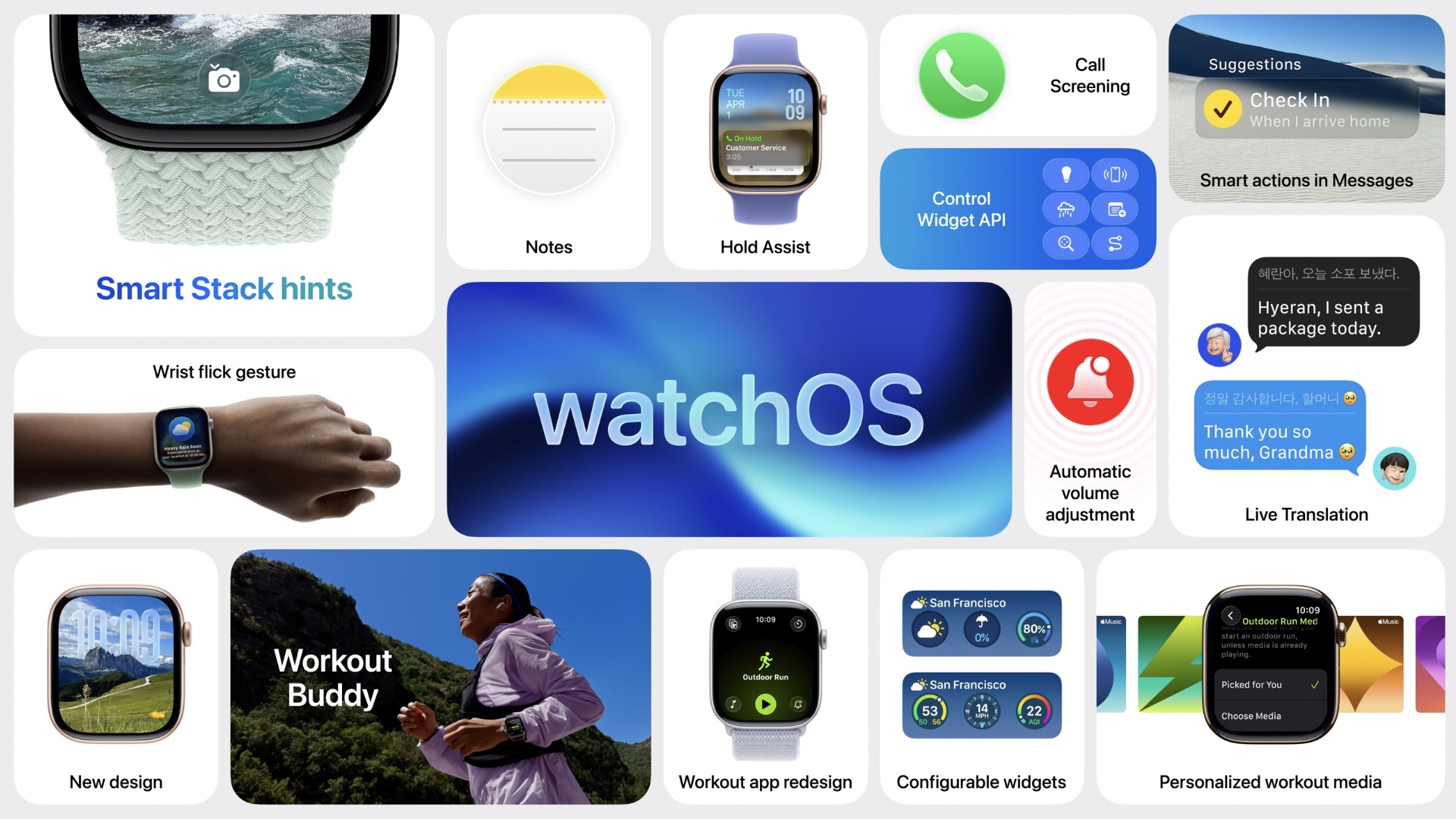
Liquid Glass, a new visual style with translucent buttons with a glassy texture. It’s a little subtle on the Apple Watch compared to iOS and macOS.
Workout Buddy, a feature that gives you personalized encouragement during a workout.
The Notes app comes to the Apple Watch for the first time.
If you leave your watch sounds on, it’ll automatically adjust the volume to match the ambient volume of the room.
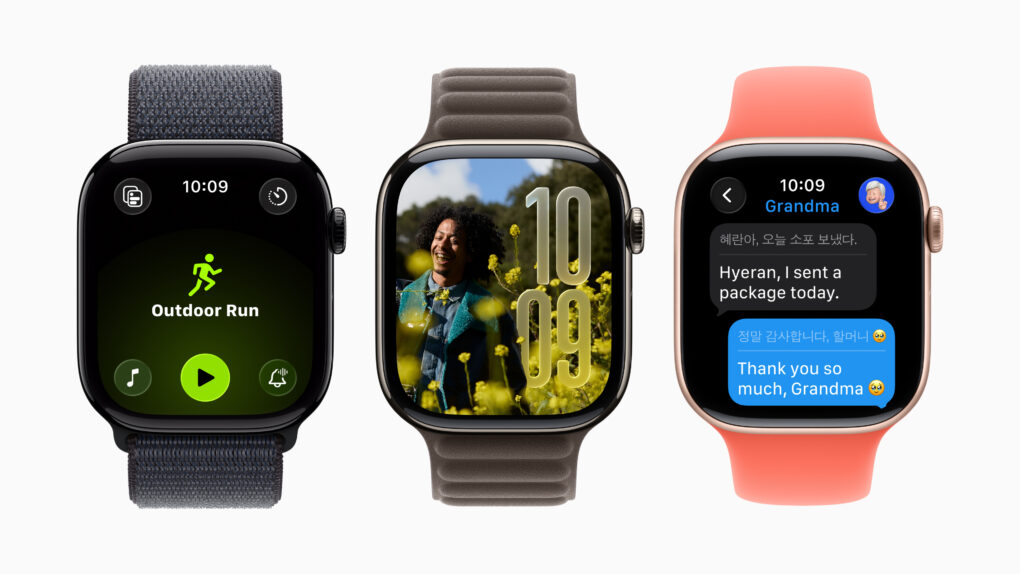
Messages now includes custom backgrounds and message translation, like iOS.
On Apple Watch Series 9, Ultra 2 or later, you can flick your wrist away to dismiss a notification.
The Watch Face Gallery has been redesigned with faces sorted into different categories.
You can choose a workout playlist that plays automatically when you start a workout — or choose a recommended playlist based on the workout type.
watchOS 11
This update brought some notable usability improvements.
The Photos face was redesigned and merged with the Portraits face and includes new settings for customization.
Training Load will measure how hard your exercise is, and ask you how tired you feel at the end.
Vitals will measure all your important health metrics overnight while you sleep.
The Health app automatically tracks pregnancies; it can warn you of an irregular heart rate, track your walking steadiness and periodically check in on your mental health.
The Translate app comes to the Apple Watch, and the new Tides app shows you ocean conditions.
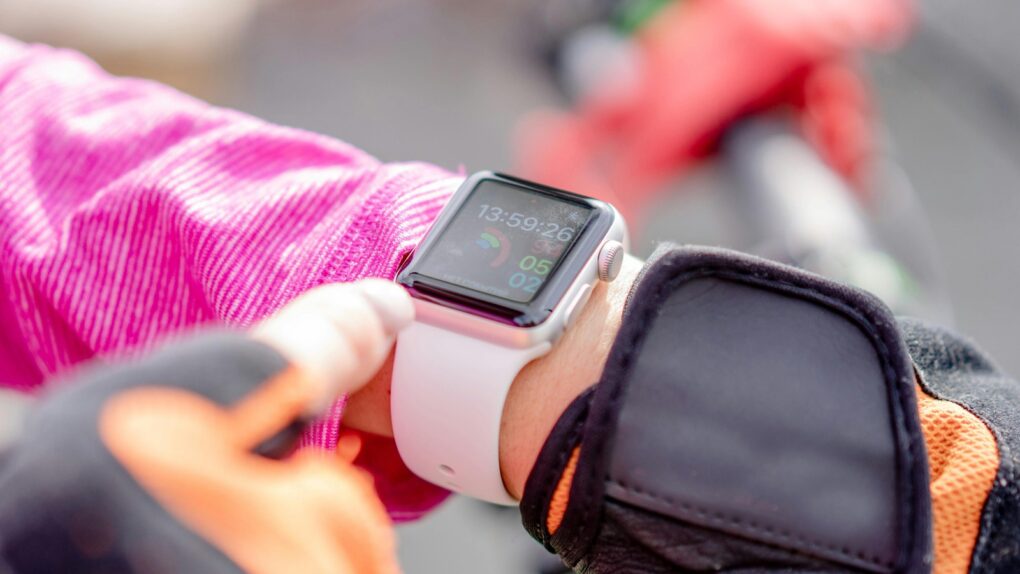
You'll find it easier to close your Apple Watch exercise rings with these tips. Photo: Atlantic Ambiance/Pexels
The Apple Watch helps people stay more active by encouraging wearers to stand, move around and exercise. But its workout tracking has a few quirks that users should understand.
Knowing about these Apple Watch exercise oddities — and how to work around them — can help you avoid frustration as you get fit.
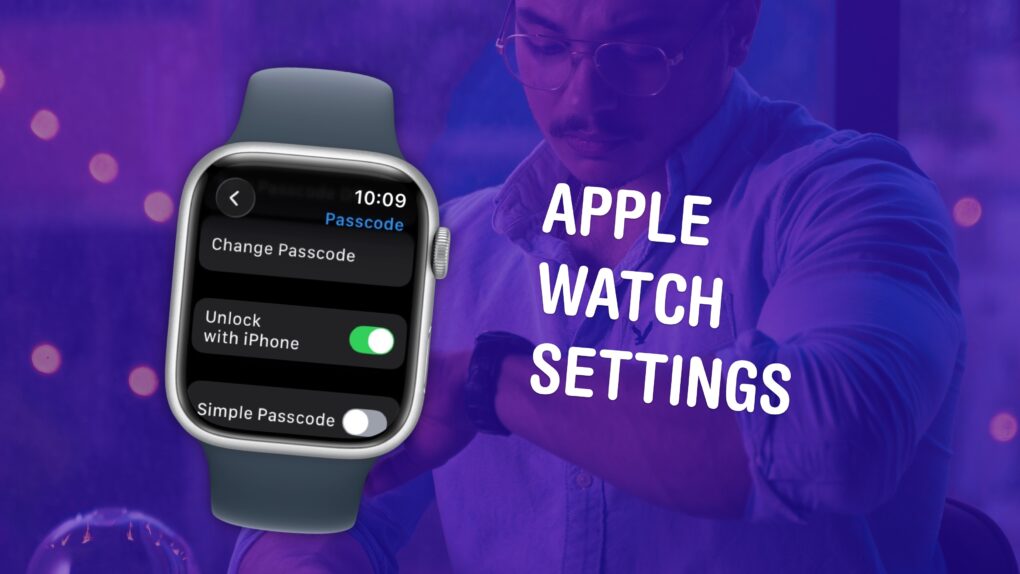
Make sure you have these settings set up correctly. Image: D. Griffin Jones/Cult of Mac
The small size and simplicity of the Apple Watch’s screen might fool you into thinking there aren’t a lot of settings you should tweak. But you would be sorely mistaken. It’s a powerful computer on your wrist, and thus, the Settings app is a deep rabbit hole.
You could lose hours going through every last setting, but I can save you the trouble. There are 10 Apple Watch settings I suggest everyone adjust. I’ll show you what they all do and how to change them.
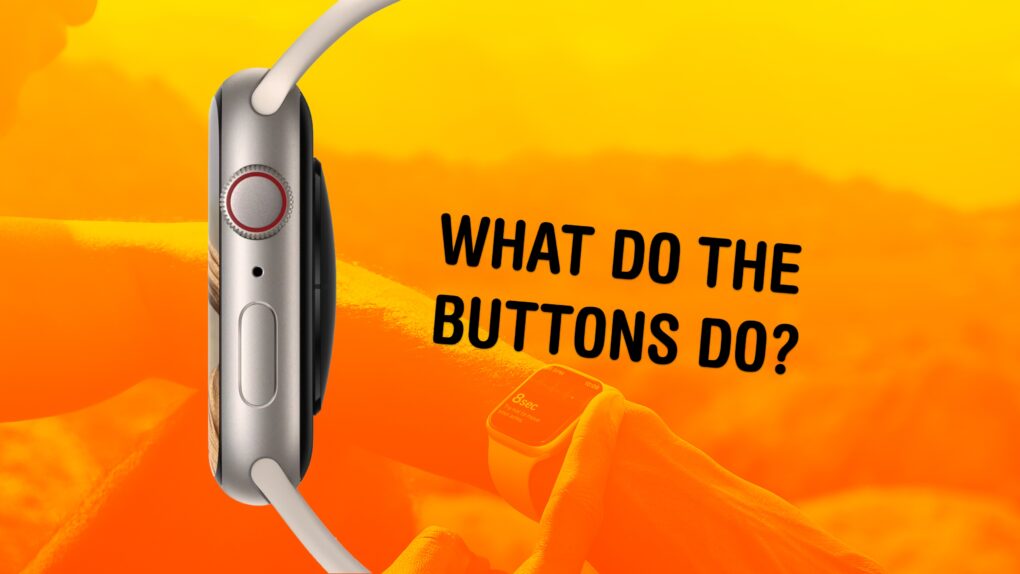
The buttons on the Apple Watch switch apps, activate Apple Pay, open Siri and more. Image: Apple/D. Griffin Jones/Cult of Mac
What do the buttons on the Apple Watch do? The Apple Watch borrows a lot from the iPhone, but the biggest difference between the two devices comes down to the way their buttons work. Each individual button does different things, depending on whether you click, double-click or hold them down.
★★★★☆
I finally got serious about indoor air quality and climate control. Photo: David Snow/Cult of Mac
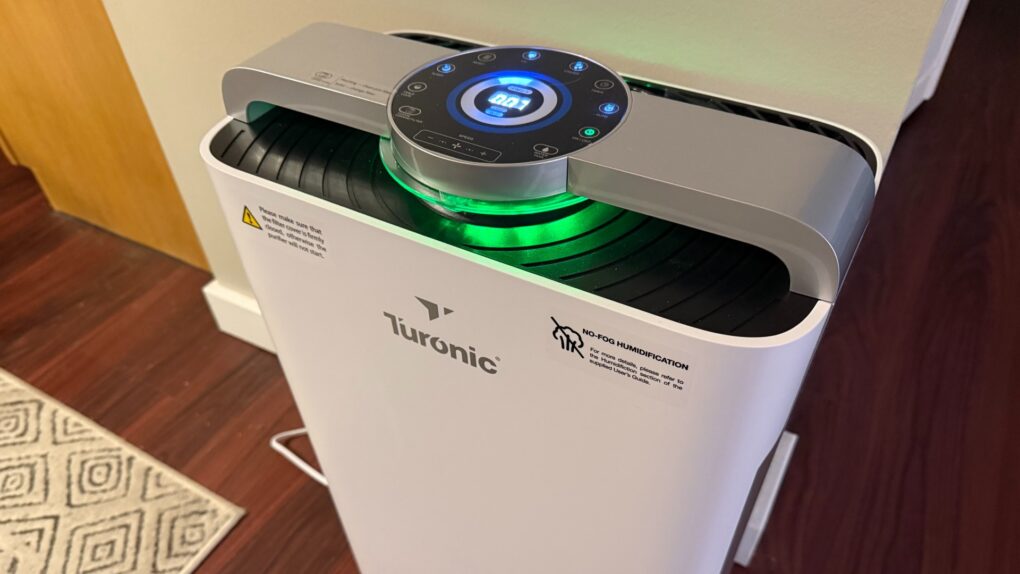
Have you noticed clean, comfortable air is getting harder to find? Among the reasons I finally left California after many years were the increasingly common and unhealthy “smoke seasons” caused by western wildfires. So I moved back east only to discover Canadian wildfires wafting choking drafts into New England, as well as my old nemesis — humidity. So I finally got myself a serious appliance to deal with indoor air quality. This Turonic PH950 Air Purifier and Humidifier review finds it quite the beast for the tasks, with just a few caveats (no HomeKit!?). But control via app for iOS and watchOS makes it especially convenient.
watchOS 26 comes with some smart new enhancements. Image: Apple
watchOS 26 is a more modest update with one headlining new feature, Workout Buddy — on top of 15 other new tweaks. You might overlook the Apple Watch after the excitement of Liquid Glass on your iPhone and Mac, but your tiniest screen still has some stuff worth checking out.
There are loads of smart new features for those with the latest and greatest. A new wrist flick gesture silences timers and calls. Your volume automatically lowers in quiet rooms. And everyone can appreciate that the Notes app finally makes its way to the watch.
If you really want that Workout Buddy. Image: Apple/D. Griffin Jones/Cult of Mac
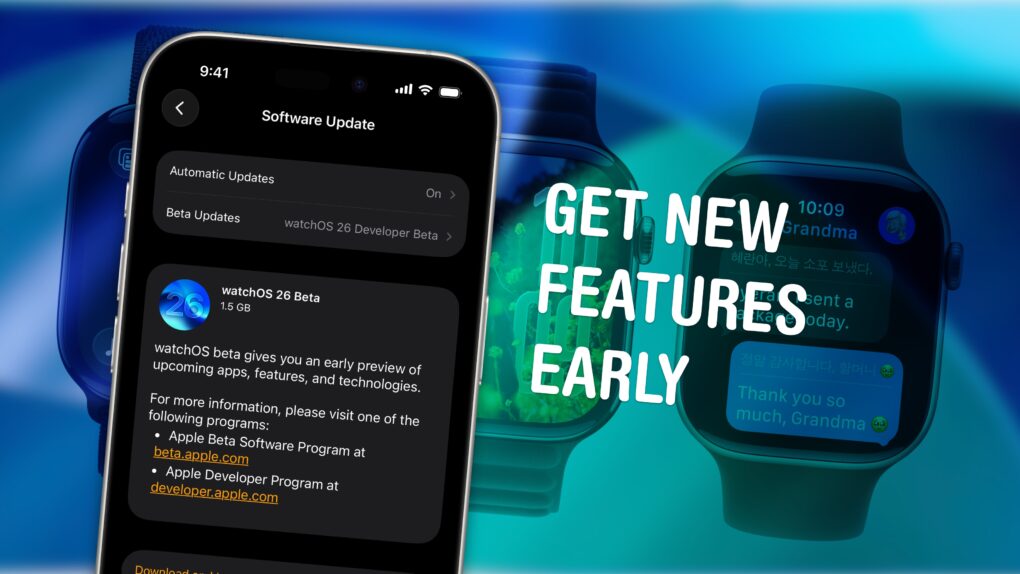
You can download the watchOS 26 public beta right now. With it, you can try out the great new Liquid Glass design coming to the Apple Watch before Apple ships the update to everyone. And you can check out Workout Buddy, the AI-powered coach that gives you encouragement during your workouts.
Of course, there are a few things you should look out for. Beta software is buggy and can lead to data loss or apps that don’t work. This particular beta is a rough one, with lots of broken animations and features. A lot of apps you use probably won’t work correctly. I strongly recommend that you at least wait for the public beta — it’ll be available starting in July.
If you’re still sure you want to try it out, you’ll need to install iOS 26 on your iPhone first. I’ll show you how.
What's in store for the next version of watchOS? A big name change might be just the start. Image: Graham Bower/Cult of Mac
There’s less than a week to go until WWDC, the annual developer fest where Apple takes the wraps off its latest OS releases. While the rumor mill has mostly focused on iPhone this year, there’s plenty for Apple Watch fans to look forward to.
Rumor has it that the next big watch update — possibly dubbed “watchOS 26,” in line with Apple’s rumored naming convention shakeup — will get a fresh new user interface, Apple Intelligence, conversation transcriptions and a smart AI coach that delivers tailored health and fitness advice.
Let’s roll up our sleeves and take a closer look at what’s in store for Apple Watch.
So your OS names are going to seem to leap forward to 26 soon. Photo: Rajesh Pandey/Cult of Mac
Apple might make a major change to the naming convention for all its operating systems this year, switching all OS version numbers to years, according to a new report. The switch, which Apple reportedly will roll out at WWDC25 on June 9, would bring consistency across all its operating systems for the first time.
Technically it was announced in 2014, so it’s a little over ten years. Image: Apple/D. Griffin Jones/Cult of Mac
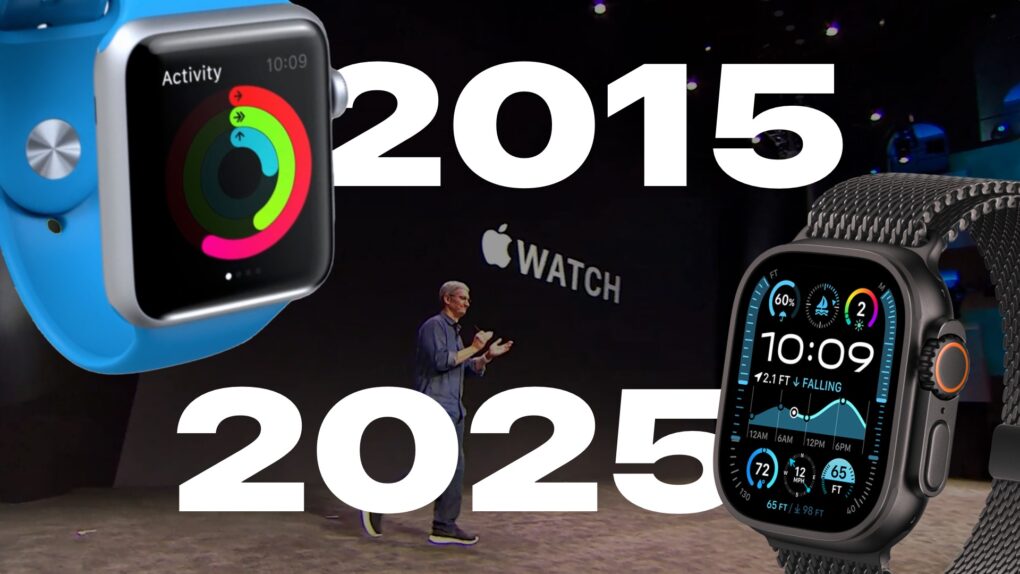
For the 10th anniversary of its launch, we compiled over a decade of Apple Watch history into a quick timeline. Starting with the original three collections — including models in solid 18 karat gold — all the way to today’s far more advanced (and sensible) Apple Watch Series 10 and Ultra 2.
The Apple Watch was the first major product introduction of Tim Cook’s reign as Apple CEO. There was immense pressure on Apple to prove that it could still innovate without Steve Jobs. While the Apple Watch wasn’t as flashy as the iPhone and iPad, it’s grown into an incredible business rife with breakthrough technology, in one of the most physically constrained form factors yet.
The iOS 18.1 release candidate means Apple Intelligence for iPhone is about a week away. Image: Ed Hardy/Cult of Mac
Apple gave developers access to the release candidates of iOS 18.1, iPadOS 18.1 and macOS Sequoia 15.1 on Monday. This is the last round of testing before introducing them to the public, which means Apple Intelligence will finally launch in about a week.
Release candidates for tvOS 18.1 and visionOS 2.1 also went out. However, watchOS 11.1 RC is not yet available.
iOS 17.6 is one of six Apple operating system updates introduced on Monday. Photo: Ed Hardy/Cult of Mac
If you own an Apple device, it probably needs an operating system update. That includes iPhone, Mac, iPad Apple Watch … even Vision Pro. The hefty list of security-focused upgrades released Monday by Apple includes iOS 17.6, macOS Sonoma 14.6 and more.
They patch a list of more than two dozen vulnerabilities detailed on Apple’s security update page.
There are fresh operating system betas for all types of Apple computers. Photo: Apple
After a wait that stretched out weeks longer than usual, Apple seeded the first beta of iOS 17.5 to developers Tuesday, along with the initial beta of macOS Sonoma 14.5.
And it’s going to be a very busy day for developers because iPadOS 17.5 beta 1, watchOS 10.5 beta 1, tvOS 17.5 beta 1 and visionOS 1.2 beta 1 also all went out.
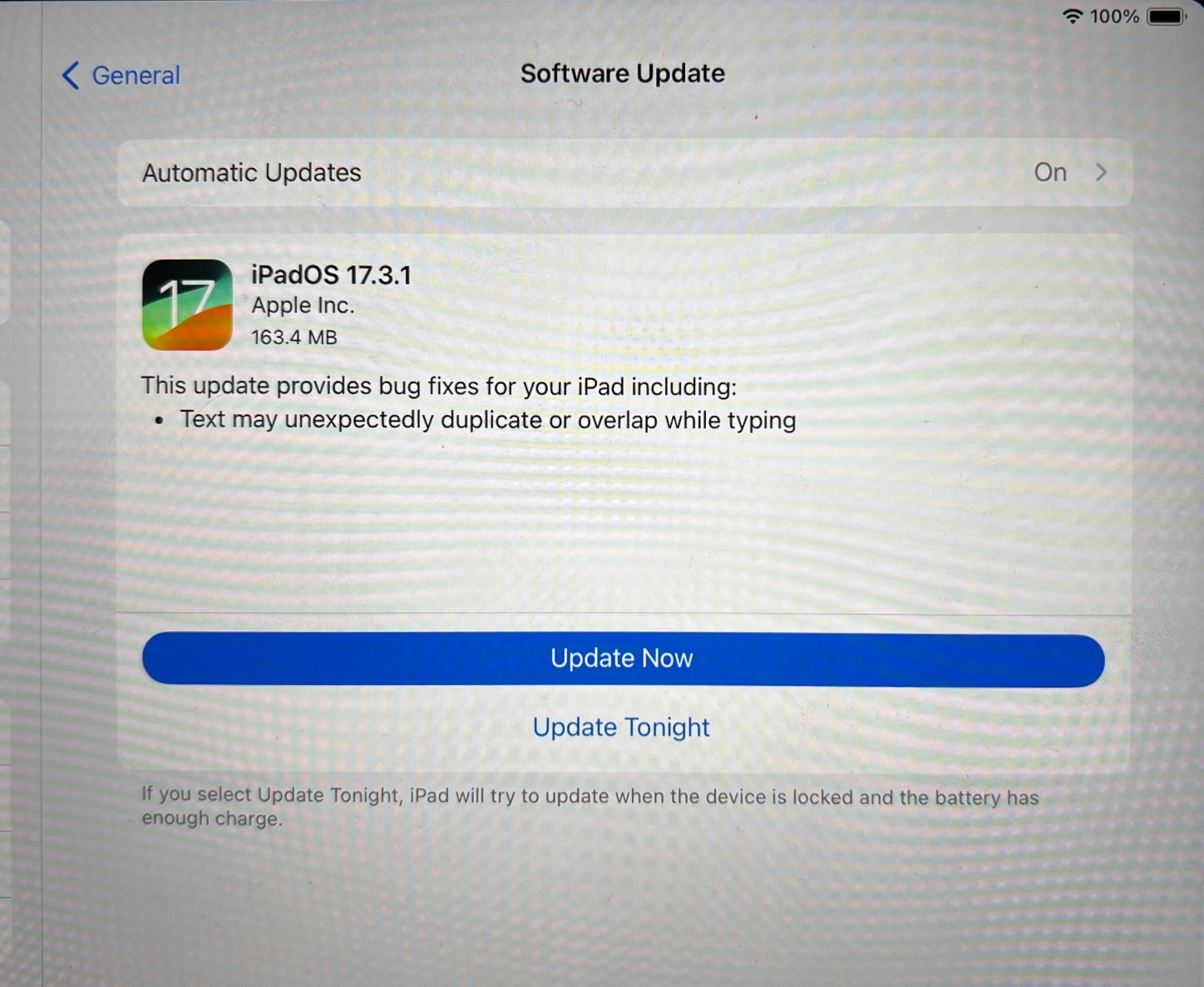
The update across Apple device OS software fixes a problem with overlapping text. Photo: David Snow/Cult of Mac
Apple made an unexpected software update available Thursday with a bug fix across devices, releasing macOS Sonoma 14.3.1, iOS 17.3.1, iPadOS 17.3.1 and watchOS 10.3.1 for users to install.
The fix relates to text that automatically duplicates or overlaps in various apps, like Safari, Mail and Messages.
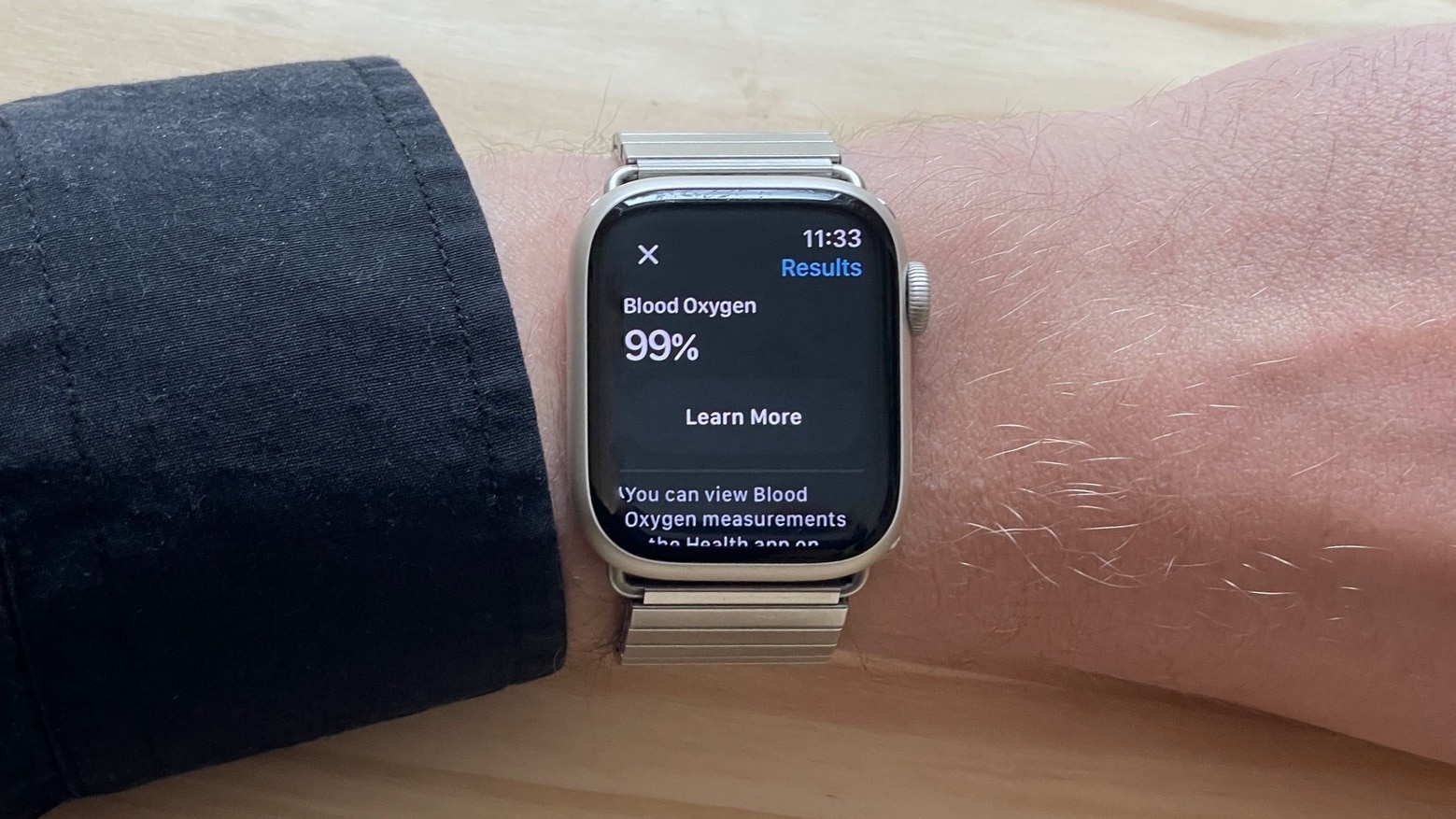
Seeing is believing: This Apple Watch Series 7 running watchOS 10.3 has a fully functional Blood Oxygen app. Photo: D. Griffin Jones/Cult of Mac
Some Apple Watch owners might be hesitant about installing the just-released watchOS 10.3 update over concerns that it’ll remove the controversial Blood Oxygen application. But there’s no reason for concern — it does not.
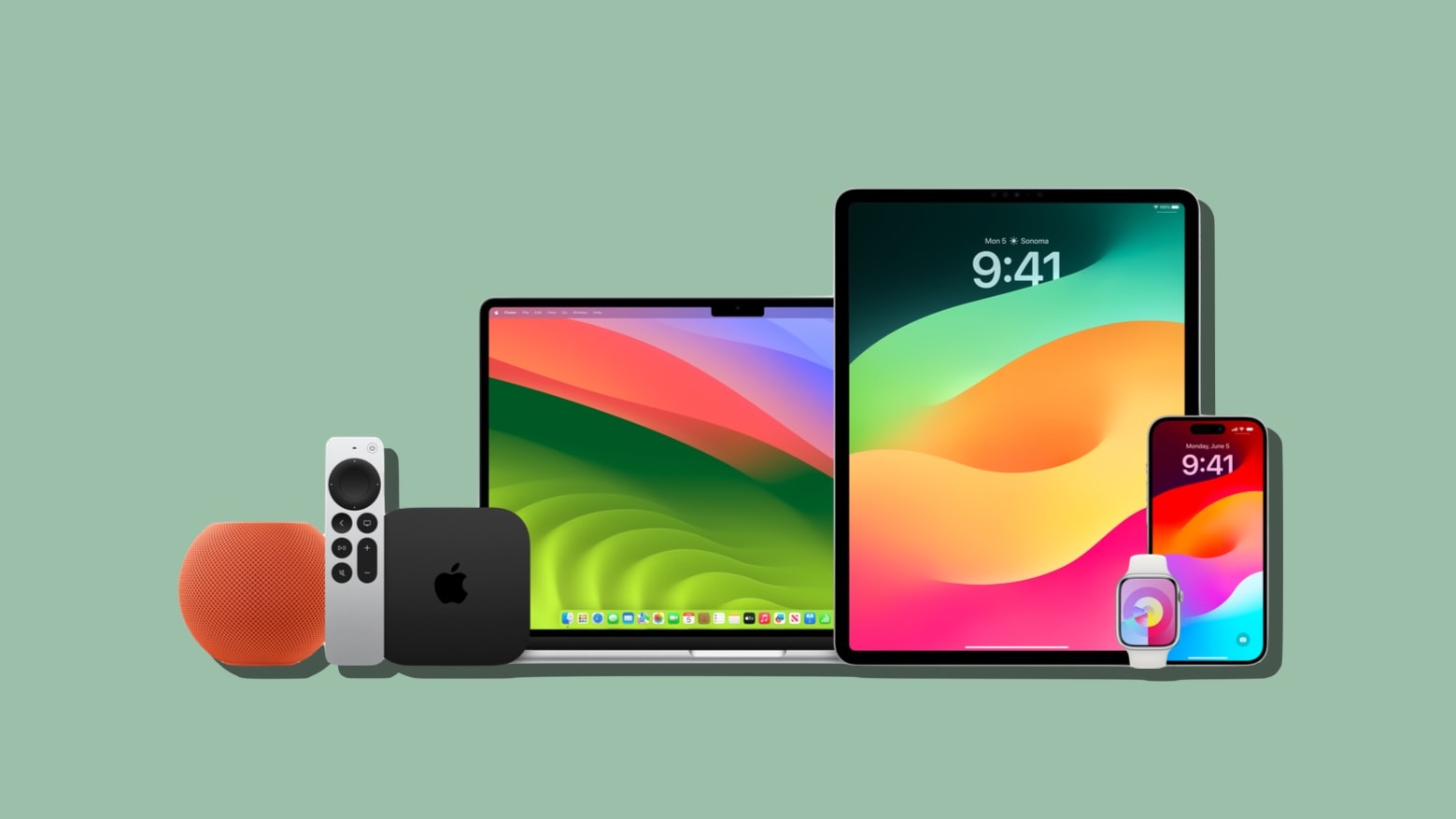
All these have new operating system updates ... and most of them include new features. Photo: Apple/Cult of Mac
If you own an Apple computer of any shape or size, odds are it just got an operating system upgrade. Monday brought the public launch of macOS Sonoma 14.2, iPadOS 17.2, iOS 17.2, watchOS 10.2 and tvOS 17.2.
And these aren’t simple bug fixes. There’s new features.
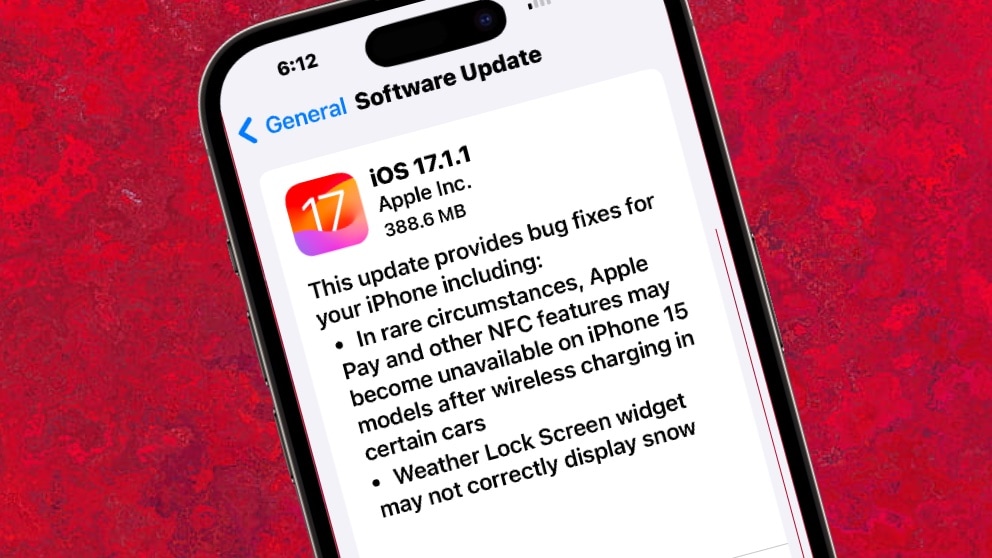
iOS 17.1.1 is one of four bug fix patches Apple released on Tuesday. Image: Ed Hardy/Cult of Mac
Apple just introduced iOS 17.1.1 to patch a nasty glitch with BMW cars. And there’s watchOS 10.1.1, a promised fix for a battery bug affecting many Apple Watch users.
Plus Mac users can now install macOS Sonoma 14.1.1 with its own bug patches. And don’t overlook iPadOS 17.1.1.
Devs can easily find programming tailored to their time zone and language. Photo: Apple
The new Meet with Apple Experts program helps Apple developers easily find and join workshops, labs and one-on-one consultations to help them build great apps, Apple said Tuesday.
The new dedicated resource builds on other programs for developers, incorporating their programming.
The new software updates effect Macs as well as security updates for iPhone, iPad and Apple Watch. Photo: Twelve South
Apple issued emergency software updates Thursday for iPhone, iPad and Apple Watch that patch security vulnerabilities the company says may have been actively exploited. Among other things, the release notes for iOS 17.0.1, iPadOS 17.0.1 and watchOS 10.0.1 indicate the updates fix a problem that could allow a malicious app to bypass signature validation.
The updates, which Apple recommends all users download as soon as possible, come just days after the company pushed its latest operating systems live. However, if you plan to pick up an iPhone 15 tomorrow, you might want to hold off. If you update your current phone to iOS 17.0.1, you would need to update your new iPhone as well before setting it up from a backup.
Install iOS 16.6.1 on your iPhone to protect it from the Pegasus spyware. Photo: Андрей Сидоренко/Pixabay/Cult of Mac
Apple released iOS 16.6.1, macOS 13.5.2, iPadOS 16.6.1 and watchOS 9.6.2 on Thursday to address a potentially serious security vulnerability. All the updates fix security flaws, including one that may already have been exploited by hackers to deliver the infamous Pegasus spyware.
So don’t delay — update your devices with these patches soon.
The months-long wait for iOS 17 is almost over. Image: Rajesh Pandey/Cult of Mac
The launch of iOS 17 and iPadOS 17 is drawing close, as the many steps of beta testing for these operating systems are almost finished. The same holds true for tvOS 17, and watchOS 10 is nearly as close. Apple likely will release them all in September.
macOS Sonoma, however, isn’t expected to debut until later.
watchOS 9.6.1 is a small tweak, unless the bug being fixed affects you. Then it's a biggie. Photo: Leander Kahney/Cult of Mac
Apple introduced watchOS 9.6.1 to remove a single bug affecting Apple Watch. The problem being taken care of relates to applications that track the symptoms of Parkinson’s disease.
The update is available for Apple Watch Series 4 and later.
iOS 16.6 is almost here, along with an array of other Apple OS updates. Image: Apple/Cult of Mac
The release candidates for iOS 16.6 and macOS Ventura 13.5 were seeded to developers on Tuesday. These are the final betas of minor bug updates without significant new features, but nevertheless they will be worth installing when the final versions are released, almost certainly within a week.
The same is true for iPadOS 16.6 RC, watchOS 9.6 RC and tvOS 16.6 RC.
Almost every Apple computer just got operating system updates designed to deal with pesky bugs. Photo: Cult of Mac/Egor Kamelev/Pexels
Apple just introduced a slew of operating system updates. That includes iOS 16.5.1, macOS 13.4.1, watchOS 9.5.2 and iPadOS 16.5.1, which fix bugs in the most recent versions.
But it also released bug-fix updates for older versions of the operating systems going back as far as 2020.
What hasn’t yet arrived on Wednesday are the much-anticipated second round of betas for iOS 17 and macOS Sonoma.