Mobile menu toggle

Apple TV How To

Read Cult of Mac’s latest posts on Apple TV How To:

Change these 3 hidden Apple TV settings and thank us later

By

Apple TV settings: Fix Its Biggest Problems
Fix the remote, the Home Screen, and those pesky sports notifications.
Image: Davidbspalding/Wikimedia Commons/D. Griffin Jones/Cult of Mac

There are three Apple TV settings I always tell people to change as soon as they set theirs up. While I heartily recommend the Apple TV over the clunky and ad-infested experience of Roku and other smart TVs, it’s not perfect. You’ll want to change a few things to make it right. 

First of all, you can put one of the Siri Remote buttons to better use. The TV button, by default, opens the Apple TV app — but you can have it take you to the Home Screen instead. Also, you’ll want to change the Home Screen to show your Continue Watching list, not its recommendations. And finally, you can turn off those annoying Apple TV sports notifications to stop the interruptions while you’re watching your shows. 

Change these three annoying default settings, and you’ll be in for a far better viewing experience. Keep reading or watch our video to find out how.

How to watch A Charlie Brown Christmas for free this weekend [Too late!]

By

How to watch ‘A Charlie Brown Christmas’ for free
A Charlie Brown Christmas is free to watch on Apple TV later this month.
Photo: Apple TV

The Christmas season is starting, and there’s good news for fans of the Peanuts holiday specials. Apple made the holiday classic A Charlie Brown Christmas available for everyone to stream free this weekend, whether they’re an Apple TV subscriber or not.

That gives everyone the opportunity to watch Linus teach his friends what Christmas is all about.

How to watch A Charlie Brown Thanksgiving for free

By

Don’t miss ‘A Charlie Brown Thanksgiving‘ on Apple TV
A Charlie Brown Thanksgiving is available for free later this month. Here’s how to watch it.
Photo: Apple TV

With Thanksgiving coming in a few weeks, it’s time to watch the beloved Peanuts special that celebrates this holiday, A Charlie Brown Thanksgiving. While Apple TV subscribers can watch it anytime, Apple will also make the special free for anyone to stream one weekend this month.

You do not need an Apple device to enjoy either. It’s easy on Windows and Android.

How to watch the Charlie Brown Halloween special for free [Too late]

By

Promotional image for Charlie Brown Halloween special,
It's the Great Pumpkin, Charlie Brown is always streaming on the Apple TV service.
Photo: Apple

Update: Sorry, the free weekend to watch It’s the Great Pumpkin, Charlie Brown if you don’t subscribe to Apple TV has passed. But look below for when the Peanuts Thanksgiving and Christmas specials stream for free and add them to your calendar.

Families with a tradition of watching It’s the Great Pumpkin, Charlie Brown can enjoy the classic Peanuts Halloween special on Apple TV for free this weekend. And you can watch it online, not only with an Apple TV set-top box, Mac, iPad or iPhone.

Automate your iPhone by voice alone via Vocal Shortcuts

By

Control Your Phone With Your Voice
Vocal Shortcuts can feel like a superpower.
Image: D. Griffin Jones/Cult of Mac

Vocal Shortcuts let you control your phone by speaking a command out loud. Think “Hey Siri,” but for running your own custom actions from Apple’s Shortcuts app. (Here’s a quick rundown on Shortcuts, if you’re not familiar with this powerful tool.)

Using Vocal Shortcuts is a versatile way to automate tasks on your iPhone with the power of your voice alone. You don’t need to make space on your Home Screen for a Shortcuts widget, type anything into Spotlight or, god forbid, open the Shortcuts app.

You can create a Vocal Shortcut that opens an app you use often, like the Apple TV remote, for instant access with your voice.

You can even use this feature as a roundabout way to use “OK Google” — or whatever your favorite alternative voice assistant may be — instead of Siri.

Watch our quick video or keep reading.

Control your Apple TV from your iPhone or Apple Watch

By

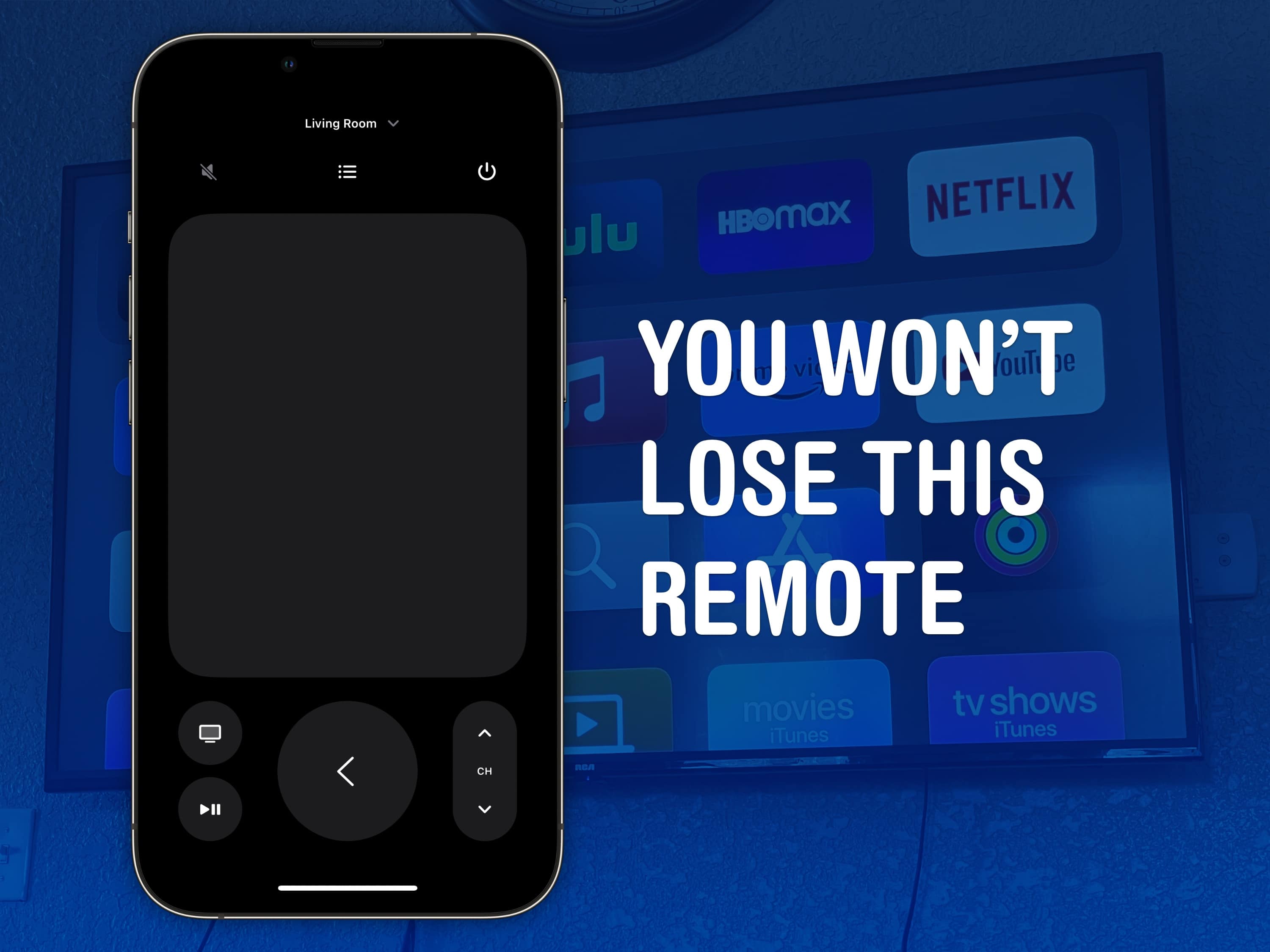
You won’t lose this remote
The Apple TV remote is easy to lose, but it’s harder to lose your phone — much less the Apple Watch strapped to your arm.
Image: D. Griffin Jones/Cult of Mac

You can use your iPhone (or even your Apple Watch!) as a remote for your Apple TV. It’s a convenient feature when you’ve lost the remote in the couch cushions. (You can use your iPhone to help find it as well.)

Even if your remote’s not gone missing, sometimes it’s sitting on the table way over there and you don’t want to interrupt a show by asking for someone to pass it to you. Or maybe, someone is intentionally hogging the remote and you want to pause the video yourself. Either way, it’s really easy to do from an iPhone or an Apple Watch.

How to control volume with your Apple TV remote

By

One Remote To Rule Them All
All hail the mighty Siri Remote.
Image: D. Griffin Jones/Cult of Mac

You can set up your Apple TV to control volume on a separate sound system, like a sound bar. It may not work out of the box, but poking around in Settings, you can use the convenient volume buttons built into the Siri Remote.

If you have a separate sound system or an older television, the volume buttons on your Apple TV remote may not work directly. You don’t have to keep two or three remotes sitting around — you can make it all work from just one. It just takes a little setup

Best ways to watch 2024 Super Bowl on Apple TV, iPhone or Mac

By

Best ways to watch 2024 Super Bowl on Apple TV, iPhone or Mac
The App Store also recommends Paramount+ for watching the 2024 Super Bowl.
Image: Apple/Paramount

The 2024 Super Bowl is Sunday, and football fans can watch via their favorite Apple device. Maybe it’s on an Apple TV connected to the big screen in your living room, or you might need to watch on your iPhone because you have to be at work tonight.

Whatever your setup is, here are the best ways to stream the big game.

How to watch soccer legend Lionel Messi on Apple TV+

By

Want to watch Lionel Messi? Check out the Leagues Cup on MLS Season Pass.
Image: Apple

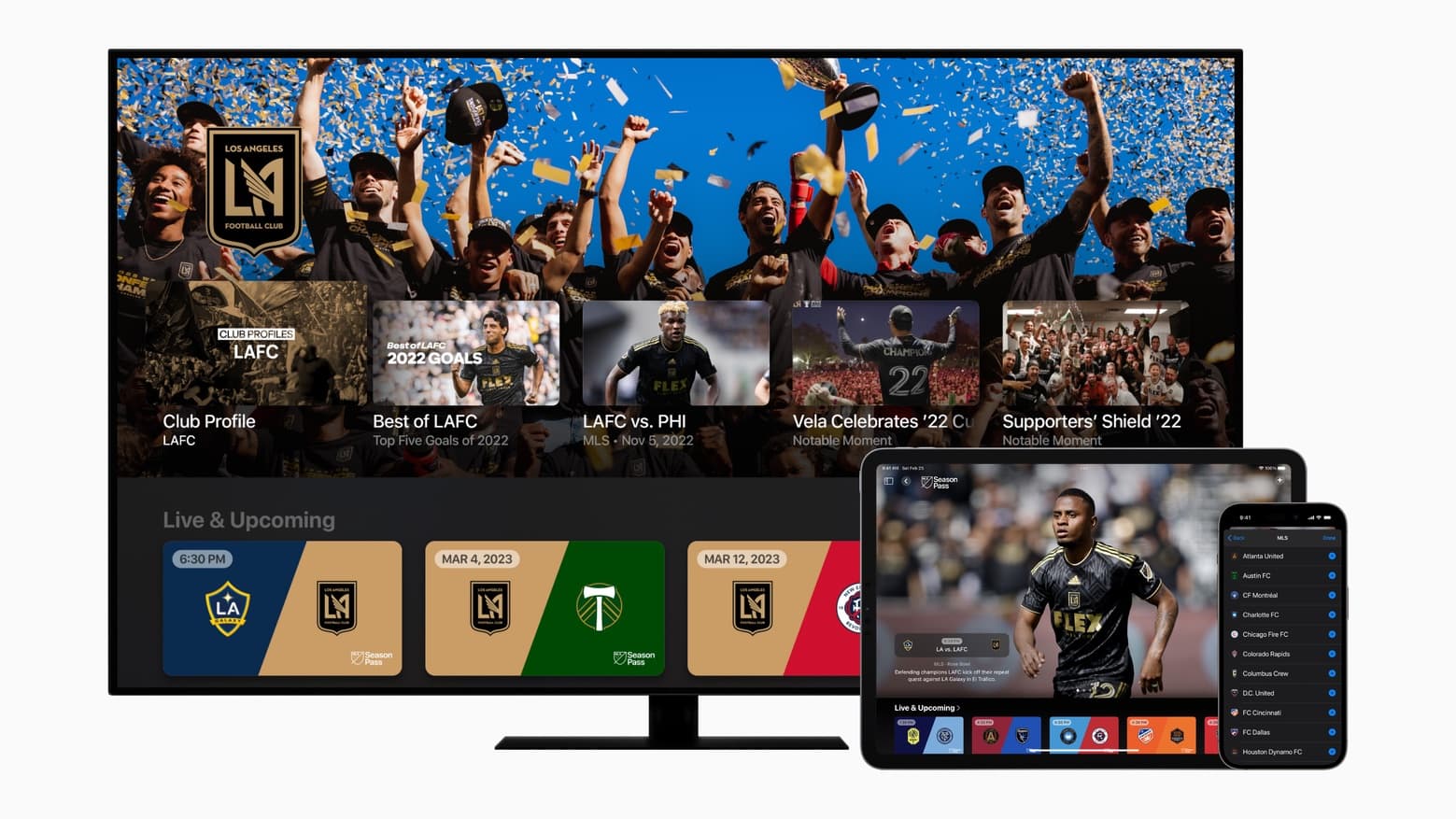
Soccer legend Lionel Messi recently joined Major League Soccer club Inter Miami CF, and Apple TV+ hopes to score off the Argentine star’s high-profile arrival. The streaming service is offering a range of MLS Season Pass content complementing the games it will air, starting July 21 with Leagues Cup coverage.

“Lionel Messi joining Inter Miami marks a historic moment for the sport in the U.S. and reflects the incredible momentum behind Major League Soccer,” said Eddy Cue, Apple’s senior vice president of services, in a press release Friday. “We couldn’t be more excited to give fans around the world the opportunity to watch the greatest footballer of all time on MLS Season Pass.”

How to watch Major League Soccer kickoff weekend for free

By

Watch Major League Soccer on a wide variety of devices, including TVs, tablets and phones.
Watch Major League Soccer on a wide variety of devices, including TVs, tablets and phones, not only ones made by Apple.
Photo: Apple

It’s Major League Soccer’s opening weekend, and Apple TV will show every match… and they all can be watched free.

And that’s only the start. Apple TV is the home for MLS and will have every live match from the 2023 season plus the playoffs. Apple promises to offer more free matches later in the month and throughout the season.

Here’s how to enjoy these games without paying so much as a dime. These can be enjoyed on a wide variety of devices, not only ones from Apple.

How to follow your favorite sports teams with My Sports in Apple News

By

Follow the team in Apple News
Follow teams to get scores, schedules and news, all in Apple News.
Image: D. Griffin Jones/Cult of Mac

New in iOS 16 is the ability to follow your favorite sporting pastime with My Sports. It allows you to get the latest scores, read coverage from newspapers and magazines, see scheduled games and watch highlights.

It works across multiple apps, including Apple News, Apple TV and others. You can follow teams from the NFL, NBA, MLB, NHL, NWSL, WNBA and MLS. It also includes college football and basketball. Here’s how to set it up.