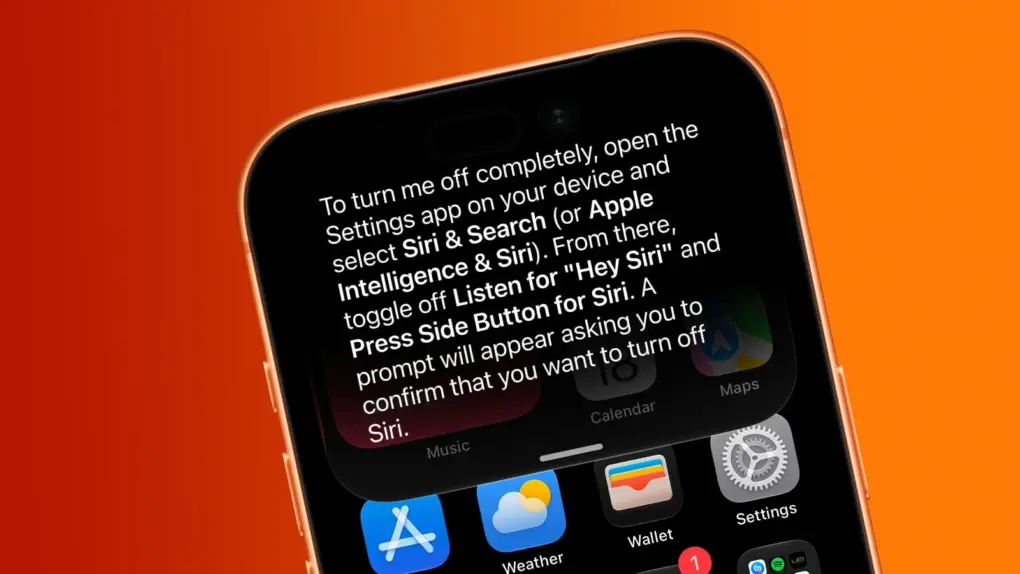
Want Siri AI gone from your iPhone? And other Apple Intelligence features, too? We can help. Image: Cult of Mac
Although Apple is thrilled about the new Siri AI integrated into iOS 27, maybe artificial intelligence isn’t your thing. Fortunately, you can opt out of Apple’s new voice assistant.
iOS 27 lets you turn Siri off completely. Alternatively, you can switch from the new AI-powered Siri back to Siri Classic.
And if you absolutely do not want artificial intelligence in your iPhone, you can disable it … though that process is far more complex than is ideal.
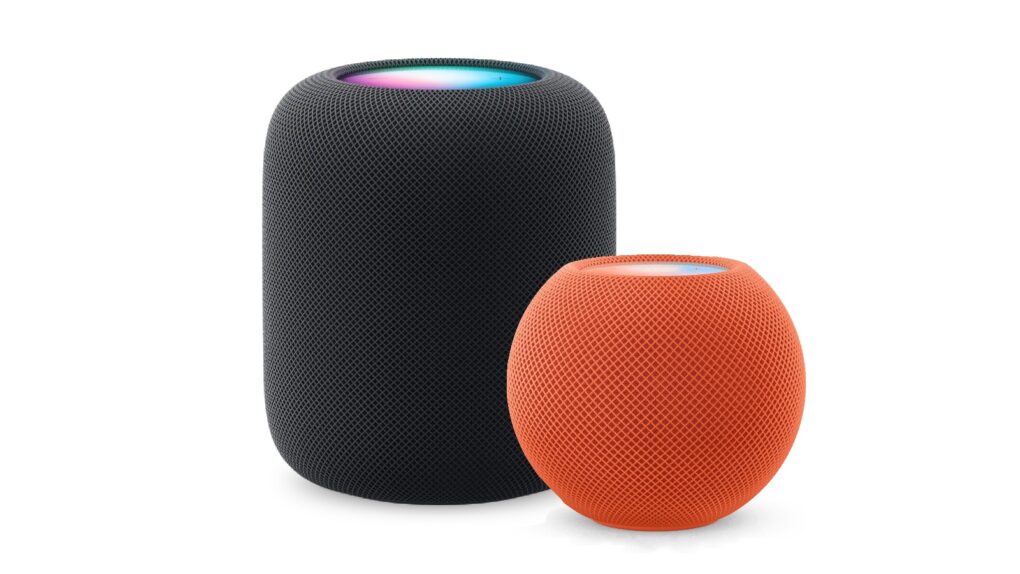
Here’s how to be sure you have the latest HomePod software update. Or stop your smart speaker from updating automatically. Photo: Apple
The HomePod operating system occasionally needs updating, because the device is a lot more than a simple speaker — it’s a computer. Here’s how to make sure your Apple smart speaker has the software version released this week. And you’ll definitely want the new HomePod Software version 27 — it adds AutoMix with Apple Music and improves AirPlay performance.
If you depend on automatic updates, it’s likely your smart speaker hasn’t yet installed the update. Here’s how to do so manually.
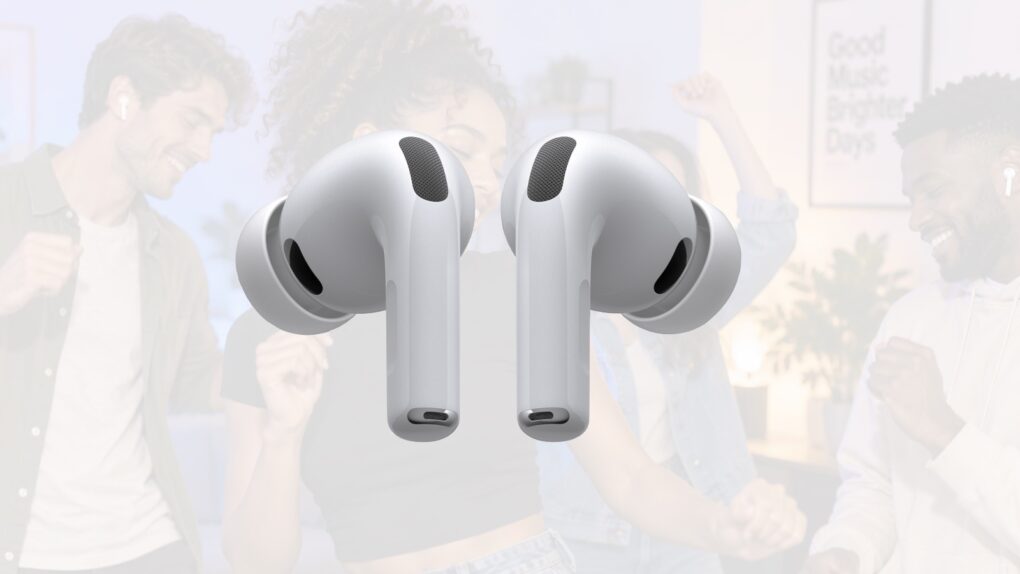
There’s new firmware for a range of recent AirPods models. Get it today. Photo: Apple/Cult of Mac
Apple just released new firmware for its latest AirPods models, bringing several new capabilities to the company’s wireless earbuds and headphones. Firmware version 9A348 is available for AirPods Pro 3, AirPods Pro 2, AirPods 4 and AirPods Max 2.
The update arrived Monday alongside iOS 27, enabling support for one of the most-requested AirPods features: a built-in equalizer that lets users customize the sound produced by their headphones.
Last year, Apple finally explained exactly how to update your AirPods firmware. The process can happen automatically, in the background, but there is a way to speed things up. It’s a good idea to manually check that you’re running the latest version, which brings bug fixes and sometimes great new features.
Read on for more details, and to find all current AirPods firmware versions along with instructions for getting the AirPods update as quickly as possible.
Learn how to get around your Mac's keyboard and edit text faster. Photo: fauxels/Pexels CC
You want to get faster at typing? Sure, you can hold down the Backspace key or mash it really fast. But there’s a better and more precise way to backspace and delete text on the Mac, using the Option (⌥) and Command (⌘) keys. These Mac typing shortcuts can make editing text lightning-fast and seamless.
Fix the remote, the Home Screen, and those pesky sports notifications. Image: Davidbspalding/Wikimedia Commons/D. Griffin Jones/Cult of Mac
There are three Apple TV settings I always tell people to change as soon as they set up their set-top box. While I heartily recommend the Apple TV over the clunky and ad-infested experience of Roku and other smart TVs, it’s not perfect. You’ll want to change a few things to make it right.
First of all, you can put one of the Siri Remote buttons to better use. The TV button, by default, opens the Apple TV app — but you can have it take you to the Home Screen instead. Also, you’ll want to change the Home Screen to show your Continue Watching list, not its recommendations. And finally, you can turn off those annoying Apple TV sports notifications to stop the interruptions while you’re watching your shows.
Change these three annoying default settings, and you’ll enjoy a far better viewing experience. Keep reading or watch our video to find out how.
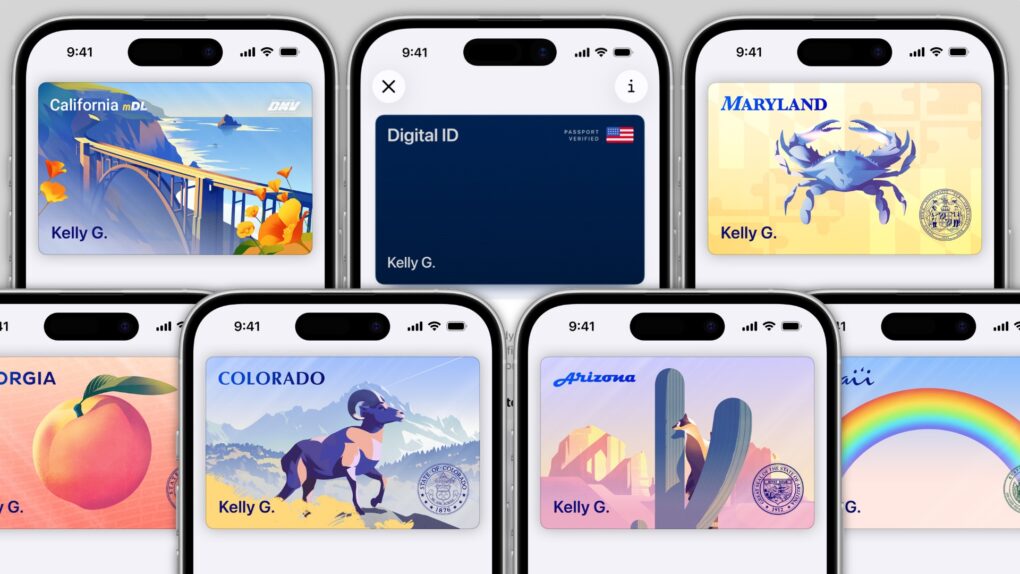
In several states, Apple’s state ID initiative enables iPhones and Apple Watches to hold a digital copy of the user’s driver’s license, in the same way these devices store credit cards and airline tickets. And across the United States, you can create an Apple Digital ID based on your passport that can get you through some airport security checks.
The day when an iPhone can completely take the place of an old-fashioned wallet remains years away, but it’s a goal Apple is working toward. Apple Pay is making progress on replacing credit cards, you can put airline tickets in the Wallet app, and the same goes for loyalty cards.
But no wallet is complete unless it can hold an ID. And that’s where Apple’s digital ID initiative comes in. Here’s what you need to know to add your driver’s license, state ID or federal passport to your Apple Wallet.
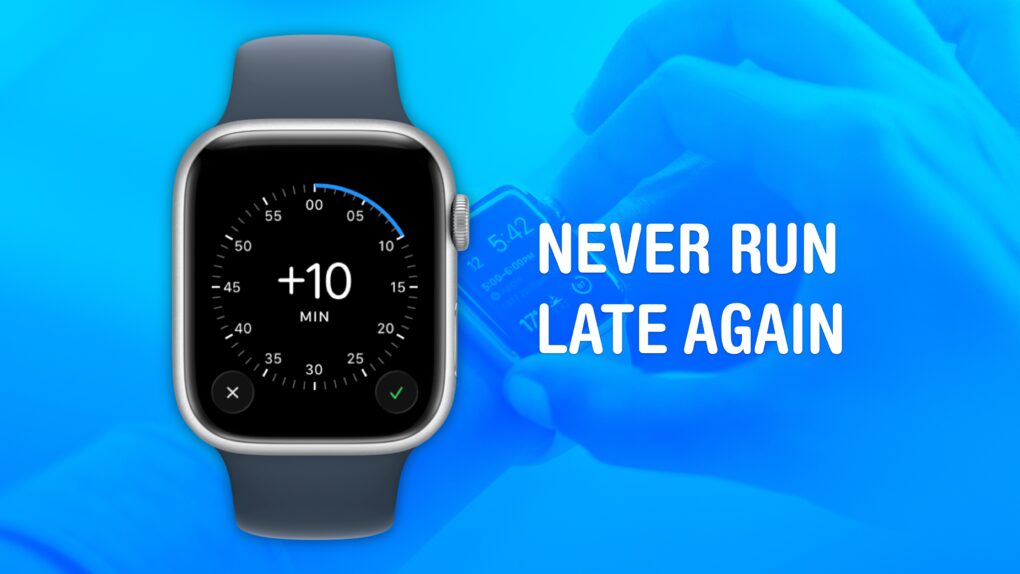
Cult of Mac is not legally responsible if you are still late after turning on this feature. Image: Crew/Wikimedia Commons/D. Griffin Jones/Cult of Mac
Set your Apple Watch time a few minutes ahead of the actual time and you might trick yourself out of running late every day. This is an officially supported feature, not a hack that will produce cascading, annoying side effects. And it doesn’t require you to set your smartwatch out of sync with internet time, which can also cause problems.
What will you gain? By running your Apple Watch a few minutes fast, you might nudge yourself to rush out the door a little earlier. And that might be enough to get you somewhere on time rather than late. If tardiness is a frequent problem for you, this little anti-procrastination tweak could save your skin.
You can protect yourself from identity theft by taking some simple precautions. Photo: Richard Patterson/Flickr CC
One data breach could be all it takes for someone to steal your identity. If you want to know how to protect yourself from identity theft, a handful of habits go a long way.
Identity theft strikes when someone steals your personal details to commit fraud in your name. Think Social Security numbers, credit card details, that kind of thing. The fallout can drain your bank accounts and wreck your credit. And you could spend months untangling the mess.
This guide breaks down the practical steps that actually reduce your risk of identity theft.
Google Translate can take on converting text into a language you can read. Photo: Cult of Mac
If Apple Translate doesn’t offer the languages you need, you can set Google Translate as your iPhone or iPad’s default translation app. Google’s translation app supports 249 languages, whereas Apple Translate currently can handle only 19.
Google’s broad scope comes in handy if you regularly read materials written in languages that Apple Translate doesn’t cover. And Google Translate is not the only alternative translation app for iPhone.
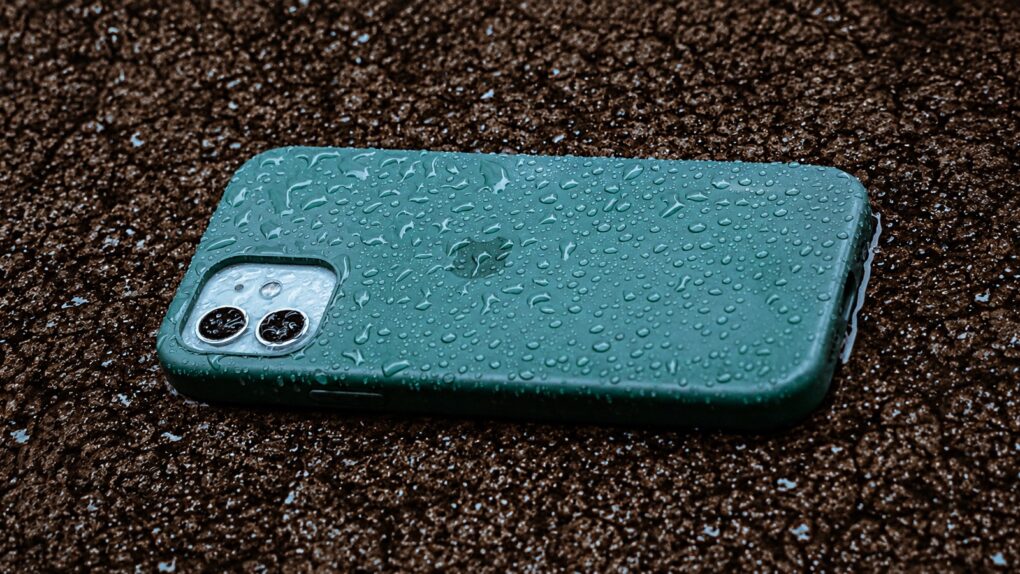
A wet iPhone isn't a crisis ... if you handle things right. Photo: Anderson Martins/Pexels/Cult of Mac
Conventional wisdom says that an iPhone that’s been dropped in water should immediately go into a bowl of dry rice to absorb the excess moisture. Turns out that’s rubbish advice for dealing with a wet iPhone.
Worse yet: It’s actively bad for your device. Here’s what to do instead.
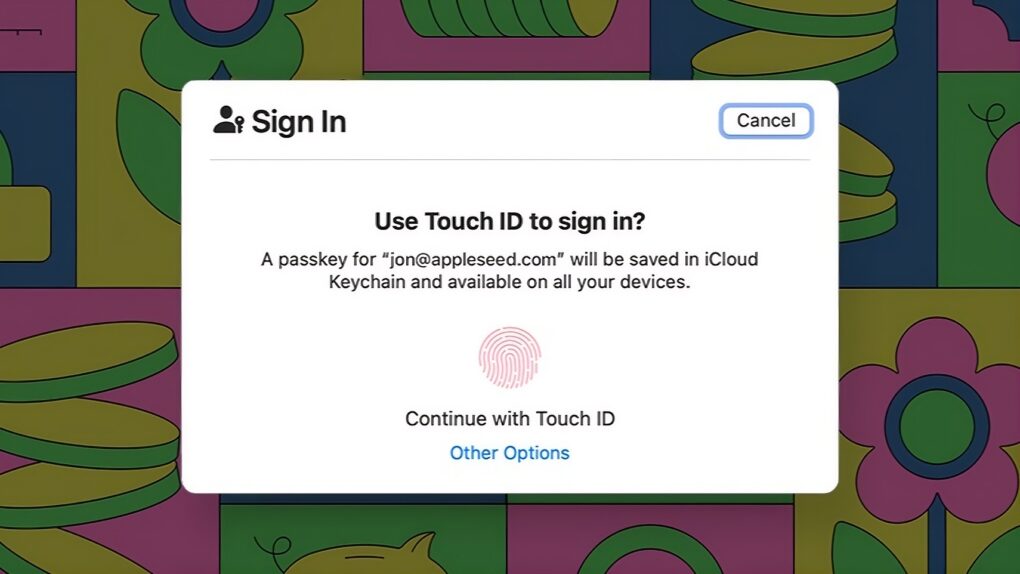
Passkeys are here, and they’re awesome. So much better than passwords. Image: Apple
Managing passwords is and always has been a giant pain, but passkeys offer a better way. They are an advanced system that automatically signs you in to online services using your phone’s Face ID (or Touch ID) or your computer’s password.
Switching to biometric authentication or your device’s password means one less thing to remember. Plus, passkeys work without fiddling around with a password manager.
The technology promises a simpler, more convenient and more phishing-resistant way to log in. However, getting started can still feel confusing. Here’s how passkeys work and how to use them across your iPhone, iPad and Mac.
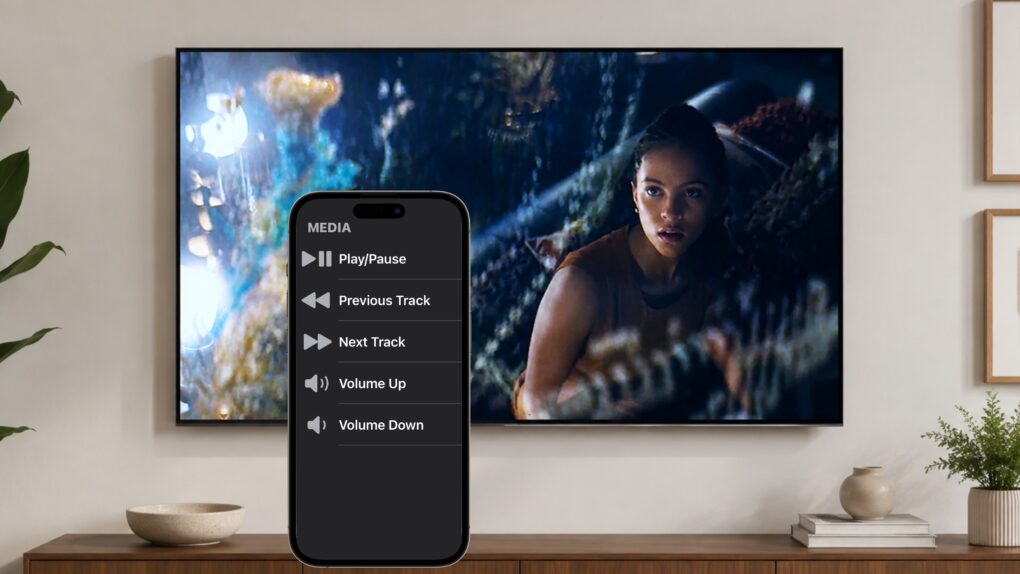
Don't get off the couch! Your iPhone can be a TV remote for your iPad. Image: Ed Hardy/Cult of Mac
Your iPhone can become a remote control for your iPad. It’s a convenient way to control a film or TV show playing on the tablet without having to get up off the couch.
And this doesn’t require a third-party application. All you need is Control Nearby Devices, a feature built into iOS and iPadOS.
You can do a lot more with your MacBook's trackpad. Photo: Unsplash
The MacBook’s trackpad is one of the best you can get on any laptop, and Apple’s excellent gestures make it even better. You can swipe or tap with two or three fingers to nimbly jump around macOS, switching between Spaces, viewing all app windows and more.
But as a Mac power user, I wanted my trackpad to do even more. So I used BetterTouchTool to add custom gestures for managing tabs, arranging windows and speeding up other repetitive tasks.
I’ll show you what I did, and how you can use BetterTouchTool to turbocharge your productivity with custom Mac gestures.
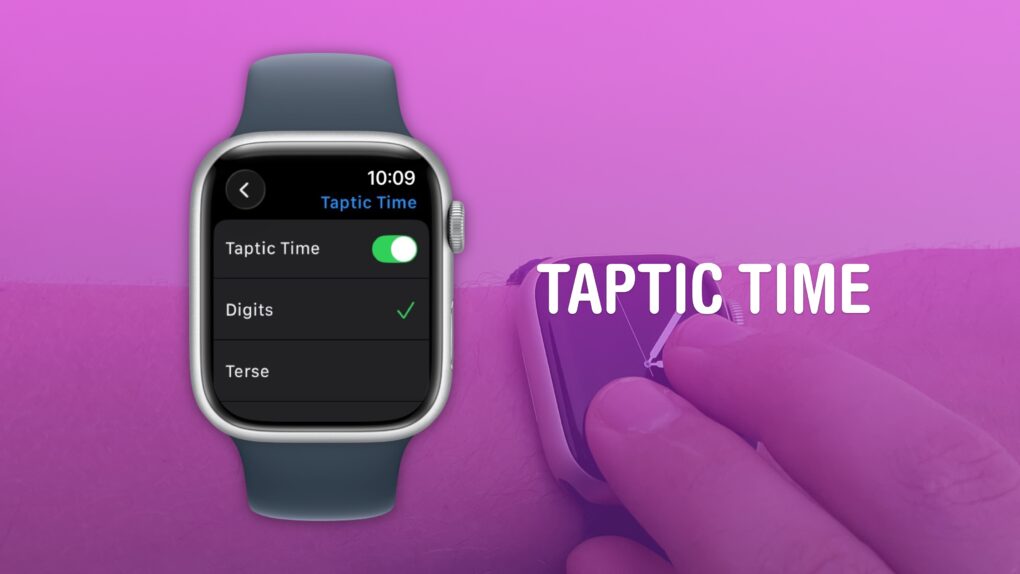
A clock you don’t even need to look at. What a time to be alive. Image: D. Griffin Jones/Cult of Mac
You can get the time without even looking at your Apple Watch using a little-known feature called Taptic Time. Simply hold two fingers on the device’s screen, and the watch will tap out the time on your wrist.
This is handy if you’re in a meeting and need to know the time, but you don’t want to look rude checking your watch. Or maybe you’re in the middle of a presidential debate.
Whatever the situation, turning on this little-known Apple Watch feature — and familiarizing yourself with how it works –can come in handy.
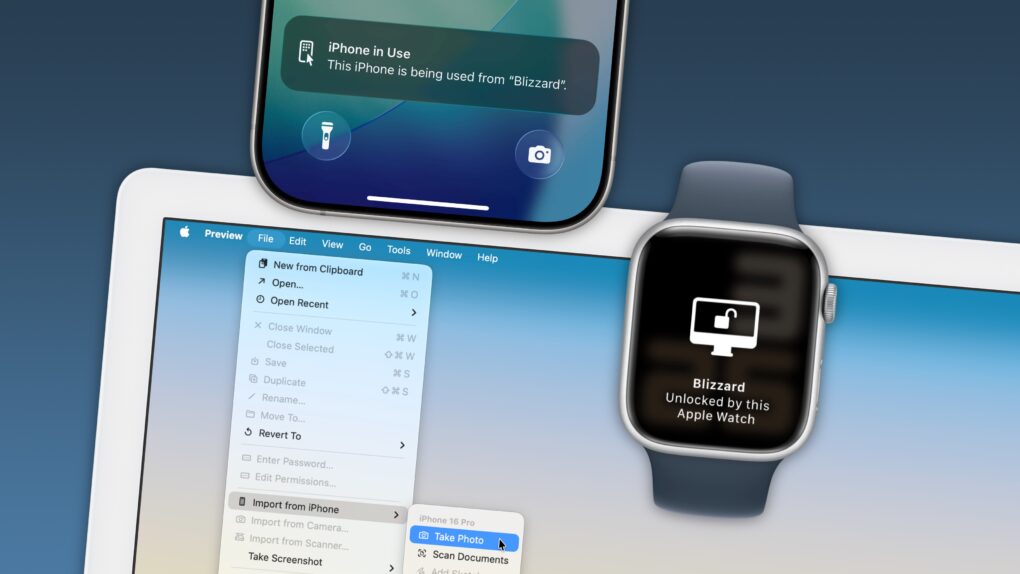
Your Apple devices can work together in more ways than you may expect. Image: D. Griffin Jones/Cult of Mac
Nothing illustrates the power of Apple’s ecosystem like the Continuity features that help your Mac, iPhone, iPad and Apple Watch work seamlessly together.
Thanks to Continuity, your iPhone can serve as your Mac’s webcam — and you can remotely control your iPhone from your Mac. You can start an email on one device and instantly pick it up on another. You can use the same keyboard and mouse with a Mac and iPad, copy and paste across devices and more.
These features flex the power of Apple’s hardware and software — and they would never be possible on a PC.
In this post (and the accompanying video), I will show you some of the time-saving, annoyance-busting Continuity features you can enjoy when you go all-in on the Apple ecosystem.
And with Writing Tools, it can reply to your emails for you, too. Image: D. Griffin Jones/Cult of Mac
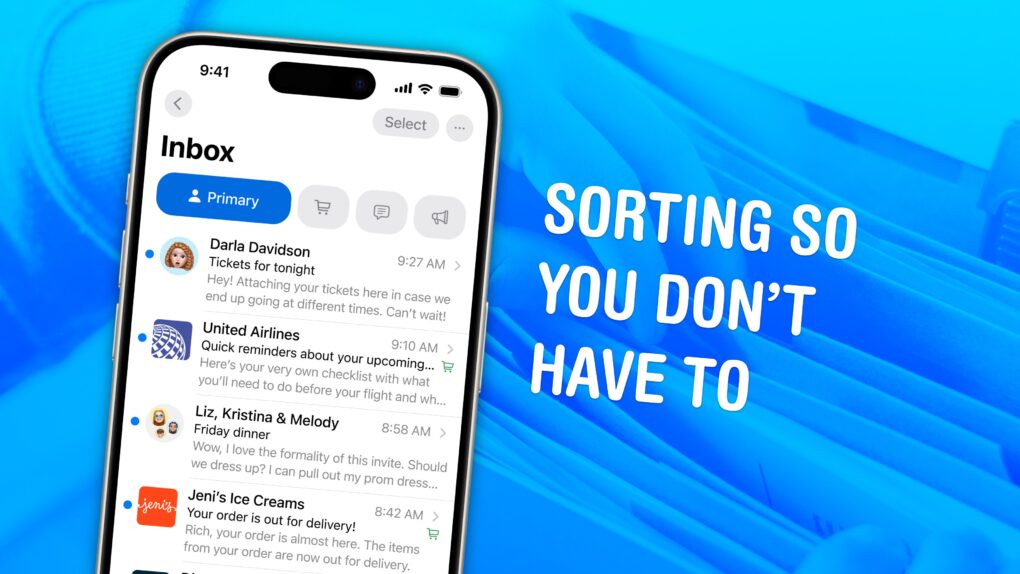
With automatic mail categorization in Apple Mail, you can organize your emails and keep your personal inbox less cluttered. It’ll intelligently put all your newsletters, receipts and promotions into separate folders.
If you struggle keeping up with your inbox, this feature is a great way to make your email easier to understand at a glance.
Installing iPadOS 26 doesn’t mean losing Split View from your iPad! Graphic: Apple
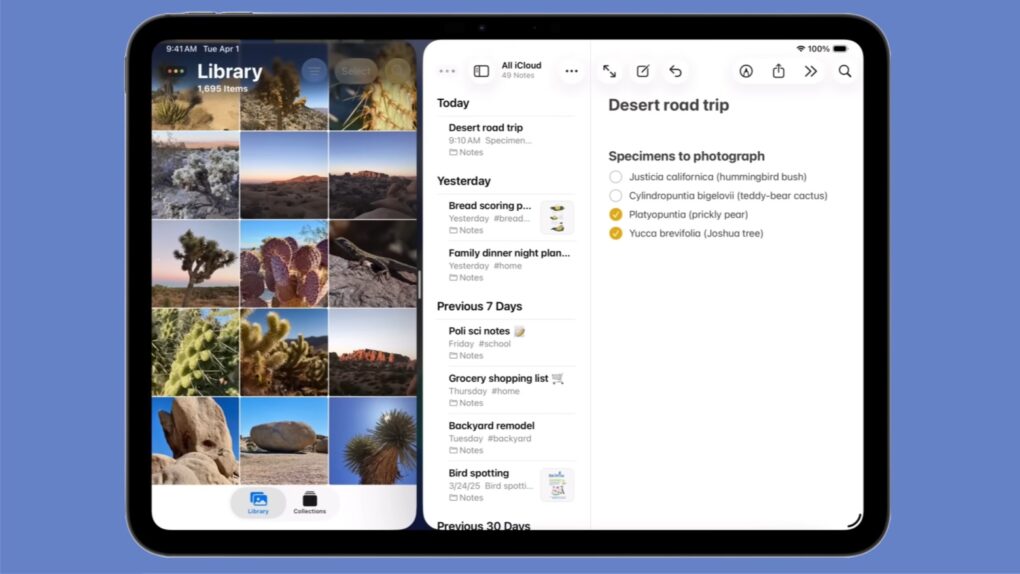
Apple kept the iPad’s Split View feature alongside the new multitasking stuff in iPadOS 26, despite what you might have read online. And setting it up is as easy as a couple of flicks of your finger.
Here’s how to keep using Split View on your iPad. Apple even made a video that demonstrates what to do.
AirDrop is right up there with iMessage as a great Apple-exclusive feature. Learn how to use it. Image: D. Griffin Jones/Cult of Mac
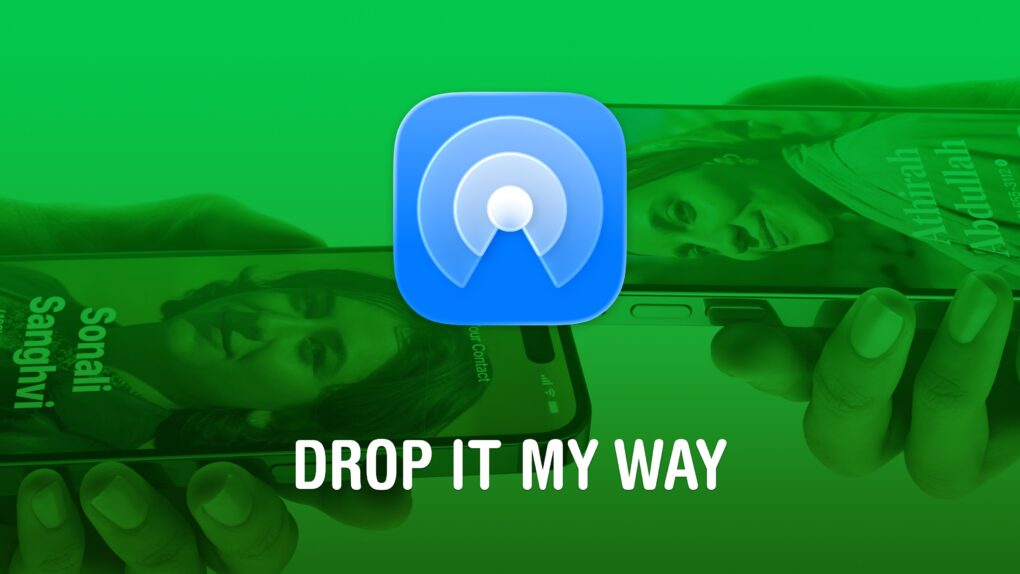
If you want to know the fastest and easiest way to send someone photos, videos, files and so, so much more, you should know how to AirDrop. There’s no need to send an iMessage — Apple’s slick AirDrop feature will immediately send and open the content on someone else’s iPhone (or other Apple device). There’s no middle step.
AirDrop works iPhone-to-iPhone, iPhone-to-Mac, iPhone-to-iPad, Vision Pro-to-Mac — any combination and permutation of two Apple devices. And, if your friend has a Google Pixel 10, you can AirDrop with them, too!
Keep reading to find out everything you need to know about how to take advantage of AirDrop.
These small Mac tricks are big everyday time-savers. AI image: ChatGPT/Cult of Mac
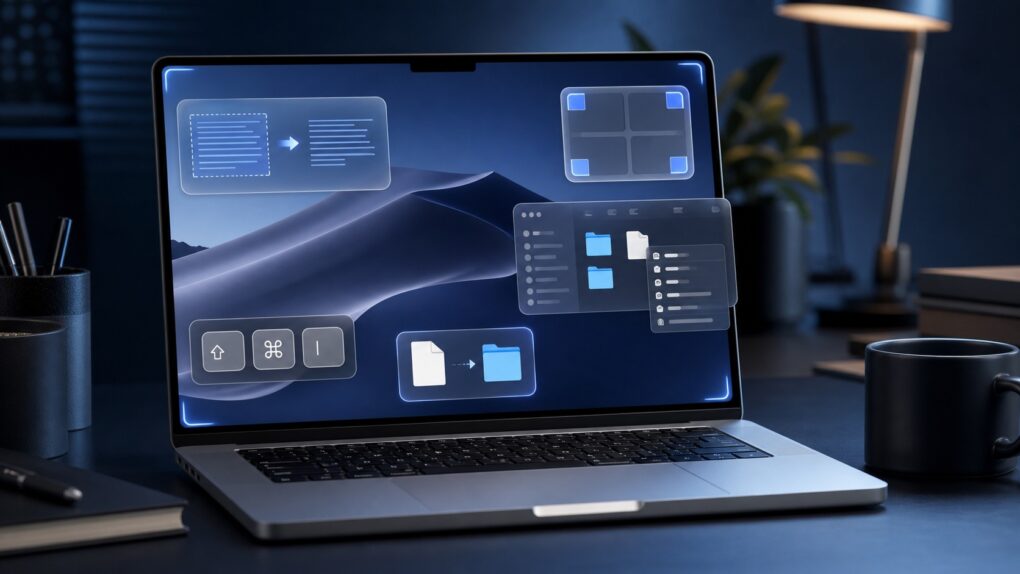
After using Macs for years, I’ve come across several macOS features that most people overlook or quickly dismiss. But these incredibly useful Mac features have become an integral part of my daily workflow. They help me manage files, navigate my Mac more efficiently, breeze through repetitive text and more.
Even if you have been using macOS for years, chances are you are not using all of its features. And these should become part of your Mac repertoire.
An AirTag in a bag can find a solution to an absolute calamity. Image: D. Griffin Jones/Cult of Mac
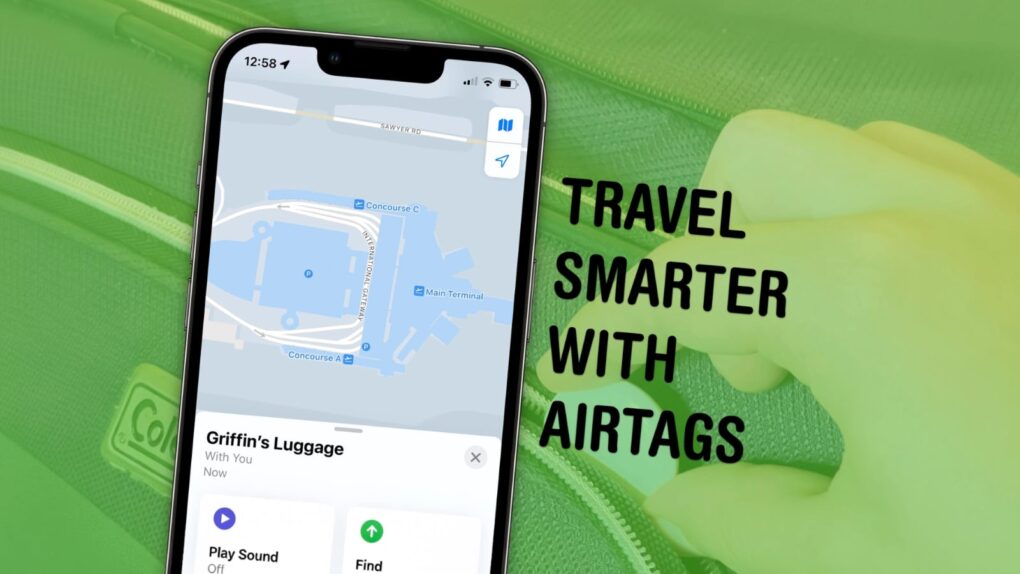
Traveling is a lot easier if you can keep track of your stuff with AirTags in your luggage. Placing one in your bag lets you make sure it’s with you all the way along your journey. And if the worst happens, an AirTag can help you quickly find a lost item.
Your AirPods and Bluetooth speaker compete for audio coming from your iPhone. You can settle the fight. Graphic: ChatGPT
You’re happily listening to music on your AirPods when the audio suddenly gets yanked away by a Bluetooth speaker. Don’t get frustrated. Make a quick tweak to your iPhone settings, and it’ll never happen again.
Turn your many, many cat photos into a few great videos. Image: D. Griffin Jones/Cult of Mac
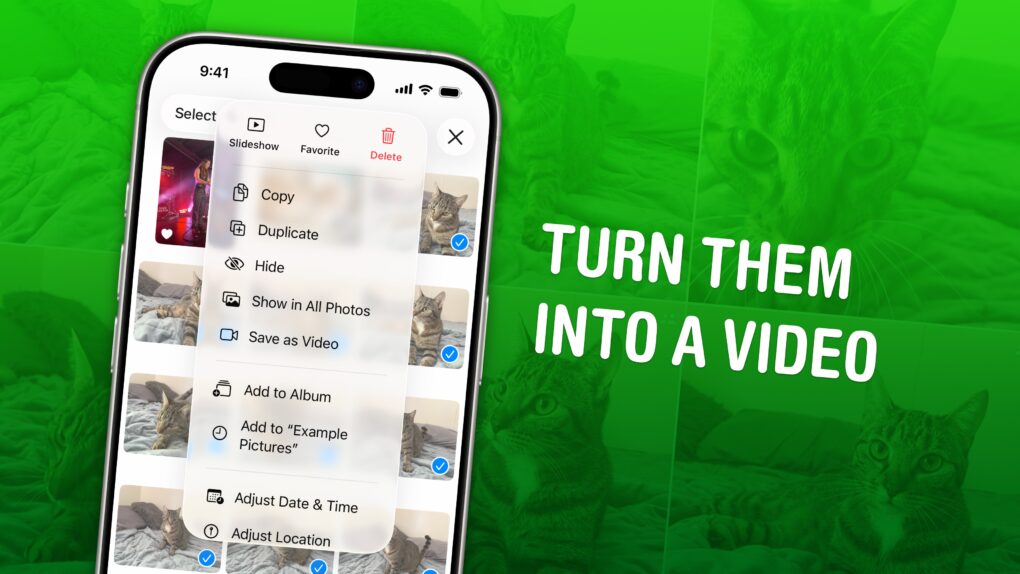
You can turn multiple Live Photos shot on your iPhone into a video. Simply select a group of Live Photos taken in a burst, and you can create a single, stitched-together video that you can save to your library and share on social media. It’s a much more accessible way to enjoy those little snippets of video.
There are so many options — and several great ones. Image: D. Griffin Jones/Cult of Mac
Out of the many dozens of options, which is the coolest Apple Watch face? Every time I see someone wearing an Apple Watch, I try to scope out which watch face they use. Nine times out of 10, they use either the Modular face or the Photo face (with a Sport band).
This is despite the Apple Watch offering dozens of watch faces, allowing for all kinds of customizability.
If you want to spice up and individualize your Apple Watch, here are the best and coolest faces. And in our video, I rank every watch face on a tier list.
Your iPhone can charge your AirPods. It’s easy. Image: ChatGPT/Cult of Mac
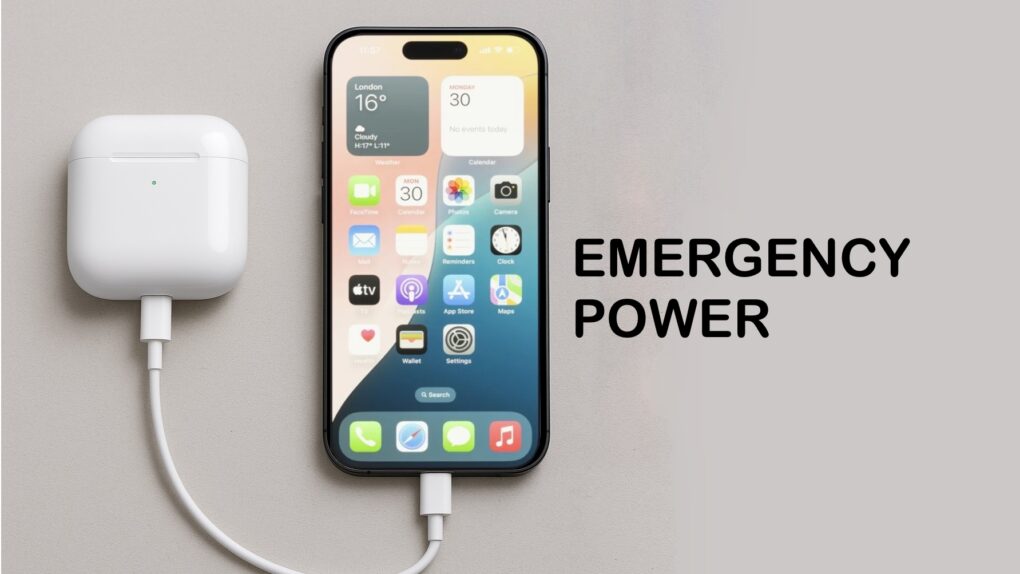
In a pinch, you can charge your AirPods with your iPhone. This feature can prove very convenient if you know how to use it. You can also use your iPhone to charge your Apple Watch, or even another iPhone.
It's not easy to find in a pile of miscellaneous clutter. Image: D. Griffin Jones/Cult of Mac
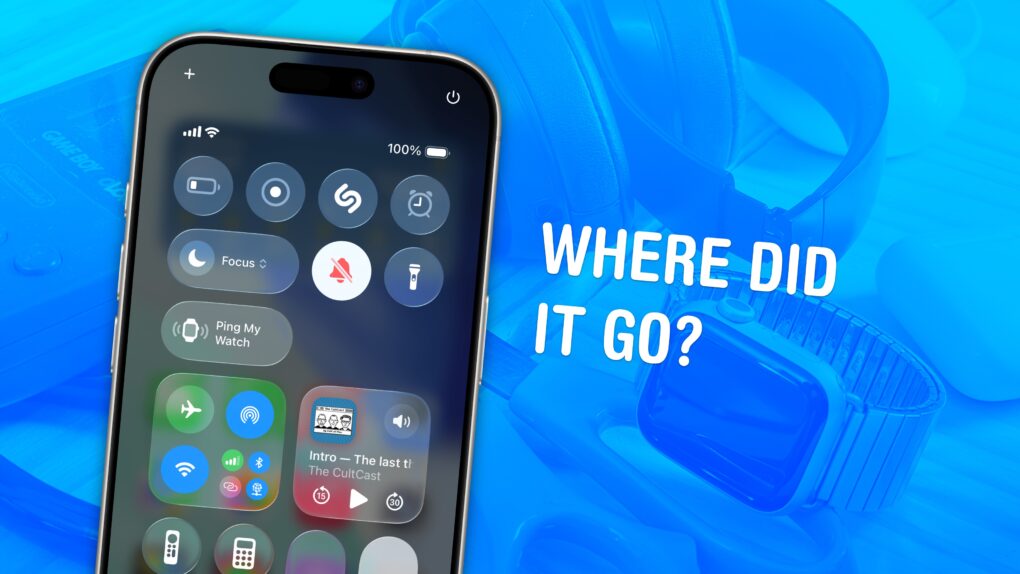
You can ping a lost Apple Watch from your iPhone, giving you an easy way to find your misplaced wearable.
If you take your Apple Watch off at the end of the day, forgetting to throw it on the charger, you might not remember where you left it the following morning. Luckily, you can find a lost Apple Watch from your iPhone. Here’s how it works.