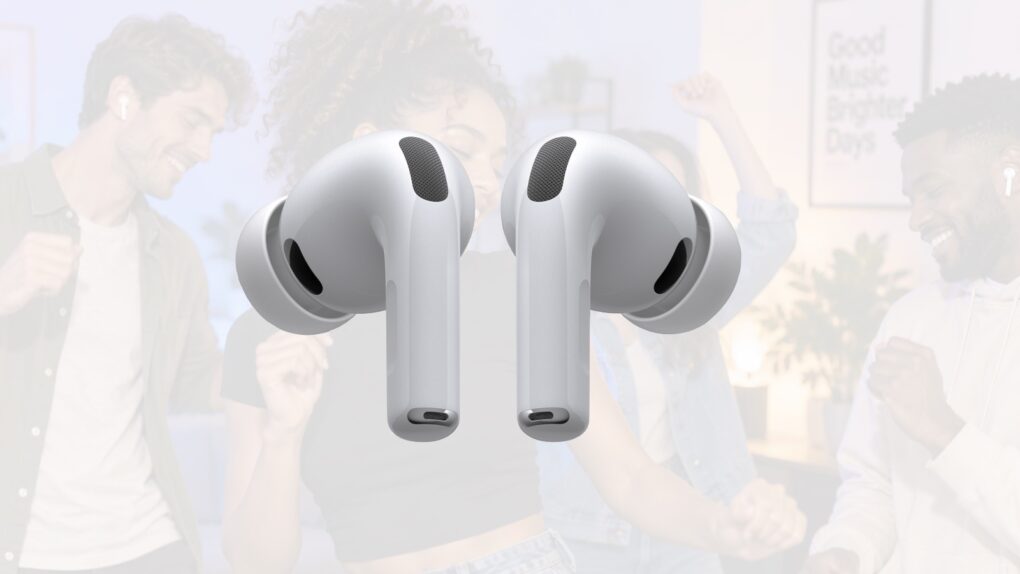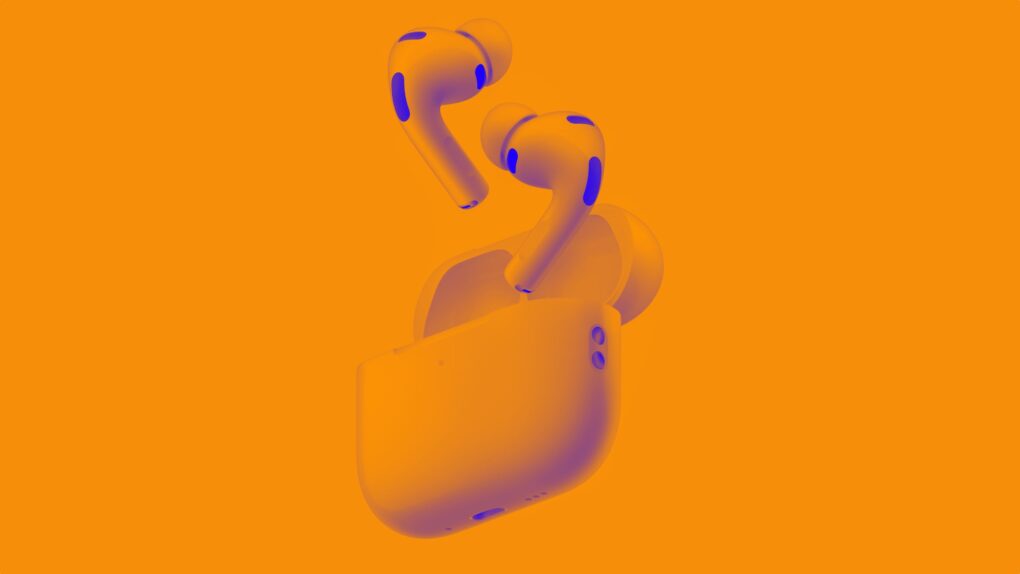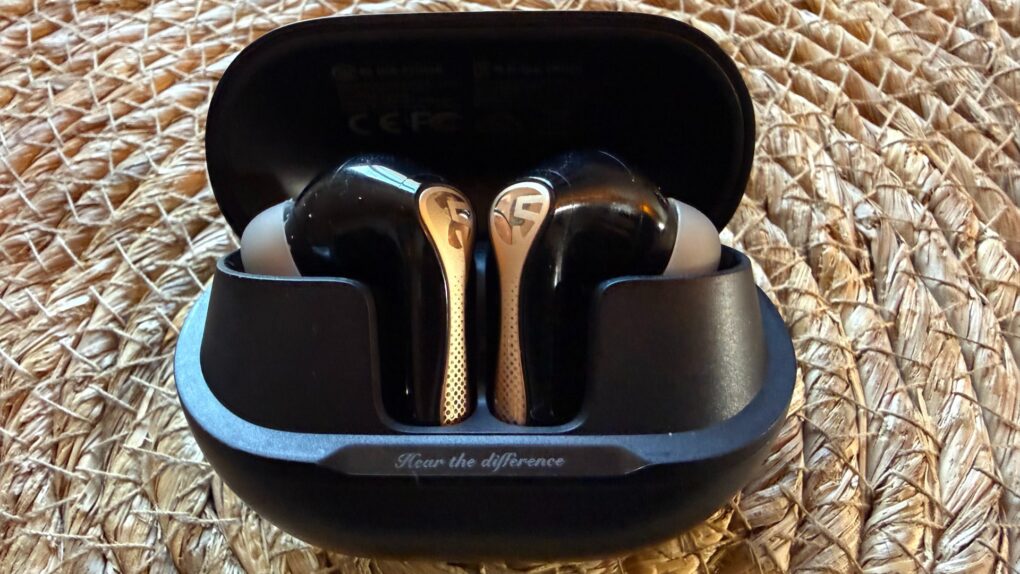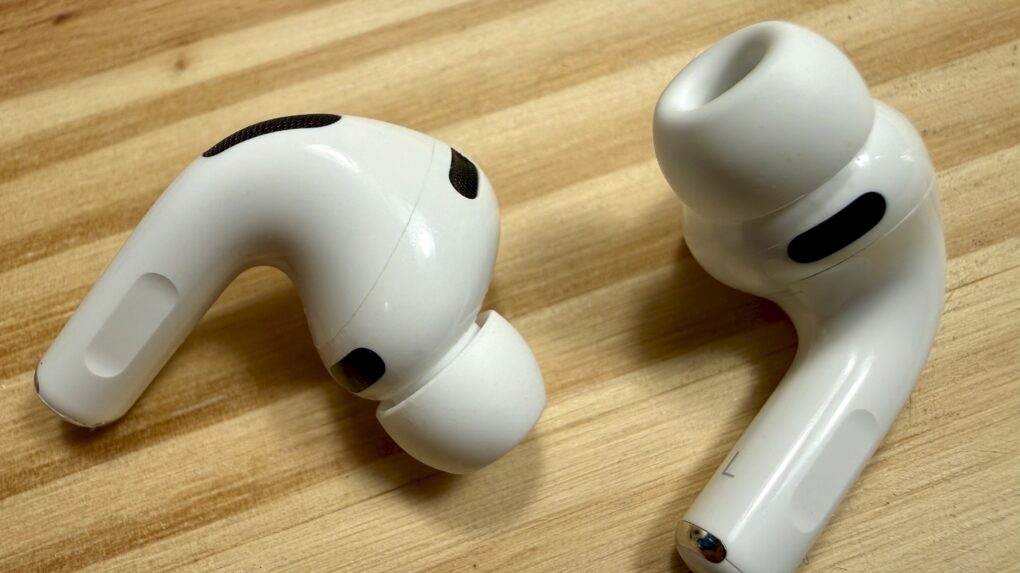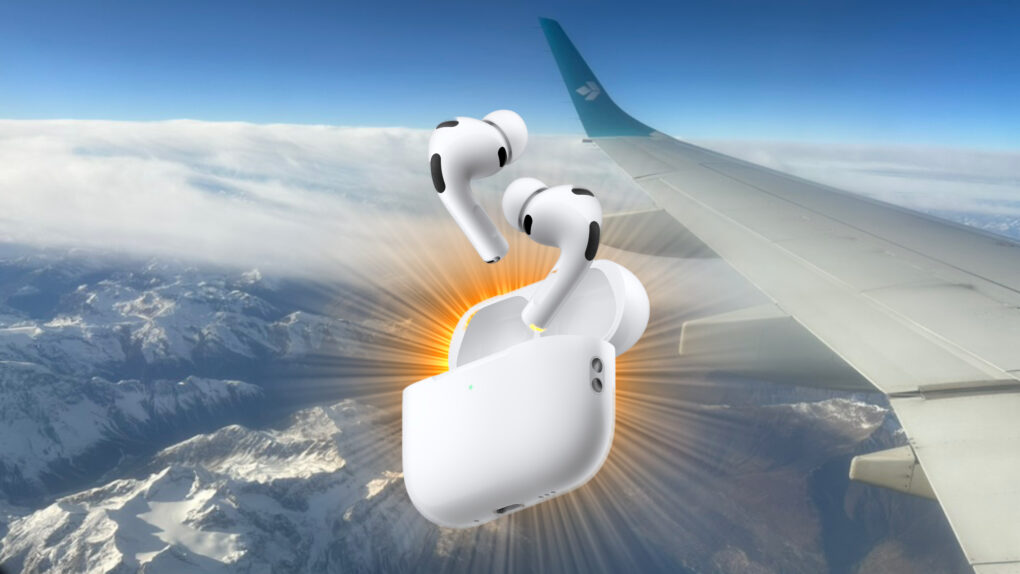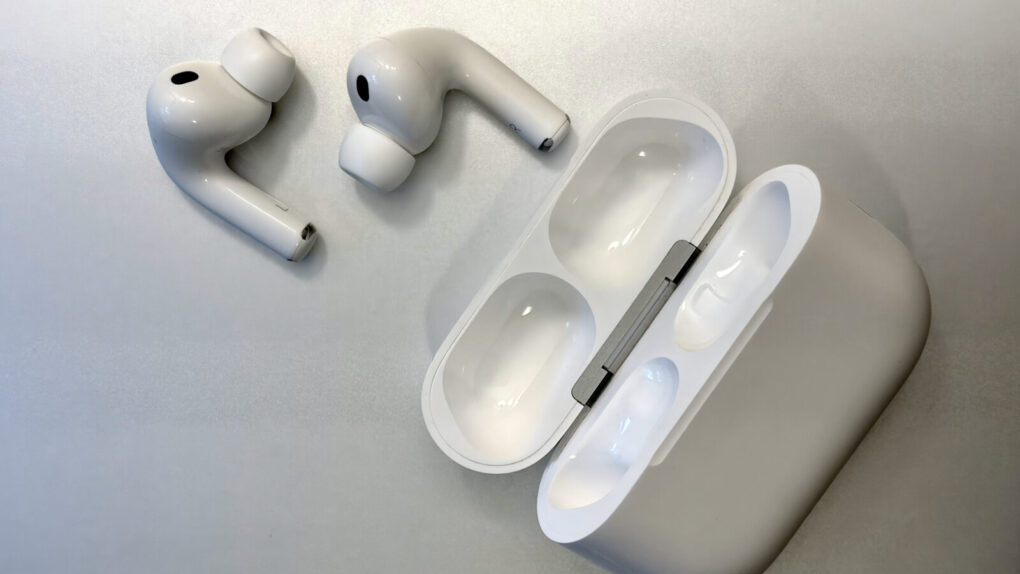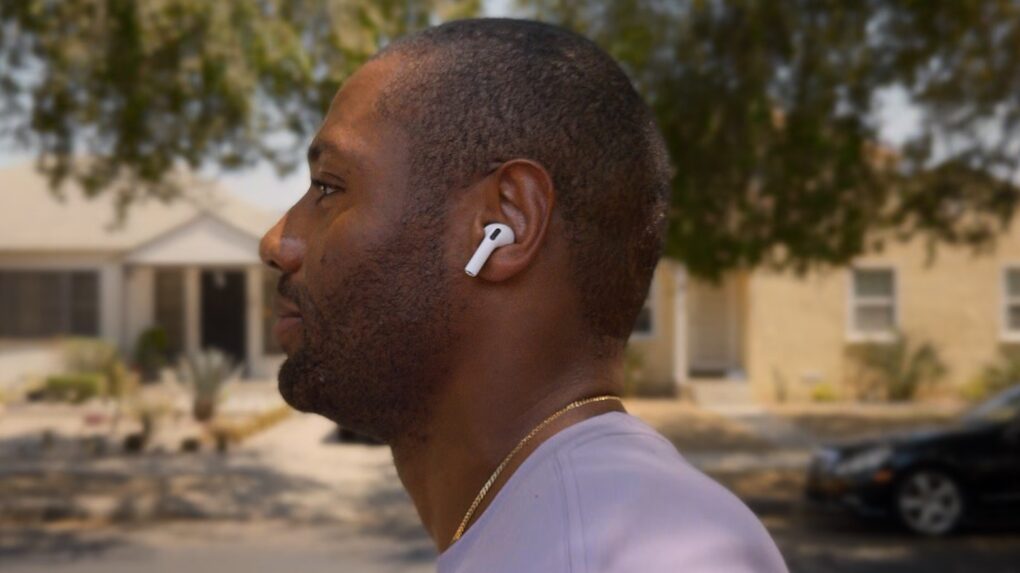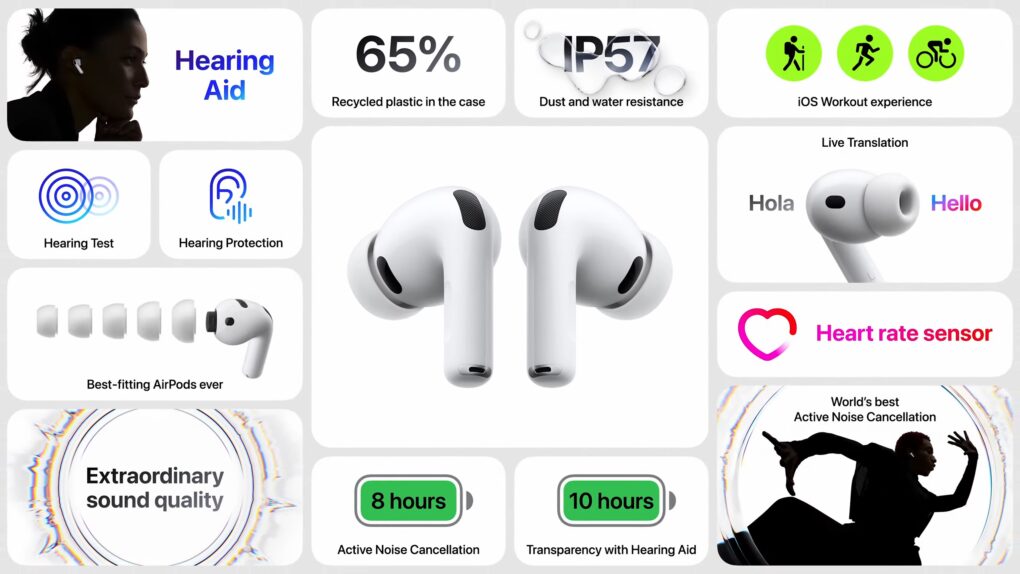
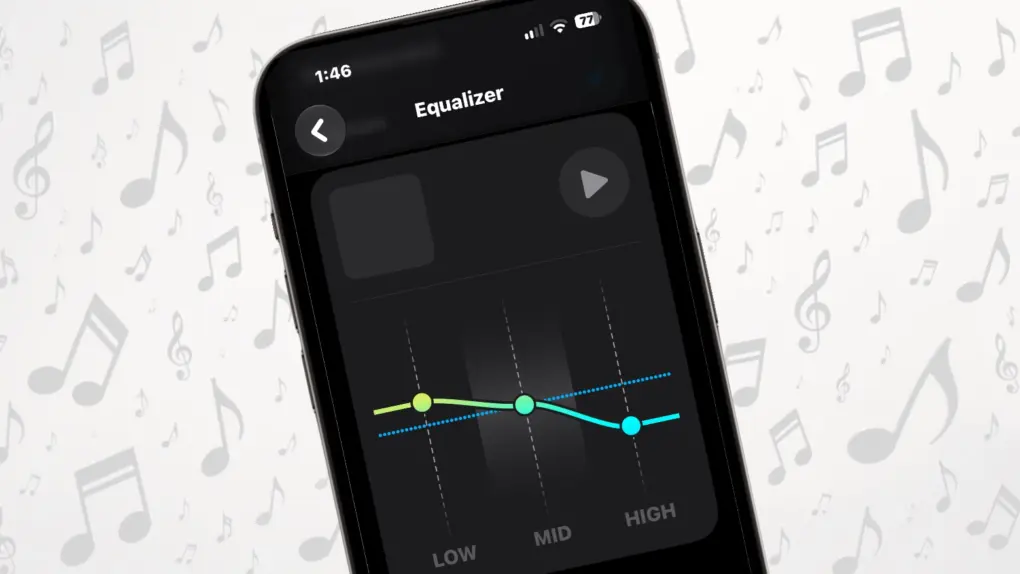
Apple finally gave AirPods something we know you all wanted for years: a built-in equalizer that lets you change how your music sounds.
And unlike the EQ setting buried in Apple Music, this one is tied to your AirPods, not a specific application. That means your custom sound profile isn’t limited to music played through that singular app.
But to be clear: The new Custom EQ feature in iOS 27 isn’t the most sophisticated equalizer you’ll find for a set of headphones. It gives you just three controls — Low, Mid and High. But that’s enough to make a noticeable difference if you think your AirPods sound too bass-heavy, lack vocal clarity or need a little more treble.
Here’s how to set it up … and why you might want to.