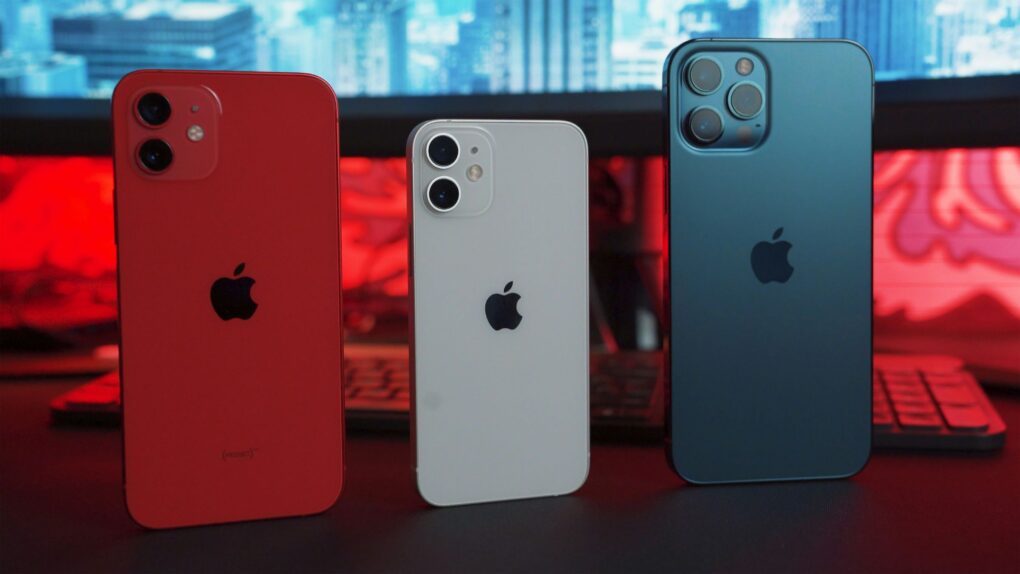
Mac users, don't procrastinate on installing macOS Tahoe 26.6.1. Photo: Tranmautritam/Pexels CC
Apple on Thursday released macOS Tahoe 26.6.1, a surprise security update that fixes a potentially serious vulnerability in the operating system’s Screen Sharing feature.
While the update doesn’t bring any new features, Mac users should nevertheless install it as soon as possible — or the new security patches for macOS Sequoia and Sonoma.
Apple trade-in values for older iPhones increase ahead of the iPhone 18 launch. Photo: Tessa Charles/Pexels CC
Thinking about upgrading to an iPhone 18 this fall? Apple just made the decision a little easier.
The company increased the max trade-in values for most iPhone, Mac, iPad and Apple Watch models in the United States, marking the latest value bump this year. The higher payouts let customers put more money toward a new device, whether they’re buying outright or through the new Apple Upgrade program.
MacPaw is building on-device AI into its Eney assistant with help from Liquid AI. Image: MacPaw
MacPaw is bringing on-device AI to its Mac assistant, Eney. The company partnered with Liquid AI to build a local intelligence stack designed to run on your Mac, not in the cloud.
The partnership pairs Liquid AI’s foundation models with MacPaw’s own inference and memory technology. Eney will be the first product to get the upgrade, and results are expected later this year.
The last new budget iPad debuted in spring 2025, and it shows. Photo: Apple
iPad shipments slowed in the second quarter of this year, the first time that’s happened in over two years. The source of the problem is easy to pinpoint: the extra-long wait for a new version of the budget iPad.
And unfortunately for consumers, Apple supposedly won’t release a replacement for the iPad (A16) for many more months.
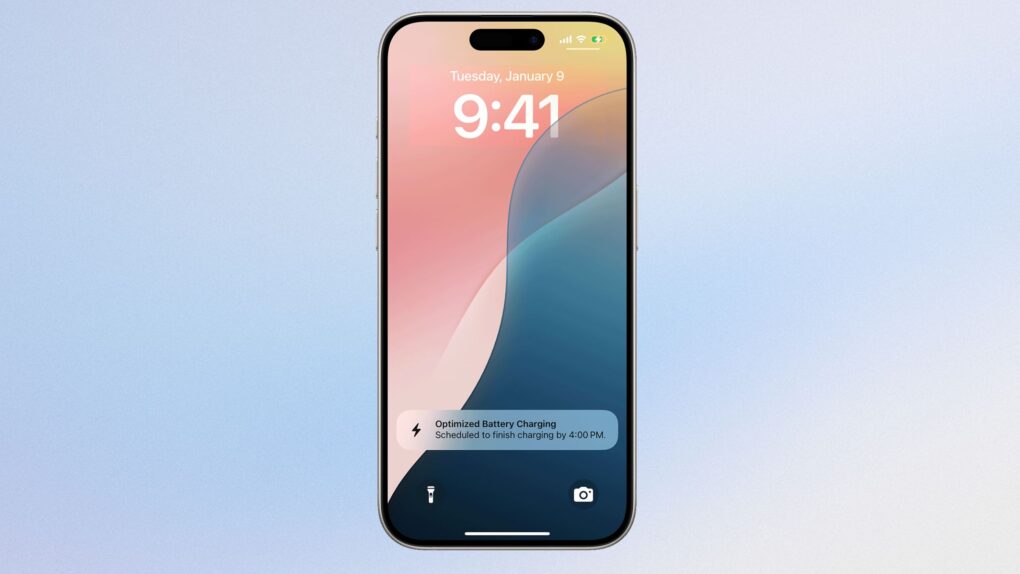
Charging your iPhone to 100% overnight might stress your battery more than you realize, but what actually matters is how long it stays at full charge. Photo: Apple/Cult of Mac
Charging your iPhone to 100% won’t instantly fry your battery. But regularly keeping it at full charge for hours matters more than you might think.
The real culprit isn’t the charge itself — it’s how long your phone stays plugged in at maximum capacity. Apple’s built-in tools do help, but temperature and charging habits matter even more.
A WebKit privacy leak can expose your iPhone or Mac’s real IP address even when using proxy browsers or iCloud Private Relay. Image: Apple/Cult of Mac
Three recently discovered WebKit privacy leaks expose users’ real IP addresses on iPhone and Mac, even when they use a proxy browser or iCloud Private Relay, according to a new report.
This would mean Apple’s trusted privacy tools aren’t working as advertised. If you’ve relied on proxy browsers for anonymity or iCloud Private Relay for privacy, that protection apparently has some serious gaps.
Apple TV gives beloved comedy Ted Lasso a soft reboot with season four, which premieres Wednesday. Image: Apple TV
Despite what really seemed like a series finale three years ago, Ted Lasso is back. Apple TV began streaming season four on Wednesday, reviving its Emmy-winning comedy with what amounts to a soft reboot rather than a direct continuation of the story.
Here’s what to look forward to as Ted, Coach Beard and all our favorites return.
iPhone 18e rumors point to a strange new RAM configuration, even as most other specs carry over unchanged from the iPhone 17e. Photo: D. Griffin Jones/Cult of Mac
A handful of small but real changes are coming to Apple’s next budget iPhone, with iPhone 18e rumors pointing to a new chip and a RAM configuration nobody expected. None of it amounts to a redesign – this is still a budget phone, just slightly better.
The extra memory is the most interesting shift, but it comes with a catch. Most other specs, including the screen and camera, look set to carry over largely unchanged from the iPhone 17e. Here’s everything reported so far, and how solid each claim actually is.
The Apple Photos lawsuit centers on the app’s People album face-recognition feature. Photo: Apple
Apple faces a $32.5 billion lawsuit over how its Photos app scans and stores faces. A federal judge cleared the case to proceed as a class action late last month, allowing millions of Illinois iPhone owners to join.
The case has been years in the making, and Apple has fought to shut it down at nearly every turn. Now it heads back to the court, with the company’s privacy practices on trial.
Turns out there is such a things as too many bug bounty reports going to Apple. Photo: Pexels CC
Apple decided to cap the number of bug bounty reports a researcher can have open at once. The move follows a flood of AI-generated “slop” that overwhelmed Apple’s internal security team this year.
But the cap almost backfired. A small Italian security firm had found a serious macOS flaw using ChatGPT, but they couldn’t report it because their group had already hit its new limit.
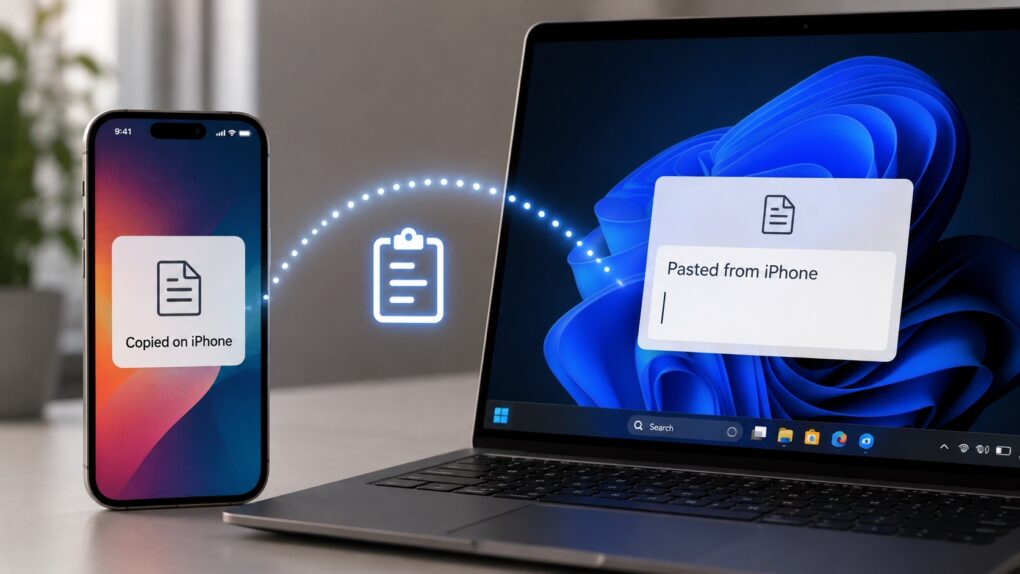
One of Apple's best productivity features may soon work with Windows. AI image: ChatGPT
Apple plans to bring one of the iPhone and Mac’s most useful ecosystem features — cross-device clipboard sync — to Windows PCs. Don’t expect it anytime soon, though, as the functionality likely won’t arrive until fall 2027 at the earliest.
Apple is not adding cross-device clipboard sync support for Windows PCs to iOS because it wants to, though. The feature stems from an interoperability request Microsoft submitted under the European Union’s Digital Markets Act.
Fitness features in Apple's rumored smart glasses could pick up where Vision Pro’s shelved workout plans left off. Photo: Pexels
A new job posting reveals that Apple is already thinking about how to bring fitness features to its long-rumored smart glasses.
The company is looking to hire a “strategic product design leader” for its Vision Products Group. The role focuses on shaping health, wellness and fitness experiences across future visionOS hardware.
All 62 Leagues Cup matches will stream live on Apple TV. Photo: Apple TV
The 2026 Leagues Cup tournament kicks off Tuesday, August 4. The month-long competition pits 18 Major League Soccer clubs against 18 teams from Mexico’s Liga MX, with all 62 matches streaming through Apple TV.
No separate subscription is required to enjoy the action – any Apple TV subscriber in 100 countries and regions can watch.
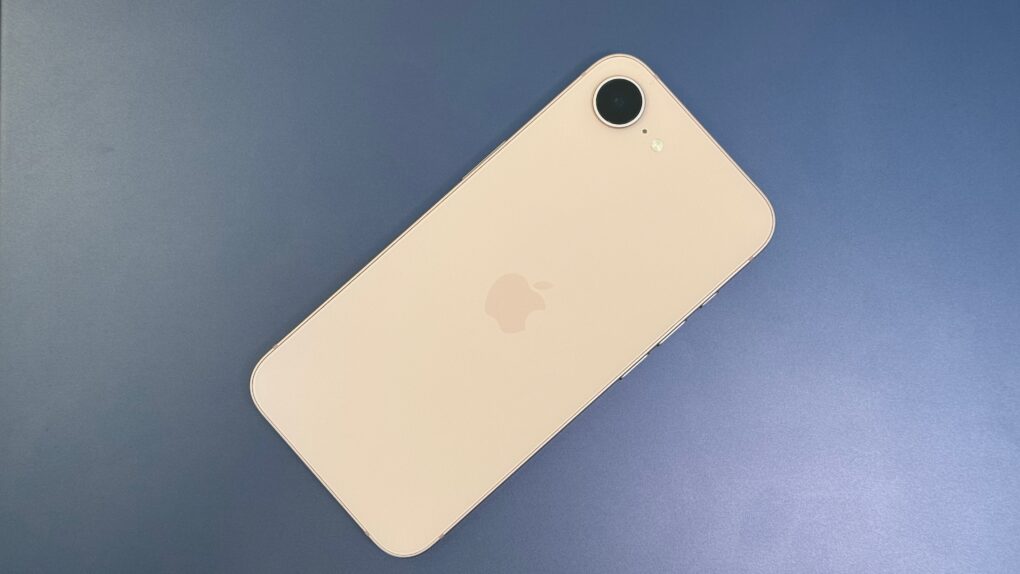
Apple's sleekest MacBook is in short supply. Photo: D. Griffin Jones/Cult of Mac
Apple can’t keep up with the MacBook Air’s demand due to the ongoing DRAM and NAND shortage. It is supposedly “struggling to keep the laptop in stock.”
Entry-level MacBook Air configurations are only available for shipping in late August, while custom configurations are listed for September delivery.
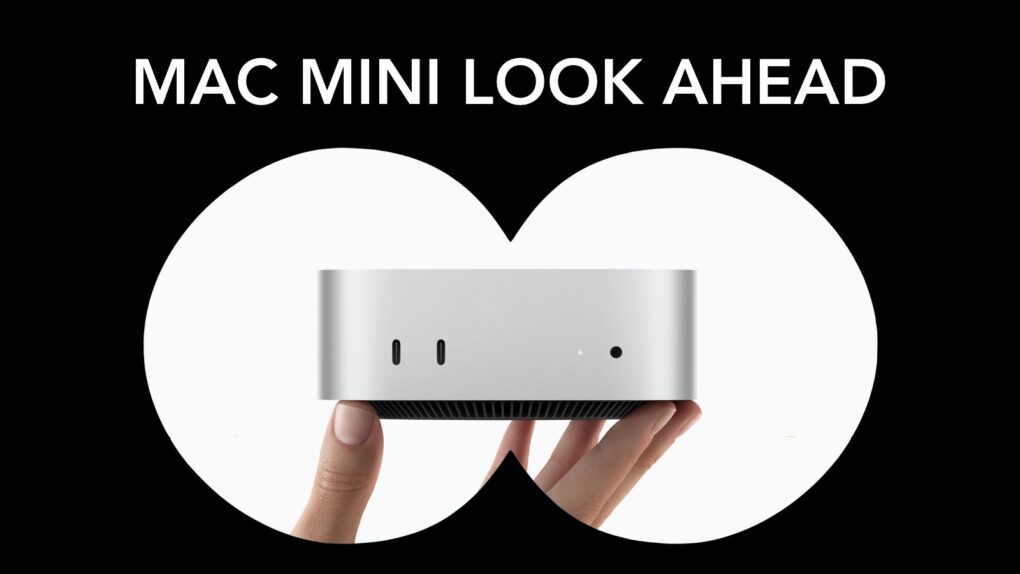
Rumors indicate the 2026 Mac mini won't be a standard "ship and ship" upgrade. Photo: Apple/Cult of Mac
Apple’s smallest desktop could get an unusual processor upgrade this fall. The 2026 Mac mini is reportedly moving to the basic M6 processor, but not the M6 Pro as would be expected.
Here’s everything the rumor mill says about Apple’s next Mac mini.
Buying an iPhone 18 or new Mac this fall could come with weeks of wait times. Photo: Unsplash
Availability of the iPhone 18 Pro series as well as new Macs and iPads could take a hit this fall. Apple admitted its supply chain is facing challenges.
The result could be lengthy wait times for this fall’s hottest new models. And an analyst warned that there could be price hikes for the iPhone 18 Pro and Pro Max, too.
Spotify Running Mode lets runners customize playlists by workout type, tempo and duration. Image: Spotify
Spotify’s new Running Mode can turn your next jog into a custom-built playlist. The feature builds listening sessions around your pace, workout style and the music you want to hear.
“Whether you’re training for a race, heading out for an easy jog, or just want a more motivating walk, Running Mode helps you spend less time hunting for the right music and more time moving,” Spotify said in a press release Thursday.
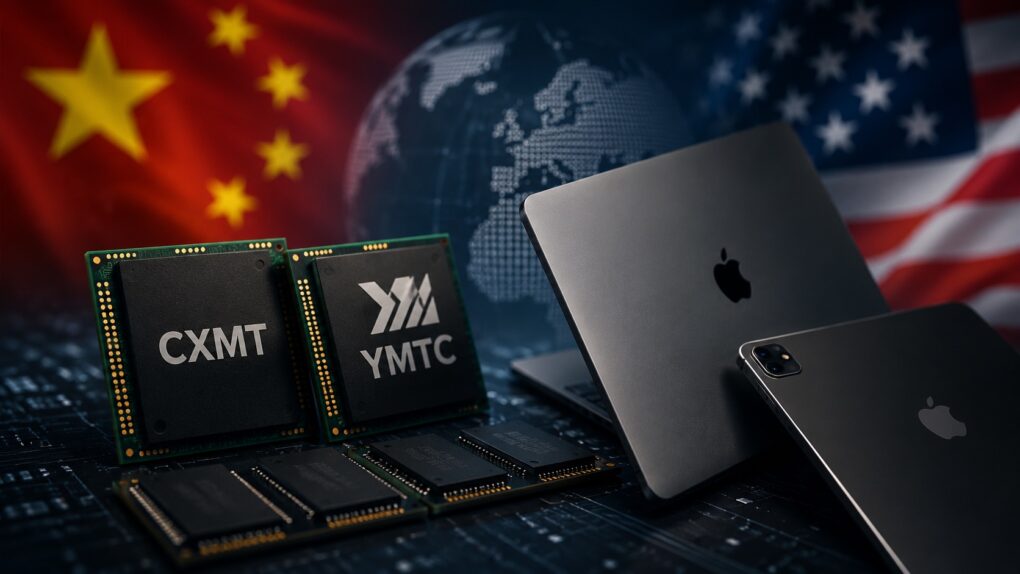
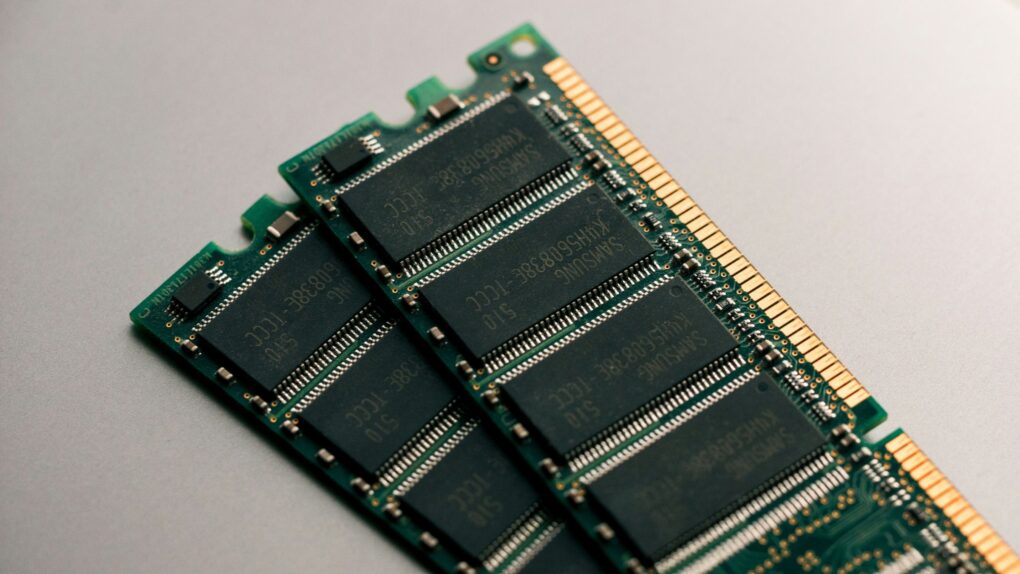
Chinese memory won't make Macs cheaper. AI image: ChatGPT
Despite its best efforts, Apple is not immune to the DRAM and NAND shortages and price hikes. This forced the company to substantially hike the prices of Macs and iPads.
To ease the memory crunch, Apple is considering sourcing memory from Chinese suppliers. But even if that happens, don’t expect the company’s products to become cheaper. The move is about securing a supply of critical components, not cutting prices.
Just try to wrap your head around these massive numbers. AI image: Midjourney/Cult of Mac
Apple posted yet another round of astonishing numbers when it revealed its latest quarterly earnings Thursday. Many of the numbers are so massive as to be practically inconceivable, but they provide a fascinating insight into the size — and the unbridled success — of Apple’s business.
In what will be his last earnings call, outgoing Apple CEO Tim Cook said the impressive numbers flow naturally from following Apple’s core values.
“Throughout all of it, we will remain guided by our North Star, building the best products and services to enable people to do magical things,” Cook said during Thursday’s call. “It’s a special privilege to be part of people’s lives in lasting and meaningful ways, helping them to create, connect, and experience the world around them.”
And it doesn’t hurt if you can generate enormous amounts of money as a result. Take a look at these Apple stats.
Siri AI is free, but for how long? Image: Apple/Cult of Mac
When Siri AI launches in the fall, the artificial intelligence-powered chatbot will be available at no extra cost on the devices that support it, but that could change in the future. Apple CEO Tim Cook raised the possibility on Thursday.
Apple posts its "strongest June quarter ever," with revenues powered by strong sales and tariff refunds. AI image: Midjourney/Cult of Mac
Apple’s boom continues. It just reported that revenue during its most recent financial quarter grew 16% year over year. That’s the ninth quarter in a row of revenue increases, and the third of double-digit increases.
“Today, Apple is proud to report our strongest June quarter ever, with double-digit revenue growth across iPhone, Mac and Services, and in every geographic segment,” said Tim Cook, Apple’s CEO, in a statement.
Senators say Apple’s push for Chinese memory chips could threaten U.S. national security. Photo: Unsplash
A bipartisan group of U.S. senators is pressuring Apple to abandon its pursuit of Chinese memory chips. In a new letter to Apple CEO Tim Cook, lawmakers warned that buying components from the two blacklisted suppliers could tie Cupertino to China’s military.
Apple is looking for a cheaper source of memory amid a global shortage. But the lawmakers say sourcing them from China is a step too far.
The Mac mini shortage has pushed wait times past four months for some configurations. Photo: Apple
The Mac mini shortage isn’t over. Three months after Apple CEO Tim Cook admitted that the company was caught off guard by demand, buyers are still stuck waiting.
Base models are easier to find now than they were in the spring, but bump up the memory, and you could wait months. Prices have climbed, too, thanks to the ongoing global memory chip shortage.
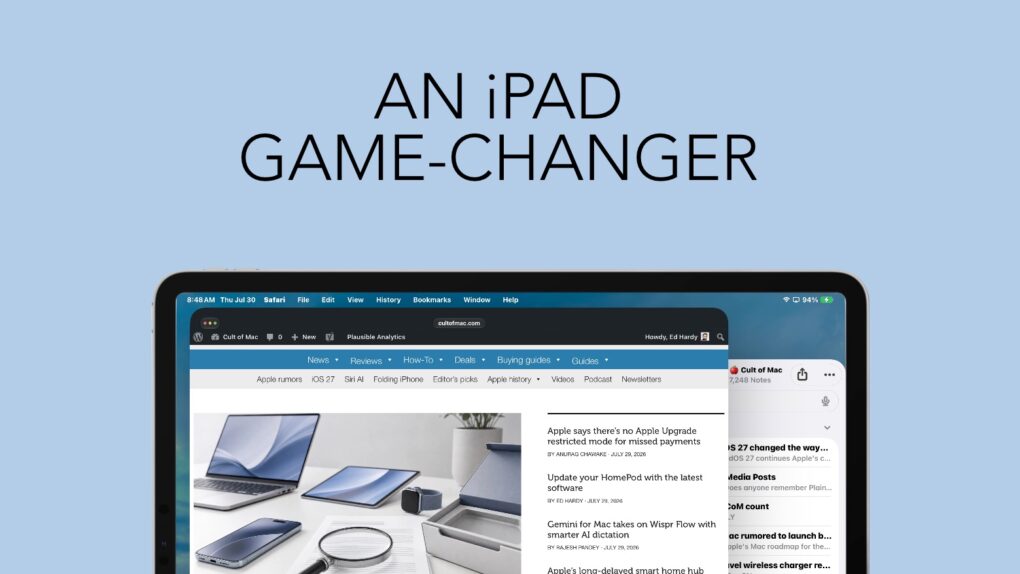
Bringing a familiar maOS feature to the iPad is a noticeable improvement. Graphic: Ed Hardy/Cult of Mac
iPadOS 27 continues Apple’s commitment to improving the iPad’s software. This time, another feature from macOS finds its way to Apple’s tablets, making them easier to use. And I love it.
Last year, Apple brought the macOS menu bar over to iPad. This year, iPadOS 27 makes it genuinely useful. It’s changed the way I use my iPad.
Apple Upgrade’s low monthly price comes with plenty of fine print. AI image: ChatGPT/Cult of Mac
The new Apple Upgrade program makes a compelling first impression, enabling you to lease a new iPhone, Mac, Apple Watch or iPad at low monthly rates. You can lease a new iPhone for $17.99 per month or a Mac for as low as $24.99 per month.
However, the enticingly low lease price only tells part of the story. Before signing up for the Apple Upgrade program, you should examine the terms, restrictions and other factors in the fine print to see if leasing makes sense for you.