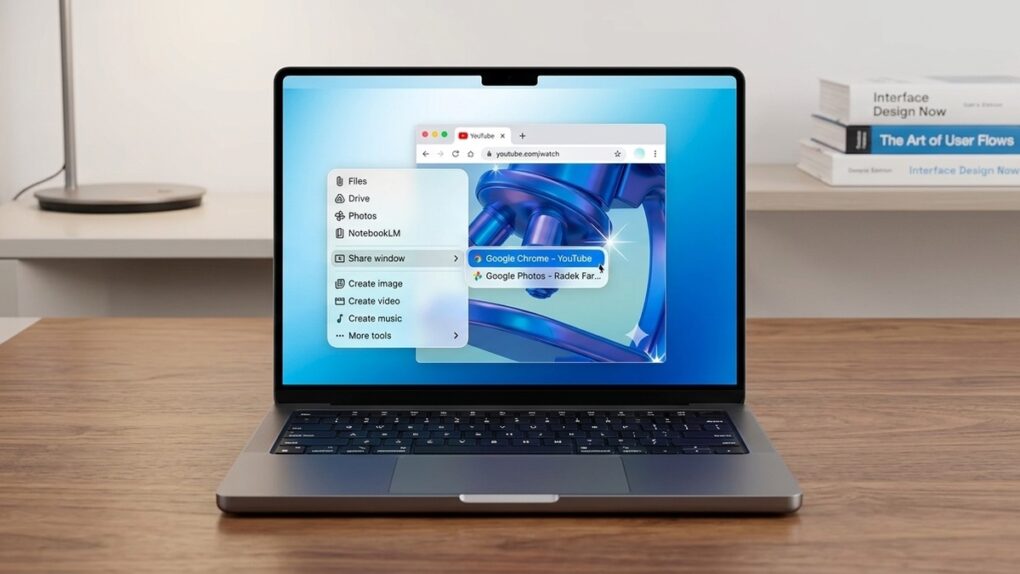
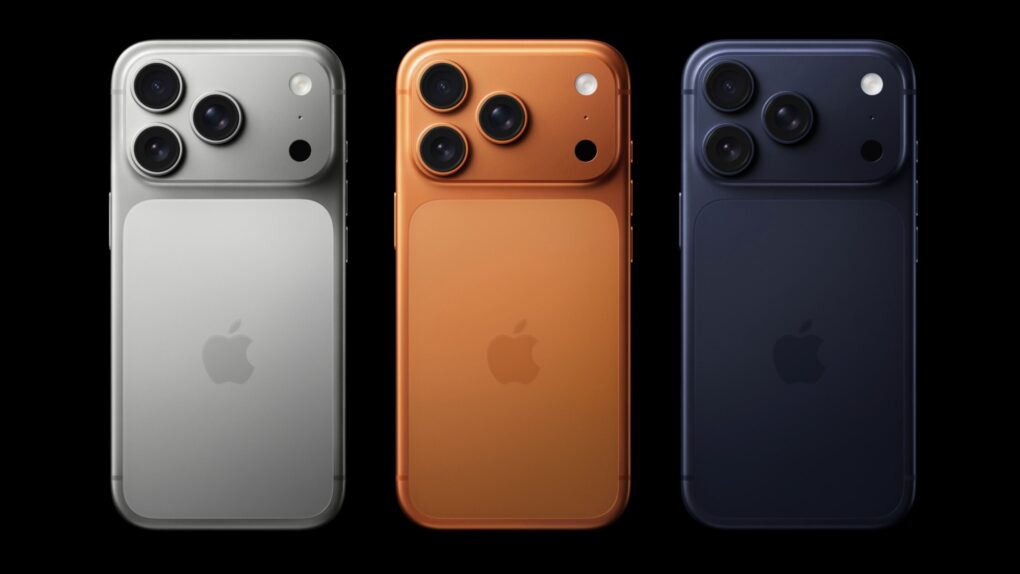
Gemini's Mac app gets two new features. AI image: Google/Apple/Gemini/Cult of Mac
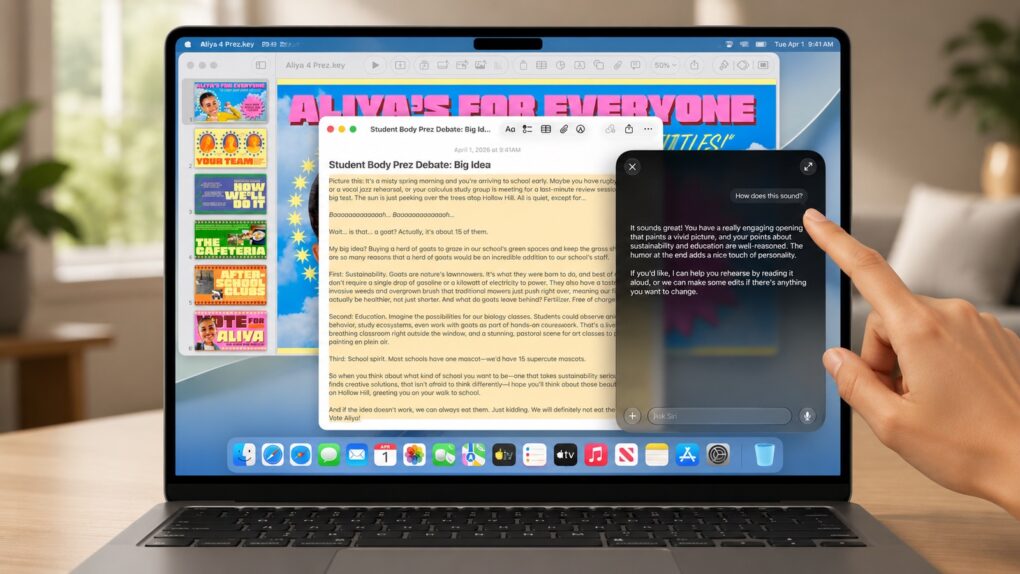
Google upgraded the Gemini app for macOS to take on Wispr Flow and other AI-powered dictation apps. The update introduces the Intelligent dictation feature, which transcribes your spoken words into text in real time.
It also adds support for screen-aware reasoning, allowing Gemini to understand what’s on your screen.
HBO Max Shorts serves up a vertical, scrollable feed of AI-selected clips from the streamer’s library. Photo: HBO Max
HBO Max is testing a new video feed called HBO Max Shorts for select iPhone users in the United States. The feature uses an in-house AI tool to pick short clips from shows and movies, but the final call is still made by human editors.
The hook? The videos are vertical, not the usual horizontal orientation.
HBO Max Shorts lives behind a new icon in the app’s bottom navigation bar. Similar to TikTok, it offers a scrollable feed of trailers, clips and bonus content pulled from the streamer’s library.
Apple says the Apple Upgrade restricted mode fear sparked by iOS 27 code won’t come true. Photo: Apple
Missing a payment on your newly leased iPhone won’t nerf your device. Despite recent rumors, Apple confirmed that there’s no Apple Upgrade restricted mode.
The clarification caps a week of speculation over hidden iOS 27 code that described a system for restricting financed devices when payments went unpaid.
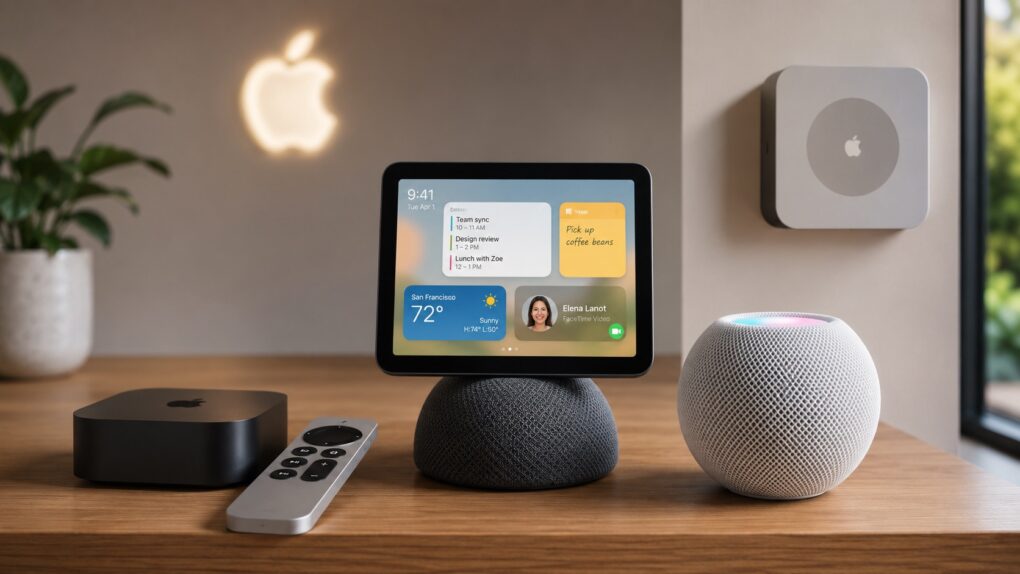
Apple gears up for its biggest smart home launch in years. AI image: ChatGPT/Cult of Mac
After years of lagging the competition, Apple is “nearly ready to launch” three new smart devices, according to a new report. An updated Apple TV and HomePod mini will debut as soon as this fall.
There’s also the long-rumored smart home hub, which could arrive anytime between October and early next year.
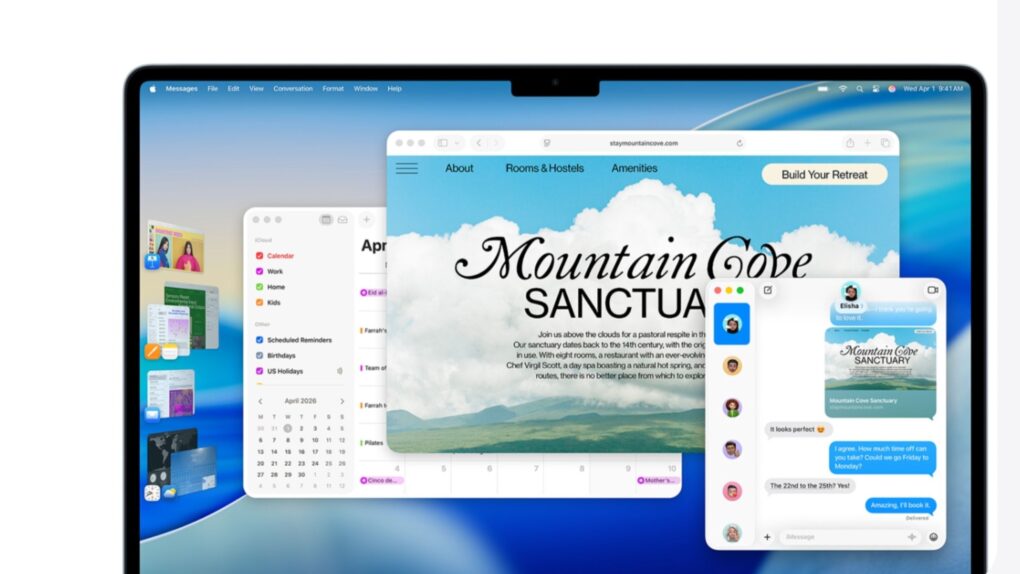
Apple keeps backporting fixes to older macOS versions even as macOS 27 Golden Gate nears its public debut. Image: Apple
If your Mac is still running macOS Sonoma or macOS Sequoia, the latest security updates aren’t optional. Apple released macOS Sonoma 14.8.8 and macOS Sequoia 15.7.8 on Monday, and together they patch nearly 140 security vulnerabilities.
Your Mac won’t gain any new features. But these maintenance updates are still important for anyone who has yet to update to macOS Tahoe. Apple fixed several WebKit flaws that could expose your data when browsing the web.
Incoming Apple CEO John Ternus is a fan of Apple TV. Image: Apple/Cult of Mac
Apple TV isn’t going anywhere once John Ternus takes over as CEO. This week, he praised the streaming service’s momentum and promised to keep building on it.
Ternus takes the reins from current Apple CEO Tim Cook on September 1. His comments suggest Apple’s entertainment push will remain a priority, even though the streaming service reportedly loses money each year.
A fake Sparrow Wallet app allegedly slipped past Apple’s App Store review process. Image: Sparrow Wallet
Three iPhone owners sued Apple last week over a fake Sparrow Wallet app they say they downloaded from the App Store. The plaintiffs say using the bogus app led to the theft of their Bitcoin, resulting in losses of roughly $1.8 million.
The lawsuit, Ramirez et al v. Apple, Inc., accuses Cupertino of failing to catch the scam app despite years of marketing the App Store as a safe place to download software.
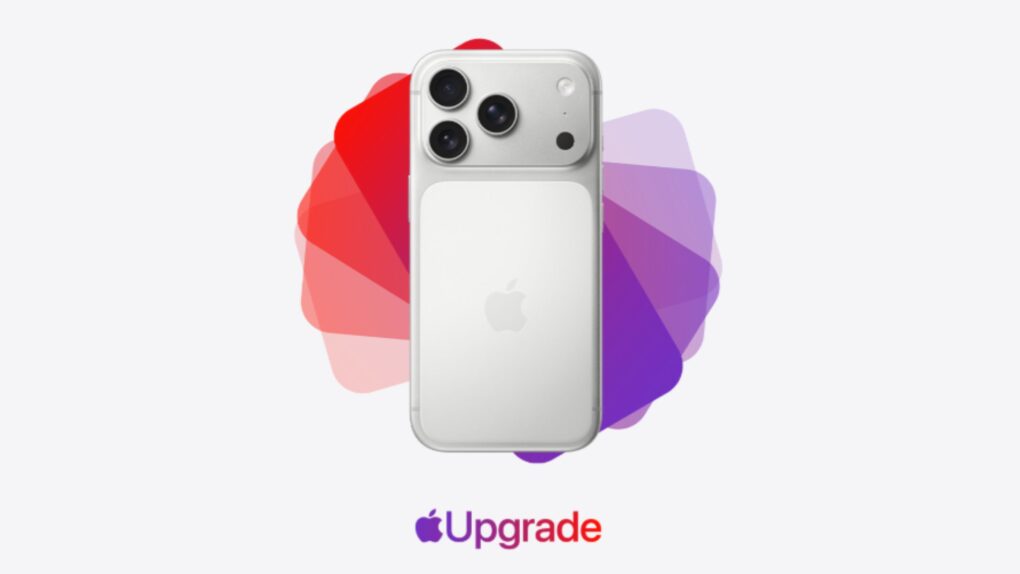
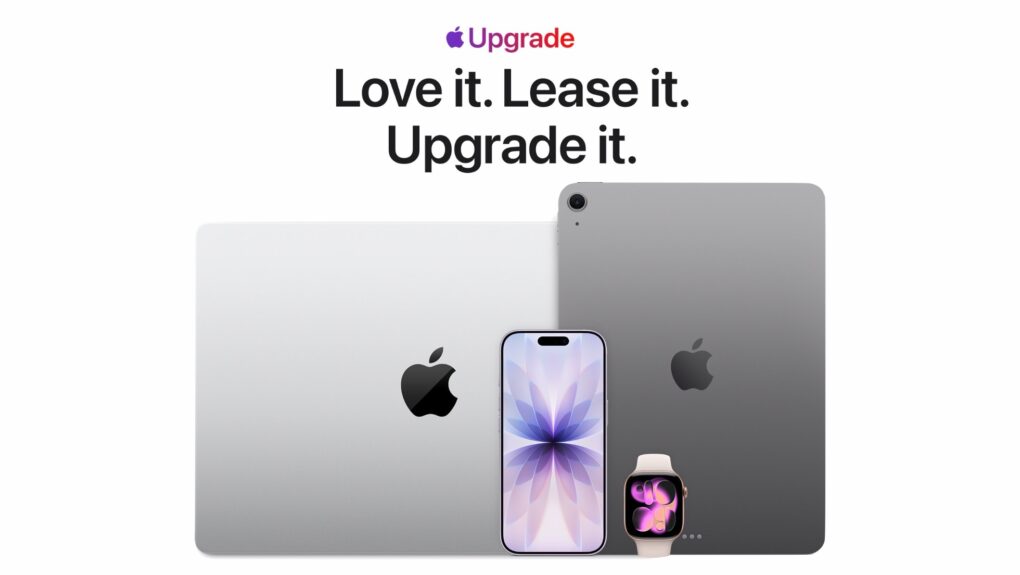
Apple Upgrade is a subscription-style leasing program for the latest Apple devices. Image: Apple/Cult of Mac
Apple just made it easier to stay on the latest hardware with the launch of Apple Upgrade, a new subscription-style leasing program that lets U.S. customers pay a monthly fee for an iPhone, Mac, iPad or Apple Watch.
The new service builds on the company’s old iPhone Upgrade Program by expanding to almost its entire product lineup, giving customers many more options when it’s time to move to a newer device.
“At Apple, we put the customer at the center of everything we do,” said Karen Rasmussen, Apple’s vice president of the Apple Store online in a press release Tuesday, “and we’re thrilled that Apple Upgrade offers our customers, both online and in-store, a more flexible way to pay for the products they love.”
YouTube Premium will soon come with Peacock Premium for free. Photo: YouTube Blog
YouTube Premium is already one of the best value-for-money subscriptions on the market. And it will soon get even better, with eligible YouTube Premium subscribers gaining access to Peacock Premium for free.
The bundle will be limited to YouTube Premium subscribers in the US.
Investors are once again bullish on Apple. Here's why. AI image: ChatGPT/Cult of Mac
After months of playing second fiddle to AI chipmaker Nvidia, Apple reclaimed the title of the world’s most valuable publicly traded company on Monday. A rally in Apple’s stock price over the last month resulted in the Mac maker sailing past Nvidia and all other rivals back to the top of the list. And if that wasn’t enough, Cupertino’s market capitalization is closing in on an astonishing $5 trillion!
AAPL is up about 30% in 2026 on investors’ changing attitudes about AI. Here’s what’s going on down on Wall Street, and why there is renewed confidence in Apple.
iOS 26.6 is here for your iPhone. Photo: Rajesh Pandey/Cult of Mac
Following a few weeks of beta testing, Apple released iOS 26.6, iPadOS 26.6 and macOS 26.6 to the public on Monday. While the updates do not introduce any major new features or changes, iOS 26.6 is more important than it might initially appear.
According to Apple, iOS 26.6 includes more than 70 security updates. It also starts a process that proves very helpful if you plan to upgrade to iOS 27.
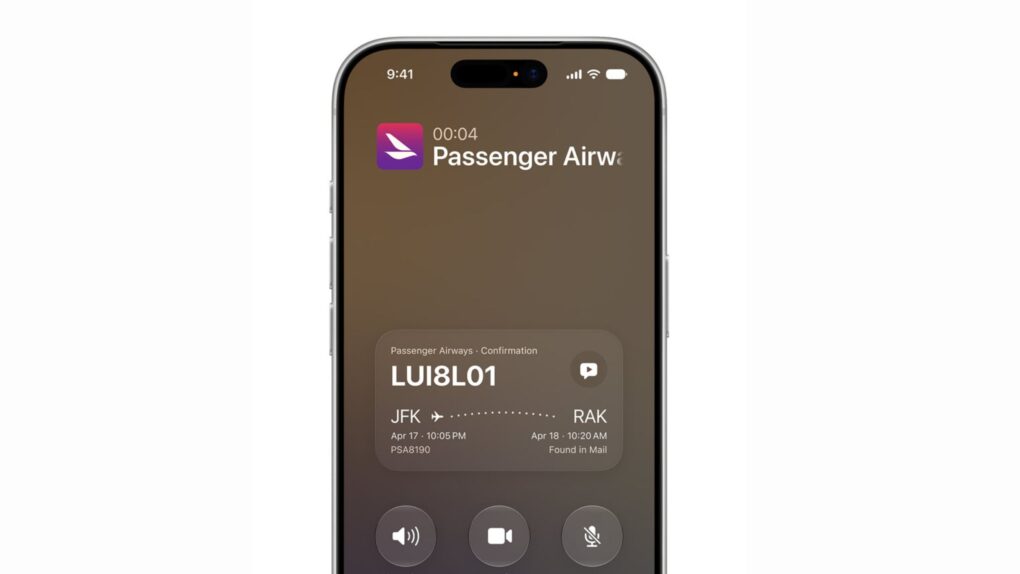
iOS 27 Call Context displays flight and reservation details right on the call screen. Photo: Apple
iOS 27’s Call Context feature is shaping up to be one of the most useful additions in Apple’s fall software update. The Phone app will automatically show confirmation codes, reservation details and other relevant info whenever you call a business.
The feature works by pulling information straight from your Mail app, saving you the hassle of digging through your inbox in the middle of a customer service call. And Apple processes all of this locally, without sending anything to the cloud or a third party.
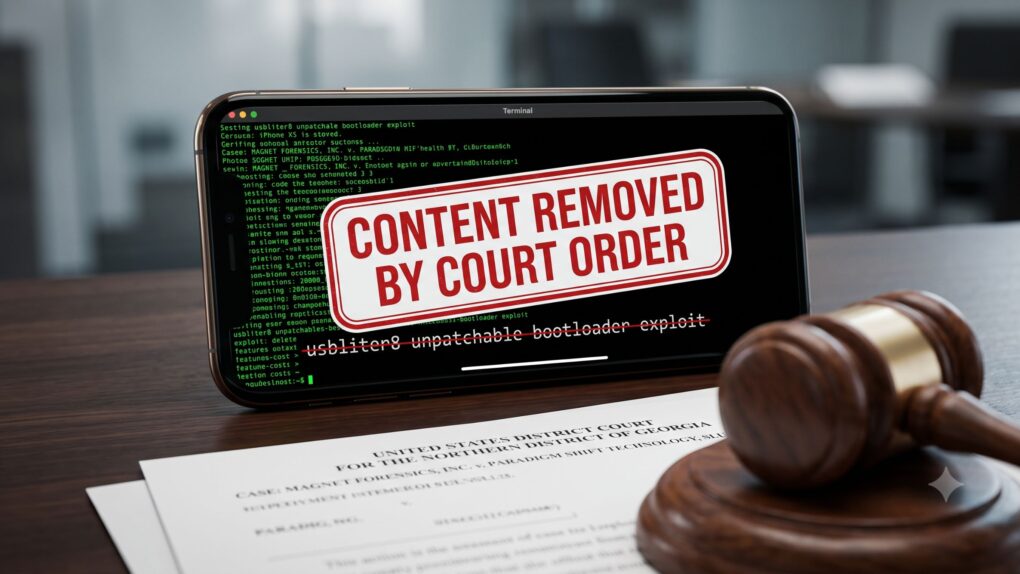
The usbliter8 lawsuit has already forced Paradigm Shift to pull the blog post detailing its once public iPhone exploit. AI image: Google Gemini/Cult of Mac
Remember usbliter8, the unpatchable iPhone exploit we told you about last month? Now, a lawsuit has gotten the whole thing offline, thanks to a court order.
Digital forensics firm Magnet Forensics says a former engineer stole its confidential iPhone-hacking research and gave it away to a rival company. That rival company — Paradigm Shift — then published the research as an original discovery.
Apple’s Chinese memory chip plan has triggered a lobbying war with Micron. AI image: Google Gemini/Cult of Mac
Apple’s plan to source memory chips from China could be running into serious trouble. Micron, the only major memory chip maker in the United States, is lobbying the White House to shut it down.
The clash pits Apple’s push for cheaper memory against fears of hollowing out America’s chip industry. And now, it’s up to the Trump administration to pick a side.
Apple needs to protect people's privacy without hobbling its smart glasses too much. Photo: Gemini/Cult of Mac
Apple will reportedly enter the smart glasses market in 2027, but the company is apparently worried the wearable will tarnish its reputation for protecting privacy. The cameras built into rival devices face criticism, and a new report describes Apple’s efforts to avoid the controversy.
Unfortunately, many of its options would block the feature that makes smart glasses most interesting to me.
The touchscreen MacBook could pack so many new features it's a potential game changer for Apple. Concept image: Cult of Mac/Apple/ChatGPT
Persistent rumors leave little room for doubt that Apple will finally build a touchscreen into a MacBook, burt that’s only one of the significant changes we can look forward to. It could launch as early as this fall as the biggest revamp to macOS notebooks since 2020.
It’s important enough that there’s speculation the device could be the first MacBook Ultra, not simply another MacBook Pro version.
Here’s what the latest rumors say about the touchscreen MacBook.
Apple wants to pay less for the iPhone 18 Pro Max's OLED panels. Photo: Apple
Apple seems to be squeezing its display suppliers hard this year. The company is reportedly asking for approximately a 20% price cut on iPhone 18 Pro Max OLED panels, even though the screens are getting harder to make.
Apple’s per-panel costs usually go down with each new iPhone generation, but that’s a steeper drop than usual.
Apple art director Sofia Coelho offered a brief peek at the early history of Apple mascot Lil’ Finder Guy. Photo: Basic Apple Guy
Lil’ Finder Guy stands “barely an apple tall,” but the Apple mascot started as something even smaller: a sketch.
Offering a rare behind-the-scenes look at Cupertino’s creative process, an Apple art director revealed early sketches and a prototype behind Lil’ Finder Guy in a LinkedIn post on Thursday. Although the post quickly disappeared, the images showed just how much craft went into a character built to sell a budget Mac.
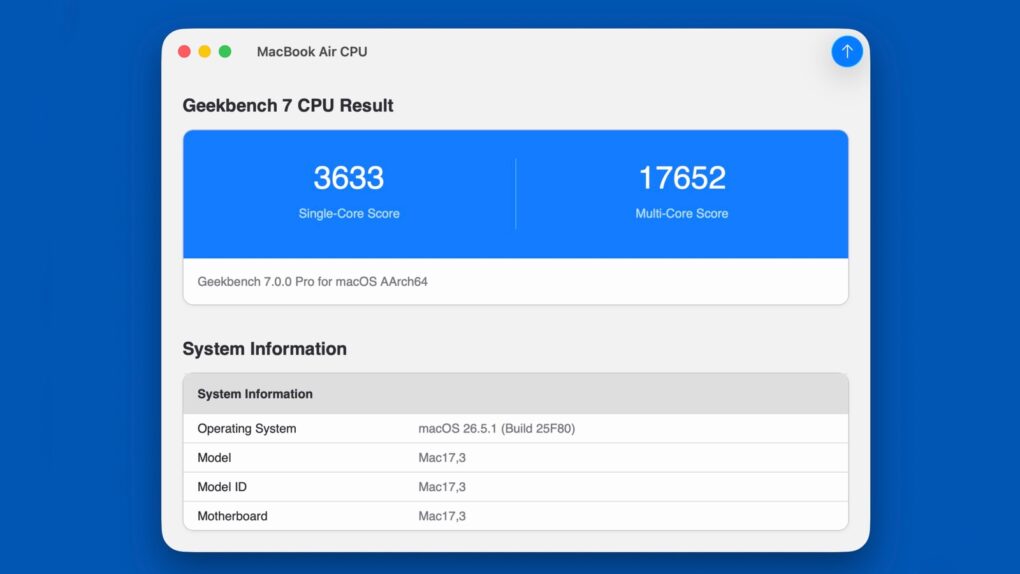
Geekbench 7 offers an updated scoring system for benchmarking Apple devices, plus Windows and Android, too. Photo: Primate Labs
Primate Labs released Geekbench 7, the first major update to its widely used cross-platform benchmarking suite in three years. The new version introduces redesigned CPU and GPU workloads intended to better reflect how modern applications use today’s hardware, with a greater emphasis on handling video and playing games.
Because the latest version uses a new scoring system, benchmark scores made with the new app can’t be compared with one made with Geekbench 6. So every device needs to be retested.
The new Galaxy Z Fold8 gives a glimpse of the foldable iPhone's rumored form factor. Photo: Samsung
Overwhelmingly positive first impressions of Samsung’s Galaxy Z Fold8 bode extremely well for Apple, which is prepping to launch a folding iPhone with a similar design.
People who went hands-on with the Z Fold8 after its Wednesday launch praise the device’s wide, compact form factor, which makes it easy to carry and improves the content consumption experience.
That’s great news for the upcoming folding iPhone, possibly called the iPhone Fold or the iPhone Ultra, which reportedly will arrive later this year.
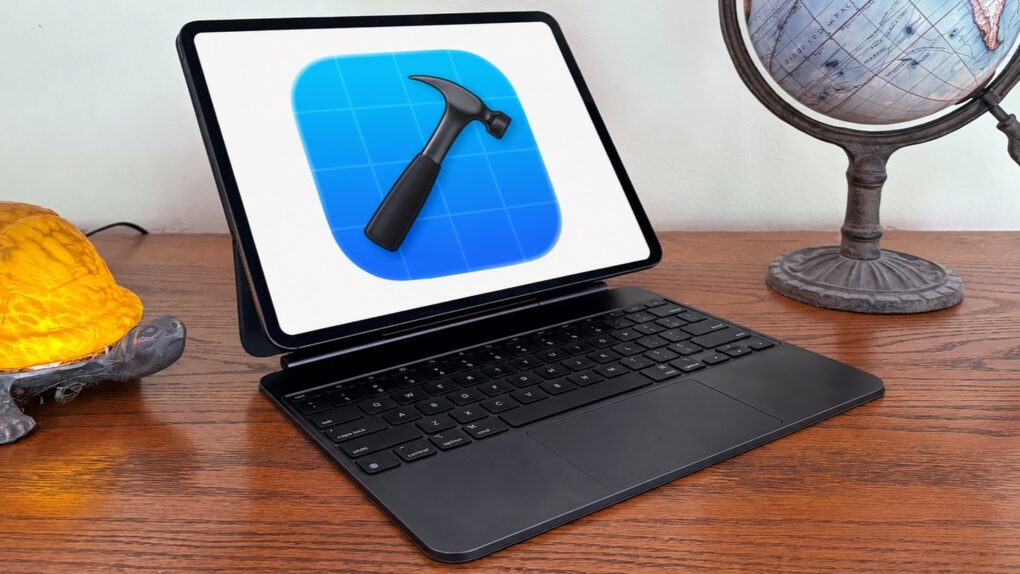
iPad can handle Xcode. Developers want it. It's time for Apple to deliver. Photo: Ed Hardy/Cult of Mac
A recent poll of Cult of Mac readers found very broad support for iPadOS, but a small group remains deeply dissatisfied with the iPad’s software. And while Apple certainly can’t make everyone happy, it could significantly shrink the number of complaints by adding one app. One very long-overdue app.
It’s time for Apple to finally do what developers have wanted for so many years: Bring Xcode to iPad.
Apple App Store app could soon feature an AI shopping assistant to help guide your next purchase. Photo: Apple
Shopping for a new iPhone or Mac will apparently soon come with built-in AI help. Apple is working on a new shopping assistant for the Apple Store app that will use artificial intelligence to answer questions and guide purchases.
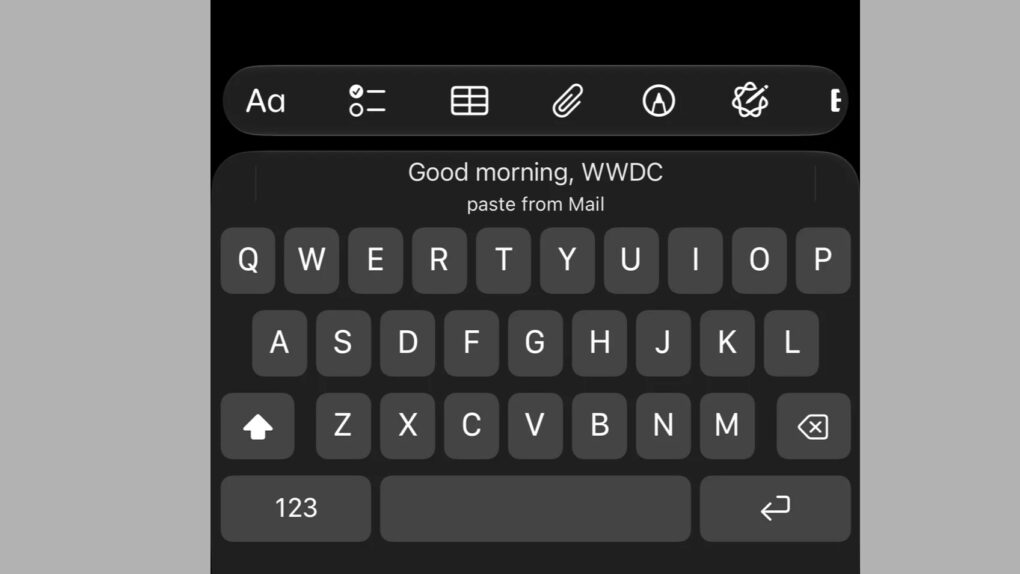
The iOS 27 paste shortcut appears right above the keyboard the moment you copy something. Image: Apple
Copy something, and the iOS 27 paste shortcut now pops up right above your keyboard, ready in a single tap.
The new shortcut shows a live preview of your clipboard, meaning you’ll always know exactly what you’re about to paste, whether it’s text, a link, or a photo.