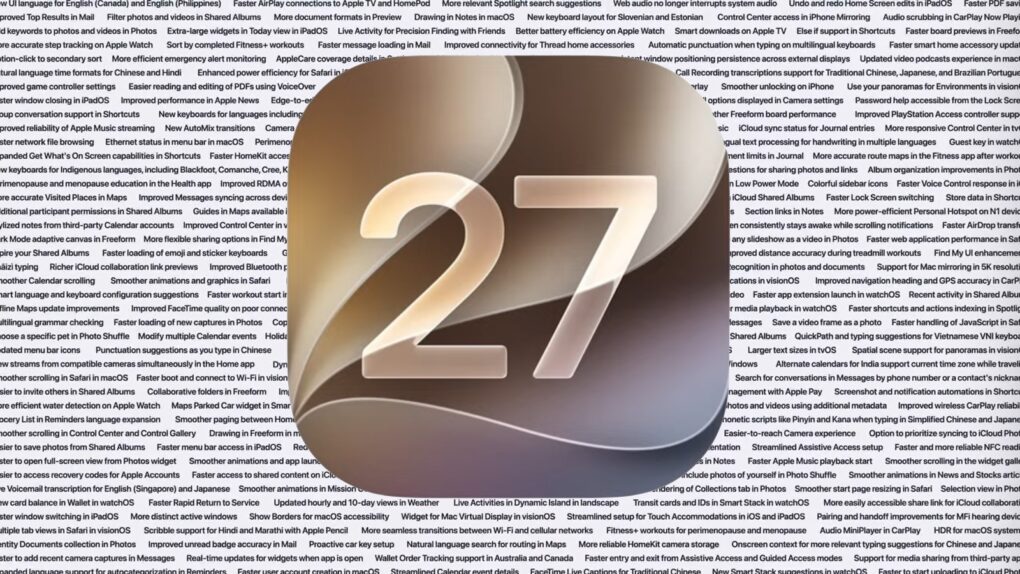
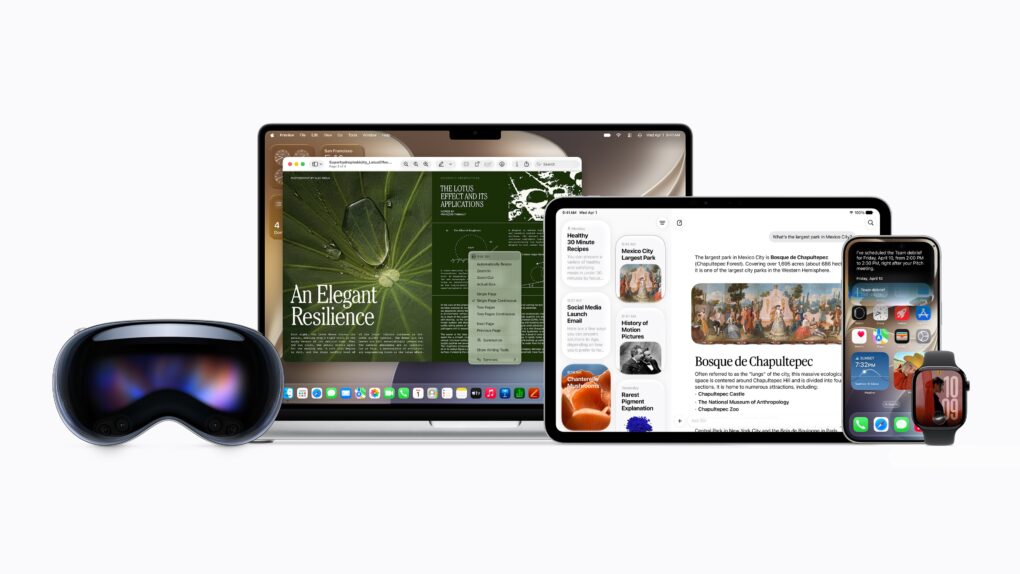
iOS 27 packs several smaller changes that Apple did not talk about. AI image: ChatGPT/Cult of Mac
Apple spent the majority of WWDC26’s opening keynote talking about Siri AI, Apple Intelligence upgrades, Liquid Glass refinements and performance enhancements. But iOS 27 packs much more than that. There are several smaller changes that Apple did not talk about onstage.
Here are some of the best hidden iOS 27 features you might have missed.
Apple is finally closing the book on Intel app support with macOS 27 Golden Gate. Photo: Apple
Apple’s planned goodbye to Intel is almost here, and it’s not about the hardware. macOS 27 Golden Gate will be the last version of macOS to support apps built for Intel-era chips using Rosetta 2, the software layer that’s been keeping older software alive on Apple silicon. Next year, when Apple announces macOS 28, that safety net will disappear completely.
This affects even M-series Mac users who upgraded years ago. If any of the apps you use haven’t been updated with native Apple silicon support, they are likely alive because of Rosetta 2. These apps now have roughly one year before they stop running.
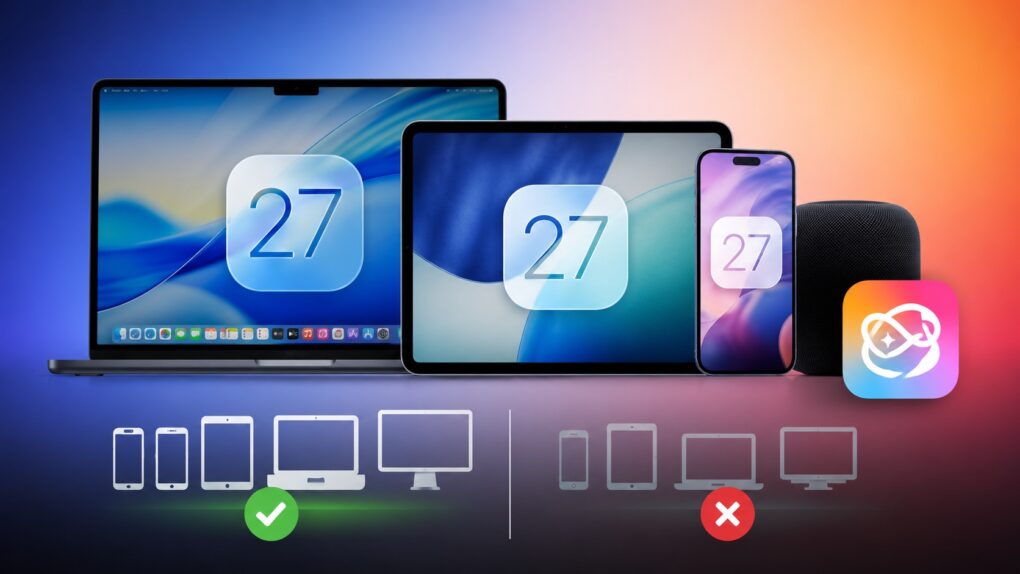
Some Siri AI features will only work on Apple's latest devices. AI image: ChatGPT/Cult of Mac
iOS 27 is coming to iPhone 11 and all models released after that. And while it sounds impressive that Apple’s new operating systems will support devices released in 2019, it does not mean that your old iPhone will get every new iOS 27 feature. In fact, even the iPhone 17 will not get the full suite of AI features in iOS 27.
The same holds true for iPadOS 27 and macOS 27. Many of the headline features require newer hardware, meaning some compatible iPads and Macs will miss out on parts of the update.
Please, only touch the screen if it’s a touchscreen. Photo: Pavel Danilyuk/Pexels
A few changes in macOS Golden Gate 27 hint towards Apple introducing a Mac with a touchscreen quite soon. Apple added a bunch of developer tools that allow apps to differentiate touch input from mouse input. Liquid Glass elements also behave differently when you interact with them on a touchscreen — they bounce and glow more prominently, just like iOS.
Officially, these changes are for Sidecar, the feature that lets you use an iPad as a touchscreen Mac display. But Apple’s own documentation also states that these new features are “not just for the Sidecar display.”
What else could that be…? Maybe the touchscreen MacBook that’s rumored to launch later this year.
Apple's new AI-powered Extend and Reframe image tools show real promise. Graphic: Ed Hardy/Cult of Mac
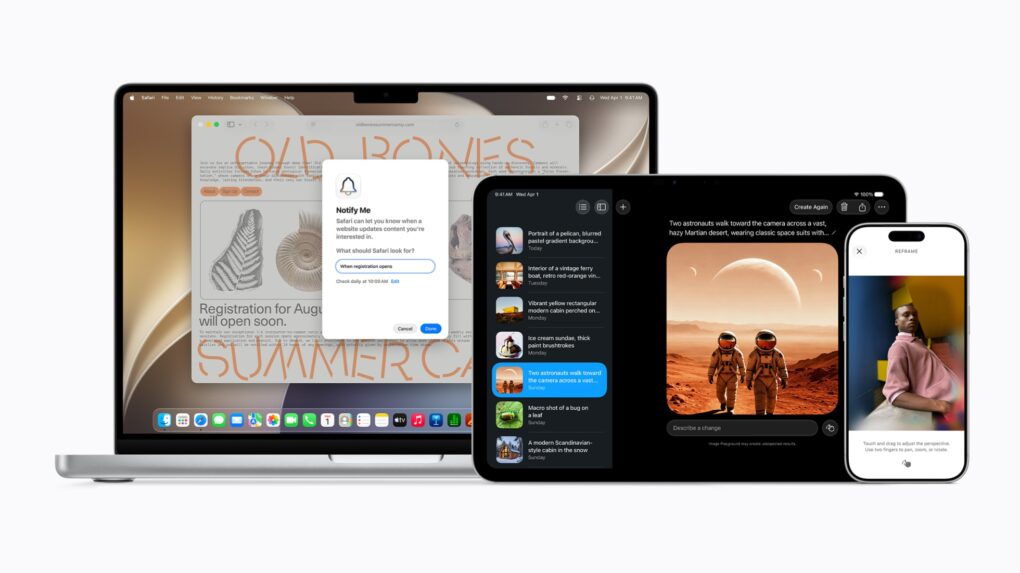
The Reframe and Extend tools Apple added to the Photos app in iOS 27, iPadOS 27 and macOS 27 are excellent examples of how AI can be used to improve our lives. With these AI-powered editing options, a picture that’s almost amazing can be noticeably improved.
Plus, they don’t have the drawbacks of artificial intelligence that make so many people uncomfortable.
Apple provides more options for tweaking Liquid Glass in iOS 27, macOS 27 and iPadOS 27. Image: Apple
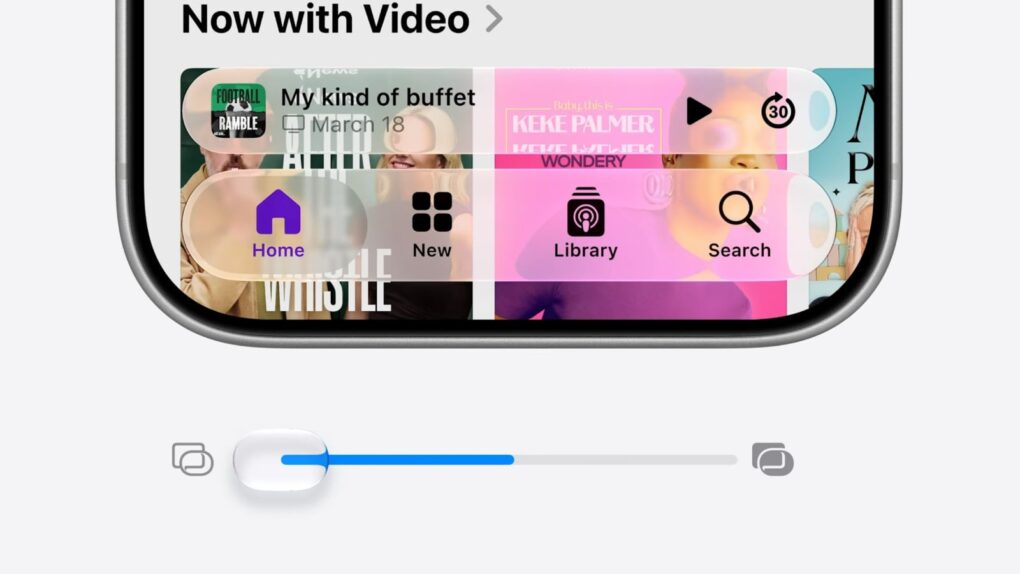
Refinements to Apple’s divisive Liquid Glass user interface in iOS 27, iPadOS 27 and macOS 27 address many of the quirks that made some people despise the glossy new UI over the past year.
Apple straightforwardly addressed users’ concerns during Monday’s WWDC26 keynote. And Shubham Kedia, Apple’s human interface design director, said Apple updated “the foundations of how Liquid Glass is built” for this year’s new operating systems.
“Last year, we introduced our most ambitious cross-platform design update ever with Liquid Glass, which made apps and experiences even more expressive and delightful,” said Kedia. “Like with all major design updates, there’s a natural process where we take a bold leap forward and then we continue to iterate.”
Will the changes to Liquid Glass satisfy users who dislike the current state of affairs? The first developer betas are out, and early reactions seem mostly positive. Here are the biggest changes coming to Apple’s design language this year.
Watch the keynote in just 2.0% of the time. Image: Apple/D. Griffin Jones/Cult of Mac
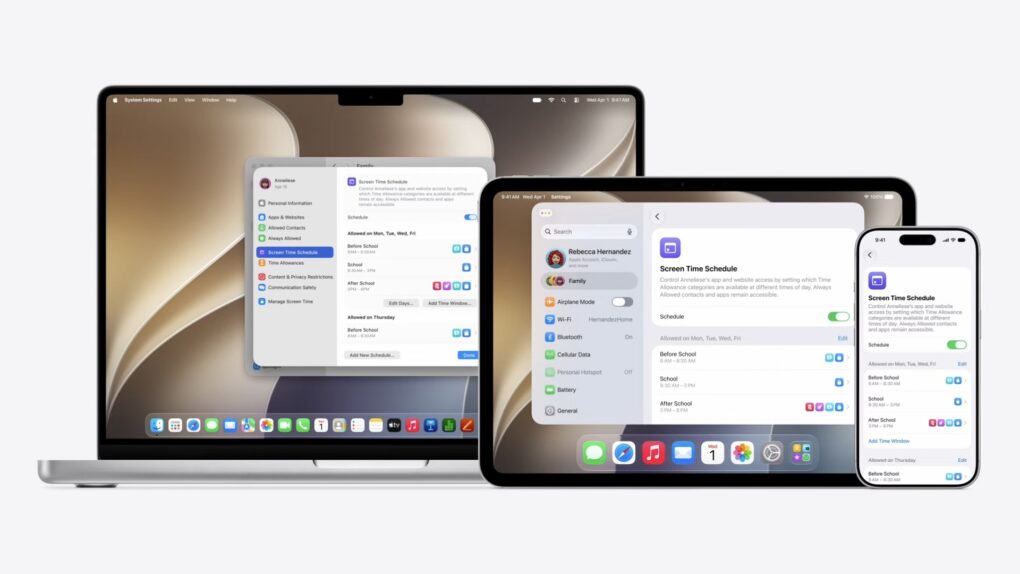
At the WWDC26 keynote, Apple announced the next versions of all its operating systems with a swath of AI features. There are tweaks to the Liquid Glass design, a wide array of tiny quality-of-life and performance improvements, draconian parental controls and limits, and AI in every corner of the operating system.
It was an unusual WWDC keynote that disposed of the typical platform-by-platform format, and a relatively brisk runtime. But if you don’t have 76 minutes to spare, you can get the gist in just 90 seconds.
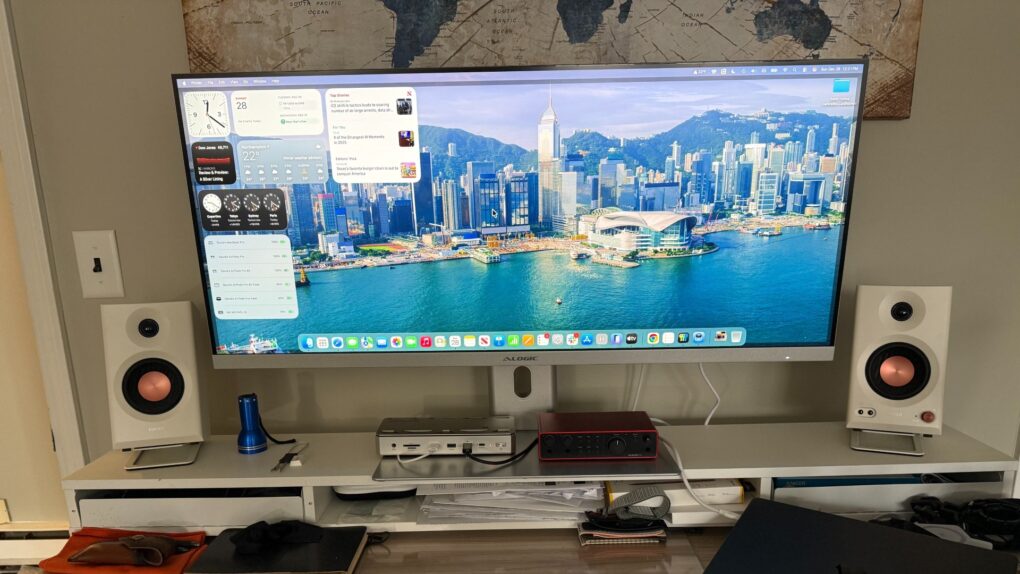
This 40-inch ultrawide display sports a Mac-friendly look, feel and functionality -- and will work all the better with macOS 27, apparently. Photo: David Snow/Cult of Mac
Mac users who rely on ultrawide monitors (ahem, like me) have been waiting years for Apple to treat their setups as first-class citizens. With macOS 27 Golden Gate unveiled Monday at WWDC26, that wait appears to be over.
The list of improvements in iOS 27, macOS 27 Golden Gate and iPadOS 27 is enormous. Image: Apple/Cult of Mac
Before Apple even started talking about new features, it devoted a significant chunk of Monday’s WWDC26 keynote to talking up improvements to performance and stability coming to all its operating systems this fall, including macOS 27, iOS 27 and iPadOS 27.
It’s surely welcome news to Apple users that their devices with run faster, with fewer bugs. And that’s includes a significant performance improvement especially for older iPhone models.
New Siri won't come to the EU on iPhone and iPad. Photo: Apple
The headlining new feature of iOS 27 and iPadOS 27 — new Siri AI — will not come to the EU.
“We’re deeply disappointed that our EU users won’t have Siri AI on iPhone or iPad when we share our new software releases later this year,” said Apple’s SVP of Software Engineering Craig Federighi.
As Apple said, "With its new architecture and capabilities, the next generation of Apple Intelligence powers helpful features across the system, simplifying the things users do every day." Photo: Apple
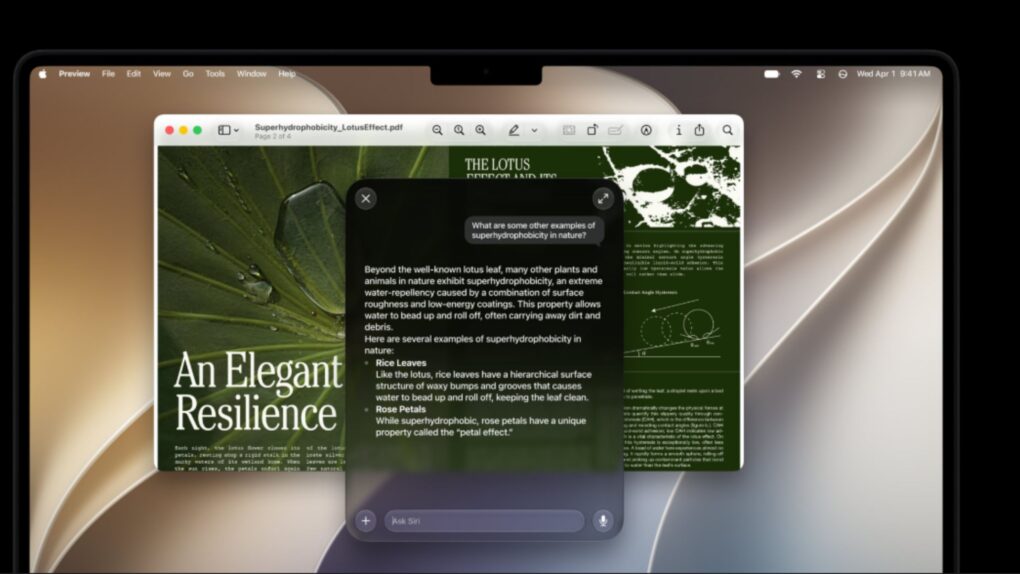
While Siri got a complete redesign to include a dedicated chatbot app, on-screen awareness and deeper integration with third-party tools, that’s not the only AI upgrade cited by Apple in Monday’s WWDC26 keynote. A bunch of new Apple Intelligence features are set to upgrade your life, too.
“Truly helpful AI must be centered on our users’ needs, deeply integrated into the products they rely on every day, grounded in personal context, and built with privacy at every step. That is our vision for Apple Intelligence,” said Craig Federighi, Apple’s senior vice president of software engineering.
“With useful features for browsing the web, expressing creativity, editing photos and so much more, today marks a big step forward on our journey to integrate powerful AI into the core of our platforms and make our products even more personal and useful,” he added.
The new features will become available with the release of iOS 27 and other OS updates coming in September 2026.
iOS 27 will work with even the iPhone 11. Image: Apple
Apple showcased iOS 27, iPadOS 27, watchOS 27 and macOS 27 at WWDC26’s opening keynote Monday. The updates refine last year’s Liquid Glass redesign, add several new Apple Intelligence features, and introduce a host of quality-of-life improvements across the company’s devices.
Before you get excited about trying the new features, you’ll want to make sure your device is supported. Below, we rounded up the full compatibility lists for iOS 27, iPadOS 27, watchOS 27 and macOS 27.
Will macOS 27 look as gorgeous as California's Big Bear Lake? Photo: San Bernardino County
With WWDC26 just days away, the annual guessing game over California place-names that could become the new macOS name is in full swing. Various clues and speculation about macOS 27 suggest this year’s leading candidates are Big Bear and Emerald.
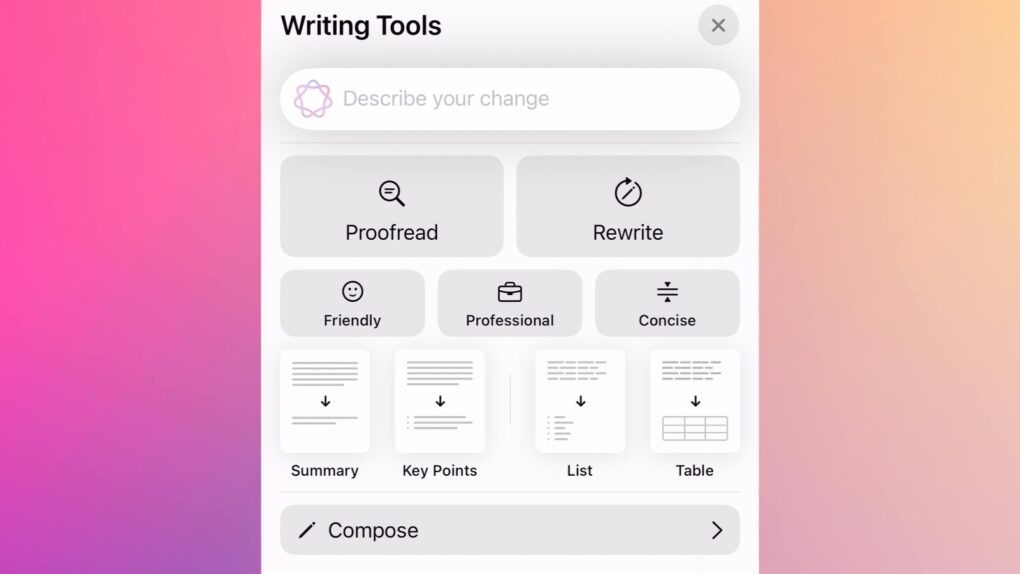
The iPhone's AI-enabled Writing Tools could get an upgrade in iOS 27. Image: Cult of Mac
iOS 27 will offer additional AI-powered grammar assistance, according to an unconfirmed report Monday. This will go beyond the writing tools already available through Apple Intelligence and will work in macOS and iPadOS, too.
In addition, Apple will also use AI to generate wallpapers for their devices and also make shortcuts easier to create in the Shortcuts app.
iOS 27 and macOS 27 should make Safari tabs easier to manage. Mockup: Rajesh Pandey/Cult of Mac
Safari in iOS 27 and macOS 27 will reportedly copy a handy Google Chrome feature to better manage your open tabs. It will build on the Tab Groups feature to organize similar open tabs into groups automatically.
Apple will apparently also provide a manual way to open tabs into groups.
The next big macOS update should make Liquid Glass more usable. AI image: ChatGPT/Cult of Mac
macOS 27 will reportedly feature a “slight” Liquid Glass redesign to address some of the complaints with macOS Tahoe. Apple will seemingly address the readability and transparency issues that currently plague the Mac operating system.
Bloomberg’s Mark Gurman says the redesign will not be dramatic. If anything, the “goal is more of a cleanup and refinement effort.”
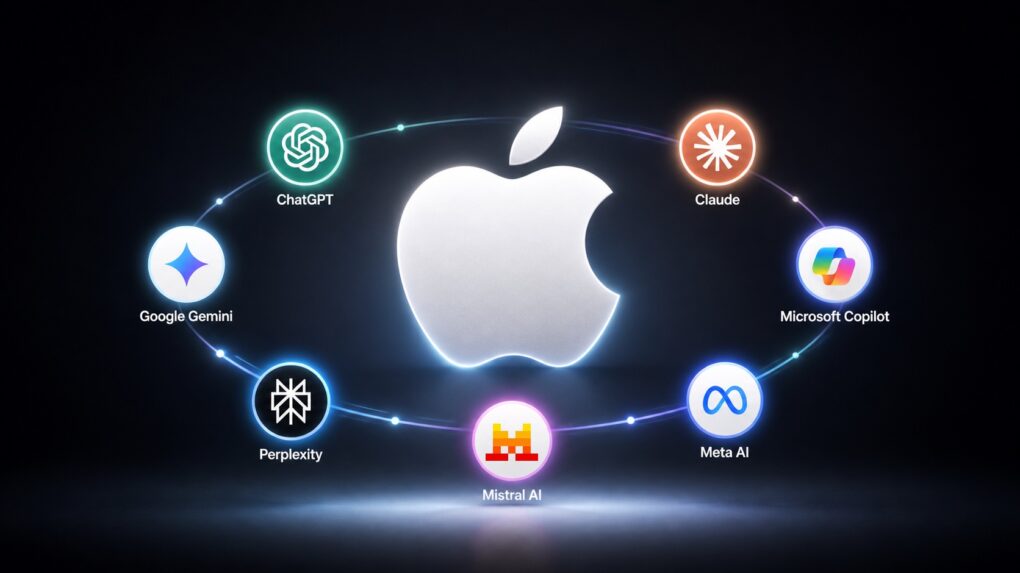
It doesn't matter who wins the the AI battle if Apple allies with all of them. AI image: ChatGPT/Cult of Mac
Apple will let iPhone and Mac users choose between multiple AI models for different tasks, according to a report published Tuesday. The strategy would allow users to select whichever third-party AI system they prefer to generate and edit text and images for them.
It’s a brilliant solution to the ongoing battle between companies to develop the best AI models. It won’t matter whether OpenAI, Google, Perplexity, etc., wins that fight — because Apple also wins.
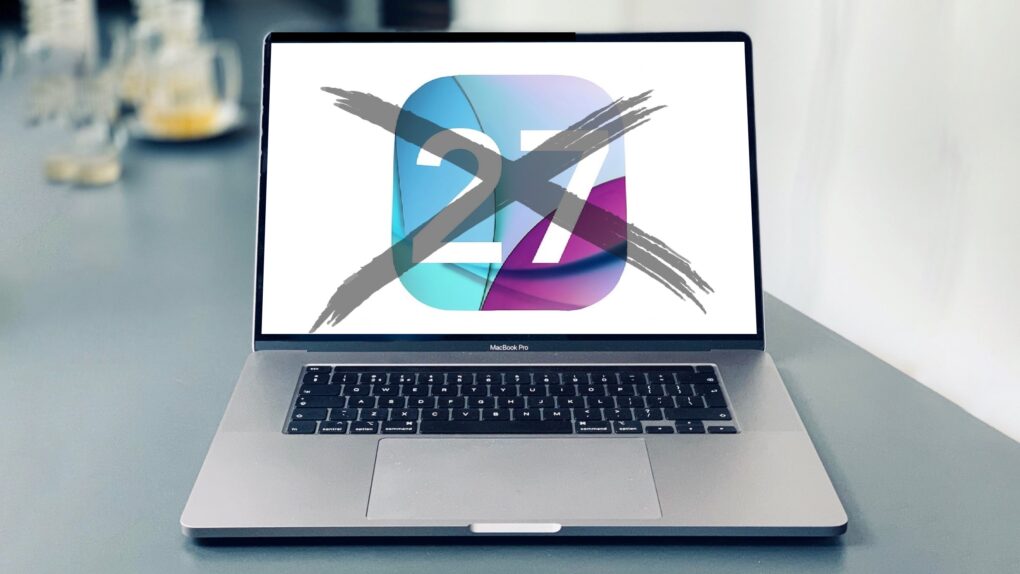
This 2019 MacBook Pro with an Intel chip will not get macOS 27. Photo: Charlie Sorrel/Cult of Mac
Anyone still using an Intel Mac needs to know that when macOS 27 launches this fall, it won’t be available for computers that don’t use Apple’s own processors.
It’s not like your Intel-based Mac will suddenly explode in your face because it’s running an older version of macOS, but the odds of getting hacked go up considerably. Here’s why.
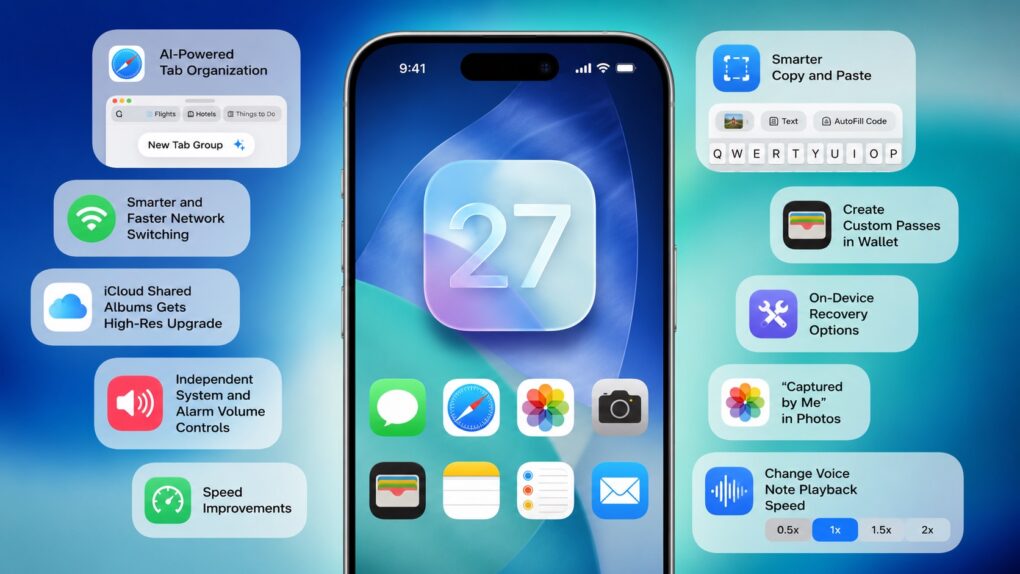
 Apple spent the majority of WWDC26’s opening keynote talking about Siri AI, Apple Intelligence upgrades, Liquid Glass refinements and performance enhancements. But iOS 27 packs much more than that. There are several smaller changes that Apple did not talk about onstage.