
Mobile menu toggle

Top Stories

Read Cult of Mac’s latest posts on Top Stories:

watchOS 27 brings Siri AI, smarter Workout Buddy and a lot more to the Apple Watch

By

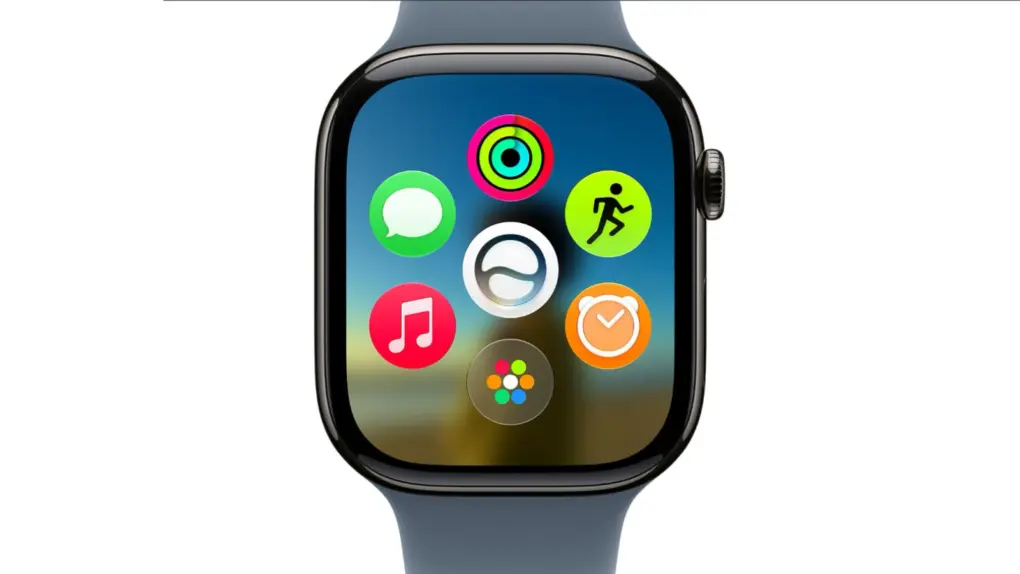
Product image of Apple Watch running watchOS 27 with new dyanmic app grid on screen (and new Siri AI right in the middle)
A new dyanamic app grid in watchOS 27 puts Siri AI right in the thick of things.
Image: Apple

Apple WWDC26:watchOS 27 will bring the new Siri AI, a smarter Workout Buddy and other useful new features to Apple Watch. While the wearable didn’t receive much attention during the WWDC26 keynote on Monday, Apple said watchOS will get AI-powered upgrades like the rest of its platforms.

“You can start chatting with Siri on your iPhone, pick up where you left off on your iPad, and wrap up on your Mac,” said Mike Rockwell, Apple’s VP of Siri engineering, during the keynote. “We’re also tailoring Siri AI for watchOS. So you can ask questions and take action right on your wrist. And you can also tap into the Siri app using the new app grid on Apple Watch.”

15 great new Apple Intelligence features to try (beyond Siri AI)

By

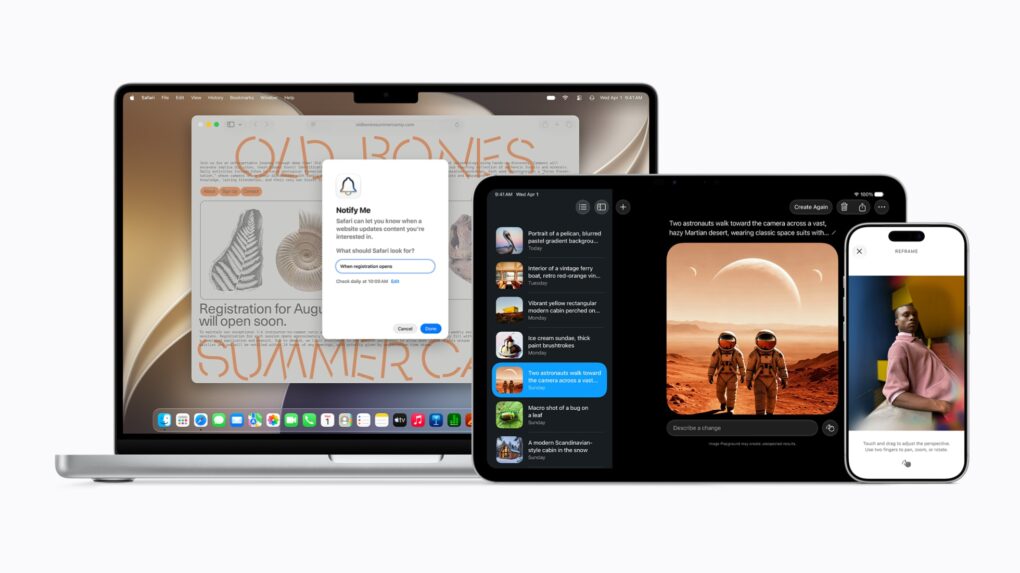
15 great new Apple Intelligence features
As Apple said, "With its new architecture and capabilities, the next generation of Apple Intelligence powers helpful features across the system, simplifying the things users do every day."
Photo: Apple

Apple WWDC26:While Siri got a complete redesign to include a dedicated chatbot app, on-screen awareness and deeper integration with third-party tools, that’s not the only AI upgrade cited in the WWDC26 keynote. A bunch of new Apple Intelligence features are set to upgrade your life, too.

“Truly helpful AI must be centered on our users’ needs, deeply integrated into the products they rely on every day, grounded in personal context, and built with privacy at every step. That is our vision for Apple Intelligence,” said Craig Federighi, Apple’s senior vice president of software engineering.

“With useful features for browsing the web, expressing creativity, editing photos and so much more, today marks a big step forward on our journey to integrate powerful AI into the core of our platforms and make our products even more personal and useful,” he added.

The new features will be available with the release of iOS 27 and other OS updates coming in September 2026.

iPadOS 27 gets faster and more useful with powerful new AI features

By

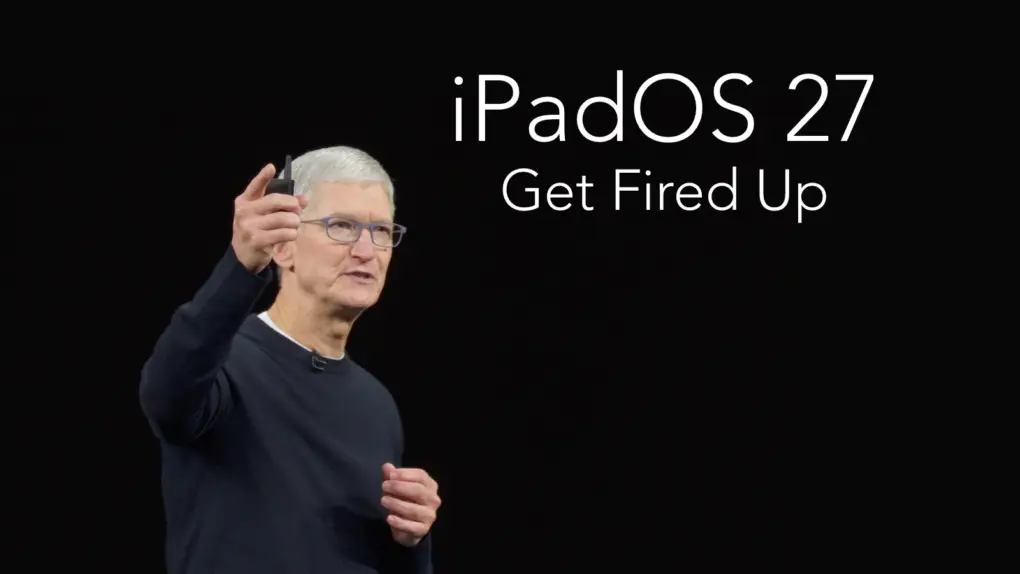
iPadOS 27 features: Performance boost plus new AI capabilities
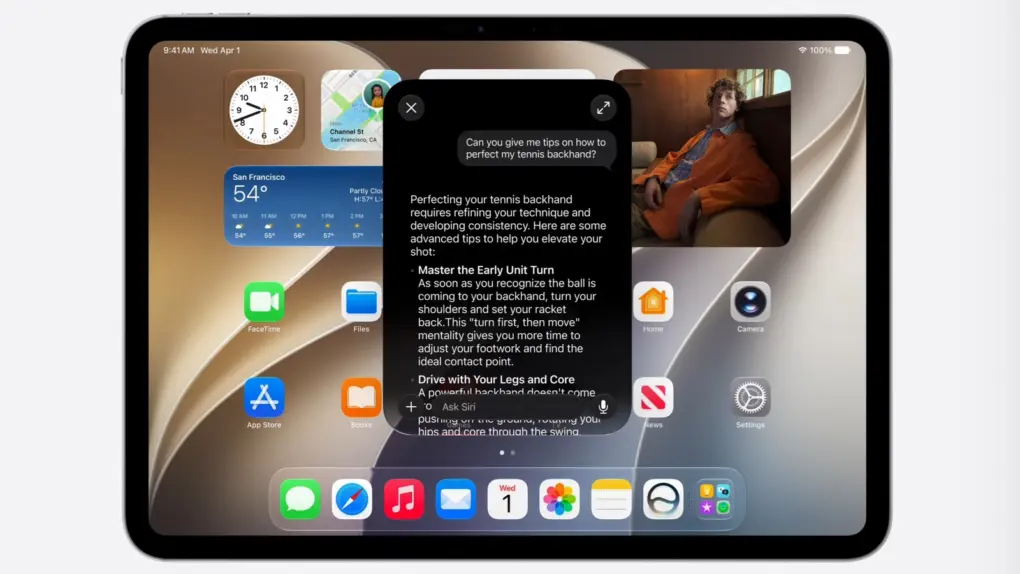
A standout feature of iPadOS 27 is a new standalone Siri AI chatbot.
Screenshot: Apple

Apple WWDC26: iPad users got their first look at iPadOS 27 on Monday, with Apple using the keynote address of WWDC26 to tout improvements to stability and performance before taking a deep dive into new AI-related features.

There are a great many enhancements for tablet users. Here are the standouts.

iOS 27 debuts at WWDC26 with brighter Siri, better Visual Intelligence

By

Image of an iPhone running iOS 27 with new Siri AI from WWDC26 keynote
Siri gets a whole new look, and a ton of new AI capabilities, in iOS 27.
Image: Apple

Apple WWDC26:The much-anticipated iOS 27 update for iPhone showcased at the Worldwide Developers Conference rebuilds the Siri voice assistant from the ground up as Siri AI, improves Apple Visual Intelligence, offers an improved Camera app, fixes myriad bugs and more, Apple said Monday. It turned out to be quite the consequential update.

“We’re excited to bring a wide range of improvements to each of our platforms, making them even more useful and delightful,” said CEO Tim Cook as he began to close out the keynote presentation. It’s expected to be his last before he steps down from the role on September 1.

Today in Apple history: OS X Snow Leopard roars for the first time

By

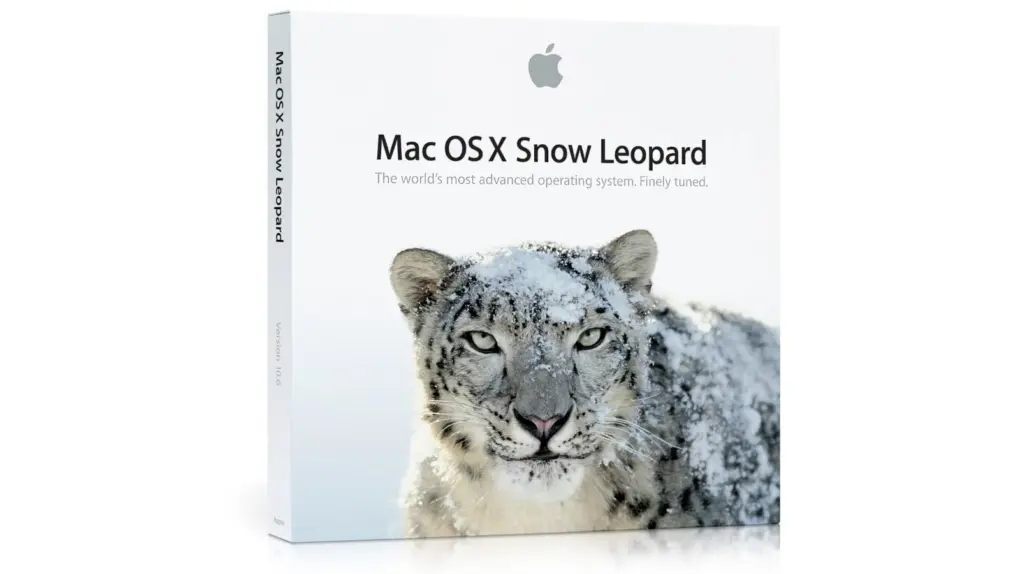
Photo of a Mac OS X Snow Leopard box. Apple released the software on August 28, 2009.
Remember this character?
Photo: Apple

June 8: Today in Apple history: Apple introduces OS X Snow Leopard June 8, 2009: Apple introduces OS X Snow Leopard, a version of its Mac operating system that ranks among the company’s finest desktop updates.
Showcased at Apple’s Worldwide Developers Conference in San Francisco, Snow Leopard doesn’t seem as flashy as some other Mac operating system upgrades. In fact, Apple famously includes a slide in its WWDC presentation touting “0 new features.” However, OS X Snow Leopard more than delivers on Apple’s core values, paving a path to a bright future for the Mac.

Today in Apple history: The first great color PowerBook arrives

By

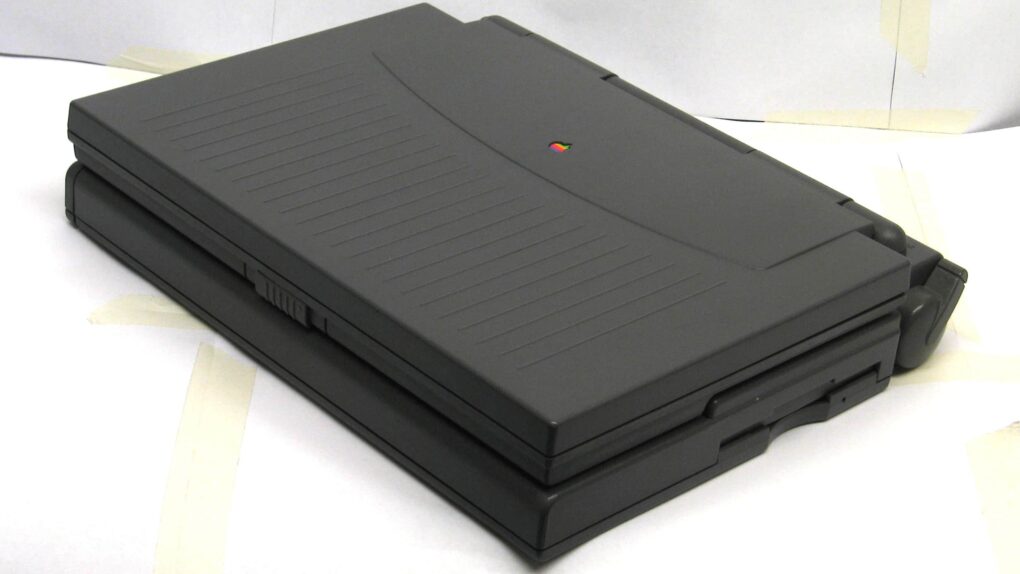
Photo of the PowerBook 180c, the first Apple laptop with a high-quality color screen.
Inside its beefy chassis, the PowerBook 180c packed a beautiful color screen.
Photo: Wikipedia CC

June 7: Today in Apple history: Apple debuts the PowerBook 180c laptop June 7, 1993: Apple debuts the PowerBook 180c, a solid upgrade that brings a world of dazzling colors to the company’s laptop line.

The 180c’s big improvement over the grayscale PowerBook 180, which launched the previous October, is its active-matrix, 256-color screen. Such a screen is something of a novelty for laptops in the early 1990s.

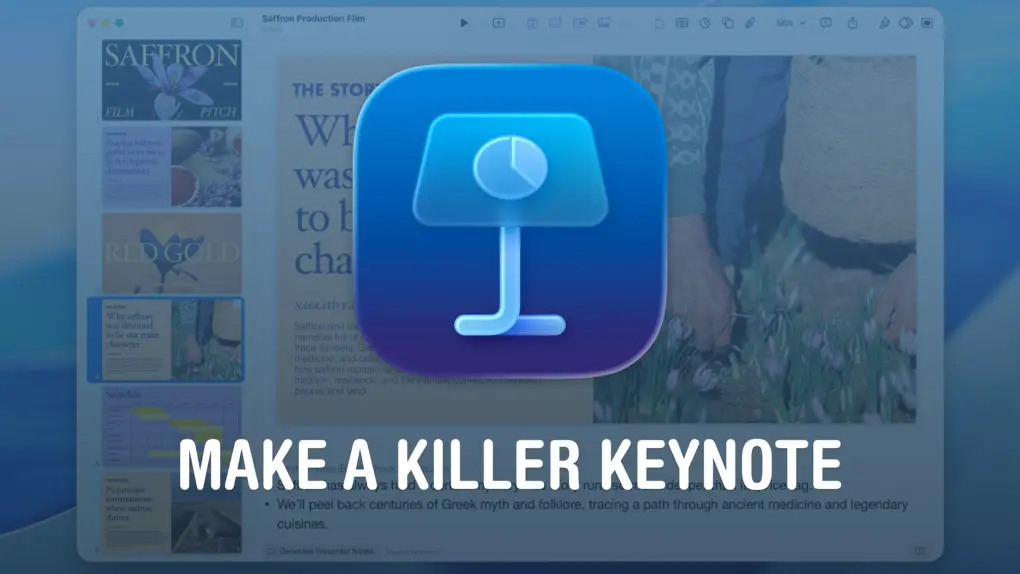
How to create a Keynote presentation that would make Steve Jobs proud

By

Make A Killer Keynote Presentation
Make a presentation that leaves an impression.
Image: Apple/D. Griffin Jones/Cult of Mac

If you want to create the best possible Keynote presentation, you should follow a few simple rules — and ape the style of the keynote GOAT, Steve Jobs.

He was the best in the business of hosting live press events. It’s no surprise that Apple’s Keynote app was literally made for him as the target audience, then later turned into a product for everyone else.

If you want your presentation to look as professional and polished as a Stevenote, here’s what you should do.

WWDC26 predictions: Siri, AI, hardware and screen time [Cult of Mac podcast No. 23]

By

A glowing Apple logo floating above a stage, with the words
Time to play the predictions game again!
Image: Cult of Mac

This week on the Cult of Mac podcast: As per tradition, we match wits with our predictions about what we’ll see at Apple’s WWDC26 keynote. Griffin and I are joined by two special guests, Charlie Sorrel and Graham Bower, for this year’s installment of the WWDC prediction game.

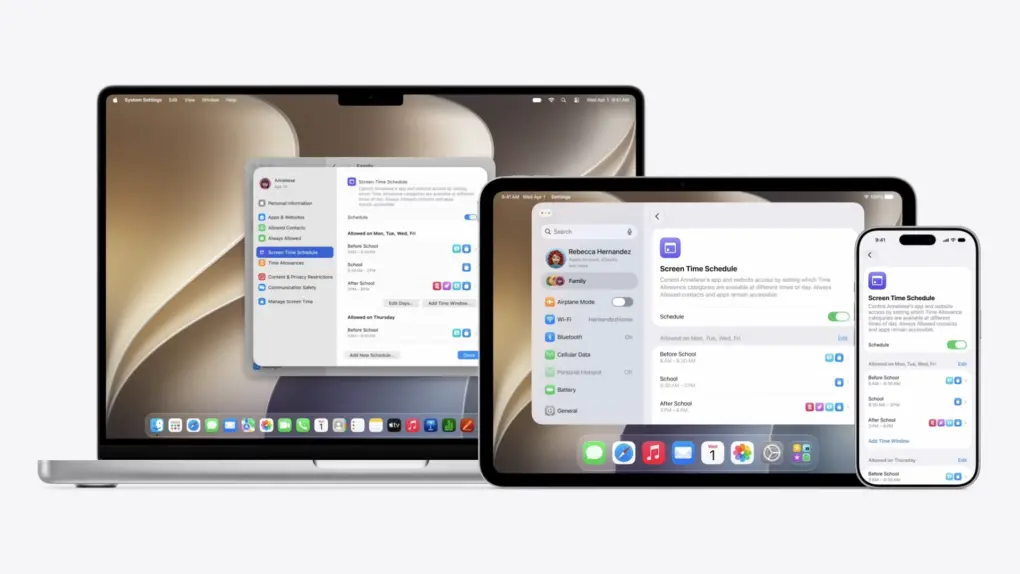
What will the new Siri do? Will Apple unveil new hardware? And who, exactly, will get how much screen time?

We chisel our answers into digital stone on 10 tricky questions (which also serve as a jumping-off point to discuss Apple’s future and strategies). And, as always, you can play along! Just be sure to submit your answers (via this Google Docs form) before Monday’s WWDC26 keynote.

Also on the Cult of Mac podcast:

  • The “dark cherry” color rumored for iPhone 18 Pro looks pretty funky, if the latest dummy models can be trusted. Some of us love it, some not so much.
  • With the first folding iPhone on the way, iOS 27 seems primed for true multitasking.
  • Apple’s smart glasses reportedly got delayed again. Will they be worth the wait?
  • And finally, Graham discusses what it’s like being an extremely late adopter of Apple’s Vision Pro headset.

Listen to this week’s episode of the Cult of Mac podcast in the Podcasts app or your favorite podcast app. (Be sure to subscribe and leave us a review if you like it!) Or watch the video live stream, embedded below.

Beyond Siri: New Apple Intelligence features to expect at WWDC26

By

New Apple Intelligence features beyond Siri
Apple Intelligence and Visual Intelligence should get a jolt of new features at WWDC26.
AI image: Google Gemini/Cult of Mac

Apple WWDC26:Everybody expects Apple’s Siri voice assistant to get a big AI-powered makeover Monday at WWDC26. But there’s more to the picture, in that Apple Intelligence and Visual Intelligence will see a bunch of separate new features, too, according to rumors rounded up in a new report Friday.

Best vintage and retro Apple setups: Old gear, new love

By

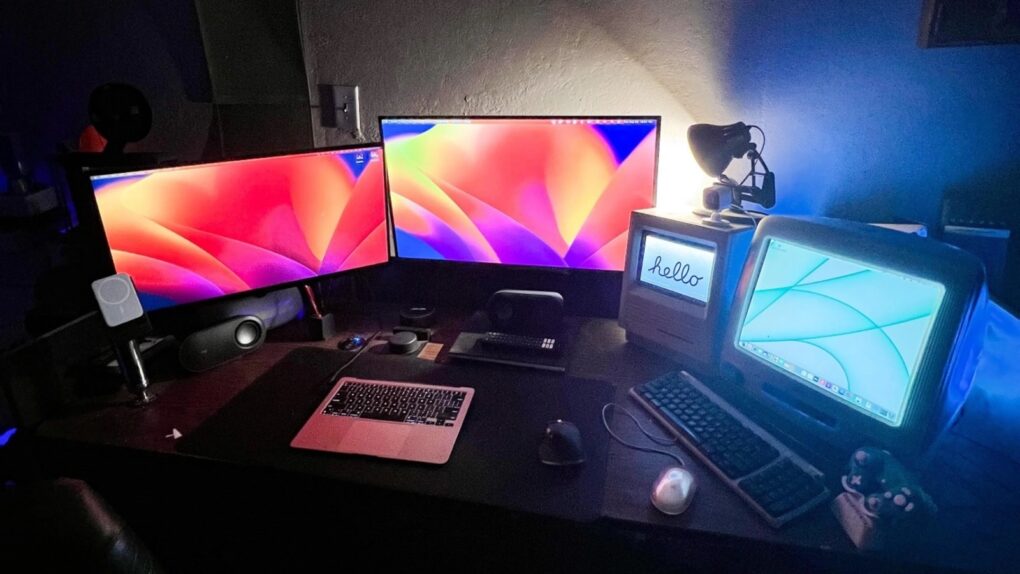
old and new macs setup
Bask in the warm glow of antique Macs actually being used.
Photo: [email protected]

Apple designs hardware for the ages — sometimes quite literally. The Cult of Mac Setups archive is full of users who never got around to retiring an old Cinema Display. Or who deliberately hunt one down online for new-to-them use. Some keep a 2013 “trash can” Mac Pro running as a daily driver because it still gets the job done. Some love old gear so much they maintain as much as possible — or at least classic posters — in their setup. And here’s the result: the best vintage and retro Setups in our archive.

Today in Apple history: The revolutionary Apple II goes on sale

By

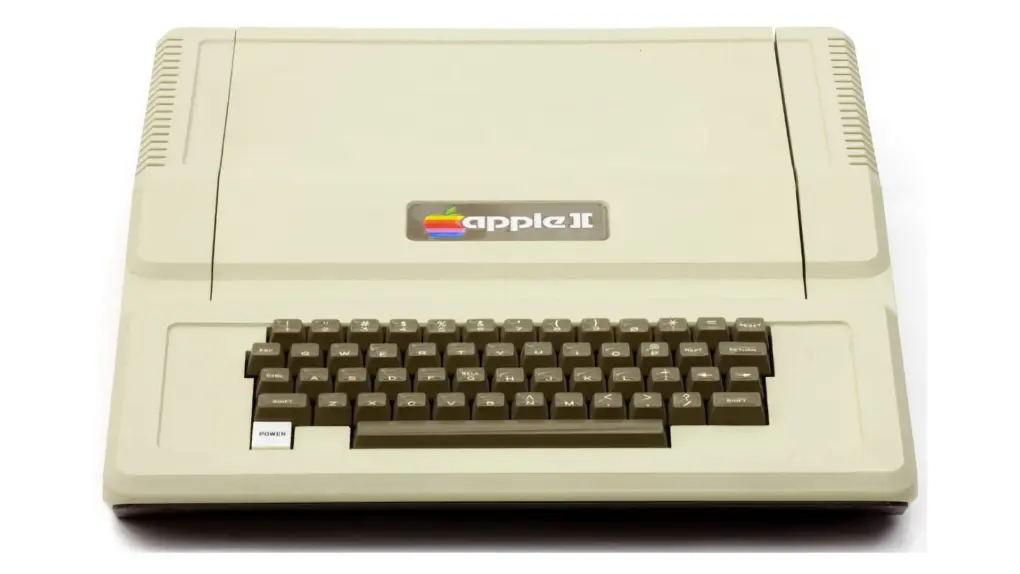
Photo of the original Apple II computer at launch
The Apple II's sleek design proved ahead of its time.
Photo: Computer History Museum

June 5 Today in Apple history June 5, 1977: The first Apple II, the personal computer that will put Cupertino on the map, goes on sale.

Previously shown off to a few thousand rabid fans at the West Coast Computer Faire, the Apple II’s arrival means the masses can finally get their hands on the breakthrough machine.  A base unit costs $1,298 — the equivalent of nearly $7,200 today.

MacBook Ultra could come sooner than you think

By

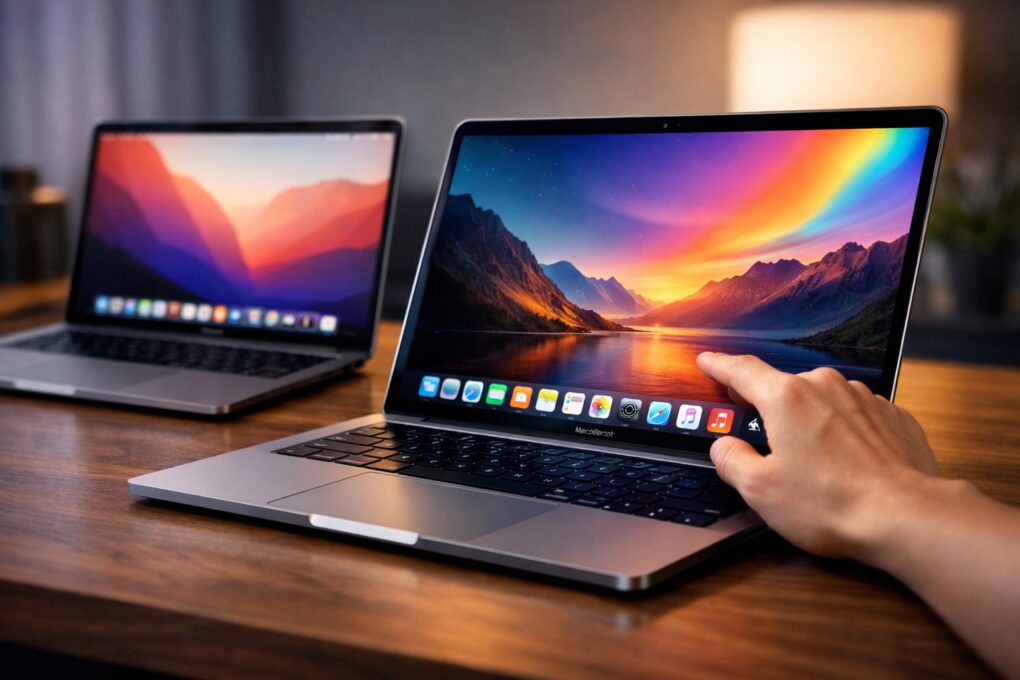
MacBook Ultra could come sooner than you think
Get ready to pay more for OLED MacBook Pro, which might be called MacBook Ultra.
AI image: ChatGPT

Apple’s long-anticipated high-end MacBook — the OLED-display machine, possibly with touchscreen, that many expect Apple to call the MacBook Ultra — could arrive a lot sooner than expected, according to a new report Thursday. As in, possibly as soon as 3Q 2026, which probably means September. 

App Store tops $1.4 trillion as AI apps fuel record developer earnings

By

AI apps fuel record App Store developer earnings
App Store developer sales hit $1.4 trillion in 2025, thanks in part to AI-focused apps.
Photo: Apple

The App Store ecosystem generated more than $1.4 trillion in developer billings and sales during 2025, Apple said Thursday. The figure nearly triples what the platform posted in 2019 and underscores how central the App Store has become to digital earnings. And artificial intelligence-boosted apps played a huge role. 

Affordable new open earbuds bring stamina, comfort — and a few problems [Review] ★★★☆☆

By

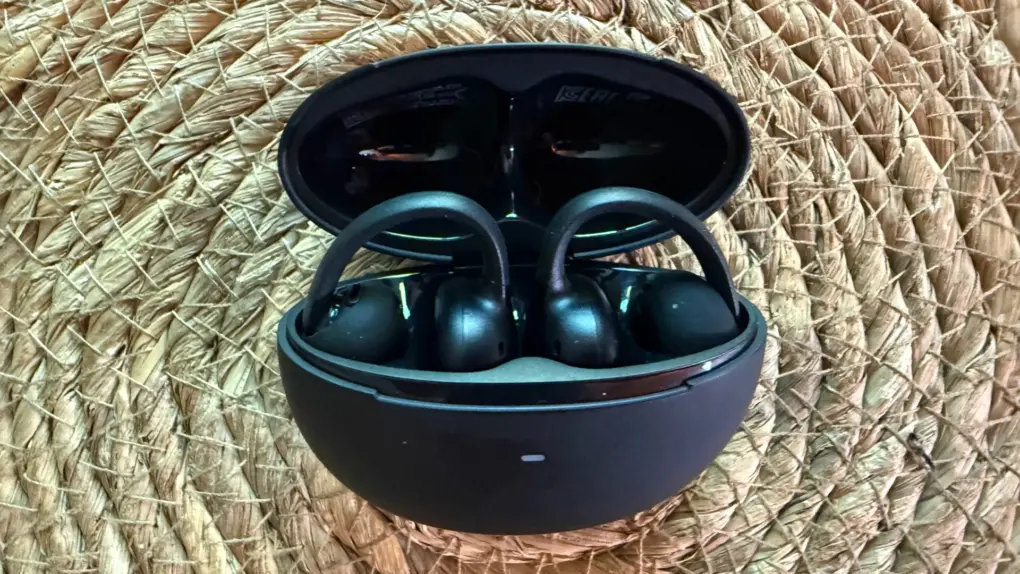
Baseus Bowie MC2 Open-Ear Earbuds review★★★☆☆
Baseus Bowie MC2 open-ear clip-on earbuds make a solid case for value. But they suffer from a few limitations.
Photo: David Snow/Cult of Mac

At $79.99, Baseus’s new Bowie MC2 enters a crowded field of clip-on open-ear earbuds looking to challenge better-known names. Are they worth a try? My Baseus Bowie MC2 Open-Ear Earbuds review finds they might fit the bill for for users who hate having anything in their ears and for those who want an unobtrusive workout buddy. But they have some shortcomings to work out. Here’s what you actually need to know before buying.

3 exercise tips every Apple Watch wearer should know

By

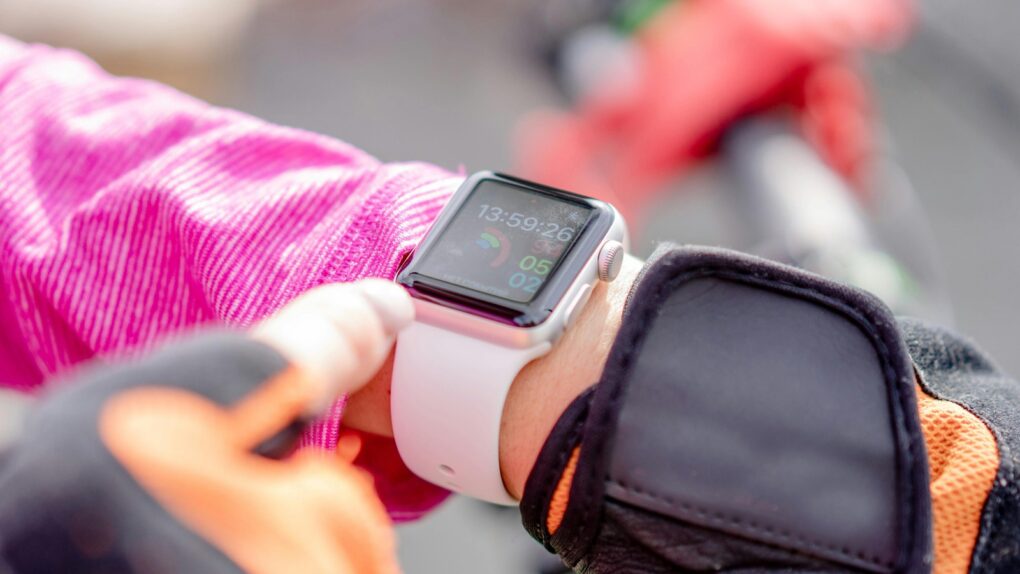
Apple Watch exercise tips every wearer needs to be aware of
You'll find it easier to close your Apple Watch exercise rings with these tips.
Photo: Atlantic Ambiance/Pexels

The Apple Watch helps people stay more active by encouraging wearers to stand, move around and exercise. But its workout tracking has a few quirks that users should understand.

Knowing about these Apple Watch exercise oddities — and how to work around them — can help you avoid frustration as you get fit.

Today in Apple history: Mac clone-maker peaks before a dizzying decline

By

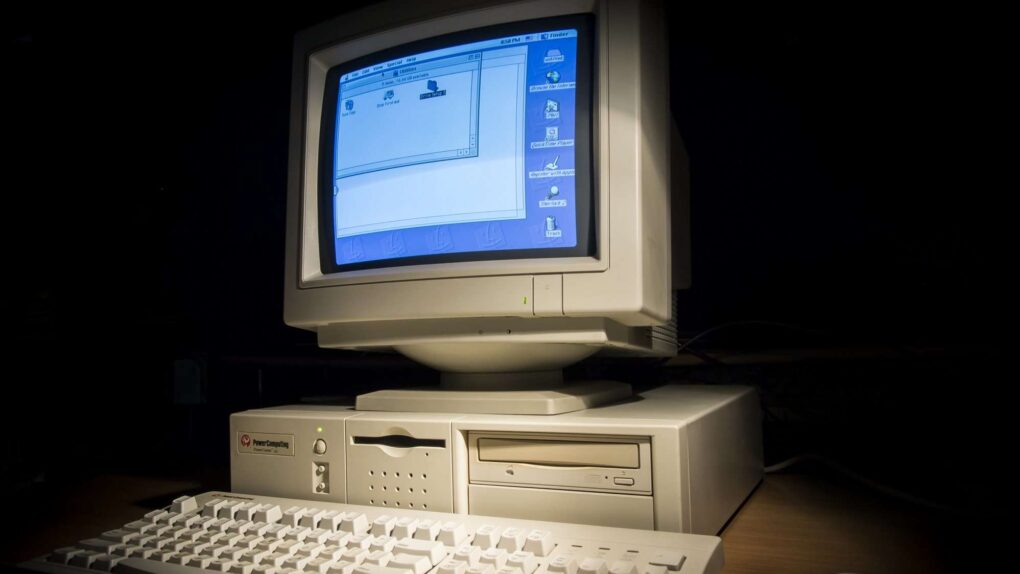
Power Computing clone Macs sounded like a good idea at first.
Power Computing's clone Macs were built for speed.
Photo: Antnik

June 4: Today in Apple history: Mac clone-maker Power Computing peaks, begins rapid decline June 4, 1997: Mac clone-maker Power Computing hits its high point as the company’s top exec reaches an agreement with Apple concerning the forthcoming Mac OS 8.
The deal allows the company to start making moves toward an IPO as the fastest-growing PC company of the decade. Things don’t turn out well, though.

4 reasons to get excited about iPadOS 27

By

iPadOS 27 rumors give tablet users plenty of reasons for optimism
Rumors of iPadOS 27 give iPad users so much to be excited about.
Image: Cult of Mac

Apple WWDC26: With Apple’s WWDC26 keynote just days away, the latest iPadOS 27 rumors should give iPad owners plenty of reasons to pay close attention. Beyond the new artificial intelligence features for all Apple devices, tablet users can look forward to Monday’s keynote unveiling of iPadOS 27 enhancements that should make tablets easier to use in multiple ways.

Here are four reasons for iPad users to be eager for these announcements, whether you use your tablet for writing, creative projects or daily multitasking.

Today in Apple history: iOS overtakes BlackBerry OS

By

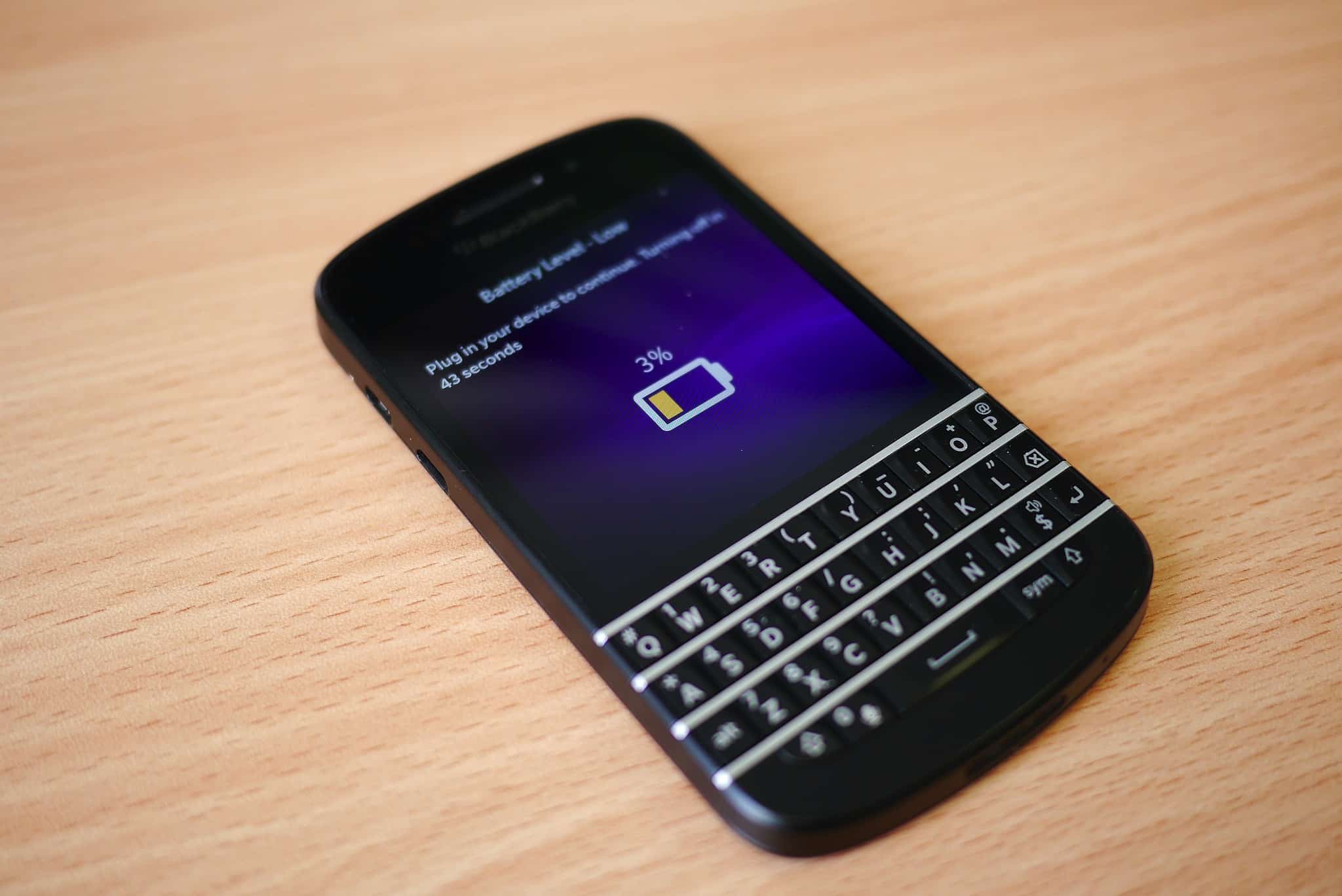
A BlackBerry device running BlackBerry OS that shows an empty battery icon on its screen.
Time was running out for BlackBerry.
Photo: Kārlis Dambrāns/Flickr CC

June 3: Today in Apple history: iOS overtakes BlackBerry OS for first time June 3, 2011: iOS overtakes Research in Motion’s BlackBerry operating system for the first time, with Apple’s mobile operating system inching past BlackBerry OS.
While Android remains comfortably in the lead in terms of market share, the news marks the beginning of the end for BlackBerry as a smartphone powerhouse.

What makes Apple’s fave apps and games of 2026 so good?

By

Apple Design Awards crown top apps and games 
Find out which 12 apps and games took top honors.
Photo: Apple

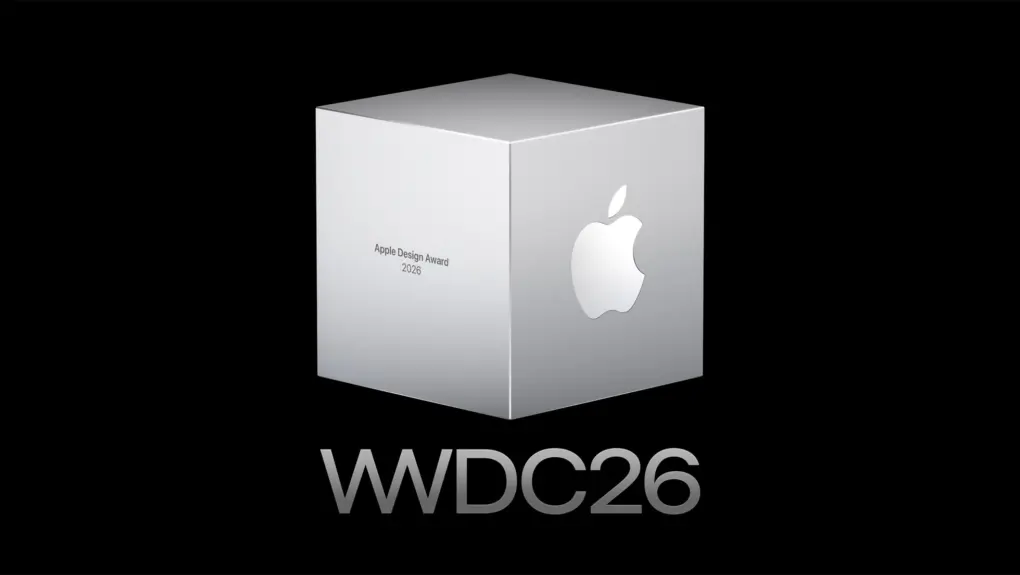
Apple WWDC26:Apple chose 12 apps and games as the best of the best in 2026 from its developer community on Tuesday, honoring titles spanning six award categories for recognition at WWDC26 next week. 

“This year’s Apple Design Award winners are a remarkable reflection of how developers are creating exceptional experiences,” said Susan Prescott, Apple’s vice president of Worldwide Developer Relations. She added that honorees “represent the very best of what our platform makes possible.”

Today in Apple history: Yosemite brings a visual overhaul to OS X

By

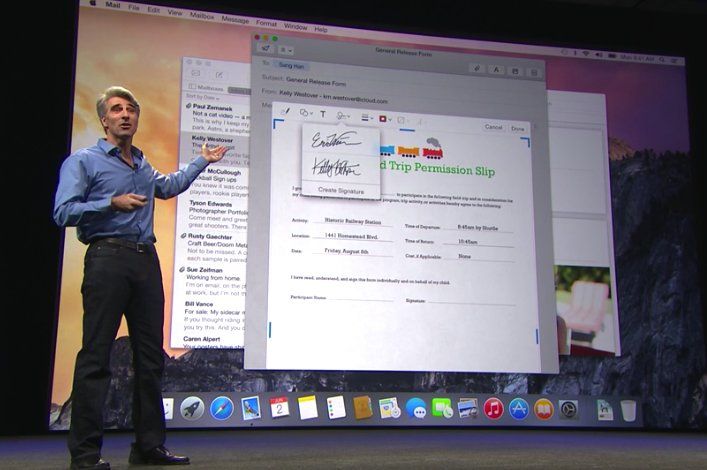
Craig Federighi, Apple’s senior vice president of software engineering, previews Mac OS X Yosemite at WWDC in 2014.
OS X Yosemite more strongly resembled iOS than previous versions of the Mac software.
Photo: Apple

Jun2 June 2, 2014: Apple shows off Mac OS X 10.10 Yosemite for the first time at its Worldwide Developers Conference in San Francisco. Following the Jony Ive-redesigned iOS 7, Yosemite boasts an aesthetic change that brings Apple’s desktop computers closer than ever to the look of the company’s mobile software.
Named after Yosemite National Park, the update follows the previous year’s Mavericks as the second Mac operating system named after a California landmark.

Leaker: Foldable iPhone with liquid metal hinge undergoing carrier testing

By

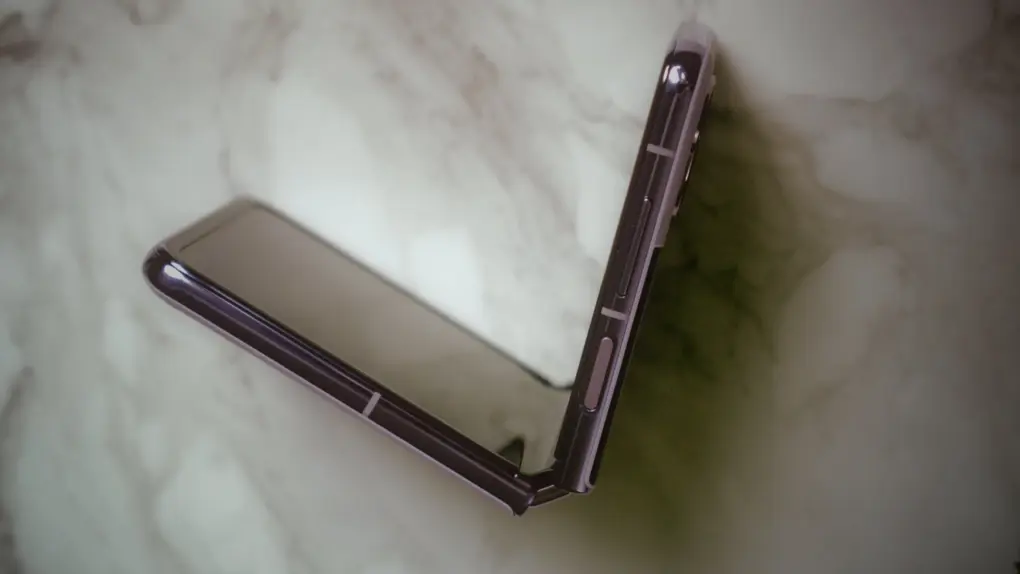
Photo of a folding Android device, used to illustrate a story about a rumored liquid metal hinge for the first folding iPhone
The hinge is a critical component of any foldable, and Apple wants the best technology possible for its first folding iPhone.
Photo: Amanz/Unsplash License

Apple is building its long-anticipated folding iPhone around a liquid metal hinge, and the device has now actually reached mobile carriers around the world for compatibility testing, a prominent Apple supply chain leaker said Tuesday.

Congress pressures Apple to keep first unionized US store open

By

Shuttered US Apple stores include first to unionize
Slated for closure, Apple Towson Town Center store in Maryland was the first one to unionize.
Photo: Apple

With a letter signed by 40 members of Congress sent Monday, Apple faces increased federal pressure over its plan to shut down the Apple Towson Town Center store in Maryland. The location, set to close on June 20, holds the distinction of being the first Apple retail store in the United States to unionize.

The congressional letter pulls no punches. The lawmakers describe the closure as “unacceptable in its impact, and deeply troubling in its national implications for workers’ rights.”

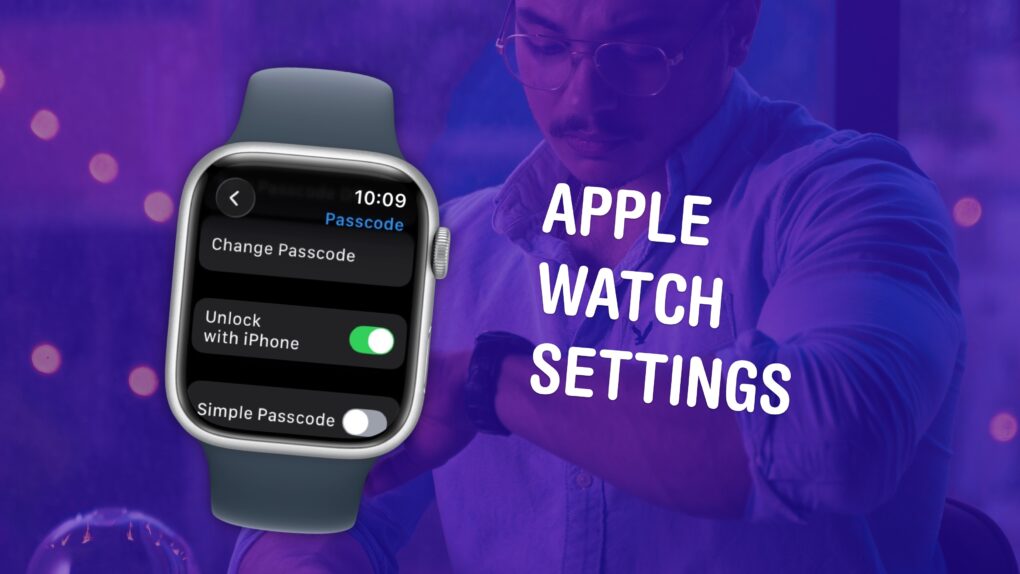
10 Apple Watch settings everyone should change

By

Apple Watch Settings
Make sure you have these settings set up correctly.
Image: D. Griffin Jones/Cult of Mac

The small size and simplicity of the Apple Watch’s screen might fool you into thinking there aren’t a lot of settings you should tweak. But you would be sorely mistaken. It’s a powerful computer on your wrist, and thus, the Settings app is a deep rabbit hole. 

You could lose hours going through every last setting, but I can save you the trouble. There are 10 Apple Watch settings I suggest everyone adjust. I’ll show you what they all do and how to change them.