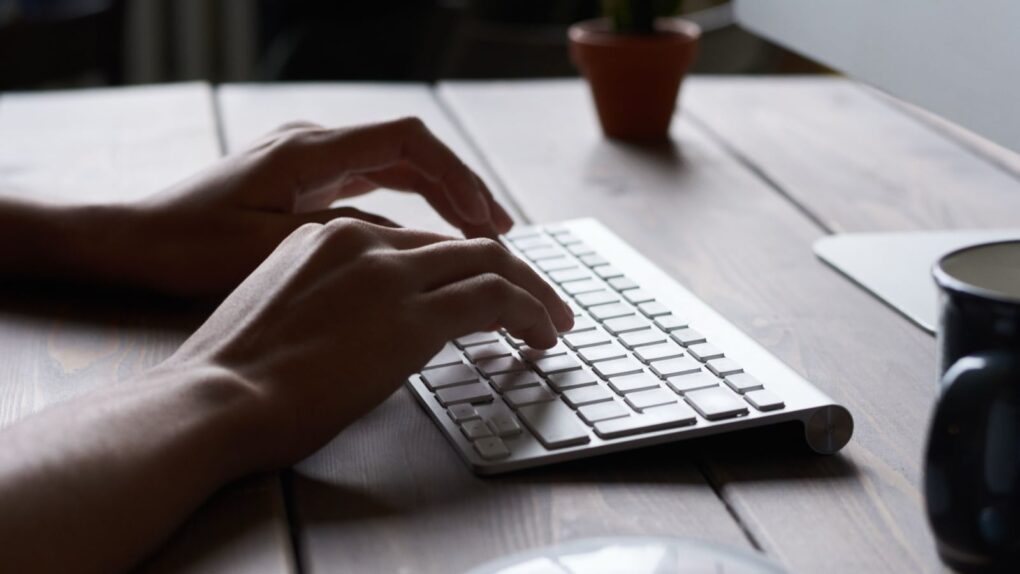
Learn how to get around your Mac's keyboard and edit text faster. Photo: fauxels/Pexels CC
You want to get faster at typing? Sure, you can hold down the Backspace key or mash it really fast. But there’s a better and more precise way to backspace and delete text on the Mac, using the Option (⌥) and Command (⌘) keys. These Mac typing shortcuts can make editing text lightning-fast and seamless.
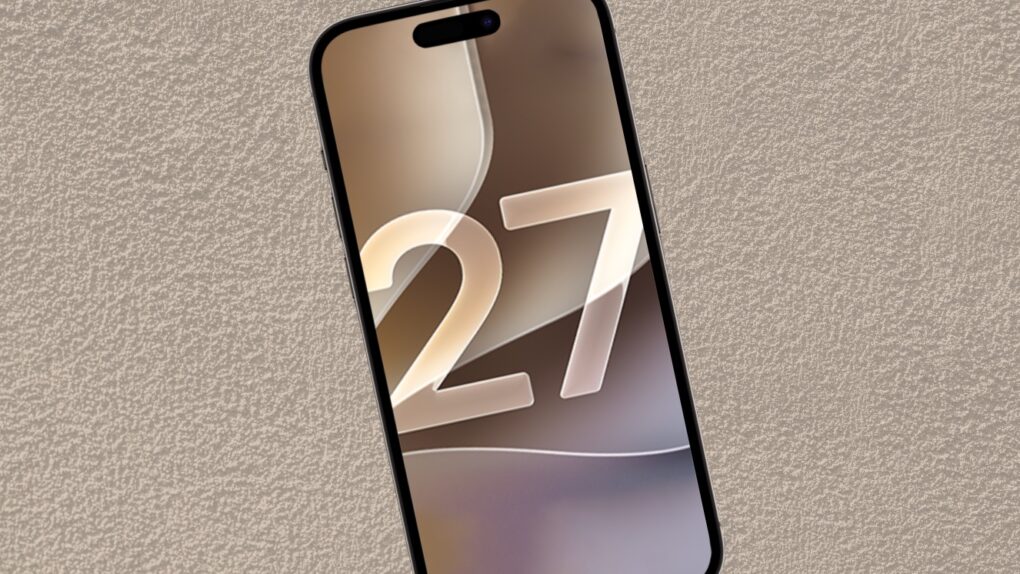
The wait is over! The final version of iOS 27 is out. Photo: Ed Hardy/Cult of Mac
Your iPhone’s next big software update just arrived. Apple released iOS 27 on Monday, fixing many of the annoyances that iOS 26 inadvertently introduced last year, while also tweaking Liquid Glass to improve readability.
Alongside iOS 27, Siri AI also launches in beta today, finally bringing Apple’s AI assistant on par with Google, ChatGPT and others.
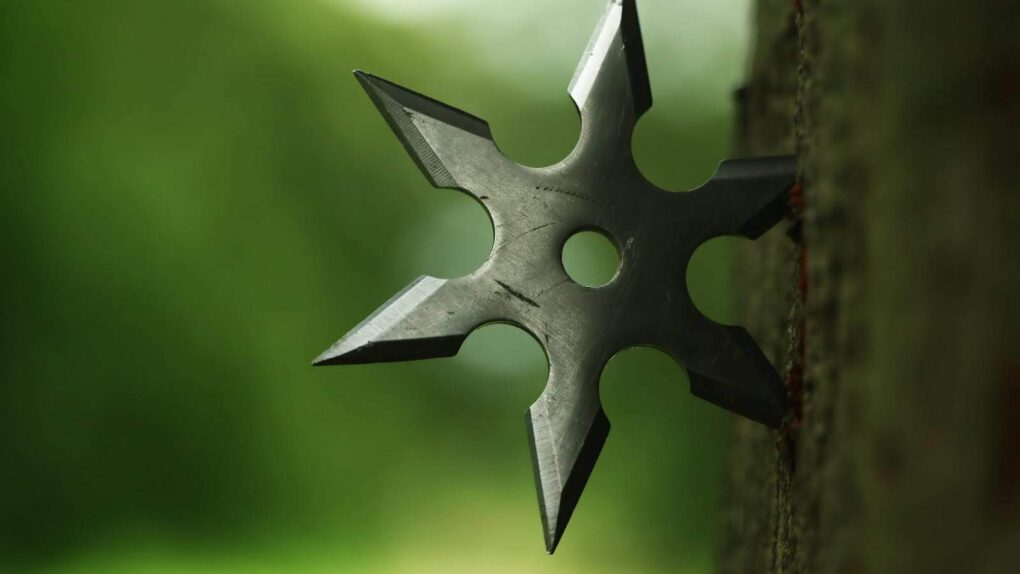
Jobs apparently tried to take one of these on his private jet. Photo: SecretNinjaNews
September 14, 2010: Security workers reportedly stop Apple CEO Steve Jobs at Japan’s Kansai International Airport. The reason? Jobs supposedly tried to bring ninja throwing stars onto his private plane while heading home from vacation. The “Steve Jobs ninja stars” story quickly becomes one of the most bizarre Apple stories ever.
The company, however, quickly spoils the internet’s fun. Cupertino issues a statement describing the reports as “pure fiction” (although Apple acknowledges that Jobs visited Japan over the summer).
Here's every Mac, iPad and other Apple device we're still expecting before the end of 2026. AI image: ChatGPT/Cult of Mac
Apple’s Surprise and Shine product launch event is now in the rearview mirror, but that doesn’t mean the company is finished unveiling new products. Cupertino still has plenty of hardware in the pipeline, with several new Macs and iPads expected before 2026 comes to a close.
And the product pipeline doesn’t stop there. Apple is also expected to have more new hardware ready in early 2027, making the next several months a busy period for the company.
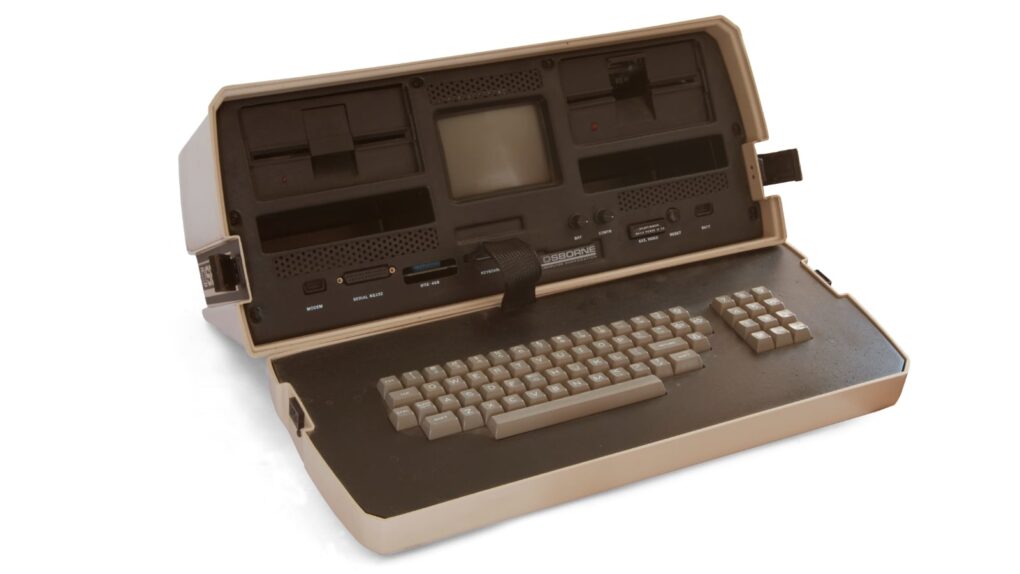
The Osborne 1 portable computer weighed 24 pounds and set the template for "luggables." Photo: Bilby/Wikimedia Commons CC
September 13, 1983: Osborne Computer Corporation, one of Apple’s early rivals, declares bankruptcy. Many considered the company’s Osborne 1 the world’s first truly portable, full-featured computer. It packed everything users needed to set up shop at home or on the road. Alas, it didn’t last!
The Lightning connector was ahead of its time. Photo: Anker
September 12, 2012: The Lightning connector replaces Apple’s aging 30-pin interface, a proprietary data and power connector that debuted on the iPod Classic in 2003. The slender and capable new Lightning port debuts in the iPhone 5, bringing big improvements — and no small amount of controversy.
Apple soon will build the Lightning connector into many other products, including iPad, iPod and accessories. Lightning cables can charge the mobile devices as well as transfer data to a Mac or PC.
iOS 27 will roll out to iPhones everywhere on September 14, but there’s no need to wait. You can install the final version this weekend and start exploring the new features whenever you have time.
Best of all, there’s nothing dodgy or risky involved. You’ll be downloading the same final release Apple will push to everyone else — just a few days ahead of schedule.
Fix the remote, the Home Screen, and those pesky sports notifications. Image: Davidbspalding/Wikimedia Commons/D. Griffin Jones/Cult of Mac
There are three Apple TV settings I always tell people to change as soon as they set up their set-top box. While I heartily recommend the Apple TV over the clunky and ad-infested experience of Roku and other smart TVs, it’s not perfect. You’ll want to change a few things to make it right.
First of all, you can put one of the Siri Remote buttons to better use. The TV button, by default, opens the Apple TV app — but you can have it take you to the Home Screen instead. Also, you’ll want to change the Home Screen to show your Continue Watching list, not its recommendations. And finally, you can turn off those annoying Apple TV sports notifications to stop the interruptions while you’re watching your shows.
Change these three annoying default settings, and you’ll enjoy a far better viewing experience. Keep reading or watch our video to find out how.
Turns out using an iPhone at a Microsoft event is a bad idea. Photo: Off2riorob/Wikipedia CC
September 11, 2009: Microsoft CEO Steve Ballmer snatches an iPhone from an employee during a meeting and pretends to destroy it.
The iPhone freakout isn’t the first time Ballmer behaves in a wacky way and incurs negative publicity as a result. However, it’s an embarrassing moment for a man who ranks among the tech world’s most powerful people.
Apple Watch Live Rewind isn't the privacy nightmare you think it is. Screenshot: Apple/Cult of Mac
Apple Watch Series 12 and Ultra 4 will bring two surprisingly futuristic new tricks: Live Rewind and Siri Recap, a pair of Audio Intelligence features that turn the smartwatch into an always-listening AI device.
Apple markets Live Rewind as a way to rewind the world around you. Actually, it can only turn the previous 15 seconds of a conversation into a text snippet. Still, it potentially could help people remember something that’s just been said.
Siri Recap, on the other hand, quietly takes notes during your conversations, then uses Apple Intelligence to create concise summaries you can refer to later. The goal is to help people stay focused on the moment.
The new Audio Intelligence features seem quite useful, but they make privacy advocates nervous. Fortunately, Apple really locked them down, hoping to prevent the Apple Watch features from being abused.
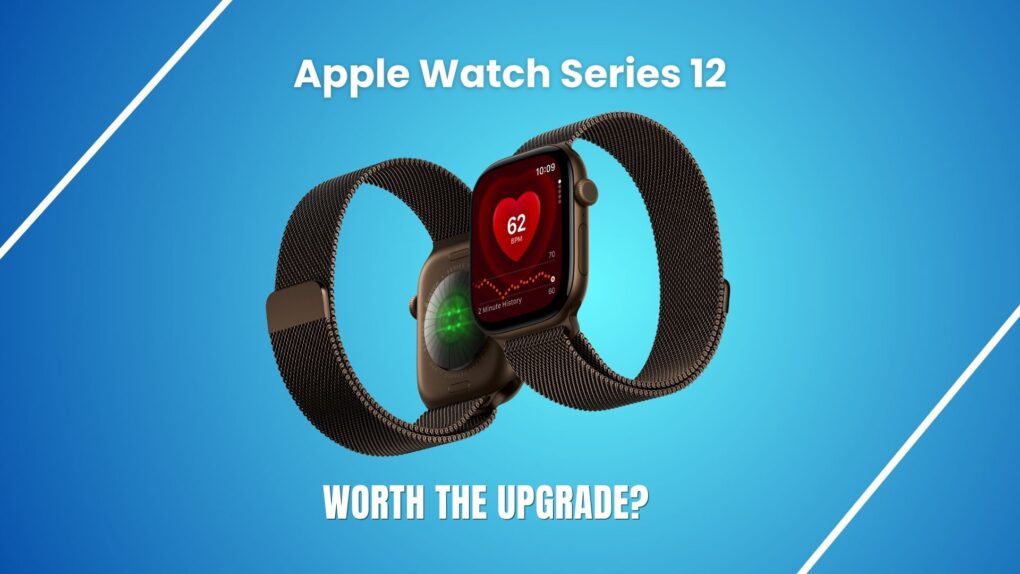
Apple Watch Series 12: Should you upgrade from Series 11? Photo: Apple/Rajesh Pandey/Cult of Mac
The Apple Watch Series 12 looks like the same watch as Series 11. But it’s the first real upgrade that Apple’s smartwatch has received in a while.
It packs upgraded health sensors, new recovery insights and Audio Intelligence. But are these improvements worth upgrading from the Apple Watch Series 11? Find out in this comparison.
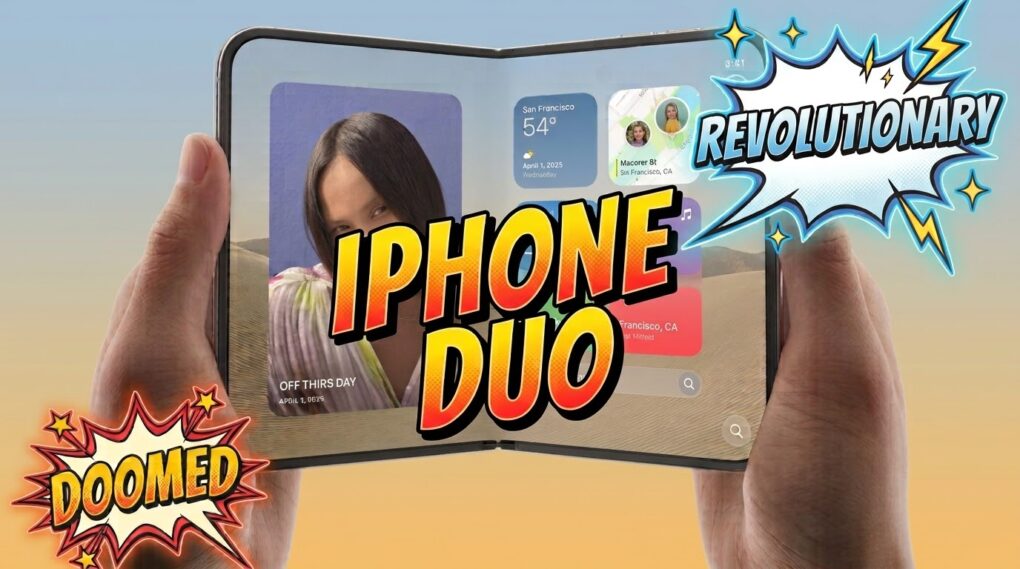
iPhone Duo managed to get everyone talking. Is it the future... or destined to fail? Photo: Apple, Gemini
The internet is full of ridiculous hot takes about almost everything, and the introduction of the iPhone Duo is no exception. From “copying Samsung” to “resurrecting 10-year-old tech in a modern smarphone,” the best, worst and most hilarious hot takes show just how important the new foldable is likely to be.
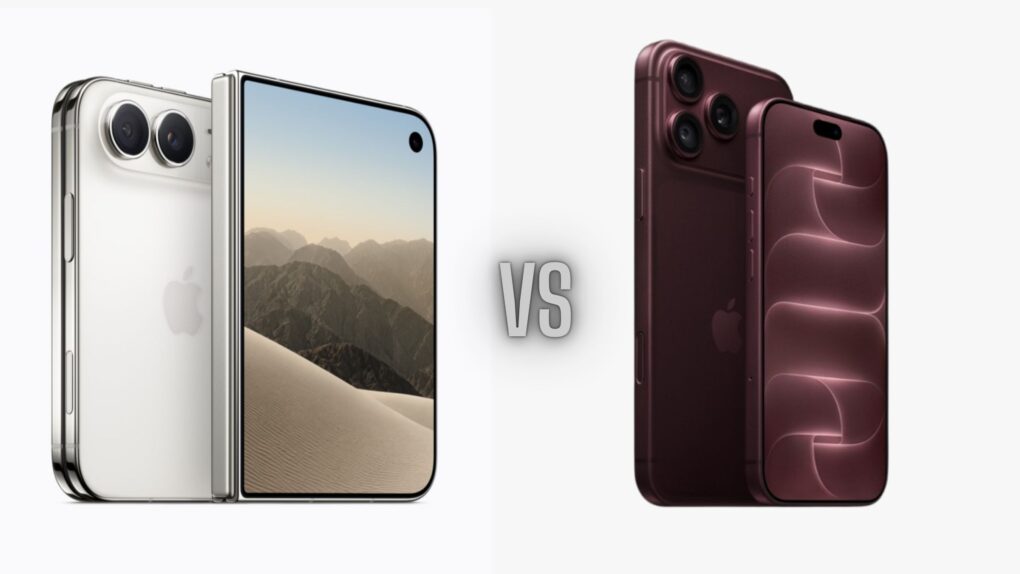
iPhone Duo vs iPhone 18 Pro: Apple’s foldable trades some flagship camera and security features for its folding design. Photo: Apple/Cult of Mac
So you’re eyeing the iPhone Duo. Before you preorder, know this: The iPhone Duo versus iPhone 18 Pro fight is closer than you might think, but the folding phone loses by more than a few rounds.
Apple’s latest flagships launched together during Wednesday’s Surprise and Shine event. But to achieve its cutting-edge design, the Duo trades some camera and other features that the two iPhone 18 Pro models keep. Here’s what you’d give up if you buy the first folding iPhone.
The "Fat Mac" solved one of the original Mac's biggest problems. Photo: Apple
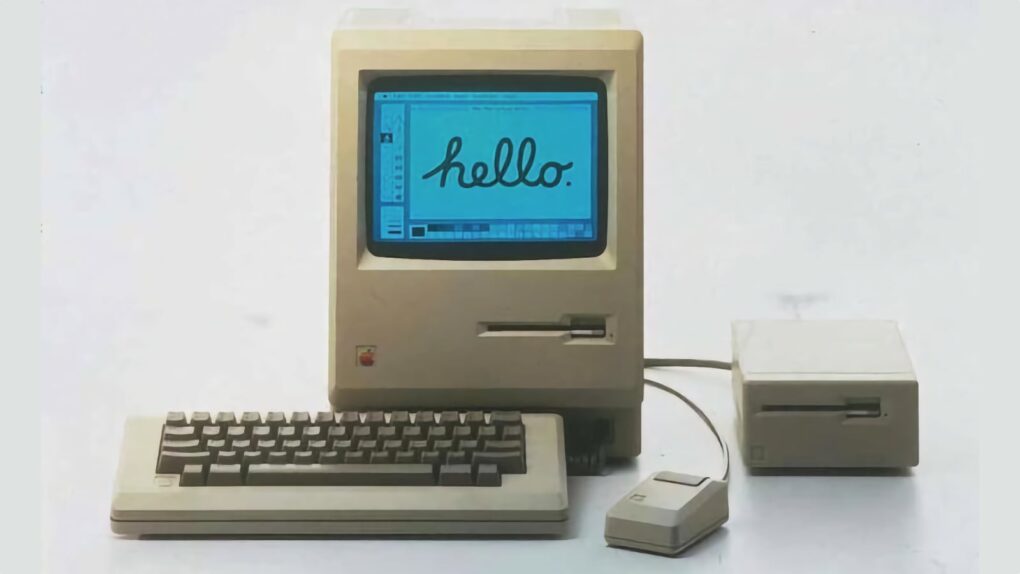
September 10, 1984: Apple ships the Macintosh 512K, the first upgrade to the first-gen Macintosh 128K.
Coming less than eight months after the original Macintosh, the 512K Mac makes no sweeping changes to the computer’s form factor. Instead, the big upgrade is quadrupling the RAM. This leads Apple fans to refer to the computer as the “Fat Mac.”
All the pro-differences a year makes. Photo: Apple/ Rajesh Pandey/Cult of Mac
The iPhone 18 Pro gets a flashy new main camera, longer battery life, and some other nice-to-have upgrades. But if you already got an iPhone 17 Pro last year, are these improvements enough to justify an upgrade?
While there’s plenty to like about the iPhone 18 Pro, the higher starting price makes the decision a little harder. Here is how Apple’s two Pro iPhones compare.
Should you ”go for it” just because your Apple Watch says you're ready? Photo: Apple
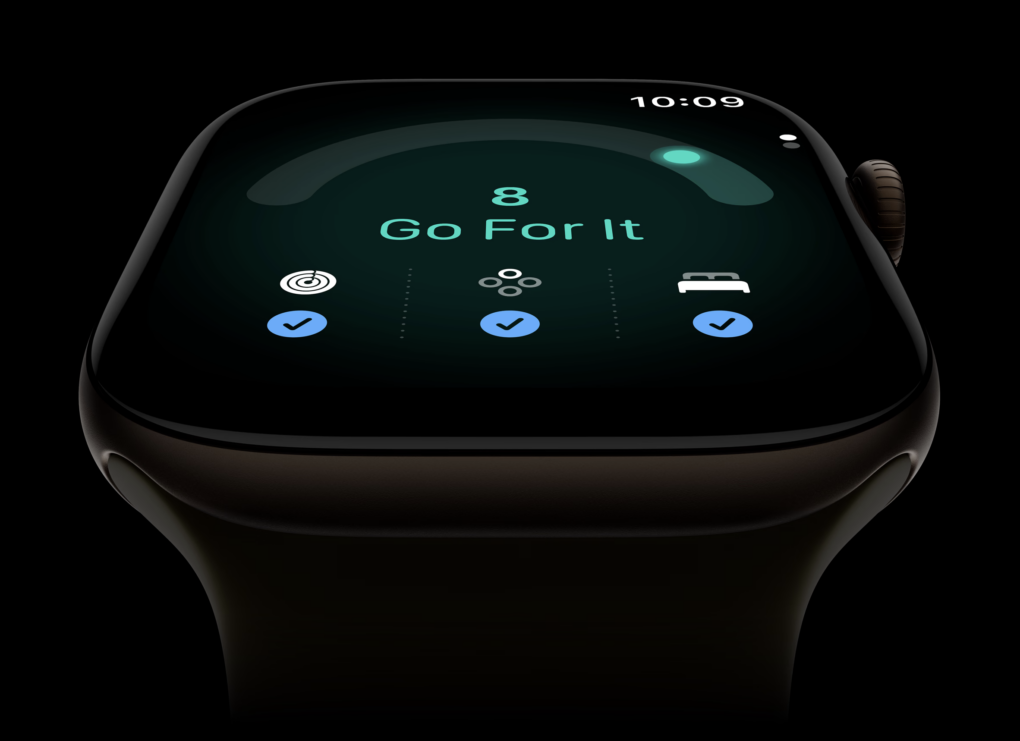
Apple introduced a new fitness feature for Apple Watch called “readiness” during its Surprise and Shine event today. Readiness gives you a score from zero to 10, along with recommendations like “recover,” “pace yourself,” “ready” or “go for it.”
But what exactly is it telling us we’re ready for? According to Apple, your readiness score “tells you when to rest or put yourself to the test.” But can a smartwatch really know that?
What happens when your Apple Watch tells you to “go for it,” but your body tells you otherwise? Most personal trainers will tell you that learning to listen to your body is an important part of training. So what should you do when your body and your Apple Watch disagree?
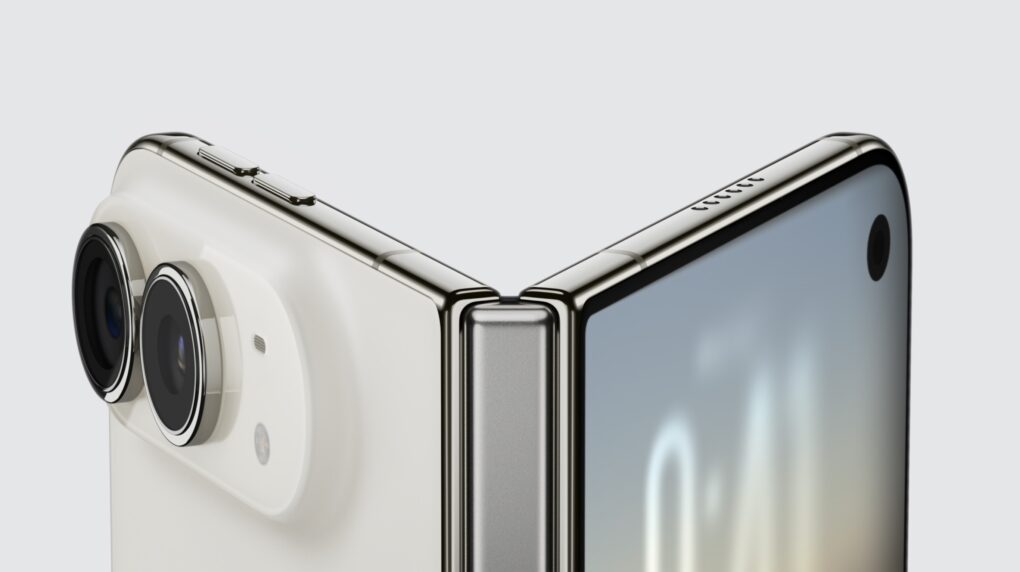
Thanks to its clever hinge and nano-texture glass, the iPhone Duo appears crease-free (at least for now). Photo: Apple
Judging by social media, the iPhone Duo looks like it will be a big hit, not least because the first folding iPhone appears to have no visible screen crease when opened to full size.
That’s a big drawback for other foldable devices. Here are some other revealing tidbits about the iPhone Duo.
AirPods 5 promise improvements in so many ways. Screenshot: Apple
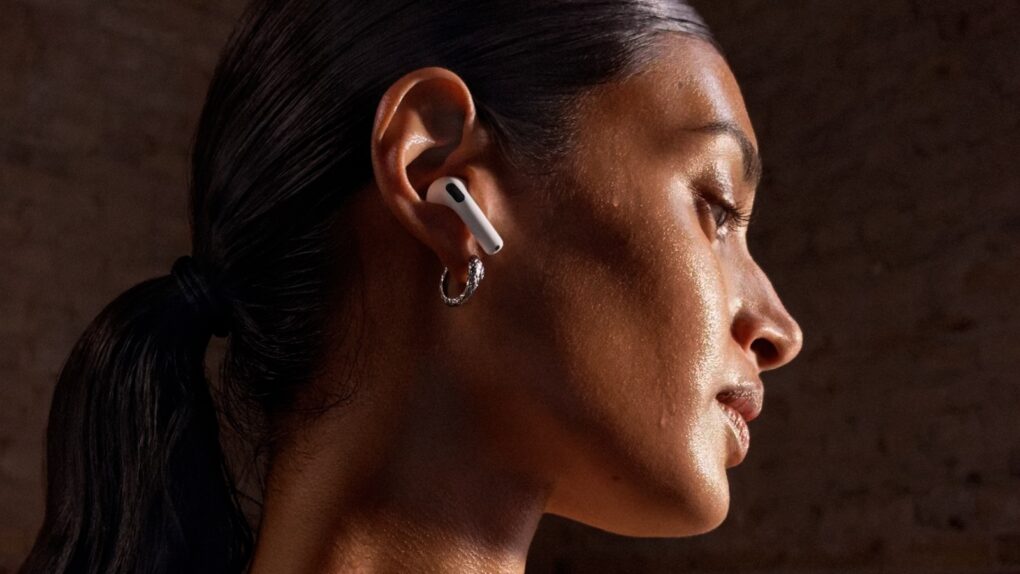
Apple is bringing active noise cancellation to its most affordable wireless earbuds with the AirPods 5, which the company unveiled today during its Surprise and Shine event. The new open-ear model promises up to 50% more noise reduction than AirPods 4 with ANC, while adding improved sound quality, Siri AI and Live Translation. And these features come in the $129 version.
Today’s launch means you should take a hard look at your current AirPods. If they are three years old or more, it could be time to replace them.
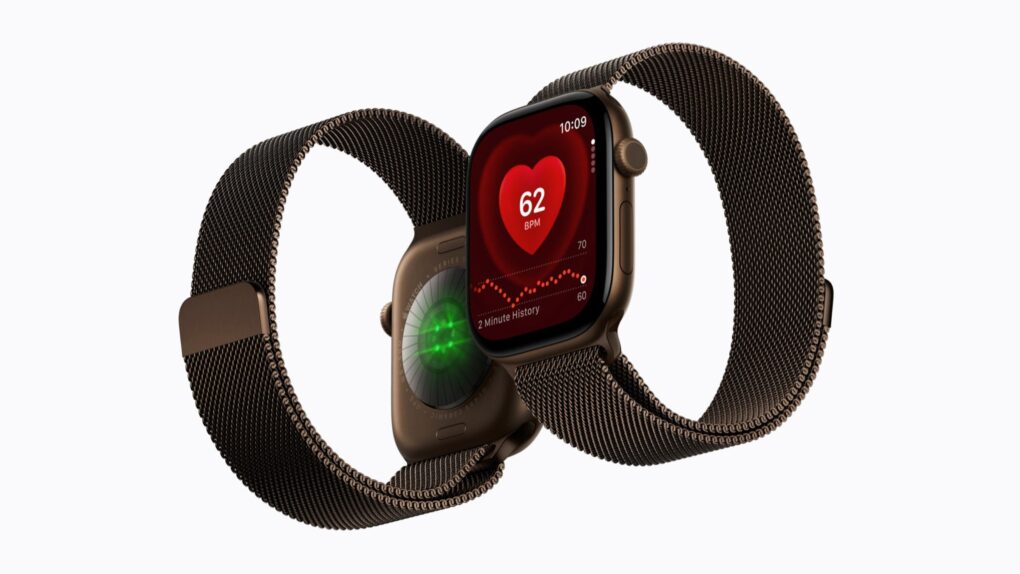
Apple Watch Series 12 and Ultra 4 get a new S11 chip, redesigned health sensors and on-wrist Apple Intelligence. Photo: Apple
Apple Watch Series 12 finally gets the upgrade long-time owners have been waiting for. The new model pairs the new, faster chip with a redesigned health sensing system. It also brings Apple Intelligence to your wrist for the first time.
Apple unveiled the Apple Watch Series 12 and the beefier Apple Watch Ultra 4 on Wednesday during its Surprise and Shine event. Both watches arrive alongside a new watchOS 27 update. They share the same faster Apple silicon processor and advanced health sensors, and together mark one of the most notable hardware refreshes the Apple Watch has seen in years.
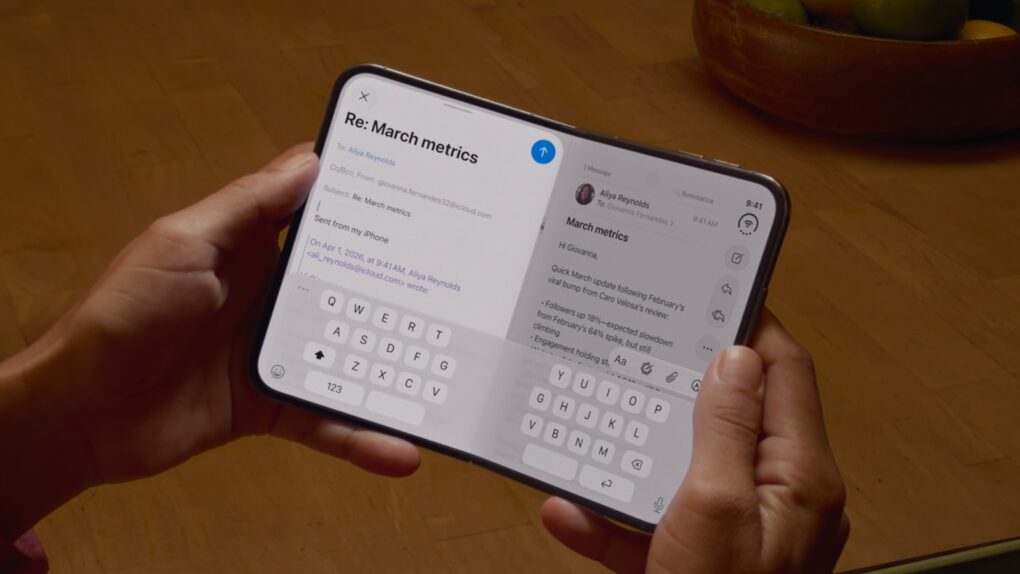
Apple's first foldable is the iPhone Duo, not the Ultra or Fold. Screenshot: Apple
The just announced iPhone Duo is an iPad that fits in your pocket. The 7.6-inch screen is 50% larger than the iPhone 18 Pro Max, but folds up to be easily pocketable.
iPad users are well accustomed to side-by-side multitasking, and the Duo offers that too. And the dual-display design enables some camera tricks no other iPhone can pull off.
“With the largest display ever on iPhone that still fits easily in your pocket, combined with the power of A20 Pro, iPhone Duo helps you stay more immersed and productive wherever you go, whether you’re enjoying content, multitasking across apps, or gaming,” said John Ternus, Apple’s new CEO.
John Ternus talks up the iPhone during his first event as Apple CEO. Photo: Apple
Apple kicked off its Surprise and Shine event Wednesday with a cinematic passing of the torch as former CEO Tim Cook introduced his successor, John Ternus.
Ternus then praised the company’s crown jewel — the iPhone, which he called an “intelligent personal hub” superpowered by artificial intelligence — before unveiling a slew of new products, including the first folding iPhone, known as the iPhone Duo.
Other new and upgraded products included the iPhone 18 Pro and iPhone 18 Pro Max, Apple Watch Series 12, Apple Watch Ultra 4 and AirPods 5. Plus, various Apple execs also showcased new software features coming soon in iOS 27 and the company’s other software platforms.
“iPhone sits at the center of an amazing ecosystem of intelligent features and experiences that work seamlessly across the products you use every day,” Ternus said, before name-checking the new AI-powered Siri and advanced features in the new Apple Watch and AirPods.
“Simply put, iPhone brings powerful AI capabilities together with your personal context on the device you have with you all the time,” Ternus continued. “So today, we’re going to take these experiences even further with the next generation of iPhone.”
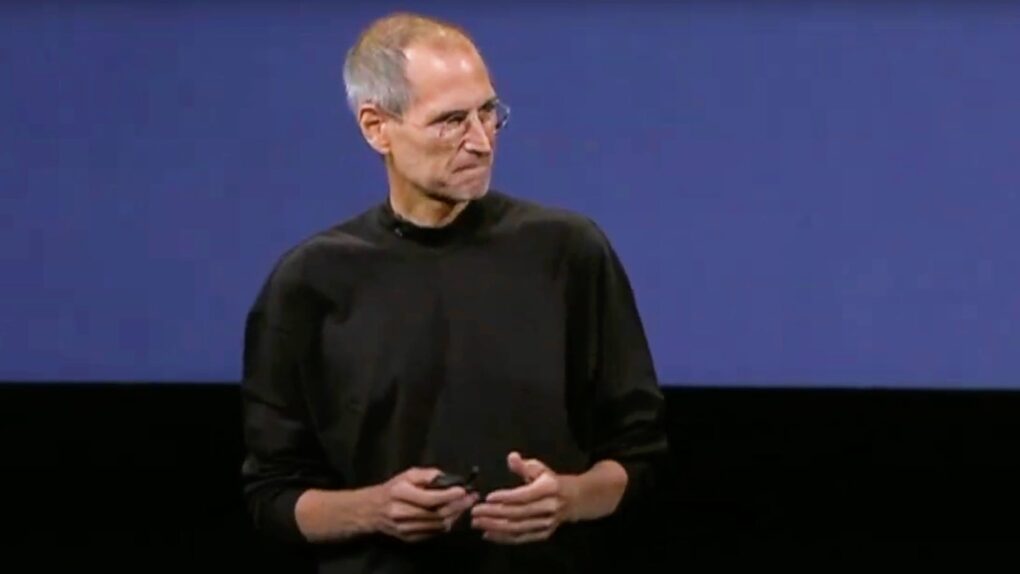
September 9, 2009, marked the start of Steve Jobs' final run at Apple. Photo: Apple
September 9, 2009: Apple CEO Steve Jobs makes his public return to the company after a successful liver-transplant surgery. Appearing onstage at Apple’s fall event, Jobs receives a standing ovation that lasts nearly a minute. He then opens the keynote on an unusually personal note by discussing his health.
“I wouldn’t be here without such generosity,” Jobs tells the audience, referring to the organ donor whose liver he received. “I hope all of us can be as generous and elect to become organ donors.”
Before revealing Apple’s new iPad nano line, Jobs says, “I’m vertical, I’m back at Apple, and I’m loving every day of it.”
Will dark cherry be tech's hot new color? Concept image: Apple/Cult of Mac
When Apple released the cosmic orange iPhone 17 Pro last year, it did the unthinkable: It made the color orange both cool and commonplace.
Since then, a growing number of tech companies have embraced orange, producing a wide range of iPhone accessories and other gear in the surprisingly bold color. Now, the only question is, can Apple do it again … this time with dark cherry?
Even before Apple’s expected unveiling of the iPhone 18 Pro lineup during tomorrow’s Surprise and Shine event, it looks like the company might have another hit color on its hands.
Avril Lavigne's "Complicated" becomes the 10 millionth iTunes song download. Photo: Avril Lavigne
September 8, 2003: Apple reveals that the iTunes Music Store recently sold its 10 millionth song download. The tune in question? Avril Lavigne’s “Complicated.”
Come to think of it, “You fall, and you crawl, and you break, and you take what you get and you turn it into [success]” describes Apple pretty well in the late ’90s and early 2000s.
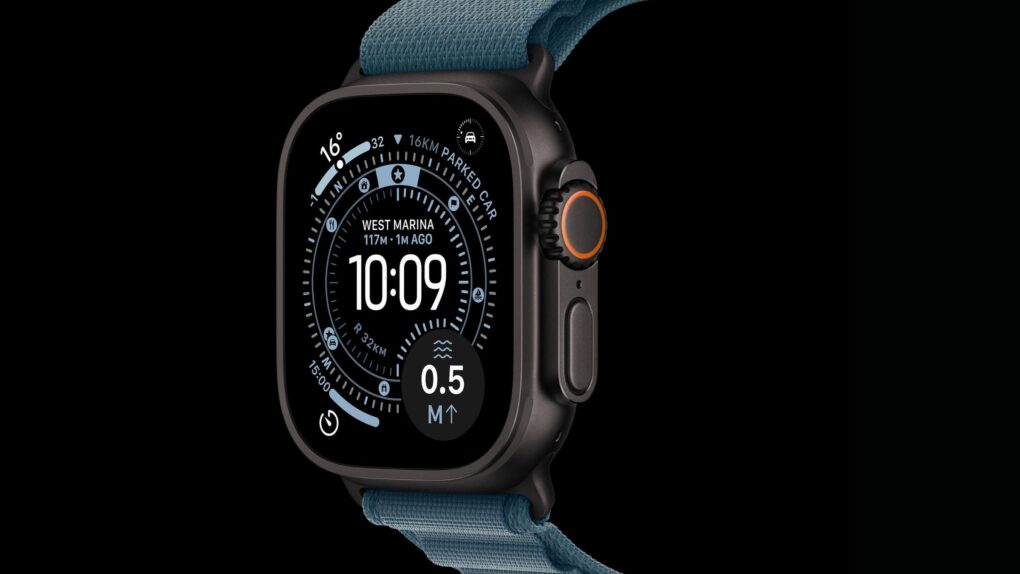
The Apple Watch Ultra 4 is expected to debut alongside new iPhones in September. Photo: Apple
The Apple Watch Ultra 4 is tipped to arrive next month, with fresh leaks pointing to the biggest under-the-hood upgrade the rugged wearable has seen in years.
Apple already locked in a September 9 event, and the Ultra 4 is widely expected to headline the wearables side of that show. Rumors disagree on how much the watch’s exterior will change. But they do agree on one thing: A faster chip is on the way.

 September 14, 2010: Security workers reportedly stop Apple CEO Steve Jobs at Japan’s Kansai International Airport. The reason? Jobs supposedly tried to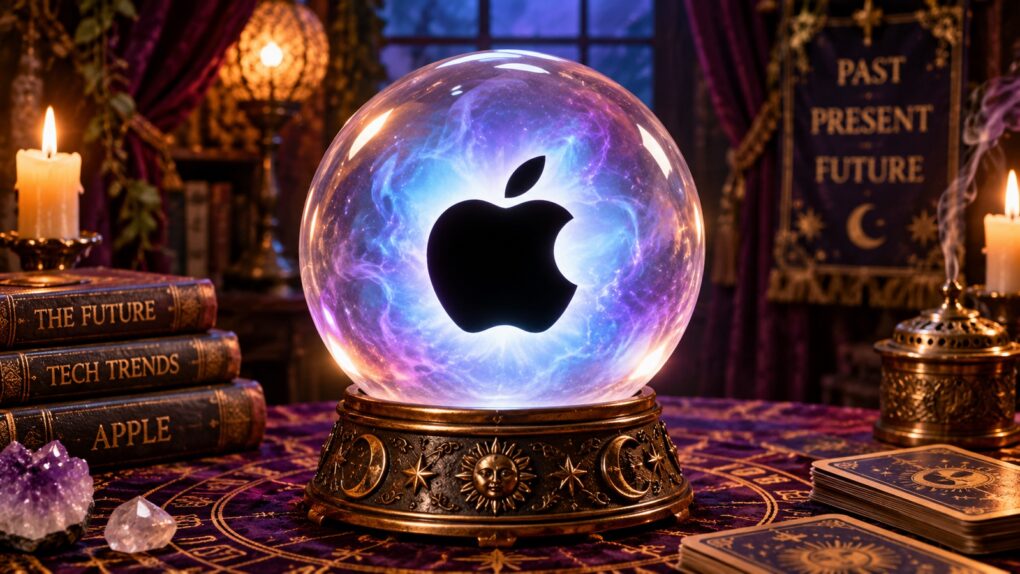
 September 13, 1983: Osborne Computer Corporation, one of Apple’s early rivals, declares bankruptcy. Many considered the company’s Osborne 1 the world’s first truly portable, full-featured computer. It packed everything users needed to set up shop at home or on the road. Alas, it didn’t last!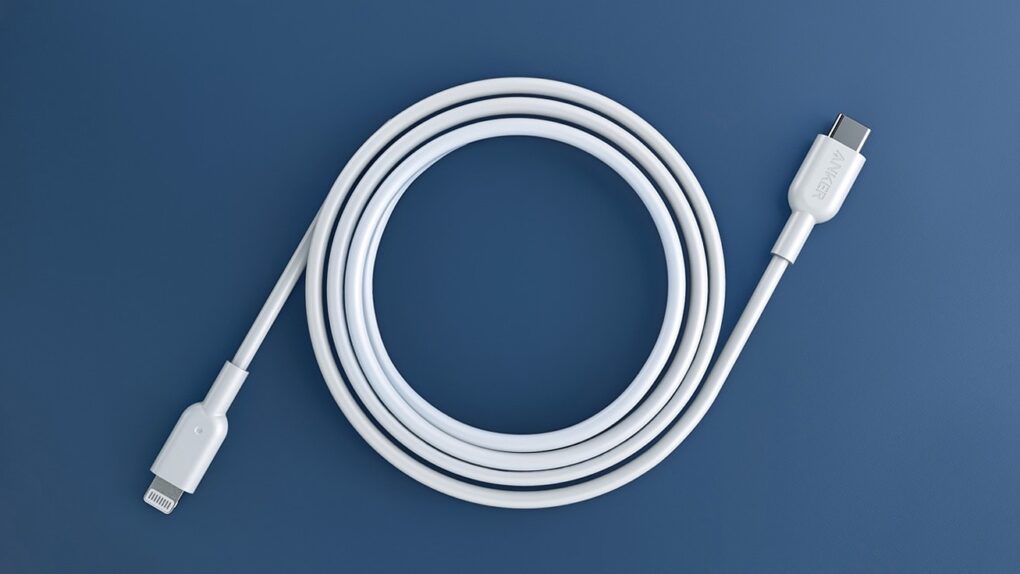
 September 12, 2012: The Lightning connector replaces Apple’s aging 30-pin interface, a proprietary data and power connector that debuted on the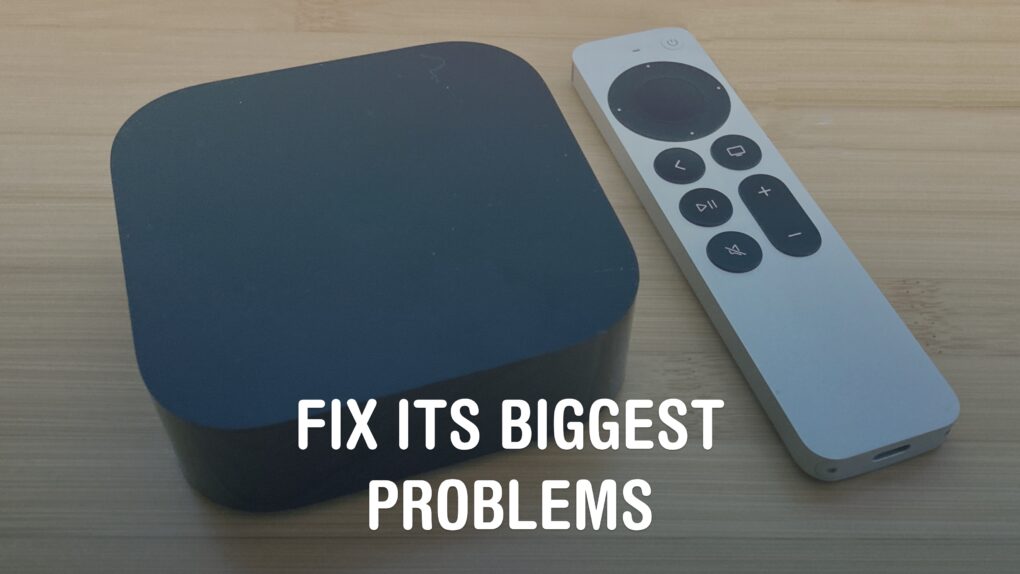

 September 11, 2009: Microsoft CEO Steve Ballmer snatches an iPhone from an employee during a meeting and pretends to destroy it.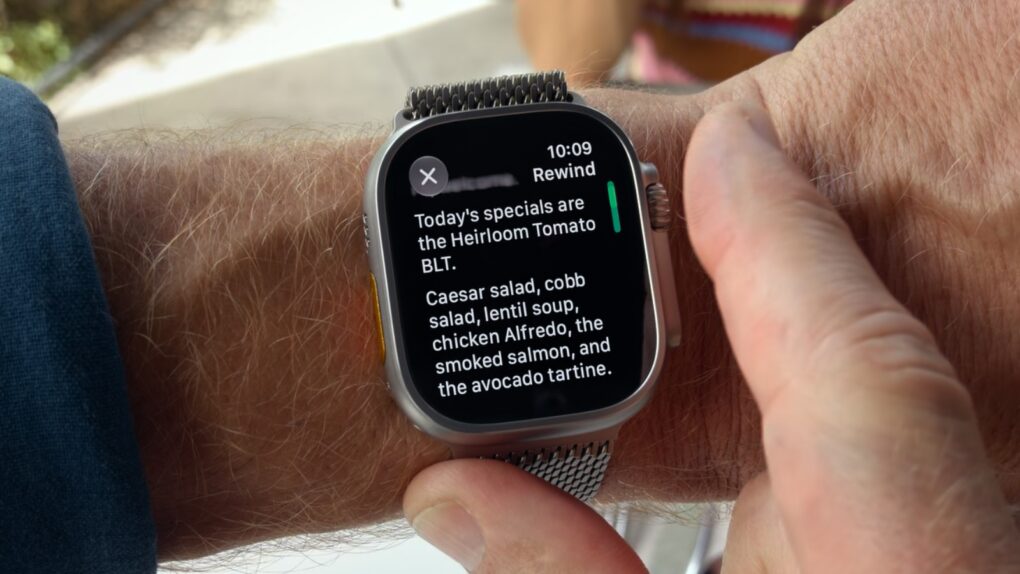
 September 10, 1984: Apple ships the Macintosh 512K, the first upgrade to the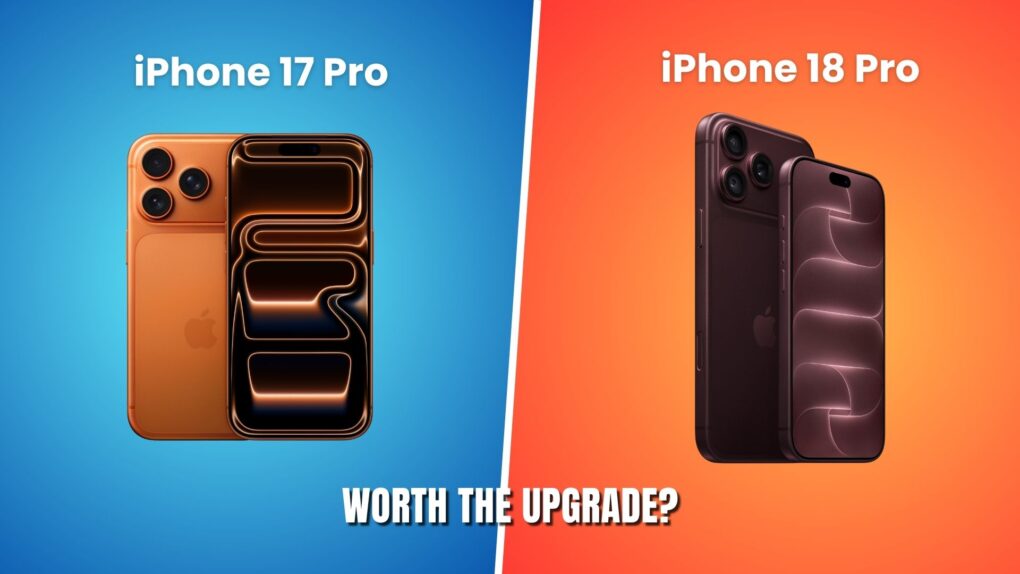

 September 9, 2009: Apple CEO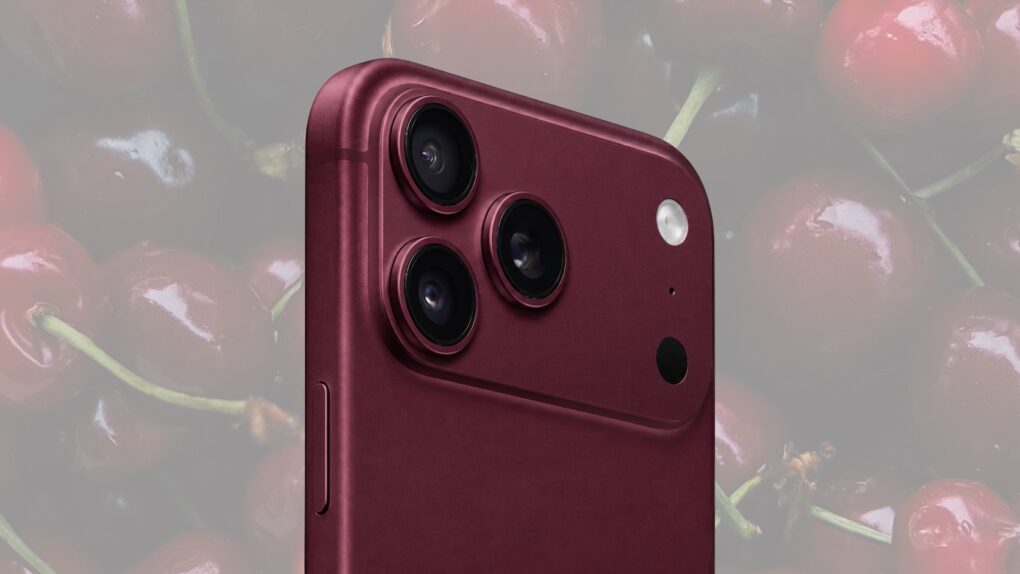

 September 8, 2003: Apple reveals that the