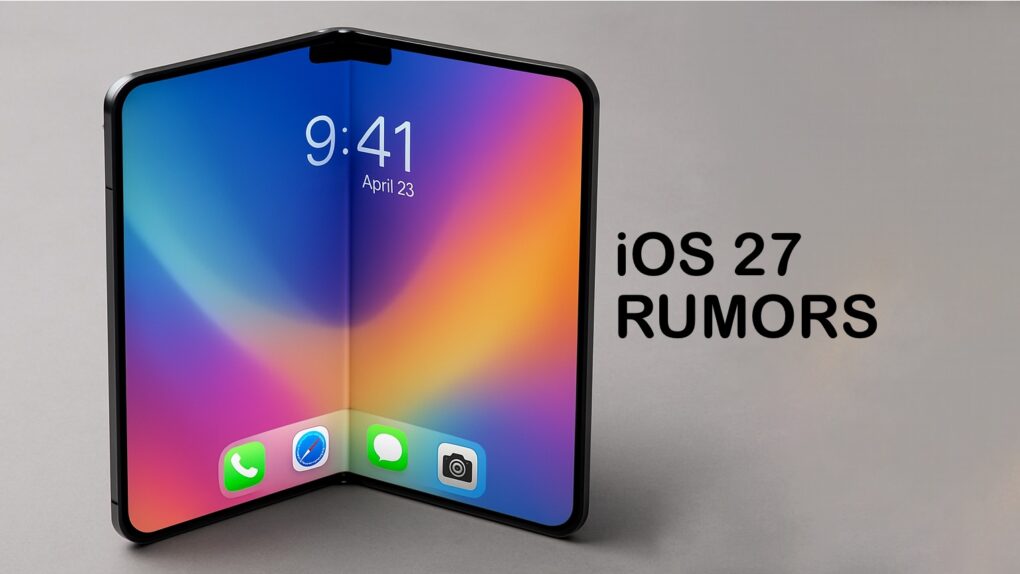
For the upcoming iOS 27 update, Apple will introduce a fully customizable Camera app, a ground-up redesign of Siri and visual changes across a range of built-in apps, according to a new report Tuesday.
Apple will showcase the update and other operating system changes at its Worldwide Developers Conference on June 8.
iOS 27 customizable camera app and rebuilt Siri
One of the headline changes in iOS 27 comes in a newly flexible Camera app that lets users choose which controls appear on screen and where they’re placed, Bloomberg‘s Mark Gurman reported Tuesday. It would allow users to arrange features including flash, exposure, the timer and resolution to suit individual preferences. This expands on a recent report focused on a new Siri camera mode. An overall overhaul of Apple’s voice assistant is in the works, as well.
By default, the iPhone’s Camera app will launch with the same familiar controls as today, but users will be able to switch to an “advanced” mode or build their own layout by selecting from a transparent widget tray that slides up from the bottom of the screen. Each shooting mode — photo, video, etc. — will have its own independent set of customizable controls.
Photo mode’s advanced options
The Photo mode’s advanced options include depth-of-field and exposure controls, with widgets organized into “basic,” “manual” and “settings” categories, according to Bloomberg. Apple also added new grid and level tools directly within the app, and relocated the control toggle from the top right of the interface to the right side of the shutter button.
And, as previously reported, the Camera app will also get a new Siri mode. It will give users quick access to Apple’s Visual Intelligence features — such as identifying plants or translating text in the viewfinder — without leaving the camera interface.
Siri rebuilt from the ground up
AI image: Apple/ChatGPT/Cult of Mac
In addition to the Camera app changes, Siri will undergo its most significant transformation yet in iOS 27. The assistant is being rebuilt as an always-on AI agent capable of drawing on personal data and taking actions across apps, moving away from its origins as a simple voice assistant, Bloomberg reported.
Visually, Siri will move into the Dynamic Island — Apple’s interactive cutout at the top of the iPhone screen, introduced in 2022. Activating Siri will bring up a pill-shaped animation in that area, while a new “Search or Ask” bar can be summoned by swiping down from the top center of the screen.
Chatbot-style conversation
When users engage with Siri, they will be able to pull up a chatbot-style conversation view that resembles a text message thread, complete with inline cards showing weather, appointments and notes. The interface design looks similar to ChatGPT, Gemini and other AI chat apps. Users will also be able to toggle between Siri and third-party services like ChatGPT or Gemini as their preferred search engine.
For the first time, Siri will have a dedicated standalone app. Its home screen shows a grid of recent conversations that users can jump back into, with a search bar for locating past results and a “+” button to start a new chat.
Siri will also gain the ability to search the open web to answer general-knowledge questions. It will surface bullet-pointed summaries and large images — a capability that has been notably absent until now.
Safari, Weather and Image Playground refreshed

Mockup: Rajesh Pandey/Cult of Mac
The Bloomberg report also offered a few details about other changes coming in iOS 27. The iPhone’s Safari browser should see a revamped start page, with four tabs at the top for quick access to favorites, bookmarks, a reading list and browsing history.
The Weather app will add a “Conditions” panel to the main city view. It will let users swipe between temperature, rain, wind and other data points without navigating to a separate page.
Image Playground, Apple’s AI image-generation app, will get a cleaner layout, displaying generated images in a large, rounded square with fewer on-screen controls. And a new “describe a change” option will make it easier to edit a just-created image. Apple has also been testing improved models to make generated images look more realistic.
System-wide changes round out the update
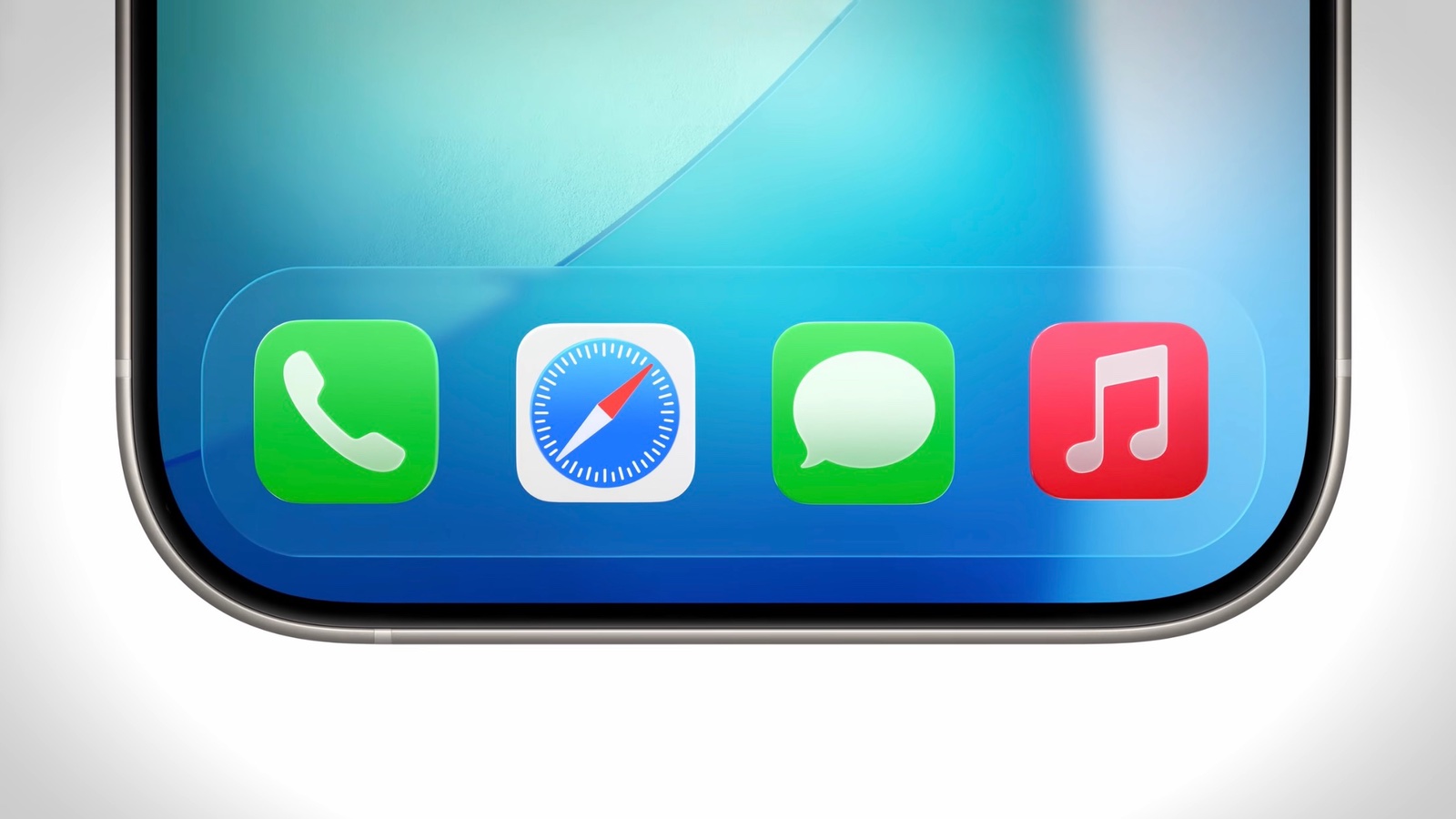
Image: Apple
iOS 27 brings a number of smaller but noticeable interface changes across the system. The tab bar at the bottom of several Apple apps may merge the search tab with the rest of the app’s navigation. Those apps include Podcasts, TV, Music, Health and News. The keyboard will now animate into view by sliding up from the bottom of the screen when summoned. And users who frequently rearrange their iPhone Home Screens will find new undo and redo controls to make the process less error-prone.
Apple also plans design refinements to macOS 27. It will address problems with shadows and transparencies that can make text difficult to read in some situations.
All of the changes are built on Liquid Glass, the design language Apple introduced last year. The company is now refining it across both iOS and macOS.

David Snow, an expert on Apple hardware and software, writes on a variety of technological and cultural topics for Cult of Mac. They include Apple news, technology buying guides, and features about computer setups and Apple TV shows and movies.
With 30 years of experience covering technology and other subjects, he has written and edited for numerous print and online publications, including CMP Media, TechTV.com, CNET, Wired News, Red Herring magazine, Law.com, The National Law Journal and Law Technology News magazine. Among other roles, he served as executive editor of the Law.com network of websites and editorial director, technology, for ALM Media.
Snow graduated with a B.A. from Syracuse University with majors in magazine journalism and psychology. While there, he worked as a reporter for The Daily Orange newspaper and associate editor of Equal Time magazine.
Founder of the blog At the Waterline, he can be reached on X (formerly Twitter) via @atthewaterline and on Mastodon via @dsnow.

