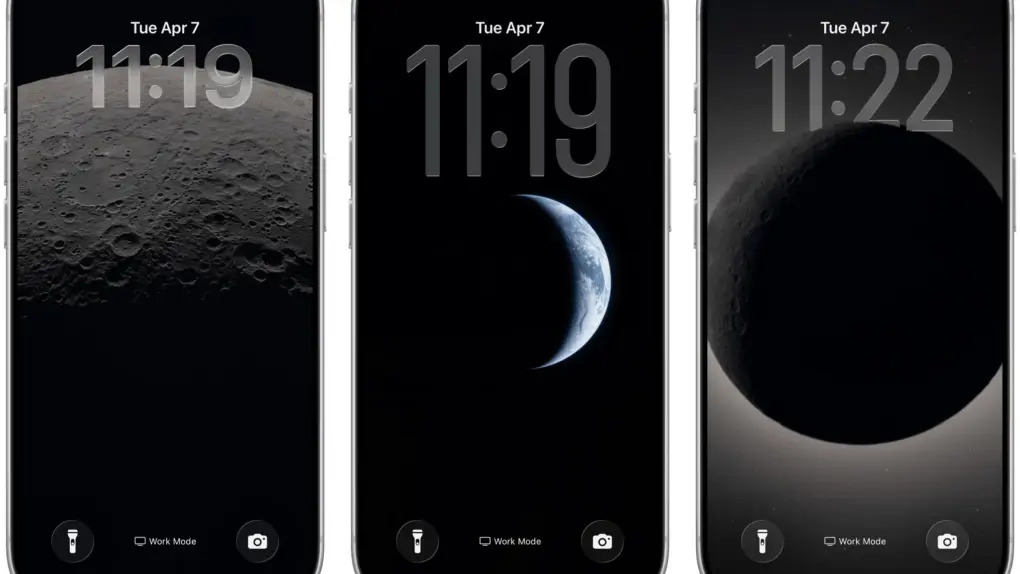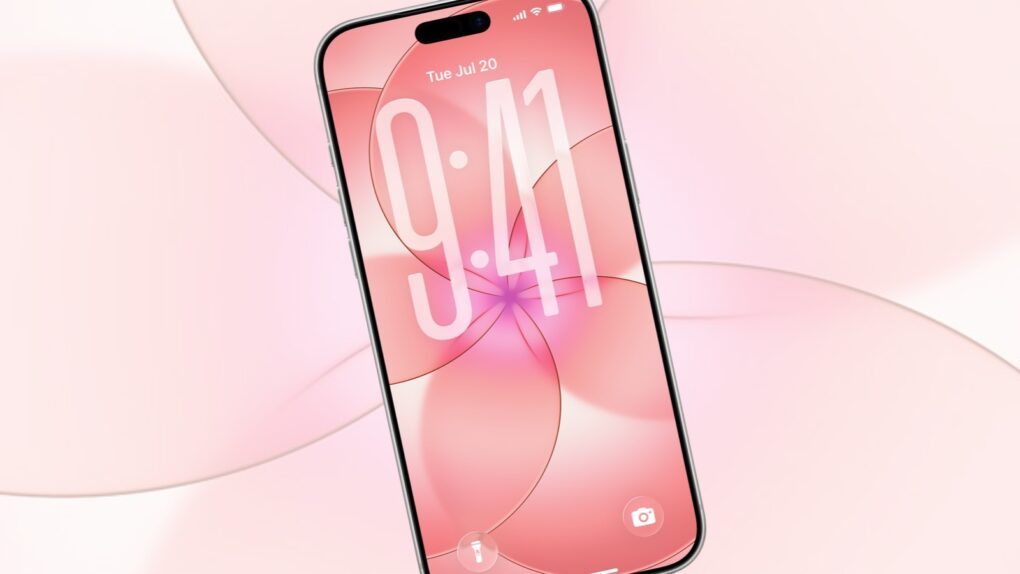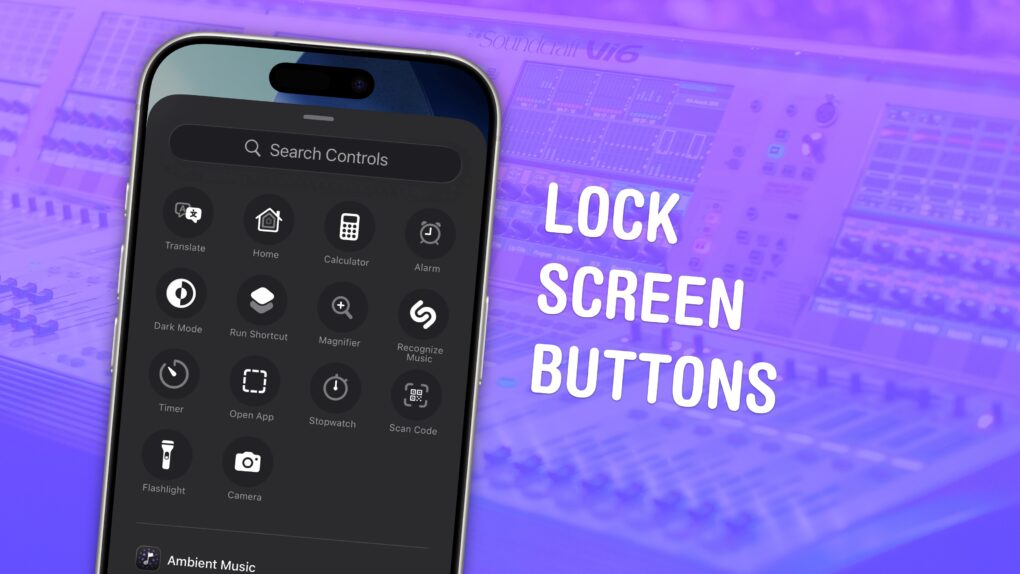
You can change out your iPhone Lock Screen buttons from the standard flashlight and camera icons to whatever you want. There’s a huge selection of buttons you can swap in their place. Just about any button you can put in Control Center is a button you can put on your iPhone’s Lock Screen.
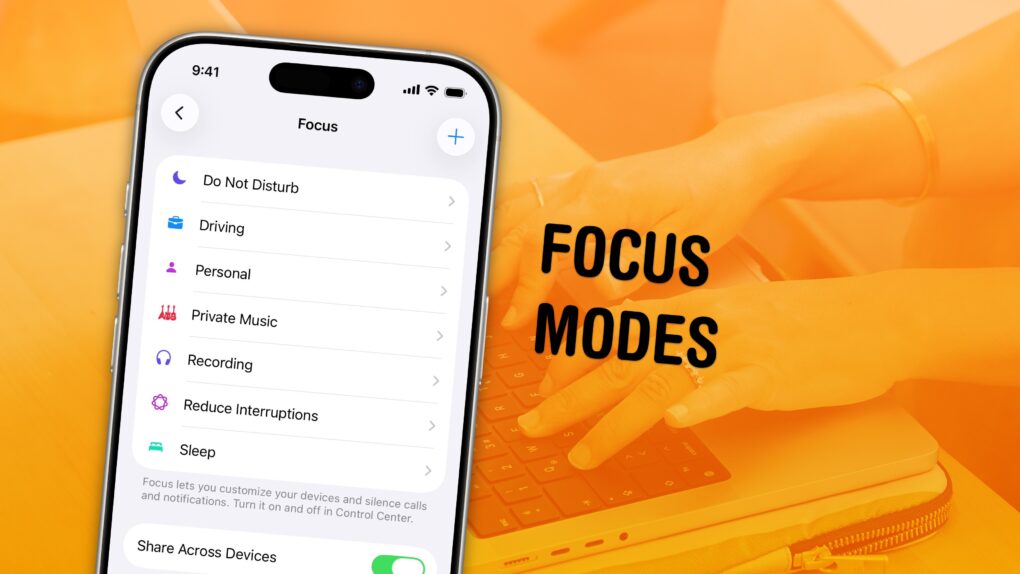
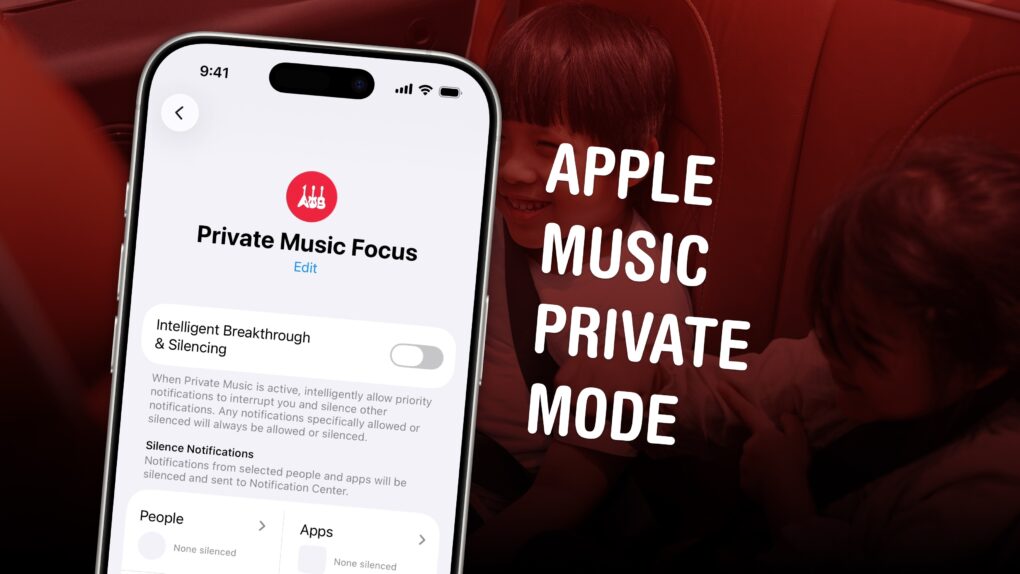
Plus, you can assign different shortcut buttons on different Lock Screens, making them context-dependent (and tied to a Focus Mode if you like). Apple offers a standard selection, but your options will vary depending on what apps you’ve installed.
Here’s how to swap out the iPhone Lock Screen buttons to put whatever you want at your beck and call.