From left to right: The 16″ MacBook Pro, the 24″ iMac, the Studio Display and Pro Display XDR. Photo: Apple
We have been blessed to live in interesting times. For the first time since 2010, we have not just one, but two external monitors from Apple.
How does Apple’s latest offering — the Studio Display, introduced during Tuesday’s “Peek Performance” event — stack up against the high-end Pro Display XDR, the outgoing LG UltraFine 5K and the displays of other Macs?
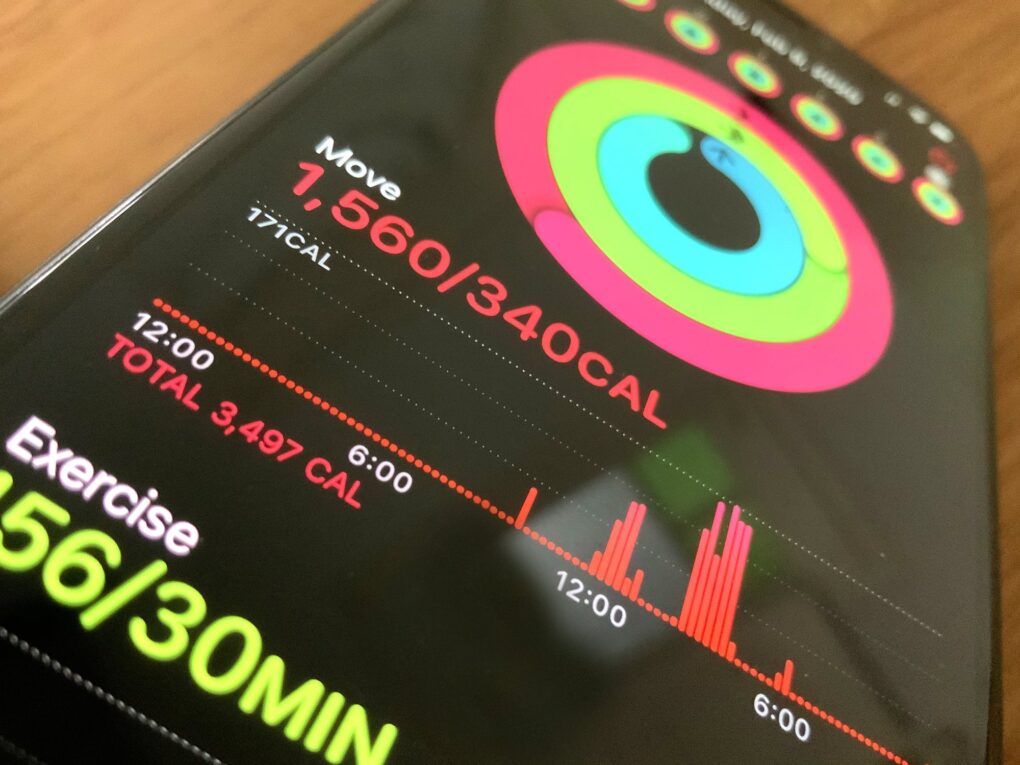
With watchOS 7, you're just a couple quick toggles away from maximum handwashing effectiveness. Photo: Apple
The new Handwashing app in watchOS 7 gives you a handy reminder to keep your mitts clean. Thoroughly, COVID-19-fighting clean. However, you need to make two quick tweaks to maximize the effectiveness of this new handwashing tool.
Maybe the iPhone 11 can finally take a night photo like this. Photo: Charlie Sorrel/Cult of Mac
Night mode is one of the iPhone 11’s two big new camera features (the other is the Ultra Wide lens). Night mode captures lots and lots of images, and then uses the iPhone’s A13 Bionic processor to combine them, pulling out details not available in a single low-light shot.
It’s the computational-photography mad science equivalent of putting your regular camera on a tripod and opening up the shutter for a few seconds to let more light in. Only you don’t need the tripod, and the images should almost always end up sharp. Here’s how to use iPhone 11’s Night mode.
The world had never seen anything like the iPhone when Apple launched the device on June 29, 2007. But the touchscreen device that blew everyone’s minds immediately didn’t come about so easily.
The iPhone was the result of years of arduous work by Apple’s industrial designers. They labored over a long string of prototypes and CAD designs in their quest to produce the ultimate smartphone.
This excerpt from my book Jony Ive: The Genius Behind Apple’s Greatest Products offers an inside account of the iPhone’s birth.
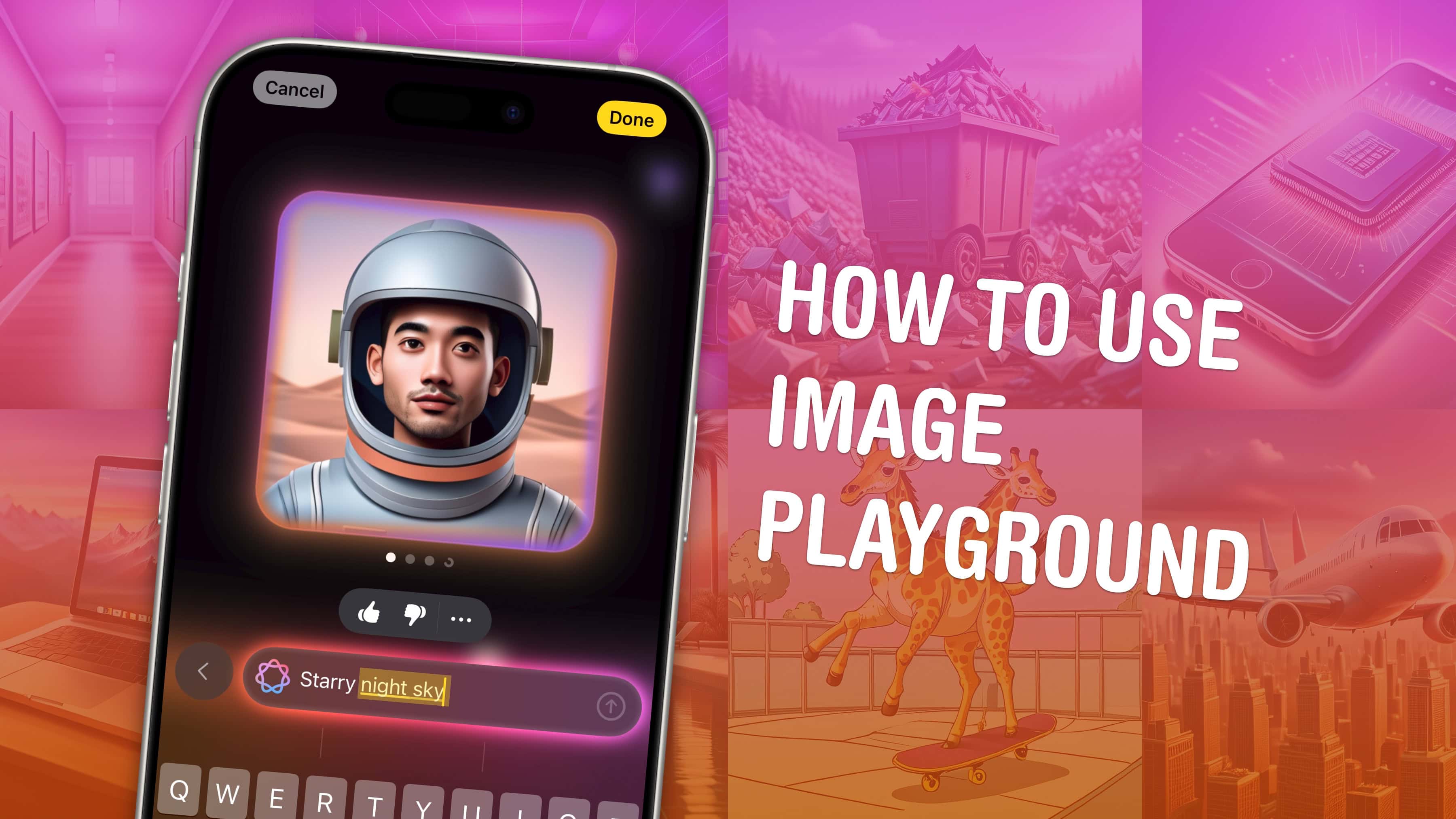
June 7, 2010: Steve Jobs introduces the iPhone 4 at Apple’s Worldwide Developers Conference in San Francisco.
“For 2010, we’re going to take the biggest leap since the original iPhone,” Jobs says, addressing a crowd inside Moscone Center. “So today, we’re introducing iPhone 4. Fourth-generation iPhone. Now, this is really hot.”
He then touted the device’s all-new design — and cracked a joke about the sensational leak that revealed the iPhone 4’s look in the preceding months.
“Now, stop me if you’ve already seen this,” Jobs said, to raucous applause, before cannily reclaiming the narrative. “Well, believe me, you ain’t seen it. You’ve gotta see this thing in person. It is one of the most beautiful designs you’ve ever seen.”
Apple finally showed the world today what the media has been calling an “iWatch” for months. Apple Watch is the first new product category to come out of the company since the original iPad.
It marks a “new era” for Apple, according to CEO Tim Cook, and introducing the Apple Watch was even deemed worthy of a “One more thing” tease (as made famous by Apple co-founder Steve Jobs).
There’s a lot to digest about Apple’s first wearable, so we’ve made it easy for you. Here are the 10 most important things you need to know about the Apple Watch.
It’s long but worth reading because there are some awesome insights into how Jobs does things.
It’s also one of the frankest CEO interviews you’ll ever read. Sculley talks openly about Jobs and Apple. He also admits it was a mistake to hire him to run the company (and that he knows little about computers). It’s rare for anyone, never mind a big-time CEO, to make such a frank assessment of their career in public.
Update: Here’s an audio version of the entire interview made by reader Rick Mansfield using OS X’s text-to-speech system. It’s a bit robotic (Rick used the “Alex” voice, which he says is “more than tolerable to listen to”), but you might enjoy it while commuting or at the gym. The audio is 52 minutes long and it’s a 45MB download. It’s in .m4a format, which will play on any iPod/iPhone, etc. Download it here (Option-Click the link or right-click and choose “Save Linked File…”).