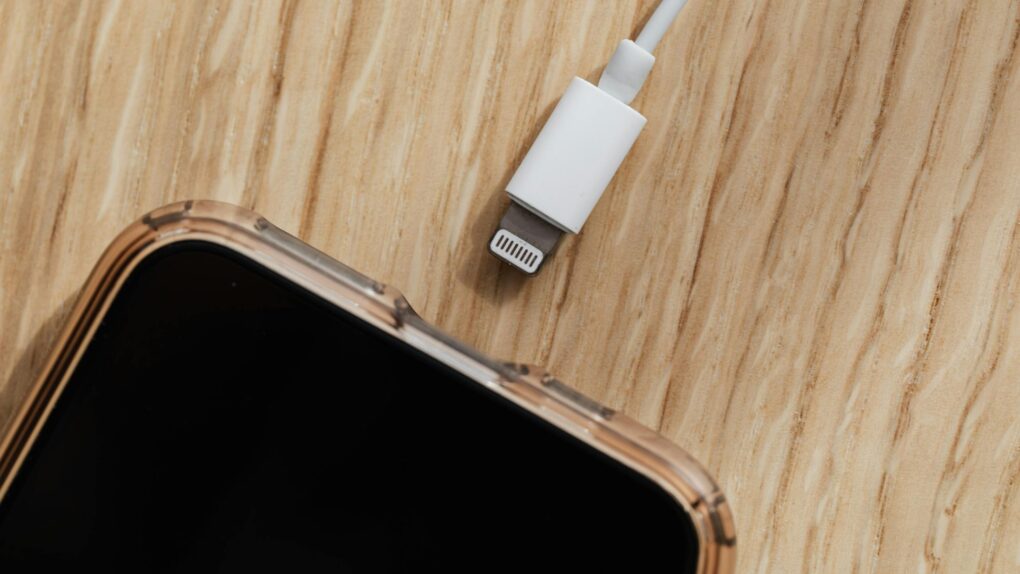
You’re at the airport, phone battery at 8%, and a USB charging port is right there. You plug in — and your iPhone flashes an alert asking whether to allow an accessory to connect. Should you panic? Are you at risk of “juice jacking?” Probably not. But you should know what that allow-accessory message means, and how to make sure you’re charging safely.
Overblown ‘juice jacking’ and what iPhone ‘allow accessory’ alert really means
Juice jacking — the idea that criminals embed data-stealing malware in public USB charging ports — has been a perennial tech scare story since researchers first demonstrated the concept at the DefCon hacker conference in 2011. The FBI tweeted a warning about it in 2023, the Federal Communications Commission maintains an advisory page about it (public access now disabled, however), and every few months, a viral Reddit thread or news headline sets off the alarm again.
Here’s the part that rarely makes it into those stories. As of mid-2023, multiple reviews have found no credible reported cases of juice jacking on mobile operating systems outside of research efforts. The threat is real in a lab setting, but there’s little evidence it has ever posed an actual threat to the general public.
After the Los Angeles District Attorney’s office issued its own juice jacking warning, it followed up and found the office had “no cases” of juice jacking on its books — and could not point to any elsewhere. Even the FCC has said it’s not aware of any confirmed instances of juic jacking occurring.
Cybersecurity experts who have looked at this say the attack is theoretically possible, but it’s really only considered a desirable method for hackers if they are targeting a particular individual, like a high-level executive, government official or investigative journalist. For the average iPhone user in an airport terminal, the realistic risk is close to zero.
Why your iPhone already has your back
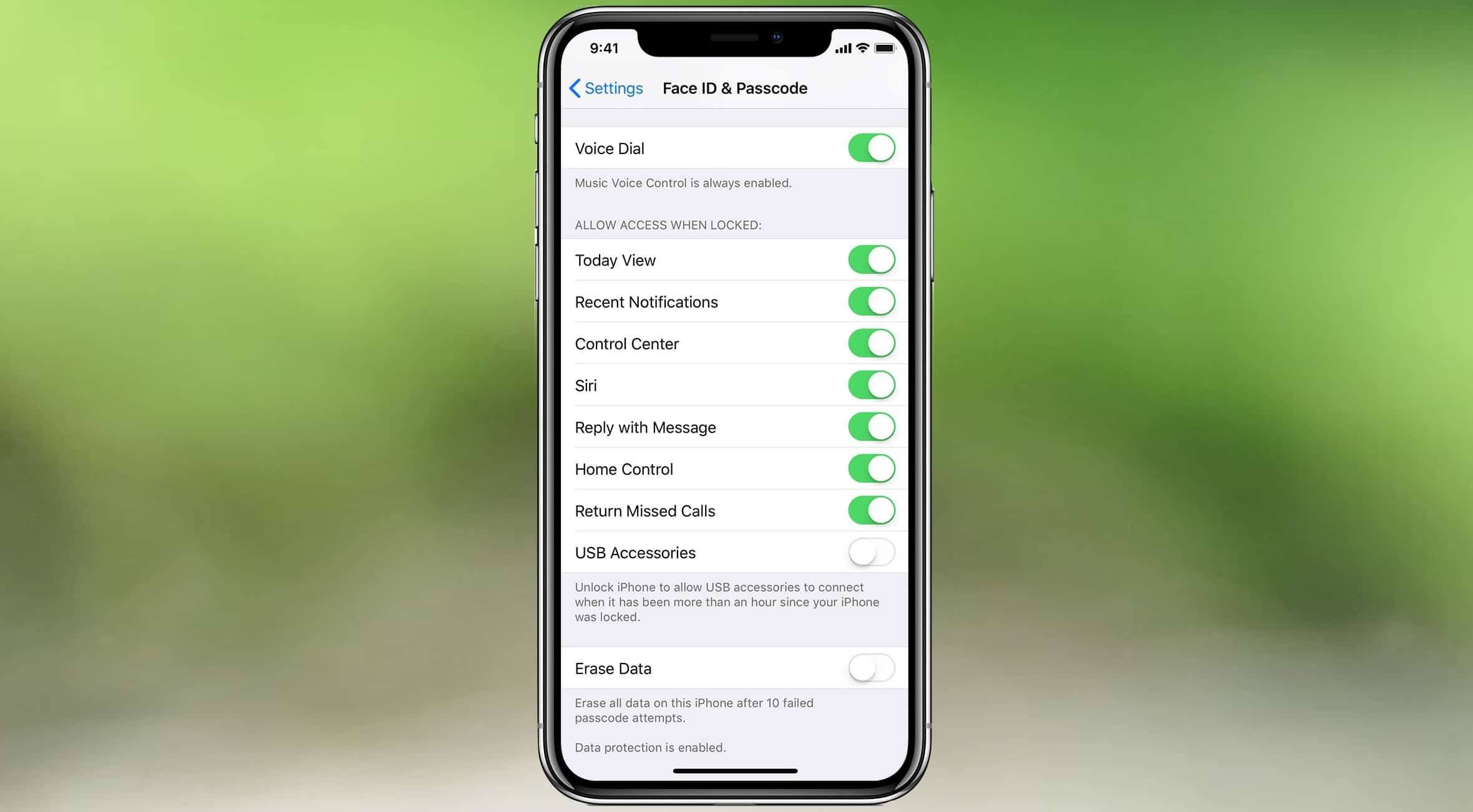
Photo: Apple/Cult of Mac
Apple has been steadily hardening the iPhone against USB-based attacks for years. By default, USB Restricted Mode is enabled on all iPhones running iOS 11.4.1 or later. If your iPhone remains locked for more than an hour, it blocks data transfer through the USB-C or Lightning port — while still allowing charging. That means a public USB port can top up your battery, but can’t reach your photos, messages or passwords.
When you plug into an unfamiliar port and see a prompt asking whether to “trust” a computer or “allow” an accessory, that’s iOS doing its job. If you see this at a public charging station, do not select “Trust.” Instead, disconnect your iPhone immediately — there is no legitimate reason for a charging port to request a data connection.
The setting you should check right now
Screenshots: Ed Hardy/Cult of Mac
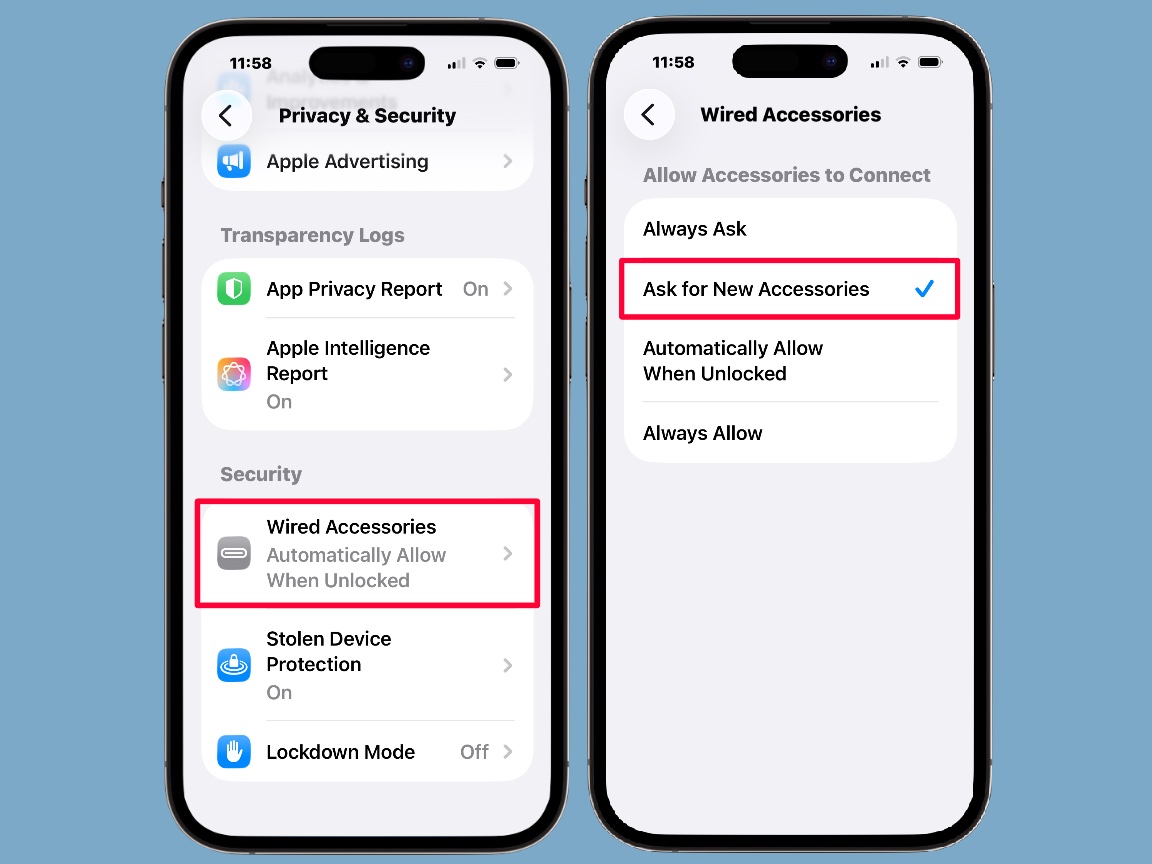
Recent iOS updates introduced more granular controls over what happens when you plug your iPhone into a USB port. You can find these options in Settings > Privacy & Security > Wired Accessories. There, you can choose Always Ask (requiring manual approval every time), Ask for New Accessories (manual approval only the first time), or Automatically Allow When Unlocked (the default).
For most people, the default is fine for home use. But if you frequently plug into unfamiliar ports while traveling, switching to Ask for New Accessories is a sensible move. That way, a public charging station — which should never need a data connection — will either stay silent (good) or trigger a prompt you can decline (also good).
The other setting to be aware of lives at Settings > Face ID & Passcode (or Touch ID & Passcode) > USB Accessories. When you toggle it off, accessories cannot establish a USB data connection when your device has been locked for more than an hour. Keeping that toggle off is the conservative choice.
Read more here: You need to change this iPhone security setting ASAP.
Practical tips for charging on the go
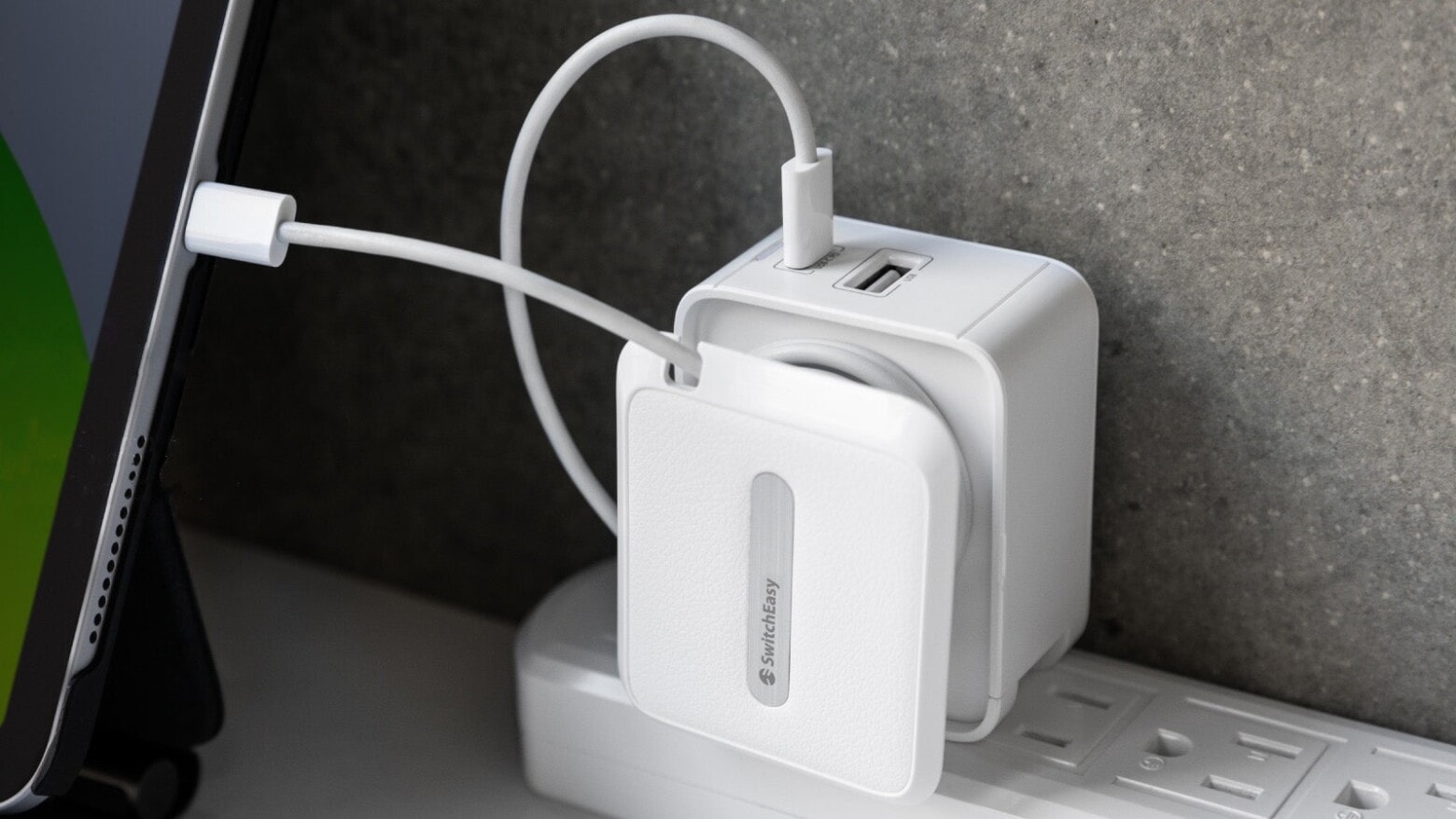
Photo: SwitchEasy
Of course, you can avoid the possible threat entirely by bringing your own charging solution. If you bring your own wall charger, you can use a standard AC outlet. These are safe to use, as there’s no way for them to hack your iPhone. Most public charging stations include regular power sockets alongside USB ports.
A portable battery pack is another clean option. You can safely charge a power bank from a public USB port with no data risk to your phone. Then charge your iPhone from the battery pack.
The bottom line: Juice jacking is a real technical concept that, so far, appears to be essentially theoretical. But understanding your iPhone’s USB security settings costs nothing. It takes about 30 seconds to check.

David Snow, an expert on Apple hardware and software, writes on a variety of technological and cultural topics for Cult of Mac. They include Apple news, technology buying guides, and features about computer setups and Apple TV shows and movies.
With 30 years of experience covering technology and other subjects, he has written and edited for numerous print and online publications, including CMP Media, TechTV.com, CNET, Wired News, Red Herring magazine, Law.com, The National Law Journal and Law Technology News magazine. Among other roles, he served as executive editor of the Law.com network of websites and editorial director, technology, for ALM Media.
Snow graduated with a B.A. from Syracuse University with majors in magazine journalism and psychology. While there, he worked as a reporter for The Daily Orange newspaper and associate editor of Equal Time magazine.
Founder of the blog At the Waterline, he can be reached on X (formerly Twitter) via @atthewaterline and on Mastodon via @dsnow.

