The Macintosh Office delivered on the dream of Macs that could talk to one another. Photo: Apple
January 23, 1985: Apple introduces The Macintosh Office, a combination of hardware and software that represents the company’s first real attempt at cracking the business market dominated by IBM.
Macintosh Office allows Macs to talk to one another. And Apple introduces amazing new devices like the LaserWriter printer that work with the business-oriented platform. Sadly, things won’t work out quite as Apple hopes.
Ridley Scott directed the dystopian ad for the Macintosh 128K, which became Apple's greatest commercial of all time. Photo: Apple
January 22, 1984: Apple’s stunning “1984” commercial for the original Mac airs on CBS during the third quarter of Super Bowl XVIII. Its dystopian theme and epic visuals pitch the Macintosh 128K as a revolutionary computer coming to smash the status quo.
Probably the most famous TV ad for a computer in history, the commercial is directed by Alien and Blade Runner helmer Ridley Scott. It reaches millions of viewers during the big game. However, it very nearly didn’t air at all.
The Mac Plus boasts an expandable 1MB of RAM and a double-sided 800KB floppy drive. And it’s the first Macintosh to include a SCSI port, which serves as the main way of attaching a Mac to other devices (at least until Apple abandons the tech on the original iMac G3 upon Jobs’ return).
Take better care of your email inbox with these hidden features. Image: D. Griffin Jones/Cult of Mac
Some people achieve and maintain zero unread emails; some let that red badge climb into the thousands. It’s never too late to change your ways — you can become one of those clean inbox people like me. These six tips will help you get to Inbox Zero using features in Apple’s Mail app that you might not have known about.
The obvious Tip No. 0 is this: You should always hit the Unsubscribe button at the bottom of every unsolicited promotional email as soon as you get the first one.
After you kill all those unwanted subscriptions, these six lesser-known features of the Apple Mail app on iPhone, Mac and iPad will make you a true pro at managing your email.
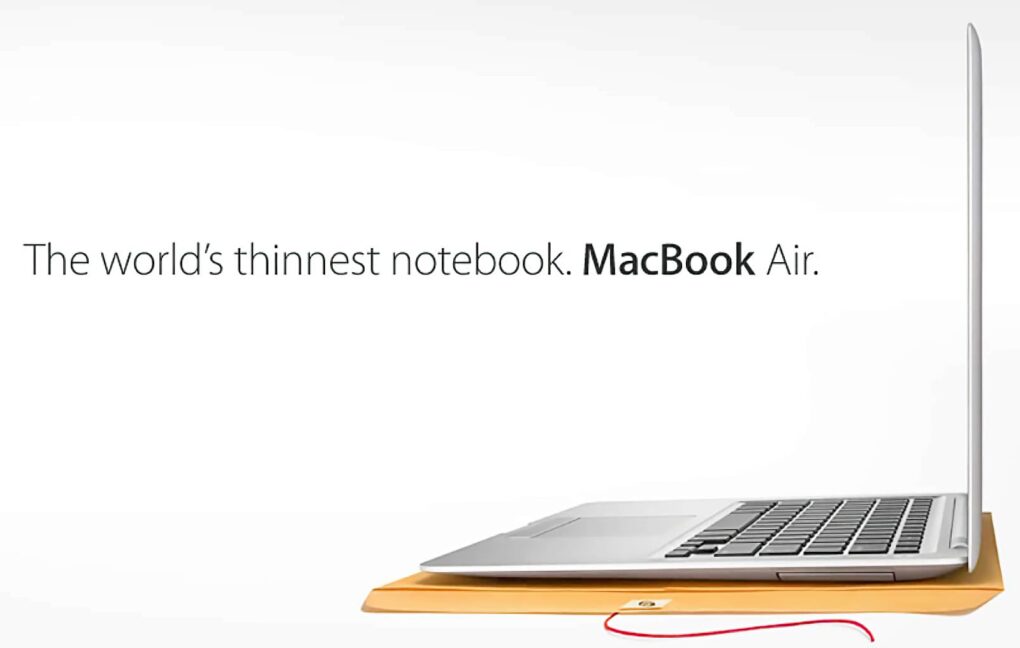
A plain manila envelope became a key stage prop for selling the MacBook Air. Photo: Apple
January 15, 2008: Apple CEO Steve Jobs shows off the first MacBook Air at the Macworld conference in San Francisco, calling the revolutionary computer the “world’s thinnest notebook.”
The 13.3-inch laptop measures only 0.76 inches at its thickest point and 0.16 inches at its tapered thinnest. It also boasts a unibody aluminum design, thanks to an Apple engineering breakthrough that allows the crafting of a complicated computer case from a single block of finely machined metal.
In a brilliant piece of showmanship during the MacBook Air launch, Jobs pulls the super-slim laptop out of a standard interoffice envelope. (You can watch his keynote introducing the MacBook Air below.)
Upgrade your M4 Mac mini into a classic Macintosh with the Wokyis M5. Photo: Wokyis
Retro tech is back, and it doesn’t get much more nostalgic than transforming a new M4 Mac mini into a Macintosh straight out of the 1980s. Better yet, the process is simple: Just pop the Mac mini into the Wokyis M5 dock and you’re done.
Don’t mistake this for simple cosmetic trickery. The add-on includes a functional 5-inch screen. Plus, it’s a hub that adds a variety of ports to the Mac as well as a slot for an internal SSD.
Take control of your notifications. Image: D. Griffin Jones/Cult of Mac
You can set up persistent notifications from specific apps so they stick to the top of your iPhone screen. With persistent notifications in iOS, when your phone is unlocked and an important alert comes in, the notification will stay visible at the top of the screen until you act upon it.
It’s an easy way to make sure you don’t miss (or forget about) critical notifications on your iPhone.
This proves super-handy for things like medication reminders. It also works wonders if you’re the sort of person who ignores notifications once they disappear from your iPhone screen. I’ll show you how to make your notifications sticky.
The new M5 macBook Pro helped increase Apple's share of the global PC market in 2025. Photo: Apple
The Mac had a brilliant 2025, with shipments increasing 16.4% year over year. That’s a growth rate none of the computer’s top rivals could match.
It marks the third straight year of annual increases. And the rate could have been higher if Apple didn’t push back the launch of some much-anticipated products.
If you don’t use a trackpad or Magic Mouse, you can set up Hot Corners to zip around your Mac. Image: D. Griffin Jones/Cult of Mac
Mac Hot Corners are shortcuts for your mouse. Enable the Hot Corners feature, and you can throw your mouse cursor to the corner of the screen (the easiest place to hit) to perform quick actions. You can instantly lock the screen, start a screensaver, show the desktop, show all windows and more.
If you use your Mac with a standard two-button PC mouse instead of Apple’s Magic Trackpad or Magic Mouse, Hot Corners can replace the multitouch gestures that you miss out on. The Mac’s built-in Hot Corners feature provides a quick and easy way to navigate your computer, and I recommend that you turn them on and use them.
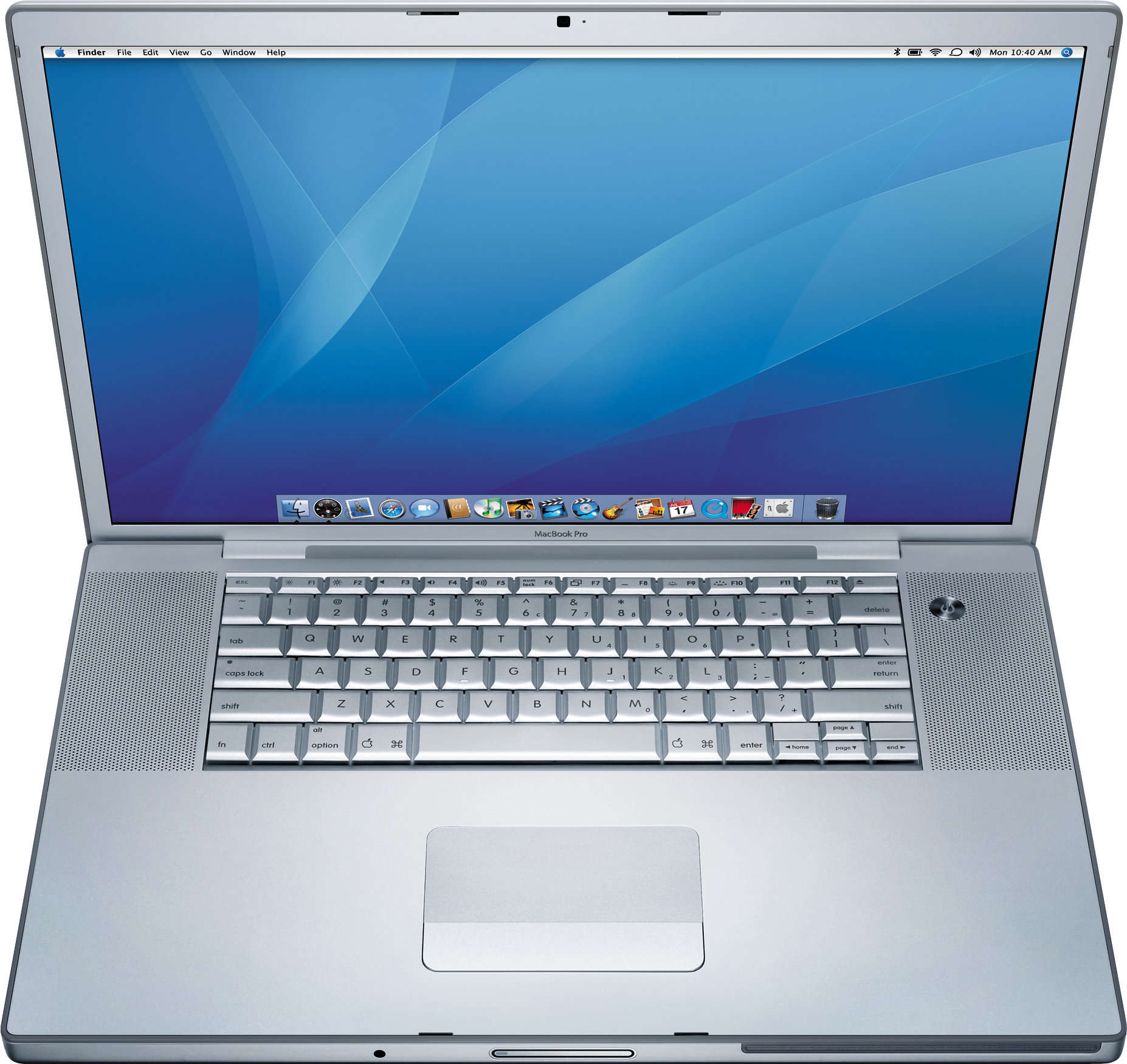
The original MacBook Pro brought innovative features (and stirred up a bit of controversy). Photo: Apple
January 10, 2006: Steve Jobs unveils the original 15-inch MacBook Pro, Apple’s thinnest, fastest and lightest laptop yet.
Building on the previous PowerBook G4 laptop, the new laptop adds dual-core Intel processors for the first time. The MacBook Pro immediately makes waves in the tech community. And did we mention its awesome MagSafe connector?
Add more blur to the background or bring it into focus. Image: King of Hearts/Wikimedia Commons/D. Griffin Jones/Cult of Mac
You can adjust the background blur of a Portrait mode photo on iPhone and Mac — even after you’ve taken the picture.
Because the iPhone stores the depth data that it uses to create the blur effect along with the image itself, you can adjust how blurry or clear the background looks. It’s super-easy to get just the right amount of aesthetically pleasing background blur, aka bokeh, to make your images look perfect.
Why would you want to tweak the background blur on your iPhone photo? A blurrier background, under the right conditions, can make for a very dramatic picture. It can effectively emphasize the subject of your shot. Or, you might want to turn up the blur to intentionally hide details behind you. On the other hand, if you’re in a photogenic location, you might want to decrease the blur so you can see more of the gorgeous background scenery.
Either way, I’ll show you how to edit Portrait mode’s background blur in photos on iPhone and Mac.
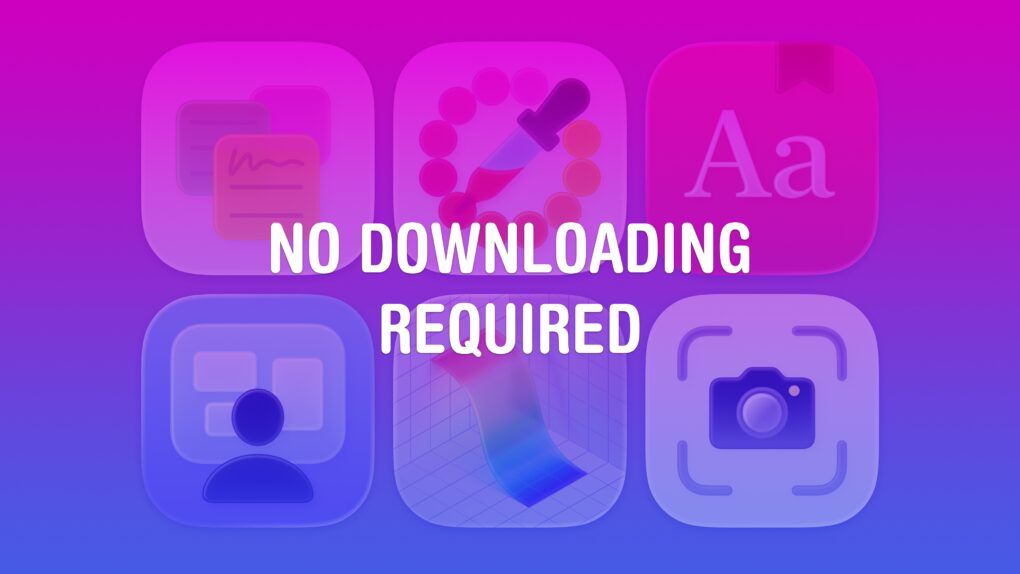
Nothing to download or install — you’ve already got ’em. Image: D. Griffin Jones/Cult of Mac
If you work on a Mac, these six useful apps can help you get that work done faster. And you don’t need to take time to download them or figure out if they’re worth the price — you already have these apps on your computer.
Stickies can help you stay organized with digital Post-It notes. Digital Color Meter is an essential tool for graphic design. Dictionary is the fastest way to look up words and synonyms. Screen Sharing can remotely control other computers on your network. Grapher is a highly advanced plotting tool. And finally, Screenshot is an easy-to-use interface for taking screenshots and screen recordings.
I’ll walk you through how to use these useful Mac apps that you probably haven’t heard of.
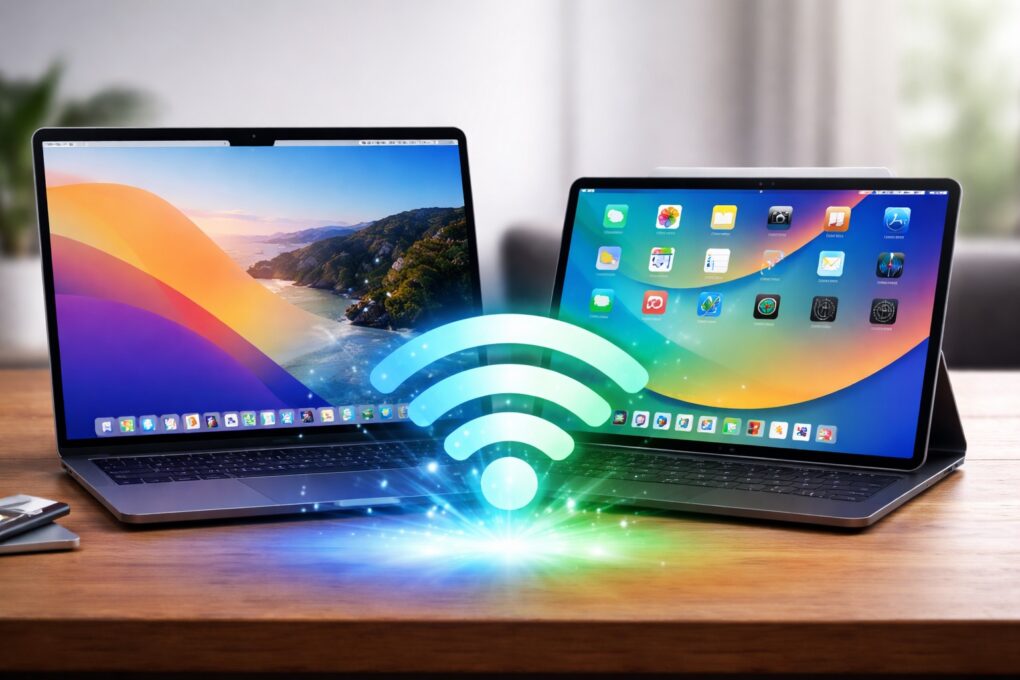
Wi-Fi on your Mac or iPad just got faster. AI image: ChatGPT/Cult of Mac
Apple silently gave some Macs and iPads a Wi-Fi speed boost with macOS Tahoe 26.2 and iPadOS 26.2. The update enables 160MHz channel bandwidth support on 5GHz Wi-Fi networks, eliminating a restriction that tamped down the maximum possible speeds.
The additional bandwidth should let your recent Mac or iPad benefit from higher throughput.
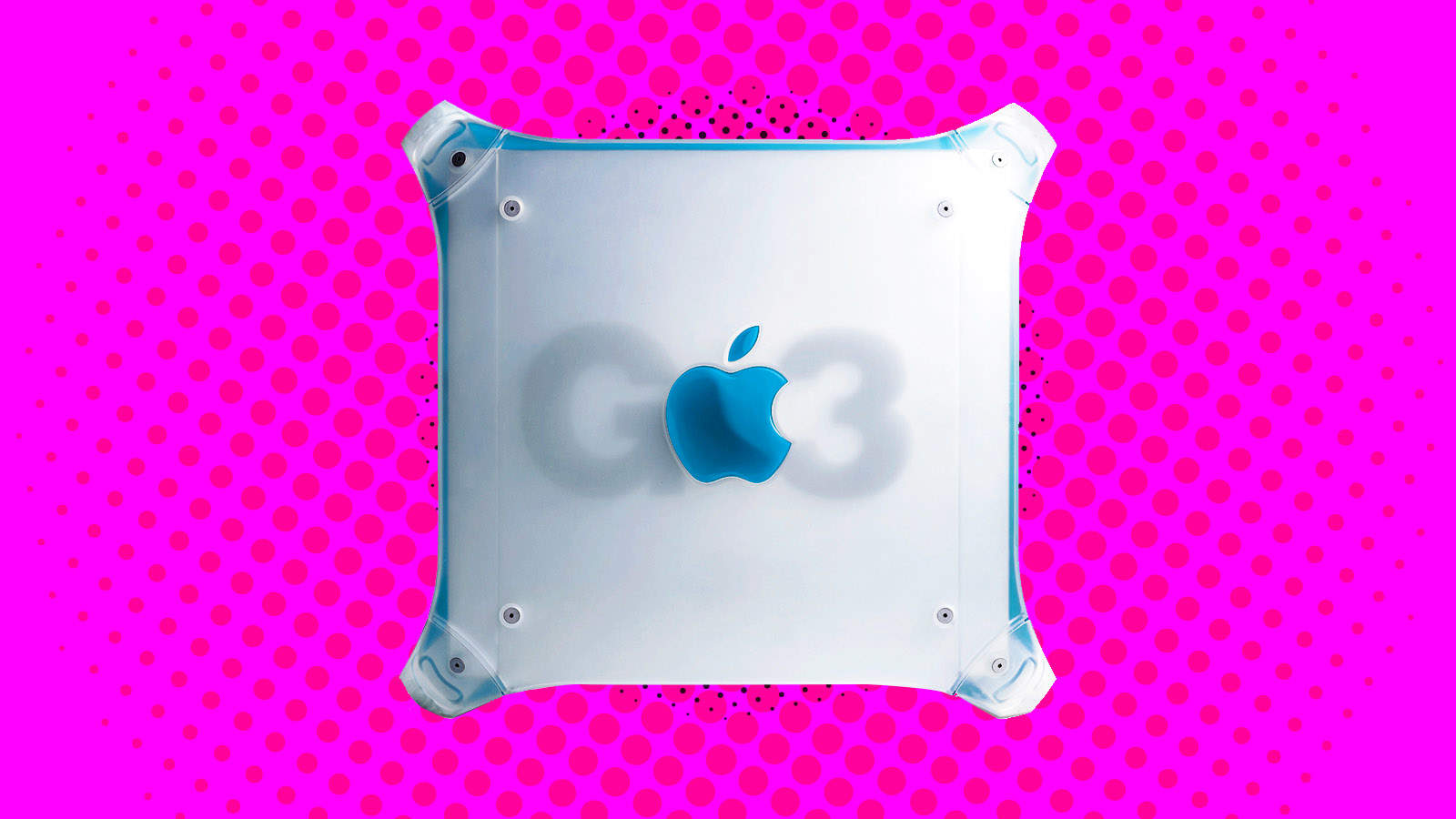
The Power Mac G3 brought a new look, and powerful new features, to Apple's pro computer line. Image: Ste Smith/Cult of Mac/Apple
January 5, 1999: Apple introduces a revised Power Mac G3 minitower, nicknamed the “Blue and White G3” or “Smurf Tower” to distinguish it from the earlier beige model.
The first new Power Mac since the original iMac shipped, the pro-level machine borrows the same transparent color scheme. Unfortunately, it doesn’t hang around too long.
Next year's going to be one for the ages. Image: Cult of Mac
This week on the Cult of Mac podcast: Apple’s got a fantastic year ahead of it, with a genuinely prodigious pipeline of new products coming in 2026. From a folding iPhone and a low-cost MacBook to entirely new product categories, get ready for 12 months of exciting new Apple hardware.
In our first show under the new Cult of Mac branding, and our final podcast of 2025, we discuss all the great stuff that Apple fans have to look forward to in 2026.
Also on the Cult of Mac podcast:
We kick off with a thorough explanation of what’s up with the new podcast name, the direction we plan to take the show in 2026, and what Erfon is up to with The CultCast. We also apologize for any confusion about the changes (and, as always, we wish Erfon the best).
We wrap the show with Griffin’s dead Apple products draft, in which we each select discontinued hardware that’s ready for a comeback.
Listen to this week’s episode of Cult of Mac in the Podcasts app or your favorite podcast app. (Be sure to subscribe and leave us a review if you like it!) Or watch the video live stream, embedded below.
A Critter Carol is a delightful holiday treat from Apple. Photo: Apple
Apple delivered some of its most memorable advertising campaigns in 2025, blending storytelling, humor and technical innovation. From emotional tributes to playful satire, the tech giant demonstrated why it remains a marketing powerhouse.
Here are the best Apple ads of 2025, which really helped define Cupertino’s creative year.
They look a lot better if you have a color printer. Photo: Killian Bell/Cult of Mac
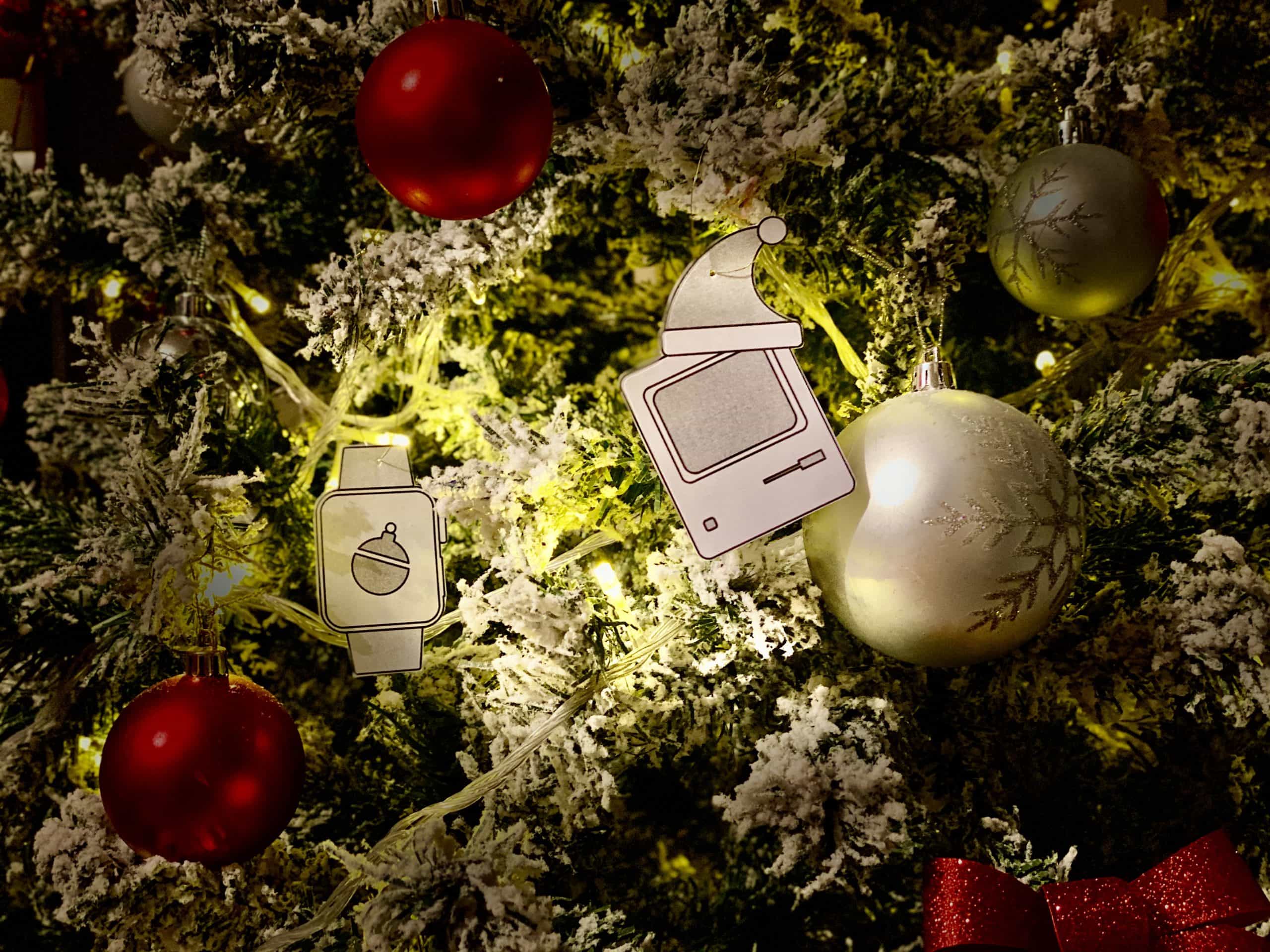
It’s not too late to give your Christmas tree a holiday makeover that any Apple fan would be proud of. Grab some string, download Cult of Mac’s awesome decorations inspired by iconic Apple devices, and get hanging!
Let's get that nice new Mac set up, shall we? Photo: Apple
It’s a great season to get a new Mac, since every model is a great buy. If you’re one of the lucky people to get one this year, here’s how to set up your Mac like a pro.
So rip open that box, tear off that plastic, and let’s get to the good stuff.
Here is Cult of Mac’s guide to setting up your new Mac the right way.
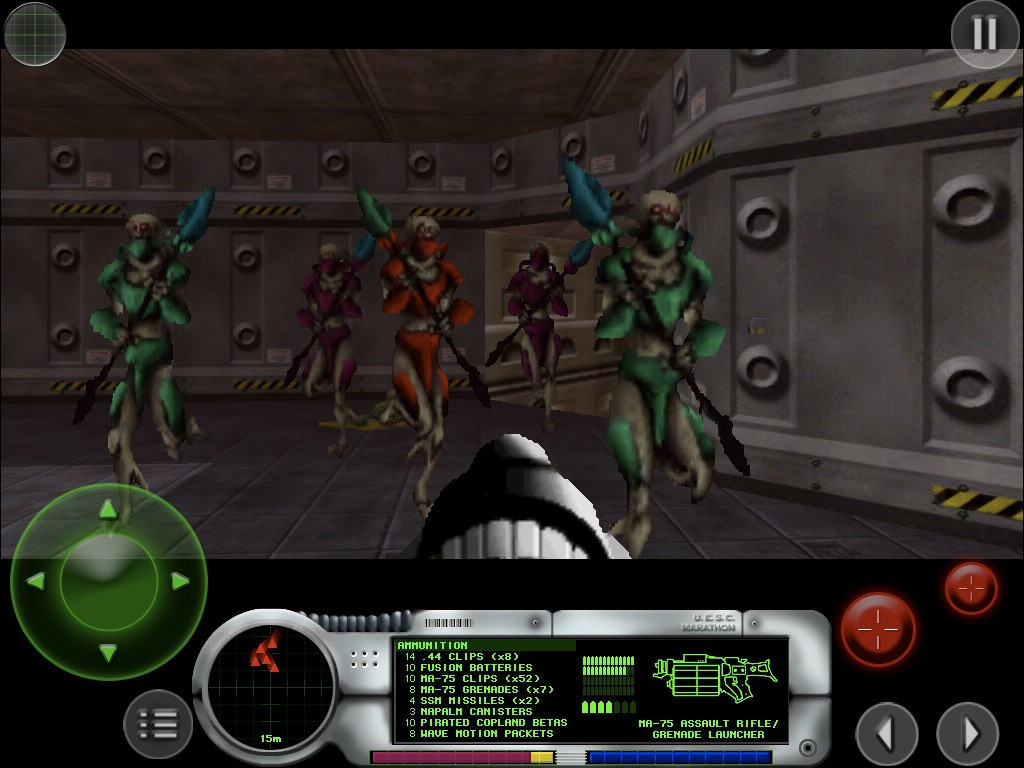
First-person shooter Marathon gave Mac gamers something to be proud of. Photo: Bungie
December 21, 1994: Mac gamers get their hands on Marathon, a sci-fi first-person shooter designed as an answer to the massive success of PC title Doom. Created by Bungie, the team that would later create the Halo franchise, the new Marathon game introduces important features to the FPS genre.
Just as importantly, it isn’t available on PC. Marathon quickly becomes a favorite among Mac gamers.
This was a big year. Photo: Apple/D. Griffin Jones/Cult of Mac
2025 was a big year for Apple. In this end-of-year roundup, we gathered up the most consequential news, groundbreaking rumors and biggest surprises of the last 12 months.
There were plenty of leaks — in fact, the entire iPhone 17 lineup was exhaustively shown off in the months leading up to September. We also knew most of the other product releases, from the MacBook Air and iPad Air to MacBook Pro and Vision Pro, would consist of simple spec bumps.
But there were tons of curveballs, too. Tariffs rattled Apple’s international supply chain. The Blood Oxygen app for Apple Watch made a sudden return. And no one was expecting a UI redesign quite like Liquid Glass.
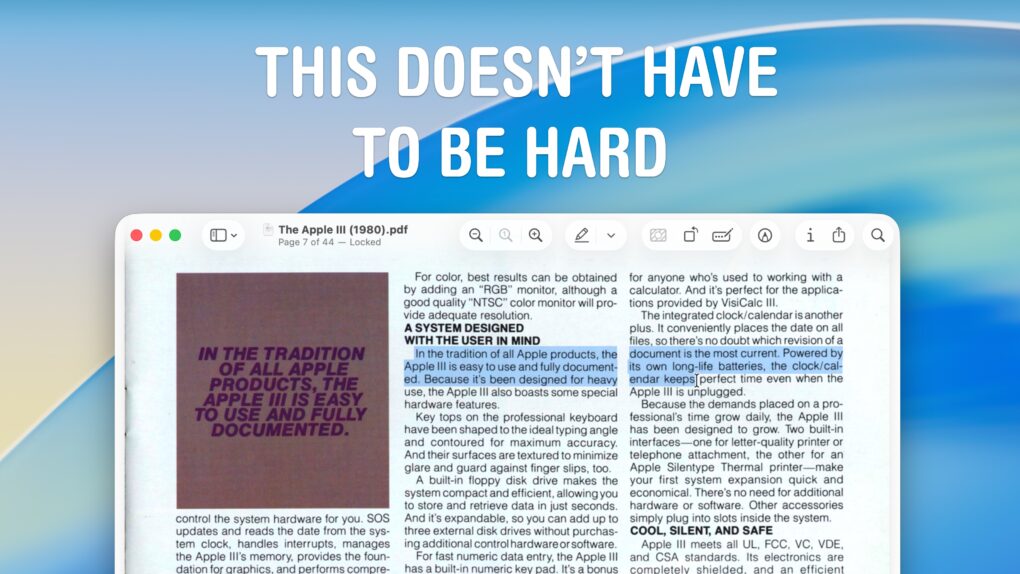
Selecting text from a PDF can be easy. Imagine that! Image: D. Griffin Jones/Cult of Mac
Although the Mac offers fantastic support for opening and editing PDFs in the built-in Preview app, the simple act of copying and pasting text from a PDF can still be a nightmare. For instance, selecting text on a two- or three-column document often selects across the whole width of the page, which is totally useless.
Luckily, there’s a better way to copy text from a PDF on a Mac using Apple’s Live Text feature.
Taking a quick screenshot and using Live Text often yields better results when you need to copy text from a PDF or an image. (It also works with photos and old document scans.) Here’s how to do it.
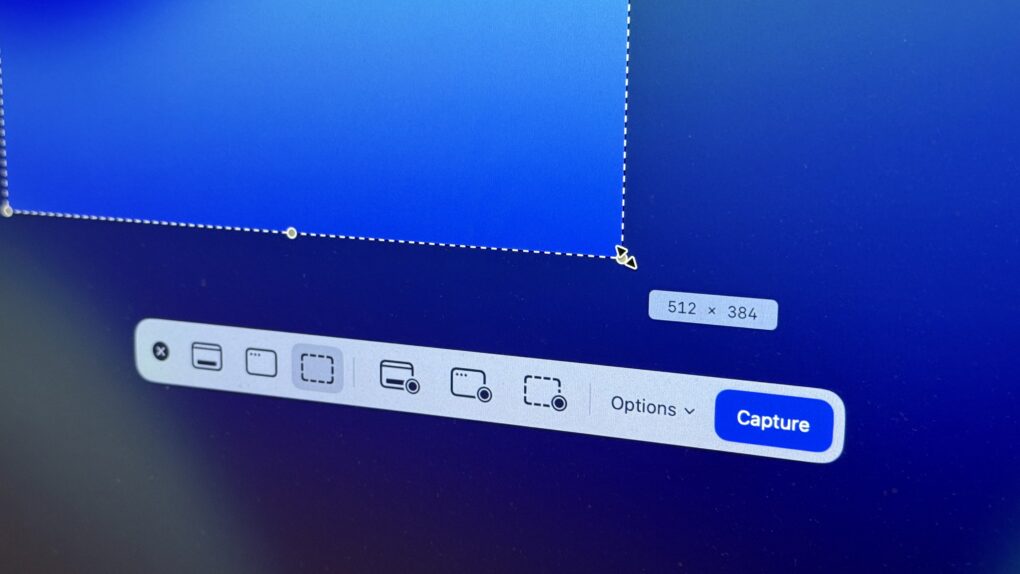
The Screenshot app in macOS provides a useful toolbar offering advanced screenshot features. Here's how to use it. Photo: D. Griffin Jones/Cult of Mac
The Mac offers many options for taking screenshots without installing third-party apps. You can take a Mac screenshot that shows the entire screen, get a clean image of a specific window, or select specific areas to capture. There’s also a built-in way to take a video of your Mac screen (and even record a voiceover for your screen recording using your microphone, headset or AirPods.)
We’ll show you how to take a Mac screenshot and screen recording so you can familiarize yourself with all the options.
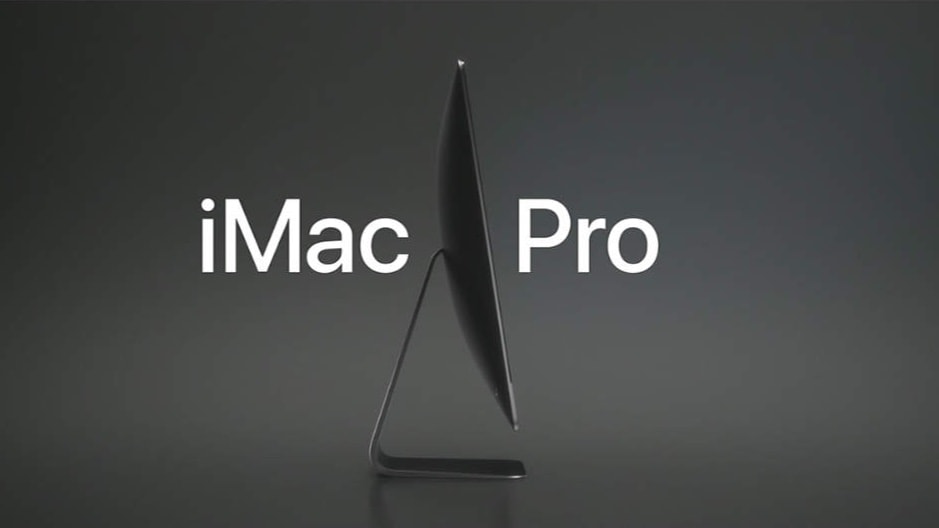
The iMac Pro made quite splash in 2017, and there are occasional calls to bring it back. Photo: Apple
December 14, 2017: The much-anticipated iMac Pro finally reaches customers many months after Apple’s announced the product. With a built-in 27-inch, 5K display and an Intel Xeon processor, the high-end desktop combines the features of an iMac and a Mac Pro.
It is beautiful and far more powerful than earlier iMacs, but is destined to stay in Apple’s product lineup only a relatively short time.
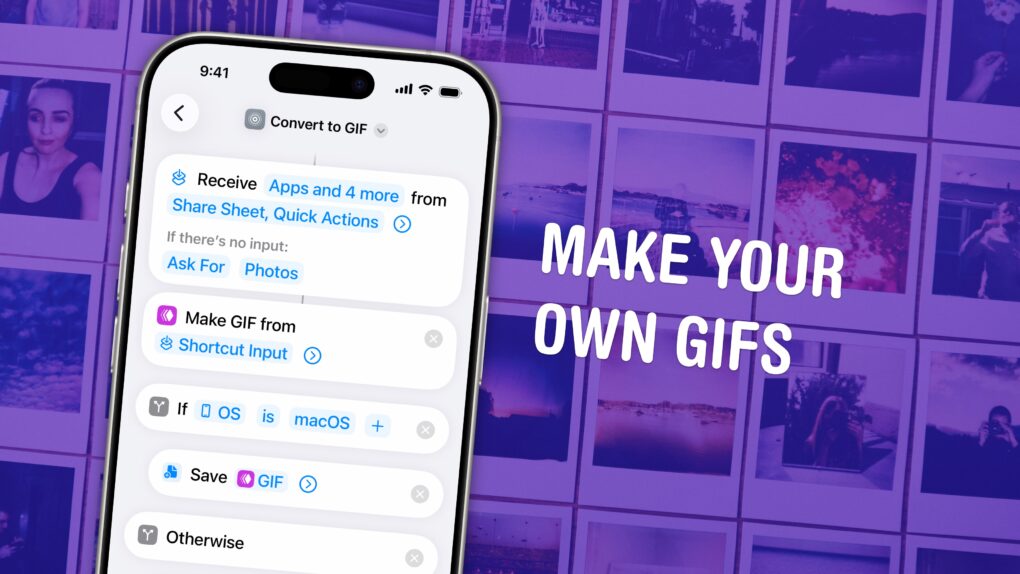
Turn any Live Photo or video on your phone into a short GIF. Image: D. Griffin Jones/Cult of Mac
You can make an animated GIF on your iPhone or Mac out of any Live Photo or video in your photo library or saved on your computer. You don’t need to download any apps — simply add a shortcut, and you can make a GIF directly from the share sheet.
If you need an actual GIF file, there’s still a pretty easy way to make them on your phone or Mac. I’ll show you how.
 January 23, 1985: Apple introduces The Macintosh Office, a combination of hardware and software that represents the company’s first real attempt at cracking the business market dominated by IBM.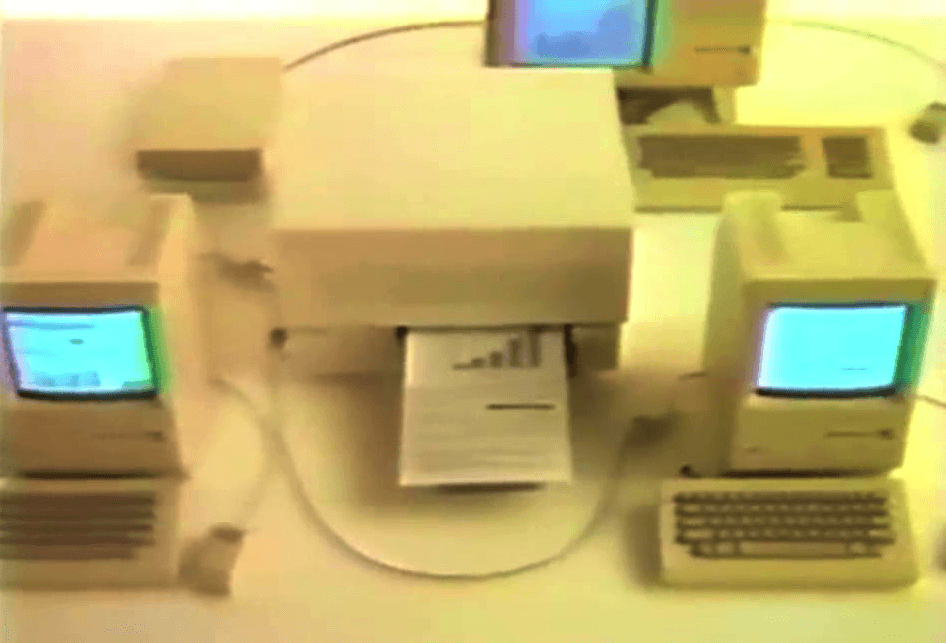


 January 22, 1984: Apple’s stunning “1984” commercial for the original Mac airs on CBS during the third quarter of Super Bowl XVIII. Its dystopian theme and epic visuals pitch the Macintosh 128K as a revolutionary computer coming to smash the status quo.
 January 19, 1989: Apple introduces the Macintosh SE/30, arguably the greatest of the classic compact Macs with black-and-white screens.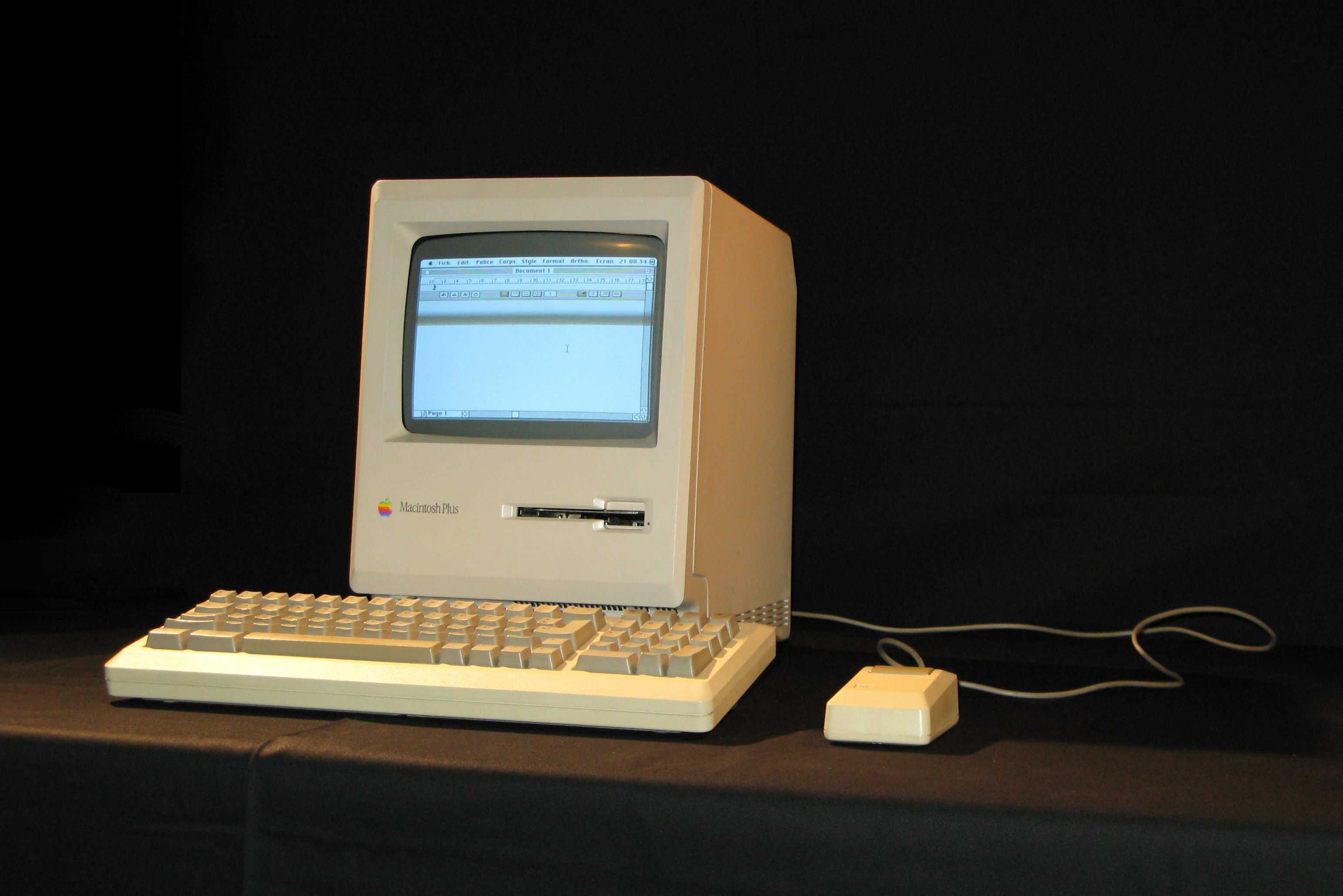
 January 16, 1986: Apple introduces the Macintosh Plus, its third Mac model and the first to be released after Steve Jobs was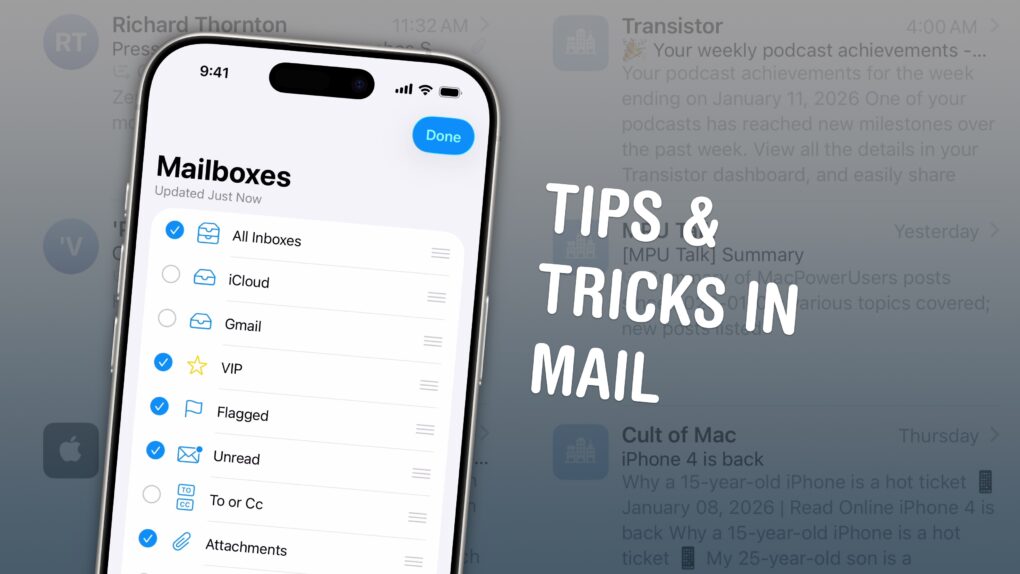
 January 15, 2008: Apple CEO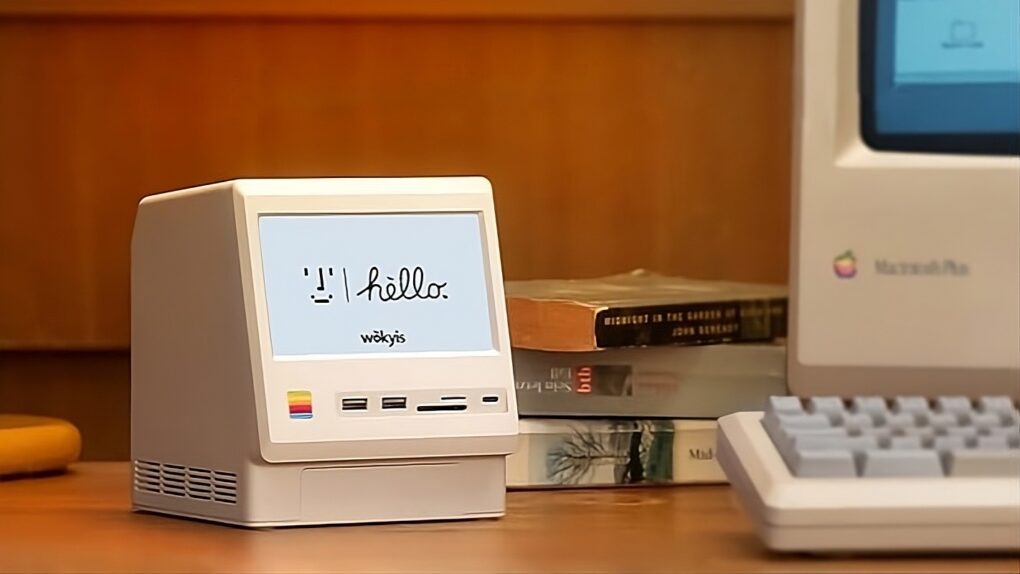

 You can set up persistent notifications from specific apps so they stick to the top of your iPhone screen. With persistent notifications in iOS, when your phone is unlocked and an important alert comes in, the notification will stay visible at the top of the screen until you act upon it.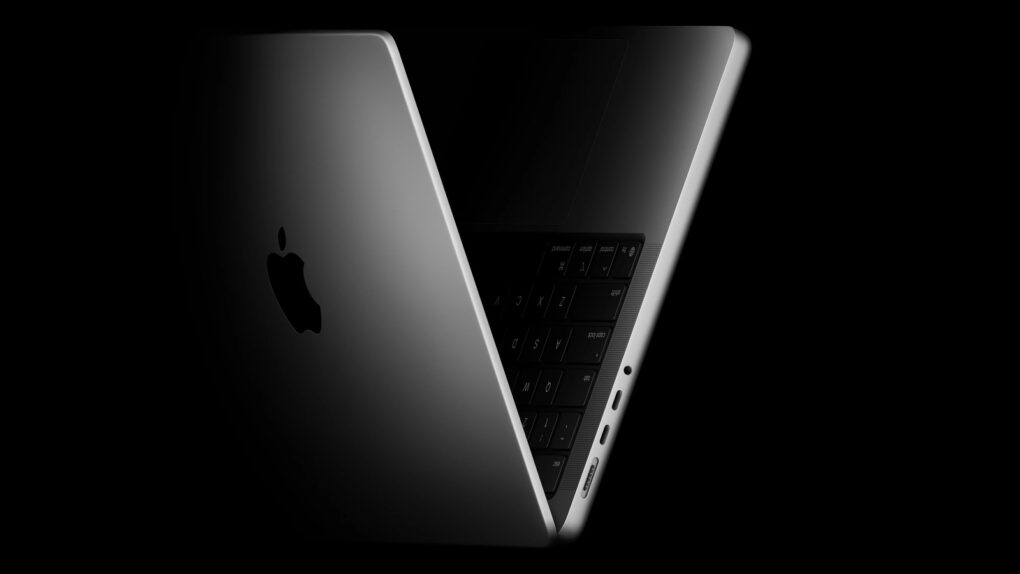

 January 10, 2006: Steve Jobs unveils the original 15-inch MacBook Pro, Apple’s thinnest, fastest and lightest laptop yet.
 January 5, 1999: Apple introduces a revised Power Mac G3 minitower, nicknamed the “Blue and White G3” or “Smurf Tower” to distinguish it from the earlier beige model.

 December 21, 1994: Mac gamers get their hands on Marathon, a sci-fi first-person shooter designed as an answer to the massive success of PC title Doom. Created by Bungie, the team that would later create the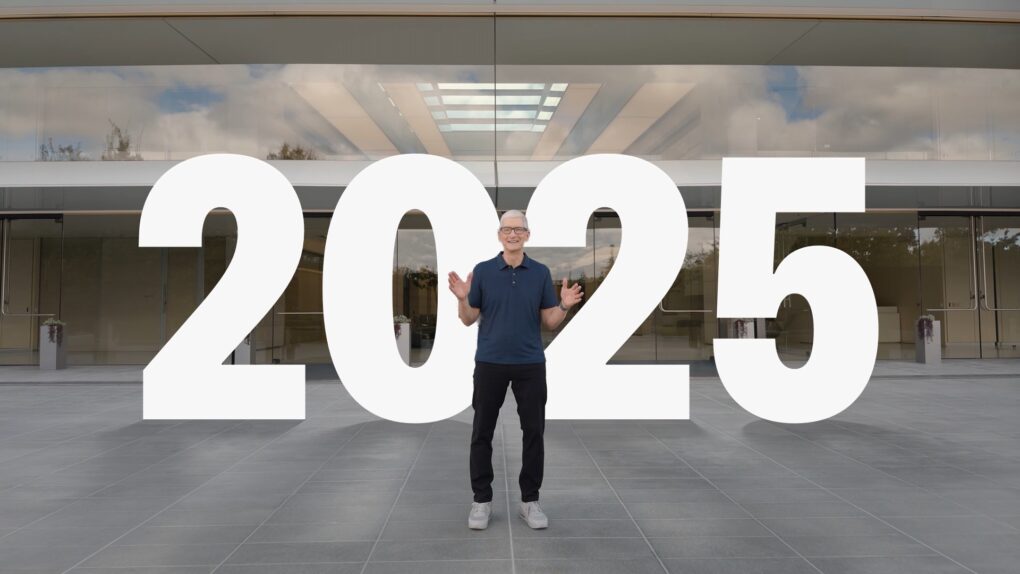
 December 14, 2017: The much-anticipated iMac Pro finally reaches customers many months after Apple’s announced the product. With a built-in 27-inch, 5K display and an Intel Xeon processor, the high-end desktop combines the features of an iMac and a Mac Pro.