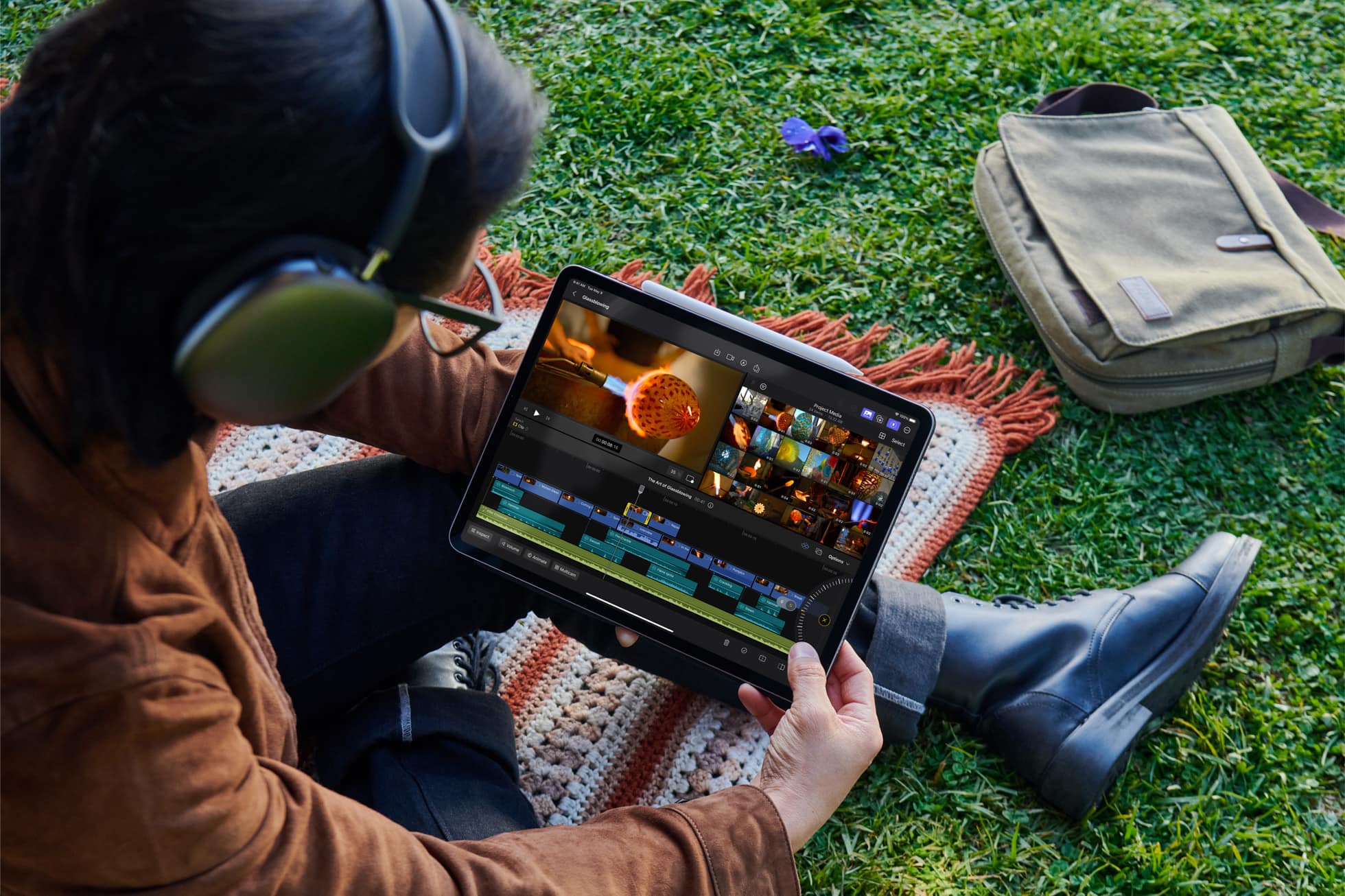
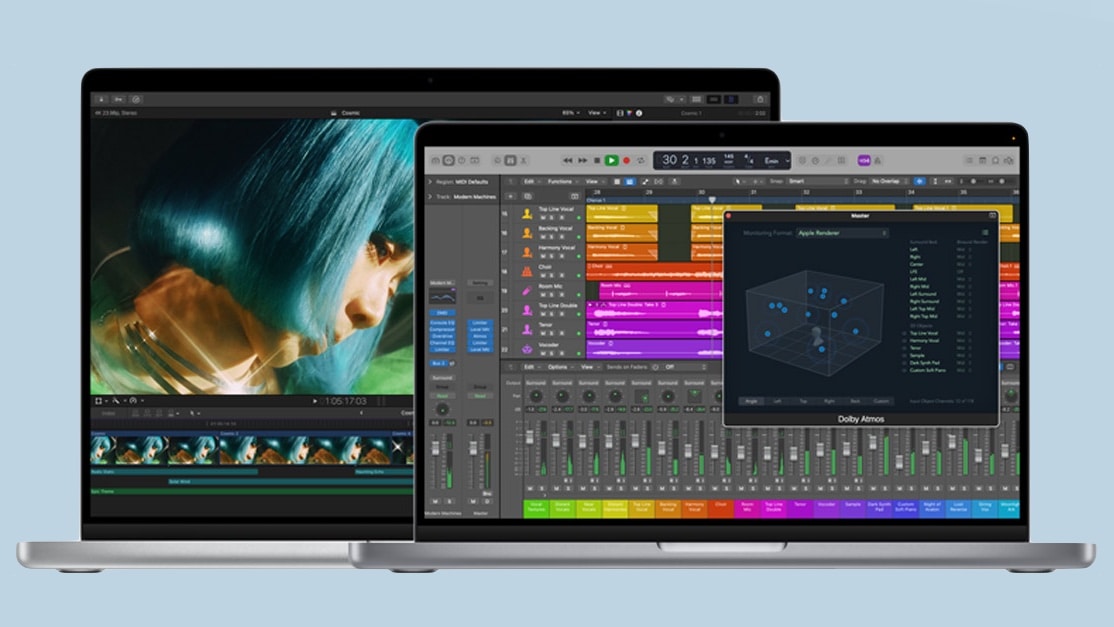
Final Cut Pro for the iPad is a lot different from its Mac counterpart. Photo: Apple
After a long wait, Final Cut Pro, Apple’s professional video editing software, is now available for M1 or newer iPads. Editors accustomed to Final Cut Pro on their Mac can easily switch to their iPad as a portable editing machine.
However, before starting with Final Cut Pro on your iPad, you need to know how it differs from the Mac build. Both versions enable pro-level video editing, but they are understandably different in key ways.
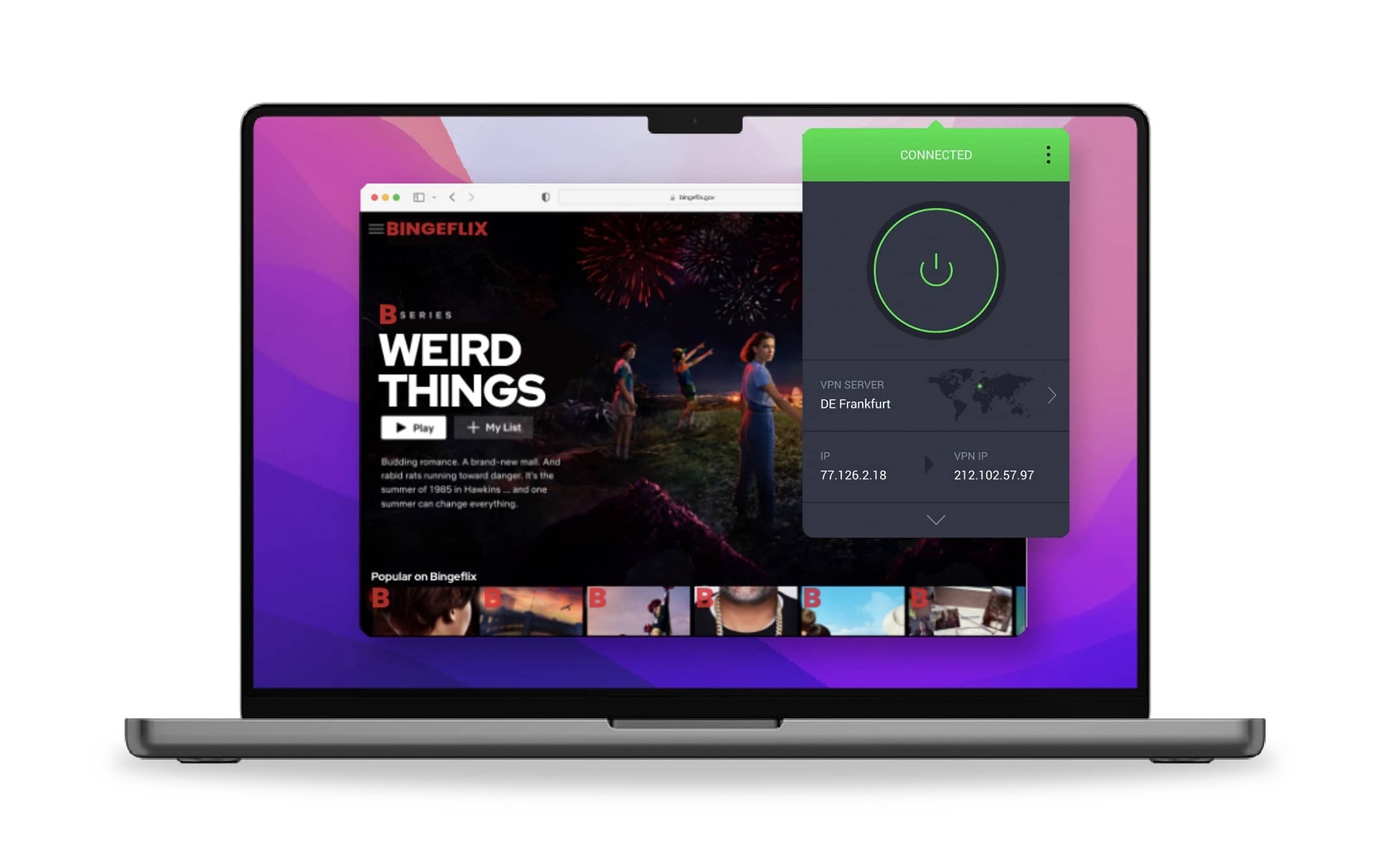
Get a quality VPN for privacy and streaming on your Mac. Image: Intego
What’s the best VPN to use on a Mac, and how do you use a VPN for data privacy? With Intego Privacy Protection, you can instantly connect to servers all around the world, including ones specially optimized for streaming. This advanced VPN comes with plenty of options for keeping your data secure and private.
You can set it to automatically open when you start your Mac, so you don’t have to worry about forgetting to launch it. Intego’s international servers, which are optimized for streaming services, worked perfectly in my testing. I’ll show you how to get started with one of the best VPNs for Mac.
Always reset your Mac before selling or passing it along to a friend. Photo: D. Griffin Jones/Cult of Mac
Selling your old Mac or passing it to a friend or family member? It is always a good idea to reset your Mac to factory settings before doing so.
This ensures the machine wipes clean all your data, so you won’t have to worry about any privacy problems. The best part is that Apple makes it very easy to reset a MacBook, iMac or Mac mini to its factory state.
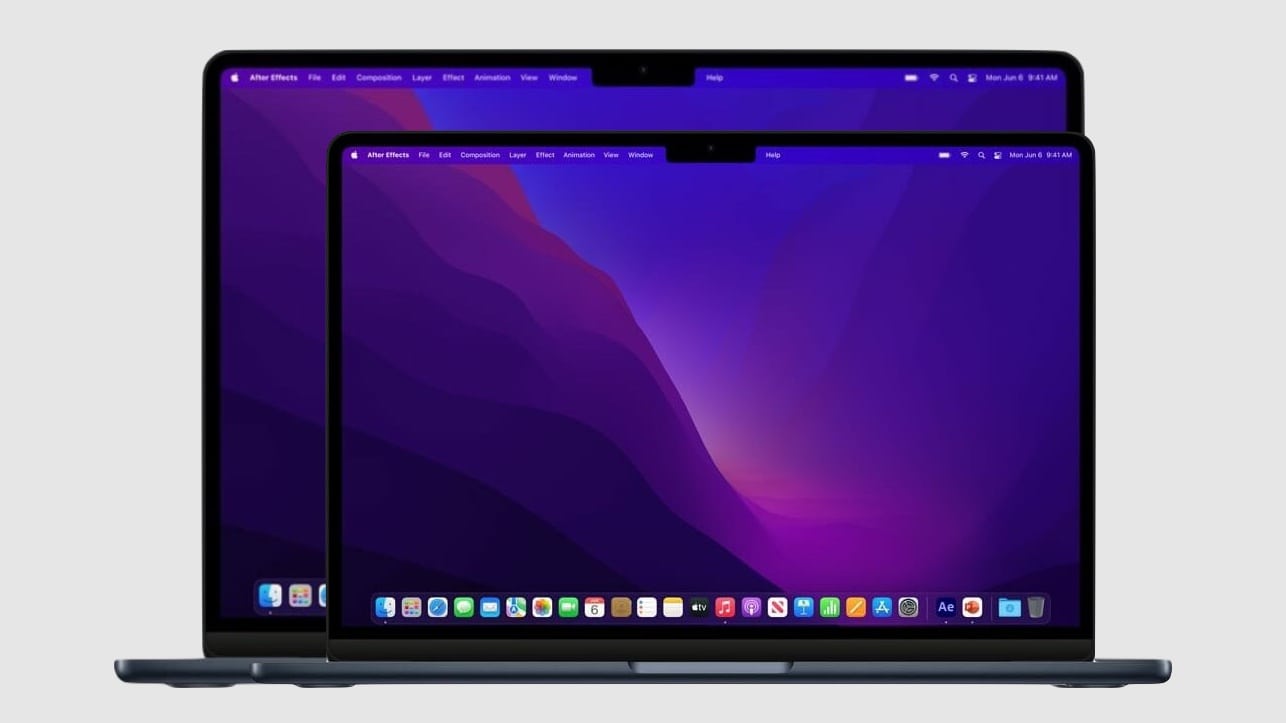
There's never been a MacBook Air with a screen this large. Concept: Ed Hardy/Cult of Mac
Two weeks from today, Apple will launch the first 15-inch MacBook Air, according to multiple tipsters. This will be the largest consumer-oriented notebook Apple has ever offered.
You don’t need to wait for WWDC23 to get the details, though. Here’s everything that has leaked out about this soon-to-be-released Mac.
Wow: get the 2023 Mac mini at $100 or $200 off. Photo: Apple
The Mac mini with M2 processor is a bargain at its regular price, and $100 off makes it an even better deal. That cuts the price of Apple’s newest desktop to less than $500.
That’s for the base model — and you can save even more by jumping up to the version with an M2 Pro and double the RAM and storage.
The wait for the Apple M3 processor could be shorter than expected. Image: Ed Hardy/Cult of Mac
Apple reportedly began internal testing of Macs powered by next-generation M3 chips. At least one of the variants could feature a 12-core CPU, an 18-core GPU and 36GB of system memory.
The next-generation Apple silicon remains a few months away from release, however. Rumors suggest it could debut at the end of this year or early 2024.
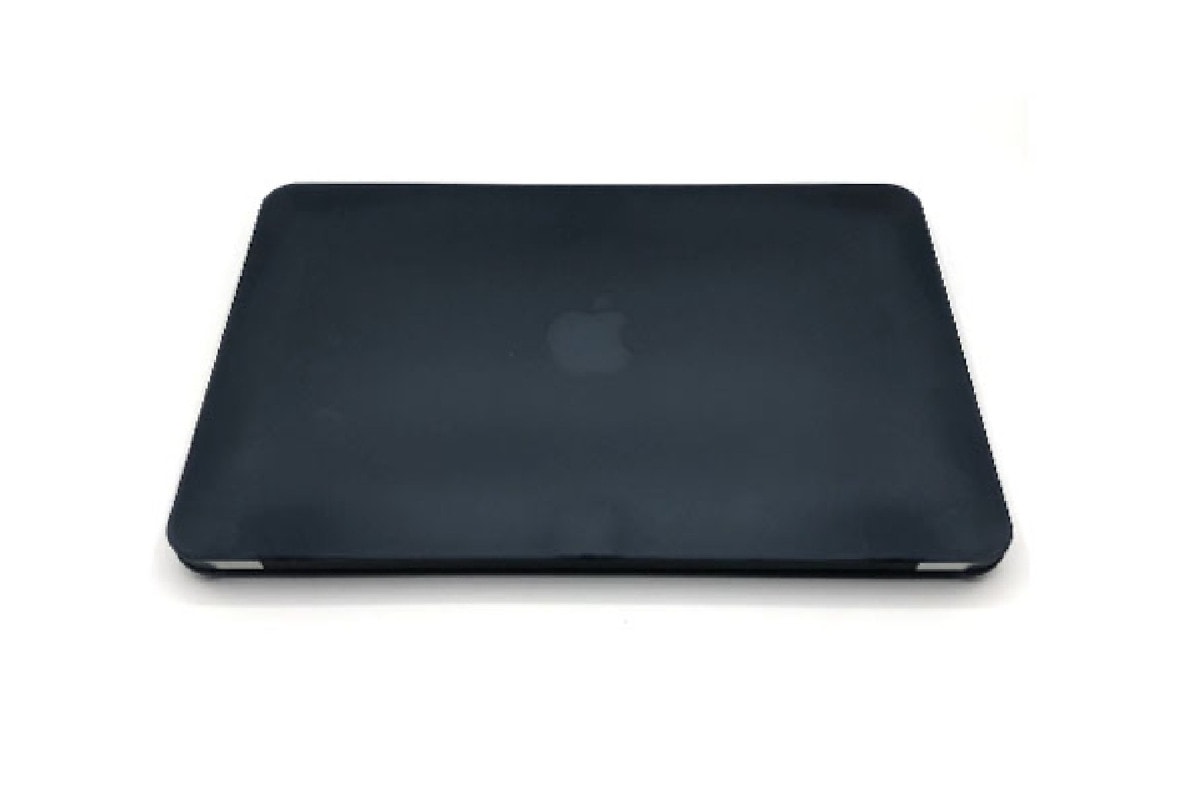
Get this refurbished MacBook Air with 128GB of storage for $247.99. Photo: Cult of Mac Deals
Each generation of laptops comes with its own quirks and improvements, but a Mac is still a Mac. That’s why when it comes to a workhorse laptop, you don’t need to automatically turn to the newest, shiniest model on the shelf. Buying refurbished Apple gear is an incredible way to get a a high-quality computer without overpaying.
For sleekness and portability at an incredibly affordable price, this refurbished MacBook Air is the solution. You can grab one now for only $247.99, along with an included protective case.
The 15-inch MacBook Air will be a dream machine. Image: Cult of Mac
This week on Cult of Mac’s podcast: What will WWDC23 bring us? In addition to a sweeping look at the future of all Apple’s platforms, it sounds like we’ll get some major new hardware. Yes, there’s that $3,000 AR/VR headset, but there’s also something we really want: a 15-inch MacBook Air.
Also on The CultCast:
The Apple Watch interface will get a major upgrade with watchOS 10. And the same holds true for Stage Manger in iPadOS 17.
All about Apple’s new Rapid Security Response system for deploying urgent upgrades.
Shockingly, internal strife seems to be one of the things holding back Siri and Apple’s artificial intelligence efforts.
Listen to this week’s episode of The CultCast in the Podcasts app or your favorite podcast app. (Be sure to subscribe and leave us a review if you like it!) Or watch the video live stream, embedded below.
Protect your MacBook the best way possible while out and about. Photo: SwitchEasy
For this week’s giveaway, we teamed up with SwitchEasy, maker of one of the finest MacBook cases around. Two lucky winners will bag a SwitchEasy Urban MacBook Sleeve.
Made of water-resistant threaded polyester material, these laptop cases will protect a MacBook from scuffs and scrapes. And they look good while doing so!
Your Apple device might be worth more than you think. Photo: Cult of Mac
The amount of money Apple will pay you to trade in a previous-generation iPhone just increased. And that’s the second time this spring. The same holds true for Mac and iPad.
So, if you have an older Apple device sitting around, it might be worth more than you suspect.
This free, open-source app makes it easy to fake your GPS location. Image: D. Griffin Jones/Cult of Mac
You can use a free Mac app called LocationSimulator to hide your real location on your iPhone. It works great as a Pokémon Go spoofer. Just set it up, then plug your phone into a Mac and tell it where you want to “be.” You don’t need to jailbreak your phone or install anything on it.
When using LocationSimulator, every app on your iPhone will use this new GPS location. It’s useful for maintaining privacy — for instance, if you’re posting screenshots online, it’ll mask your real home address. Developers can use it, too, for testing location features in their apps.
Best of all, you just need a Mac. LocationSimulator is free and open-source.
This amazing deal knocks the M1 iMac's price down to less than $1,000. Photo: Apple
You can currently get Apple’s beautiful and powerful M1 iMac for less than $1,000. The 24-inch all-in-one computer is currently available for $999.99 after a massive $499.01 discount.
The deal is on the more powerful eight-core CPU variant of the 24-inch iMac, which ships with two Thunderbolt ports and two USB 3 ports.
Update:Amazon sold out of these units so the deal is now over.
Don't miss this amazing deal on the 14-inch MacBook Pro. Photo: Apple
Update: We hope you jumped on this MacBook Pro deal as soon as we posted it, because it looks like it evaporated.
Apple’s 14-inch MacBook Pro is down to its lowest price on Amazon. You can get the machine with a discount of as much as $250.
The entry-level 14-inch MacBook Pro is listed with a $250 discount, bringing its price down to $1,749. This is the cheapest the machine has been available for since its launch earlier this year.
There's more than one way to finance a MacBook. Photo: Pixabay/Pexels/CC
Macs offer great value, but they aren’t necessarily cheap. After all, Apple’s most affordable laptop, the MacBook Air, currently starts at $999. If you need a capable computer that you can take anywhere, but you don’t have enough cash on hand to buy a MacBook Air or MacBook Pro outright, you have options.
SPONSORED
This post is brought to you by 800LoanMart.
In the FAQ below on how to finance a MacBook, we lay out the options available to you, ranging from Apple Card Monthly Installments to buy now, pay later plans from companies like Klarna and Affirm.
★★★★★
It’s a folder! It’s a wallet! It’s untitled! Photo: D. Griffin Jones/Cult of Mac
If you’re the right kind of person, the Untitled Folder Wallet by Nik Bentel is handy and practical while doubling as a funny visual joke. It’s a premium leather wallet that happens to look exactly like the New Folder icon in macOS.
It has three pockets for carrying cards, cash and coins. The leather is soft and the stitching holds strong. And best of all, it’s shaped like a tiny folder.
It’s a limited-run item of only 500 units, so if you want one, you’d best order now. I’ve been using it for about a week. Surprisingly, I fell in love with it.
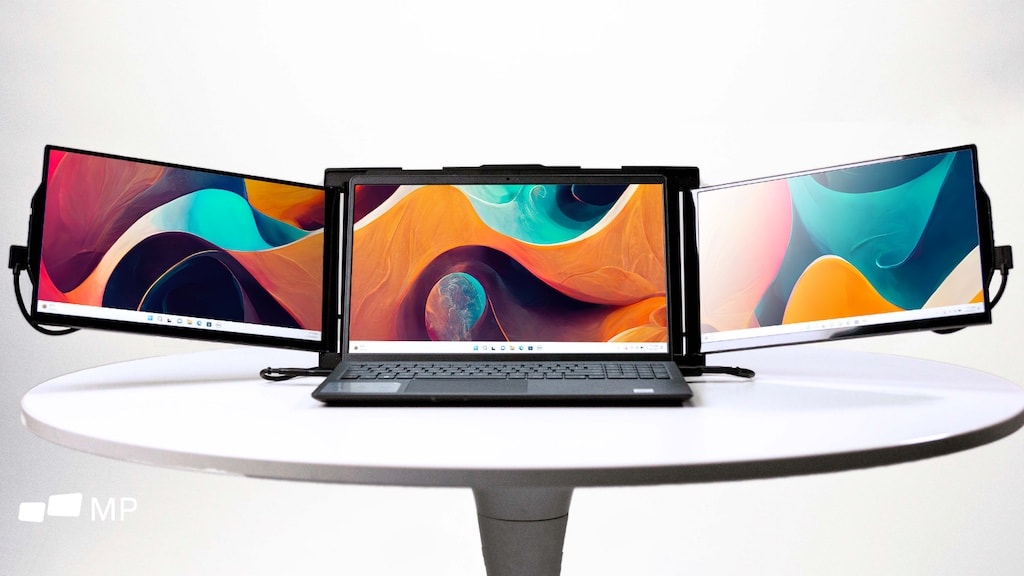
Don't give up on plenty of screen space when on the go. Photo: Mobile Pixels
Mobile Pixels just started taking preorders for updated versions of Trio and Trio Max, clip-on accessories that add not one but two external displays to a MacBook or other notebook.
Don’t think these products will trap you in the office — the add-on screens are intended for use on the go.
The new versions offer larger screens in thinner, lighter designs. And there’s a new attachment system, too.
How far can you get without Rosetta 2? Image: Apple
Is it possible to get work done on an Apple silicon Mac without ever installing Rosetta 2, the compatibility layer for running old Intel apps? In short, yes.
After buying my first Apple silicon Mac earlier this year, I was curious if I could get settled into my new computer without Rosetta. And I was successful. I’ve been writing articles, making videos and recording podcasts for more than a month, and I haven’t yet come across a mission-critical app that’s Intel-exclusive.
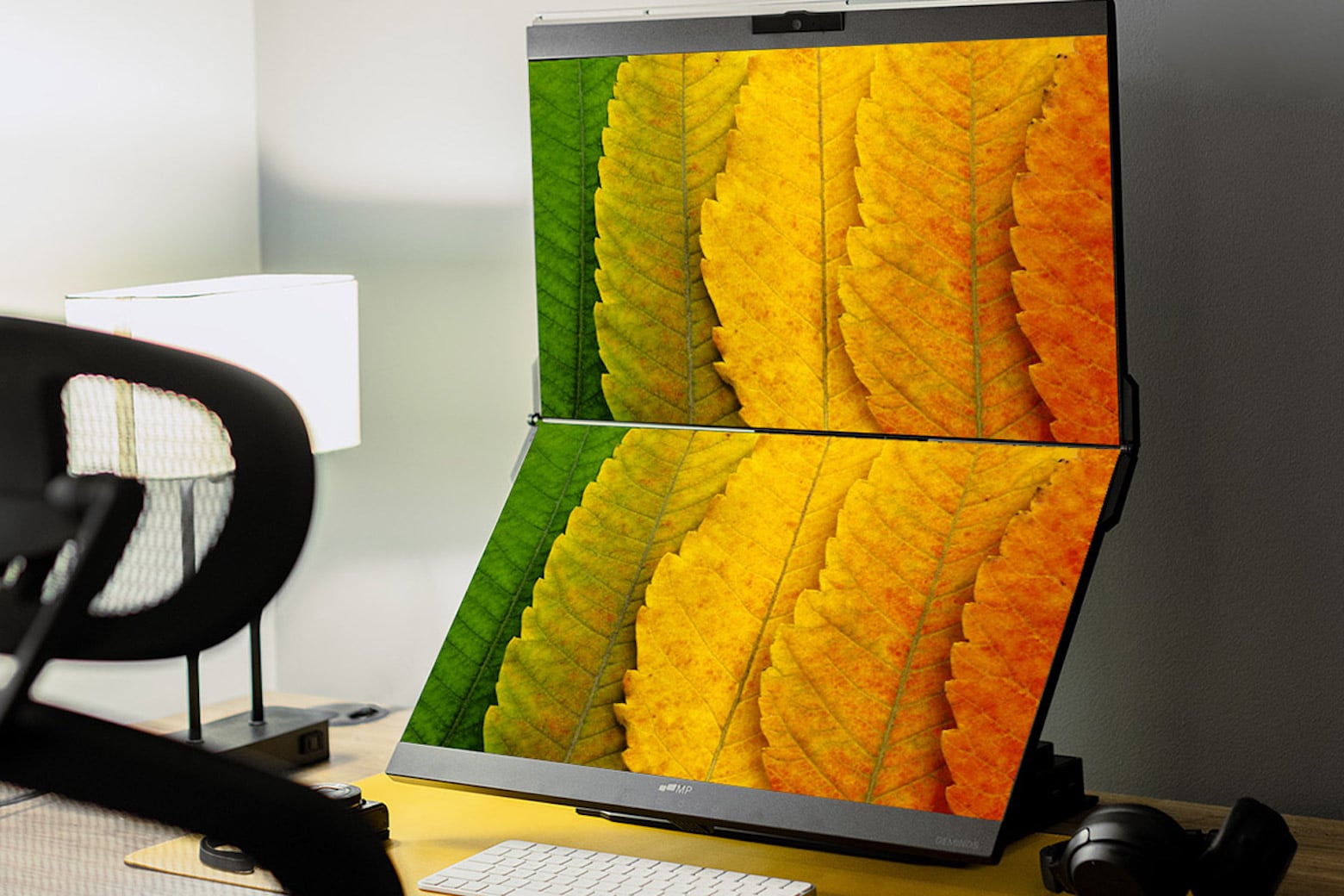
Multitask better than ever before with almost $100 off this stacked monitor. Photo: Cult of Mac Deals
Whether you work remotely or from the office, your monitor setup offers telltale signs about the productivity of your space. Having one massive screen is handy for combing through paperwork, organizing spreadsheets and creating presentations. But utilizing multiple screens? That’s a game-changer.
To truly power up your productivity, this Geminos 24-inch dual-screen monitor allows you to easily work on two screens in an ergonomic, stacked style. It’s perfect for both sitting and standing desks. And right now, you can grab it for only $699.99 (regularly $799), the best price on the web.
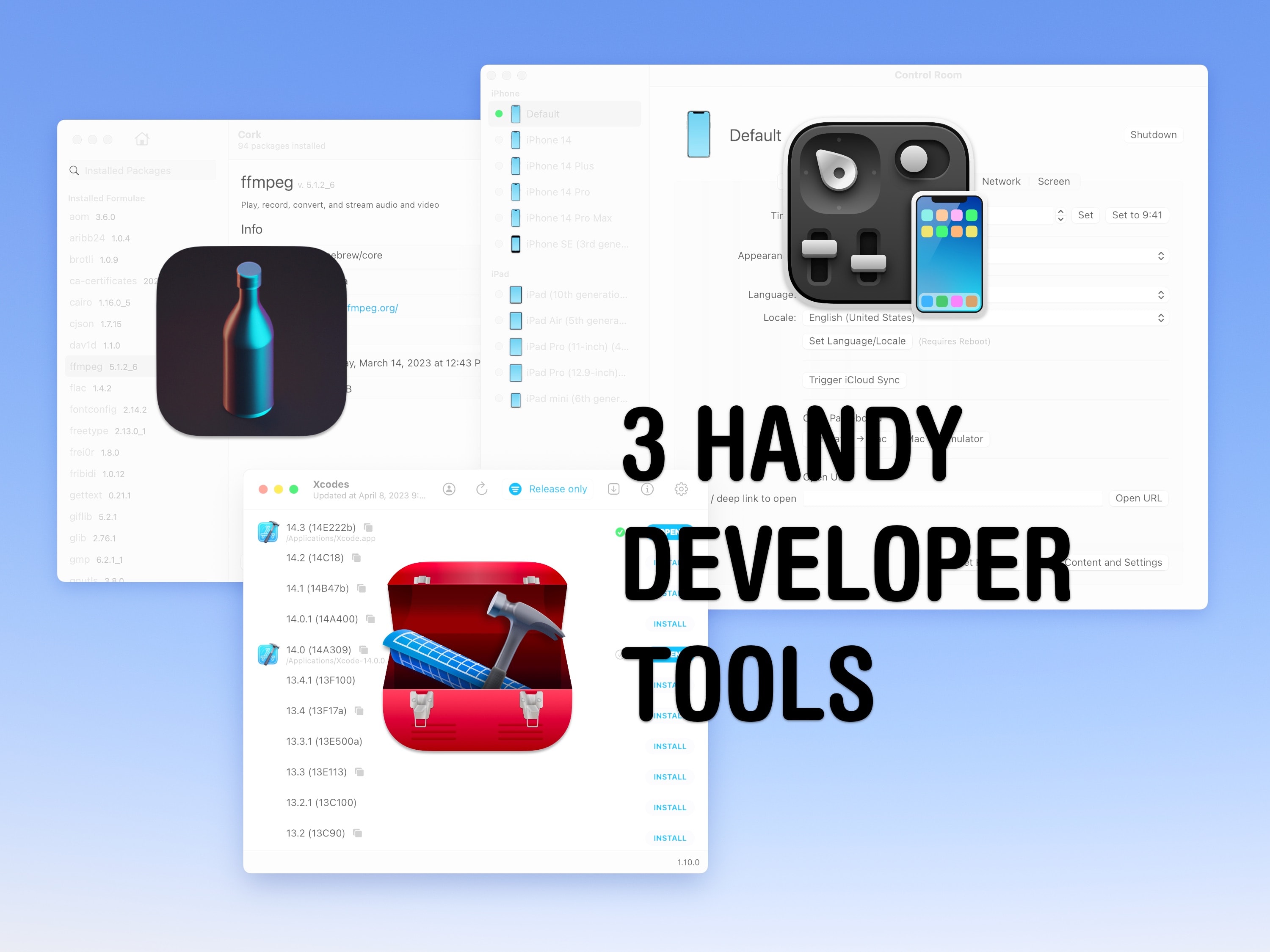
These three apps solve three annoying problems with coding on the Mac. Image: D. Griffin Jones/Cult of Mac
Whether you’re just learning how to code, you’re studying computer science or you’re a well-seasoned Mac developer, these three apps are sure to help you in your work. I have an app that adds a whole slew of new features to the Xcode Simulator, one that makes it easier managing packages in Homebrew and a better way to download and install Xcode.
All of these tools are, themselves, open source. There are links to each GitHub repo where you can learn from them and compile them yourself.
There’s an easy and free way to use Whisper to generate subtitles and transcripts. Image: D. Griffin Jones/Cult of Mac
MacWhisper is a great way to get text transcriptions for podcasts, live streams, meetings, videos — whatever you may need. Just drag a file onto the Mac app’s window and you’ll get a transcription generated on the fly. You can even use the microphone to make transcriptions live as you’re talking.
You can easily edit the transcription like a Word document and export it as a subtitle file for a video, a text file for reference or an HTML file for publishing online.
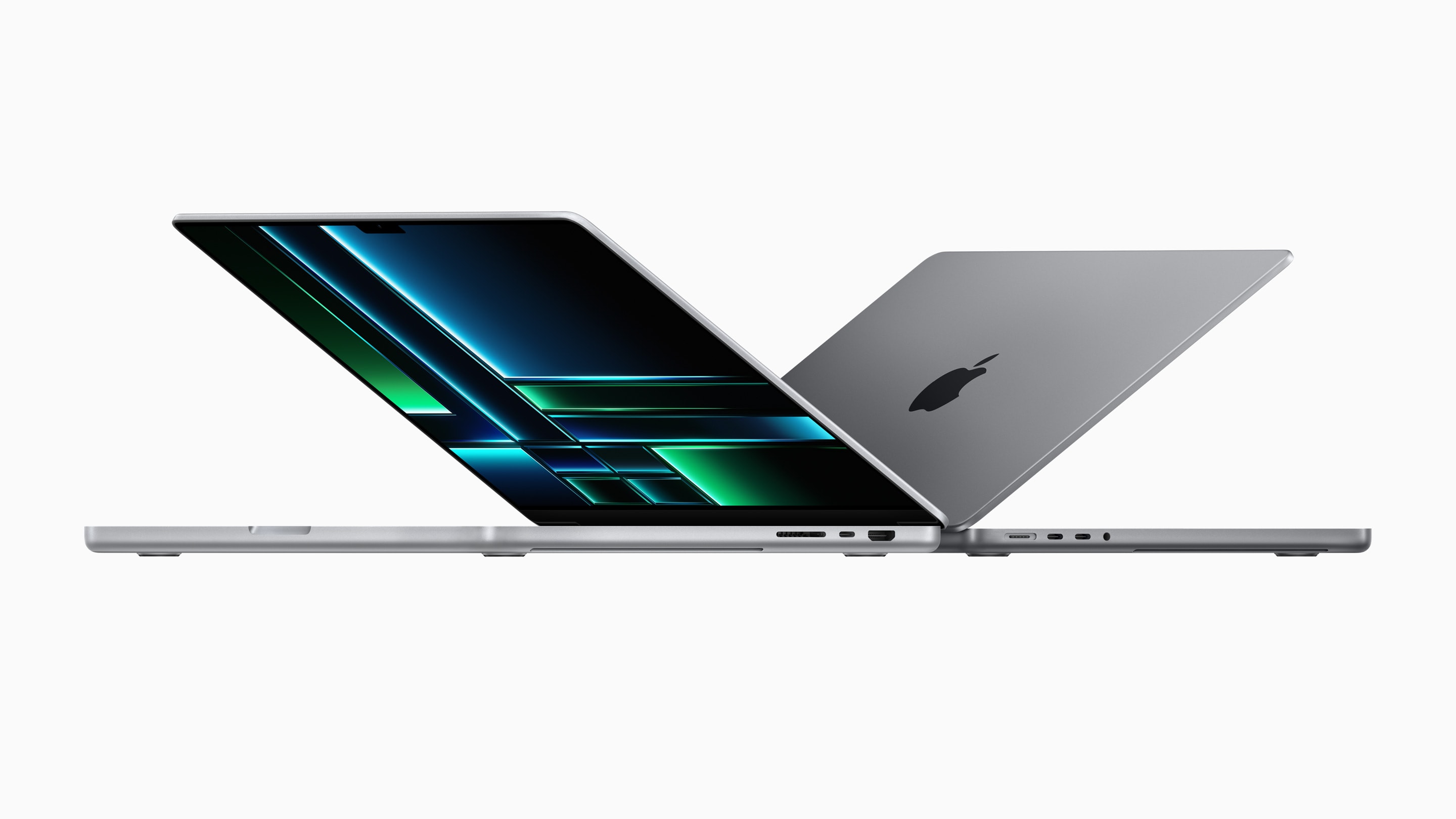
Even the speed-boosted 2023 MacBook Pro couldn't bring up Mac shipments. Image: Apple
Mac shipments declined a jaw-dropping 41% year-over-year in the first quarter of 2023, according to a market-analysis firm. It seems Apple finally joined other PC makers in seeing reduced shipments of traditional computers.
Apple crams a whole lot of computing power into the Mac mini. Image: Cult of Mac
This week on Cult of Mac’s podcast: The M2 Pro-powered Mac mini is a dream machine for creative types, according to our reviewer D. Griffin Jones. He joins us to sing the praises of this pint-size powerhouse. (It’s quite an upgrade from the 2015 MacBook Pro he used before.)
Also on The CultCast:
It’s just two months until we’ll see Apple’s mixed-reality headset. We can’t help thinking this pricey “star product” is gonna flop hard, even as it points the way toward the future.
A free book coming next week will reveal Steve Jobs “in his own words.”
Will the next version of watchOS really bring big changes?
Erfon knows where you can find a steady supply of genuine Apple accessories at cut-rate prices.
Listen to this week’s episode of The CultCast in the Podcasts app or your favorite podcast app. (Be sure to subscribe and leave us a review if you like it!) Or watch the video live stream, embedded below.
Our sponsors: Hello Fresh and Mylio
Hello Fresh is America’s No. 1 food kit! Go to HelloFresh.com/cultcast50 and use code cultcast50 for 50% off, plus your first box ships free!
Mylio is the easy way to manage all your photos on all your devices. Try it at Mylio.com/cultcast.
★★★★★
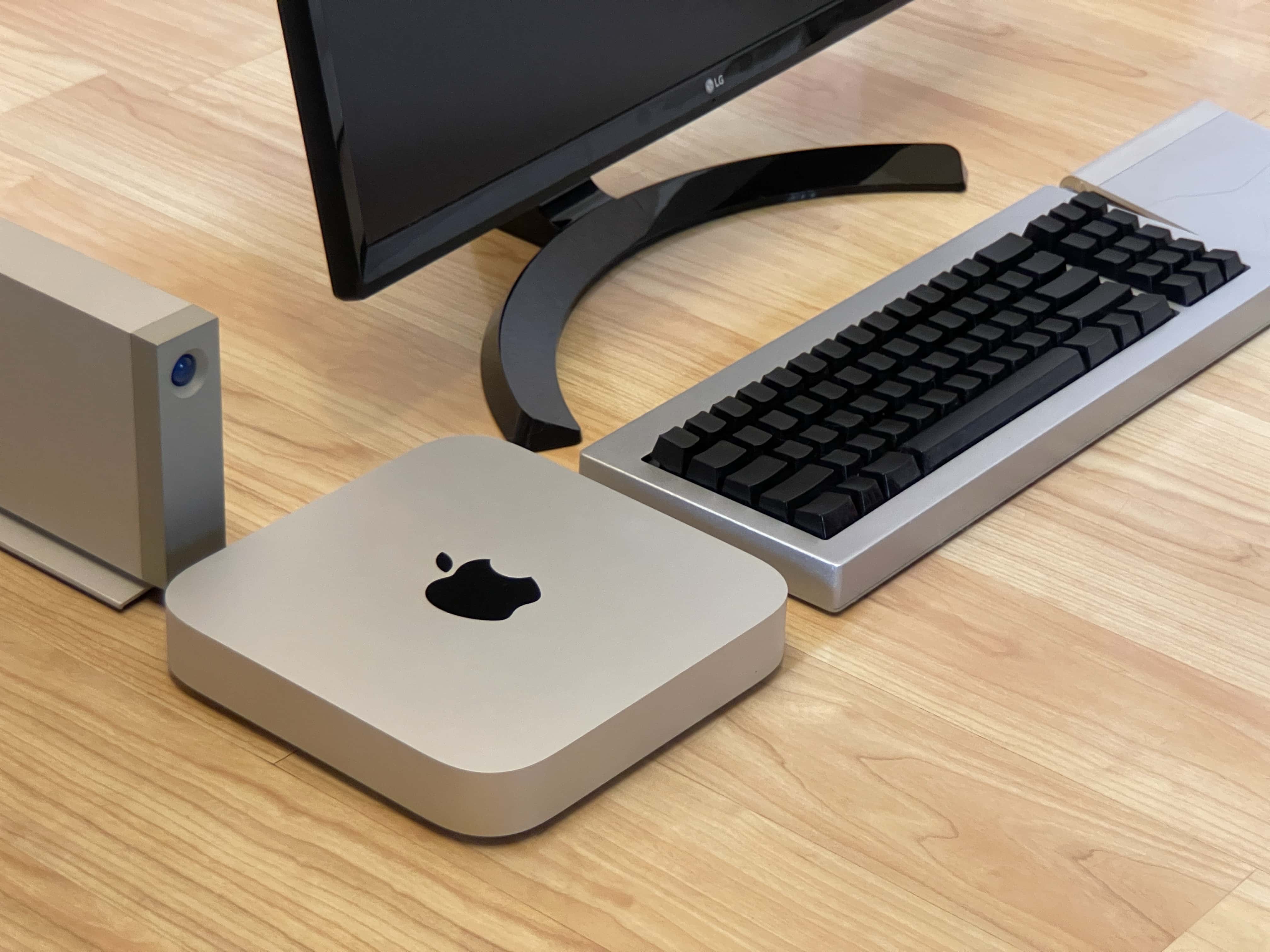
Here’s your classic product shot with everything sitting directly on a floor without anything plugged in. Photo: D. Griffin Jones/Cult of Mac
The new Mac mini is the best value in the entire computer industry, point blank. It’s a $700 computer that won’t break a sweat editing high-resolution video, exhaustively long podcasts or giant graphic design projects — all at the same time. The M2 Pro model takes it even further.
Because of my job here at Cult of Mac, I wear a lot of hats. In a typical week, I edit videos, record a podcast, dabble in graphic design, compile open-source projects in Xcode and research topics for my writing. I’m basically all the creative professional stereotypes Apple loves to put in their promotional videos rolled into one.
After living with the new Mac mini for over a month, I can confidently say this is a fantastically powerful machine within the reach of independent creators, small businesses and schools.
Wow: get the 2023 Mac mini at $100 off. Already. Photo: Apple
The new Mac mini with M2 processor is a bargain at its regular price, and $100 off makes it an even better deal. That cuts the price of Apple’s newest desktop to less than $500.