Mobile menu toggle

Top Stories - page 2

Cyber Monday 2025: Score record-low prices on AirPods, iPads, MacBooks and more

By

Images of Apple products on sale for Cyber Monday 2025
Some Cyber Monday Apple deals are even better than the Black Friday sales.
Image: Cult of Mac

Our guide to the best Cyber Monday 2025 deals on Apple products and accessories showcases some prices that are even lower than Black Friday’s blowout sales. We’ll update this post throughout the day, but the clock is ticking. These Cyber Monday deals should end at midnight!

Our favorite earbuds — AirPods Pro 3 — remain at an all-time low price. The iPad mini just hit a new low of $349. And somehow, an amazing deal on the latest M4 MacBook Air got even more amazing as Cyber Monday approaches.

Find our absolute favorite Apple Cyber Monday picks, and our other favorite deals sorted by product category, below.

Live now: Best Cyber Monday 2025 iPad deals — iPad 11, M3 iPad Air, M5 iPad Pro

By

Best Black Friday iPad deals 2025 — mega price drop alert!
Save an amazing 25% on a new Apple tablet. Do not miss these Cyber Monday iPad sales.
Image: Cult of Mac

Cyber Monday is officially here, and for iPad fans, the deals are looking good. Lots of iPads are on sale for their lowest-ever prices. Whether you’re hunting for a dependable workhorse, a powerful all-rounder, or a pro-level device, the iPad deals hitting the market shouldn’t be ignored.

The budget-friendly iPad is now 21% off, making it a steal for students, casual users, or families. Meanwhile, the sleek M3 iPad Air is discounted by an amazing 25%, bringing high-performance efficiency at an even more tempting price. And for creative pros, the brand-new M5 iPad Pro is also seeing an early discount — a rare opportunity to grab cutting-edge power and graphics capabilities without paying full retail.

Still live: Best Black Friday 2025 Apple deals on MacBook, iPad, AirPods, Apple Watch and more [Updated]

By

Images of Apple products on sale during Black Friday week 2025
Apple products and accessories are heavily discounted during Black Friday week.
Image: Cult of Mac

We put together the ultimate guide to the best Black Friday 2025 deals on Apple gear — and all the accessories you could want. We’ll be updating this post throughout the week as deals come and go. 

Our favorite earbuds — AirPods Pro 3 — remain at an all-time low price. And somehow, an amazing deal on the latest M4 MacBook Air got even more amazing as Cyber Monday approaches.

Find our absolute top five picks, and our other favorite deals sorted by product category, below. 
Live now: Save on must-have gear with these Cyber Monday deals on iPhone accessories

By

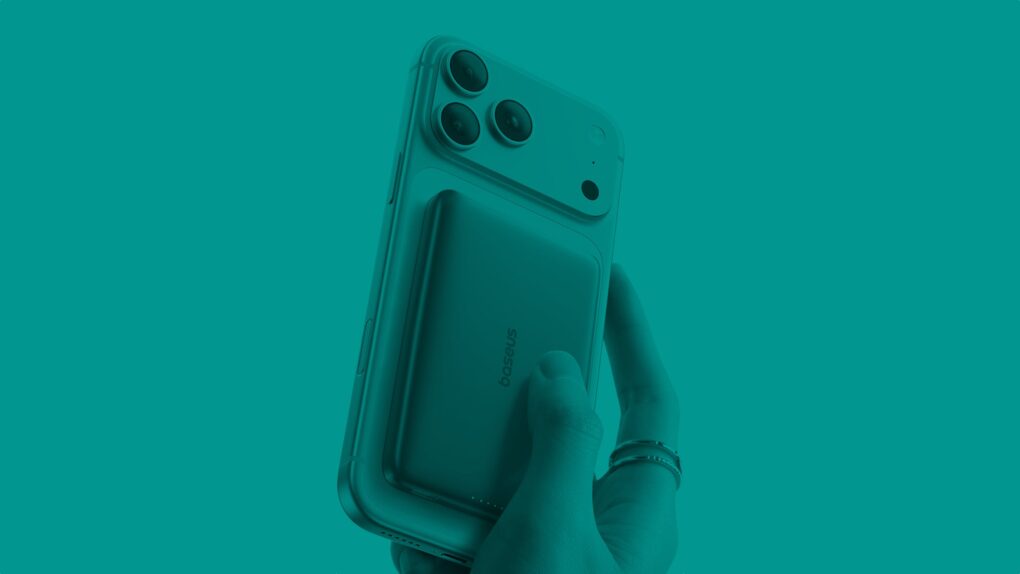
Photo of hand hodling iPhone 17 Pro with a Baseus Picogo Qi2 10K Portable Charger to illustrate guide to best iPhone accessories deals for Black Friday 2025
At these prices, these hot iPhone accessories must be flying off the shelves!
Image: Cult of Mac

Missed out on great Black Friday deals on useful iPhone accessories? Worry not! Cyber Monday gives you another chance to score them at genuinely tempting prices.

Whether you want a MagSafe power bank, a multi-port GaN charger or a set of AirTags, you can pick them up at big discounts and upgrade your setup without spending much. With so many deals live already, it’s the perfect chance to stock up on some useful iPhone accessories for daily use.

Restore your sanity by blocking jerks from calling, texting and emailing

By

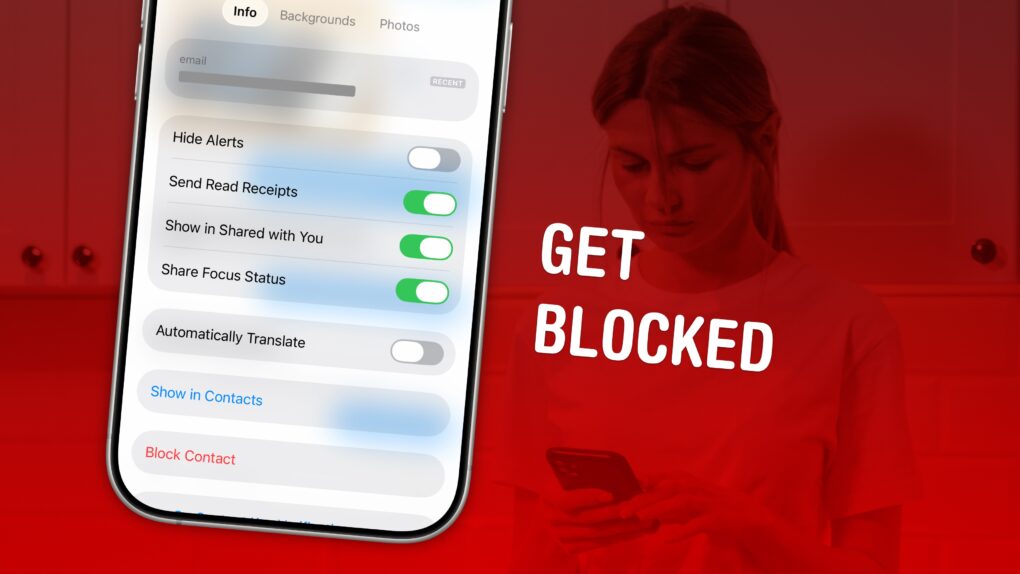
Block A Number on iPhone
Here are all the details on how to block a number on iPhone.
Image: D. Griffin Jones/Cult of Mac

Spam calls and text messages seem absolutely relentless these days — you’ll want to know how to block a number on your iPhone to keep your sanity. Luckily, it’s easy. There are a variety of ways you can stop unwanted calls. You can block an incoming phone call or text message. And you can send unknown callers directly to Live Voicemail.

If you’re blocking a person in your contacts list, it doesn’t matter which app you block them from — Messages, Phone, Contacts, Mail, Settings — they will be blocked everywhere.

Here’s how to block calls from unknown numbers on iPhone and keep spammers at bay.

Live now: Best Cyber Monday 2025 Apple Watch deals — Series 11, SE 3, Ultra 3 and more extreme price drops

By

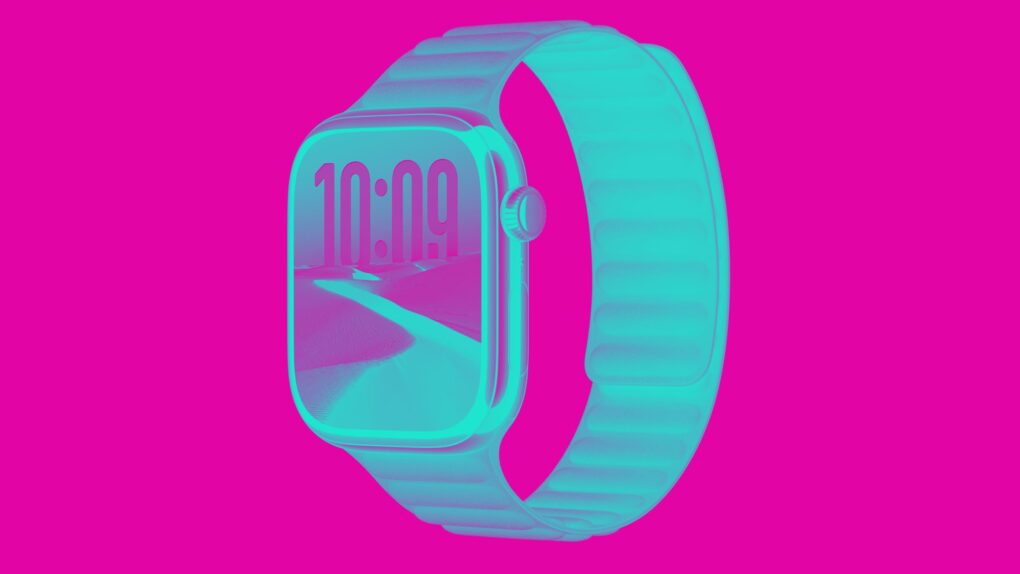
Chromo color processed (light blue on pink background) of Apple Watch Series 11 to illustrate post on Black Friday week 2025 deals
Every model of Apple Watch is on sale for Black Friday week, but some are better deals than others.
Image: Cult of Mac

Apple Watch Cyber Monday 2025 deals are live, featuring significant price drops on entry-level models and premium variations.

The best deal so far is the newest Apple Watch Series 11, which has dropped to its lowest price to date — just $339 (regularly $399). Another great buy is the entry-level Apple Watch SE 3, on sale from just $199 (save $50 or 20% off). This is a superb starter watch and perfect for kids (and you can use it to track the little darlings). And even the Apple Watch Ultra 3 is on sale (although not by much).

Plus, if you want to save even more, you might be able to grab a previous year’s model before the clearance sales in effect decimate the inventory forever.

Live now: Best Cyber Monday 2025 Apple accessories deals — docks, SSDs, power banks, Apple Pencil and more

By

Composite image showing several products (mouse, SSD, power bank, etc.) included in roundup of best Apple accessories Black Friday deals 2025
These powerhouse accessories make any Apple setup stronger.
Image: Cult of Mac

Cyber Monday isn’t just a great time to upgrade to an Apple silicon MacBook or snag an outstanding deal on an iPad. It’s also one of the best times to grab accessories for your Apple devices at deep discounts.

Check out the best deals on Apple accessories for Cyber Monday 2025.

3 reasons you shouldn’t close your open iPhone apps

By

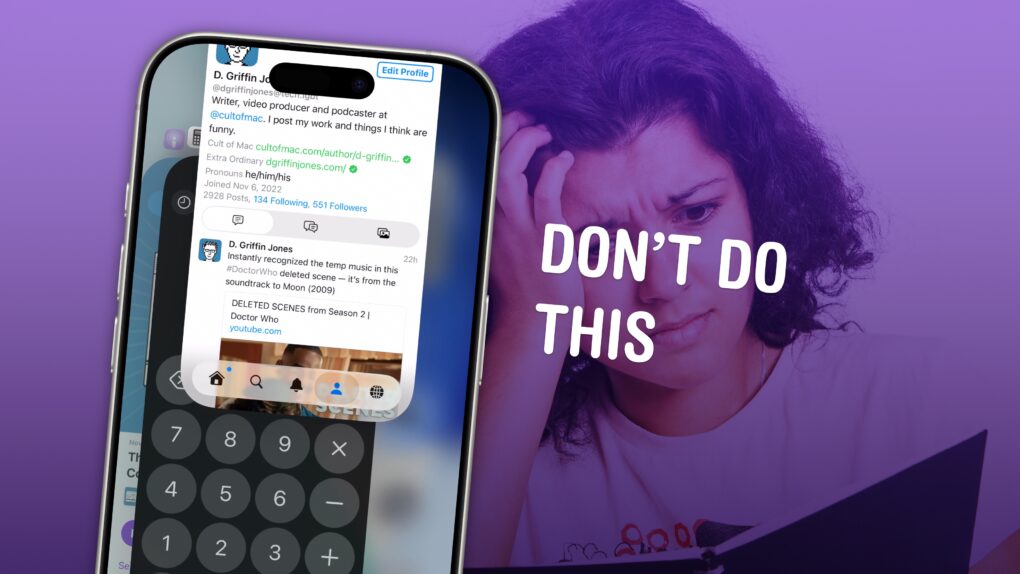
How do you close iPhone apps?
How do you close iPhone apps? It's easy, but you really shouldn't.
Image: D. Griffin Jones/Cult of Mac

It’s good to know how to close apps on iPhone for those times when an app is acting buggy or becomes unresponsive. It’s really easy — just swipe up to see your running apps and swipe up again to close them.

But does this mean you should always quit your open apps? No, not at all.

Despite what you may have heard, quitting apps on iOS usually makes things worse, not better. It’s a myth that quitting apps will save battery life, make your iPhone run faster or free up memory. Overall, it negatively impacts your iPhone’s performance.

Here’s how to close iPhone apps — plus three reasons why you shouldn’t rush to do it.

How to restart any model of iPhone, even if the buttons don’t work

By

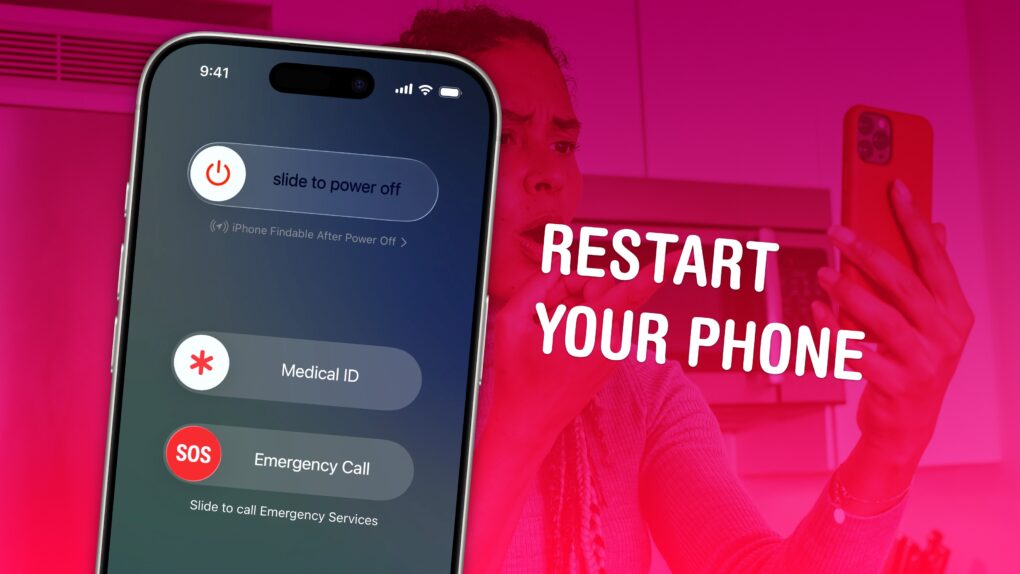
Image of an iPhone screen on a pink background with the words,
Turning your iPhone off and on again is the closest thing there is to a magical, just-fix-it solution.
Image: D. Griffin Jones/Cult of Mac

If your iPhone ever experiences odd technical problems, the first thing you should try is a good, old-fashioned restart. You’ll be surprised how many problems you can fix by simply rebooting your phone.

Restarting your iPhone is just like restarting a computer. All of the apps and software will be reset, and you shouldn’t lose any saved data.

If a particular app you’re using is acting up, you can always force-quit it and open it again to reset it. But if there’s a deeper underlying problem with your phone’s software, like if Bluetooth accessories aren’t working or phone calls suddenly won’t connect, you should restart your iPhone.

Here’s how to do it with any model of iPhone.

Use Nano Banana Pro to create amazing AI images on your iPhone

By

How to use Nano Banana Pro on iPhone
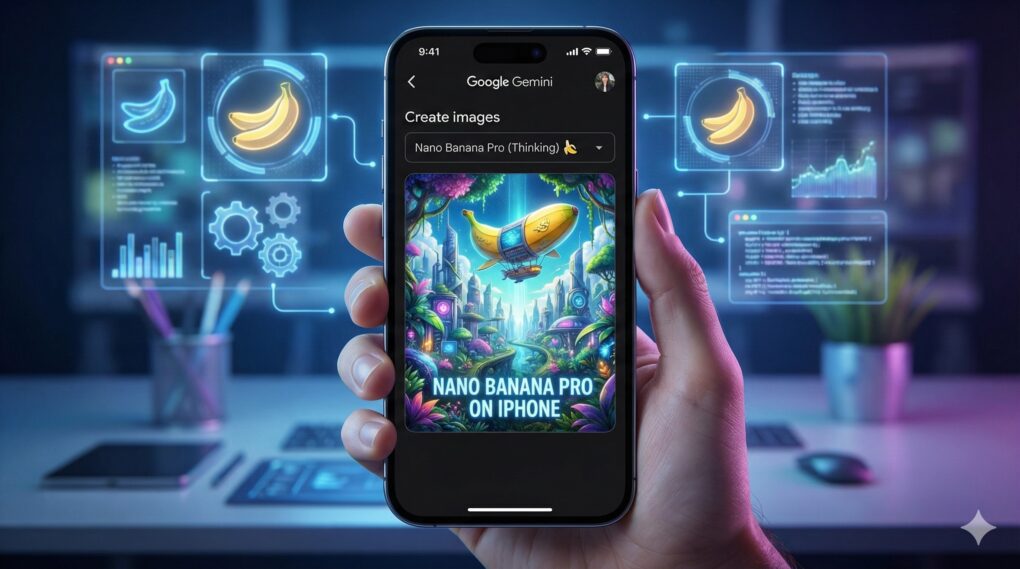
Use Google's latest image editing AI model to create amazing images on your iPhone.
AI Image: Google Gemini

From wild concept art to polished edits, Google Gemini’s Nano Banana Pro image creation and editing tool can spin up impressive visuals from a single prompt on your iPhone.

The featured image of this article itself serves as an amazing example of Nano Banana Pro’s capabilities. And it also showcases just how far behind Apple is in the AI race. (Sorry, Image Playground.)

If you’re itching to use Google’s Nano Banana Pro on your iPhone, this guide will show you how.

Top new SoundPeats earbuds pack tons of features but fall a little flat [Review] ★★★☆☆

By

SoundPeats Air5 Pro+ earbuds review★★★☆☆
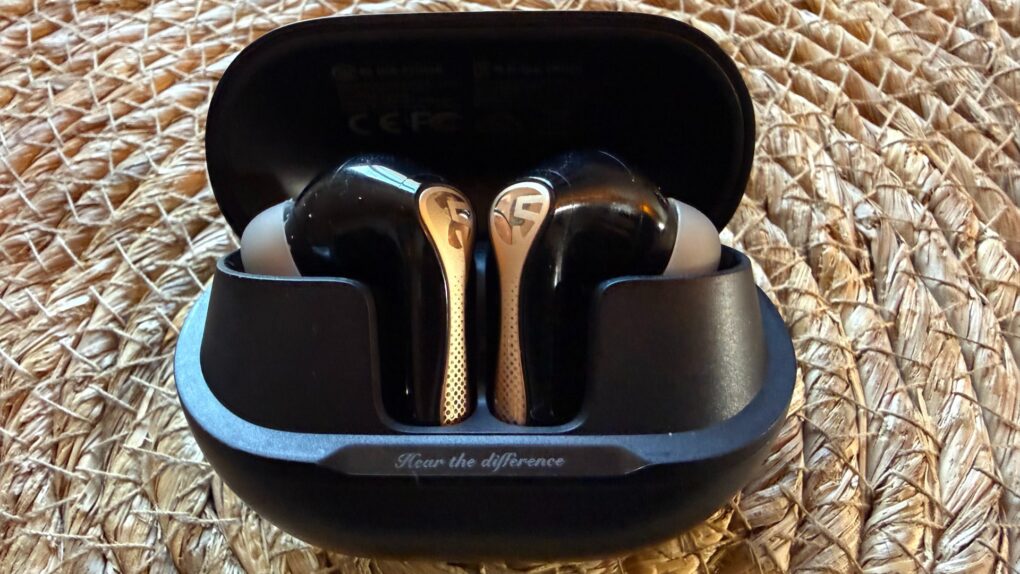
SoundPeats Air5 Pro+ earbuds are good, but not replace-your-AirPods-Pro-3 good.
Photo: David Snow/Cult of Mac

After spending a few weeks with the new SoundPeats Air5 Pro+ earbuds as my daily audio drivers, I’ve come to appreciate what this Chinese audio brand accomplishes at the budget end of the wireless earbud market. These earbuds, released Tuesday, pack an xMEMS Labs’ silicon-based micro tweeter in addition to a more traditional dynamic driver. With a Black Friday sale price of just over $100, they deliver features and performance that can cost twice as much with more established brands.

But do the buds outshine pricier competitors? Not exactly. My experience with their sound quality and adaptive hybrid active noise cancellation (ANC) — “adaptive” being one of the new features that puts the “+” in the name — fell a little flat. I would not be tempted to choose these over AirPods Pro 3 for any reason other than cost.

Give your Mac a makeover with custom icons

By

Custom Mac Icons
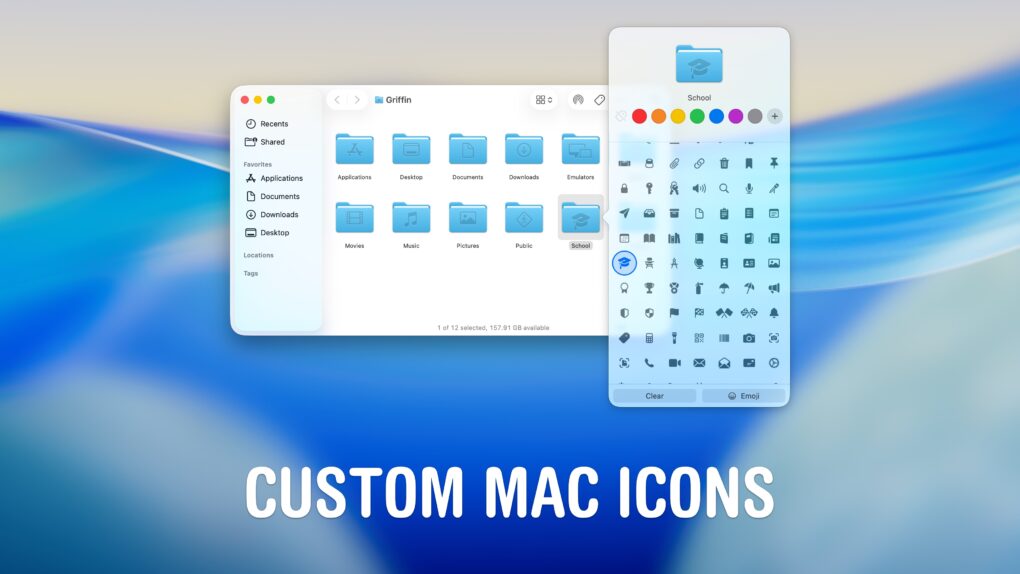
You can change any icon on your Mac to suit your taste.
Screenshot: D. Griffin Jones/Cult of Mac

A great way to personalize your computer is to change your Mac icons. New in macOS Tahoe, you can give each folder a custom color or symbol.

In fact, you can change any icon on your Mac to customize it to your taste. That includes any app, folder, disk or file icon. For instance, I didn’t like the yellow icon of my external hard drive — so I changed it to blue. I’ve also edited a few app icons for better consistency in my Dock.

I’ll show you how to do it yourself.

Ugreen’s most affordable NAS units will solve your data storage problem [Review] ★★★★

By

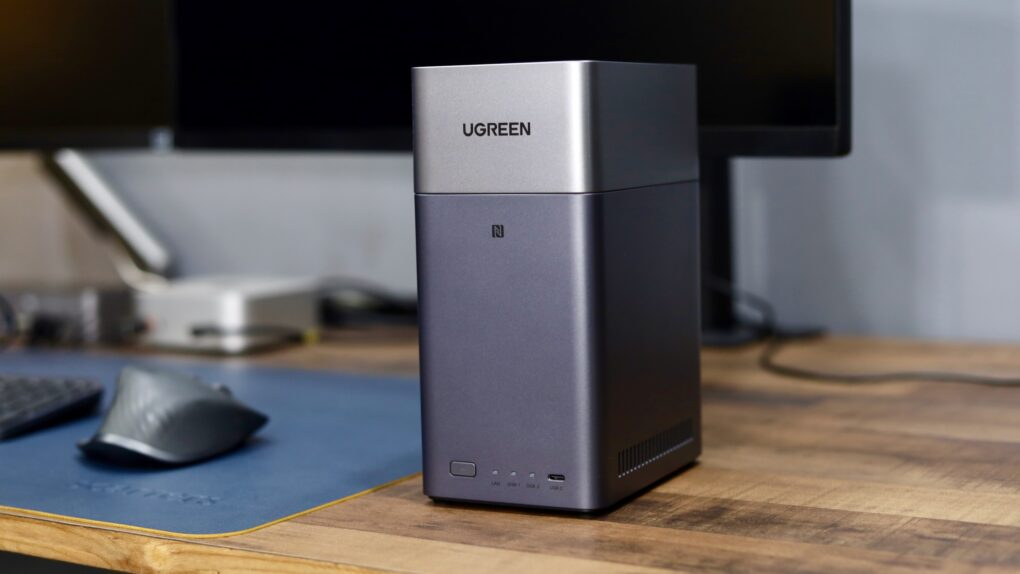
Ugreen DH2300 is an entry-level NAS.★★★★
The Ugreen DH2300 will cut down your reliance on cloud storage.
Photo: Rajesh Pandey/Cult of Mac

Ugreen’s DH2300 and DH4300 Plus are network-attached storage devices for people who don’t want to handle the complexity associated with a NAS. They offer tons of local storage, simple setup and a price that makes ditching cloud subscriptions far more appealing.

I wanted a simple setup, since my family would use the NAS for backing up their devices and photos. So I tested both the Ugreen NASync DH2300 and the 4300 Plus to see how well they work.

Pebblebee’s tracker tag just became a better AirTag rival [Review] ★★★★

By

Pebblebee Clip 5 tracker tag just became a better AirTag rival [Review]★★★★
Pebblebee Clip 5 offers features AirTag can't beat.
Photo: Ed Hardy/Cult of Mac

The newly upgraded Pebblebee Clip 5 Bluetooth tracker tag sends out louder alerts, and its built-in LEDs got brighter. That should help it compete with Apple’s AirTag, as both use the same Find My network.

Plus, it has bonus features, like one that helps you find your iPhone.

I put the accessory through real-world testing — here’s how it came out.

London’s iPhone-loving thieves ‘don’t want no Samsung’ for a reason

By

phone thieves return Androids
"Don't want no Samsung," said one thief.
AI image: Grok

In what may be the strangest twist in the ongoing smartphone wars, London phone thieves have developed a strong brand loyalty to iPhone. Some phone thieves return Androids, literally giving the handsets like Samsung phones back to their victims, according to a new investigation. Now why would they do that? Well, it’s mainly about economics. And good taste, of course. 

This Sandisk SSD is so tiny it can live on your MacBook [Review] ★★★★

By

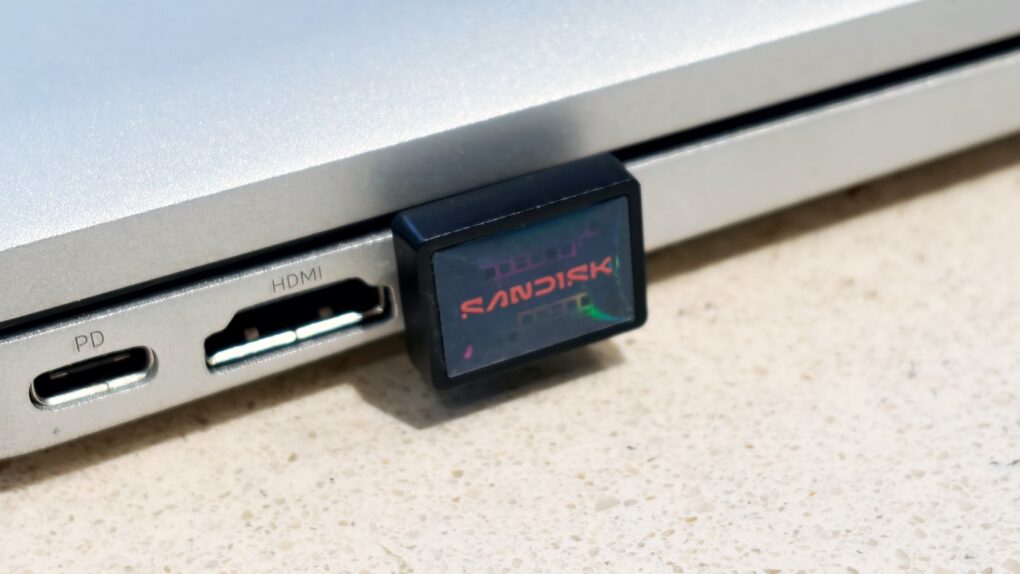
SanDisk Extreme Fit USB-C Flash Drive★★★★
Add a terabyte of storage to your older MacBook with this affordable SSD.
Photo: Ed Hardy/Cult of Mac

Sandisk gives its new Extreme Fit USB-C Flash Drive the crown as “the world’s smallest 1TB USB-C flash drive.” It’s undeniably very, very small — so tiny that you can leave it plugged into your MacBook. That means it can semi-permanently boost the storage capacity of your older notebook — and at quite a good price.

I tested the miniature external SSD with a variety of Apple devices, including my iPhone. Here’s how it stood up to real-world use.

Top 10 high-end Apple setups you wish you could afford

By

M2 Ultra Mac Pro with Pro Display XDR
So ... crippled by envy much? This one has a high-end M2 Ultra Mac Pro, a Mac Studio, a Pro Display XDR and two Studio Displays.
Photo: [email protected]

For years I’ve showcased cool Apple-centric computer setups for Cult of Mac. I never seem to get tired of drooling over the sweetest of the bunch. Sometimes that’s about the most awesome possible computers and monitors — Mac Pro and Pro Display XDR, anyone? — and sometimes it’s about a whole package, including fabulous audio gear and more. I selected a bunch of drool-worthy setups with stratospheric price tags for you below. 

6 hidden Apple One perks you might not know about but should

By

Cartoon image of a man and woman sitting on a couch with MacBooks on their laps and a city skyline in the window behind them.
Sure, Apple One bundles save you money, but lesser-known perks make them even better.
AI image: Midjourney/Cult of Mac

Apple One makes life easier (and cheaper) by bundling multiple Apple services together — and hidden perks make everything even better. The initial draw is that you gain access to services like Apple TV, iCloud and Apple Music at a reduced price. But there’s more to each of these services than meets the eye.

There are several lesser-known features you might not know about. Some enhance your day-to-day experience, while others will help you save even more money.

How Apple silicon triggered a Mac renaissance

By

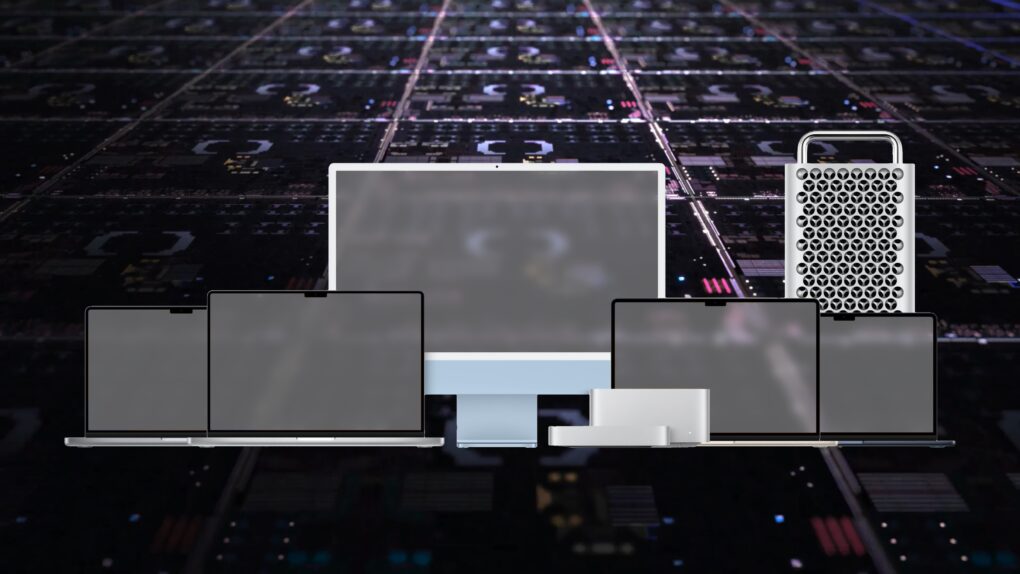
The Mac lineup on top of an image of a silicon fabrication die.
Apple silicon has taken the Mac to the next level.
Image: D. Griffin Jones/Cult of Mac

Not too long ago, the Mac was in a truly bad place — and then Apple silicon came along and radically reinvented the computer. With Apple’s destiny entirely within its own hands, rather than hamstrung by Intel processors, we’ve seen what Cupertino is capable of: delivering absolute computing magic on a regular, annual cycle, across its entire lineup.

With the first three Apple silicon Macs turning 5 on November 17, it’s worth reflecting on how the past half-decade has radically reinvented the Mac.

3 reasons Pluribus is the new must-watch series on Apple TV

By

Pluribus season 1 review
As Carol, Rhea Seehorn finds herself in a waking nightmare.
Photo: Apple TV

Pluribus, Vince Gilligan’s newest TV series, has already bagged a perfect 100% rating on RottenTomatoes.com — a feat topping even acclaimed Apple TV shows like Severance.

The creator of Breaking Bad and Better Call Saul wowed the critics once again with Pluribus, a post-apocalyptic science fiction psychological thriller that premiered on Apple TV on November 7. And it’s generating big-time buzz as one of the year’s most compelling television events. Its third episode airs Friday. And if you’re anything like me, you can’t wait because the first two blew you away. 

To me, the show is like the world’s longest episode of The Twilight Zone — in the best possible way, and in the here and now rather than circa 1959.

Caution: Pluribus spoilers ahead.

Tiny Soundcore AI voice recorder redefines note-taking for iPhone users [Review] ★★★

By

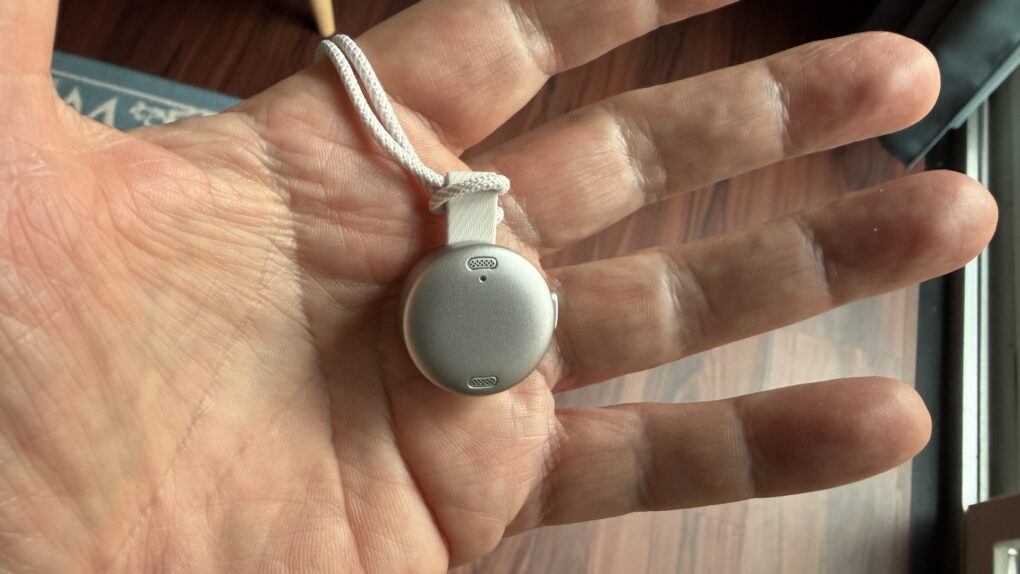
Soundcore Work AI Voice Recorder review★★★
This tiny recorder can transcribe and summarize meetings.
Photo: David Snow/Cult of Mac

In an ecosystem where seamless integration matters most, the new Soundcore Work AI Voice Recorder arrives with a compelling proposition for Apple users. As this Soundcore Work AI Voice Recorder review finds, the coin-sized device promises to transform how iPhone and Mac users capture, transcribe and organize voice recordings.

After examining its features through an Apple-centric lens, here’s what you need to know about whether this $159.99 recorder deserves a spot in your productivity arsenal.

How to use the all-new Spotlight in macOS 26 Tahoe

By

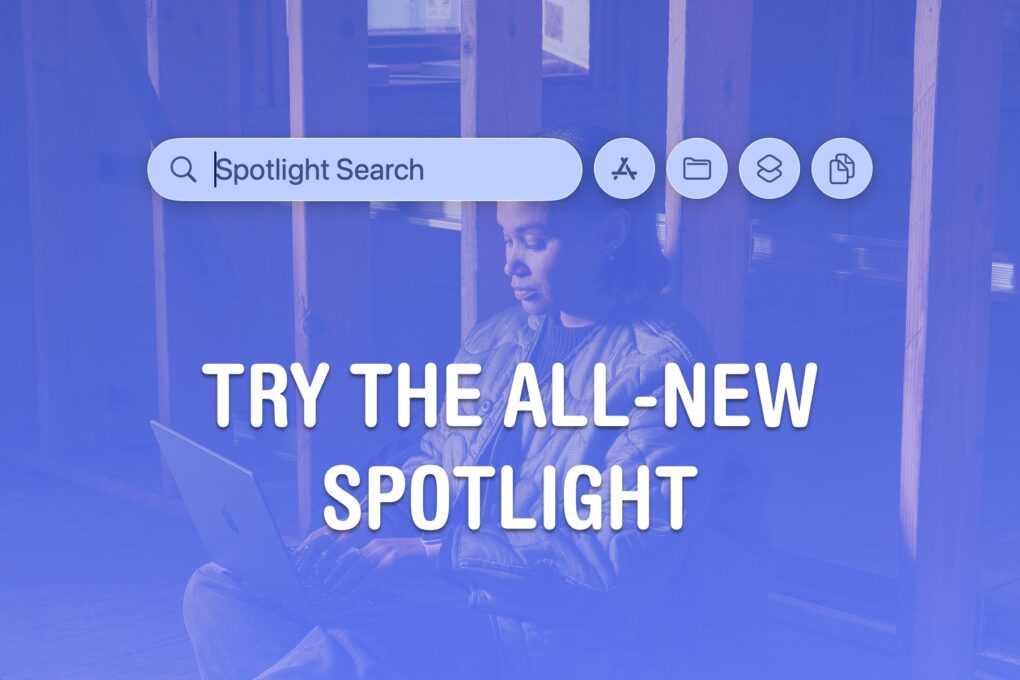
Try The All-New Spotlight
Great news for people who like finding things.
Image: Apple/D. Griffin Jones/Cult of Mac

Spotlight on the Mac is a universal search bar, available everywhere, ready to quickly launch an app or find a file. And in macOS 26 Tahoe, Apple supercharged Spotlight by adding many advanced features.

Spotlight has a new visual interface for browsing apps on your Mac. It’s also a powerful tool for running Shortcuts and actions inside the apps you use. And, finally, it’s a clipboard manager, too.

Here are the ins and outs of Spotlight on the Mac.

Apple just created a whole new type of Digital ID

By

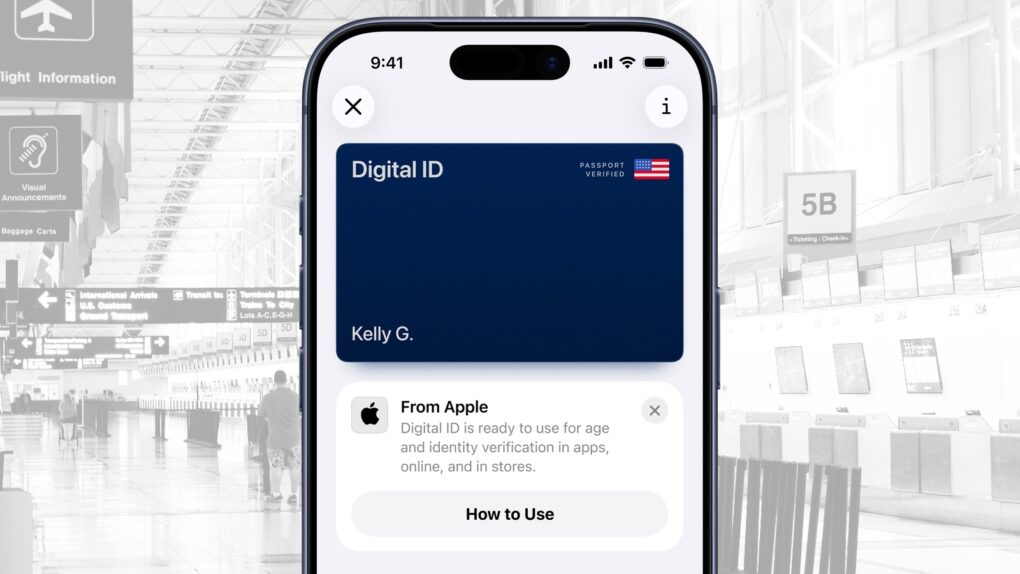
Apple just created a new Digital ID for passport holders
Digital ID joins Apple Wallet. It’s a passport-based ID on iPhone and Watch.
Image: Apple/Cult of Mac

Apple launched Digital ID, a new option to create an ID in Apple Wallet using information from a U.S. passport. The information can be presented to TSA when traveling, saving on the hassle of pulling out a physical passport. And it’s available nationwide, not just in select states.

“With the launch of Digital ID, we’re excited to expand the ways users can store and present their identity — all with the security and privacy built into iPhone and Apple Watch,” said Jennifer Bailey, Apple’s vice president of Apple Pay and Apple Wallet.

Kuxiu X40 Turbo: The best, fastest 3-in-1 charger money can buy [Review] ★★★★★

By

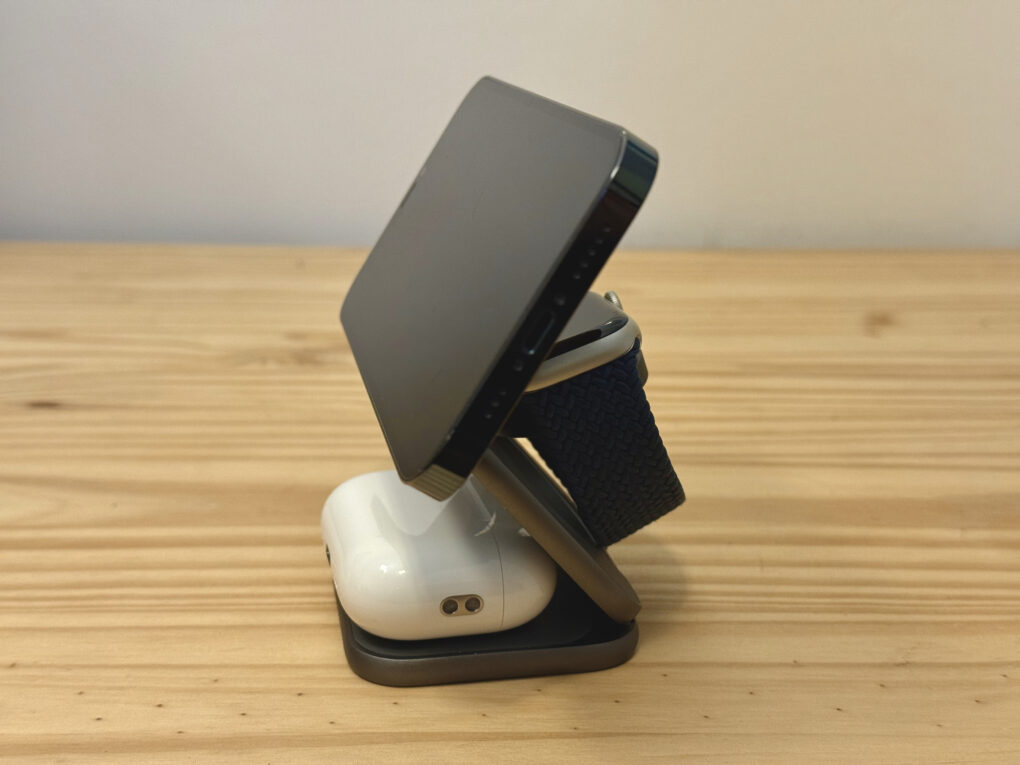
Kuxiu X40 Turbo with an iPhone, an Apple Watch and AirPods Pro all loaded up on it.★★★★★
This 3-in-1 charger tops up all your devices in a compact and elegant form factor.
Photo: D. Griffin Jones/Cult of Mac

The Kuxiu X40 Turbo is a great three-in-one charger that supports the fastest MagSafe and Qi charging speeds possible on the latest iPhones. That means you can get 25W wireless iPhone charging while simultaneously topping up your Apple Watch and AirPods.

The X40 Turbo is the follow-up to my previous personal favorite charger, the X40. In addition to extra power, the new model boasts a refined design while maintaining its predecessor’s stellar build quality. It comes with everything you need in the box: the charger, a cable, a power adapter and a nice linen travel case.

Here’s why it’s the perfect three-way charger for home or travel. Keep reading or watch our video review.

Tiny, super-fast Planck SSD is perfect for recording iPhone video [Review] ★★★★★

By

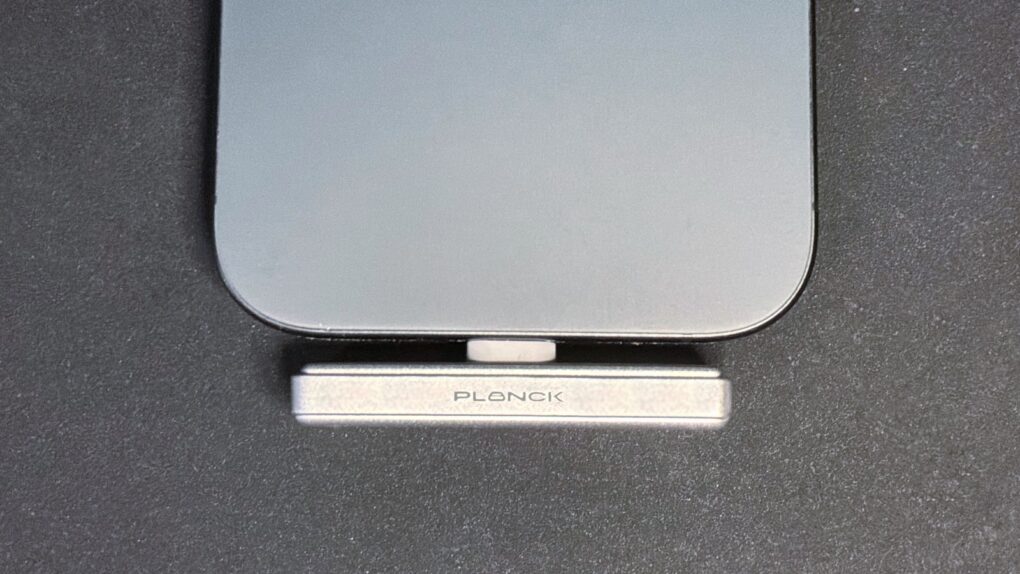
Planck SSD review: Tiny drive perfect for iPhone videographers★★★★★
This is the SSD your iPhone has been waiting for.
Photo: Ed Hardy/Cult of Mac

The Planck SSD was created specifically for iPhone, and is so small and well-designed that it plugs into the handset’s USB-C port and practically disappears. But there’s still room for up to 2 terabytes of storage.

Even better, it’s rocket-fast. So fast that it enables high-resolution/high-framerate ProRes video to be recorded from iPhone Pro models, making the Planck SSD an ideal tool for creators and professional videographers.

I tested the drive and came away very impressed. It even comes with a useful collection of accessories.