Mobile menu toggle

iPhone - page 2

Tim Cook retiring in 2026? Say it ain’t so … [The CultCast]

By

Photo of Tim Cook, the Apple CEO rumored to retire as early as January 2026, along with the logo for The CultCast podcast.
Is Tim Cook really getting ready to do a disappearing act?
Image: Cult of Mac

This week on Cult of Mac’s podcast: The latest rumor about Apple CEO Tim Cook‘s retirement says he could step down as early as next January. We discuss the likelihood of that, and Apple’s succession plans, as we debate the company’s future.

Also on The CultCast:

  • Soon, iPhones will let users trigger voice assistants other than Siri (at least in some countries).
  • It sounds like Apple might kill the Mac Pro. We pour one out for the distinguished line of high-powered computers — but recognize that maybe their time has come.
  • Against all odds, the iPhone Pocket is a hit! Time to eat some crow.
  • You won’t believe what London phone thieves do when they find out they’ve got an Android on their hands.
  • And finally … we marvel at some super-high-end Apple setups.

Listen to this week’s episode of The CultCast in the Podcasts app or your favorite podcast app. (Be sure to subscribe and leave us a review if you like it!) Or watch the video live stream, embedded below.

10 tricks to kick your iPhone addiction

By

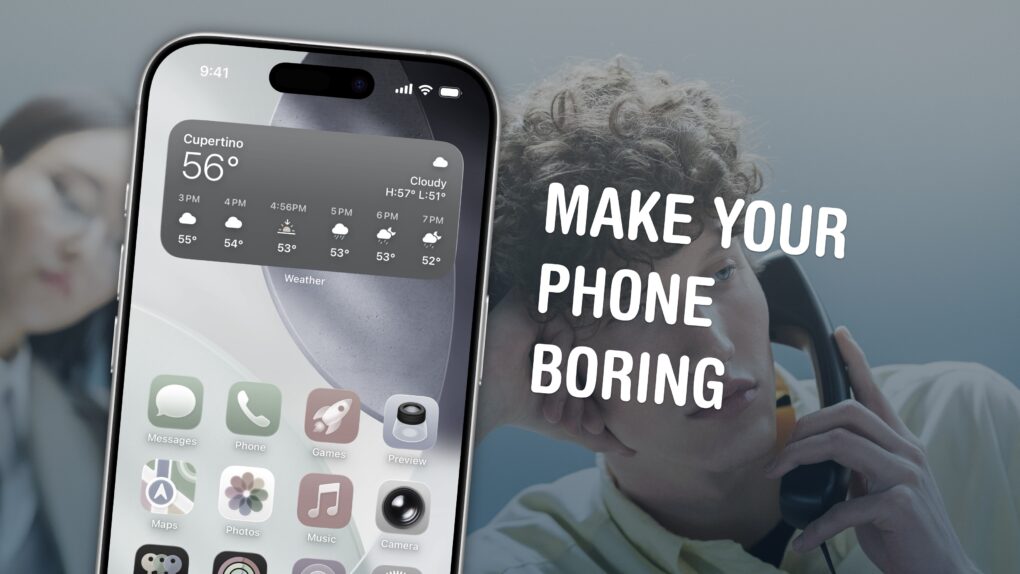
Make Your Phone Boring
Here are my tips for spending less time on your phone.
Image: D. Griffin Jones/Cult of Mac

Phone addiction is real. Constant iPhone use can literally change the makeup of your brain. Sure, people waved similar panic flags about the television, the radio and even the novel, but those were easily left at home. You carry the internet with you, and it’s constantly blasting a firehose of content, everywhere you go.

Luckily, you can make your iPhone less addictive.

If you feel the impulse to unlock your iPhone at every empty moment, or scroll through an app when you feel like you should be getting to bed, here are my tips for making your iPhone a bit more boring. And that, in turn, will help you curb your phone addiction.

London’s iPhone-loving thieves ‘don’t want no Samsung’ for a reason

By

phone thieves return Androids
"Don't want no Samsung," said one thief.
AI image: Grok

In what may be the strangest twist in the ongoing smartphone wars, London phone thieves have developed a strong brand loyalty to iPhone. Some phone thieves return Androids, literally giving the handsets like Samsung phones back to their victims, according to a new investigation. Now why would they do that? Well, it’s mainly about economics. And good taste, of course. 

Get $40 off this blazing-fast charger for iPhone, AirPods and Apple Watch

By

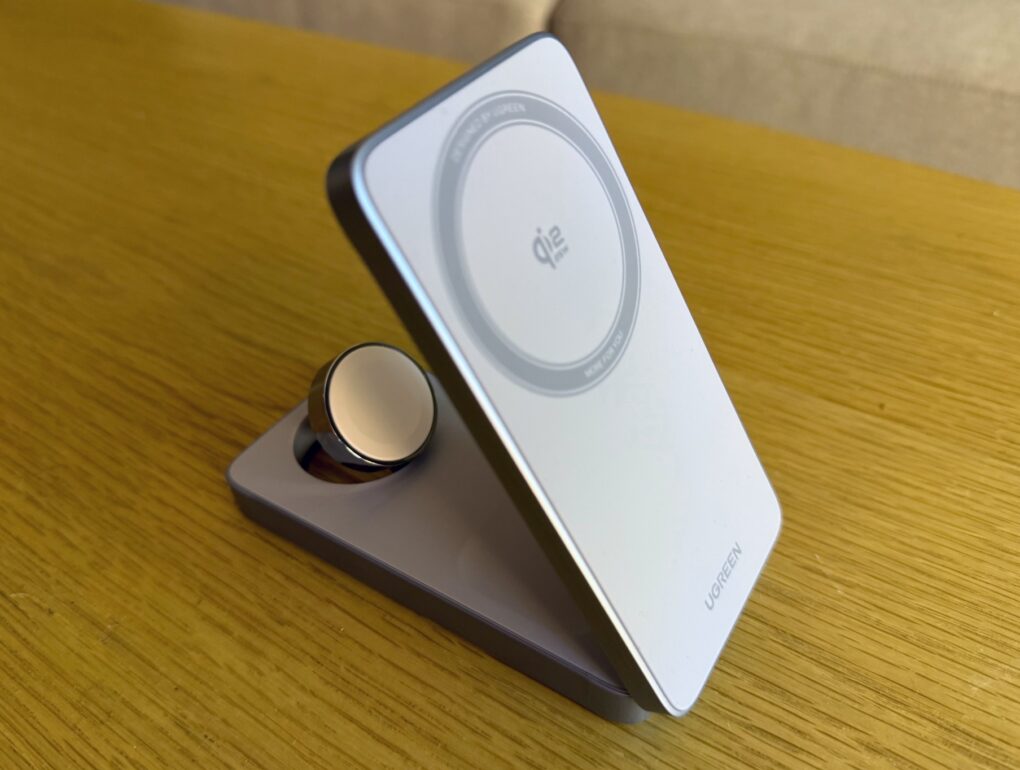
Ugreen MagFlow Charger deal
When not unfolded for use like this, the charger folds flat.
Photo: David Snow/Cult of Mac

Love the convenience of 3-in-1 wireless chargers for iPhone, Apple Watch and AirPods — but wish they were faster? Well, Ugreen joined the early wave of Qi2.2 chargers with it MagFlow 3-in-1 Magnetic Wireless Charger. And that means it leaps from 15 watts (Qi2) to 25W (Qi2.2) of charging power for late-model iPhones, which makes a big difference in charging speed. And with this Ugreen MagFlow charger deal, you can get $40 off right now on Amazon. 

How to add your ID to Apple Wallet

By

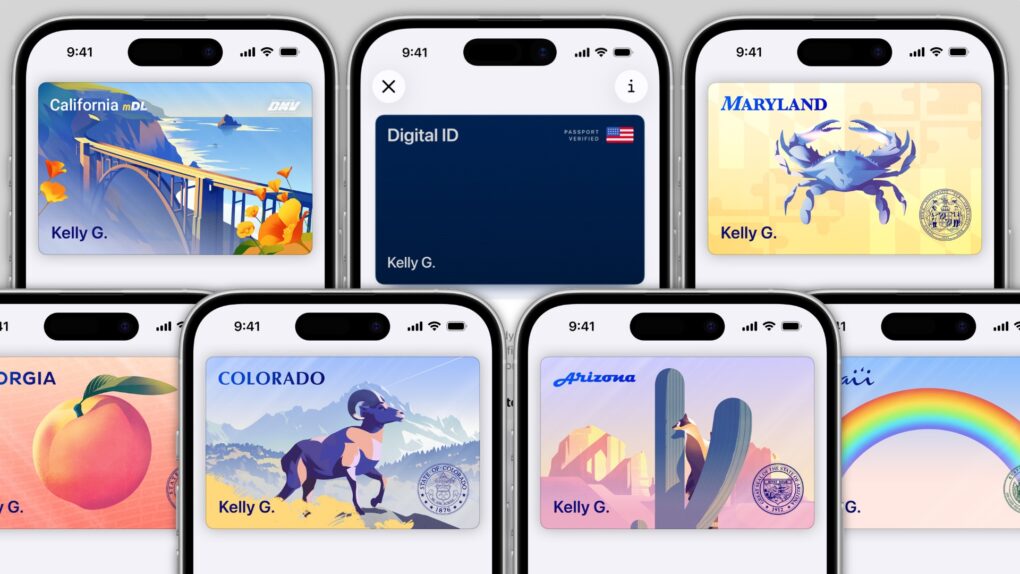
Get a gorgeous ID in Apple Wallet.
Image:

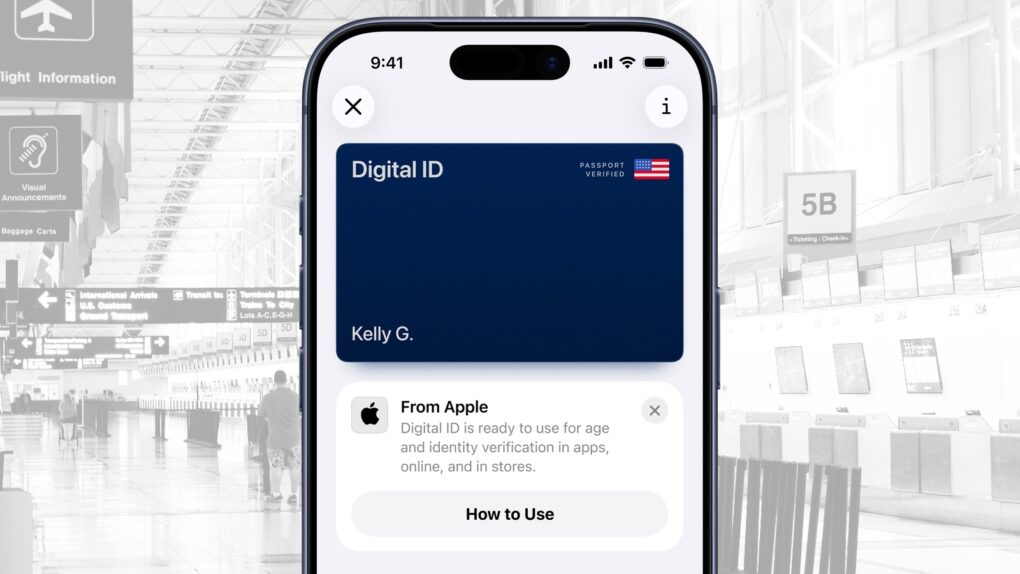
In several states, Apple’s state ID initiative enables iPhones and Apple Watches to hold a digital copy of the user’s driver’s license, in the same way these devices store credit cards and airline tickets. And across the United States, you can create an Apple Digital ID based on your passport that can get you through some airport security checks. 

The day when an iPhone can completely take the place of an old-fashioned wallet remains years away, but it’s a goal Apple is working toward. Apple Pay is making progress on replacing credit cards, you can put airline tickets in the Wallet app, and the same goes for loyalty cards.

But no wallet is complete unless it can hold an ID. And that’s where Apple’s digital ID initiative comes in. Here’s what you need to know to add your driver’s license, state ID or federal passport to your Apple Wallet.

When will your state let you add your ID to Apple Wallet?

By

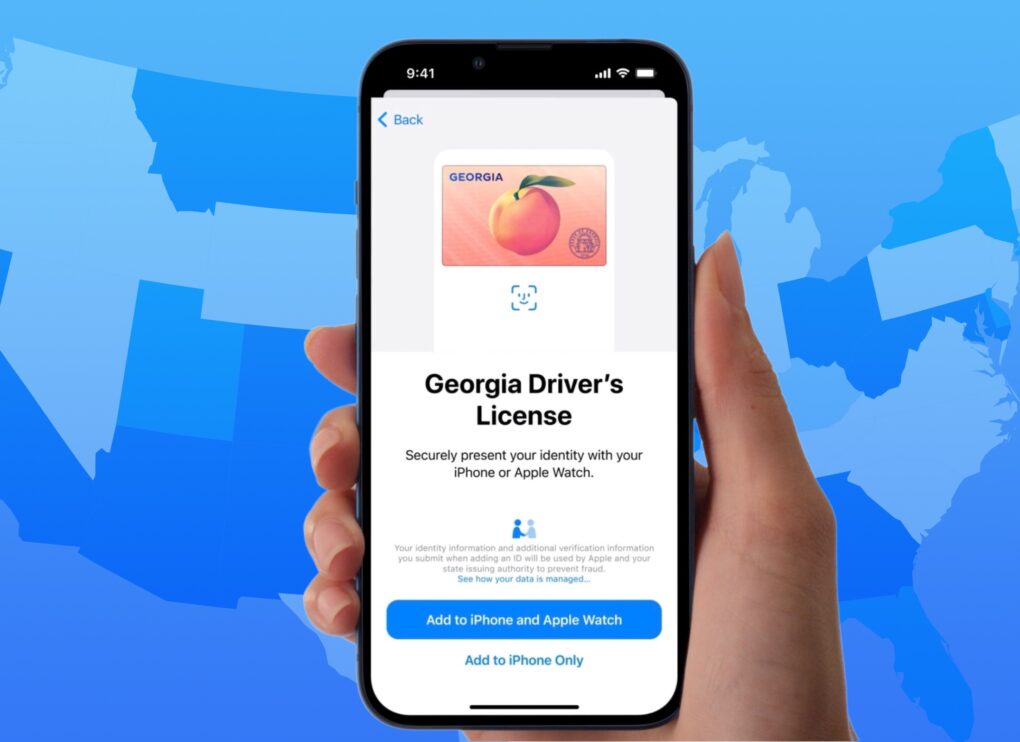
Graphic showing a Georgia digital ID over a map of the United States
13 states or territories, including Georgia, are fully on board.
Image: Apple/D. Griffin Jones/Cult of Mac

When will you be able to add your driver’s license or state ID to Apple Wallet on your iPhone? In the United States, it varies by where you live. It’s not up to Apple: Each state and territory maintains a completely independent registry of drivers and identification cards, so each one must independently pass legislation and implement digital IDs.

If you live in Arizona, California, Colorado, Georgia, Hawaii, Illinois, Iowa, Maryland, Montana, New Mexico, North Dakota, Ohio, Puerto Rico or West Virginia, you can do it today. (Our guide will show you how to add your driver’s license to Apple Wallet.) Otherwise, check our map and lists below to see how likely your state is to let you add your ID to Apple Wallet, and when it might happen.

Today in Apple history: Apple demands big damages from Samsung

By

samsungvapple
The never-ending battle between Apple and Samsung takes another turn.
Photo: Killian Bell/Cult of Mac

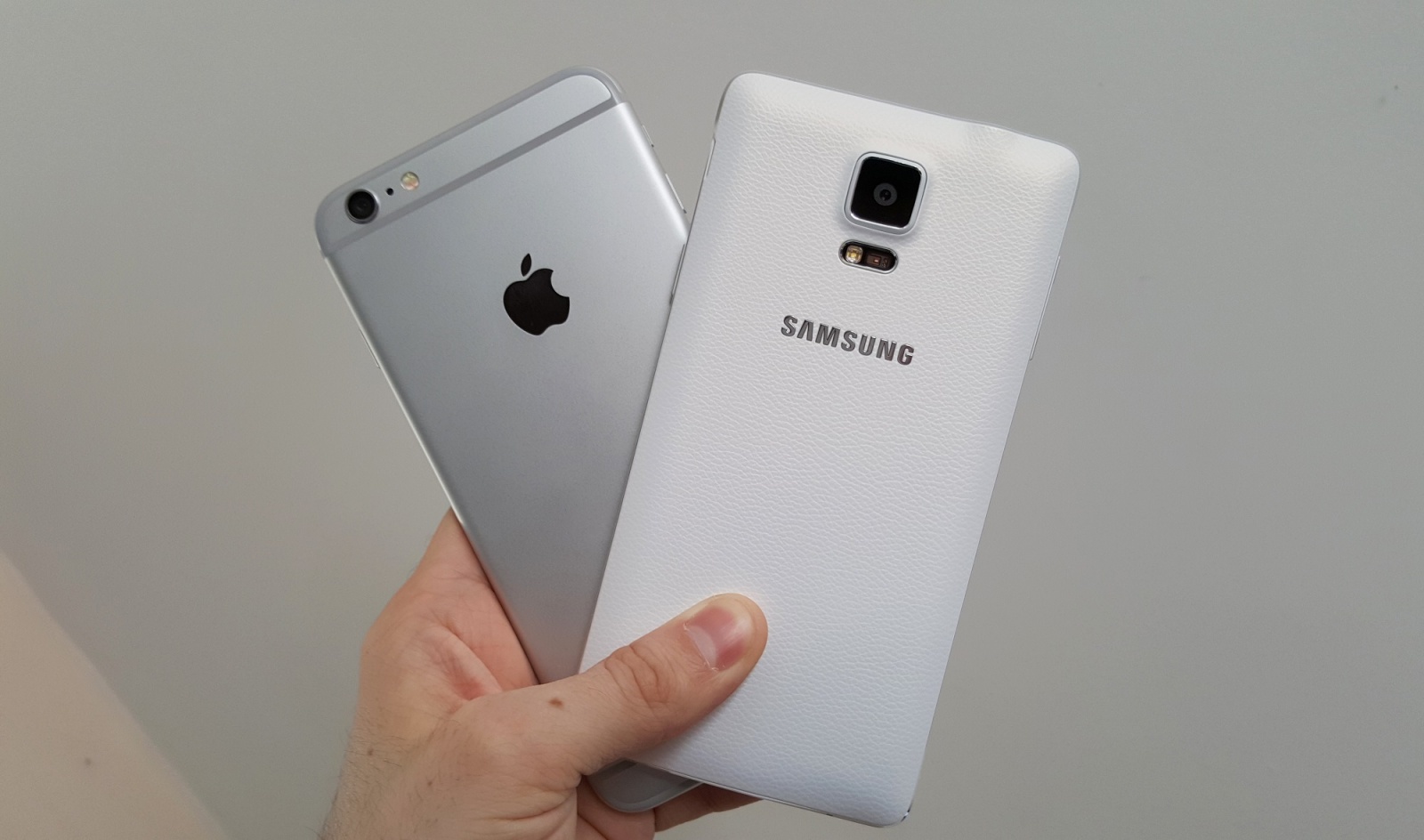
November 13: Today in Apple history: Apple demands big damages from Samsung for copying iPhone November 13, 2013: Apple and Samsung head back to court to determine how much the Korean company must pay for having copied the iPhone. Cupertino asks Samsung for $379 million in damages for ripping off key iPhone technical and design features.

Apple arrives at that number based on estimated lost profits, royalty rates and the $3.5 billion worth of copyright-infringing devices Samsung sold during the period in question.

Apple just created a whole new type of Digital ID

By

Apple just created a new Digital ID for passport holders
Digital ID joins Apple Wallet. It’s a passport-based ID on iPhone and Watch.
Image: Apple/Cult of Mac

Apple launched Digital ID, a new option to create an ID in Apple Wallet using information from a U.S. passport. The information can be presented to TSA when traveling, saving on the hassle of pulling out a physical passport. And it’s available nationwide, not just in select states.

“With the launch of Digital ID, we’re excited to expand the ways users can store and present their identity — all with the security and privacy built into iPhone and Apple Watch,” said Jennifer Bailey, Apple’s vice president of Apple Pay and Apple Wallet.

5 cool things you can do with Samsung SmartThings and Siri

By

Samsung SmartThings and Siri
You can do quite a lot with SamSung SmartThings and Siri.
Photo: Ste Smith/Cult of Mac

If you’re an Apple user who’s been eyeing Samsung’s SmartThings ecosystem, you might be wondering how well it plays with Siri and your other Apple devices. The good news? SmartThings has robust HomeKit support, meaning you can control a wide range of smart home devices using Siri voice commands, the Home app and Apple’s automation features. Here are five impressive ways to integrate SmartThings into your Apple-powered smart home.

13 mind-blowing iOS 26 shortcuts with Apple Intelligence

By

Shortcuts using Apple Intelligence
Simplify tasks using Apple Intelligence-powered Shortcuts in iOS 26.
Image: D. Griffin Jones/Cult of Mac

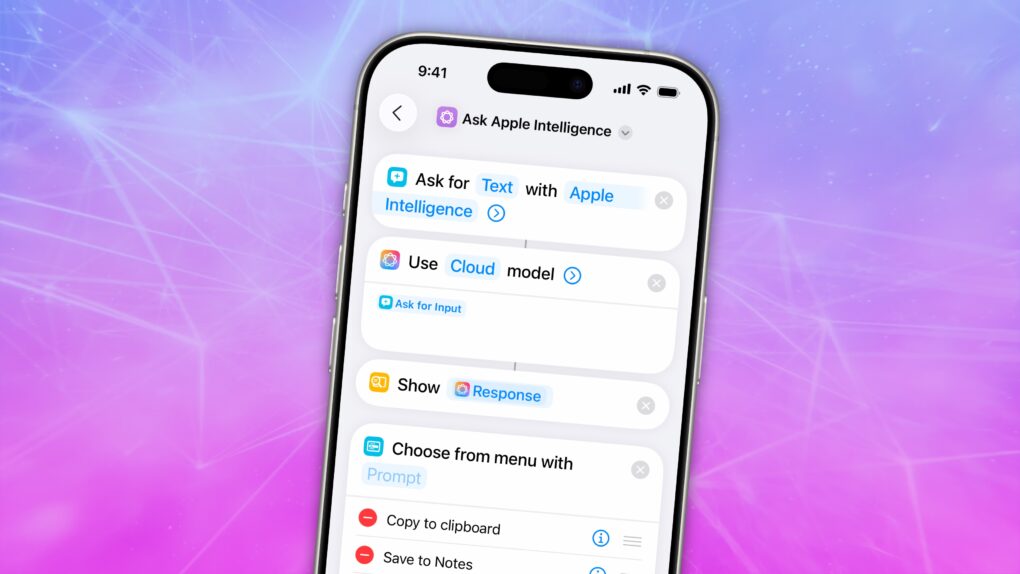
Shortcuts are more innovative than ever in iOS 26, thanks to Apple Intelligence. They now support LLM-based actions and automations that can make quick work of various time-consuming tasks. You can streamline audio transcription, movie streaming, food tracking and more.

Best of all, Apple users are sharing an increasing number of user-created shortcuts that you can try out for free. I compiled a list of the 13 most exciting shortcuts powered by Apple Intelligence to give you a taste of just how useful they can be.

Your iPhone and Mac now automatically install security patches

By

Background Security Improvements protect your Mac, iPhone and iPad
Security patches stand between your Apple devices and danger.
Graphic: Google Gemini

When Apple needs to install a security patch onto an iPhone, iPad or Mac, it now does so without requiring the user to do anything — or even be aware of the update. The new Background Security Improvements feature delivers “additional security protections between software updates,” according to Apple.

It’s a feature of iOS 26.1, iPadOS 26.1 and macOS 26.1, but users have the option to deactivate it.

Hey, Siri — Google’s got the AI upgrade you need! [The CultCast]

By

The CultCast logo with Siri and Google Gemini logos
Can Google AI finally fix Siri? Sounds like Apple's betting on it.
Image: Cult of Mac

This week on Cult of Mac’s podcast: Apple reportedly plans to pay a cool $1 billion a year to use Google Gemini to make Siri smarter. How do we feel about that? Honestly, anything that fixes Siri sooner rather than later would be a big win.

Anybody creeped out about iPhones and Macs with Google inside should rest easy, though. Apple plans to keep everything safe and secure. And Cupertino’s still scrambling to get its own AI up to speed.

Also on The CultCast:

  • Apple plans to build a low-priced laptop that will bring Macs to the masses. We discuss why that has PC makers quaking in their boots.
  • The iPhone Air is reportedly a bust. One big reason is that people love their iPhone cameras — and the Air skimped out on that. The next iPhone Air model might add a second lens, but really fix the problem?
  • Some automakers plan to pull the plug on CarPlay. We’re already plotting our revolt!
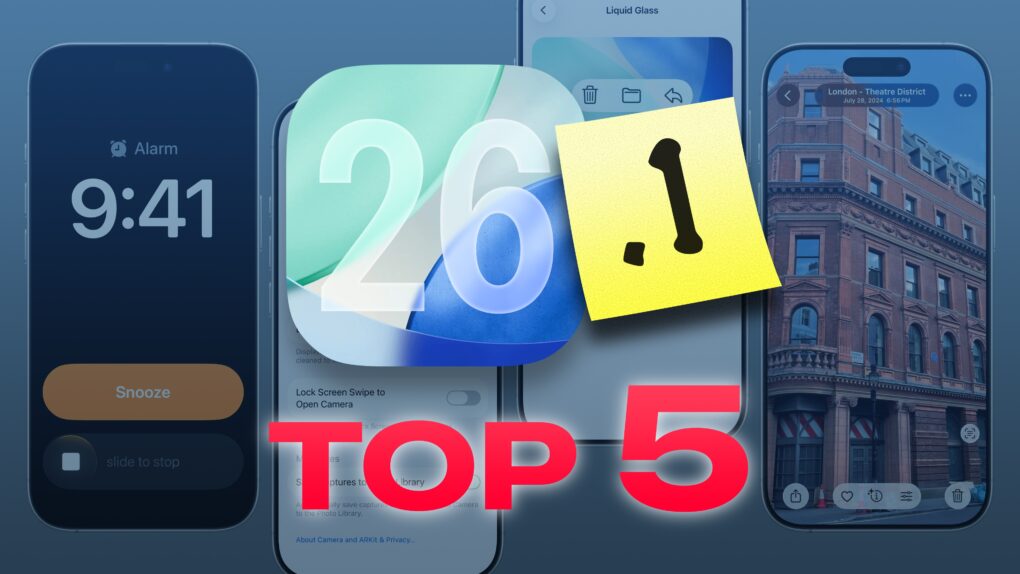
  • Griffin runs down the top five features in iOS 26.1 that you should try immediately, including one important toggle that will keep your iPhone from photographing the luxurious insides of your pocket.
  • And finally, we wrap up with a new game — Apple Mad Libs!

Listen to this week’s episode of The CultCast in the Podcasts app or your favorite podcast app. (Be sure to subscribe and leave us a review if you like it!) Or watch the video live stream, embedded below.

How to record spatial video on your iPhone for mind-blowing 3D memories

By

Record 3D Video
You may or may not be able to watch videos in 3D now, but you'll be glad you have it in the future.
Image: D. Griffin Jones/Cult of Mac

Your iPhone can record 3D spatial video and photos, effectively future-proofing the images you capture. And the results are stunning.

The stereoscopic 3D video and photos captured with the iPhone can be viewed on an Apple Vision Pro headset as an immersive way to relive memories.

Here’s how it works.

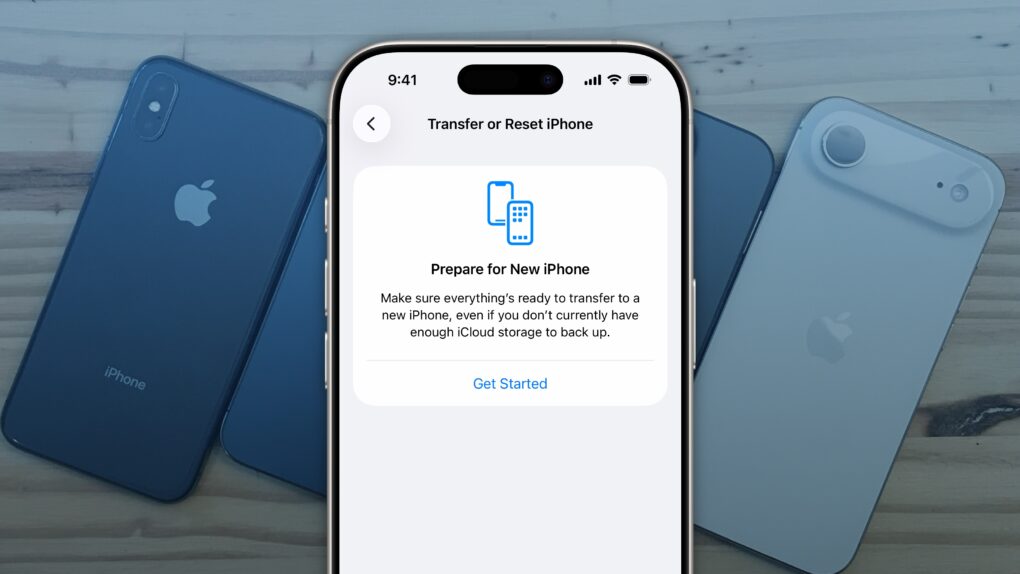
How to reset your iPhone before trading in or selling

By

Factory Reset iPhone
It’s easy to factory reset your iPhone.
Image: D. Griffin Jones/Cult of Mac

You’ll want to reset your iPhone if you’re trading it in, selling it or passing it down to another family member. There’s a right way and a wrong way to do it.

If you don’t fully reset the phone, it’ll still be locked to your Apple Account — and the phone will be effectively useless to anyone who tries to use it.

Follow along to make sure you reset your iPhone the right way.

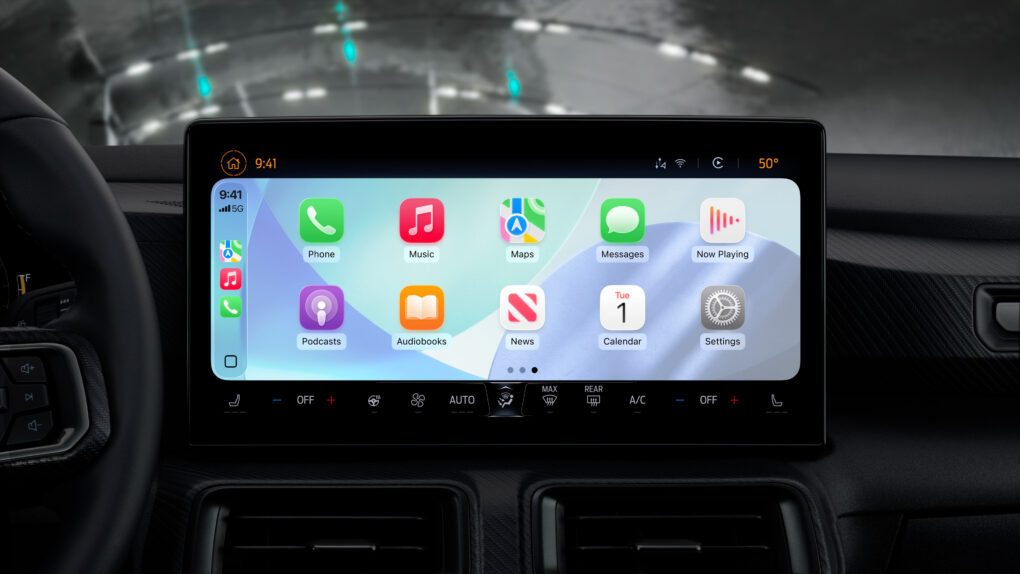
How a battle for your dashboard threatens CarPlay’s future

By

CarPlay's future
Nice CarPlay updates in iOS 26 aside, the system's future faces big challenges.
Photo: Apple

For millions of iPhone users, Apple’s CarPlay marries basic transportation with a satisfying technology experience for navigation, entertainment and more.

But an expert’s new report points to troubling reasons why CarPlay’s days may be numbered, thanks to a growing automotive industry profit motive. Yes, of course, it’s all about money. 

Apple quietly added this awesome feature in iOS 26.1

By

The best iOS 26.1 feature you probably haven’t noticed yet
Apple made a simple change in iOS 26.1 that you’ll probably love.
AI image: ChatGPT/Cult of Mac

My favorite change in iOS 26.1 has nothing to do with Liquid Glass, though cosmetic tweaks to the glossy user interface have drawn the most attention in the latest OS update. To me, the biggest improvement is the option to disable the Lock Screen swipe to open the iPhone’s Camera app.

I frequently pull out my iPhone to find the Camera app has been running in my pocket, draining the battery. It’s that damn Lock Screen swipe at fault. If this happens to you, too, here’s how to disable it in iOS 26.1.

5 new features in iOS 26.1 you don’t want to miss

By

iOS 26.1 Update: Top 5 Features
The best new features in the latest update.
Image: D. Griffin Jones/Cult of Mac

iOS 26.1, which Apple released Monday, brings five features you should check out immediately after you install the update.

The biggest change gives you a way to customize the legibility of Liquid Glass, the major user interface overhaul Apple delivered to all its software platforms this year. But there’s plenty of other cool stuff you don’t want to miss.

Other key upgrades come to Apple Music and the iPhone’s alarm clock interface. Plus, there’s a setting that can keep your iPhone battery from draining in your pocket. And for iPad owners, there’s the celebrated return of Slide Over on iPad.

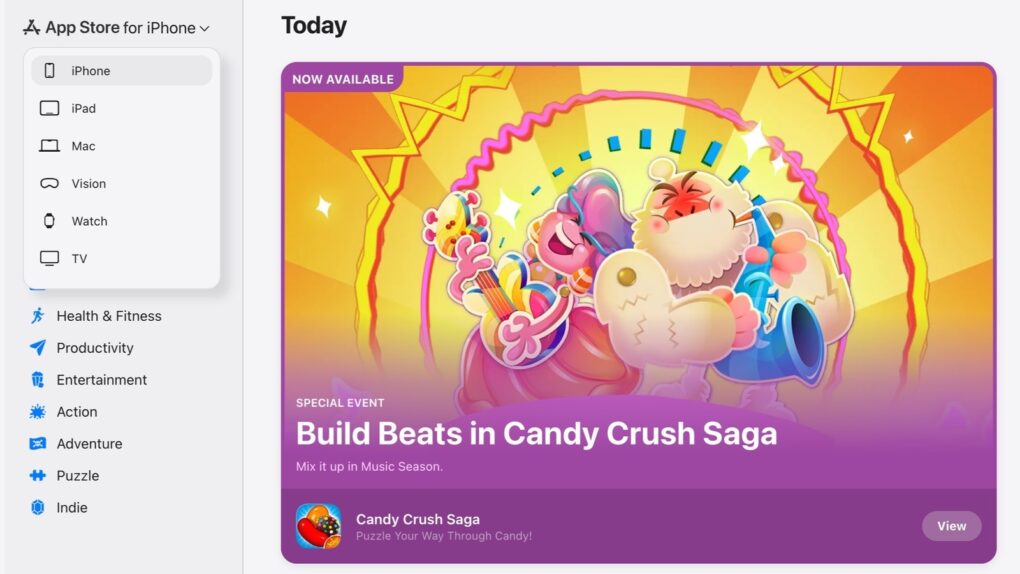
Apple builds App Store for the web, and everyone asks, ‘What took so long?’

By

Apple App Store on the web
Apple — finally — put the App Store on the web.
Screenshot: Lewis Wallace /Cult of Mac

The iPhone App Store is now accessible on a Mac. And iPad users can research what macOS applications are available. Anyone can see what Apple Watch apps are available. All of these are possible now that Apple finally put the App Store on the web Monday.

It’s long overdue, and still missing a feature many users would like.

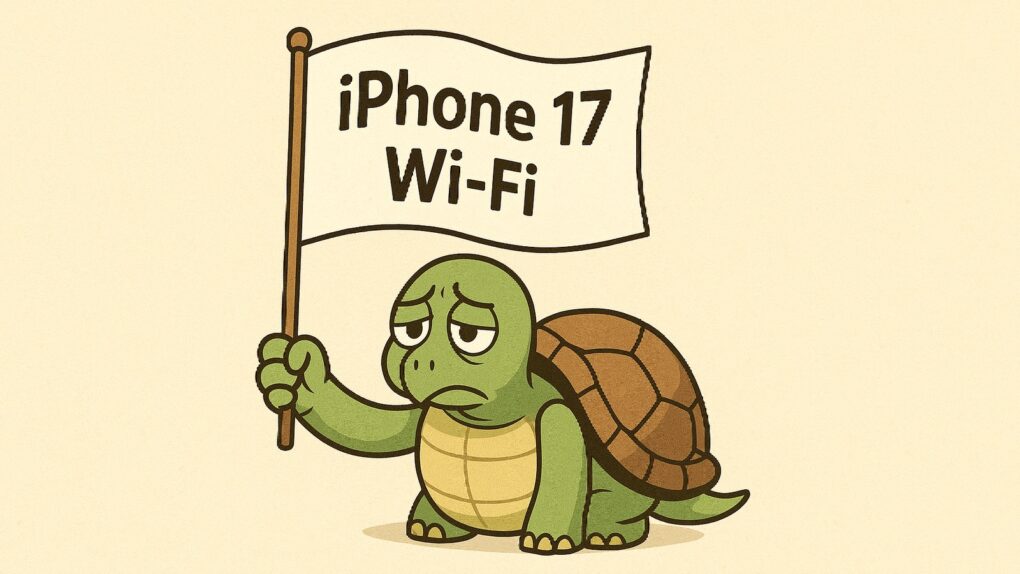
Why iPhone’s Wi-Fi 7 performance can’t beat Wi-Fi 6E

By

Testing shows iPhone Wi-Fi 7 performance can’t beat Wi-Fi 6E
The iPhone 17 Wi-Fi 7 performance isn’t really turtle-like, but it’s not half as fast as it could be.
Illustration: ChatGPT

Although Wi-Fi 7 is theoretically more than four times faster than Wi-Fi 6E, tests of wireless performance on newer iPhone models that support the upgraded standard show no real improvement in speed. This is reportedly because Apple did not implement the Wi-Fi 7 changes that would boost performance over iPhones with Wi-Fi 6E.

In Apple’s defense, it did implement the portion of Wi-Fi 7 intended to make wireless connections more reliable. That’s arguably the part of the standard that benefits average users the most.

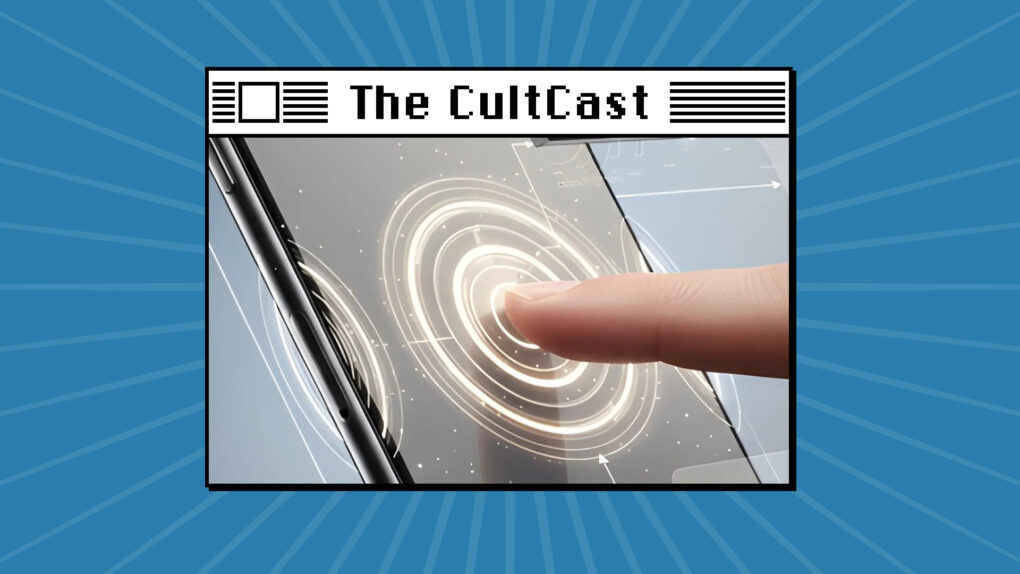
The incredible, buttonless iPhone! [The CultCast]

By

AI image of a finger touching an iPhone and haptics resulting, with The CultCast logo
The iPhone might get a lot more haptic when its 20th anniversary rolls around.
Image: Cult of Mac

This week on Cult of Mac’s podcast: The latest rumor about the 20th anniversary iPhone whets our appetite for this glorious device. It’s just over the horizon, and it sounds like an absolute stunner.

Also on The CultCast:

  • Apple reportedly plans to bring a gorgeous OLED screen to almost every iPad.
  • A horrifying AirPods Pro 3 problem strikes when you need it least — while flying! Thankfully, it seems like the glitch is not that widespread. Still, we’ve got some tips on preparing for the worst.
  • Griffin serves up his M5 Vision Pro review, and Leander talks up Apple Watch Series 11.

Listen to this week’s episode of The CultCast in the Podcasts app or your favorite podcast app. (Be sure to subscribe and leave us a review if you like it!) Or watch the video version, embedded below.

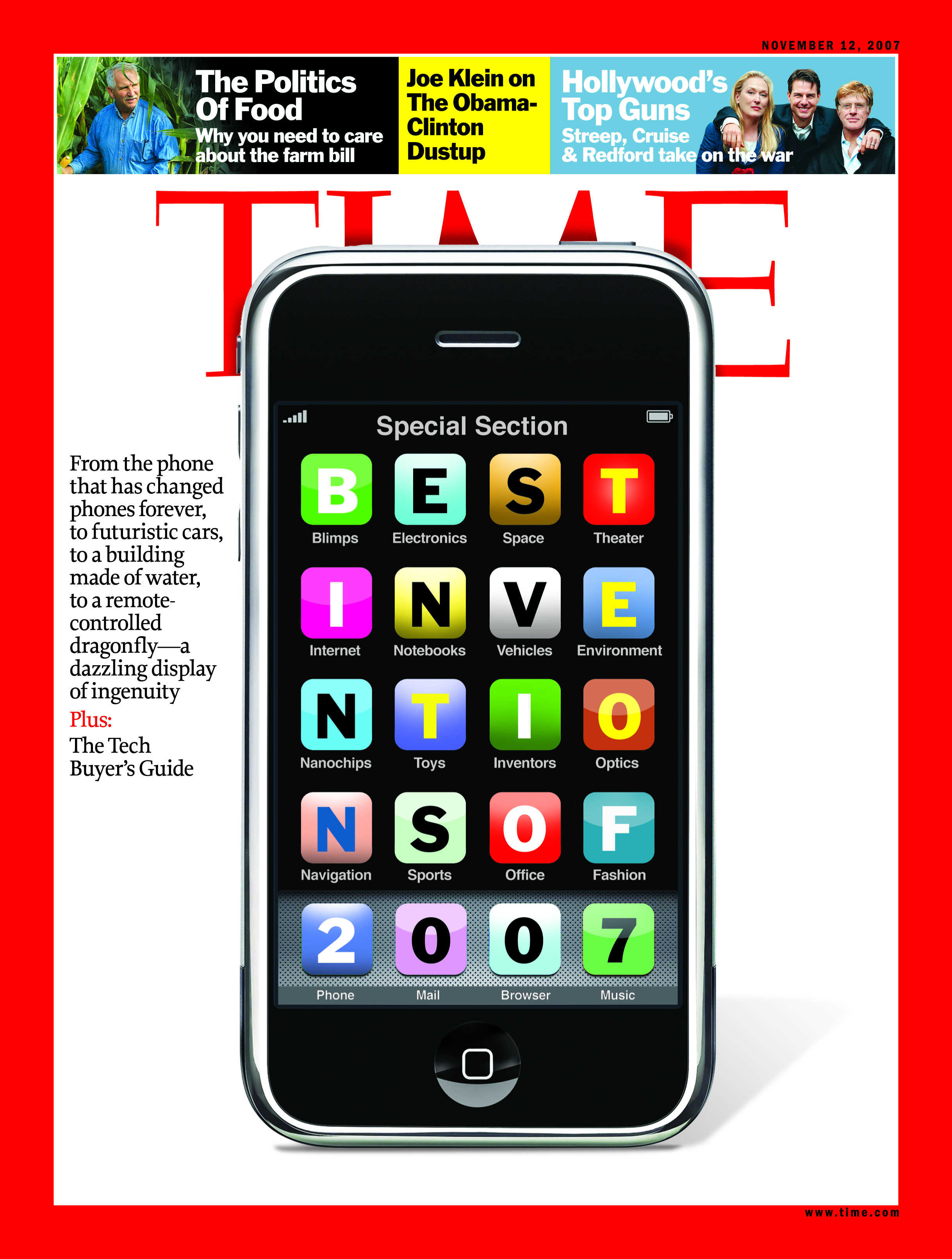
Today in Apple history: Time crowns iPhone ‘invention of the year’

By

TIMEcover
The iPhone was immediately recognized as a breakthrough device.
Photo: Time

November 1: Today in Apple history: Time magazine crowns the iPhone 2007's 'invention of the year' November 1, 2007: Six months after Steve Jobs showed it off, the original iPhone becomes Time magazine’s “best invention of the year.”

The iPhone stands out from the rest of 2007’s gadget pack, which includes the Nikon Coolpix S51c digital camera, the Netgear SPH200W Wi-Fi Phone and the Samsung P2 music player. Remember those? (Yeah, we thought not.)

Everything new in iOS 26.1: Tone down Liquid Glass, if you dare

By

iOS 26.1 graphic
iOS 26.1 is packed with new features.
Image: Apple/D. Griffin Jones/Cult of Mac

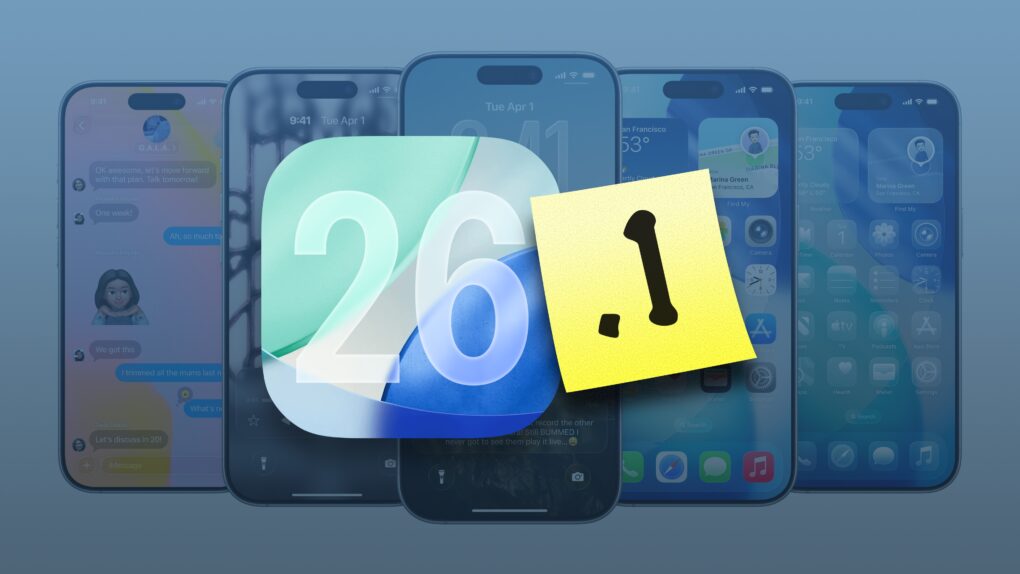
In addition to a bunch of much-needed bug fixes, iOS 26.1 brings plenty of new features. Tweaks to Liquid Glass improve its legibility without sacrificing its cool effects. iPad multitaskers can rejoice the return of Slide Over, which returns better than before.

There are 20 new changes: A new user interface for alarms, improvements to Photos, a new gesture for quickly fast-forwarding music, a setting that fixes a long-standing problem with the Lock Screen, and much more.

Here’s the complete list. Read on or watch our hands-on video.

Top 4 Apple products with most upgraders in Q4 2025

By

Top 4 Apple products with most upgraders in Q4 2025
Here are the products getting repeat customers into Apple stores.
AI image: ChatGPT/Cult of Mac

Record numbers of customers upgrading their gear helped push up Apple’s revenue into record territory last quarter, and that’s boosting AAPL’s stock price.

Here are the products that the company says are the most popular with upgraders in Q4 2025. Some you might be able to guess, but there’s a very conspicuous absence from the list.

Track your online orders the easy way — in your iPhone’s Wallet app

By

Order Tracking in Apple Wallet: “See What’s Coming”
Be on the lookout for your packages.
Image: D. Griffin Jones/Cult of Mac

You can use the built-in iPhone Wallet app for some basic order tracking with classic Apple ease of use. No need to fiddle with finding and copying tracking numbers — your orders will appear there automatically. 

If you order something from an online store that doesn’t automatically integrate with the Wallet app, there’s a solution for that as well. If your device supports Apple Intelligence, it’ll scan your email inbox and add in all those Amazon orders, too. 

Here’s how the iPhone’s order-tracking feature works.