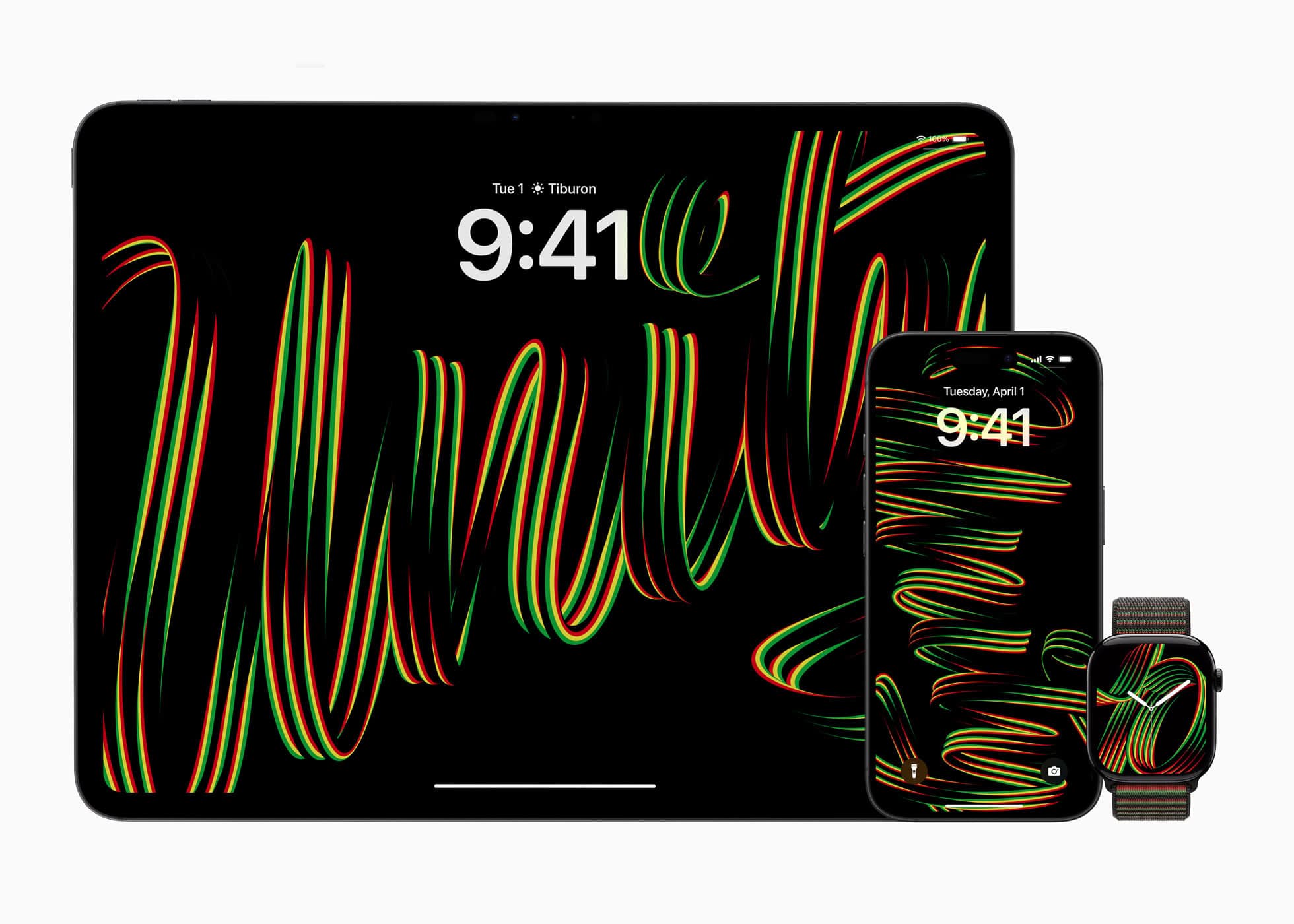
The new Black Unity Collection honors Black History Month, and celebrates Black culture and community. Photo: Apple
Apple unveiled its latest Black Unity Collection Monday to celebrate Black culture and community. It features an innovative Apple Watch Sport Loop and watch face that bring the Pan-African flag colors to life through groundbreaking design technology, the iPhone giant said.
And as usual, the annual release for Black History Month in February includes iPhone and iPad wallpapers in addition to the Apple Watch features.
Save yourself the pain of getting your phone out of your pocket. Image: Apple/D. Griffin Jones/Cult of Mac
iPhone Mirroring on the Mac lets you control your phone using your computer — a handy convenience when your iPhone is in your pocket, purse or backpack. All your iPhone notifications can be mirrored onto your Mac as well, letting you triage them and take care of business without touching your phone and interrupting your workflow.
This feature also could come in handy if you shatter your iPhone screen. You can mirror an otherwise unusable iPhone to your Mac to make sure it’s backed up. You could even factory-reset your broken phone before sending it in for repair or replacement.
Here’s how iPhone mirroring works. Keep reading or watch our video.
It probably won’t, but it may. Image: Helitak430/Wikimedia Commons/D. Griffin Jones/Cult of Mac
It’s very important to set up your iPhone Medical ID so it’s ready in case you find yourself in an emergency situation. First responders can check your iPhone to get critical information about any allergies or preexisting conditions that could make a huge difference in their ability to help you.
It might be unpleasant to think about, but providing this vital information could prove lifesaving if an accident leaves you unconscious.
If you haven’t yet done so you’ll be happy to know it only takes a couple of minutes to update your medical records in the Health app on your iPhone. Here’s how to do it.
Apple Intelligence will soon be on by default on compatible handsets. Screenshot: Apple
iPhone users who install iOS 18.3 after the upgrade launches next week will find that Apple Intelligence is now on by default for those who use a compatible handset.
Previously, using the suite of AI-powered functions required opting in, but no longer. It’s a seemingly subtle but important change.
The quickest way to hide those pesky notifications. Image: D. Griffin Jones/Cult of Mac
Is a group chat blowing up at an inopportune time and distracting the hell out of you? There’s an easy fix. You can hide alerts on your iPhone from a particularly noisy group chat in Messages. It’s like switching on Do Not Disturb — but for a single person or conversation. You can hide alerts permanently or temporarily.
With the Hide Alerts feature, you can silence alerts from a specific app in a similar manner, silencing it while letting all other notifications through. Better yet, you can hide alerts directly from your iPhone’s Lock Screen, which makes it easy to switch them on and off at a moment’s notice.
Rumors point to the iPhone SE 4 being surprisingly advanced. Photo: Cult of Mac
The iPhone SE 4, expected soon, makes the Dynamic Island universal on current Apple handsets, according to a generally reliable tipster. If true, it means the iPhone SE 4 will skip the screen notch previously expected.
It’s already virtually certain that Apple’s upcoming lower-cost model will drop another bit of obsolete tech: the Lightning port. And the Home button is on the way out, too.
This guide tells you everything you need to know about RCS. Image: D. Griffin Jones/Cult of Mac
Rich Communication Services messaging is new to iPhone, and it makes chatting with Android users much more fun. RCS messaging makes features like read receipts, video and file attachments and named group chats — previously exclusive to iMessage (and some apps) — possible between iPhone and Android.
No apps to download, just run a shortcut and get on with it. Image: D. Griffin Jones/Cult of Mac
You can convert a PDF to JPG on your iPhone instantly and for free — without downloading any sketchy apps or using any slow and confusing websites. This feature works using Shortcuts, a versatile automation system built into your iPhone. To learn more, check outthis guide on making PDFs on iPhone and iPad.
After you download the shortcut, you can convert any PDF into a JPG straight from the share sheet on your iPhone. Watch the video or keep reading below to see how it works.
iPhone sales dropped in 2024 compared to the previous year, according to separate reports released Monday by a pair of market research firms. Still, Apple shipped more handsets last year than any other company, including arch-rival Samsung.
And 2024 brought strong sales growth in Apple’s non-core markets. Premium iPhone models are selling well in China, too.
The iPhone 16 Camera Control doesn’t have to be terrible. It can be just not very good, instead. Image: Apple/Cult of Mac
I’m not a fan of the Camera Control on all the iPhone 16 models. It’s too hard to use, it’s in the way, and it’s mostly unnecessary. But I stumbled across an alternative way to use it that’s preferable.
Even so, I can honestly see the Camera Control going the way of the infamous MacBook Pro Touch Bar in a few years.
Create a wallpaper that can switch with a single tap. GIF: D. Griffin Jones/Cult of Mac
In just a few minutes, you can create a cool iPhone Lock Screen wallpaper that can switch between two images with just a tap. Add the right images to your photo library, and you can toggle between them like magic.
For instance, you might pair up nearly identical photos of a muscle car with and without its headlights on. That way, when you tap your iPhone screen, the car’s lights flash on or off. Or maybe you take duplicate photos of your boss and add fiery red laser eyes to one of them so you can tap between “nice boss” and “boss from hell.”
To pull off this fun iPhone wallpaper trick, you need to add the right kinds of images to your photo library — I’ll share a few examples — and then create a custom Photo Shuffle wallpaper to toggle between them. Watch the video or keep reading below.
OK, so the iPhone 18's camera is not gonna look like that. But it might be stunning nevertheless! Image: Midjourney/Cult of Mac
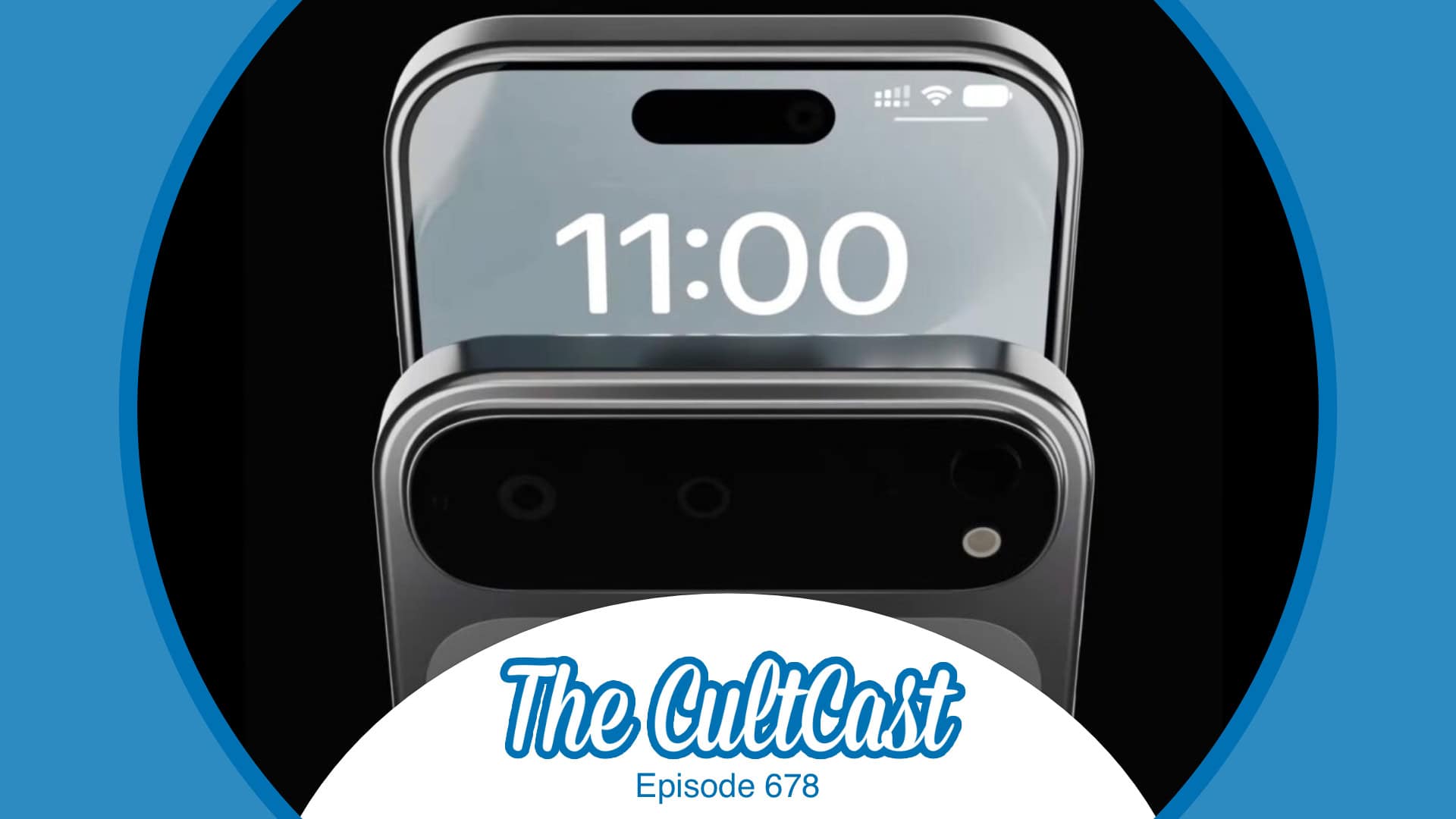
This week on Cult of Mac’s podcast: The latest rumors indicate the iPhone 18 Pro will pack a variable aperture camera. Erfon and Griffin break down what that could mean — and why it could bring a significant photographic boost to the device.
Also on The CultCast:
We’ve got some picks for what to watch during this weekend’s Apple TV+ free binge-o-rama.
From the iPhone 17 Air to AirTags 2 (and maybe AirPods Pro 3), it looks like 2025 might be an exciting year for Apple — we discuss the stuff we’re most psyched about.
Apple’s Magic Mouse is due for an upgrade. But will it really come with voice controls?
We wrap up the show with our final picks for the best stuff of 2024.
Listen to this week’s episode of The CultCast in the Podcasts app or your favorite podcast app. (Be sure to subscribe and leave us a review if you like it!) Or watch the video live stream, embedded below.
Journal lets you build a scrapbook or a diary on your iPhone. Image: D. Griffin Jones/Cult of Mac
A diary can be a great and invaluable record of your life, but who has time for that? Well, now you do: Apple’s iPhone Journal app makes keeping a diary a breeze. Really, it couldn’t be any easier.
Apple’s Journal app, newly updated in iOS 18, lets you build a record of your life into a multimedia digital diary. Your iPhone will pull together details from your photos, locations and events to give you prompts for memories worth writing about.
Here’s the nitty gritty on using the Journal app — and its latest features.
You can quickly and secretly switch out of Private Browsing without anyone noticing. Image: Dosso Dossi/Public domain
So, you’ve been using Safari’s Private Browsing mode on your iPhone or iPad, for whatever reason, but you forget to close out of the tab. The next time you open Safari, you’ll be thrown into whatever unscrupulous web page you had open last time — and the result can range from unfortunate to embarrassing, depending upon what you were looking at and where you are when you unexpectedly resume the Private Browsing session.
Luckily, iOS offers a foolproof way to avoid reopening a Private Browsing mode session. Let me show you how.
There’s a lot being cooked up for the iPhone next year.
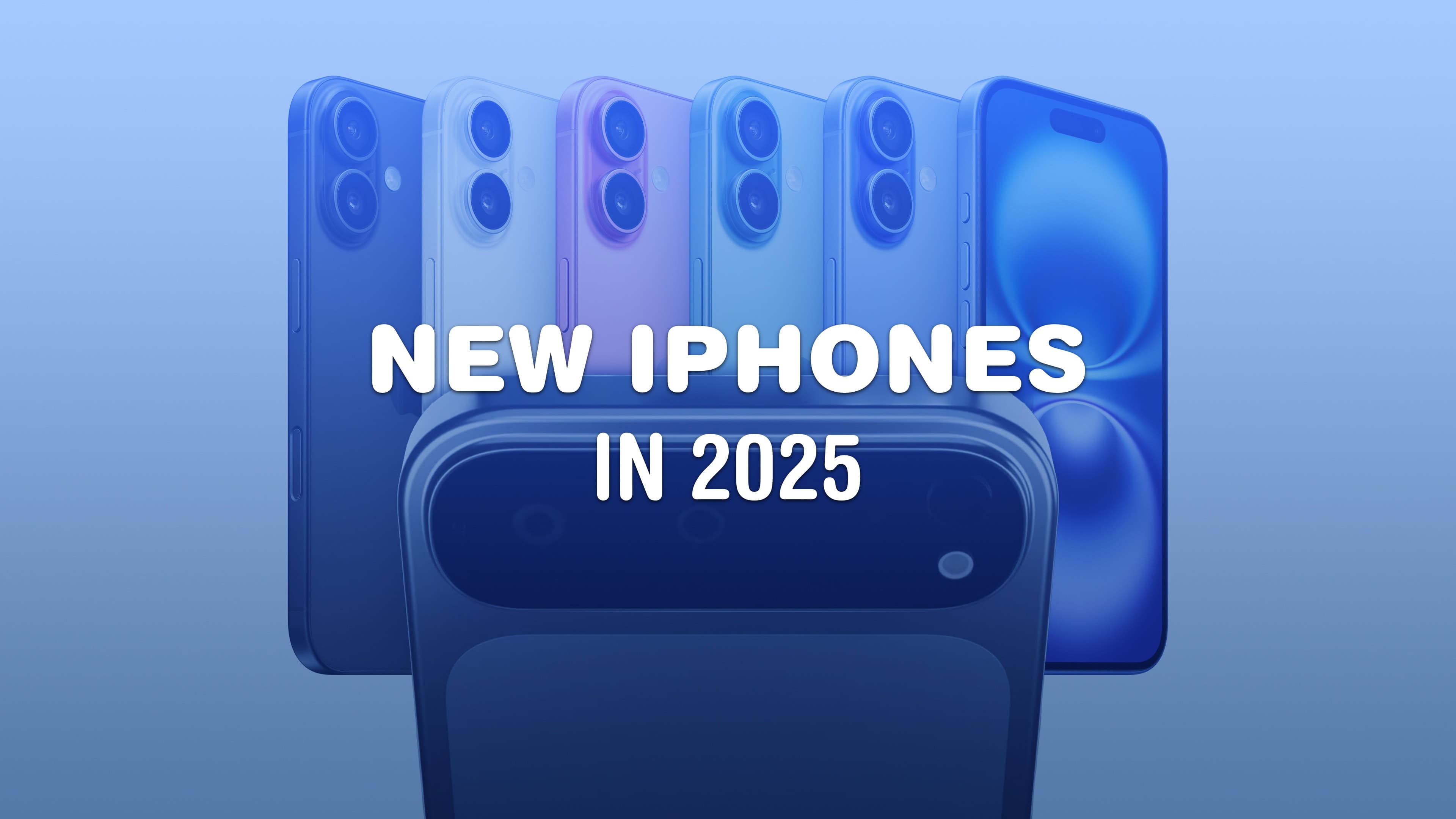
The 2025 iPhone lineup is going to see one of the biggest design shakeups in the product’s history. Not only will there be an entirely new model — the super-slim iPhone 17 Air — the Pro phones are getting the first all-new design in years, with a radical new camera array that’s sure to polarize opinion. Plus, the entry-level models and the iPhone SE are getting lots of worthy trickle-down upgrades. With these innovations, Apple iPhone 17 is set to redefine smartphone design and functionality. Discover how iPhone 17 Air will mark a new beginning for Apple.
It’s going to be a very exciting year. Here’s what 2025 has in store for the iPhone.
The iPhone 18 Pro may introduce a groundbreaking feature inspired by professional-grade cameras. Photo: Lyle Kahney/Cult of Mac
Apple could adopt a variable aperture system for the iPhone 18 Pro’s main camera that would enable the device to adjust the aperture size and light intake depending on surroundings.
DLSRs typically use a variable aperture lens system. Samsung and some Chinese Android manufacturers have also used the technology on their phones, albeit on a limited scale.
This week on Cult of Mac’s podcast: Some new iPhone 17 Pro renders make us ponder whether Apple will (or should) create such a device. We discuss the pros, cons and alternative theories.
Also on The CultCast:
An update on when we might see the very first folding iPhone.
A ridiculous Apple Intelligence screwup lands Apple in hot water.
We wrap up with round two of our picks for best and worst of 2024.
Listen to this week’s episode of The CultCast in the Podcasts app or your favorite podcast app. (Be sure to subscribe and leave us a review if you like it!) Or watch the video live stream, embedded below.
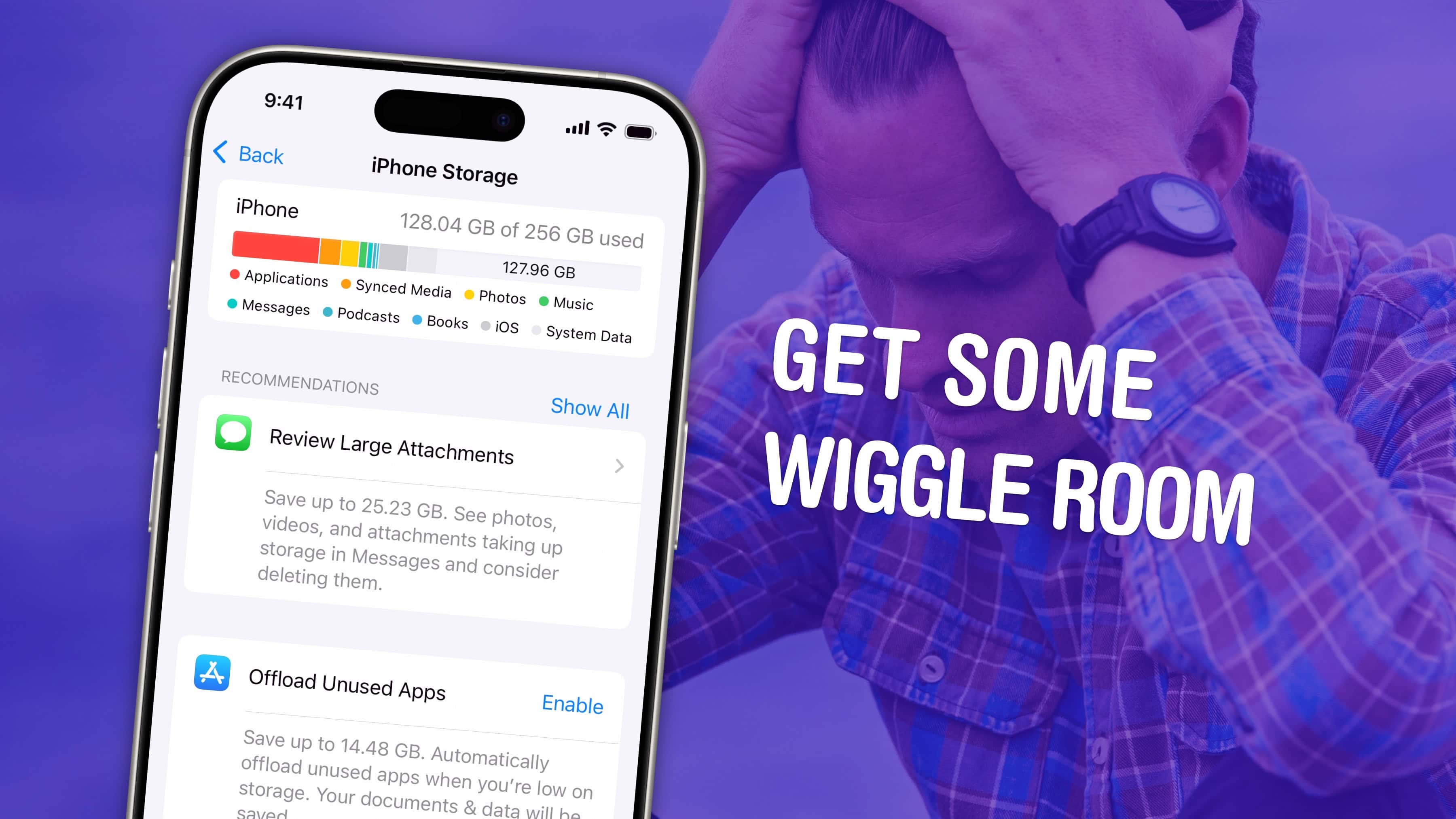
Get some space back on your phone. Image: D. Griffin Jones/Cult of Mac
If your iPhone storage is full, you’ll need to quickly clear up space. You don’t need to panic and delete all your pictures, though. There are easy ways to free up iPhone storage without losing any precious data forever.
Apple put a convenient screen in Settings that can walk you through non-destructive ways to clear up space on your phone. Apps that you don’t use frequently can be temporarily uninstalled (and instantly redownloaded when you need them again). If you sync data to iCloud, like photos and music, your phone can automatically offload some of that data. You also can limit the number of podcasts your phone keeps, if you’re falling behind on your listening.
Here are the easiest steps you can take if your iPhone storage gets too full.
Buying an iPhone is going to be unchanged so … yay. Photo: Ed Hardy/Cult of Mac
Apple reportedly dropped a plan to offer the iPhone to customers as a monthly subscription. It would have allowed customers to pay for handsets as though they were a magazine or software, and upgrade annually.
Those feeling disappointed by the news likely aren‘t aware that Apple already offers a very similar payment plan.
Turn on Battery Percentage to get the exact number. Image: D. Griffin Jones/Cult of Mac
Being able to see your iPhone battery percentage right in the status bar is incredibly useful. You can keep an eye on it throughout the day if you’re getting low and need to top up.
The standard battery icon gives you a rough idea of where your iPhone stands. But instantly seeing the exact battery percentage number can give you peace of mind. It’s useful seeing the precise number without pulling down Control Center or checking a battery widget, wherever you are.
For those of you with real battery anxiety, you can even add a widget to your Lock Screen and Home Screen. I’ll show you how.
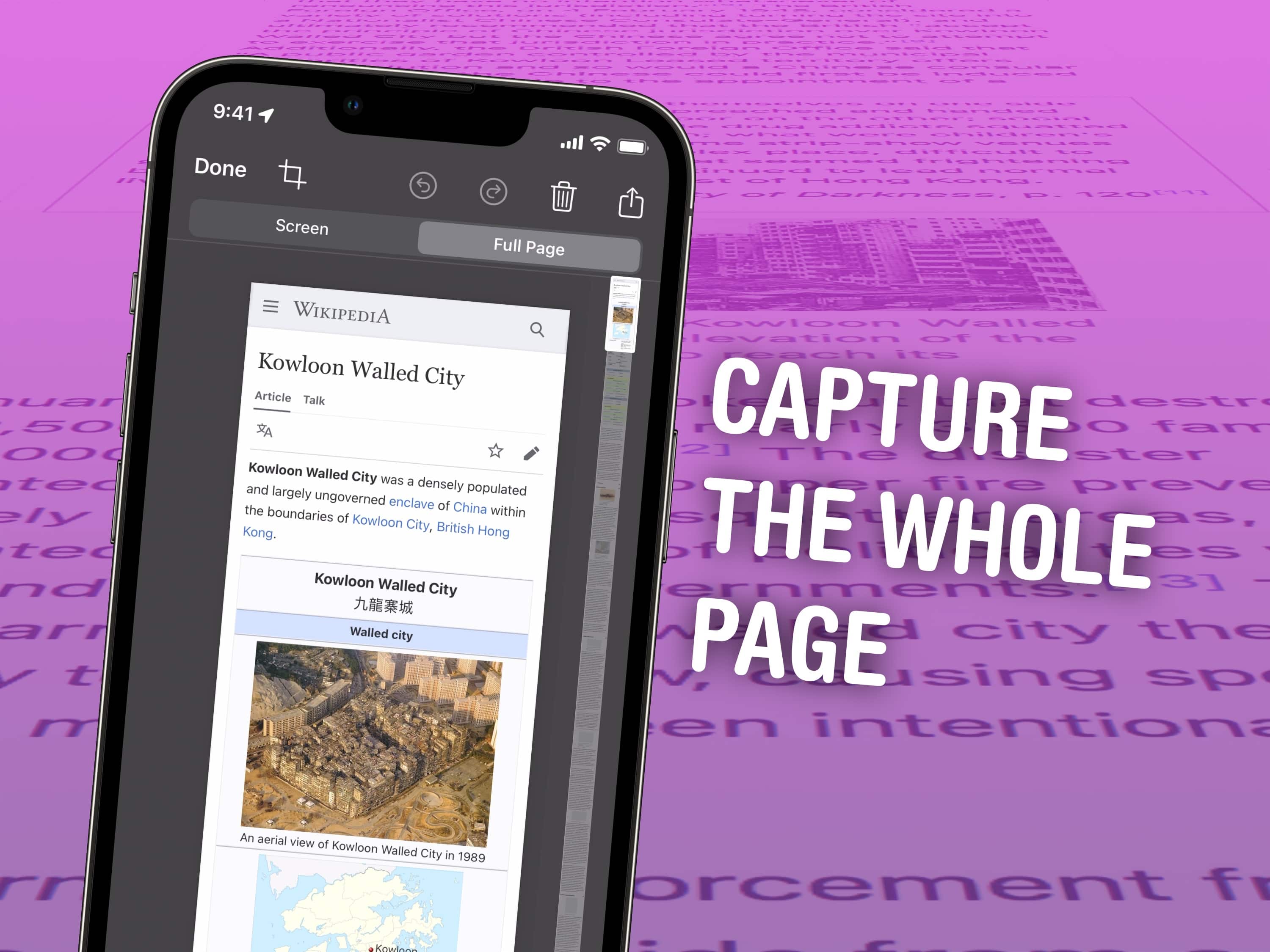
Take a screenshot of the entire page. Any page. Like this one! Image: D. Griffin Jones/Cult of Mac
It’s easy to take a screenshot on your iPhone to keep a copy of something in your photo library for later. You can even screenshot a whole page on an iPhone at once using a somewhat hidden feature.
If you want to take a screenshot of something like an in-depth recipe, a lengthy email or anything else that doesn’t fit on your iPhone screen, you can take an extended screenshot. Instead of filling your library with five separate images, you can use your iPhone to screenshot the entire page (or a large section of it) without using an app to stitch them together after the fact.
Here’s how it’s done. (I’ll show you how to do this on a Mac, too.)
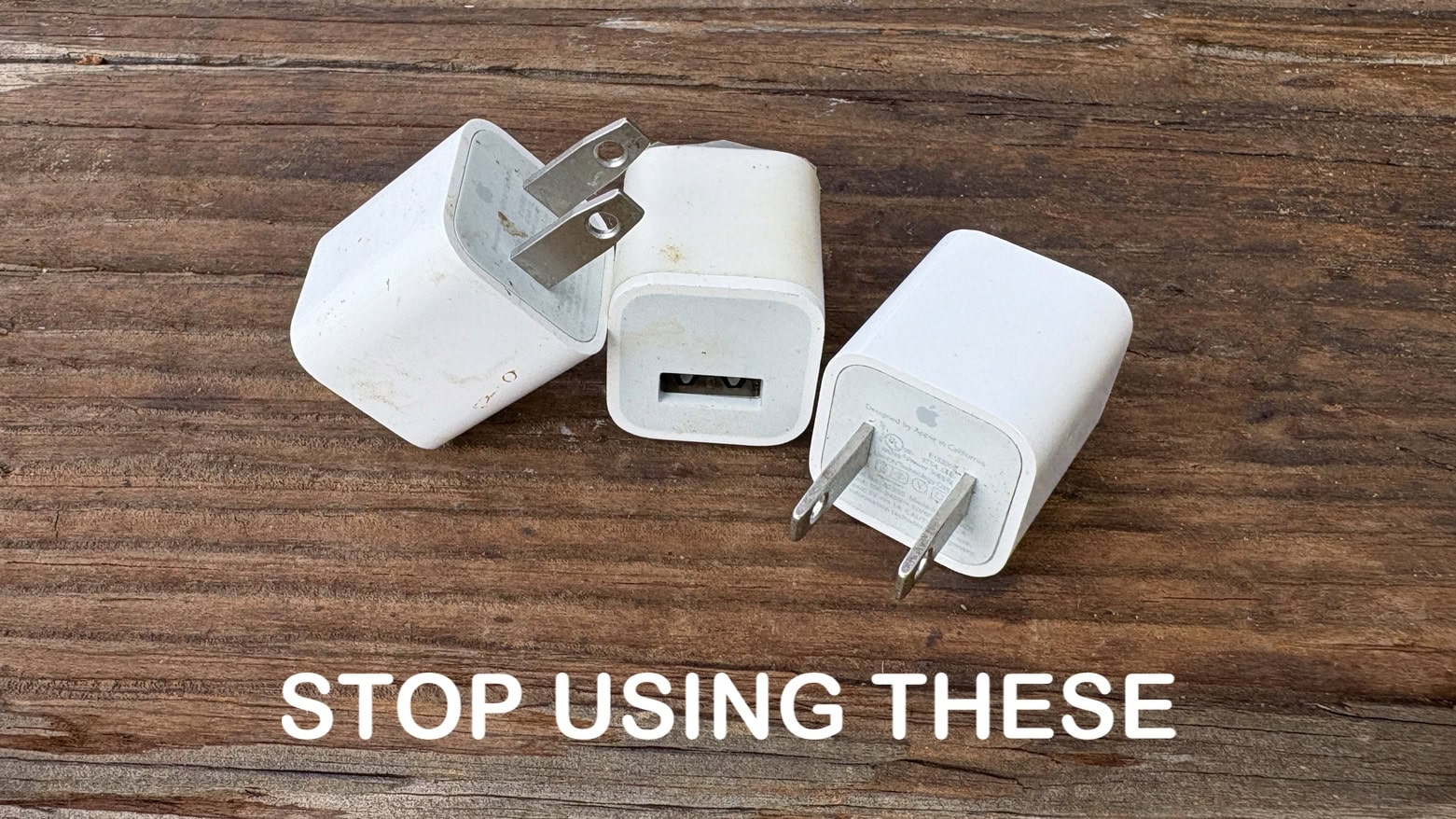
You can do better than these. Quite a bit better, in fact. Image: Ed Hardy/Cult of Mac
There are plenty of old iPhone wall chargers still out there very slowly powering up handsets. Fortunately, iOS 18.2 made it quick and easy to tell if it’s time to trash your old, slow iPhone charger.
The best iPhone chargers give your handset a big boost in as little as half an hour. Older ones take all sodding day. You don’t have to put up with slow charges if you don’t want to.
Apple's folding iPhone might arrive sooner than you think. Concept: Ran Avni
Hoping to boost sales, Apple could launch its first folding iPhone as soon as 2026, according to The Wall Street Journal. The foldable phone reportedly will follow a super-thin model — which previous rumors called the “iPhone 17 Air” or the “iPhone 17 Slim” — as Apple shakes up its stagnant smartphone lineup.
“It looks like Apple is looking towards hardware innovation to drive user upgrades,” BayStreet Research analyst Cliff Maldonado told the Journal. “The iPhone 16 will be the last of the boring aesthetic phones.”










 In just a few minutes, you can create a cool iPhone Lock Screen wallpaper that can switch between two images with just a tap. Add the right images to your photo library, and you can toggle between them like magic.