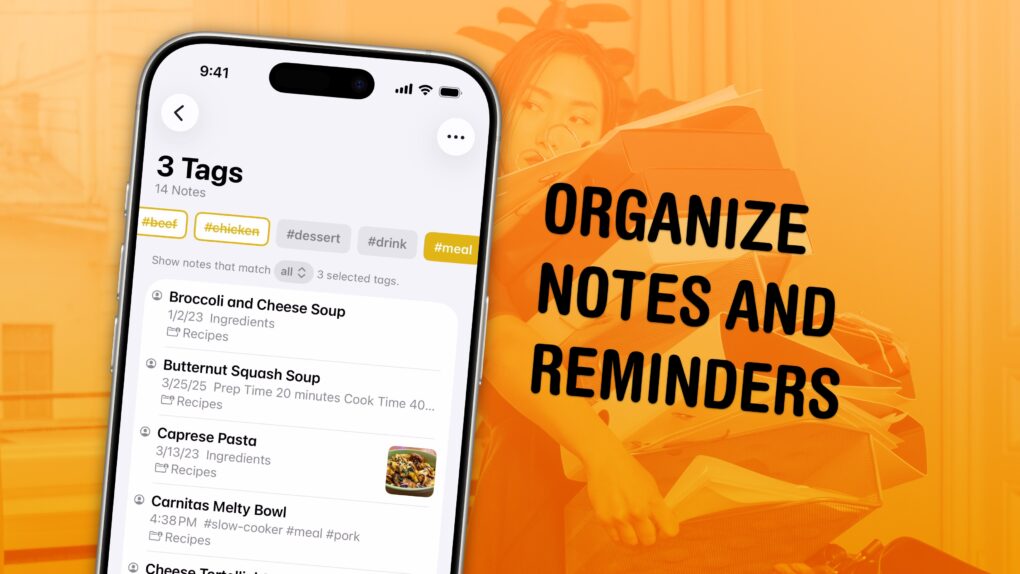
I have a bunch of pro tips to help you organize the Notes and Reminders piling up in your iPhone. Apple has added tons of powerful new features over time, making them comprehensive tools for all the goings-on in your life.
With tagging, you can quickly filter and search through a big folder of notes or a long to-do list. You can easily put together a bunch of filters by date, location and tag to create a smart list of everything that needs your attention in Reminders. You can even set up template Reminders lists that you can copy at any time.
Let me show you how to set it all up.



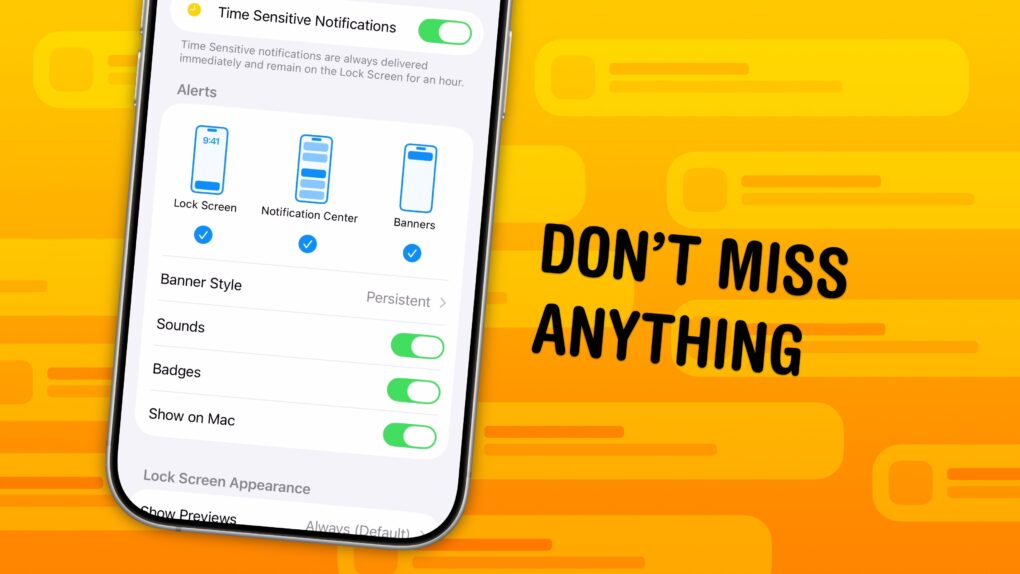
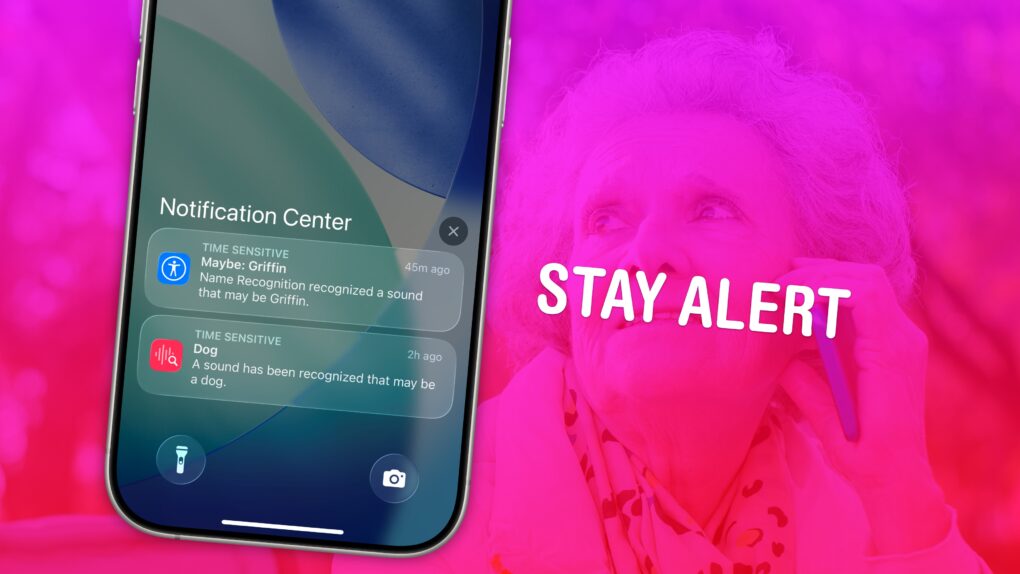
 You can set up persistent notifications from specific apps so they stick to the top of your iPhone screen. With persistent notifications in iOS, when your phone is unlocked and an important alert comes in, the notification will stay visible at the top of the screen until you act upon it.