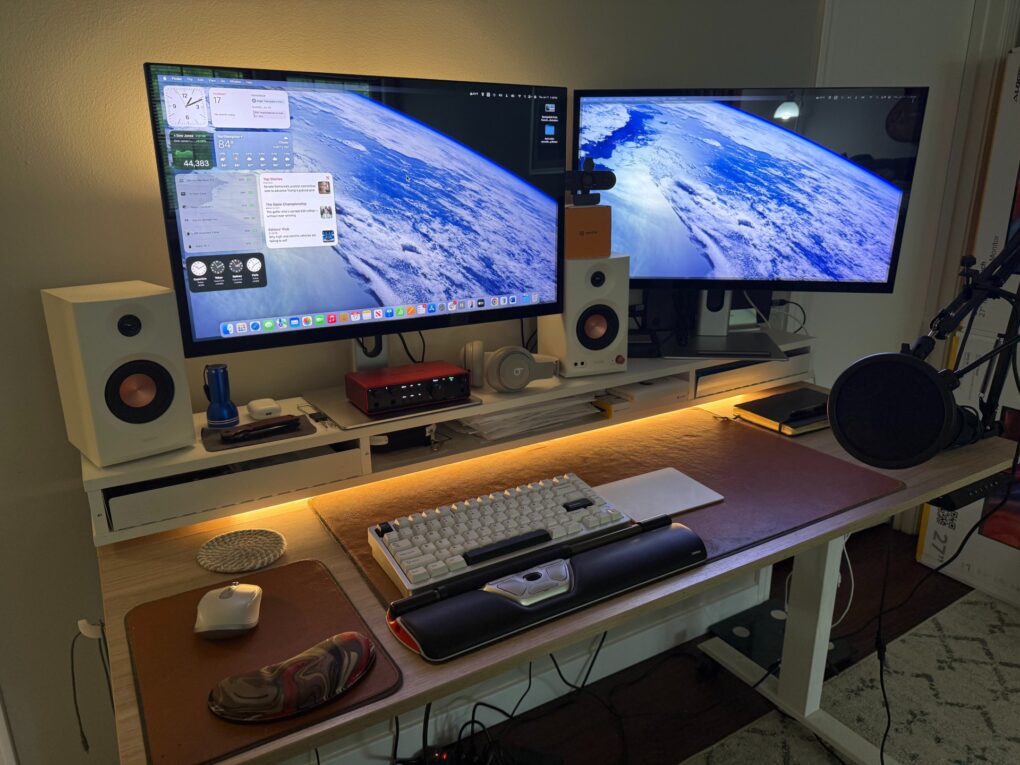
It’s easy to zoom in on your Mac screen and get a closer look at your display. If the text is just too small to read, or perhaps you’re making some graphics and you need pixel-perfect alignment, a simple tweak to your Mac settings is all you need.
Using your Mac’s zoom feature, you can hit a keyboard shortcut or use a multitouch gesture on your trackpad to zoom in on your screen. I’ll show you how to use this handy feature. Plus, I’ll cover Hover Text and Display Scaling, two more features that help you embiggen the words on your Mac screen.
![Mark S. risks all as Severance bonds are tested [Apple TV+ recap] ★★★★☆ Severance season 2 episode 6 recap](https://www.cultofmac.com/wp-content/uploads/2025/02/Severance_020609.jpg.photo_modal_show_home_large.jpg)
![Ark Pro power bank provides good value for travelers [Review] ★★★☆☆ Alogic Ark Pro power bank review](https://www.cultofmac.com/wp-content/uploads/2025/02/Alogic-Ark-Pro-power-bank.jpg)