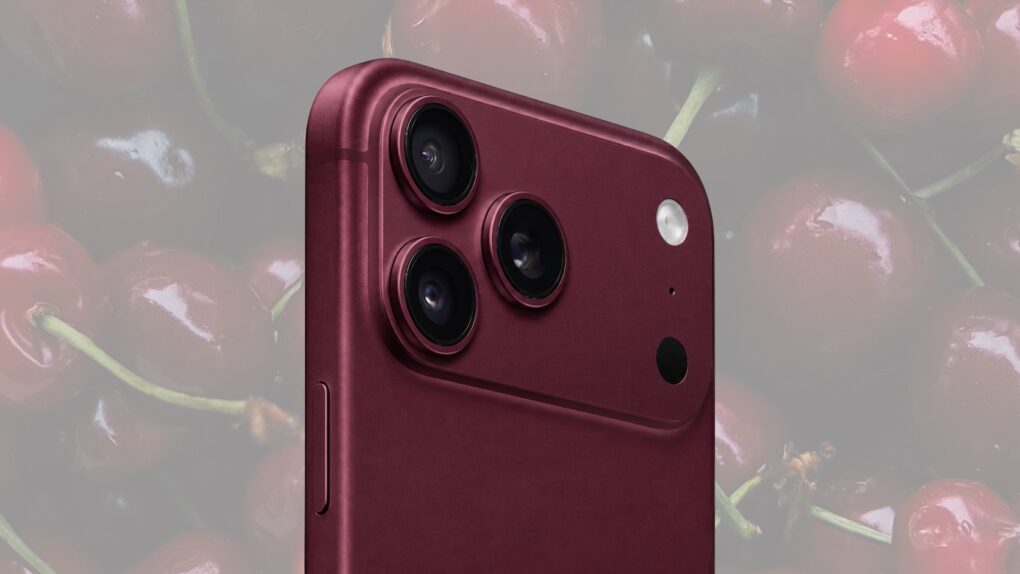
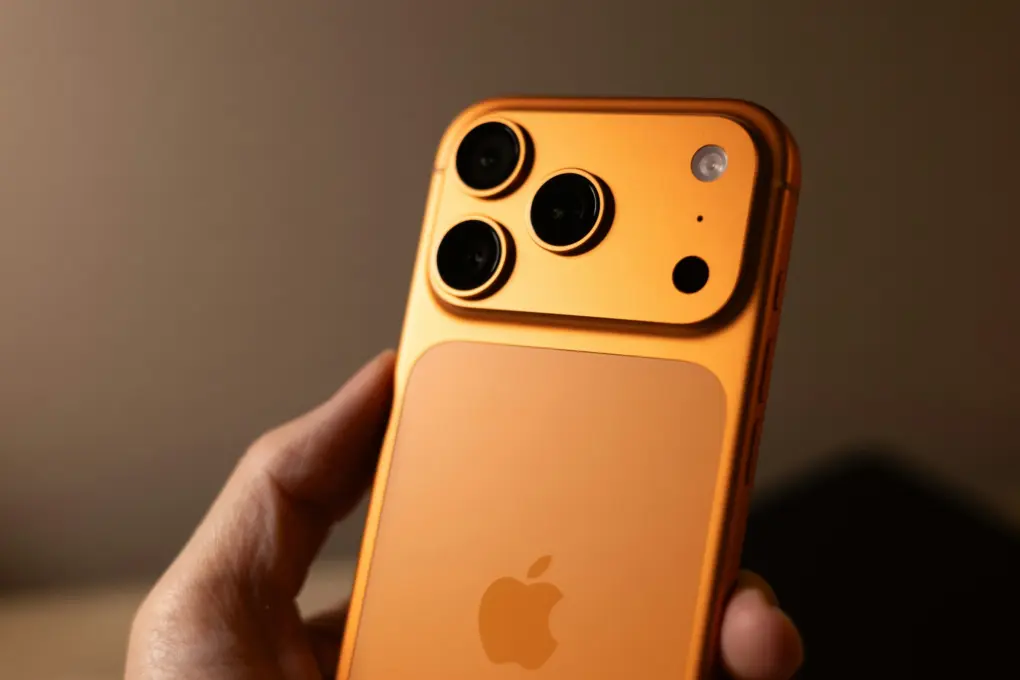
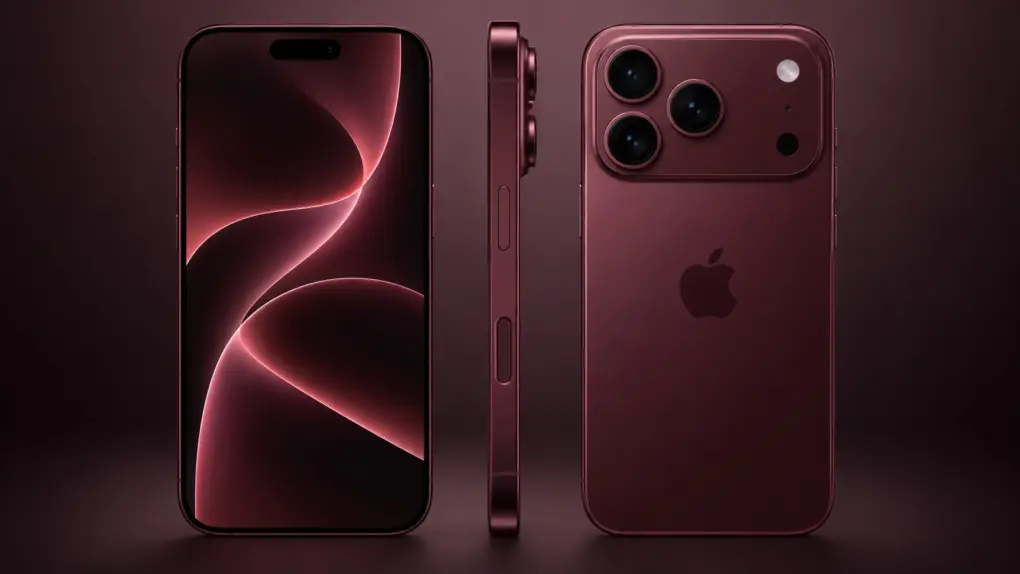
Will dark cherry be tech's hot new color? Concept image: Apple/Cult of Mac
When Apple released the cosmic orange iPhone 17 Pro last year, it did the unthinkable: It made the color orange both cool and commonplace.
Since then, a growing number of tech companies have embraced orange, producing a wide range of iPhone accessories and other gear in the surprisingly bold color. Now, the only question is, can Apple do it again … this time with dark cherry?
Even before Apple’s expected unveiling of the iPhone 18 Pro lineup during tomorrow’s Surprise and Shine event, it looks like the company might have another hit color on its hands.
Avril Lavigne's "Complicated" becomes the 10 millionth iTunes song download. Photo: Avril Lavigne
September 8, 2003: Apple reveals that the iTunes Music Store recently sold its 10 millionth song download. The tune in question? Avril Lavigne’s “Complicated.”
Come to think of it, “You fall, and you crawl, and you break, and you take what you get and you turn it into [success]” describes Apple pretty well in the late ’90s and early 2000s.
Keep all your Apple devices safe with a low one-time payment. Photo: Cult of Mac Deals
The more devices you own, the more difficult it becomes to protect your privacy from malicious actors and sanctioned snoops. This heavily discounted FastestVPN lifetime license guards up to 10 of your devices, from your MacBook to your iPhone, for just $24.97.
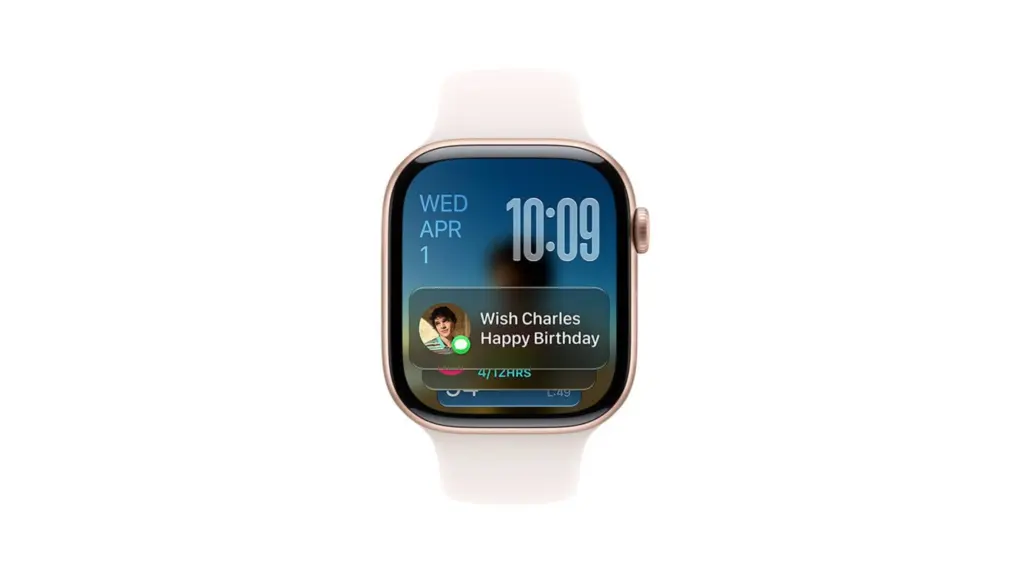
The hidden watchOS 27 Readiness app may point to a bigger health push for Apple Watch. Photo: Apple
The watchOS 27 Readiness app could be the Apple Watch’s most interesting new feature. It’s still hiding in unreleased beta code, with no interface in sight. But clues suggest it could reshape how your wrist tracks recovery.
The Readiness app is just one of the many finds recently pulled from watchOS 27’s code. Beta references also point toward deeper strength-training data and a possible storage bump for future Apple Watch models.
iOS 27 may pack iPhone 18 Pro-exclusive Camera app features. Photo: Unsplash
A leak shows off several camera-focused features that Apple will introduce with iOS 27 later this week. This includes exposure scopes, with waveform and histogram displays to monitor exposure easily.
Apple will also presumably add focus peaking support to the iPhone’s stock Camera app.
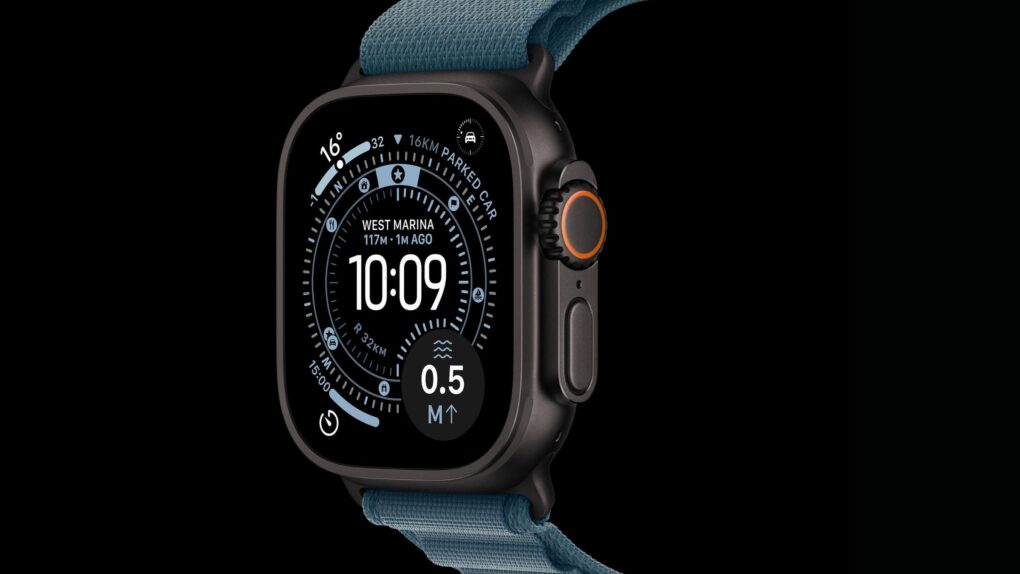
The Apple Watch Ultra 4 is expected to debut alongside new iPhones in September. Photo: Apple
The Apple Watch Ultra 4 is tipped to arrive next month, with fresh leaks pointing to the biggest under-the-hood upgrade the rugged wearable has seen in years.
Apple already locked in a September 9 event, and the Ultra 4 is widely expected to headline the wearables side of that show. Rumors disagree on how much the watch’s exterior will change. But they do agree on one thing: A faster chip is on the way.
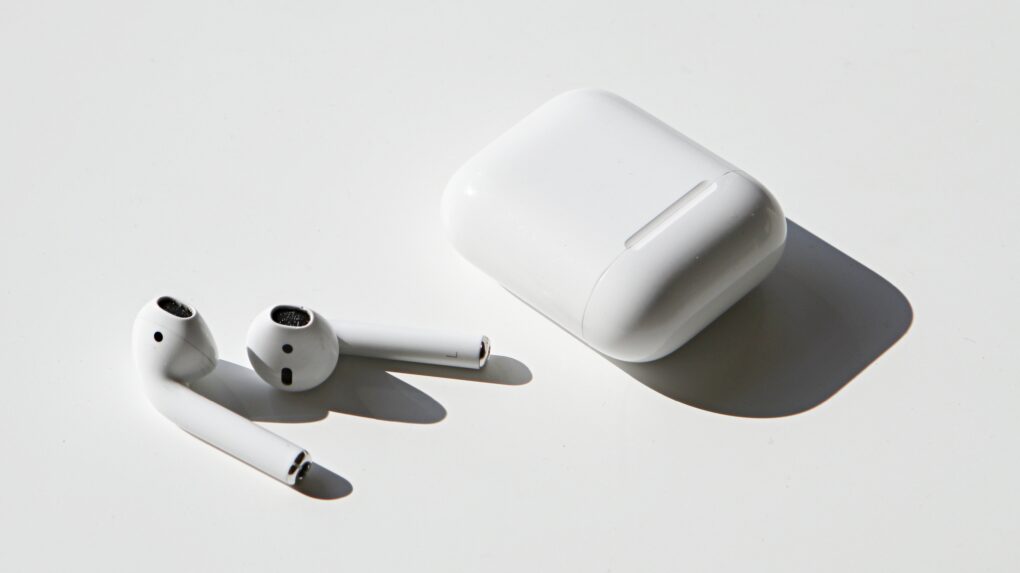
Remember when you used wireless headphones? Bet it's been a long time. Photo: Apple
September 7, 2016: Apple unveils the first-gen AirPods during a special event in San Francisco. The blindingly white wireless earbuds look undeniably strange at first glance, with their long, slender stems and a charging case that looks like a dental floss container.
Code buried in macOS hints Apple may be building its own game controller. Photo: Apple/Cult of Mac
Apple could finally be making a game controller. Buried code in a recent macOS beta points to two unreleased designs, and they seem to be built for very different kinds of players.
The references showed up in a test build of macOS Tahoe 26.7 before Apple pulled them. One points to a bare-bones wired controller. The other looks like a full-featured wireless model packed with sensors no third-party controller offers on the Mac today.
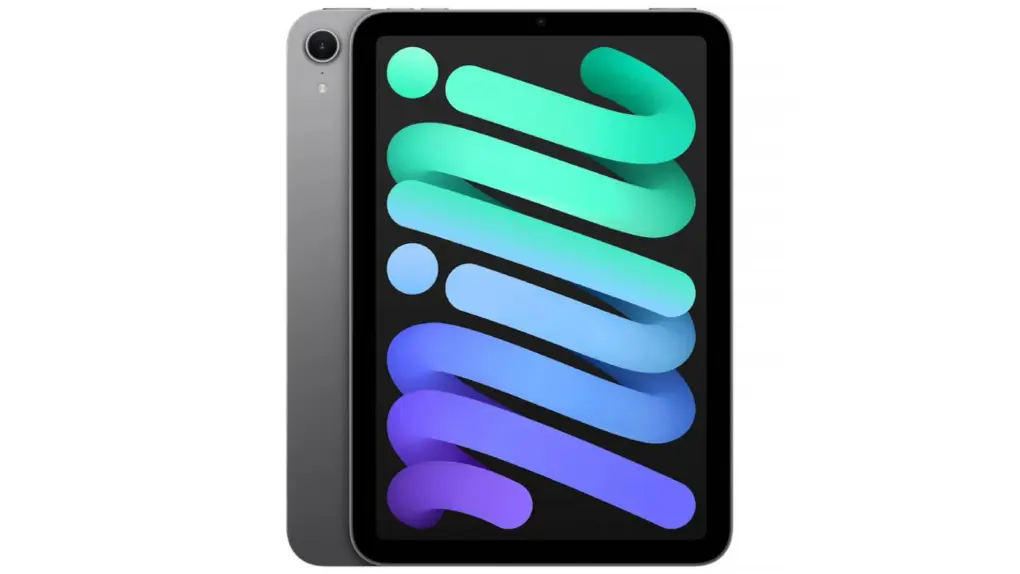
Want an iPad mini for less? For just $464.99, you can snag this refurbished iPad mini 7, the 2024 model that packs Apple’s A17 Pro chip into a compact package.
It comes with 128GB of storage and support for Apple Intelligence. And at this price, it won’t gut your bank account.
Save 29% on this refurbed 2021 iPad Pro! Photo: Cult of Mac Deals
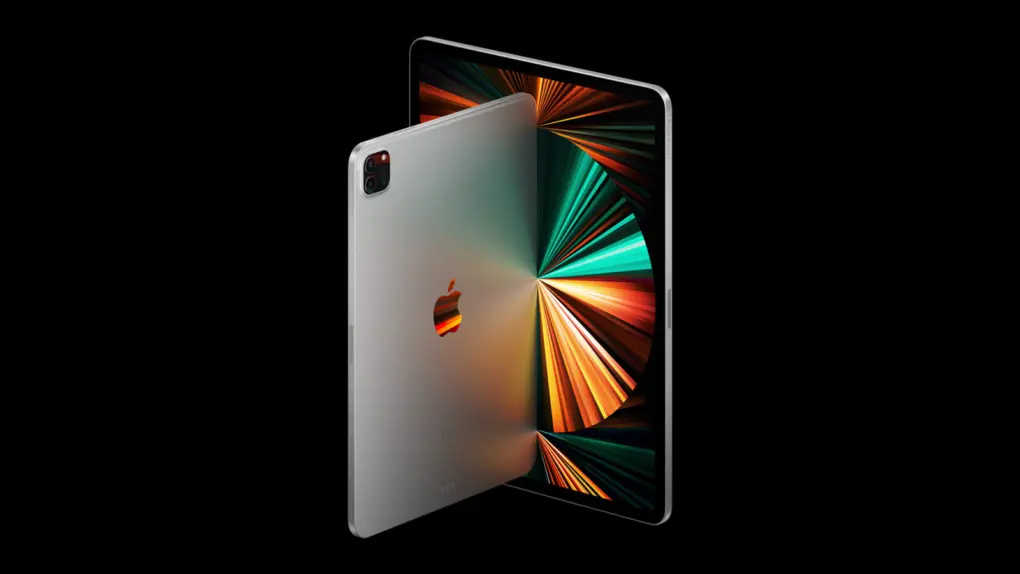
A high-end Apple tablet with pro-level power costs well over $1,000. But this refurbished 12.9-inch M1 iPad Pro is on sale for $459.99, backed by a 30-day aftermarket warranty on parts and labor.
Expect the iPhone 18 Pro to come in a new color, but most of the changes will be inside. AI concept: ChatGPT
The launch of the iPhone 18 Pro and iPhone 18 Pro Max is about a month away. Should you be saving up? Or maybe jump on an iPhone 17 model before the price rise instead? What you need is early info on Apple’s next flagship handsets to help you decide.
The biggest changes are reportedly happening inside the phones, but Apple may also shrink the Dynamic Island, add a major camera upgrade and give the Pro Max a much bigger battery. And there might be a new color option!
Here’s everything the rumor mill is saying about the iPhone 18 Pro and iPhone 18 Pro Max as Apple’s September launch approaches.
Lifetime access to IndyPDF is now on sale at 60% off! Photo: Cult of Mac Deals
Get lifetime access to more than 20 professional-grade PDF tools with IndyPDF. It packs editing, converting, signing, OCR and encryption into a single cross-platform PDF app.
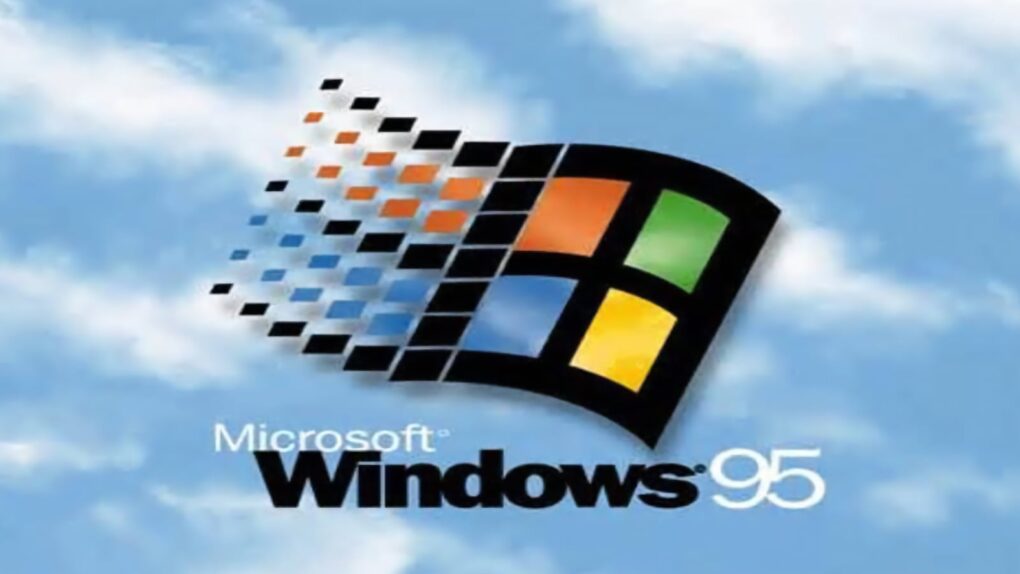
With Windows 95, Microsoft clearly had a hit on its hands. And that spurred nervous Apple execs into action. Photo: Microsoft
September 6, 1995: The newly launched Windows 95 operating system dominates software sales, sending virtually every other company scurrying for cover — Apple included.
After launching Windows 95 at the end of August, Microsoft sells a massive 1.63 million copies of the $85 PC operating system by early September, according to excited analysts. It represents a massive triumph for Apple’s biggest rival of the 1990s.
How will Apple change under new CEO John Ternus? We're about to find out. Image: Apple/Cult of Mac
This week on the Cult of Mac podcast: New Apple CEO John Ternus steps into his role with a wealth of hardware experience and a supremely promising product pipeline. And he’ll lead his first Apple event next week.
What will he hit us with during the Surprise and Shine event? And how will he change Apple going forward? There’s lots to ponder.
Also on the Cult of Mac podcast:
Will the iPhone 18 Pro upgrades be big enough to lure us into upgrading? It looks increasingly unlikely.
Rumors indicate the first folding iPhonewon’t get a certain accessory that practically nobody wanted, but will get a feature that almost everybody loves. So that’s a win.
What to expect from the next Apple Watch models, which should arrive next week as well.
Listen to this week’s episode of the Cult of Mac podcast in the Podcasts app or your favorite podcast app. (Be sure to subscribe and leave us a review if you like it!) Or watch the video version, embedded below.
We know almost everything about the folding iPhone, and it's time to start getting excited! AI image: ChatGPT/Cult of Mac
After years of rumors, Apple finally appears ready to launch the first folding iPhone. It’ll be the most significant shakeup to the basic design of an iOS device since… well, ever.
There’s no official confirmation of a foldable iPhone, of course. But the rumors are unusually detailed, covering everything from the screen size and hinge design to the processor, cameras and even the phone’s possible name.
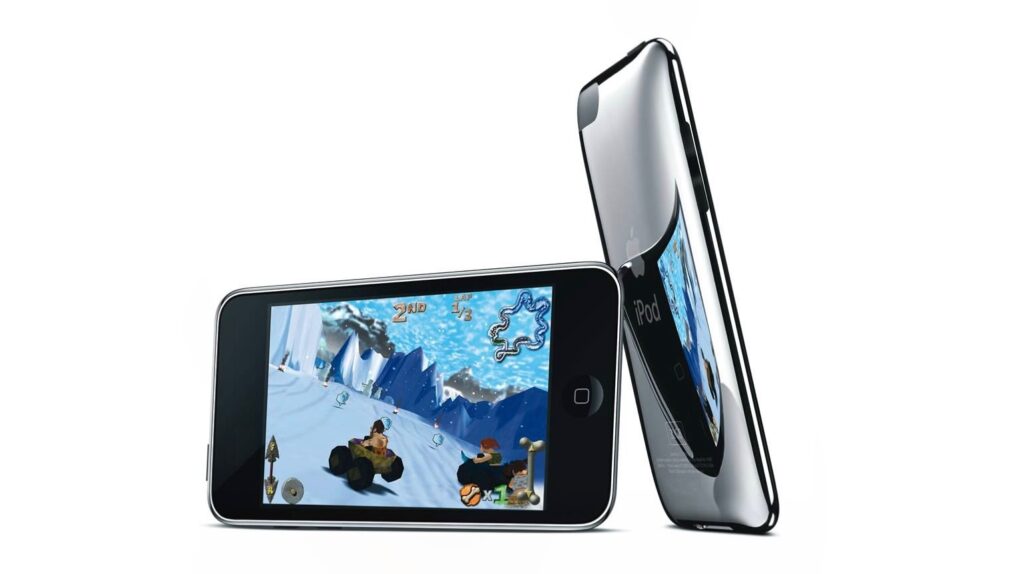
Apple released three new iPods, including the first iPod touch, in 2007. Photo: Apple
September 5, 2007: Apple introduces its first new iPods after the release of the iPhone. The lineup includes the third-gen iPod nano, the newly renamed iPod Classic and — most significantly — the debut of the iPod touch.
In doing so, Apple sets out to demonstrate that there is still plenty of life left in its iconic portable music player.
Give yourself a makeover with Magic Studio's professional headshots. Photo: Cult of Mac Deals
AI headshot generator Magic Studio can turn 10 average-looking photos into 50 eye-catching images that make you look like a million bucks — no photographer, studio appointment or trip across town required.
And it doesn’t cost a million bucks — or even take very long. Simply upload those 10 pix, and Magic Studio will generate dozens of 4K headshots in about 15 minutes. You get all this, plus 50 edit credits, for a one-time purchase of just $59.99 (regularly $200).
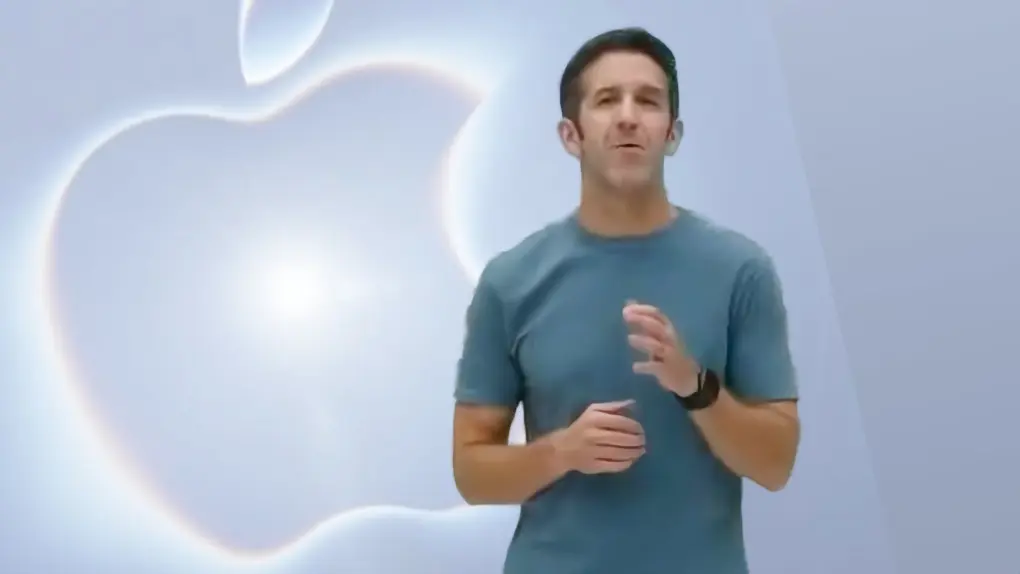
John Ternus is ready to say "Hello" at Apple's Surprise and Shine event. Image: Apple/Cult of Mac
Apple’s September product launch event kicks off on Wednesday, and there is so much to look forward to. It’ll be a milestone for the company in multiple ways.
First off, the “Surprise and Shine” event be the first with John Ternus welcoming everyone, not Tim Cook. He became Apple CEO just days ago, and will surely be acting as ringmaster for all the announcments.
That will keep him busy, with plenty of new products on the agenda. The first folding iPhone is expected to be the star of the show, joined by the iPhone 18 Pro and Pro Max, Apple Watch Series 12 and Apple Watch Ultra 4, with potentially even more products in store.
Here’s everything expected to take the stage at the Steve Jobs Theater in Apple Park on September 9.
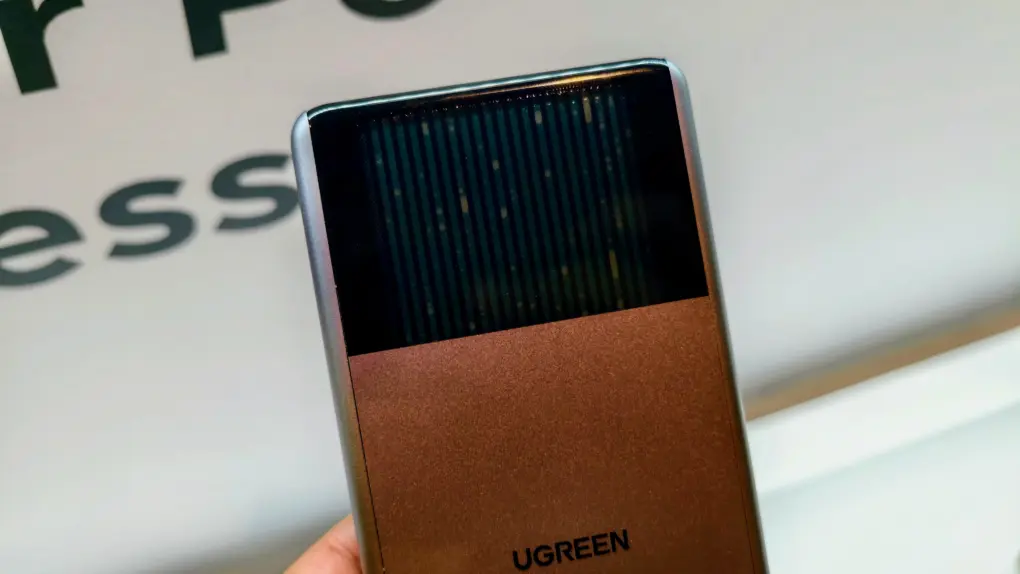
The Ugreen HomeAgent is a unique concept. Photo: Rajesh Pandey/Cult of Mac
BERLIN — Ugreen is best known for chargers, cables and other accessories. But at its IFA 2026 launch event here, the company showed something far more ambitious: a smart home hub called HomeAgent that uses local AI as its brain.
The HomeAgent series is expensive and unproven. But it rethinks what a smart-home hub can be. It also raises the question: By the time Apple enters the smart home market, will local AI already be the norm?
Host as many websites as you like — forever! — for one low price with this unlimited deal. Image: Midjourney/Cult of Mac
When it comes to affordable website hosting, how much is enough? This discounted Hostdeal Unlimited Plan lets you host unlimited websites, with unlimited NVMe SSD storage and 54 free domains for life. And for a limited time, you can score this killer website hosting deal for just $119.97 (regularly $1,800).
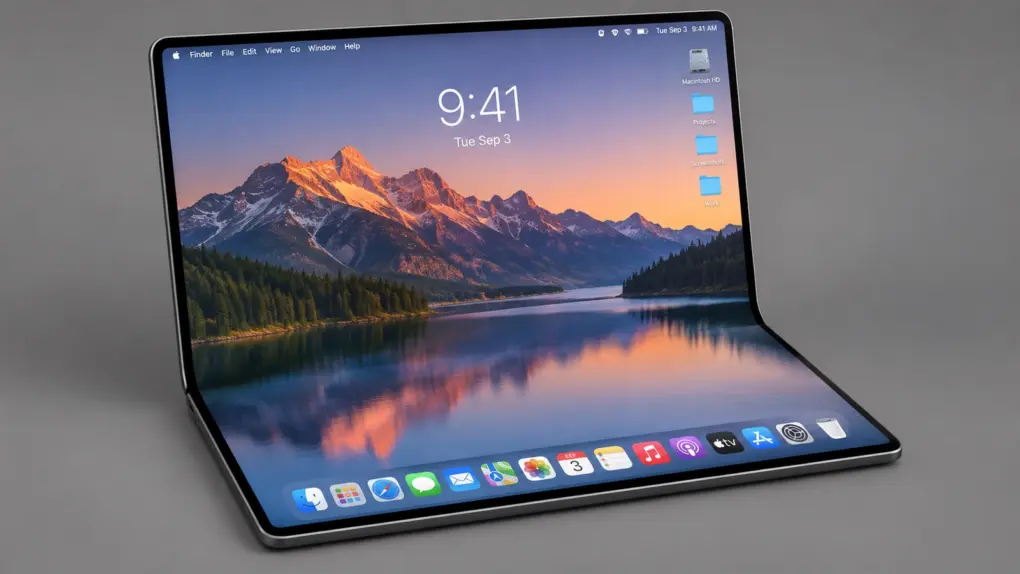
The folding display in a rumored MacBook would have dwarfed the one in any current macOS notebook. AI concept: ChatGPT
Apple stopped development on a cutting-edge MacBook with a foldable screen, according to a market-analysts firm. The computer would have been larger than any current notebook offered by the company, and apparently take advantage of the support for touchscreens coming to macOS.
Rumors about the device circulated for years, but some of these mentioned that Apple was struggling with the design. It supposedly has now given up.
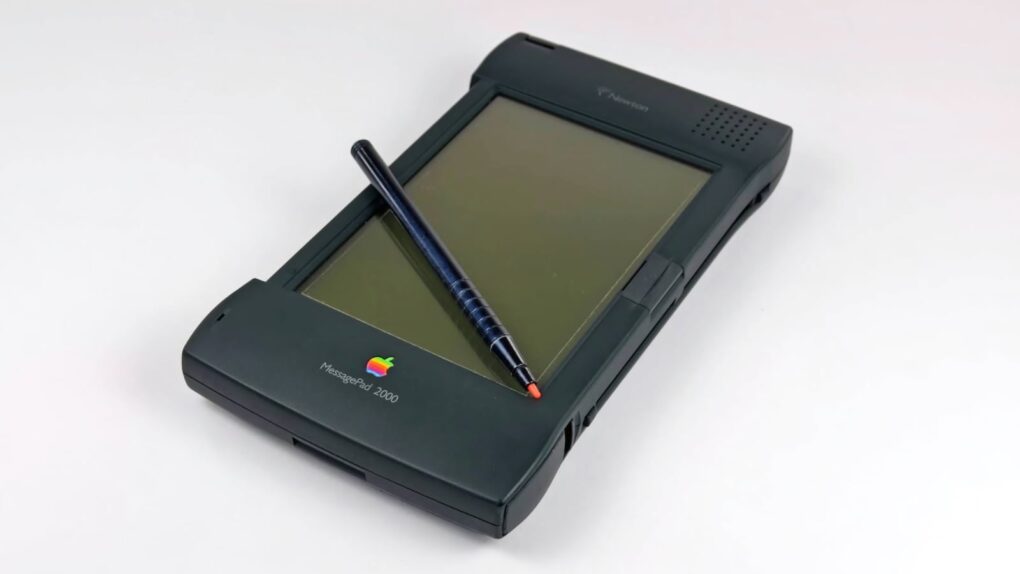
The Newton MessagePad went from hero to zero overnight. Photo: iFixit
September 4, 1997: The writing is on the wall for Apple’s Newton product line as the recently returned Steve Jobs effectively kills the Newton Inc. spinoff.
He tells executives at the recently created subsidiary company not to bother moving into their new offices. The flip-flop on the Newton spinoff by Apple’s new interim CEO takes employees by surprise.
It’s quite the turnaround for the Newton division. Only months earlier, Apple portrayed it as large (and successful) enough to become its own company.
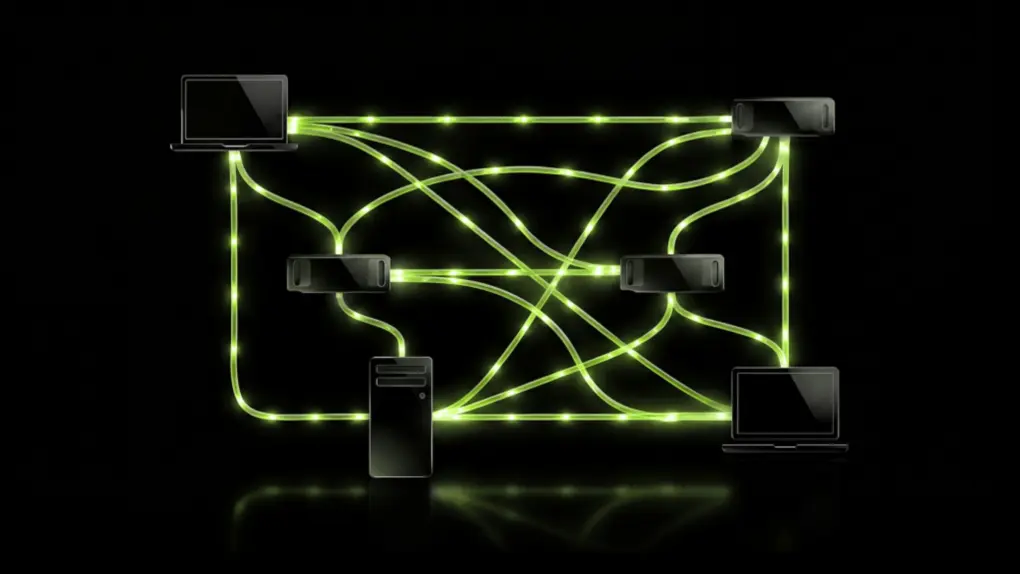
Nvidia PAIR lets an M4 Mac lean on a gaming PC’s GPU for local AI tasks. Photo: Nvidia
Got an M4 or newer Mac and a gaming PC? Nvidia’s new PAIR just gave them a reason to talk. The free, open-source tool pairs Apple Silicon Macs with RTX-equipped PCs into a private AI cluster.
It’s a quick fix for a problem Mac users relying on local AI are starting to hit. AI agents currently split a task into smaller ones, but all of them compete for the same GPU. Nvidia PAIR fixes that by spreading those requests across paired machines instead of your Mac choking on the pileup.


 September 8, 2003: Apple reveals that the
 September 7, 2016: Apple unveils the first-gen AirPods during a special event in San Francisco. The blindingly white wireless earbuds look undeniably strange at first glance, with their long, slender stems and a charging case that looks like a dental floss container.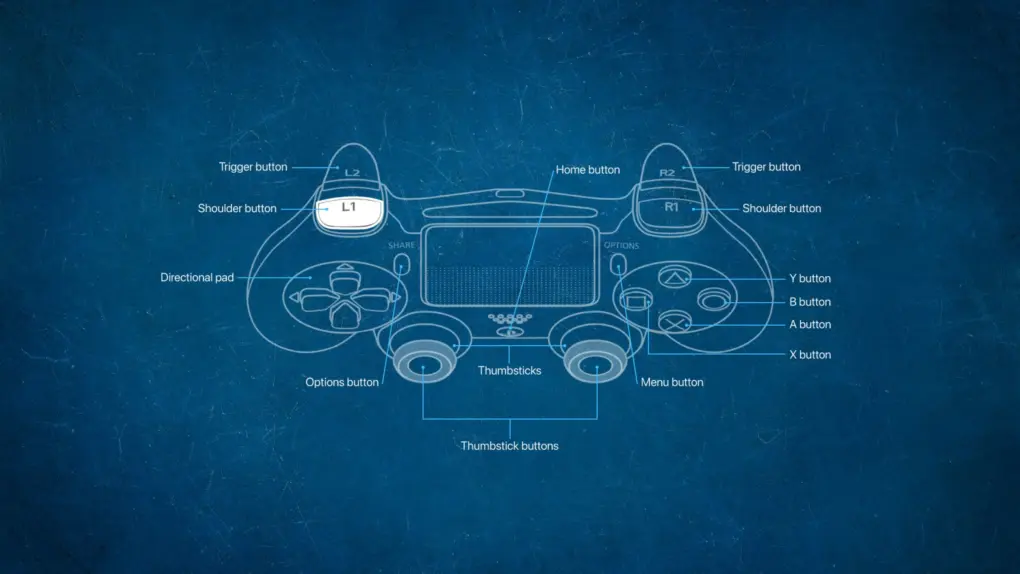

 September 6, 1995: The newly launched Windows 95 operating system dominates software sales, sending virtually every other company scurrying for cover — Apple included.

 September 5, 2007: Apple introduces its first new iPods after the release of the iPhone. The lineup includes the third-gen iPod nano, the newly renamed iPod Classic and — most significantly — the debut of the iPod touch.


 September 4, 1997: The writing is on the wall for Apple’s Newton product line as the recently returned Steve Jobs effectively kills the Newton Inc. spinoff.