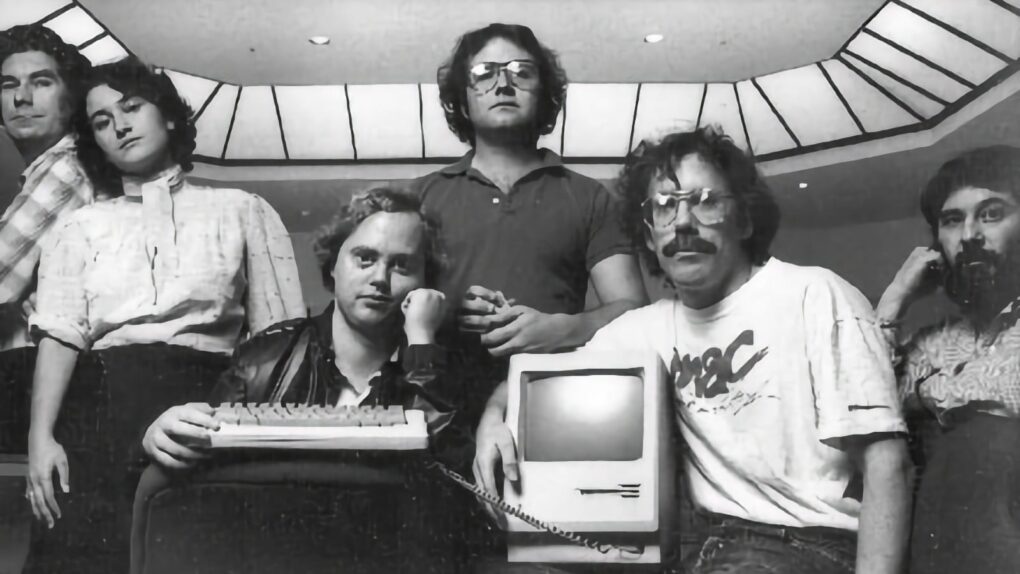
 July 27, 1955: Joanna Hoffman, who will join the original Macintosh and NeXT teams and become Steve Jobs’ first right-hand woman, is born in Poland.
Six months younger than Jobs, the marketing executive is one of the few people willing and able to stand up to the oftentimes fierce Apple co-founder during the first part of his career.




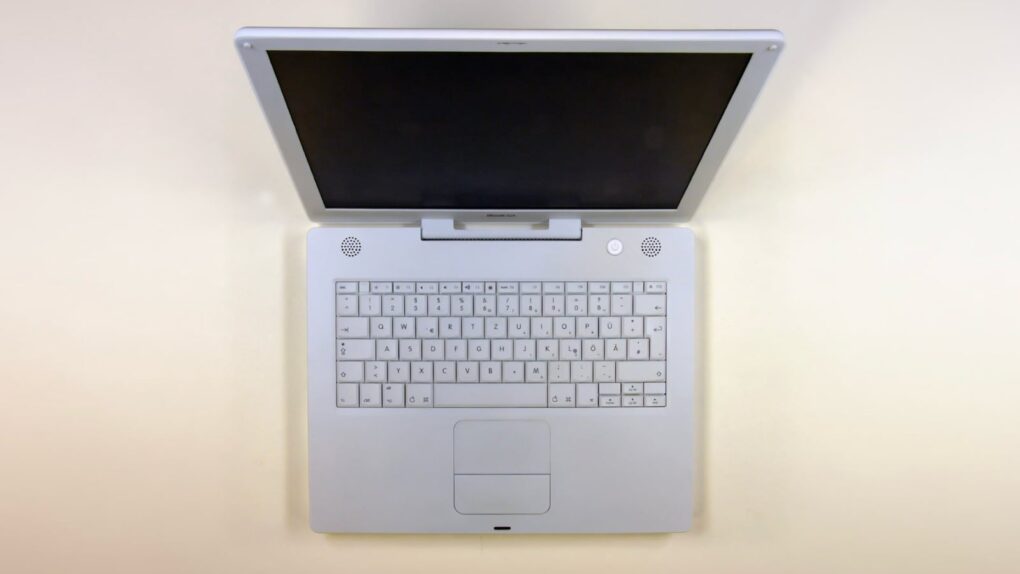
 July 26, 2005: Apple debuts the opaque white iBook G4, the last of its laptops to launch under the iBook name.
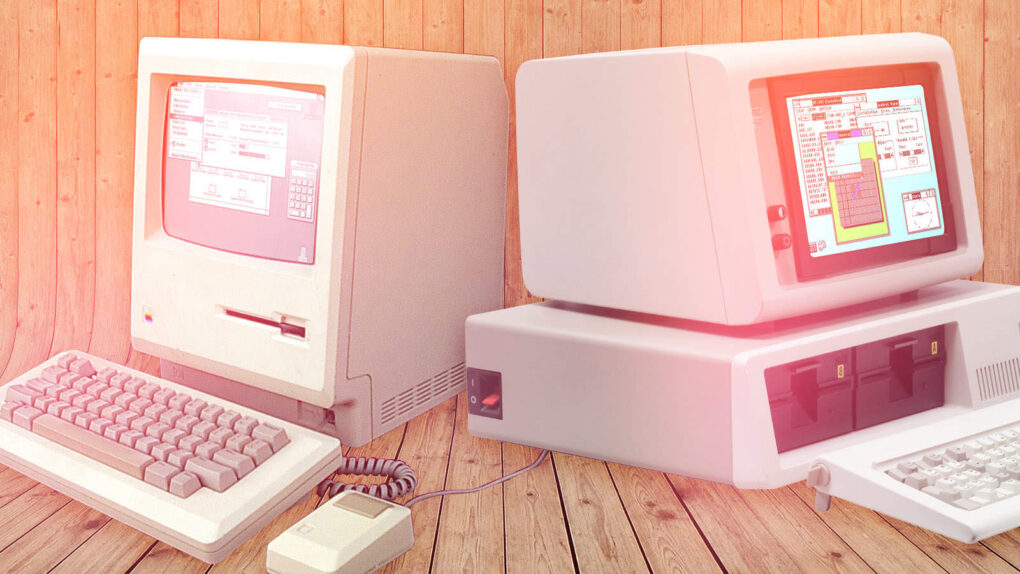
 July 25, 1989: Apple suffers a major setback in its copyright-infringement lawsuit against Microsoft for allegedly stealing the Mac’s “look and feel” to create Windows.



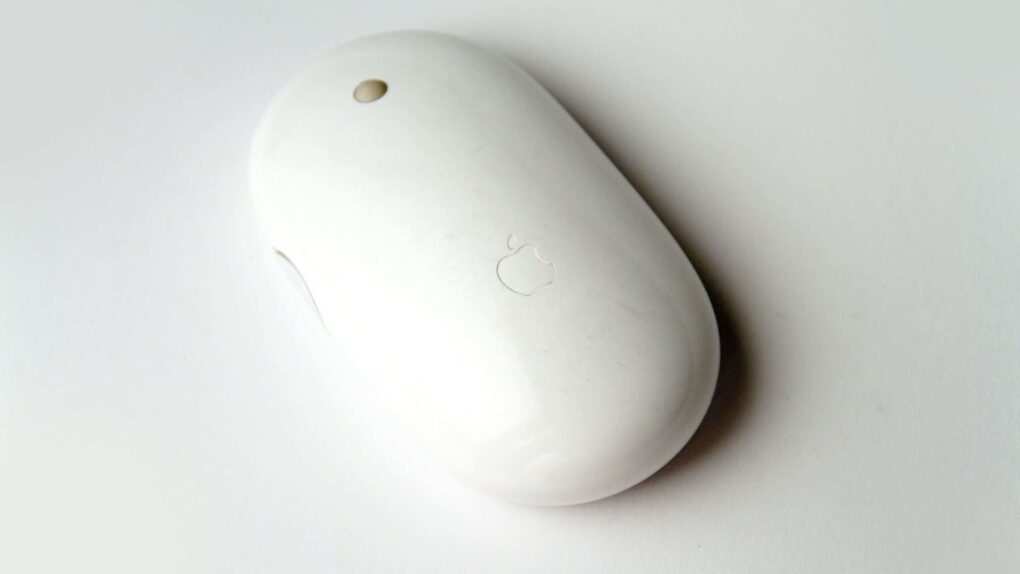
 July 24, 2006: The world gets its first glimpse of Apple’s new wireless Mighty Mouse, a multibutton Bluetooth device with super-accurate laser tracking.


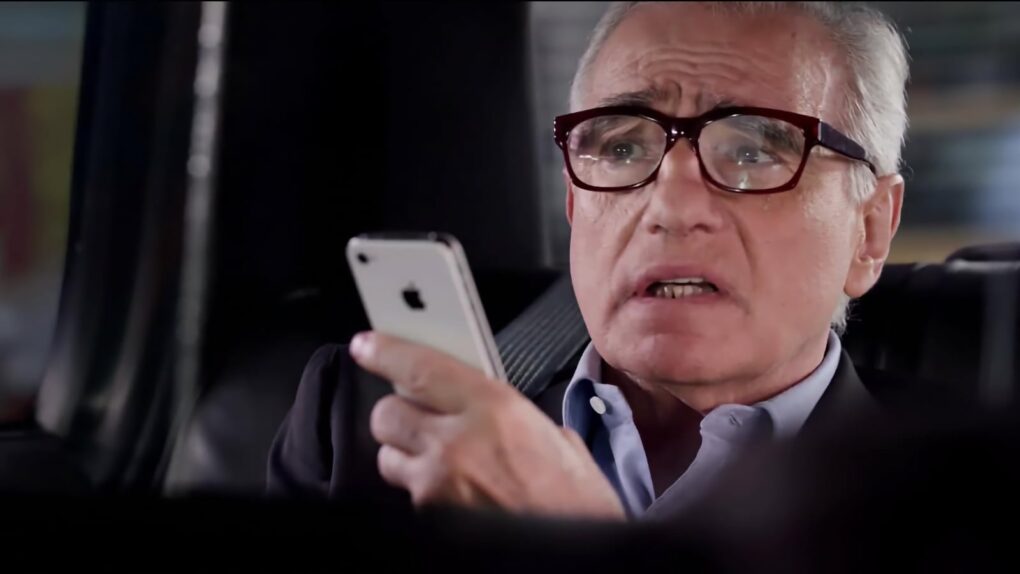
 July 23, 2012: Looking for the perfect spokesman for