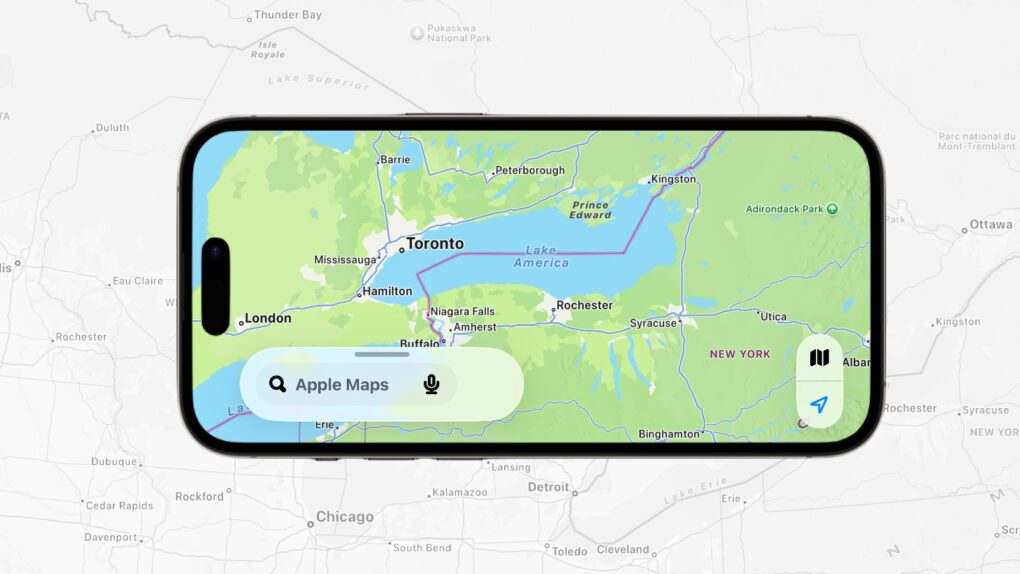
Apple Maps nixed Lake Ontario for U.S. users. Image: Cult of Mac
Apple Maps renamed Lake Ontario to “Lake America” for users in the United States, giving in to pressure from President Donald Trump, who issued an executive order changing the name of the Great Lake last week.
The change puts Apple alongside Google Maps, which made the same switch several days earlier.
★★★★☆
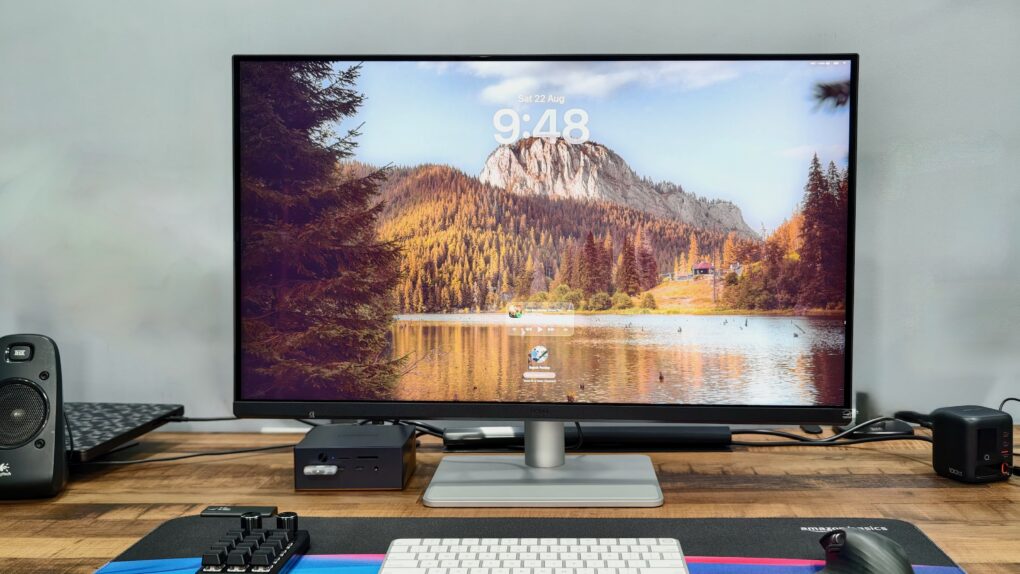
The BenQ MA320UG gives your Mac a bigger, glossier and noticeably smoother canvas. Photo: Rajesh Pandey/Cult of Mac
Finding a great Mac monitor usually means choosing between Retina sharpness, a high refresh rate and reasonable pricing. The BenQ MA320UG tries to strike a better balance with its large 31.5-inch 4K panel, glossy finish and 120Hz refresh rate.
After using it as my primary display for several weeks, I found plenty to like. However, there are also a few compromises that keep it from being the complete Studio Display alternative.
Get this secure cloud space for your files while it's on sale! Photo: Cult of Mac Deals
Your devices hold plenty of everyday files, but contracts, tax records, financial documents, IDs and other important paperwork deserve a super-secure storage place — preferably one that doesn’t come with yet another recurring bill.
For just $39.99 (regularly $499), you can lock in lifetime access to 500GB of Vault cloud storage. It’s specifically designed for long-term document storage with an emphasis on keeping your files as secure as possible.
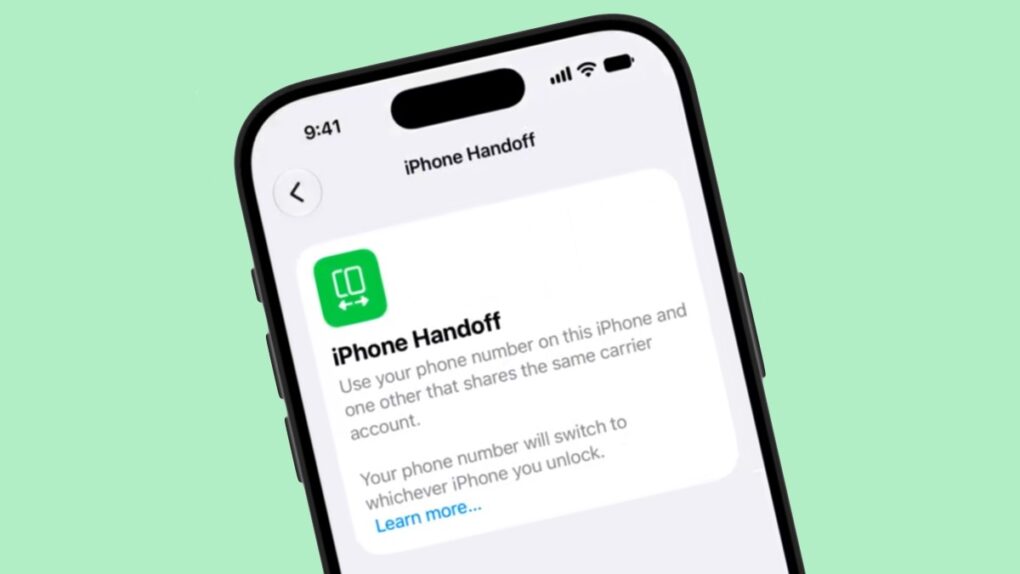
iOS 27’s iPhone Handoff feature could let you move your phone number between a main and companion iPhone. Screenshot: pdfu
iOS 27 will let one phone number work across two iPhones. A new iPhone Handoff feature will soon allow you to swap your cellular line between a main and a companion device, with no SIM swap required.
The feature got the barest mention at WWDC 2026 in June, with zero explanation from Apple. Now, a leaked demo video finally shows how the setup could actually work.
Anker's new pwoer banks will keep your iPhone cool while fast charging. Photo: Anker
Anker is bringing three unusually smart charging accessories to IFA 2026. Its new lineup combines active cooling, displays and device-specific charging profiles designed to protect battery health. The products cover everything from powering an iPhone on the move to charging a MacBook at home.
An artist's conception of the first Anker store, set to open in Berlin this week. Image: Anker
Popular Apple accessories maker Anker Innovations will open its first standalone store this week and pull its five category-based sub-brands under a single banner: Anker.
The idea is to simplify Anker’s product branding and take control of the company’s in-store marketing. It reminds me of what Apple did after Steve Jobs returned to the company in 1997.
“Category brands made sense when categories were separate. They no longer are,” said Steven Yang, founder and CEO of Anker Innovations, in a press release Thursday. Instead, Anker will simply things into “one brand, one promise — Ultimate Innovation, now unified across everything we make.”
The first Anker store will open this week in Berlin, not coincidentally the city that hosts the annual IFA tech conference where Anker and others will showcase their latest wares.
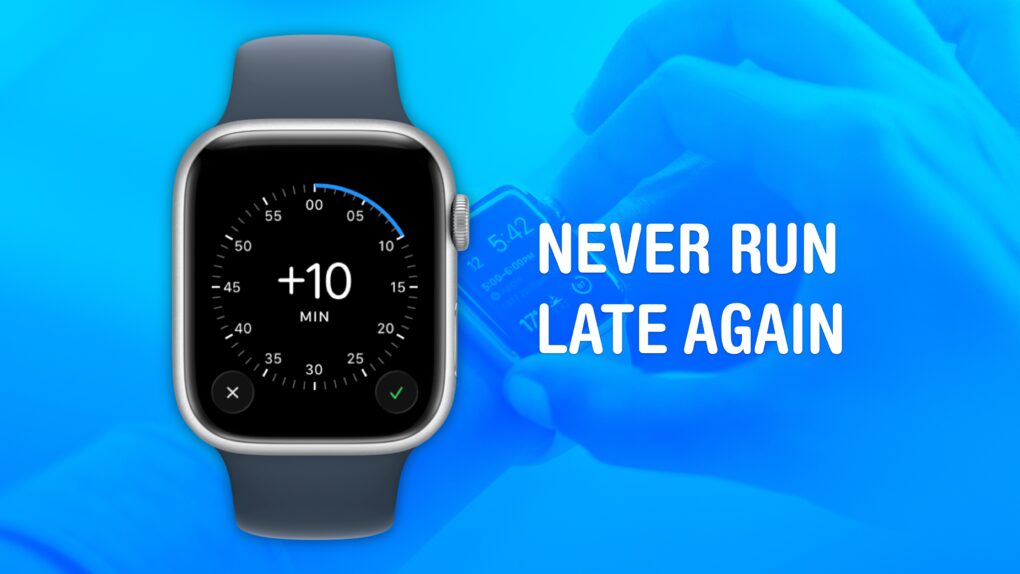
Cult of Mac is not legally responsible if you are still late after turning on this feature. Image: Crew/Wikimedia Commons/D. Griffin Jones/Cult of Mac
Set your Apple Watch time a few minutes ahead of the actual time and you might trick yourself out of running late every day. This is an officially supported feature, not a hack that will produce cascading, annoying side effects. And it doesn’t require you to set your smartwatch out of sync with internet time, which can also cause problems.
What will you gain? By running your Apple Watch a few minutes fast, you might nudge yourself to rush out the door a little earlier. And that might be enough to get you somewhere on time rather than late. If tardiness is a frequent problem for you, this little anti-procrastination tweak could save your skin.
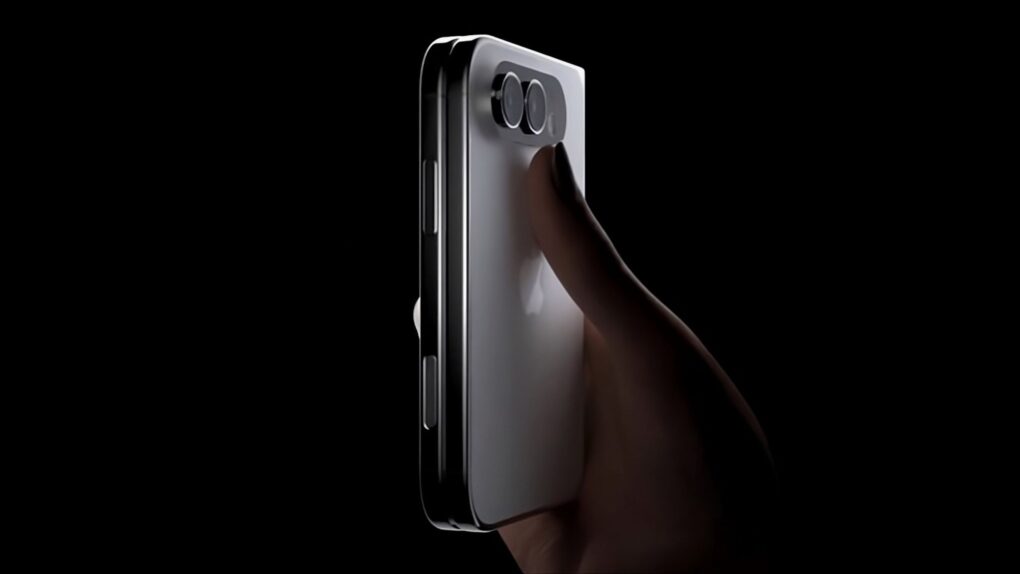
The first folding iPhone apparently won't skip the popular MagSafe feature. Image: Majin Bu
The first folding iPhone will support MagSafe, according to a new report that may finally settle one of the last open questions about the rumored device.
Apple reportedly found some space for MagSafe’s magnetic array despite the thin design of the foldable, likely called the iPhone Ultra. New details also surfaced about pricing, launch timing and where Apple’s folding phone is expected to excel.
Your Oklahoma diver's license can now be stored on your iPhone or Apple Watch. Image: Reddit/Cult of Mac
Oklahoma residents can finally leave their physical driver’s licenses at home — at least sometimes. The state is now rolling out support for adding driver’s licenses and state IDs to Apple Wallet on iPhone and Apple Watch.
Oklahoma becomes the 16th U.S. state or territory to support Apple’s digital IDs.
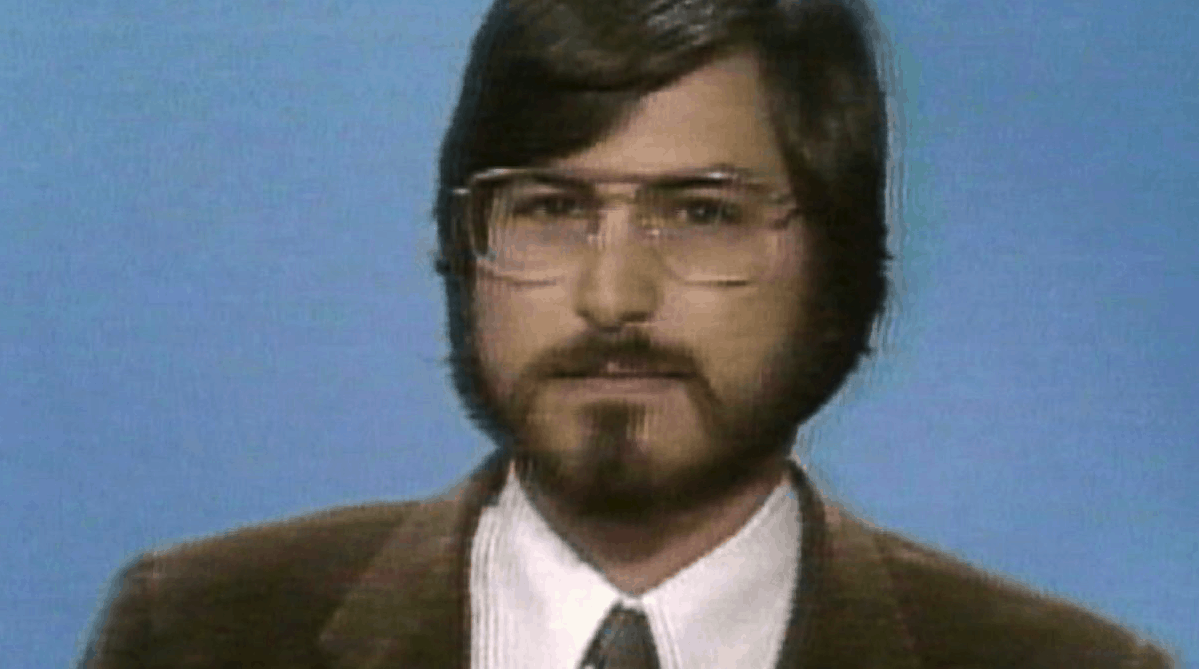
1985 marked a major turning point in Steve Jobs' life as he prepared to leave Apple. Photo: ABC
September 2, 1985: Reports claim Apple co-founder Steve Jobs is on the verge of setting up a new company to compete with Cupertino. The rumors fly after Jobs sells Apple stock holdings worth $21.43 million.
For anyone who thinks speculation about Apple’s future is an invention of the blog era, today’s edition of “Today in Apple history” is a reminder that the tech rumor mill was alive and well in 1985.
Get a refurbished iPhone SE 2 at a huge discount. Photo: Cult of Mac Deals
Want an iPhone for less? You can … and we mean for way less. For a limited time, you can pick up a refurbished second-gen iPhone SE on sale for just $89.99.
What’s that, like two and a half sandwiches these days?
Yes, this budget iPhone is a few years old, so it obviously doesn’t have all the latest features. However, it also doesn’t come with the hefty price tag of recent high-end models.
Perplexity Hybrid Compute routes sensitive files to a local model that never leaves your Mac. Photo: Perplexity
Perplexity Hybrid Compute is now live on Mac. The feature splits a single AI task between the cloud and the local model, so all your sensitive files stay on the machine.
“In the newest release of the Perplexity for Mac app, users can now add a compact local model post-trained for Perplexity Computer and choose to run tasks on device on their Mac,” said Perplexity in a press release Tuesday.
Cloud models handle the research and heavy reasoning, while a compact, local AI model on your Mac handles any step that touches private data.
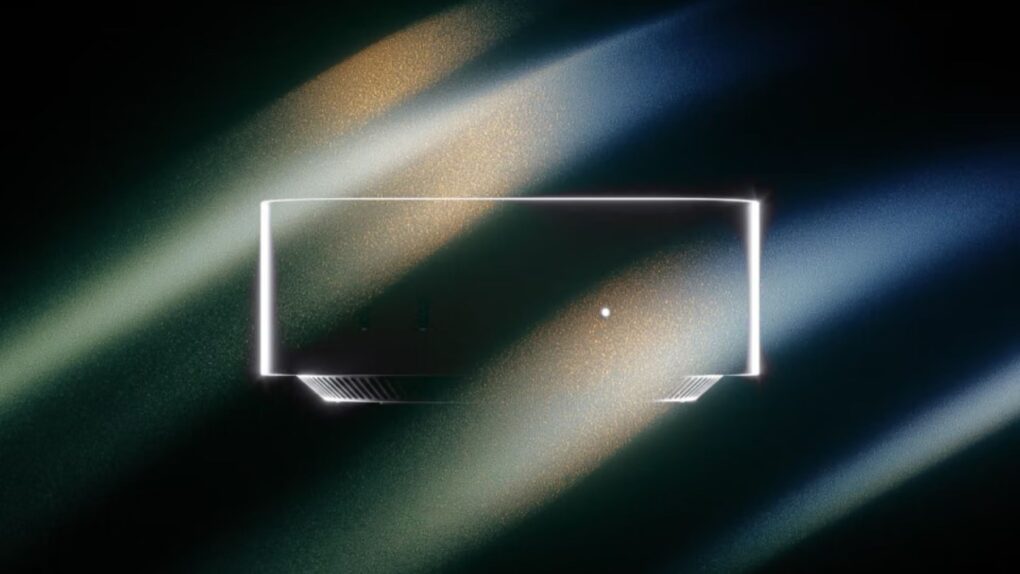
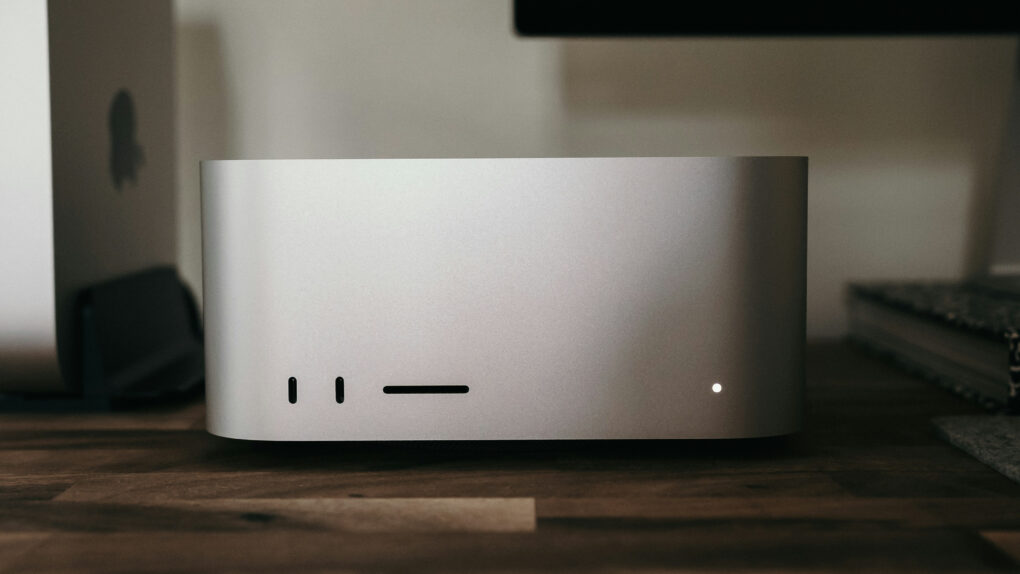
Several under-the-hood upgrades give the latest Mac Studio and Mac mini models a real boost. Photo: Joey Banks/Unsplash License
Apple’s latest Mac mini and Mac Studio computers don’t just come with faster M-series chips. They also pack certain underlying upgrades that make them even more capable and appealing than their predecessors.
That includes faster storage, better connectivity and boosted memory bandwidth. Here are five important Mac mini and Mac Studio upgrades you might have missed.
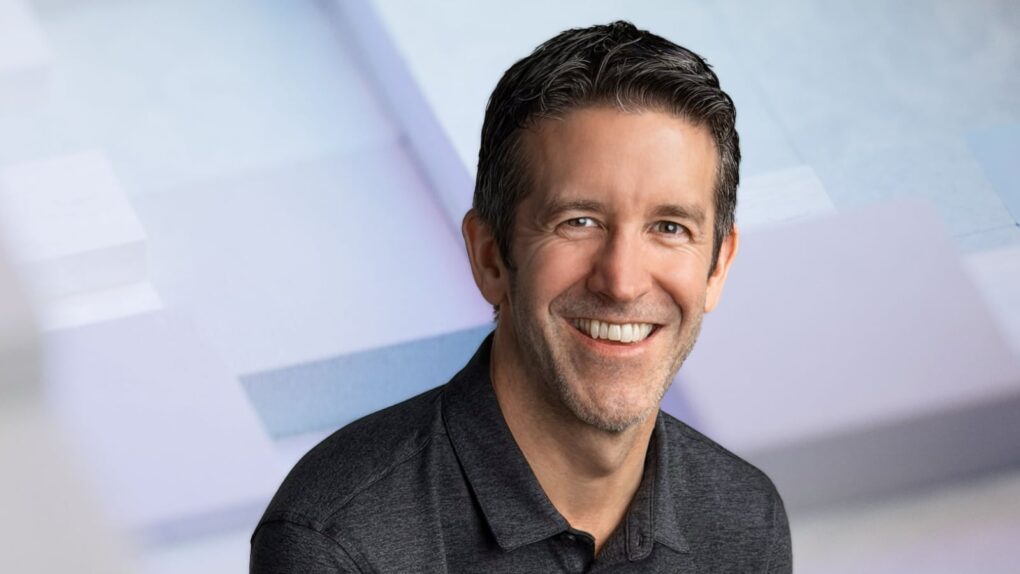
John Ternus brings years of hardware experience to his new role as Apple CEO. Image: Apple/Cult of Mac
John Ternus officially took over as Apple’s CEO on Tuesday, and his key challenge will likely be the classic “innovator’s dilemma.” Should he focus on maintaining Apple’s dominant position or ruthlessly cannibalize the products he helped develop during his 25-year career at Apple?
Ternus, a certified hardware guy, replaced operations whiz Tim Cook, who served as Apple’s CEO for 15 years after taking over from Steve Jobs. Apple updated its website’s leadership page to reflect this gigantic change — and it reveals some of Ternus’ top priorities going forward.
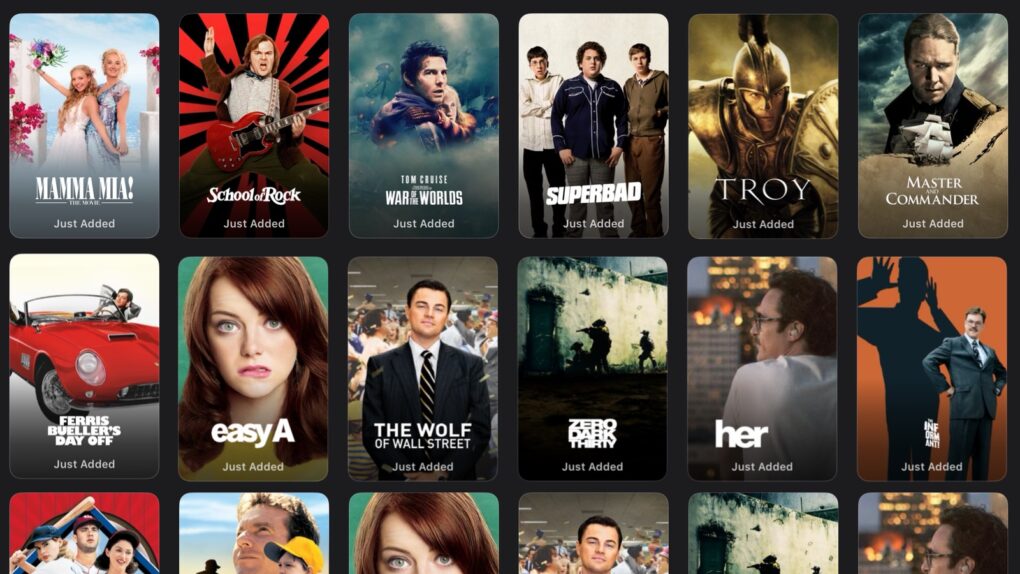
All of these popular films are ready to watch now on Apple TV, no extra charge. Image: Apple TV/Cult of Mac
Apple TV is giving subscribers another reason to stay in and watch a movie this month. The service just added 15 more popular Hollywood movies to its catalog, and they’re included with an Apple TV subscription at no additional charge.
This seems to be a new habit by the streamer: it offered a bunch of big-name Hollywood hits in August, too. Subscribers surely welcome Apple TV expanding beyond its usual lineup of original shows and movies.
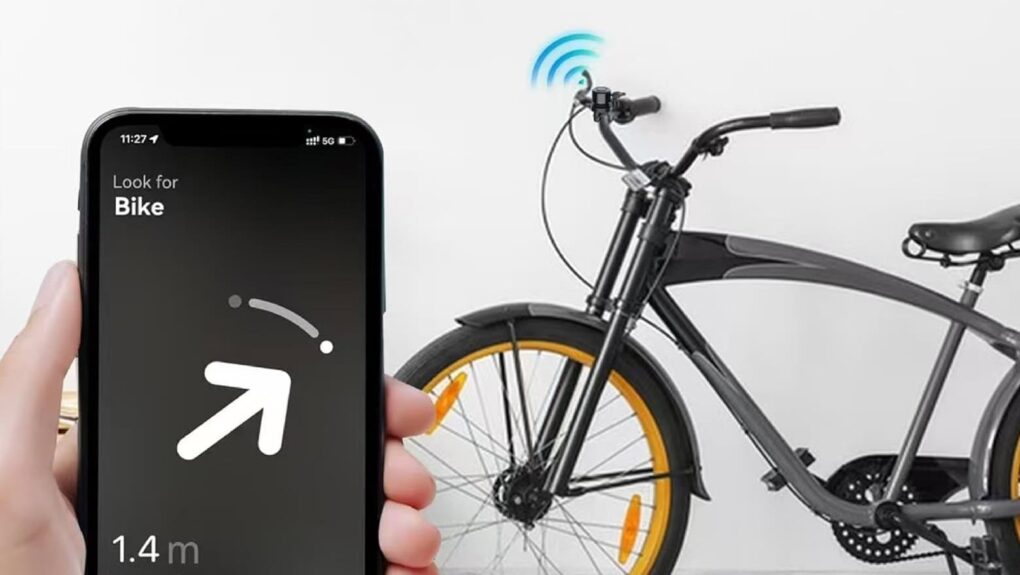
Keep tabs on your bike with this stealthy antitheft device. Photo: Cult of Mac Deals
This clever bike tracker adds extra security to your bike while being incredibly discreet. It’s a bike bell with a built-in tracker that integrates with Apple’s Find My app. Think of it as an AirTag for your ride!
Give yourself some peace of mind and get this stealthy bike bell with built-in tracker while it’s on sale for only $19.99 (regularly $29.99) at Cult of Mac Deals.
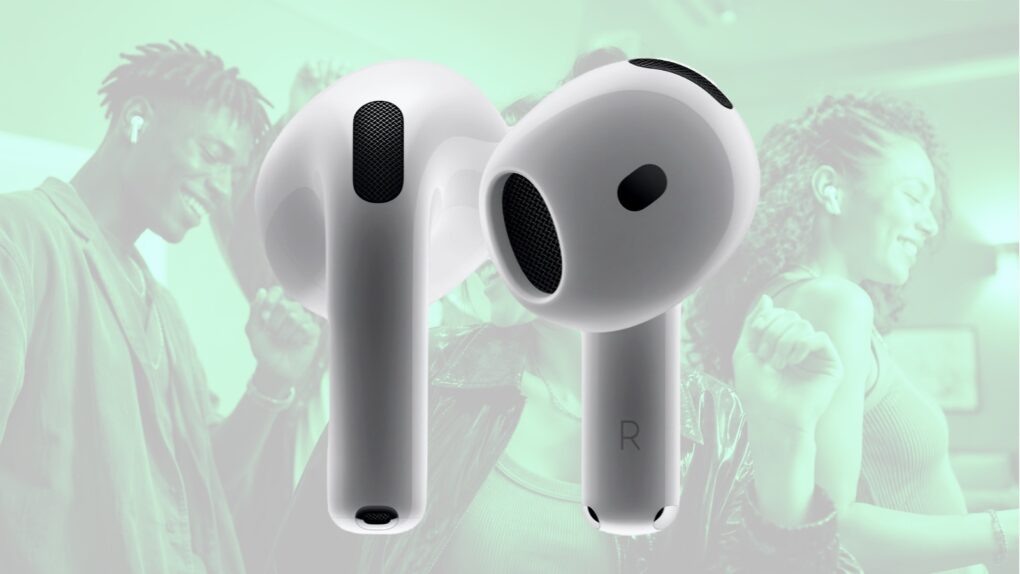
Expect AirPods 5 to look much like AirPods 4, but sound better. Photo: Apple/Cult of Mac
Update: This article is now moot because Apple introduced AirPods 5 at its Rise and Shine product launch event on September 12. Get the official details:
AirPods 4 could give way to AirPods 5 in the coming weeks, likely ushering in improved audio quality.
It’s a somewhat surprising development — a new version wasn’t really anticipated for another year — but there’s solid evidence that Apple is preparing to give its entry-level wireless earbuds a refresh. Perhaps as soon as this month.
Apple's music social network starts strong but fails fast. Photo: Apple
September 1, 2010: Apple’s new music-focused social network, Ping, ships as part of iTunes 10. Apple says the service will let users discover new music and more easily follow their favorite artists.
“In iTunes 10, we’re announcing something really cool, and we call it Ping,” says Apple CEO Steve Jobs during his demo of the new service. “And what Ping is, is it’s a social network for music. It’s sort of like Facebook and Twitter meet iTunes. You know, it’s not Facebook, it’s not Twitter. It’s something else that we’ve come up with.”
Ping racks up 1 million signups in the first 48 hours. Nevertheless, Apple’s social network is doomed from the start.
The 2018 Retina MacBook Air is one of the three newly obsolete MacBook models, ending its run of standard Apple repairs. Photo: Cult of Mac
Apple added three more MacBook models to its official obsolete device list. That means the laptops no longer qualify for standard hardware service, so owners hoping for an easy trip to the Genius Bar will mostly be out of luck.
The three laptops had spent the last few years on Apple’s vintage list, and now they’ve crossed into obsolete territory for good. Apple confirmed the change in an updated support document published on Monday.
★★★★☆
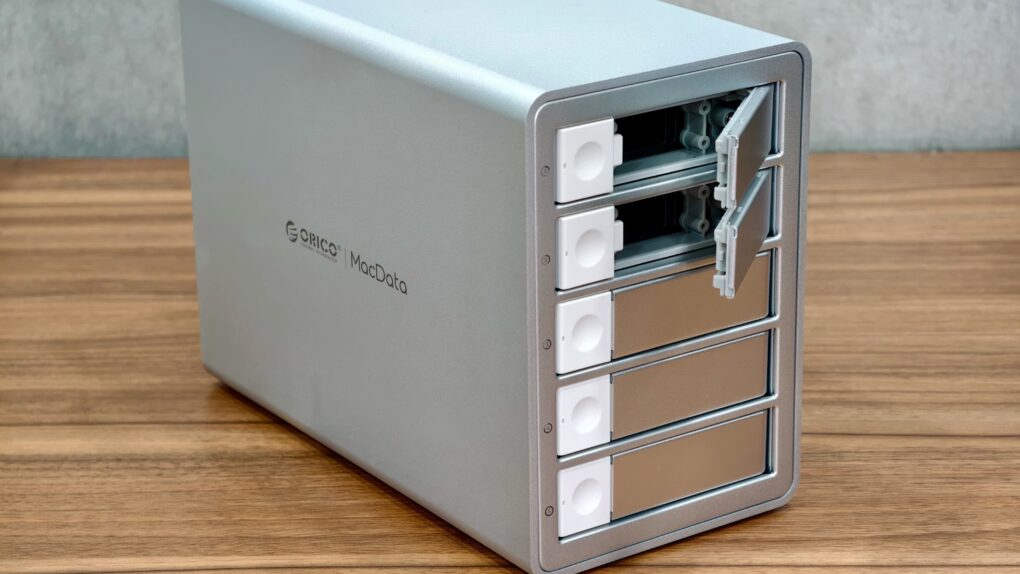
This Orico five-bay DAS gets a lot right. Photo: Rajesh Pandey/Cult of Mac
The Orico MacData Vault puts five SATA drives and hardware RAID into a compact aluminum enclosure that looks right at home beside a Mac. It feels solid and runs quietly.
However, its screw-mounted drive trays and hardware-only RAID controls make the setup feel more dated than I expected from a premium direct-attached storage, aka DAS, device in 2026. There is also an important catch for Mac users. Find out more in my review.
Phil Schiller has been critical to the success of Apple for decades. Photo: Apple
Tim Cook isn’t the only high-level Apple executive changing roles: Phil Schiller, one of the most recognizable faces in Apple’s modern history, is reportedly stepping away from his remaining major responsibilities at the company.
The 66-year-old Apple veteran is giving up oversight of the App Store and Apple’s product events, according to a report published Monday.
But Schiller isn’t completely walking away from Apple. He will supposedly remain an Apple Fellow and work on unspecified projects.
The iMac G5 looked like the world's biggest iPod. Photo: Matthew Pearce/Flickr CC
August 31, 2004: Apple launches the iMac G5, a distinctive, white plastic computer that looks a little like the world’s biggest iPod.
Housed in a 2-inch-thick enclosure reminiscent of Apple’s Cinema Displays, the new all-in-one machine bridges the gap between the pleasing plasticity of the iconic original iMac and the minimalist form factor of the ultra-slim aluminum Macs that will follow.
“Just like the iPod redefined portable digital music players, the new iMac G5 redefines what users expect from a consumer desktop,” says Phil Schiller, Apple’s senior vice president of worldwide product marketing, in a press release. “With the entire system, including a gorgeous 17- or 20-inch display, just two inches thin, a lot of people will be wondering ‘where did the computer go?’”
Apple Maps shows Lake Ontario (above), but Google Maps made the change to Lake America (below). Screenshots: Apple/Google/Cult of Mac
Apple Maps still calls it Lake Ontario, but perhaps not for much longer. President Donald Trump is trying to rename it “Lake America,” and reportedly asked Apple directly to make the change in Apple Maps.
The push to rename the lake is part of Trump’s pressure campaign against Canada as the two countries remain locked in a trade war.
The Weather Channel’s Storm Radar app isn't just for iPhone and iPad any more. Image: The Weather Channel
Your iPhone has known for years that it’s about to rain. Your car’s dashboard, running Apple’s own CarPlay software, has had no idea — because Apple Weather never made the jump to CarPlay. But starting today, you won’t have to wait on Apple to fix that.
The Weather Channel’s Storm Radar app version 4.0.19 just rolled out. The centerpiece is a dedicated CarPlay experience that finally puts live weather where you’re already looking while driving. If your commute was ever ambushed by a storm your map app couldn’t see coming, this is the update you’ve wanted.
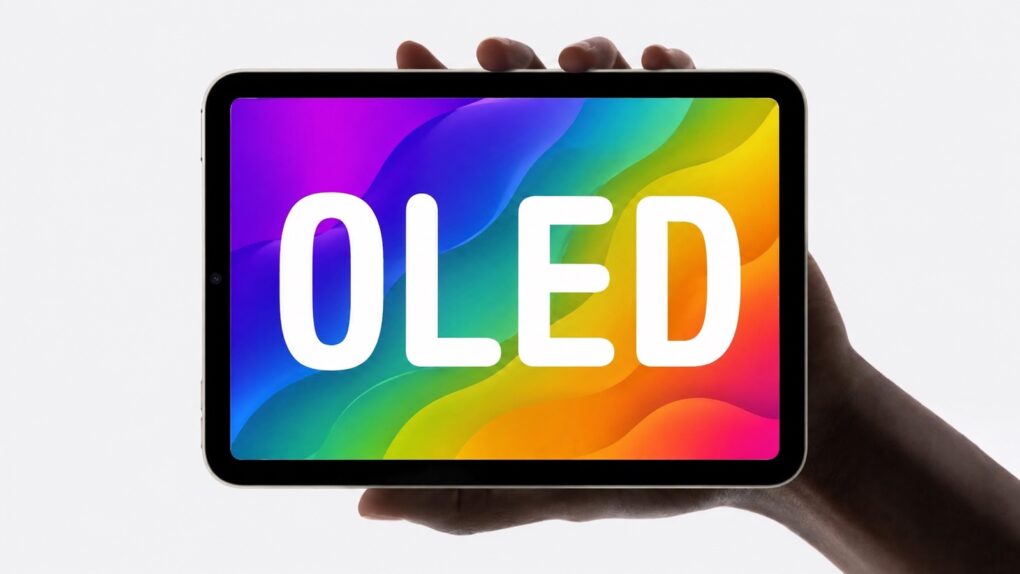
The long-anticipated OLED iPad mini is almost here! Concept: Cult of Mac
Apple’s OLED iPad mini is closing in on release. A fresh report says the redesigned tablet would reach store shelves by the end of October.
Expect a sharper, brighter screen as well as a faster chip built for Apple Intelligence. Apple is also said to be reworking the tablet’s shell for better water resistance.
Read on for everything to expect in the OLED iPad mini.






 September 2, 1985: Reports claim Apple co-founder Steve Jobs is on the verge of setting up a new company to compete with Cupertino. The rumors fly after Jobs sells Apple stock holdings worth $21.43 million.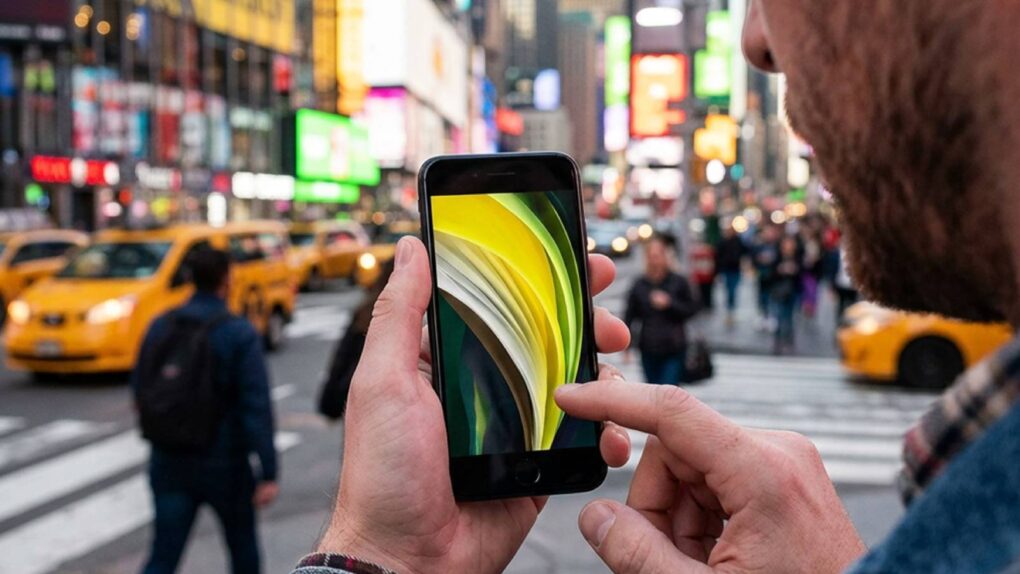

 September 1, 2010: Apple’s new music-focused social network, Ping, ships as part of iTunes 10. Apple says the service will let users discover new music and more easily follow their favorite artists.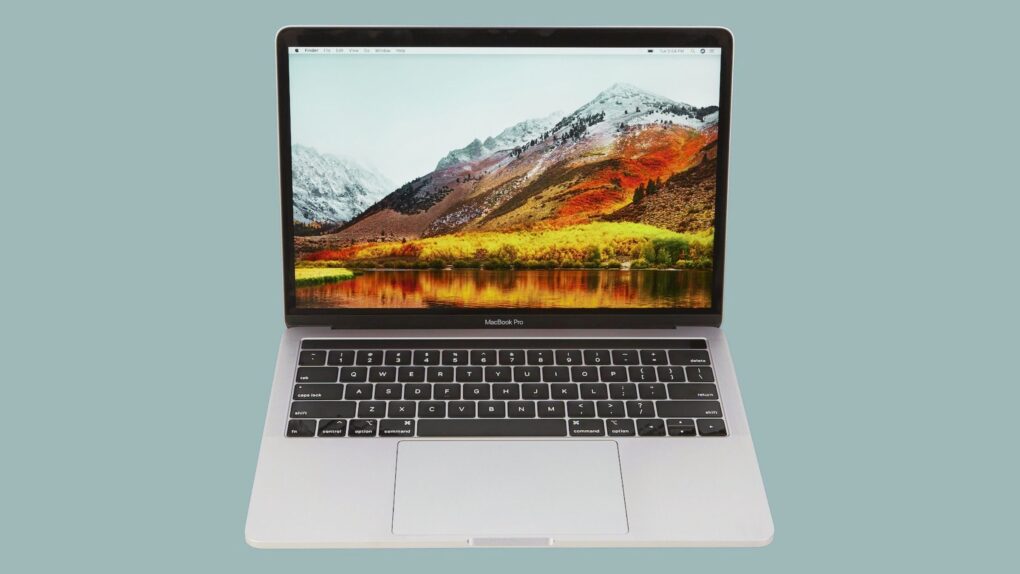

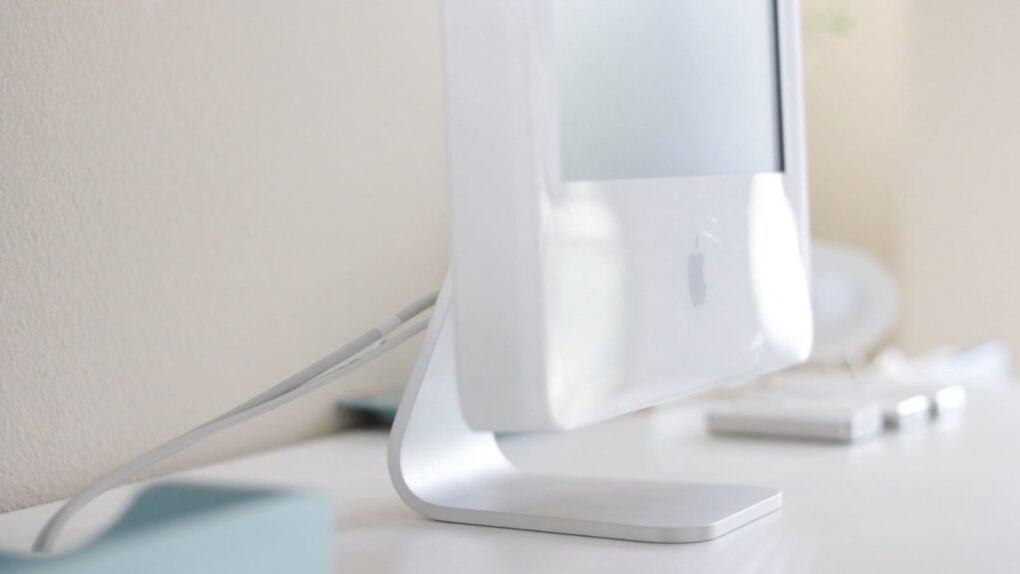
 August 31, 2004: Apple launches the iMac G5, a distinctive, white plastic computer that looks a little like the world’s biggest