BetterMouse delivers powerful Logitech mouse customization without the bloat.
Photo: Unsplash
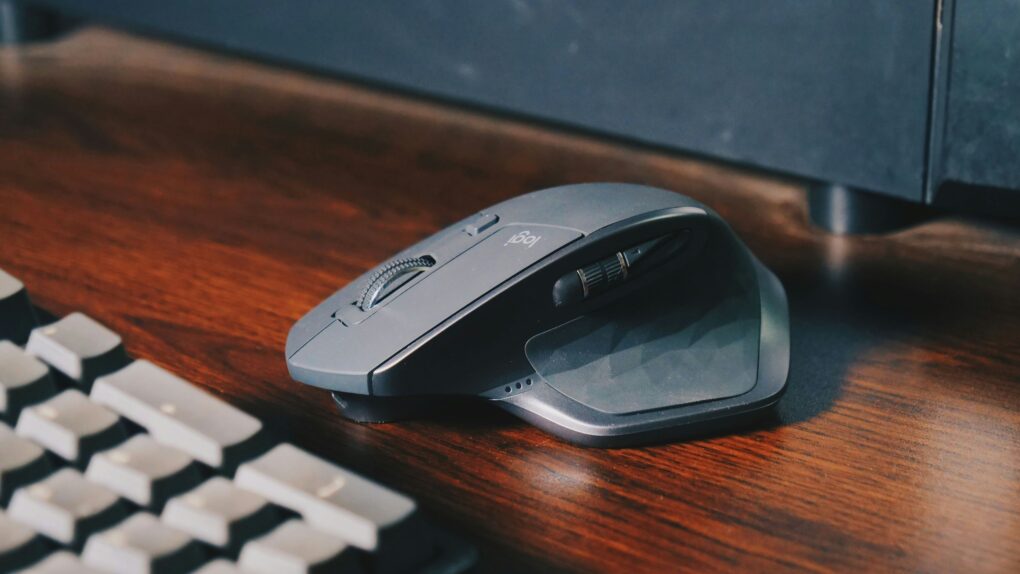
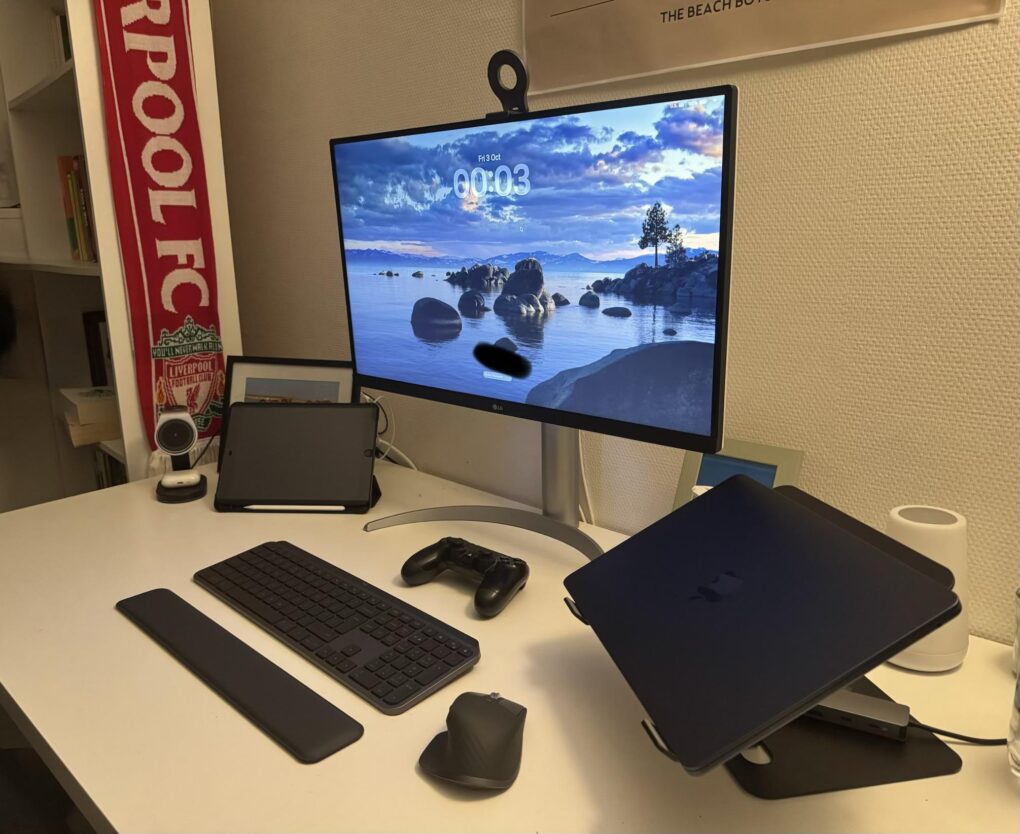
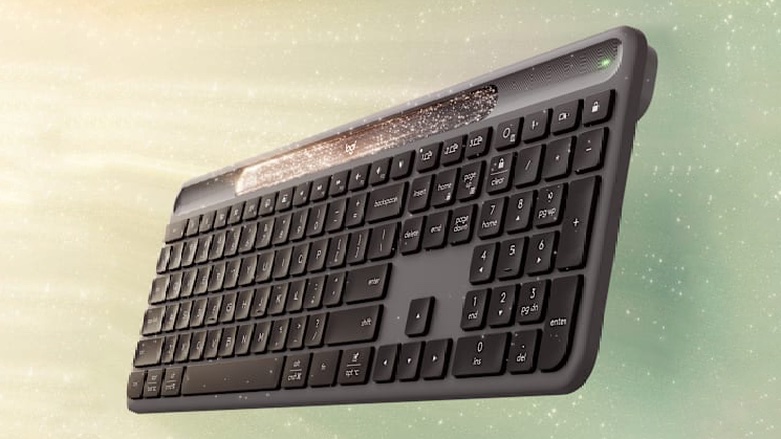
I love my Logitech MX Master 3S and MX Keys S keyboard. They are my go-to devices for my Mac. However, I don’t feel the same way about Logi Options+, Logitech’s companion app for its mice and keyboards.
The software feels unnecessarily bloated for what I need it to do. So, I replaced it with a third-party alternative called BetterMouse that’s lighter and even more feature-rich.
★★★★☆
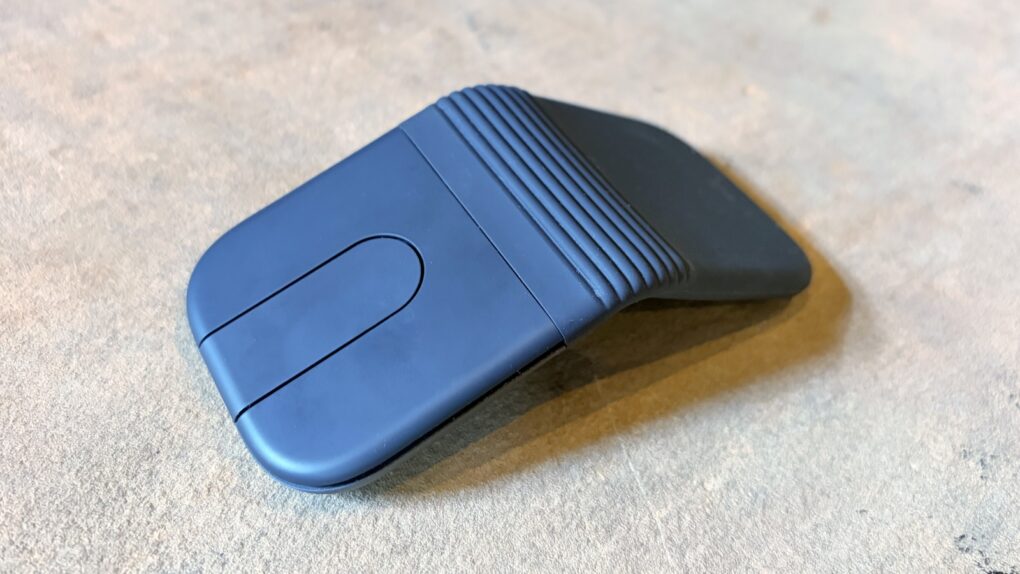
The Logitech Mobi Fold folding travel mouse can make you productive wherever you go. Photo: Ed Hardy/Cult of Mac
The Logitech Mobi Fold is an ultra-portable wireless mouse designed for people who work on the go. It folds to fit easily in a pocket or bag, then unfolds into a full-size mouse when it’s time to work.
I just returned from a beach vacation where I put the Mobi Fold through hours of real-world testing. Here’s what it’s like to use.
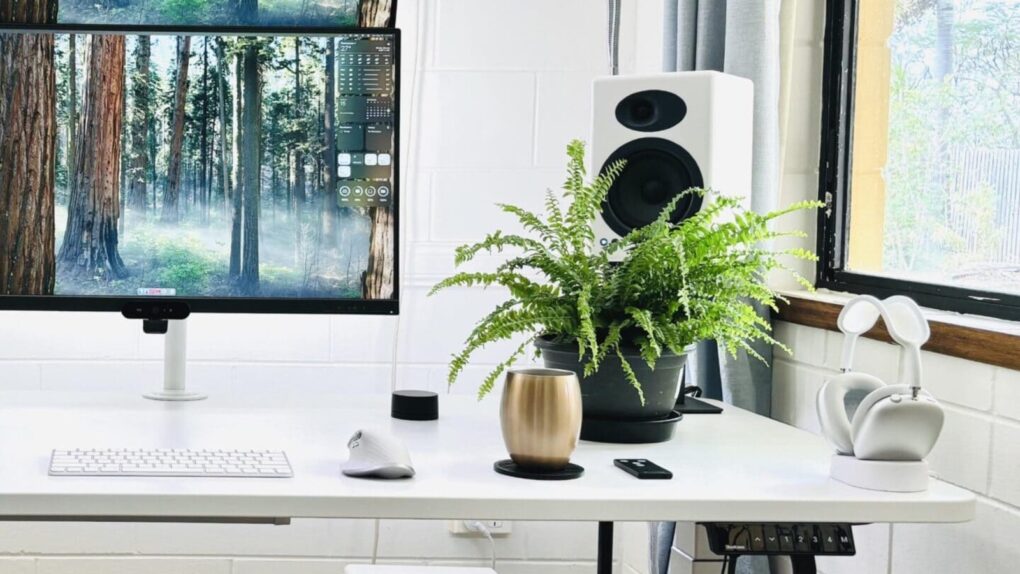
You can't really go wrong with Audioengine A5+ speakers, especially if you add a subwoofer. Photo: [email protected]
Your computer monitor’s built-in speakers aren’t doing your music, movies or video calls any favors. Whether you work from home, game a lot or simply stream your favorite playlist, a good pair of desktop speakers transforms the experience for the better. The good news is that you don’t need to spend a fortune to hear a real difference. Here are my picks for top budget computer speakers under $399 (with many way under that price).
I found that the around-$300 bracket has quietly become one of the most exciting categories in consumer audio. Brands like Audioengine, Edifier, Creative and Onkyo compete fiercely. That means the quality on offer today would have cost twice as much just a few years ago.
Logitech's new Lightspeed Bluetooth headset is a good value at 80 bucks. Photo: Logitech
Logitech’s latest gaming headset aims to deliver premium audio performance without the premium price tag, the company said Tuesday. The G325 Lightspeed wireless gaming headset enters a competitive gaming audio market at just $79.99, positioning itself as an affordable alternative to higher-priced options — while maintaining Logitech G series quality.
An expired security certificate broke Logitech accessories on Mac. Photo: Rajesh Pandey/CultOfMac
Custom buttons, gestures or scrolling tweaks suddenly not working on your Logitech mouse or keyboard on Mac? You’re not alone.
The Logi Options+ app stopped working properly Tuesday, and the failure is taking a large chunk of Logitech’s ecosystem down with it. Luckily, Logitech issued a patch early Wednesday to fix the problem.
The newly minted "Apple fanboy" jokingly referred to the Apple ecosystem as a huge trap. Photo: [email protected]
Ready to convert to Mac? I came across one user who scored a nice student deal on a MacBook Air, and soon found themself upgrading their whole outdated PC setup as a complete, highly functional and reasonably affordable Apple-ecosystem rig.
“I’m so so cooked … the Apple ecosystem is a huge trap!” they joked. “Don’t let one device get into your house.”
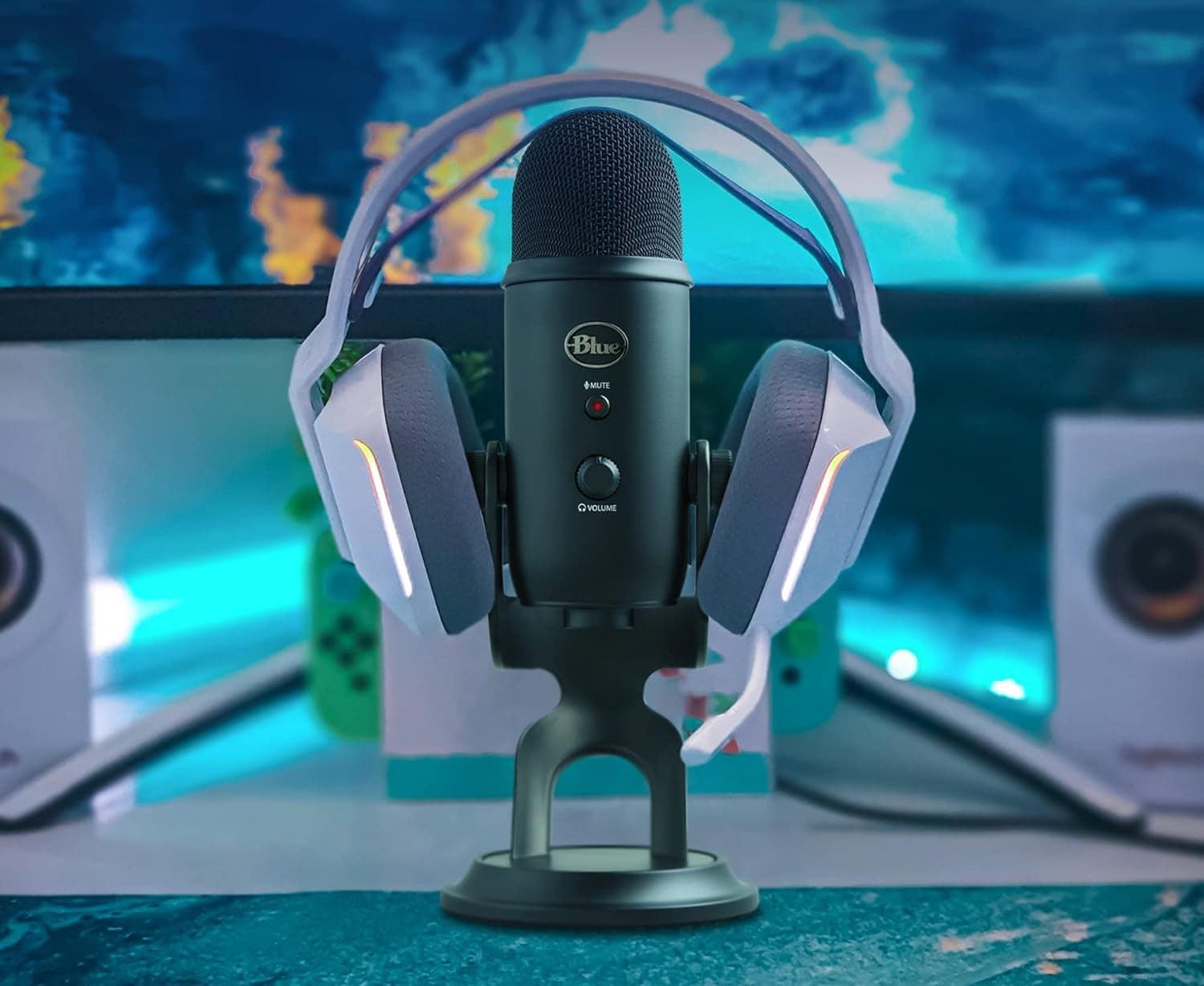
Now a Logitech product, the Blue Yeti USB microphone stands tall among streamers' favorites. Photo: Logitech
Many a Mac computer setup relies on Logitech peripherals and accessories — some of the best gear in the business. Whether you need a reliable keyboard, a blazing fast gaming mouse, a shortcuts console, a powerful webcam or a great USB microphone, our guide to five great Logitech sale items from Amazon Prime Big Deal Days can help.
This week on Cult of Mac’s podcast: The Federal Communications Commission leaks secret Apple info and Russian YouTubers get their hands on unreleased iPad Pros.
What’s going on with these crazy Apple leaks? We have a theory about why at least some of them are happening.
Also on The CultCast:
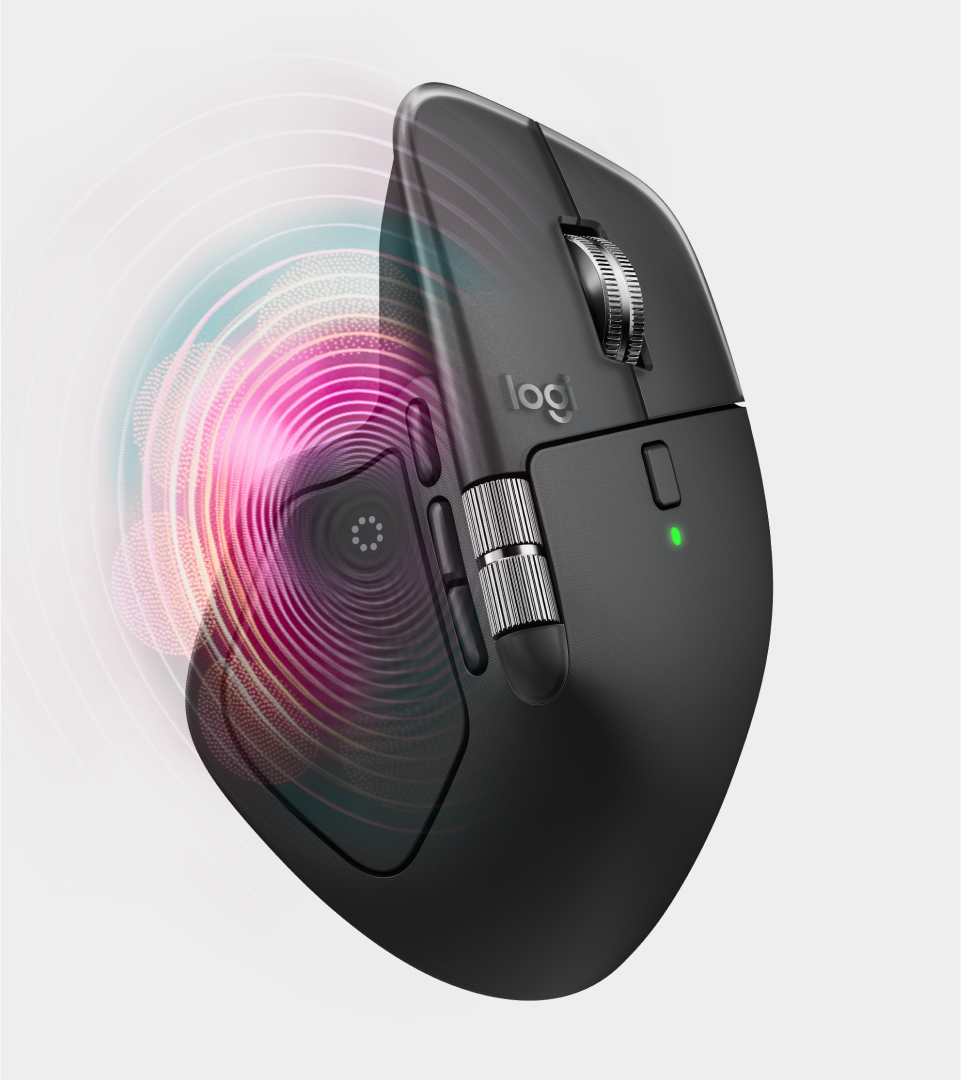
Logitech updates a classic — the new MX Master 4 mouse adds haptics!
A cool new Mac app called Folder Quick Look fixes a longtime annoyance, and it’s totally free.
We take a good, hard look at the latest addition to our colleague’s setup.
Listen to this week’s episode of The CultCast in the Podcasts app or your favorite podcast app. (Be sure to subscribe and leave us a review if you like it!) Or watch the video live stream, embedded below.
The new Logitech MX Master 4 wireless mouse upgrades what many consider to be the best productivity mouse on the market, the popular Logitech MX Master 3/3S. At $119.99, the latest iteration introduces haptic feedback and an innovative Actions Ring overlay designed to streamline workflows for creative professionals, developers and power users across the Mac ecosystem.
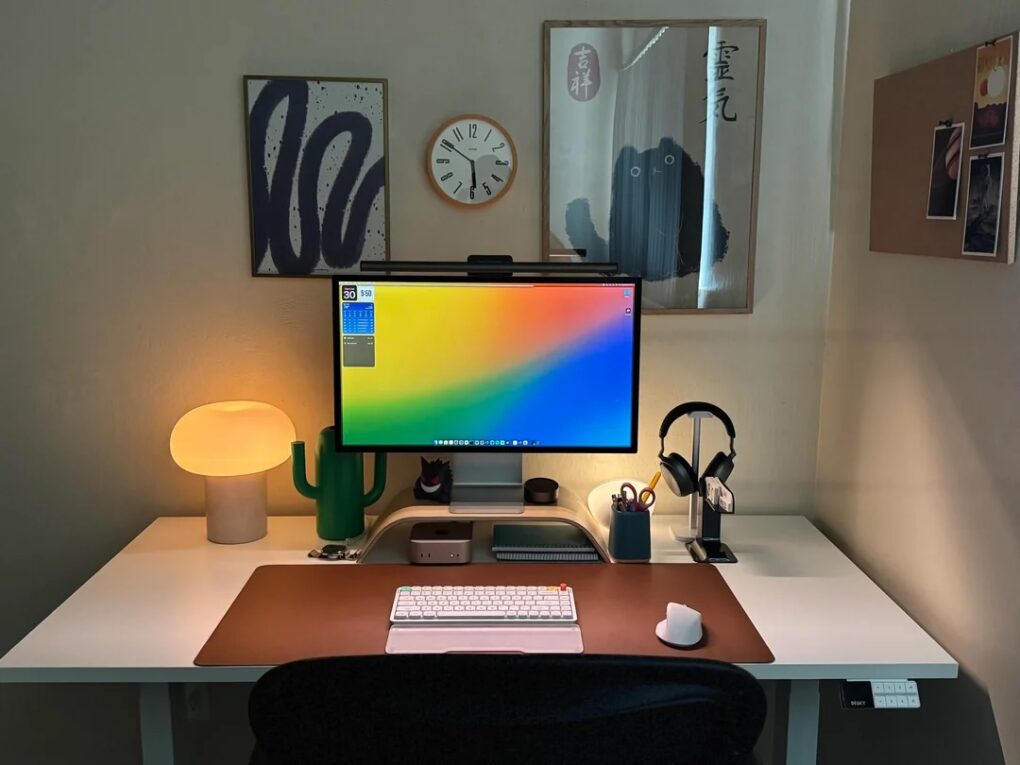
This Mac mini and Studio Display also features two new items: the latest NuPhy Air 75 v3 low-profile mechanical keyboard and BenQ updated Halo monitor light. Photo: [email protected]
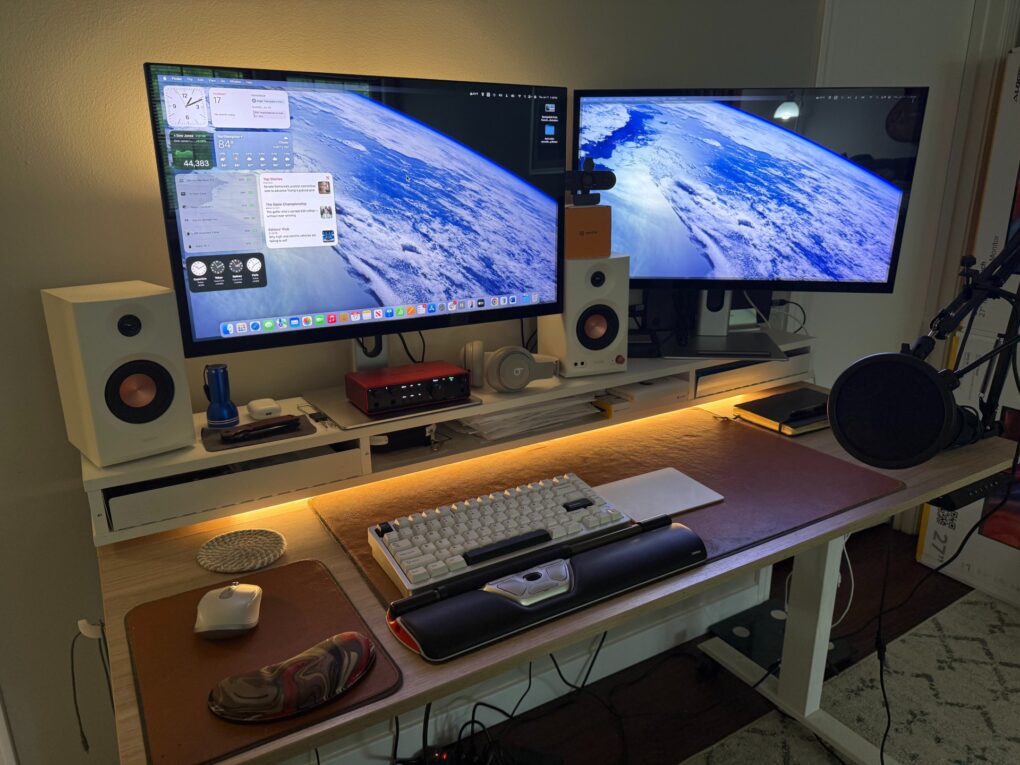
Who doesn’t love new gear in their computer setup — either brand new or just new to them? Today’s Mac mini and Studio Display setup comes complete with two shiny new items recently added to the market — the NuPhy Air75 v3 low-profile wireless mechanical keyboard and the updated BenQ ScreenBar Halo 2 monitor light. And he’s got some over-ear headphones I find enviable, too.
My setup now bristles with four separate input devices and a new webcam. Photo: David Snow/Cult of Mac
Guess what, it’s time for another installment of Dave’s Setup Upgrades. Only about six weeks after I last wrote about my own computer setup instead of everybody else’s, here I go again. An M4 Pro MacBook Pro driving a pair of 5K touchscreen displays remains the core of my rig. But I’ve gone a little nuts lately with computer input devices as I strive for a more ergonomic workstation. I’m up to four, with backups for most, and that’s got to be some kind of record.
And I added a webcam because my current external displays don’t pack one. And my laptop, with its only-pretty-good webcam, sits hidden away on a vertical stand. I don’t want to have to pull it out for video calls.
This is the user's "before" picture, with 2017 iMac. See the "after" picture below. Photo: [email protected]
I love the “before” and “after” setups posts with photos on social media. Today’s is on the basic side, but it’s always fun to see clear visuals of what people do. In this one, an iMac toiling away for eight years gets judged into well-deserved retirement by Apple’s hot little M4 desktop machine on a Satechi Mac mini hub that greatly expands connectivity and storage. With the iMac’s lovely screen gone, the new rig is a Dell-4K-display-Mac-mini combo.
This MacBook Pro setup features great speakers and other audio gear. Photo: [email protected]
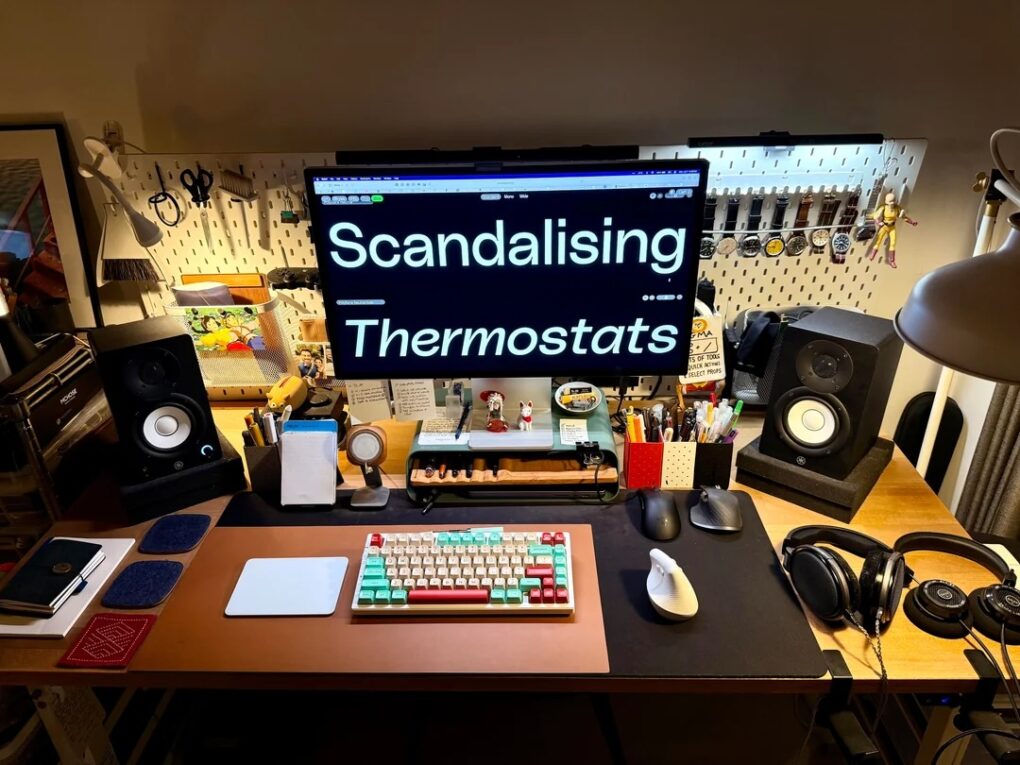
Today’s featured setup sports an M1 Max MacBook Pro still going strong, but the user posted the workstation on social media to show off a newly added Mchose mechanical keyboard — an unfamiliar but solid-looking brand. And I couldn’t help notice the stellar audio gear in the mix, including excellent Yamaha studio monitors for focused sound in the room, plus a surprising array of great headphones and audio interfaces.
★★★★☆
Logitech Flip Folio stands out with a keyboard that’s not permanently affixed to its case/stand. Photo: Ed Hardy/Cult of Mac
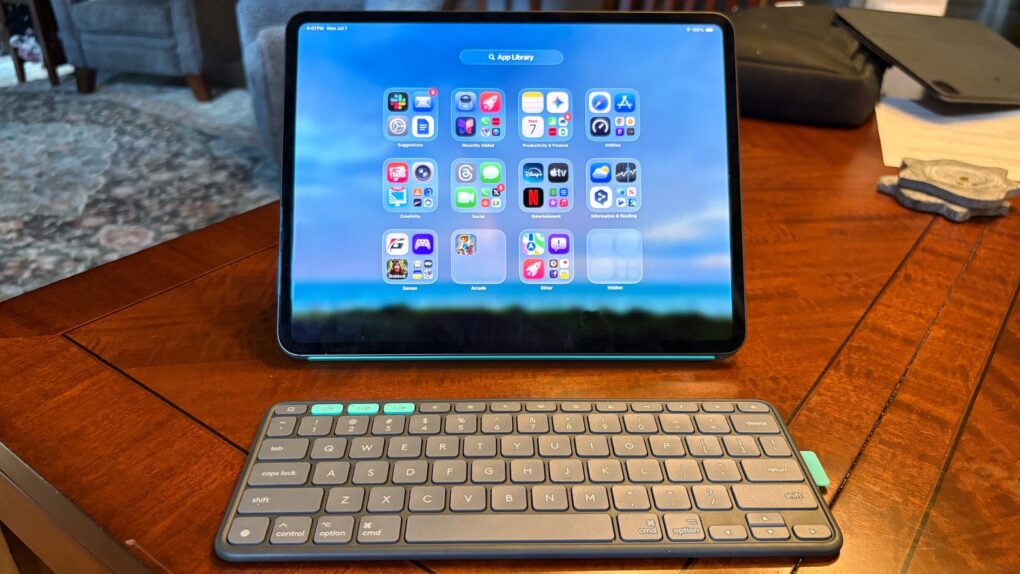
The Logitech Flip Folio is a protective keyboard case and stand for iPad Pro and iPad Air models that goes head-to-head against the Apple Magic Keyboard. Having tested both, Logitech’s new offering comes out ahead of Apple’s is some ways, including wider support for screen orientations, and because the keyboard can separate from the case/stand. Plus, a hefty price advantage can’t be overlooked.
This M3 MacBook Air setup doesn't dazzle, but it includes some cool gear. Photo: MikeBuckets171@Reddit .com
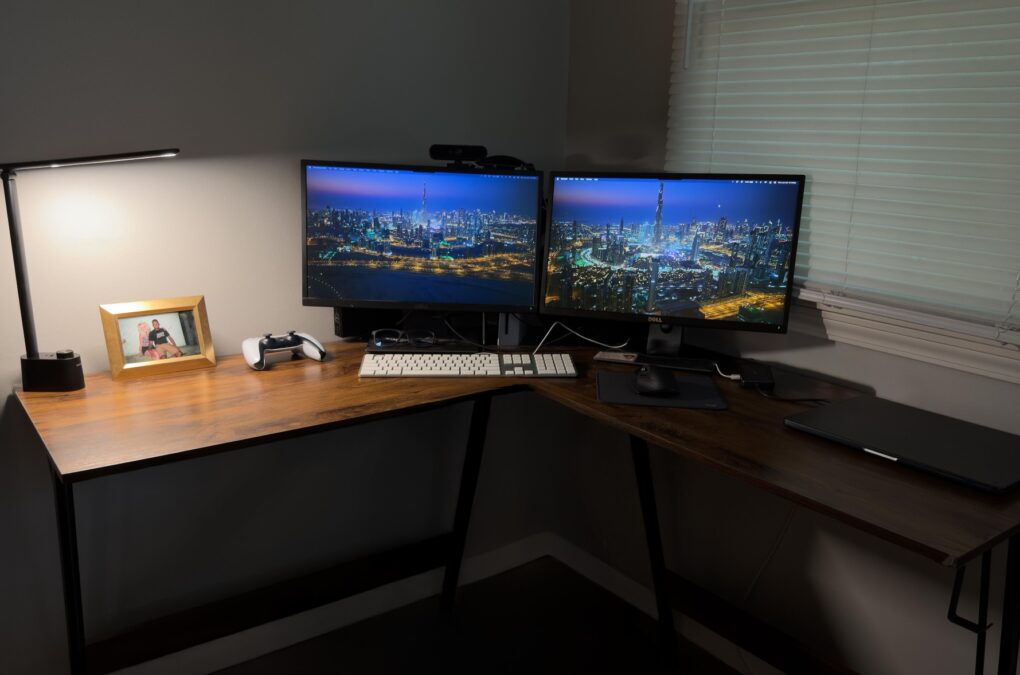
Sometimes a computer setup may look basic or boring at a glance — but it still might get the job done quite well and pack some surprisingly cool gear. Today’s featured setup, centered on an M3 MacBook Air with dual monitors, is a good example. It features not only Apple’s great lightweight laptop driving a pair of displays, but some other solid peripherals — like a Harman Kardon Bluetooth speaker I’ve never seen before in a setup featured on Cult of Mac.
And while the user seemed unsure his not-super-cool setup warranted posting on social media, he ended up getting lots of reassurance and good advice for improvements.
The M4 Mac mini is small, but it takes up even less space when it's mounted under the desk. Photo: [email protected]
The M4 and M4 Pro Mac mini desktop computers are smaller than their predecessors, but they still take up space on desks. That is, unless you come up with a clever way to hide them while keeping them fully functional. In today’s featured setup, which also includes a MacBook Pro under an overarching external display, the user mounts the mini under the desk. And under-desk mount is the best way to hide your computer.
Since other recent changes, I added two 5K touchscreen displays and a mechanical keyboard. And yeah, please pardon my hideous cables. Photo: David Snow/Cult of Mac
After several years of covering the Cult of Mac setups beat, I still rarely write about my own. But major new upgrades call for it. Since a spate of recent changes, I’m still rocking the M4 Pro MacBook Pro as my main daily driver. But I replaced dual 4K external displays with a pair of 5K touchscreen displays. And I dipped my toe into the world of serious mechanical keyboards for the first time.
Cool wallpaper on that LG ultra-wide display, eh? There's also an old Mac mini hiding in this pic. Photo: [email protected]
Some computer setups showed off on social media aren’t packed with the latest and greatest tech gear — they just look great. Today’s featured setup is a fine example. It packs two still-going-strong older Macs — a MacBook Pro from 2021 and a Mac mini from all the way back in 2012 — driving an LG ultra-wide display. But the subtle lighting and tasteful decor, including great use of plants, go a long way in this one.
This setup's M4 Mac mini handles most of the work, as the M1 MacBook Pro is "semi-retired" (but still going strong). Photo: [email protected]
Apple silicon computers have serious staying power. Setups left and right feature M1 machines, released in late 2020, including today’s featured setup. The user said their M4 Mac mini pretty much took over for their M1 MacBook Pro in the workstation. So they reserve their “semi-retired” laptop for outdoor use, though it’s still running strong after more than five years of constant use.
The M3 Max MacBook Pro hangs off the right-hand edge of the desk in a clamp-on tray. Photo: [email protected]
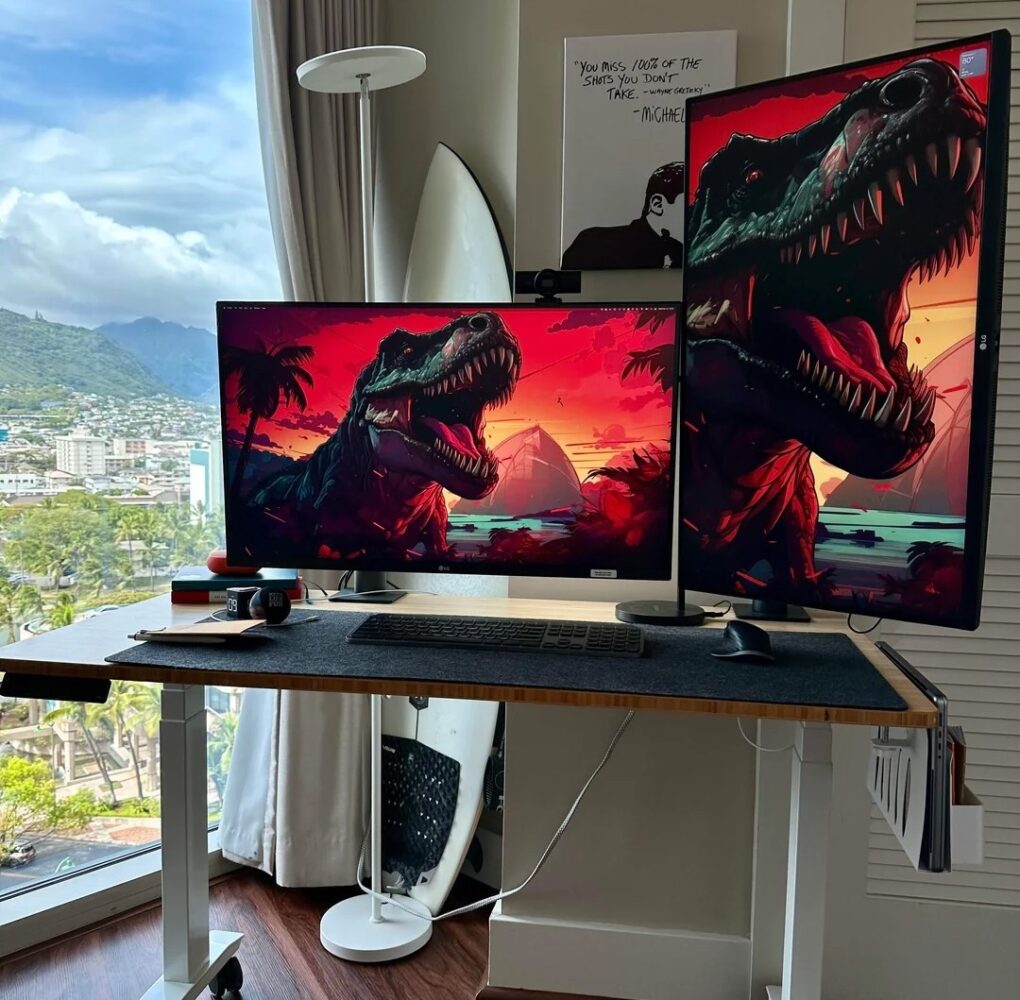
Today’s M2 Max MacBook Pro setup with dual 4K LG monitors is enviable and well-situated. I say that not just because the compact workstation is cool, but because it’s in Hawaii with a dramatic view.
And the cool dinosaur wallpaper on the two 32-inch LG UltraFine 4K displays got a plenty of love from commenters, as did the Michael Scott (The Office) poster of him quoting hockey great Wayne Gretzky (“You miss 100% of the shot you don’t take.”)
Can you guess which two monitors are Studio Displays? (Hint: The LG DualUp is on the left). Photo: [email protected]
Love it or hate it, the LG DualUp and its odd 16:18 aspect ratio — nearly square — has found a lot of fans among Mac users, including the owner of today’s M4 Mac mini setup with dual Studio Displays.
In this setup, the user Velcros a Magic Keyboard to the side of the desk on the right -- just so they can reach the Touch ID button. Photo: [email protected]
It’s easy to get addicted to using Touch ID whenever you need to gain password-restricted access to anything. But not everyone is a big fan of Magic Keyboard with Touch ID (not the function, the keeb itself). Today’s MacBook Pro setup user found an odd but practical solution. They use a Keychron Q1 mechanical keyboard as a daily driver and Velcro a Magic Keyboard with Touch ID to the edge of the desk so they can reach the Touch ID button.
You could get an MX Mechanical Mini keyboard and MX Master 3S mouse. Photo: Logitech
Logitech kicks off summer with its Buy More & Save sale on an array of peripherals for your Apple setup. You can scoop up keyboards, mice, webcams, iPad keyboard cases and more, through June 1. In this Logitech sale, some individual items get discounts, but the main deal comes on how much you spend, the company said: $150 off $450; $70 off $250; and $30 off $150.
As a person who relies on Logitech gear every day, I can vouch for it — especially when you can get a deal on a few items at once to really improve your setup.