★★★★☆
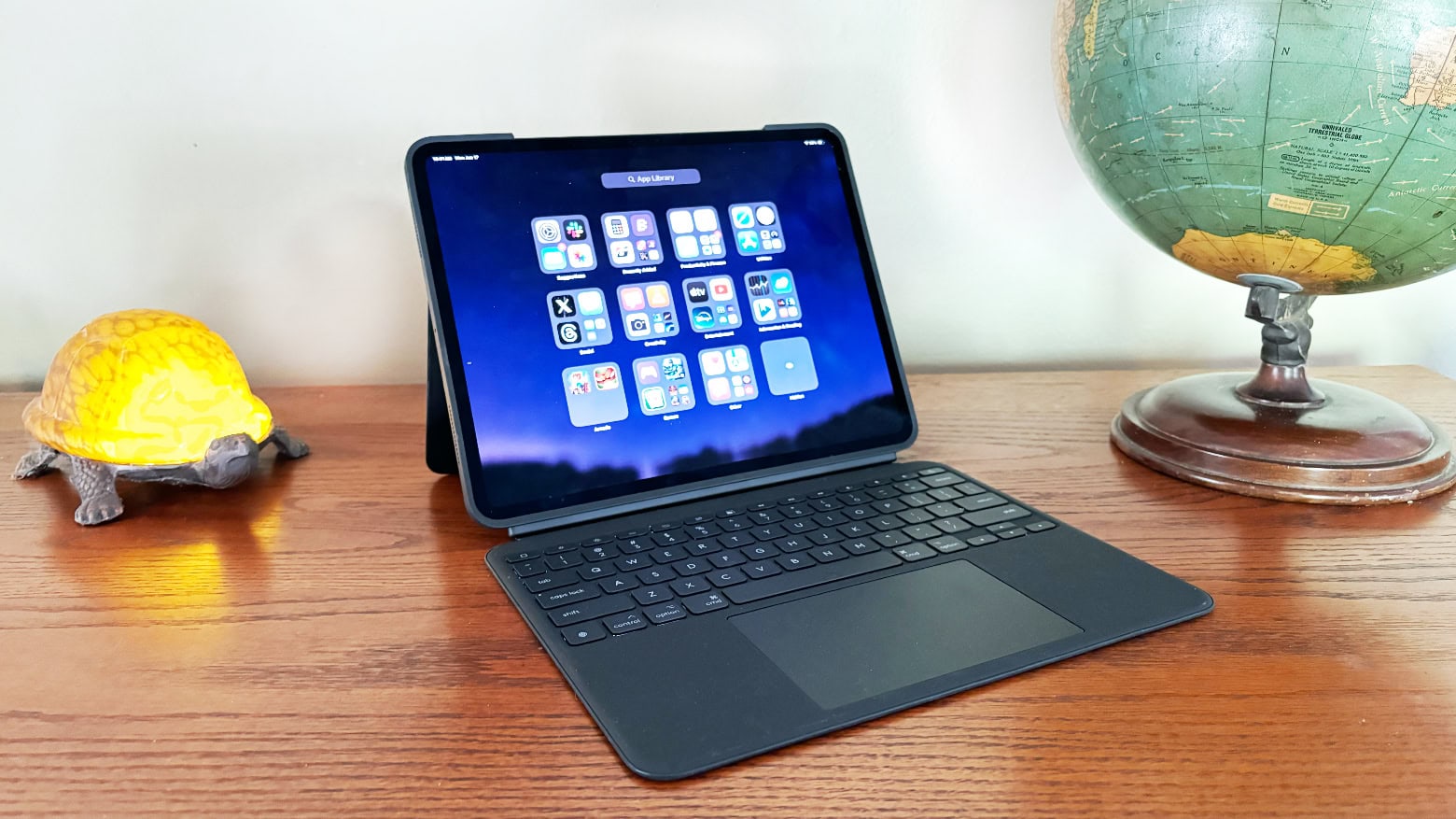
Logitech Combo Touch is one of the best M4 iPad Pro keyboard cases available. Photo: Ed Hardy/Cult of Mac
Logitech’s Combo Touch keyboard case for the new M4 iPad Pro offers nearly everything Apple’s beloved Magic Keyboard case does. And the Logitech version includes features Apple’s does not.
I put both peripherals through hands-on testing. Here’s where the Combo Touch comes out ahead … and where it doesn’t.
In this shot from Yunzii, the X75 Mechanical Keyboard features clear key caps and clear switches with RGB lighting. Photo: Yunzii
Ever since computers like iMac G3 pulled off the trick, transparent computer gear has come in and out of style. And now transparent keyboards are having a bit of a moment. One good example is the Yunzii X75 Mechanical Keyboard seen in today’s MacBook Pro setup.
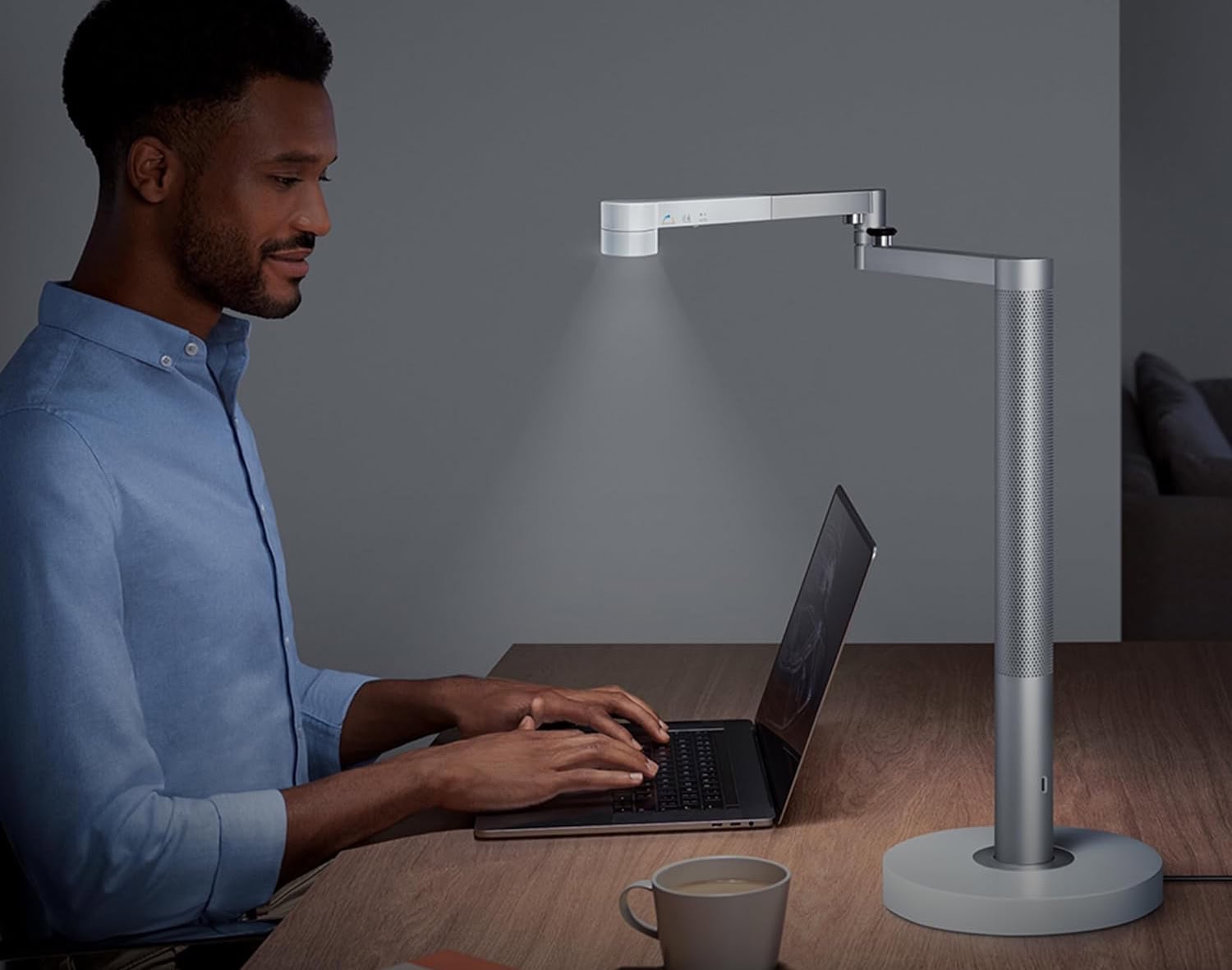
The light self-adjusts and allows for very focused lighting. Photo: Dyson
Cult of Mac‘s setups coverage loves to look at premium products, but we often emphasize value with thrifty-but-reliable gear. Today we marvel, however, at just how much one desk lamp can cost. Our MacBook Pro user places a $650 Dyson Solarcycle Morph Desk Light on a very nice Vari sit-stand desk.
Do people really pay that much for a lamp? Even our user claims it was a gift, not a purchase.
With the right accessories, you can store pretty much anything on a pegboard (shown at left of setup). Photo: [email protected]
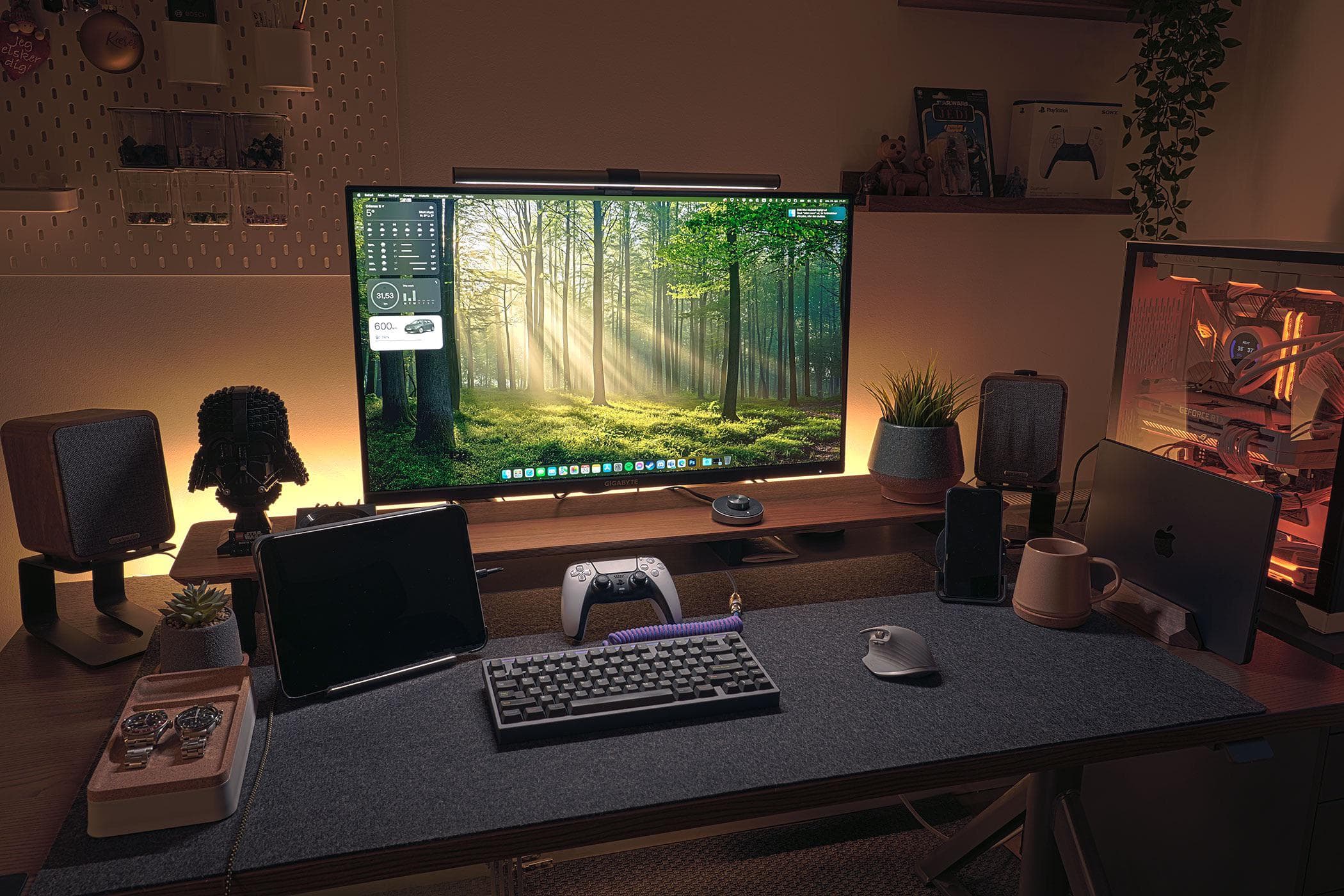
While many computer setups shown off on social media look suspiciously immaculate, the truth is we tend to live at our desks and make a big mess of them routinely. Stuff just piles up. But a great way to keep your workstation clean and organized is to deploy one of the best fixes — a pegboard for setup storage.
With pegboards, you can put practically anything right on your wall, like today’s MacBook Pro user does. We’ve seen some pretty strong negative reactions to them, but there’s no denying their effectiveness.
This shot from Keychron shows the Q2 QMK Custom Mechanical Keyboard. Photo: Keychron
Some people are happy typing away on quiet membrane keyboards like Apple’s Magic Keyboard. Others are obsessed with pimping out their clickity-clackety mechanical keebs with the exact key caps, switches and design flourishes they prefer. Today’s M3 Pro MacBook Pro setup goes for the latter style with a Keychron Q2 custom mechanical keyboard.
It’s an excellent, moderately affordable option in a crowded market.
Logitech MX Keys S Combo for Mac includes a new keyboard and mouse for your desktop.
Mac users in the market for a new desktop keyboard have new options from Logitech. There are small and large models and an ergonomic one, too. Plus a mouse.
The additions to the lineup include MX Keys S for Mac, MX Keys S Combo for Mac, MX Anywhere 3S for Mac, MX Keys Mini for Mac (in Space Gray), and Ergo Series Wave Keys for Mac.
Logitech's Combo Touch could be your iPad's new best friend. Photo: Logitech
Amazon bargain site Woot! did it again this week with another killer sale. This time it’s deals on Logitech peripherals and accessories going for anywhere from $5 to $255. The list of 60 items includes keyboards, mice, iPad folios, webcams, headsets and other gaming gear, and more.
And if it’s Woot!, there must be a cheeky phrase at the top of the sale page: “This isn’t logitech, captain.” – Science Officer Sprock.
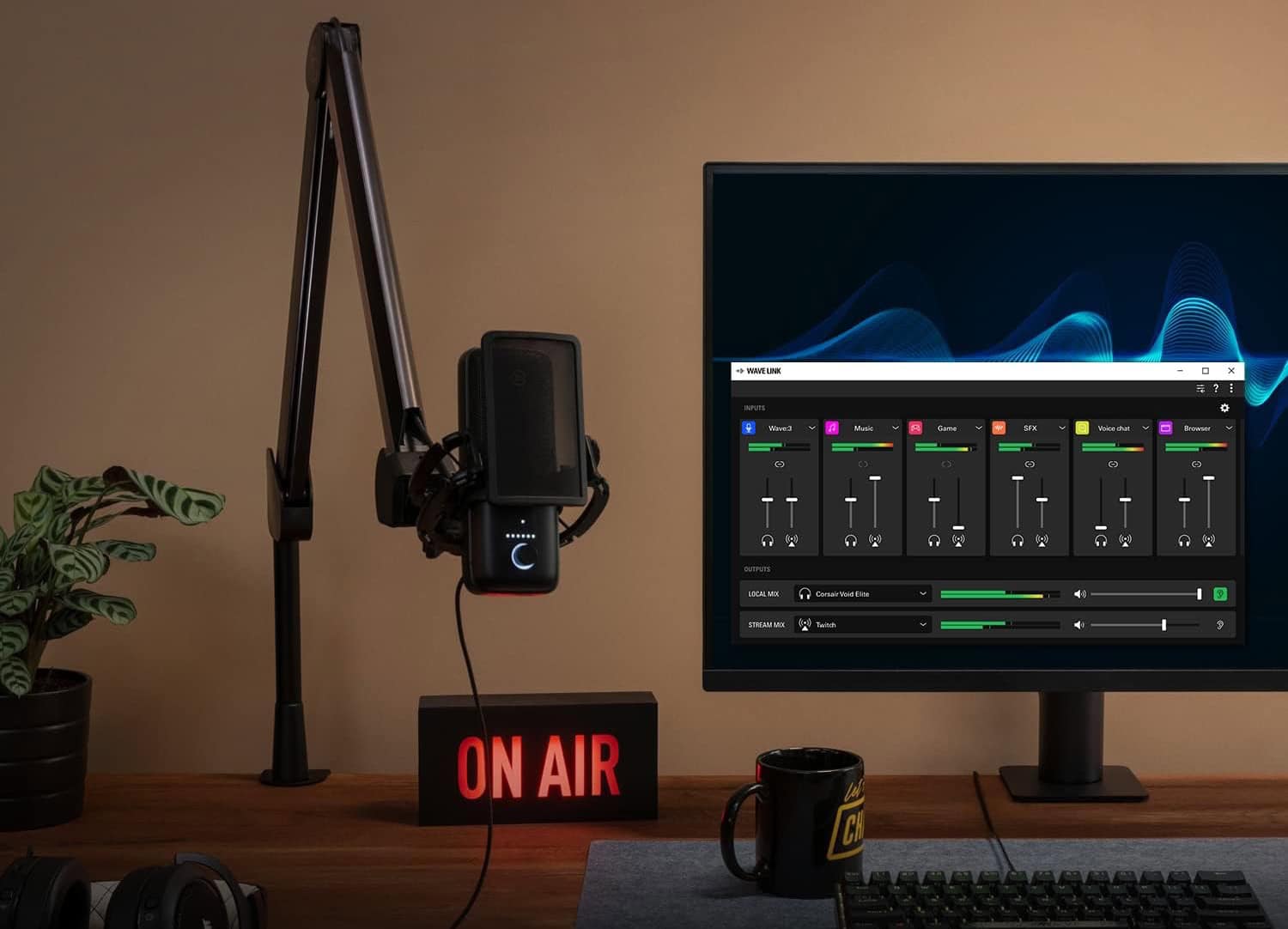
In this shot from Elgato, you get a clear view of its popular suspension boom arm supporting a microphone, as in today's setup. Photo: Elgato
Streamers and podcasters often worry over their choices of microphones and audio interfaces for sound quality. But they shouldn’t forget to select great co-stars for that gear like the Elgato Wave Microphone Arm.
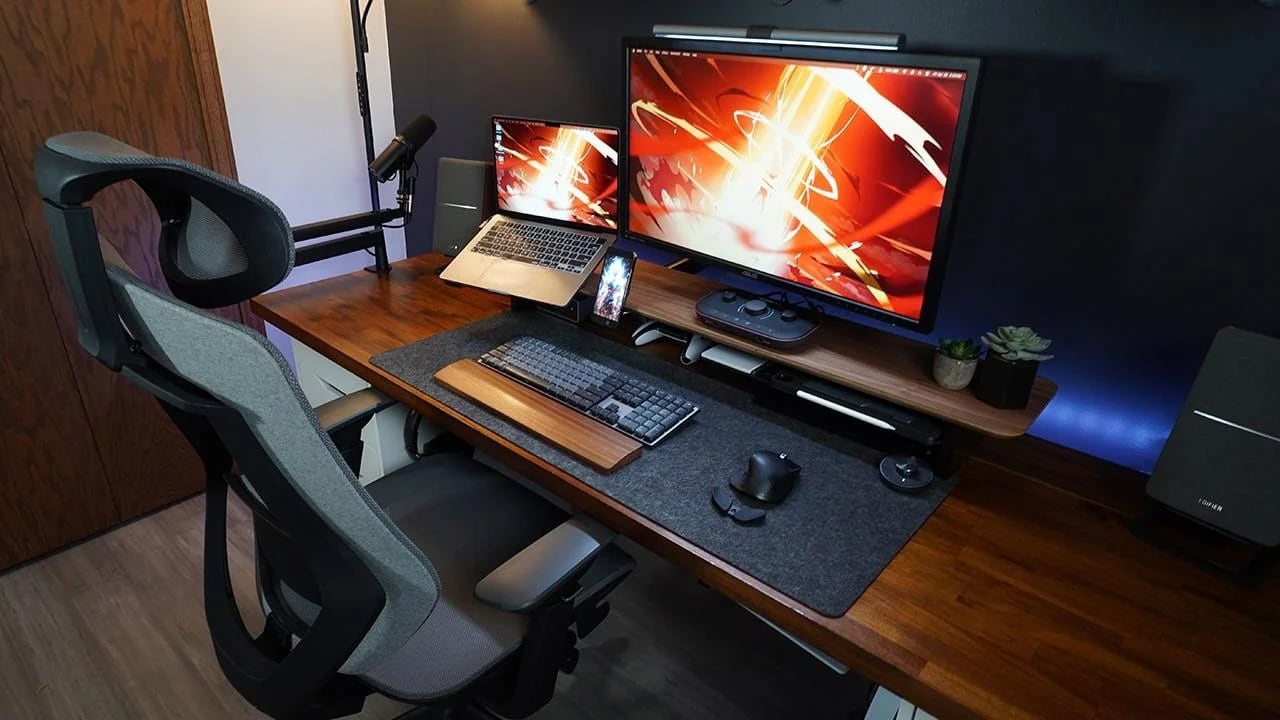
A good microphone boom arm makes working with the mic easy, especially in a computer setup where you need to move it aside to do other tasks. Today’s MacBook Pro and Studio Display setup makes great use of the extremely popular Elgato Wave Microphone Arm supporting an Audio-Technica mic.
And right now you can get one version of the suspension boom microphone arm for 20% off at Amazon ($99.99 $79.99), and it’s the one our user deploys.
Sometimes an overarching LED lamp is even better than a monitor light bar. Photo: Pzloz
Something as simple as the right lamp can make a huge difference in a computer setup. Today’s sexy M3 Max MacBook Pro and Studio Display workstation benefits from a big, wide, clamp-on double-headed Pzloz LED Desk Lamp to brilliantly light the scene.
So it seems sometimes an overhead lamp can beat a monitor light bar, especially on a big, wide desk.
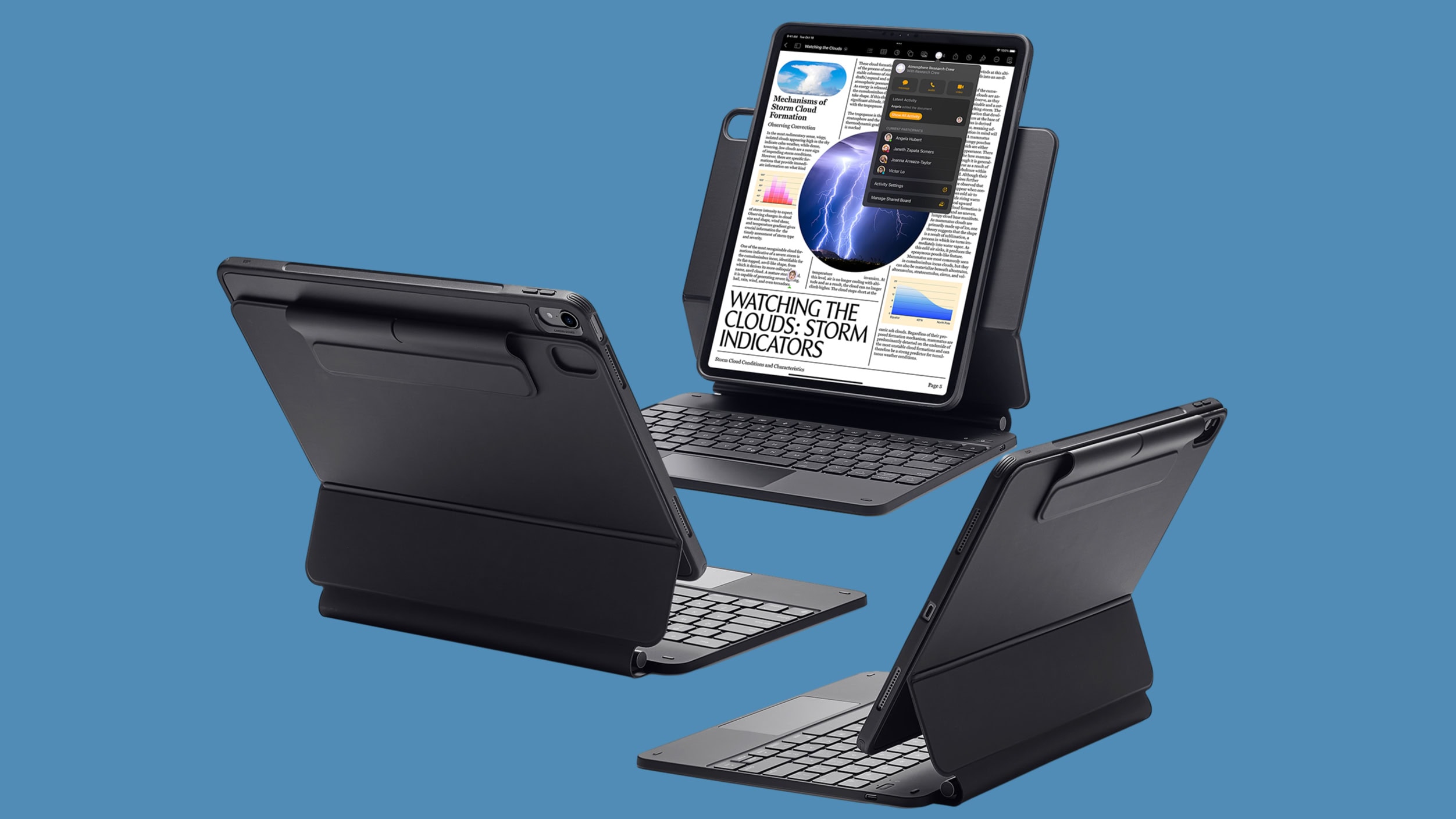
Apple isn't the only option for a cool iPad Pro or iPad Air keyboard case. Like this one from ESR. Image: ESR
Apple unveiled the 2024 iPad Pro and iPad Air on Tuesday, and third-party accessory-makers were prepared. Logitech, Otterbox, Zagg, Pitaka and ESR have all already unveiled peripherals for the new tablets.
There are keyboard cases, cases, screen protectors ands more.
A 15-in-one Thunderbolt 3 dock handles a MacBook Pro, a PC laptop and a bunch of peripherals. Photo: [email protected]
Another Mac and PC computer setup stands in the spotlight today — this time a MacBook Pro and PC laptop driving a 4K display and an array of peripherals through an Orico Thunderbolt 3 dock bristling with 15 ports.
The setup emphasizes gaming, too, with a PlayStation 5 mounted under the desk. We’ll take a look at that, too.
This IT manager has a heck of a nice M3 MacBook Pro setup. And note the big gaming PC on the right. Photo: [email protected]
Today’s beautiful MacBook Pro and PC setup lets the two “frenemy” computers work easily in the same setup through a 4K external display’s built-in KVM switch. That means no messing around with cables, and no swapping out or re-pairing peripherals.
The white Fenge monitor stand, or desk shelf, is one of the coolest choices we've seen lately. Photo: [email protected]
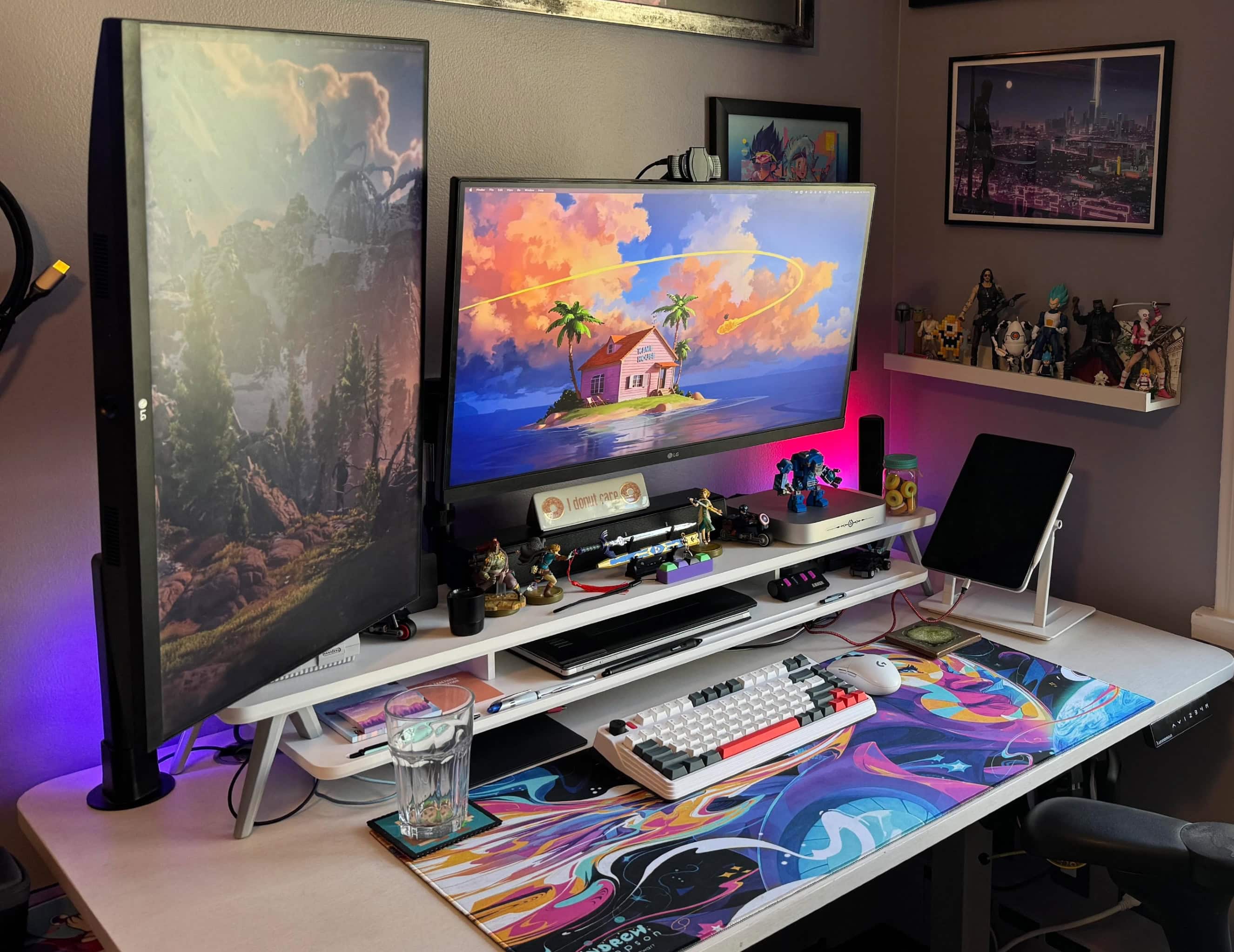
Monitor stands, aka monitor risers or desk shelves, are often unsung heroes of computer setups. Even just a single shelf can add so much in terms of organization and ergonomics. In today’s colorful and artistic Mac mini workstation, the Fenge monitor riser is crucial. Without it, the desktop would devolve into chaos.
This M1 Mac mini setup features a lot to look at, but don't miss that cool iPad Pro stand on the right. Photo: [email protected]
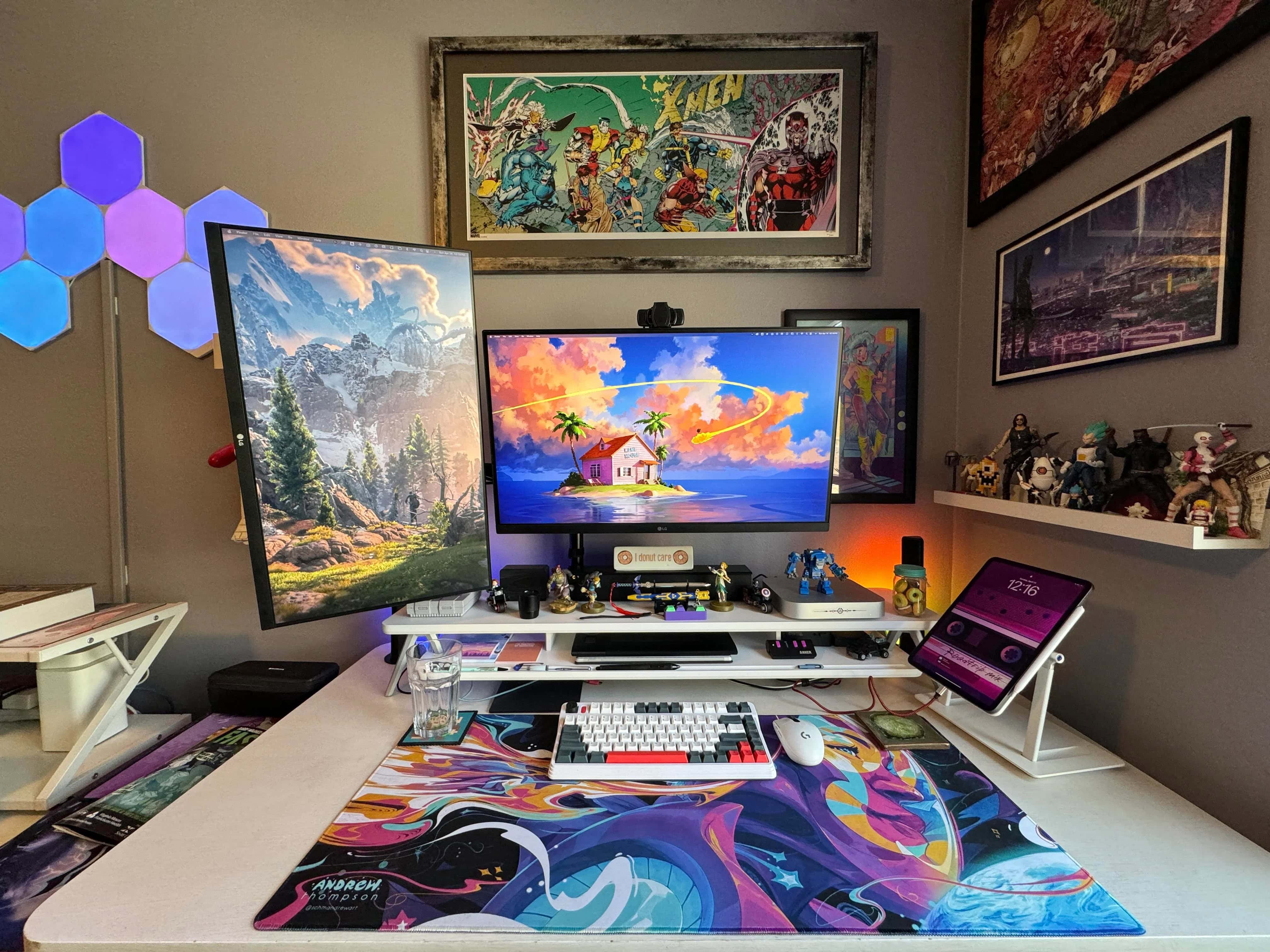
Sometimes what stands out in a computer setup isn’t a major piece, like a computer or display, but a cool accessory. Today’s colorful M1 Mac mini workstation with dual displays and loads of artwork features a cool accessory one could easily miss — a Lab22 Infinity Adjust iPad stand.
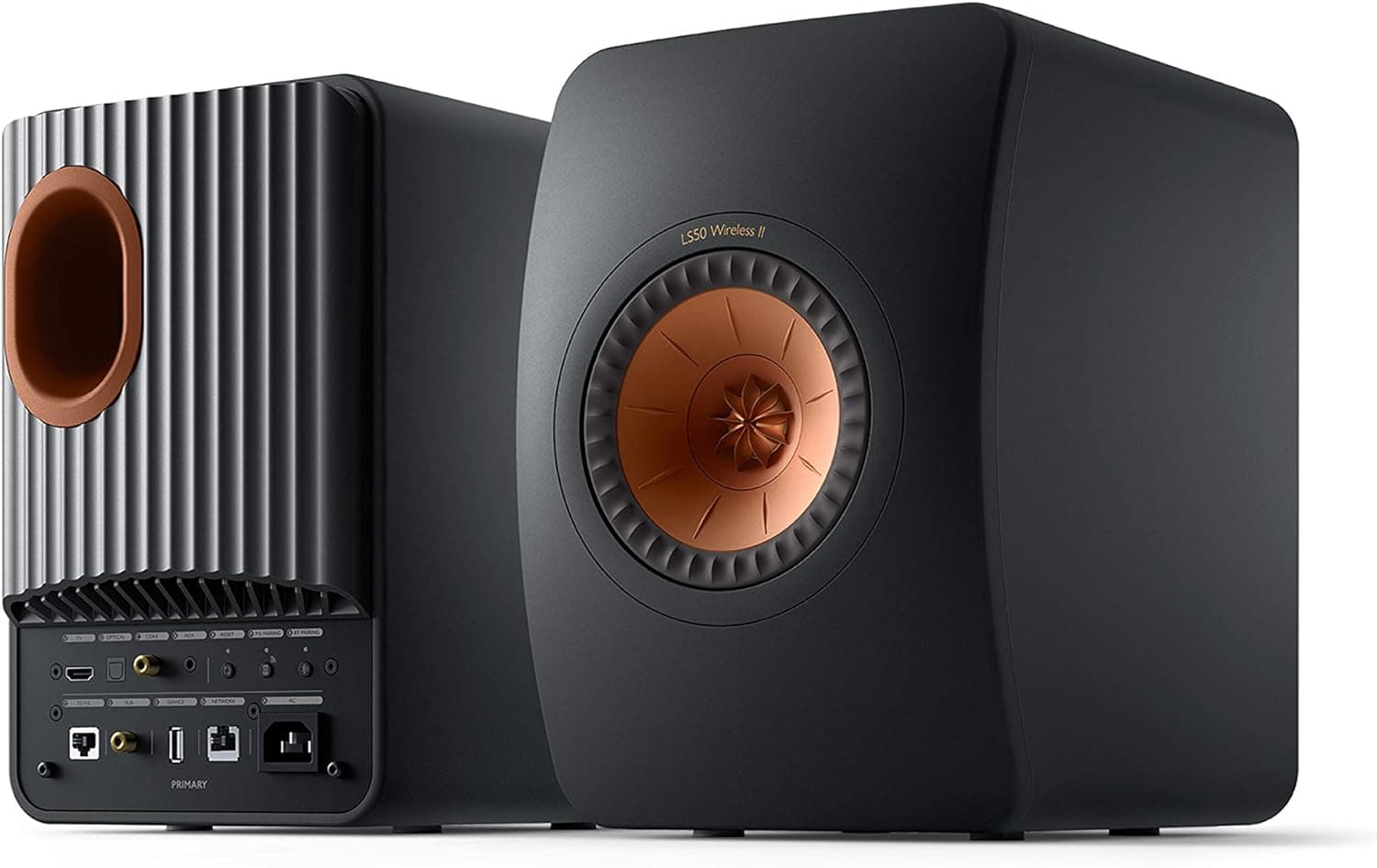
The setup's M3 Pro MacBook Pro has six speakers. But who cares when there are also KEF speakers. Photo: KEF
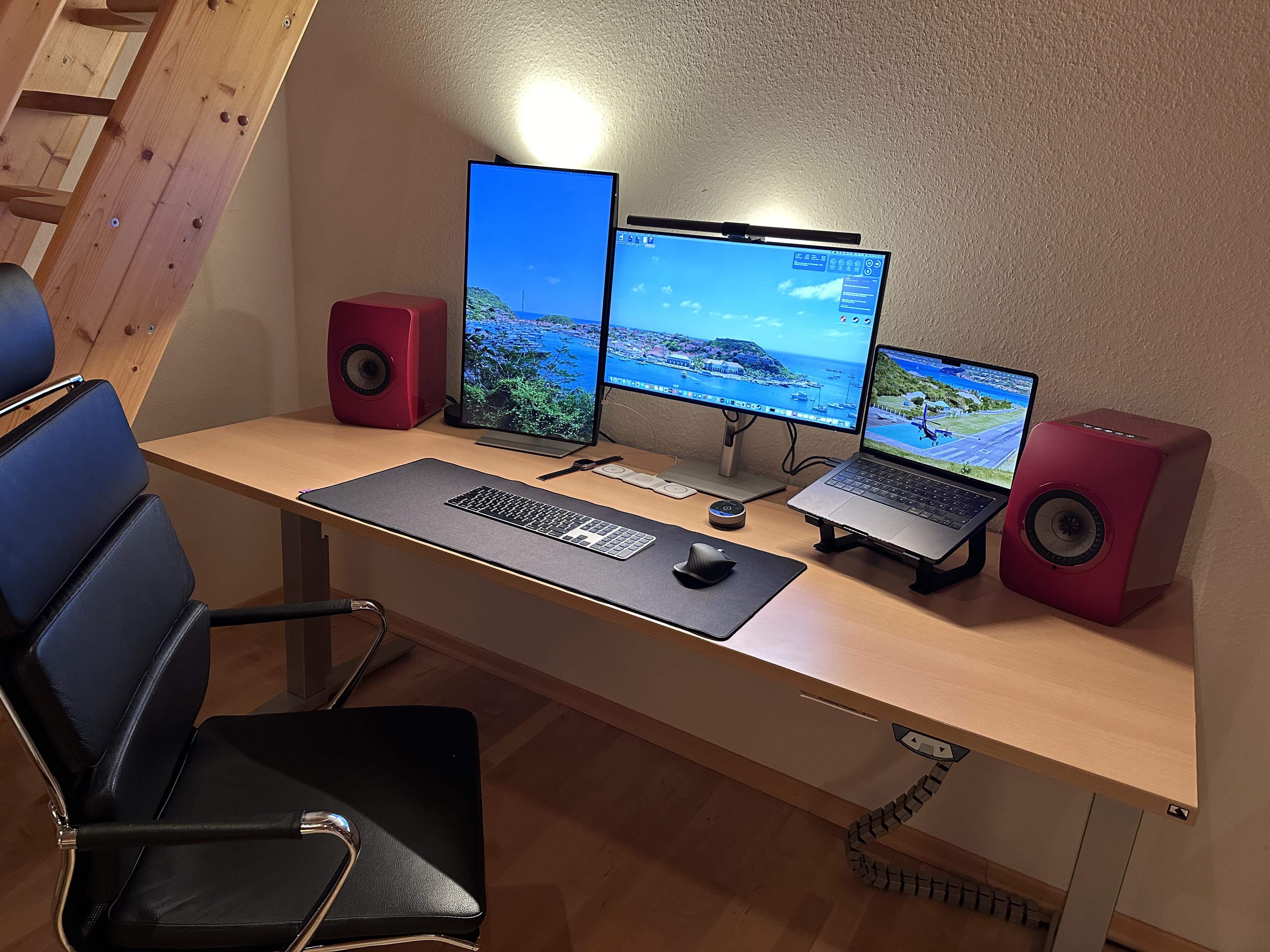
A more than capable M3 Pro MacBook Pro powers today’s computer setup, but its six-speaker sound system won’t be needed. That’s because the medical student who own the rig has the good taste to include fantastic KEF LS50 Wireless II speakers.
He’ll just have to keep the powerful speakers’ volume in check to avoid having to see an ear doctor.
The space black M3 MacBook Pro sits open on a stand rather than in clamshell mode. Photo: [email protected]
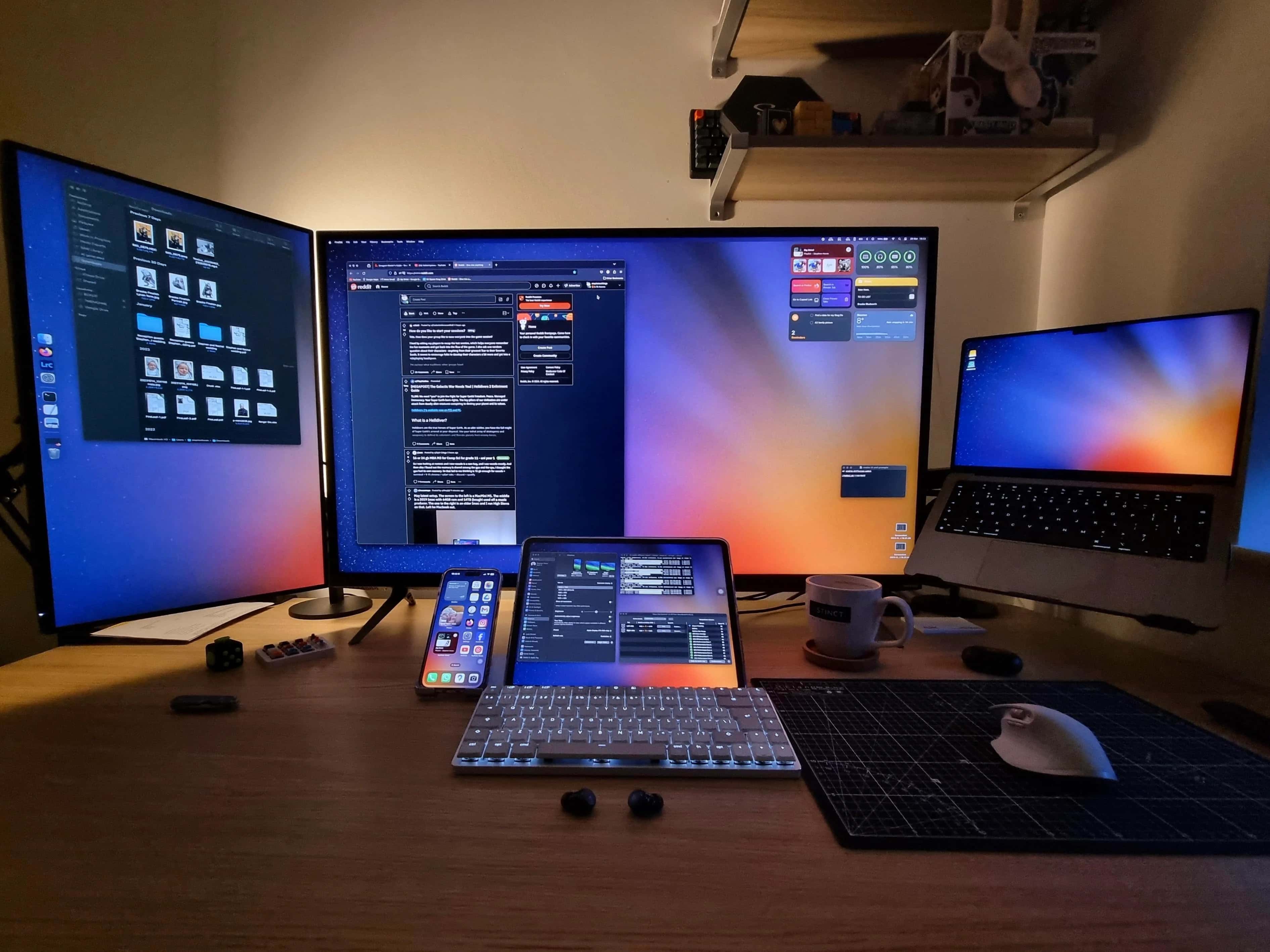

A medical school student’s charming dual-display setup adds an M3 MacBook Pro as a third display by keeping it open on a stand. And the three displays form a pleasingly staggered formation, with one in portrait on the left, one in landscape at center and then the laptop’s screen.
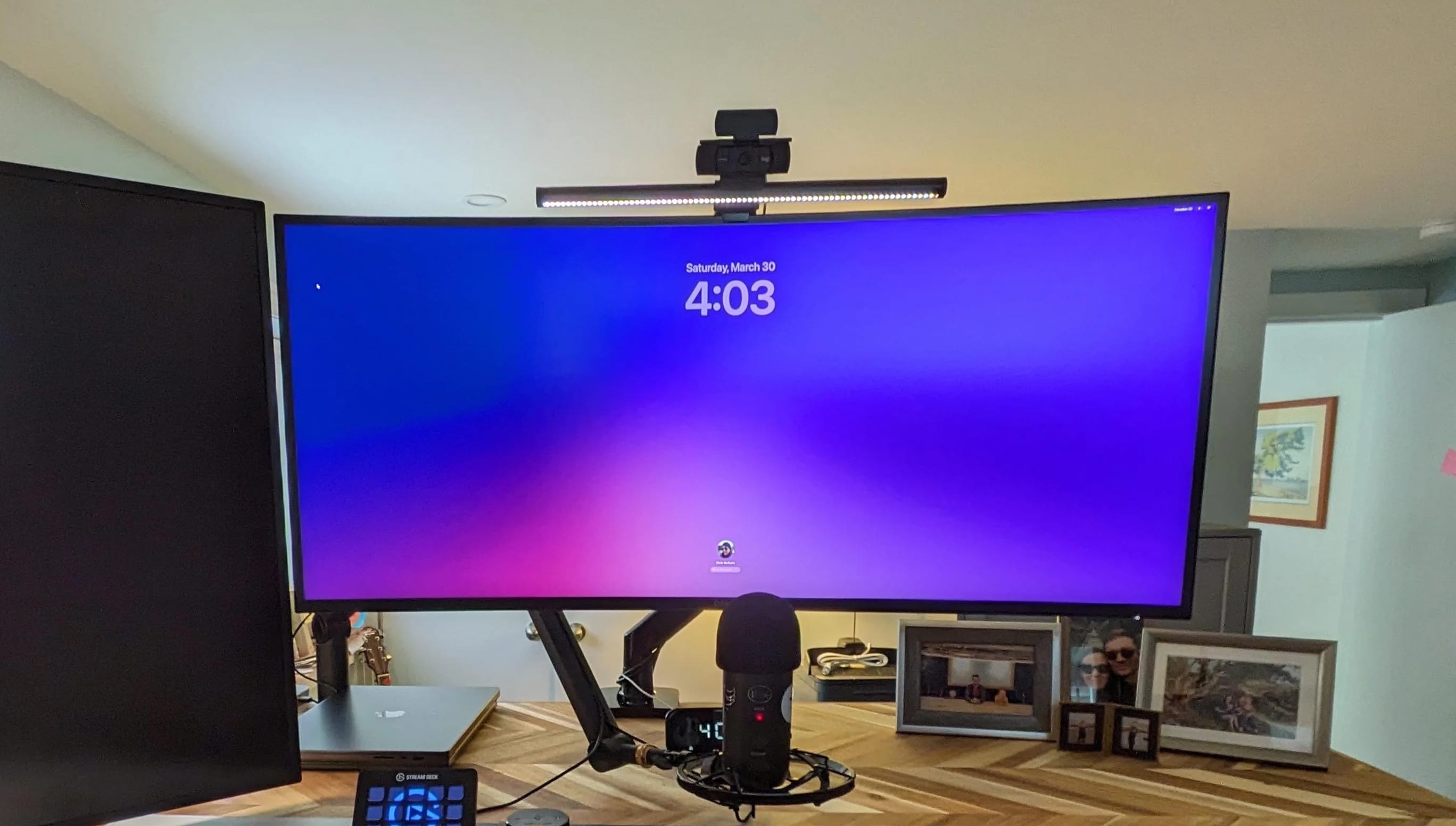
This 40-inch Dell 4K curved monitor makes a great external display. Photo: [email protected]
A Dell curved 4K monitor — especially a big 40-incher — can make an excellent external display, if today’s featured MacBook Air and MacBook Pro setup is any indication. The user put the dramatic display together with a 27-inch 4K monitor after trying two other configurations.
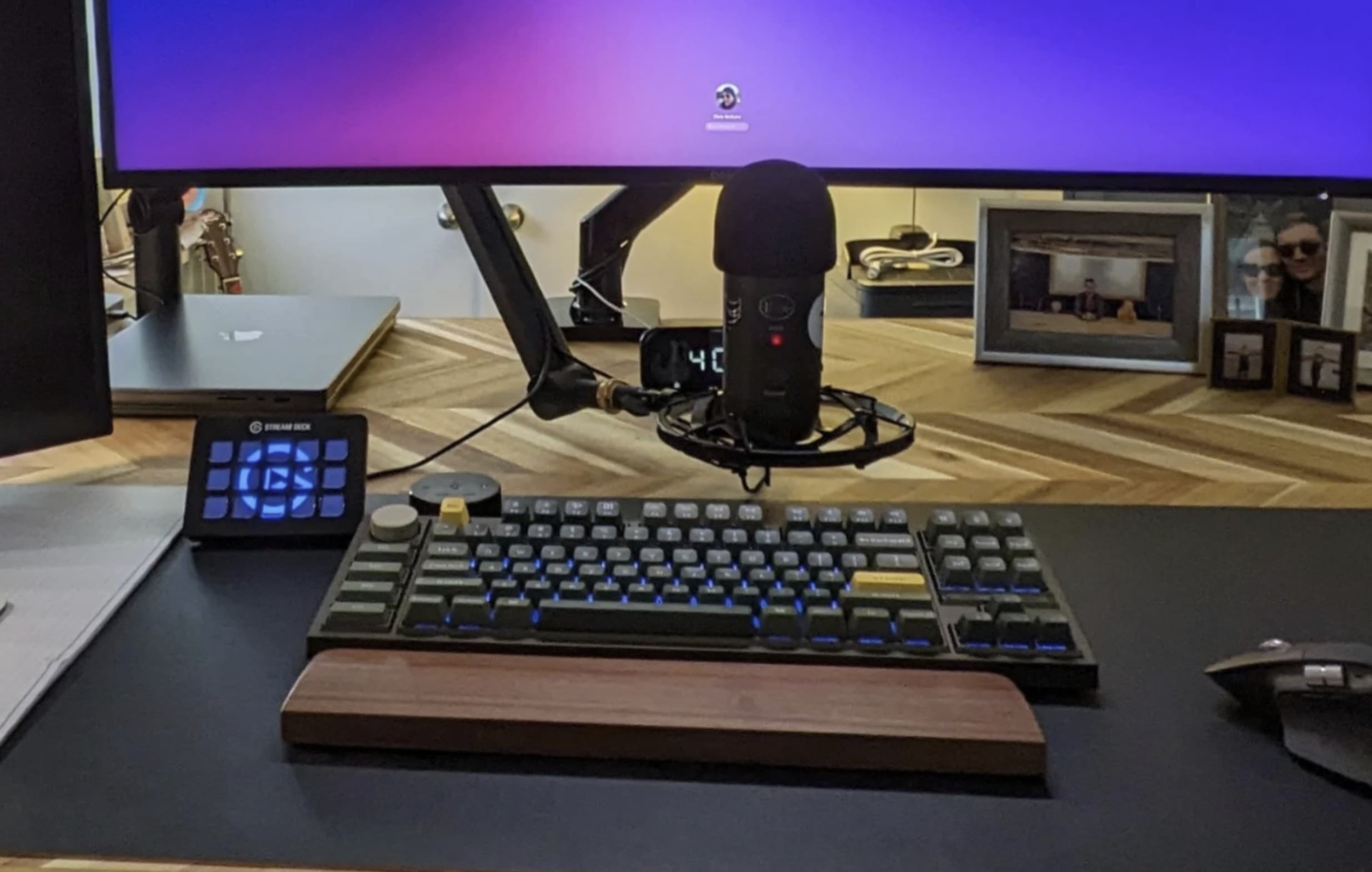
This setups has two MacBooks, but the external keyboard is a Keychron Q3 Pro custom mechanical keeb. Photo: [email protected]
Today’s featured computer setup runs on two powerful MacBooks, which of course have their own keyboards. But the user doesn’t settle for those, except maybe when he’s away. Instead, he chooses to use a mechanical external keyboard with his dual laptops and dual displays. It’s a Keychron Q3 Pro custom keyboard, and it’s a beauty.
This photographer said the 42-inch LG C2 smart TV is better than other displays he's tried. Photo: [email protected]
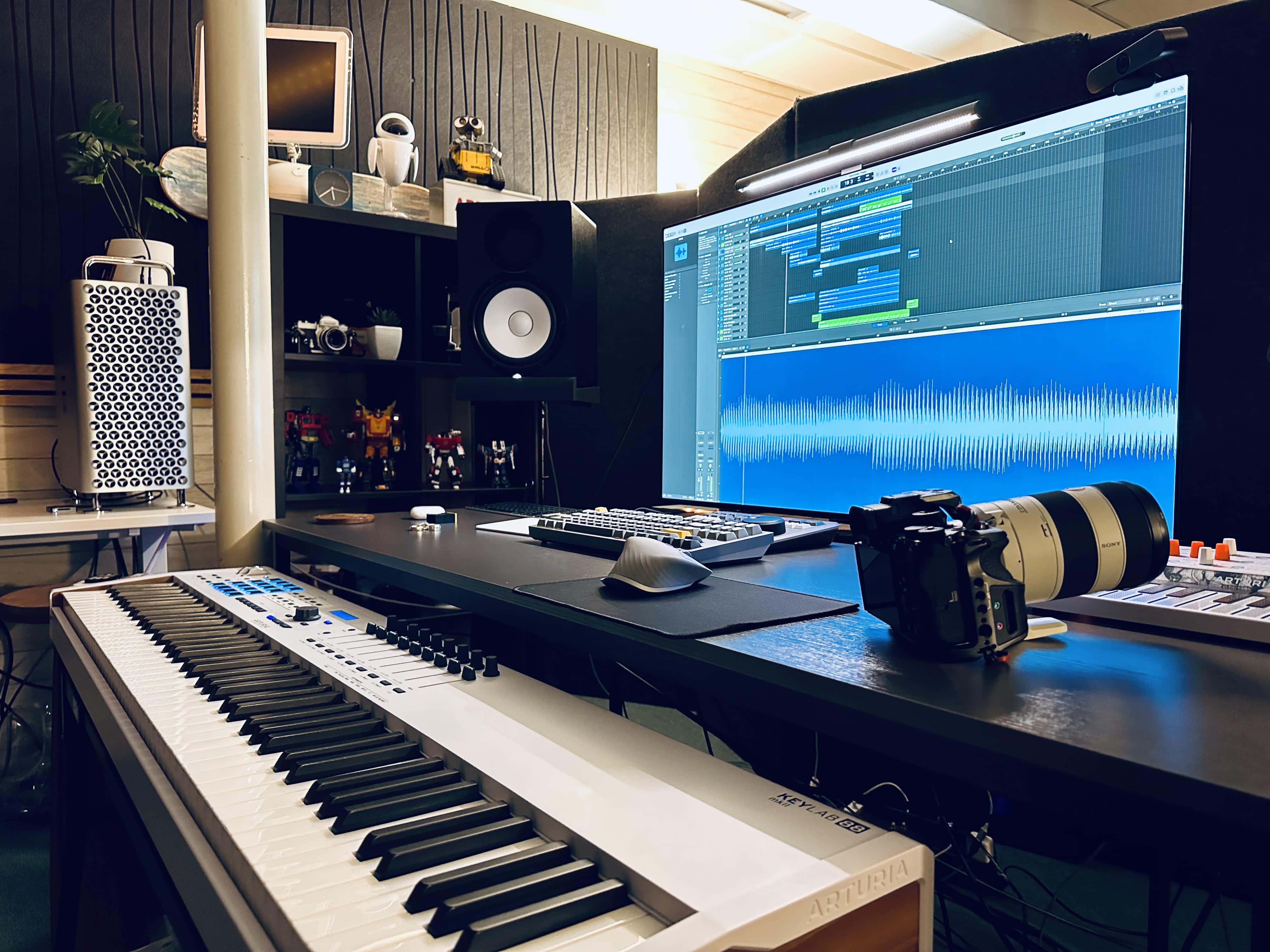
Today’s Mac Pro and smart TV setup is a rare find for two reasons. First, Mac Pro costs so much that we rarely see it in the wild. Second, while big smart TVs used as computer displays continue to gain popularity, we don’t often hear users saying they’re one of the best they’ve ever had. But that’s the case with this LG C2 smart TV setup, used by a photographer and musician.
In it, a powerful cheese-grater Mac Pro drives a gargantuan 42-inch smart TV as an external display.
Music and photography appear to big big jobs for this powerful Mac Pro setup. Note the iMac G4 as well as Wall-E and Eve above the cheese grater. Photo: [email protected]
It’s somewhat rare that we come across a Mac Pro setup on social media for the obvious reason that Apple’s top desktop computer costs a fortune. And the ones we see are often older than 2019’s cheese grater design. But today’s Mac Pro and smart TV setup is a welcome exception to that rule.
It sports a powerful cheese-grater Mac Pro driving a gargantuan smart TV as an external display.
And what’s more, a classic iMac G4 that still works and Wall-E and Eve toys from the Pixar movie look on from a shelf!
Logitech's MX Master 3S wireless mouse is a major Magic Mouse rival. Photo: Logitech
Amazon bargain site Woot goes big on Logi Friday in its Logitech Peripherals and Accessories Sale. Keyboards, mice, iPad keyboard cases, webcams, gaming devices, headsets — you name it, it’s there. Some items are priced at half off.
As of Friday morning, 55 discounted new and refurbished items await you. The sale ends April 20 at 10 p.m. PT (but when items sell out, they’re gone).
The two primary external displays in this setup are different sizes and resolutions. Photo: [email protected]
We see many, many dual-display computer setups in our coverage, with the vast majority being two screens of the same size, whether they’re oriented differently or not. But that’s not always the case. Today’s M1 Pro MacBook Pro and Windows laptop rig sports different-size dual displays that even have different resolutions. But it works for the user, a systems engineer who works for a software developer.
This user swaps out an M1 MacBook Pro with a Windows laptop using an Anker dock. Photo: [email protected]
It’s the best of both worlds: A computer setup with a Mac and a PC. They each have their strengths. But how best to use both in the same workstation? Well, today’s setup does it with a MacBook Pro and Anker dock arrangement.
The user, a systems engineer for a software developer, relies on an Anker 5-in-1 Thunderbolt 4 dock to connect an M1 Pro MacBook Pro and Windows laptop to displays that suit them, plus other peripherals.
A powerful M2 Ultra Mac Studio drives this pair of Studio Displays. Photo: [email protected]
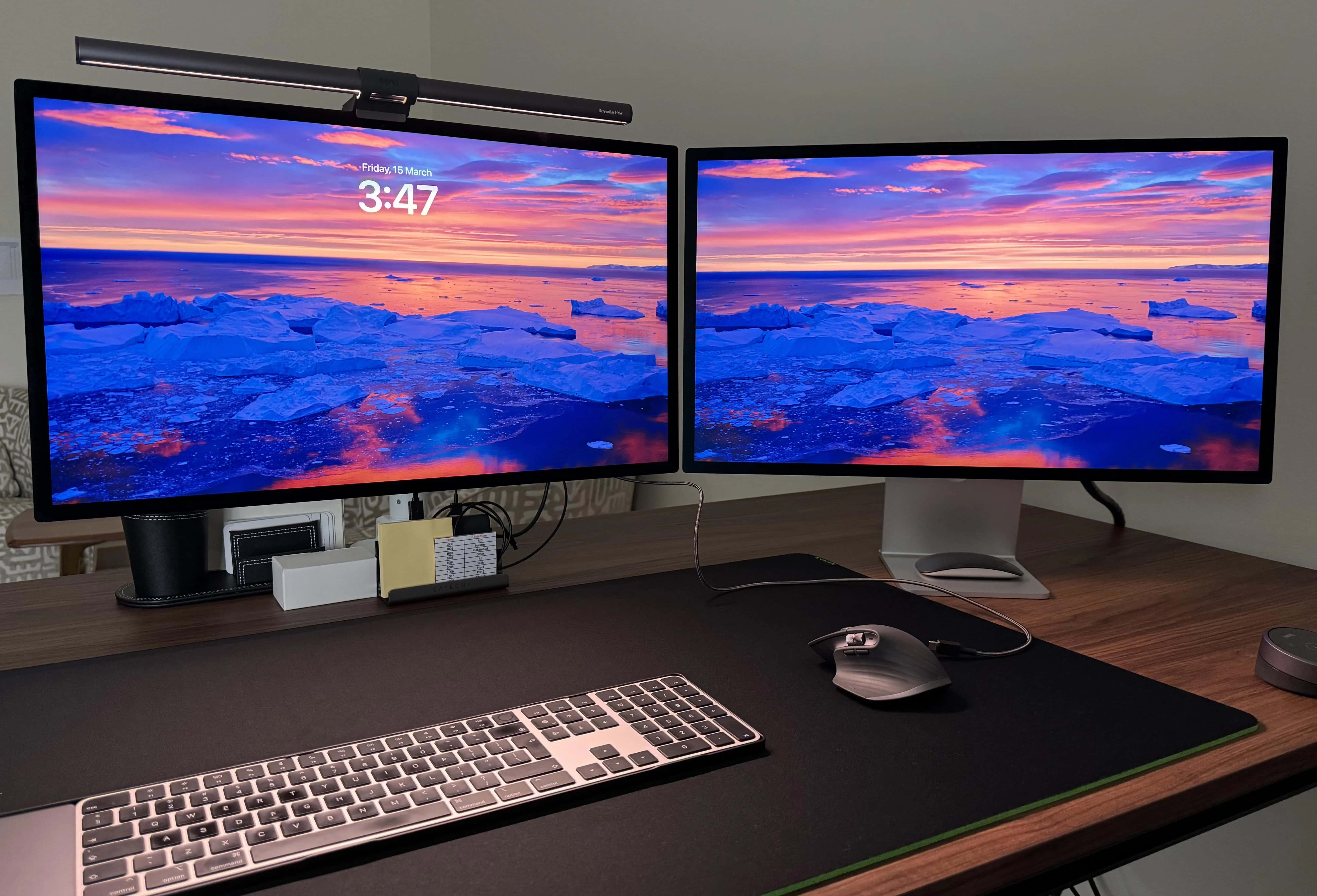
Today’s M2 Ultra Mac Studio setup puts one of Apple’s most powerful desktop computers front and center, driving a pair of beautiful Studio Displays.
And while the user pointed out his machine packs only base specifications, that’s still a hell of a lot of computer for most people. And if you max it out, the thing is astonishing. Check out the options below.
The third, final and best display here is Apple's stellar Pro Display XDR. Photo: [email protected]
In the computer setup arms race over bigger and better external displays, one monitor reigns supreme (with a price tag to match) — Apple’s phenomenal Pro Display XDR. Today’s M3 Max MacBook Pro rig just added one to its two other displays, including the oddly square LG DualUp.