Mobile menu toggle

apps - page 7

How to stop sites tracking you, and speed up your internet with 1Blocker X

By •

Steve Jobs’ brief for iPad: A piece of glass for emailing on the toilet
Photo: Charlie Sorrel/Cult of Mac

Ever since iOS 9, you’ve been able to block ads, trackers, and other content in Mobile Safari. But as websites fought back, and the content-blocker apps added yet more rules in return, the war escalated. Blocker apps started to hit Apple’s hard limit of 50,000 rules.

Probably the most popular and comprehensive blocker is 1Blocker, which just got superseded by 1Blocker X. The new app splits off itself into seven “extensions,” each of which have 50,000 rules, bringing the total to 350,000 rules.

This doesn’t just allow 1Blocker X to boast in the app store. It also allows whole new categories of content blocking. The new setup works slightly differently, so let’s see how to get things started.


DAW Cassette makes your music sound like it was recorded on tape

By •

daw cassette
You wouldn't leave your iPhone in the sun like this.
Photo: Jure Cuhalev/Flickr CC

There’s little that’s more hipster than an audio cassette. Its sound is far from perfect, it’s impractical, and — most important of all — it is easy to see that you’re using one. But that doesn’t mean that tapes were all bad. Lo-fi cassette decks actually add some rather pleasant audio artifacts to audio.

So what? Well, now you don’t need to lug around a Walkman and a bag of tapes to enjoy the retro sound of audio cassettes, because there’s a) an iOS audio plugin and b) a website that will tape-ify any track you like.

How to cancel App Store subscriptions on iPhone or iPad

By •

cancel subscription app store
Remember these?
Photo: Charlie Sorrel/Cult of Mac

App subscriptions are great, mostly. Trial subscriptions let you try out all the app’s features for free, and if you like the app enough to keep using it, the developer gets an ongoing income that lets them keep improving the app. It’s a win-win.

But what if you signed up for a trial subscription, and you don’t like the app? Or maybe you subscribed to a monthly magazine, and those unread copies just keep piling up? Canceling a subscription is easy, whether it’s a fresh trial, or a years-long subscription you just don’t want any more. Here’s how.

Drafts 5, Vulse, Things, and other awesome apps of the week

By •

Awesome Apps
'Appy weekend.
Photo: Ste Smith/Cult of Mac

This week has been big on big updates. Drafts, the best text-capture app for iOS, got a brand-new version. Cultured Code’s Things also received a big update (but still doesn’t allow drag-and-drop to task lists). And Dropbox finally did add drag-and-drop, just seven months after iOS 11 added the feature.

Well done!

How to use age restrictions to protect your kids from adult apps and movies

By •

age restrictions
Children were restricted differently in the past.
Photo: Alisha Vargas/Flickr CC

The iPad and iPhone can be great learning tools for kids, just the same as they are for adults (only with more clowns and talking animals). But even if you don’t want to fully lock-down your iPad to restrict what your kids can do, you might want to stop then from downloading adult-oriented apps. That includes violent games, scary books, and dirty movies.

How to translate webpages on iPhone or iPad

By •

translate webpages safari ipad
Cult of Mac in Catalan!
Photo: Charlie Sorrel/Cult of Mac

Do you ever find yourself staring at a web page, unable to understand a word? All the letters look familiar, only they’re arranged into some weird order? That’s called “foreign,” and it’s how people from outside America talk to each other. Some of them don’t even write their websites in English.

Fortunately, a good old American company has done something about this terrible habit. Microsoft Translator can fix up a web page and turn all that foreign gibberish into a language we can all feel comfortable with. You may already use Google’s translate bookmarklet for this, but Microsoft’s version is so much better it’s in a different league.

How to add extra filter packs to the iPhone’s Photos app

By •

filter packs iPhone
Captured, edited, and filtered, all inside the Camera and Photos apps.
Photo: Charlie Sorrel/Cult of Mac

One lesser known ability of the Photos app on your iPhone is that is can use third-party filter packs. If you install a photo-editing app that supports them, then you can apply that apps filters without ever leaving the Photos app. This makes it super quick to add sophisticated effects to your pictures, and you can revert to the original photo at any time in the future.

Today we’ll see how to use these filter packs, and look at a couple of great apps that have them.

Vulse app brings gestural and touch effects to guitar

By •

vulse for iPhone
Like an electronic whammy bar.
Photo: Charlie Sorrel/Cult of Mac

Vulse is a neat app for musicians. More specifically, it’s for guitarists. The app has been around for a while, but got a big old update this week that makes it worth a new look. The idea of the app is that you stick your iPhone onto your guitar, just below where you strum the strings, and then use a combination of wild flailing and screen-stroking to apply crazy effects on the fly.

This microcasting app is the easiest way to podcast on iPhone

By •

podcast on iPhone with microcast wavelength app
Microcasting is the new mouth-tweeting. Or something.
Photo: Charlie Sorrel/Cult of Mac

Did you ever fancy making a podcast, but as soon as you considered the logistics, your eyes crossed, and you felt suddenly sleepy? But what if creating and publishing a podcast was as easy as squeezing out a Tweet? That’s where Wavelength comes in. Wavelength is a brand new app that lets you record, edit, and publish your short podcast — or microcast — in record time. It can even add your podcast feed to the Apple Podcast Directory, so anyone can easily find and subscribe to your microcast. Here’s how to podcast on iPhone.

iPhone music app comes up with endless, catchy song ideas

By •

fortamento iPhone music song ideas
It doesn't look like much, but then, neither did Keith Richards.
Photo: Charlie Sorrel/Cult of Mac

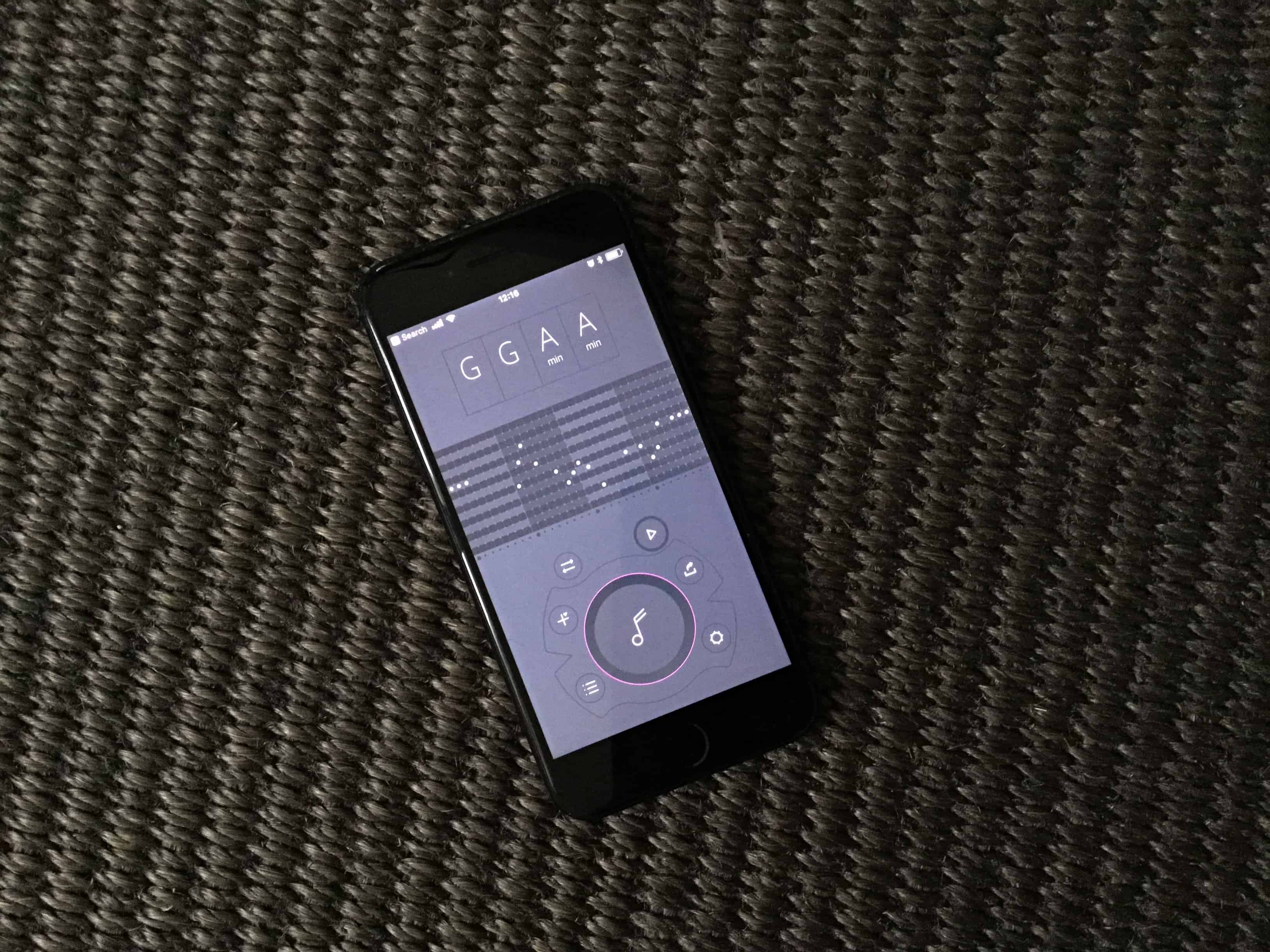
Are you a musician struggling to come up with song ideas? Are you a non-musician who just wants to come up with a neat melody for that cat video? Then you should check out Fortamento, a melody generation app for iPhone which is both incredibly easy, and surprisingly deep.

How to free up disk space in macOS High Sierra

By •

space mountain
There's some free space right up there.
Photo: Charlie Sorrel/Cult of Mac

MacOS High Sierra upgraded the Mac’s under-the-hood file system, replacing the decades-old HFS+ with the shiny new APFS. What this means for the user is way faster file copying, the ability to revert to previous versions of your documents, and several other neat features. But it also means that you may have a lot less free space left on your storage disk, thanks to APFS’ habit of using it to store special ‘dark matter.’Today we’ll learn what this dark matter is, and how to free up disk space.

iPad app lets you play a violin with Apple Pencil

By •

Pen2Bow
Pen2Bow turns the Apple Pencil into a virtual violin bow.
Photo: Pen2Bow

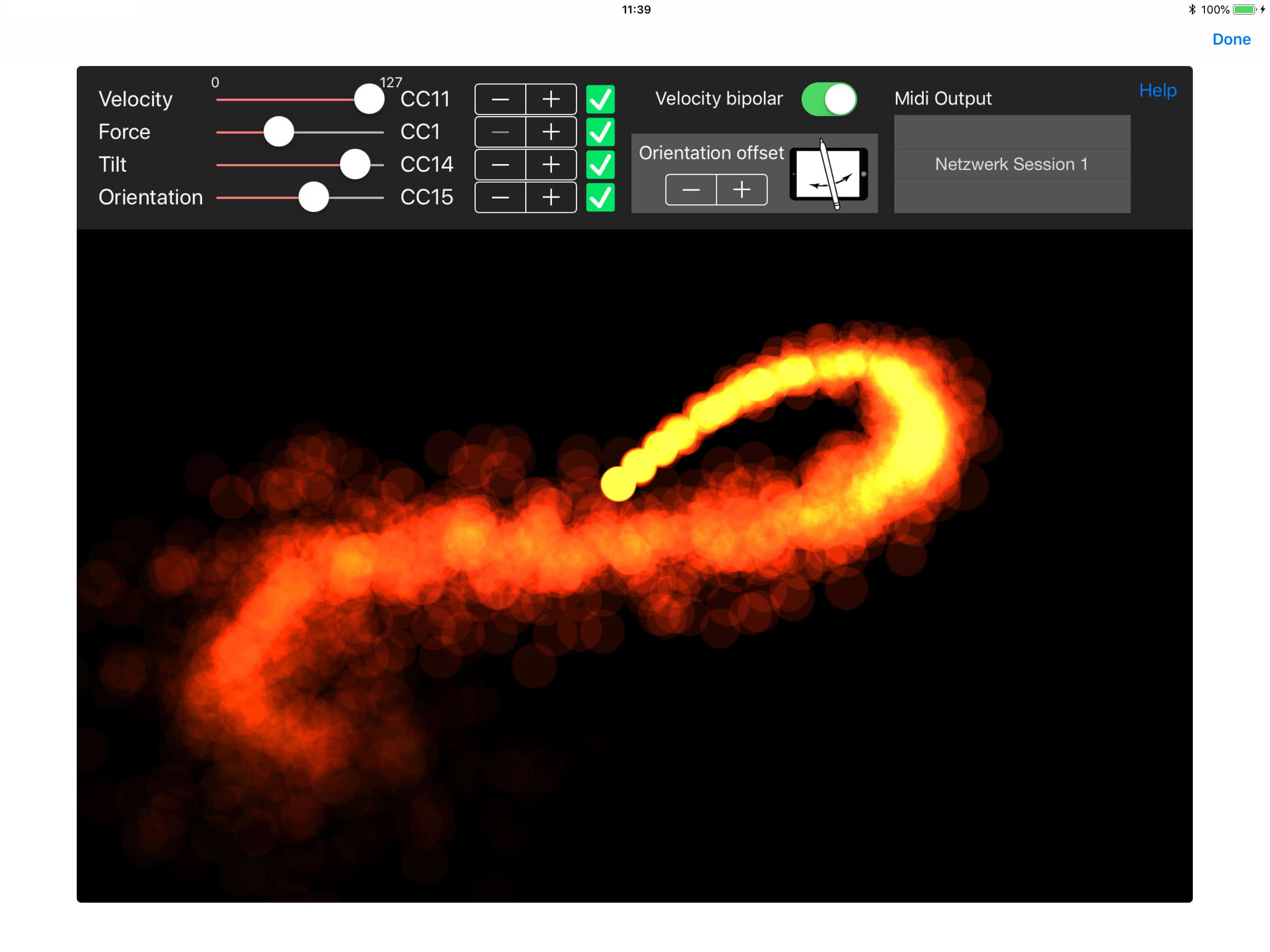
The Apple Pencil, now compatible with pretty much all new iPads, is not just good for drawing and writing. Because if its bevvy of sensors — tilt, pressure, acceleration, and orientation — the Apple Pencil is also a pretty good musical instrument. Pen2Bow is a new iPad app which turns the Pencil into a violin bow, letting you use all of these natural gestures to play a virtual violin.

iPhone app turns your annoying table-drumming into awesome music

By •

Objeq drums
Nothing is as annoying as really drums. Apart from children, I guess.
Photo: Charlie Sorrel/Cult of Mac

Are you a table drummer? Then here’s a fantastic way to annoy your family and friends this weekend. It’s a iPad and iPhone app called AAS Objeq, which uses the iPad’s microphones to listen to your ceaseless, OCD tappety-tapping, and transforms it into more drumlike sounds. That it, the sound of you whacking the table becomes a bass drum, a chopstick on a water glass can become a hi-hat, and so on. The possibilities for irritating those around you are almost endless.

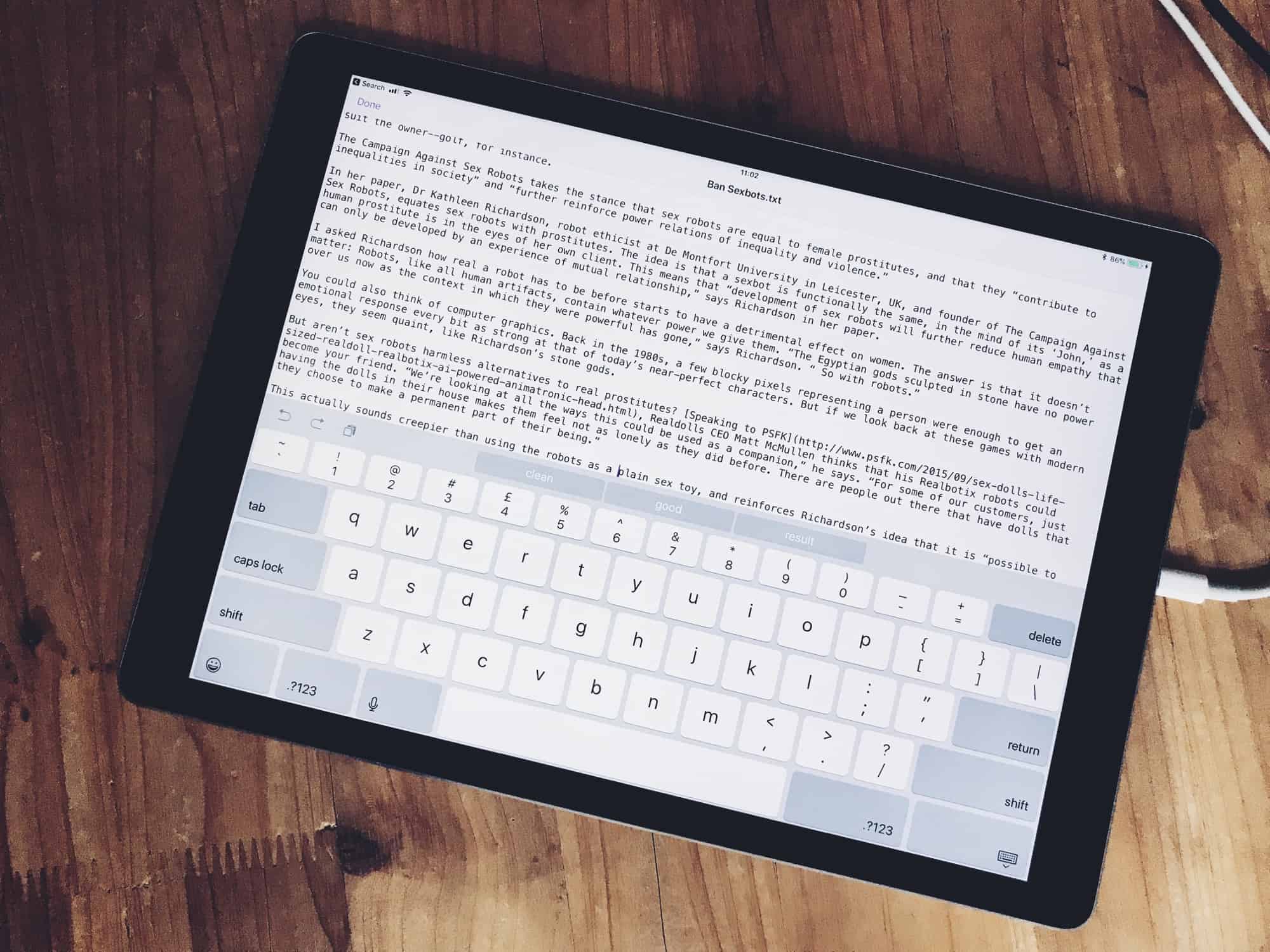
Textor is the missing TextEdit for iOS [Review]

By •

textor
Textor is like TextEdit for iOS.
Photo: Charlie Sorrel/Cult of Mac

On the Mac, you can quickly open up and edit any text file using TextEdit. And while there are a ton of great text-editing apps on the iPad and iPhone, none of them is quite as simple as the Mac’s built-in app. Until now, anyway: Textor combines the iOS 11 Files app with an ultra-simple text editor, making it possibly the quickest and easiest way to quickly view, edit and even create new text files on an iPhone or iPad.

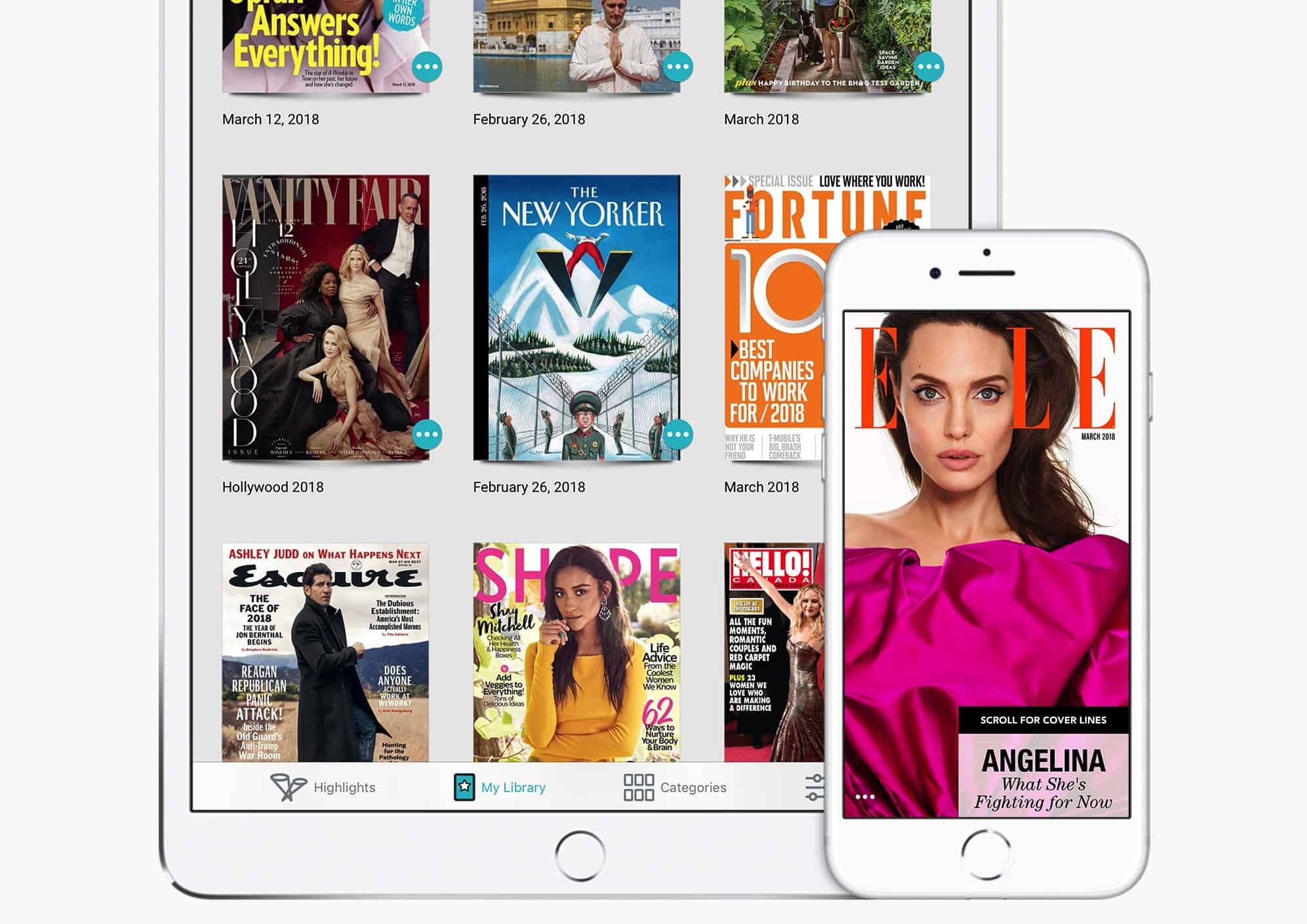
Apple buys a $9.99-a-month magazine subscription service

By •

Texture
Could this be the Apple Music for magazines?
Photo: Apple

Apple is moving into magazine distribution by acquiring Texture, a digital subscription service that grants users unlimited access to their favorite titles for a single $9.99 monthly fee.

The service, which could be thought of as Apple Music for magazines, covers 200 top magazines. These can be read either in their complete form or via curated articles.

These are the best music memo apps for iPhone

By •

alternative to voice memos
We've come a long way.
Photo: YunHo LEE/Flickr Public Domain

If you like to pretend you’re in a private detective movie, recording yourself with voice-memos as you go about your everyday business, then your app choice is obvious: Voice Memos from Apple. It’s built into your iPhone, it’s simple, quick to use, and rock solid. But if you’re a musician, and you want to quickly capture ideas, the choice is more complicated. Let’s take a look at the best iOS apps for recording music memos.

How to get the iPad’s keyboard shortcut cheat sheet on Mac

By •

CheatSheet
Press and hold…
Photo: Charlie Sorrel/Cult of Mac

One of the iPad’s handiest features is its keyboard-shortcut cheatsheet. Whenever you have a USB or Bluetooth keyboard attached to your iPad, just hold down the Command key and wait for a second. An overlay will pop up showing you all the keyboard shortcuts available for the current app.

Did you ever wish you could do the same with the Mac? After all, you always have a keyboard connected the Mac, so a cheatsheet overlay should be even more useful. Then you need CheatSheet, an app that does exactly that.

Google iOS app adds features Apple fans will love

By •

The Google iOS app adds drag-and-drop.
The Google app adds drag-and-drop.
Photo: Google

The Google iOS app just added an iMessage extension that lets users conduct searches without leaving Apple’s chat app. Google also added a couple other features that should make life easier for Apple fans: a Safari plugin that serves up related content, and iPad drag-and-drop support.

How to track flights in the Mac’s Notification Center

By •

TodayFlights
TodayFlights tracks flights, and nothing else.
Photo: Charlie Sorrel/Cult of Mac

Tracking flights is a bit of a pain. Siri can do it, and if you’re a real plane spotter, you might even trouble yourself to find an app to do it. But for most of us, we track a flight once in a while, whenever someone’s coming to visit. We just want something that is simple to use, and the disappears. That something is TodayFlights, a neat app that adds a flight tracker to the Mac’s Notification Center Today View.

This app rewards you with discounts for not looking at your iPhone

By •

iPhone Hold
Hold gives discounts on products if you put down your iPhone.
Photo: Ste Smith/Cult of Mac

Not looking at your smartphone is the new looking at your smartphone. Or, at least, that’s the idea driving an intriguing app which aims to reward students with discounts on movie tickets and other services if they don’t keep checking their iPhones.

Here’s how it works, and why its creators think it matters.

Remaster music on your iPhone or iPad with Grand Finale

By •

mixer
Mastering music mixes makes musicians mad.
Photo: Charlie Sorrel/Cult of Mac

Mastering is the final stage of making a record. After all the playing, recordings, and mixing is done, you send the stereo track off to the best mixing guru you can afford, and they work their special magic, probably surrounded by all kinds of fancy machines.

And while you probably don’t have the experts’ golden ears, or their golden years of experience, now you can have a crack at mastering right there on your iPad (or even iPhone), with Klevgränd’s new mastering app, Grand Finale.