Mobile menu toggle

apps - page 5

App Store search ads could be worth billions by 2020

By

App Store
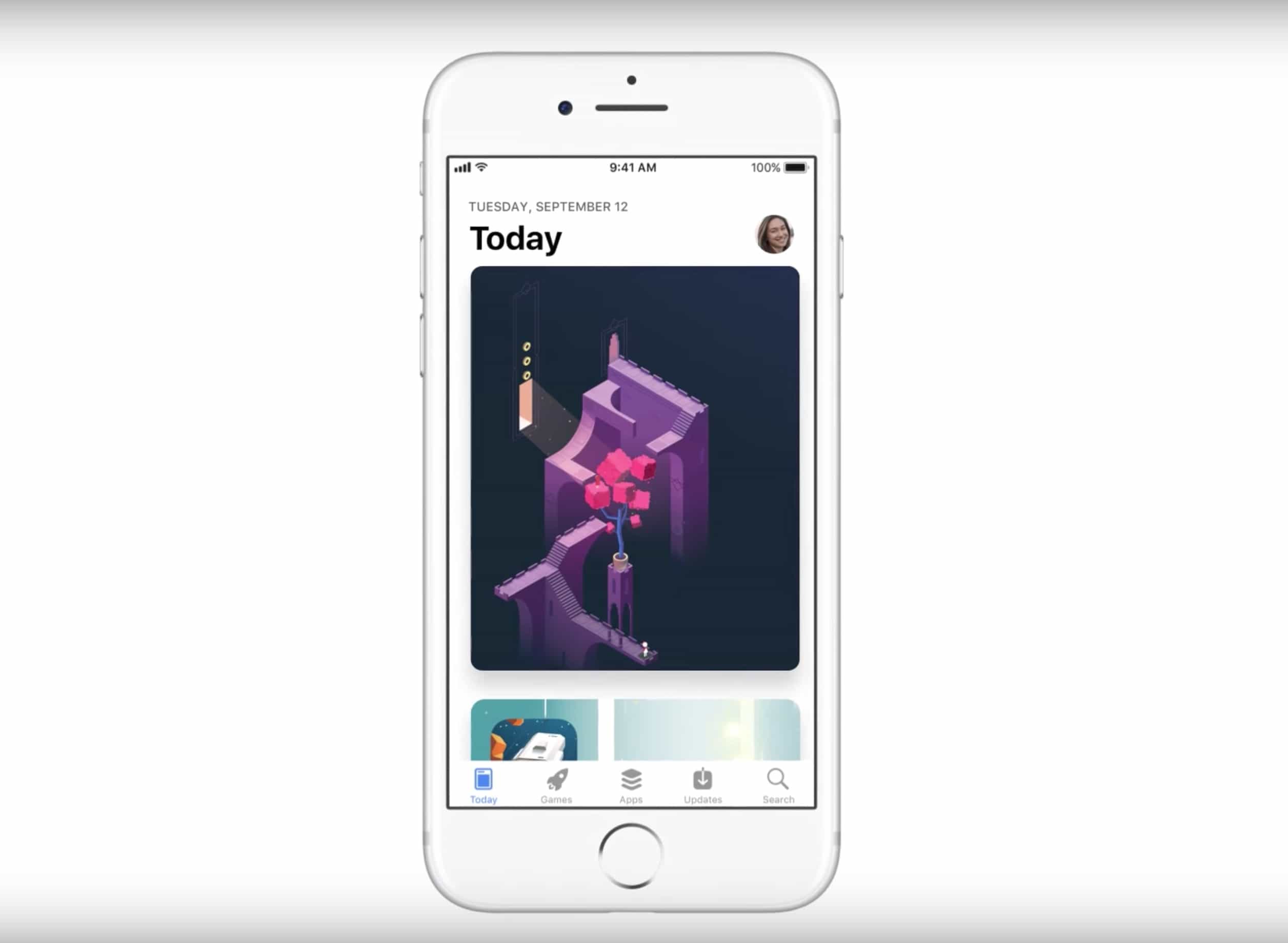
The App Store has undergone major renovations.
Photo: Apple

Analysts are predicting big things for Apple’s App Store business ahead of the company’s Q4 2018 earnings report coming on November 1.

Search ads from the App Store could generate over $500 million in revenue during all of 2018, according to Bernstein analyst Toni Sacconaghi. Even better, Sacconahi thinks the App Store ad business could be worth a whopping $2 billion by the end of 2020.

Scam subscriptions plague the App Store

By

App store
There's a whole of money that can be made on the App Store.
Photo: Apple

Subscriptions mean big business for app developers, but this success has ushered supposed bad actors into the App Store. A new article by TechCrunch shines a light on some of these apparent scam tactics, which could cause a headache for Apple.

Forget Twitter, Fiery Feeds is the best way to read the news

By

Fiery Feeds adds Pinboard support, finally lets you ditch Instapaper.
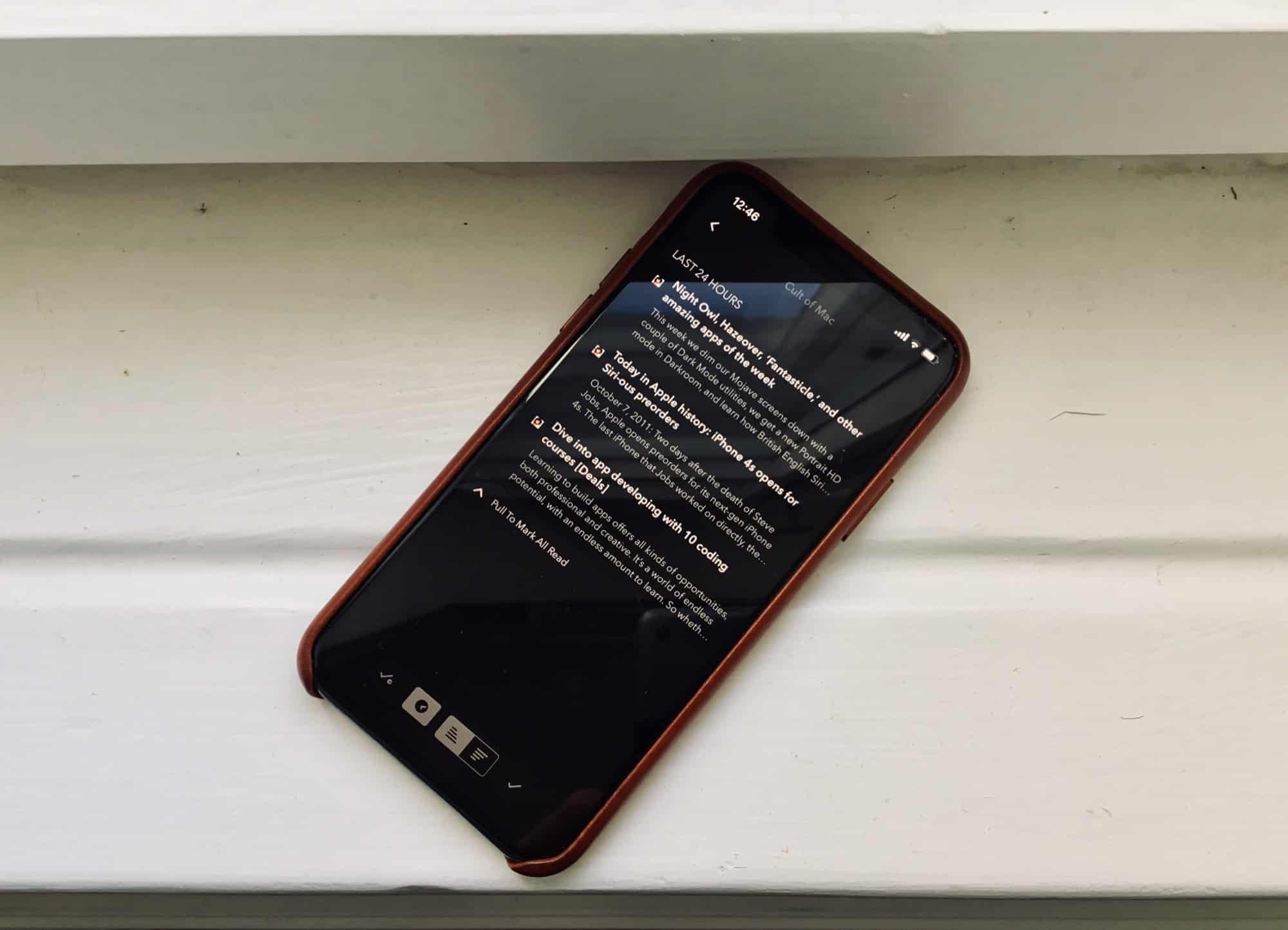
Fiery Feeds looks great in black.
Photo: Charlie Sorrel/Cult of Mac

Fiery Feeds is an iOS news-reading app that lets you subscribe to any sites you like, and read all their new stories in one place. It’s way better than relying on Twitter for you news, because important stories never get lost in a sea of doggy GIFs. And the new v2.1 gets a visual overhaul, plus support for using Pinboard as a read-later service. I love it.

Apple teams up with Salesforce to deliver better business apps for iOS

By

Salesforce iOS
The redesigned Salesforce app will bring exclusive features to iOS next year.
Photo: Apple

Apple has entered into a new partnership with Salesforce to deliver new iOS apps focused on business.

Salesforce is redesigning its app and adding exclusive new features as part of the deal, while Apple has vowed to provide tools and resources to help millions of Salesforce developers create their own native apps for iOS.

Ferrite Recording Studio 2.0 is a podcaster’s dream

By

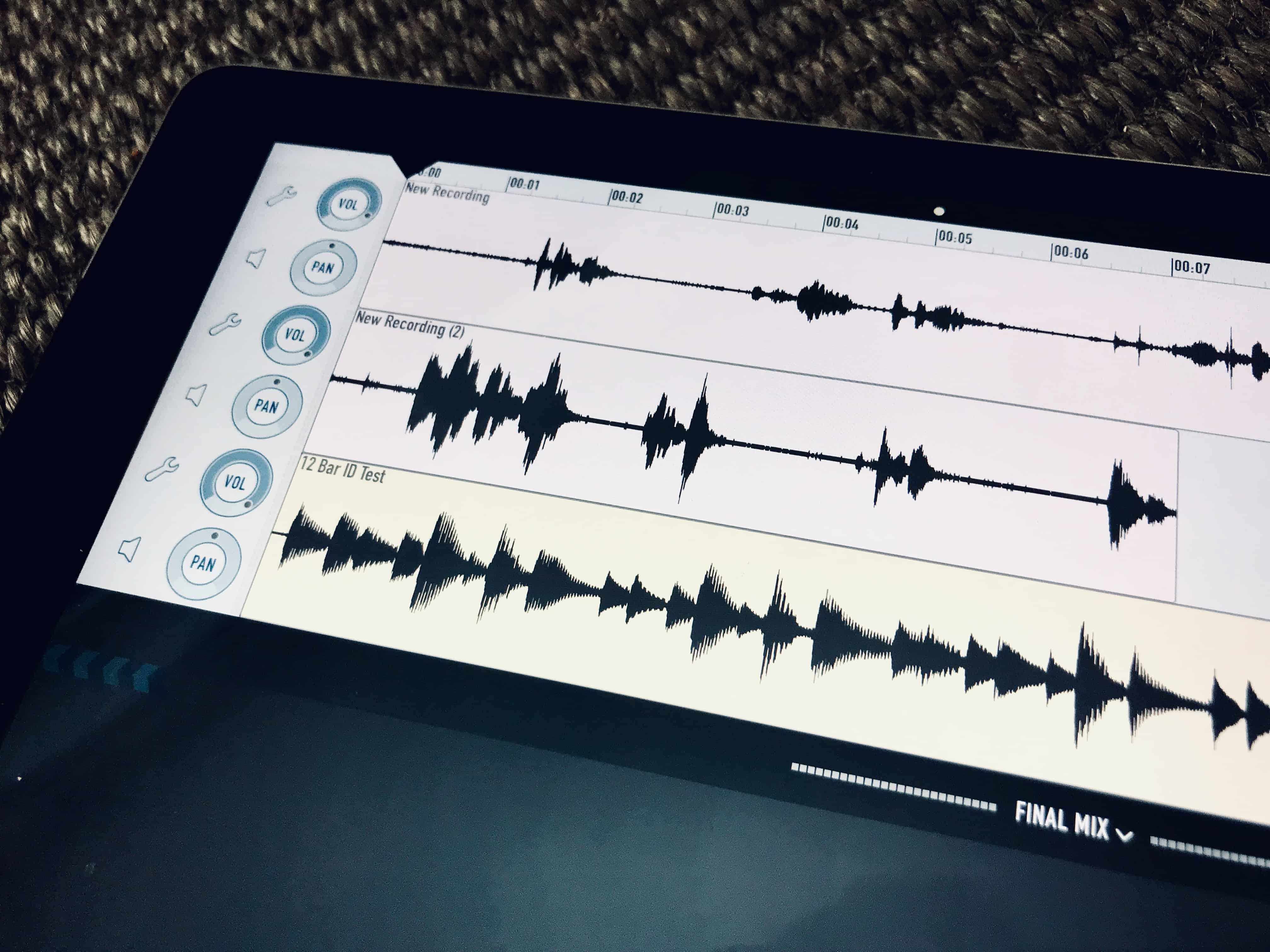
Short of recording Skype, Ferrite does everything you need to make a podcast.
Photo: Charlie Sorrel/Cult of Mac

If you record podcasts, audio interviews, or anything else were you need to record and edit a bunch of people talking, then you may already know about Ferrite Recording Studio. It’s an app designed for the exact purpose, making it easy to gather your audio “footage,” edit it, and then post it to your outlet of choice.

Version 2.0 just launched, and it makes the app better than ever.

5 essential apps that work beautifully with iOS 12

By

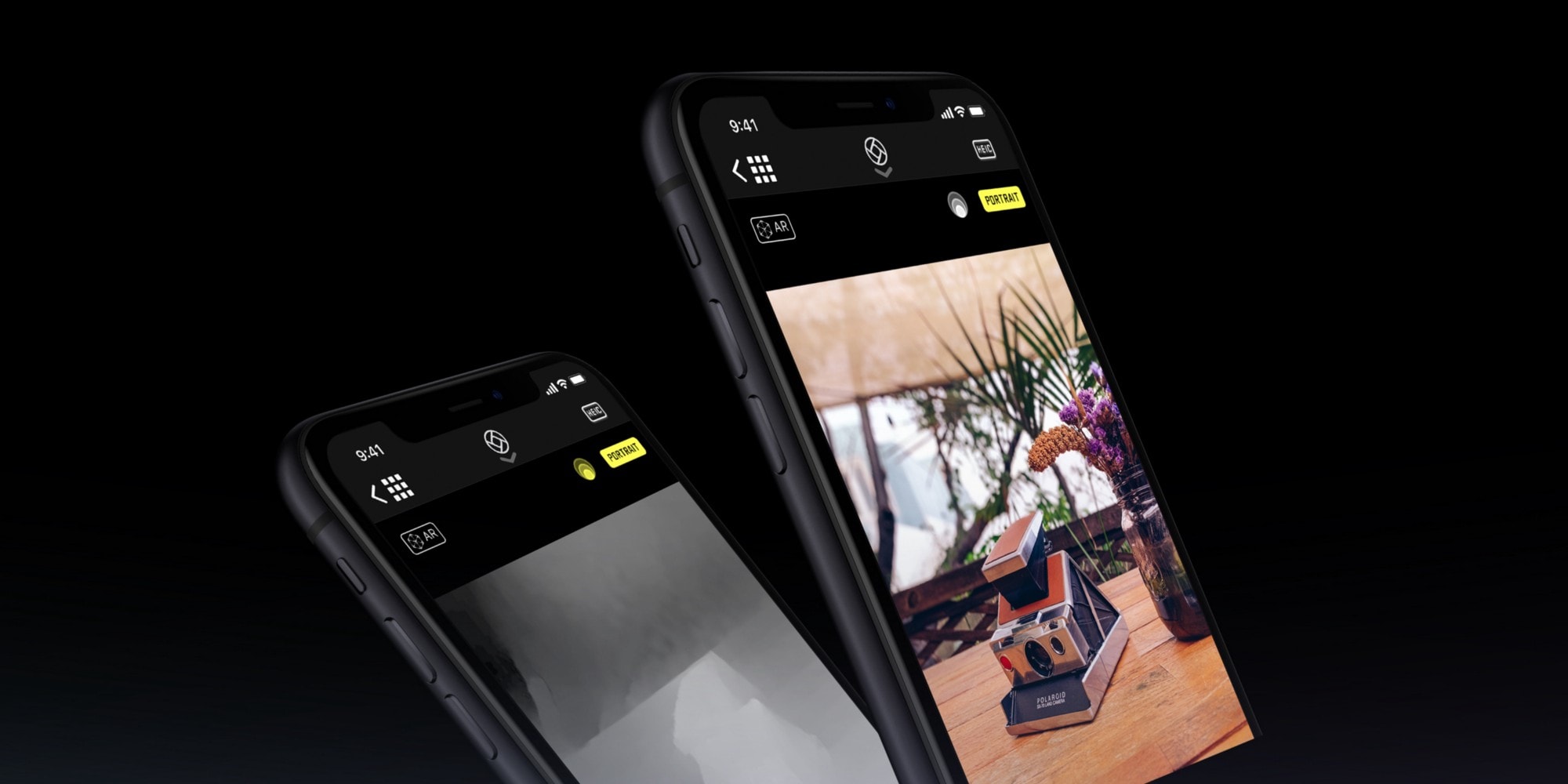
Halide can now add custom background blurs in iOS 12.
Photo: Halide

iOS 12 gives your favorite apps access to some amazing new abilities. One is integration with the brand-new Siri Shortcuts, which lets you automate your apps, or to interact with them by talking to Siri. But that’s not all. Camera apps now have access to the the depth information from Portrait Mode, so they can do some pretty special effects.

Safari’s password autofill has also been opened up, so apps like Dashlane and 1Password are now available with a single tap. Let’s take a look at the best new iOS 12-ready apps already available.

Castro, Hookpad 2, Ribn, and other awesome apps of the week

By

Awesome Apps
'Appy weekend.
Photo: Ste Smith/Cult of Mac

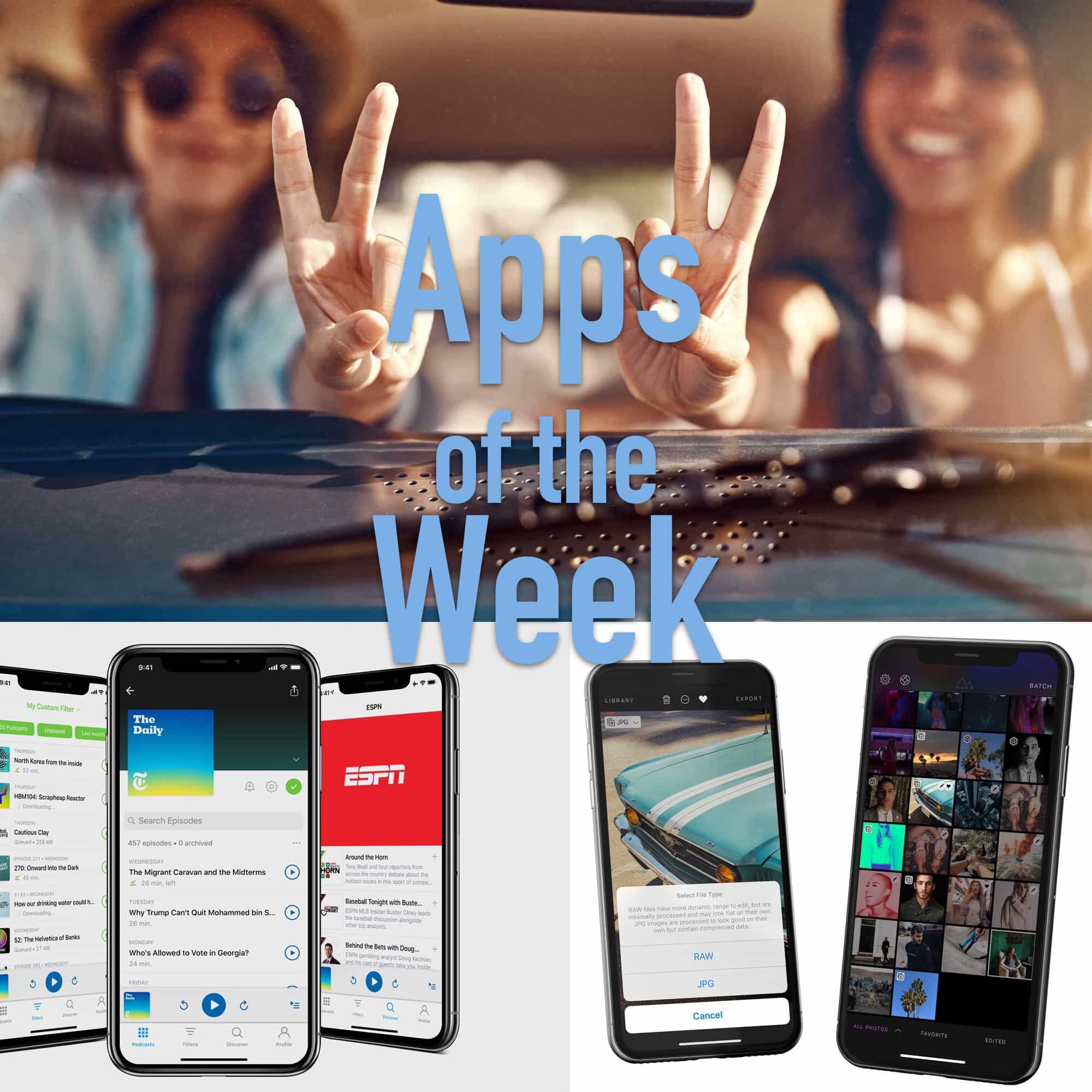
Did you know that Adobe’s Lightroom CC for iPhone has a fantastic camera built in? Or that you can now listen to any audio file in the Castro podcast app, just by dropping it into an iCloud folder? Or that you can make a catchy song in your iPad’s web browser using Hookpad 2? Well, now you do.

These are the awesome apps making waves this week.

Lightroom might be the best camera app on iOS

By

Lightroom easily bests the other RAW apps
Did you know that Lightroom had a camera? It does, and it's amazing.
Photo: Matt Birchler

If you want to shoot great RAW photos on your iPhone, you should use Adobe Lightroom. That’s right. According to tests, Adobe’s excellent photo editing app also has an amazing camera built-in. And best of all, it’s free, provided you don’t mind signing up for an Adobe ID.

Amazon’s Prime Now app lets Whole Foods shoppers get curbside pickup

By

Whole Foods
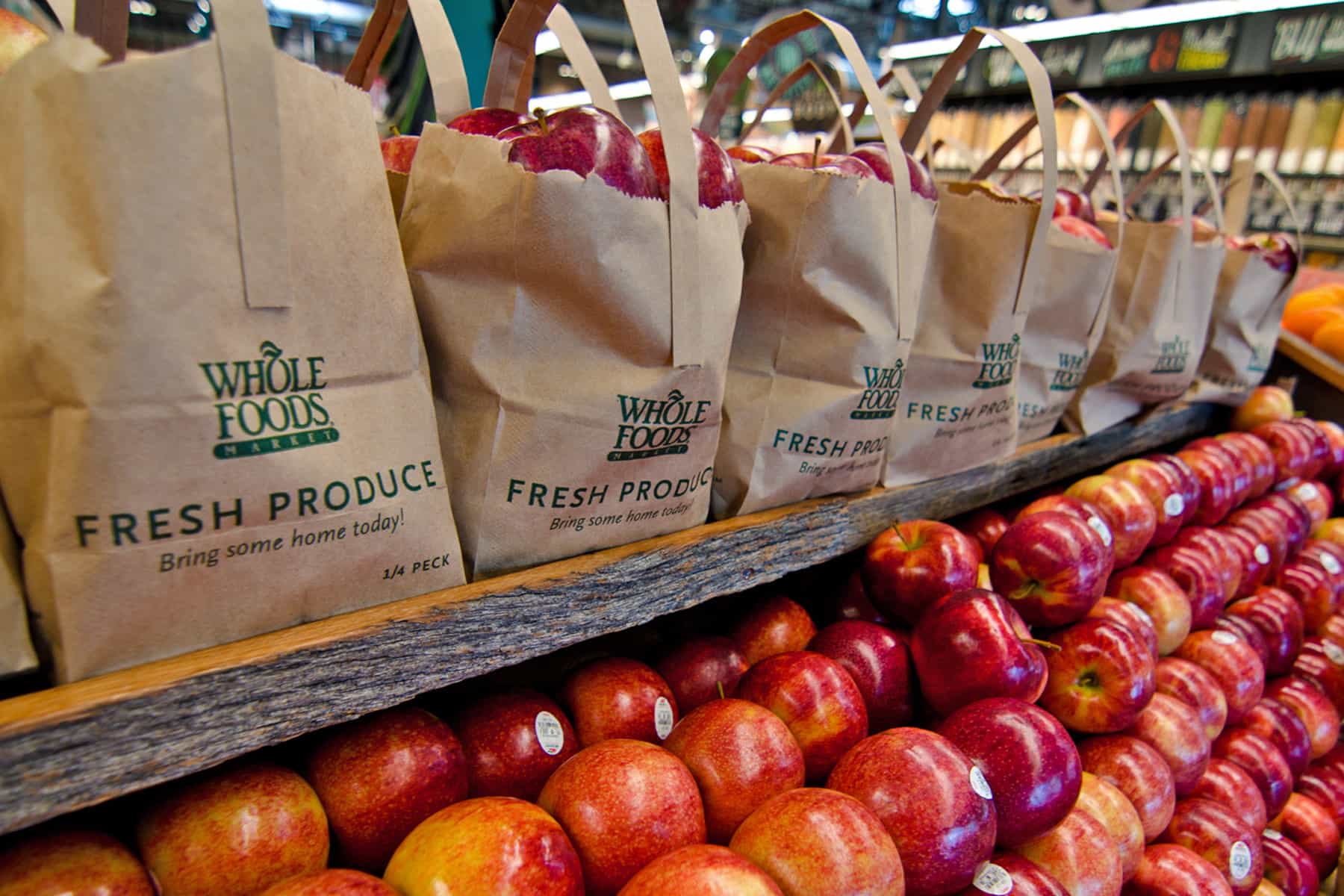
It's easier than ever to eat healthy.
Photo: Whole Foods

As if Amazon customers needed yet more to make their Prime subscription worth it, select Prime users can now take advantage of a new curbside grocery pickup feature at their local Whole Foods.

The feature allows users of the Prime Now app to shop online for fresh produce and then, on orders over $35, elect to pick up the packed groceries in store. They can do this within one hour of placing their order — or, for a charge of just $4.99, within 30 minutes.

Spect is a super-fast image browser for Mac

By

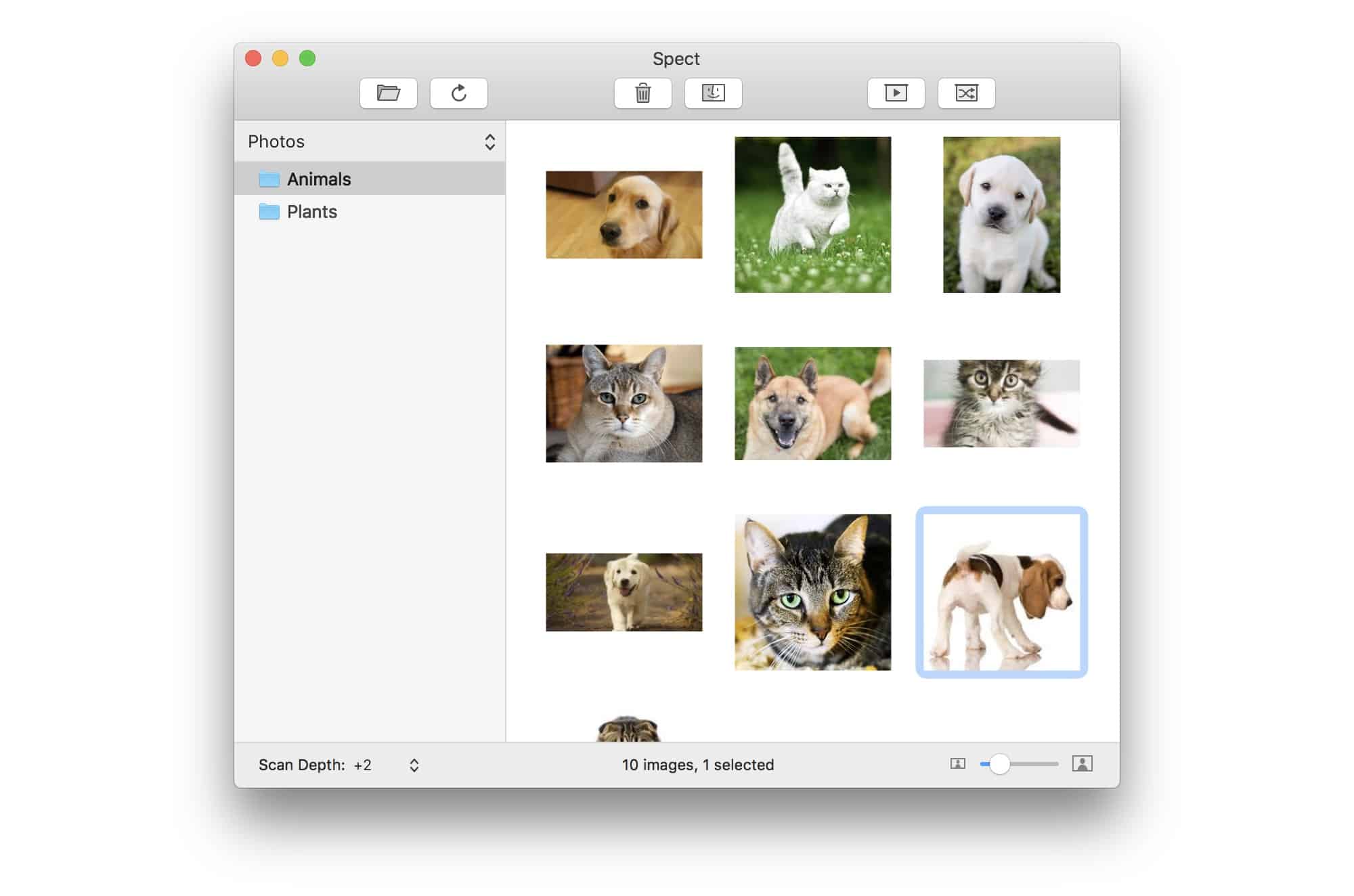
Spect is an ultra-light image browser from Panic founder Steven Frank.
Photo: Steven Frank

Spect is in the one-thing-well school, apps that focus on a single task and make that task as easy and fast as possible. And because Spect comes from Panic developer Steven Frank, it does its task very well indeed.

So what is Spect? It’s a Mac image browser app that lets you dump folders containing thousands of images onto it, and then speed through them, viewing, culling, selecting and deleting along the way.

How to make your iPhone videos look like Hollywood movies

By

This guy could do with a few video tips.
Photo: Charlie Sorrel/Cult of Mac

Your iPhone is capable of shooting incredible videos. Its camera can capture 4K video, which is good enough for the cinema, and the video camera’s auto-stabilization turns your wobbly pans into cinematic sweeps.

And yet it’s still all too easy to shoot a terrible iPhone video. So today we’ll look at some simple tips, and a few gadgets, that will turn your clips into movie masterpieces.

How to change the case of your text in seconds

By

Text Case probably can't convert this.#
Text Case probably can't convert this.
Photo: Charlie Sorrel/Cult of Mac

Tricky text situations:

  • You typed a block of text, and it’s all in capital letters because you left the CAPS LOCK on.
  • You copy a URL and it’s a mess, like this: http%3A%2F%2F
  • You want to capitalize/de-capitalize text, adding or removing title case.

It’s easy to just do this by hand, if time consuming, but now there’s a better way, on iOS at least. Check out Chris Hannahs’s Text Case.

Siri Shortcuts app is now ready for testing

By

Siri Shortcuts
iOS developers can now play with a beta version of Siri Shortcuts.
Photo: iPhone Hacks

Apple said Siri would be smarter with iOS 12. The digital assistant will also multitask with the help of a native app.

A single command will kick Siri into high gear through an app called Siri Shortcuts, now available in a beta version to developers through the TestFlight platform.

Get in on the new Oilist 2.0 beta right now

By

Oilist 2 can pop out some startling results.
Photo: Charlie Sorrel/Cult of Mac

You may remember Oilist, a iOS app that takes your photos and turns them into paintings. This isn’t your usual lame-o filters app, either. Oilist actually makes images that really do look like they’ve been painted — with brushwork, paint texture, and more.

And now, the developer is working on version 2.0 of this great app, and he wants you to help.

WhoSampled is like Shazam for samples and cover versions

By

WhoSampled digs into the DNA of your music.
Photo: WhoSampled

WhoSampled is an iOS (and Android) app that tells you whose samples were used in the music you’re currently listening to. Just like Shazam, you hold it up to a playing tune, and WhoSampled identifies the track. But then it also gives you a breakdown of all the other songs that were sampled to make that track, and can even list cover versions.

Add events to your iPhone calendar using natural language and Drafts

By

Adding an calendar event with Drafts is as easy as writing it on paper.
Photo: Sludge G/Flickr CC

Do you hate adding new events to your iOS calendar? It’s a real pain, right? You have to click, and type, and turn one of these time and date dials, and type some more. On the Mac you can just hit ⌘-N to create a new event, and then type something like Dinner tomorrow at 19:00, and the Calendar app just works out what you mean, and adds the event.

On iOS, you have to do it manually, or try to coax Siri into doing it for you — neither of which is a pleasant experience. Why isn’t there a natural-language input for the iOS Calendar app? Well, if you’re using the awesome Drafts app, then there is.