This week we map our minds with WriteMapper, check out the weather with new maps in Carrot Weather, and see who was sampled in that song playing on the radio in WhoSampled. And — if you can believe it — even more.
iOS developers can now play with a beta version of Siri Shortcuts. Photo: iPhone Hacks
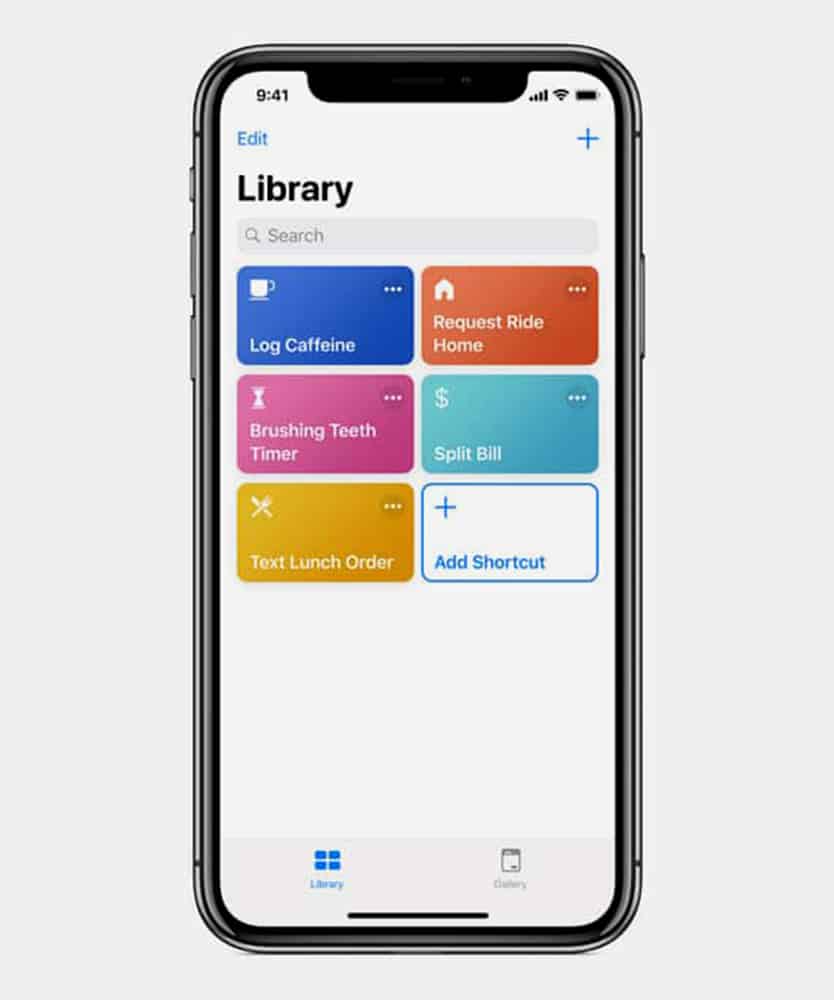
Apple said Siri would be smarter with iOS 12. The digital assistant will also multitask with the help of a native app.
A single command will kick Siri into high gear through an app called Siri Shortcuts, now available in a beta version to developers through the TestFlight platform.
Oilist 2 can pop out some startling results. Photo: Charlie Sorrel/Cult of Mac
You may remember Oilist, a iOS app that takes your photos and turns them into paintings. This isn’t your usual lame-o filters app, either. Oilist actually makes images that really do look like they’ve been painted — with brushwork, paint texture, and more.
And now, the developer is working on version 2.0 of this great app, and he wants you to help.
WhoSampled digs into the DNA of your music. Photo: WhoSampled
WhoSampled is an iOS (and Android) app that tells you whose samples were used in the music you’re currently listening to. Just like Shazam, you hold it up to a playing tune, and WhoSampled identifies the track. But then it also gives you a breakdown of all the other songs that were sampled to make that track, and can even list cover versions.
Adding an calendar event with Drafts is as easy as writing it on paper. Photo: Sludge G/Flickr CC
Do you hate adding new events to your iOS calendar? It’s a real pain, right? You have to click, and type, and turn one of these time and date dials, and type some more. On the Mac you can just hit ⌘-N to create a new event, and then type something like Dinner tomorrow at 19:00, and the Calendar app just works out what you mean, and adds the event.
On iOS, you have to do it manually, or try to coax Siri into doing it for you — neither of which is a pleasant experience. Why isn’t there a natural-language input for the iOS Calendar app? Well, if you’re using the awesome Drafts app, then there is.
This week we go to school with Apple’s Schoolwork app, then take time out cooking up delicious recipes for pixelated Pokémons. Then we enjoy a beautiful soundtrack on maybe the most impressive synth on iOS — and all for free!
Synth One is an incredible synth app for iOS. Photo: AudioKit Pro
Synth One just launched. It’s a new synth app for the iPad, but it’s also a big deal. Why? Because it is free, open-source, and built by volunteer musicians and programmers. Stay with me here. Synth One isn’t out typical hideous open-source bloatfest of an app. It’s beautifully designed, sounds great, is easy to use, and is above all fun.
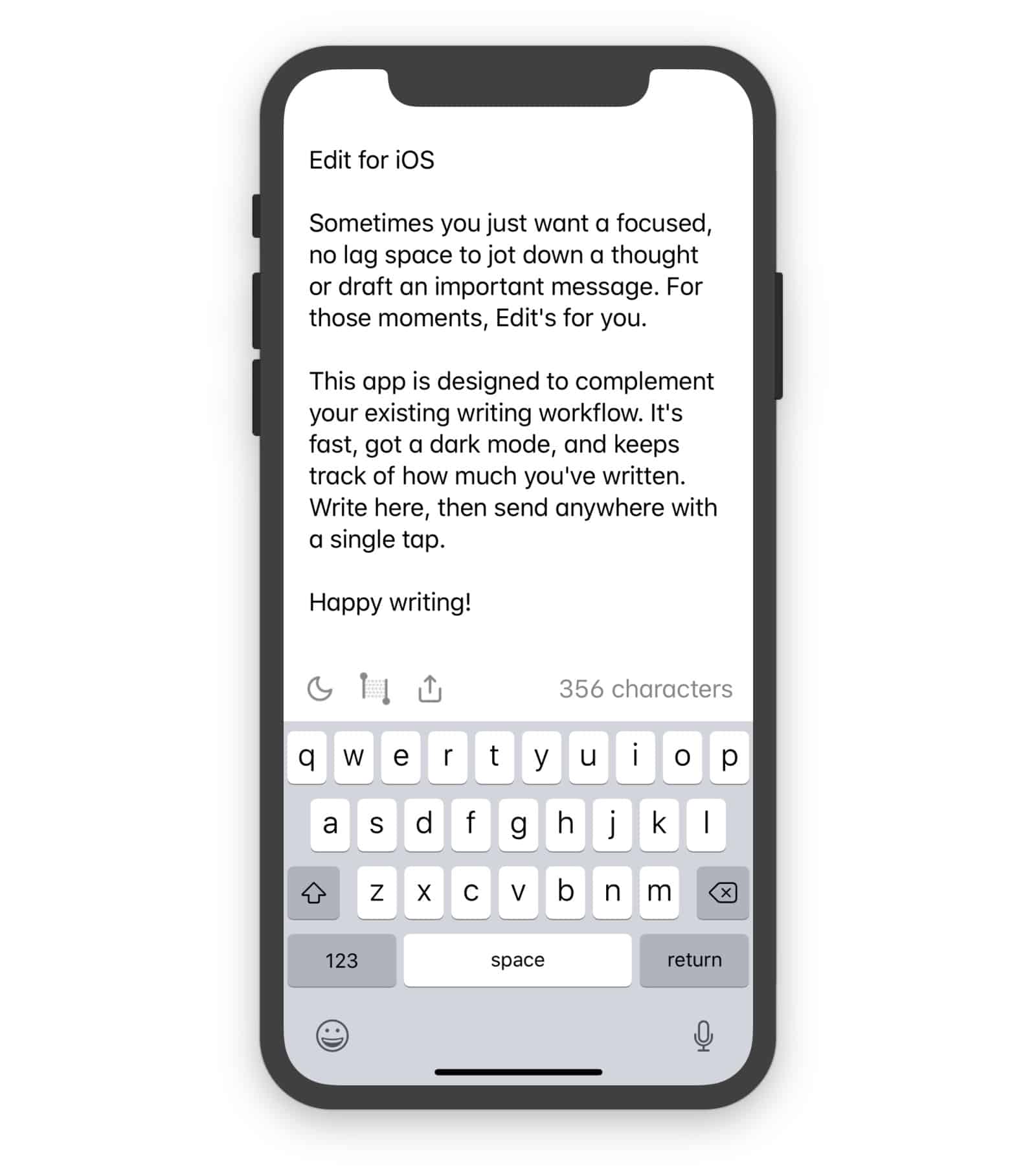
Edit is just about the simplest notes app possible. It doesn’t have search, it doesn’t even have multiple notes. It’s just a single page onto which you can write or paste text, and almost nothing more.
This week we take a look at automatic calendar scheduling in WhenWorks, free music lessons in GarageBand for Mac, an annoying new video app from Instagram, and more.
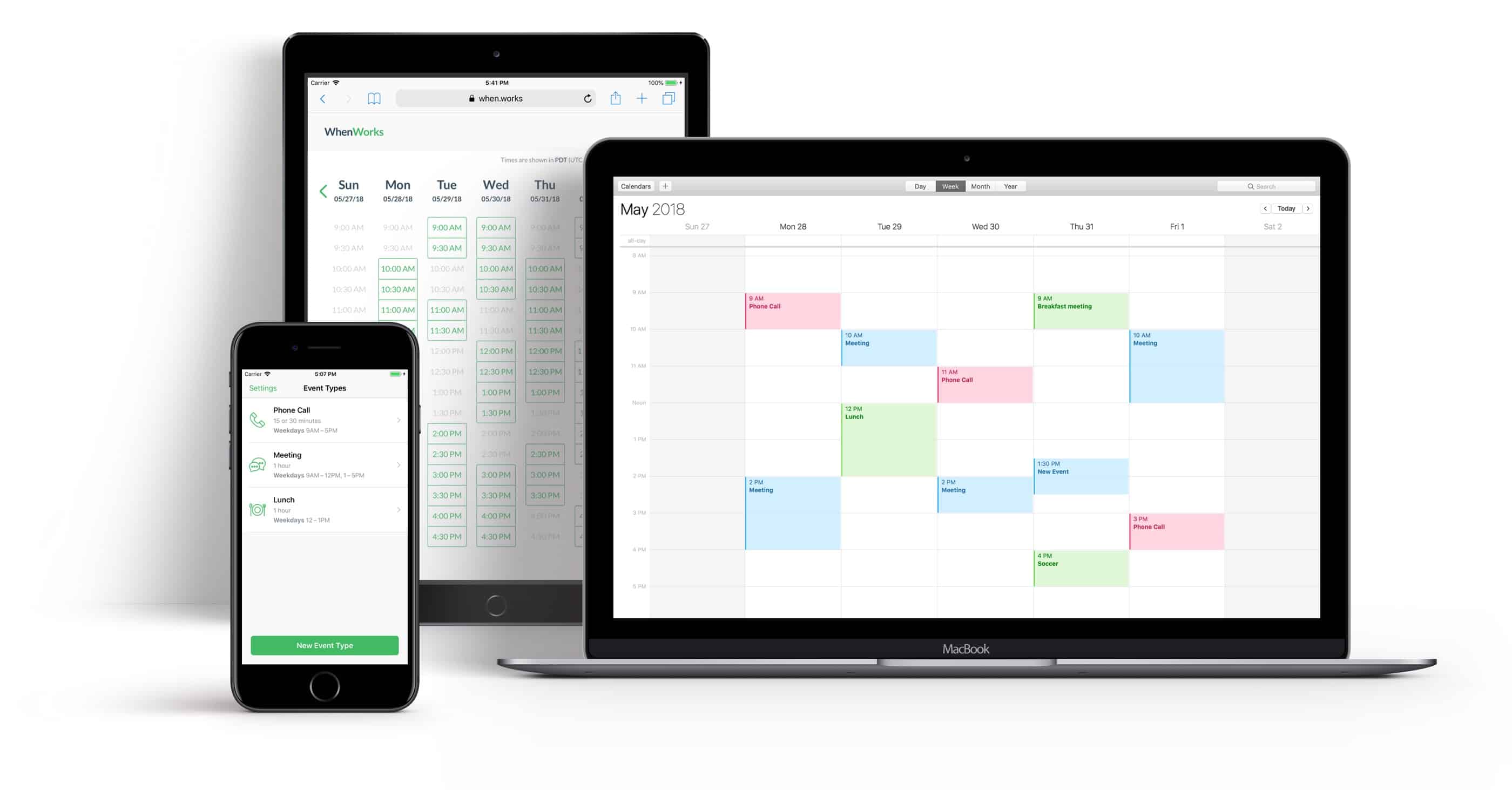
Never negotiate meeting times again. Photo: WhenWorks
You know when somebody wants to meet up with you, and you end up spending so much time going back and forth trying to agree a time and date that you end up hating that person, and cancel the meeting? Maybe you just lost a multi-million dollar contract for your company, and it’s all the fault of scheduling annoyances1.
WhenWorks fixes that by letting folks book time with you online, using a form that is connected to the calendar on your iPhone.
This week we write a screen-play using text messages, make music out of random internet radio streams, and enjoy Apple’s own Voice Memos app, on the iPad at last.
This week we go cosmic, staring into the universal abyss of time, while simultaneously probing the depths of our iDevices using a new terminal app. All while enjoying a sneak peek of tab favicons in the Safari Technology Preview. It’s all pretty exciting!
This week we get productive, with colorful new features in the Ulysses word processor app, amazing new keyboard controls in Things for iOS, and more. Check out our awesome apps of the week.
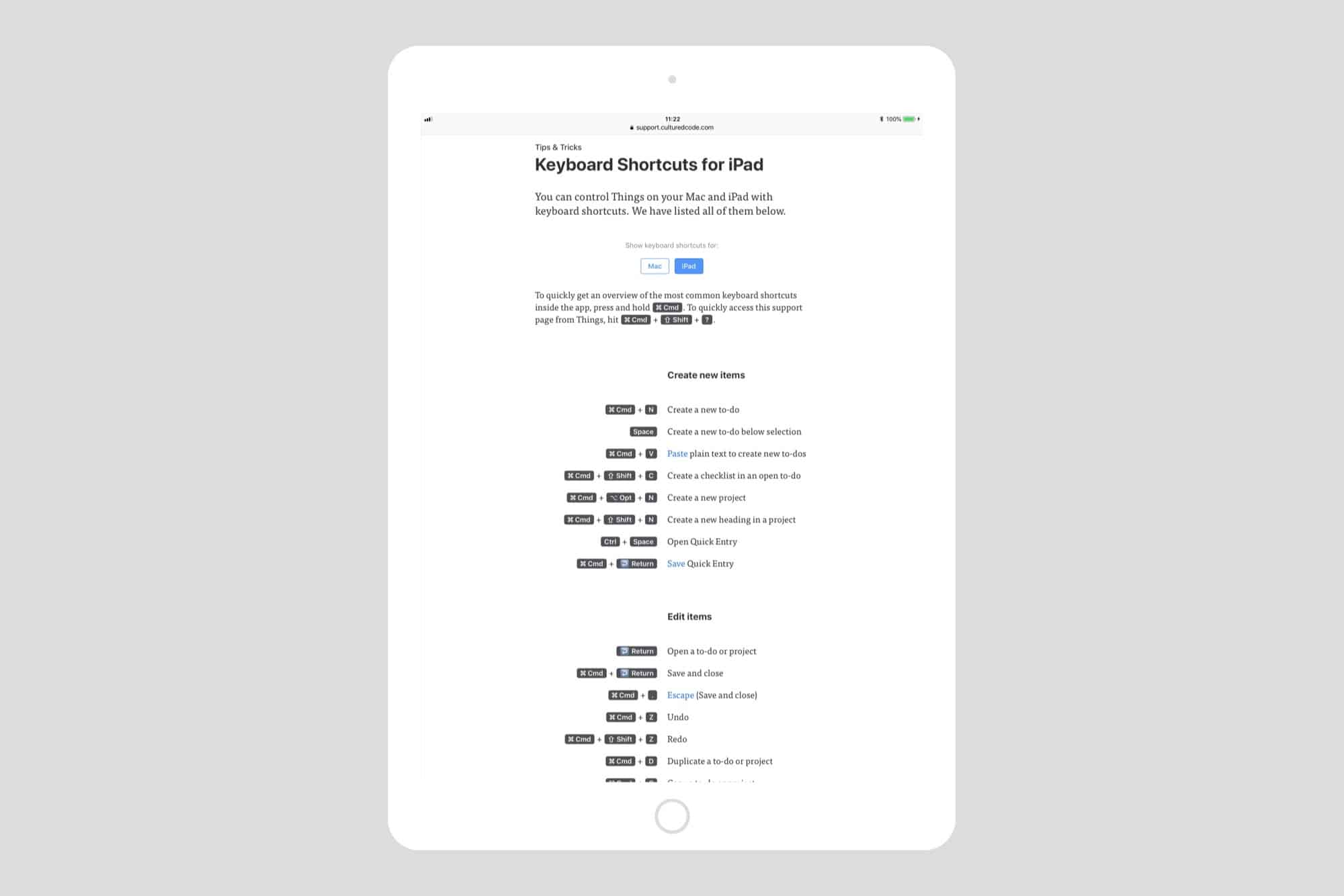
Things now has the best keyboard support of any iOS app Photo: Cult of Mac
Cultured Code’s lovely to-do app Things just got a massive update on iOS, and set the standard for iPad keyboard support at the same time. Now you can control pretty much anything from the keyboard, in a way that’s intuitive and useful, and not just there for power-nerds.
Also — finally — this update lets you drag tasks onto the Things sidebar to add them to your lists.
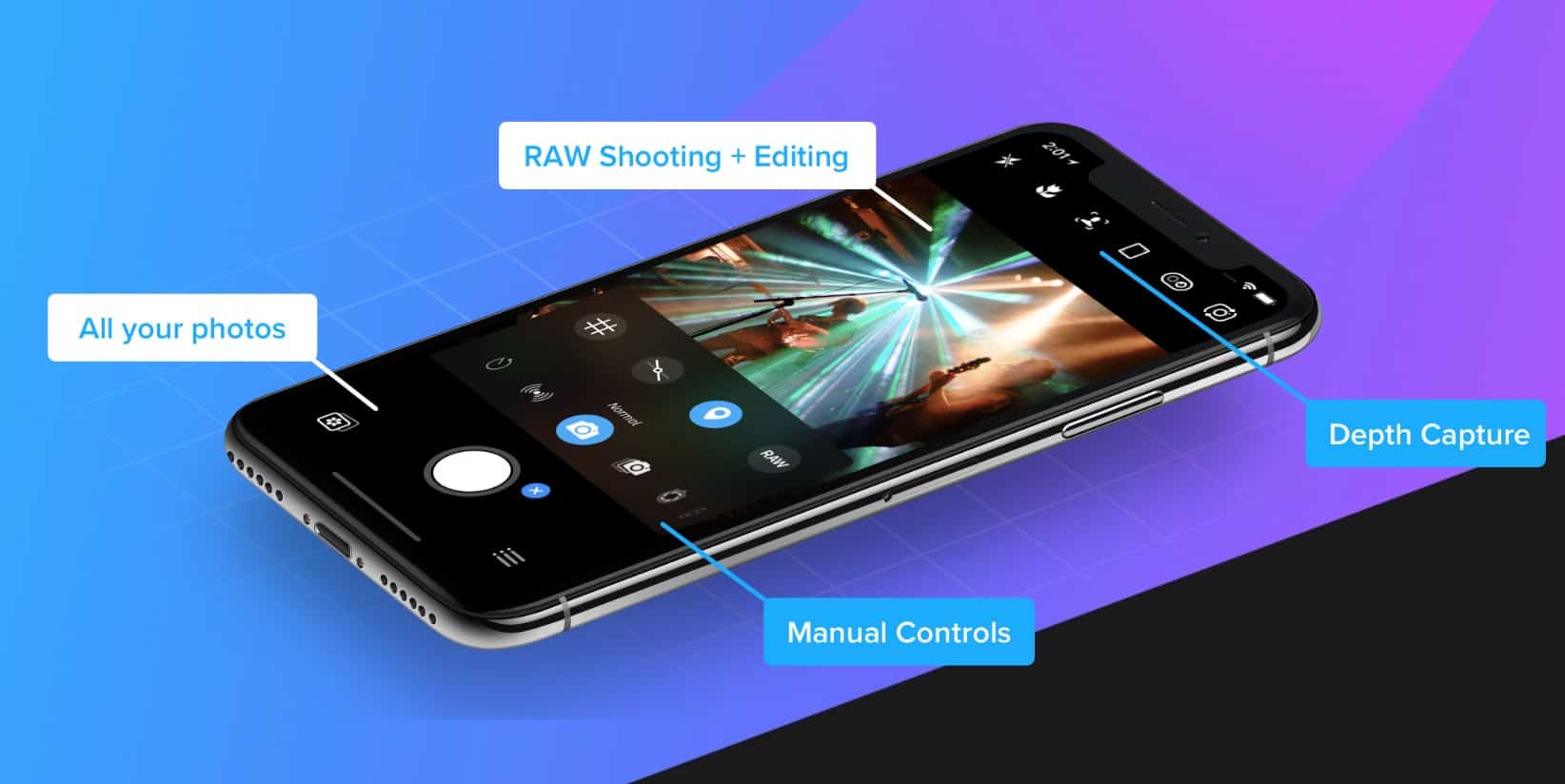
This week we take lots of photos with the new manual camera app Obscura 2, then we delete them again with the duplicate and junk-finding app, Gemini Photo. And while we’re waiting for those duplicate photos to get scanned, we waste a bit of our lives playing Pocket Run Pool.
Camera+2 is all-new from the ground up. Photo: LateNiteSoft S.L.
One of the best original iPhone photography apps is about to make a comeback.
Camera+ was one of our favorite camera apps in the early days of the iPhone thanks to its streamlined UI and unique features. Now the developers behind have given it a complete overhaul in time for the summer.
Did you ever visit a website and find something annoying? The answer is, of course, yes. Ad-blockers and content blockers strip a lot of the junk from a page, but there may be other elements — videos, popups, hideous profile photos on forums, which just annoy you. Today, we’ll see how to get rid of those irritating elements with a single click, using Brett Terpstra’s Killzapper.
When news of the plan was first leaked in December, it was suggested that the feature may be announced at this year’s WWDC event. However, according to Apple watcher John Gruber, while Apple may still be working on a project like this, it is more likely to arrive with MacOS 10.15 and iOS 13 in 2019.
Sometime, probably quite soon, your Mac will stop running 32-bit apps. All new Macs have 64-bit processors, and Apple wants to phase out older 32-bit apps in order to “enable faster system performance” for your Mac as a whole. What this means is that, in an as-yet-unspecified future version on macOS, 32-bit apps will stop running altogether.
If you’re running macOS High Sierra 10.13.4, then you may already have seen a warning pop up onto the screen when you launch older apps. Today we’ll see how to view a list of all the 32-bit apps on your Mac, so you can either harass the developer to update them, look for a better-supported alternative, or just delete them.
This week you can block all kinds of evil internet content with, make your music sound like it was recorded onto a crappy old cassette tape, translate any web-page right inside mobile Safari, and listen to the songs of bands that are playing live in your town. Yes, its time for your favorite Sunday read, the cult of Mac Apps of the Week roundup.
Steve Jobs’ brief for iPad: A piece of glass for emailing on the toilet Photo: Charlie Sorrel/Cult of Mac
Ever since iOS 9, you’ve been able to block ads, trackers, and other content in Mobile Safari. But as websites fought back, and the content-blocker apps added yet more rules in return, the war escalated. Blocker apps started to hit Apple’s hard limit of 50,000 rules.
Probably the most popular and comprehensive blocker is 1Blocker, which just got superseded by 1Blocker X. The new app splits off itself into seven “extensions,” each of which have 50,000 rules, bringing the total to 350,000 rules.
This doesn’t just allow 1Blocker X to boast in the app store. It also allows whole new categories of content blocking. The new setup works slightly differently, so let’s see how to get things started.
There’s little that’s more hipster than an audio cassette. Its sound is far from perfect, it’s impractical, and — most important of all — it is easy to see that you’re using one. But that doesn’t mean that tapes were all bad. Lo-fi cassette decks actually add some rather pleasant audio artifacts to audio.
So what? Well, now you don’t need to lug around a Walkman and a bag of tapes to enjoy the retro sound of audio cassettes, because there’s a) an iOS audio plugin and b) a website that will tape-ify any track you like.
App subscriptions are great, mostly. Trial subscriptions let you try out all the app’s features for free, and if you like the app enough to keep using it, the developer gets an ongoing income that lets them keep improving the app. It’s a win-win.
But what if you signed up for a trial subscription, and you don’t like the app? Or maybe you subscribed to a monthly magazine, and those unread copies just keep piling up? Canceling a subscription is easy, whether it’s a fresh trial, or a years-long subscription you just don’t want any more. Here’s how.
This week has been big on big updates. Drafts, the best text-capture app for iOS, got a brand-new version. Cultured Code’s Things also received a big update (but still doesn’t allow drag-and-drop to task lists). And Dropbox finally did add drag-and-drop, just seven months after iOS 11 added the feature.