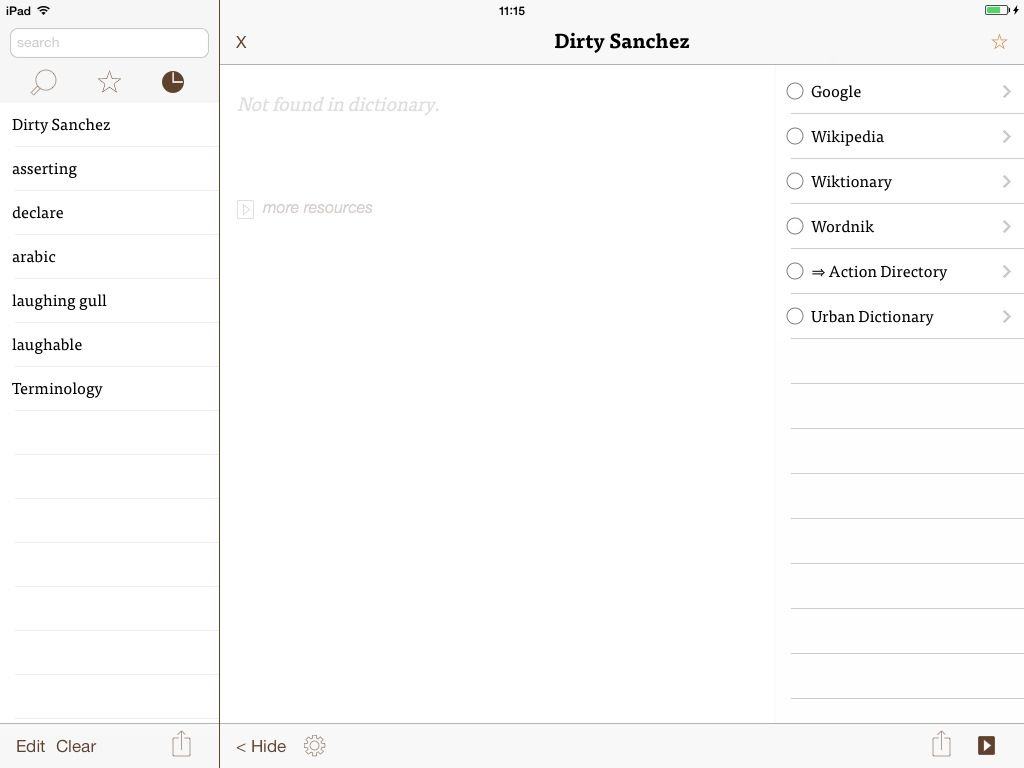
I'm pretty sure Urban Dictionary will have my back with this one...
Dictionaries, dusty tomes full of words. Books that are pointless now we can just tap a word and define it in-place. Who’d buy a dictionary app in 2013? Me. And you, probably, once you’ve seen what Terminology 3 has to offer.
You know how Flickr is cool and all but whenever you just want to see the info about a photo, you have to search all over the page and click a bunch of buttons and they all take forever to load and OH GOD WHY ME? Well, you can say goodbye to that crap forever, with Flickr’s sweet new “Photo Experience.”
Want to use popular iOS app Snapchat as a way to communicate covertly within your criminal empire? In a new blog post, Snapchat Director of Operations Micah Schaffer explains how Snapchat handles requests from law enforcement agencies for Snaps. And there’s good news and bad news.
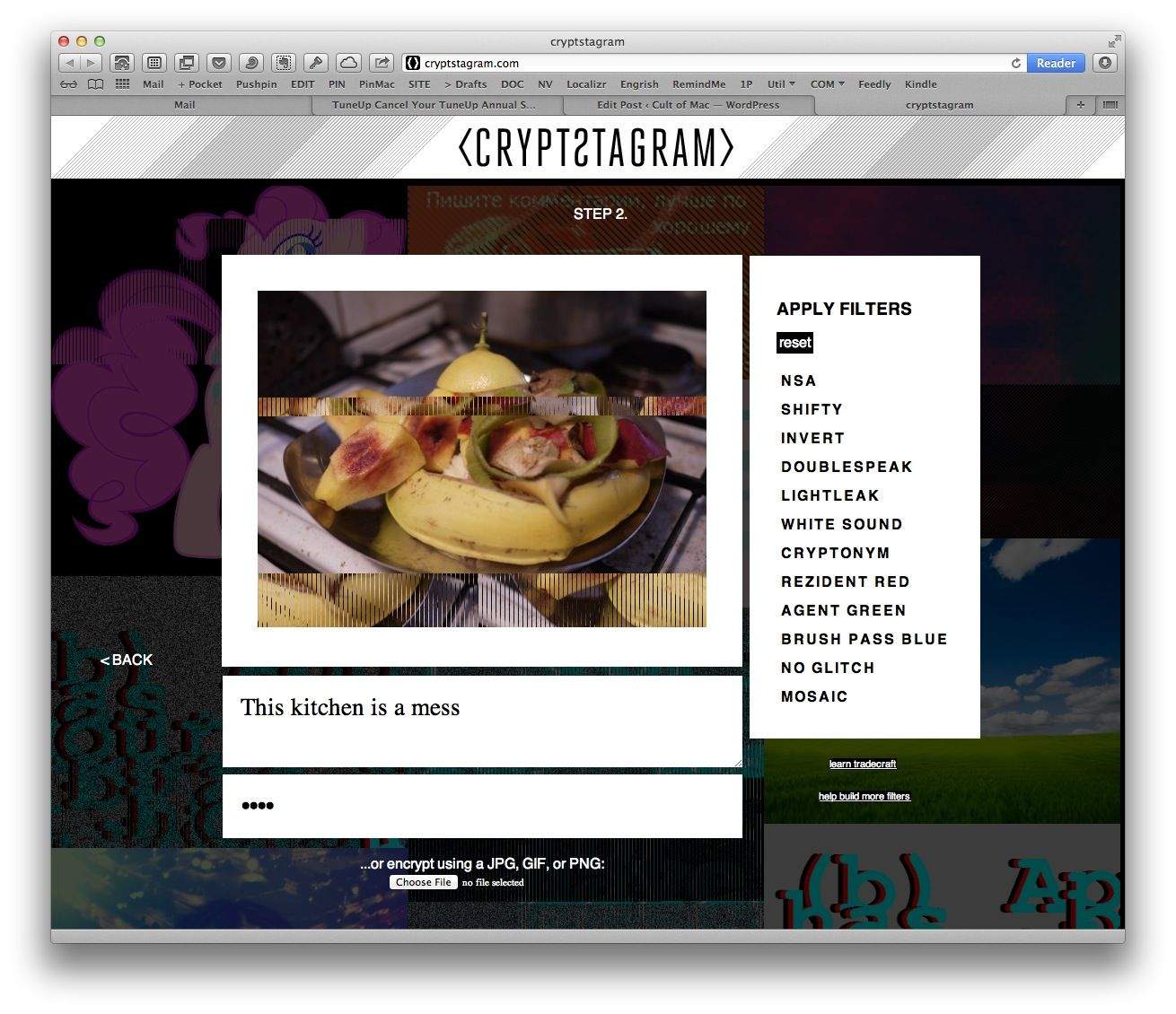
Crypstagram is a neat service for encrypting messages inside your photos. And as an added bonus it also ruins those photos along the way by adding glitches to them. You probably won’t want to actually use it for good (or evil) though, as the images you use are posted right there on the site in a gorgeous glitchy gallery.
Tick is a brand-new ToDo app (yup, another one) that offers one big feature not found in the built-in Reminder app: Color. Actually, that;s not quite true; Tick offers bright, 1980s-style neon color, unlike the tastefully bright hues built into to iOS 7.
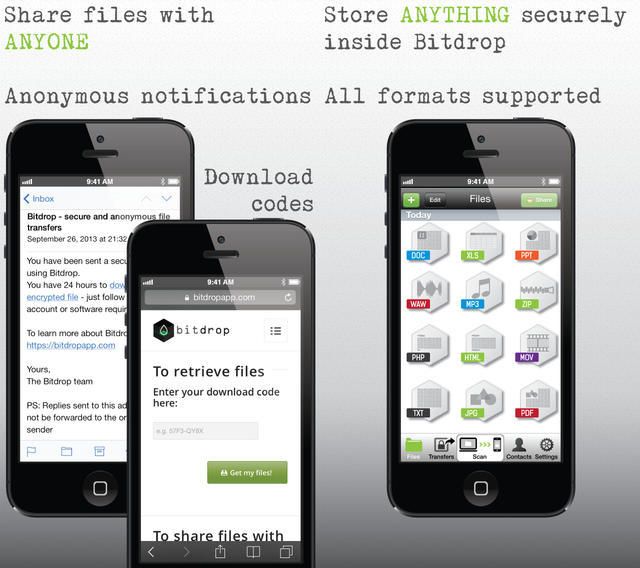
Bitdrop is an interesting new app/service for sending encrypted files to anyone over the internet, with the big advantage that the receiver doesn’t need to install anything. This is pretty good for the paranoid and careful alike, letting you share files using e-mail, but without sending them over the open internet.
Here’s a fantastic tip for iPhoneographers: did you know that you can transfer photos from your Wi-Fi-enabled SD card to your iPad while it is connected to the iPad using the camera connection kit? This amazing nugget was discovered by The iPad For Photographers author Jeff Carlson.
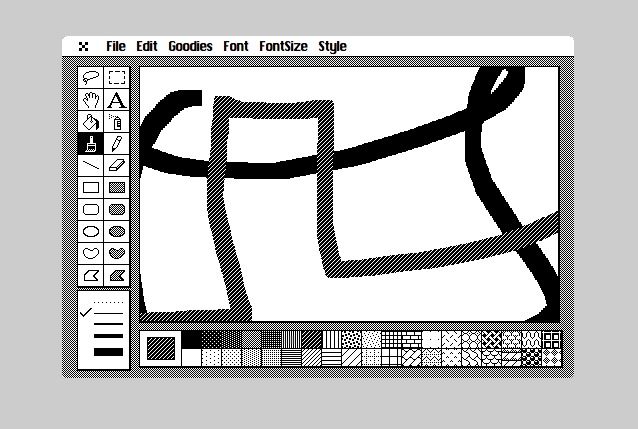
There isn’t much to say about Cloudpaint in the cloud other than it’s MacPaint… in your browser. That’s right – go browse to the site and enjoy the wonders of 1984-style B&W ink and square brushes.
It seems to me that we do a lot of unnecessary worrying in our lives. There’s a lot of generalized anxiety floating out there, and–absent a clinical diagnosis of anxiety–perhaps we could all benefit from keeping track of what we worry about, and how often. If nothing else, it’s a good way to figure out whether we truly have issues to stress over, or if we’re maybe creating a bunch of it for our own need to feel worried.
In addition, we might also have some moments when we realize that our worries are nothing more than irrational fears of our own making. The problem is, we forget these moments when gripped by worry again the next time.
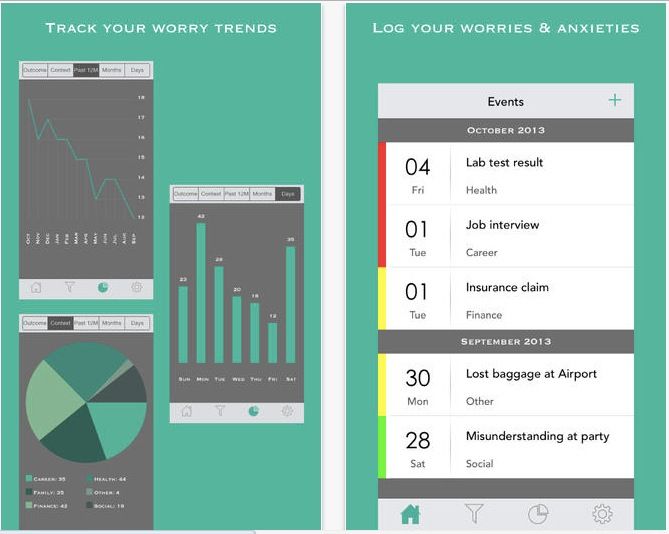
The developer behind iOS app Worry Watch has created a gorgeous and useful way to track our anxious moments as well as the moments when we realize that our worries might be irrational.
Amazon’s Whispersync for voice was always an interesting curiosity: You can read a book on your Kindle, seamlessly switch to the Audiobook version, and then switch back again, all without losing your place. This works thanks to the fact that Amazon owns Audible, the biggest audiobook seller around.
The service just got a lot easier to use, thanks to a doubling of compatible titles, and a new Matchmaker service which automatically pairs up any books you already own, and lets you grab the audio version for a big discount.
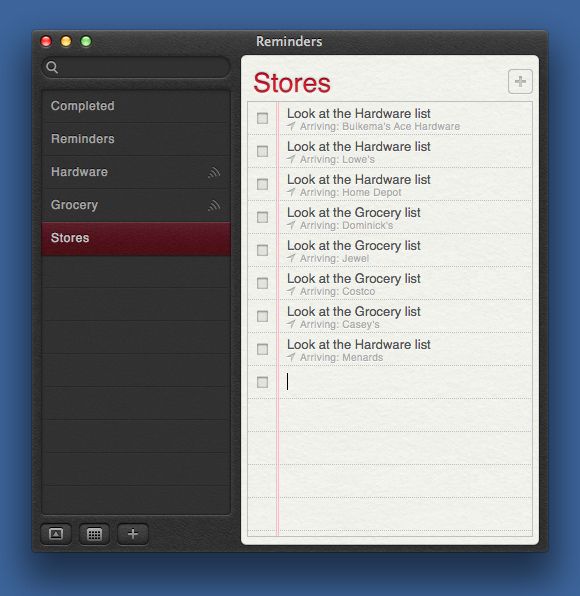
Dr. Drang is on a roll these days. After letting us organize our photos in the Finder with his fantastic shell scripts, he will now change the way you use your iOS reminders app. Are you ready to have your mind blown?
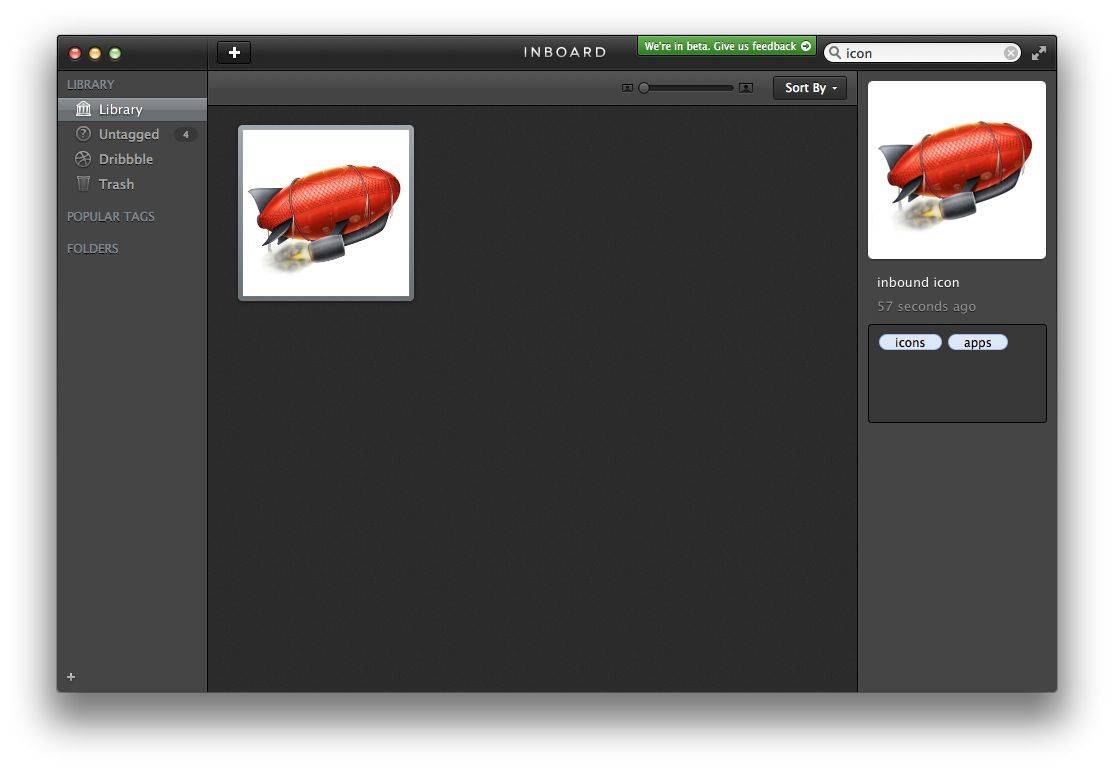
I think I might finally have found a screenshot app for OS X which is simple enough to replace the built-in screen-capture tools. It’s called Inboard, and it further distinguishes itself by having one of the best app icons ever.
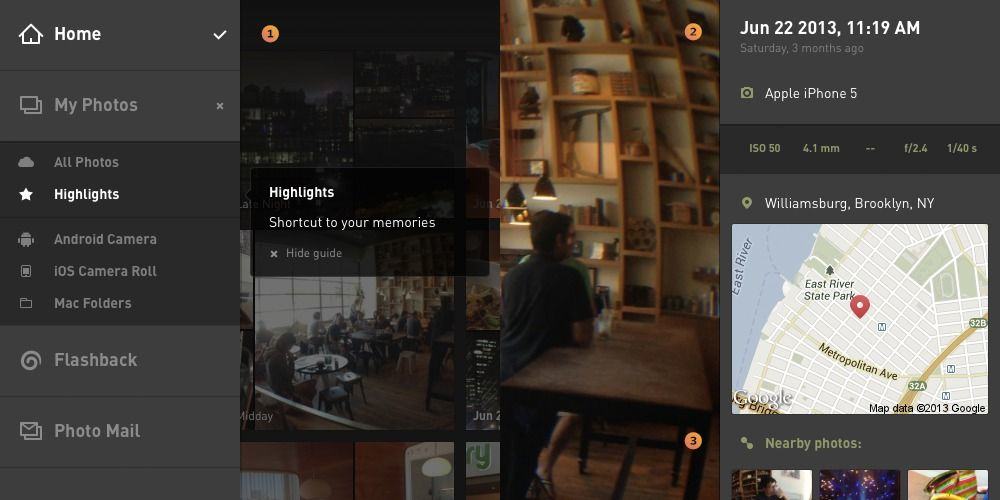
Everpix – in case my constant droning on and on about it wasn’t clear enough – is my favorite cloud photo service by far (I’m currently auditioning Picturelife as a possible alternative, but so far it’s not close). Now the web app has been updated to make it even easier to use. So easy and fast, in fact, that you could use it to replace iPhoto on your Mac.
Netflix 5 brings HD video and AirPlay to iPads running iOS 7. You may have thought you had HD video streaming to your retina iPad, but you didn’t. 5 fixes that, and it also lets you throw your TV shows and movies up onto your big screen via Apple TV with native AirPlay streaming.
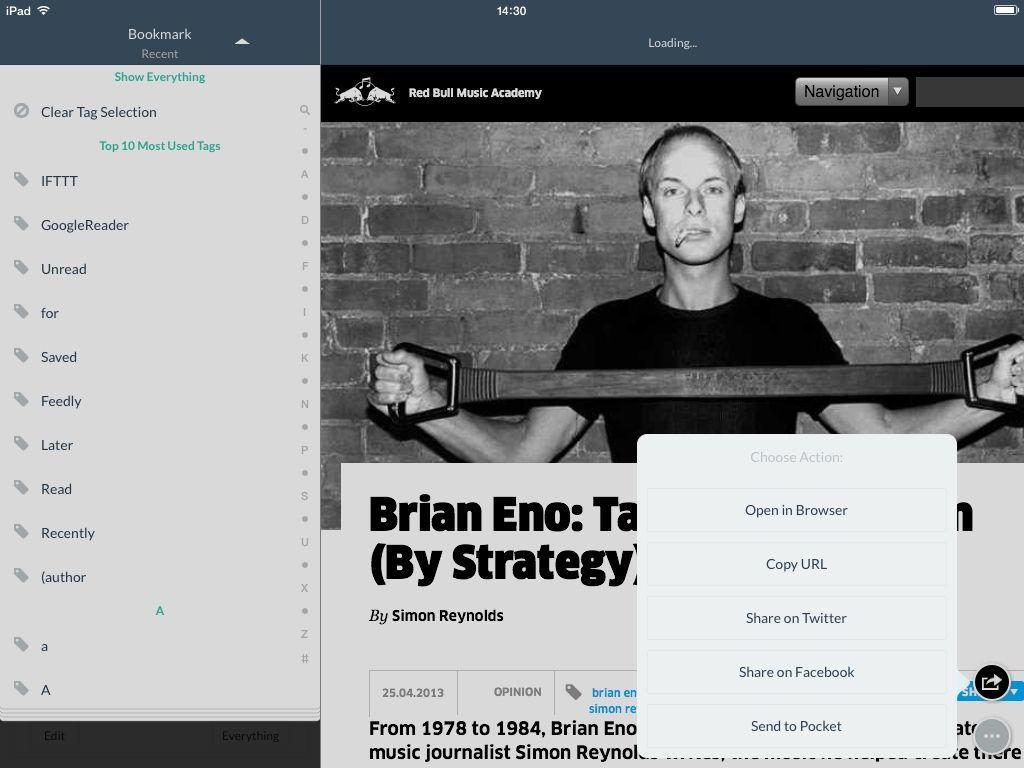
Pincase is yet another great Pinboard client for iOS. It’s $2, it’s universal, and it is ready for iOS 7. Oh, and it looks lovely too. What more could you need for managing and reading your bookmarks. What? You want more? Okay…
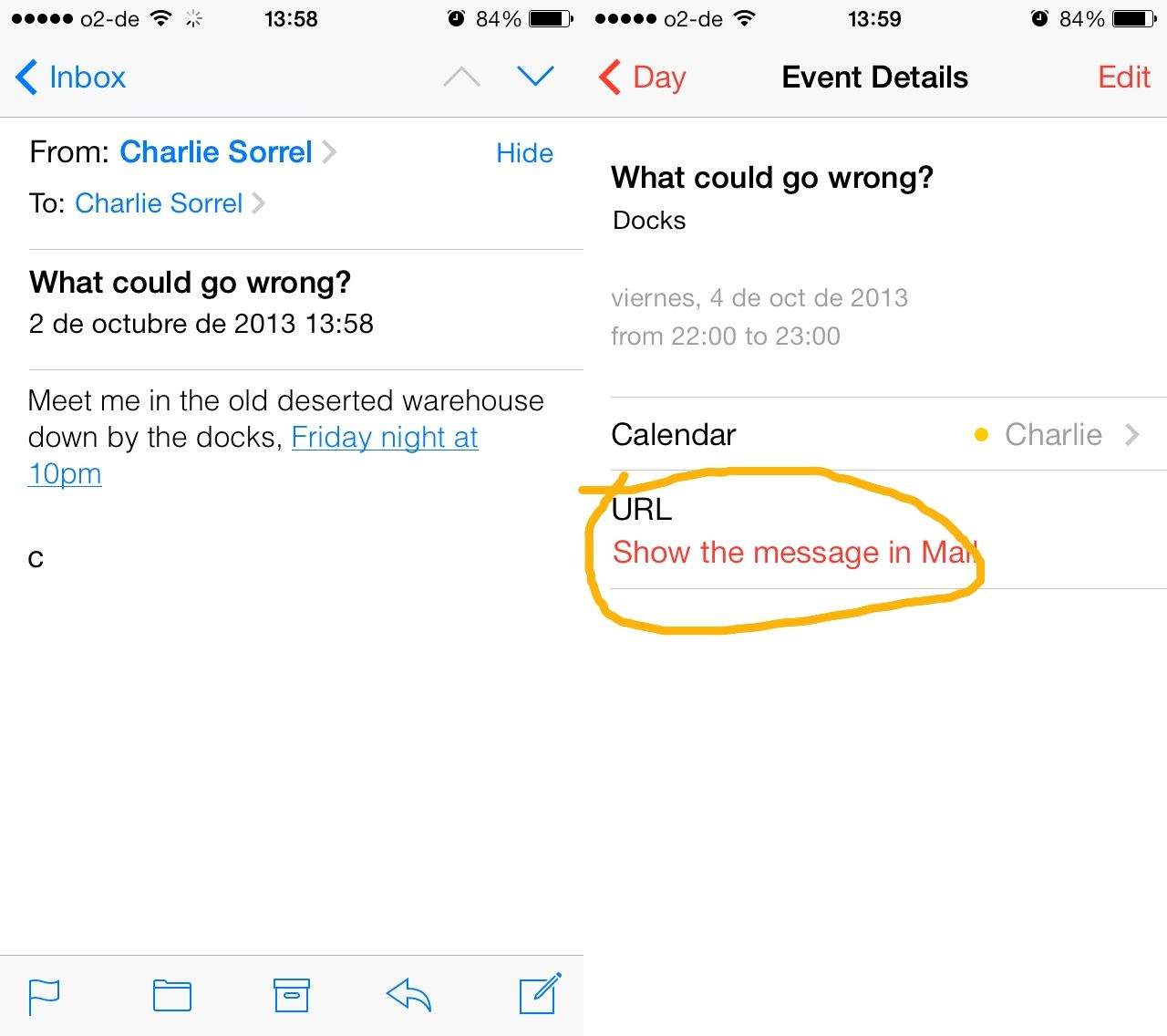
I’d noticed that calendar events created from the iOS 7 Mail app now contain a clickable URL that links back to the original e-mail message, but what I didn’t know is just how rad this is. Federico “another espresso please” Viticci over at Mac Stories knows exactly how rad it is, though, because he dug in and found out that it’s not only system-wide for iOS 7, but hooks into something similar that the Mac has done for years.
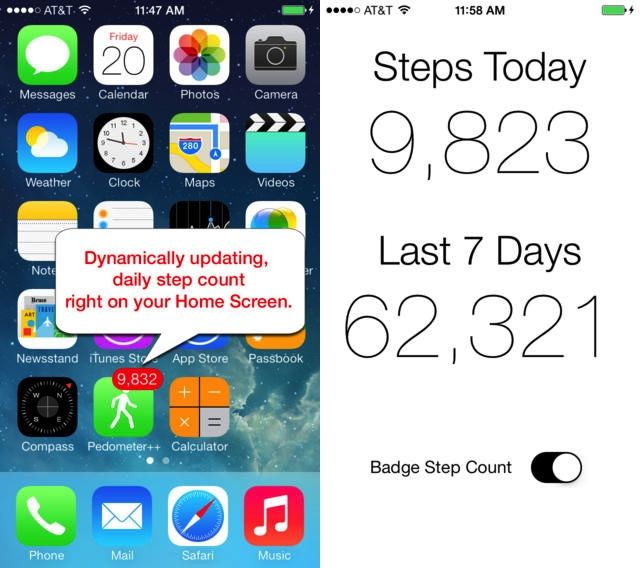
Want to check out the new M7 MoCoPro in your iPhone 5, but don’t have an app to do it? Then check out David Smith’s Pedometer++, a free app which grabs data from the low-power motion-tracking chip and shows it to you.
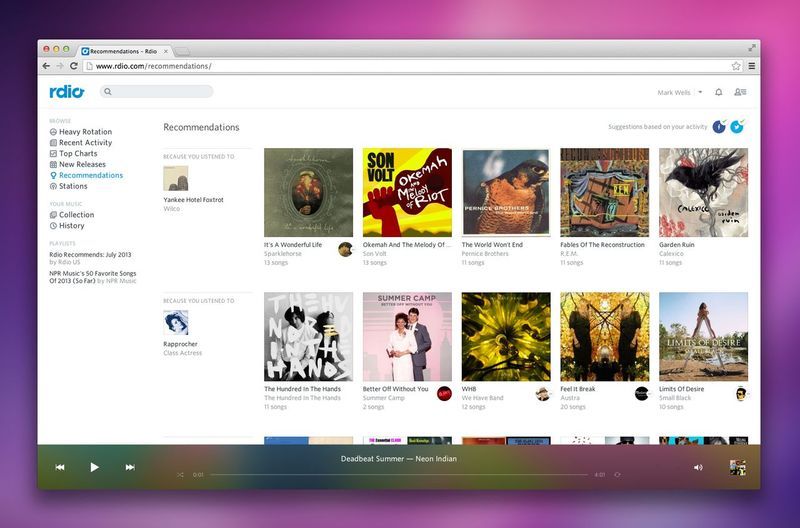
You know what’s great about Spotify and Rdio? The fact that they both exist, and that they’re both great services. Why? Competition. It’s hard to think of two other arch rivals which are adding great new features to their services so quickly.
Today it’s the turn of Rdio, which has slipped recommendations into its music-streaming service, taking the pressure off you to pick a song for yourself.
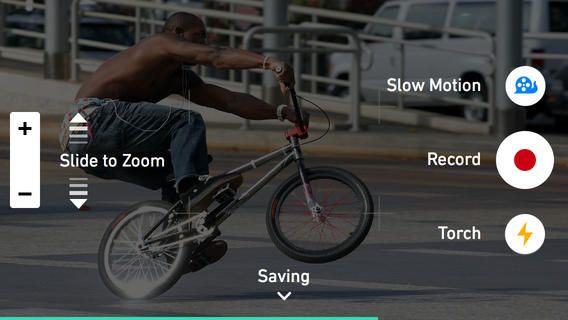
Lusting after an iPhone 5S for that sweet slo-mo camera? Don;t worry, because there’s an app that’ll add the same function to your lame old iPhone 5. Well, kinda – it’s not 120fps, but it’s close bad.
There are a bunch of apps out on iOS for kids, from educational apps to sports apps and more. Sure, you can get reviews of these games by adults, sometimes even from parents of kids who use them.
We thought it’d be fun, though, to ask the kids themselves.
Welcome to Kid APProved, a series of videos in which we ask our own children what they think of apps on the App Store that they’re using.
This week, it’s highlights, game stats, player news, and all sorts of Football fun with NFL Mobile, from NFL Enterprises. Here’s what our Kid APProved reporters think.
Google+ already lets you upload RAW photos to the service, but now the rendered JPGs from those RAW files are going to look a lot better. Working with the boffins at NIK software (which Google bought when it acquired Snapseed), the G+ RAW conversions have been tweaked to give some dramatically better results.
If you write in Markdown on your Mac, then you should buy Brett Terpstra’s Marked 2. It could be described as a tool for previewing Markdown files, but that would be like calling an iPhone a… well, a phone.
Speaking of snapping photos and saving them in Evernote, Notograph is a beautiful new iPhone that will do just that, as well as syncing with Dropbox and iCloud.
The Evernote iOS app has gotten another big update, barely a week after it was revamped for iOS 7 and made useful again. The news today is the new Post-It camera, which now lets you scan the yellow sticky squares right into your Evernotes.