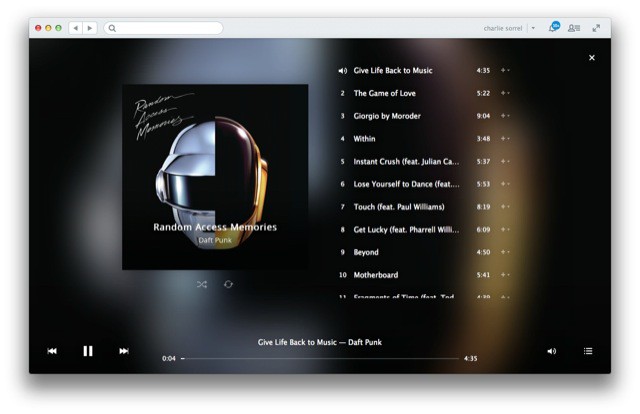
Rdio, the Pepsi to Spotify’s Coke, just got an update to it’s Mac app today. For those of you following along on iOS, the changes will be familiar, complete with big and “beautiful” album art and a neat new “upcoming” view.
Back In The Day™, when men were men, cars were cars and boys were forced to work to support their families before their stupid brains were even half developed, we fixed automobiles by kicking their tires and sucking our teeth.
Fast forward to the Space Year 2013 and cars now repair themselves. All you have to do is take it to a repair shop, where they plug it into a computer which sucks the money from your bank account while you take a spin in a “courtesy” car.
But what if you want to tinker? If you own a Ford and an iPad, and don’t mind getting your hands (literally) dirty, then you’ll be happy to hear that there’s a (concept) app for that.
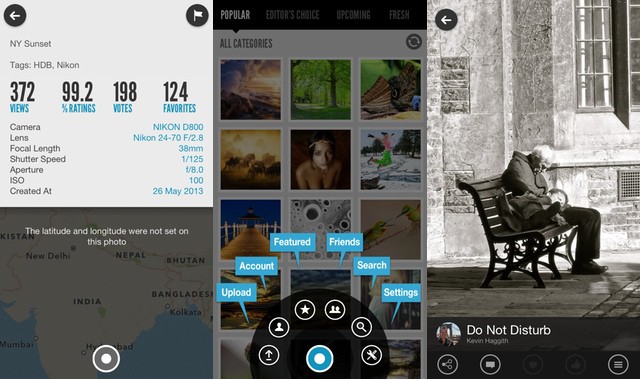
As Flickr is to Instagram, so 500px is to Flickr. 500px is a photo-sharing site that focusses (huh…) on showing only your best pictures. To this end the website and various apps bring beautiful hi-res images to your iDevices (it’s especially good on the Retina iPad), and the account upgrade options are geared towards professional portfolios.
But the quality of the official apps hasn’t deterred the folks behind ISO500, a brand-new iPhone app which brings a super-minimal interface to the 500PX site. And, like 500px itself, the app is free. Mostly.
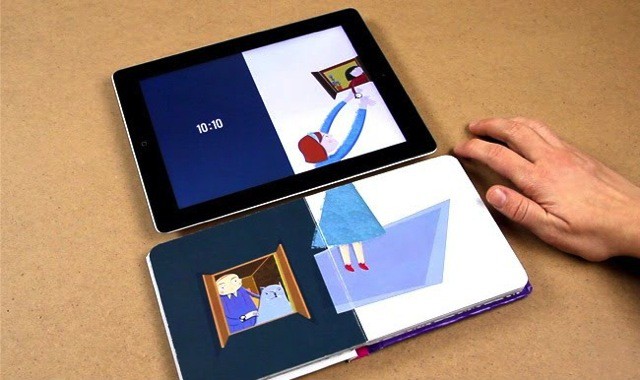
This is the Bridging Book, and it “bridges” the gap between reality and virtual reality by combining an iPad app with an actual paper book. The concept is simple and yet looks to be very effective, if the smiles on the kid in the video are anything to go by: The iPad detects page turns made in the book using magnets. Yes, frikkin’ magnets.
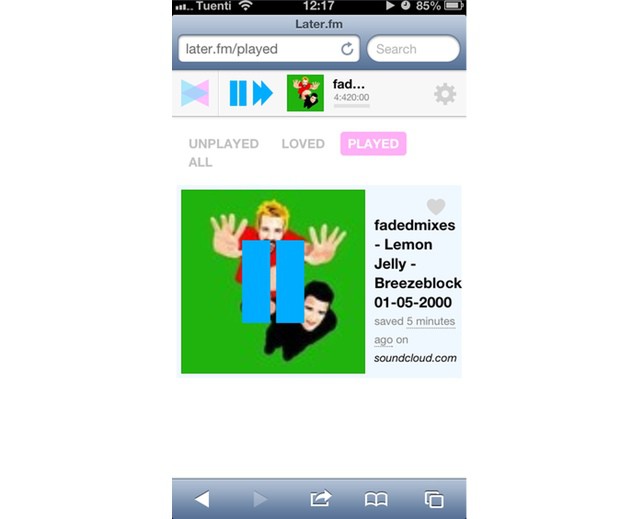
Later.fm is like Instapaper for music. And like Instapaper, it is beginning its life as a web-only app, although it works so well in Mobile Safari that you won’t care about the lack of an actual iOS app right now.
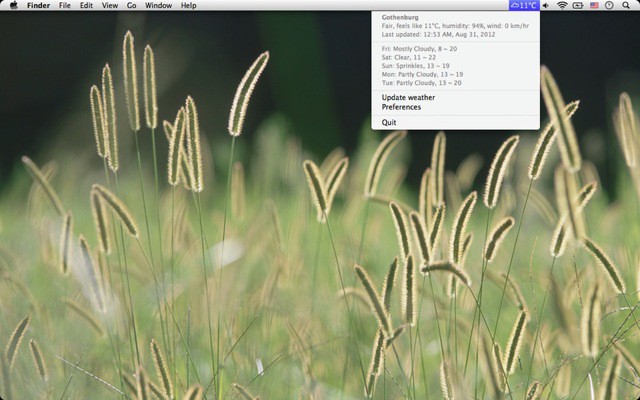
Farensius is a simple menubar app for your Mac which will let you know what the weather is doing outside, should you be too busy to turn your head and steal an unproductive glance through the nearest window. You get a little icon showing you the type of weather you’ll find beyond the confines of your office, and a temperature in – yes – ˚F or ˚C.
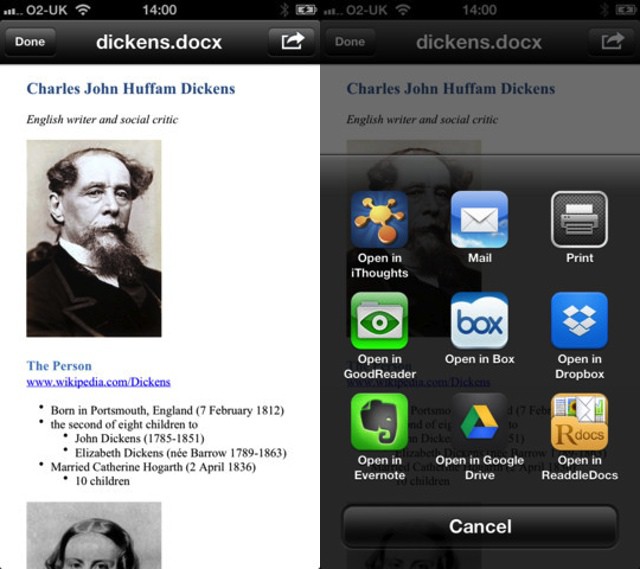
MakeDoc is a single-serve iOS app which costs just $3. That’s a lot less than the app it might replace for many of you: Microsoft Word. MarkDoc does (mostly) one thing: it takes a clipboard filled with Markdown text and turns it into a DOCX file. That’s it.
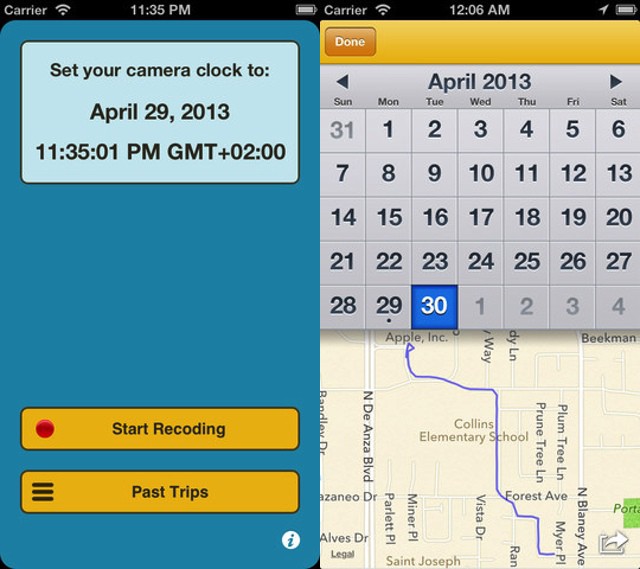
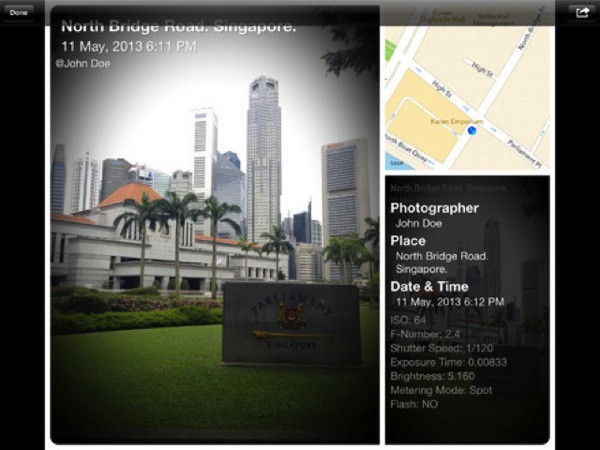
You know how all your photos have a ton of extras tucked inside? Like – to pick a completely random example – the GPS data. And yet, whenever you send your vacation photos to your mom, she mails back to ask “where is that cool restaurant with the camel and the statue of Elvis outside?” or somesuch thing. Of course, you want to scream “Just look in the EXIF data, you idiot!” but, bring a good son/daughter, you just tell her. Again.
Well, a new app for the iPad and iPhone will help you make the implicit explicit. It’s called Map Camera.
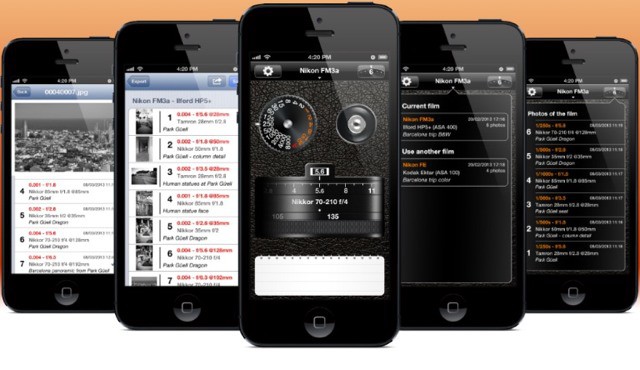
PhotoExif is an app that lets you add EXIF data to photos shot with a film camera. You can dial in aperture, shutter speed, focus distance and focal length, along with notes about your photo, and when you get the photos back, freshly scanned from the lab, you can add the info to the digital images.
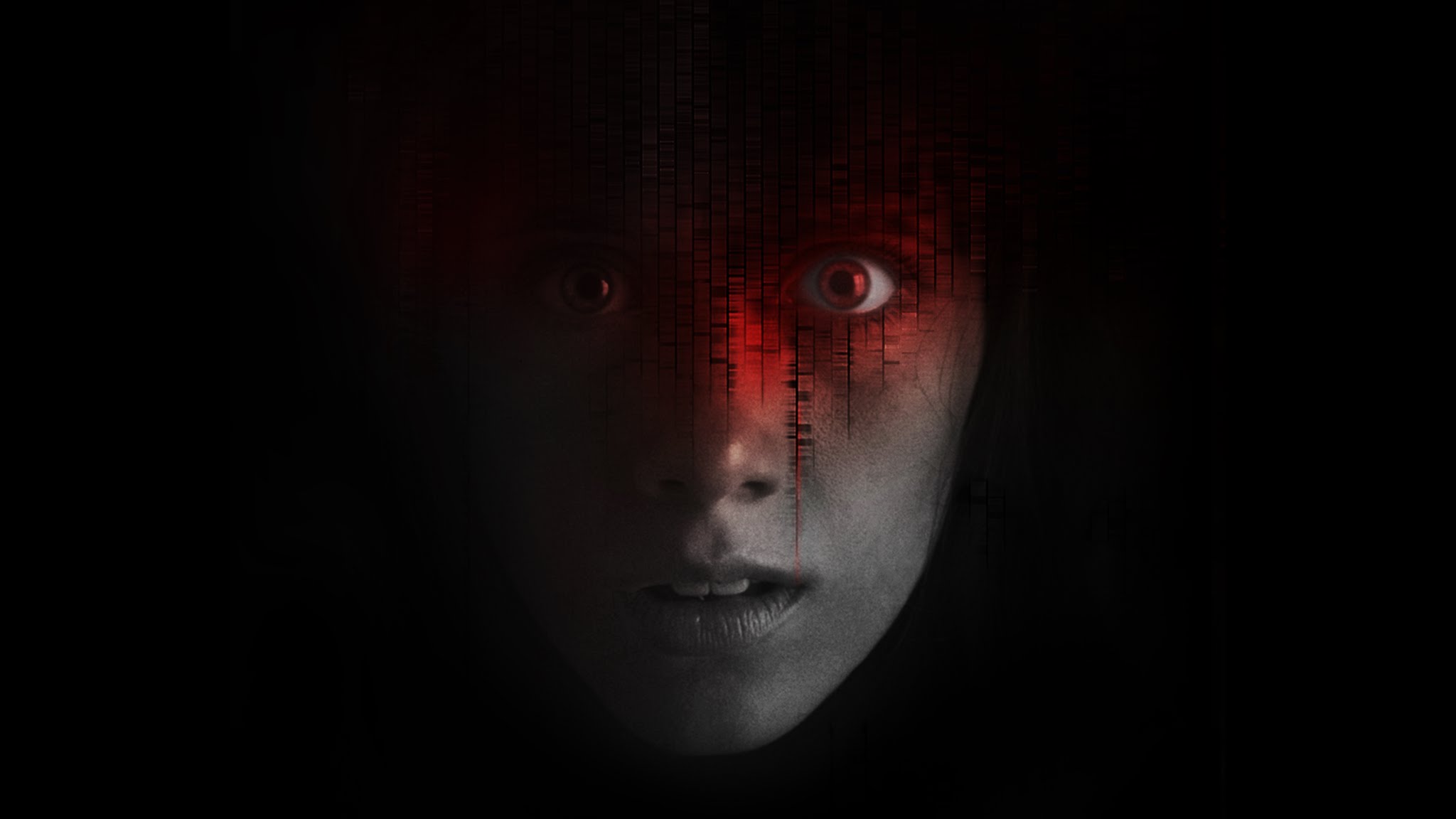
Haunting Melissa is a horror "movie" which is dripped into your real, everyday life by your iPad or your iPhone. Instead of sitting down for an hour and a half and watching the story unfold, the story comes in episodes.
The twist is that the snippets are delivered at unexpected times, and you’re told about them through push notifications sent to your iDevice.
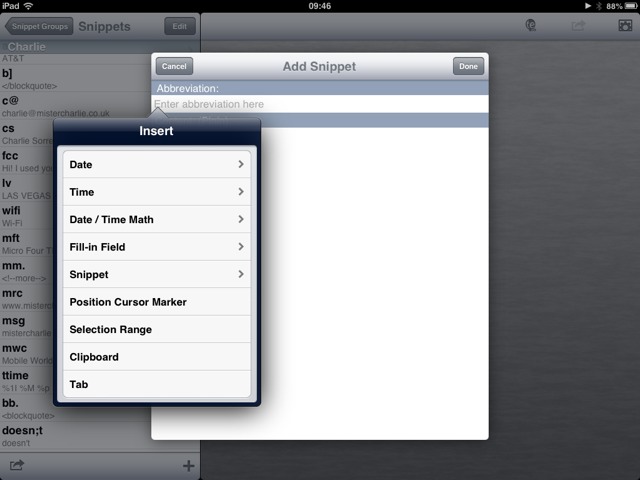
Good news, iOS power-nerds! TextExpander Touch 2.0 has just been released into the wilds of the App Store and is available for your keystroke-saving delectation.
The big news? Fill-In snippets finally come to iOS. But that’s not all…
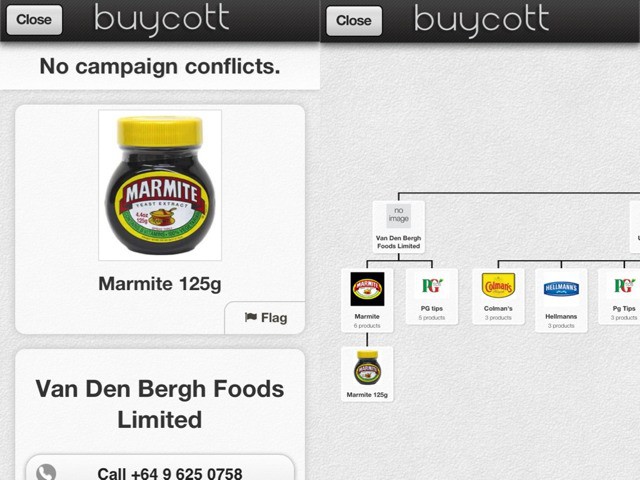
Choosing what to buy when you’re trying to be an ethical consumer is tricky. In a world where hippie holdout Ben and Jerry’s is now a corporate sellout owned by Unilever, how can we know who owns what, and which products we should boycott?
Luckily (and you knew this was coming), There’s An App For That™. It’s called Buycott, and by just scanning a barcode, you can find out which scheming ne’erdowells are behind the brand.
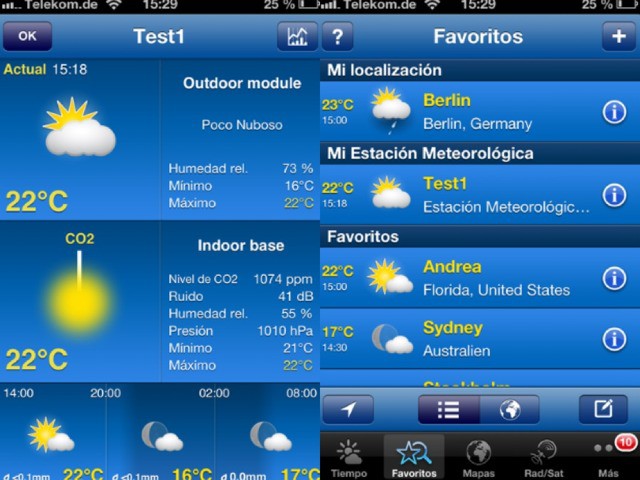
There are probably more slick-looking weahter apps in the app stoire than there are gimmicky to-do list managers, but if you want a meteorological powerhouse in your pocket then there’s only one option: WeatherPro. In it’s paid form it will give forecasts for up to two weeks, along with all the radar and satellite animations you could need, plus detailed yet easily-read weather info.
Now, if you own a backyard weather station from Netatmo, you can view its data right there in the familiar WeatherPro interface.
Apple just announced that the App Store just hit its 50 billionth app download ever. To celebrate the event, Apple said it would give a $10,000 App Store Gift Card to the person who downloads the 50 billionth app. Apple’s also giving $500 App Store Gift Cards to the next 50 people to download an app after the 50 billion mark.
iTunes users spend an average of $40 a year on digital content, according to the latest report from Asymco’s Horace Dedio. And with more than 500 million users, Apple is raking in over $5.5 billion in iTunes sales revenue every single quarter.
That’s more than some technology companies see in total, and Apple’s making it on just one service.
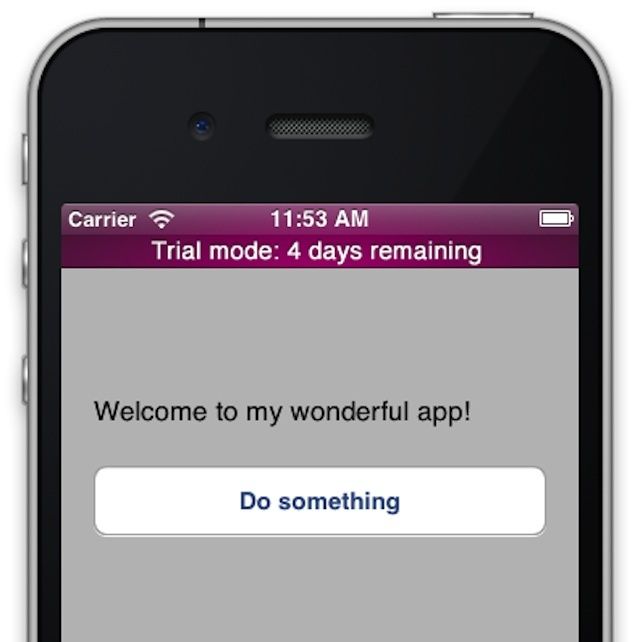
It seems crazy that iOS is six years old now, and Apple still hasn’t introduced a way to trial apps before buying them. Apple’s motivations in this aren’t clear — are they concerned that trialing apps will give users less incentive to buy them, and therefore make it less likely for Apple to get a 30% cut? — but it seems obvious to me that trial versions of apps would ultimately be a boon to the platform, allowing app developers to command higher prices on apps than they currently can.
How would such a system be implemented, though? iOS and Mac developer Amy Worral has some really smart ideas. And the best thing of all, they’re simple for Apple to implement.
We all know how to draw the "Marvel way," right? Step 1: some lines; a skeleton for your figure. Step 2: ovals and circles, pencilled in to show the head, limbs and body. Step 3: The amazing, finished, inked-and-colored result. Congratulations: You’re now Jack Kirby.
Peterson Hamilton’s Draw This App aims to help out with step two-and-a-half.
EveryThink, an amazing get-it-all-done-and-in-one-place app, has just updated to version 1.3.1, bringing a host of improvements to an already pretty great app.
The new update adds Dropbox to the already existing Google Drive support, meeting invitations from within the app itself, Siri Reminder integration, and Facebook support, which brings contact photos and Facebook calendar events in automatically.
New usability features have also been added, including a guided introduction to the many features of the EveryThink app, as well as landscape orientation, so you can hold your iPhone the way you want to and still use the spatial organization central to the app’s interface.
This is the cover of the favorite album of iOS 7 beta testers.
It’s not uncommon to see early versions of upcoming iOS and Mac releases pop up in server logs — we’ve seen occasional blips from iOS 7 and OS X 10.9 for a while now in our own server logs — but what is less common is actually looking over an iOS 7 beta tester’s shoulder and checking out what they’re interested in.
Yet that’s just what mobile site conversion company OnSwipe was able to do, analysing iOS 7 beta tester’s reading habits to get a better grip on what people at Apple are interested in.
Over the last few months developers and websites haven’t seen much iOS 7 beta traffic coming out of Apple’s set of IP addresses in Cupertino. However, over the last few days traffic from devices running iOS 7 has increased for a number of websites and apps.
Onswipe has reported that it has seen a big spike in traffic on its partner sites that run its HTML5 optimized mobile websites. Cult of Mac has seen the number of visits from iOS 7 users increase in our traffic logs, starting around April 29th as well.
Process, the step-based photo-editing app for the iPad, has gotten bumped to version 4.0. With that update come live, almost full-res previews, blend mode support and – supposedly – less crashes.
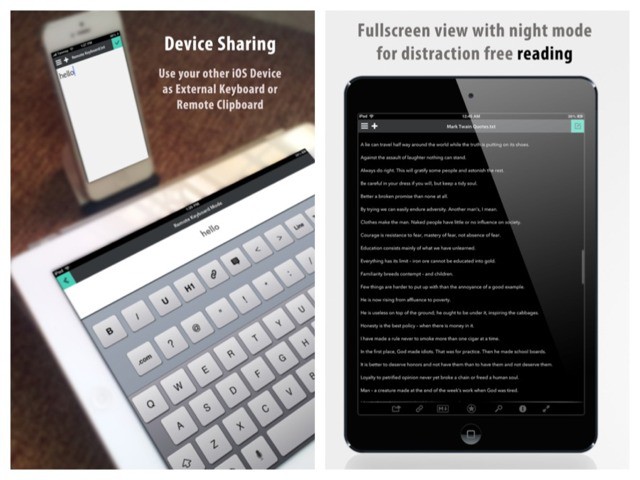
If I see another app which promises a "distraction free" mode, I’m gonna…. Wait. Where was I? Ah, yes. Write is now available for the iPad. You might remember the iPhone version of this text editor for its clever UI and stunning good looks. The iPad version has all this and some clever extras.
Sometimes all you want to do is flip through a folder full of photos, maybe cropping a few of them and deleting the worst ones. That’s exactly what Arcsoft’s new Photo+ for OS X is for. You just drag a single photo onto the app and you’re off – able to use the arrow keys to navigate every other image in the folder, cropping and deleting as you go.
Cobook, the non-sucky contacts app for iOS and Mac, has today added Livecards. Livecards are a way to share your contact info with other people. Instead of relying on those lazy idiots to update your details, you take care of it. The resulting changes are pushed to everyone who has your Livecard in their Cobook.
Yes, this is exactly how address books should have worked ever since the internet was invented.
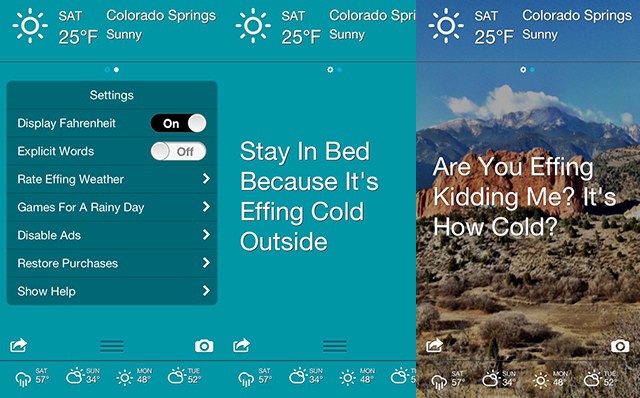
Today is a beautiful but limited weather app. Dark Skies is that clever wether app which tells you exactly where and when it’s going to rain, so you can decide whether to grab your umbrella as you dash tot he store. The problem? U.S-only.
Now Today has incorporated Dark Skies alerts to bring this kind of accuracy to the rest of the world.