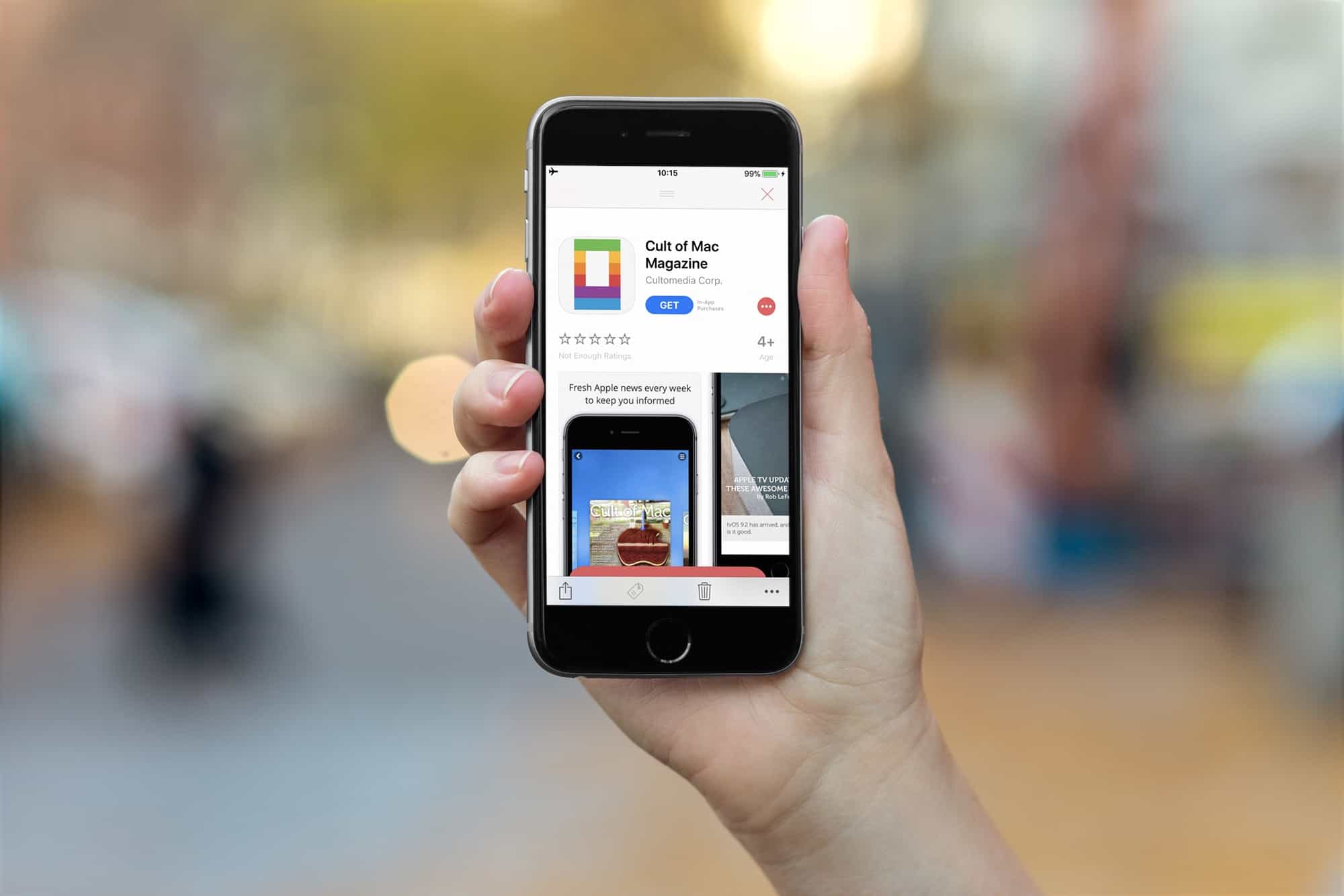
The App Store looks all-new in iOS 11. Photo: Ste Smith/Cult of Mac
The redesigned App Store has been a boon for developers, based on new third-party data that shows getting a little promotion goes a long way when it comes to downloads.
With the launch of iOS 11, Apple made some big changes to how iPhone and iPad users browse apps in the App Store. App Store shoppers are now greeted by big promotions for the App of the Day and Game of the Day which has become worth a lot of money to developers if you’re lucky enough to be selected.
Paperlogix is a yet another document scanner app for iPhone and iPad, but it has one big feature that really makes it stand out. Like all the other decent scanner apps, it uses the iPhone’s camera to capture scans, and then processes them, removing the background, squaring off your wonky framing, and rendering text in crisp black and white.
But Paperlogix goes one better. It can read your scans, and then file those scans based on what it finds. So, for instance, you could have it automatically file all your grocery receipts in one folder, or send all invoices to your accountant, all without doing any of the work yourself. It’s pretty neat stuff.
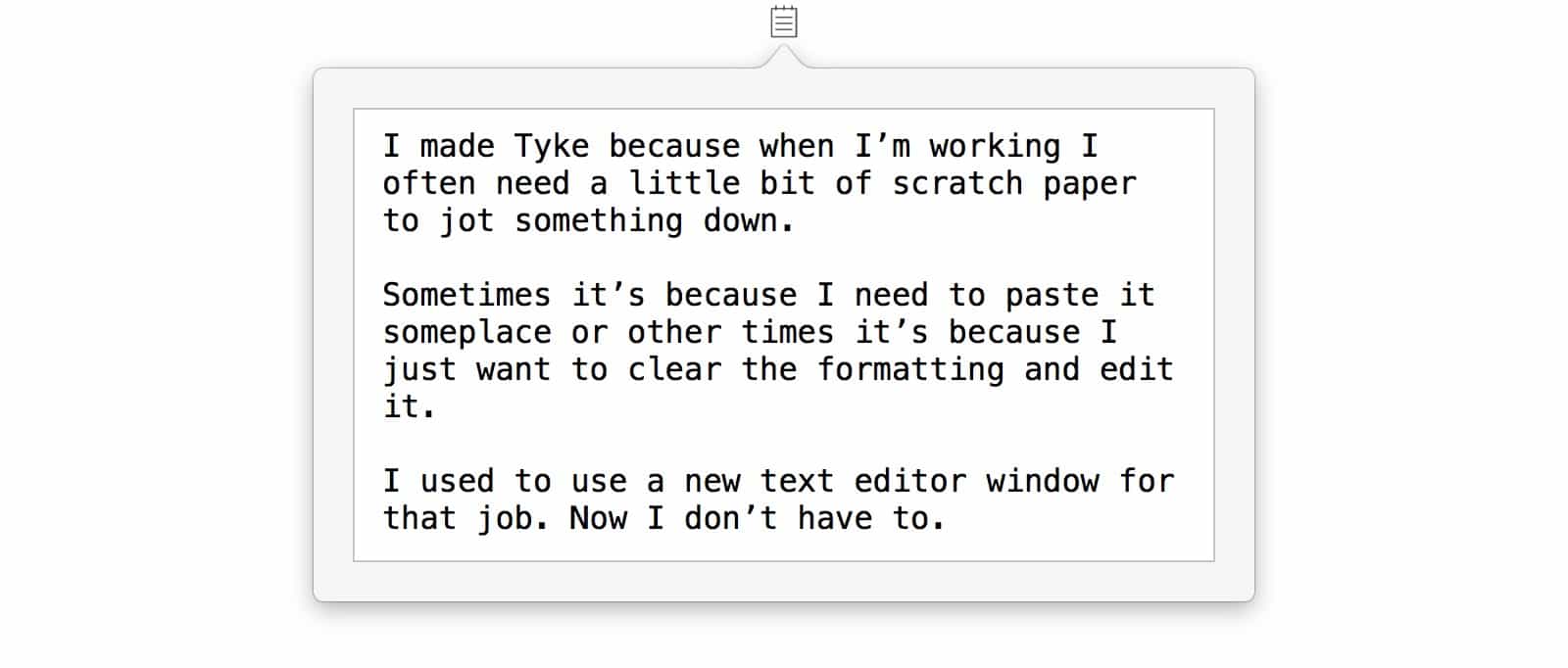
Tyke is ready to take a note whenever you need it. Photo: Tyke
Tyke might be just about the simplest app you ever saw. It is also really, really useful. Tyke puts a little icon in your Mac’s menubar, and when you click it, it opens up a text scratchpad. You can jot in a quick note, or paste in some info. And that’s about it.
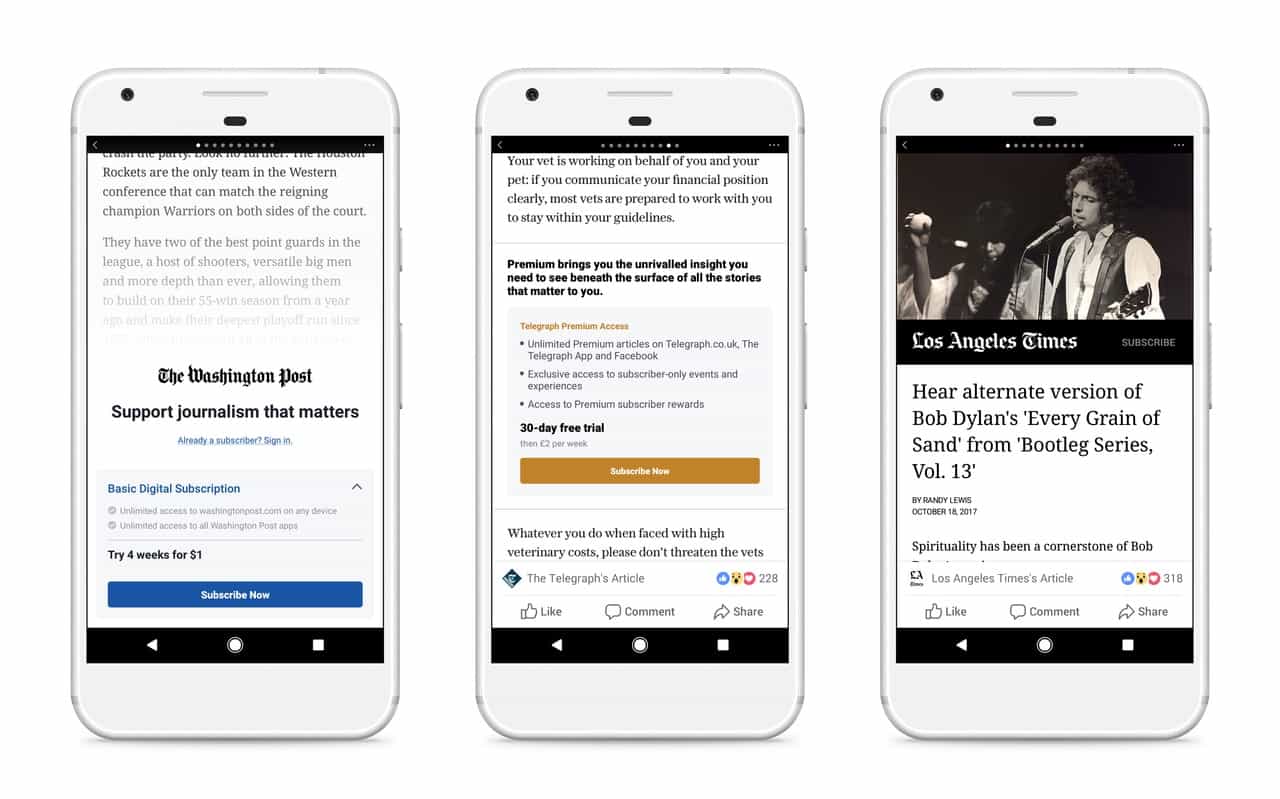
Facebook's subscriptions are coming to Android but not iOS. Photo: Facebook
Apple’s 30% tax on in-app purchases could cause iPhone and iPad users to miss out on the next big news feature from Facebook.
In an effort to help make publishers more money, Facebook plans to launch a tool that helps websites sell subscriptions. All of the sales transactions will be done on the publishers’ websites, but Apple won’t approve the app unless it gets a cut.
Undisturbed turns off those annoying red badges. Photo: Cult of Mac
Do you know how to turn on your Mac’s Do Not Disturb mode? That’s right, you open up the Notification sidebar, pull down, and toggle the switch. It works great. Right up until you look at the Dock, or the app switcher, and see a bunch of big red badges hassling you to read your email or check your boss’ Slack messages.
That’s where Undisturbed comes in. It’s an app that improves Do Not Disturb, so you really don’t get disturbed.
Two of America's titans of industry are teaming up. Photo: Bubba73/Wikipedia
Apple and General Electric (GE) are teaming up to allow iOS apps to take advantage of the predictive data and analytics from Predix, GE’s industrial Internet of Things platform.
“GE is an ideal partner with a rich history of innovation across the industrial world in areas like aviation, manufacturing, healthcare and energy,” said Apple CEO Tim Cook. “Together, Apple and GE are fundamentally changing how the industrial world works by combining GE’s Predix platform with the power and simplicity of iPhone and iPad.”
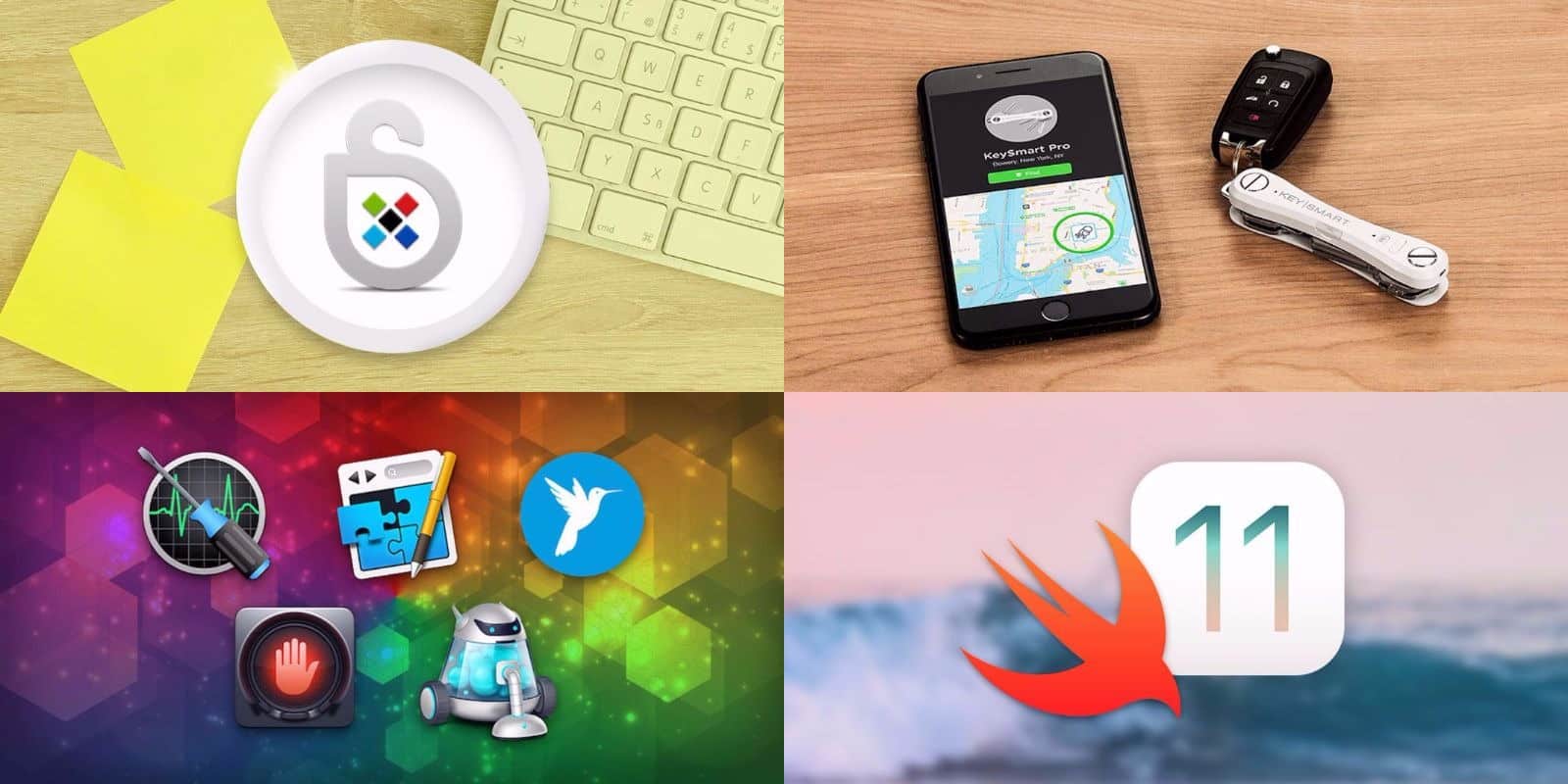
This week's best deals include a 21st century key keeper, top shelf apps, and more. Photo: Cult of Mac Deals
Another week, another round of great deals on top shelf gear, apps, and learning resources. This time, we’ve got a bundle of 5 premium Mac apps, and a keyring designed to never be lost. Additionally, we’ve got a powerful password manager and comprehensive course in iOS 11 development. Read on for more details:
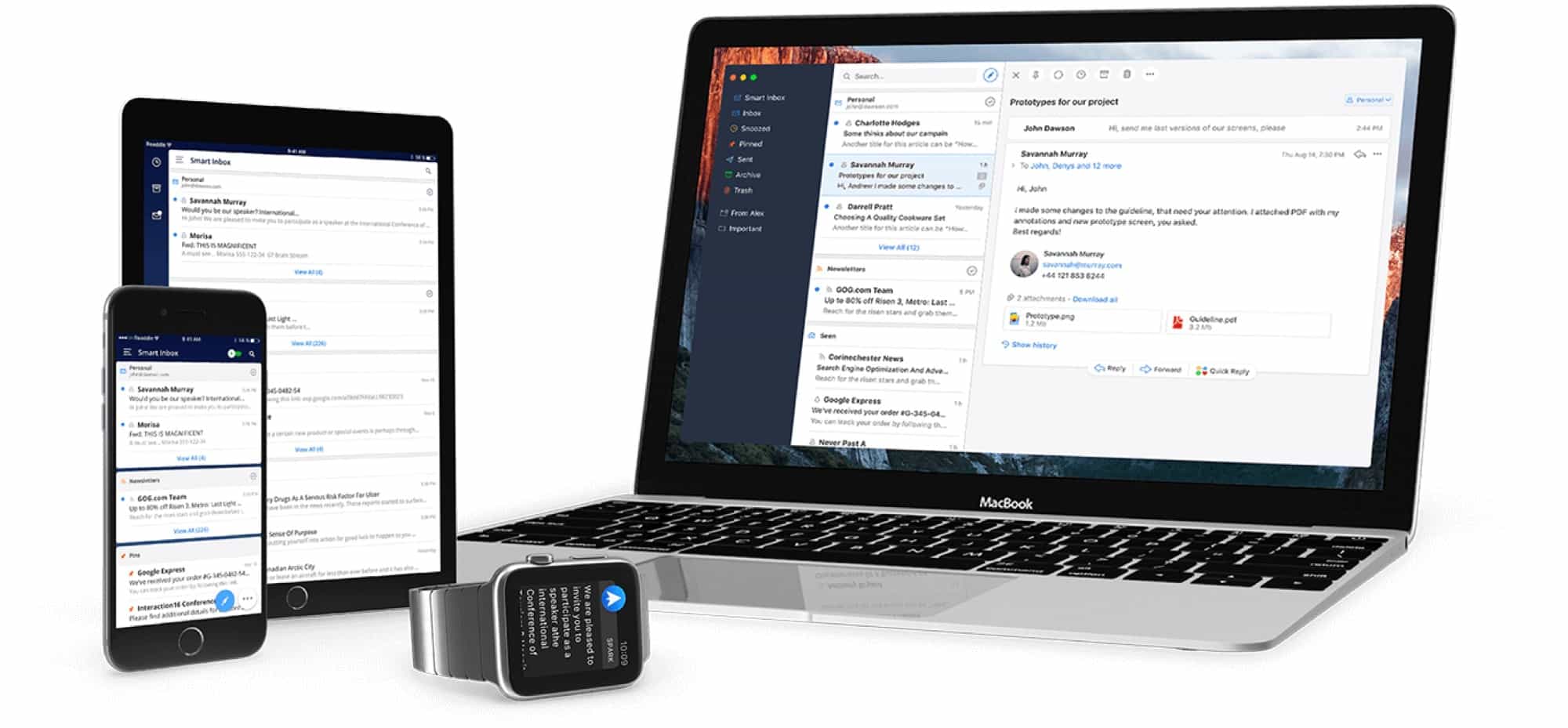
Apple’s own Mail app is pretty amazing in iOS 11 and macOS High Sierra, and is more than good enough for most people. But Cult of Mac readers aren’t “most people,” and that’s where Readdle’s Spark comes in. If you’re looking for more features, like scheduled sending, automatic follow-ups, and integrations with third-party apps and services, then Spark is the place to look. Today we’ll look at how to use these great new features.
Tim thinks learning to code should be required in all schools. Photo: Tim Cook/Weibo
If you’re a young student looking to learn a new language, you might want to consider Swift before learning how to speak English, according to Apple CEO Tim Cook.
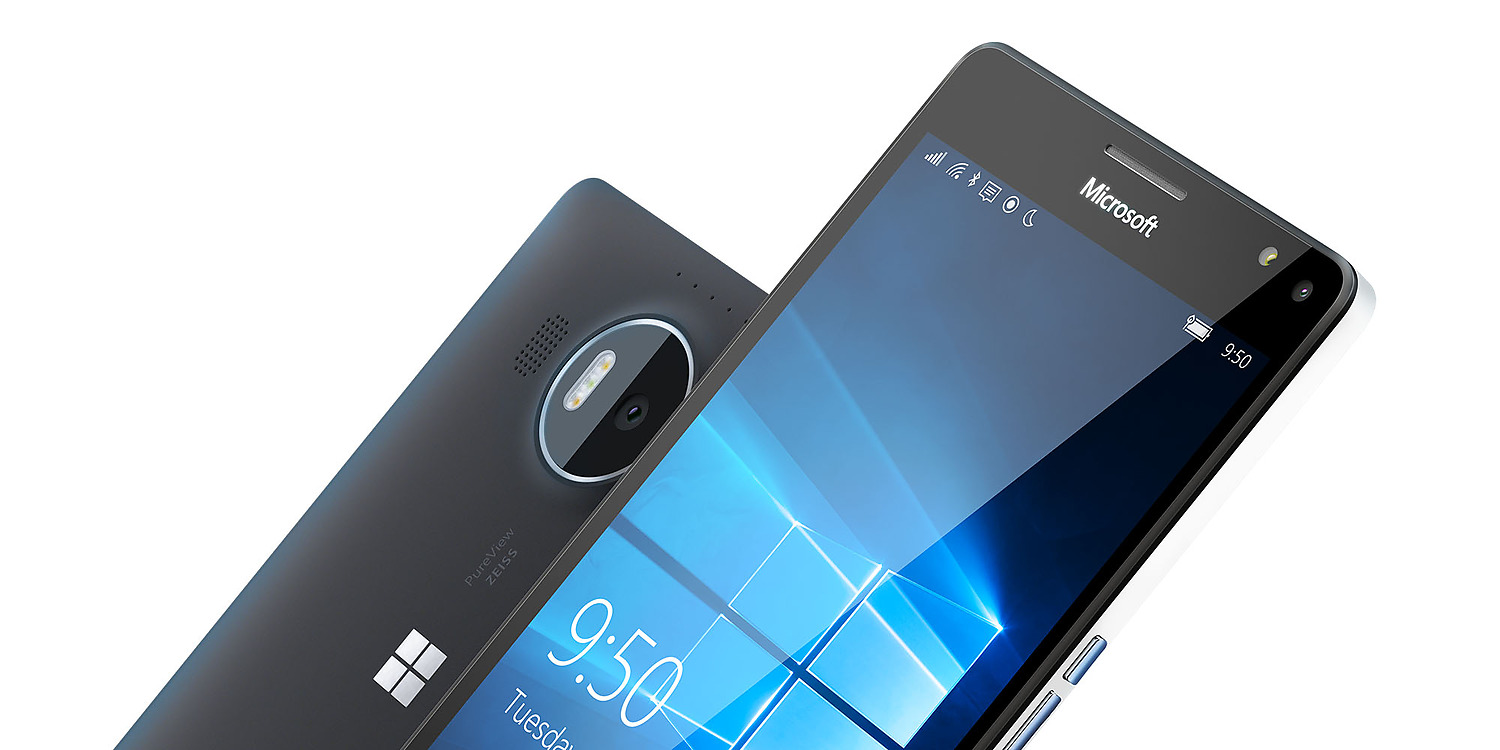
Windows phones could be about to make a comeback. Photo: Microsoft
Microsoft’s effort to compete with Android and iOS is over.
In a series of tweets, the company’s vice president of operating systems admitted that there will be no new features or hardware for Windows 10 Mobile in the future. He blamed the decision on a lack of support from third-party app developers.
Apple removed the App Store wish list in iOS 11. Maybe it'll be back, but if not, there are options. Photo: Cult of Mac
In iOS 11, the App Store Wish List disappeared. Maybe it’ll come back in future updates, and maybe it won’t, but for now there’s no built-in way to save an interesting app to go back to later. You may bookmark an app for several reasons. You might be researching several similar apps. You might want to do some more research on an app later, before buying it. You may want to save an app that someone you know would be interested in. Or maybe you’re just holding off until the price drops, or until you’re on Wi-Fi to download a big app.
Whatever your reasons, there are third-party options. Today we’ll look at a dedicated app for making an app wish list, as well as a Workflow to do the same, and a third option you may not have considered. Best off all, they all have gone big advantage over the old wish list — they can save free apps as well as paid.
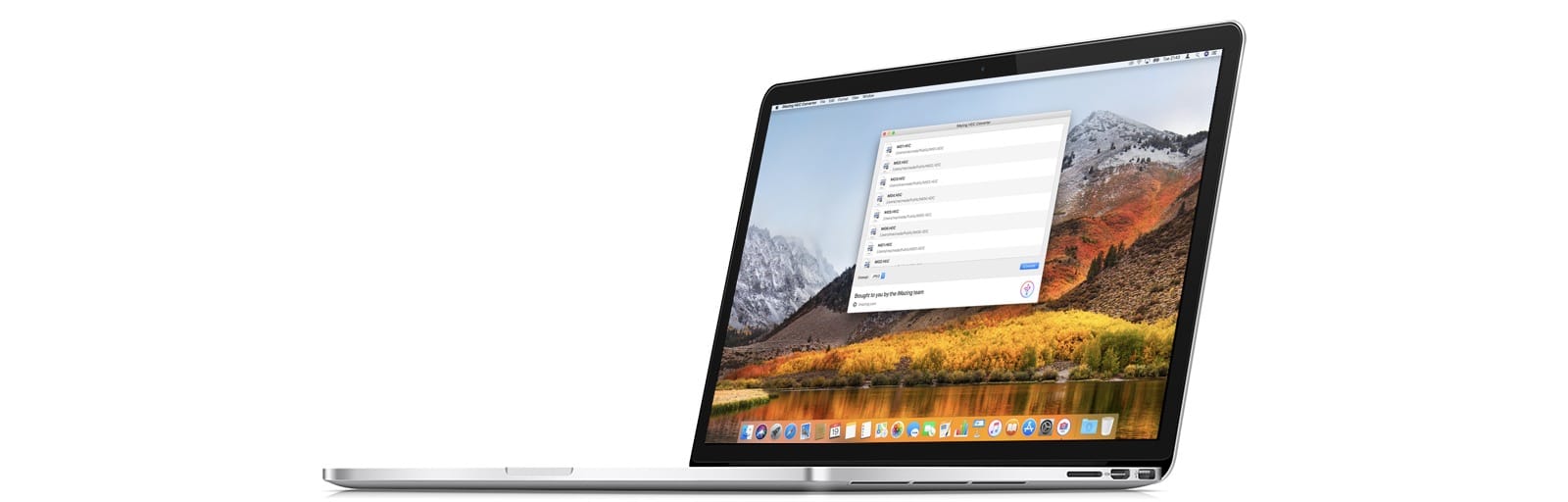
You can use a free app, or you can just change a setting on your iPhone. Photo: iMazing
iMazing, the folks behind the iMazing iPhone management app for the Mac, has come up with a new tool to convert HEIC images to JPGs. Most people will not need this, but in case you do, iMazing HEIC Converter is both free, and handy to have around.
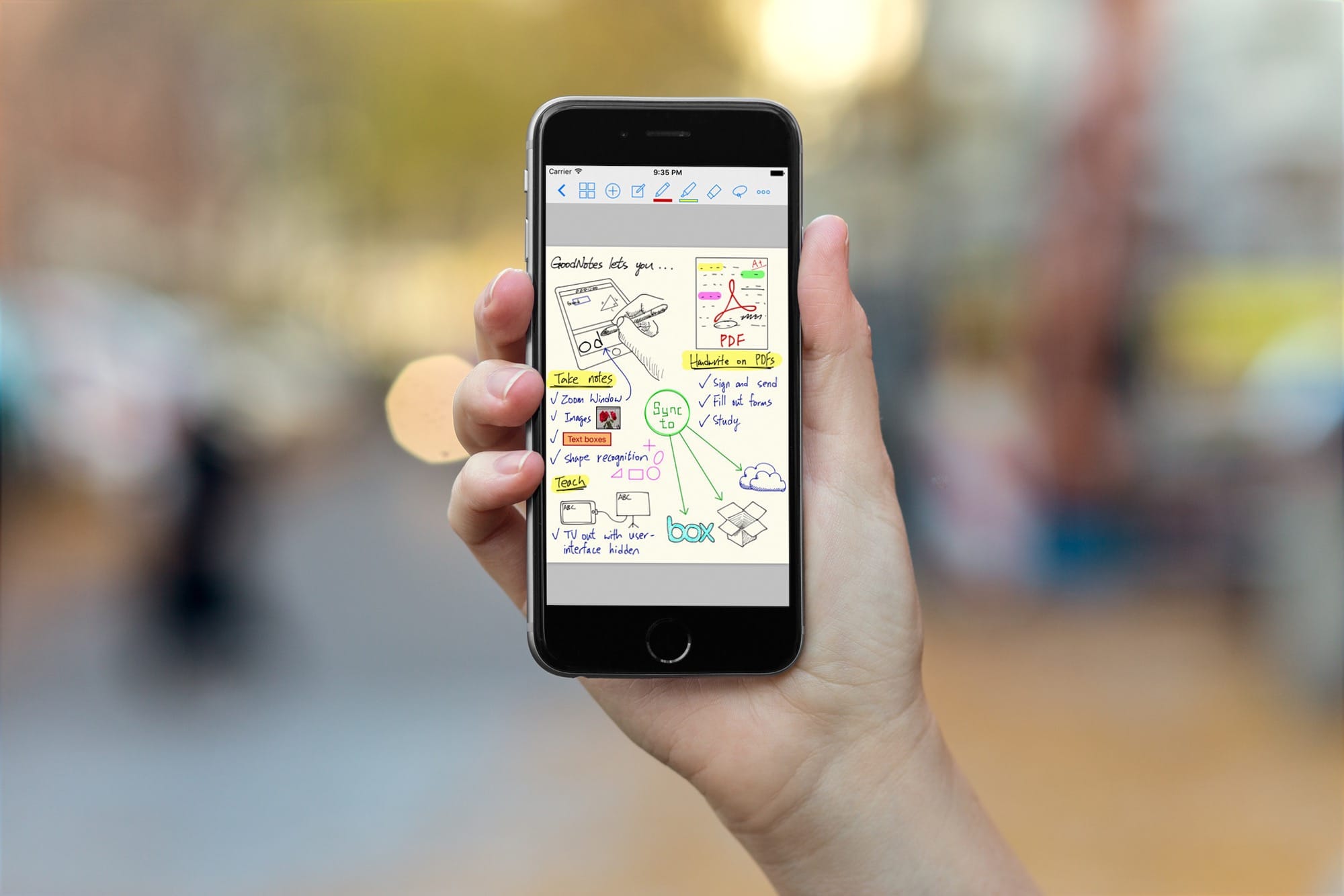
GoodNotes gets an amazing drag-and-drop update for iOS 11 Photo: Cult of Mac
With the iOS 11 launch imminent, developers are releasing updates that take advantage of all its new features. Some, like Dropbox, will support the new Files app, making Dropbox appear like just another folder like it does on the Mac. Other apps, like 1Writer and GoodNotes, now support drag-and-drop. And one of these apps in particular — GoodNotes — makes a spectacular and unexpected use of dragging and dropping.
SyndtSphere lets you dial in sounds, and the sounds between sounds. Photo: Cult of Mac
SyndtSphere may be just about the most flexible music instrument ever. It is also an iPad app. Klevgränd’s SyndtSphere can be a piano, a violin, a flute, a bass, but it can also be anything in-between. If you ever struggled to find the exact sound you wanted out of a synthesizer, then should try SyndtSphere, because you’ll probably find it there.
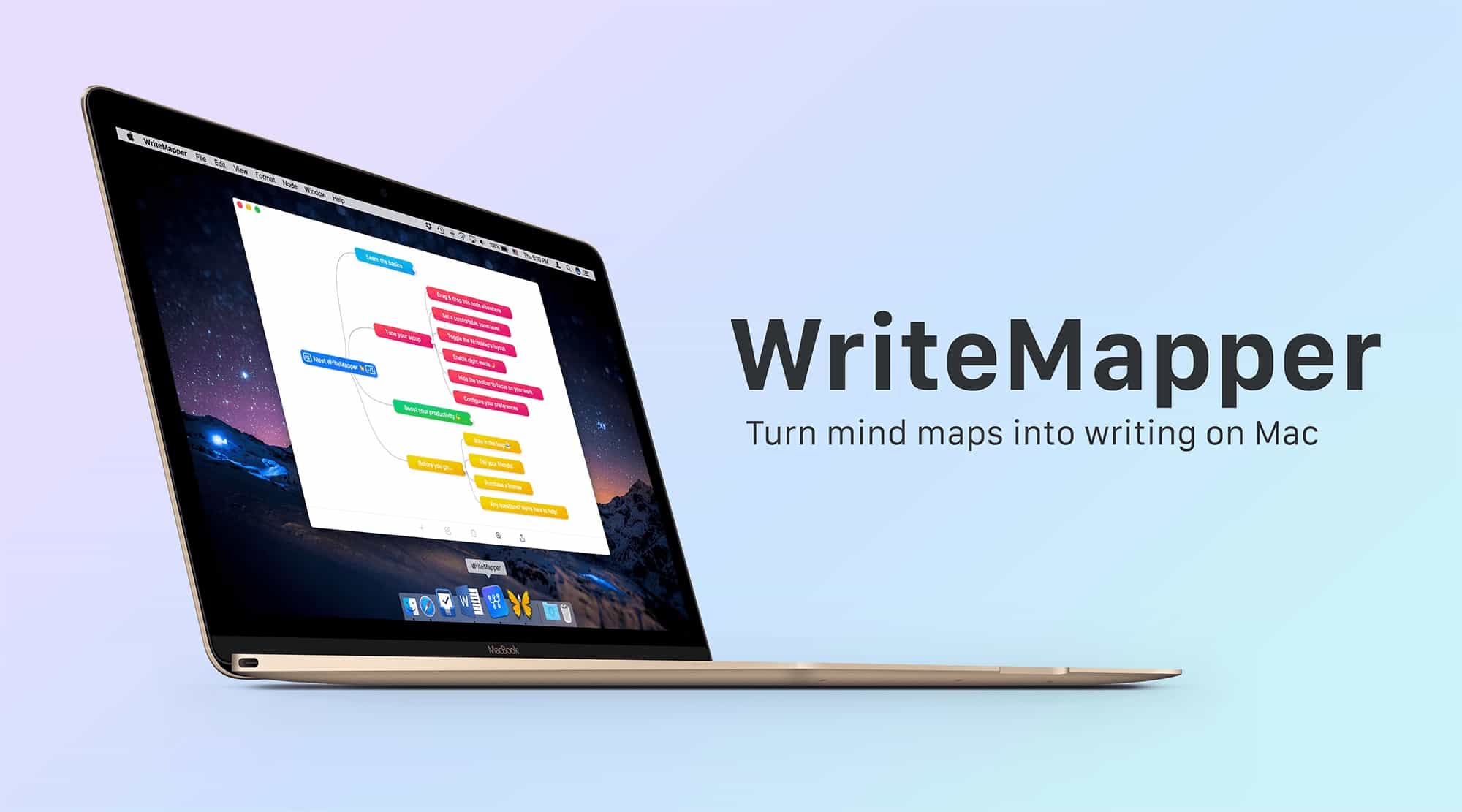
WriteMapper is a great app for getting your thoughts in one place. Photo: WriteMapper
WriteMapper is a new Mac app that combines a mind mapper with a text editor. It works like a regular mind-mapping app, with easy-to-create nodes to get your ideas down and arrange them. But if you open a node, you get a full-featured, cleanly-designed text editor in which to write, so you don’t have to switch to a word-processor or anything else to complete your project.
Then, when you’re done, you can export the mind map as a document to publish it, or whatever you want to do with the finished text.
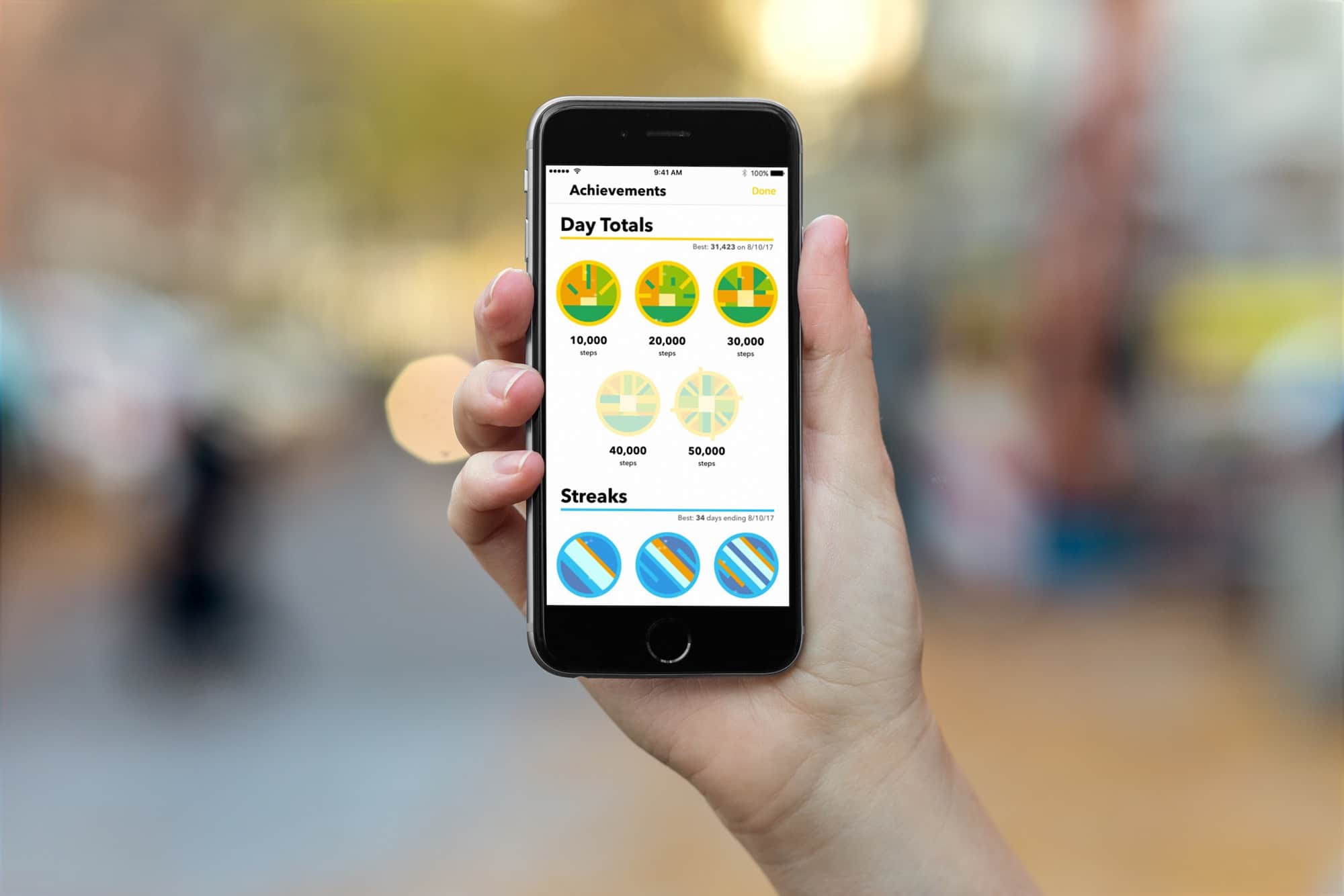
Health, energy, and a long life are no longer the sole rewards for taking a walk. Photo: Cult of Mac
Pedometer++, from developer Underscore David Smith, is everyone’s favorite step-counting iPhone app. It’s simple, it is accurate, and it just works. Now, in version 3.0, the four-year old app gets a neat new Today widget, and — brace yourself — Achievements.
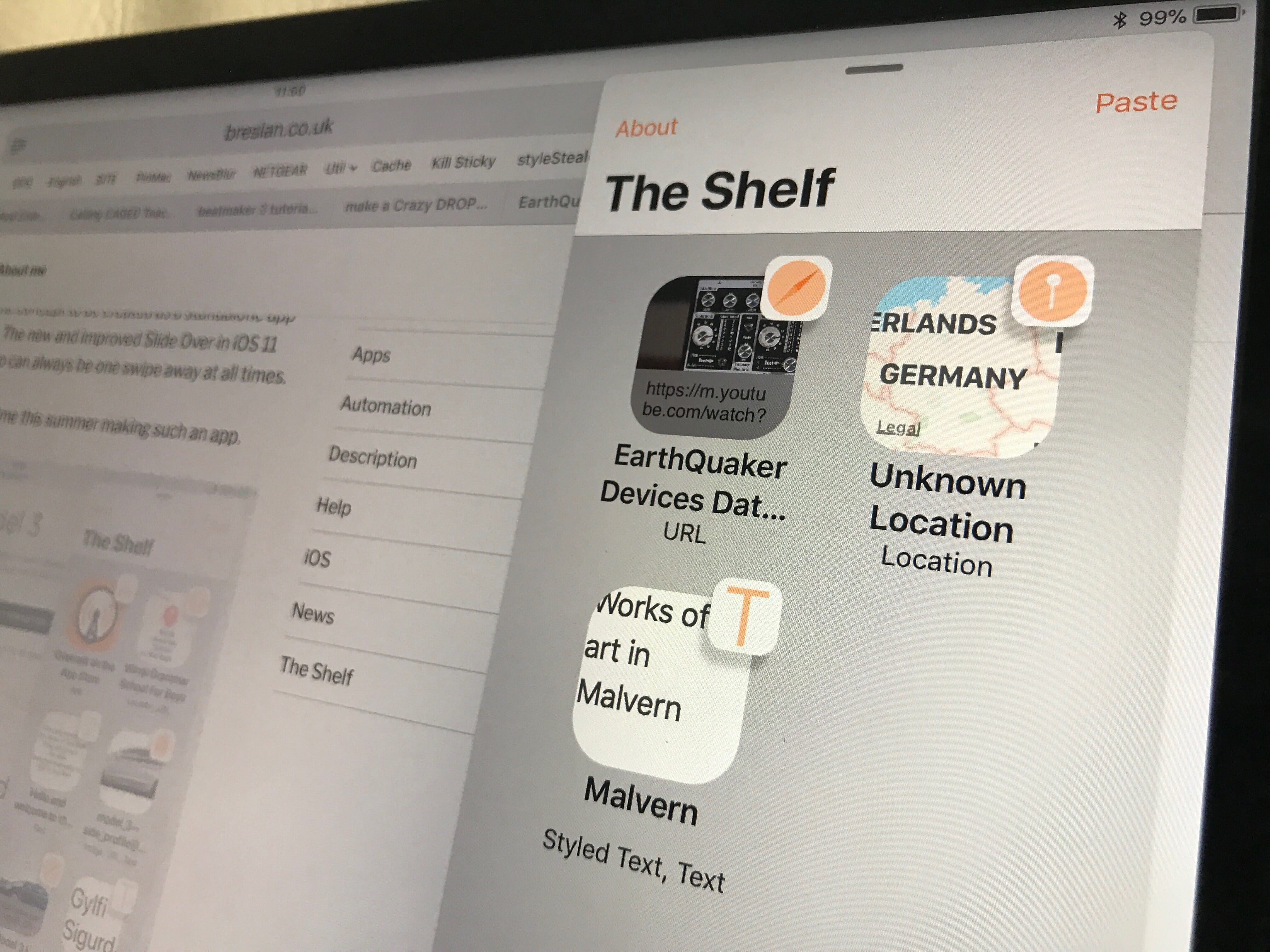
The Shelf may prove to be the handiest iOS utility ever. Photo: Charlie Sorrel/Cult of Mac
You know how on your Mac you always drag stuff to the desktop as a kind of temporary holding spot? You might be gathering together some photos, or just keeping a PDF until you work out where to put it, or until you have emailed it and can delete the original. That kind of thing isn’t possible in iOS, because a) there is no real concept of files, at least not in the Mac way, and b) there’s no desktop. But that’s about to change in iOS 11. The new Files app takes care of a), and thirdparty apps like The Shelf will be able to take to role of the desktop.
Windows Store has an illegal movies problem. Photo: Cult of Mac
Apple is often criticized for its strict App Store guidelines that prevent all kinds of titles from being approved. But the state of the Windows Store proves strict guidelines are a necessity.
Microsoft’s marketplace is currently littered with apps that allow users to illegally stream movies and TV shows for free. There’s also a range of titles that provide access to pirated music.
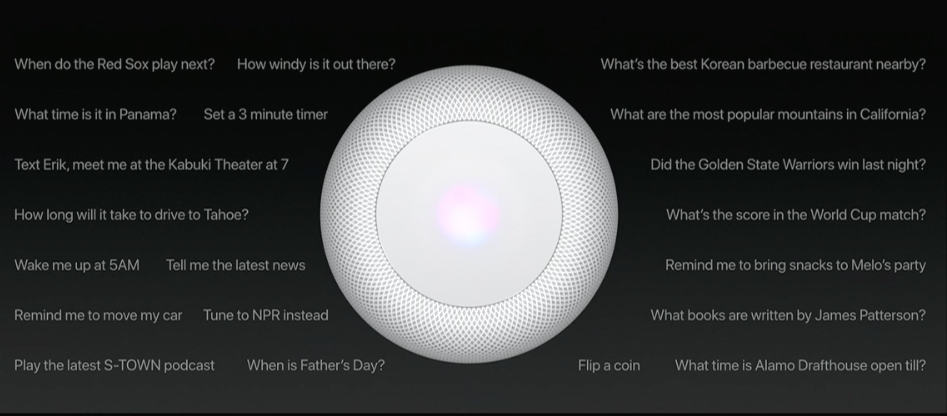
There are still a lot of unanswered questions about the HomePod speaker Apple announced at WWDC last month. But thanks to the firmware that was released to developers on Friday, we now know a little bit more about its internal hardware.
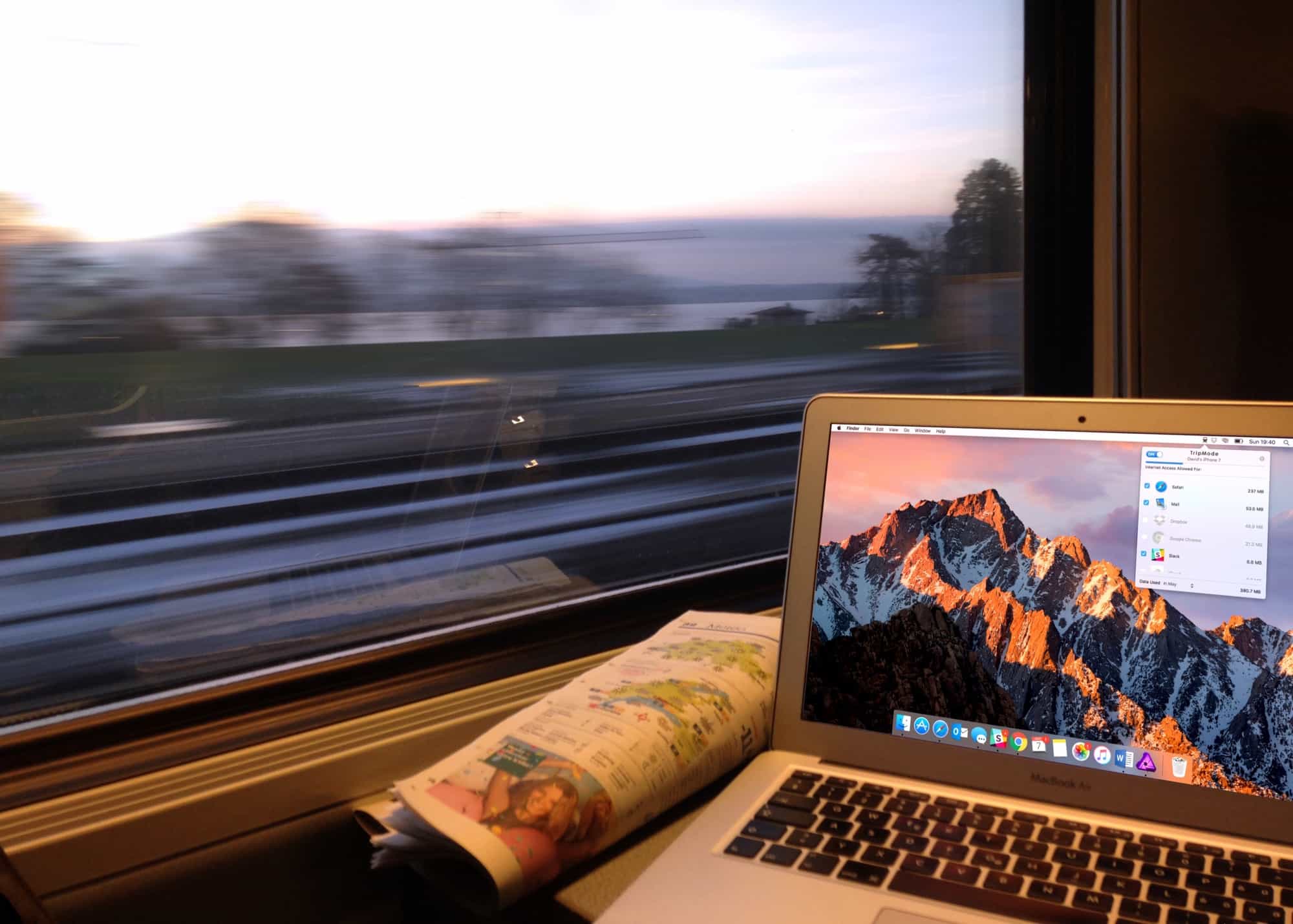
Apps can make your trip safer and easier. Photo: TripMode
At home, you can pretty much trust your own Wi-Fi network, and you kind of have to trust your cellular provider. But as soon as you fetch up at a hotel, airport, Airbnb rental or coffee shop, you risk everything.
Short of leaving your MacBook or iPhone out on the table while you visit the bathroom at a hacker conference, using public Wi-Fi is just about the worst thing you can do with your devices when you travel. Fortunately, there are ways to protect yourself — and they’re cheap and easy.
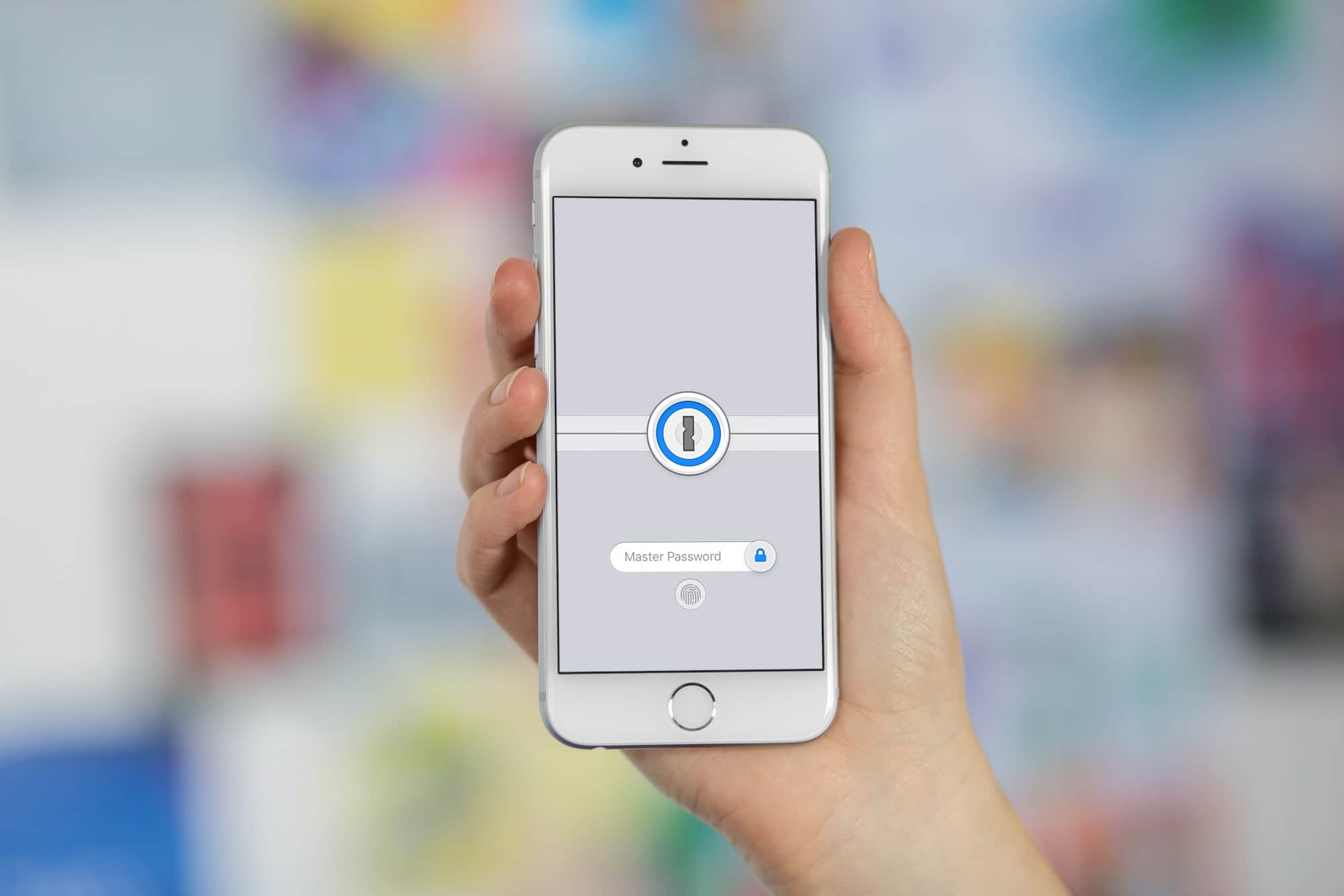
1Password does it again, making security easier than ever. Photo: Cult of Mac
A new 1Password update copies one-time passwords to your clipboard as soon as you log into a site or app, making what was a tedious process nice and easy. The update is free for both Mac and iOS users of 1Password.
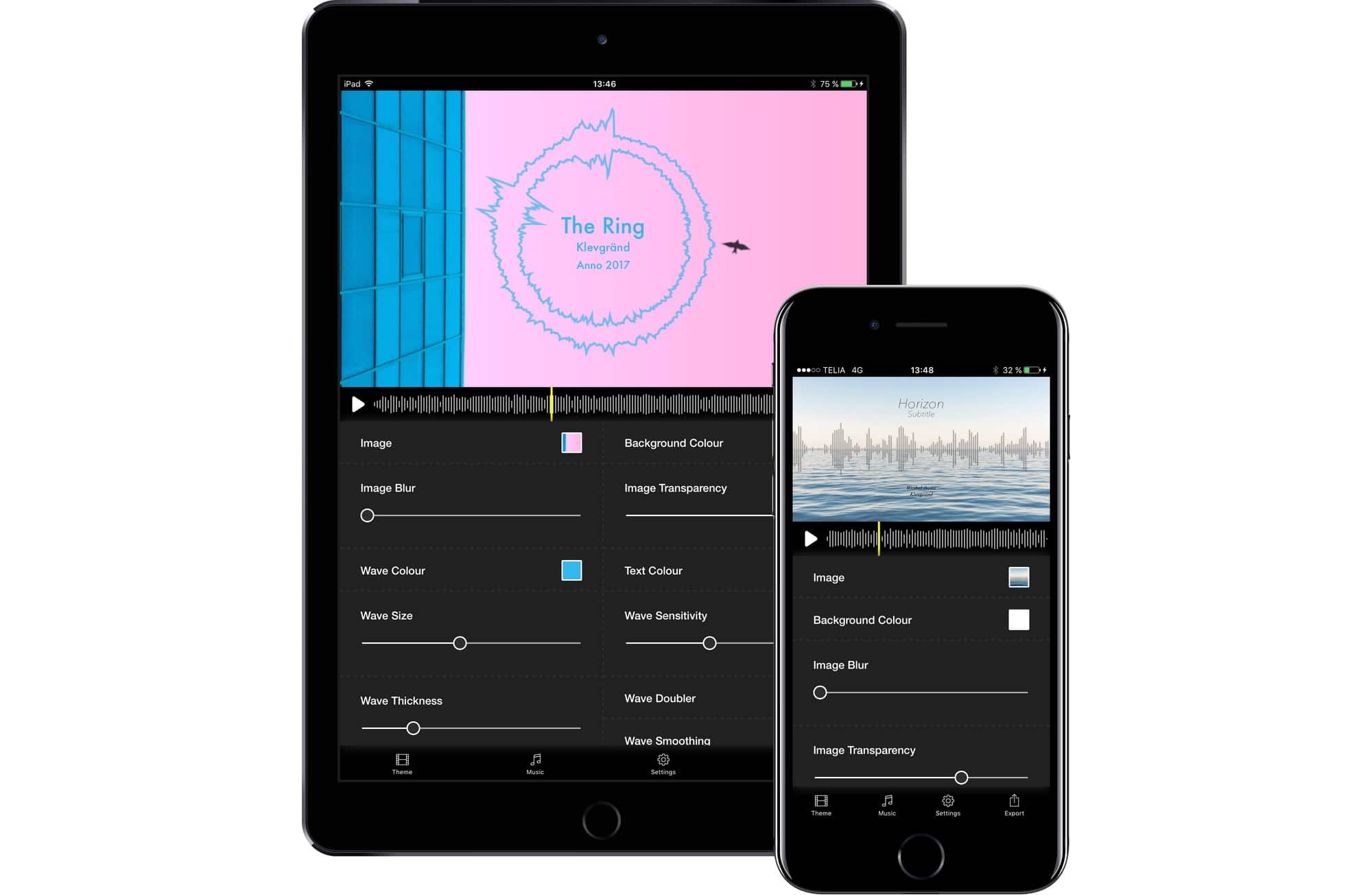
It won't make Thriller, but it's better than nothing. Photo: Klevgränd
The rumors say that SoundCloud is on its way out. The company is laying off staff, while burning through streaming bandwidth with no real way to make any money. If you’re a musician, this is a big deal, because SoundCloud is where you share music, and where you go to hear other musicians’ music. It’s a mixtape and an audition reel combined.
The smart move is to take your music to YouTube, because a) it’s not going away, b) it’s free, and c) it’s where everyone goes for free music anyway. The problem? You need to make a video. You could always just put a still image up there, but then the kids will get bored and move onto something else. But as a musician, you’d probably rather spend your time making music instead of making movie.
Luckily — surprise surprise — there’s an app for that. It’s called Wizibel, ands it comes from master iOS music-app-maker Klevgränd.
Omnigroup has started offering 2-week trials on its $50-100 iOS apps. Photo: Cult of Mac
Omnigroup launched Omnigraffle 3 for iOS today, and it looks like a fantastic update to the diagramming, chart-making, flow-chart-creating app. But that’s not nearly the most important thing about this release, because Omni may have changed the way paid software works on iOS, and may be making it possible for “expensive” pro-level apps to be viable on the cheap-o app store at last.
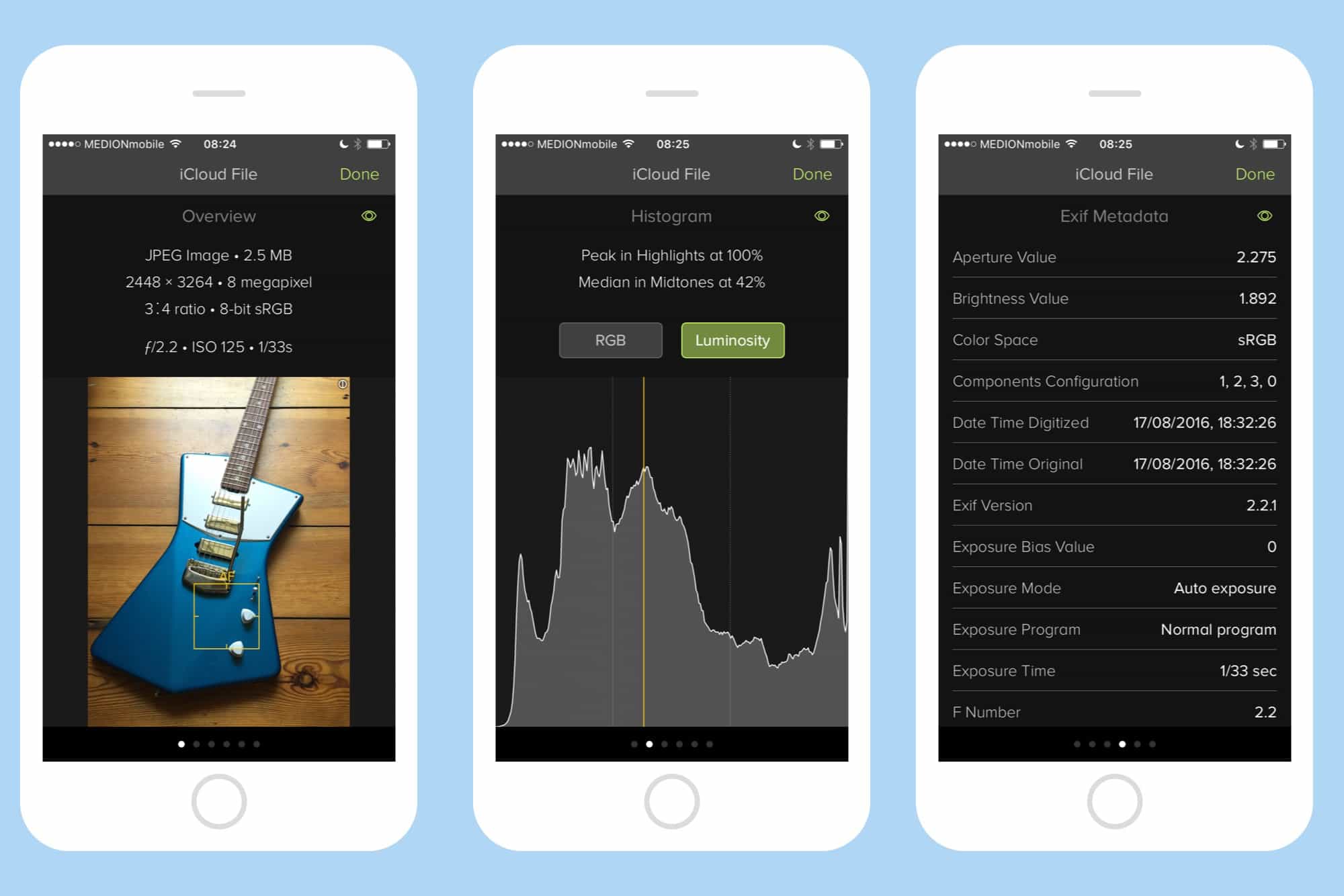
If Exify can't tell you about it, you don't need to know it. Photo: Charlie Sorrel/Cult of Mac
Pick a photo on your iPhone. Any photo. Can you tell me where and when you took it? Of course — that’s easy. But can you tell me the shutter speed of that photo? What about your elevation when you took it? Could you show me a histogram of the photo’s exposure? If you have Icon Factory’s Exify installed, then the answer is “Yes.” You can get to all that info, and a whole lot more, with a couple of taps.
Bid goodbye to old apps. Photo: Ste Smith/Cult of Mac
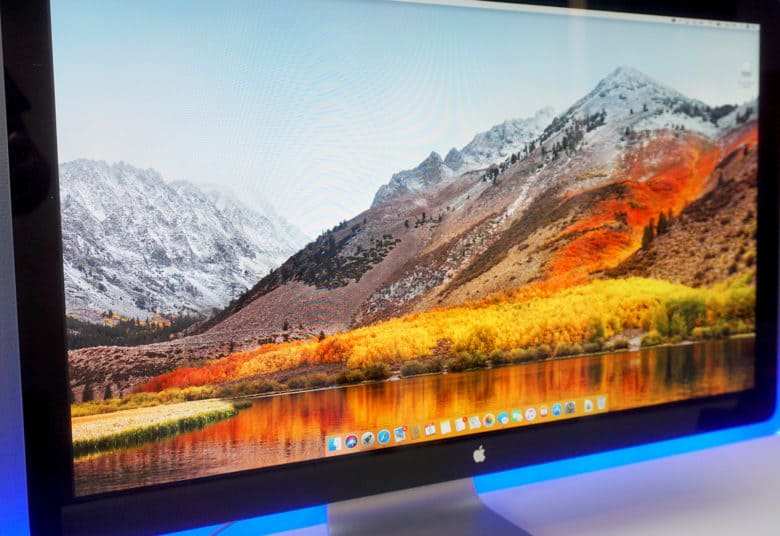
Apple’s mission to eliminate 32-bit apps is no longer focused solely on iOS. The company told developers this week that its upcoming High Sierra update will be the last macOS release to support 32-bit titles “without compromise.”