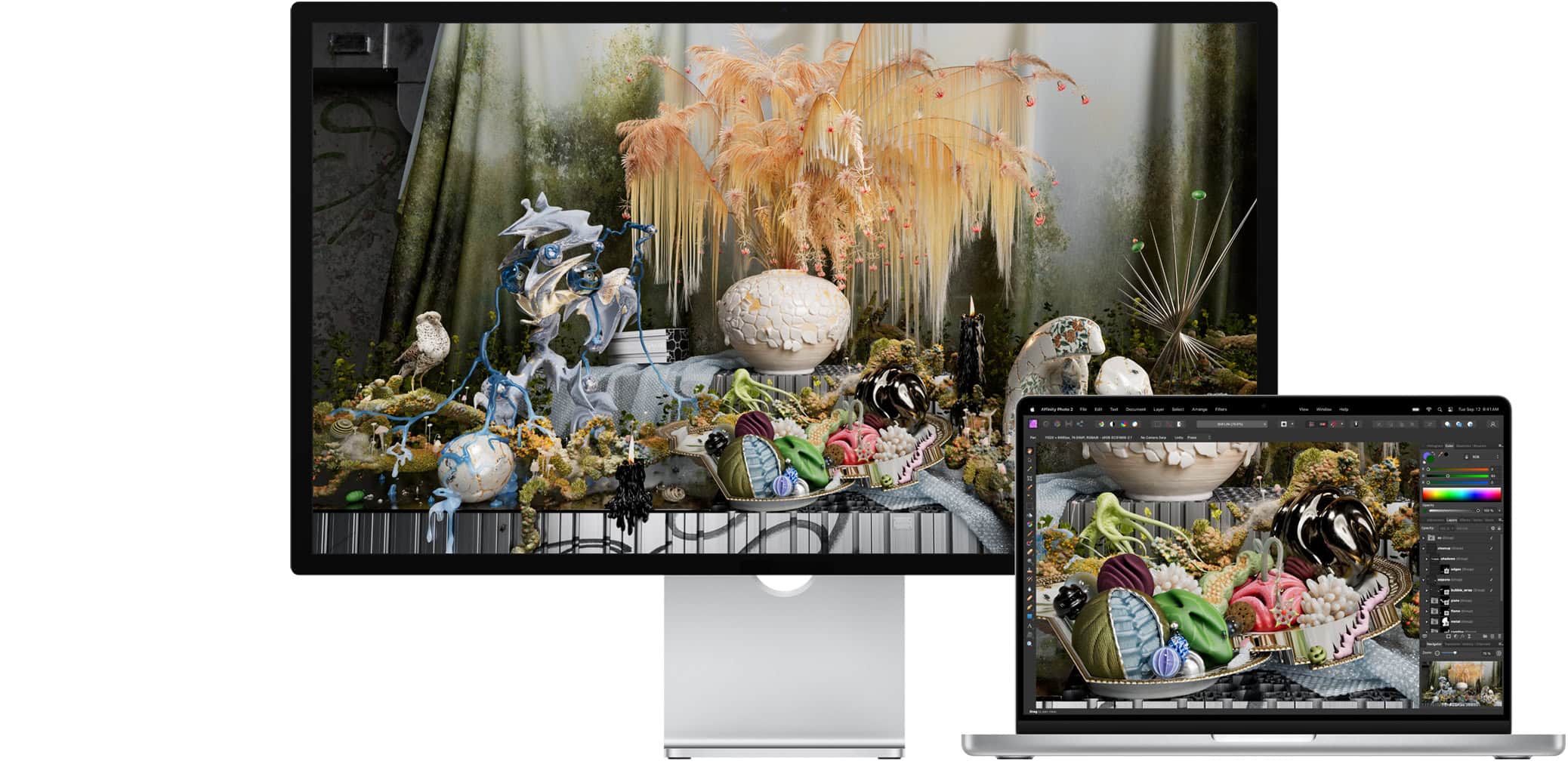
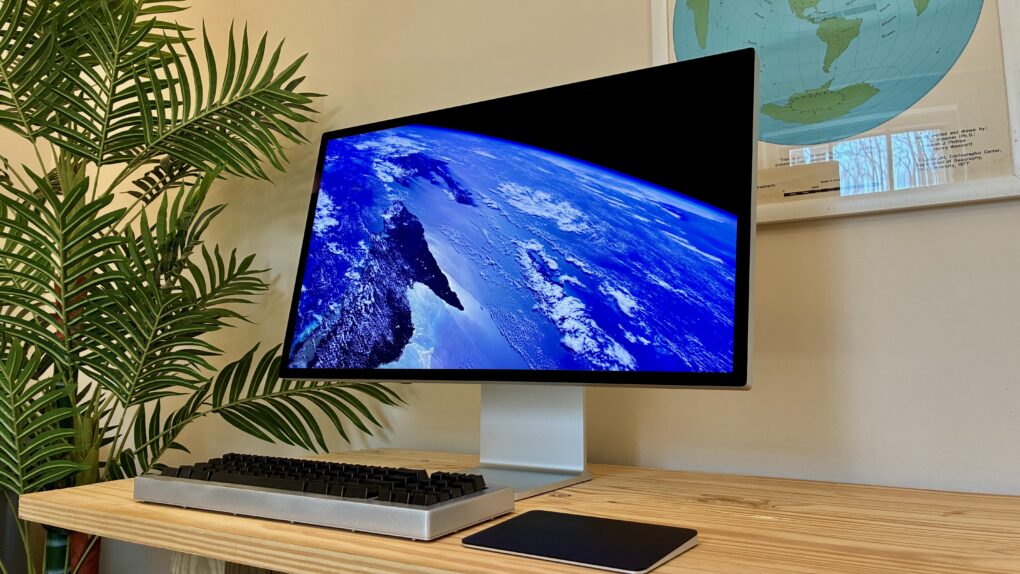
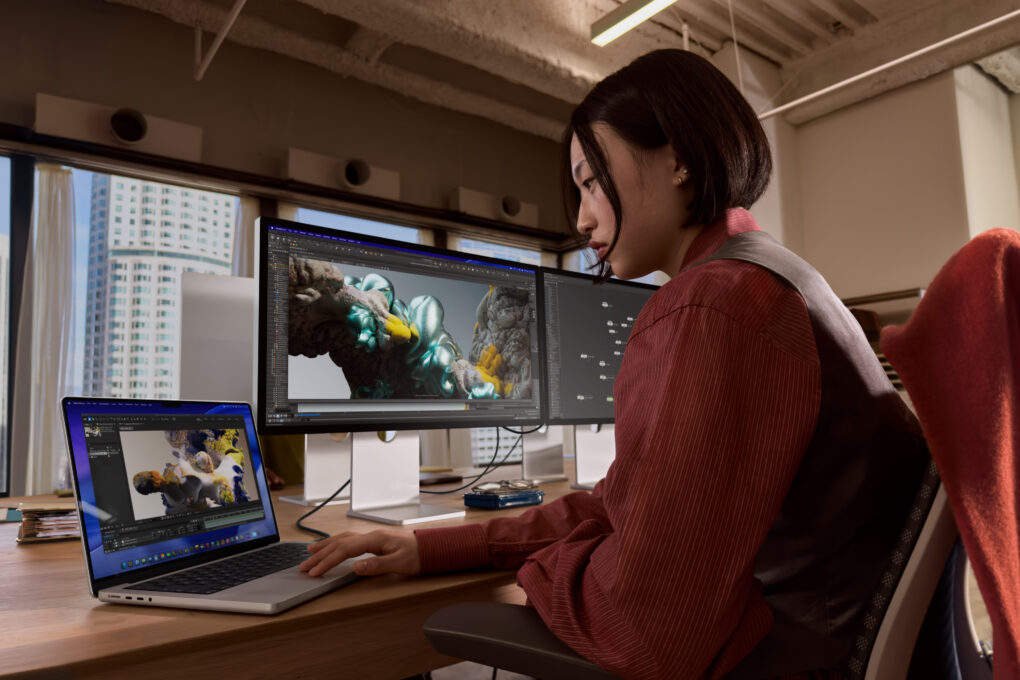
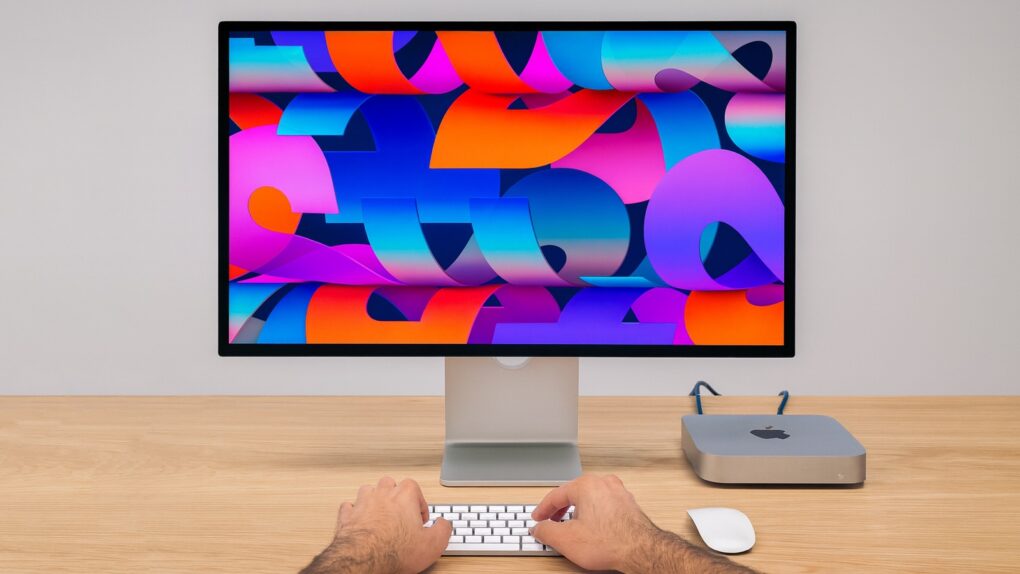
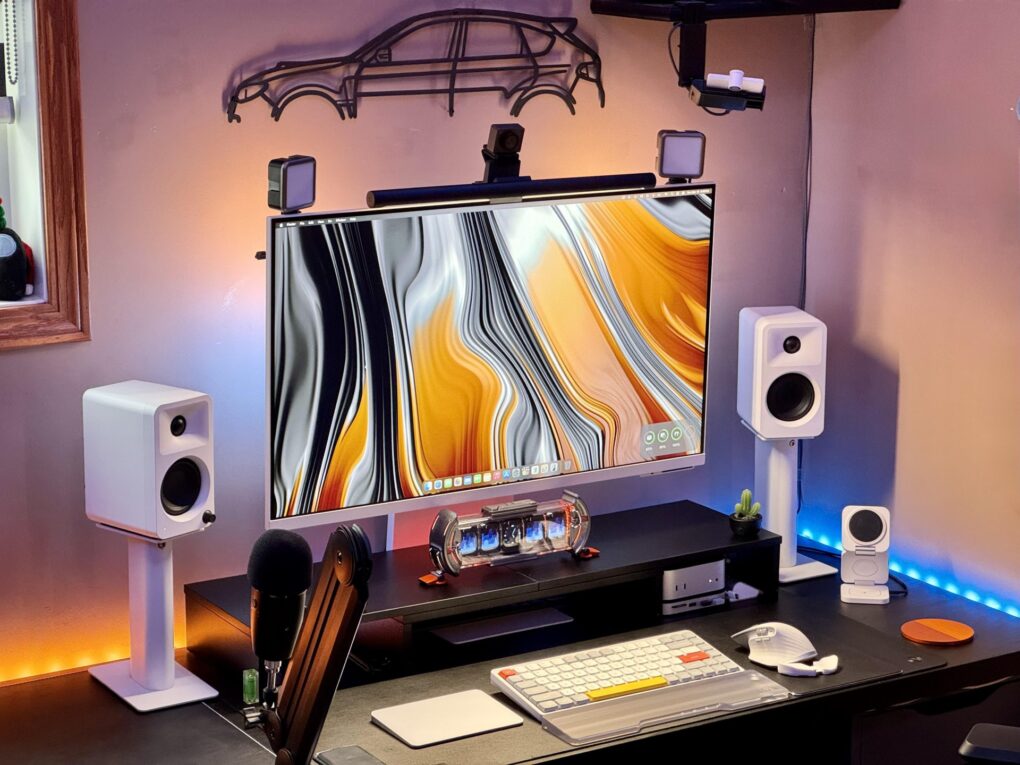
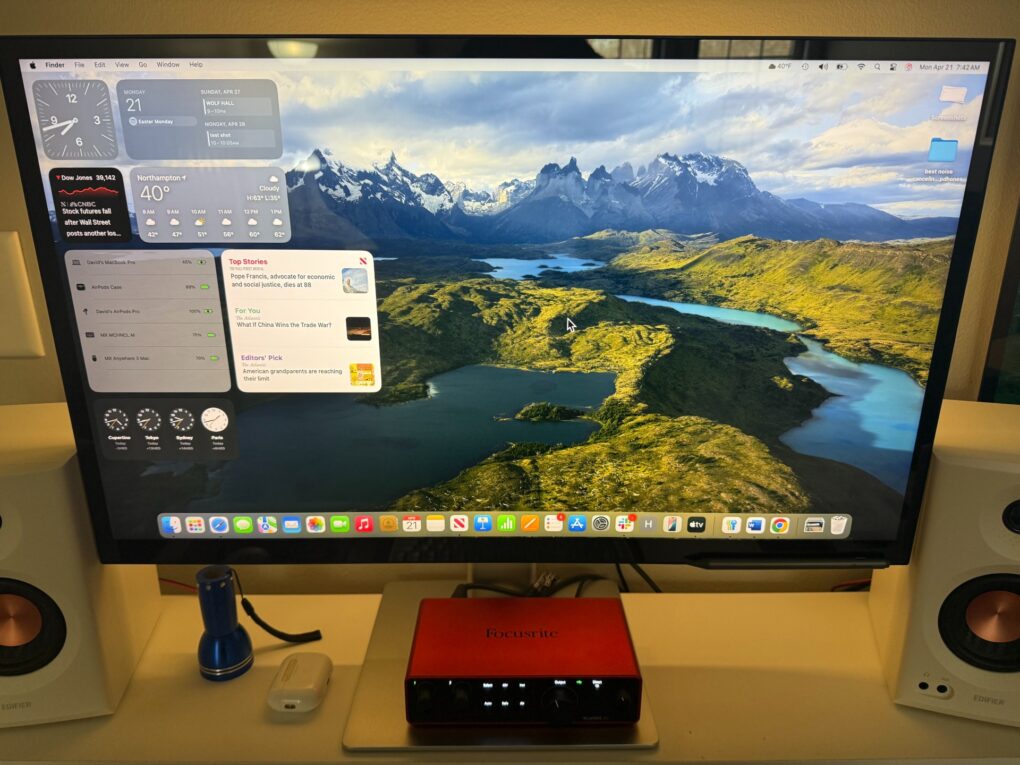
Apple’s Studio Display is popular in Mac setups for good reason.
The Apple Studio Display is a high-resolution external monitor that launched in 2022. The 27-inch screen is positioned as a premium display for creative professionals, offering 5K resolution, high color accuracy, and a sleek design that complements Apple’s Mac lineup.
Bonus features include studio-quality microphones, a six-speaker sound system and a built-n 12MP webcam.
Read Cult of Mac’s latest posts on Studio Display:
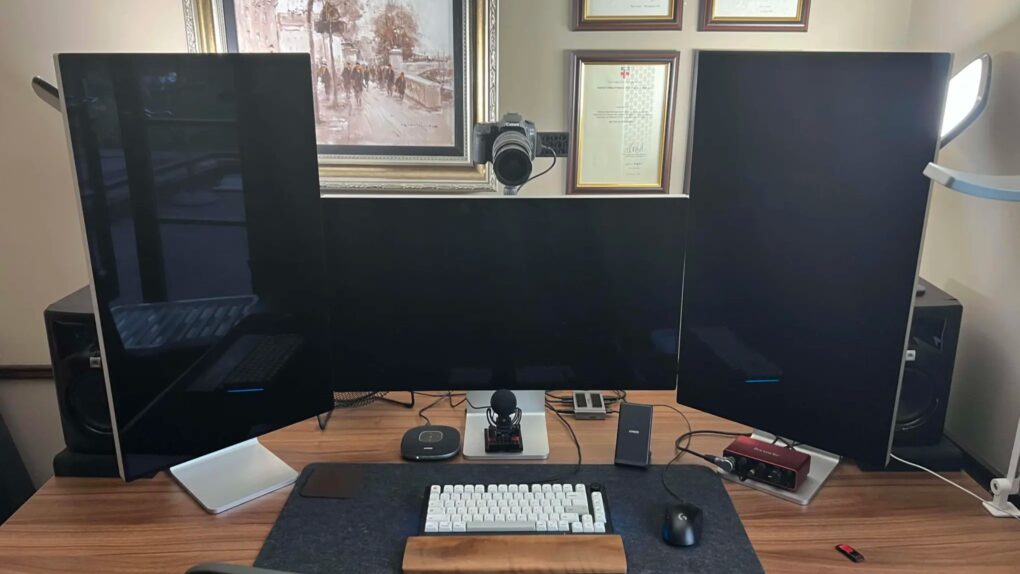
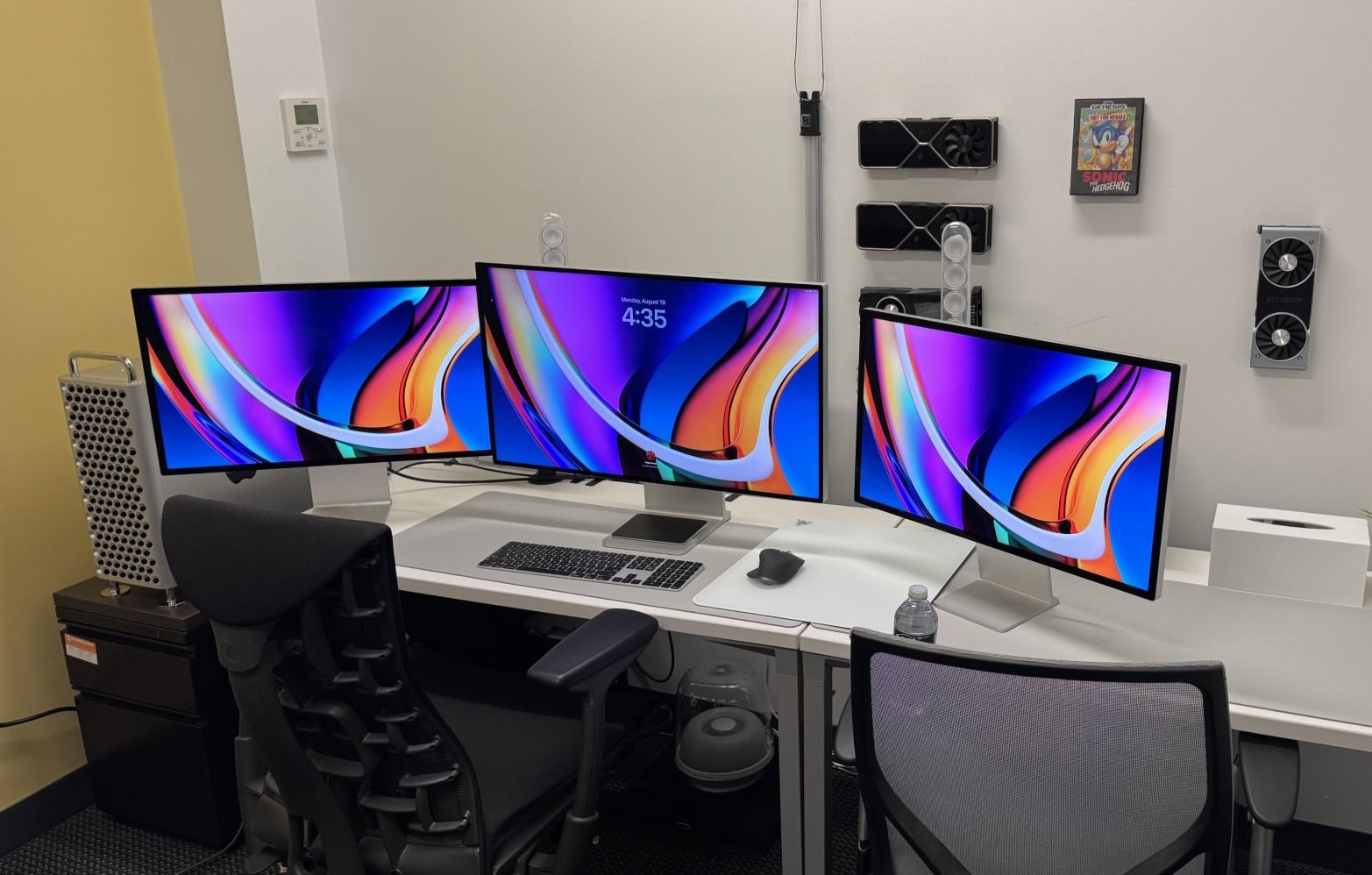
A 2019 Mac Pro is the core of this three-Pro Display XDR computer setup, along with a 16-inch M1 Pro MacBook (not pictured). Photo: Liam Hudson
The Apple Pro Display XDR is, by almost any measure, the most spectacular external monitor ever made for a Mac. Launched in 2019 at a price that shocked even committed Apple fans — $4,999 for the standard glass version, $5,999 for nano-texture, plus $999 for the Pro Stand — it takes your breath away for several reasons. A dozen great workstations below are the best Pro Display XDR setups in Cult of Mac‘s archive.
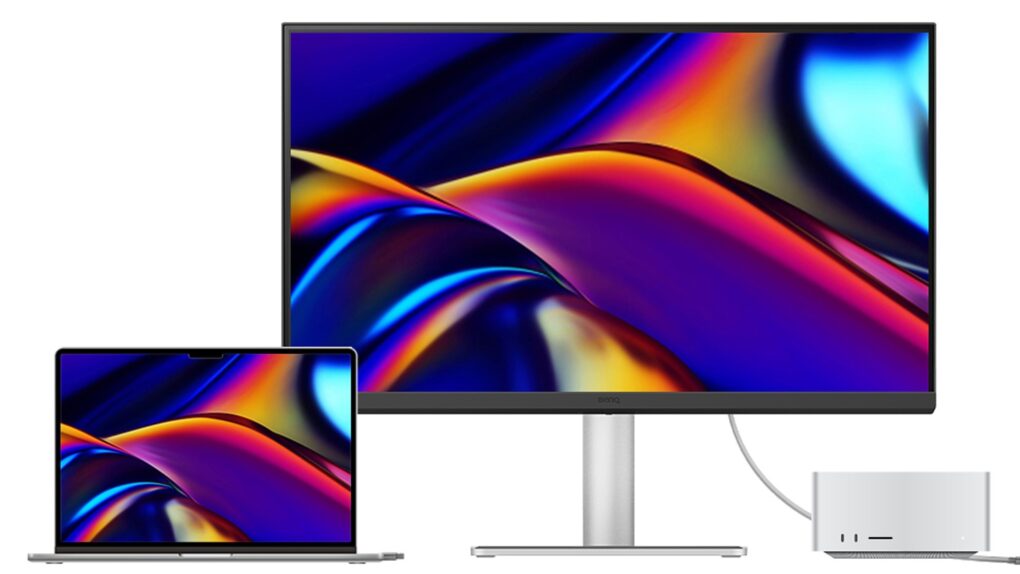
The new BenQ MA320UG 120Hz Glossy Monitor for Mac could appeal to users at $830. Photo: BenQ
The new BenQ MA320UG 120Hz Glossy Monitor for Mac is a 32-inch 4K display running at 120Hz with a glossy Nano Gloss panel and deep macOS integration, the company said Tuesday. It arrives as the first 120Hz model in BenQ’s MA Series for Mac.
“Today’s Mac users expect one setup to handle it all, and the MA320UG is the perfect answer for those users,” said Jeffrey Hsieh, head of the BenQ Consumer Line of Business. “The MA320UG combines 120Hz performance with matching Mac colors, intuitive controls and the flexible connectivity that Mac users depend on to work, create, and unwind.”
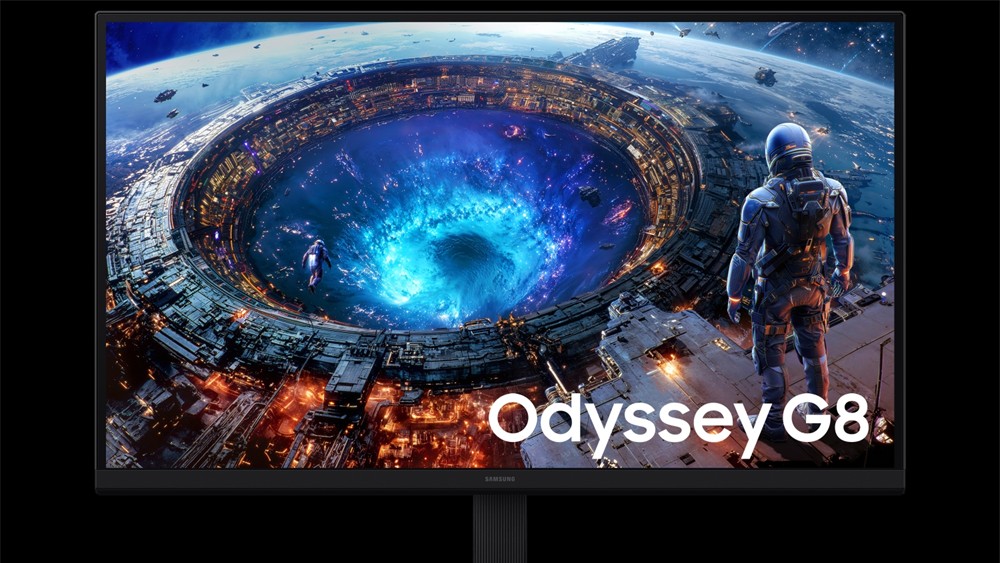
Samsung's new OLED monitors are cheaper than Apple's, and have higher refresh rates. Photo: Samsung
Samsung just launched three new monitors that finally give Mac users a big reason to upgrade, addressing many of the gaps that Apple’s own monitors have left open for quite some time.
The new Samsung monitor lineup includes a 40-inch curved ultrawide and 4K OLED models in two sizes (27-inch and 32-inch). They also come with Thunderbolt 5 ports, built-in KVM switching and faster refresh rates than Apple’s displays.
★★★★★
The Studio Display XDR is the best monitor that money can buy. But it takes a lot of money. Photo: D. Griffin Jones/Cult of Mac
Apple’s new flagship desktop display, the Studio Display XDR, is what you get out of a blender when you combine a mini-LED with the high adaptive refresh rate of a MacBook Pro and the 27-inch 5K screen size of the regular Studio Display.
It’s a brilliant combination. Starting at $3,299, it’s significantly cheaper — and unfortunately a little smaller — than the Pro Display XDR, the $5,000-plus monitor it replaces. However, it supersedes its high-end predecessor in all other specs. Apple made incredibly smart choices about what to include and what to cut.
Ironically, now the $1,599 regular Studio Display is the bunk product in Apple’s monitor lineup. It misses out on the Studio Display XDR’s top new feature — 120 Hz Adaptive Sync. And it’s about twice as expensive as competing monitors from Asus, BenQ and ViewSonic.
Now, the Studio Display XDR stands in a class of its own. And for, like, half as much money as Apple’s previous top monitor.
Apple updates iOS with bug fixes and support for new displays AI image: Gemini/Cult of Mac
iOS 26.3.1 is ready to be installed on your iPhone starting Wednesday. Mac users got macOS Tahoe 26.3.1 at the same time. The new versions include bug fixes — which are always welcome. And iPad users can install iPadOS 26.3.1, too.
In addition, all three system software updates bring support for the Apple Studio Display monitors that just launched.
The new Studio Display XDR is ready for graphics-intensive workflows. Photo: Apple
Apple on Tuesday introduced the Studio Display XDR with mini-LED backlighting as its new premium monitor for professionals. It replaces the Pro Display XDR in the lineup, though the new model is smaller and lower resolution.
Apple also introduced a second-generation Studio Display, its high-end monitor for prosumers. This includes a better camera, more speakers and other tweaks.
“Apple has led the industry in delivering the world’s most advanced displays for pros to do their life’s best work, and today we do that once again with the introduction of the new Studio Display family,” said John Ternus, Apple’s senior vice president of hardware engineering, said in a press release. “Studio Display gets even better with a new 12MP Center Stage camera and powerful Thunderbolt 5 connectivity. And the Studio Display XDR is a huge leap forward for XDR technology, with a mini-LED backlight, 2000 nits of peak HDR brightness, advanced color accuracy, and a 120Hz refresh rate, transforming workflows like filmmaking, design and print, and 3D animation. It’s by far the world’s best pro display.”
Apple Studio Display 2 might build considerably on the current model. AI image: Cult of Mac/ChatGPT
Apple will soon replace the Studio Display with an even more gorgeous second-generation version with a range of upgrades, according to reliable rumor sources.
Read on for all the enhancements that rumors indicate will come to the high-end Mac monitor.
Apple has a busy 2026 in store. Which of these new and upgraded products can we expect? AI image Google Gemini/Cult of Mac
With more than a dozen new Apple products in the pipeline, 2026 is shaping up to be a busy and important year for the company. Among a plethora of high-profile device launches, we should see the first folding iPhone next year
If all the rumors prove true, Apple’s 2026 product road map looks bold, exciting and ambitious. Check out all the new products Apple likely will launch in 2026.
Another year, another incredible collection of Apple workstations in Cult of Mac‘s Setups section that make us rethink our own desk situations. From devices powered by the powerful M4 chip family to innovative display solutions and clever space-saving tricks, the top 10 Apple setups of 2025 brought us some truly remarkable gear and uses for it.
We combed through hundreds of featured workstations on Cult of Mac to bring you the cream of the crop — setups that excel in raw computing power, aesthetic beauty, functional innovation or that perfect combination of all three.
So ... crippled by envy much? This one has a high-end M2 Ultra Mac Pro, a Mac Studio, a Pro Display XDR and two Studio Displays. Photo: [email protected]
For years I’ve showcased cool Apple-centric computer setups for Cult of Mac. I never seem to get tired of drooling over the sweetest of the bunch. Sometimes that’s about the most awesome possible computers and monitors — Mac Pro and Pro Display XDR, anyone? — and sometimes it’s about a whole package, including fabulous audio gear and more. I selected a bunch of drool-worthy setups with stratospheric price tags for you below.
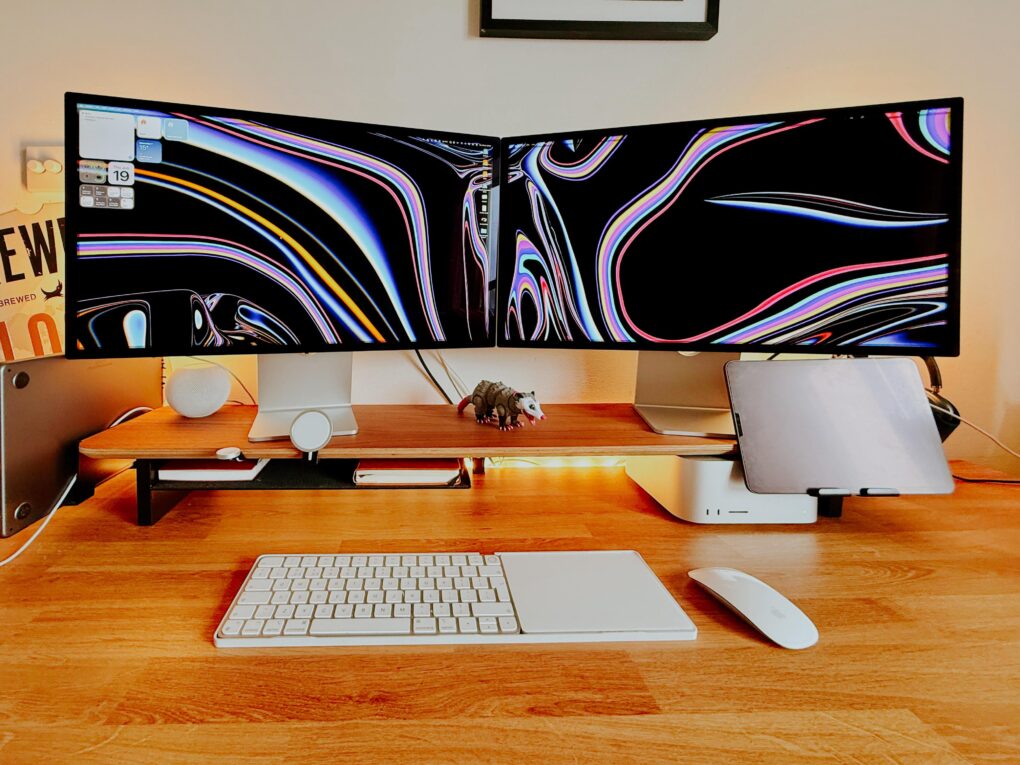
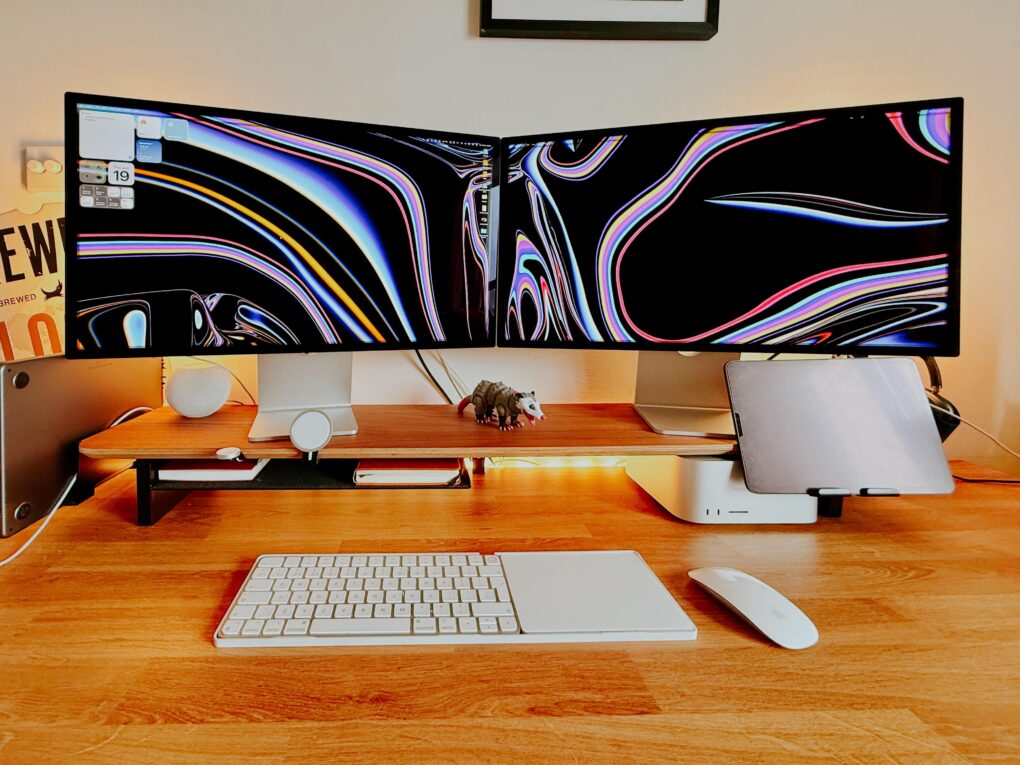
Two angled Studio Displays and a powerful Mac Studio? Yes, please. Photo: [email protected]
Few items in computer setups flaunted online induce more envy than Apple displays, particularly the one many people find almost financially within reach — the 27-inch 5K resolution Studio Display. (And let’s just stop frightening our wallets with any talk at all of the vaunted Pro Display XDR, starting at $5,000). So what’s even better than one amazingly vibrant, color-accurate Studio Display? Well, two of them, of course. We found 12 setups that might make you green with envy — the best dual Studio Display setups.
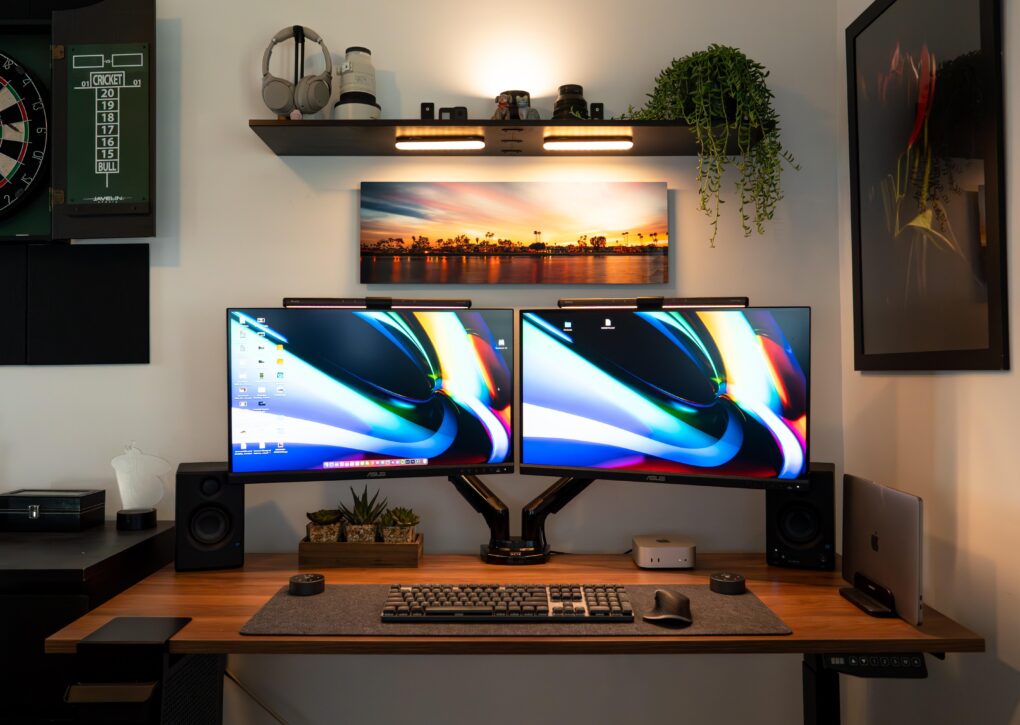
The good-looking and symmetrical setup features a pair of Asus displays nicely mounted on arms. Photo: [email protected]
Some people take an orthodox view of external computer displays and opt for just one with proper windows management. For the rest of us, the best dual-monitor setup we can afford is the best way to go for plenty of screen real estate without going overboard. Check out some of the greatest two-display rigs from setups coverage over the past few years below.
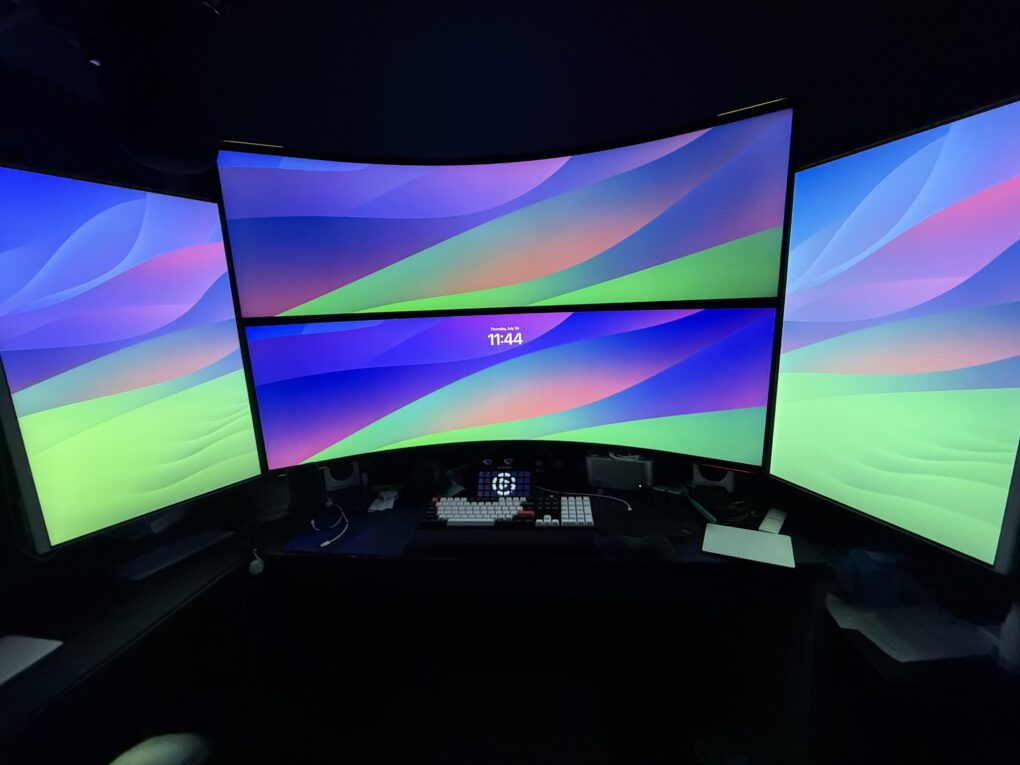
Here are some of the greatest multi-display setup workstations out there, plus some of the gear they rely on. Photo: [email protected]
A big trend in recent years in Cult of Mac‘s setups coverage has been ever-increasing displays — either bigger ones, more of them or both. Sometimes it seems like an arms race to create the most NASA-Mission-Control wall of screens ever. But sometimes it’s not about size, but variety and convenience, including portable monitors and device screens. Take a look at our best-multi-monitor-setup workstations below, along with top displays and other gear that makes them tick.
This M4 Pro MacBook Pro and Studio Display user takes eye strain seriously and offers helpful tips. Photo: [email protected]
So many of us sit at a computer all day peering at a screen, it’s no wonder eye strain is a common problem. But only some of us — like today’s featured MacBook Pro and Studio Display user — really attack the problem beyond taking more breaks. They offer tips to reduce eye strain below.
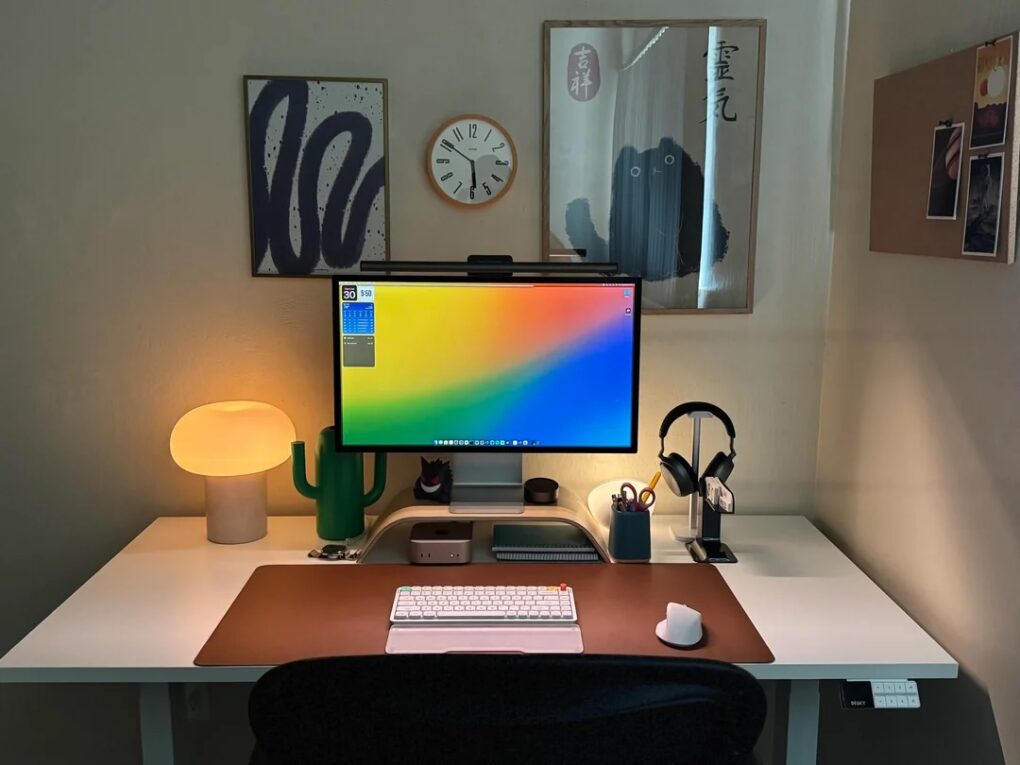
This Mac mini and Studio Display also features two new items: the latest NuPhy Air 75 v3 low-profile mechanical keyboard and BenQ updated Halo monitor light. Photo: [email protected]
Who doesn’t love new gear in their computer setup — either brand new or just new to them? Today’s Mac mini and Studio Display setup comes complete with two shiny new items recently added to the market — the NuPhy Air75 v3 low-profile wireless mechanical keyboard and the updated BenQ ScreenBar Halo 2 monitor light. And he’s got some over-ear headphones I find enviable, too.
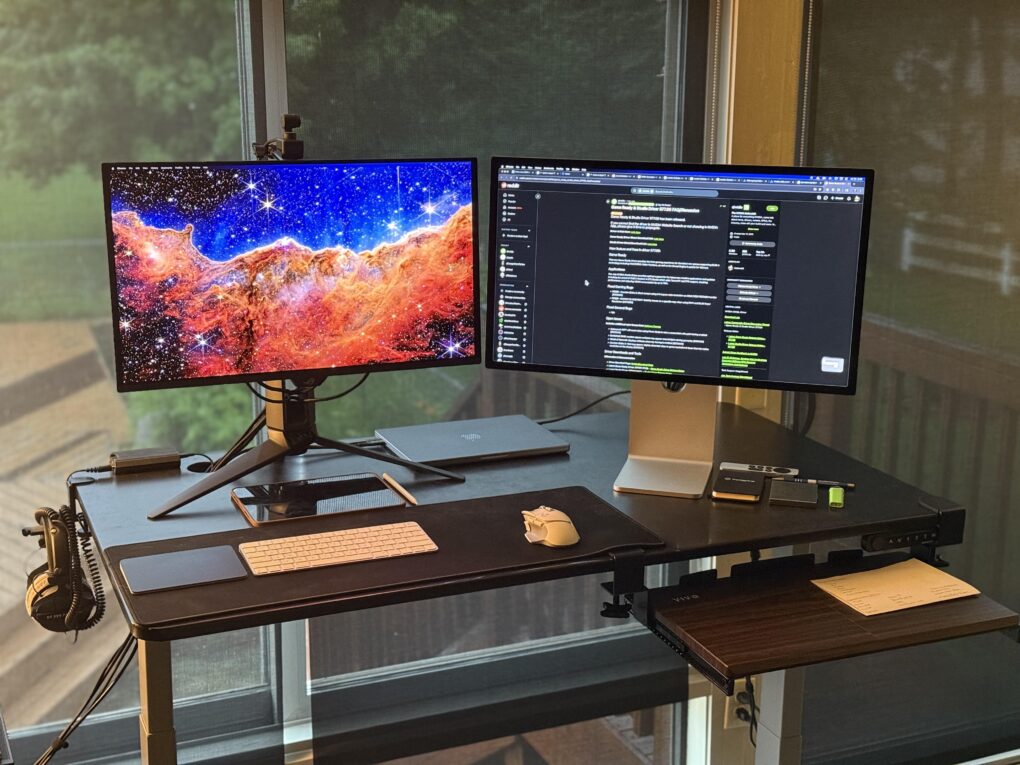
If this MacBook and PC user could only have one, he'd take the Studio Display over the 240Hz OLED display. Photo: [email protected]
Though relatively high costs is a perennial complaint about Apple’s popular Studio Display, the 5K resolution monitor with a fair number of bells and whistles continues to gain fans willing to pay. Today’s setup belongs to a gamer with a MacBook Pro and a gaming PC, plus a Studio Display and a 240Hz OLED monitor.
He said if the house caught fire and he could only choose one display to save, it’d be Apple’s.
This user ponders replacing both the M1 MacBook Pro and the M3 iMac, possibly with an M4 Pro MacBook Pro. Photo:
Today’s featured setup user seeks out and gets good advice on his upgrade questions. He runs an aging MacBook Pro and a more recent iMac, but wonders about replacing them both with a newer MacBook Pro, perhaps an M4 Pro model. Commenters on his post offered useful thoughts, below, on future-proofing choices of Mac models as well as external display options.
The LG 5K display and the Studio Display work beautifully together, the user said. Photo: [email protected]
Apple’s beautiful, high-resolution Studio Display is notoriously expensive, starting at about $1,600 — so dual Studio Display computer setups are pretty rare. I also see Studios Displays paired with other options for external displays, as in today’s great-looking Mac Studio setup. And it turns out there are reasons beyond identical resolution to choose the LG 5K UltraFine display the users selected and loves.
And another cool item in the setup hides behind the displays. Bower & Wilkins’ aged-yet-still-awesome MM1 computer speakers make a rare appearance.
This MacBook Pro setup features great speakers and other audio gear. Photo: [email protected]
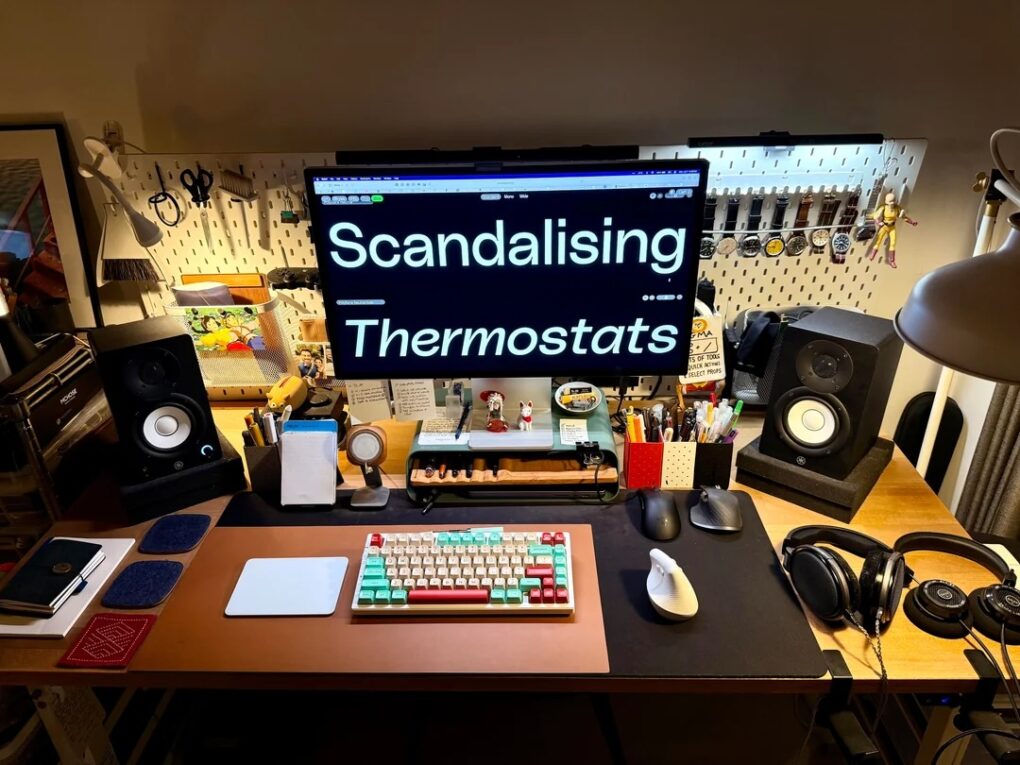
Today’s featured setup sports an M1 Max MacBook Pro still going strong, but the user posted the workstation on social media to show off a newly added Mchose mechanical keyboard — an unfamiliar but solid-looking brand. And I couldn’t help notice the stellar audio gear in the mix, including excellent Yamaha studio monitors for focused sound in the room, plus a surprising array of great headphones and audio interfaces.
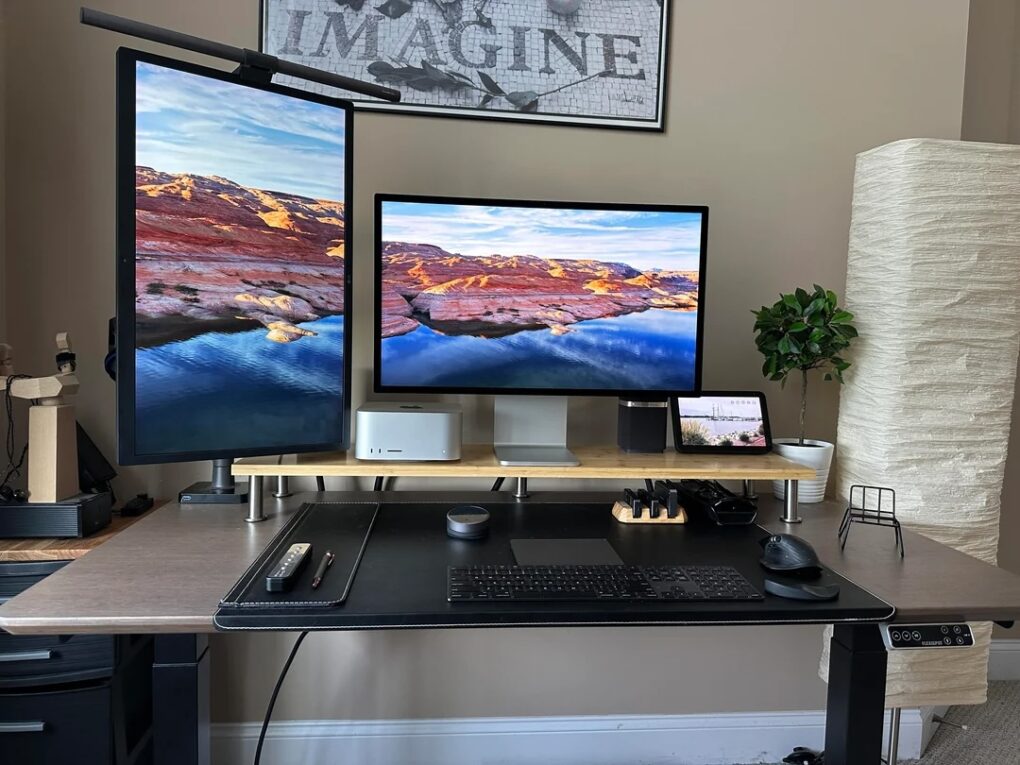
A Mac Studio and dual Studio Displays? What could be better. Photo: [email protected]
Two of the common laments among Mac users talking computer setups online? Too bad Studio Displays are so expensive, and when will Apple jack up that 60Hz refresh rate? But of course the monitors have legions of fans, especially among folks like designers. With today’s featured setup, a designer and video editor loves his pair of Studio Displays and says why. And other commenters get into a little dust-up defending Mac Studio from those who think the small-but-mighty M4 Mac mini is even better.
Can you guess which two monitors are Studio Displays? (Hint: The LG DualUp is on the left). Photo: [email protected]
Love it or hate it, the LG DualUp and its odd 16:18 aspect ratio — nearly square — has found a lot of fans among Mac users, including the owner of today’s M4 Mac mini setup with dual Studio Displays.
In addition to a Studio Display, a whole lot of small screens are mounted on stands in this MacBook Pro setup. Photo: [email protected]
Careful mounting of devices is a hallmark of light and clean computer setups because it lifts most of the gear up off the desk, making room for other gear or simply creating clean, open space. In today’s setup, the MacBook Pro sitting open on a stand is just one of three small screens, including a portable monitor, that nicely complement and expand the Studio Display.
This dream setup features an M4 Pro MacBook Pro and a Studio Display. Photo: [email protected]
“Everything starts with a dream,” goes an old saying — and it even applies to computer setups. Today’s attractive and highly functional M4 Pro MacBook Pro, Mac mini and Studio Display setup amounts to a dream for its owner. But in expressing that dream on social media, its owner found commenters had plenty to say about their versions of “an Apple fan’s dream setup.”
★★★★★
The display is bright enough (though less so than Studio Display) and incredibly crisp and clear with 5K resolution. Photo: David Snow/Cult of Mac
The quest for an affordable Apple Studio Display alternative got going right after Apple launched its premium 5K monitor in 2022, but now Alogic takes a bold step in a completely new direction. As this Alogic Clarity 5K Touch Monitor review points out, it’s not just another 5K display trying to undercut Apple’s pricing. It’s a technological breakthrough that brings something the Studio Display simply doesn’t offer: a fully functional touchscreen interface for macOS.
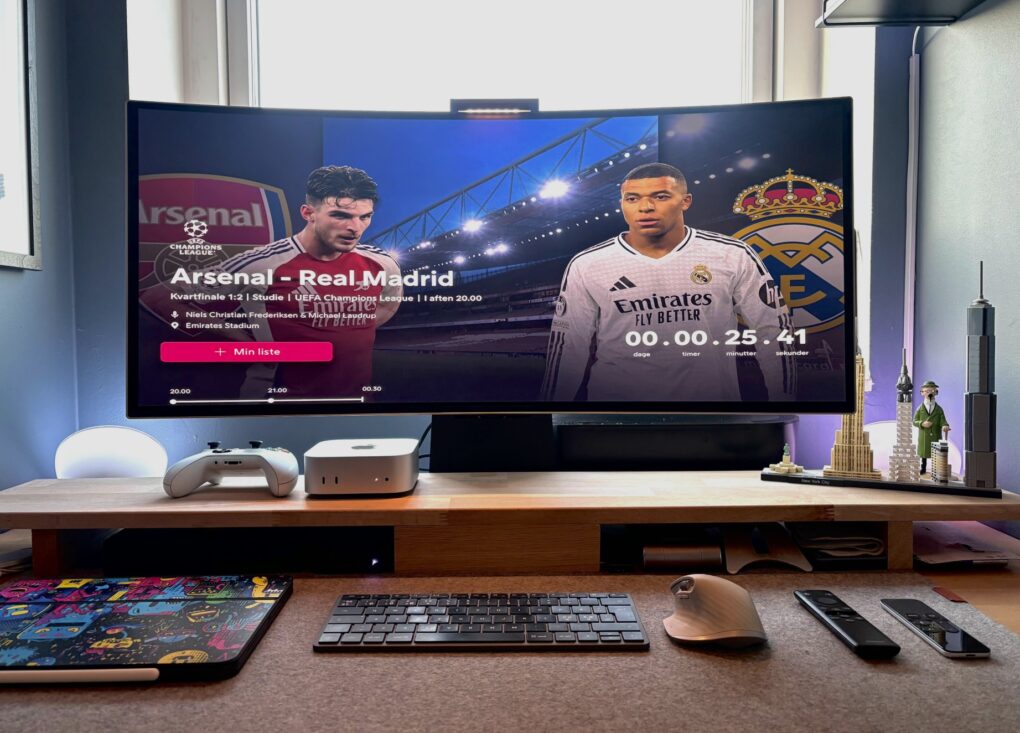
In a back-and-forth battle, Studio Display ultimately lost out to a Samsung G8 OLED ultra-wide monitor. Photo: [email protected]
The turf war between standard displays and ultra-wide monitors continues — sometimes within one computer setup. Today’s M4 Mac mini user went back and forth multiple times before their Samsung ultra-wide OLED display retook the crown from their Studio Display, which is now “gone.” And that’s the case despite their acknowledgement that “Studio Display is the best monitor for Mac, no discussion.”