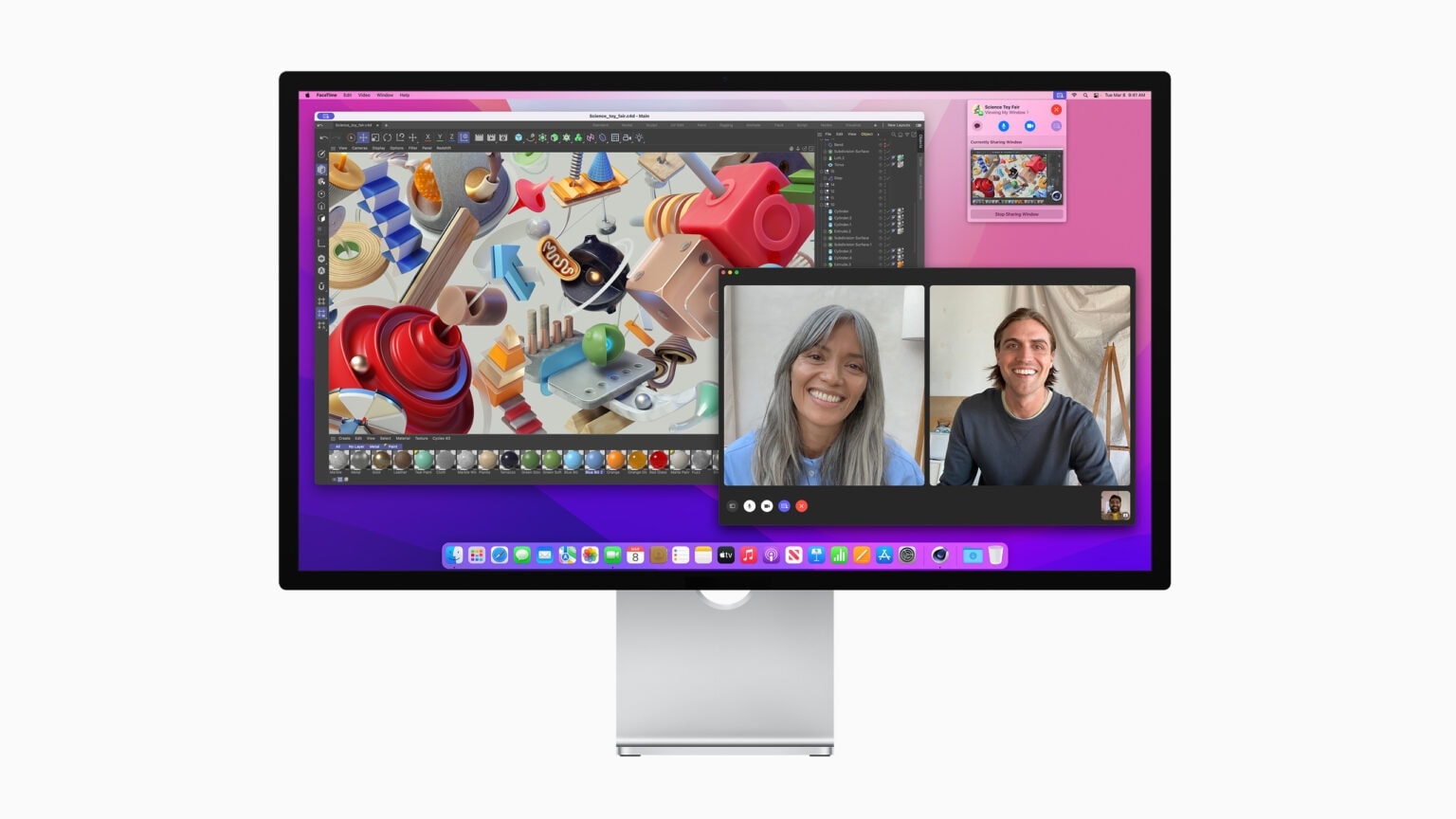
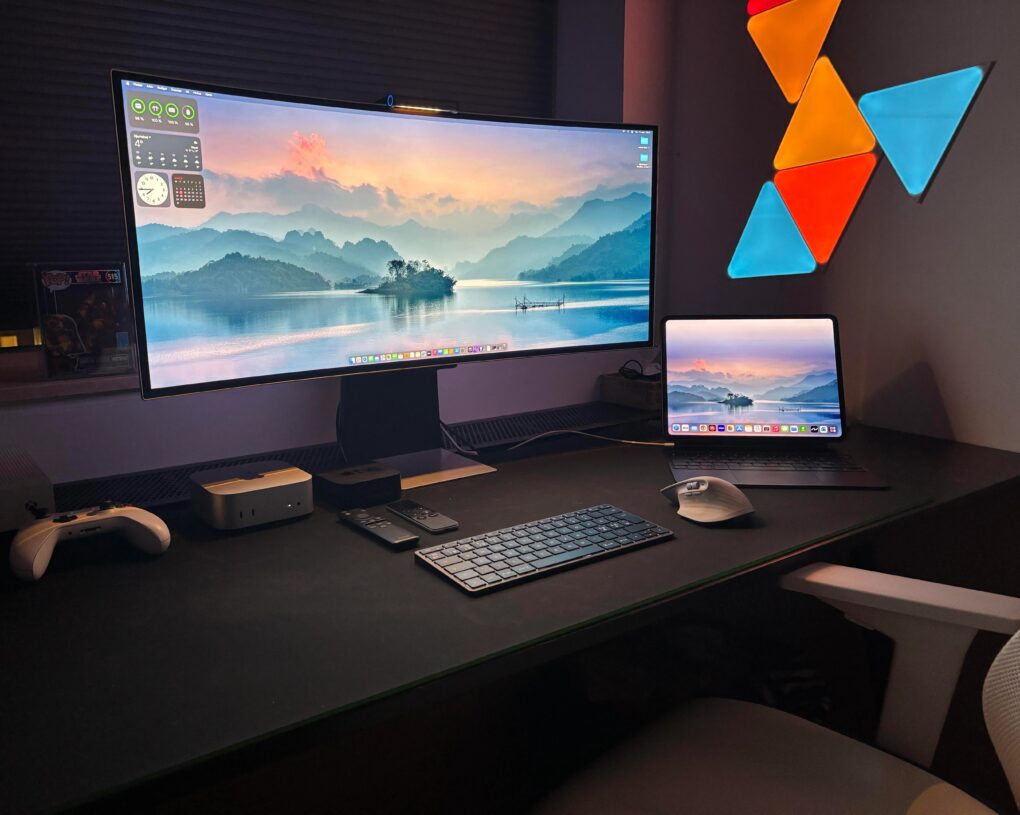
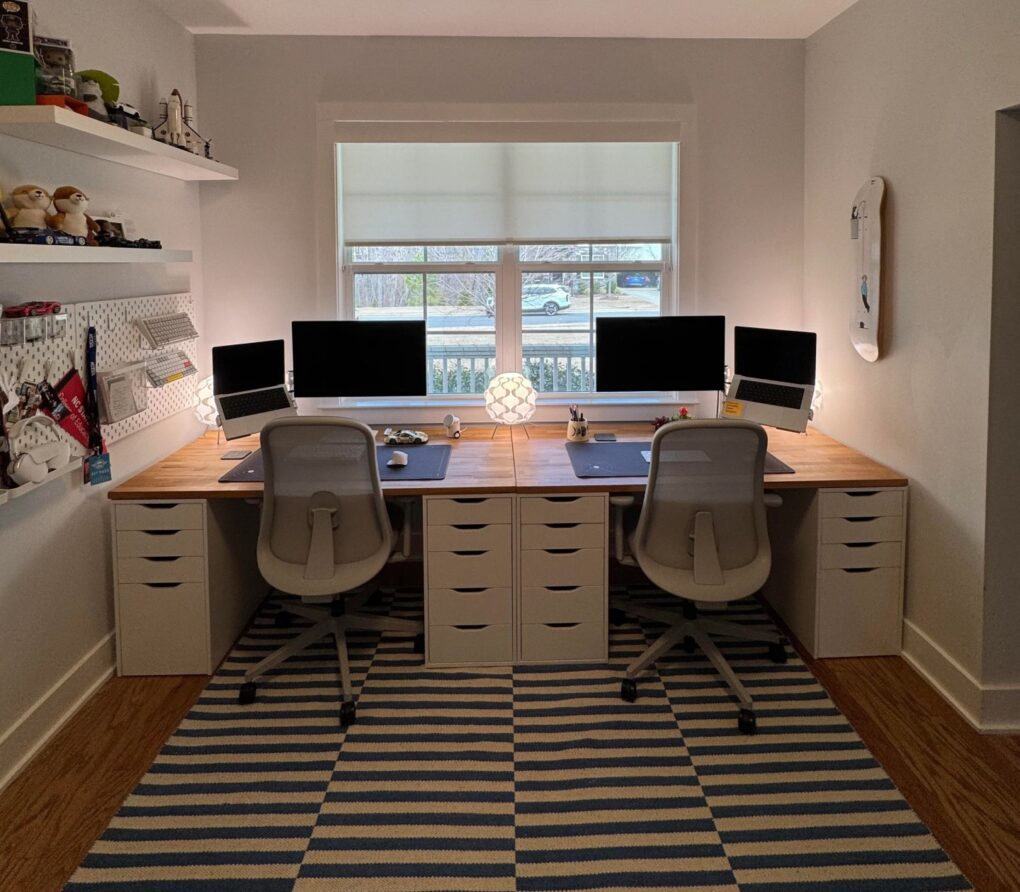
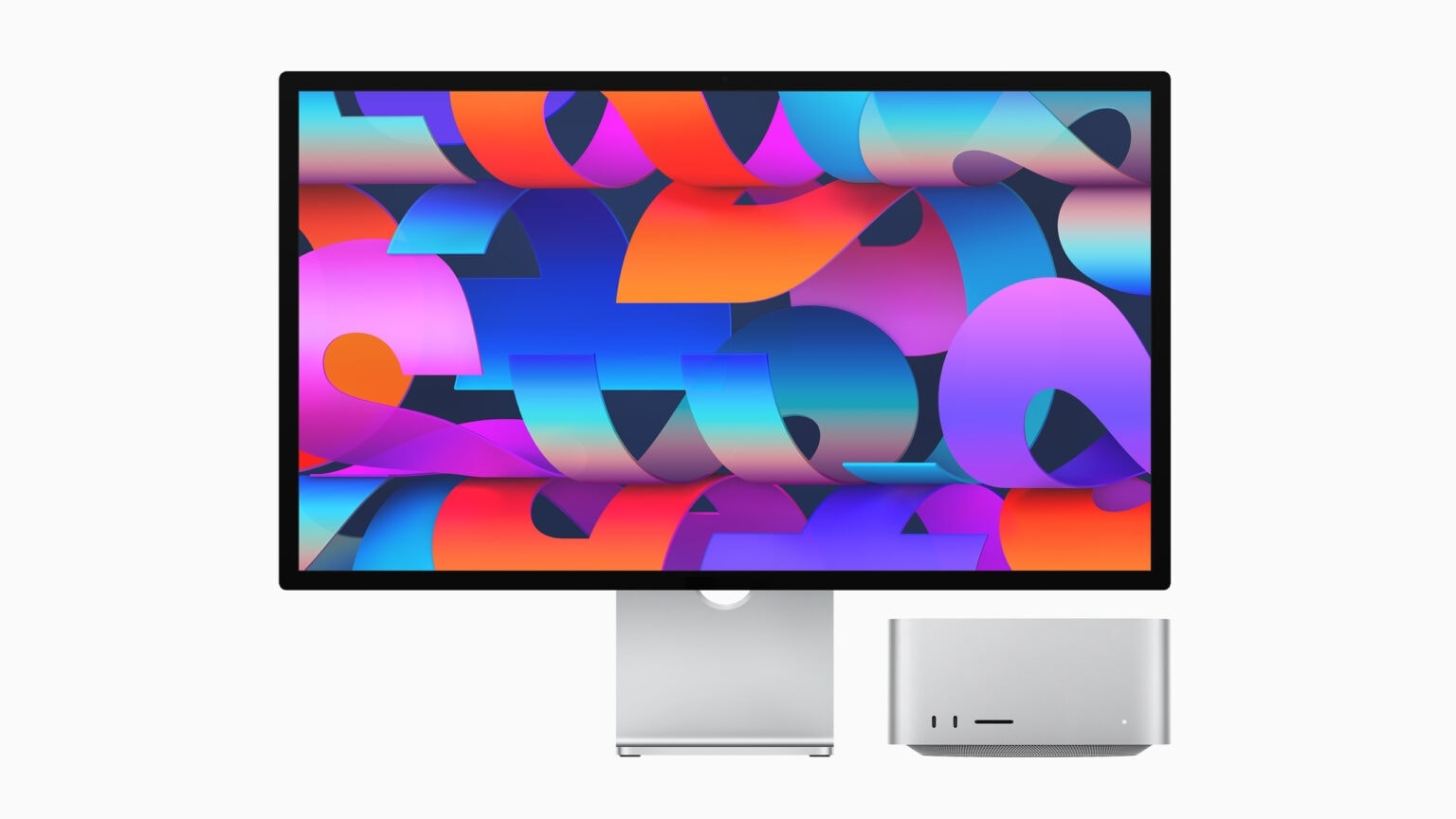
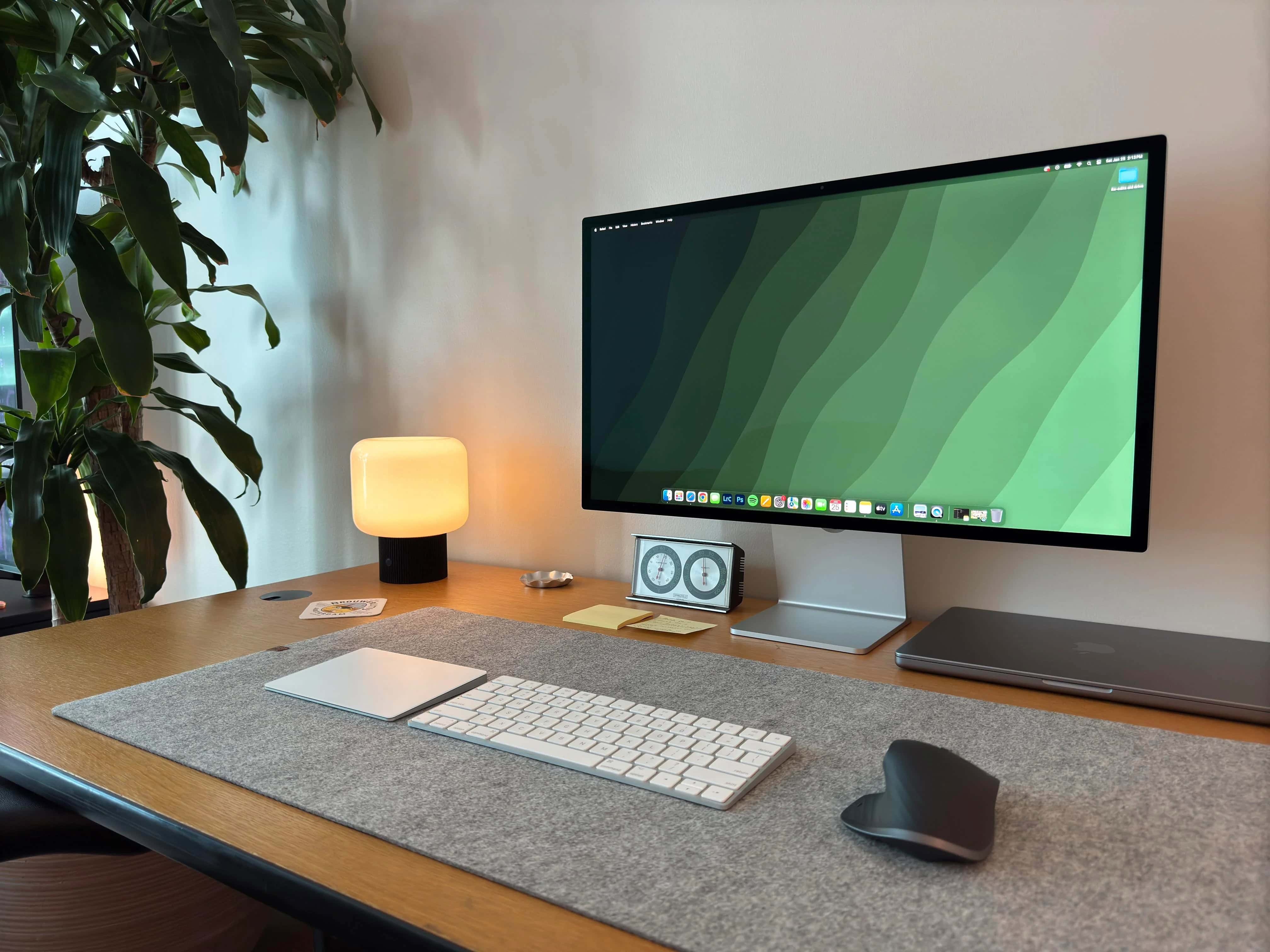
Have you ever run multiple displays with different resolutions? Today’s featured Mac mini setup sports older Apple Thunderbolt Displays (2.5K resolution, aka 2560 x 1440p) flanking a newer Studio Display (5K, or 5120 x 2880p). Seems like that might cause a touch of seasickness looking back and forth between them all the time — or maybe a sticky mouse cursor — but it doesn’t bother the user at all. For them, it’s all about the excellent color reproduction across the board.
Old Thunderbolt displays keep up with new Studio Display [Setups]
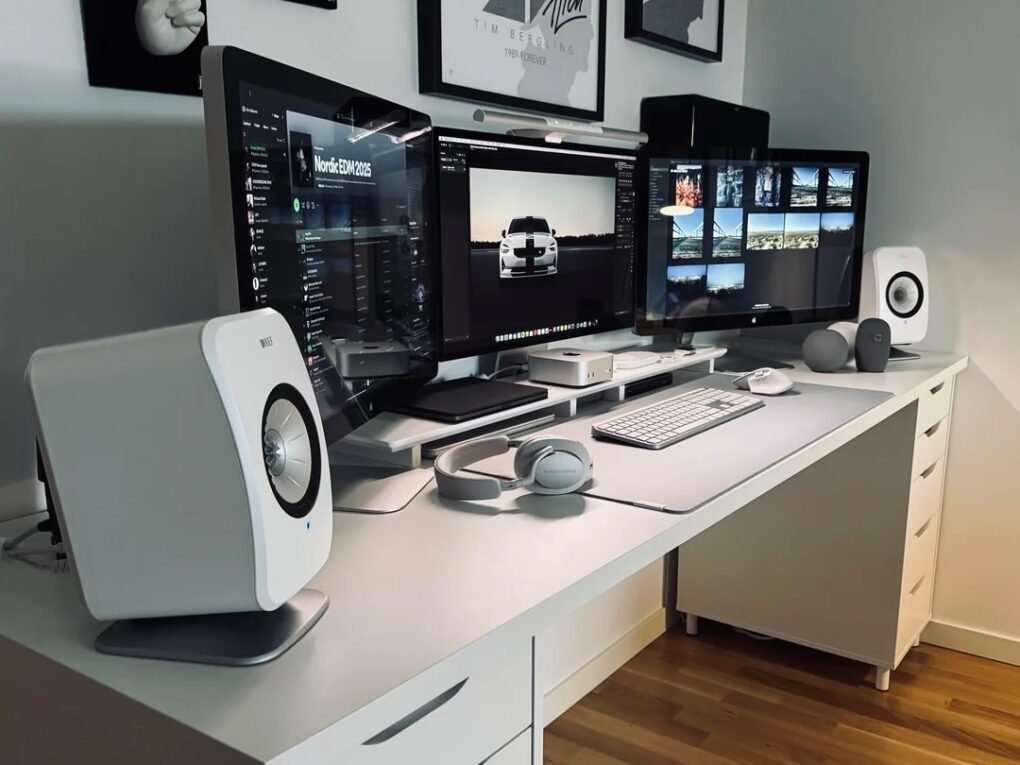
Photo: [email protected]