Mobile menu toggle

Studio Display - page 4

Dual 5K displays and giant DIY desk distinguish this rig [Setups]

By

MacBook Pro setup
Cleaned, reorganized and beautifully underlit, this MacBook Pro and Studio Display rig is ready for work in the new year.
Photo: [email protected]
People often compare LG’s UltraFine 5K display to Apple’s Studio Display because they’re directly comparable, with the same size and resolution. But rarely do you find the two in the same setup. That makes today’s dual MacBook Pro and dual 5K display setup something of a rarity.

That, along with the rarely seen Wacom drawing tablet and the truly massive DIY desk, fashioned from a kitchen countertop and mechanized legs.

If you have dual displays, try this neat wallpaper trick [Setups]

By

Dual-Studio Display MacBook Pro setup
This flat side-by-side look brought up debate, plus the question of getting wallpaper to work that way across two screens.
Photo: [email protected]
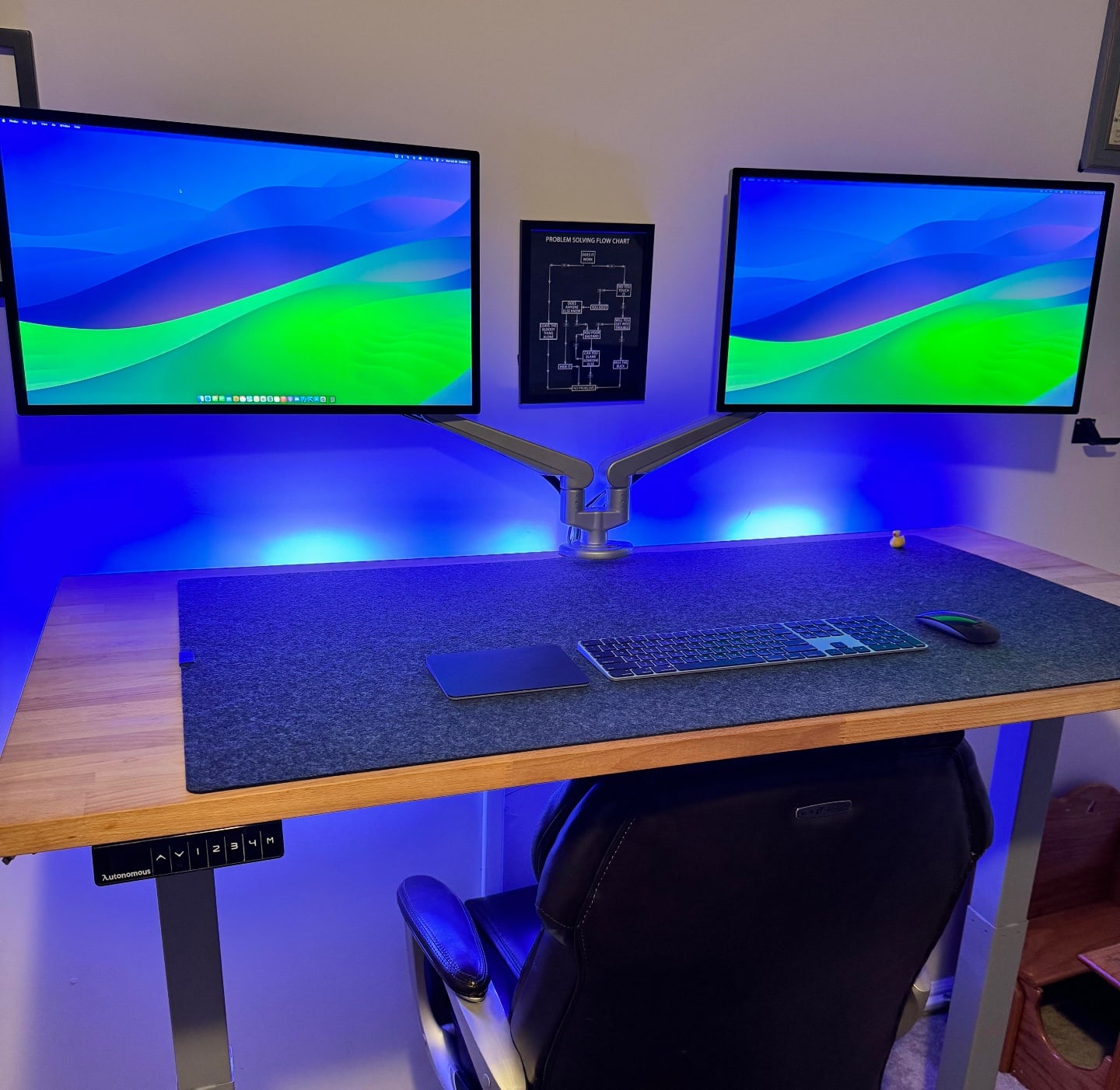
Few people would dispute that the extra screen real estate of a second display can be a huge help in a computer setup. But let’s say you have two Studio Displays in landcape (horizontal) mode. Do you place them side by side perfectly straight or do you angle them in some way?

Today’s MacBook Pro workstation brought up the debate and surfaced a cool tip for getting wallpaper to appear half on one display and half on the other.

Studio Display stars in designer’s Lego-rich home office [Setups]

By

Setups Jose Munoz desk with MacBook Pro and Studio Display
Munoz loves his Studio Display the most, but he also praises his 14-inch M1 MacBook Pro and other gear.
Photo: Jose Munoz

If Apple’s popular but pricey Studio Display is well-suited to anyone, it’s any type of designer because of the monitor’s formidable graphics chops.

In today’s loaded MacBook Pro setup, a designer sets apart his Studio Display for the highest praise among many items in a remarkably well-equipped workstation. And his Lego collection is epic, too.

Amazon lops $531 off Samsung’s 5K ViewFinity display

By

Samsung ViewFinity S9 5K monitor
Don't sleep on a deal like this one.
Photo: Samsung

If you’re ready to graduate from a 4K to a 5K external display but the high prices have held you back, here’s your chance. Right now you can take  off the regular price of Samsung’s direct competitor to Studio Display — the 27-inch Samsung ViewFinity S9 monitor.

This beauty is going for $1,068.61. That’s 33% off its regular price, which is the same as Studio Display’s steep cost (about $1,600).

Software engineer defends Apple’s pricey Studio Display [Setups]

By

Computer setup with M2 Pro MacBook Pro and Studio Display
Software engineer says his Studio Display's 60Hz refresh rate doesn't bother him (much).
Photo: [email protected]
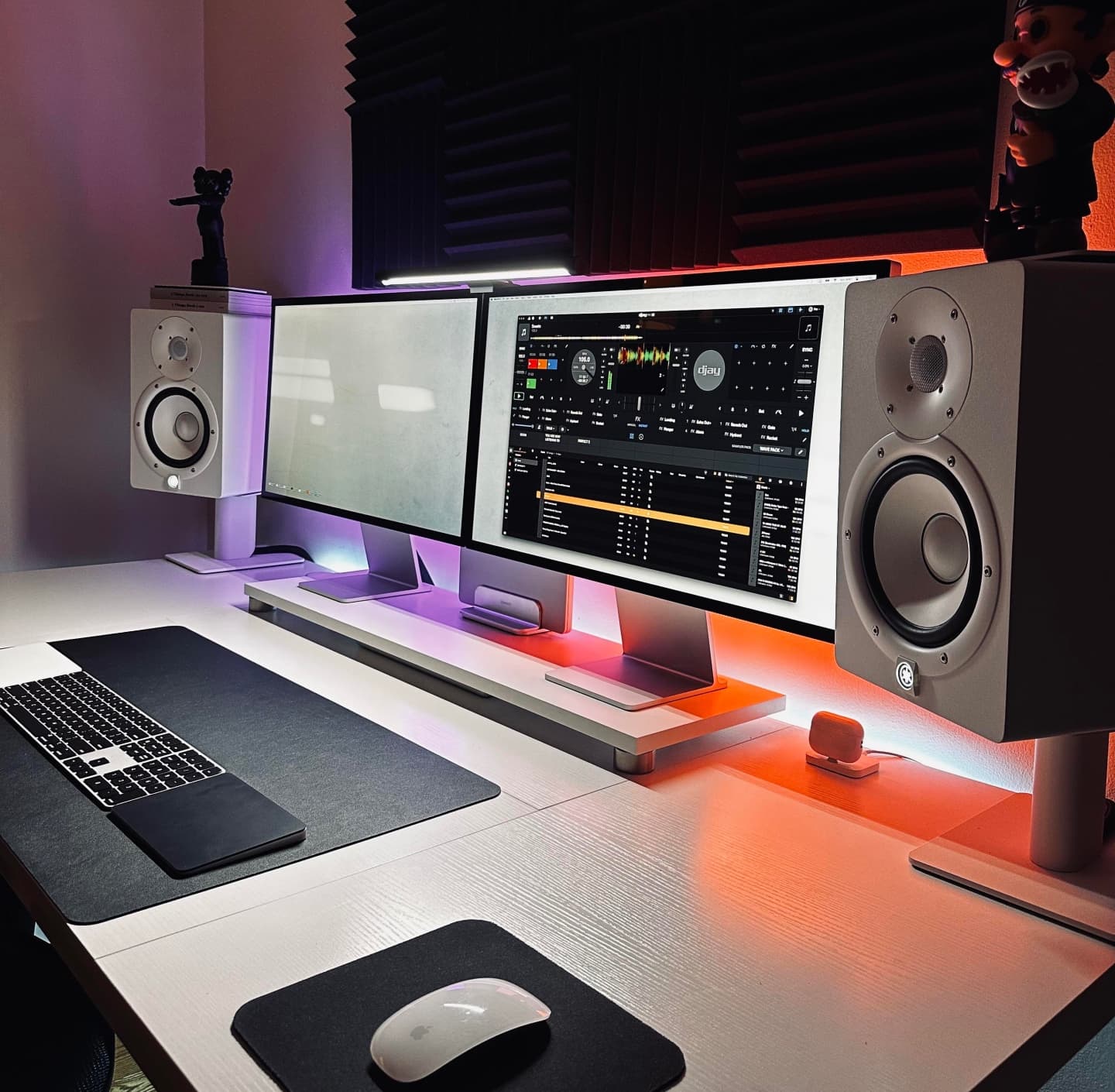
A software engineer drives a Studio Display with an M2 Pro MacBook Pro in their enviable computer setup. And while some folks questioned the use of Apple’s pricey 5K display because of its relatively low refresh rate, the setup’s user praised the monitor highly.

Check out the advice the engineer got about setup improvements and see all their gear in the list below.

6-display rig rocks Sonos home-theater sound [Setups]

By

5-display Mac Studio and MacBook Pro setup with Sonos home-theater sound.
This expansive Mac Studio and MacBook Pro setup provides an audio-visual feast.
Photo: [email protected]
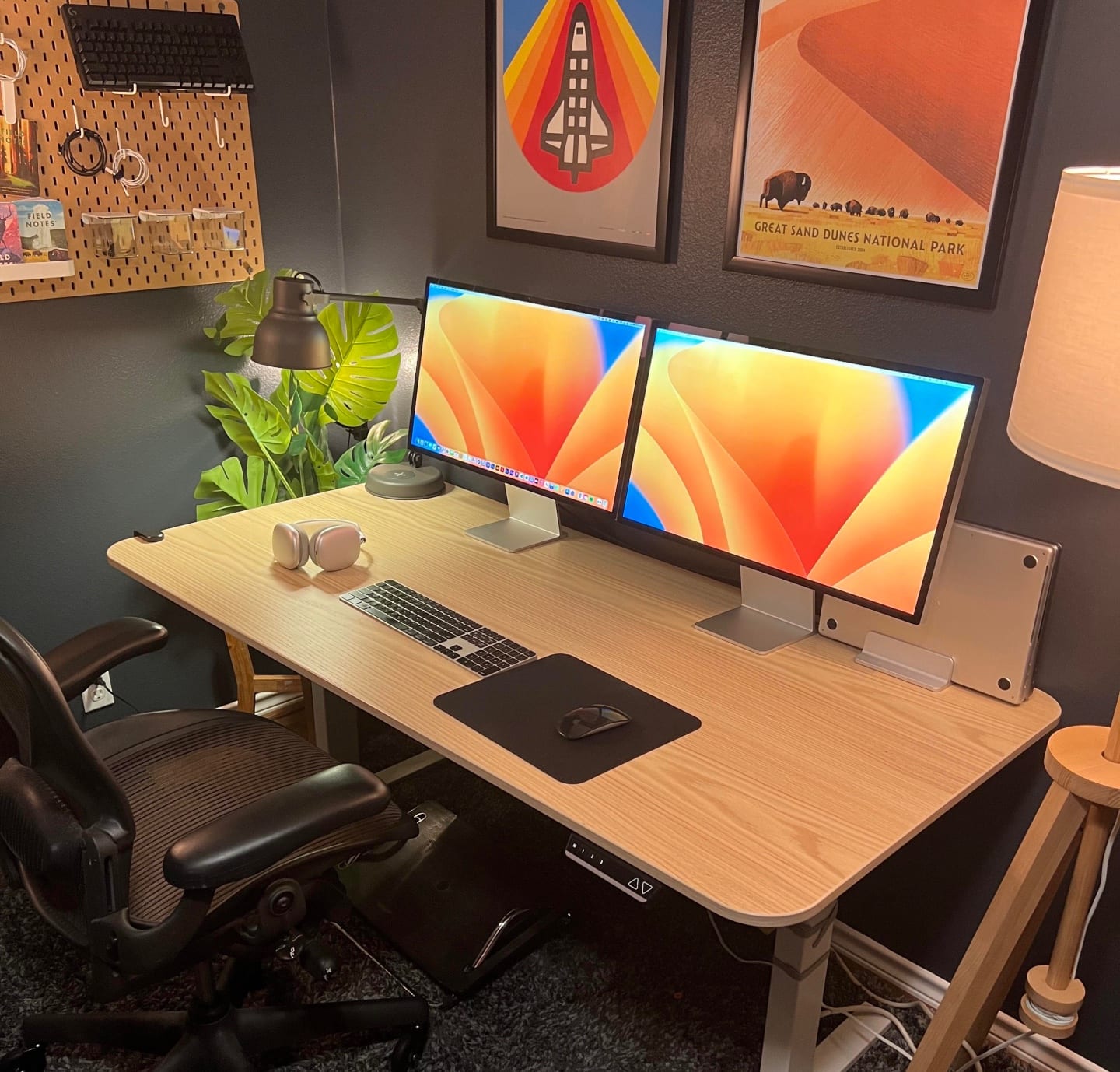
Some home computer setups go extra-large on visuals, others pump up quality sound — and some go nuts with both in equal measure.

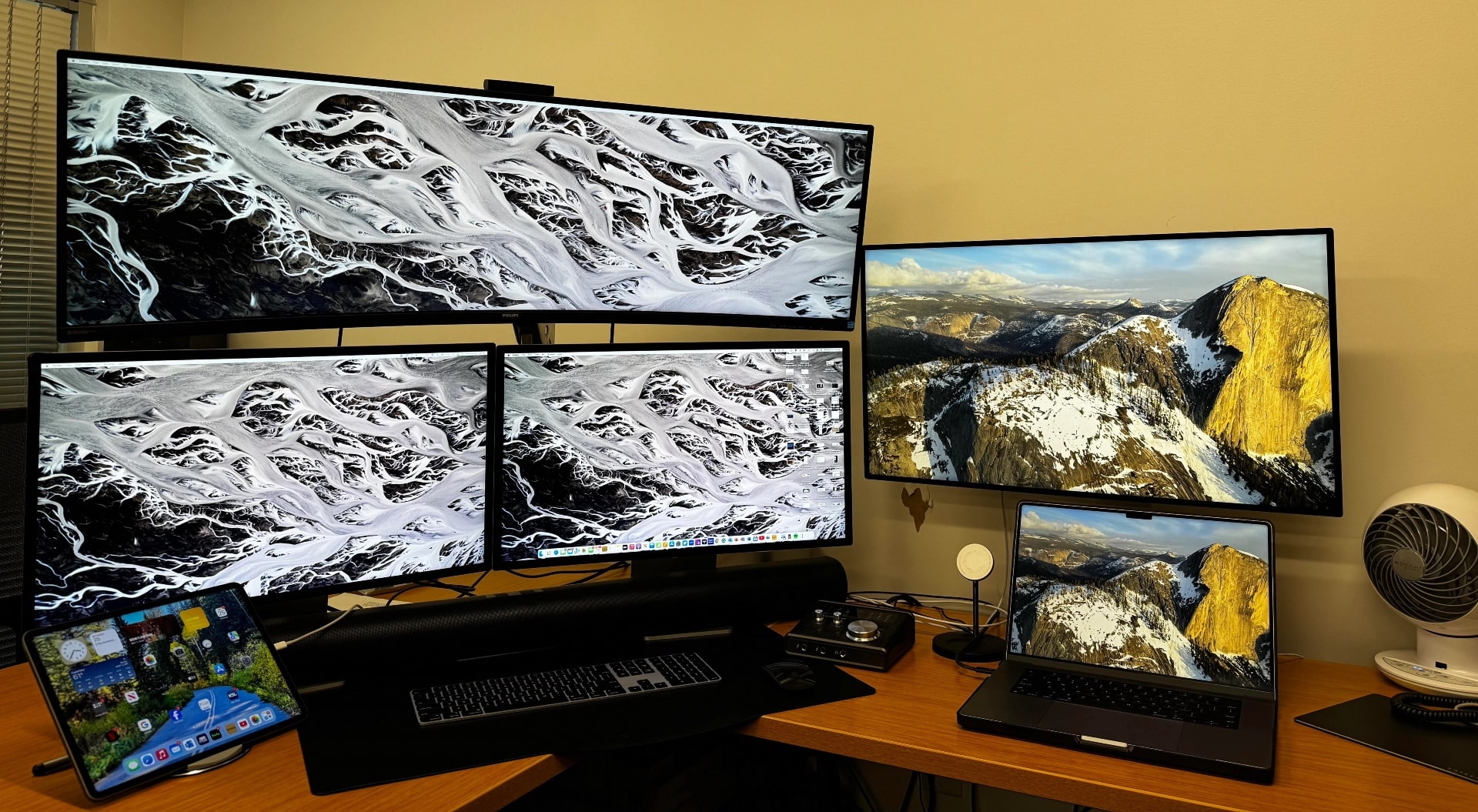
Today’s featured Mac Studio and MacBook Pro setup features not only six exceptional displays — including Apple’s vaunted, $5,000 Pro Display XDR — it also adds a bonus sound system to its complete Sonos home-theater audio array.

Find the perfect monitor riser for your desk [Setups]

By

Mac mini setup Studio Display on monitor riser
Though most monitors come with adjustable stands, adding a monitor riser provides benefits to any computer setup.
Photo: [email protected]

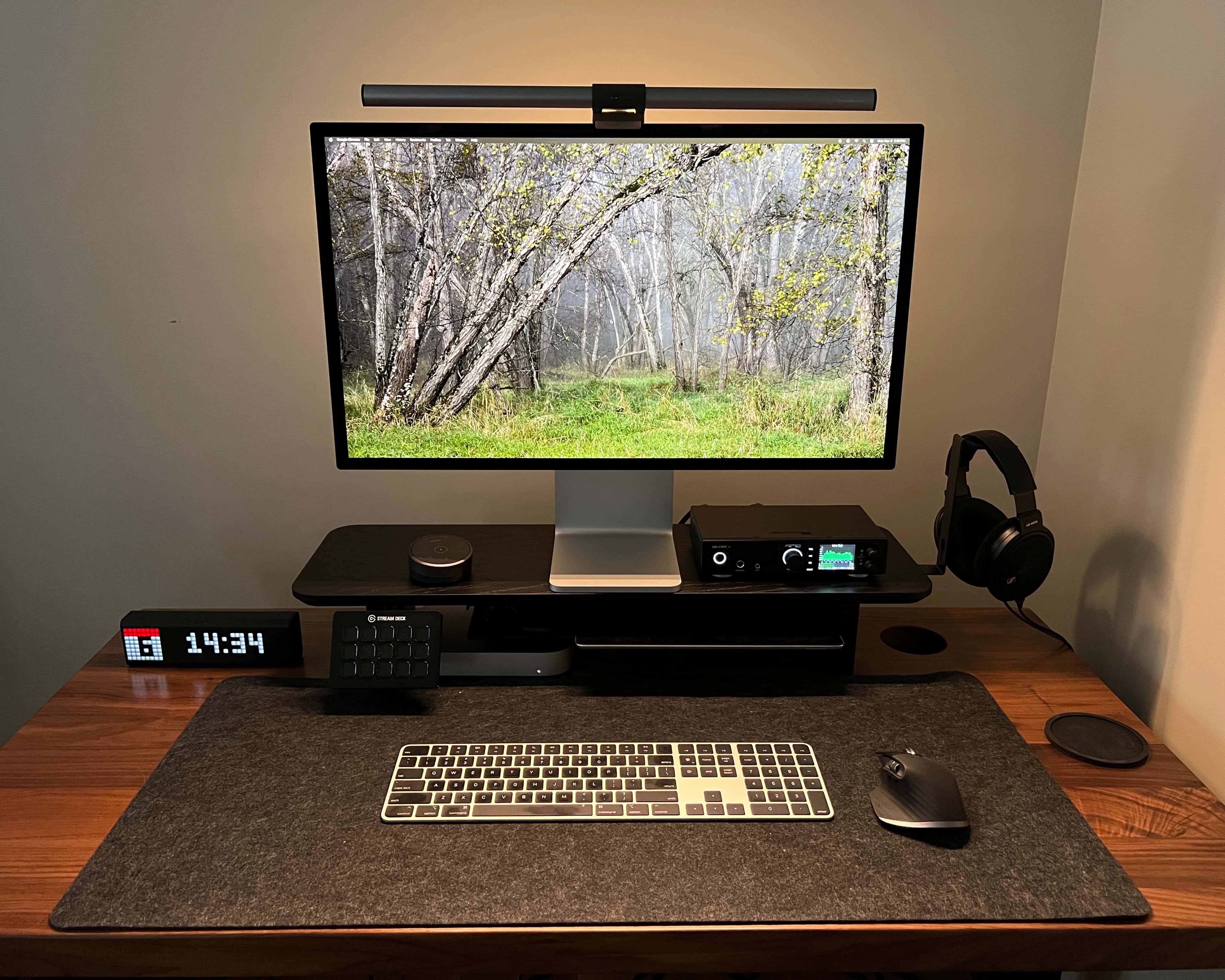
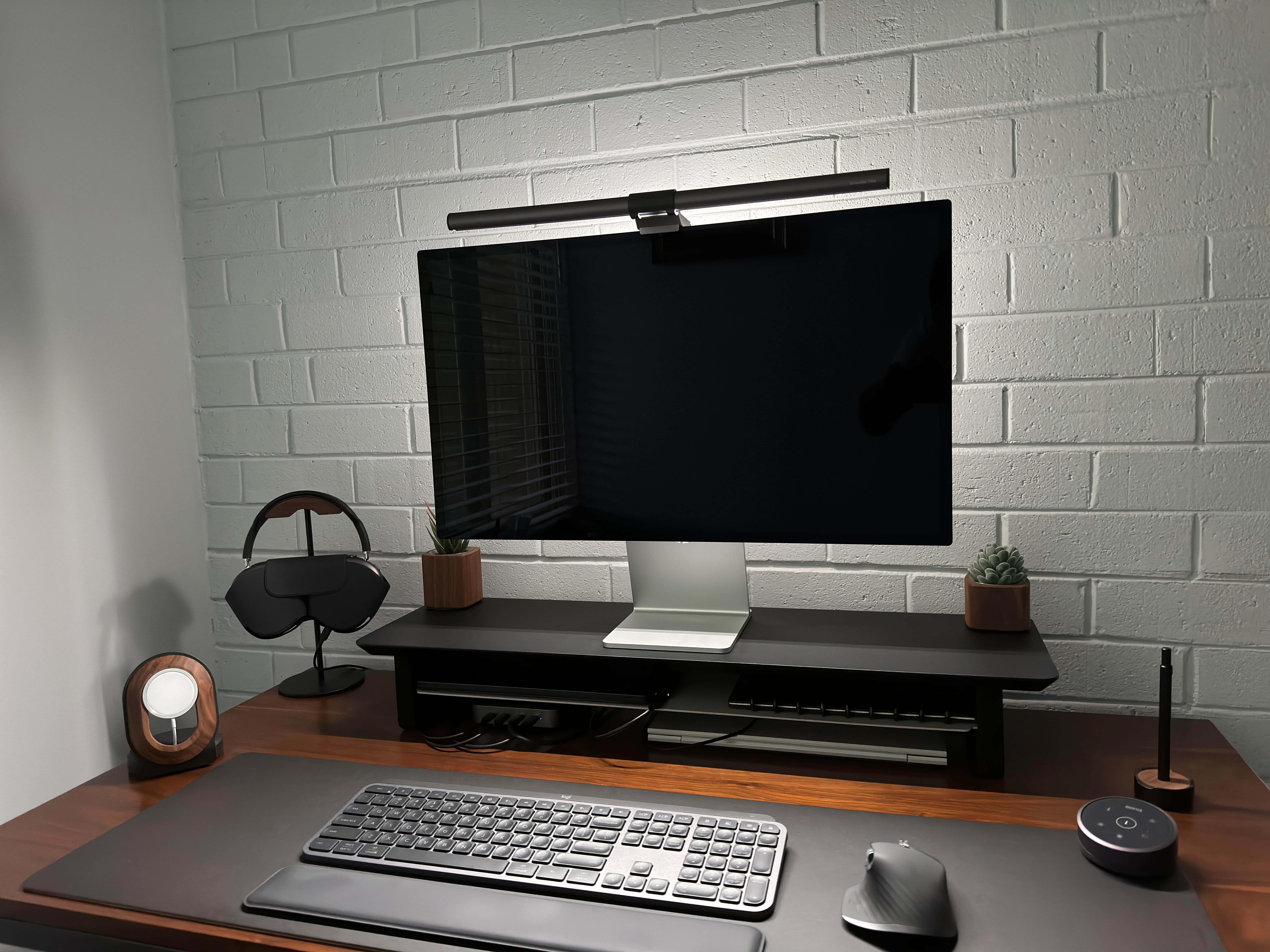
Whether you call them monitor risers, desk shelves or display stands, finding the right one for your desk’s size can be a huge boon to your computer setup. Today’s featured Mac mini workstation benefits from a compact Balolo stand sitting toward the back of a small desk.

You can see that choice desk shelf and several other options below, along with all the setup’s gear, including a Studio Display and marvelous high-end headphones.

Beautiful workstation serves up double the fun with dual everything [Setups]

By

Want a highly functional and symmetrical setup? Get two of most things.
Photo: [email protected]

A New York City-based magazine editor showed off a beautiful computer setup that serves up twice the fun because it boasts two of everything. Well, not everything.

But it doubles up on a lot of the main gear — two M3 MacBooks Pro, two Studio Displays, two sets of Philips Hue smart lights, a pair of Yamaha speakers on stands and, believe it or not, two Magic Trackpads and a Magic Mouse.

Read more about the setup’s whys and wherefores below, and check out that gear list of links at the bottom of the article.

Some workstations are literally a pain in the neck [Setups]

By

Could you look from one display to the other like that?
Photo: [email protected]
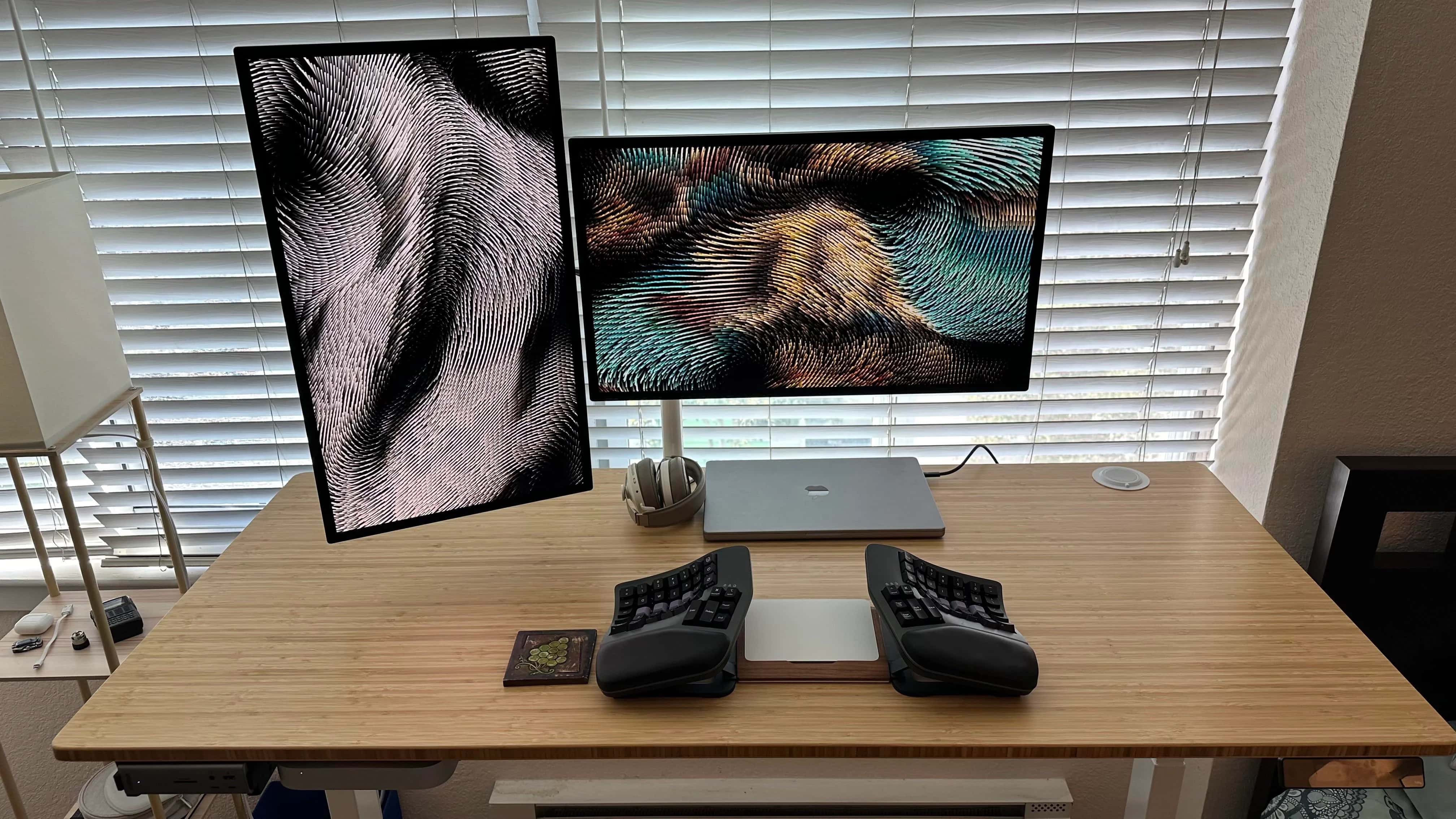
With computer setups we often talk about placing gear properly for healthy, ergonomically correct usage to avoid problems like neck pain. But some folks viewing today’s featured MacBook Pro workstation said they suffered neck pain just looking at the photo.

That’s because the setup’s dual Studio Displays sit on a mount that spreads them out, leaving a big gap in the middle unless the displays are pulled far forward toward the user.

Sometimes the best cable organizer is your desk mat [Setups]

By

We don't feature a ton of iPad-driven setups, but that's not actually the cool thing we're obsessed with in this photo.
Photo: Fernando Silva

We love it when unfamiliar gear in a computer setup cropping up on social media makes us go, “what the hell is that thing?”

It happened with today’s featured setup, which is bit unusual because it centers on an iPad Pro rather than a desktop computer or laptop. But the unfamiliar item turned out to be a desk mat with a cool trick using metal pieces to tame cable clutter.

Why choosing the right monitor light bar matters [Setups]

By

The user said his $180 monitor light bar is absolutely worth it.
Photo: [email protected]

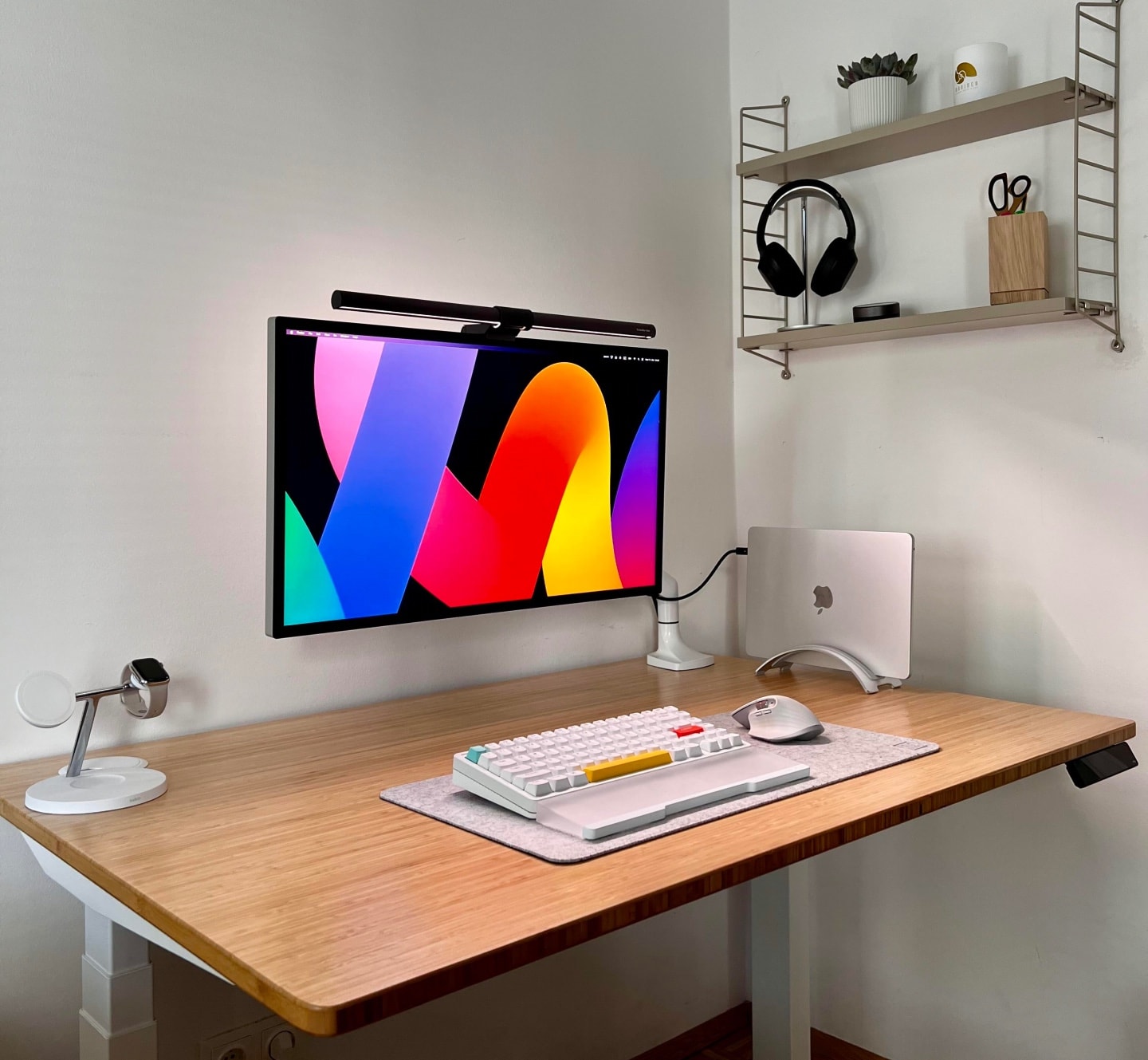
A good external monitor like Apple’s Studio Display is an important part of a computer setup. But what about the monitor light bar that sits on top of it? They’re not all the same and they can hugely impact your workspace.

Today’s MacBook Pro setup boasts a Studio Display, and on top sits a fairly pricey BenQ monitor light. Read on the find out why the user says it’s worth every penny.

You wish your workstation looked this clean [Setups]

By

This M2 MacBook Air and Studio Display setup is well-equipped for such a clean and simple-looking rig.
Photo: [email protected]
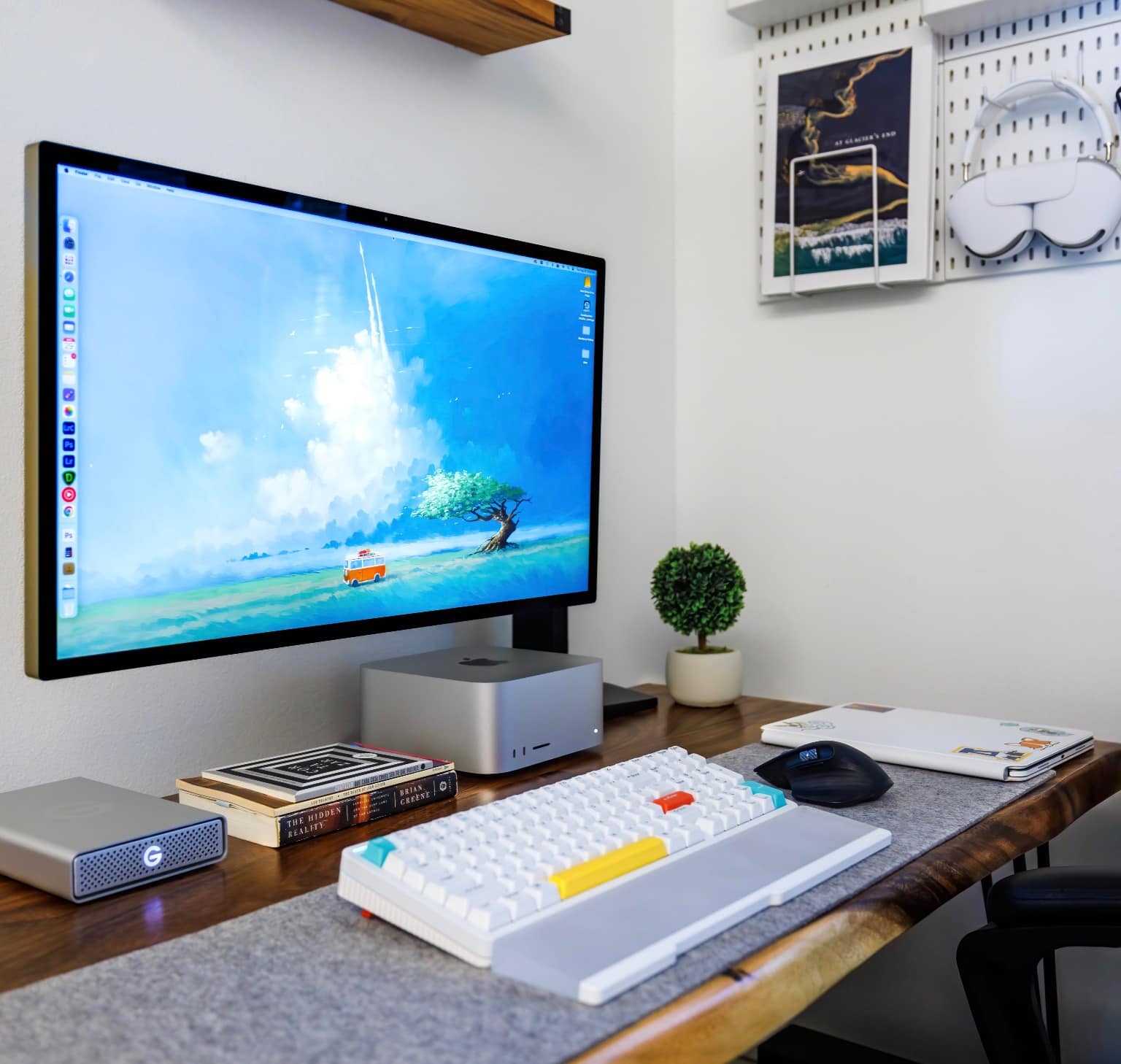
Some computer setups look “clean” and “minimal” because they’re, well, empty. Under-equipped. Not all there. But today’s featured M2 MacBook Air setup with Studio Display actually brings enough gear, it just does so in a beautifully clean way that has the rest of us slobs drooling with envy.

Hell, our setup is practically a waste dump half the time, compared to this thing.

Dual Magic Trackpads? But why? [Setups]

By

This guy claims two Magic Trackpads is the way to go.
Photo: [email protected]
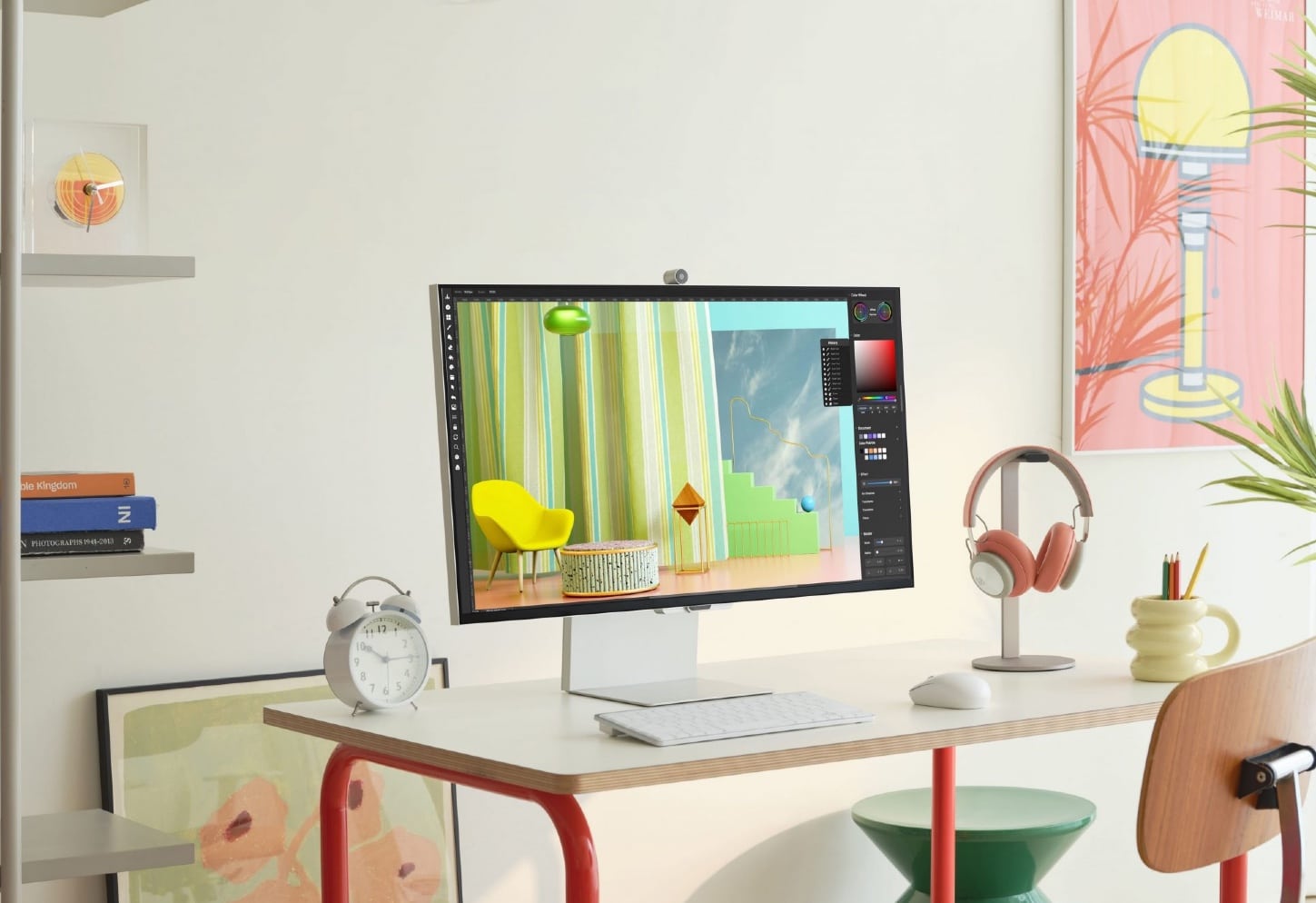
From time to time we see setups with both a Magic Trackpad and a mouse because of their different peculiarities — mainly because many people find trackpads especially good for gesturing. But why would you use two Magic Trackpads?

Well, today’s MacBook Pro setup with dual Studio Displays and dual Magic Trackpads provides a use case.

Two powerhouse MacBooks drive dual Studio Displays [Setups]

By

Not everyone can say they have two late model MacBooks Pro and two Studio Displays, but the employer helped out in this case.
Photo: [email protected]

Not many folks get to flaunt two late-model, powerhouse MacBook Pro laptops along with two Studio Displays in their computer setup — but it certainly becomes more likely when an employer contributes gear. Today’s featured setup comes from an art director in just that situation.

His Apple-all-the-way setup won much praise, but some commenters on social media had fits over a backward-facing MacBook Pro — and provided a fix for the flagrant flub.

Try the cheap way to get an Apple display [Setups]

By

You won't believe how little the user paid for those monitors.
Photo: [email protected]
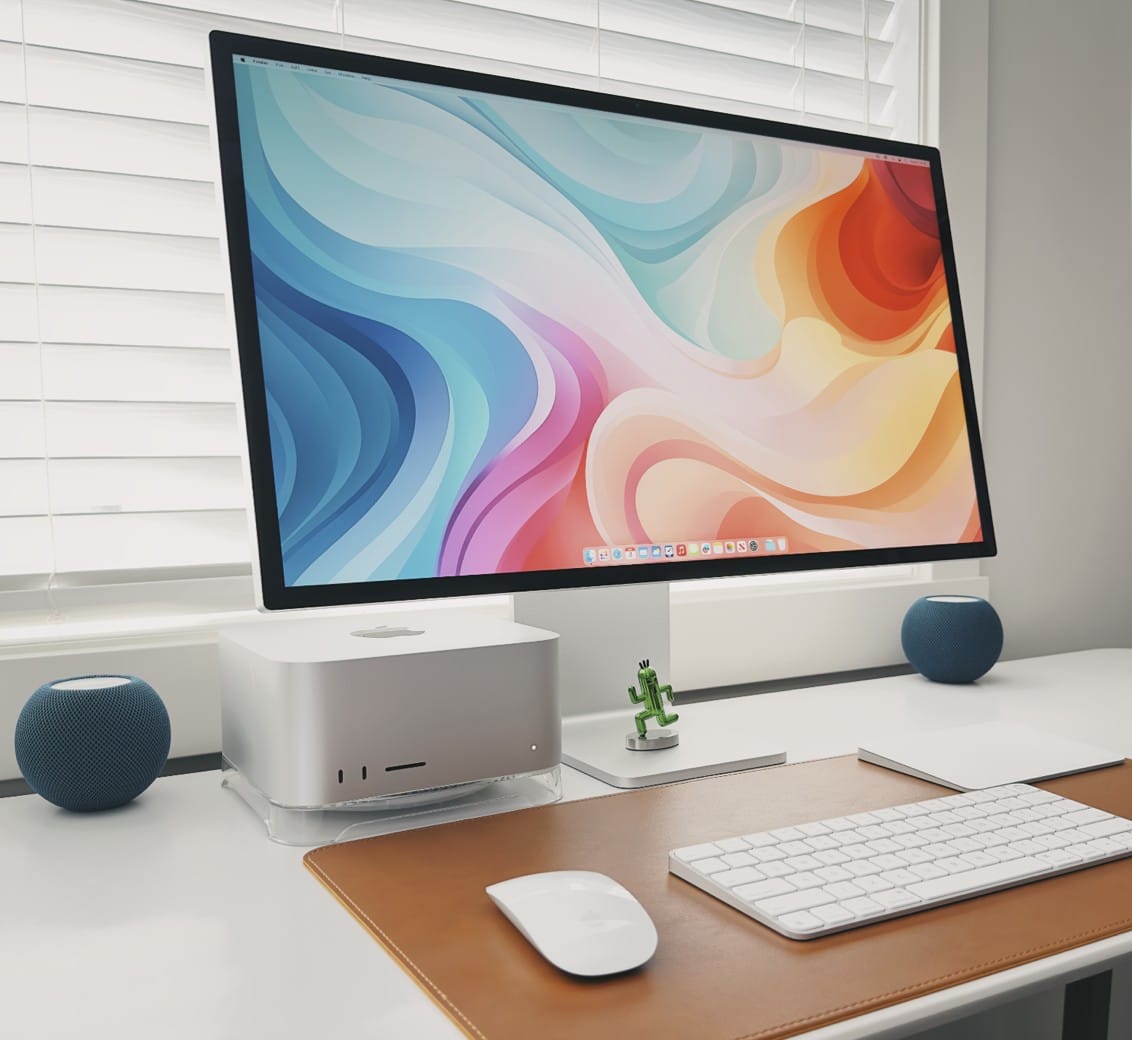
The No. 1 complaint about Apple displays? They’re too expensive. People love them, but not everyone will pony up the cash to grab a $1,600 Studio Display or, heaven help us, a $5,000 Studio Display XDR.

Today’s featured MacBook Pro setup provides a much-cheaper alternative that might work for some people. It uses a pair of old-but-beautiful Cinema Displays that cost a grand total of $74.

Mac Studio hides under Studio Display-laden desk [Setups]

By

Where's the Mac Studio to go with those Studio Displays? Under the desk.
Photo: [email protected]

On Friday we mentioned dual-Studio Display setups seem relatively rare, but now we can hardly glance at social media without seeing one, or even several.

Today’s featured Mac Studio setup fits the bill with two Studio Display perched on 3D-printed stands. You can’t see the computer in the photo above. That’s because it’s mounted under the standing desk.

‘So we’re doing dual Studio Display setups?’ [Setups]

By

One Studio Display in landscape orientation and one in portrait -- what could be more picture-perfect?
Photo: [email protected]

Cult of Mac‘s coverage of user computer setups shows lots and lots of people love Studio Displays. And tons of folks love dual-display setups. But two Studio Displays in a setup? You’d think we’d see more of those.

And today’s featured setup not only boasts dual Studio Displays, it sports two Macs — an M2 Mac mini and an M1 Pro MacBook Pro — in addition to a split mechanical keyboard and some 3D-printed parts.

Big-time gamer’s rig doubles as dream shopping list [Setups]

By

This Mac Studio and Studio Display setup is a gamer's paradise, with six gaming systems.
Photo: [email protected]

If you’re an avid gamer or you’re shopping for one, you could do worse than to check out today’s featured Mac Studio and Studio Display setup.

The user gets seriously greedy with a peripherals lineup that others might want to emulate, including six gaming systems, four keyboards, four mice and a stellar sound system.

Bright and beautiful Mac Studio rig gets a lot right [Setups]

By

A lot of people want to know what that delightful wallpaper is. See below.
Photo: [email protected]

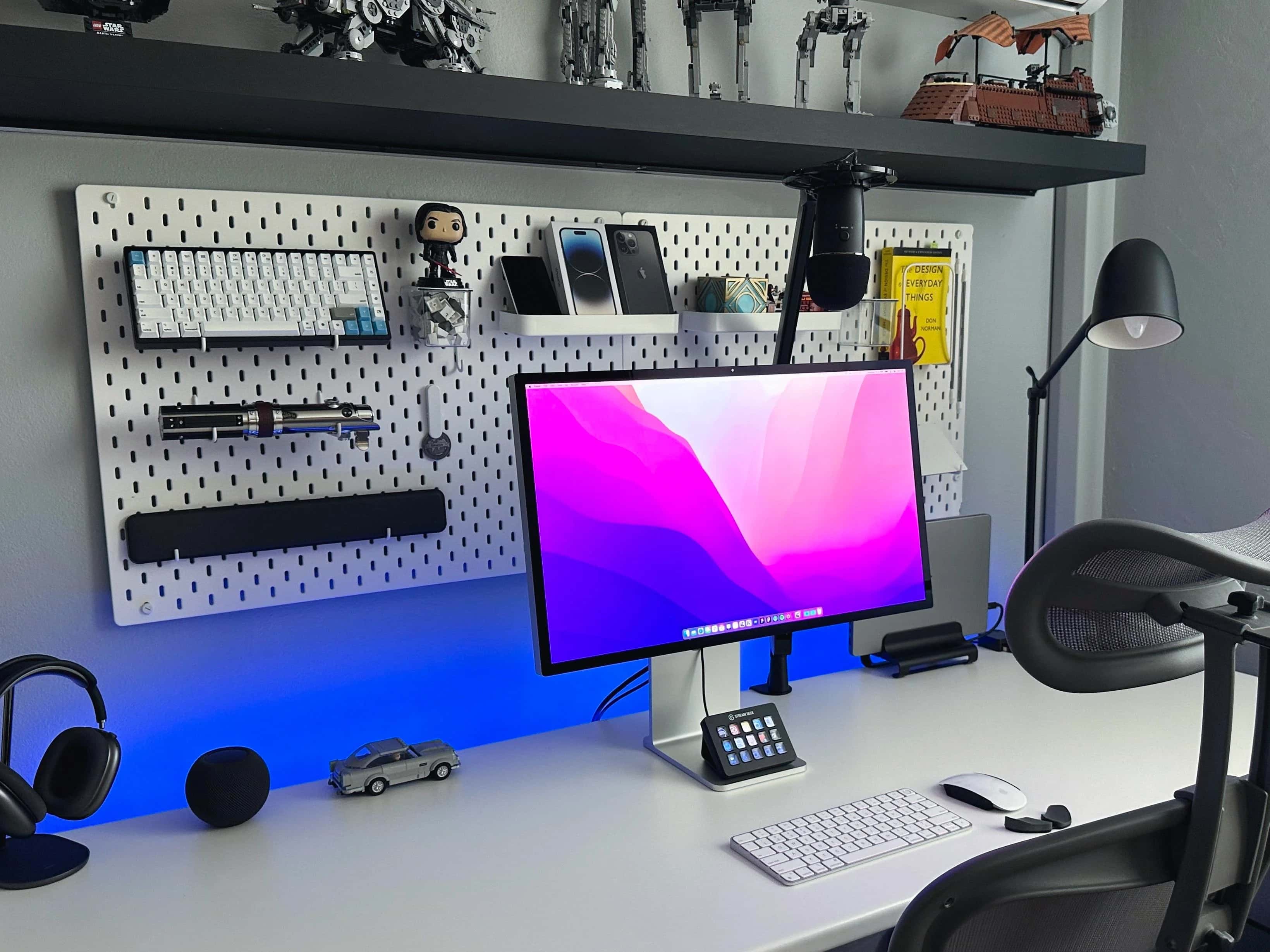
A well-lit and well-equipped computer setup can evoke peace and productivity at the same time. Today’s Mac Studio rig exudes a zen-like calm despite being a total powerhouse.

It features a well-mounted Studio Display, a slick mechanical keyboard with wrist rest, a sleek external drive as well as tidy pegboard storage for AirPods Max.

New Samsung ViewFinity S9 takes on Studio Display

By

A new competitor to Apple's 5K Studio Display arrives.
Photo: Samsung

The new 27-inch Samsung ViewFinity S9 Monitor with 5K resolution started shipping to addresses in the United States Monday, the company said. It comes along with specs and price very similar to Apple’s popular Studio Display.

The new monitor, which won a CES Innovation Award earlier this year, costs $1,599 — just like Studio Display. But Samsung’s comes with a tilt- and heigh-adjustable stand while Apple charges $400 for one.

Why buy a Touch ID keyboard when you can do this? [Setups]

By

This user is considering a Magic Keyboard with Touch ID, but alternative came up.
This user of this setup was considering a Magic Keyboard with Touch ID, but an alternative came up.
Photo: [email protected]

Social media is a great place to get ideas for gear to include in your computer setup — or to skip in favor of doing things another way. There are usually other ways to do things, as today’s M2 MacBook Pro user found out regarding password entry and any “need” for a keyboard with Touch ID.

And if you’re into video editing, check out the user’s cool gear — a PlusTek AI film scanner and a Loupedeck+ photo and video editing console with massive programmability.

Learn to tame cable clutter with Basic Apple Guy [Setups]

By

See any cables here? We didn't think so.
Photo: Basic Apple Guy

Today’s featured computer setup comes from Mac maven and designer Basic Apple Guy. We know him from the free wallpapers he offers for download. Who knew he was such a cable-management Jedi?

We came across his powerful setup with nary an unsightly cable while writing about his new “Flow” wallpaper — which was actually inspired by his fight with cable clutter.

That’s one way to get 50% off a Studio Display [Setups]

By

Can you spot the chip/crack in one of the displays?
Photo: [email protected]

The owner of today’s MacBook Pro setup chose two Studio Displays over one Pro Display XDR to suit his workflow and because he realized he could bag one of the monitors at half price. Lucky him.

Several folks on social media noticed the damage, and some said they’d grab that deal, too, if they could.

Getting by with Apple’s not-quite-mechanical keyboard [Setups]

By

That Apple keyboard looks mechanical but it's not.
Photo: [email protected]

Mechanical keyboards are all the rage for those who love the old-school typing feel and don’t mind the clackety-clacking noise. Today’s featured MacBook Pro and Studio Display setup features an old Apple A1048, which certainly looks the part of a mechanical keeb (but it’s not).

Read on the learn more about Apple’s past keyboards that are mechanical — and some that only look like it.

Brilliant new Clarity Pro Touch display packs great features [Review] ★★★★☆

By

Alogic Clarity Pro Touch display★★★★☆
With Alogic's new Clarity Pro Touch display, you get a brilliant touchscreen with retractable 8MP webcam.
Photo: David Snow/Cult of Mac

If you’re among the many folks who balk at the high price of Apple’s excellent Studio Display, intriguing new alternatives just arrived. Alogic recently unveiled its new 27-inch Clarity Pro and Clarity Pro Touch 4K displays, building up the line after releasing the original Clarity display last year.

I gave the Clarity Pro Touch a go and found it beautiful to look at and highly functional, as well. Priced at hundreds less than Apple’s Studio Display, either of the new Clarity displays should make a tempting alternative.