Mobile menu toggle

Studio Display - page 3

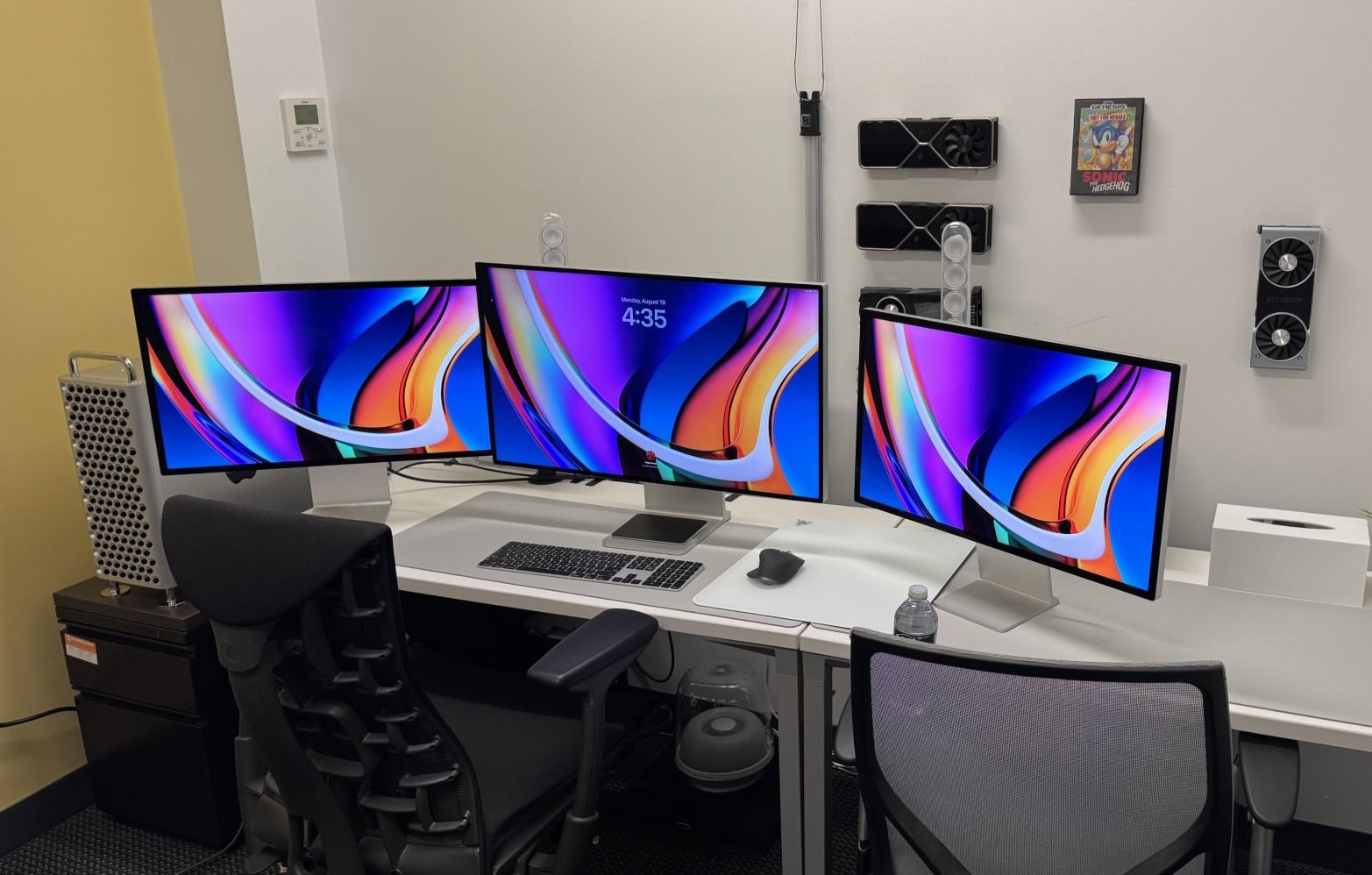
In our dreams: Studio Displays flank Pro Display XDR in M2 Ultra Mac Pro rig [Setups]

By

M2 Ultra Mac Pro with Pro Display XDR
So ... crippled by envy much? This one has a high-end M2 Ultra Mac Pro, a Mac Studio, a Pro Display XDR and two Studio Displays.
Photo: [email protected]
Looking at computer setups proudly flaunted on social media sometimes leads to cases of crippling envy. You may have some top-notch Apple gear, but you probably don’t possess treasures like those of today’s world-beating user: a new, high-end M2 Ultra Mac Pro, a Mac Studio, a Pro Display XDR and two Studio Displays. Sheesh. An M2 Ultra Mac Pro with Pro Display XDR is way over the top, but this rig adds another killer desktop machine as backup, plus a pair of Studio Displays!

Monitor smackdown: Studio Display vs. Samsung ViewFinity S9 [Setups]

By

Samsung ViewFinity S9 setup
Will the replacement for the Xiaomi curved display in this moody MacBook Pro setup be a Samsung ViewFinity S9 or a Studio Display?
Photo: [email protected]
In the battle of 5K resolution displays, it’s Studio Display against a small-but-growing army of foes (at least for Mac fans). Today’s M1 MacBook Pro user looks to replace a 1440K gaming display with either a Samsung ViewFinity S9 curved 5K monitor or with Apple’s well-liked but somewhat-pricey Studio Display. The advice she got leaned heavily toward Apple.

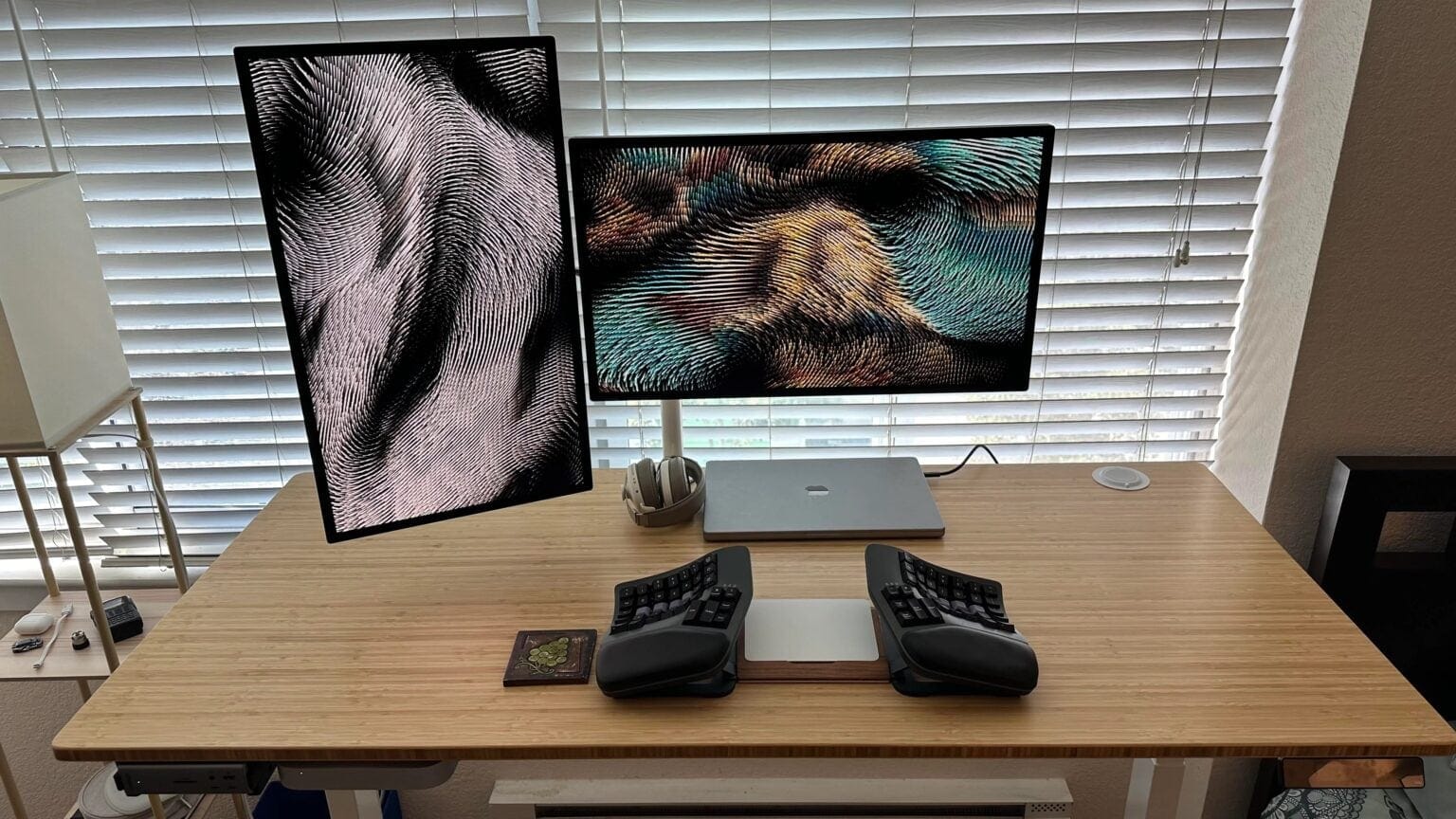
Would you dare try this radically split keyboard? [Setups]

By

split keyboard setup
Just imagine typing on that split keyboard.
Photo: [email protected]

Classic keyboard designs continue to reign supreme in computer setups, but a split keyboard makes for a more ergonomically healthy choice. Some split keebs look just a little different than a regular keyboard. But some, like the one in today’s M2 Mac mini setup, look almost alien. This one has two completely separate halves that the user places on either side of a Magic Trackpad 2.

Top audio interface sculpts software engineer’s sound [Setups]

By

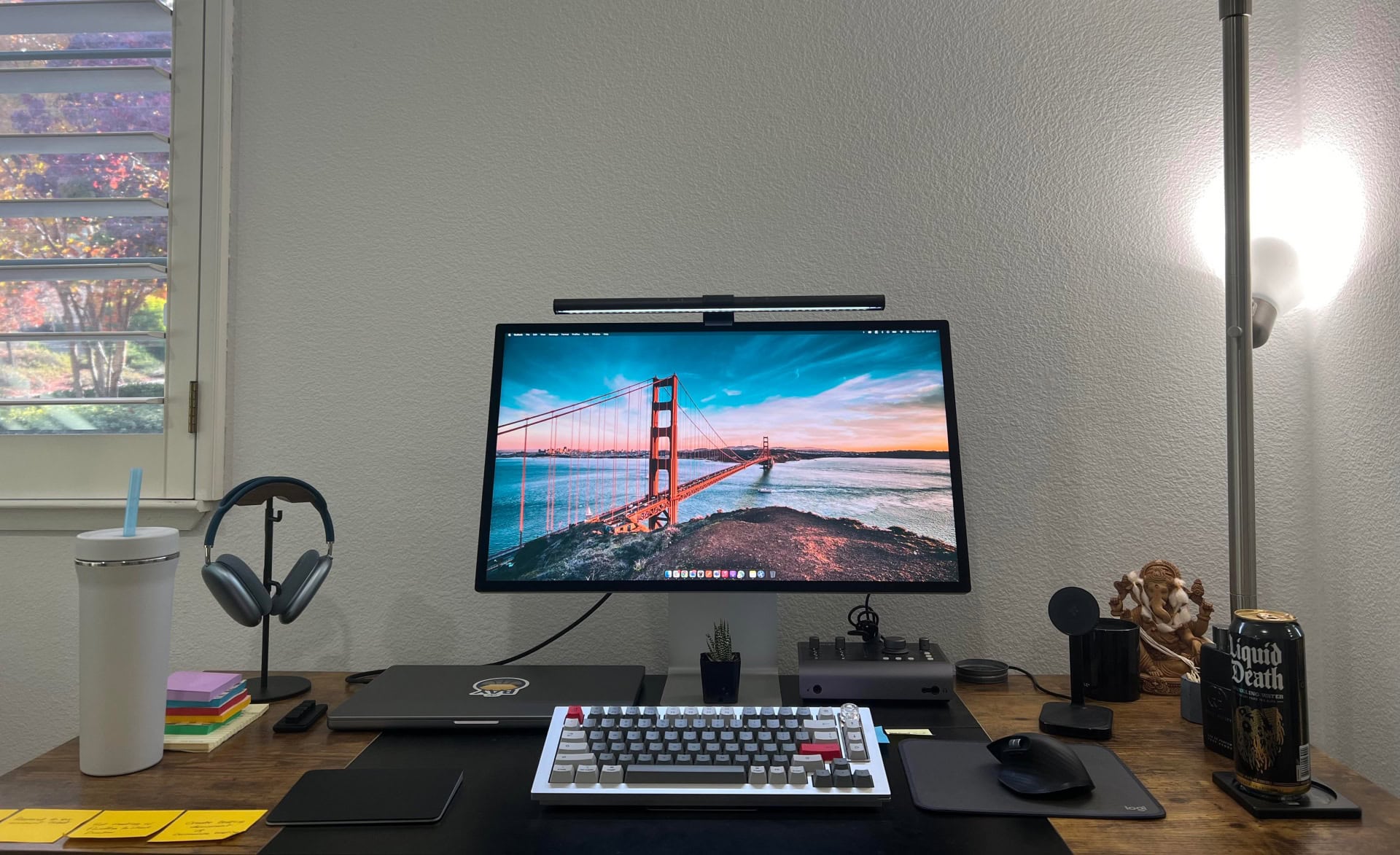
Audient audio interface
This software engineer uses a bigger version of one the best audio interfaces for Mac.
Photo: [email protected]
In today’s enviable computer setup, a software engineer drives a Studio Display with an M2 Pro MacBook Pro. But among other impressive peripherals connected in the rig we found a great version of one of Cult of Mac‘s Best Audio Interfaces for Mac. An interface serves as a bridge between your Mac and external audio sources like microphones and musical instruments to make the most of recording and mixing. 

Here’s how to go way past ‘adequate’ with workstation audio [Setups]

By

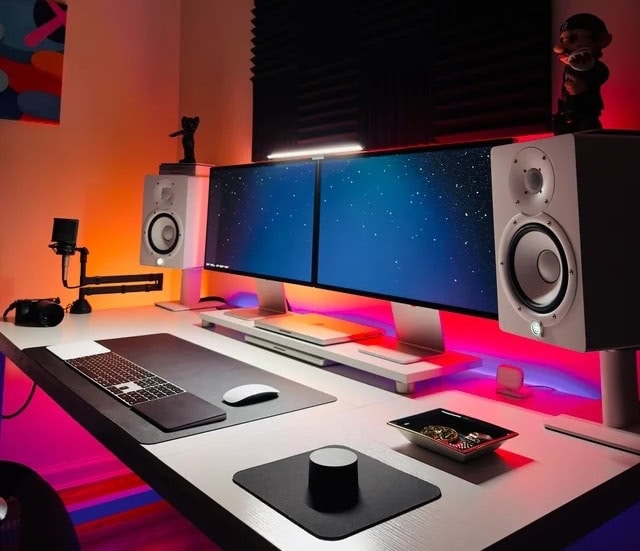
Yamaha HS7 speakers
Yamaha HS7 speakers on stands blow out this setup's sound.
Photo: [email protected]
What would the computer setup that has everything — in fact, two of many things — be missing? Well, in the case of today’s dual MacBook Pro workstation, it’s not excellent audio gear. Not only does it double up on high-end laptops, Studio Displays, Trackpads and more. It also mounts powerful Yamaha HS7 speakers and an AKG condenser microphone to help provide a fabulous soundtrack.

Here’s the argument for stacked Studio Displays [Setups]

By

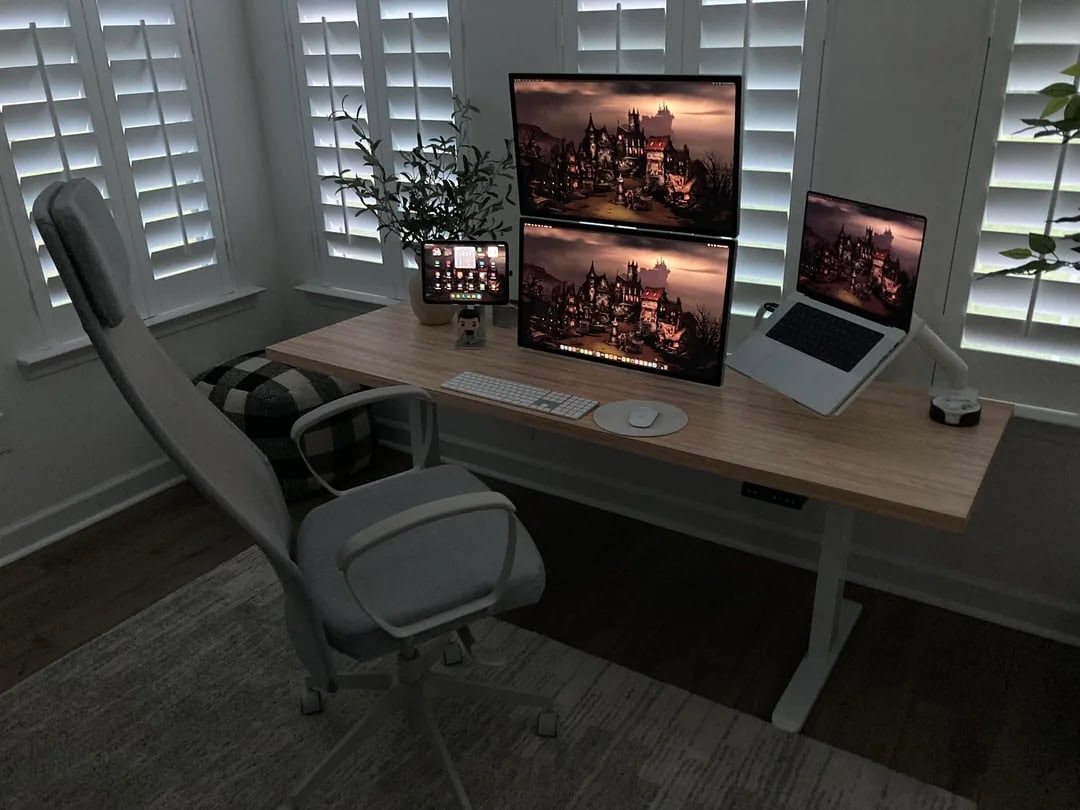
stacked Studio Display setup
Stacking Studio Displays might seem odd to many folks, but this user loves it.
Photo: [email protected]

We’ve seen quite a few instances of stacked external displays in setups, but today’s M2 MacBook Pro rig might be the first time we’ve seen Studio Displays mounted that way. With all the questions commenters asked about the workstation, the user ended up laying out quite a few points about why it works great.

Can’t afford a Studio Display? Build one. [Setups]

By

DIY Studio Display setup
Want a 5K display without paying Studio Display (or even LG) prices? Build it yourself.
Photo: [email protected]
The main complaint about Apple’s 5K Studio Display is price — at about $1,600, it’s financially out of reach for many people. And 5K monitor competitors like LG only bring the cost down a few hundred bucks. So how about saving some dough by making your own DIY Studio Display? The owner of today’s M3 Pro MacBook Pro setup did just that, crafting dual 27-inch 5K monitors for several hundred dollars less than buying production models.

This is a top microphone arm for good reason [Setups]

By

Elgato Wave Microphone Arm
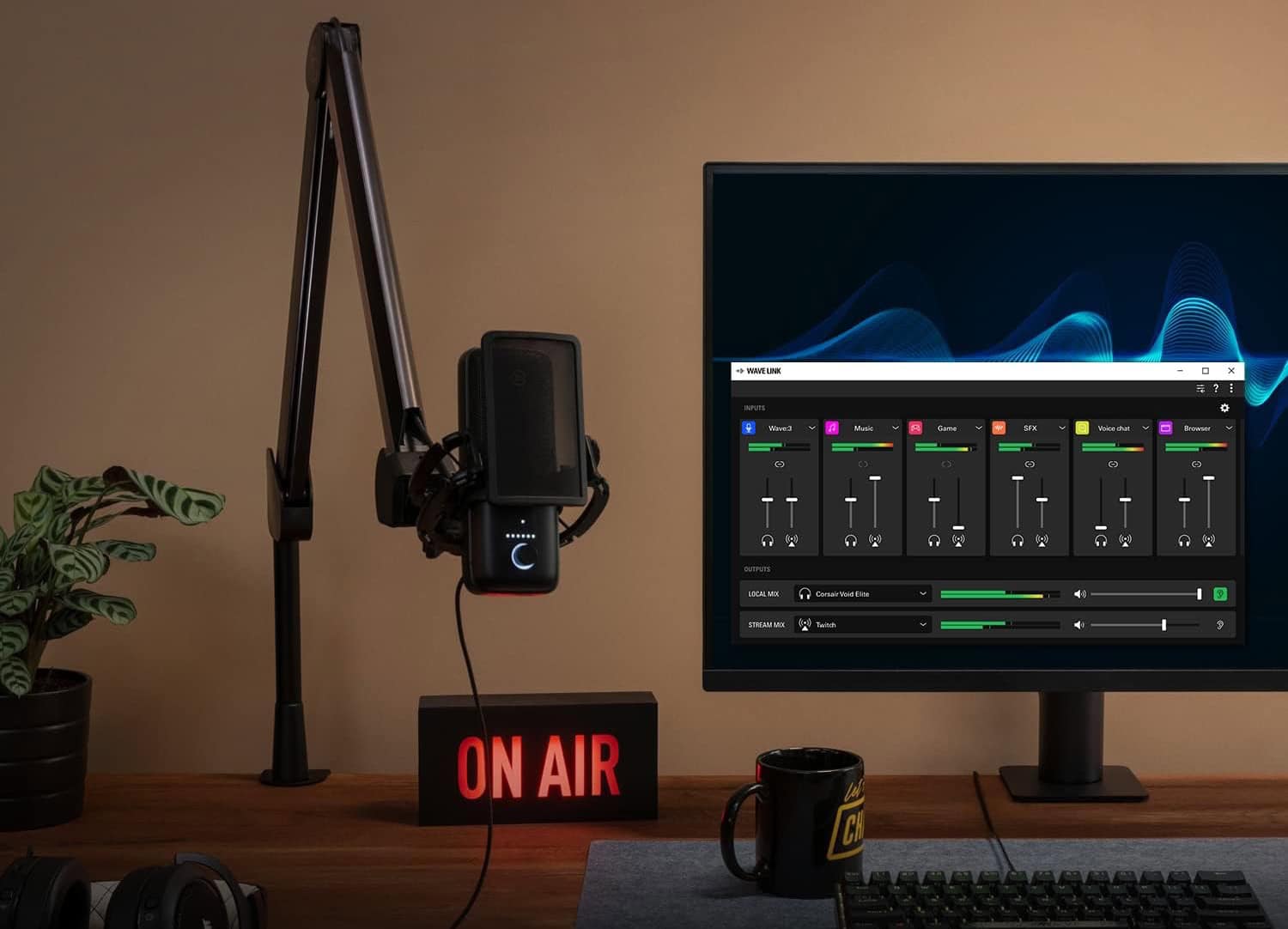
In this shot from Elgato, you get a clear view of its popular suspension boom arm supporting a microphone, as in today's setup.
Photo: Elgato

Streamers and podcasters often worry over their choices of microphones and audio interfaces for sound quality. But they shouldn’t forget to select great co-stars for that gear like the Elgato Wave Microphone Arm.

A good microphone boom arm makes working with the mic easy, especially in a computer setup where you need to move it aside to do other tasks. Today’s MacBook Pro and Studio Display setup makes great use of the extremely popular Elgato Wave Microphone Arm supporting an Audio-Technica mic.

And right now you can get one version of the suspension boom microphone arm for 20% off at Amazon ($99.99 $79.99), and it’s the one our user deploys.

Overhead LED lamp lights up hot M3 Max MacBook Pro rig [Setups]

By

Pzloz LED Desk Lamp in M3 Max MacBook Pro and Studio display setup
Sometimes an overarching LED lamp is even better than a monitor light bar.
Photo: Pzloz

Something as simple as the right lamp can make a huge difference in a computer setup. Today’s sexy M3 Max MacBook Pro and Studio Display workstation benefits from a big, wide, clamp-on double-headed Pzloz LED Desk Lamp to brilliantly light the scene.

So it seems sometimes an overhead lamp can beat a monitor light bar, especially on a big, wide desk.

Amazon matches record-low prices on coveted Apple gear

By

low prices on Apple gear
Studio Display, now on sale at Amazon, is a great external display for Macs.
Photo: Apple

Amazon launched a bunch of deals Tuesday on Apple gear that includes what looks like a lowest-ever price by a touch on Apple Pencil 2. And it matches low prices on AirPods Pro 2 and Studio Display, and offers nice prices on Apple Watch and AirTag packs.

Badass Mac Studio drives dual Studio Displays [Setups]

By

M2 Ultra Mac Studio setup with dual Studio Displays
A powerful M2 Ultra Mac Studio drives this pair of Studio Displays.
Photo: [email protected]
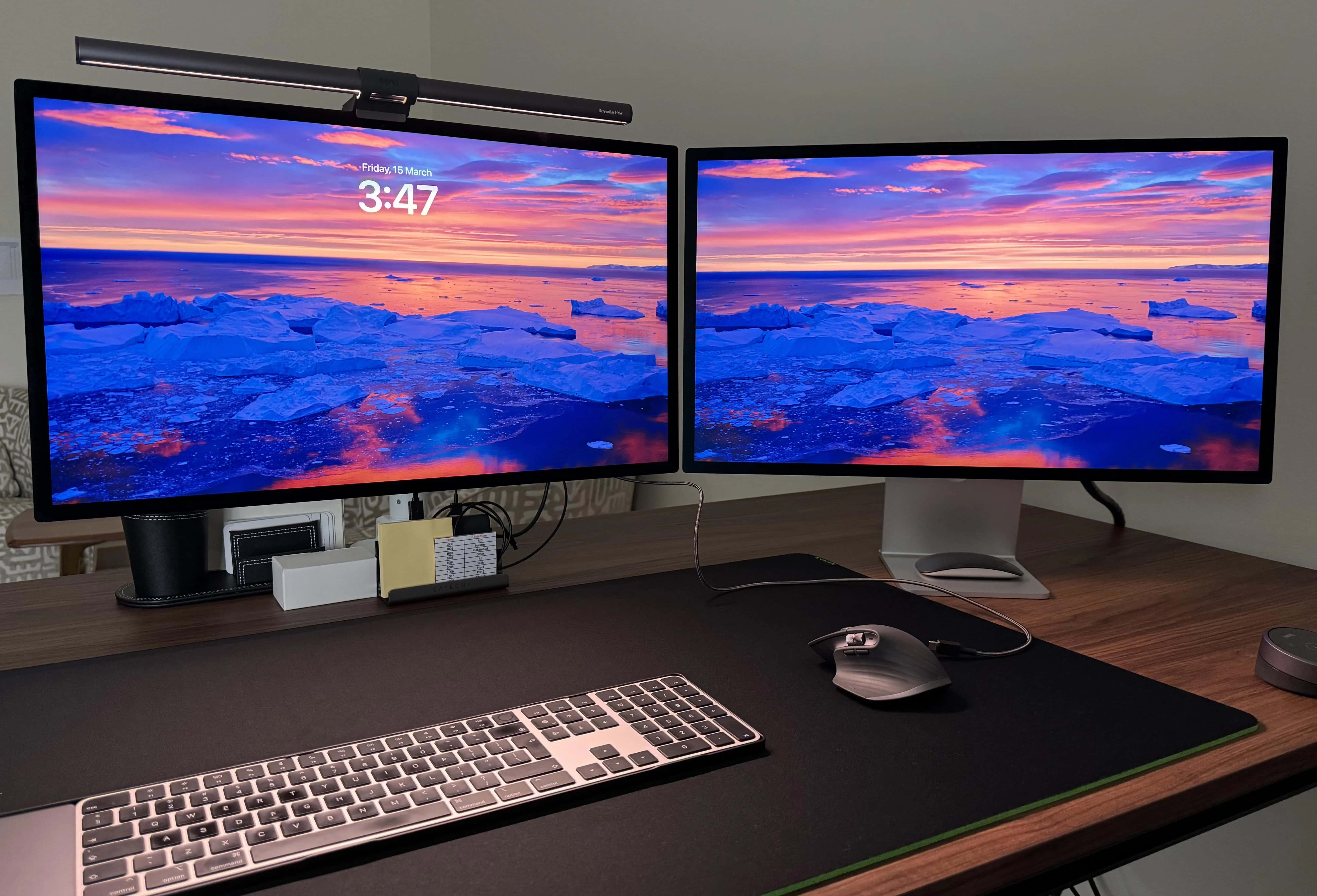
 Today’s M2 Ultra Mac Studio setup puts one of Apple’s most powerful desktop computers front and center, driving a pair of beautiful Studio Displays.

And while the user pointed out his machine packs only base specifications, that’s still a hell of a lot of computer for most people. And if you max it out, the thing is astonishing. Check out the options below.

Smackdown: Magic Mouse vs. Logitech MX Master 3 [Setups]

By

Magic Mouse vs. Logitech MX Master 3
This Mac Studio setup with dual Studio Displays sparked a mouse fight.
Photo: [email protected]

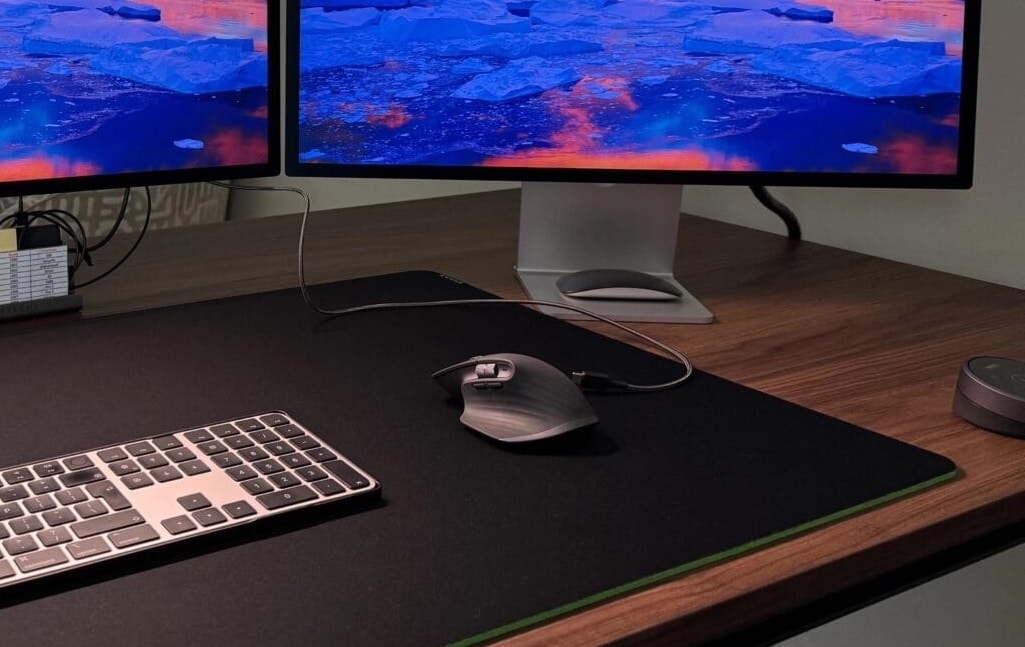
Sometimes a setup post on social media can express a common problem or disagreement quite well. Today’s Mac Studio and dual-Studio Display rig is pretty good example, showing the divide between users of Magic Mouse and one of its top competitors — Logitech MX Master 3 (and 3S) wireless mouse. So Magic Mouse vs. Logitech MX Master 3 is on.

Commenters split themselves into pro Magic Mouse and pro Logitech MX camps. And a bunch of them sought middle ground, finding things to like — or hate — about both mice.

Classic Macintosh SE stands with new Studio Display [Setups]

By

MacBook Pro and Studio display setup with classic Macintosh SE
A classic Macintosh SE sits off to the right of the M1 MacBook Pro and Studio Display setup, and it actually gets some use.
Photo: [email protected]
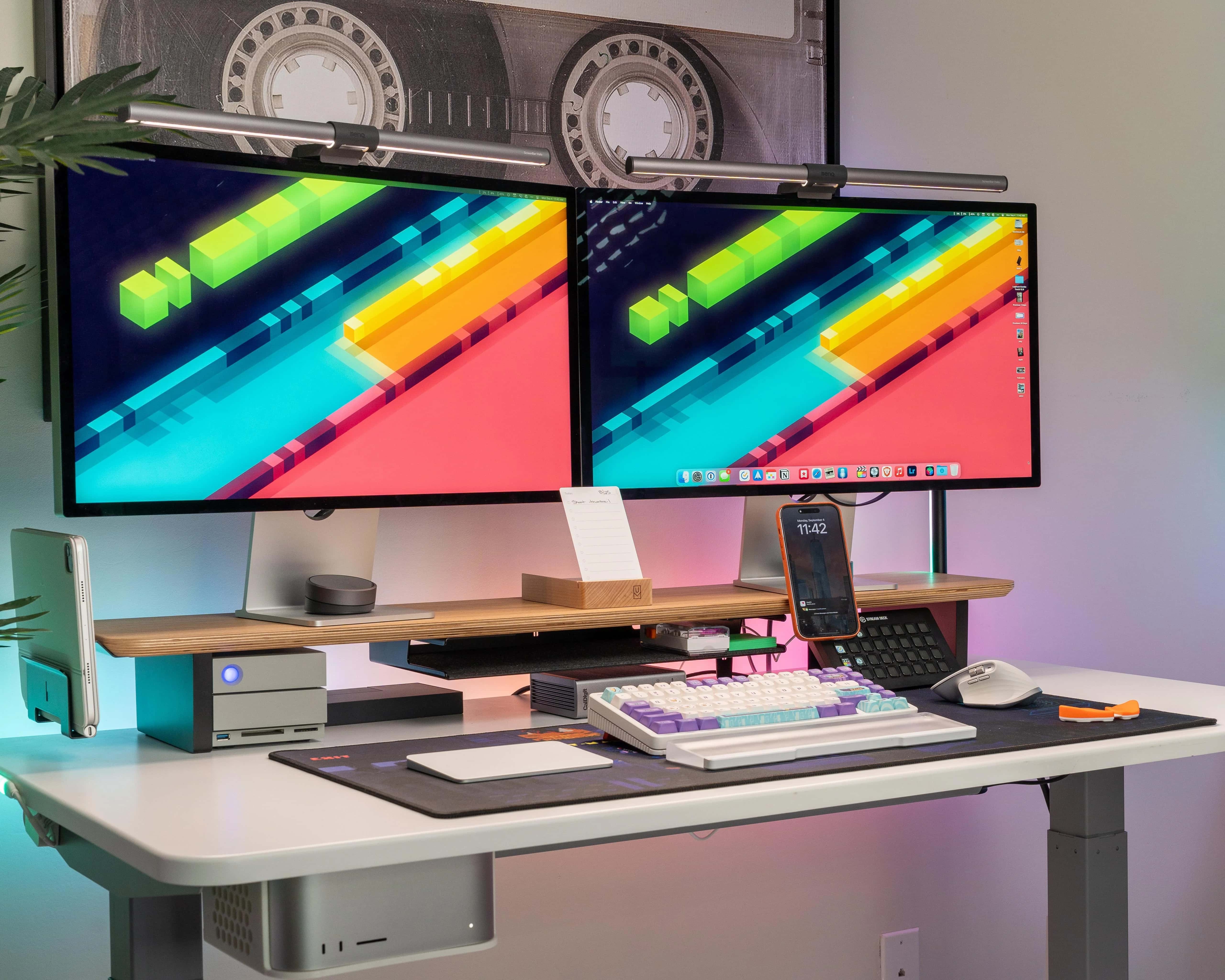
Pimping out a computer setup with vintage gear is super-cool, even if the old stuff doesn’t get much use (or is solely for display purposes). Today’s M1 MacBook Pro setup recently added a new Studio Display, and both of those modern machines bask in the glory of a nearby classic Macintosh SE from the 1980s.

The ancient all-in-one computer still works and it even gets some use.

Scarlett audio interface masters Mac Studio rig’s sound [Setups]

By

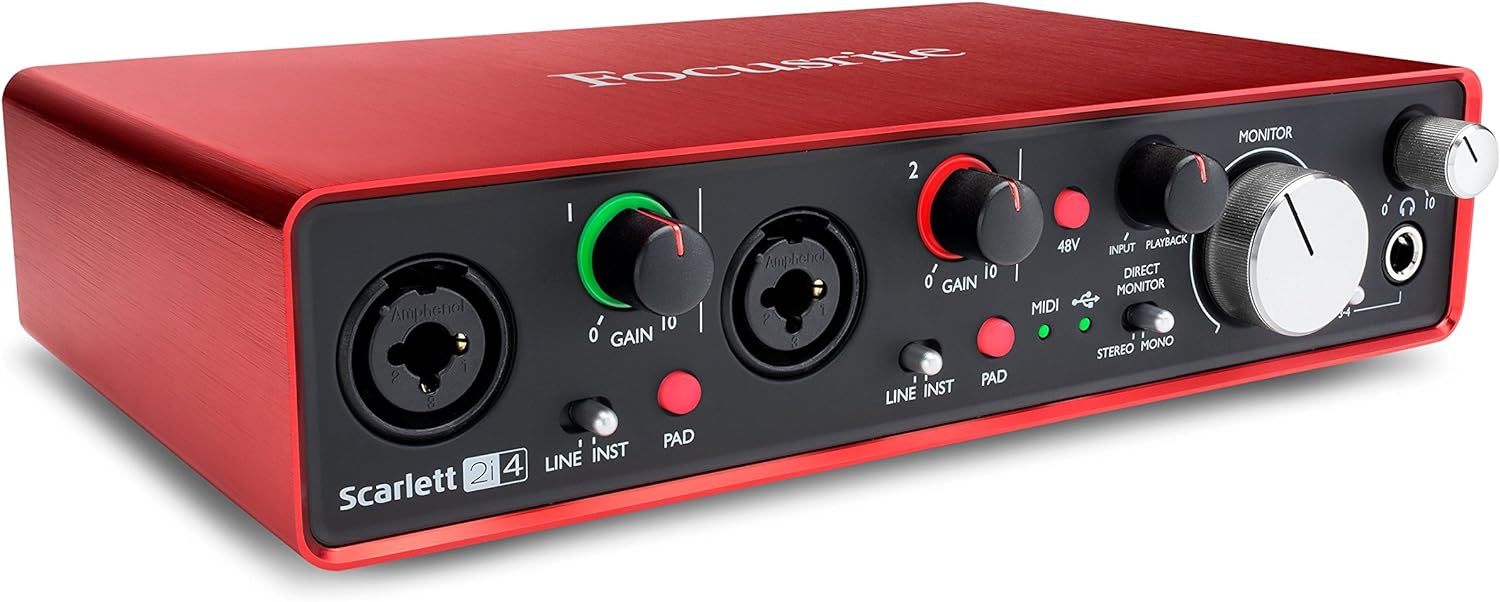
Focusrite Scarlett 2i4 USB Audio interface
This audio interface turns your Mac into a music studio for two microphones and two instruments.
Photo: Focusrite

If you’re going to make and manipulate music or other sound with your Mac setup, odds are you need a good audio interface. Today’s Mac Studio workstation relies on a Focusrite Scarlett 2i4 USB audio interface when the user makes YouTube videos, for example.

Check it out below, along with the rest of the setup’s gear.

BenQ’s brilliant new 4K display is made for MacBook users

By

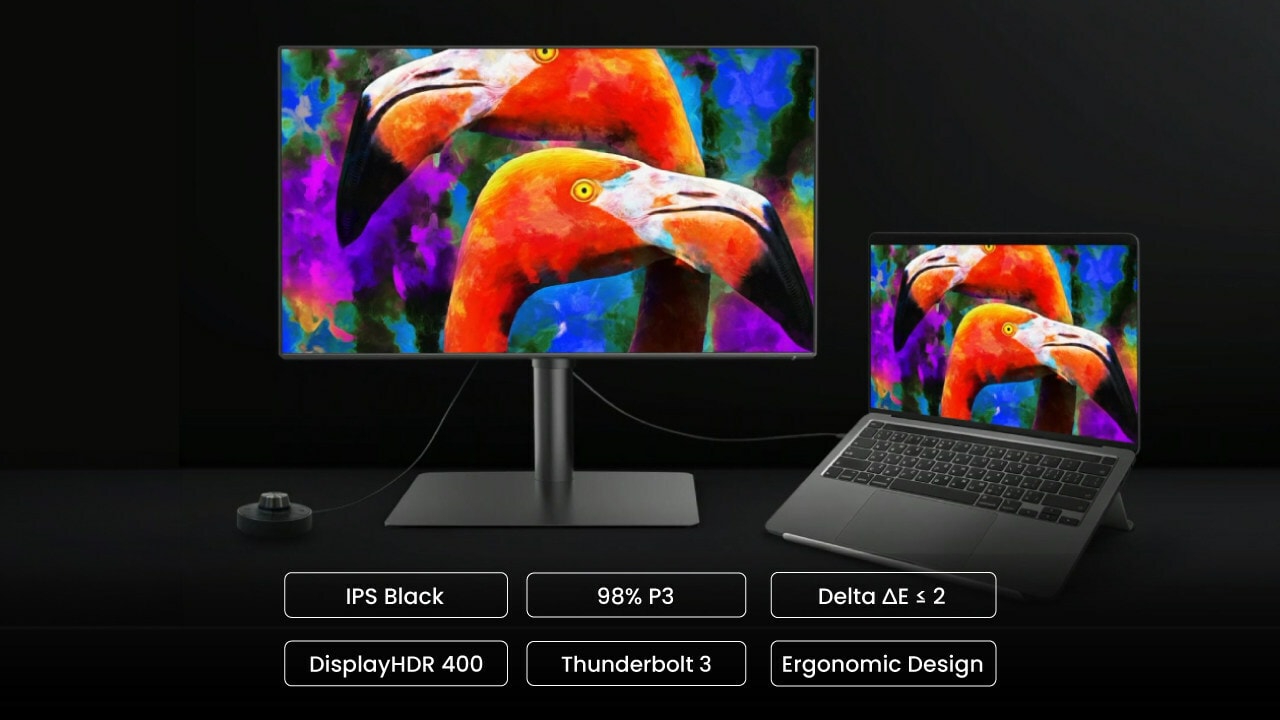
BenQ PD3225U Designer Monitor
BenQ's new PD3225U Designer Monitor packs features ideal for Mac and MacBook users.
Photo: BenQ

BenQ rolled out a new 32-inch 4K display Wednesday aimed straight at Mac and MacBook users. It’s the BenQ PD3225U Thunderbolt 3 Designer Monitor. At $1,100, the 4K display packs features that might tempt you away from spending more on a Studio Display or another 5K monitor.

“Featuring IPS Black for 2000:1 contrast ratio, Color Match with Mac devices through M-book mode, and iKeyboard Control, the PD3225U is the perfect creative complement for Mac users in need of color accuracy and enhanced connectivity,” the company said.

Mechanical keyboard clicks with Mac Studio workstation [Setups]

By

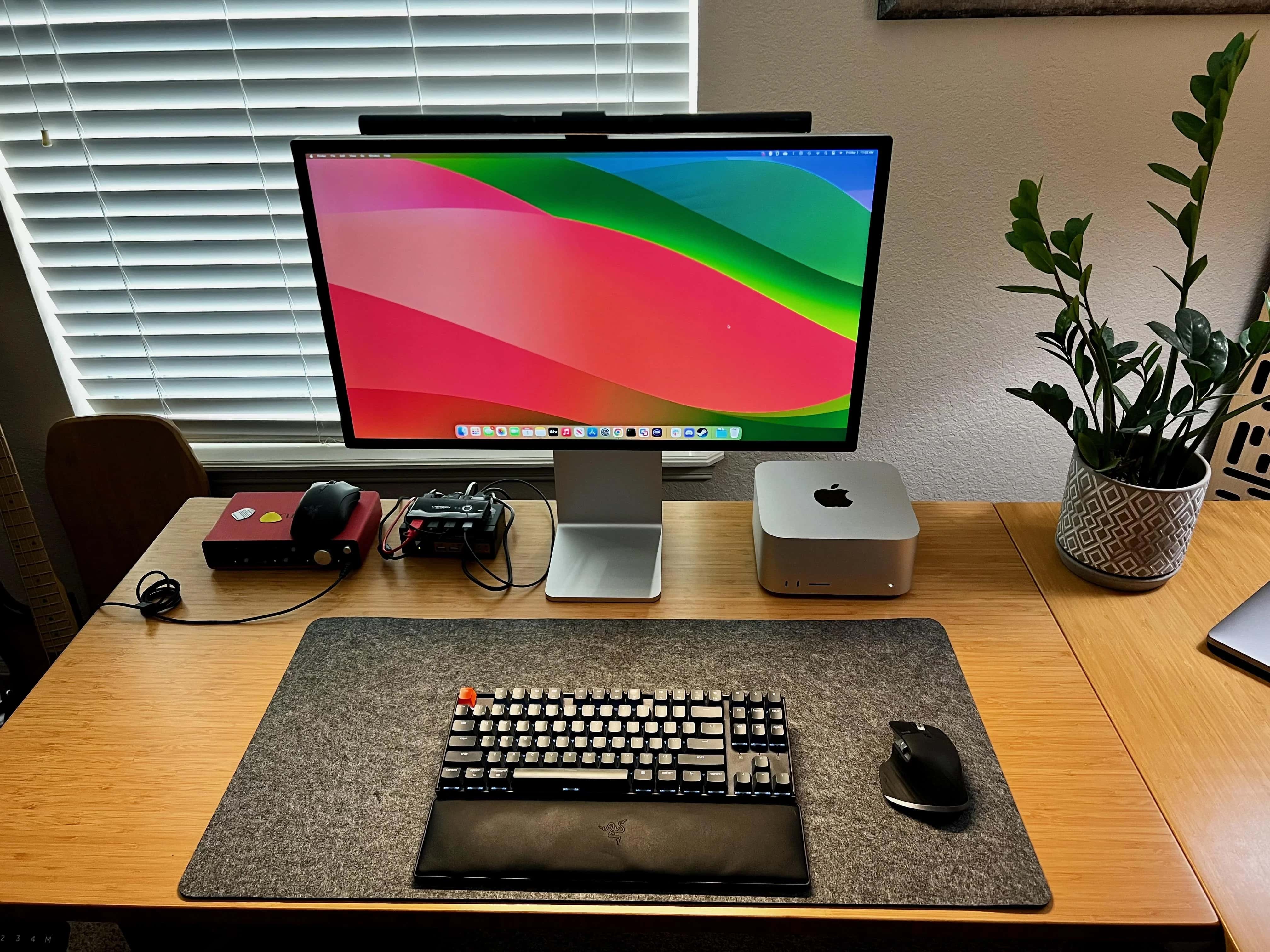
Keychron K8 mechanical keyboard
This Keychron mechanical keyboard beat out a couple of Razer keyboards to be here.
Photo: [email protected]

Some people love peace and quiet. Others love mechanical keyboards. That clackety-clacking noise is the very sound of productivity, isn’t it? The feel of the keys. The way you can practically make a lifelong hobby out of customizing a “hot swappable” model with different keycaps, switches and more. Today’s Mac Studio and Studio Display setup relies on a Keychron K8 mechanical keyboard. 

The user swears by it, having chosen it over a couple of well-regarded Razer keebs. He’s still got the Razer wrist rest, though. 

14-inch M3 MacBook Pro gains multi-display support

By

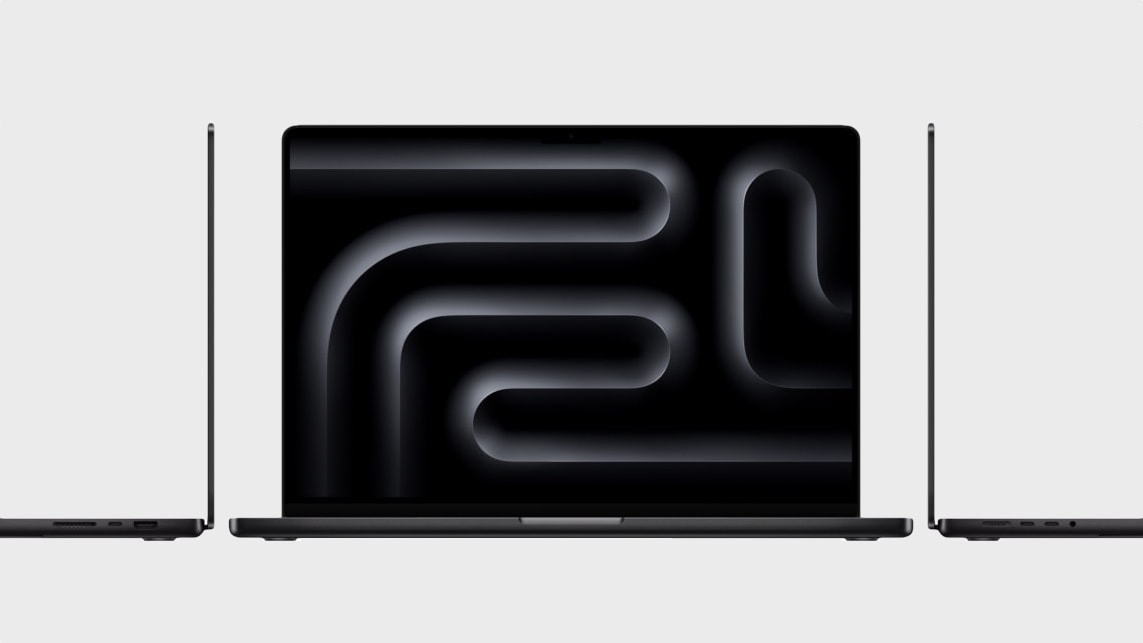
M3 MacBook Pro multi-display support
Updates will soon enable all M3 MacBooks to drive multiple displays in clamshell mode.
Photo: Apple

The new M3 MacBook Air laptops Apple rolled out Monday support up to two 5K (or lower rsolution) external displays in clamshell mode. And now the base 14-inch M3 MacBook Pro will add multi-display support, according to a report.

In the case of the entry-level MacBook Pro, which uses the same chip but lacks multi-display functionality, support will come in the form of a software update. M3 Pro and M3 Max MacBook Pro models already support the feature.

Mac Studio and Studio Display refurbs seem new [Setups]

By

Mac Studio and Studio Display refurbs in setup
This user said it's hard to tell his Mac Studio and Studio Display aren't new.
Photo: [email protected]
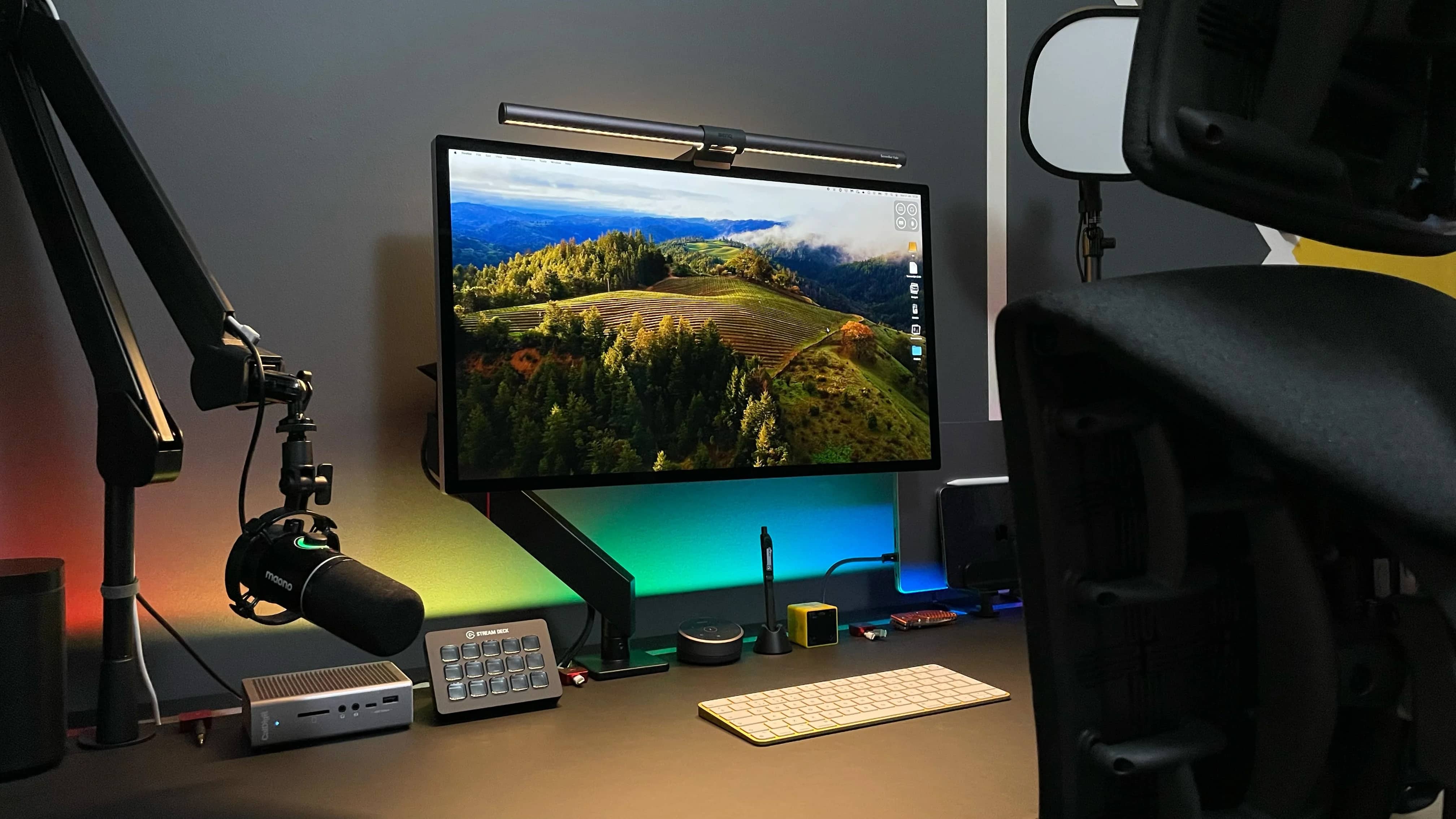
When new Apple gear comes out, sometimes it pays to wait a bit and grab it when the iPhone giant and other sellers start offering refurbished versions of it. Today’s setup boasts a Mac Studio desktop computer and a Studio Display, both refurbished, and the user said he had a hard time telling they’re not actually new.

Custom mechanical gaming keyboard ups ‘cool’ factor [Setups]

By

NuPhy mechanical gaming keyboard
The user describes the key caps on his NuPhy Halo75 mechanical gaming keyboard as "fire."
Photo: [email protected]

Mechanical keyboards are all the rage for folks who love their nuanced typing feel, customizability and all that clickety-clackety noise.

Today’s featured Mac Studio and dual-Studio Display setup boasts a great mechanical gaming keyboard, the NuPhy Halo75, with custom keycaps.

Syncing audio and brightness with dual Studio Displays [Setups]

By

dual Studio Displays setup
This cool setup sports the NyPhy Halo75 mechanical gaming keyboard.
Photo: [email protected]

Dual Studio Displays are a popular-if-pricey choice among Mac users. In addition to making a case for going with the configuration in the first place, today’s Mac Studio setup offers some helpful tips for creating synced dual Studio Displays.

It suggests third-party tools to help sync audio and brightness levels across the two monitors.

Studio Display hits all-time low price

By

$300 off Studio Display
Right now you can get any version of Studio Display for $300 off at Best Buy.
Photo: Apple

On Monday you can find every model of Apple’s popular but pricey midrange monitor on sale at Best Buy and get $300 off Studio Display. That makes for the lowest price yet on the standard glass version with a tilt-adjustable stand. And it’s one of the best deals you’ll find on the more-expensive Nano-texture glass versions, even with the height-adjustable stand.

MacBook Pro rig rocks Sonos sound system [Setups]

By

Sonos One SL speakers in MacBook Pro setup
The Sonos sound system consist of Sonos One SL speakers on the desk and a Sonos Beam soundbar behind the user's seat (not shown).
Photo: [email protected]

Sonos audio products are popular for a reason — they sound great and they’re not too far from affordable. Today’s MacBook Pro and Studio Display user thinks the monitor’s built-in speakers are good for many uses, but when they really want the big sound — for gaming, it turns out — they’re all about their Sonos One SL speakers and Sonos Beam soundbar.

How gamer avoids neck pain looking up at stacked Studio Displays [Setups]

By

Mac Studio setup with dual Studio Displays
You don't see two Studio Displays stacked on a desk shelf every day. But the user says neck pain isn't an issue.
Photo: [email protected]

With all the computer setups out there with two, three and even five displays, sometimes you’ll see them stacked. But a dual-Studio Display setup that stacks one on top of the other is a rarity.

Today’s Mac Studio user, who is also an avid PlayStation 5 and Ninendo Switch gamer, said the stacked displays work well and don’t cause any neck pain from looking up all the time.

His sister works for Apple. Brace for jealousy. [Setups]

By

Mac Studio setup with 5K Studio Display and 4K Samsung monitor
What do you do if one display is 5K resolution and one is 4K resolution?
Photo: [email protected]

When someone asked a marketing director in the United Kingdom how much money he makes, the man laughed and said, “Not enough to justify the contents of this picture” of his computer setup.

Hey, we get it. But then we suffered immediate pangs of envy when he went on to say, “My sister works for Apple so got a sick deal on a refurbed [Mac] Studio and new Studio Display.”

Yeah, good for you, pal. No, really. We mean it!